

Book Mockup Generator – Free, Online & No Watermark
Upload your book cover design to our Book Mockup Generator and see a live preview while making changes. Adjust the design, change the book color, and generate multiple-angle shots. Download the mockups in PNG or JPG formats with a range of sizes.
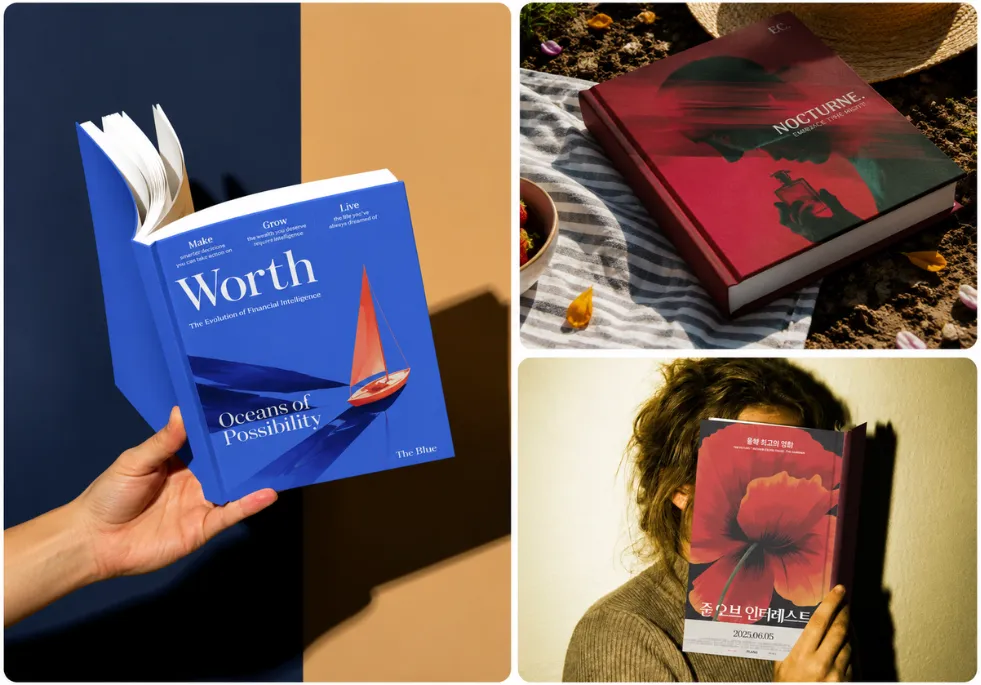
Preview Your Design on Different Books
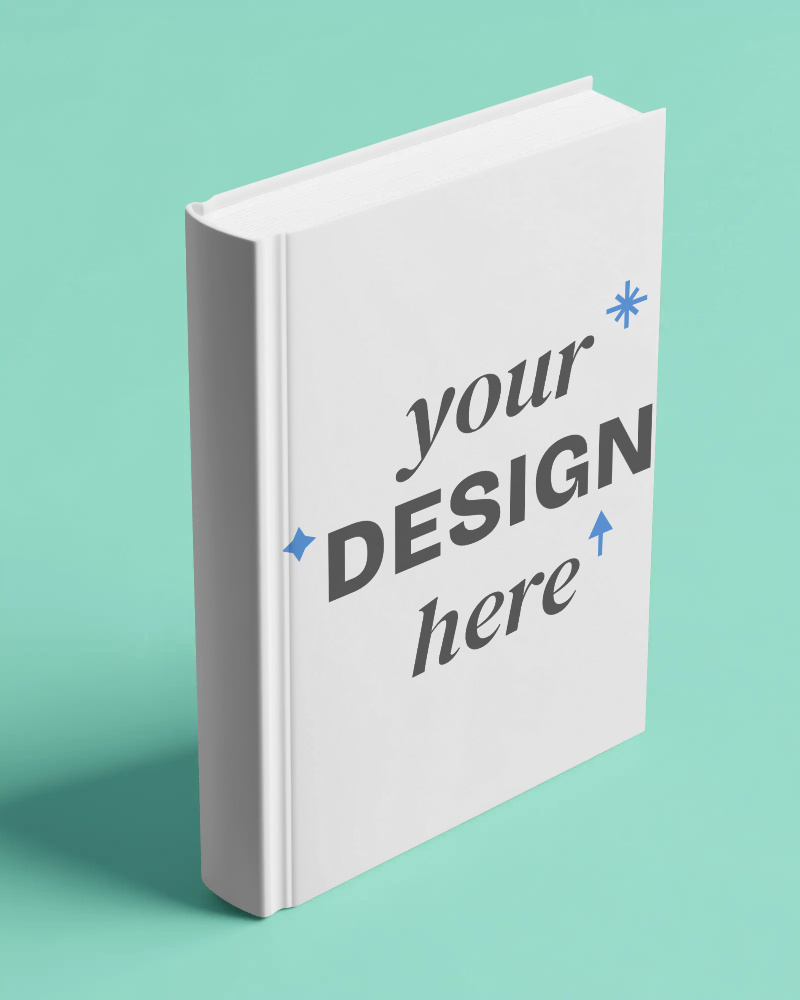
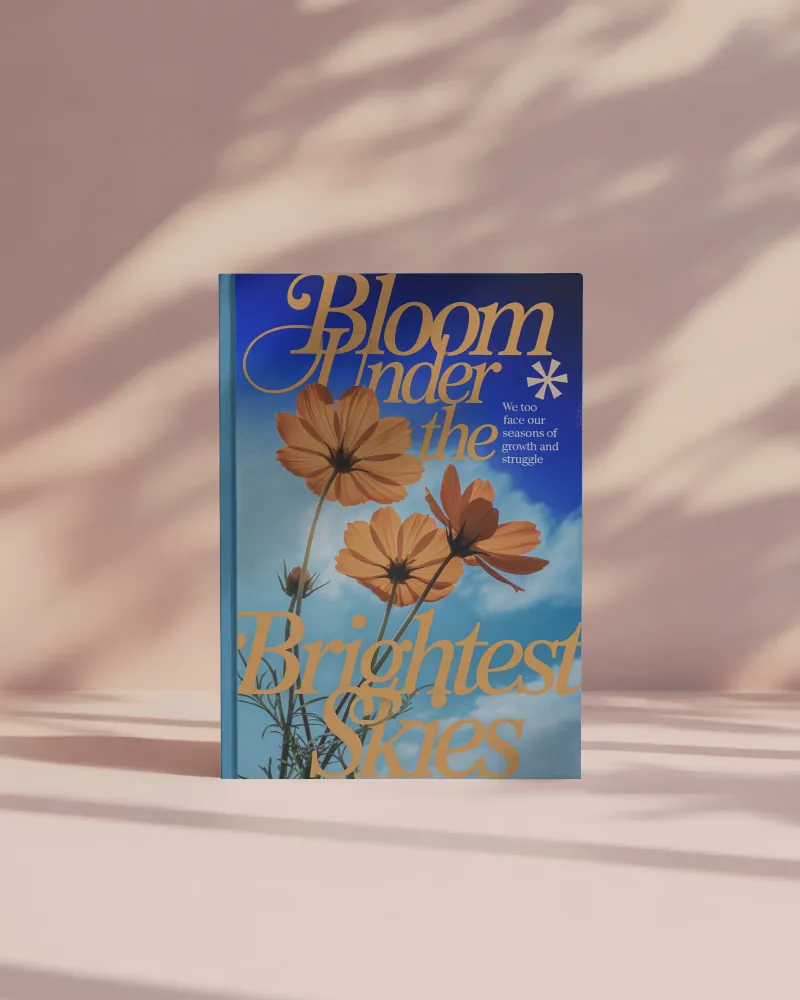
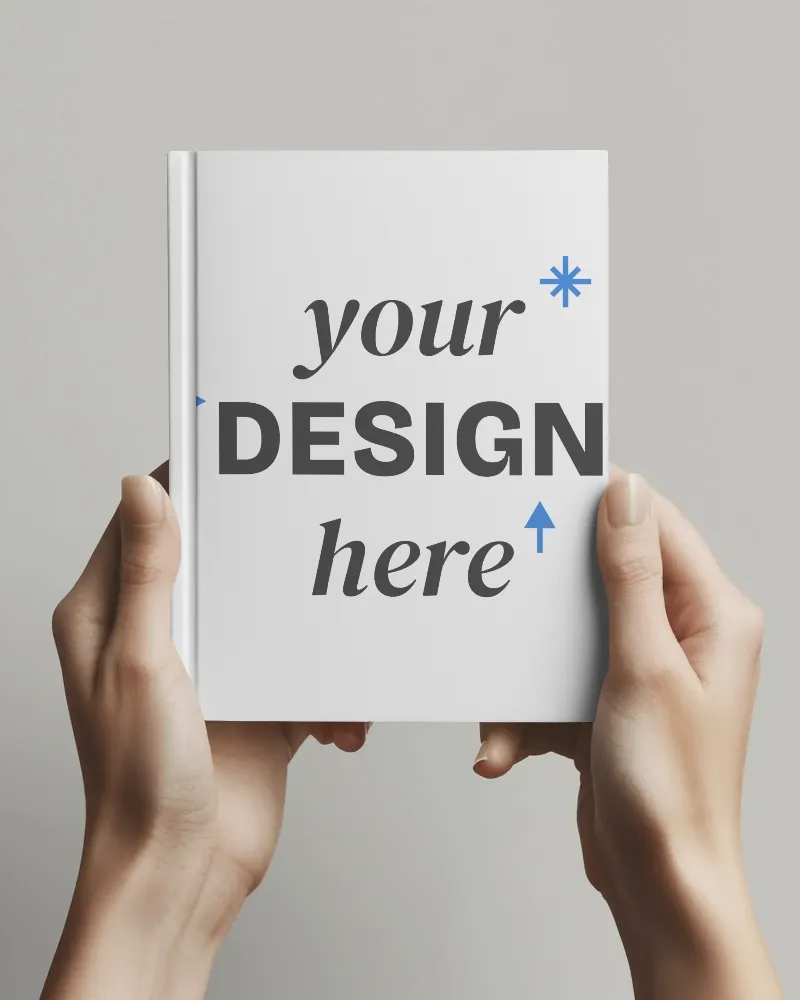
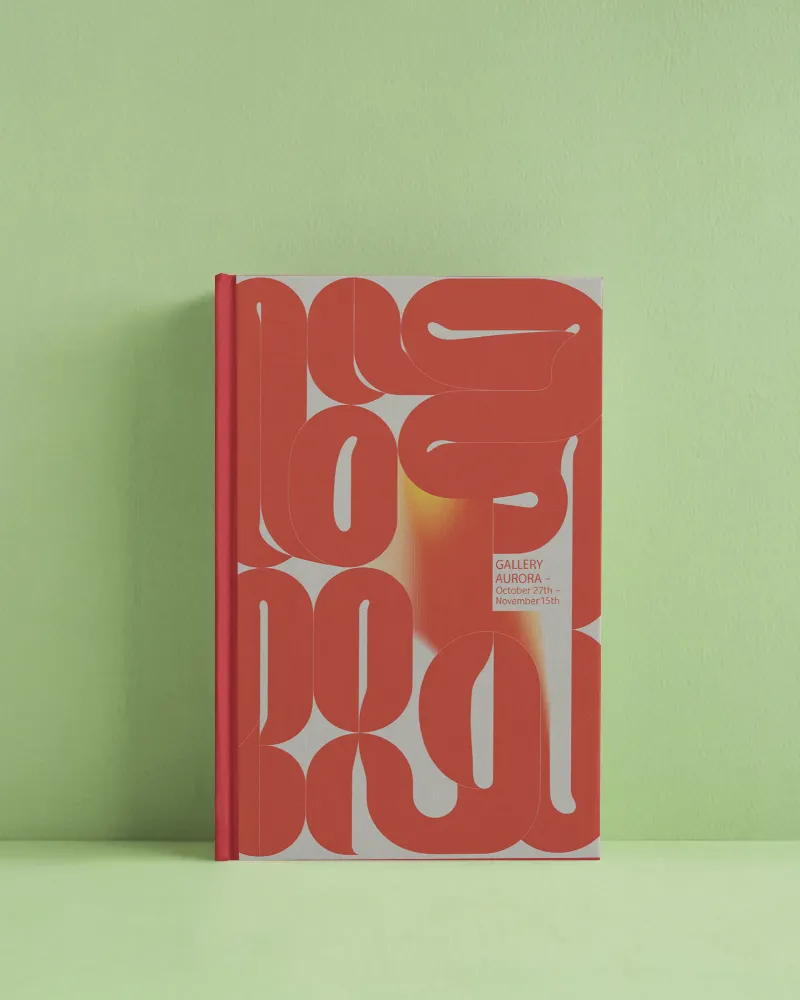
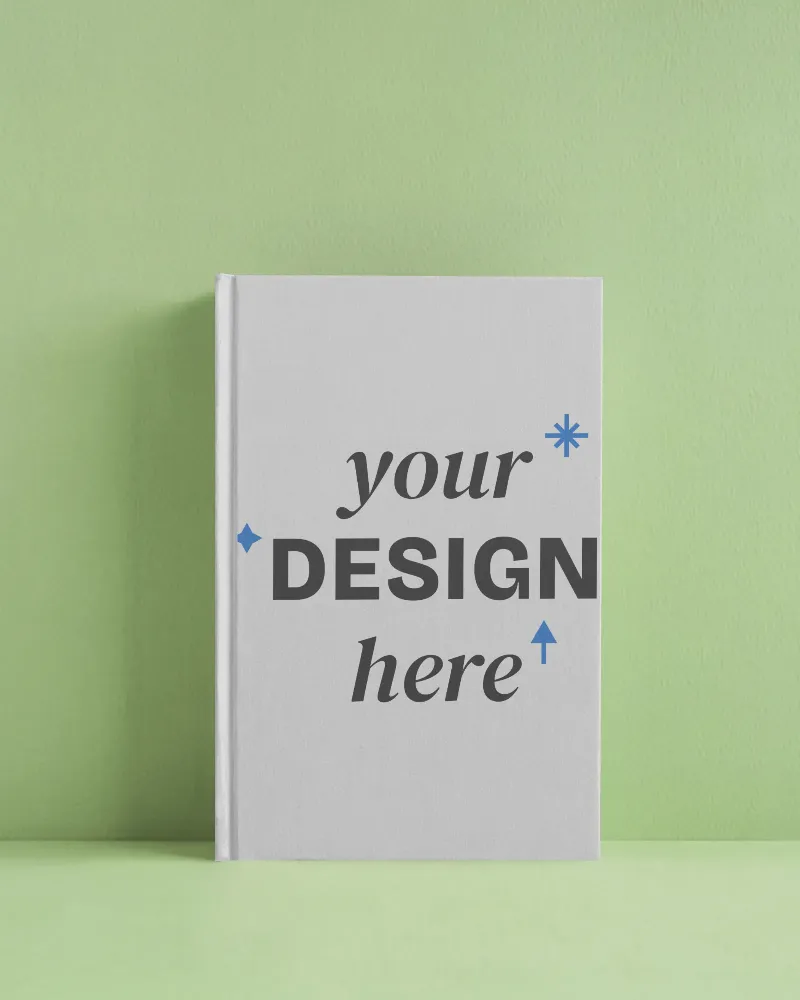
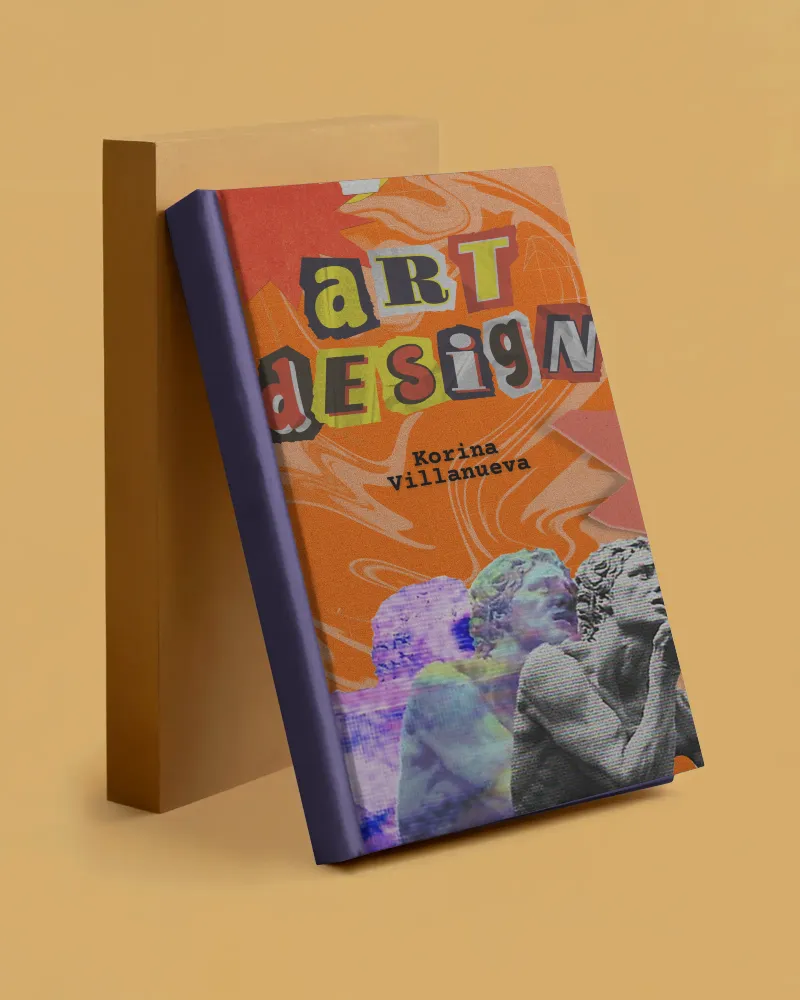
You’ll see more than 800+ book mockups here, not just one type. Get book covers, open books, square shapes, hardcover, softcover, A4 size, and even landscape styles. You can include your design as well as use the Multi Shot and Animate feature in a matter of minutes. The customization tools are excellent, and you can download the files in PNG or JPG format.
Popular Book Cover Mockup Styles
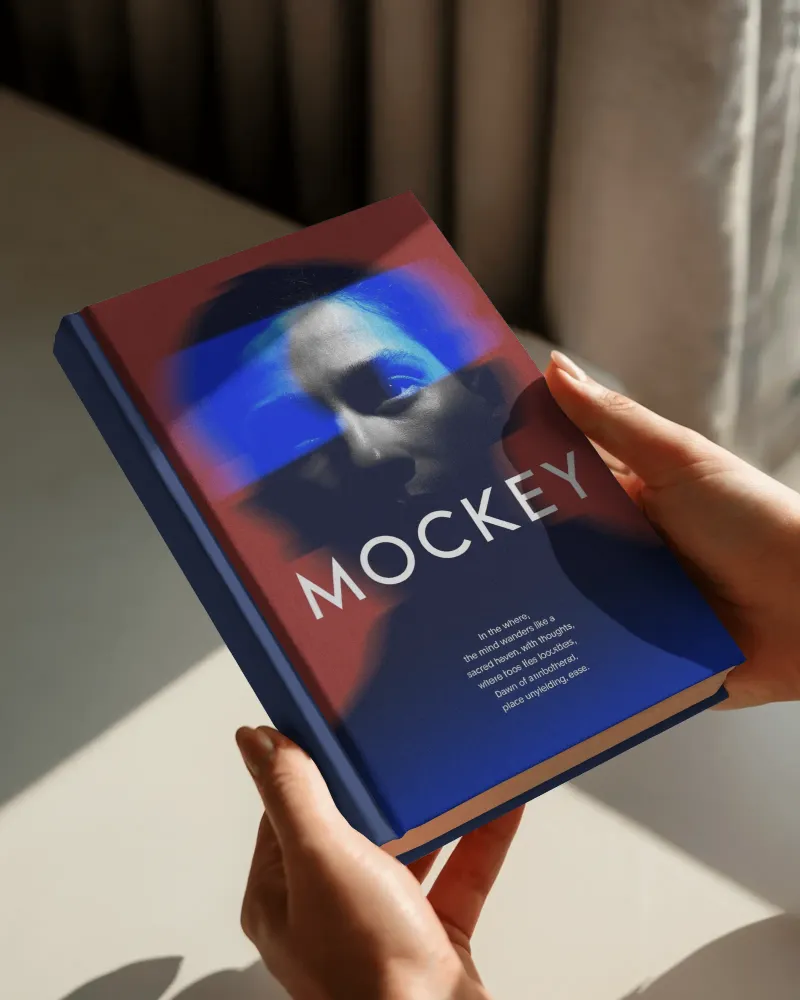
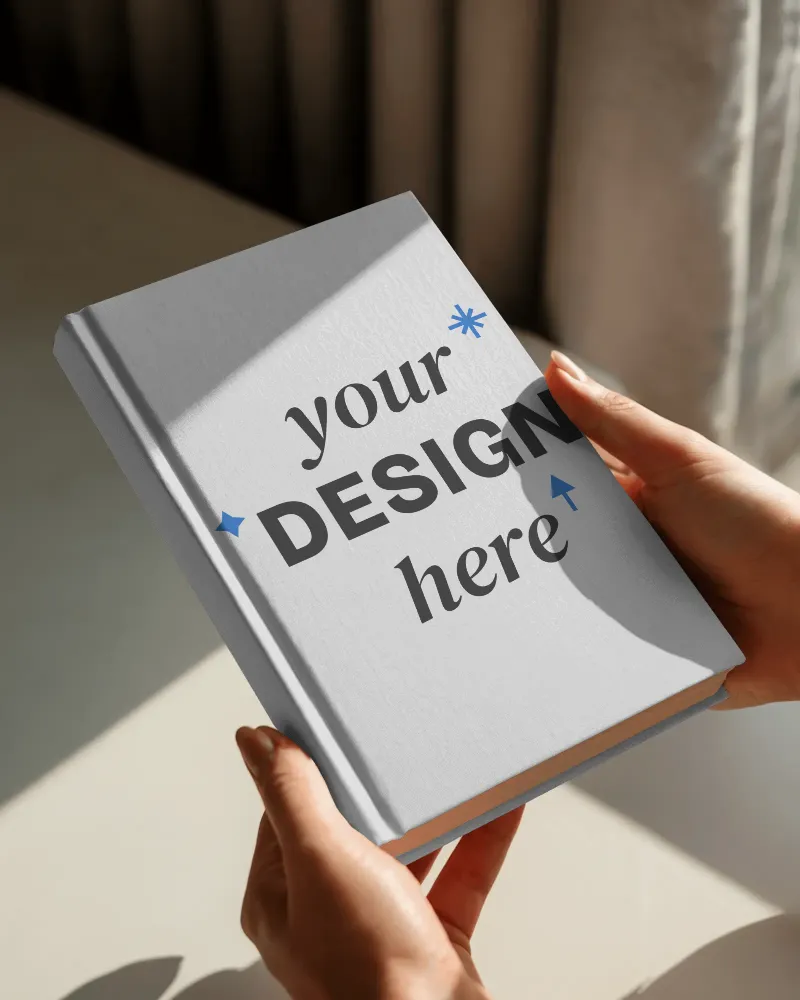
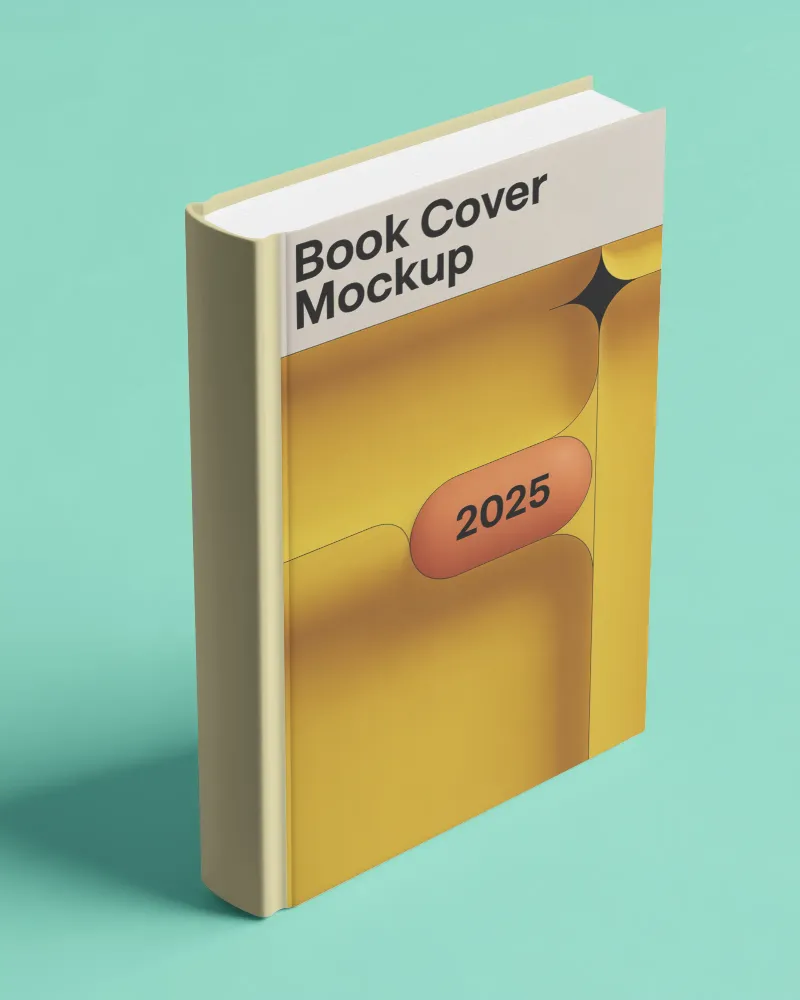
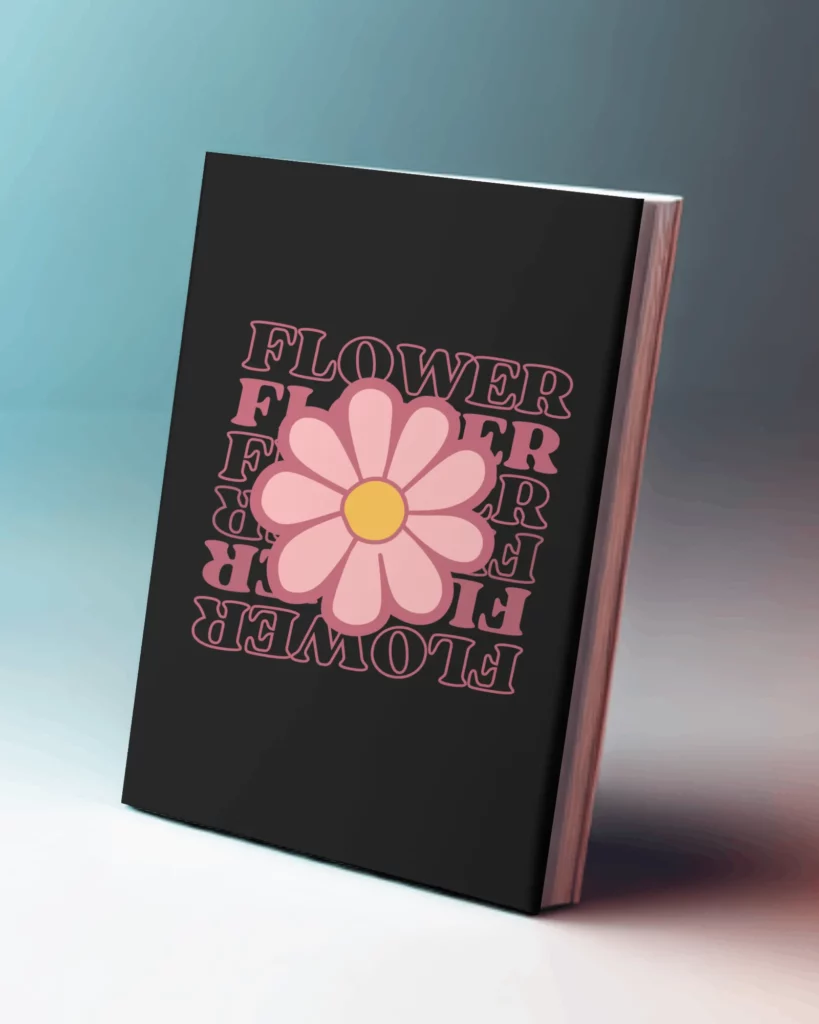
How to Create Book Mockups in 3 Easy Steps?
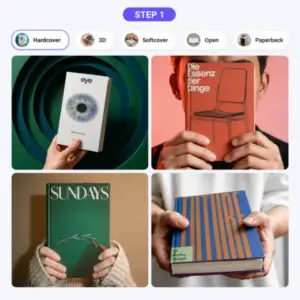
Select a Book Style
Sign up and open the ‘Mockups’ section. Select ‘Book’ from the ‘Print’ category and choose a template from different book styles.
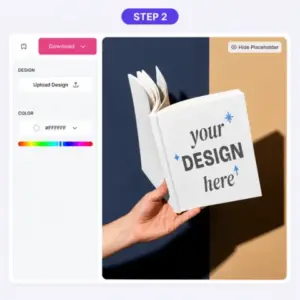
Upload, Edit, and Preview
Upload your cover design to crop and resize it. After that, change the book color and create multiple-angle shots.
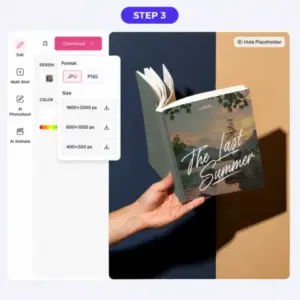
Download in Any Format or Size
Click on ‘Download’, select a format and size, and your book mockup will be downloaded instantly.
Different Types of Book Mockups
Let’s take a quick glimpse at the types and styles of mockups available in this book mockup generator.
Open Book Mockups
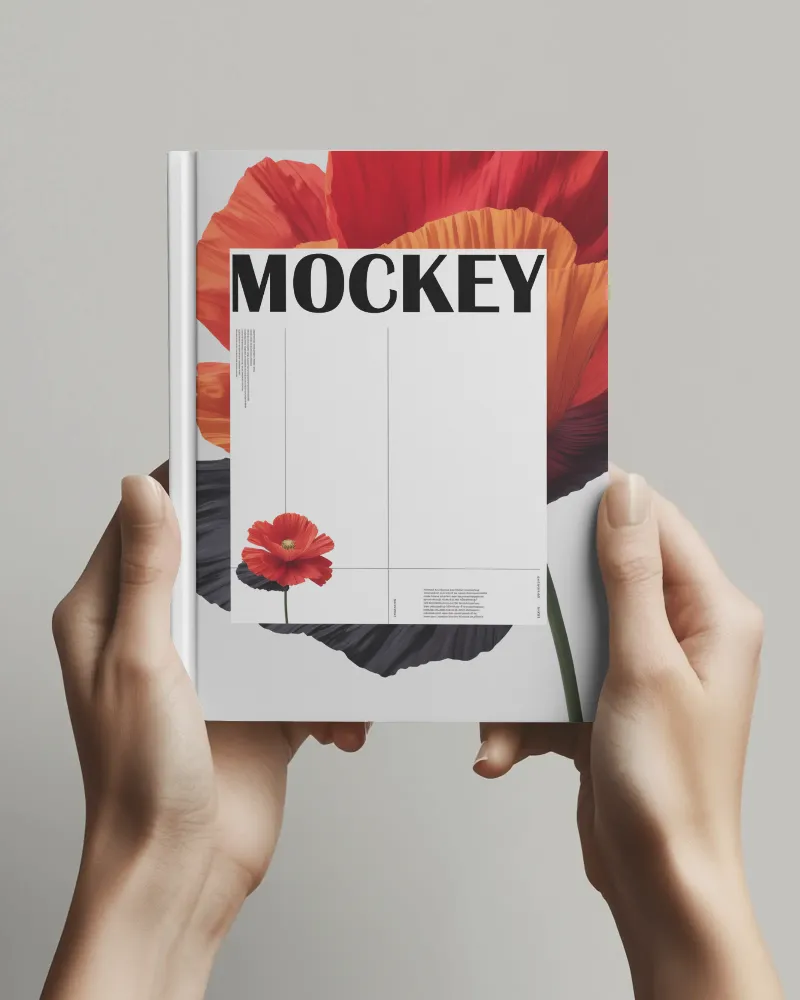
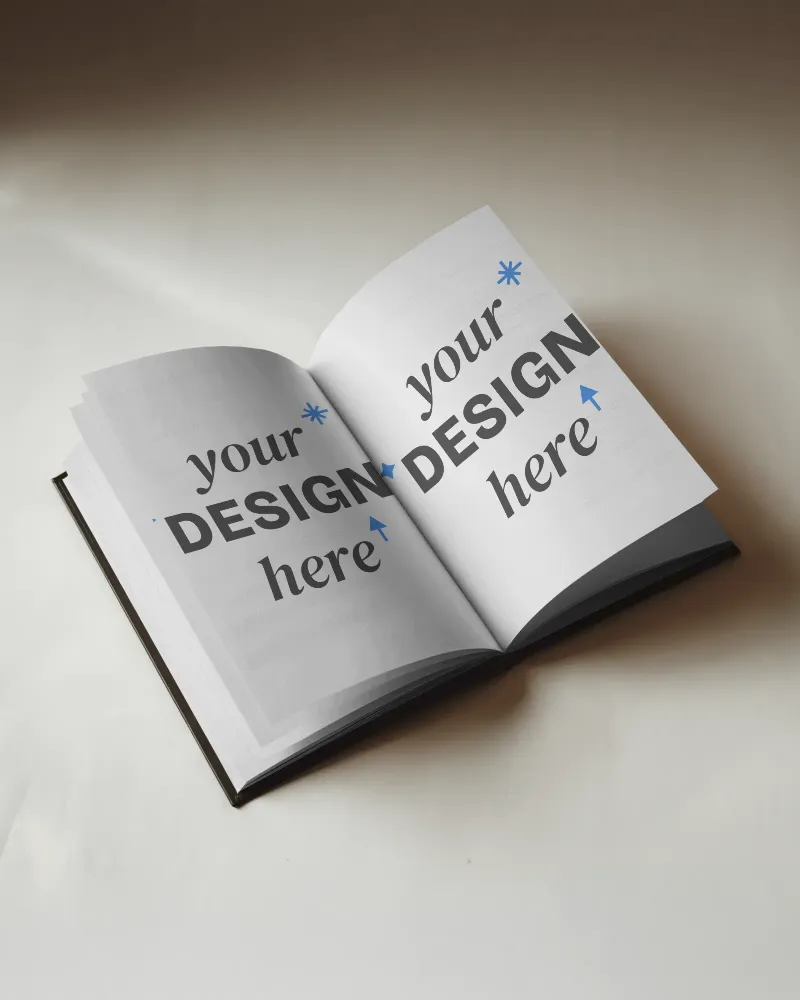
Mockey has lots of open book mockups. You can see books in different places, like someone holding a book or a book placed on a table, desk, or bookshelf. Simply upload your design to the pages, spine, front cover, or back cover and get a live preview while adjusting. If you don’t like the background, you can change it with the AI Photoshoot feature too.
Square Book Mockups
Square books are popular for kids’ picture books, wedding albums, travel diaries, recipe books, and poetry books. We have lots of square book mockups with different background scenes. Whether you’re on a PC or mobile, editing on any device is very easy, and the response is fast.
Hardcover Book Mockups
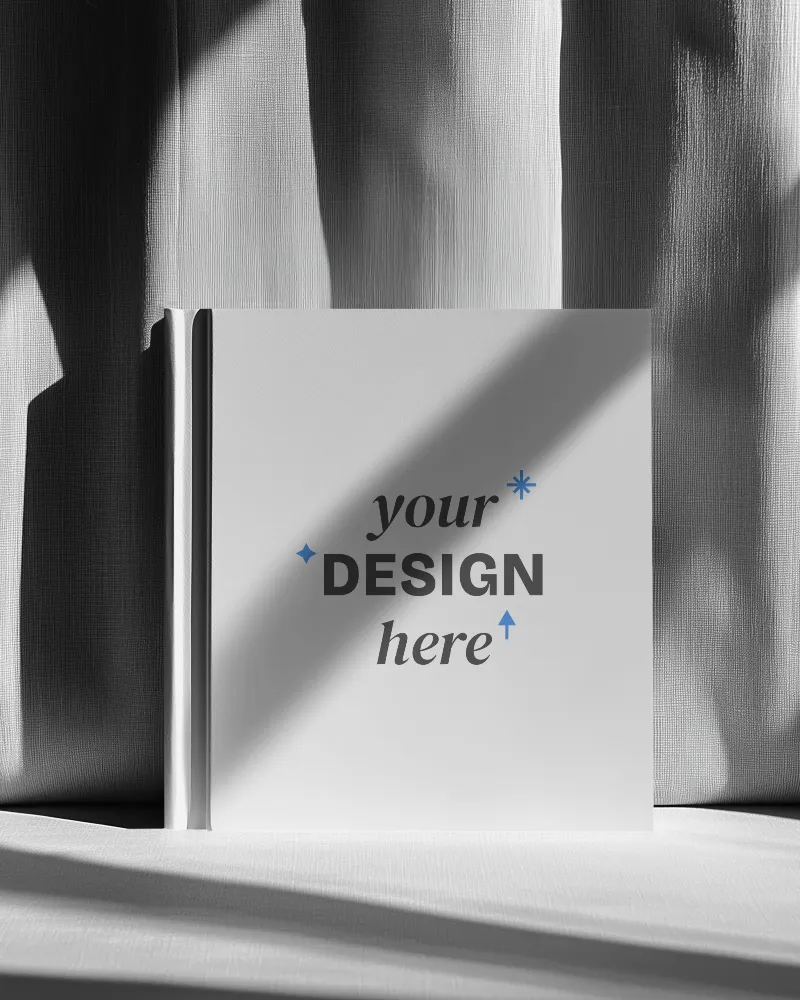
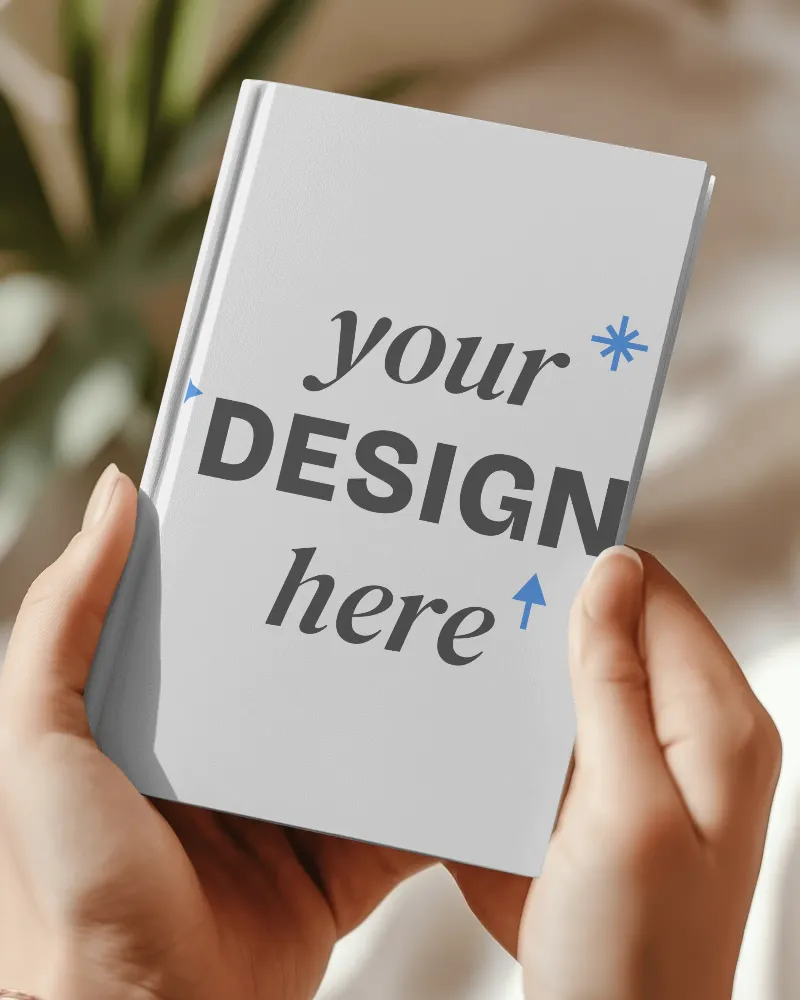
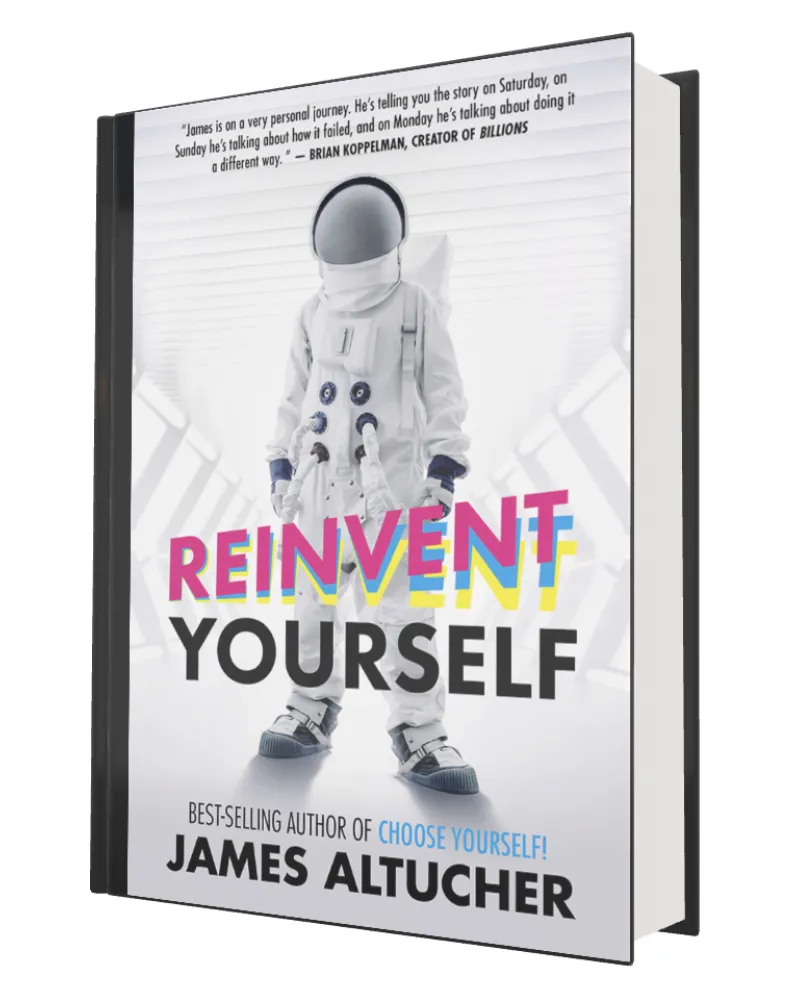
You can easily tell these are hardcover book mockups just by looking at them. The spine is clearly visible, and the cover is a little bigger than the pages inside, just like a real hardcover book. You can see close-up shots, placed in sunlight, and held by models. Even though our book mockups are made with AI, they look very real.
Give it a try!
Why Choose Our Free Book Mockup Generator
Multi-Shot Views of Your Book
Books are rarely judged from a single view. In real situations, people look at the front cover and check the spine on a shelf before deciding. On Amazon or Etsy, buyers scroll through multiple images to understand the full look of a book, not just the cover.
Our Multi Shot feature is built around this behavior. From a single mockup, you can generate multiple perspectives, like a front, an angled, a close-up, and even a bird’s-eye view. Get this feature on the editor page.
Different Book Styles
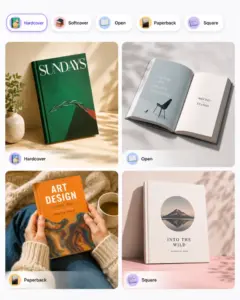
As compared to other book mockup generators, we provide a good number of book styles. You’ll see open book, A4 size, softcover, square, hardcover, and landscape. And the best part is, more styles like children’s book mockups are also going to be added soon.
Live Preview While Editing
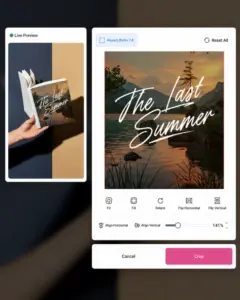
After uploading your book cover, you can adjust it before applying it to the mockup. If part of the cover is cut off, use Fit to show the whole design or Fill to cover the entire book area.
You can rotate the cover, flip it left to right or top to bottom, and move it to the center using the alignment buttons. The zoom slider lets you make the cover bigger or smaller until it looks right in the live preview.
Free Plan Has No Watermarks
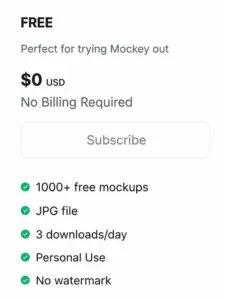
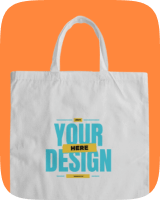
Mockey AI is also offering a free plan for book mockups. Most templates are available for free, and everything from adding your design to downloading the final mockup is included in the free plan. Whether you are creating a book mockup or a tote bag mockup, the free plan can be used.
3D Book Mockup generator with Mockey
Upload your design and see it on a 3D book. In our 3D mockup generator, you can add designs to the front and back cover, change the color of the book, and try different backgrounds.
Make the book spin, rotate, and move with motion effects. You can view the book from different angles and get a better idea of how it will look when people see it online. Once you’re happy with the result, download your 3D mockup and use it anywhere.
Book Videos for Better Marketing
You already know that video ads perform the best and have a higher chance of getting more clicks. With our video mockup generator, you can preview a huge number of book video scenes where you can add your designs.
You’ll find different book styles, angled shots, and scenes with models. A 5-second video mockup will be generated in just minutes.
Display Your Designs Creatively
Use the best online book cover mockup generator to display your designs creatively. Create professional, eye-catching book mockups easily to showcase your work.
AI Mockup Generator





FAQs
What is a book mockup generator?
A book mockup generator lets you upload your book cover to a virtual book and see what it looks like before printing. You can check how the cover looks on a real book, try different styles, and make changes if needed. This helps you preview your book design without printing a copy or taking photos of a real book.
Which is the best book mockup generator?
Whether it’s about book templates, customization tools, or multiple download options, nothing beats Mockey AI’s book mockup generator. Even its paid plan is affordable.
Can I upload designs to the inside pages?
You can add designs to the inside pages using Mockey’s open book mockups. After you pick a template, you will go to the editor page. There, you can upload one design on the left page and a different design on the right page.
What if my book has custom dimensions?
Many people run into this problem. The easiest option is to upload your design, adjust it inside the editor, and preview how it looks before downloading. This helps you spot sizing or cropping issues early.
Can I use the book cover mockup generator before printing?
A book mockup generator lets you see your book cover on a book before printing. You can check if the design, title, and text look right and make changes if needed. It also helps you create book images for your website, online store, or social media without printing a physical copy first.
Can I use the book mockup generator without involving my design team?
Yes. With a mockup generator like Mockey AI, you can create book mockups yourself without needing help from your art team every time. Best for fast-paced social media work.
Is this mockup suitable for Amazon KDP?
You can use Mockey’s Book Mockup Generator for your Amazon KDP listing. It gives you white background mockups, high-resolution images, different angles of the book, and supports multiple file formats.