Free T-Shirt Mockup Templates for Every Style
A great T shirt mockup can make your design stand out before it goes live. Explore more than 3,000+ free templates for different styles and selling needs, whether you're launching a clothing brand, listing products on Etsy, or running a print on demand store. Upload your design, personalize the mockup, and download a high quality result without a watermark.


















































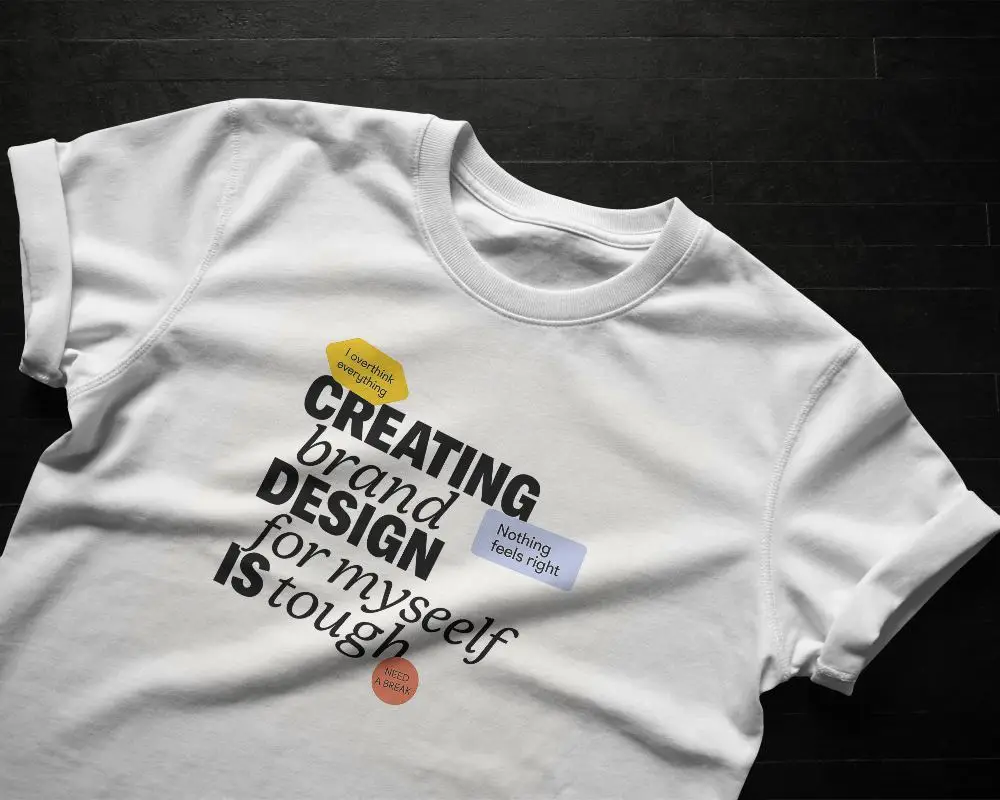
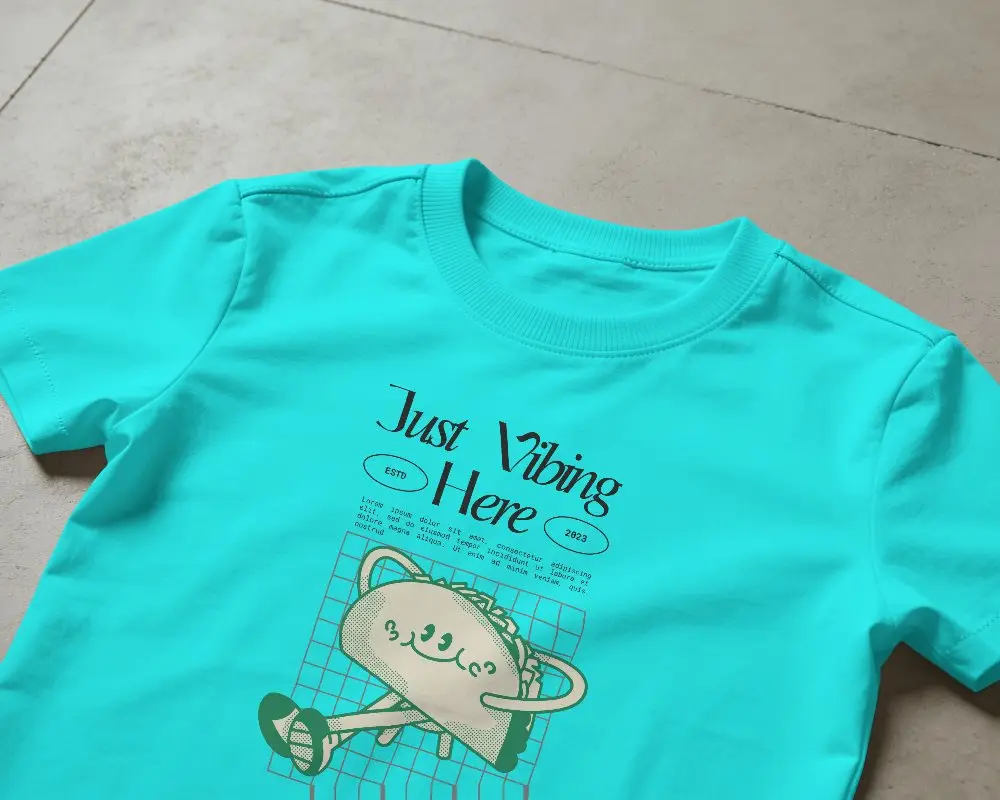
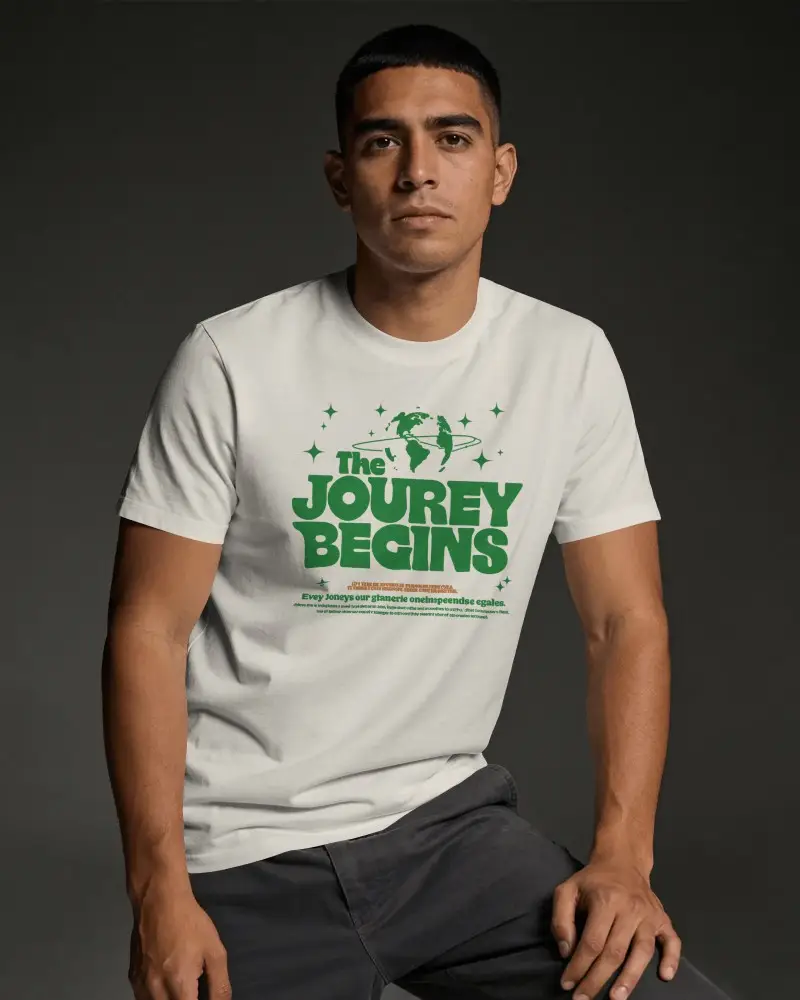
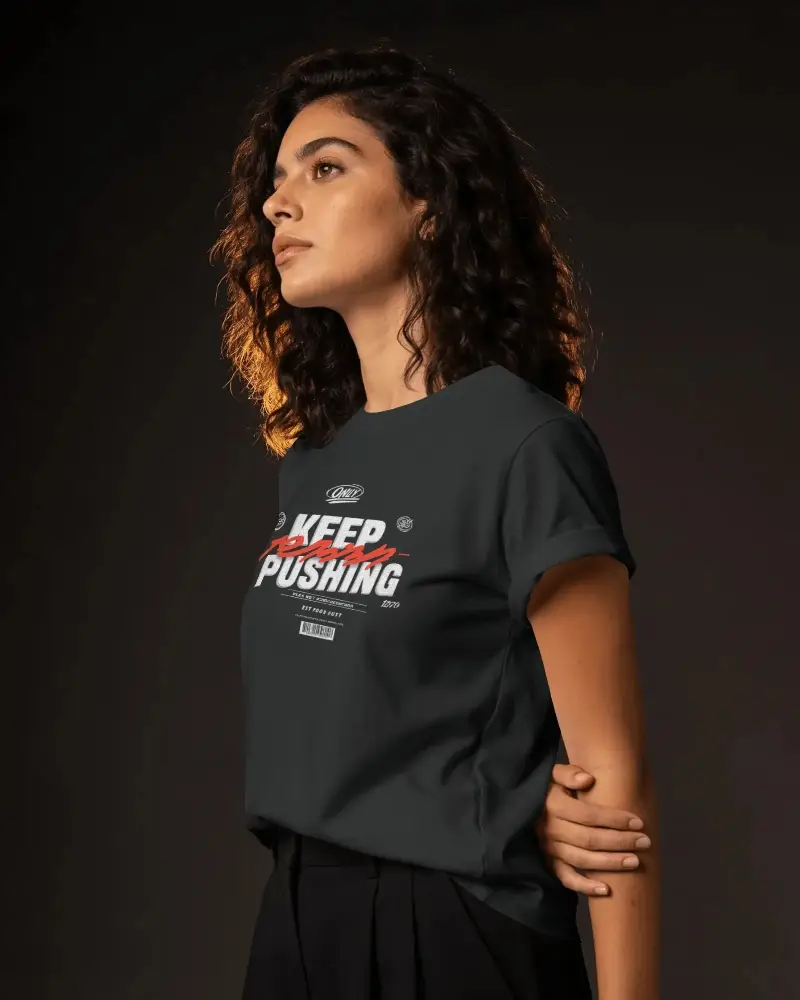
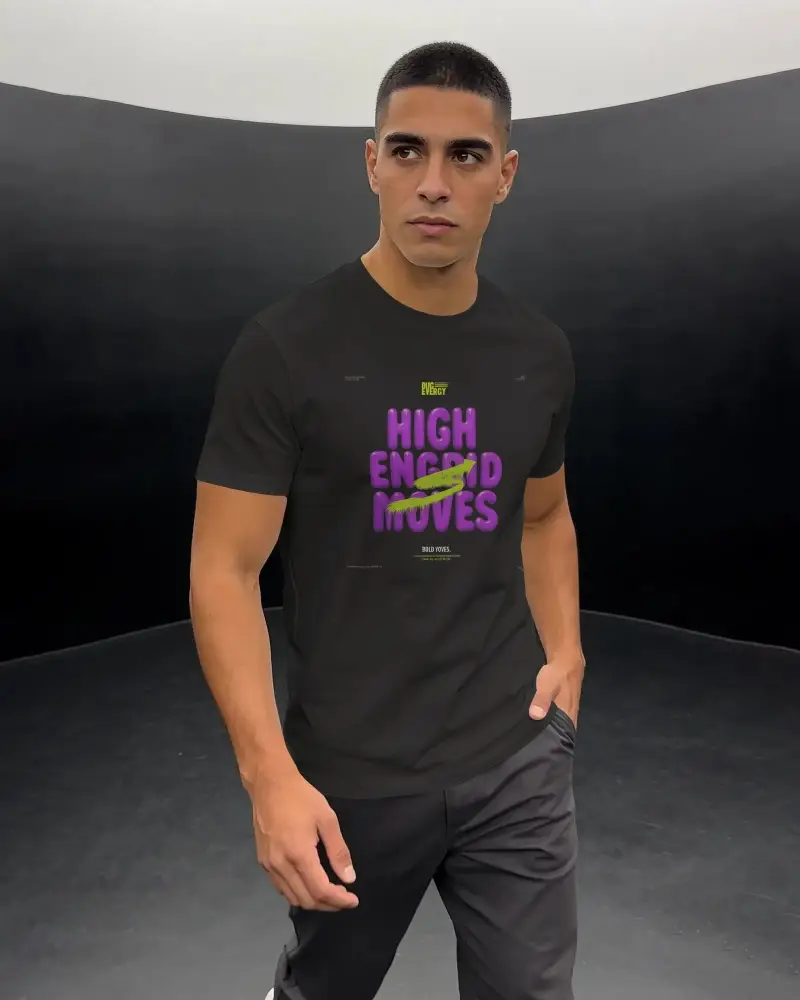
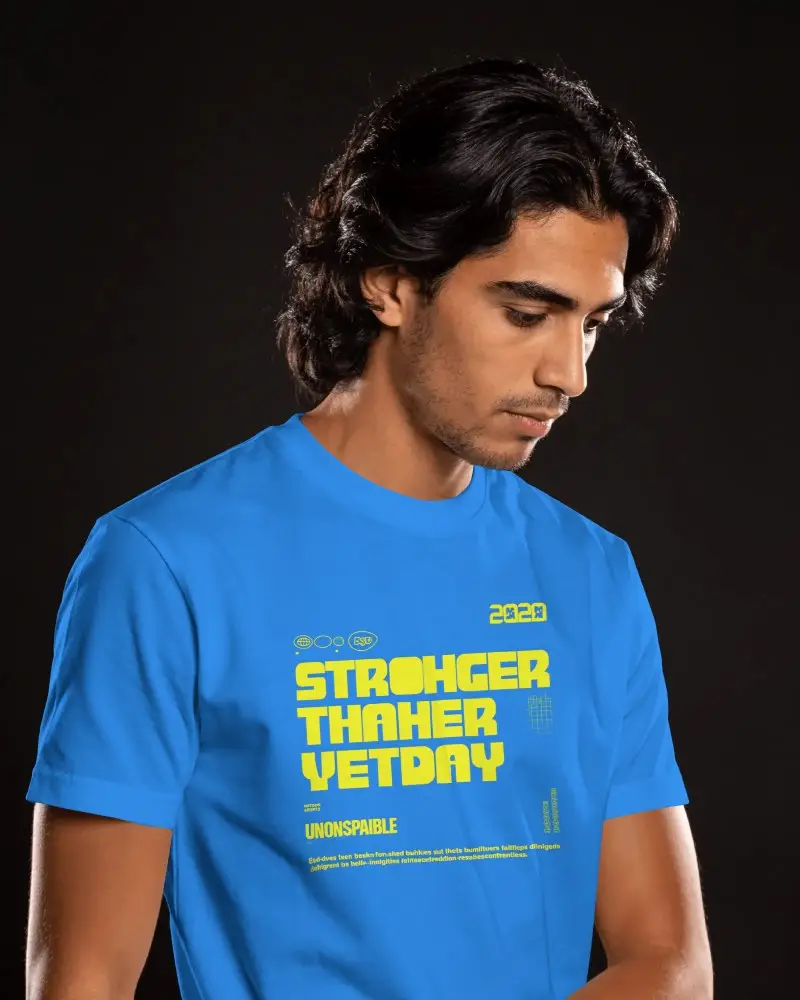
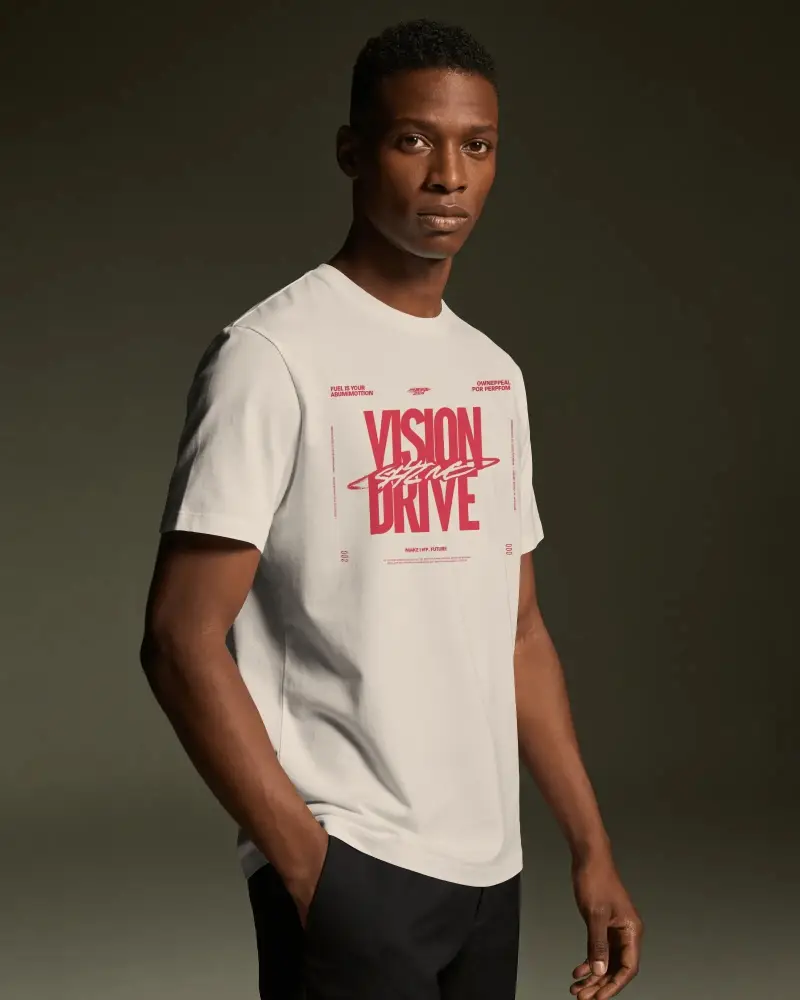
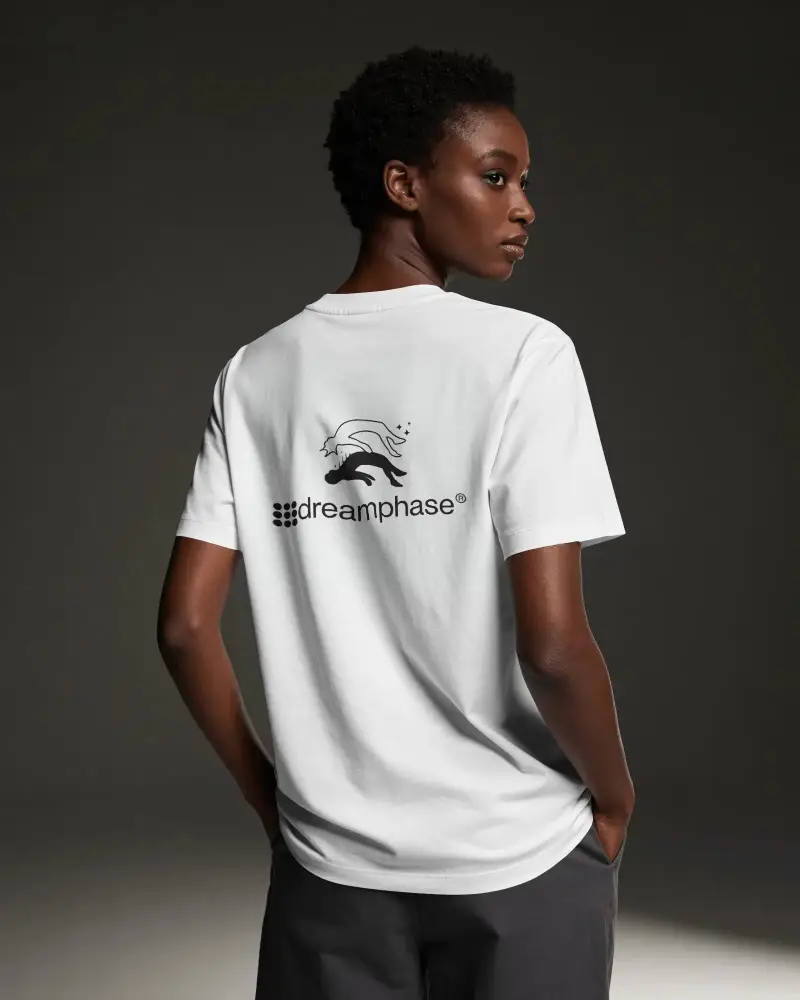
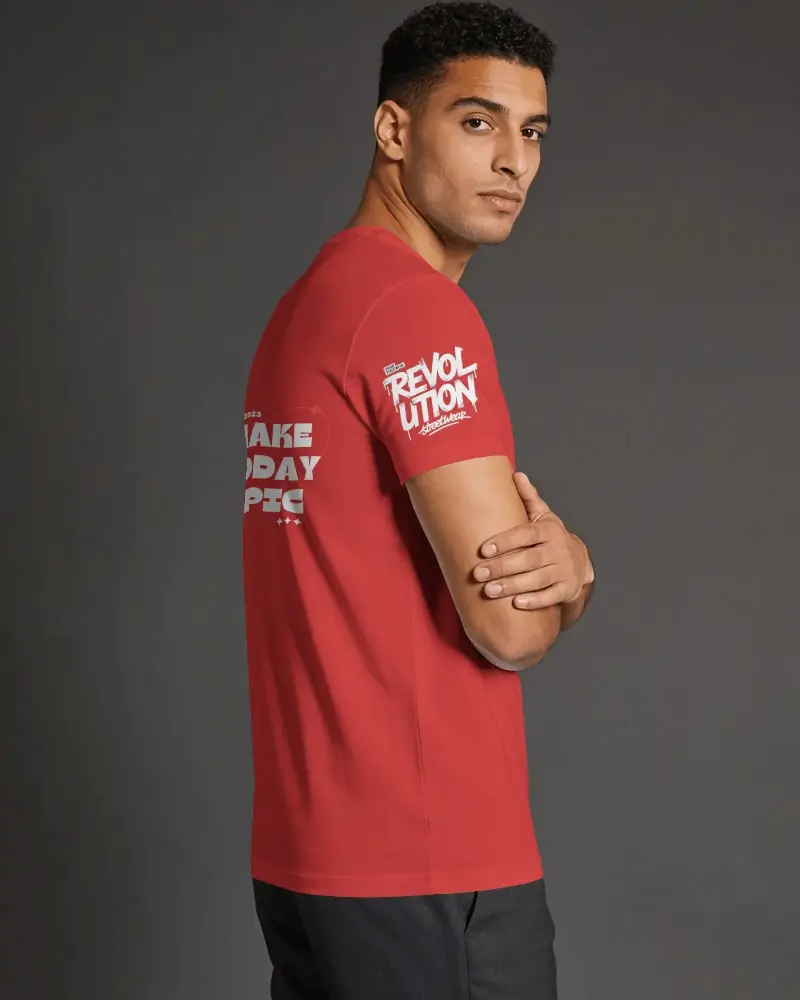
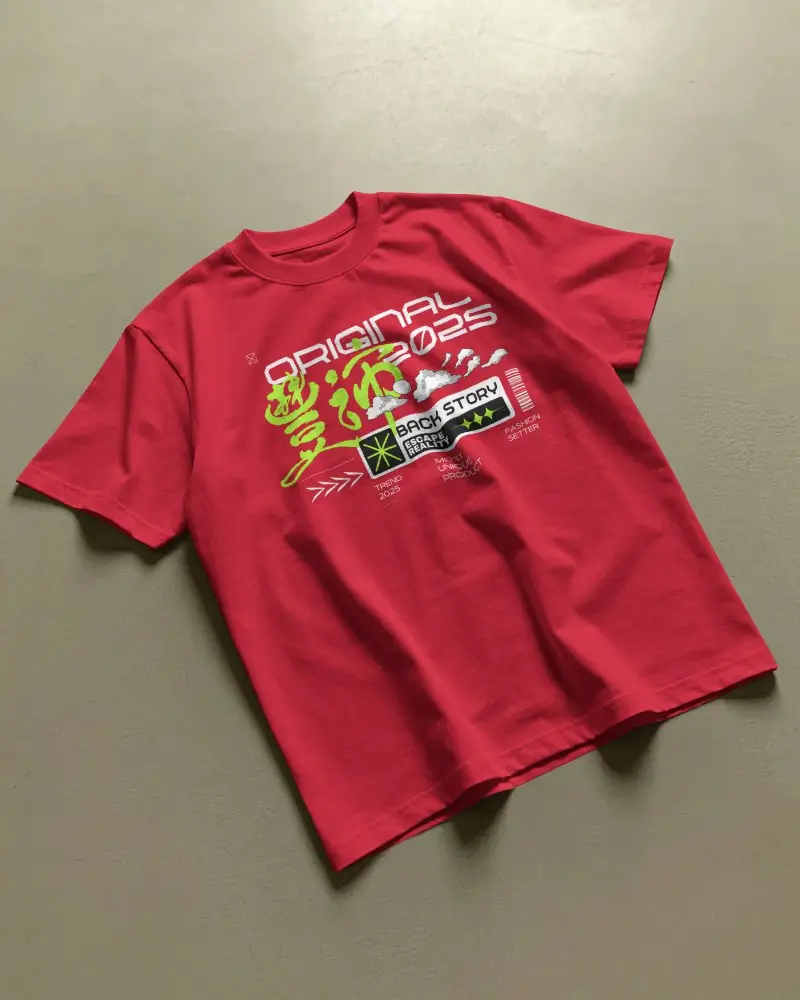
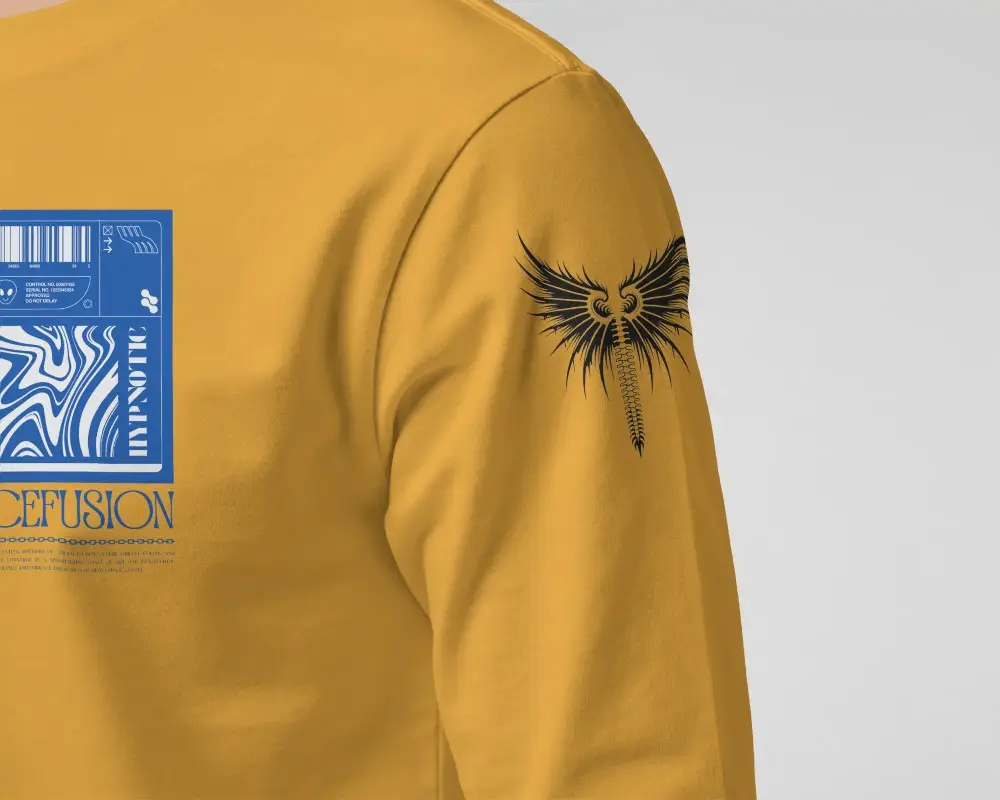
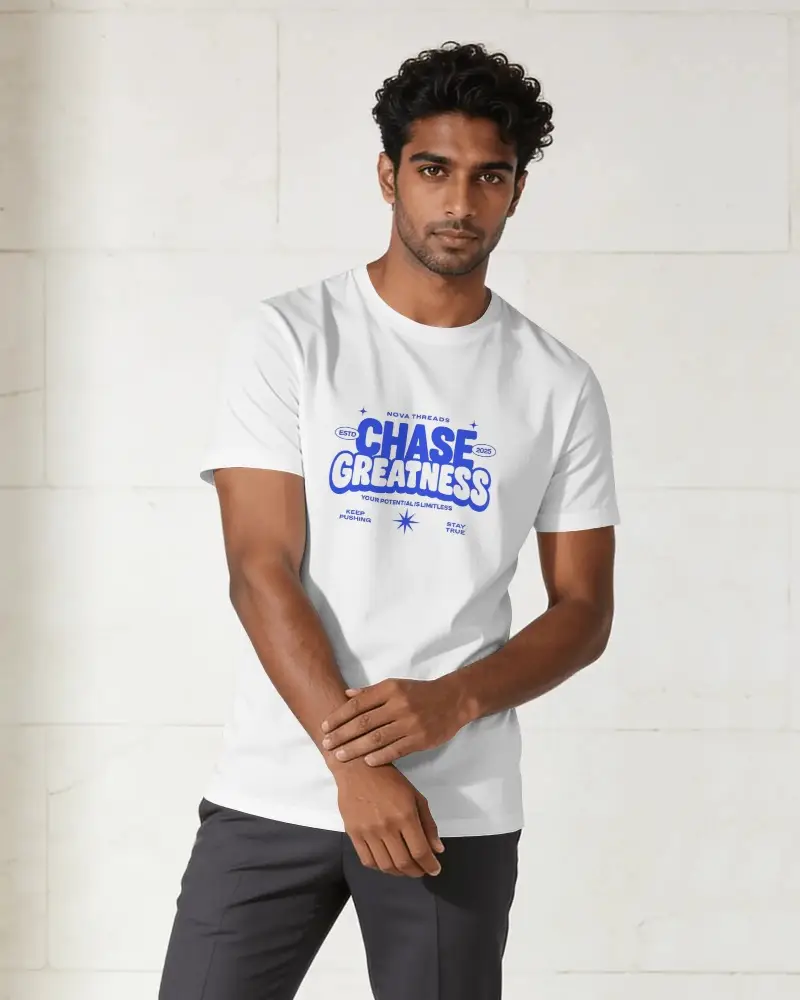
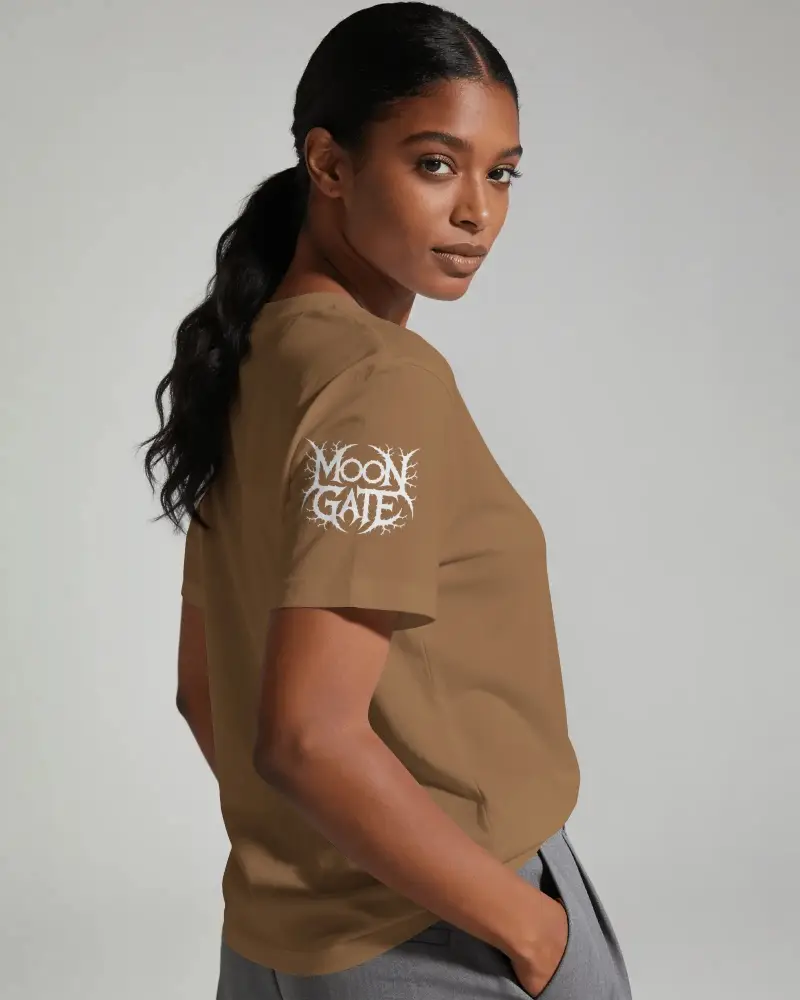
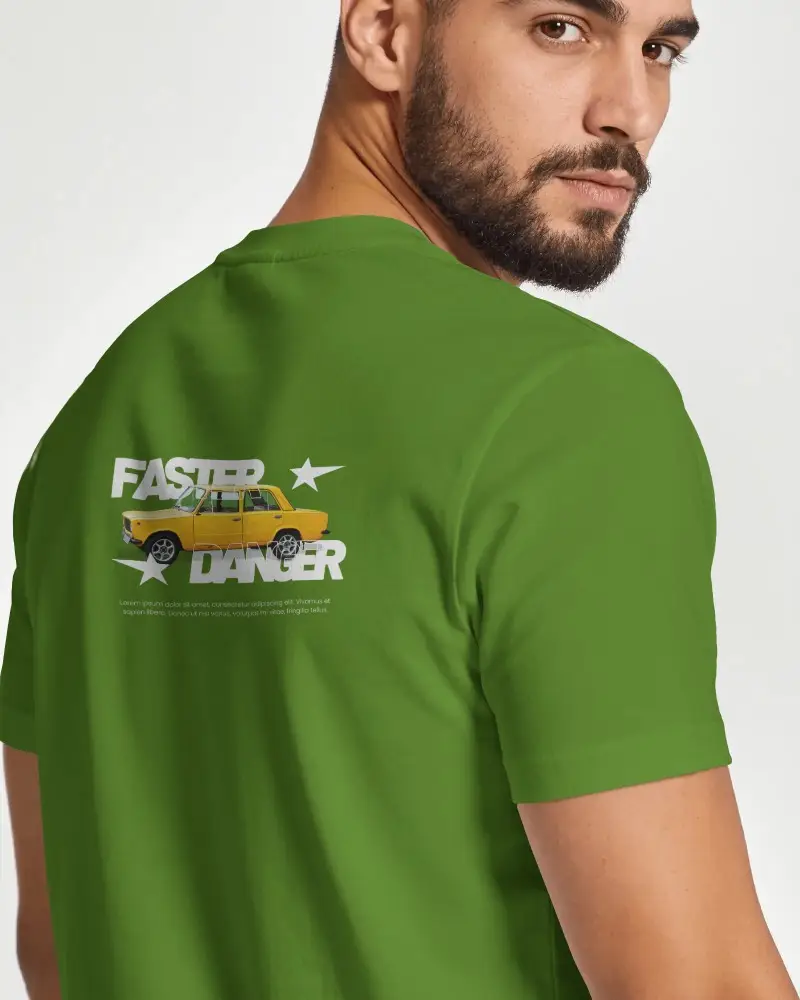
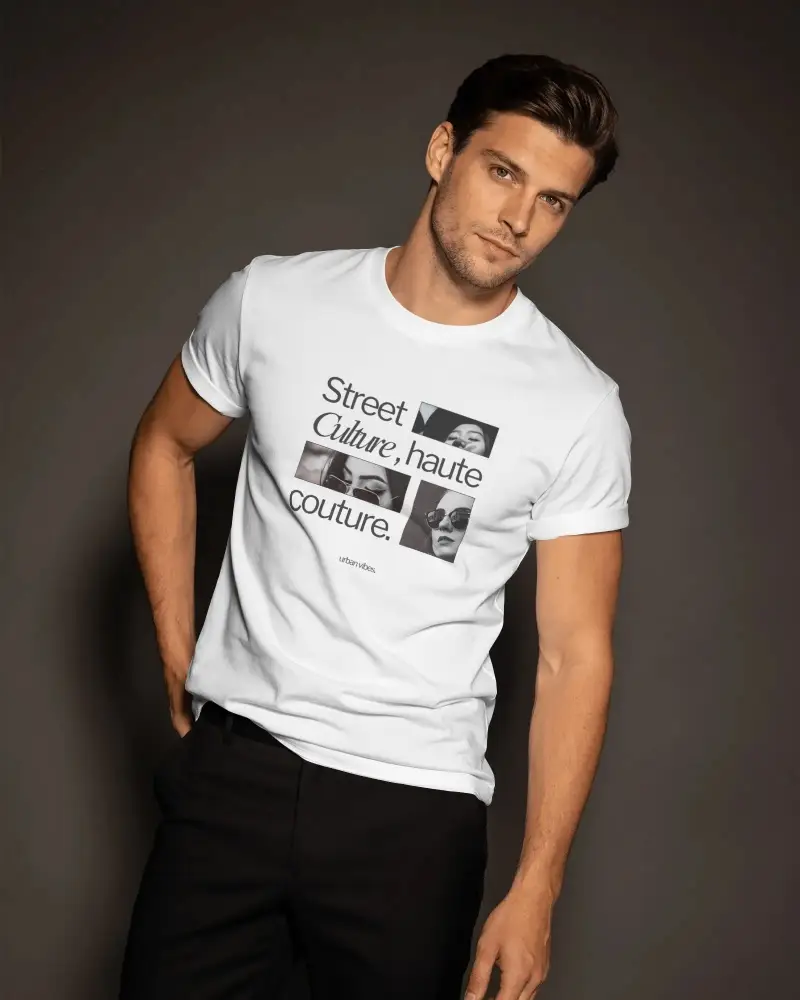
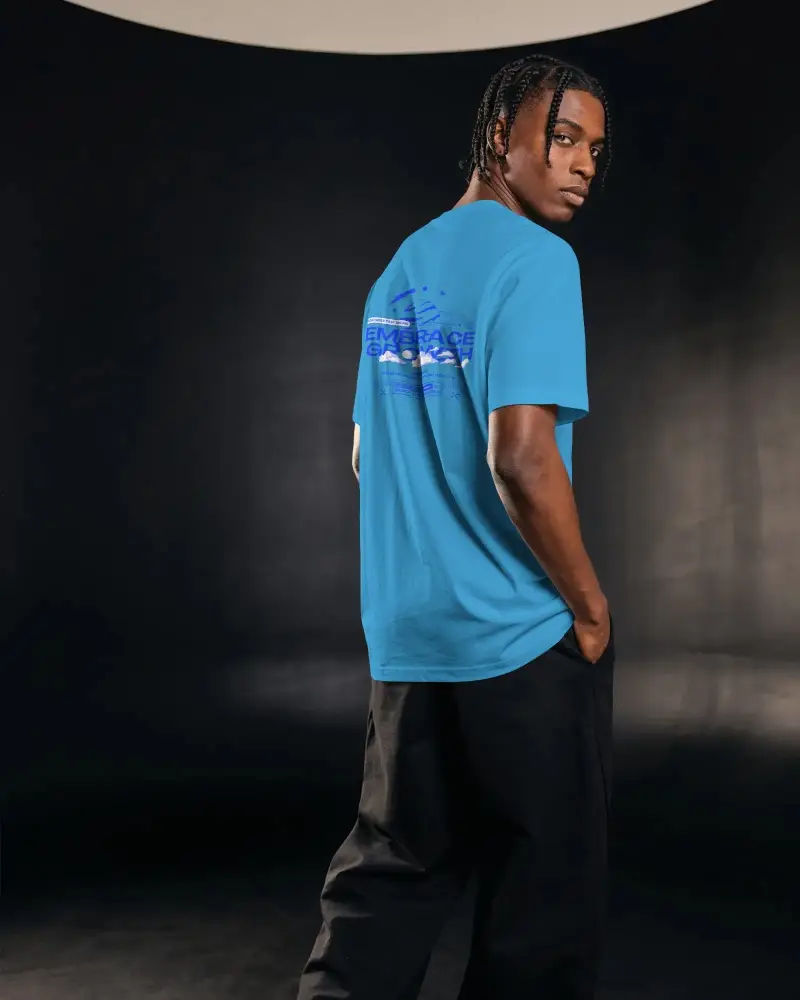
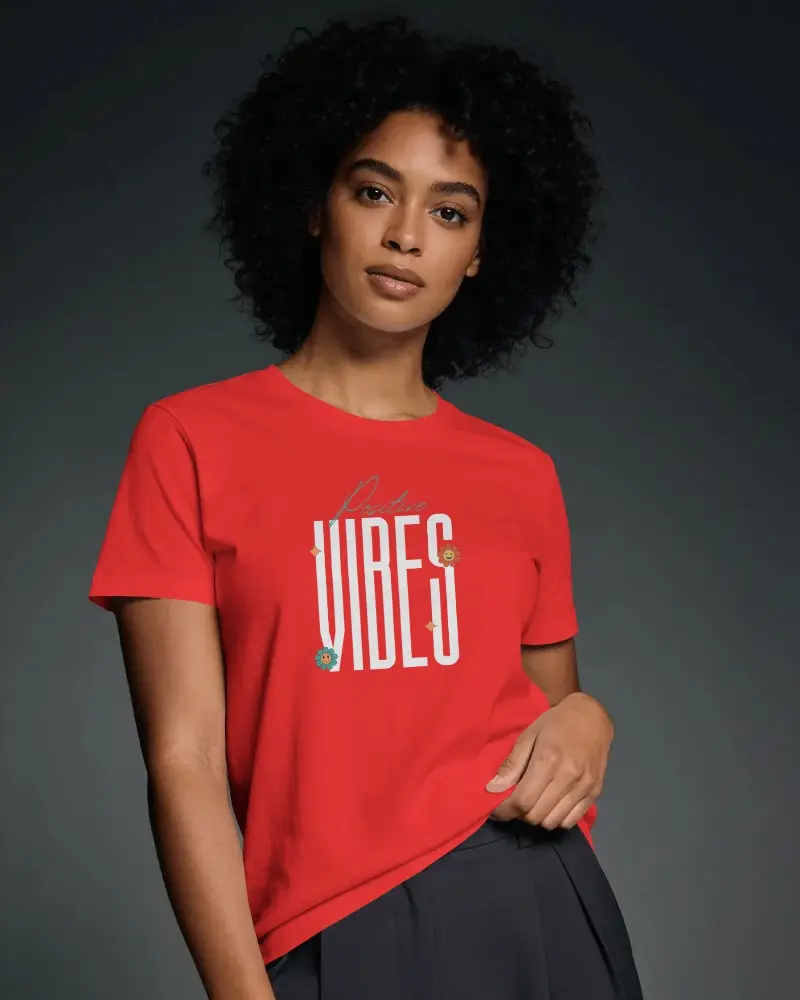
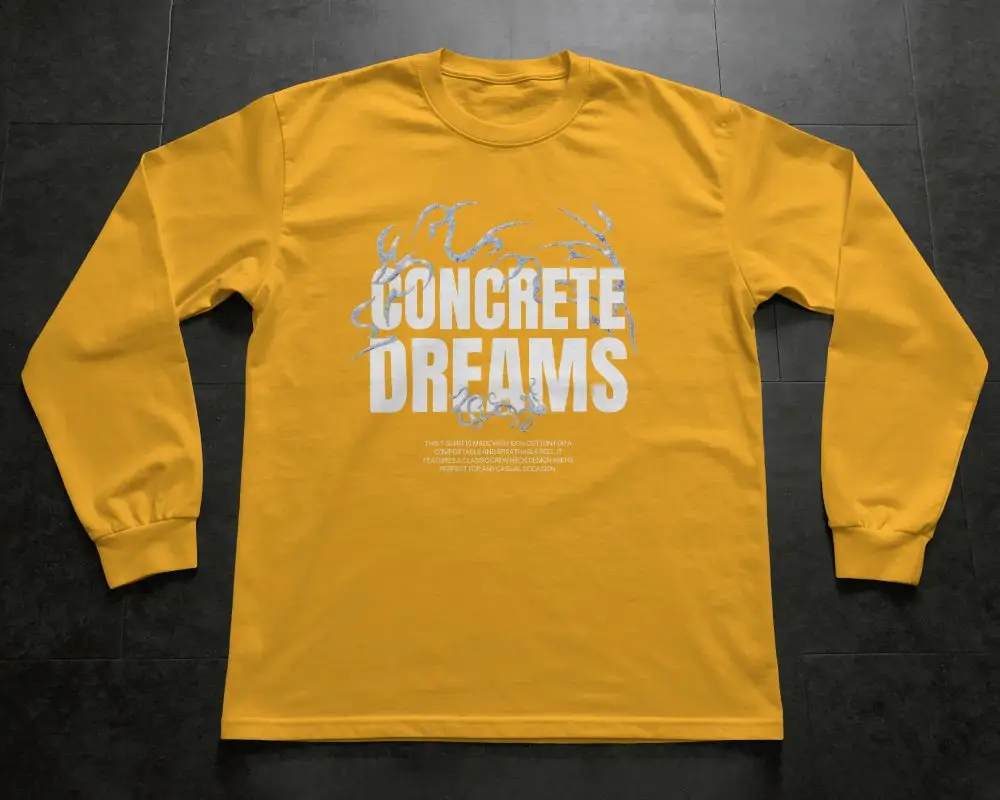
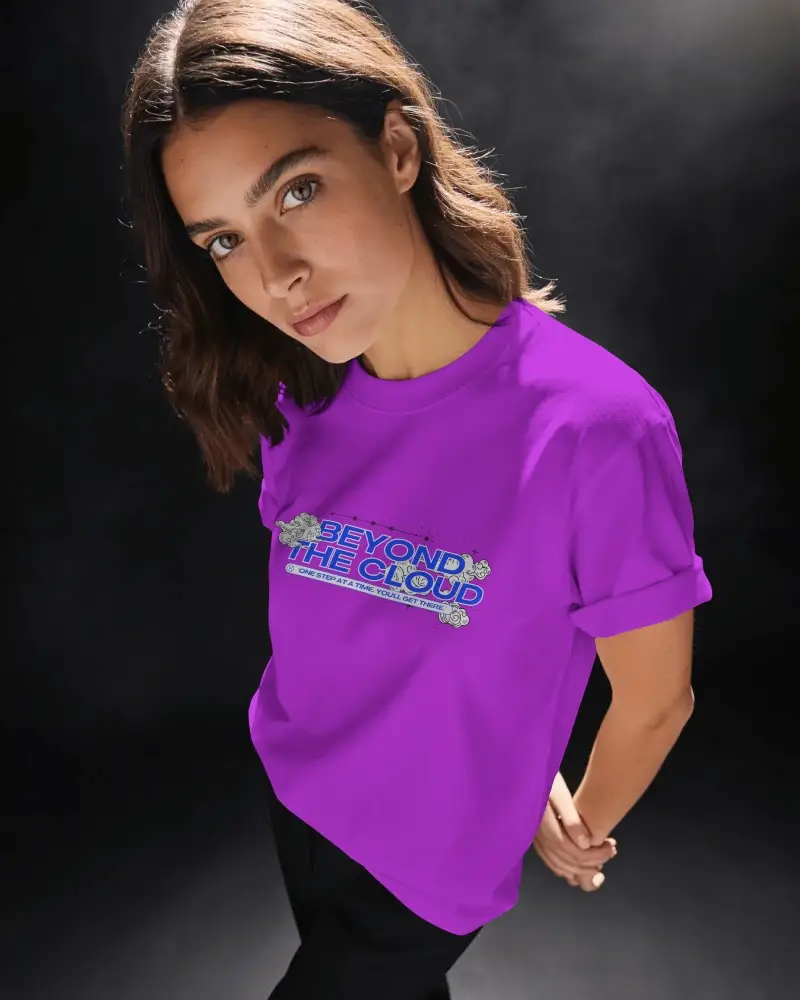
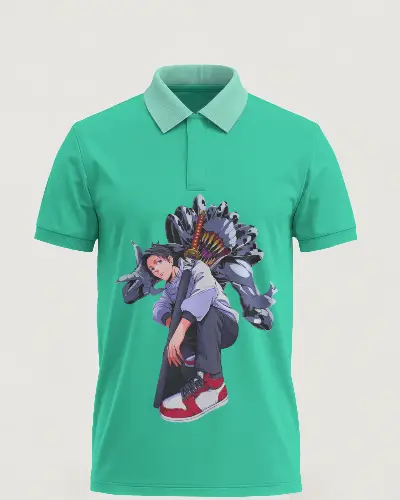
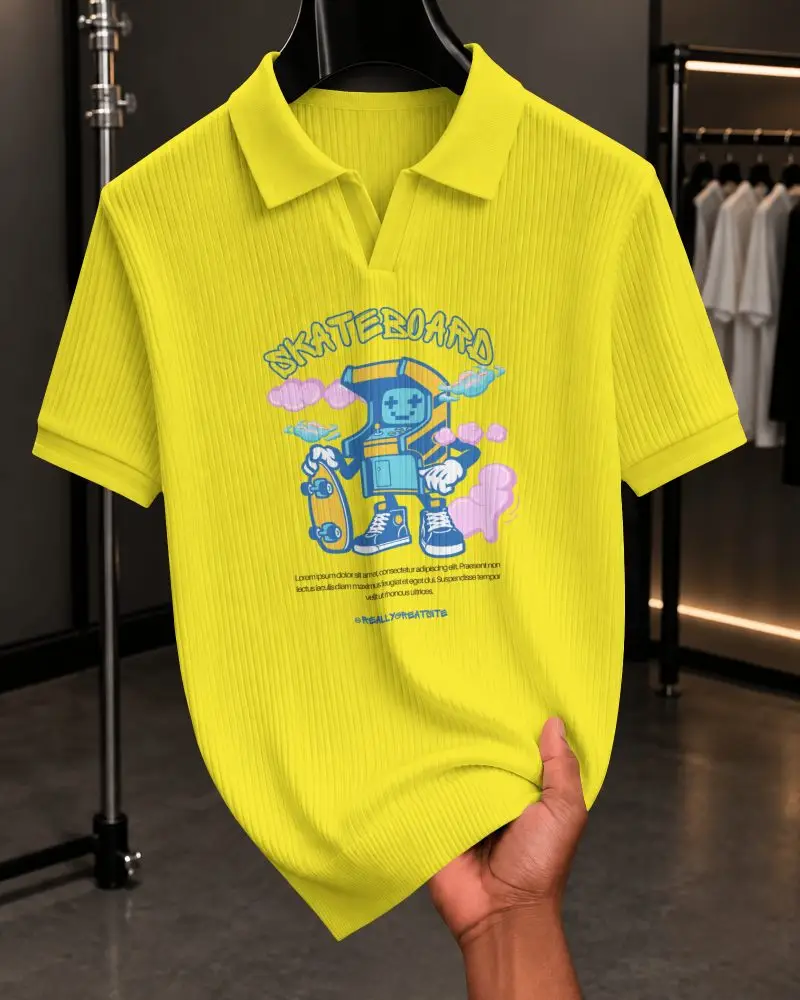
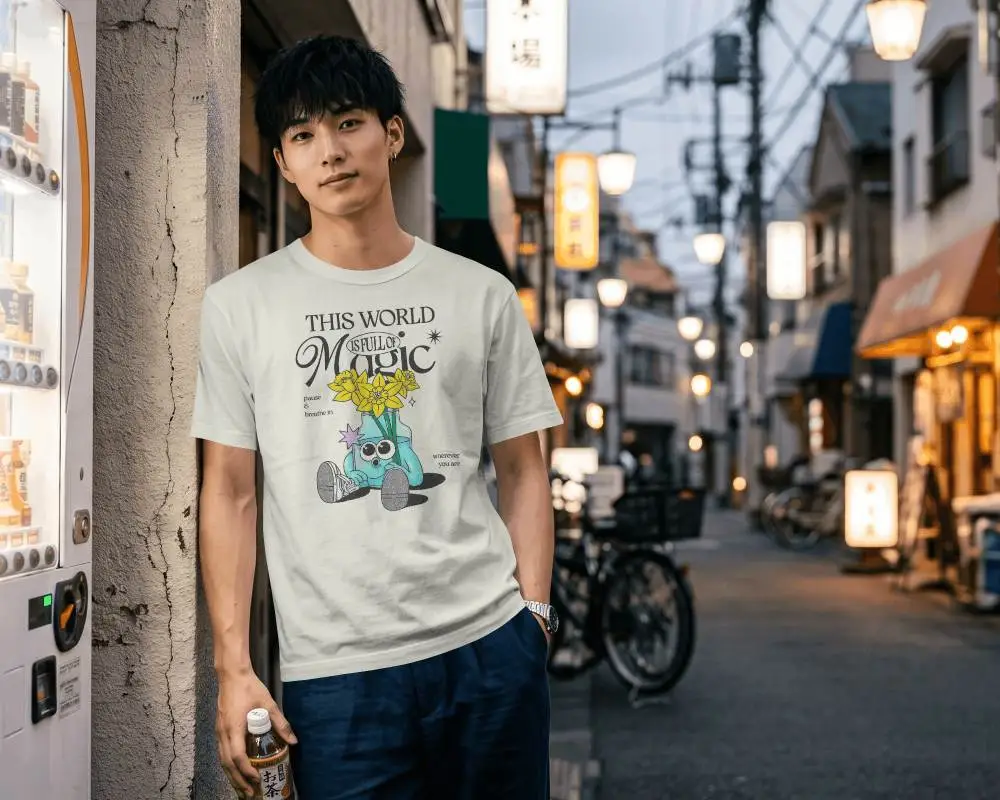
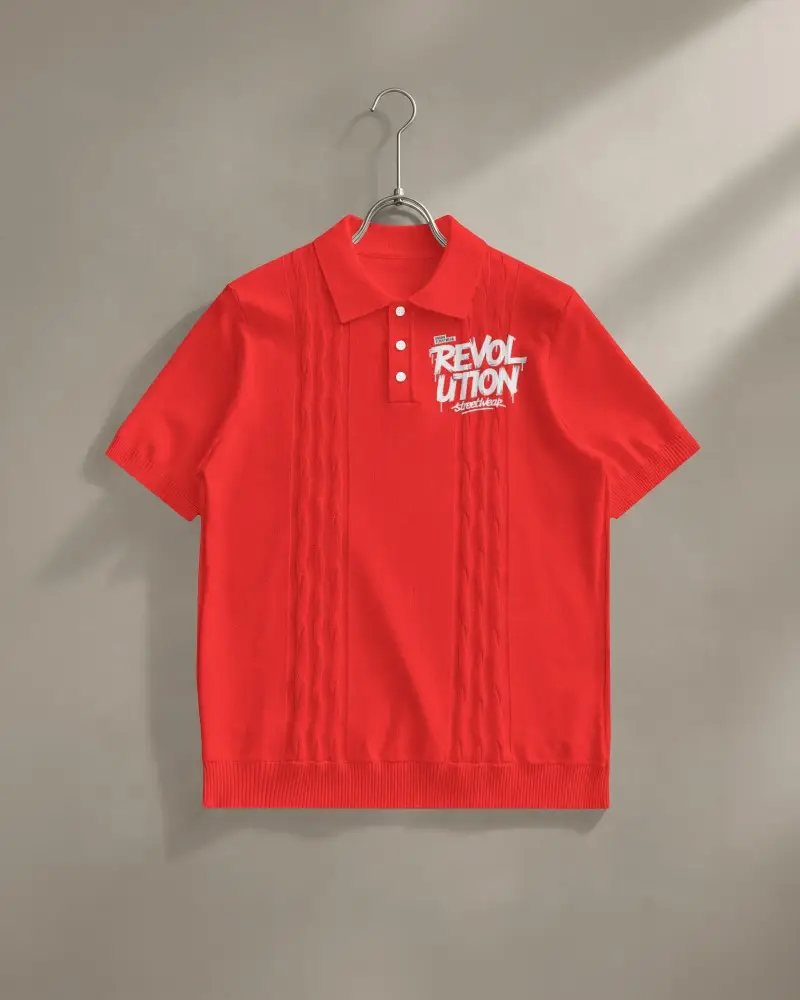
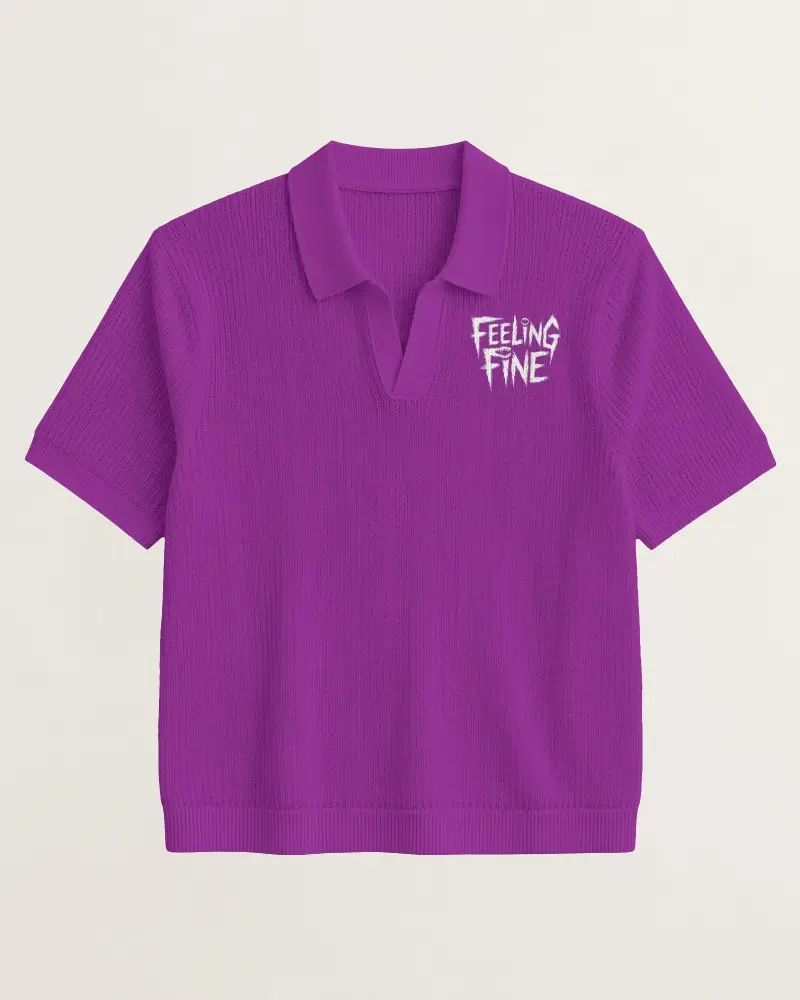
How to Create T-shirt Mockups in Mockey AI
To create mockups for t shirt:
- Step 1: Choose from different T-shirts like oversized, polo, or round neck.
- Step 2: Upload your design and move, resize, or rotate it.
- Step 3: Select an extracted color or enter your own color code.
- Step 4: Adjust warping and freely position your design using Place Anywhere.
- Step 5: Try Multi Shot, Photoshoot, or Animate AI tools.
- Step 6: Download your t-shirt mockup in different formats and sizes.


FAQs on t-shirt Mockups
What is T shirt Mockup?
A t-shirt mockup is an image that shows how a design would look on a model or in a real scene. It helps you present the design without actually printing the t-shirt. Mockey.ai provides different t-shirt mockups along with other mockups for apparel and print-related products.
How to create t shirt mockups online?
To create a t-shirt mockup, start by opening a mockup generator like Mockey AI in your browser. Choose a t-shirt in the apparel section to upload your design, and adjust the size or placement if needed. Once everything looks right, download the tshirt mockup in PNG.
Why create a t-shirt mockup?
After creating t-shirt designs, mockups are your next step. They make your store look professional and help display your designs on social media or marketplaces. Mockups show t-shirts in real-life settings with models, making them look amazing. Using Mockey AI, you can upload designs, adjust colors, and download high-quality images without Photoshop.
Why use Mockey’s t-shirt mockup?
Mockup t-shirts are useful for showing how a design actually looks, including colors, typography, and overall placement, without printing or manufacturing the real product. The design process goes faster, with lower production costs, and improve design result.
Is this T-Shirt Mockup Free?
Mockey is free to use for your design projects. Whether you create oversized t-shirt mockups or front and back t-shirt mockups, customize and preview your logo with its high-quality template without any cost.
What is the best way to make a plain t-shirt mockup without a model?
The best way to create a plain t-shirt mockup without using a model is to go with online AI mockup generators if you want quick results. Mockey.ai is best for free templates and delivers high-resolution mockups without watermarks.
Is it good to use pre-made templates for t-shirt mockups?
Most online sellers use pre-made templates for t-shirts, especially for print-on-demand. They save time and help you show designs in a professional way without making physical samples. This is a fast alternative if you’re not ready to make mockups from scratch.
What file formats work best for t-shirt mockups?
PNG is the most commonly used format for t-shirt designs because it supports transparent backgrounds and keeps the design quality intact. SVG is better suited for vector designs, as it can be scaled to any size without losing clarity.
How do you use t-shirt mockups correctly?
While creating t-shirt mockups, always start with high-quality images, because low-resolution visuals can make a good design look weak. Lighting should feel consistent and natural. Proper sizing and correct placement of the design also matter a lot, as even slight misalignment can break the realism.
Can I use a T-shirt mockup for print-on-demand businesses?
T-shirt mockups are essential for print-on-demand businesses. They help you showcase your designs with accurate colors, high-resolution images, and realistic lifestyle model shots for product listing.
Can I use a T-shirt mockup for my online store?
You can create T-shirt mockups for online stores. With Mockey AI, choose from lifestyle scenes with model shots, apply design warping, generate multiple angles, preview in real time, and download high-resolution images for Etsy, Shopify, Amazon, and other marketplaces.
Which mockup generator works best for advertising T-shirts?
Mockey AI is a popular mockup generator for advertising T-shirts because of its large library of ready-to-use templates. Other features include AI design tools and watermark-free results.
