Blue T-Shirt Mockup for Your Brand
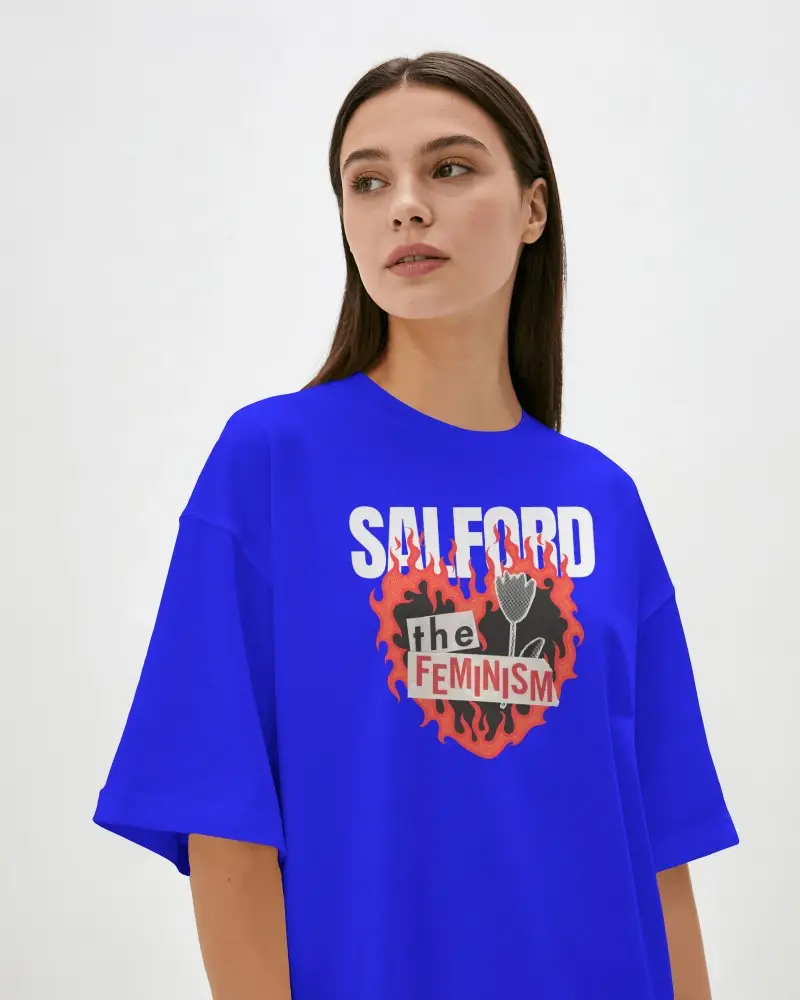
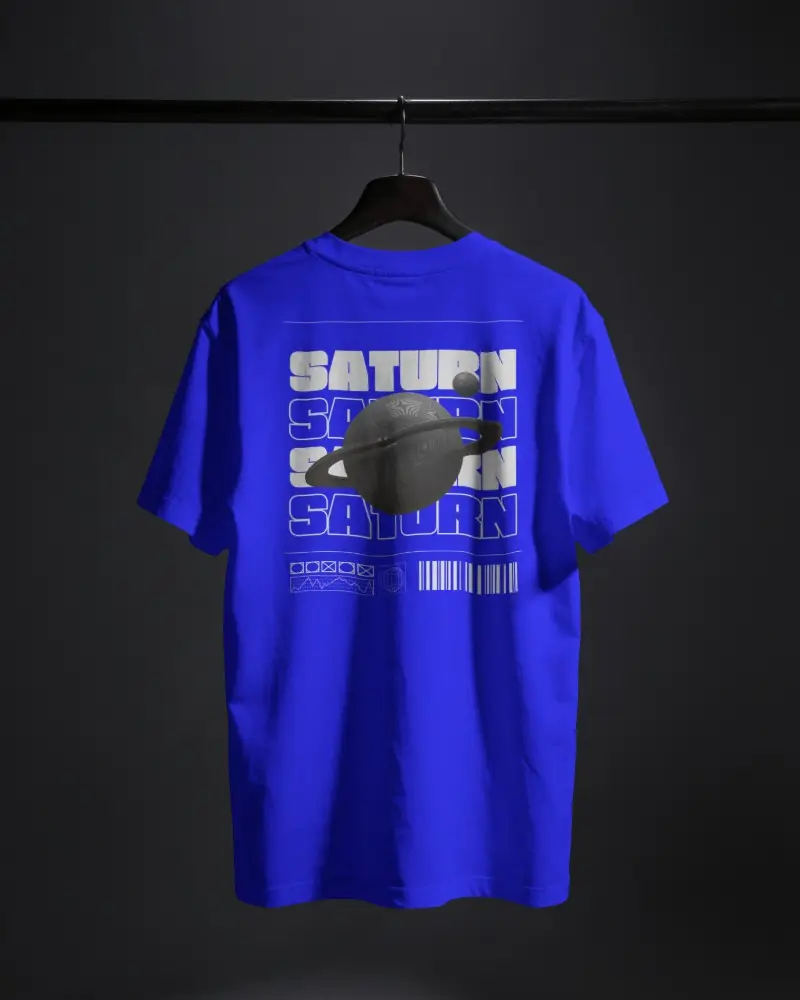
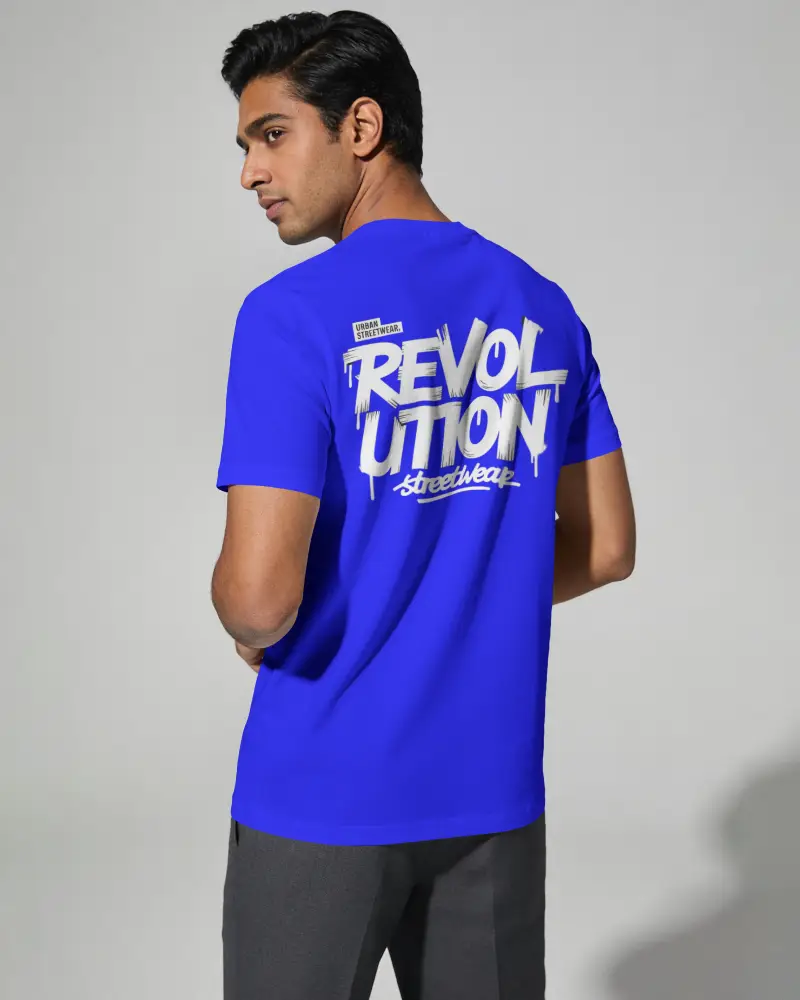
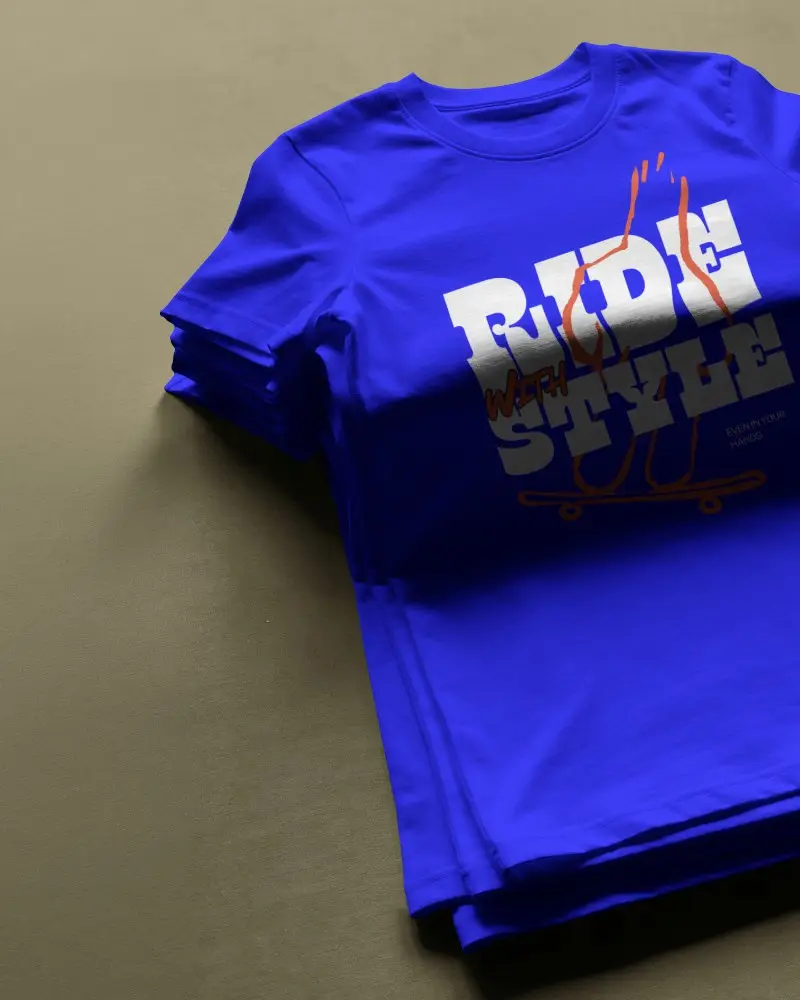
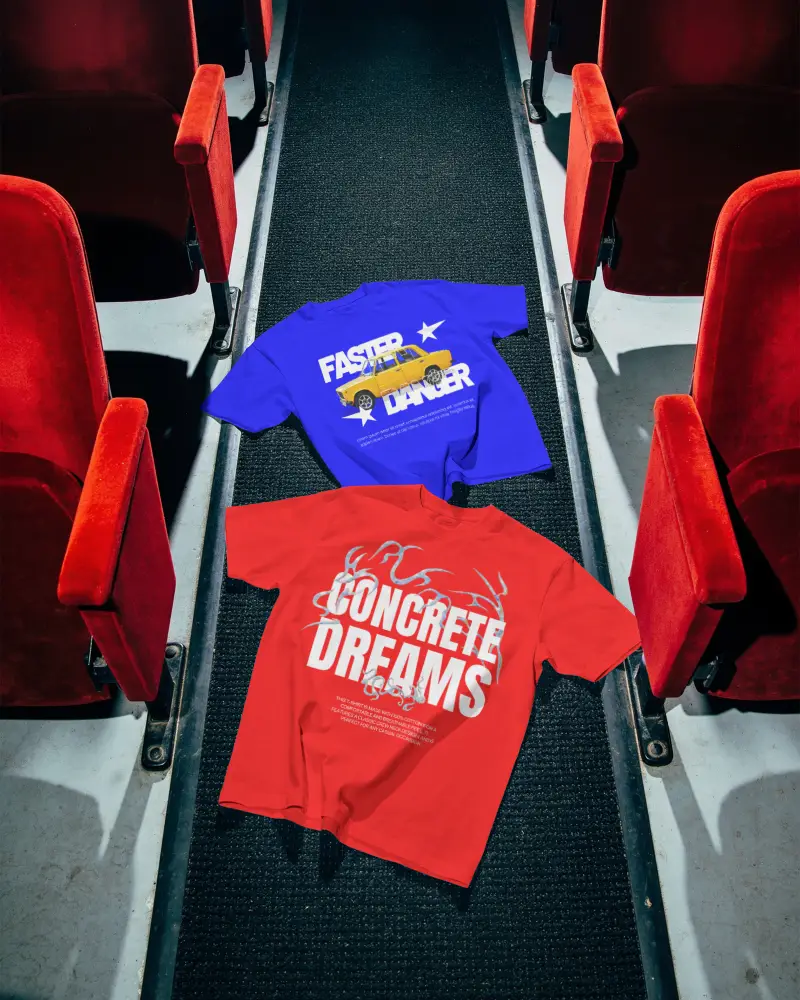
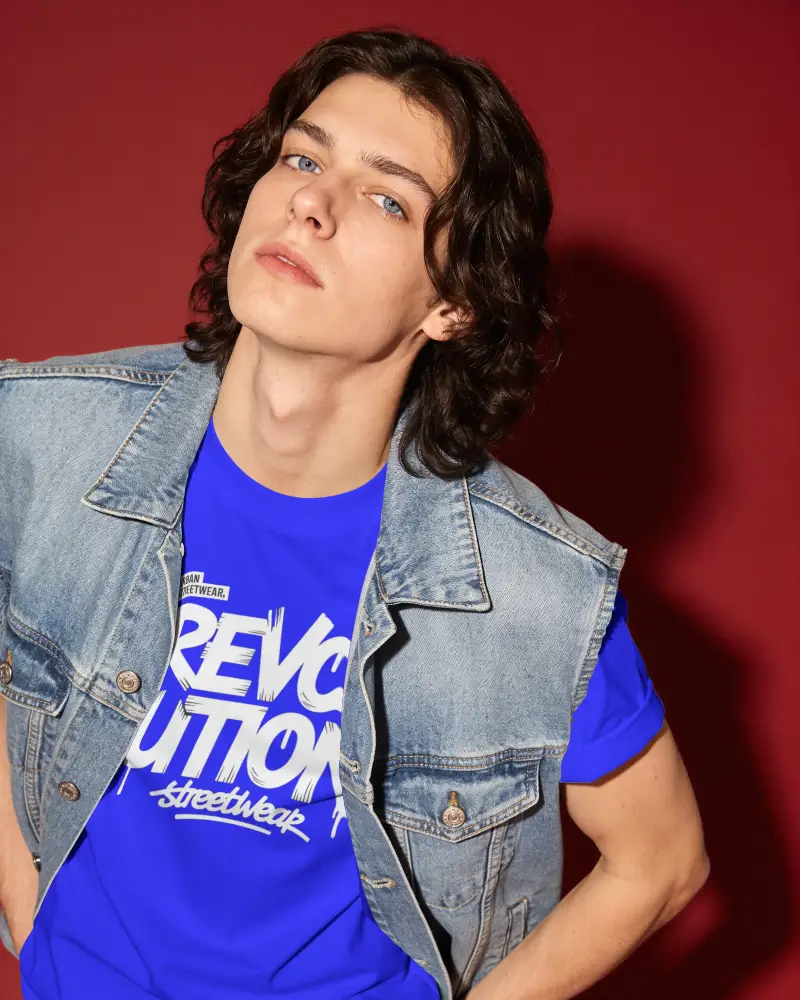
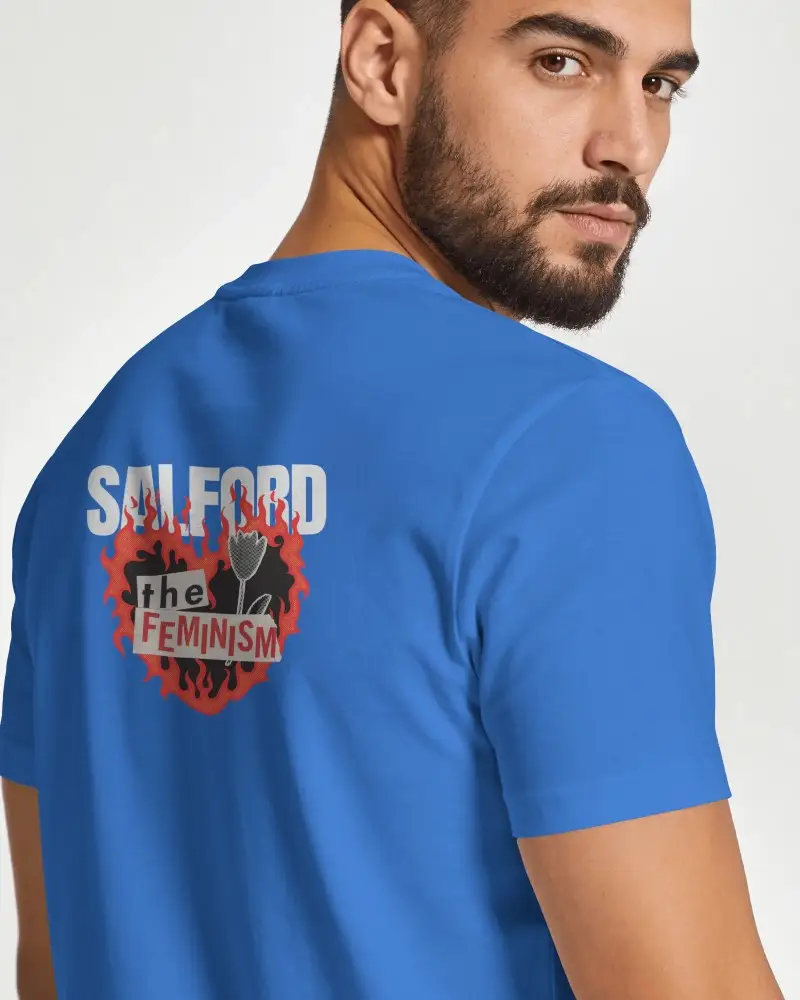
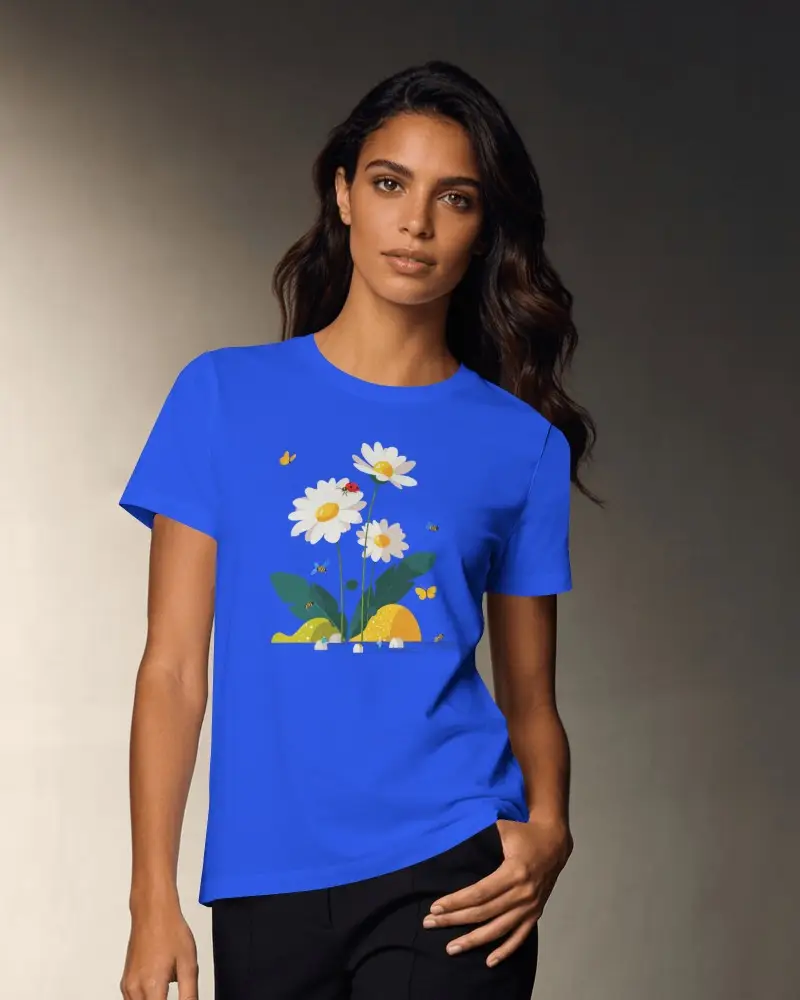
Create and personalize blue T-shirt mockups online with Mockey AI’s free mockup generator. Choose from 1500+ templates, including plain, oversized, and front or back views. Download premium-quality PNG mockups without watermarks—perfect for designers, sellers, and fashion brands.

















































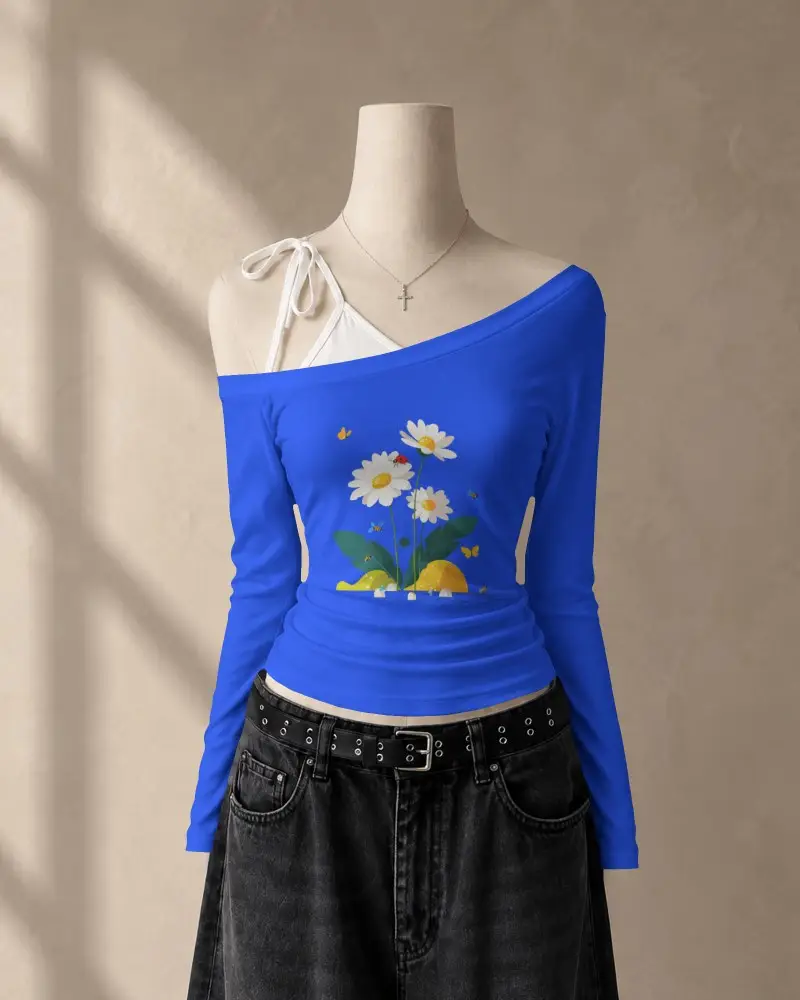
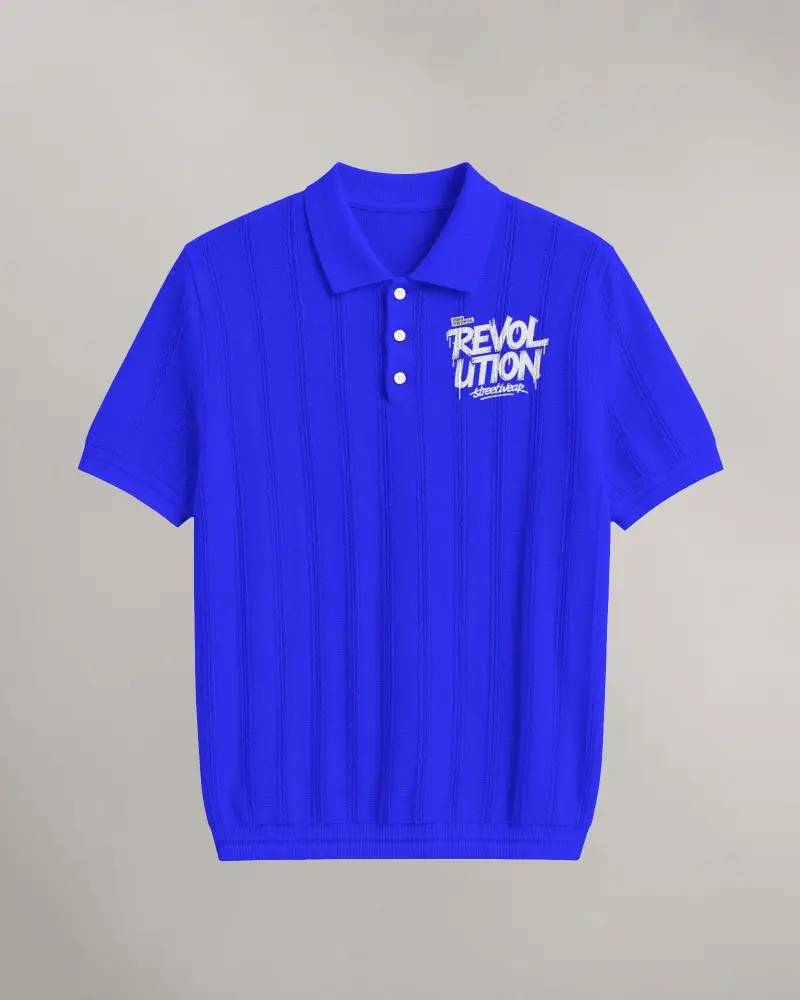
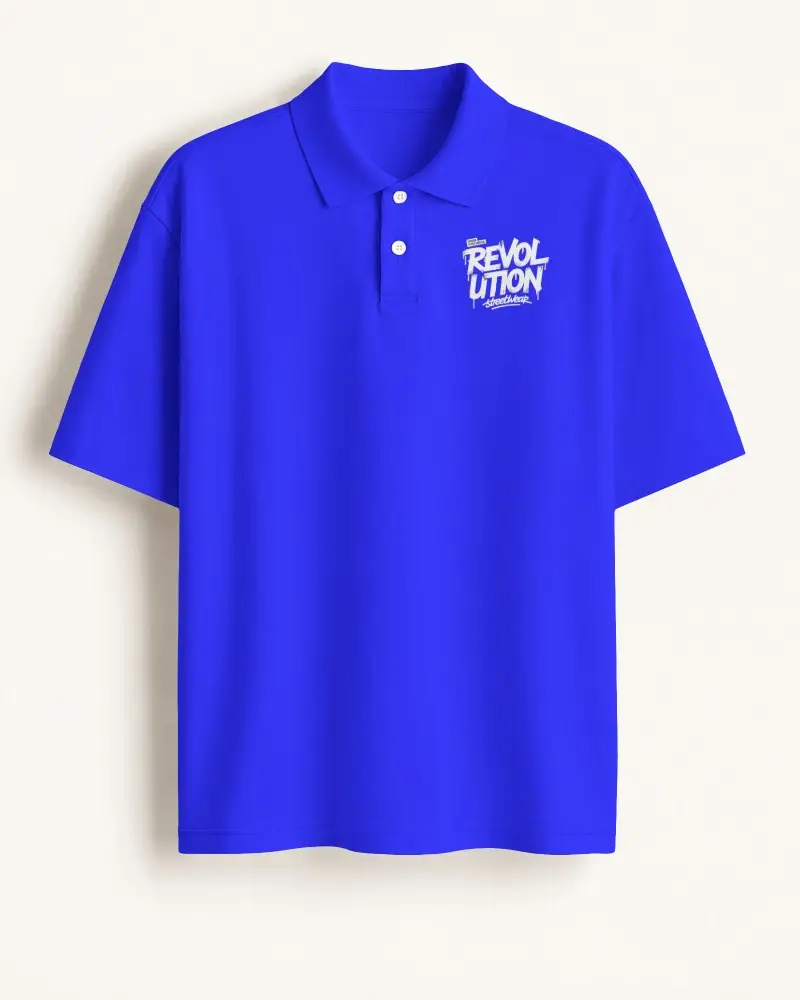
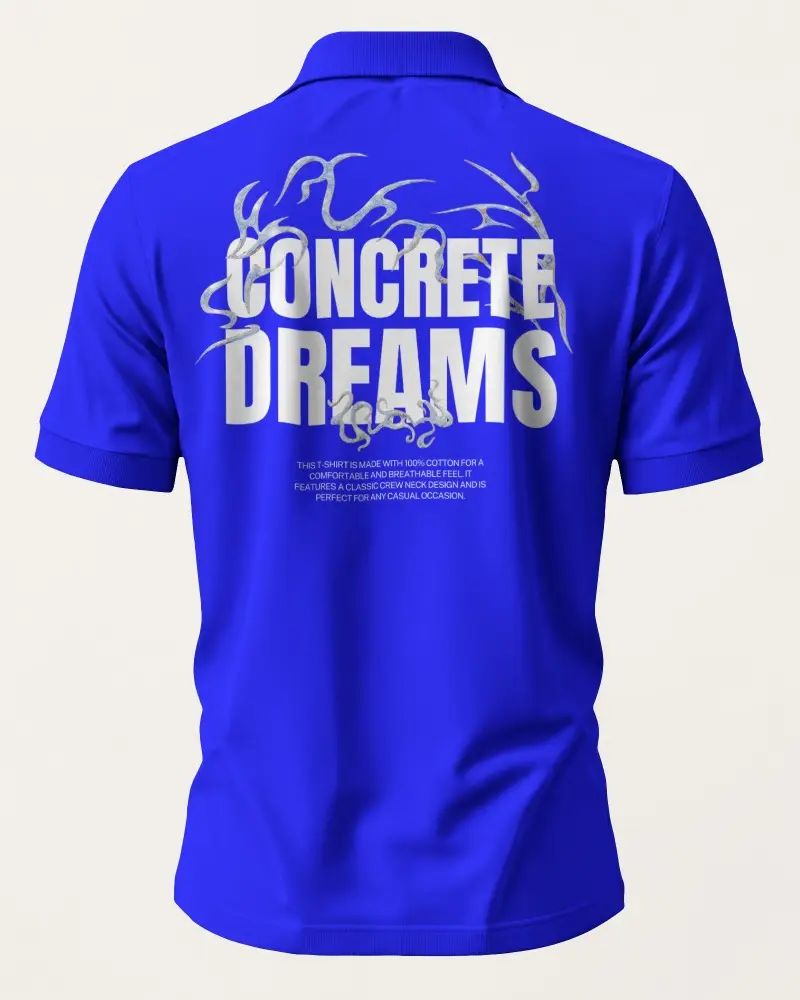

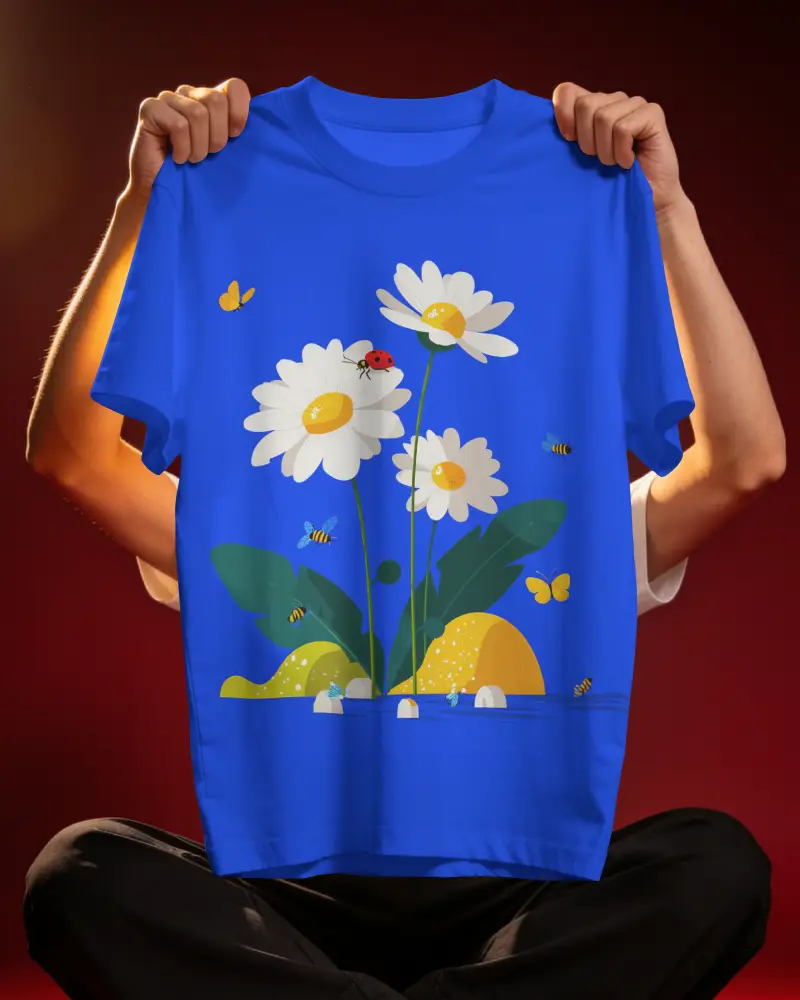
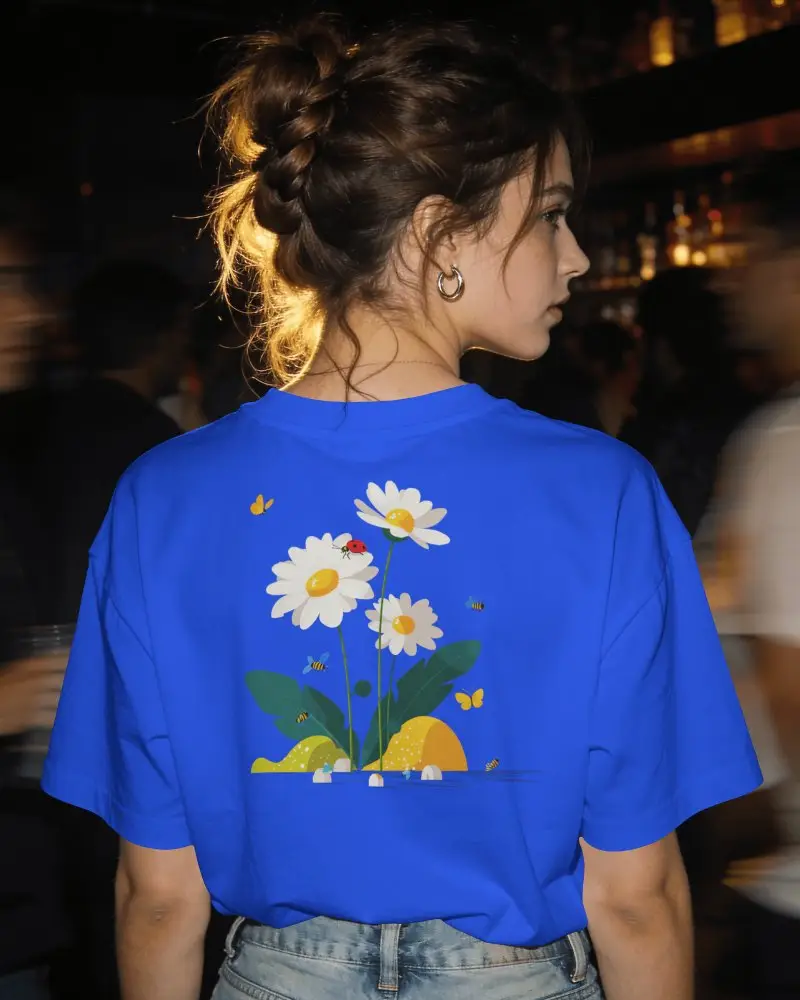
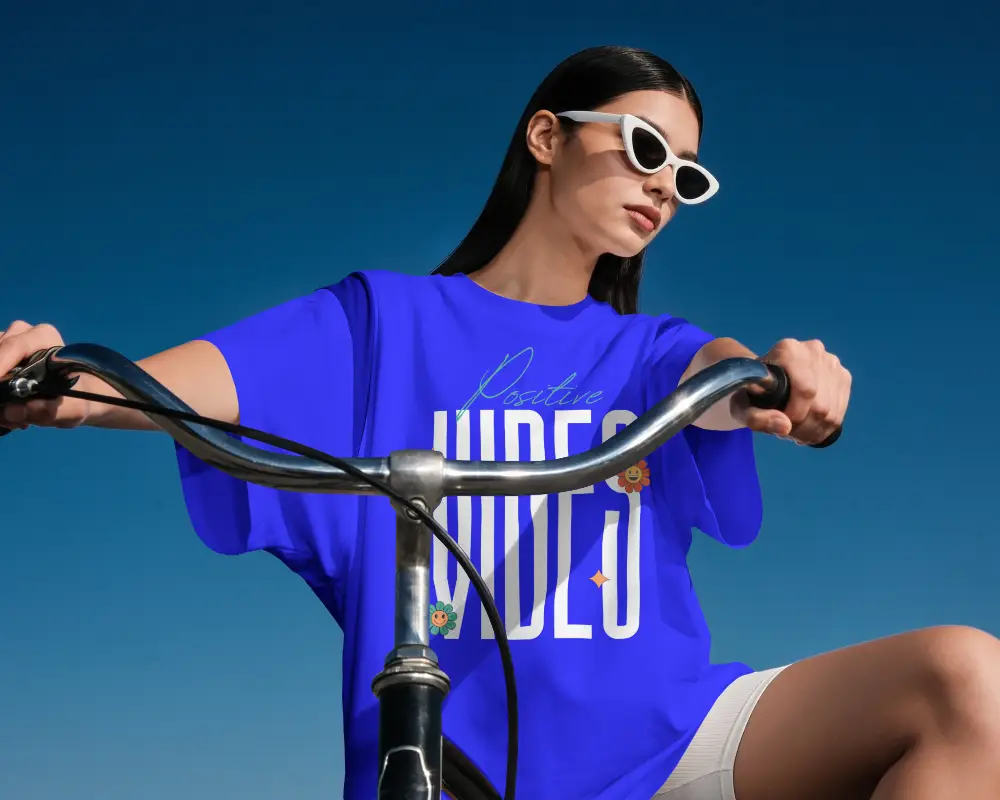
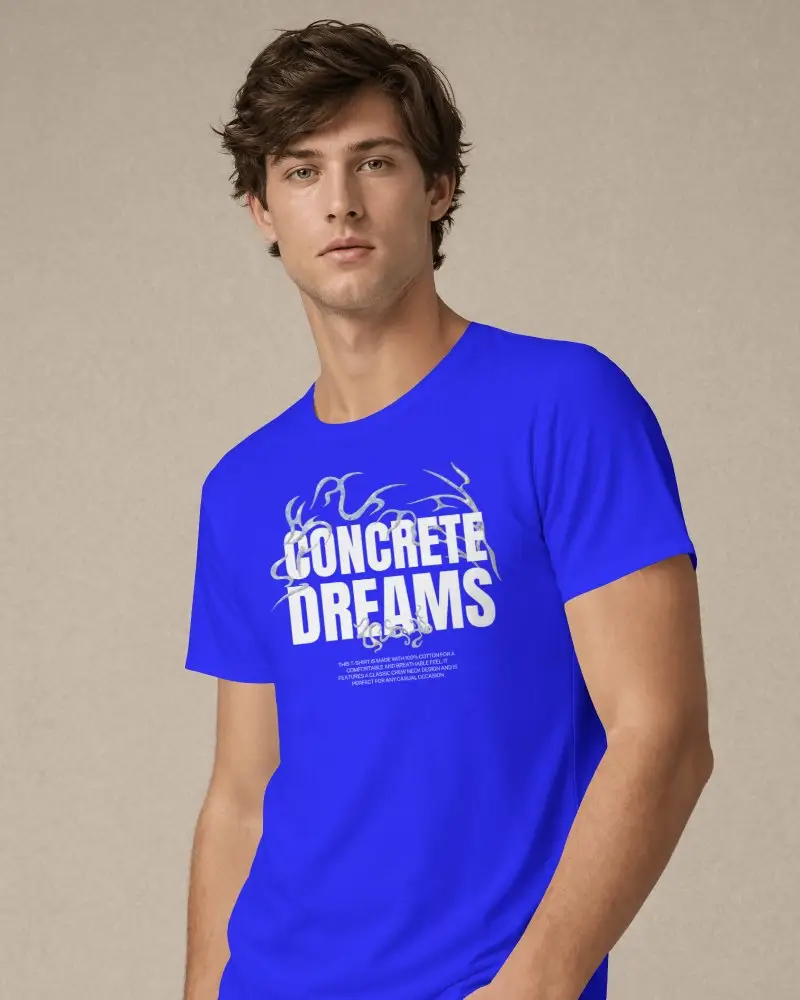


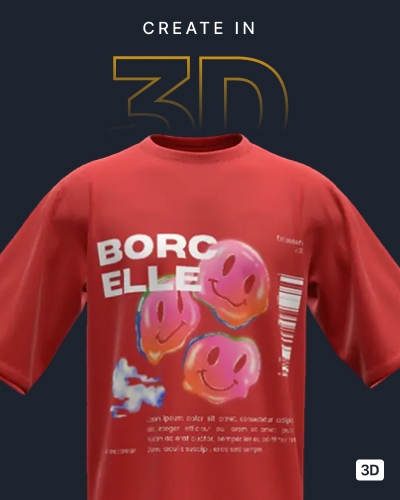
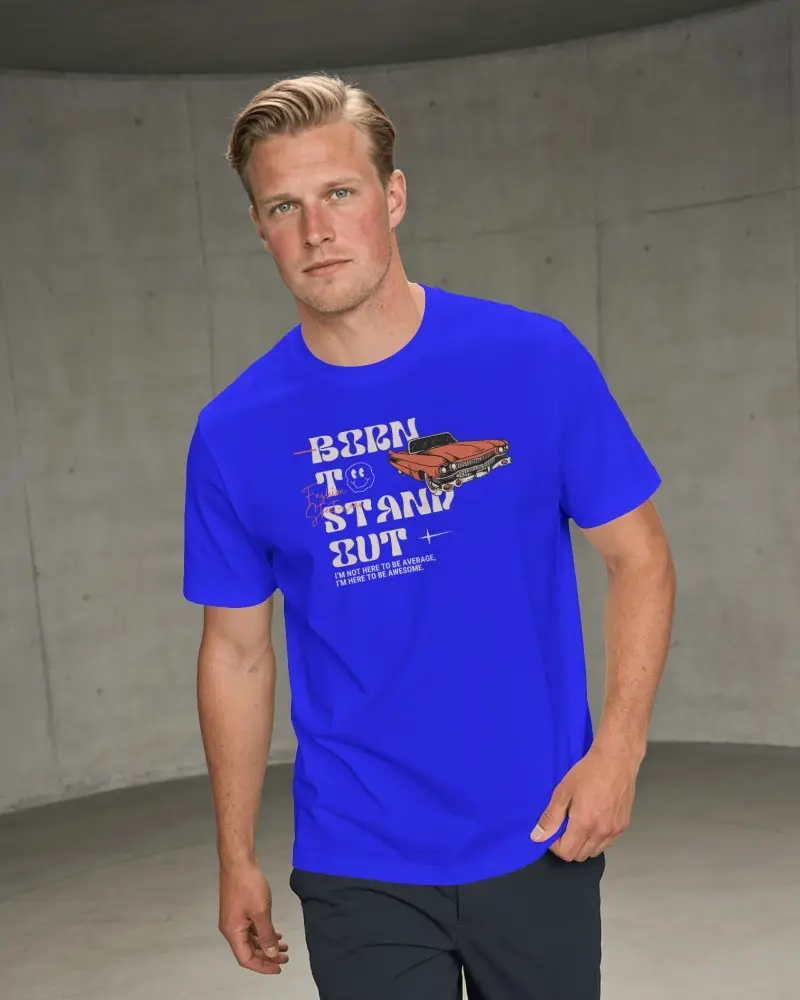
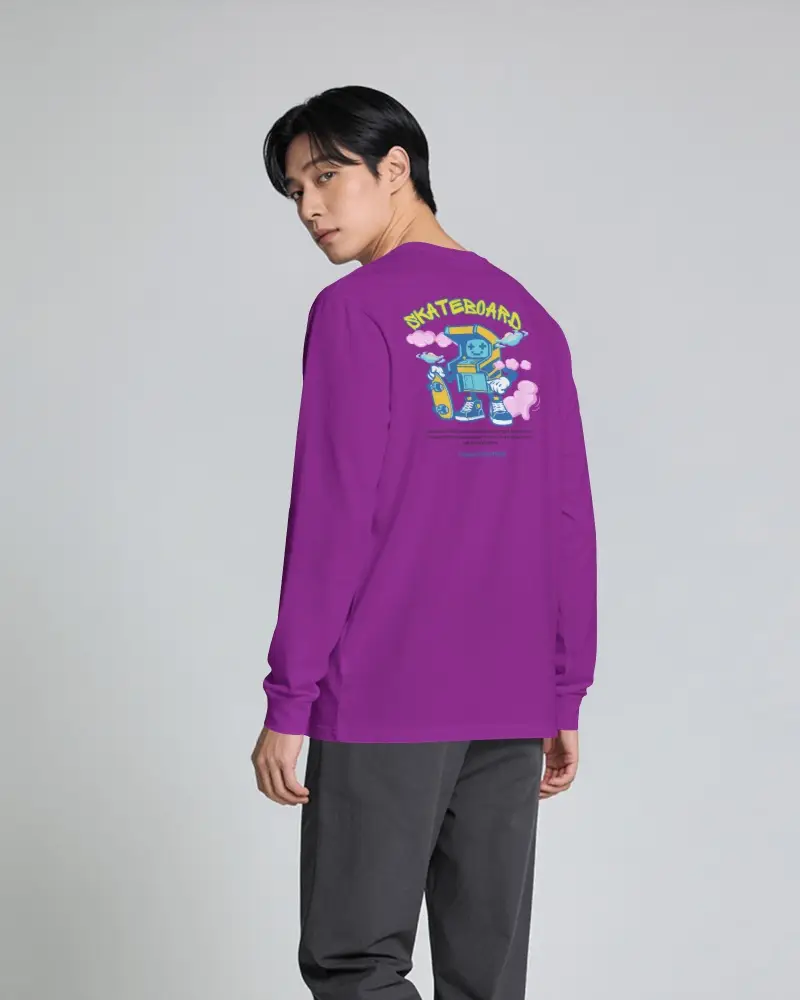
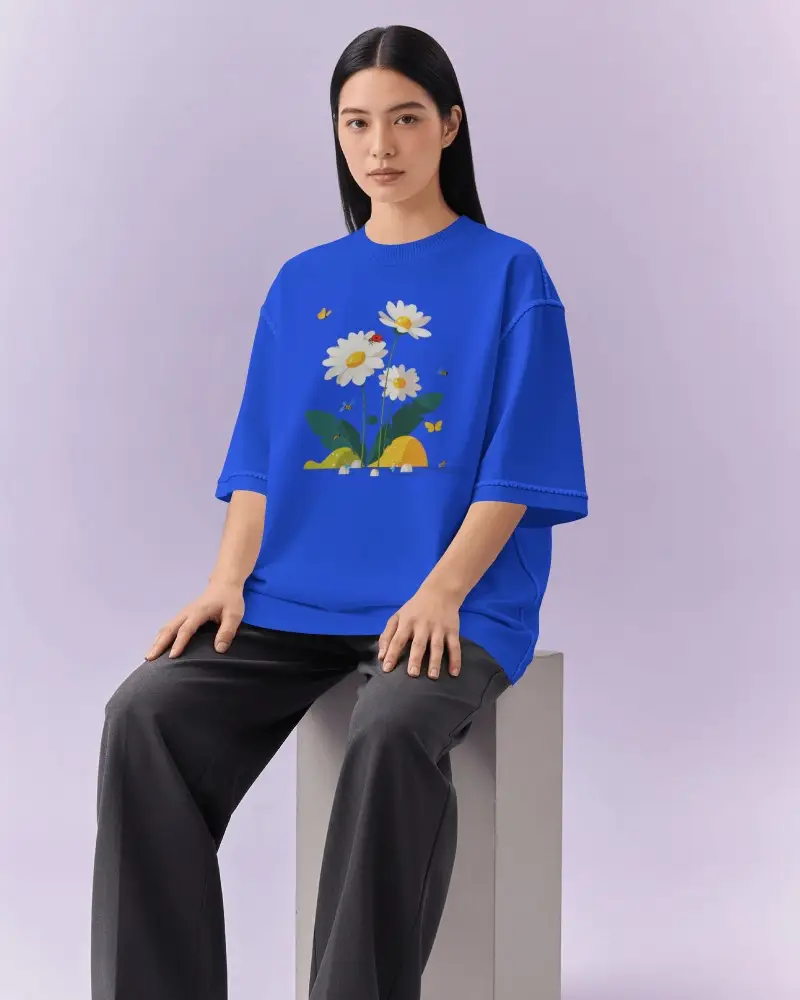

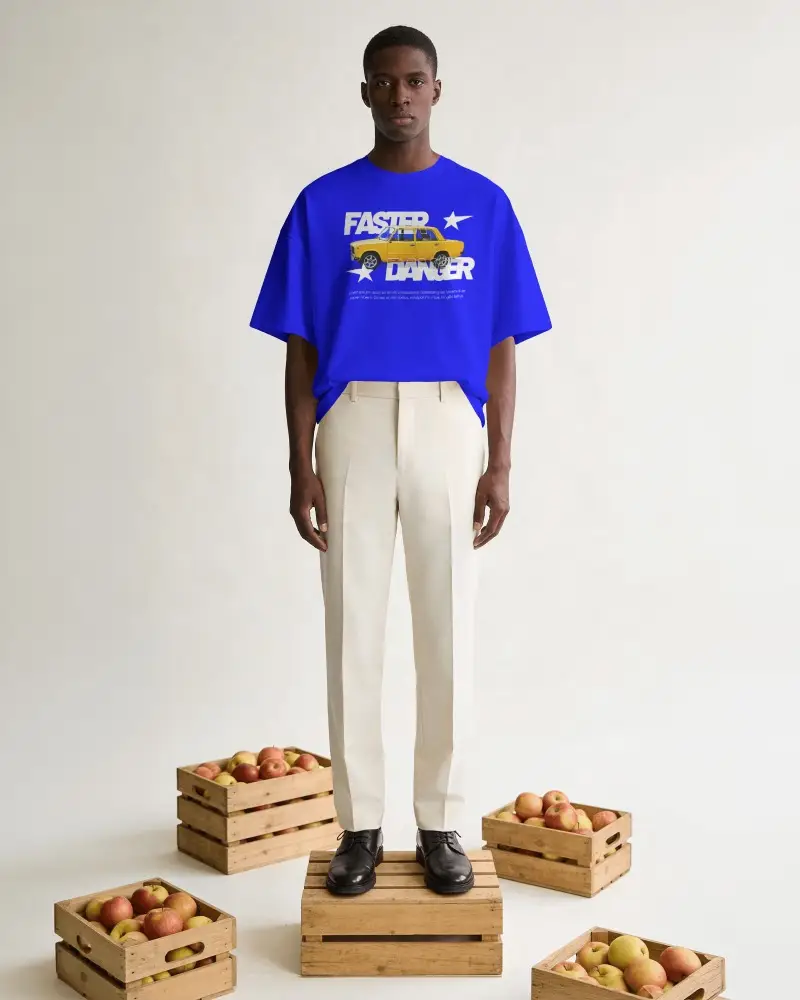
How to Create Blue T-shirt Mockup with Mockey
To create Blue T-shirt mockups:
- Step 1: Go to Mockups > Apparel > T-shirt > Blue.
- Step 2: Select your blue t-shirt template and click ‘Upload Design’ to add your artwork.
- Step 3: Adjust the placement, change the color tone, and download your mockup in high-quality PNG or JPG format.


FAQs on Blue T Shirt Mockups
What is a blue T-shirt mockup?
A blue t-shirt mockup is a ready-to-use template with a plain blue tee. You can place your design on it and show it to your client. It’s easy to edit and comes in different file formats. It works well for branding as you can preview the design on a model, a hanger, or even laid flat, all before production begins.
Can I customize the design and shades of a blue T-shirt mockup?
Once you upload your design to the blue t-shirt mockup, you can customize it by moving it around, rotating it, or making it bigger. You can also switch the color by typing in a code or picking from the color wheel.
Are blue T-shirt mockups free to use for commercial projects?
Yes, you can use Mockey AI’s free blue t-shirt mockups for commercial purposes. Not just blue, all mockups come with the same benefit from the Mockey AI mockup generator.
