Pocket T-Shirt Mockup – Realistic & Editable Mockups
Bring your pocket T-shirt designs to life with Mockey’s Pocket T-Shirt Mockup. Edit colors, add artwork, and create realistic previews. Perfect for designers, POD sellers, and online stores to showcase every detail professionally.


















































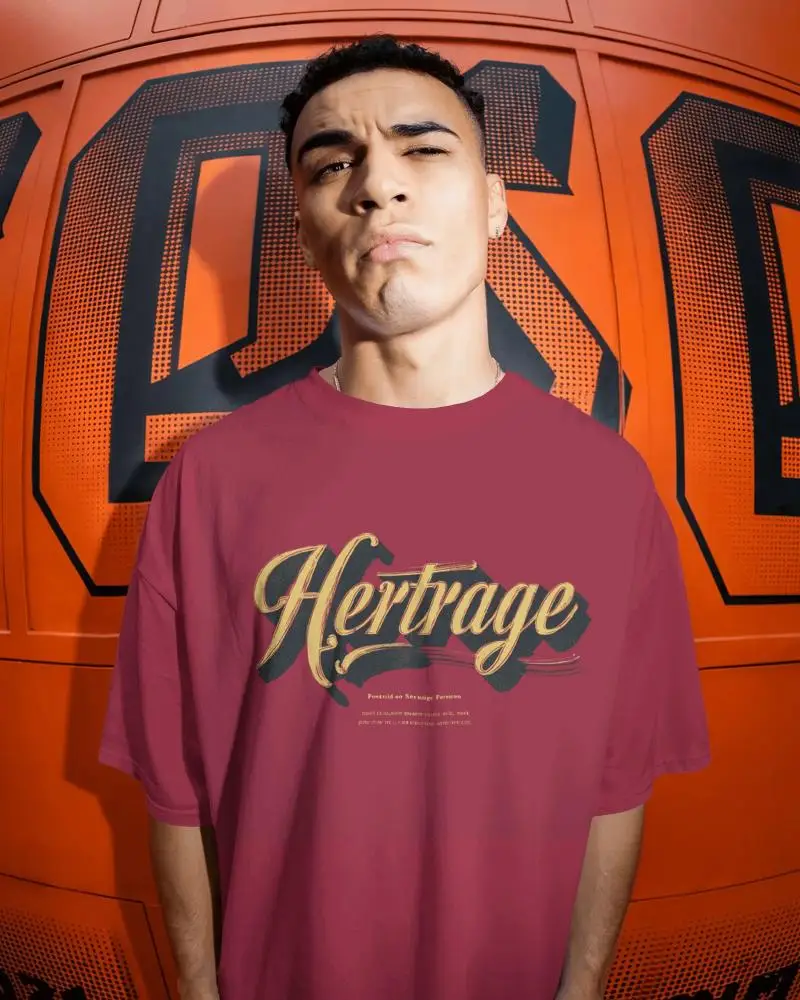
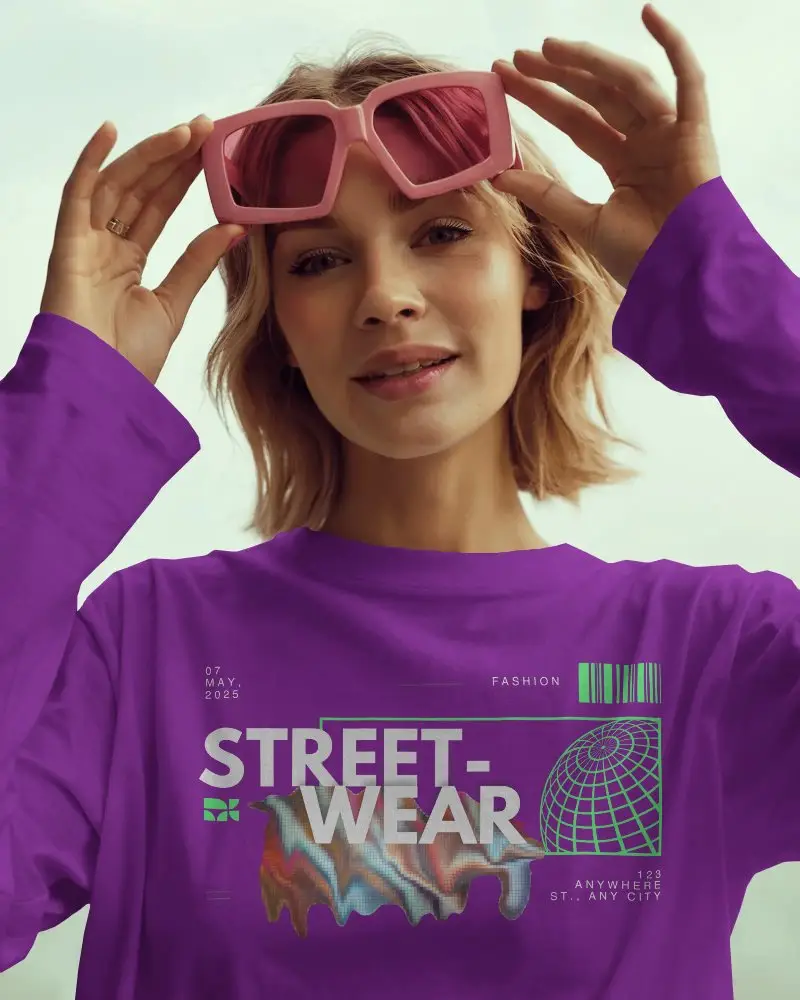
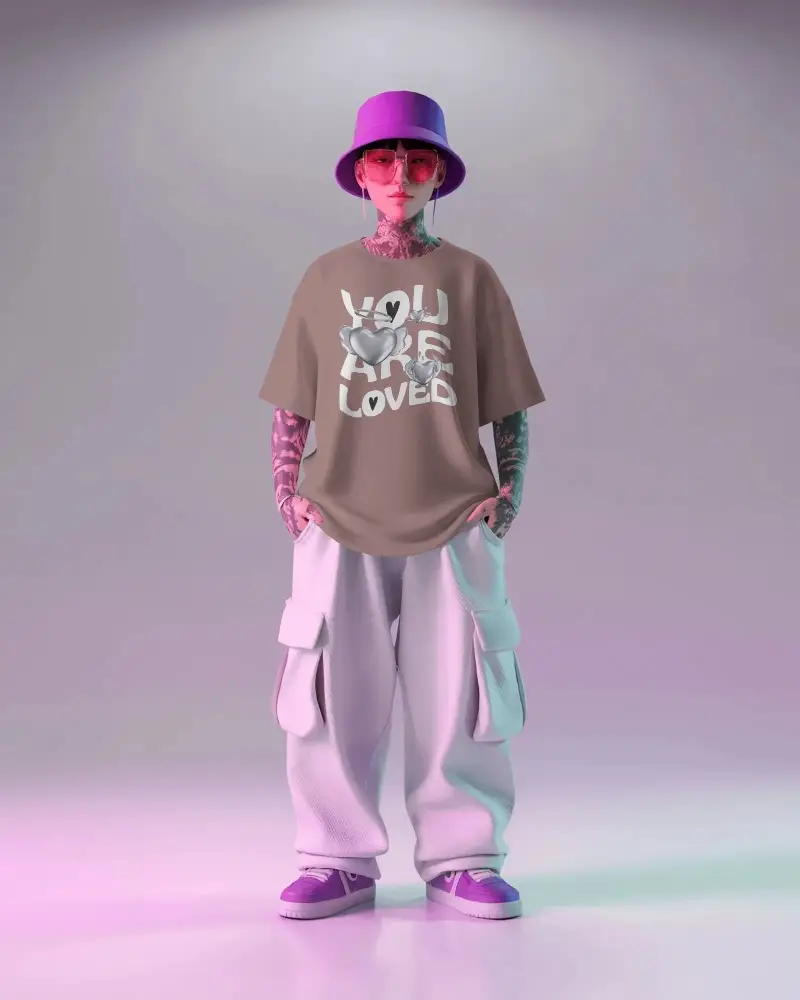
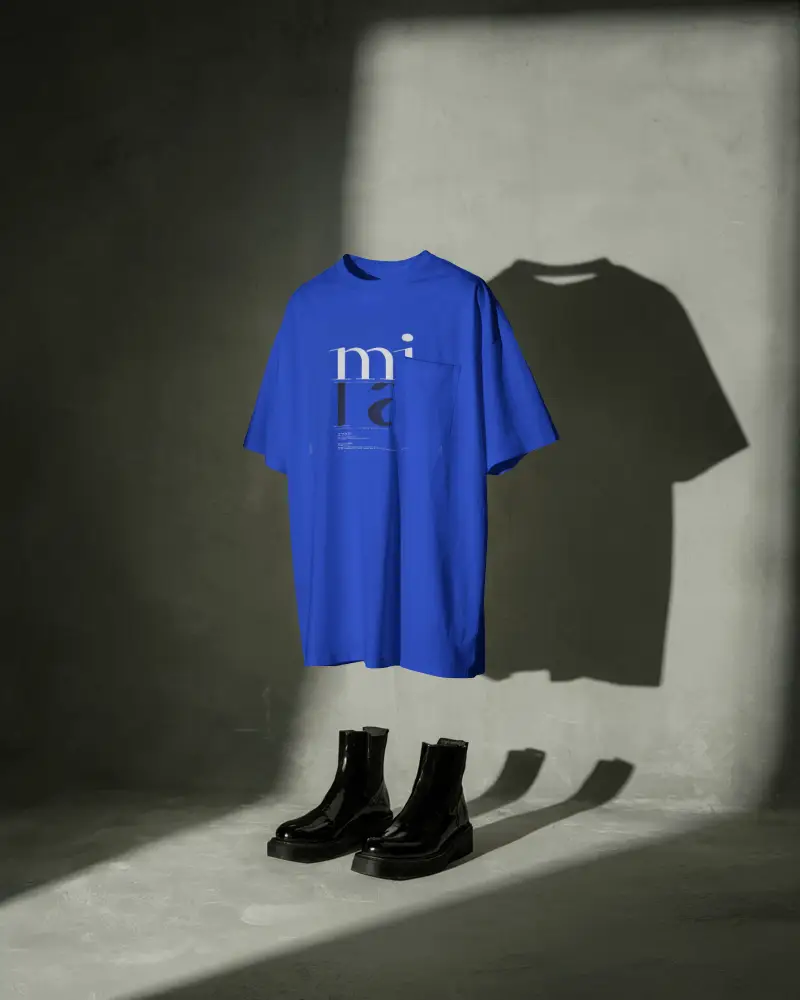
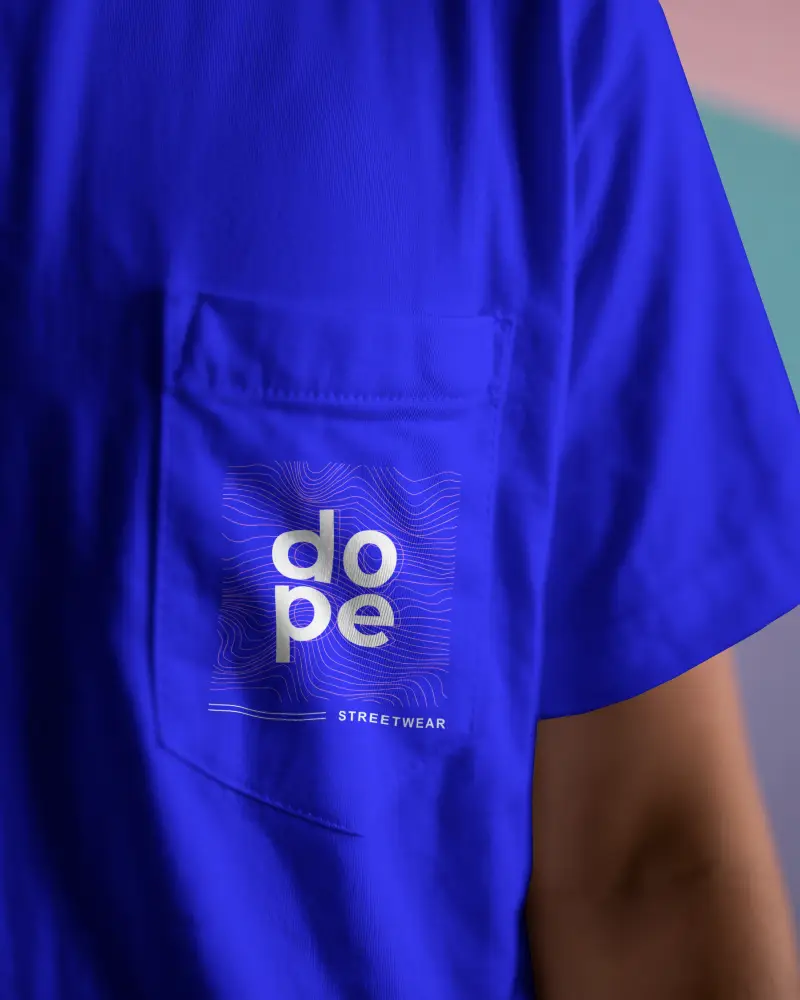

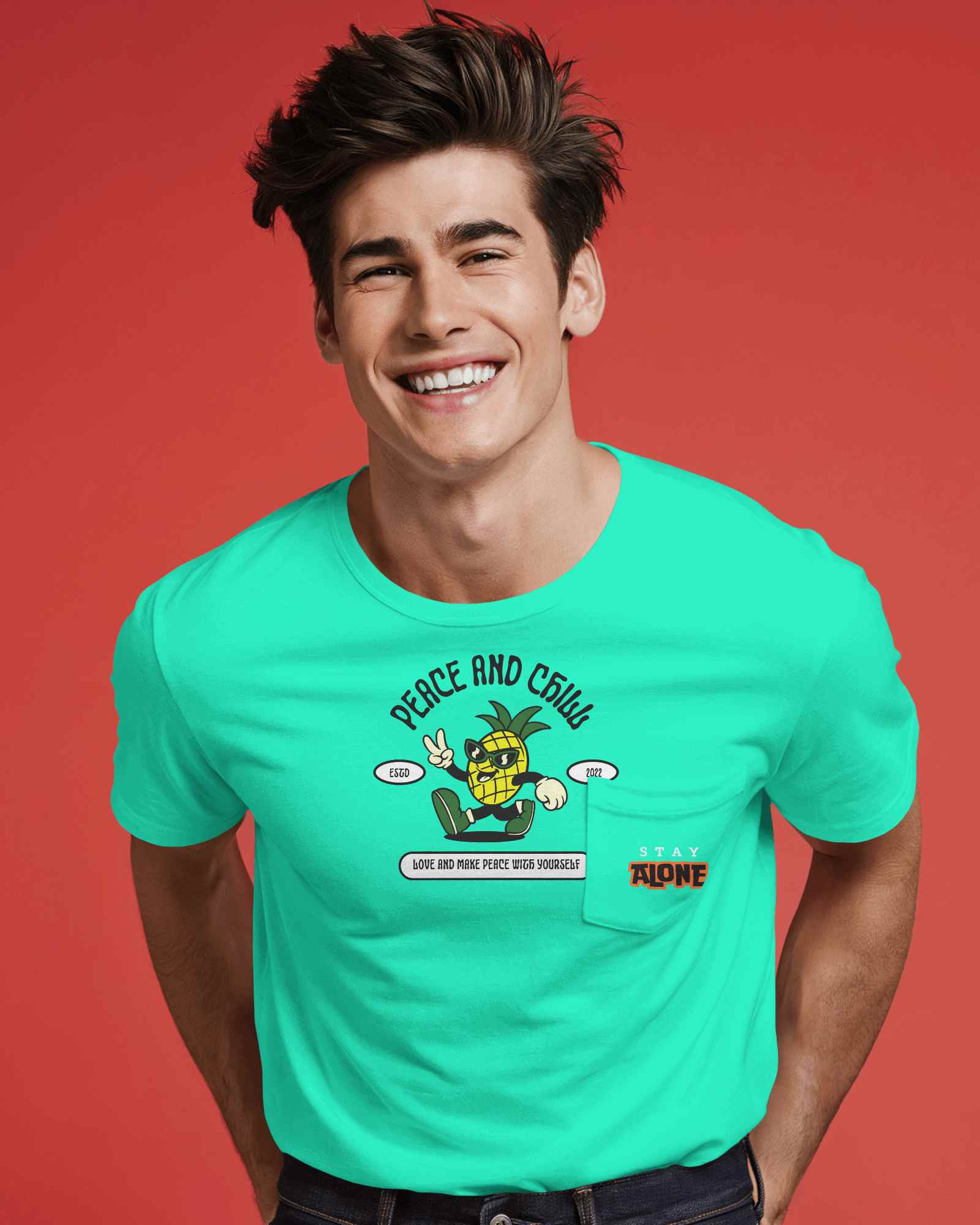
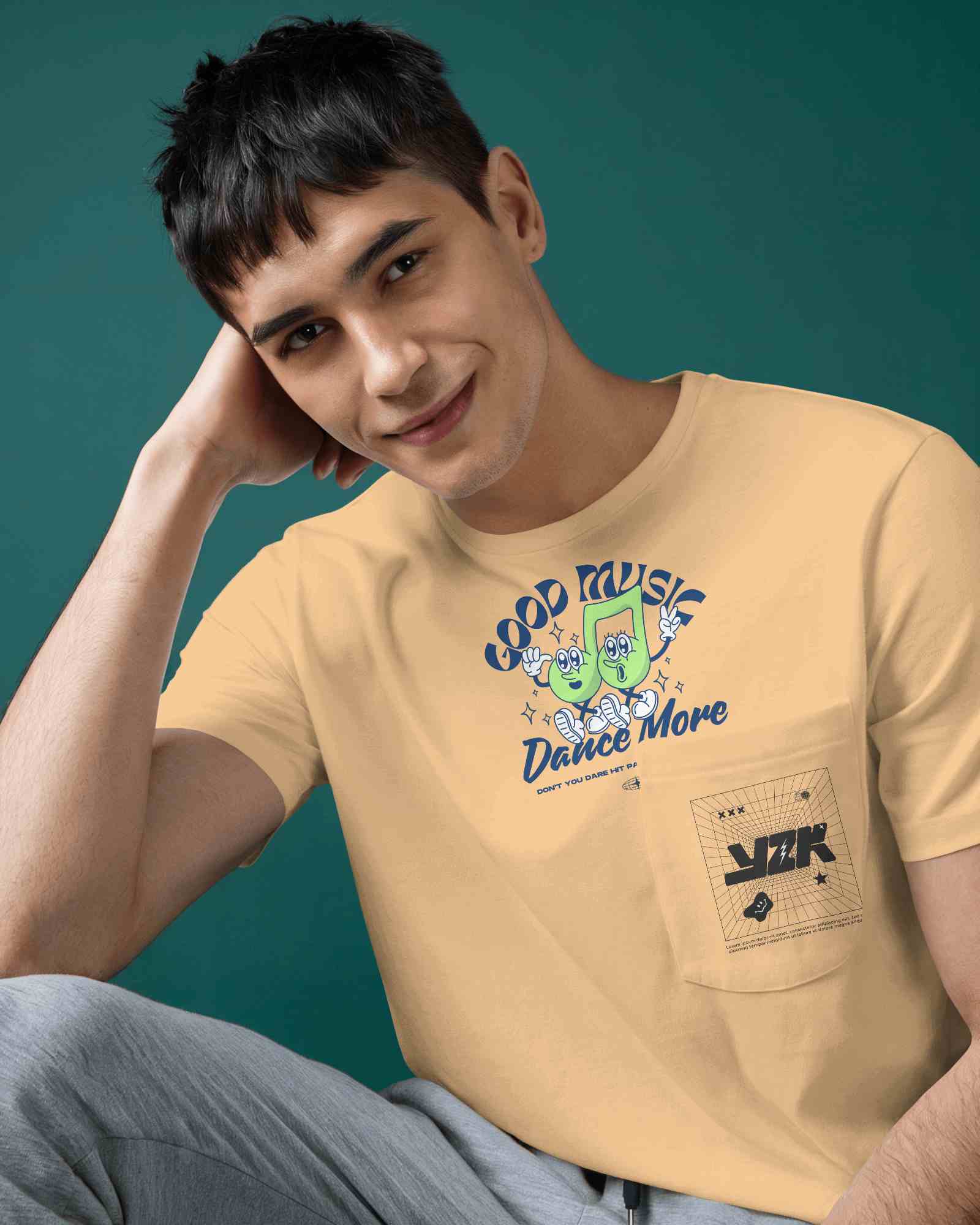

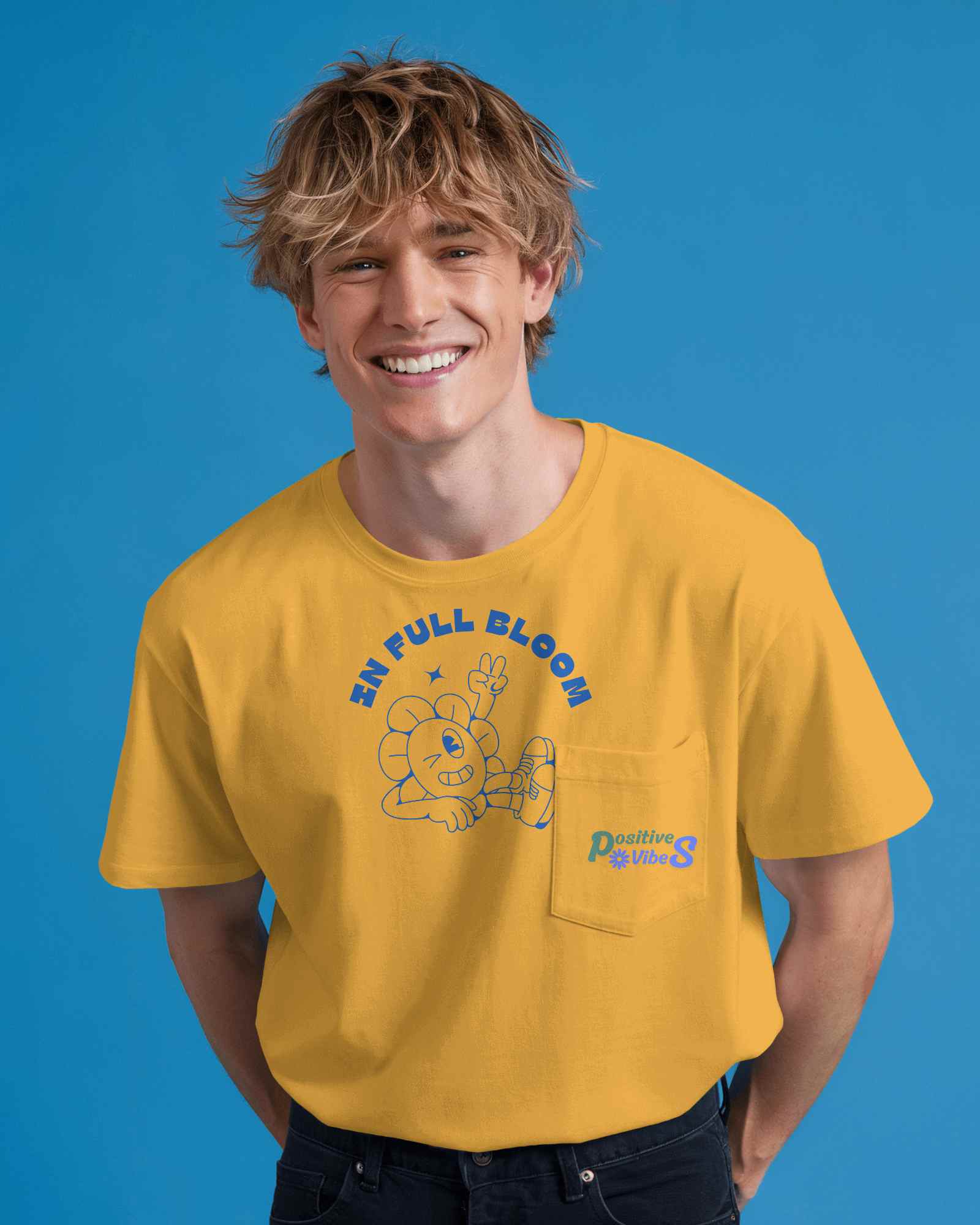
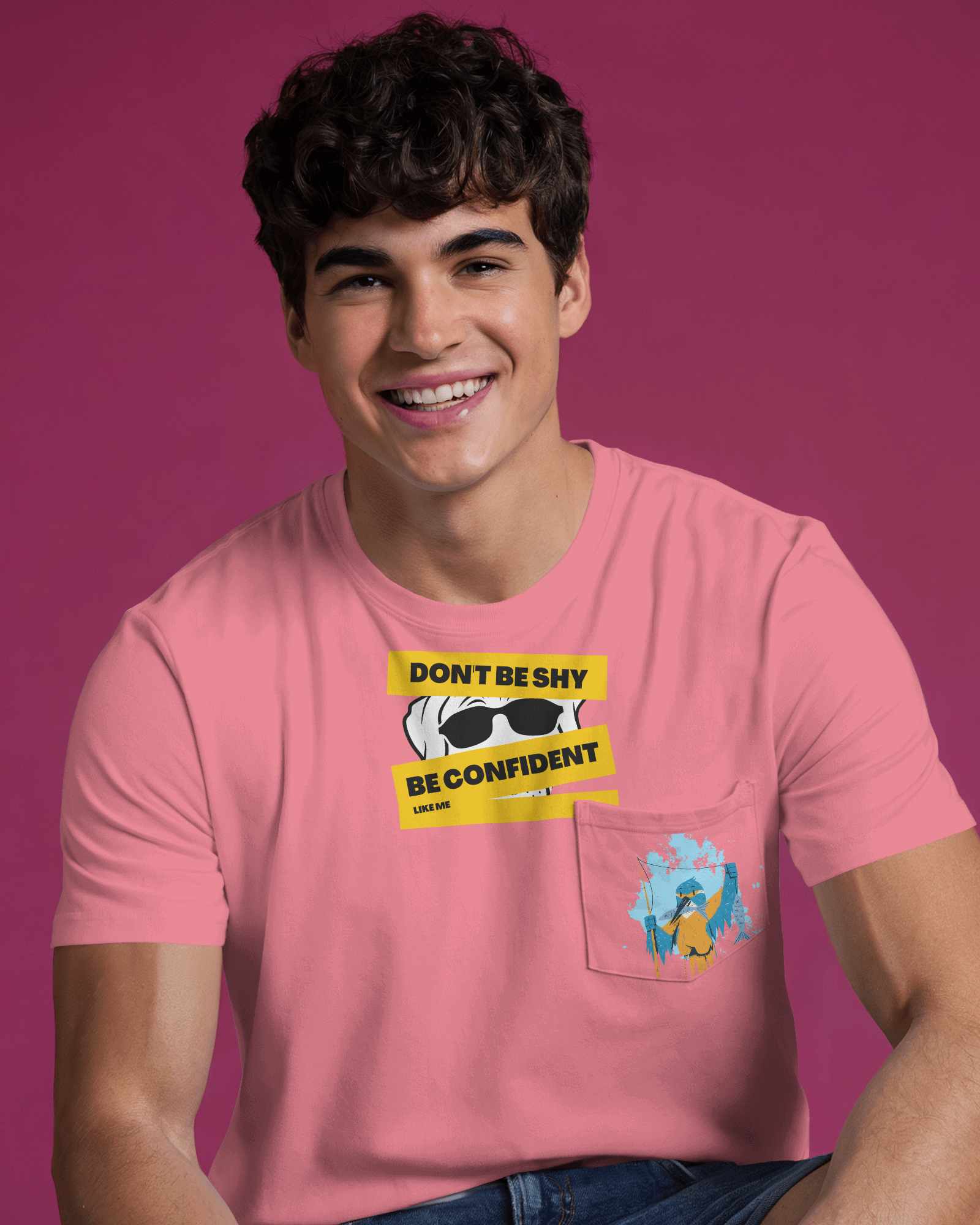
How to Create Pocket T-shirt Mockup with Mockey
To create Pocket T-shirt mockups:
- Step 1: Go to Mockups > Apparel > T-shirt > Pocket.
- Step 2: Choose your desired template and click 'Upload Design' to add your artwork.
- Step 3: Adjust the placement, edit colors, and download your pocket t-shirt mockup in high quality.


FAQs on Pocket T Shirt Mockups
Can I use this Pocket T-Shirt Mockup for POD products?
Yes, you can use Mockey AI's Pocket T-Shirt Mockups for POD or personal use, but we cannot speak for others. Whether you can use a mockup or not comes down to its license.
Can I customize the Pocket T-Shirt Mockup with different designs?
If you have different designs, you can add them one by one to the template and preview them. You just need to use the Upload Design button. In the same section, you can keep adding new designs using the “+” button if you’re on the Starter. And this works not just for pocket t-shirt mockups, but also for round neck t-shirt mockups , long sleeve t-shirt mockups and more.
Can I use front and back views in the Pocket T-Shirt Mockup?
Yes, you just need front and back view templates for pocket t-shirt mockups to use them. On Mockey AI, new templates keep getting added every week.
