Gray T-Shirt Mockup for Your Brand
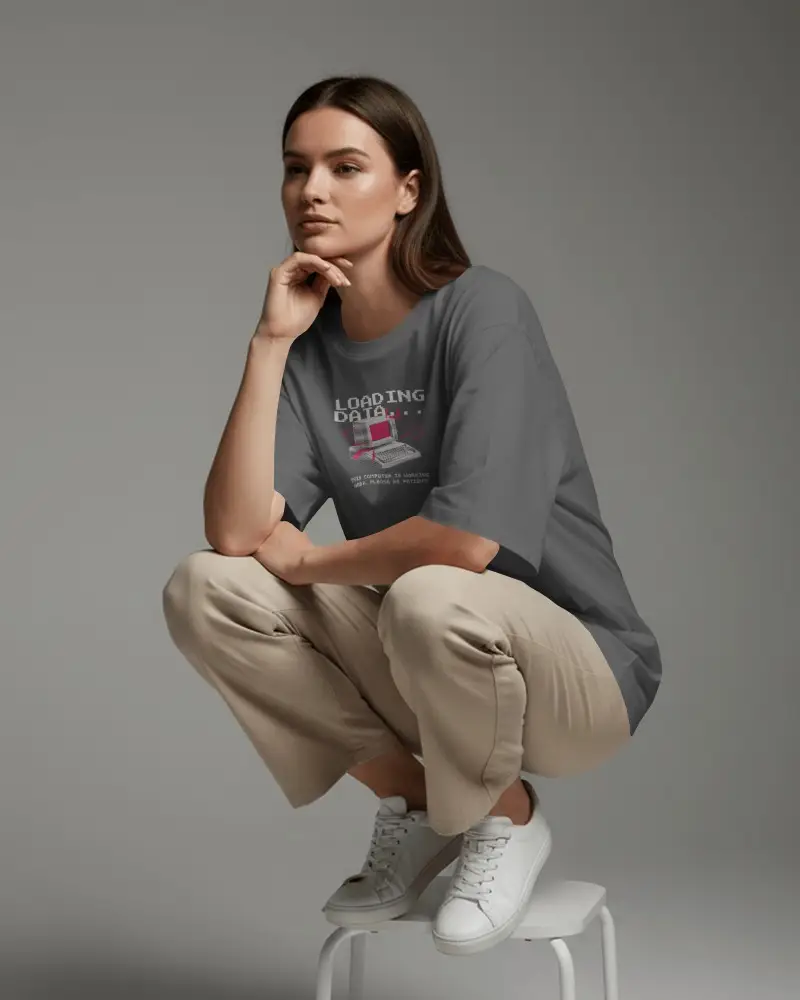
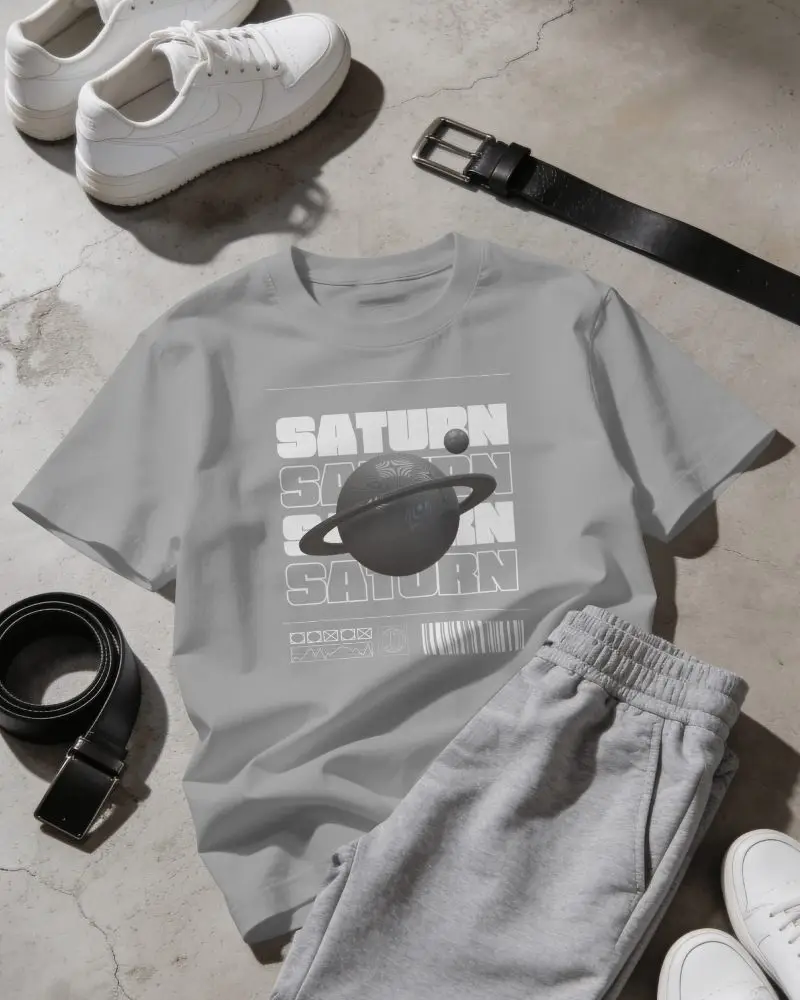
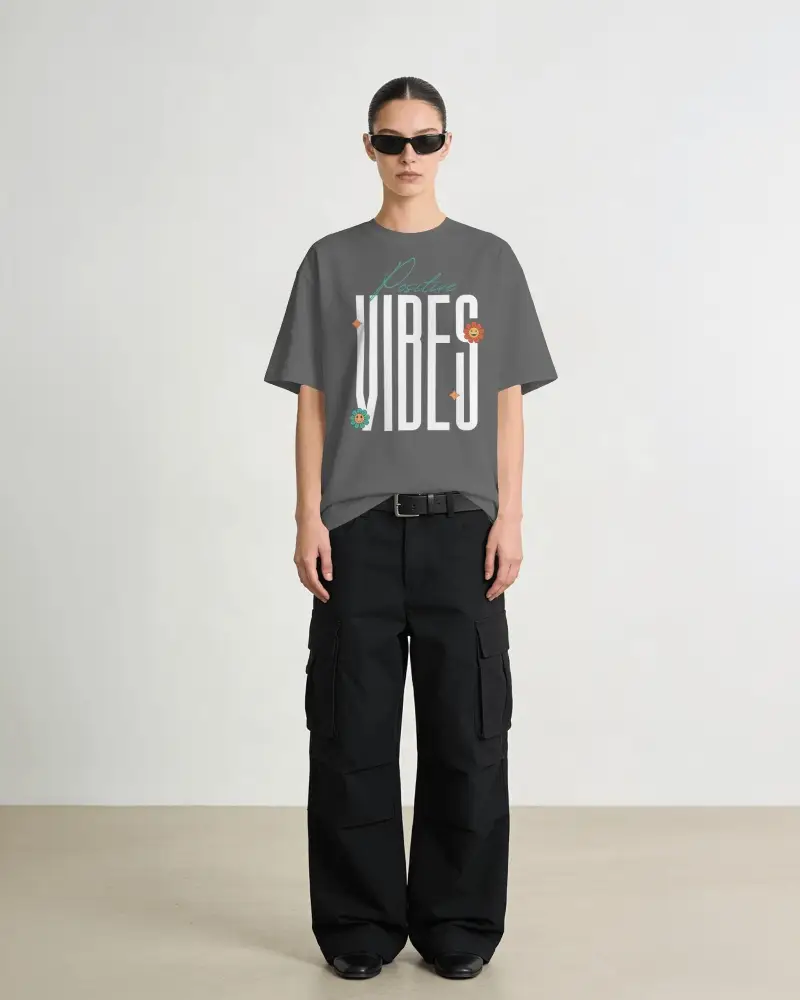
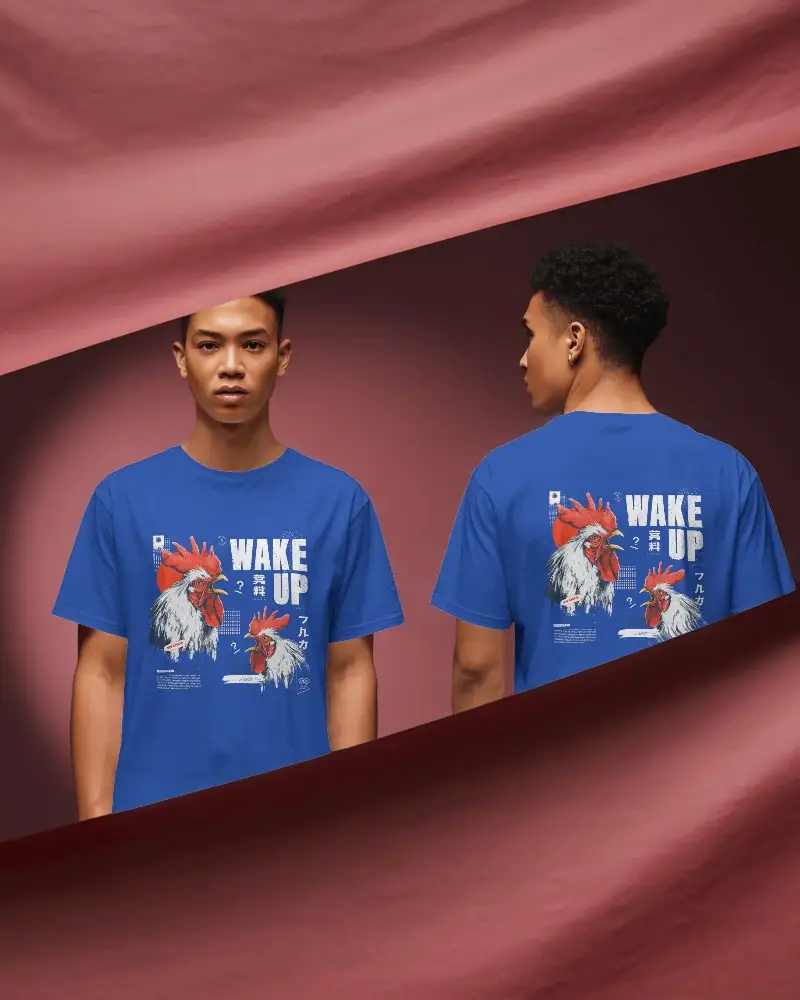
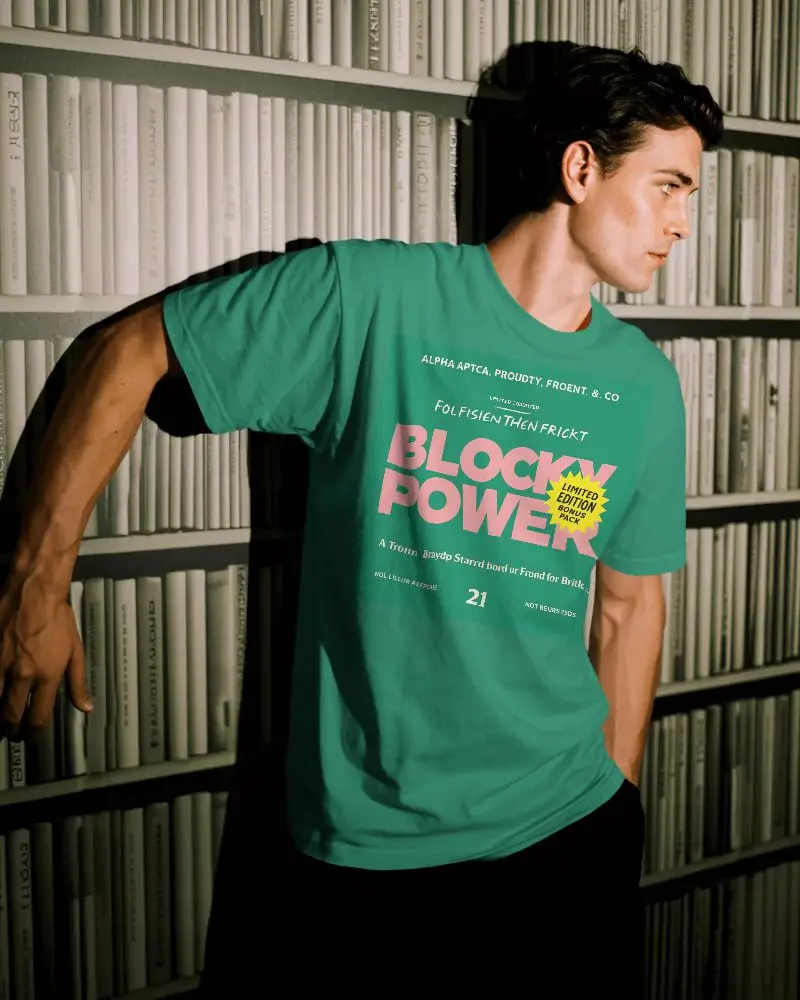
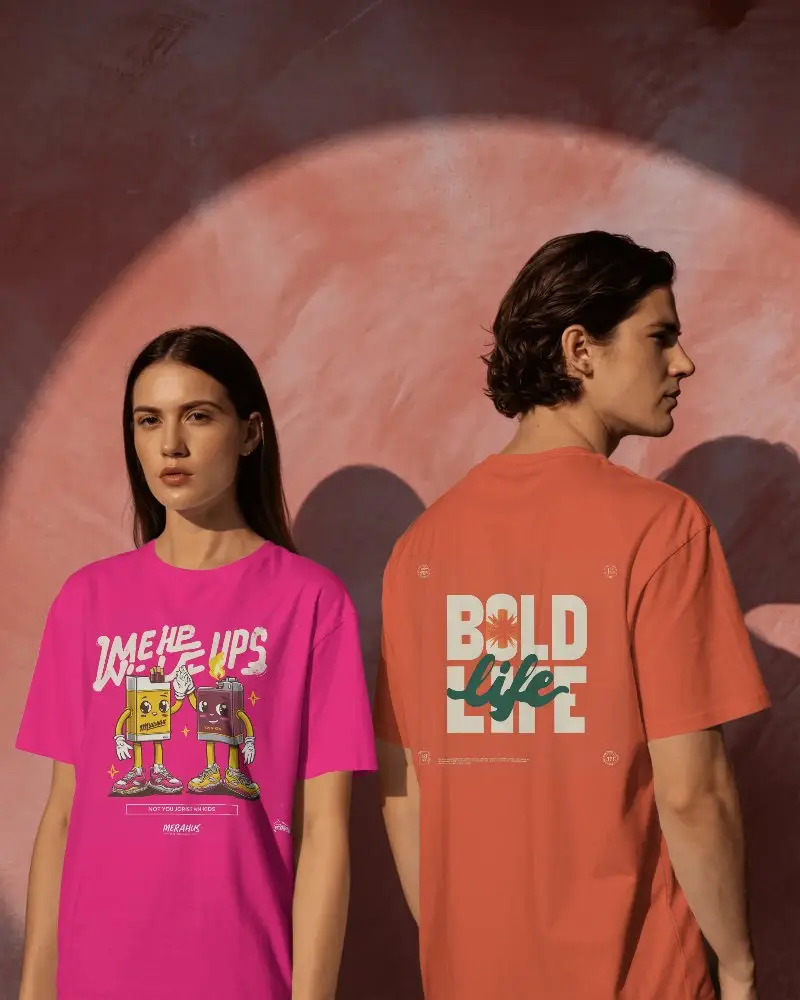
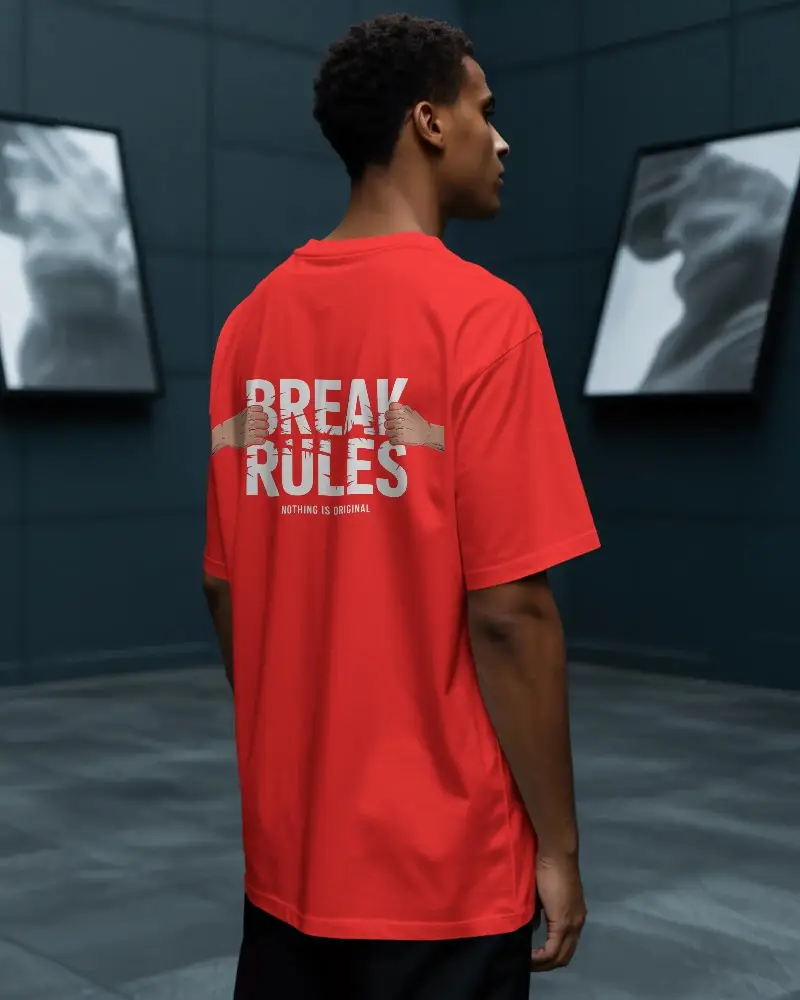
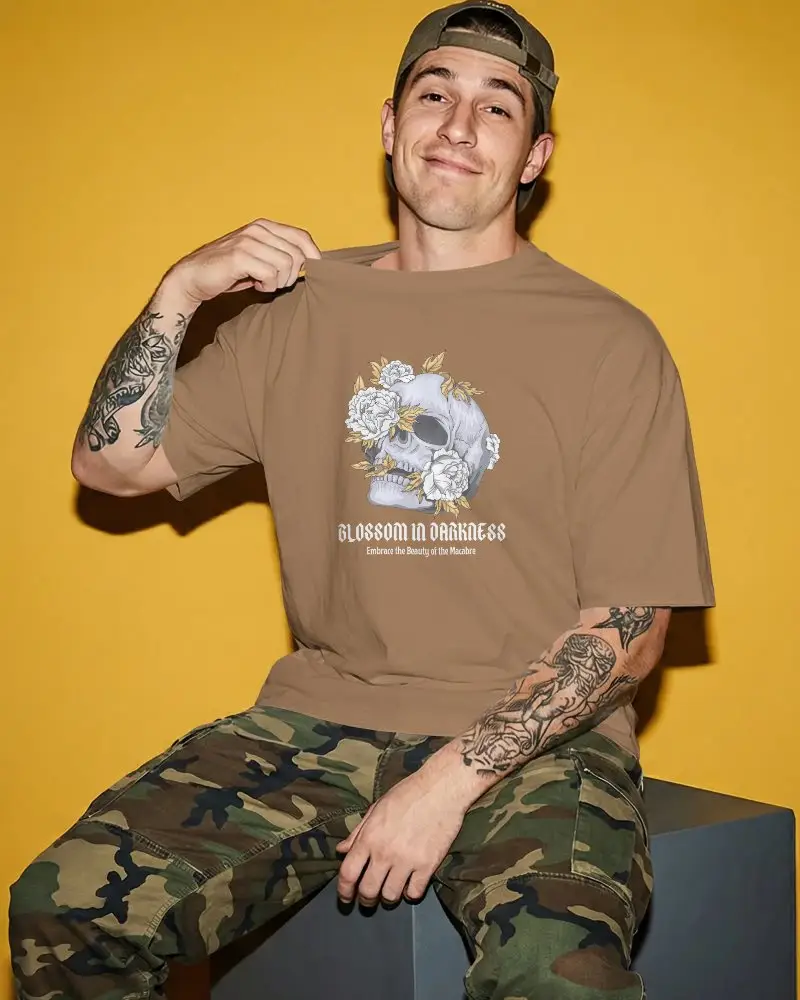
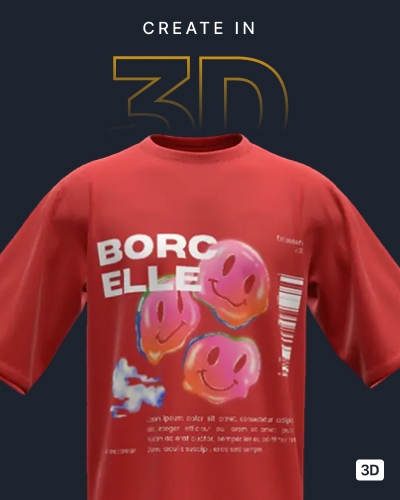
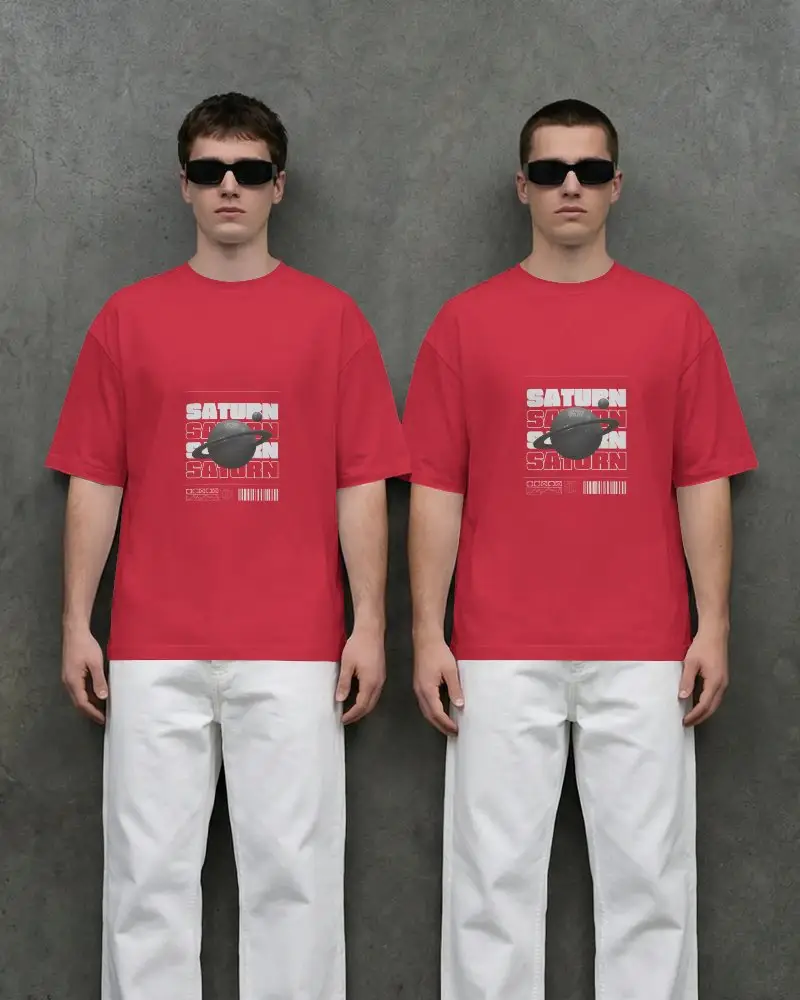
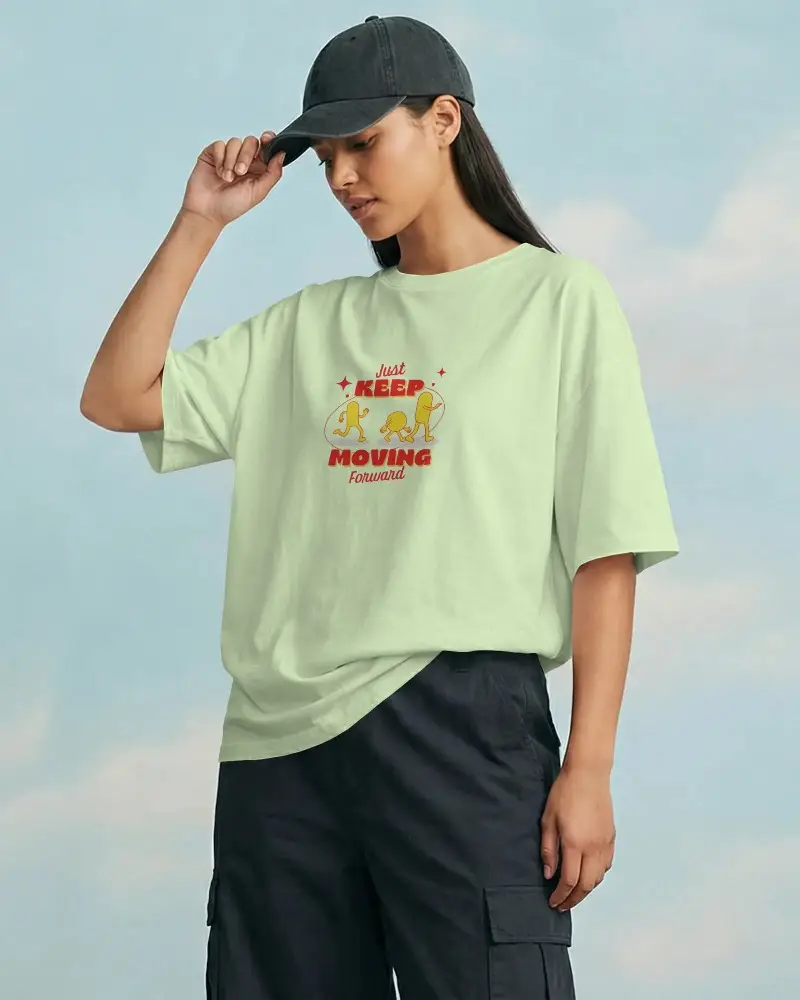
Create and customize gray T-shirt mockups online with Mockey AI’s free generator. Choose from 1500+ templates, including plain, oversized, and front or back views. Get premium-quality PNG mockups without watermarks—ideal for branding, print-on-demand, and apparel stores.



















































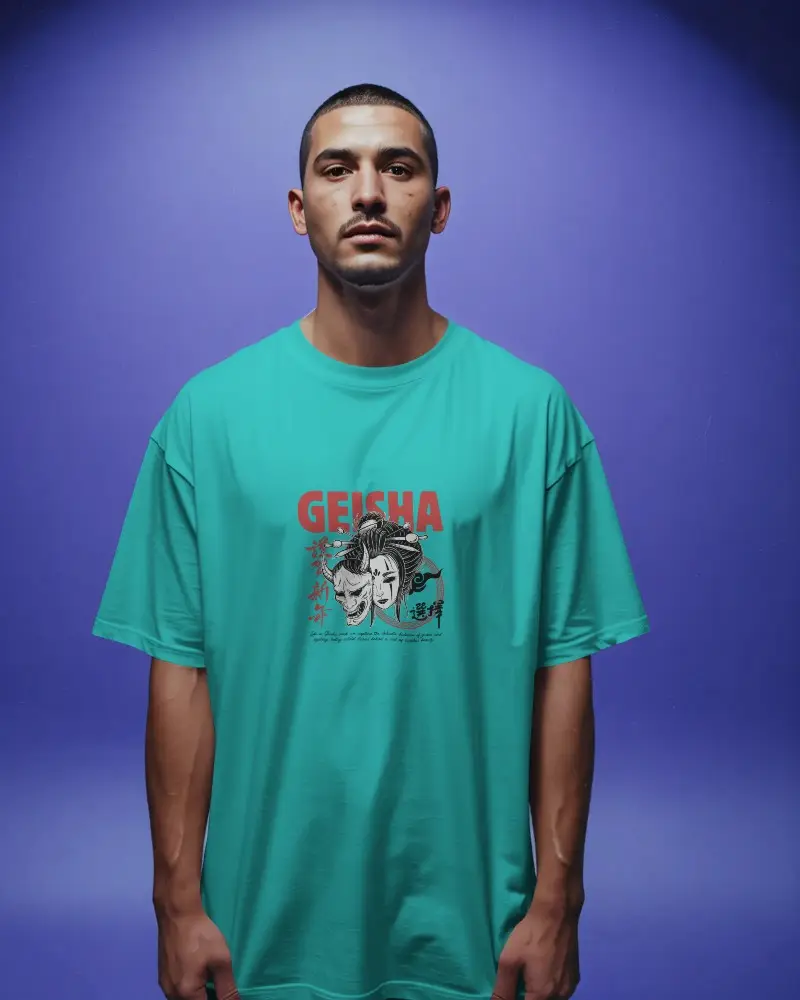
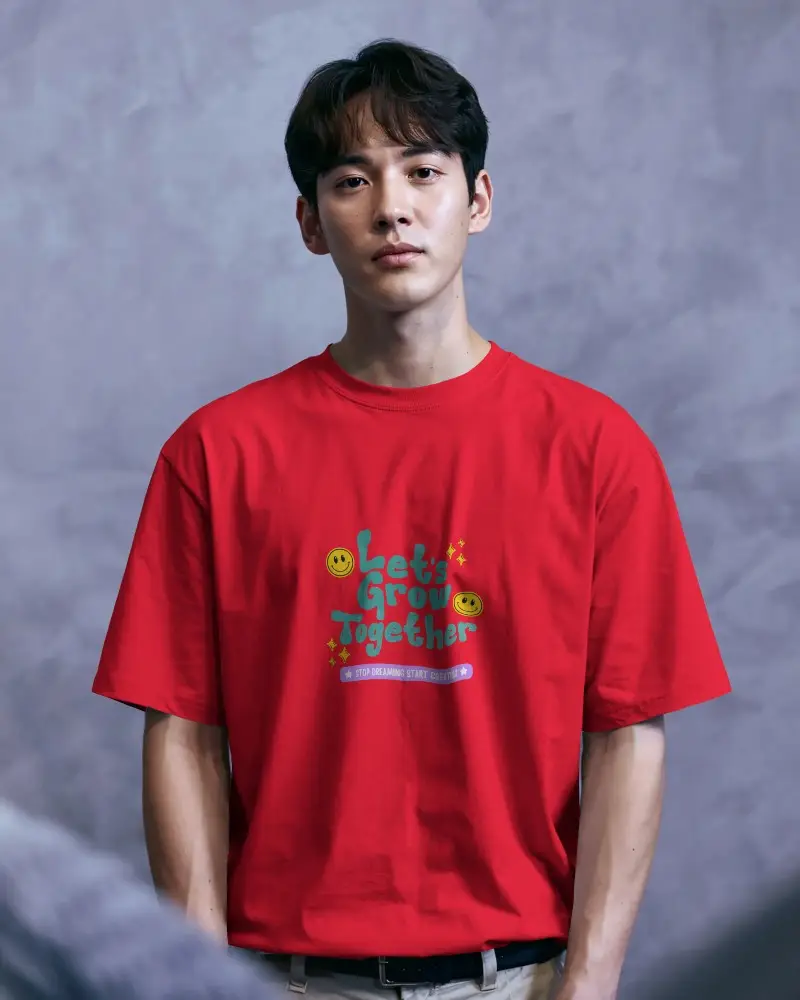
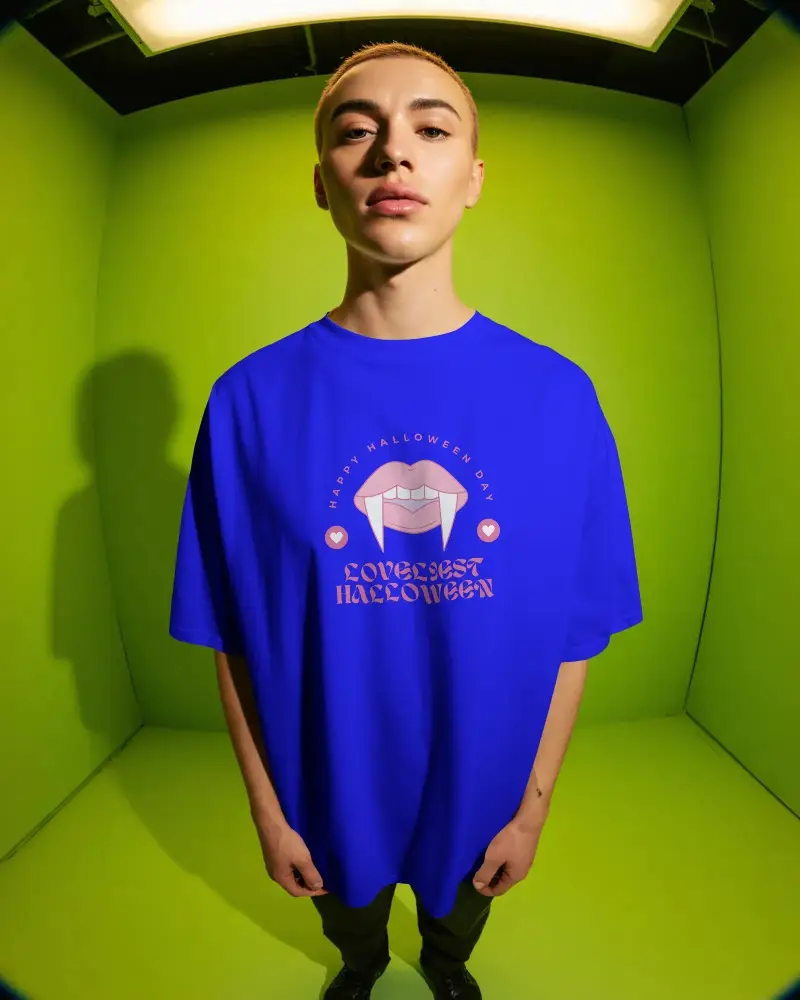
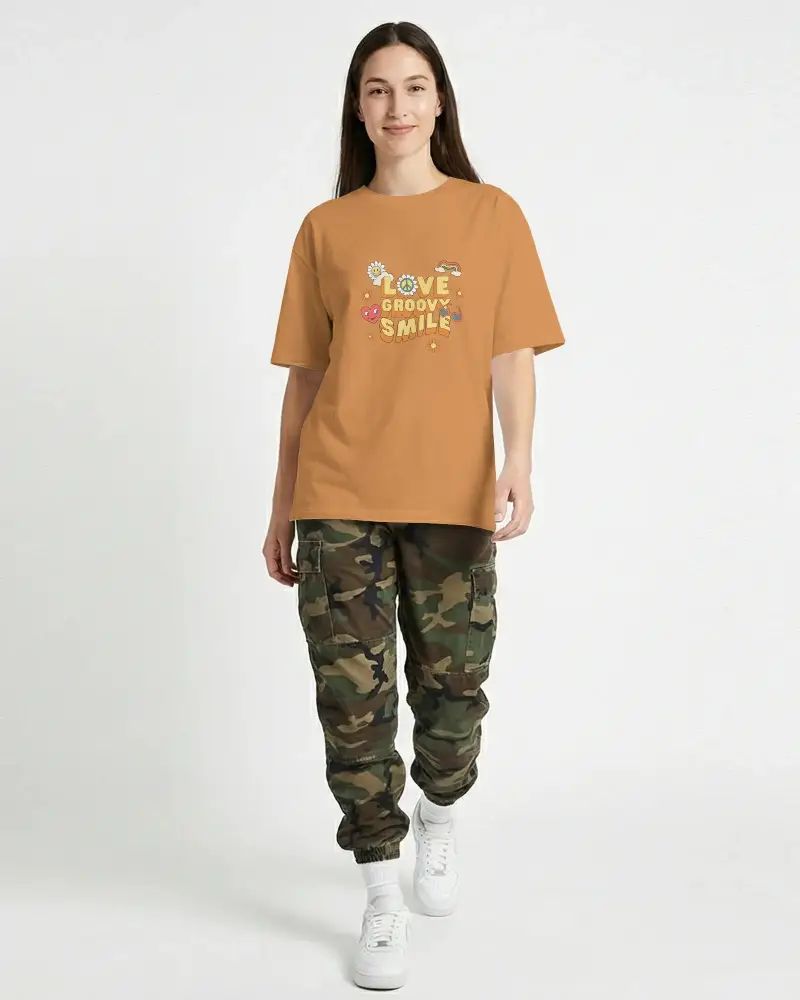

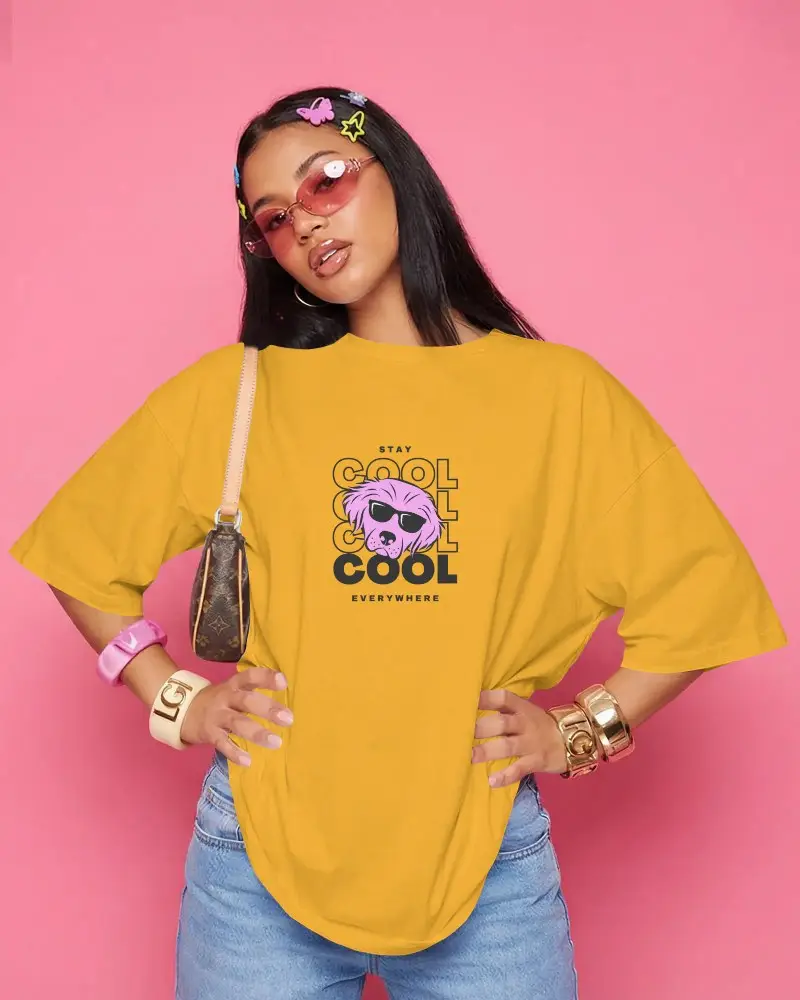
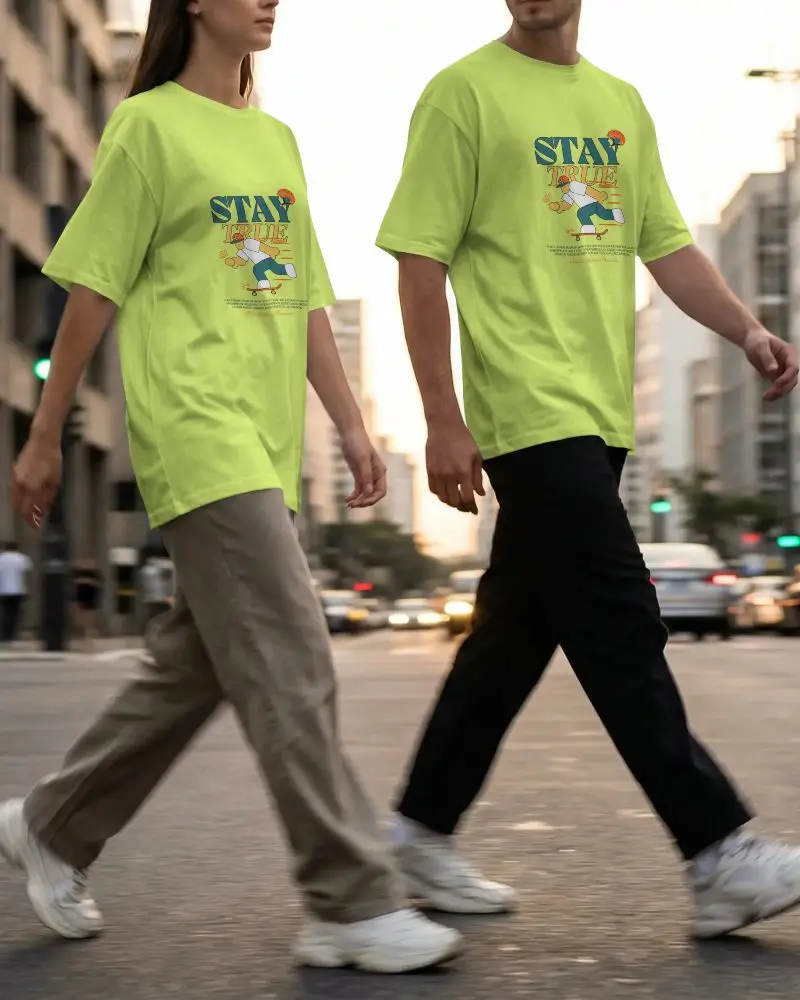
How to Create Gray T-shirt Mockups with Mockey
To create Gray T-shirt mockups:
- Step 1: Go to Mockups > Apparel > T-shirt > Gray.
- Step 2: Choose your preferred gray t-shirt template and click 'Upload Design' to add your artwork.
- Step 3: Customize the logo placement, adjust colors or background, and download the mockup in PNG format.


FAQs on Gray T Shirt Mockups
What is a gray T-shirt mockup?
A gray t-shirt mockup is a template of a gray-colored t-shirt on which anyone can upload a custom design. For this, they will need the help of a t-shirt mockup generator.
Can I edit the color and logo on the gray T-shirt mockup?
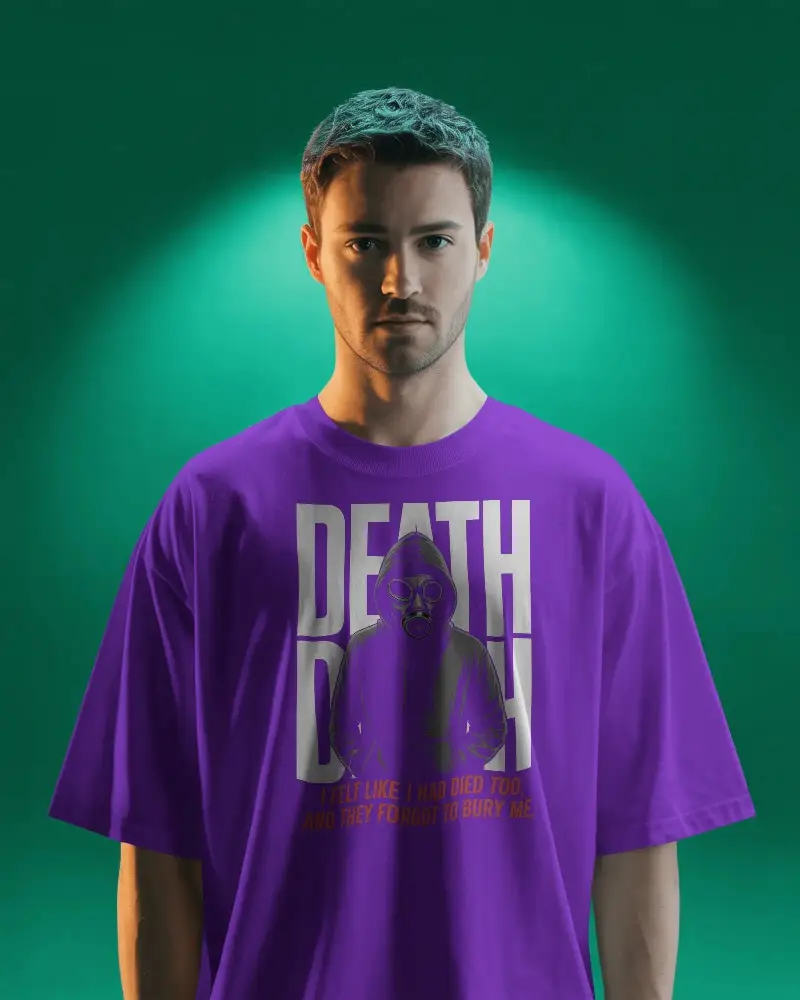
Yes, you can customize the color and logo/design on gray t-shirt mockups. On Mockey AI, it’s possible to resize or expand the logo and even modify its color.
Are gray T-shirt mockups free for commercial use?
You can use Mockey AI’s gray t-shirt mockups for commercial purposes. When it comes to other mockup generators, you may need to follow the terms and conditions.
