Free Pink T-Shirt Mockup – Editable & Realistic Preview
Mockey’s Pink T-Shirt Mockups let you present your artwork with realistic detail and full customization. Perfect for creating professional previews for POD stores, social media, or client presentations, these mockups make your designs stand out.



















































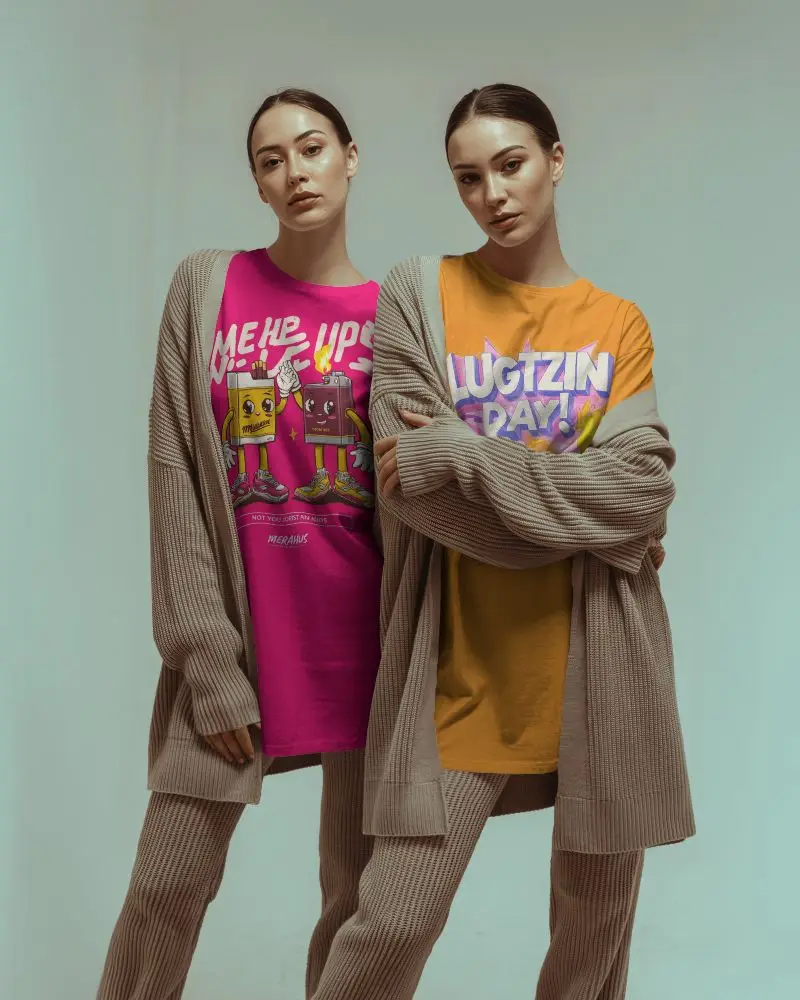
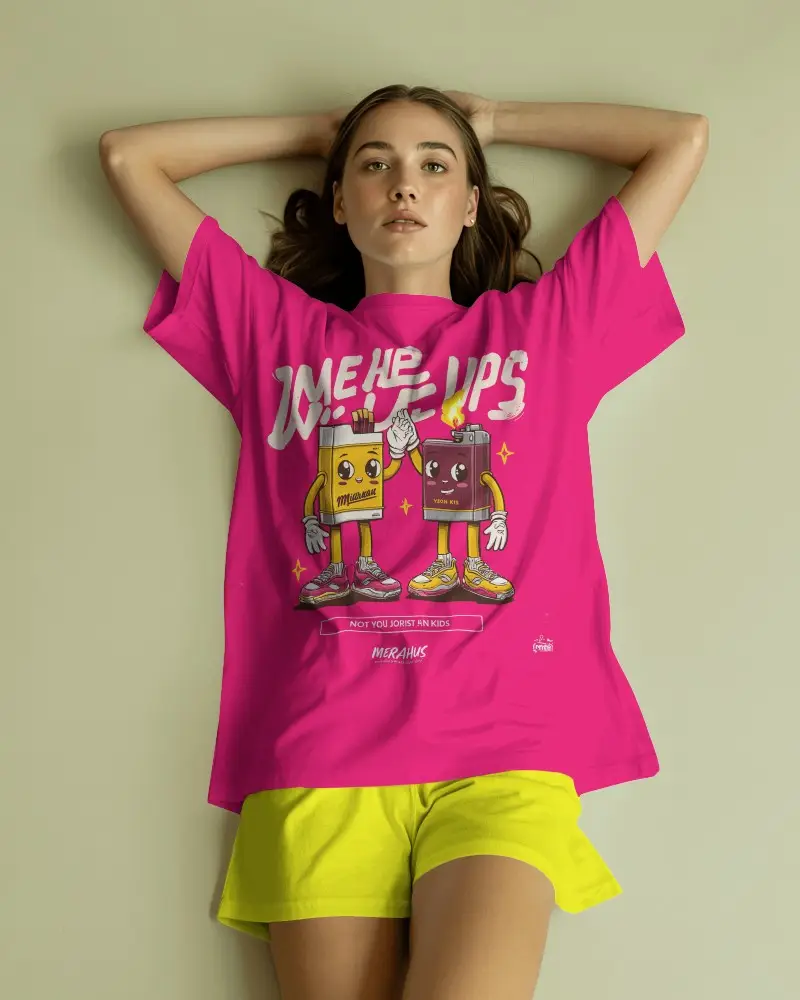
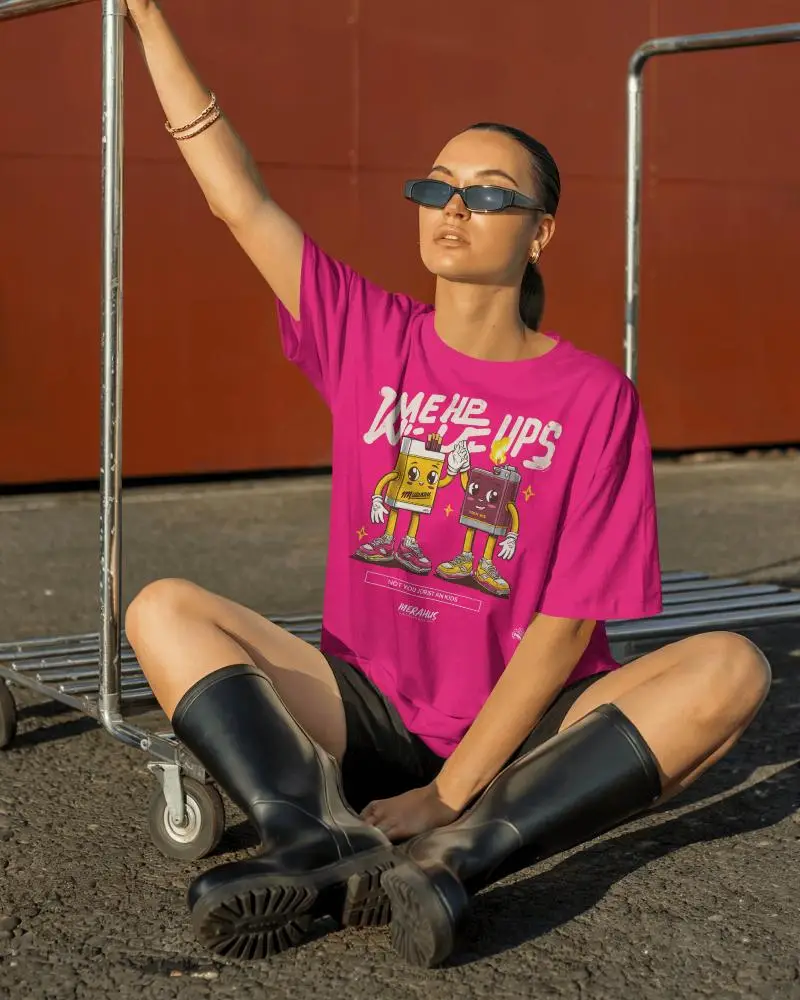


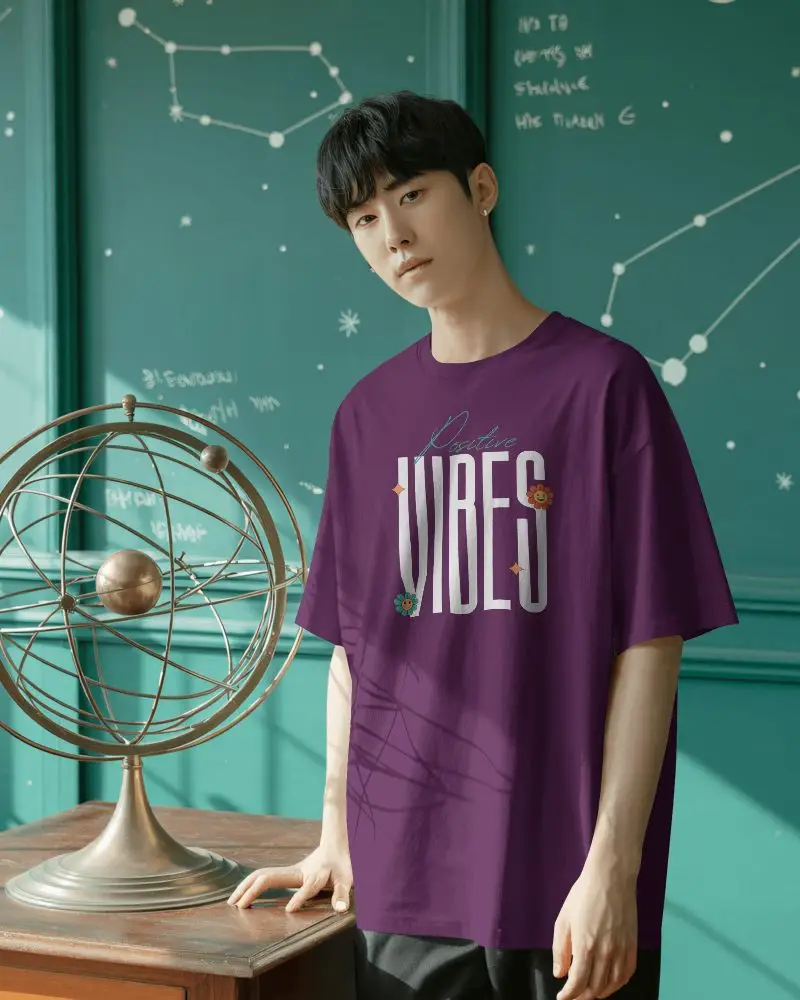



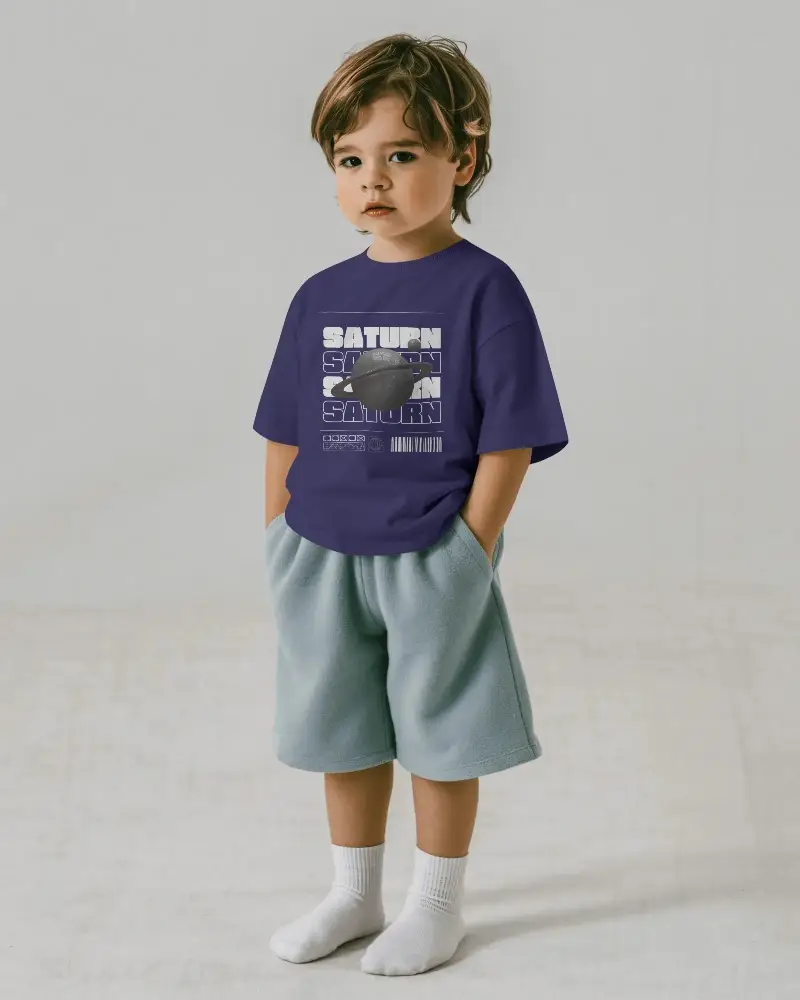



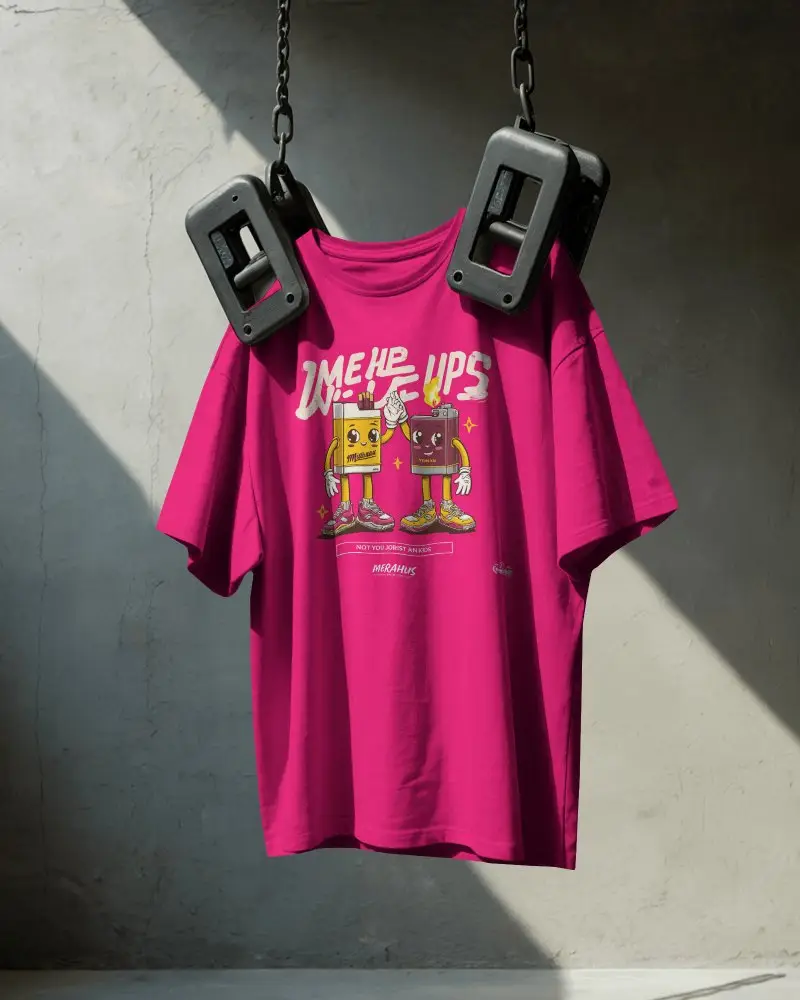


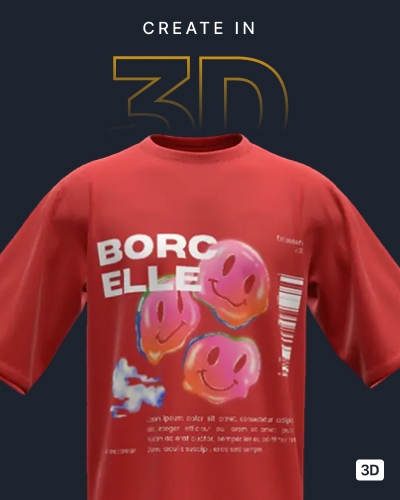

How to Create Pink T-shirt Mockups with Mockey
To create Pink T-shirt mockups:
- Step 1: Go to Mockups > Apparel > T-shirt > Pink.
- Step 2: Choose your favorite pink t-shirt mockup template and click 'Upload Design' to add your artwork.
- Step 3: Customize design placement, adjust background and colors, and download your mockup in PNG or JPG format.


FAQs on Pink T Shirt Mockups
Can I customize the Pink T-Shirt Mockup?
Yes, you can customize pink t-shirt mockups on Mockey AI. After uploading your design, you can resize it, change the color, and use a pre-made background on the editor page.
Are Pink T-Shirt Mockups suitable for POD sellers?
Print-on-demand sellers benefit extensively from pink T-shirt mockups. They make designs look real and easy to imagine. Having a wide mix of good-quality mockups online, including pink ones, is a big plus for any POD business. Before placing an order, they assist customers in previewing the finished product.
Do Pink T-Shirt Mockups include front and back views?
You can view both front and back templates in the pink t-shirt mockups. They let you try out different designs with ease. The simplest way is to use the front and back t-shirt mockup tag and test all your styles in one place.
Why Use Mockey’s Pink T Shirt Mockup?
You can use Mockey AI’s pink t-shirt mockup to show your designs on a pink shirt. There’s no need to make a physical sample or hire a photographer. It appears professional and is easy and quick.
