Seasonal Mockups - Celebrate Every Season with Realistic Designs
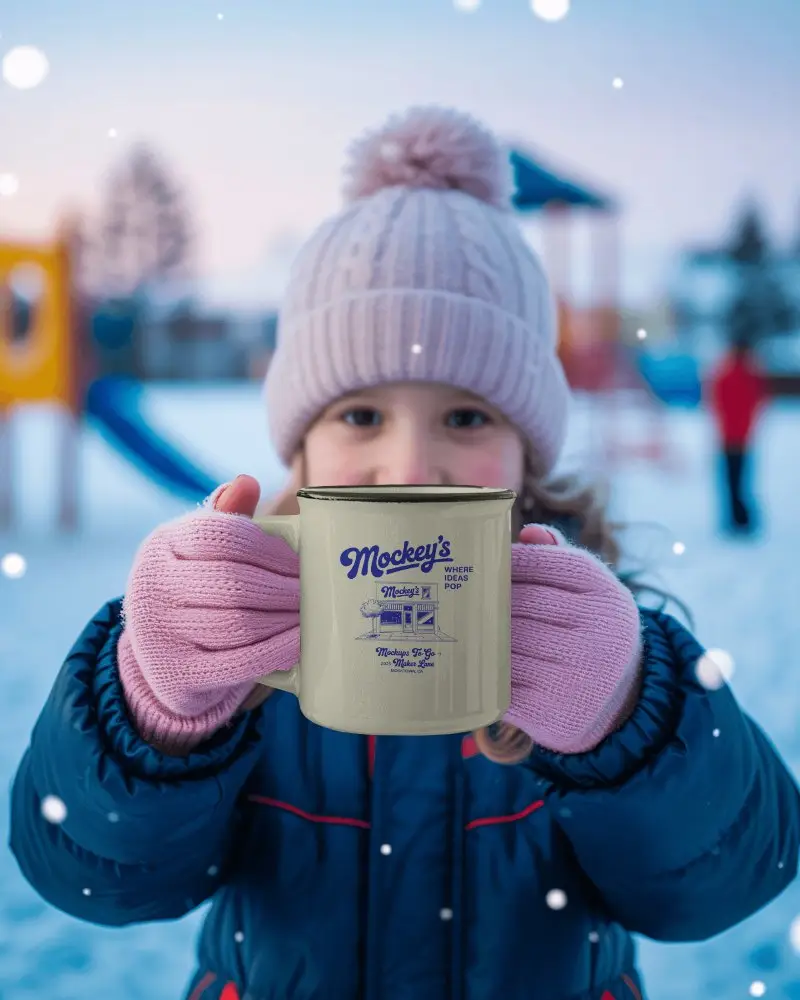
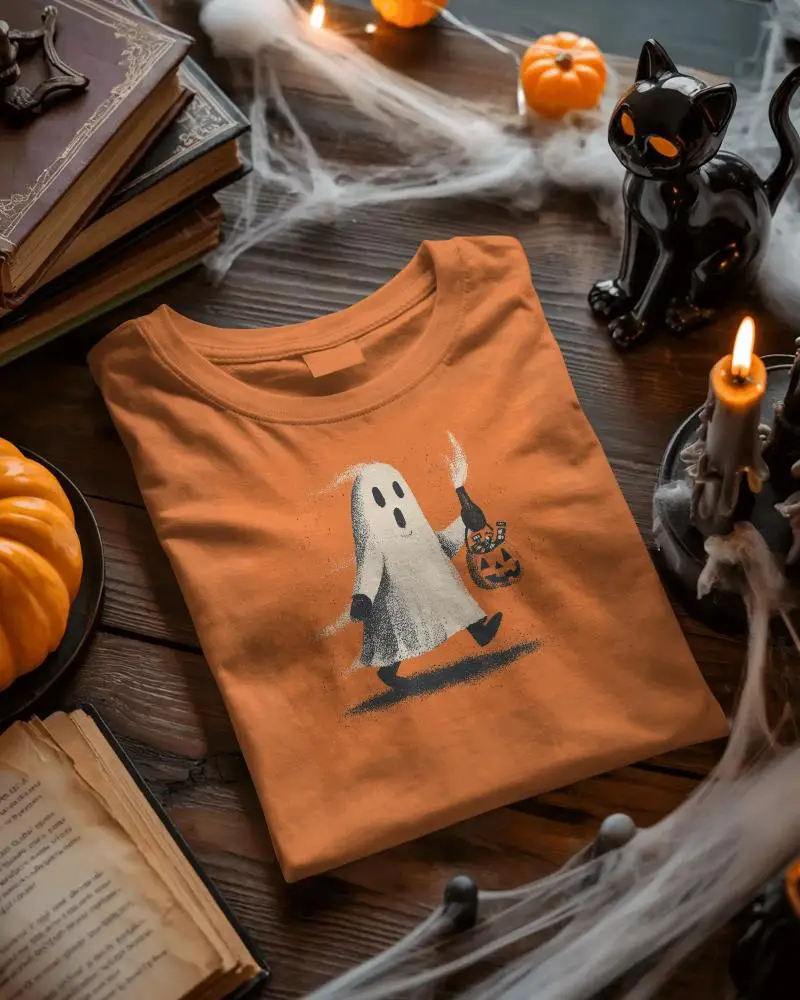
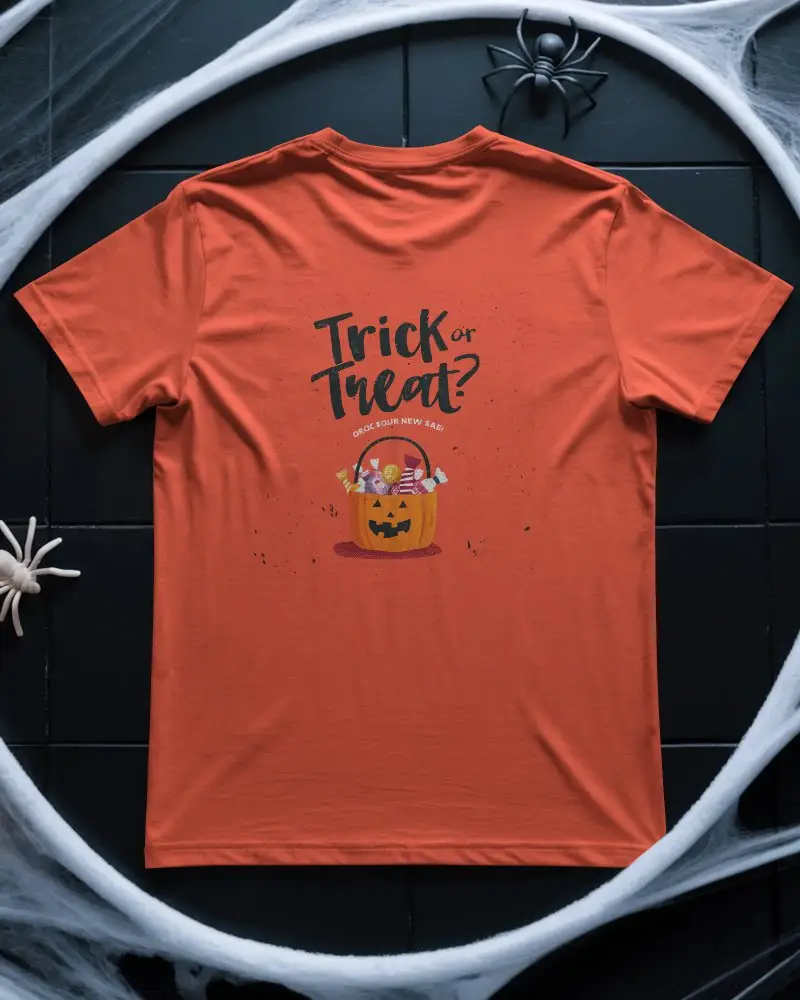
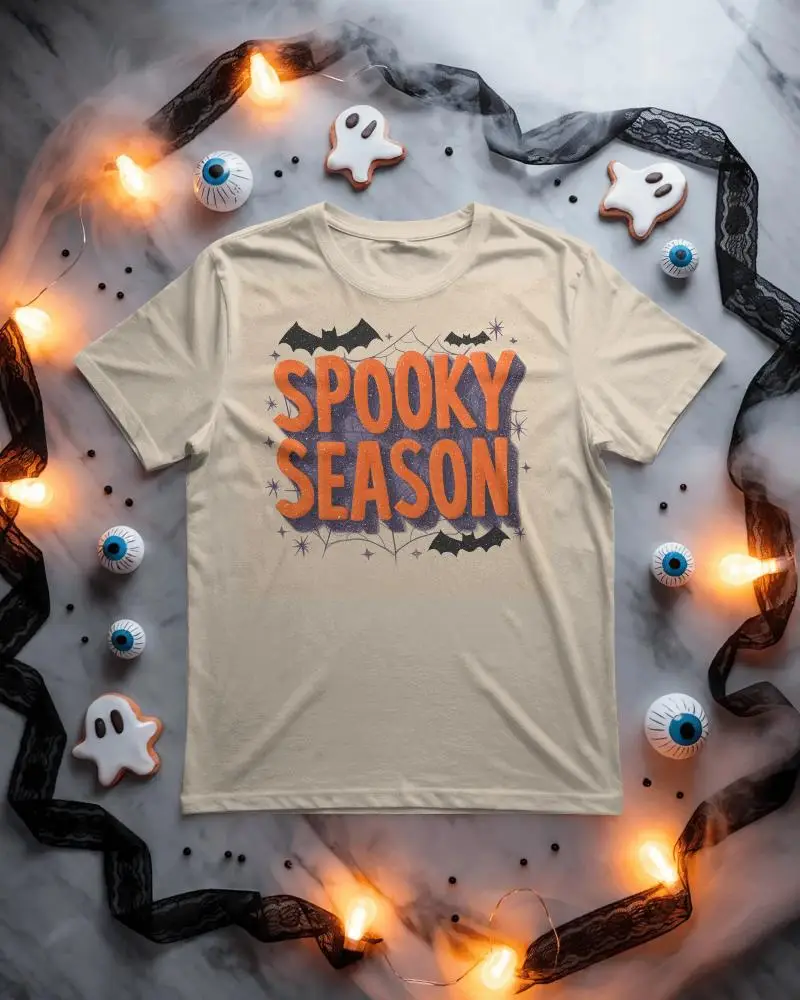
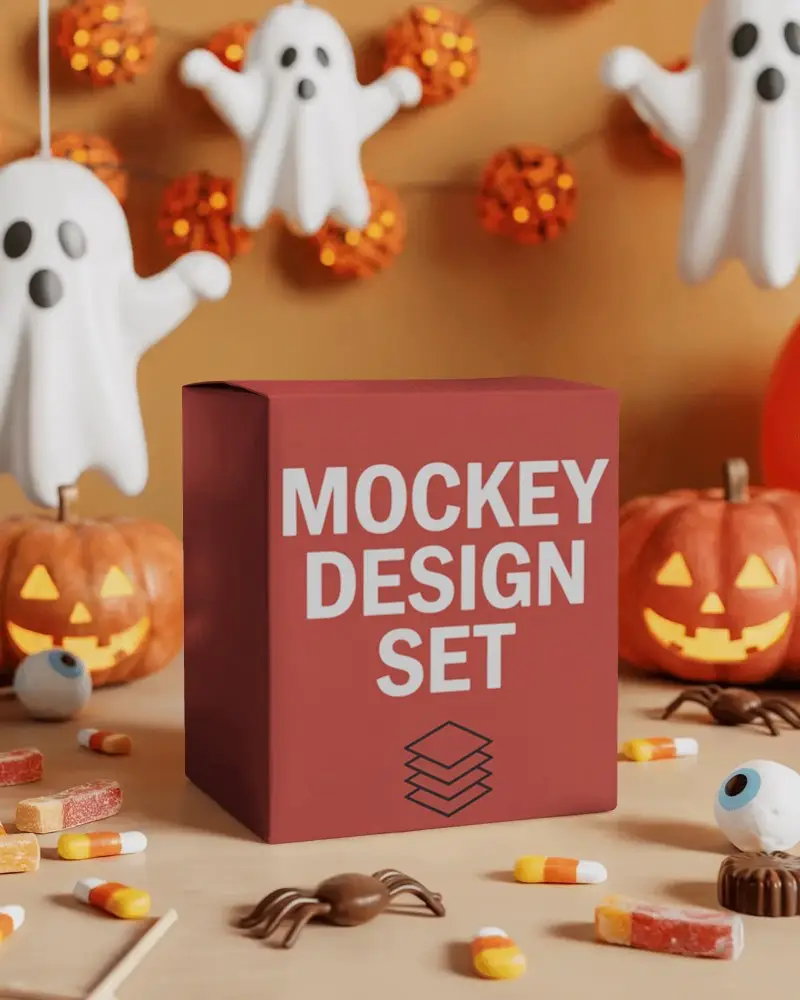
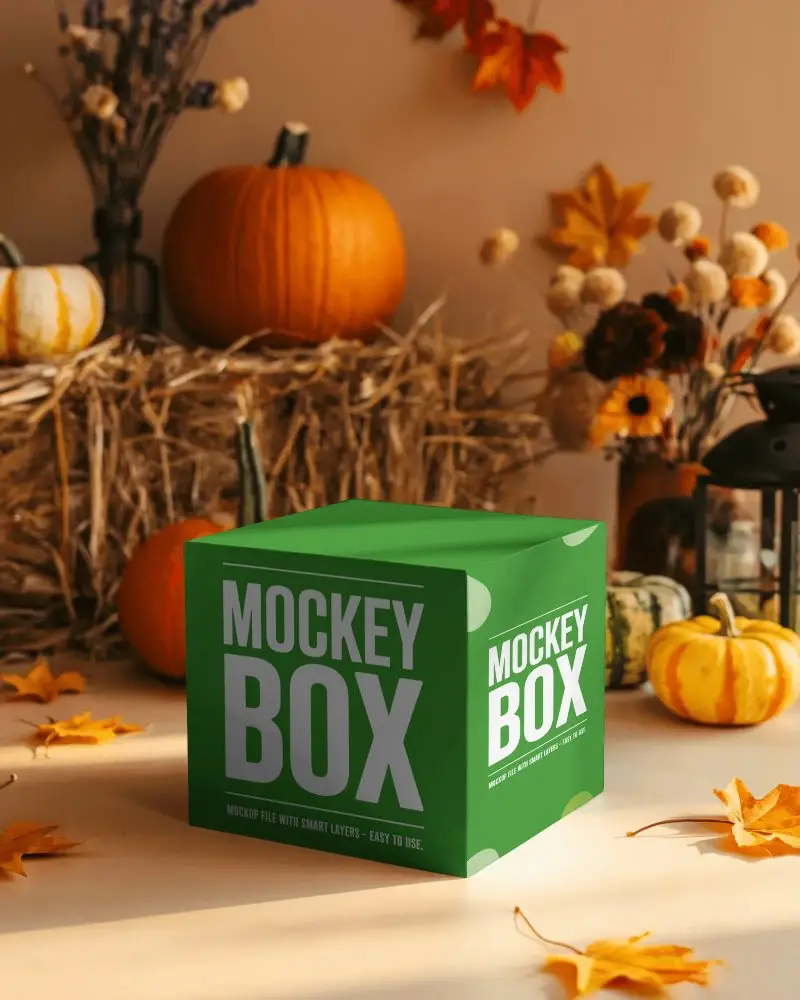
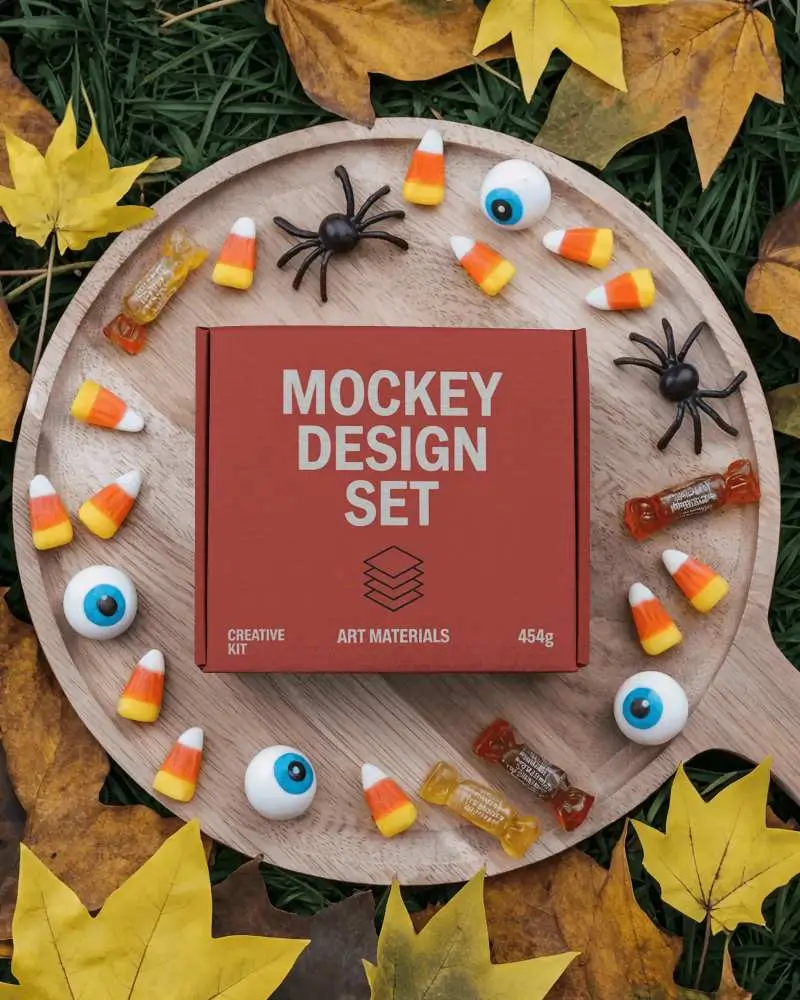
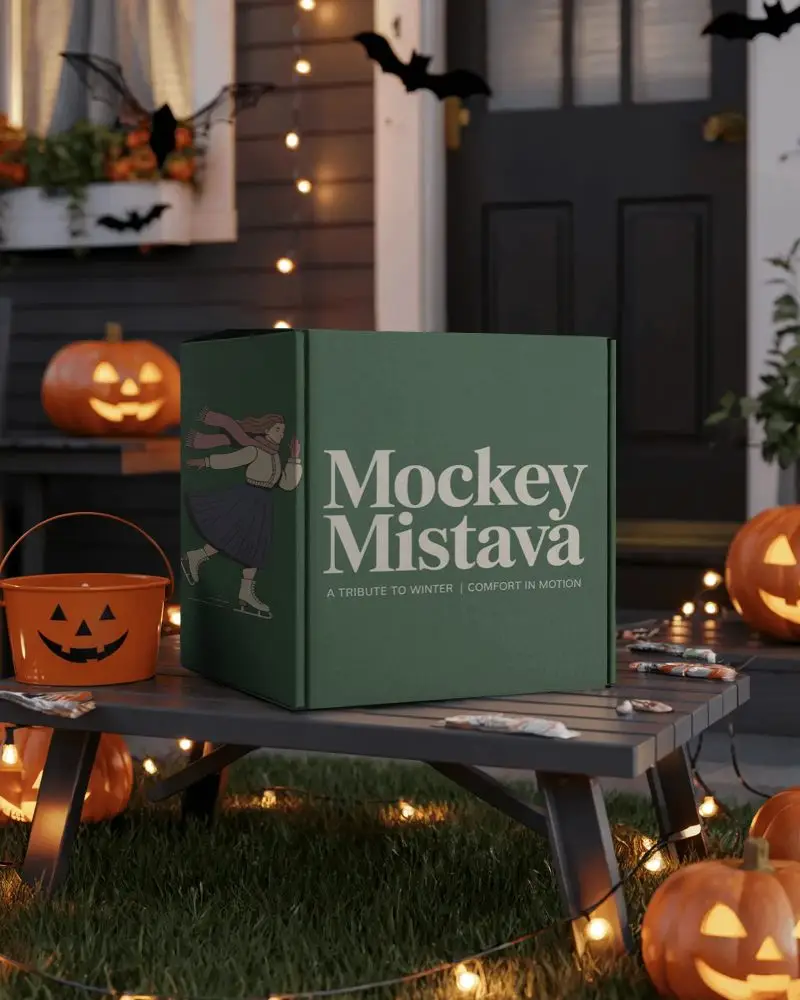
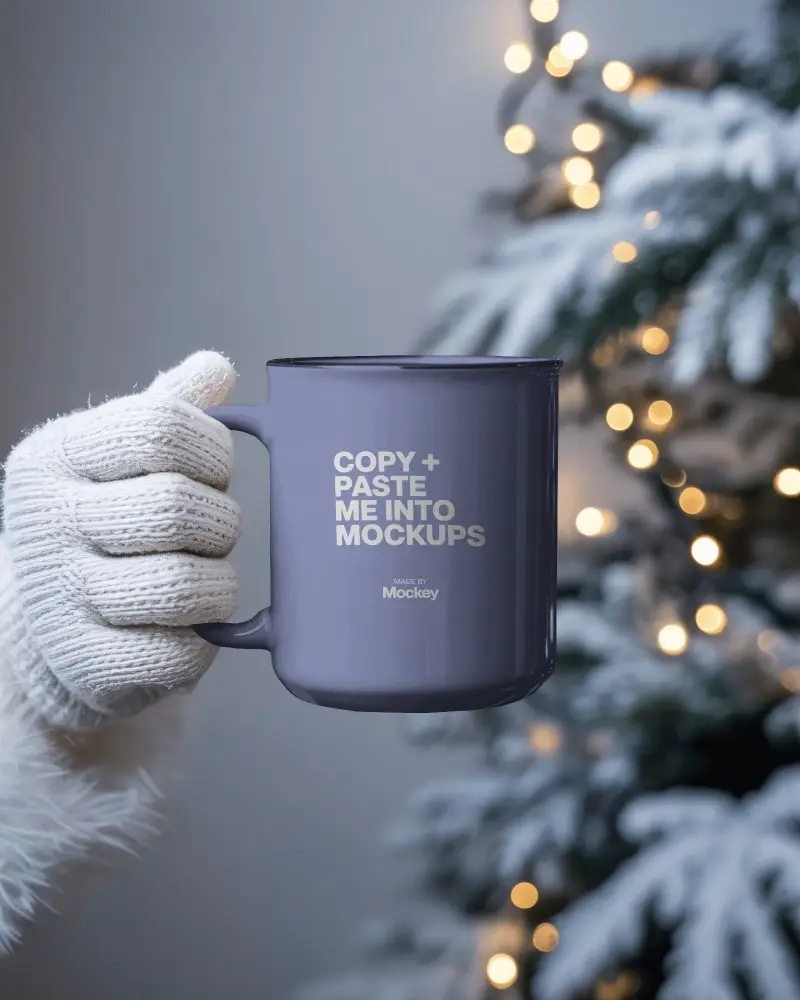
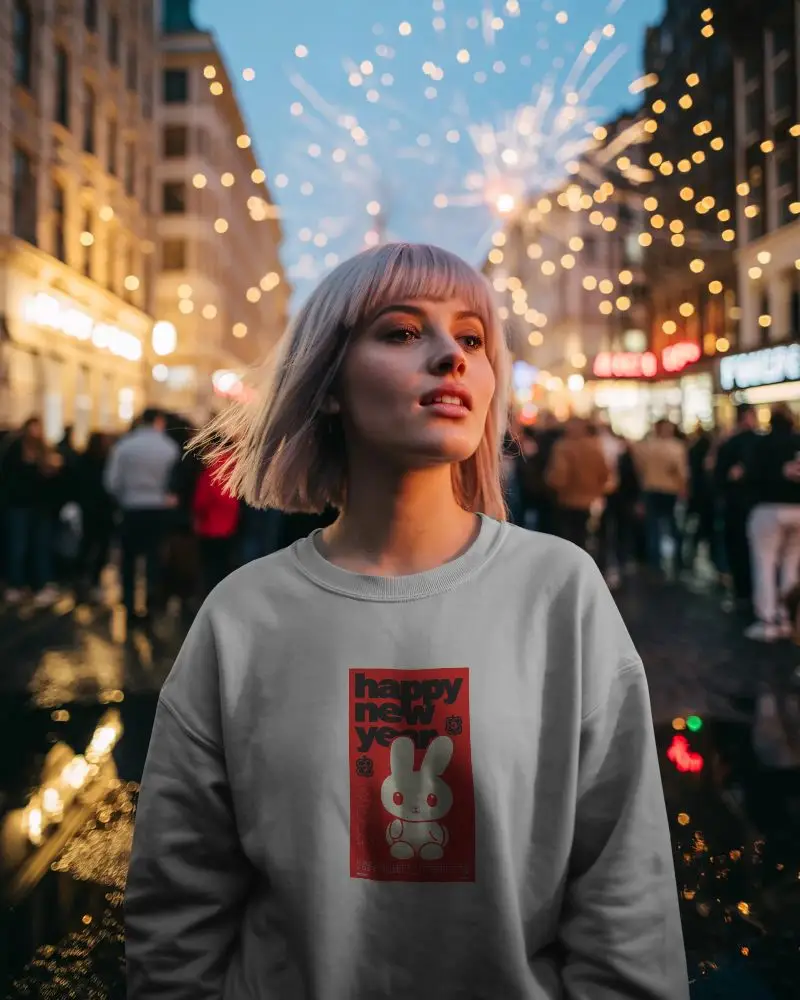
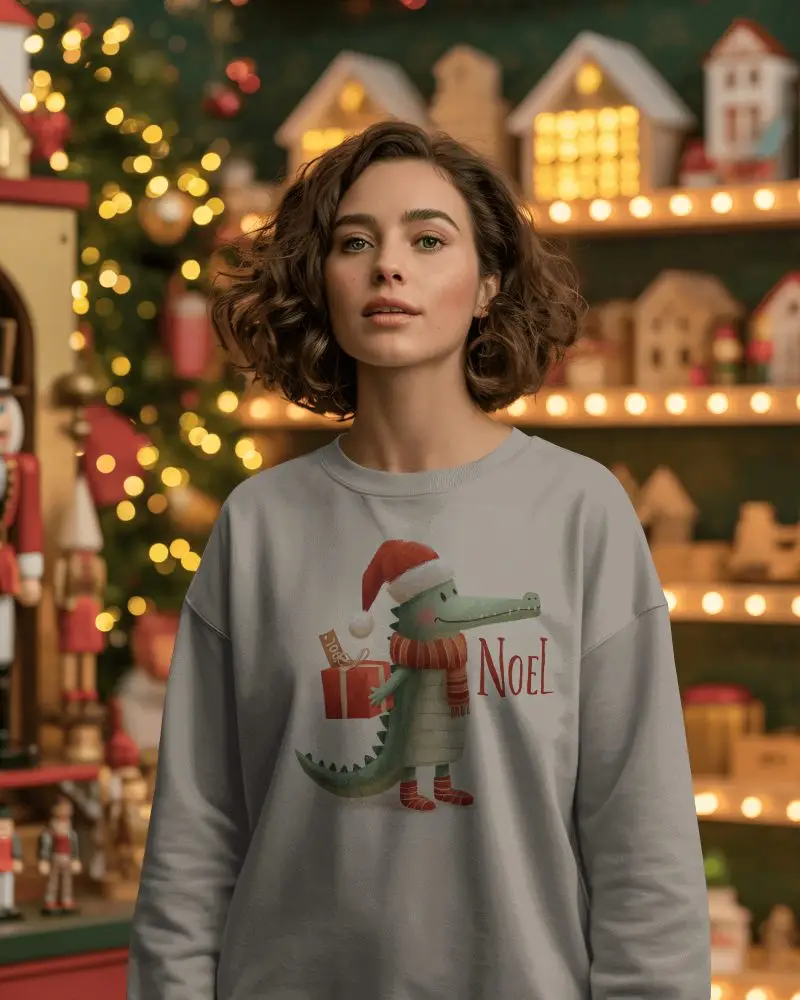
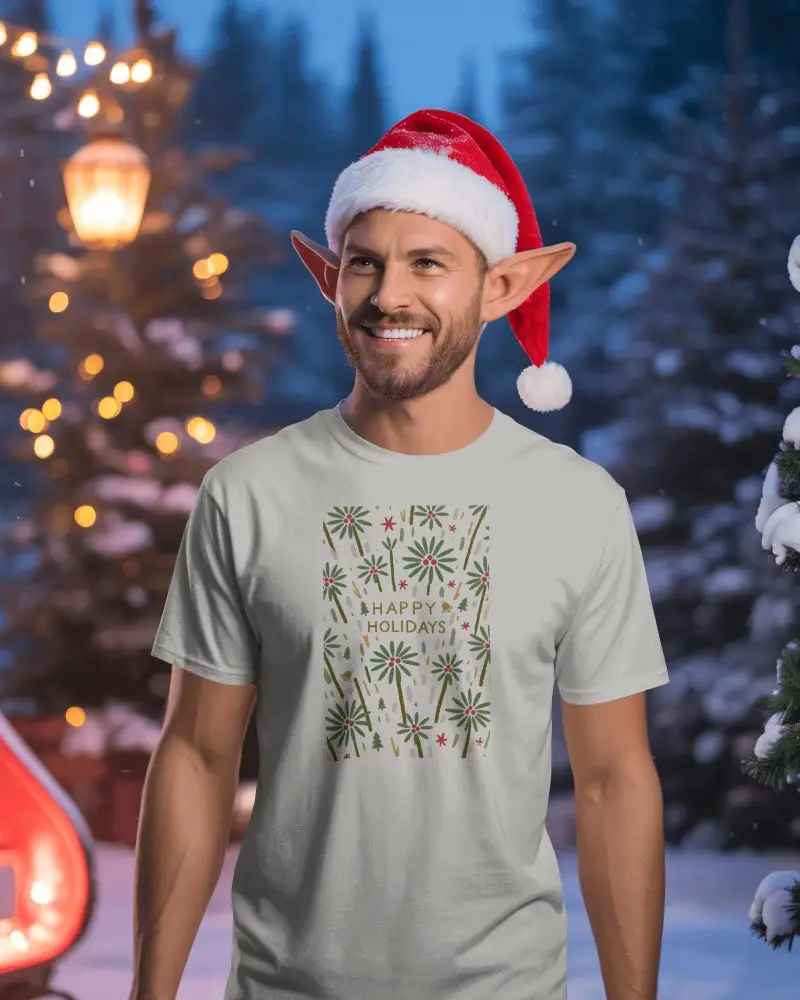
Celebrate every moment of the year with Mockey’s Seasonal Mockups, your one-stop solution for festive and theme-based designs. From Christmas T-shirts to Halloween mugs or New Year posters, easily customize and preview your designs in just a few clicks.
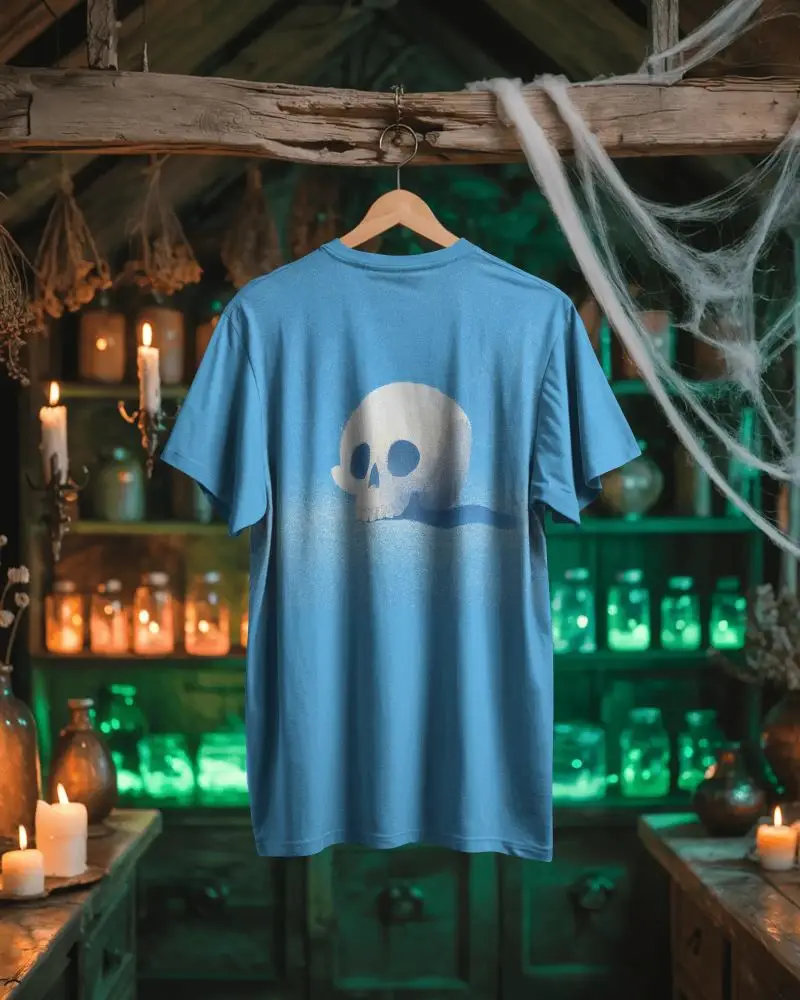
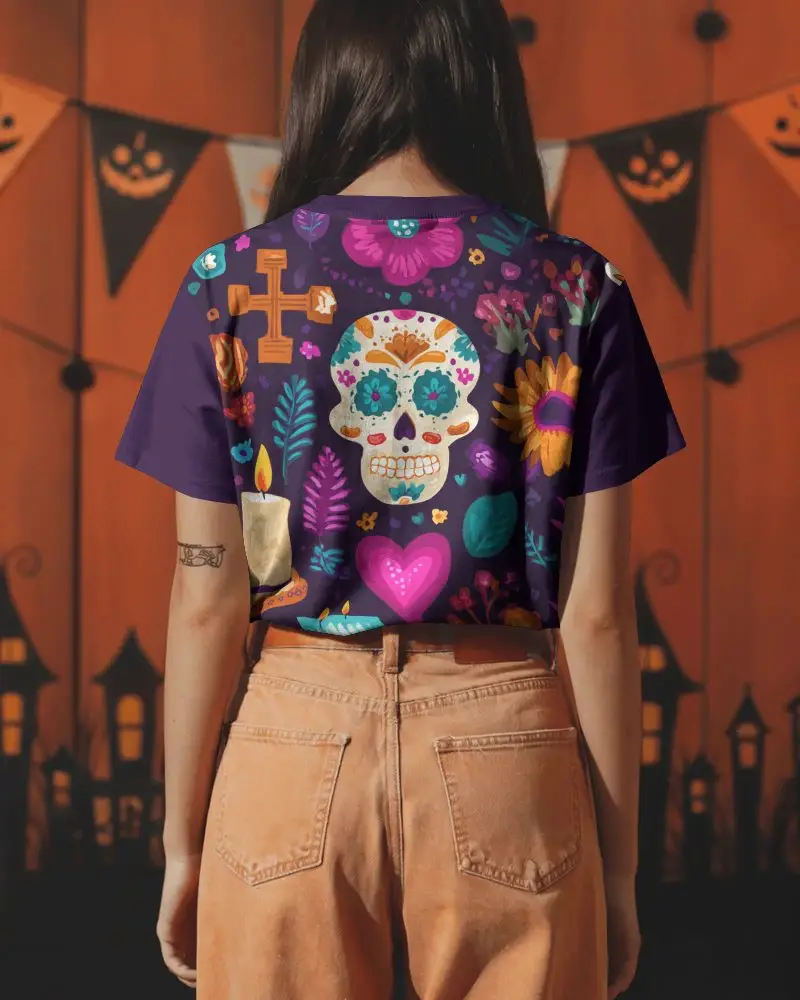
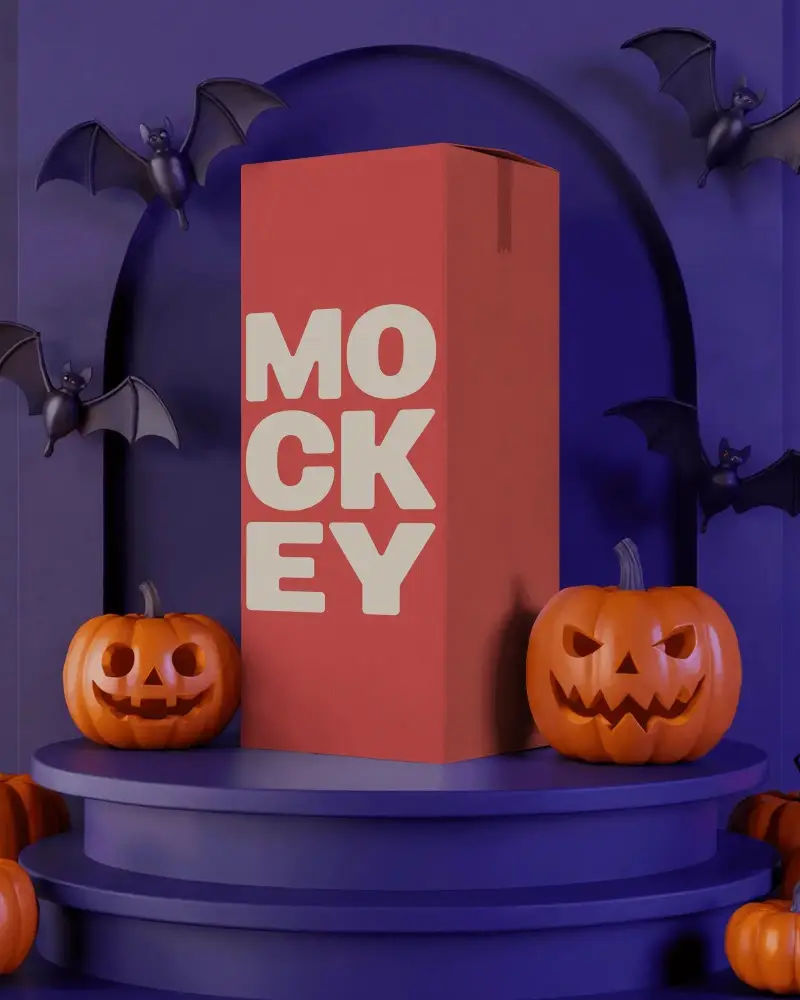
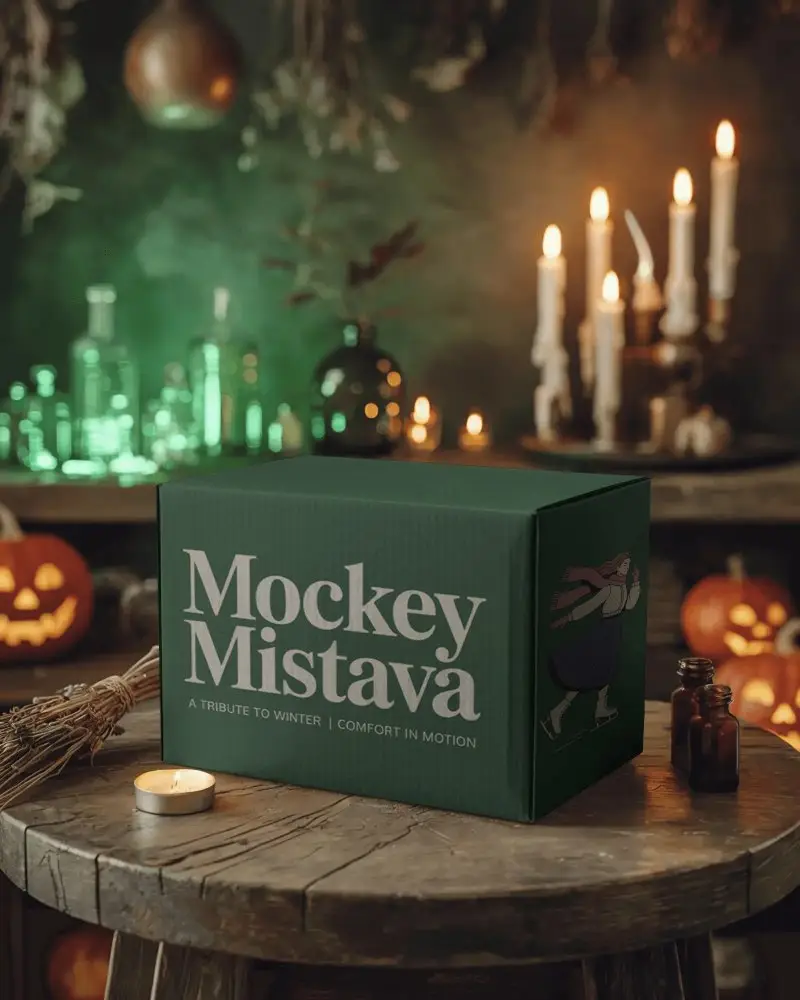
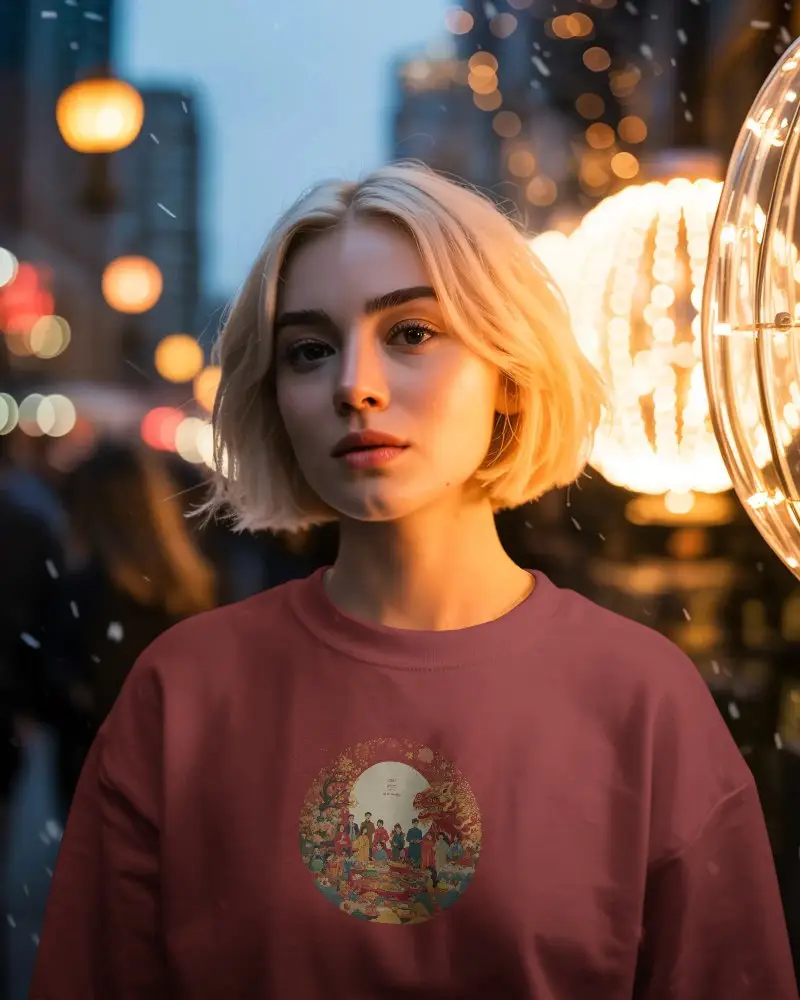
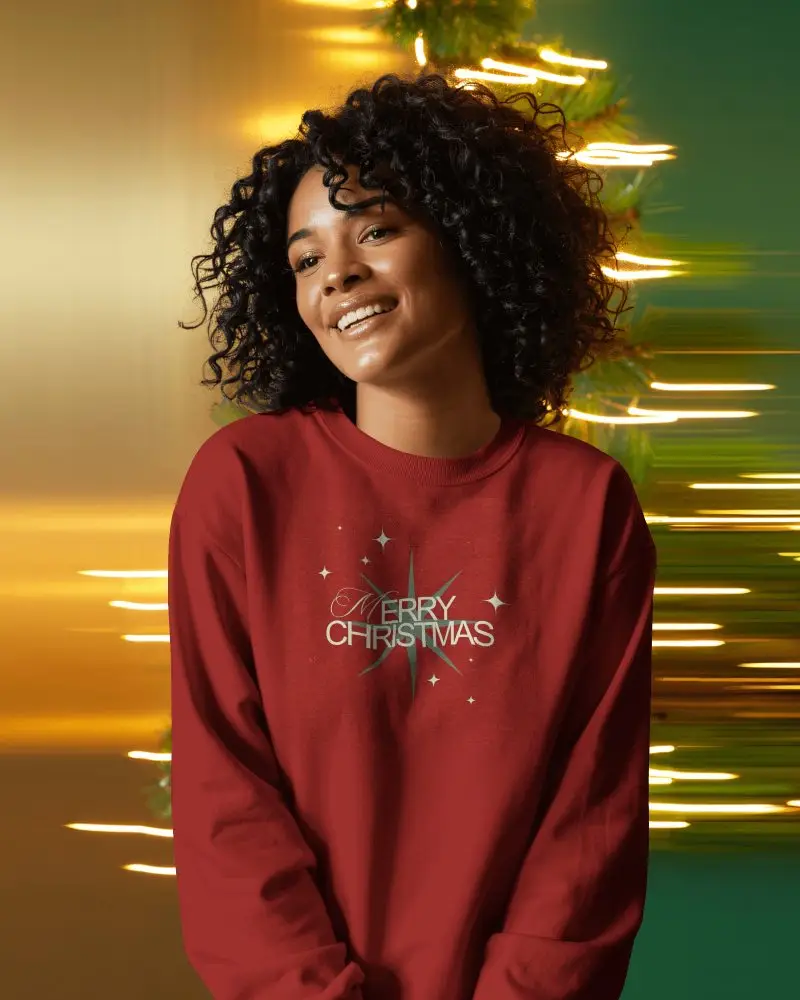
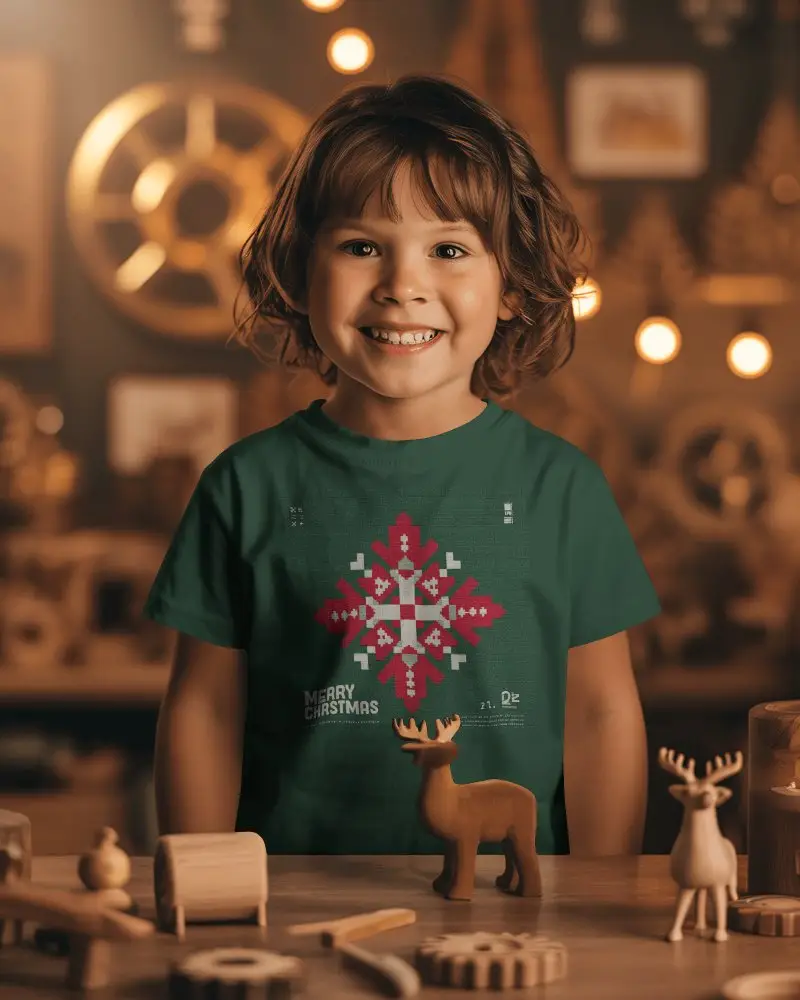
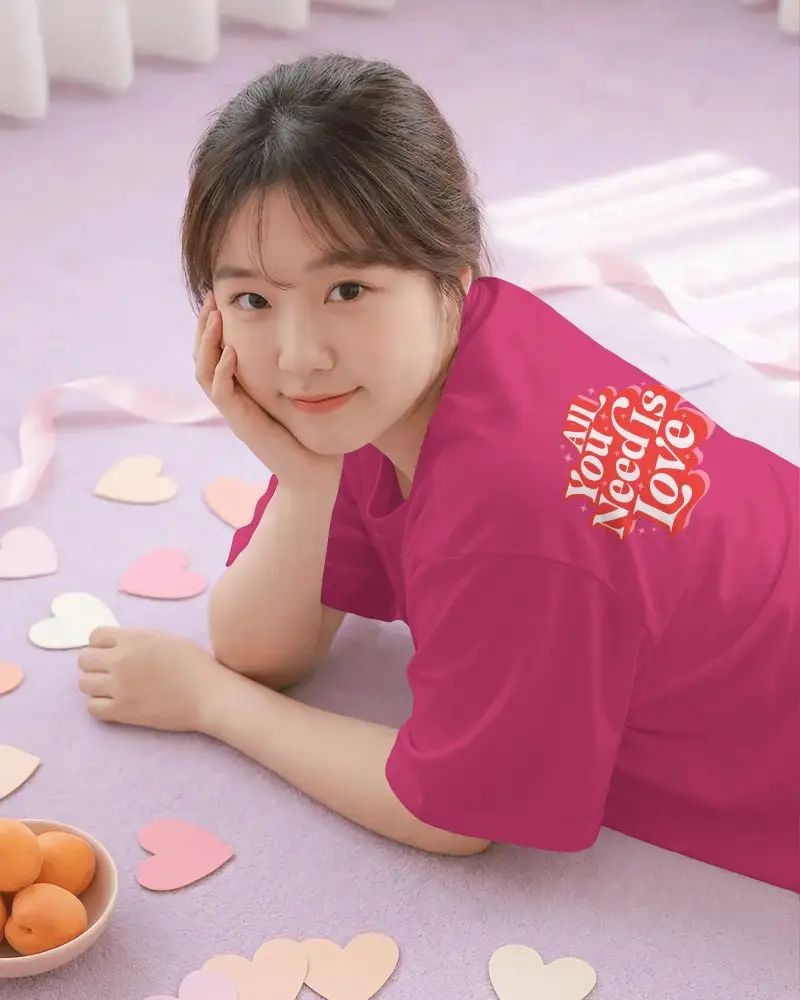
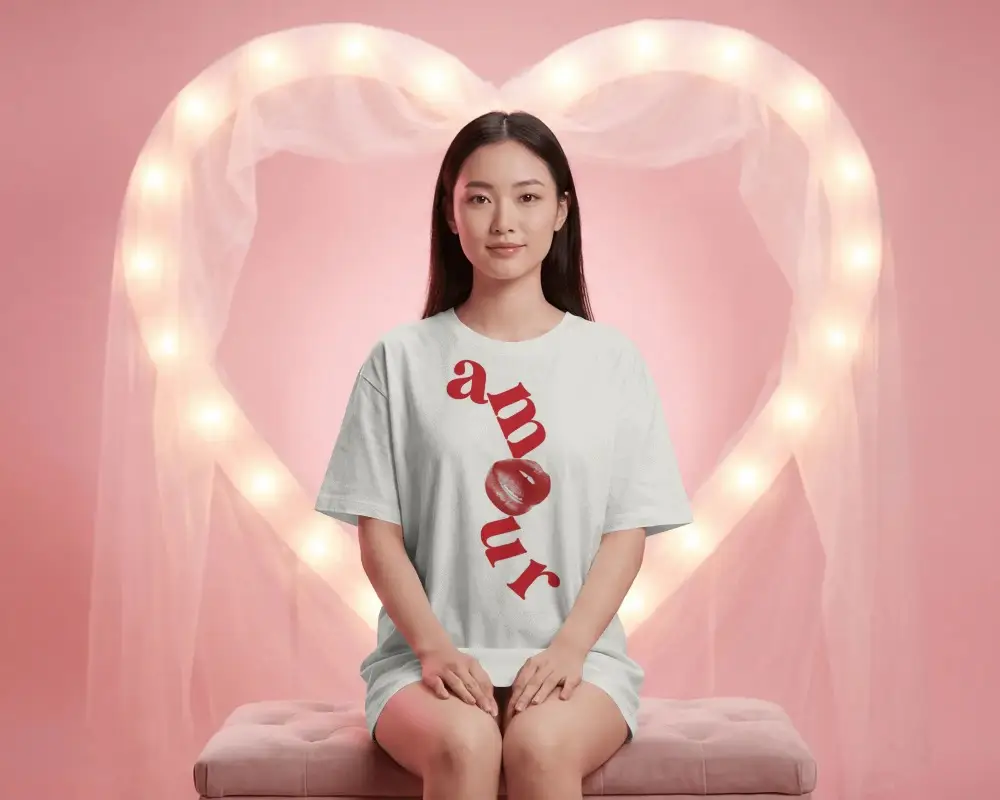
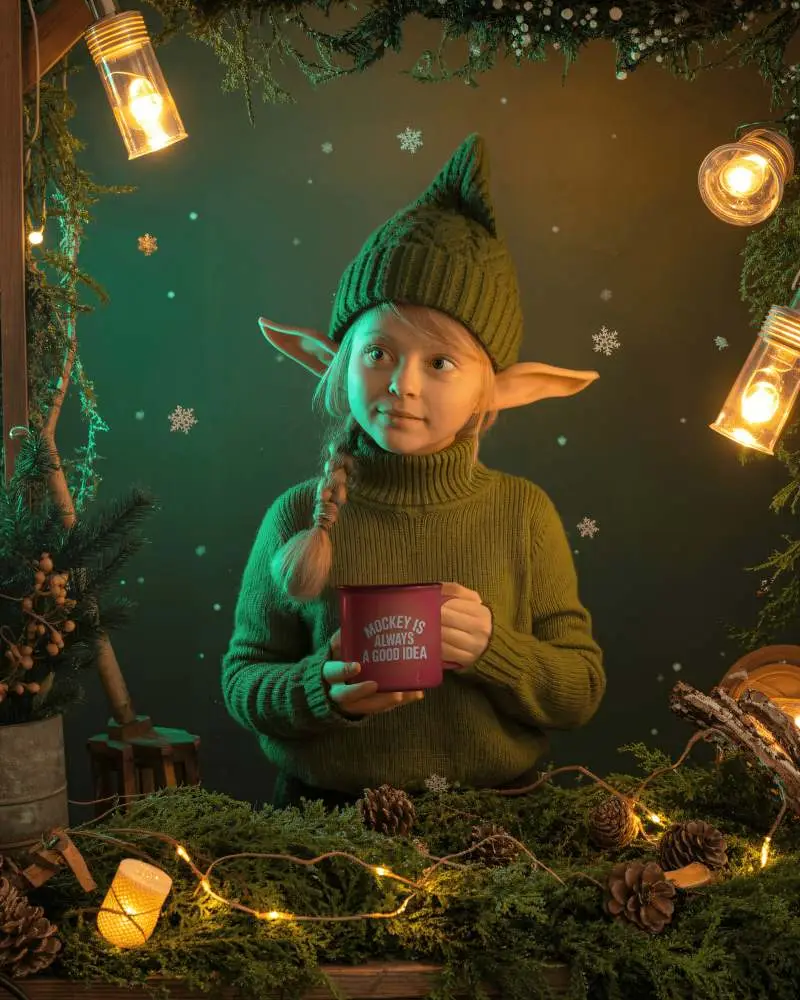
How to Create Seasonal Mockup with Mockey
To create seasonal mockups:
- Step 1: Login there. Follow “Mockups > Seasonal”.
- Step 2: Pick a seasonal mockup like Christmas, Halloween, or New year.
- Step 3: Add a design, edit, and download seasonal mockup in HD.


FAQs on seasonal Mockups
What is a Seasonal Mockup?
A seasonal mockup is a ready-to-use visual for a product, packaging, or design. It reflects a particular holiday, season, or event, like Christmas, halloween, or new year.
Why create a Seasonal mockup?
Creating seasonal mockups is a best way to tap into holidays and events. By showing your products in festive settings, you make them feel timely and relevant. Shoppers are more likely to notice and buy during occasions like Christmas, Halloween, or New year.
Why Use Mockey’s Seasonal mockup?
Most of Mockey AI’s seasonal mockups are free and very unique. Their design tools, including AI tools, improve the visuals of the mockups and the premium plans are quite affordable.
Is this Seasonal Mockup Free?
You can use Mockey AI’s seasonal mockups for free, as most of the templates are available at no cost. You just need to sign up, start creating mockups, and your seasonal mockup will be ready without any watermark.
