
Create a Complete Product Gallery with the AI Photoshoot Generator
One product image is all you need in our AI photoshoot generator. Place it in ecommerce, lifestyle, or luxury scene presets, or describe what you want to create product photography for every stage of your marketing.
Trusted by brands & designers on


See Your Product in a New Scene in 3 Steps
Just three easy steps will get you brand-ready product photos.
Step 1
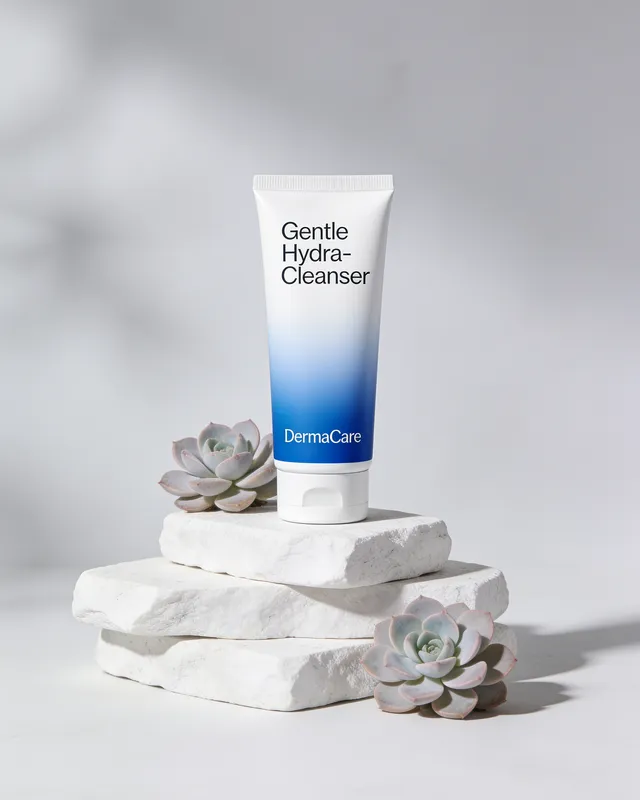
Upload a Clear Photo of Your Product
Step 2
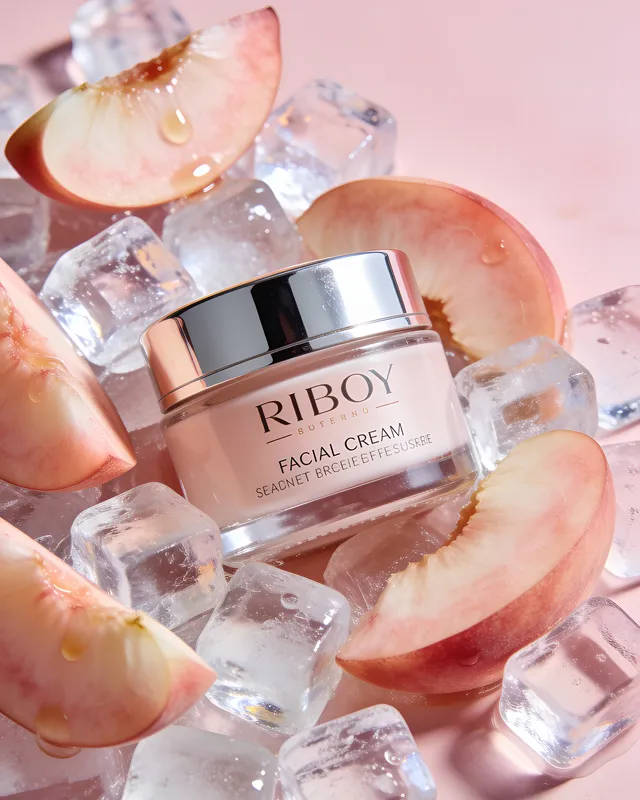
Describe the Scene or Browse From Presets
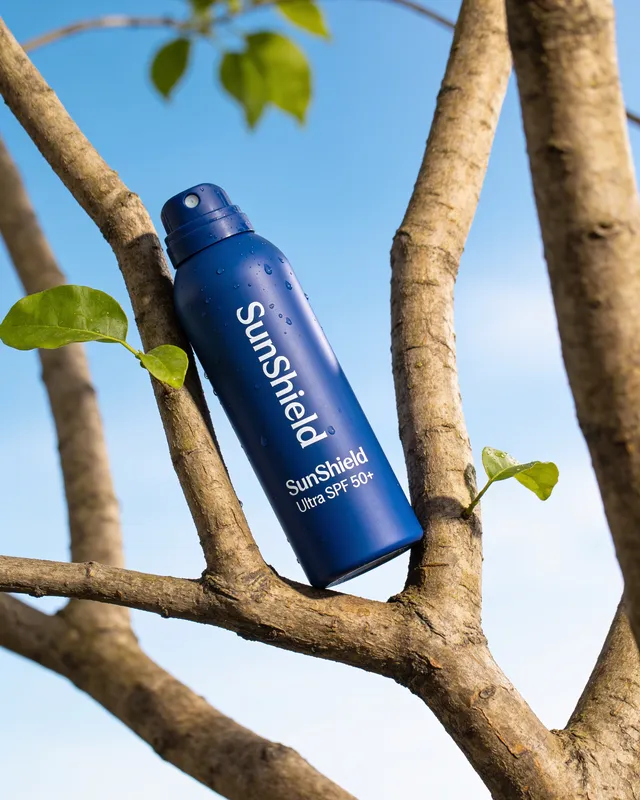
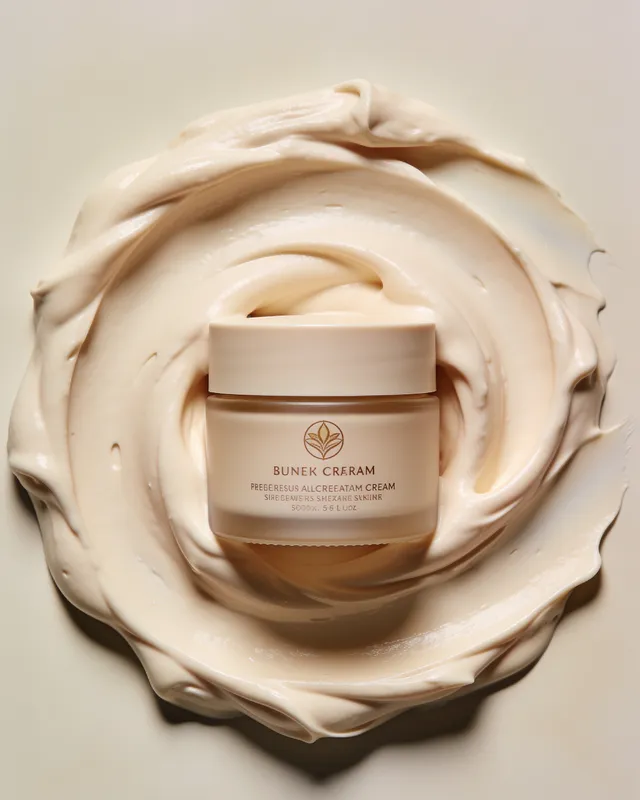
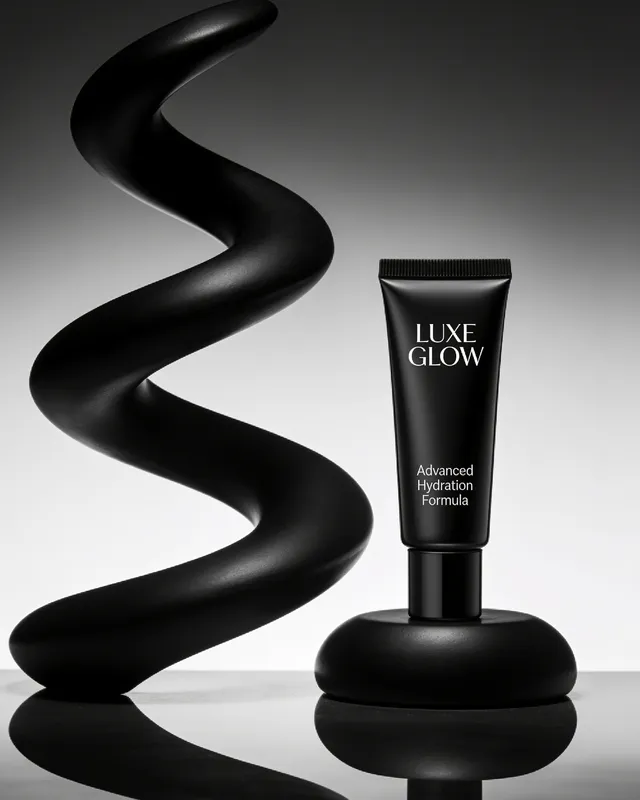
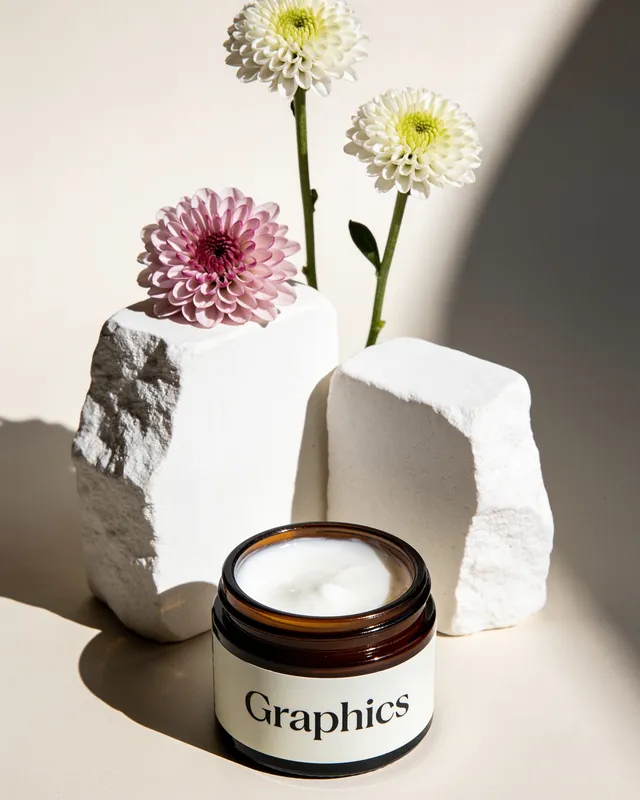
Describe
On warm sand under a striped beach umbrella, bright midday sun
Step 3
Select an Aspect Ratio and Generate Your AI Photoshoot
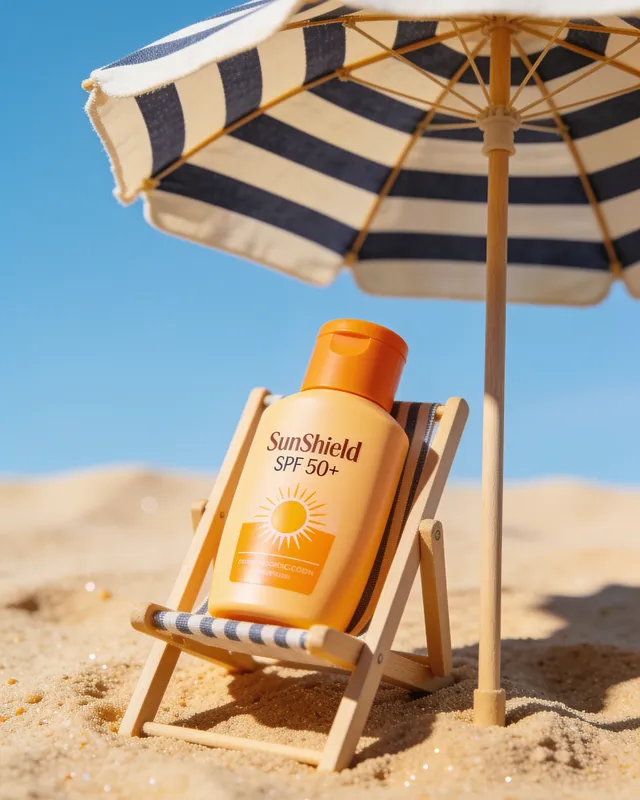 Generated
A Hyper-Realistic View at Every Zoom Level
Images are created in ultra-high 4K resolution from the start. You can zoom in and still see labels, glossy finishes, and textures clearly without the image looking blurry or fake.
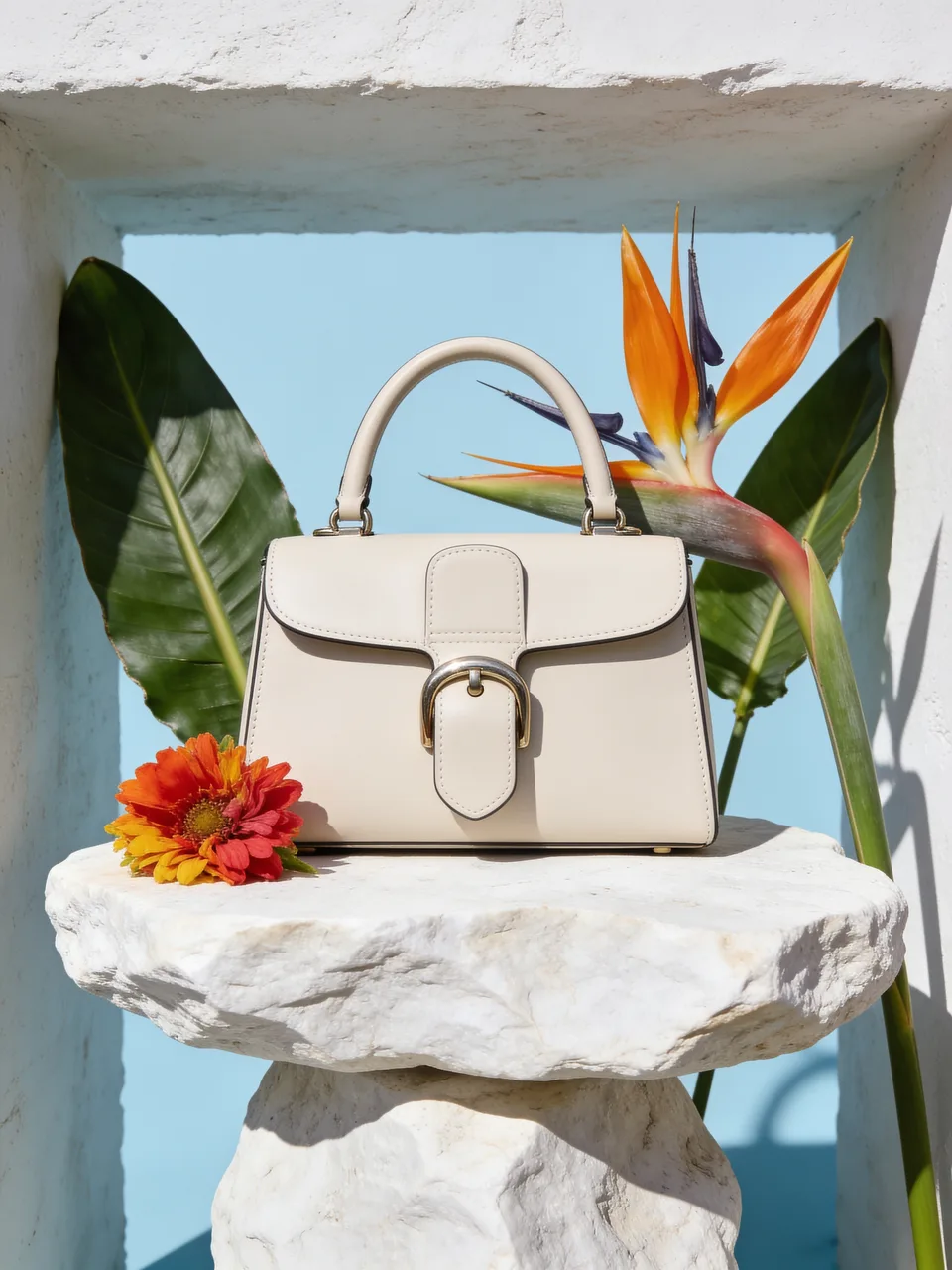
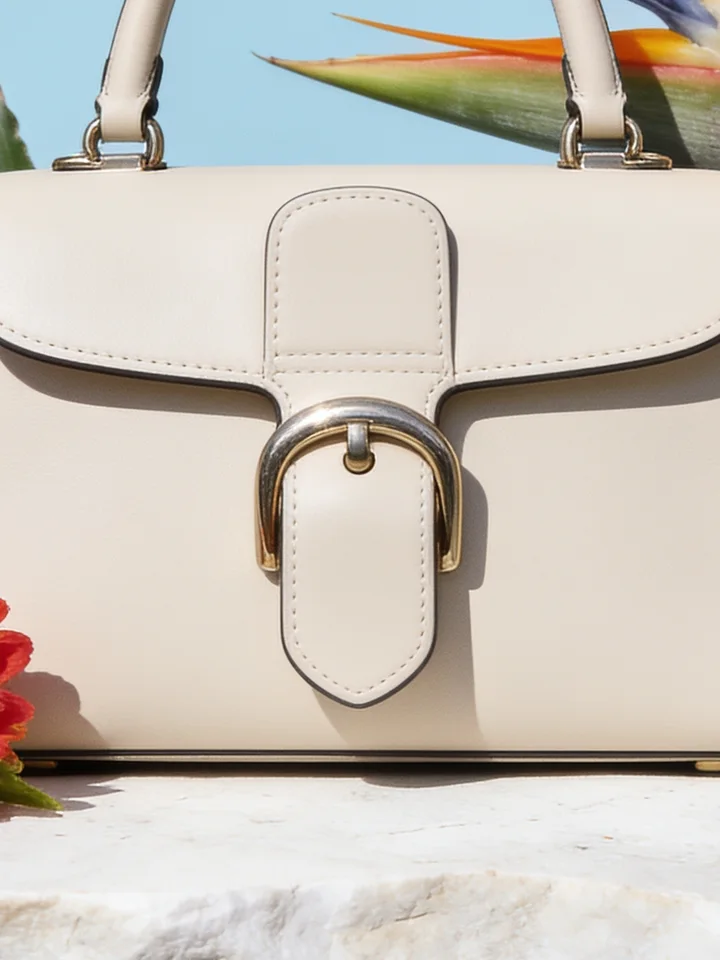
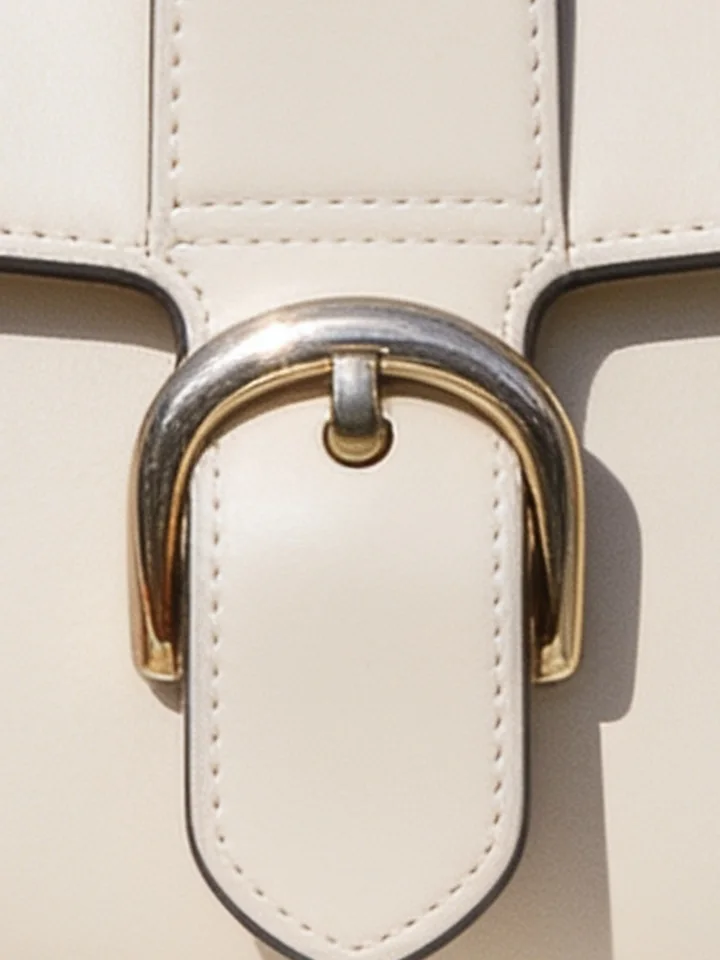
The quality is high enough for
Built for Every Product You Sell
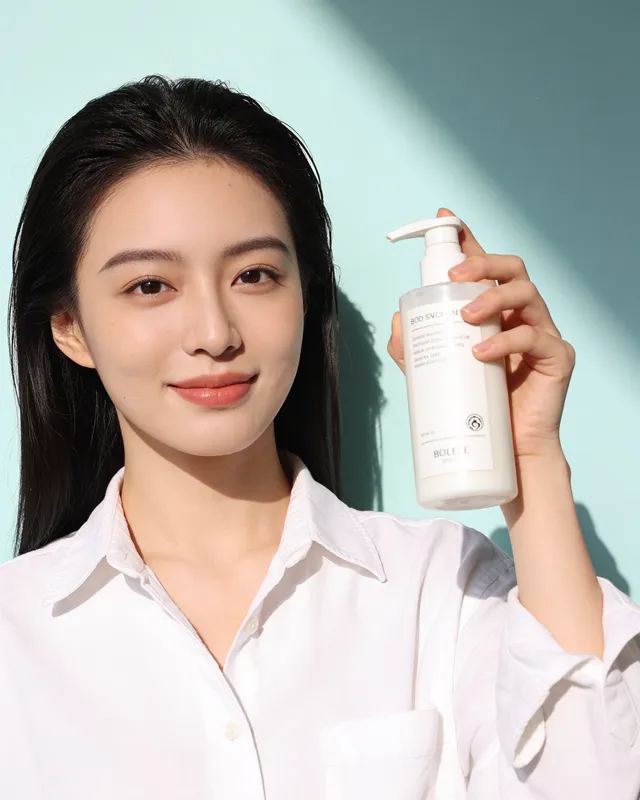
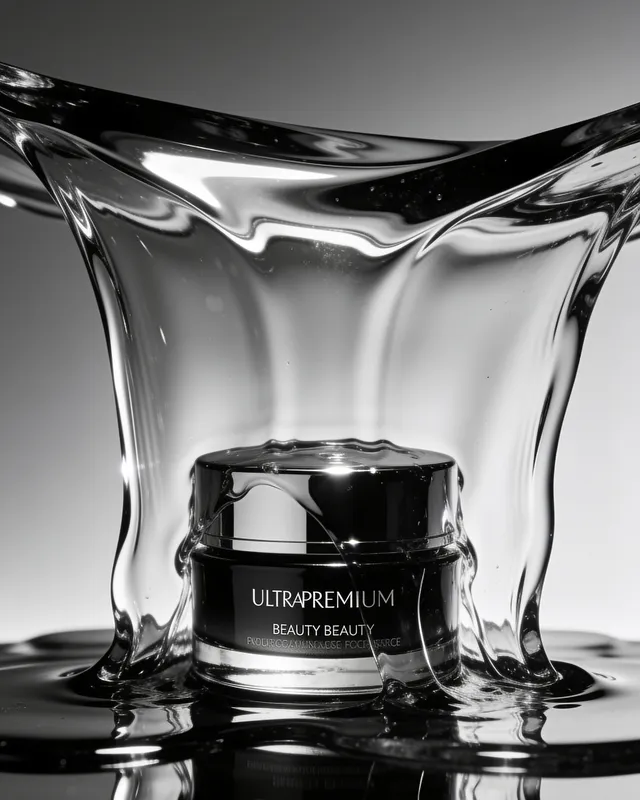
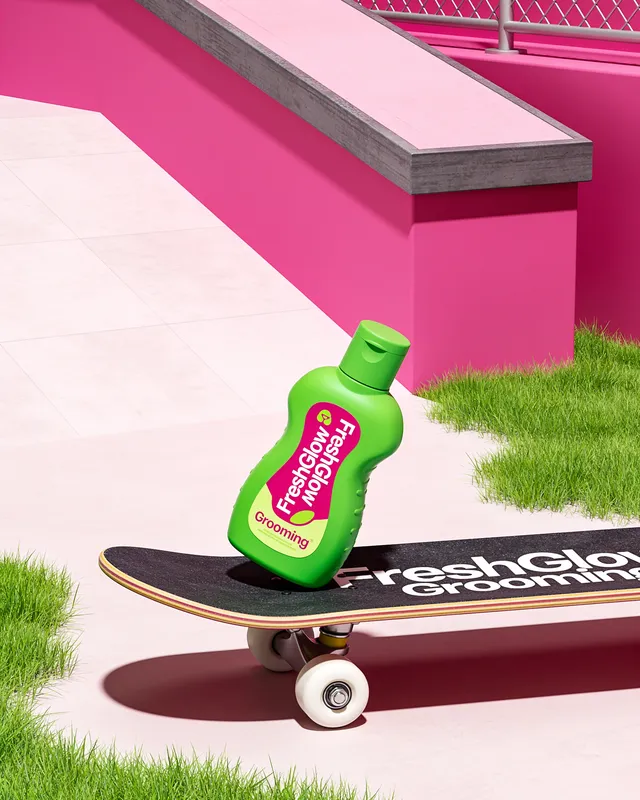
Beauty & Cosmetics
A new launch or seasonal campaign requires the same perfume, skincare product, or cosmetic to appear in different scenes.
Our AI photoshoot generator helps you create those images from a single product image.
Brands like L'Oréal, Estee Lauder, and Fenty Beauty use AI product photography to showcase thousands of product variations.
Try it on your product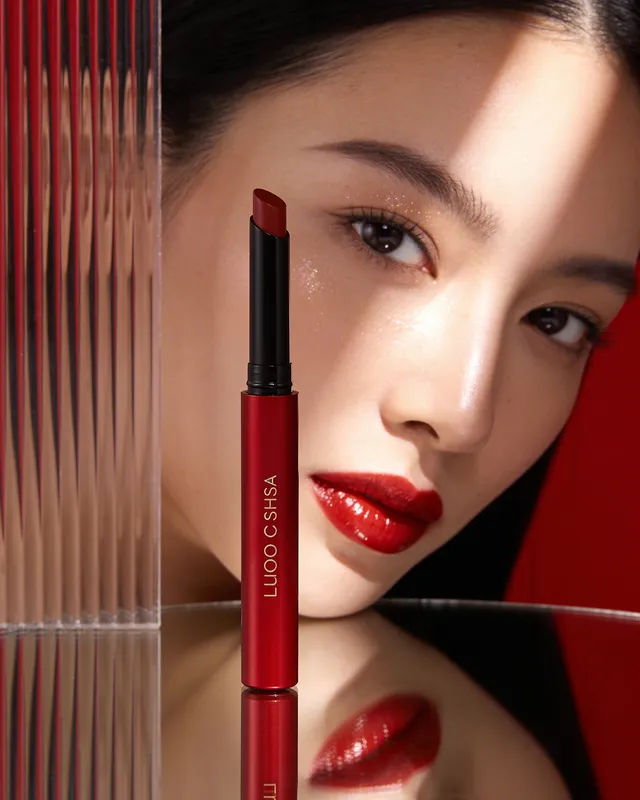
Fashion & Accessories
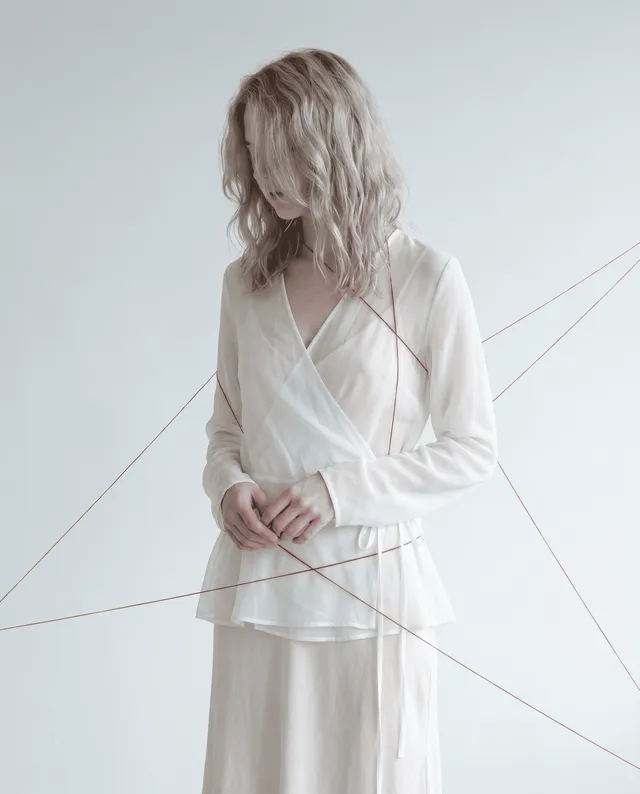
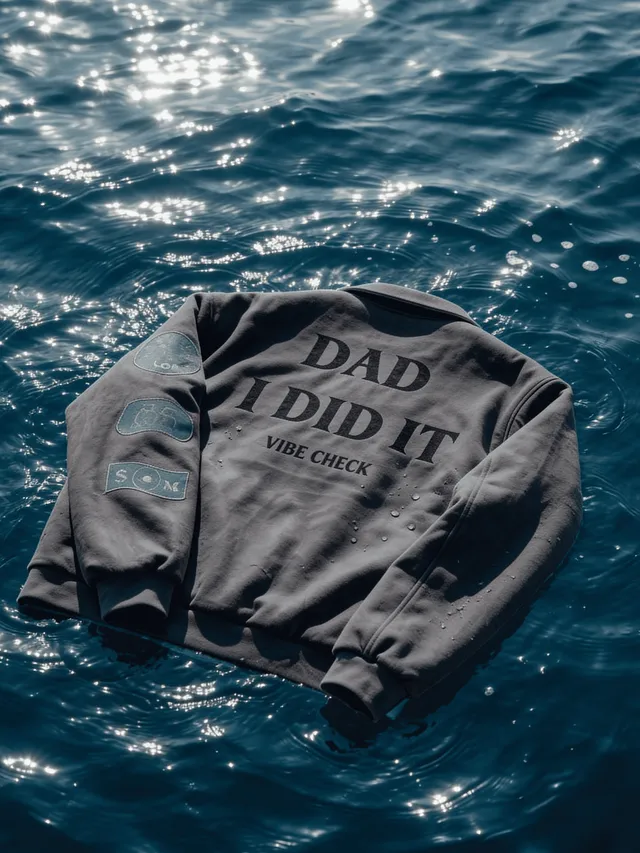
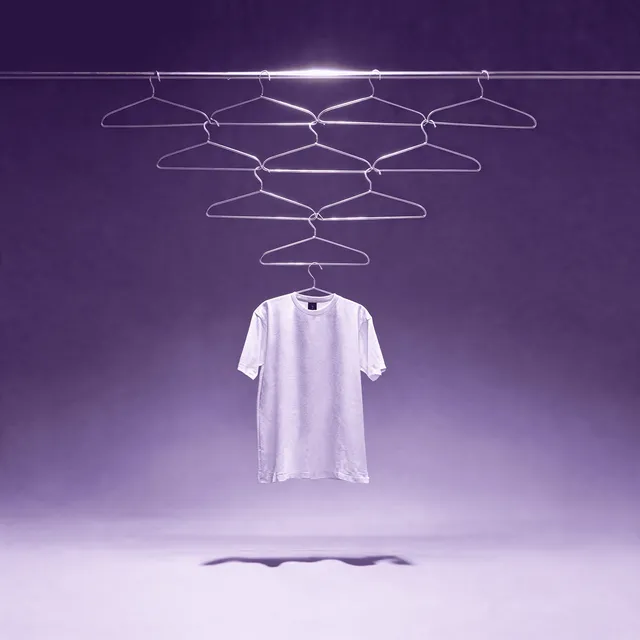
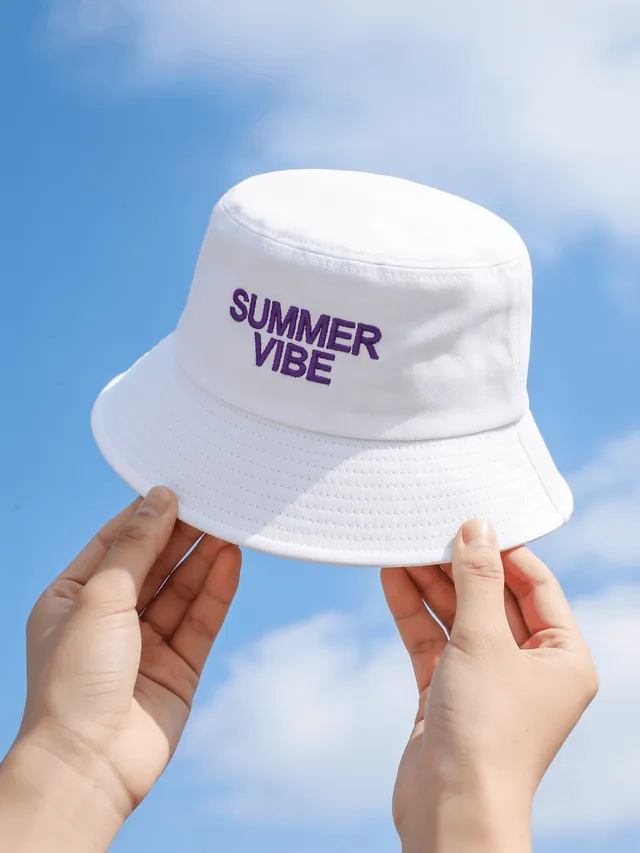
Take a photo of your apparel, upload it to our tool, and type a prompt describing the model and scene you want to create.
The camera angle, model pose, background scene, and even the model's skin details are all influenced by what you describe.
Brands like Nike, Adidas, and Zara use AI-generated fashion shots for product listings and sales advertising.
Try it on your product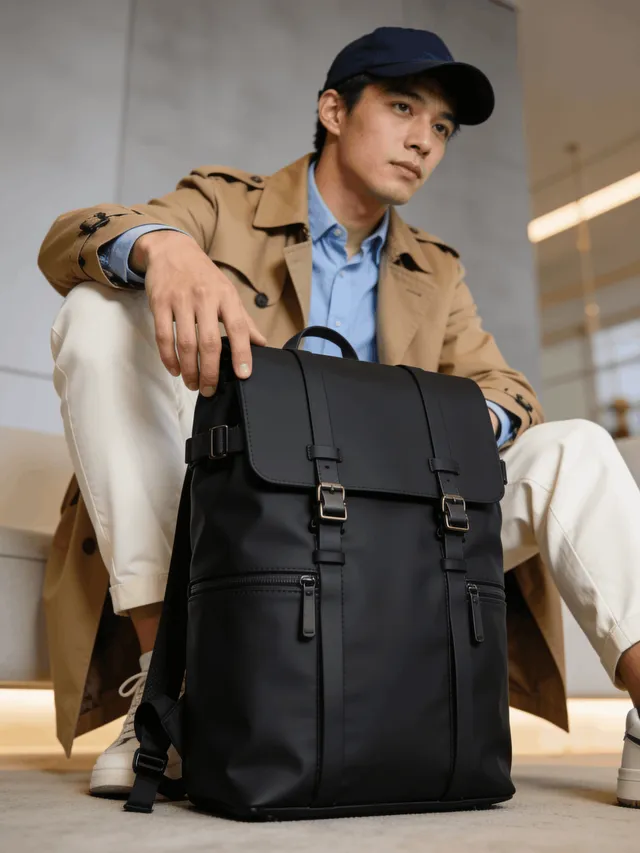
Food & Packaging
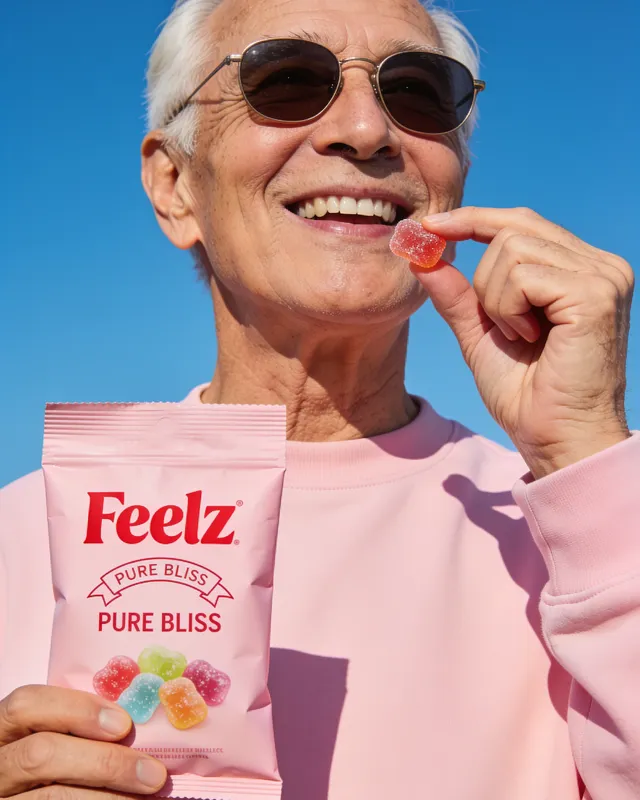
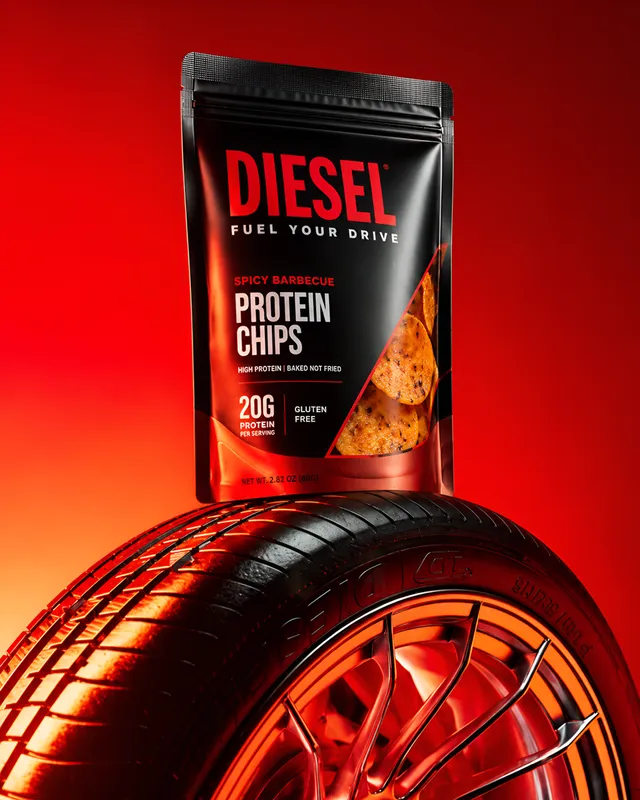
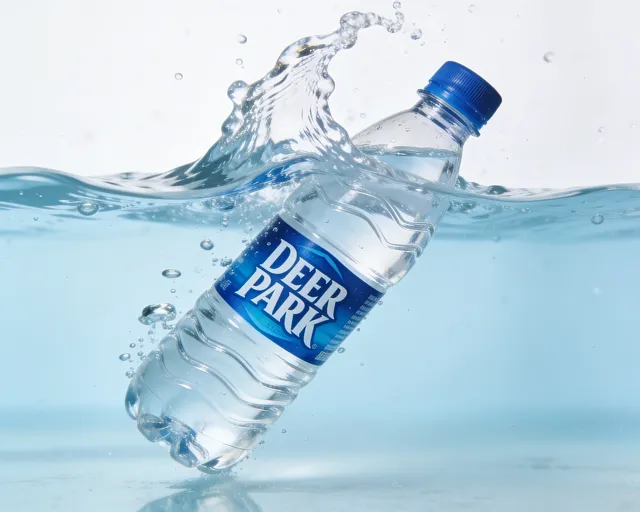
From online marketplaces to advertisements, your packaging appears everywhere.
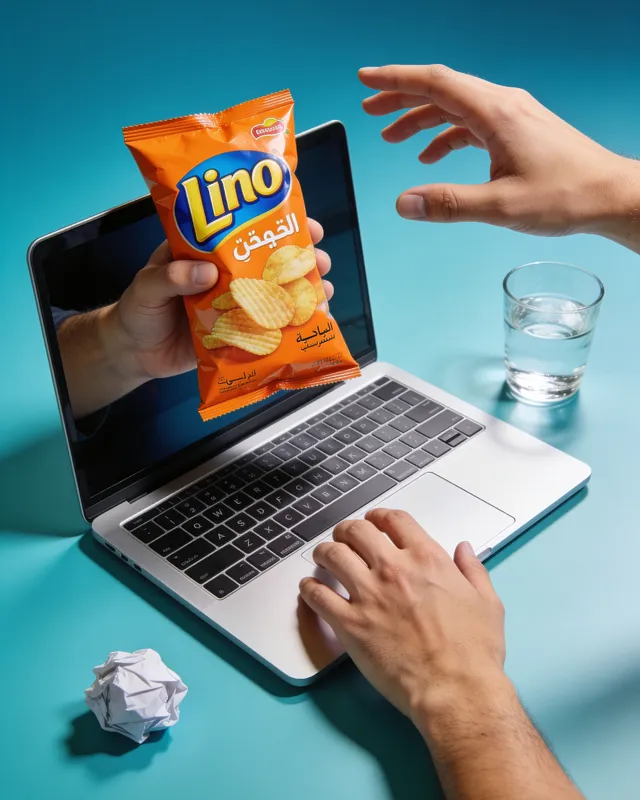
Create studio and lifestyle scenes for coffee bags, beverage bottles, snack packaging, jars, boxes, and pouches.
Brands like Nestlé, Coca-Cola, and Starbucks use the AI photoshoot generator to introduce new flavors, seasonal packaging, and limited-edition products.
Try it on your product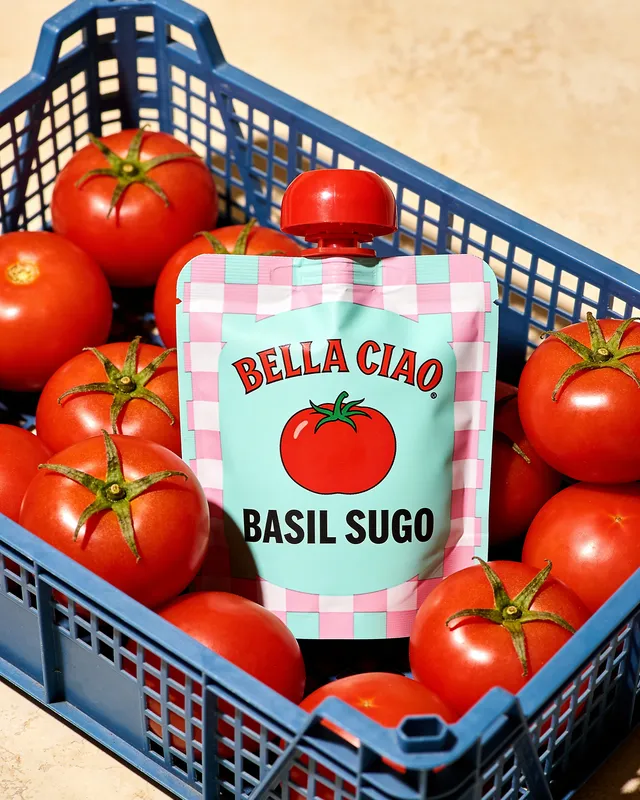
What Makes Every Photo Look Better
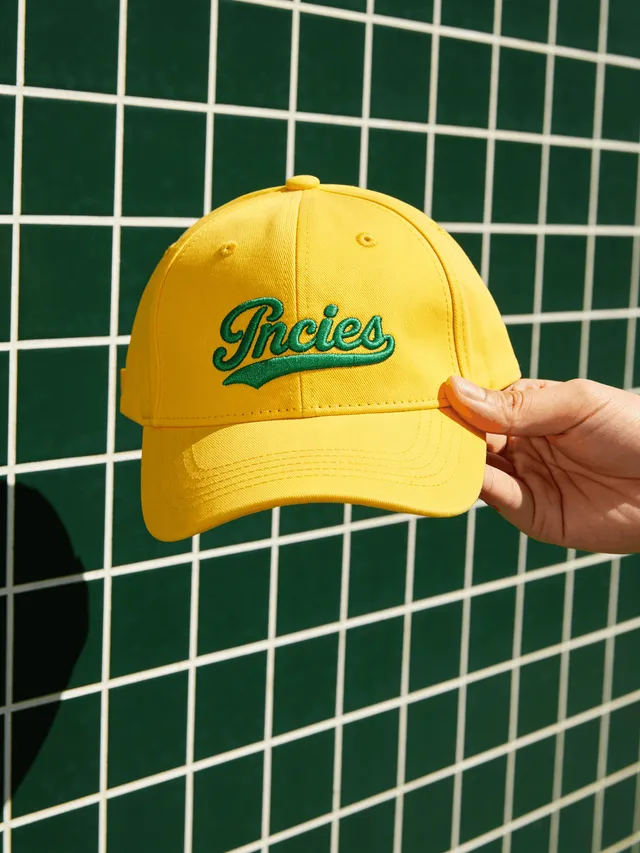 Colors kept
01
True Colors
You can preserve the original colors of your packaging, labels, fabrics, and materials using our AI photoshoot generator.
There are no faded tones or oversaturated colors in the generated image.
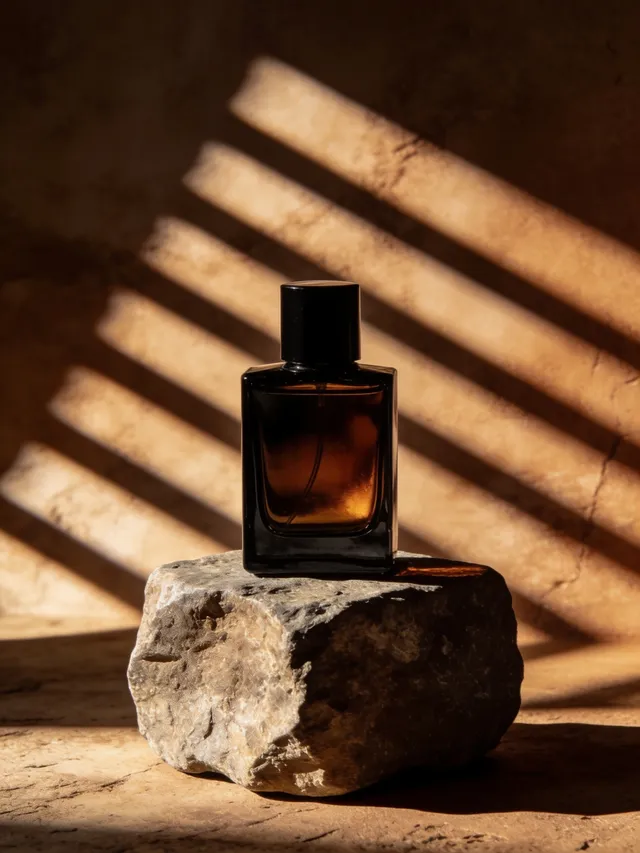 Window light
02
Natural Lighting
Natural lighting is about creating the right mood for your product, whether you're showcasing a perfume bottle by a window or a coffee bag in the morning sun.
Our tool blends light naturally, so every product looks like it was photographed in that scene. You can also use terms such as Rembrandt lighting or Butterfly lighting while creating a photoshoot with AI.
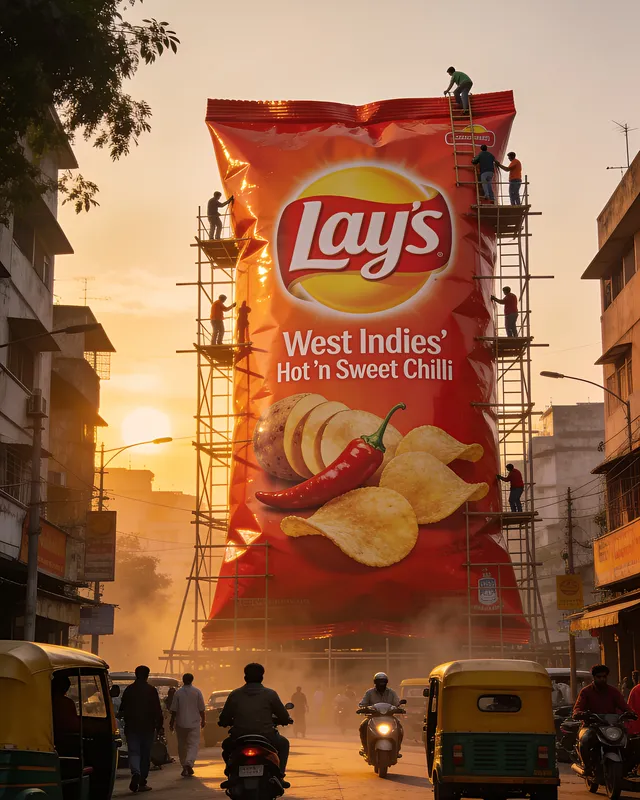 Sharp text
03
Clear, Readable Text
Our AI photoshoot generator never struggles with text because it sees words as actual letters.
This is why signs, logos, and small text never look blurry, misspelled, or distorted in our AI-generated images.
Your Next Best Product Photo Starts Here.
Upload your product image and see where it takes you.
Start Your AI Photoshoot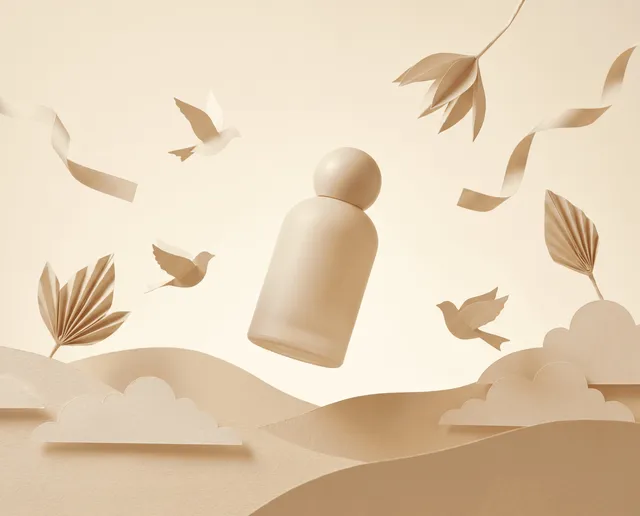
FAQs
01 What can I create with an AI photoshoot generator?
With the AI photoshoot generator, you can create studio shots, lifestyle scenes that fit your product, and even fashion model shots with fabric draping for apparel. You can also create seasonal variations by describing the theme.
02 Can I use it for apparel and get a model wearing my design?
Yes, describe the kind of model and scene you want, and it places your design on a realistic model with natural fabric folds and draping.
03 Can I generate lifestyle shots for food or beverage packaging?
You can describe a scene like a kitchen counter or outdoor setup, and it builds the environment around your packaging.
04 Does the AI photoshoot generator work for jewelry and small accessories?
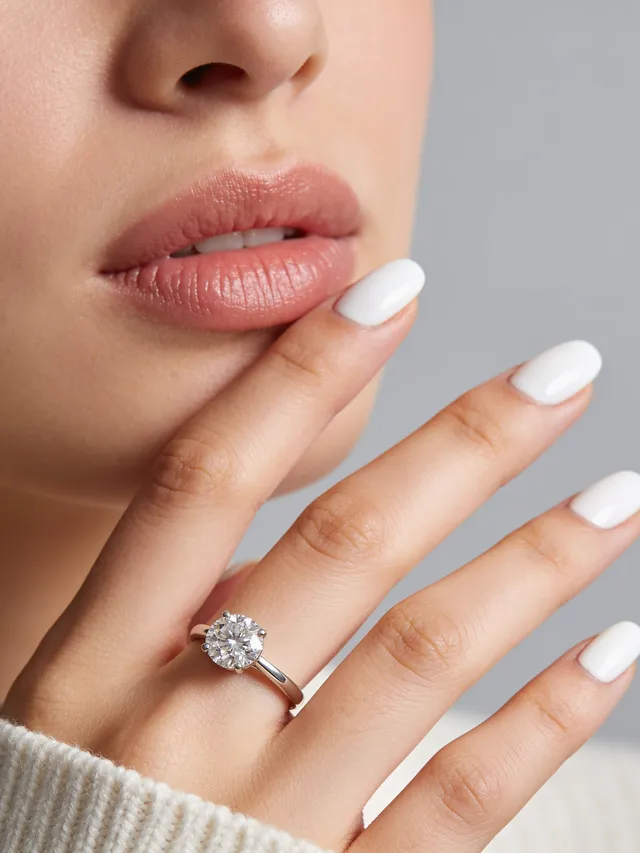
It's suited for close-up, detail-focused shots too; just describe the surface or backdrop you want, like velvet or marble.
05 Do I need credit for using the AI photoshoot generator?
Yes, on the Creator plan. Each generation costs 2 credits, and once downloaded, the image is cleared for commercial use.