
Mockup Generator API
Put any design on Mockey's product mockups from your own app. Send one request with a mockup ID and a design URL, and get a rendered mockup image back in seconds.
curl -X POST https://api.mockey.ai/render/mockup \
  -H "Authorization: Bearer $MOCKEY_API_KEY" \
  -H "Content-Type: application/json" \
  -d '{
    "mockupId": "abc123",
    "design": "https://cdn.example.com/art.png",
    "color": { "hex": "#111111" },
    "designScale": 1.2
  }'
const res = await fetch("https://api.mockey.ai/render/mockup", {
method: "POST",
headers: {
Authorization: `Bearer ${process.env.MOCKEY_API_KEY}`,
"Content-Type": "application/json",
},
body: JSON.stringify({
mockupId: "abc123",
design: "https://cdn.example.com/art.png",
color: { hex: "#111111" },
designScale: 1.2,
}),
});
const { url } = await res.json();
console.log(url); // https://cdn.mockey.ai/renders/9f21c4e8.pngimport os, requests
res = requests.post(
"https://api.mockey.ai/render/mockup",
headers={"Authorization": f"Bearer {os.environ['MOCKEY_API_KEY']}"},
json={
"mockupId": "abc123",
"design": "https://cdn.example.com/art.png",
"color": {"hex": "#111111"},
"designScale": 1.2,
},
)
print(res.json()["url"]) # https://cdn.mockey.ai/renders/9f21c4e8.pngResponse
{
  "url": "https://cdn.mockey.ai/renders/9f21c4e8.png",
  "cached": false
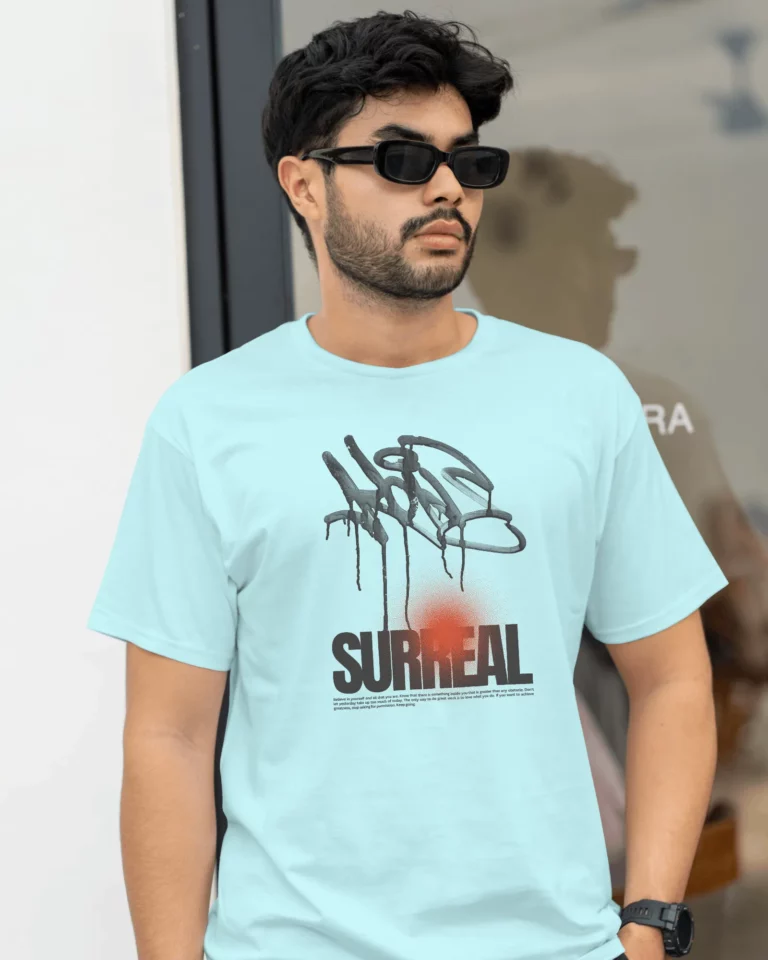
}
How the Mockup API Works
Plain HTTP with a JSON body. If your server can send a POST request, it can render mockups.
- 01
Create an API key
Sign in to the Mockey API dashboard with your Mockey account and create a key. Keep the secret in an environment variable on your server.
- 02
Pick a mockup
Choose any mockup from the Mockey catalogue and copy its ID from the end of its editor URL on mockey.ai.
- 03
Send your design
POST the mockup ID and a public design URL. The API returns JSON with a CDN link to the finished mockup image.
One Mockup or Fifty in a Single Call
Render one mockup and get its CDN link, or composite a whole selection of mockups against one design and download them as a zip. A failed item never stops the batch, and you only pay for what renders.
/render/mockup 1 credit Renders one mockup and returns JSON with a CDN URL to the finished image.
/render/mockups 1 credit per image Renders up to 50 mockups against one design and streams them back as a single zip.
/render/usage Free Checks your credit balance and usage. It renders nothing.
Bulk render · up to 50 mockups
curl --fail-with-body -X POST https://api.mockey.ai/render/mockups \
  -H "Authorization: Bearer $MOCKEY_API_KEY" \
  -H "Content-Type: application/json" \
  -d '{
    "mockupIds": ["abc", "def", "ghi"],
    "design": "https://cdn.example.com/art.png",
    "color": { "hex": "#ffffff" }
  }' \
  --output mockups.zip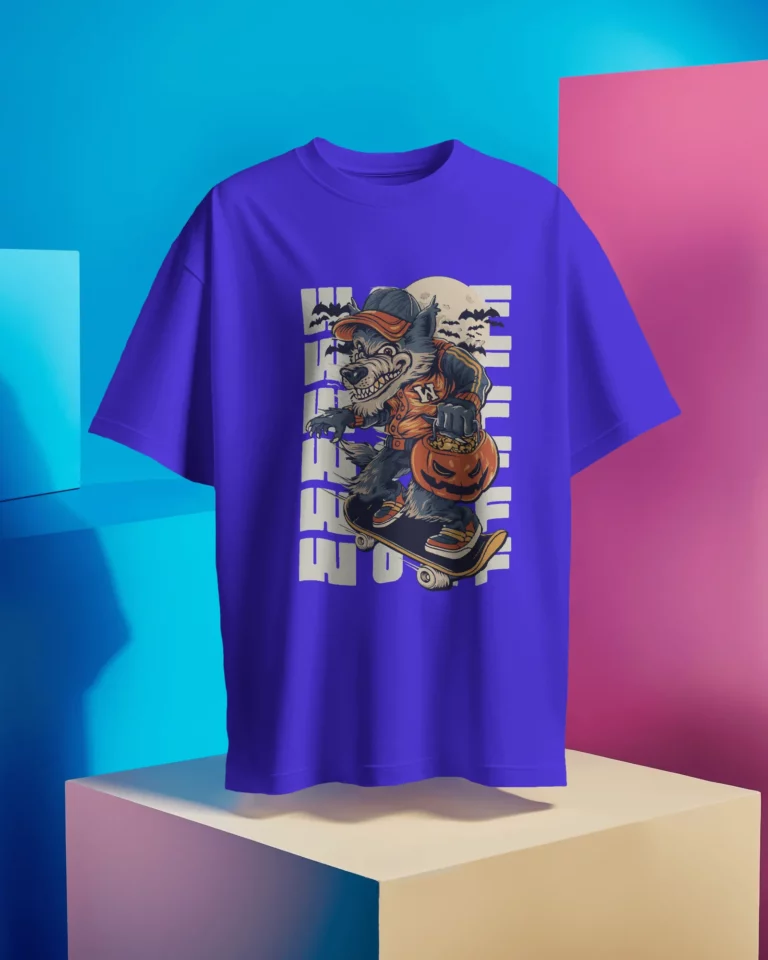
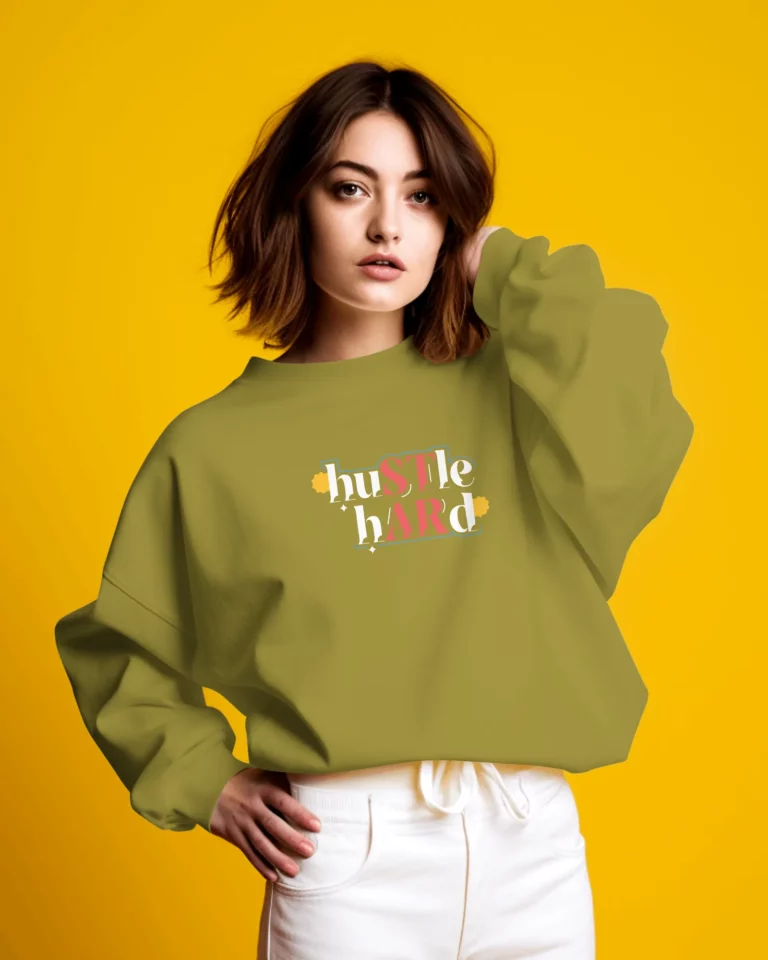
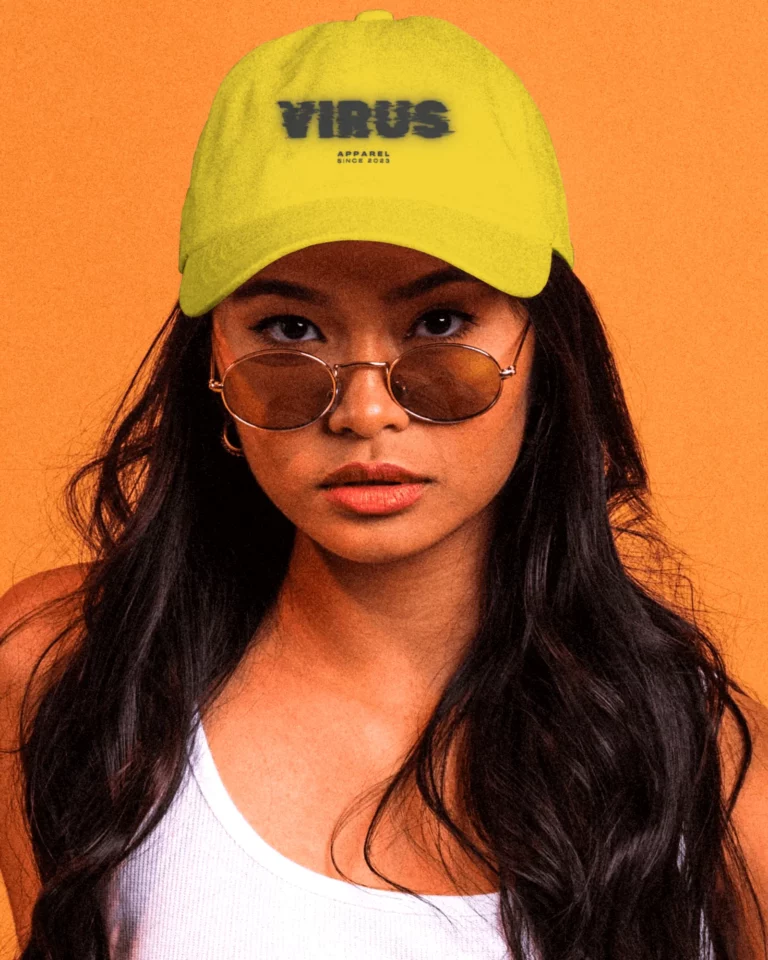
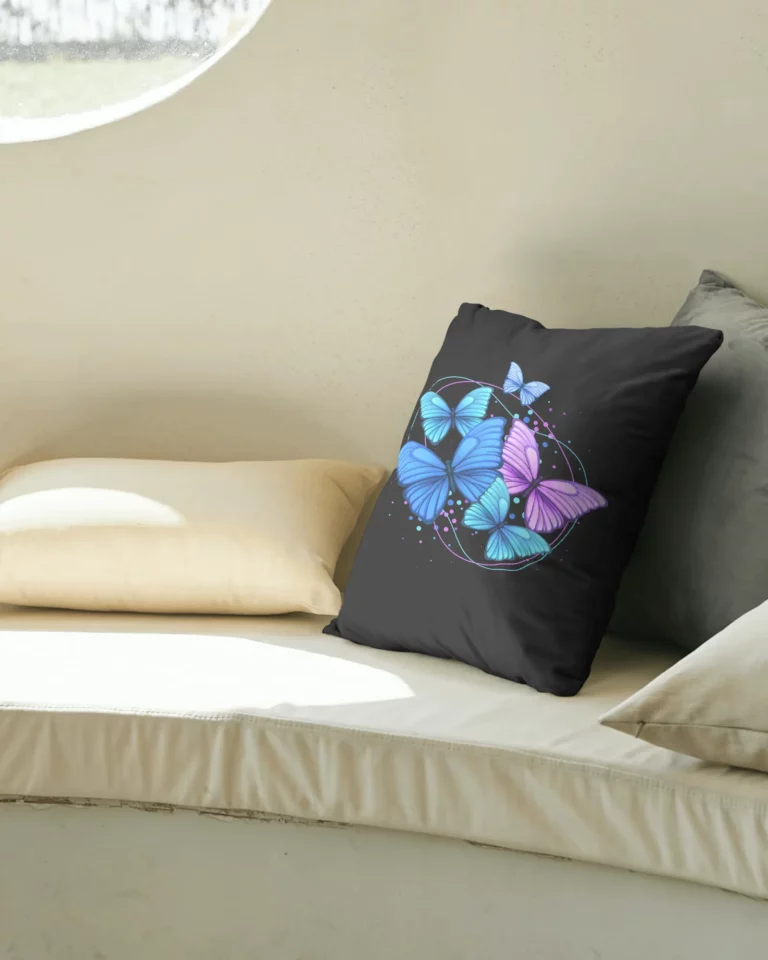
The zip ends with a _manifest.json listing what rendered and what was skipped.
Control Every Print Slot
A mockup can have several print areas, such as the front, back and sleeve. The design field maps your artwork onto them.
One design everywhere
Pass a single design URL and it fills every print slot on the mockup.
A design per slot
Pass a list of designs to set the front, back and sleeves separately, in slot order.
Layered artwork
Stack up to 8 designs per slot, each with its own position, size and rotation.
Product colours on demand
Set the product colour with any hex value to render every colourway from the same design.
Consistent design size
Scale artwork from 0.25 to 5 times its print area. The scale follows each mockup's own print box, so one value looks right across mockups with different print areas.
What You Can Build with the Mockup API
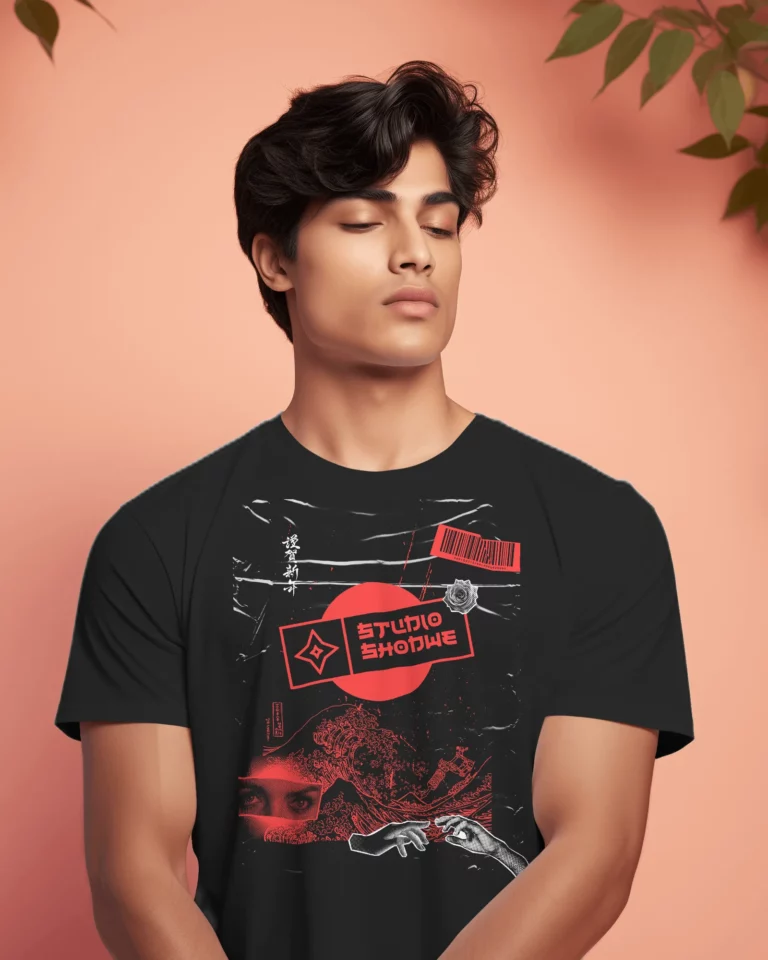
Print-on-demand platforms
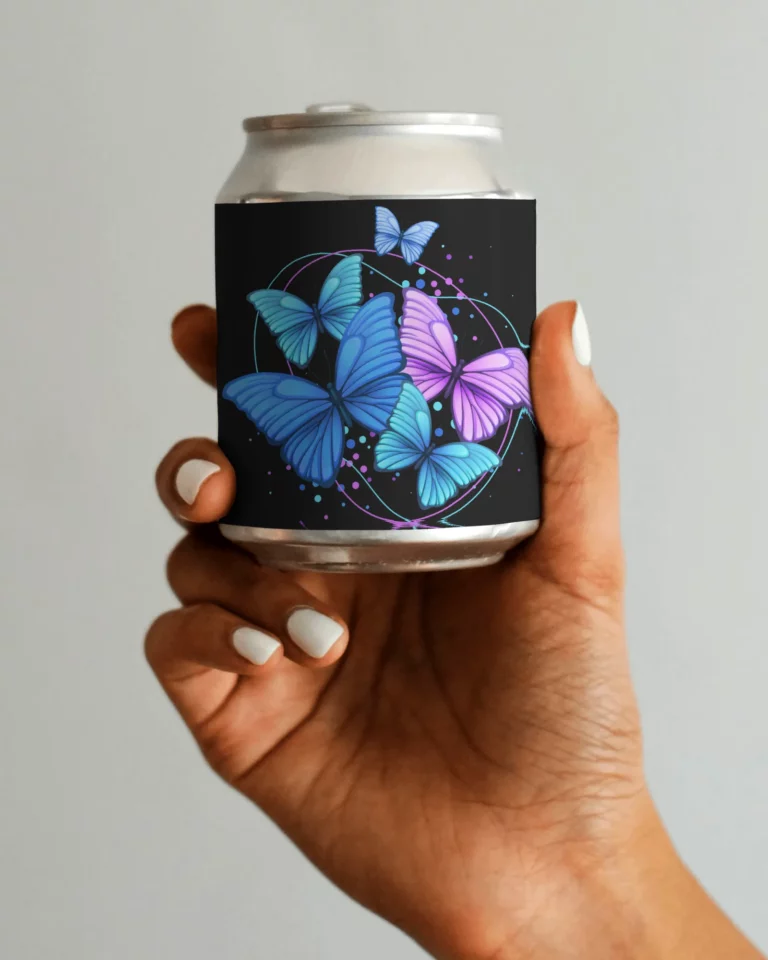
Let sellers see their artwork on products the moment they upload it, without leaving your platform.
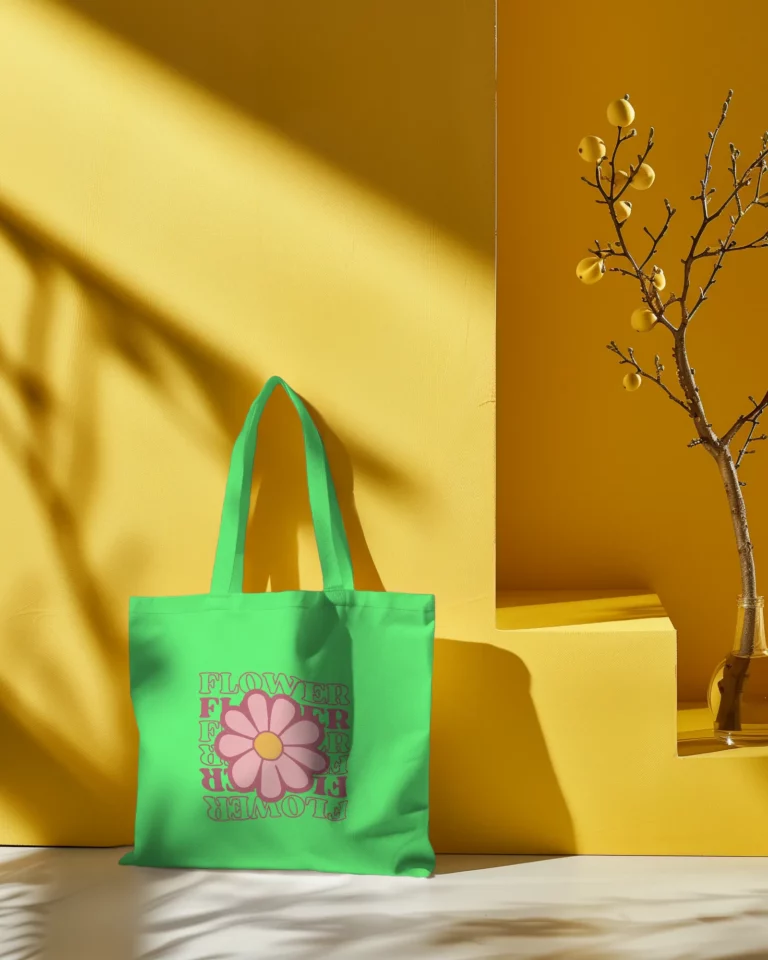
Catalogue automation
Render every colour of every product from one design and fill your listings in a single run.
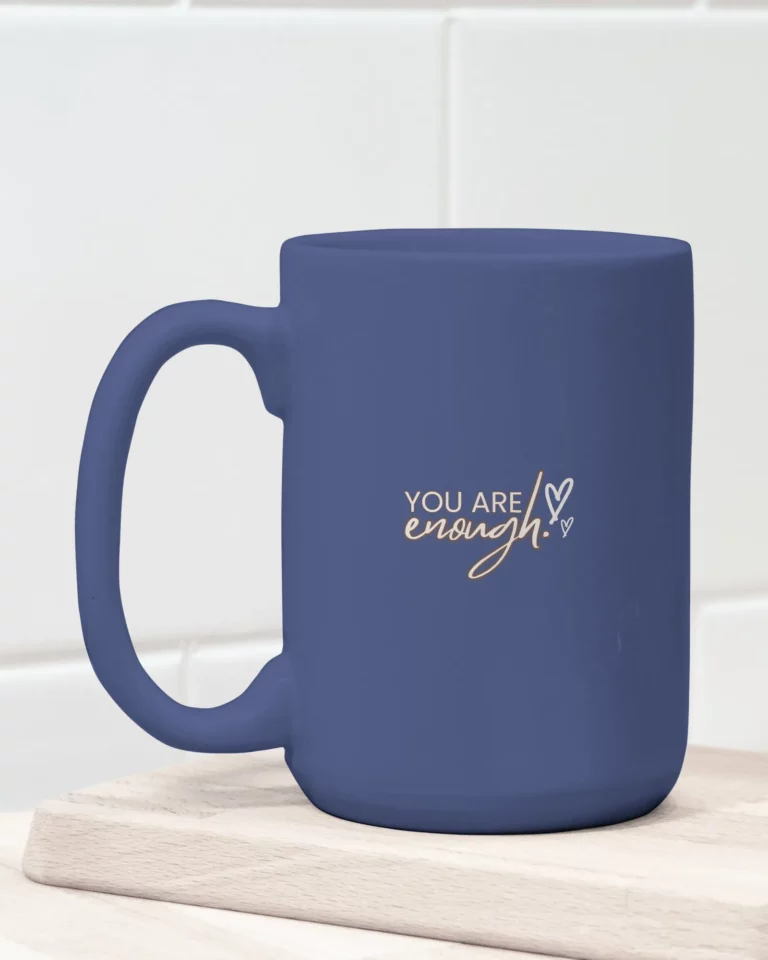
Product customisers
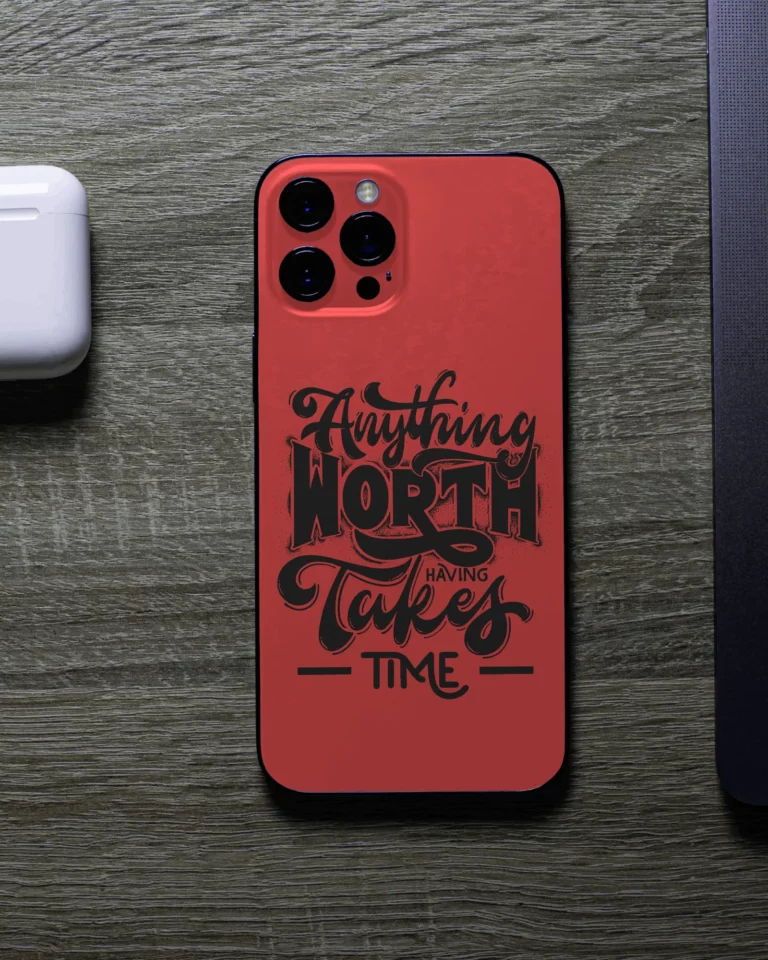
Show shoppers their own logo or text on your products before they buy.
Agencies and studios
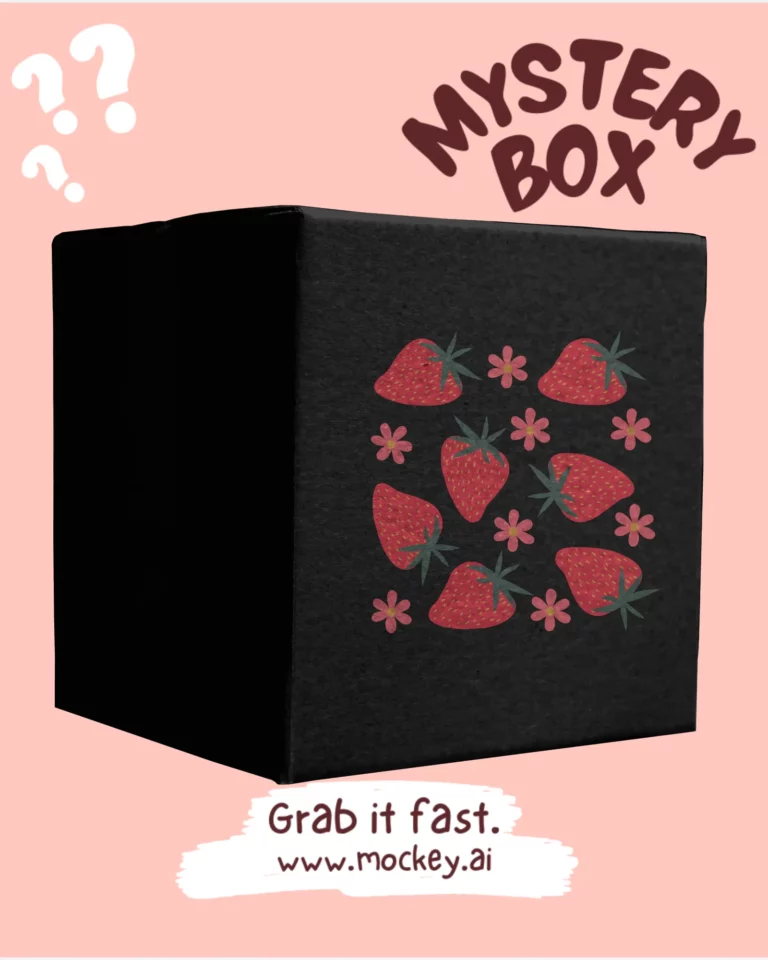
Turn client artwork into a full set of mockups for presentations, without Photoshop batch actions.
Mockup API Technical Details
Everything you need to evaluate the API before you write a line of code.
Read the Full Docs- Authentication
- Bearer token or X-API-Key header, server-side only
- Base URL
- https://api.mockey.ai
- Response
- JSON with a CDN-hosted image URL (single); a zip with a manifest (bulk)
- Bulk rendering
- Up to 50 mockups per request, results as one zip
- Rate limit
- 60 requests per minute, per account
- Designs per render
- Up to 8 per print slot, 24 in total
- Design scale
- Any value from 0.25 to 5
- Request size
- Up to 10MB, including data: URLs for artwork
- API keys
- Up to 5 per account
- Plans
- None: every account gets the same access and limits
Simple Mockup API Pricing
$1 buys 100 credits, and every rendered image costs 1 credit. No plans or tiers, credits never expire, and failed items and cache hits are free.
$5
500 credits
≈ 500 renders
Enough to wire the API up and render a first catalogue.
Buy 500 credits$10
1,000 credits
≈ 1,000 renders
A month of steady product-page renders for a small store.
Buy 1,000 credits$100
10,000 credits
≈ 10,000 renders
Bulk catalogues, nightly regeneration, or a busy storefront.
Buy 10,000 creditsAPI credits are separate from your mockey.ai subscription: a subscription doesn't include API credits, and API credits can't be spent on the web app.
Prefer to Work in Claude or ChatGPT?
Connect the Mockey MCP server to your AI assistant to search the mockup catalogue and render your designs from a chat, with no code at all.
Explore Mockey MCP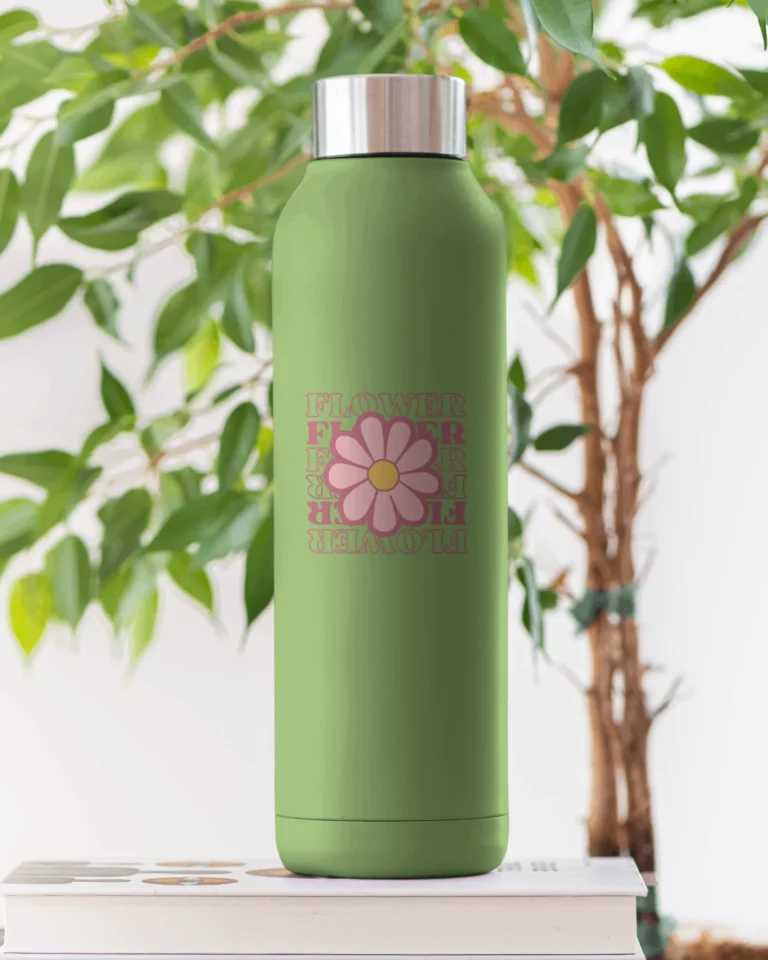
We take pride in serving quality
with highest rated mockup generator

Rating on Trustpilot
with 40+ reviews and counting
I am blown away by the level of personal customer service. I don't remember when I last encountered it. So refreshing. They listen to feedback of what works and what doesn't, and within minutes courteously thanked me for it and let me know they'd be working on adding the specific mockups I was looking for

I have recently purchased the forever package. I initially tried the starter plan and decided this app is great for me, easy to use for a newbie.

Very good ai for creating mock-ups. And good service also. Recommending to who is planning to start print on demand. 100% worth

Book Mockups are a great tool for experiencing the final look of the product.

I had an excellent experience with Mockey AI's customer support team. I accidentally forgot to cancel my subscription's auto-renewal and was charged for the next billing cycle. After contacting support, I received a prompt, professional, and courteous response from Shahid.

The great thing is that , need not to learn PS for mockups , mockey is way simple. And the customer service is good too.

Customer service is excellent! Outstanding swiftness and efficiency of their work. For the sake of it, 5 stars!
Very good customer service. I was new to Mockey and decided to sign up for the monthly plan rather than the yearly plan to test out their product. Definitely five stars for their excellent communication and fairness.
FAQs
01 What is a mockup generator API?
A mockup generator API lets your own app or server put a design onto product mockups automatically. With the Mockey Mockup API, you send a mockup ID and a design URL, and get back a link to the finished mockup image, without opening an editor.
02 How much does the Mockup API cost?
$1 buys 100 credits, and one rendered image costs 1 credit, so a render costs $0.01. Credit packs start at $5 for 500 credits. A bulk request of 30 mockups costs 30 credits, while cache hits and items that fail in a batch cost nothing.
03 Does my mockey.ai subscription include API credits?
No. The API is its own product with its own credits. A mockey.ai subscription covers the web app, and API credits can't be spent on the web app.
04 Do API credits expire?
No. Credits stay on your account until you spend them. There is no monthly quota and nothing resets.
05 How many mockups can I render at once?
The bulk endpoint renders up to 50 mockups against one design in a single request and returns them as one zip. The rate limit is 60 requests per minute per account, and a bulk call counts as one request.
06 Can I call the API from the browser?
No. A key used from a browser is refused, because anyone visiting the page could read it. Call the API from your own server and pass the image URL to your front end.
07 Where do I find a mockup ID?
Open the mockup on mockey.ai and copy the ID from the end of its editor URL.
08 Can I use the Mockup API with AI assistants?
Yes. Connect the Mockey MCP server to Claude or ChatGPT to search mockups and render your designs from a chat.
Automate Your Mockups Today
Create an API key, send your first design, and render product mockups from your own app in minutes.