Video Mockups Download Online | Make AI Video Mockup
Create video mockups online with AI. Explore free templates for t-shirts, apparel, and product designs. Download without a watermark to display your brand with style and impact.
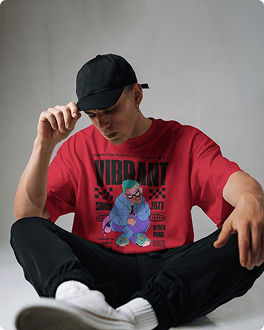
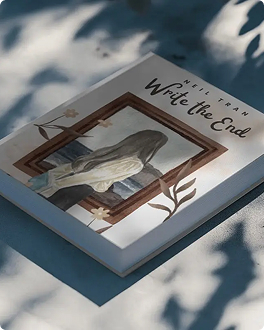
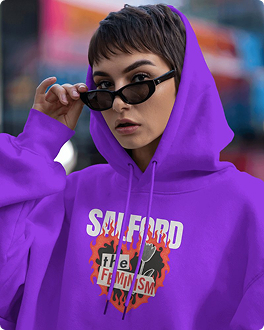
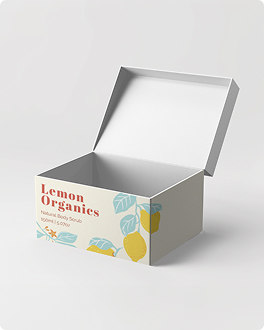
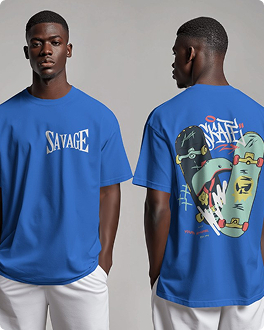
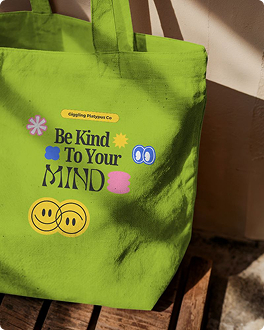

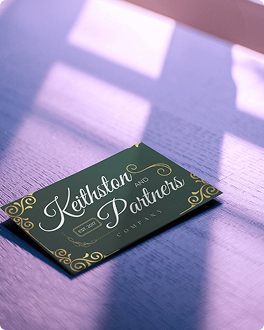
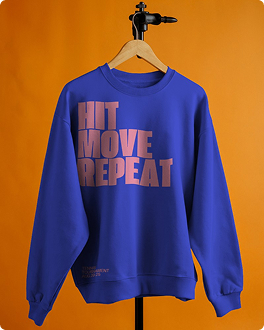

How to Make a Video Mockup with Mockey AI?
To create a video mockup in Mockey AI:
- Step 1: Start by signing up on Mockey AI. Click on `Video Mockup` and choose a template like t-shirts, books, or tote bags in the Categories. Pick what you like.
- Step 2: Next, upload your design. You can adjust it with the warping tool, change the colors, and swap the background if the template allows.
- Step 3: Lastly, click on `Generate Video.` Your mockup will be ready to download in a video format.


FAQs on Video Mockups
What is a video mockup?
A video mockup is a short looping video where your design will appear on any product, such as posters, t-shirts, packaging, etc., with a realistic background. The video often includes subtle movements like shadows, curtains blowing, or light changes to make it look real.
How to make a video mockup?
Mockey AI is best for video mockups. Sign up there and choose a video mockup template to edit. Upload your design, adjust it using the warping tool or change colors for a pro look. When it’s ready, click Generate Video and download your mockup in video format.
Does Mockey's AI generator help in making TikTok ad video mockups?
Mockey AI's video mockup generator makes it easy to create TikTok ad video mockups. With editing features, users can quickly design eye-catching, brand-ready videos without much effort.
Is it easy to use Mockey's AI for iPhone Video mockups?
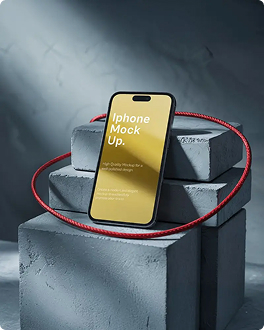
Creating an iPhone video mockup on Mockey AI is very easy. Just sign up, click on Video Mockups, and you’ll find a Tech section under Categories that has iPhones. There you’ll see many templates. Pick one, add your design, and press Generate Video to download your iPhone video mockup.
What types of videos can I create using Mockey's AI video mockup tool?
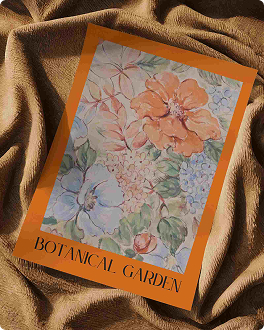
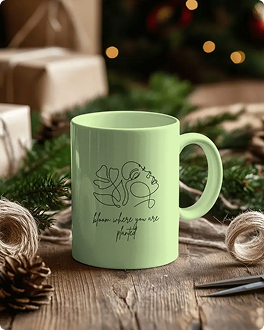
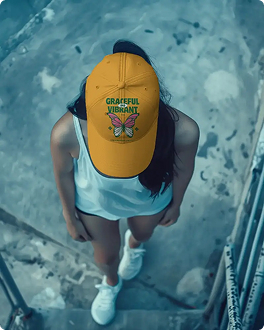
Mockey AI has video mockups for apparel, home and living items, packaging, prints, and tech products. Choose a template and make changes in minutes.
How quickly does Mockey create AI video mockups?
Mockey AI gives quick results. You can use its tools to edit video mockups in just a few minutes. It saves time and works fast.
