Wall Art Video Mockup Download With Mockey AI
Generate & download animated Video Frame mockups with Mockey AI to present your wall art designs beautifully and attract more customers.
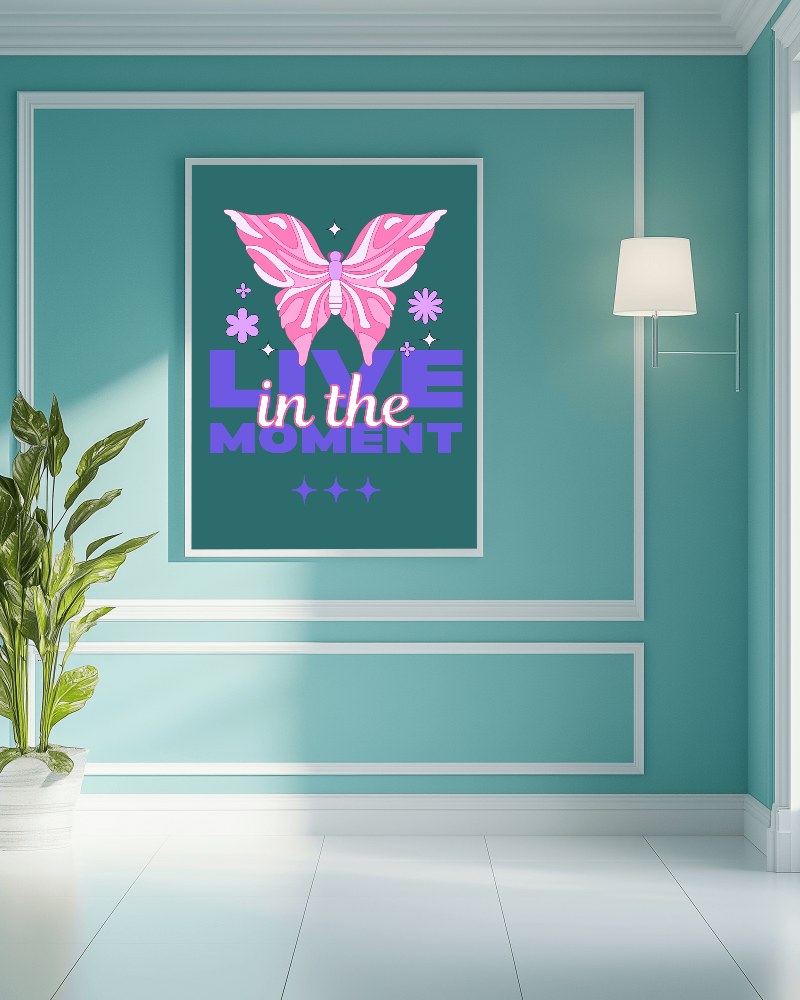
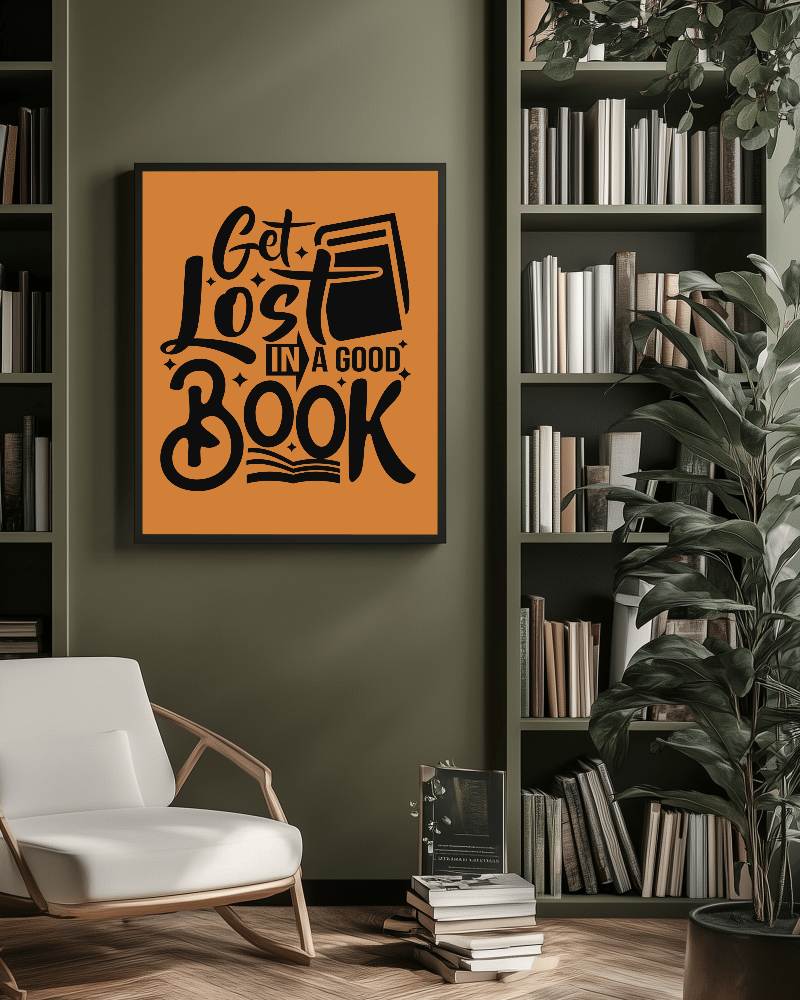
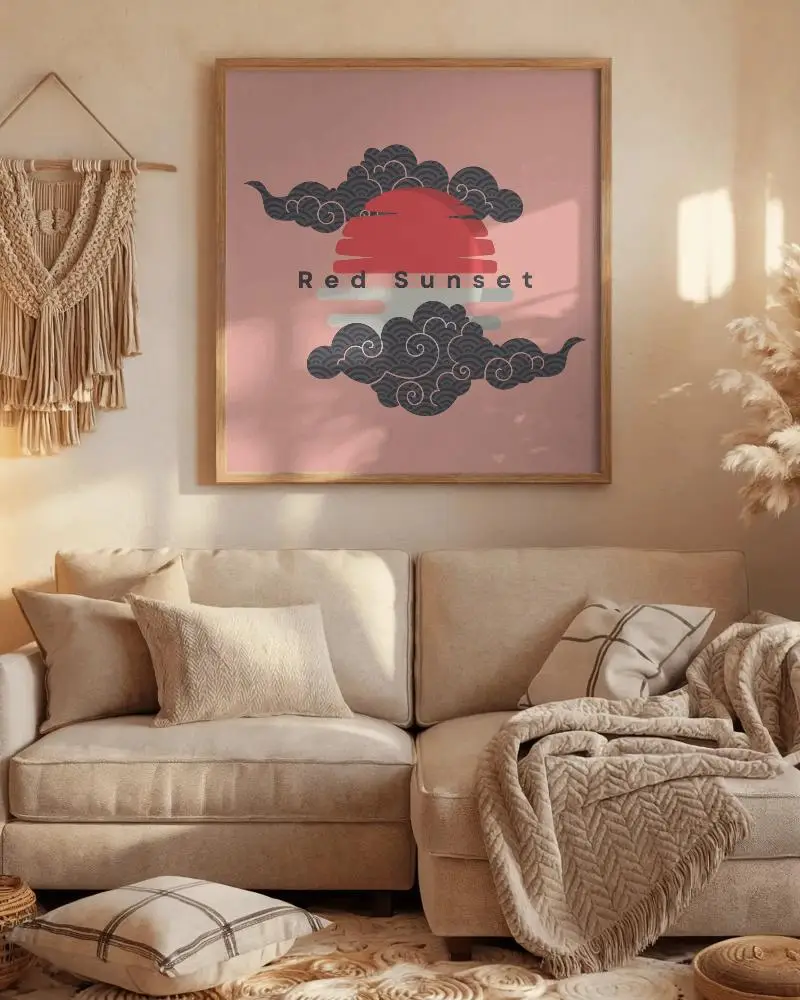
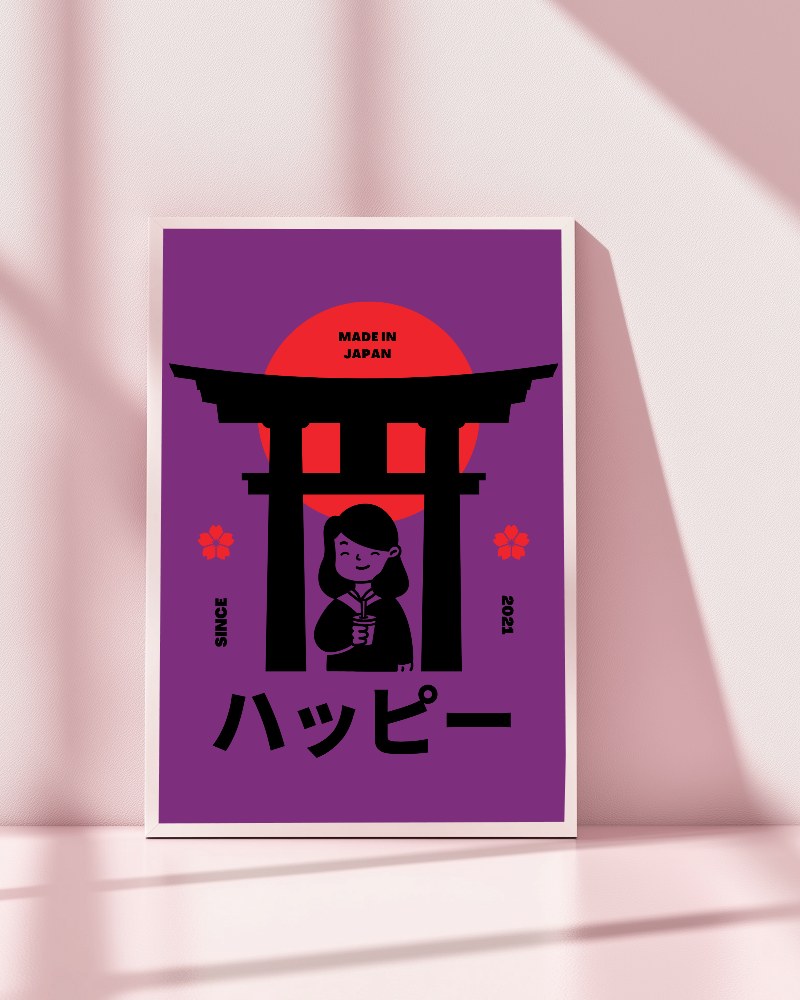
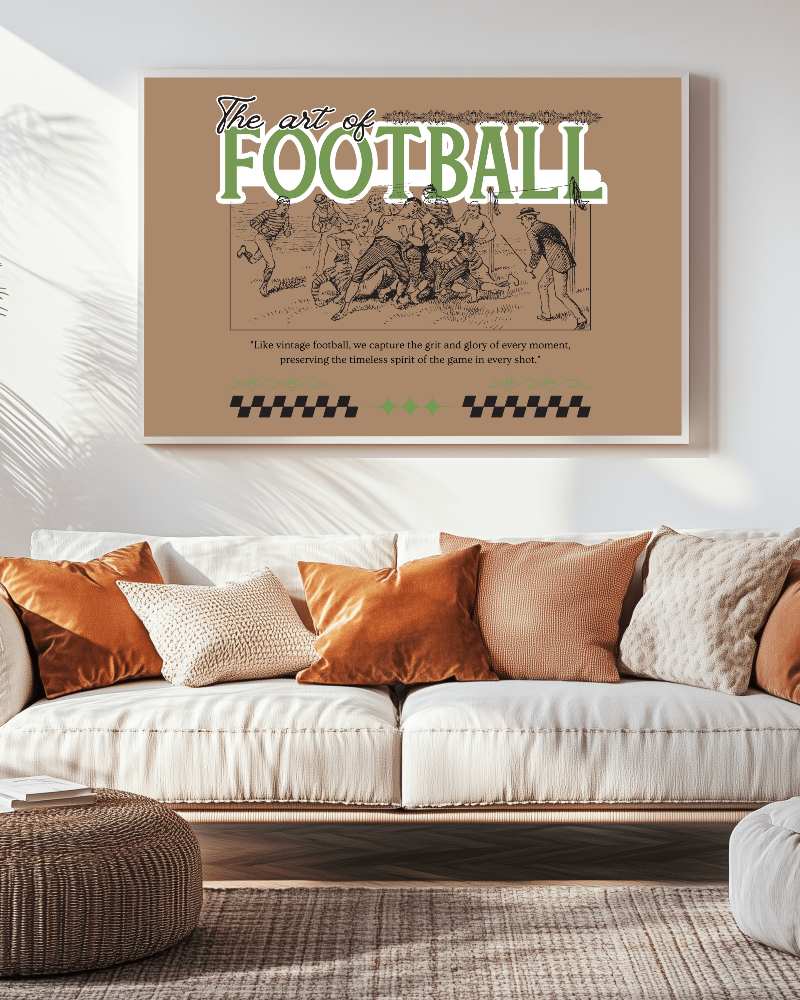
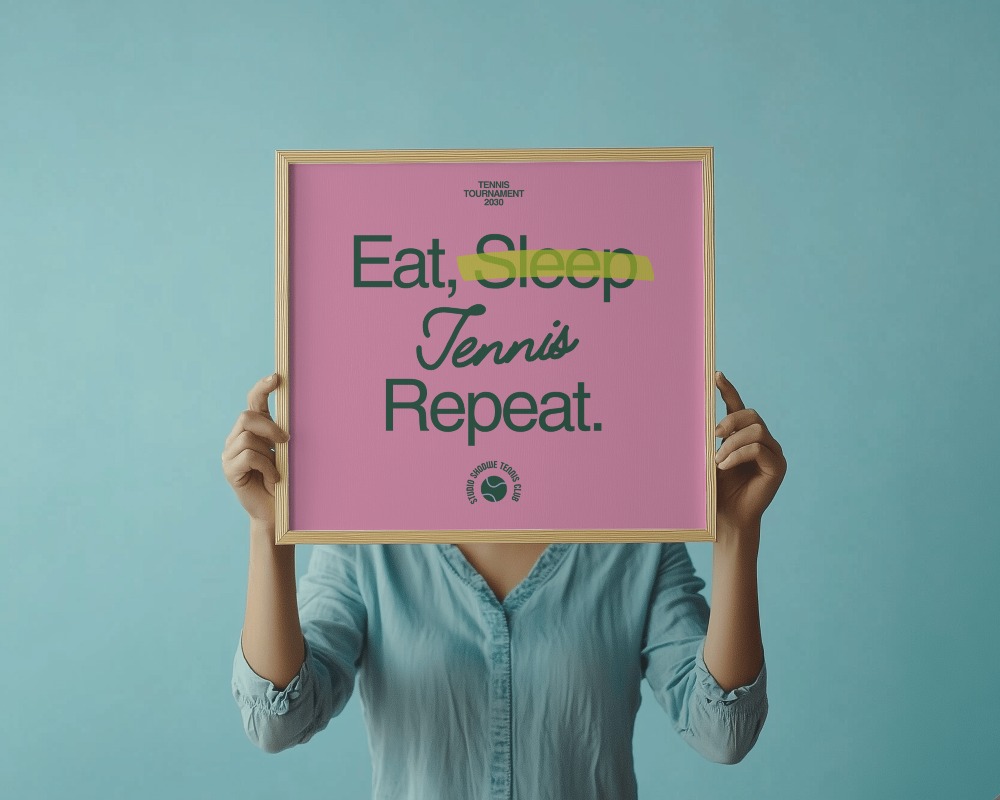
How to Create a Frame Video Mockup with Mockey AI
To create frame video mockups:
- Step 1: Sign up. Look for 'Video Mockup' after upgrading the MAX plan.
- Step 2: Follow 'Home & Living > Frame'. Add any design if you want.
- Step 3: Personalize the template. Tap 'Generate Video' to export the wall art video mockup.


FAQs on frame Video Mockups
Which video frame mockup style drives the most sales?
It’s hard to name just one best style. But modern, minimalist, rustic, or vintage video frame mockups often sell well. They appeal to a wide range of buyers and fit various home decor styles.
How can a video frame mockup boost my wall art conversions?
Video frame mockups help sell wall art faster by showing it in real room settings. It gives the artwork a sense of value, builds trust with customers, and allows them to see the details more clearly.
What resolution makes a video frame mockup look realistic?
Full HD (1920x1080) works well for most screens. For sharper quality, 1440p or 4K are ideal. On Mockey AI, you’ll get a 720p video frame mockup after downloading.
What are the top video mockup generators for creating wall art video mockups?
For creating wall art video mockups, try Mockey AI, Bulk Mockup, Canvy, or ArtPlacer. Mockey AI provides ready-made templates, Bulk Mockup allows for batch edits in Photoshop, Canvy showcases art in room settings, and ArtPlacer offers AR views.
How do I match a video frame mockup to my customer’s decor?
To match a video frame mockup to your customer’s decor, start by understanding their style, room colors, and vibe. Choose a mockup that blends with their surroundings. Use tools like Mockey AI to upload images and convert them into video or Photoshop for more control.
