Best Collection Mockup Templates to Showcase Your Products
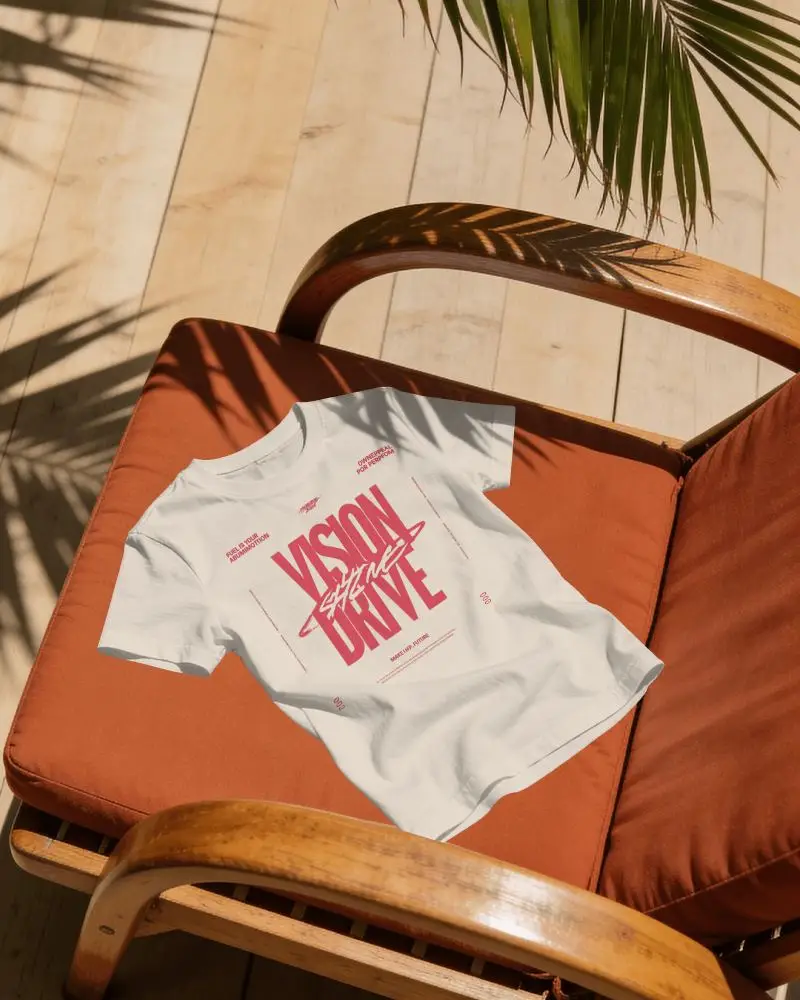
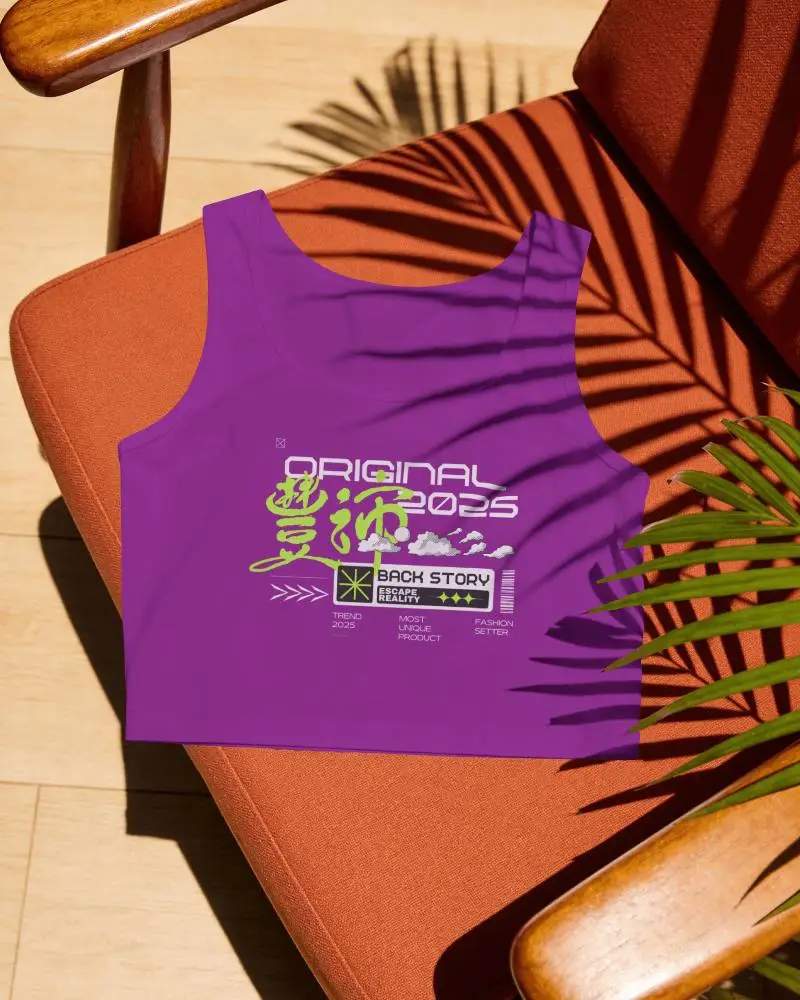
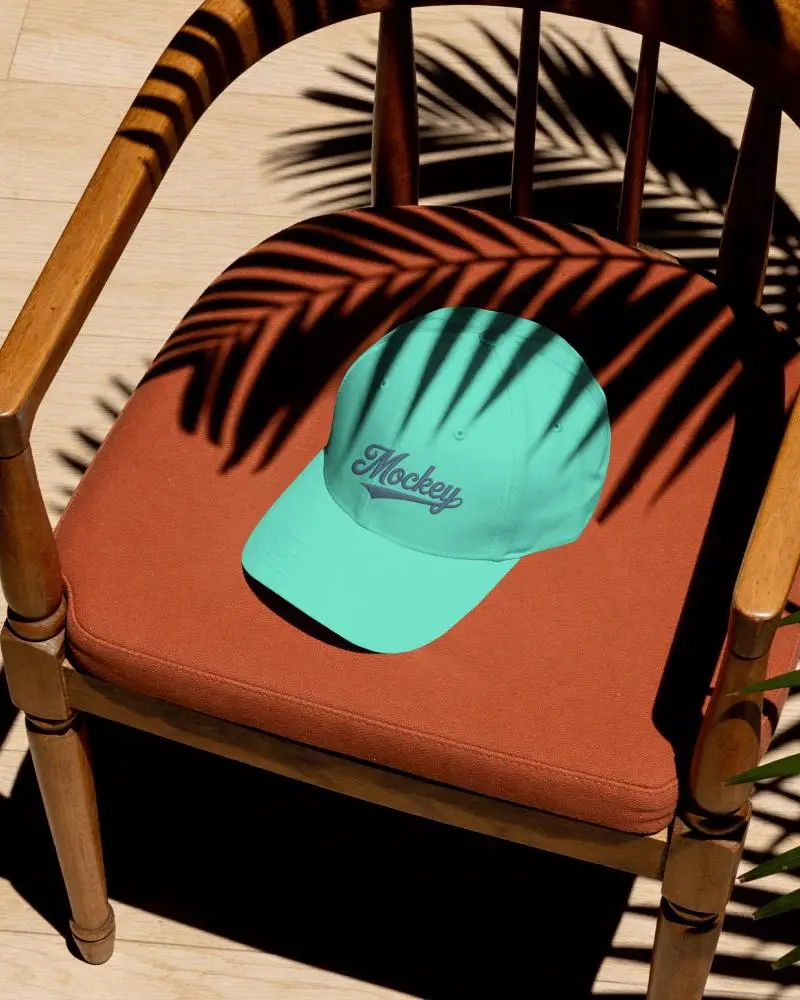
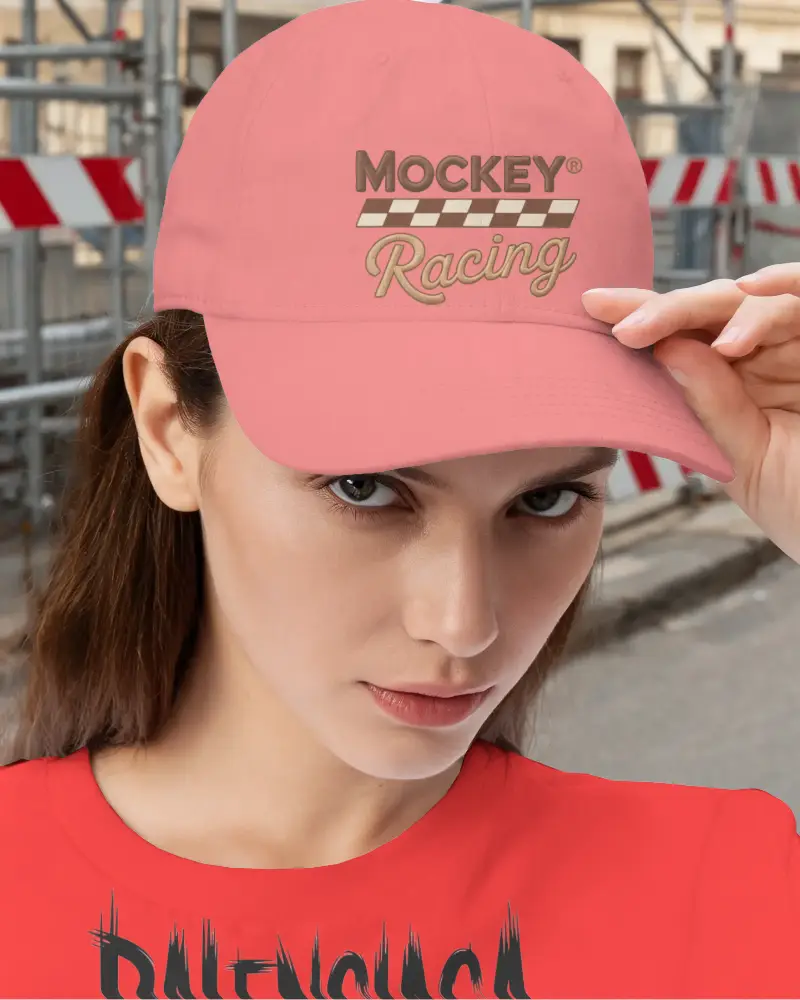
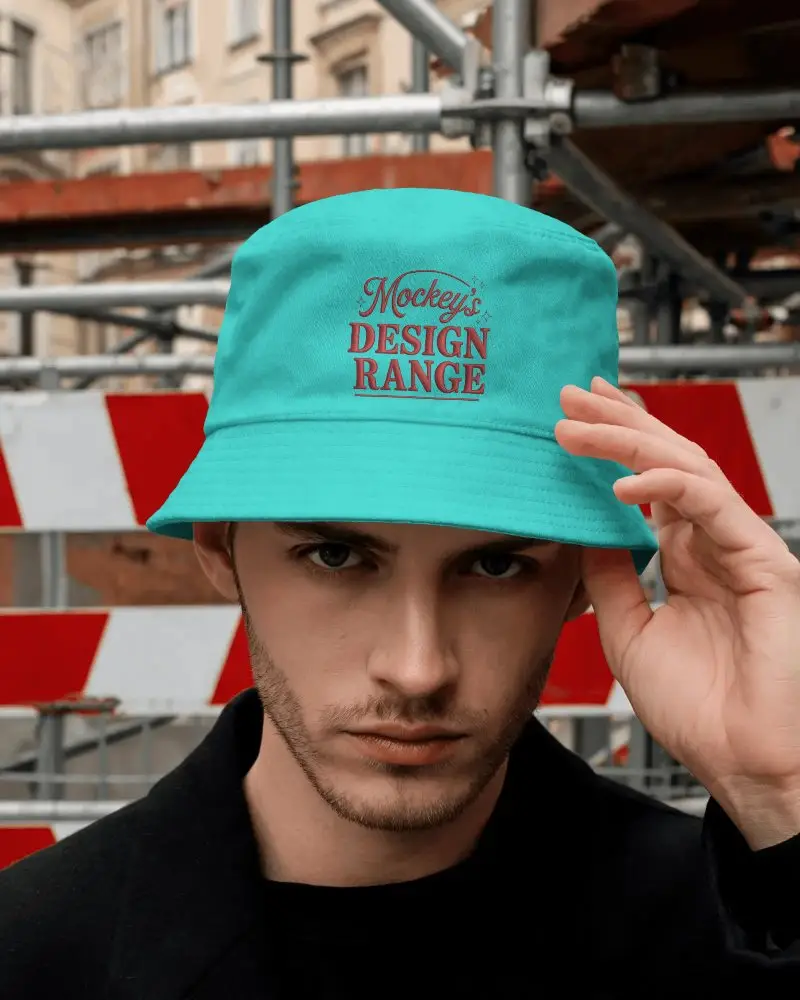
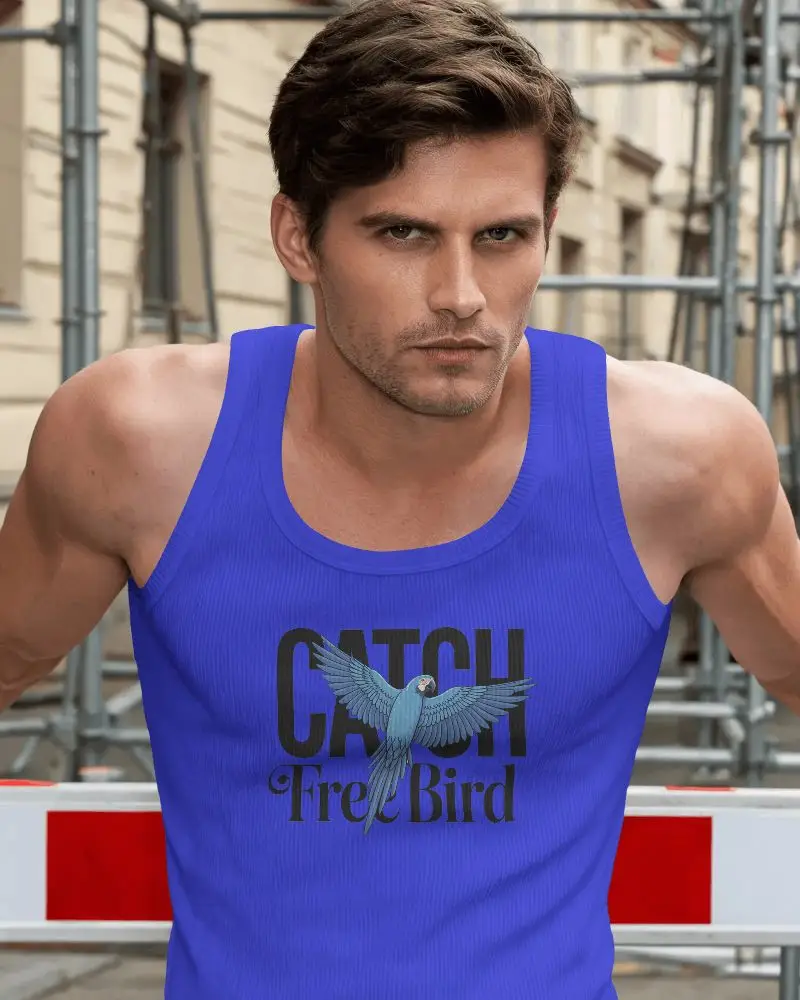
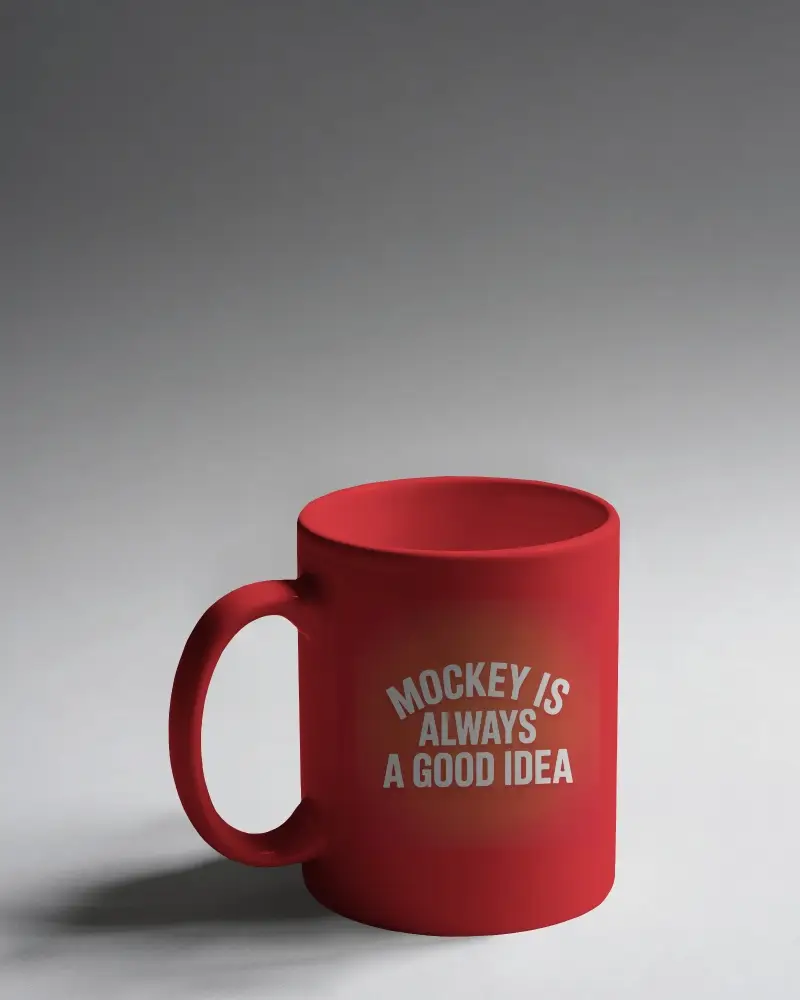
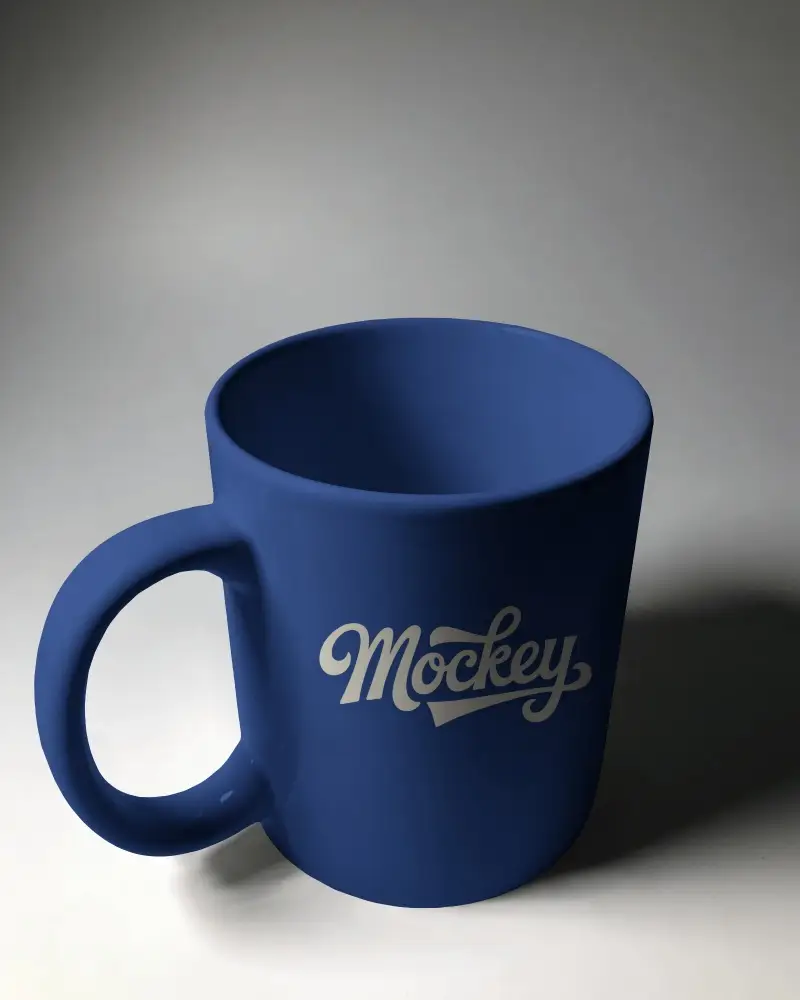
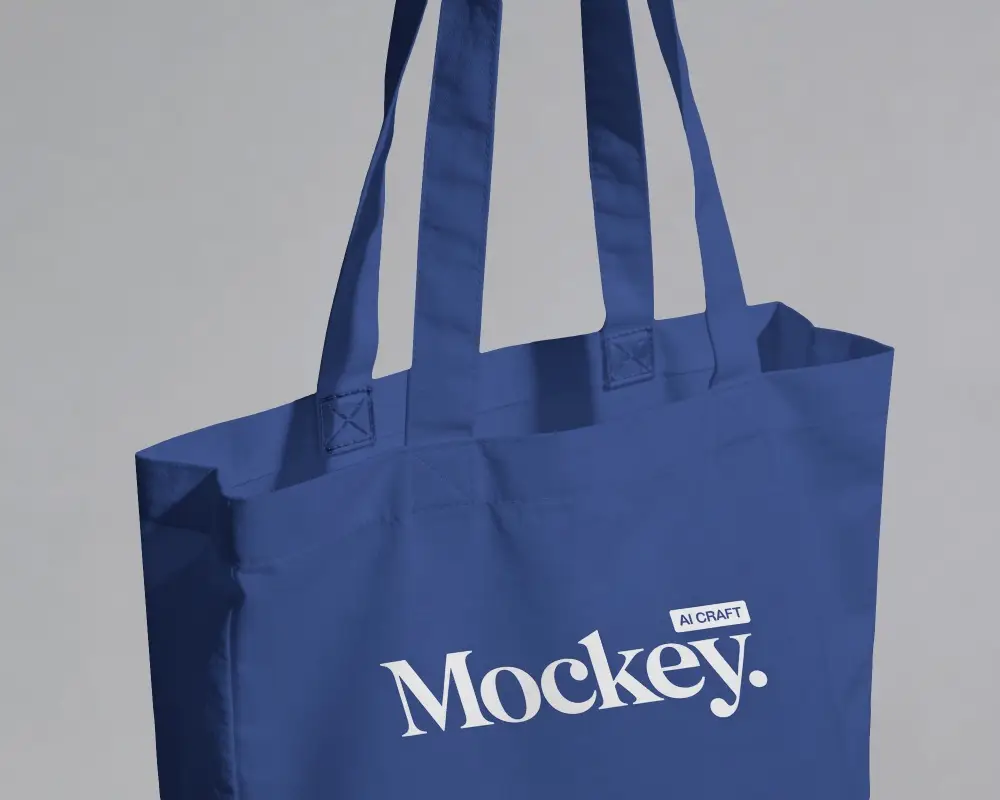
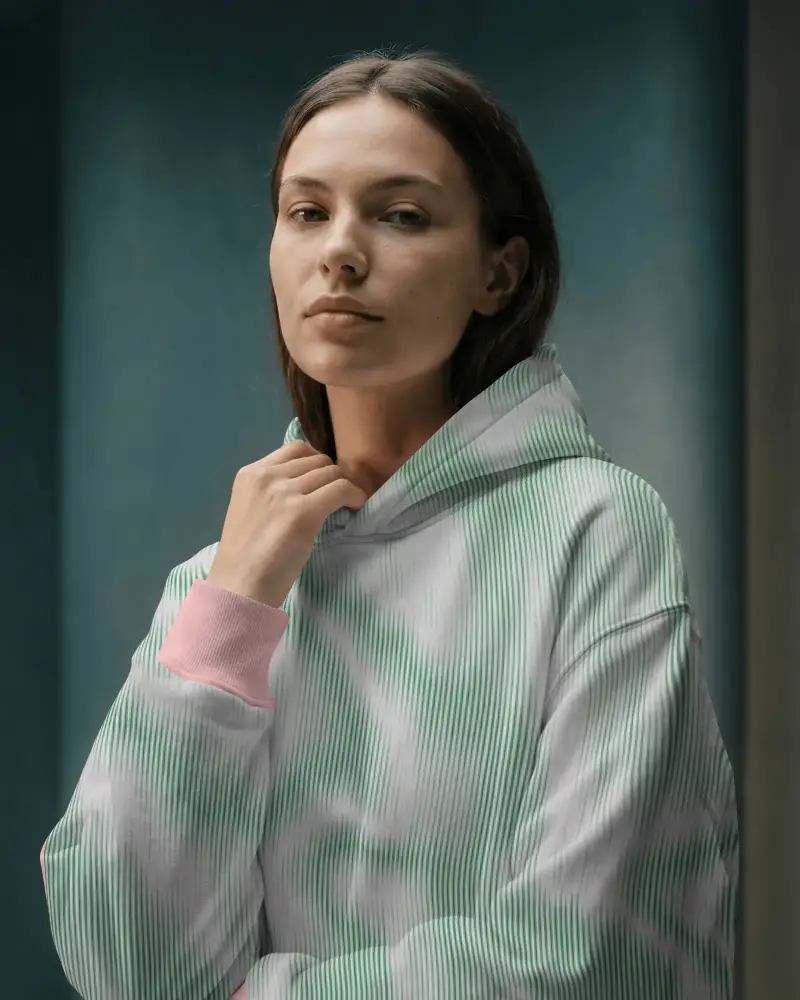
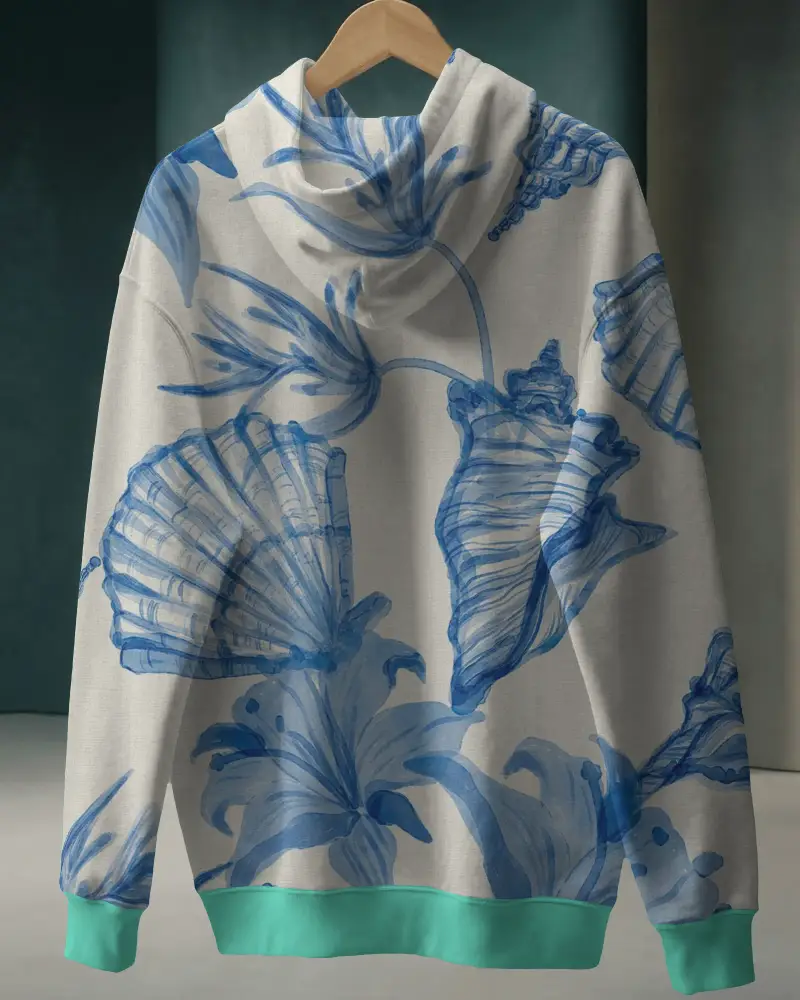
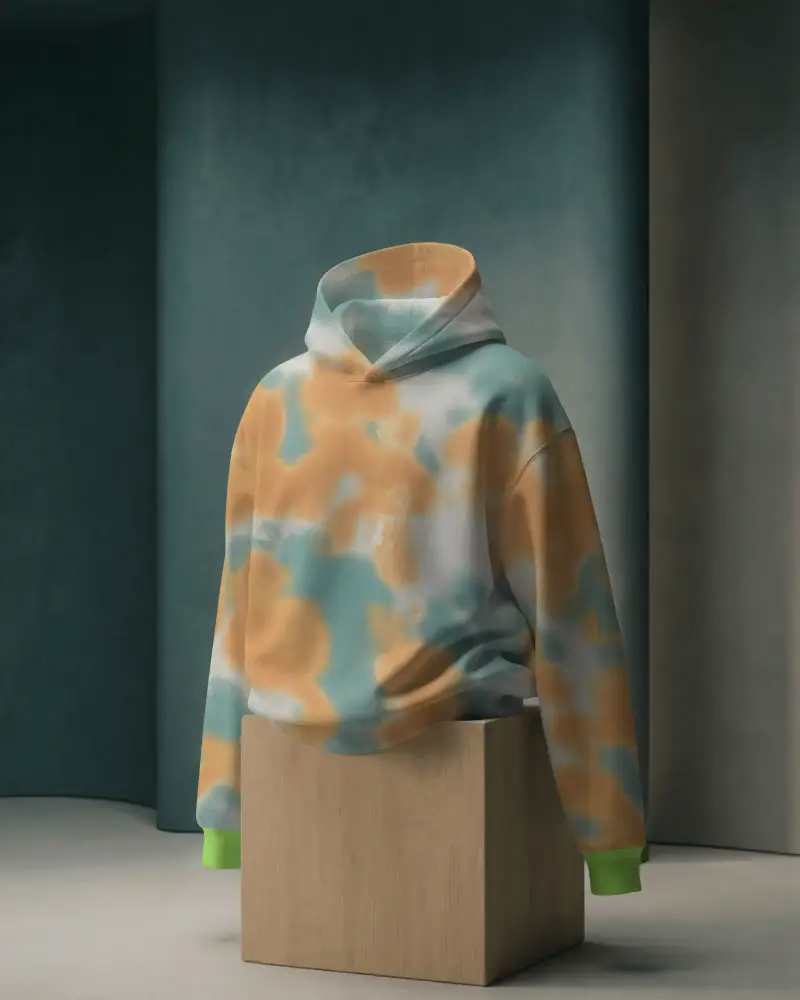
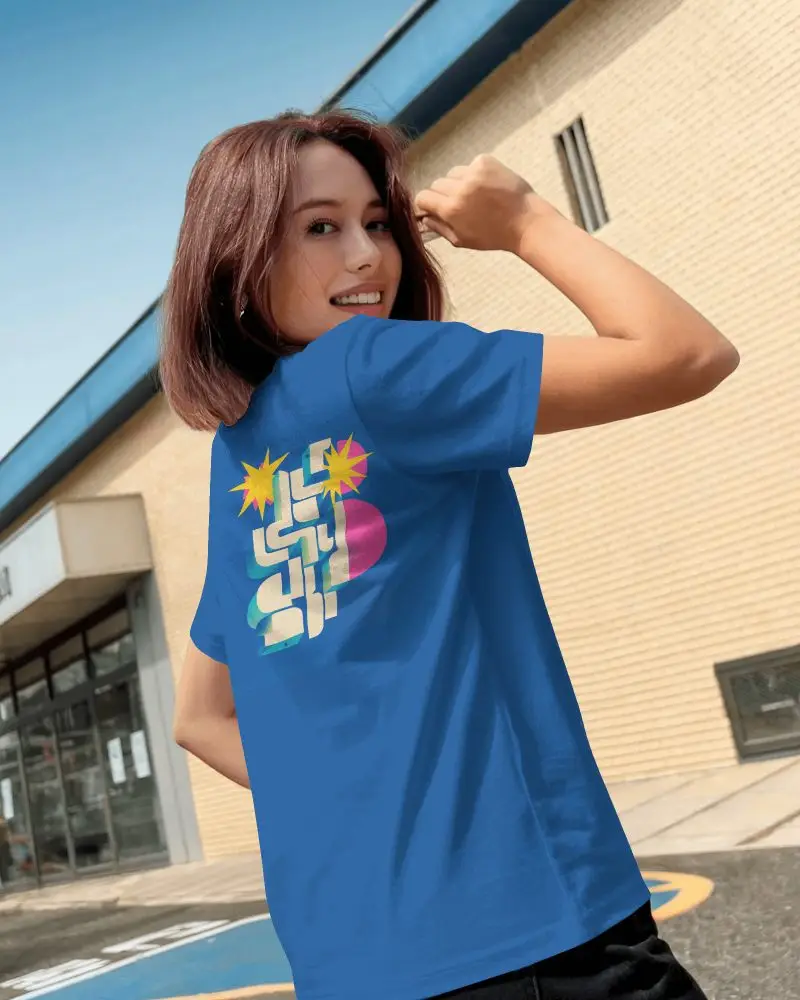
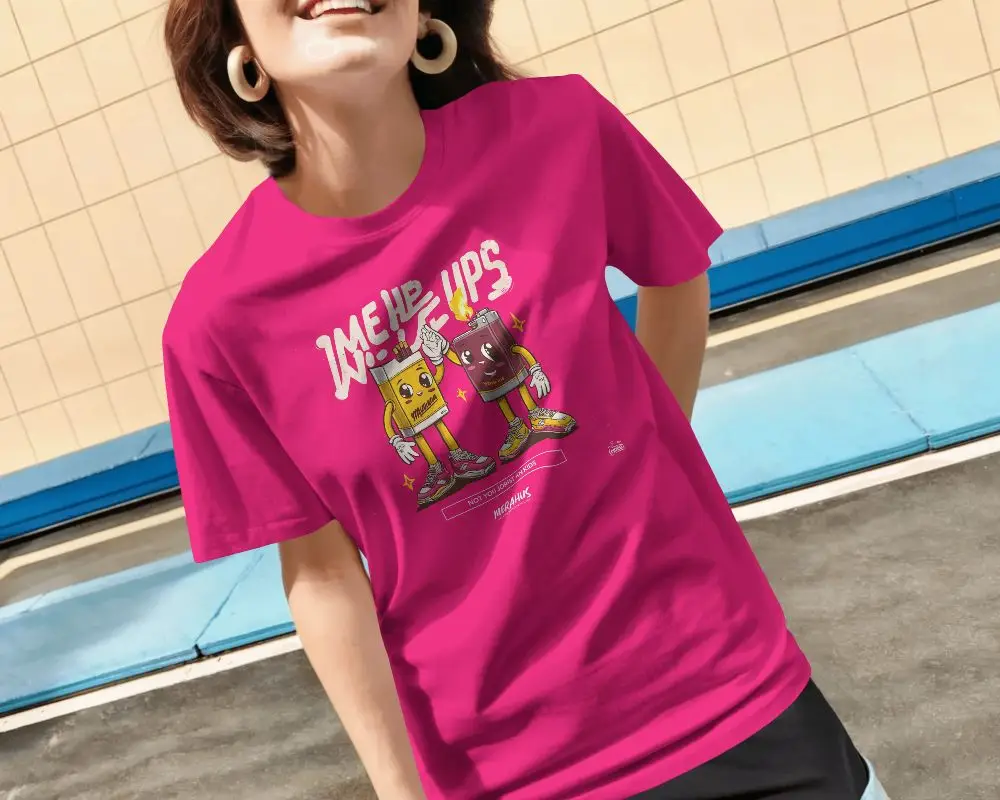
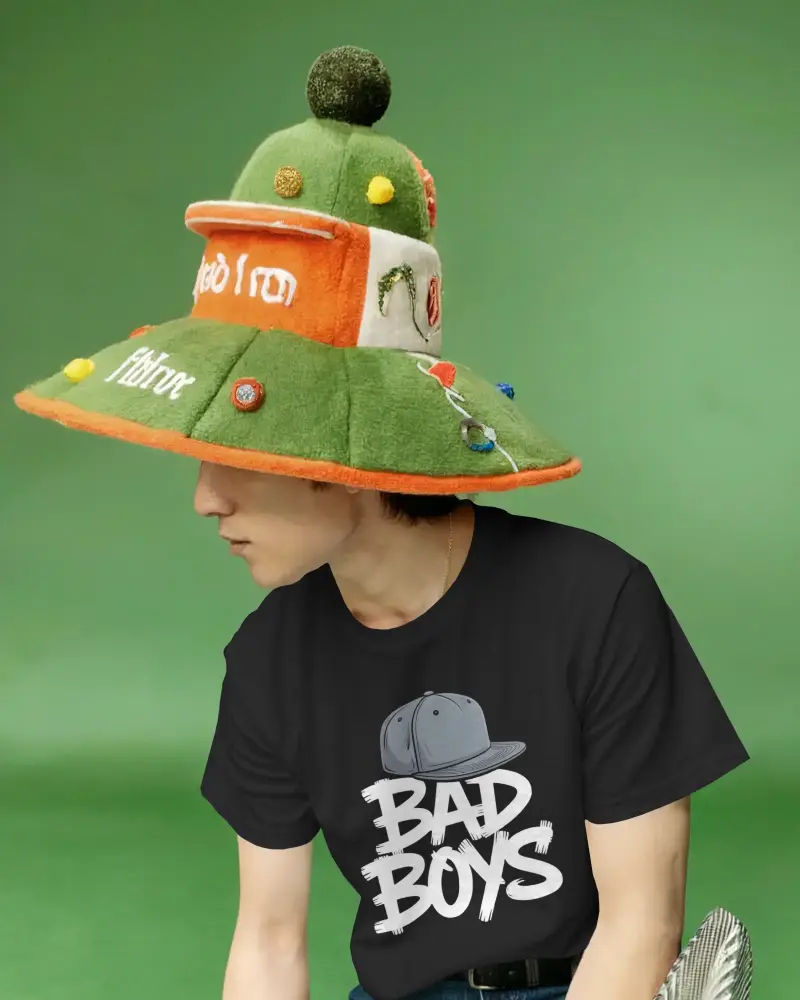
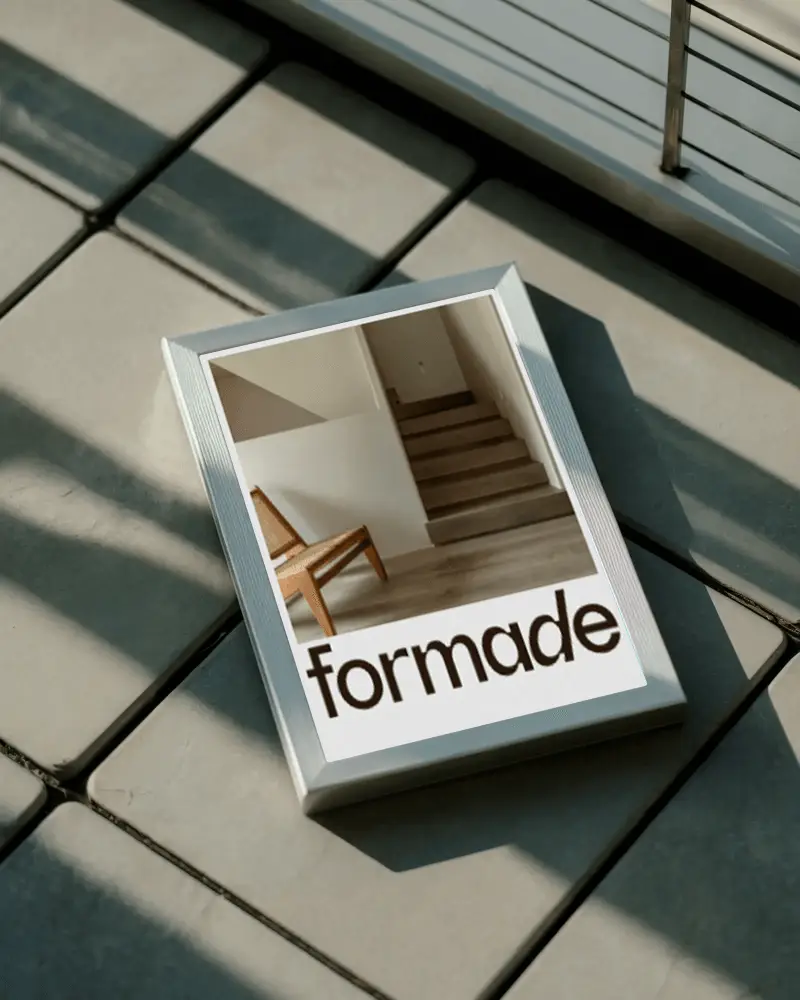
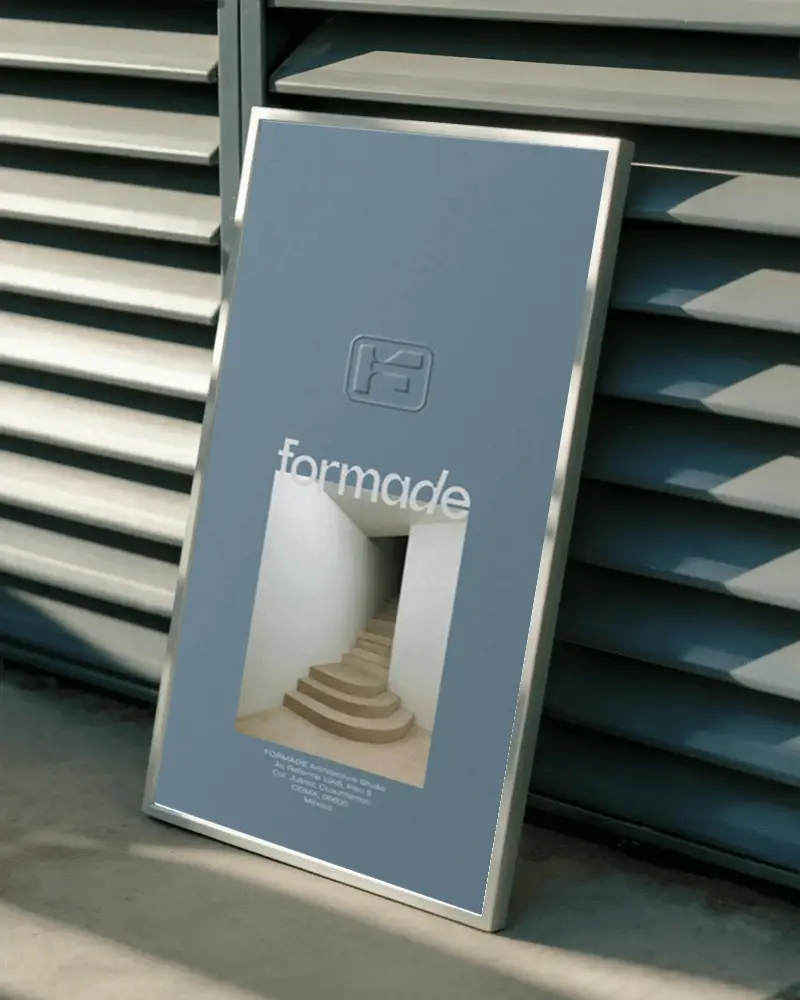
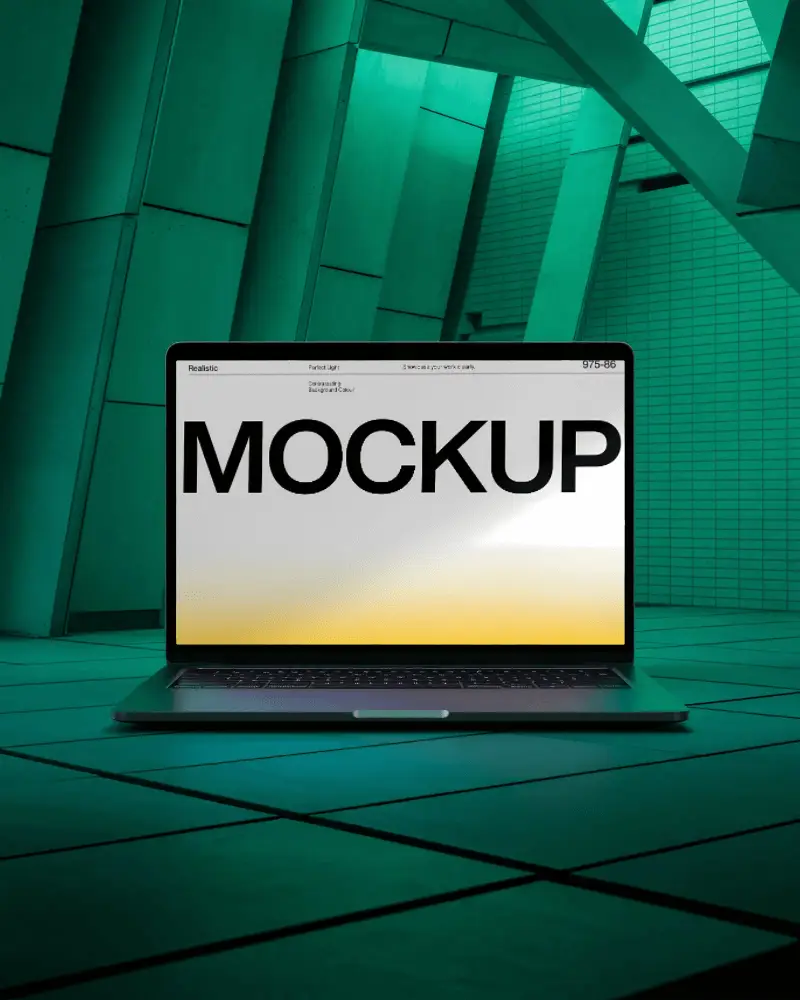
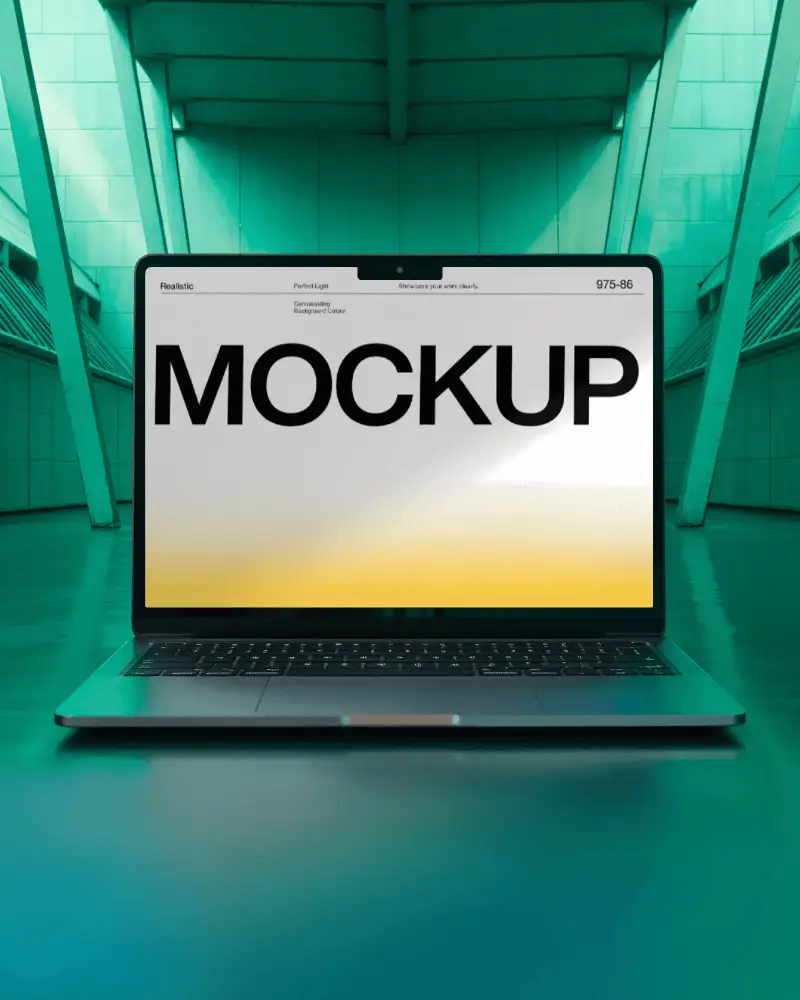
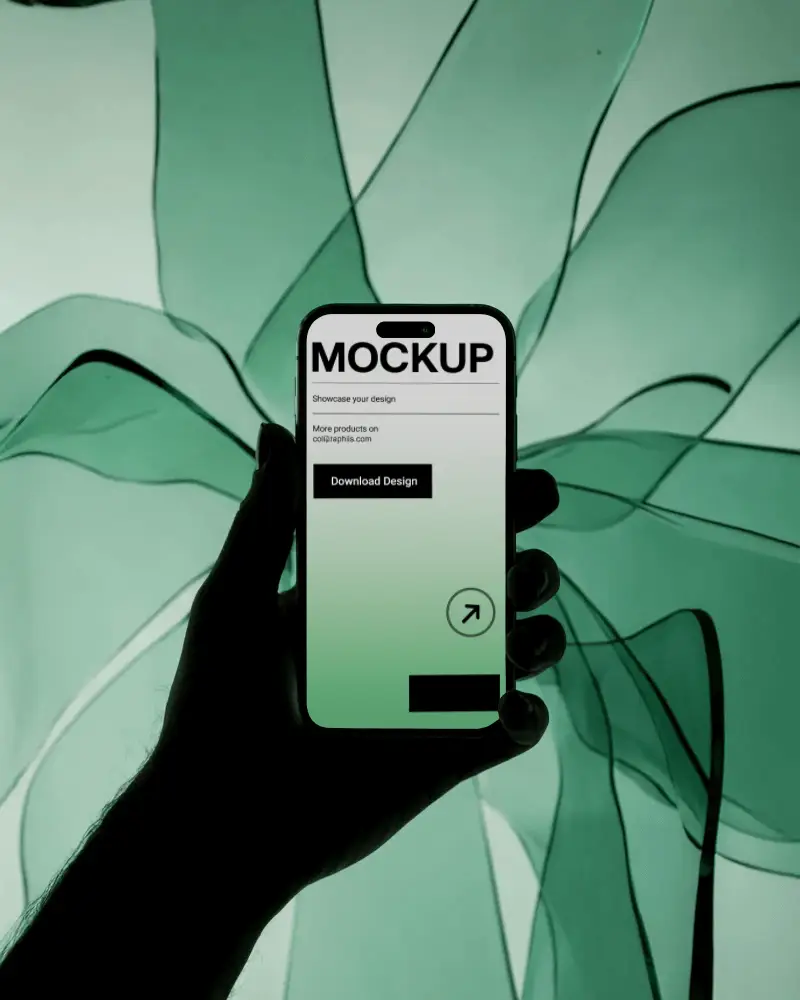
Want to show all your designs in one place? With Mockey AI’s collection mockups, it’s easy. Just upload your designs, customize, and download clean, professional visuals in seconds.





.png)
.png)
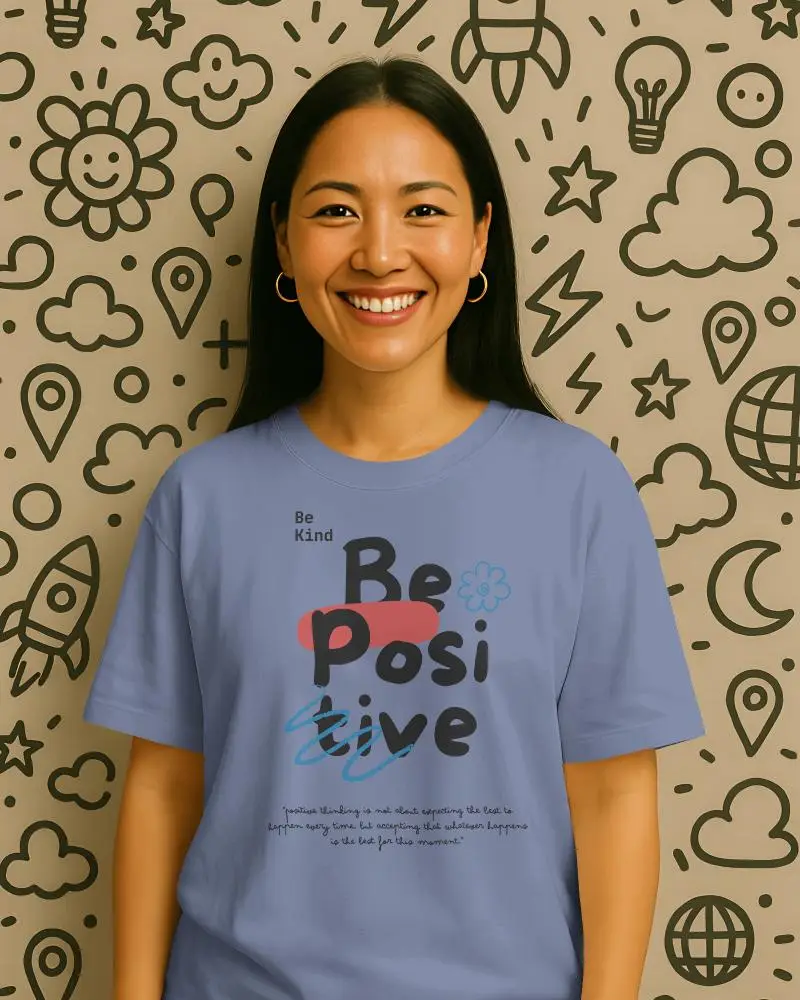
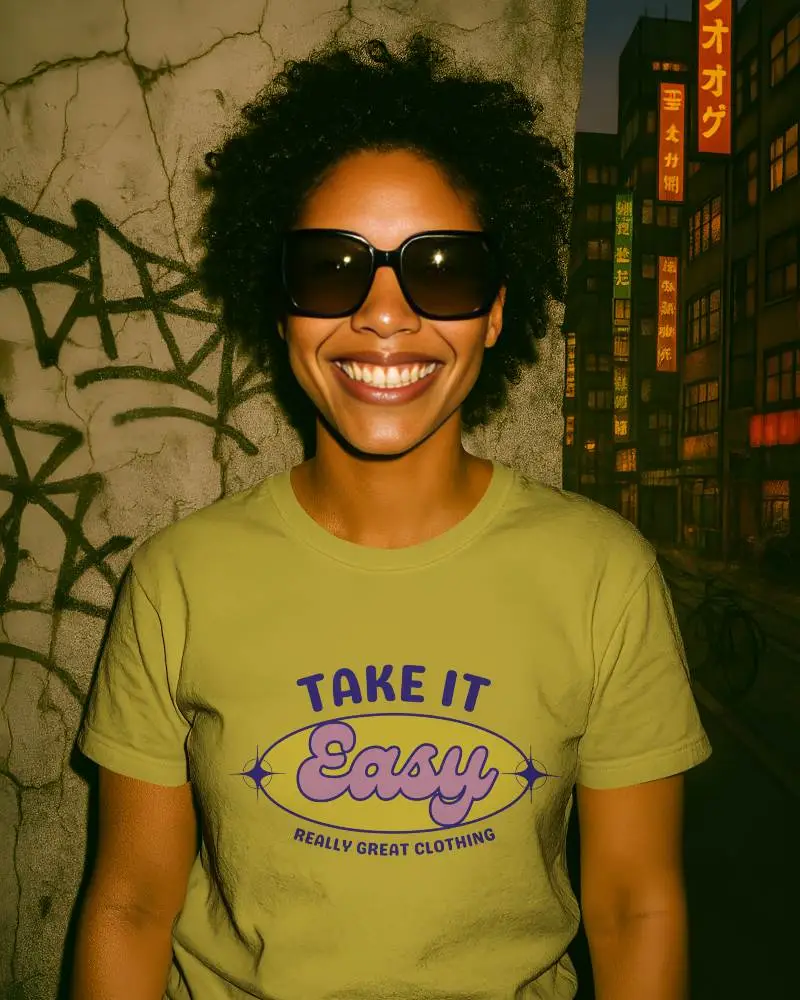
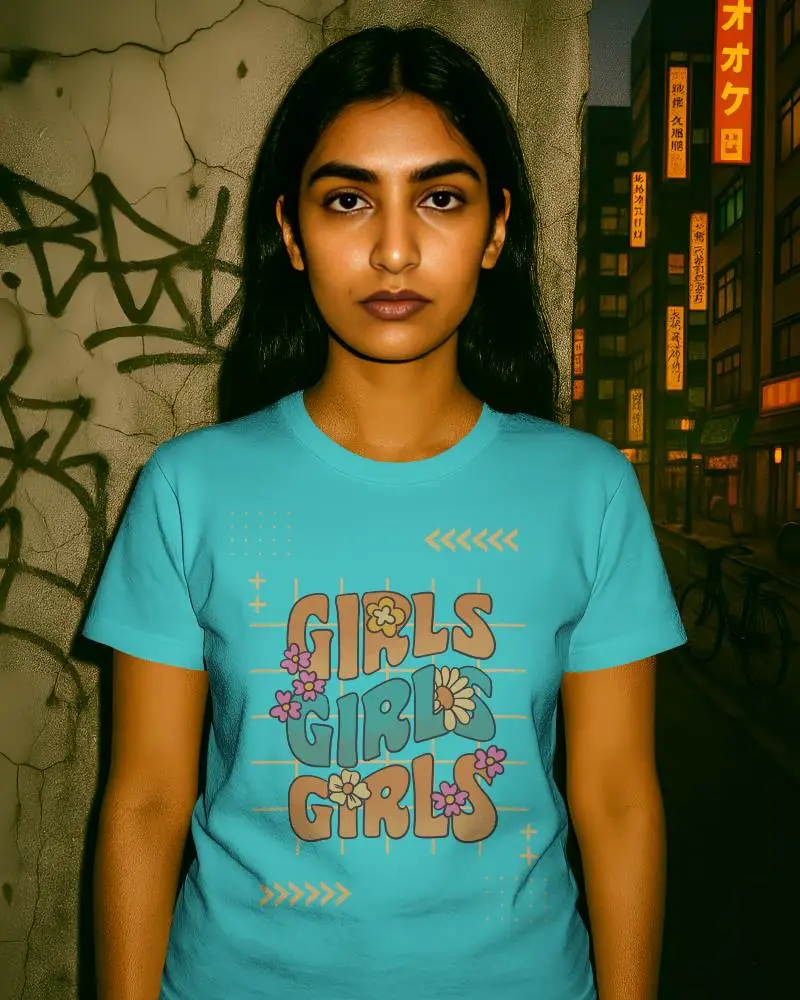

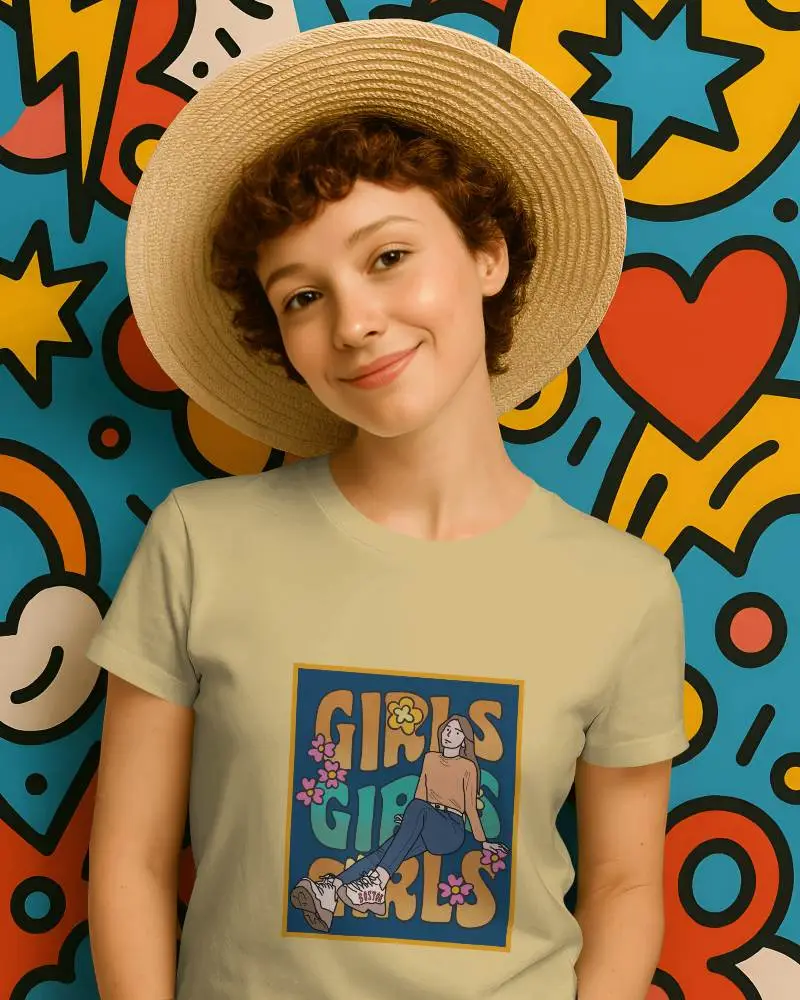
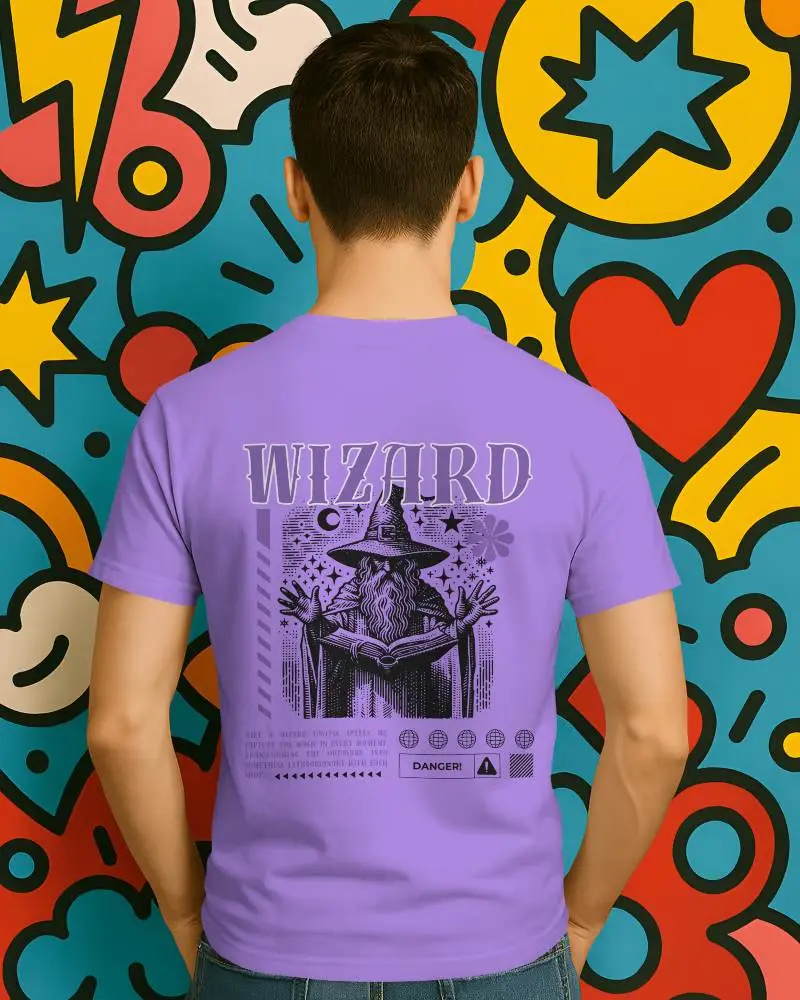
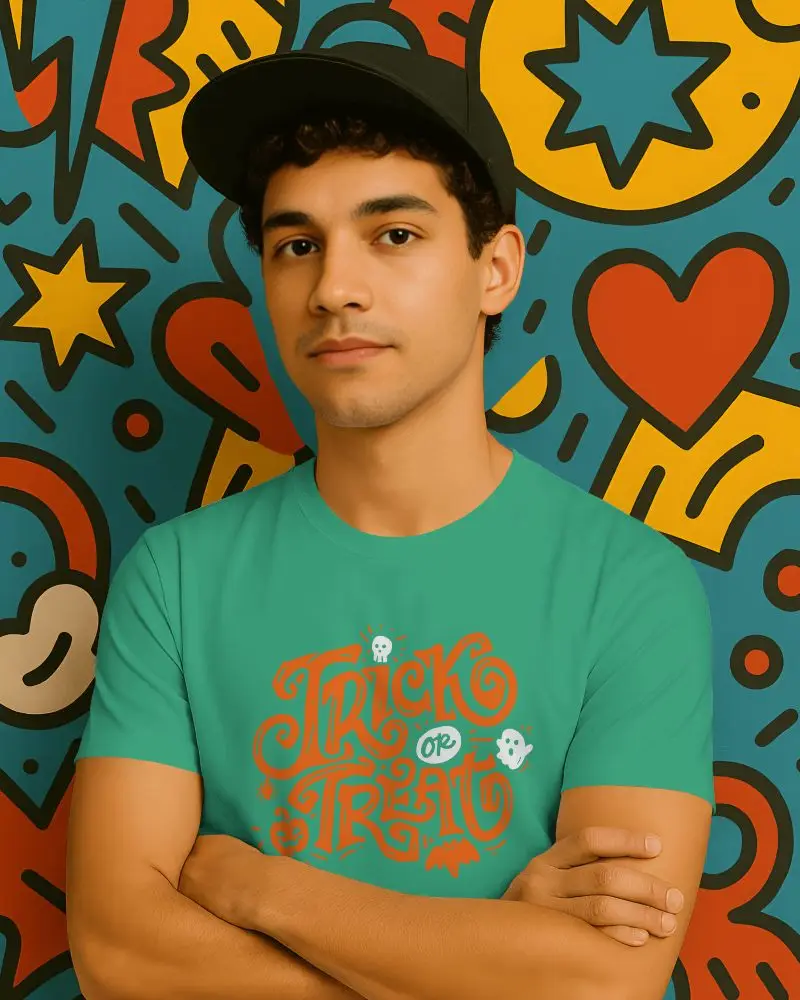
How to Create Collection Mockups with Mockey AI?
To create a collection mockup in Mockey AI:
- Step 1: Register on Mockey AI first. Choose the collection category from the sidebar and select a template, such as books, T-shirts, or tote bags. Pick what you like, and hit “Edit Mockup”.
- Step 2: Next, upload your design. You can adjust it with the warping tool, change the colors of the background, and even use AI Anime or AI photoshoots to give it a professional look.
- Step 3: Lastly, click on “Generate Collection.” Your mockup will be ready to download in a collection format.


FAQs on Collection Mockups
What is a mockup collection?
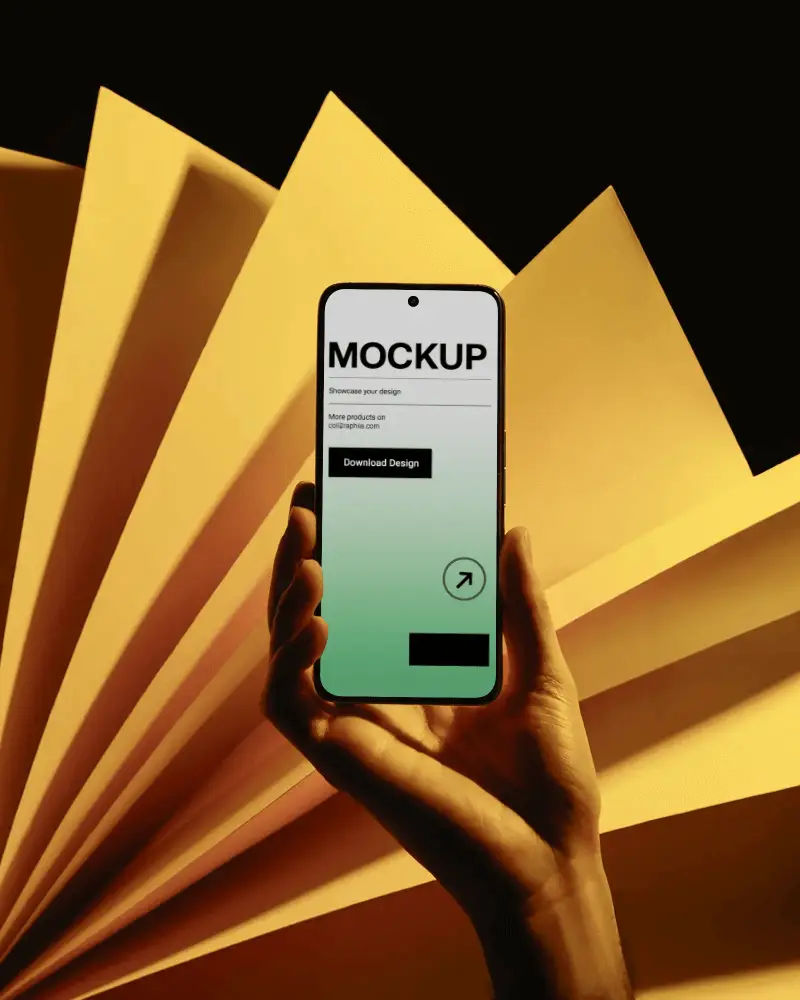
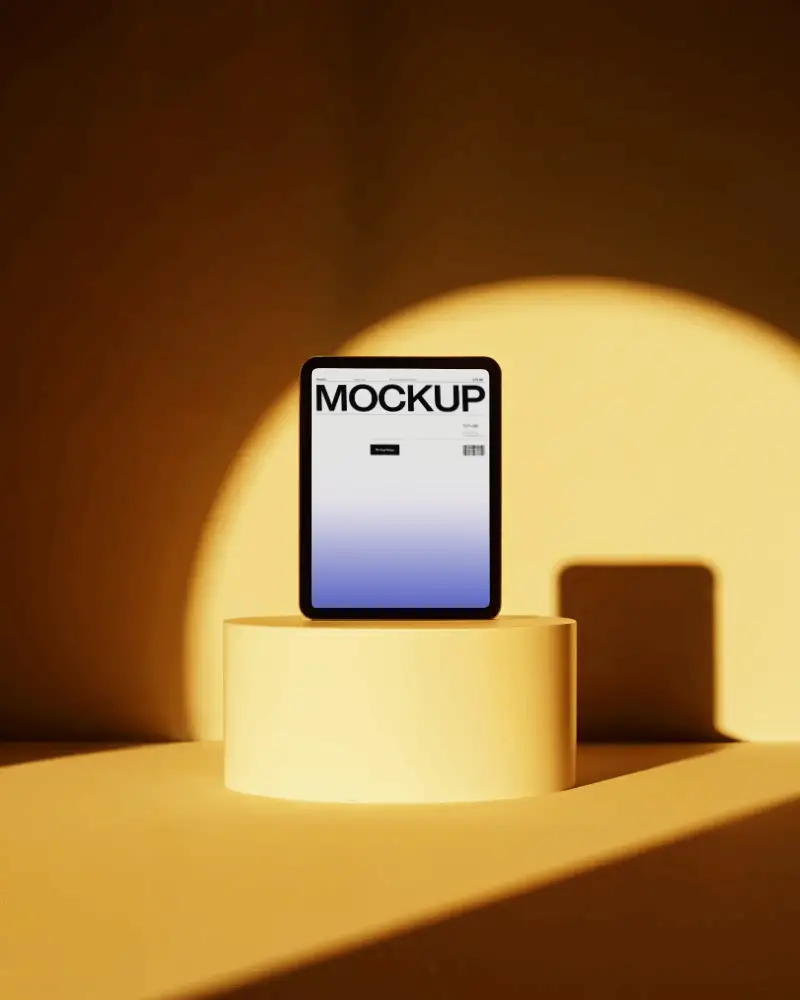
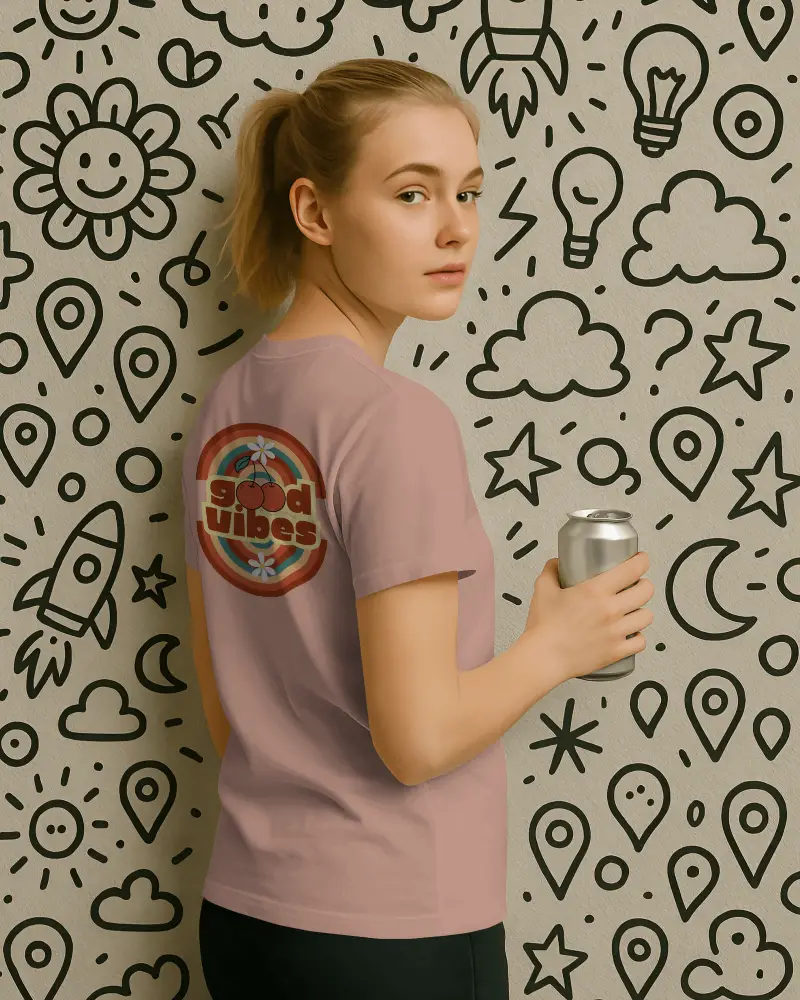
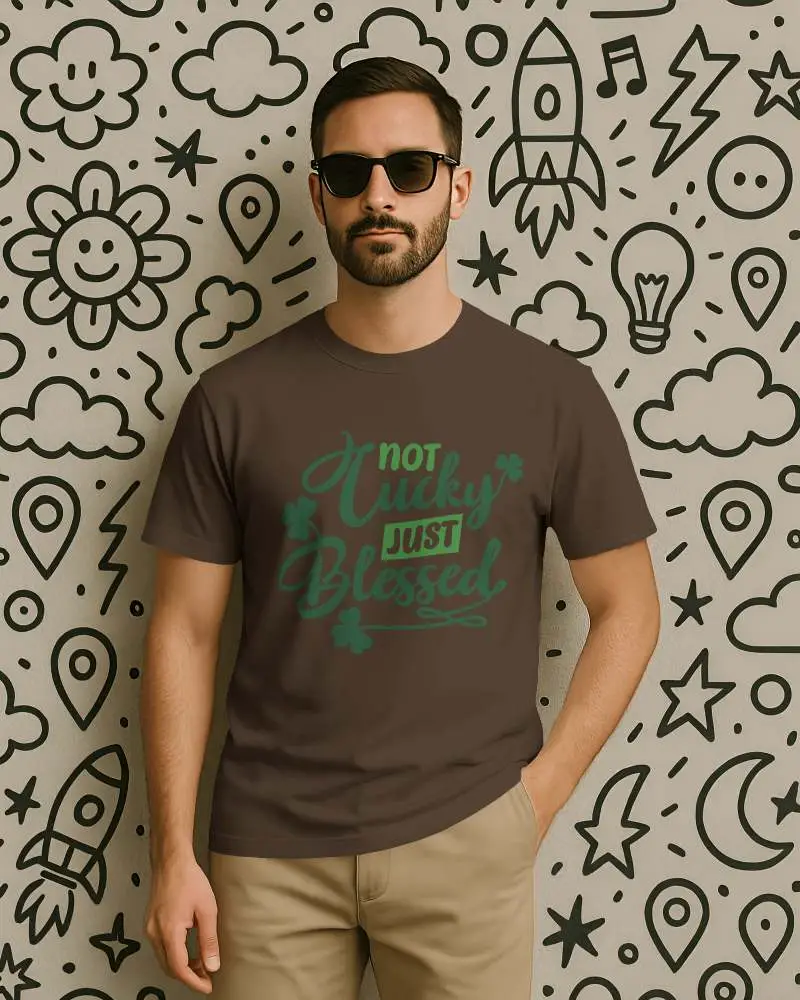
In a mockup collection, you will be able to access all kinds of mockups, ranging from apparel, packaging, devices, home and living, or any type of print product, all in one place. You can review them easily and be able to customize each of them.
How can a mockup collection improve product presentation?
Mockup collections boost your product presentation by displaying your designs in real-life scenes. Clients see the final product clearly, and this lifts perceived value. Good mockups make pitches professional, memorable, and persuasive. It speeds up decisions during approvals.
Who should use a mockup collection for their brand?
A mockup collection is best for brand designers and marketers. So do entrepreneurs and businesses. It shows how logos, ads, or packages will look before going live. They test the design in real scenes.
Where can I create a free mockup collection online?
If you want a free collection of all kinds of mockups, try an AI mockup generator like Mockey AI. Use its AI templates and top editing features to create better mockups than the rest.
