AI Doodle Mockup Collection
Bring your doodle designs to life with Mockey.ai’s doodle mockup collection. Quickly create realistic mockups and showcase your creativity with ease.


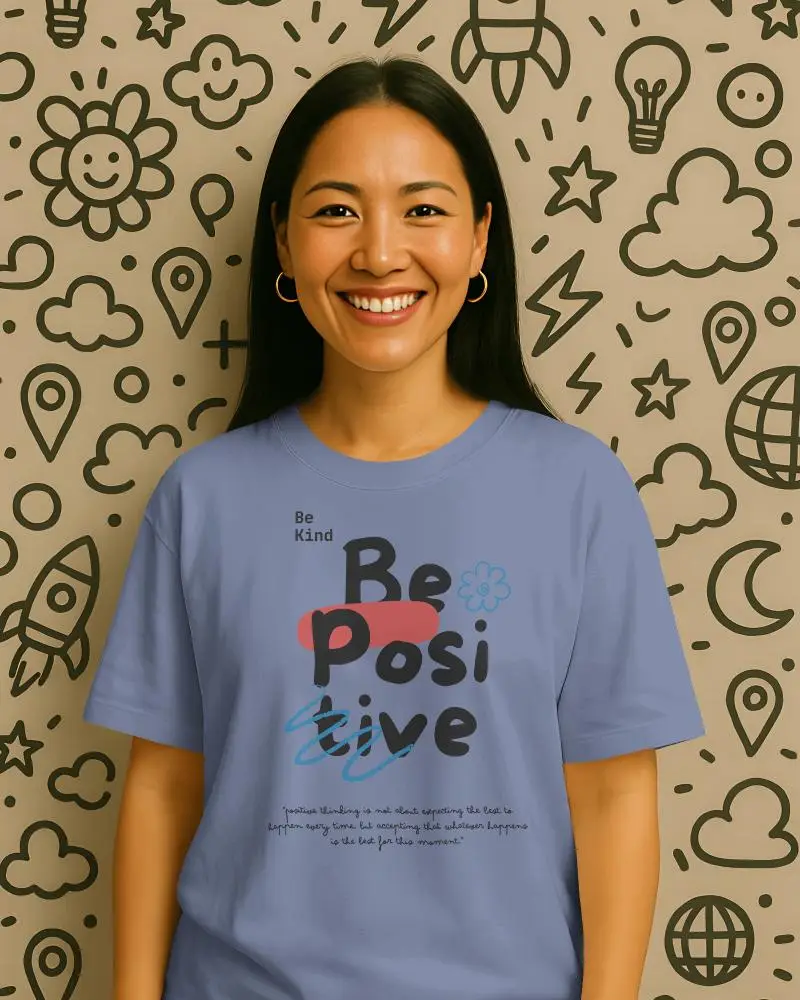
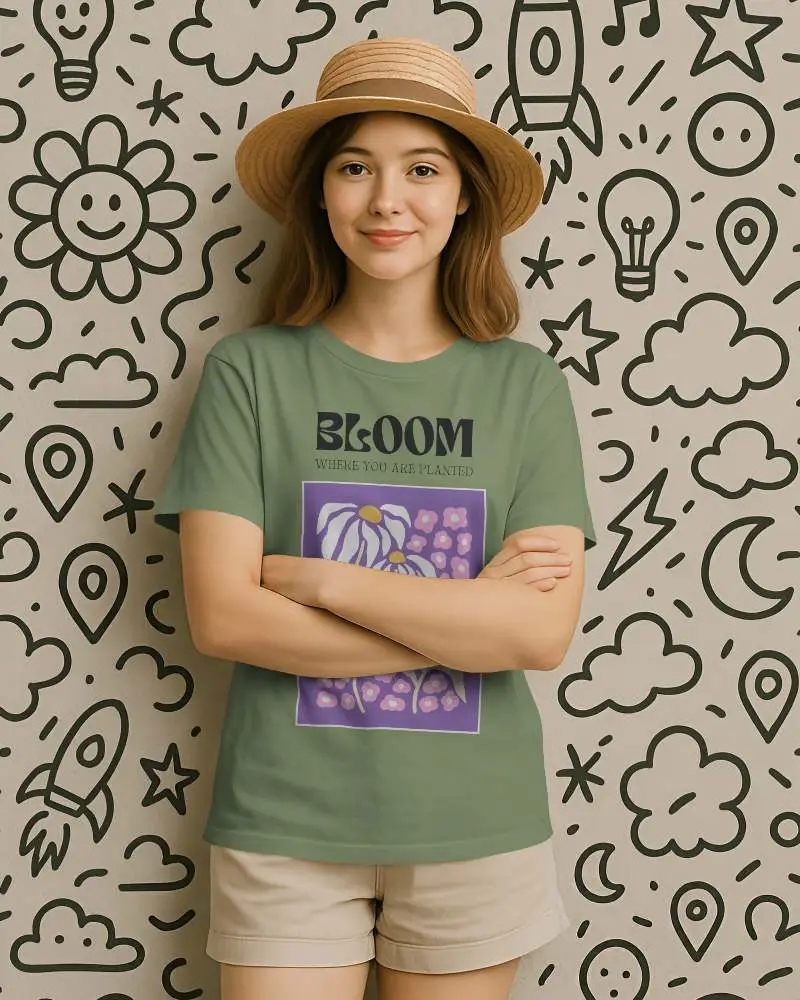
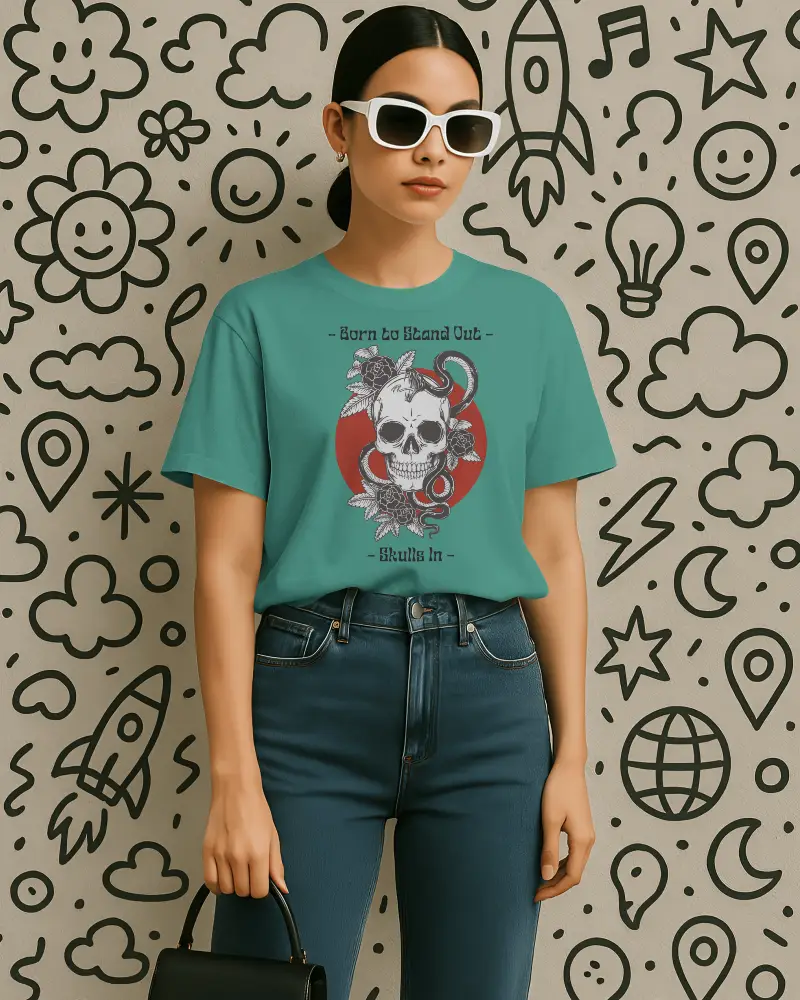
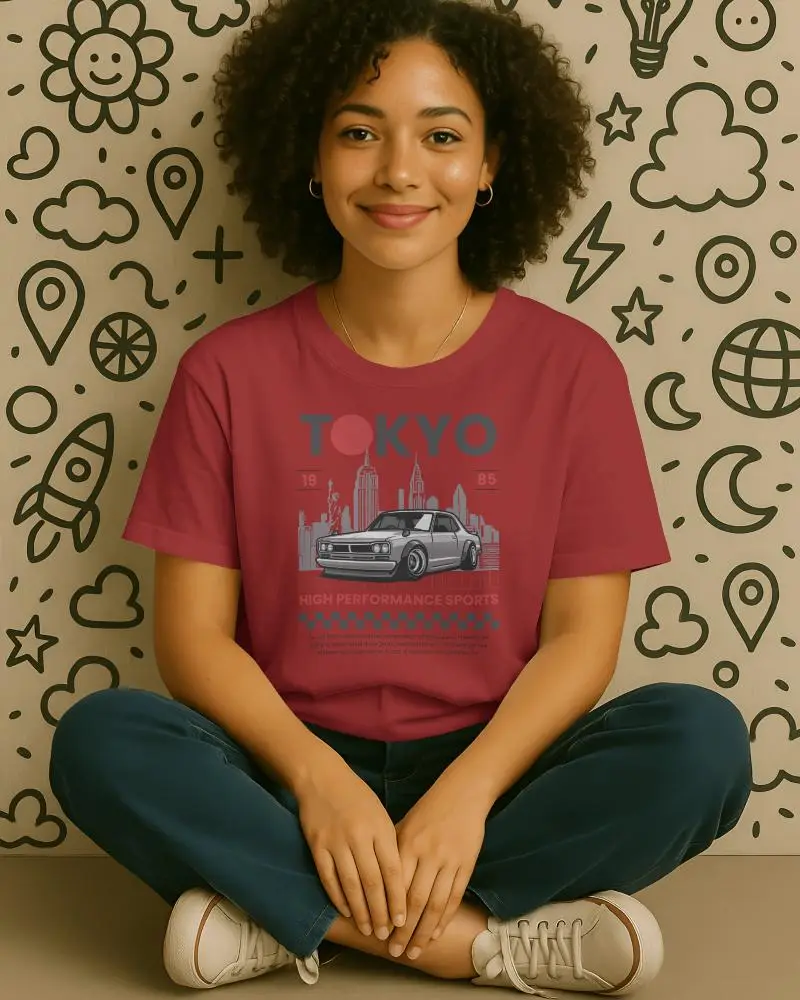
How to Create Doodle Mockups?
To create a Doodle mockup in Mockey AI:
- Step 1: Sign up and enter the page. On the left, press the “Collection” button.
- Step 2: Select “Doodle” to explore all types of templates and pick one.
- Step 3: You can upload, edit, and save the doodle mockup as a PNG file.


FAQs on Doodle Collection Mockups
What is the Doodle Mockup Collection?
There is a Doodle Mockup Collection, which consists of ready-to-use templates that have been hand-drawn and sketchy in style. You’ll find such collections on sites like Mockey AI. With each template, easily add your logo or photos to customize it.
Who can use the Doodle Mockup Collection?
For anyone looking to give their visuals a hand-drawn touch, the Doodle Mockup Collection is the perfect choice. Designers and marketers will find it especially handy.
Can I customize the mockups with my own artwork?
If you have a design ready, you can easily add it to the Doodle mockup templates. You can also customize them, change colors, swap backgrounds, or use AI features. Mockey AI makes all this simple.
How many mockups are included in the collection?
The doodle mockup collection has over 50 templates for editing. It’s ready for customization with various models and different styles.
Where can I access the Doodle Mockup Collection?
On Mockey AI’s mockup generator, you can access over 50 doodle mockup templates. From customization to AI features, you can create everything with the free plan.
