T-Shirt
3737+ mockups
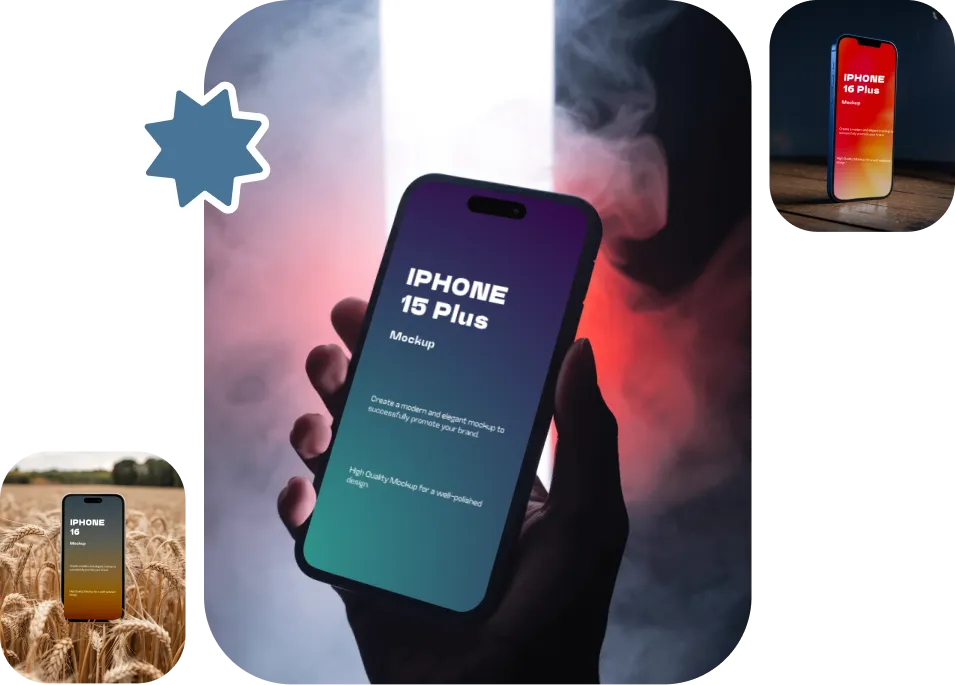
Visit our iPhone mockups catalog page and choose from different models. You’ll find options for every model, from the iPhone X to the iPhone 17 series. The customization options are far better than the top-ranking iPhone mockup generators.
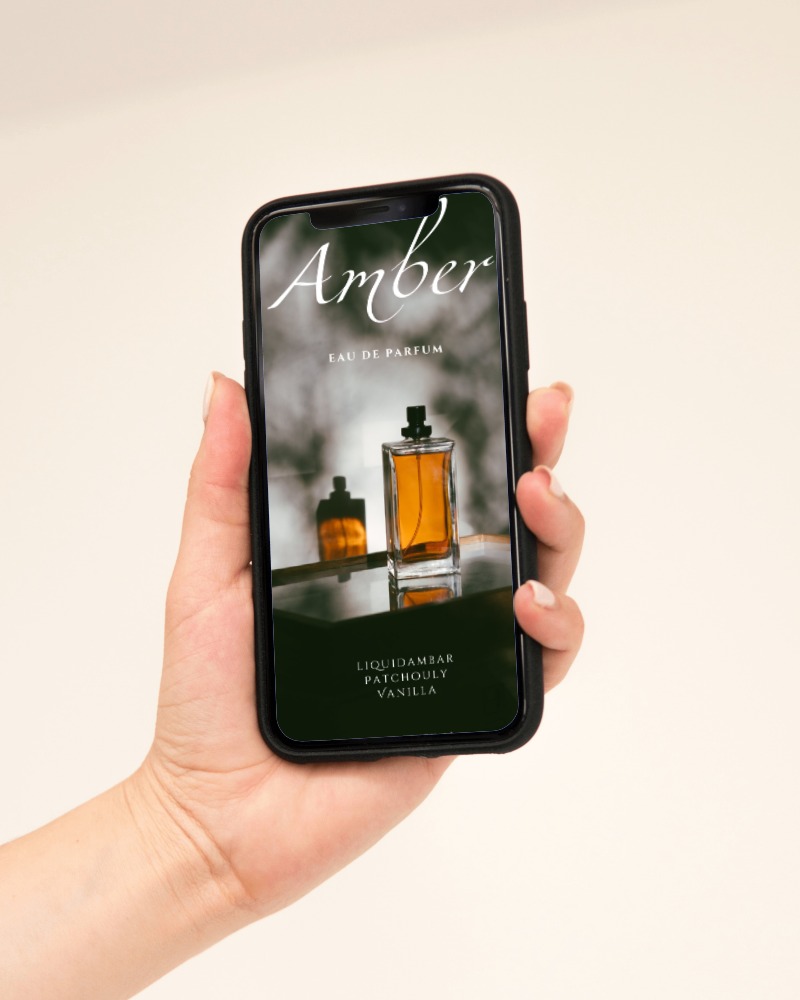
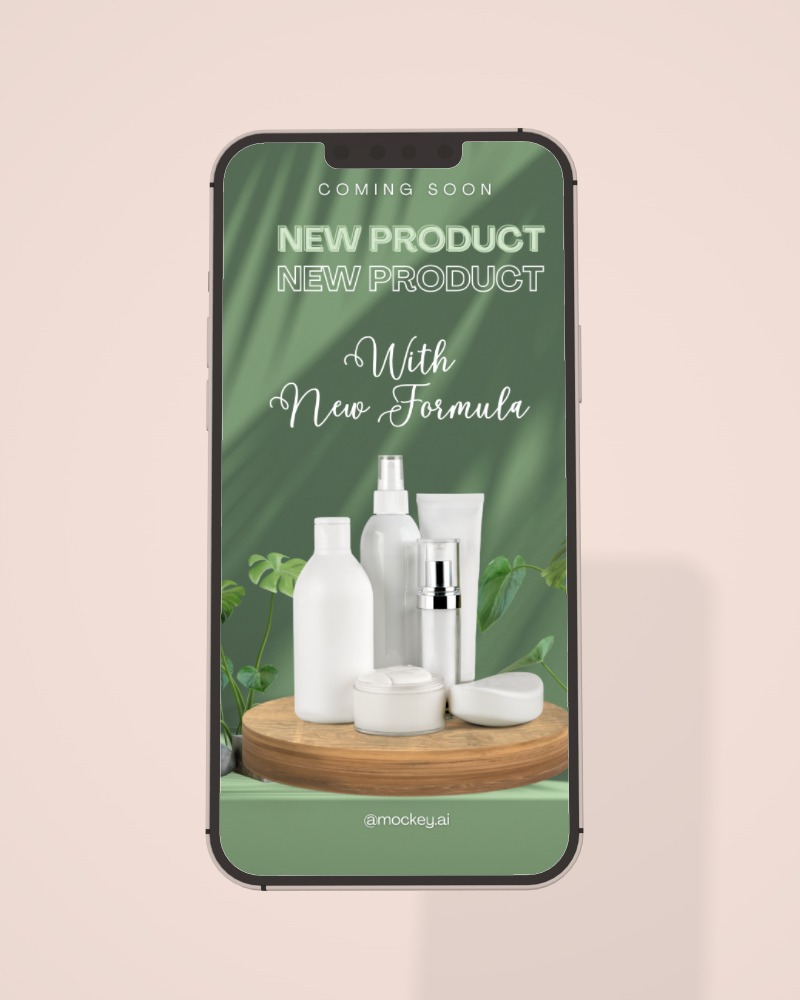
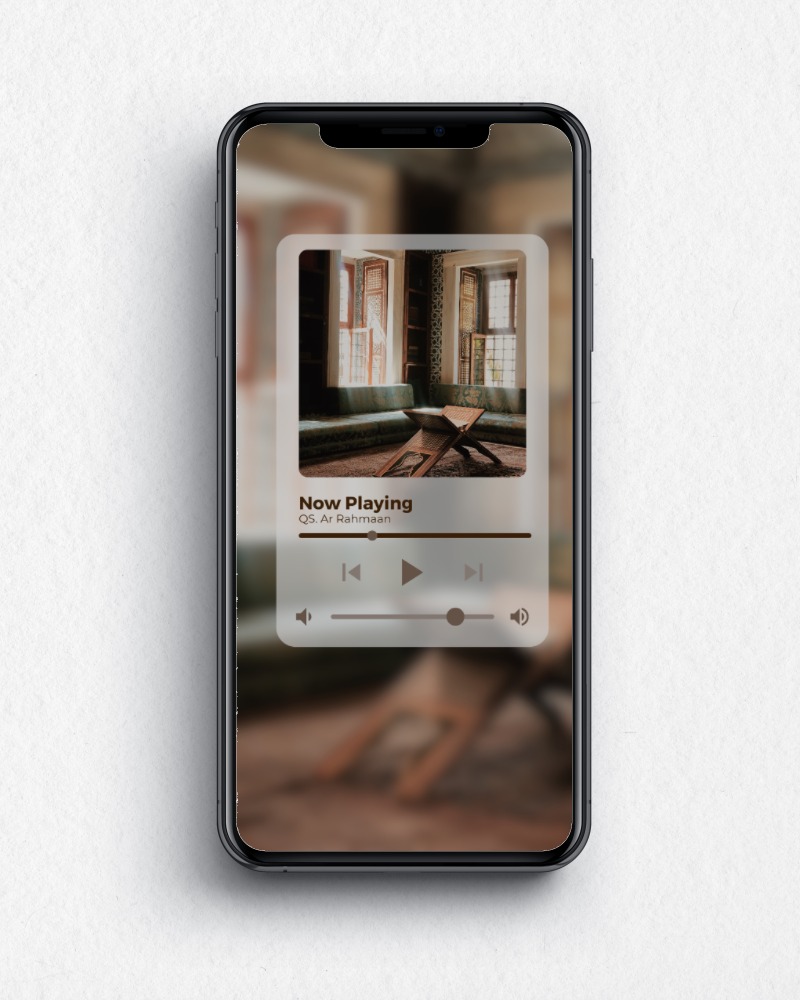
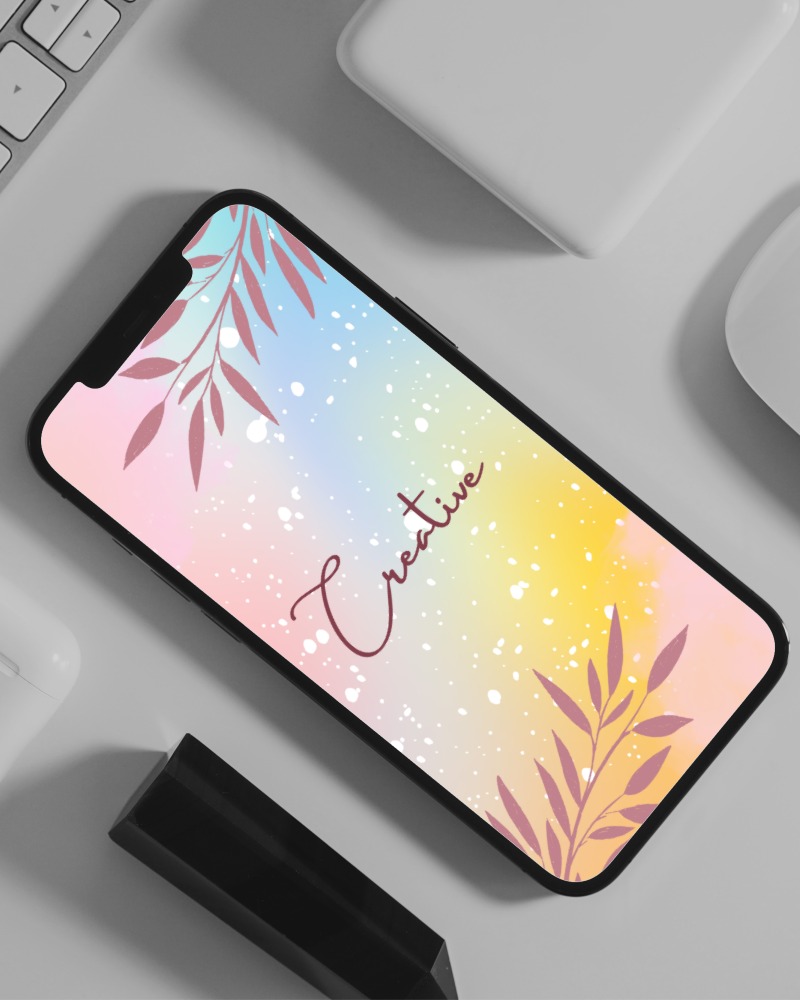
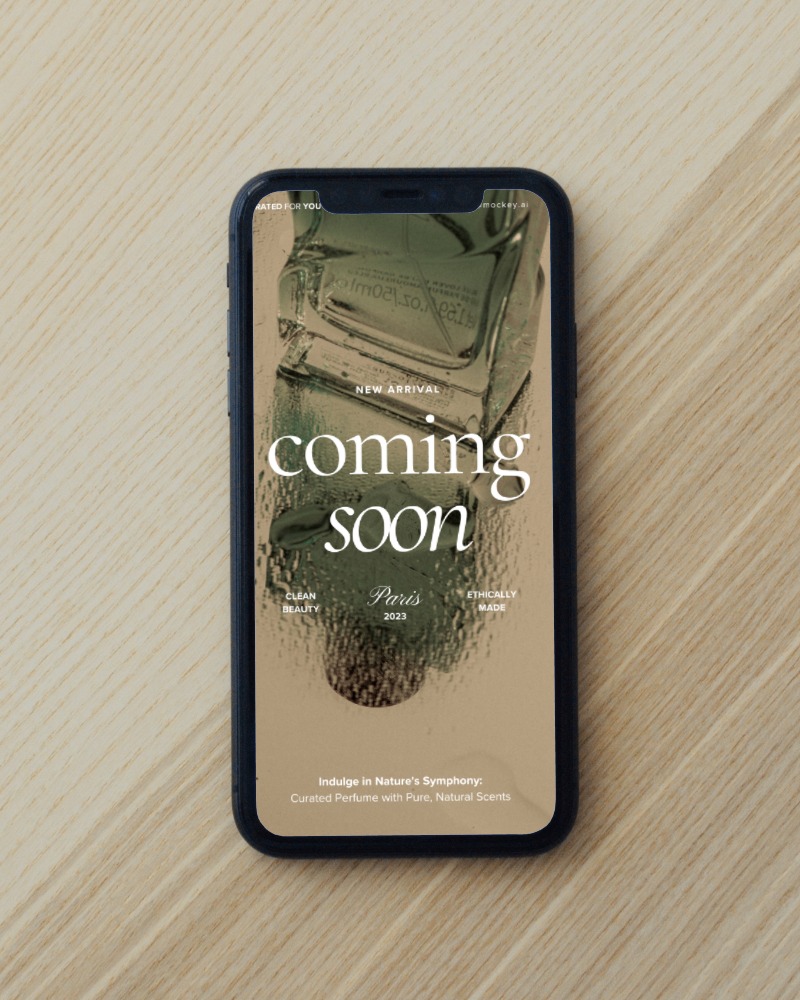
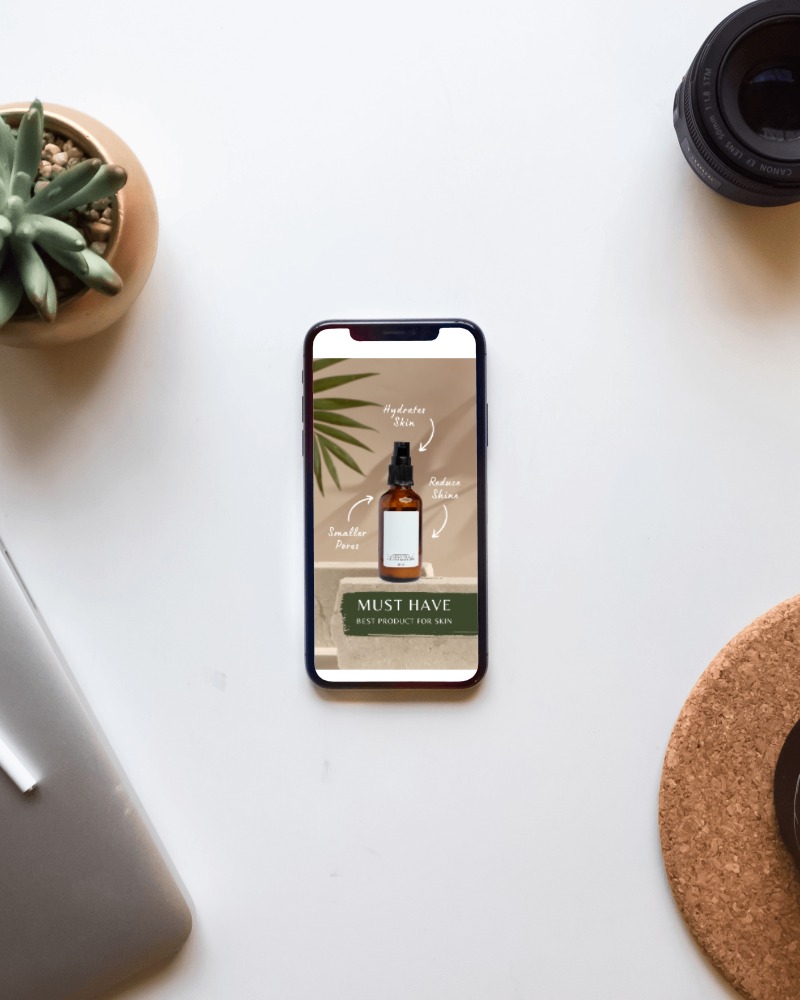
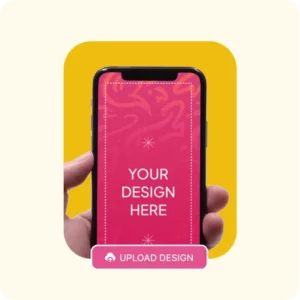
You can upload your screenshots or app designs to an iPhone model, or close-up or angle shots. Make sure to log in there.
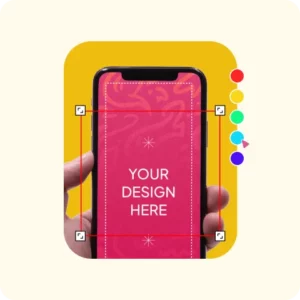
Adjust your image to the screen by using Fit, Fill, Rotate, Flip, or Align options. You can also use AI tools to stand out.
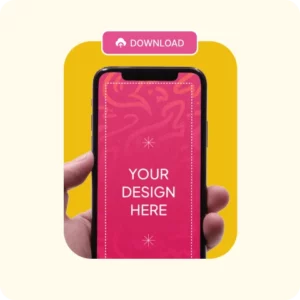
Tap Download to quickly get the high-quality iPhone mockup without any watermarks for your presentation.
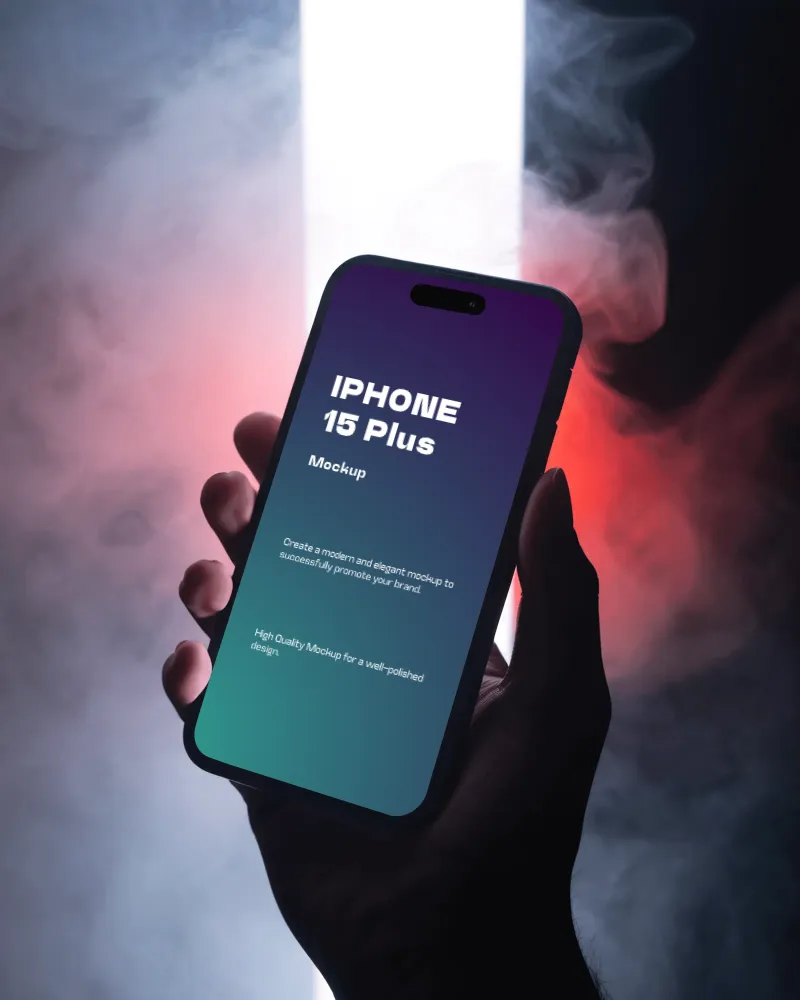
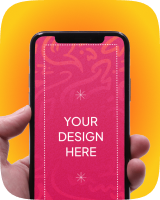
You’ll see hand-holding mockups — some held with both hands, some with one. A few are angled, while others show a front view. All iPhone models will appear as if they’re being held in hand.
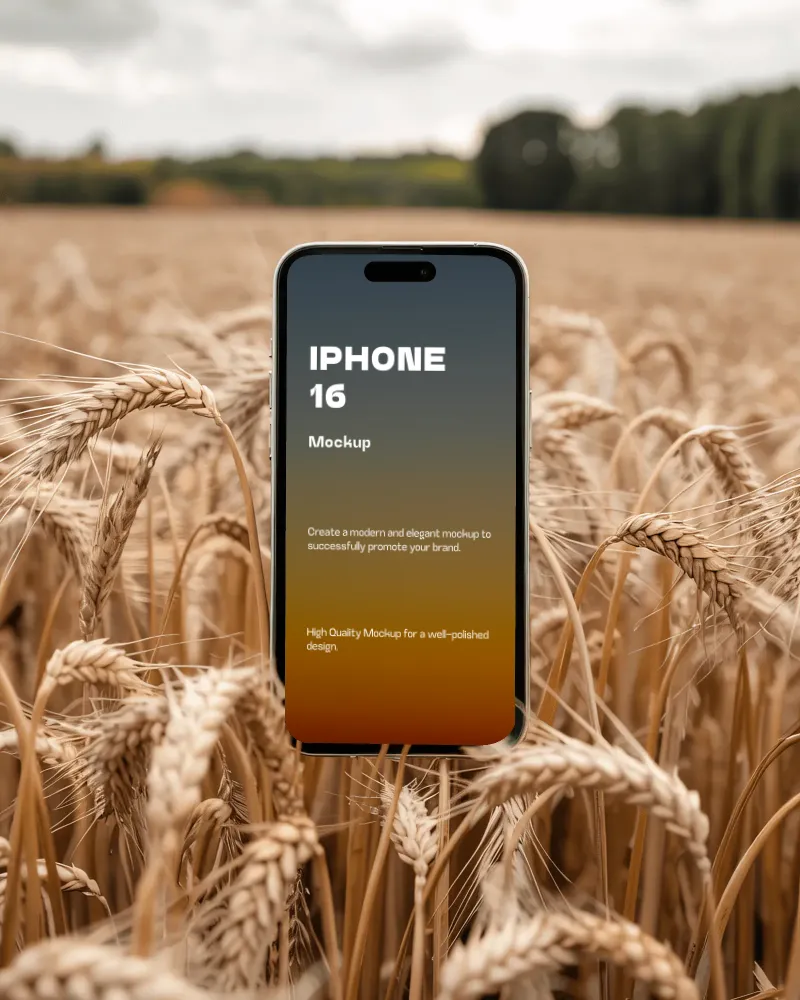
High-quality iPhone 16 mockups have just been added with different backgrounds. You’ll also find the 16 Pro and 16 Pro Max models available.
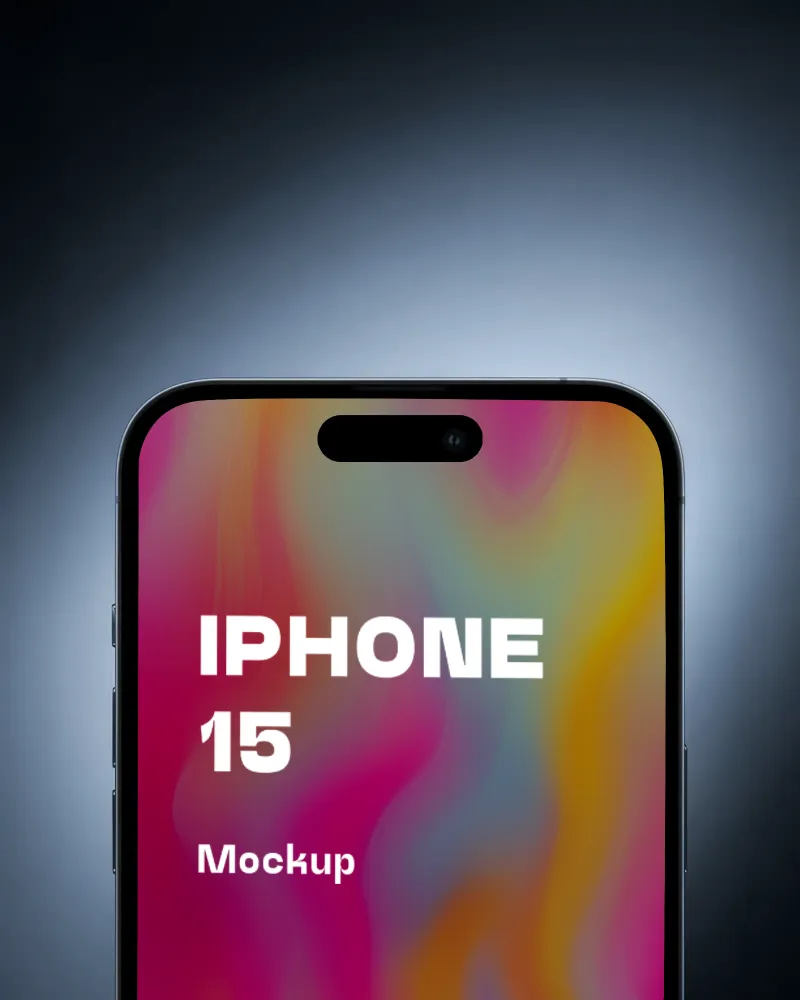
You’ll see several iPhone 15 mockups—some floating in the air, some lying below, some with close-up shots, some in angled views, and some with simple backgrounds. All are created using AI.
Whether you’re showcasing the latest iPhone 17 series or an earlier model, finding the right mockup shouldn’t be a challenge.
Select from a huge library featuring hand-held, floating, close-up, angled, and studio scenes. Simply pick the model and style that best fits your app, website, or presentation.
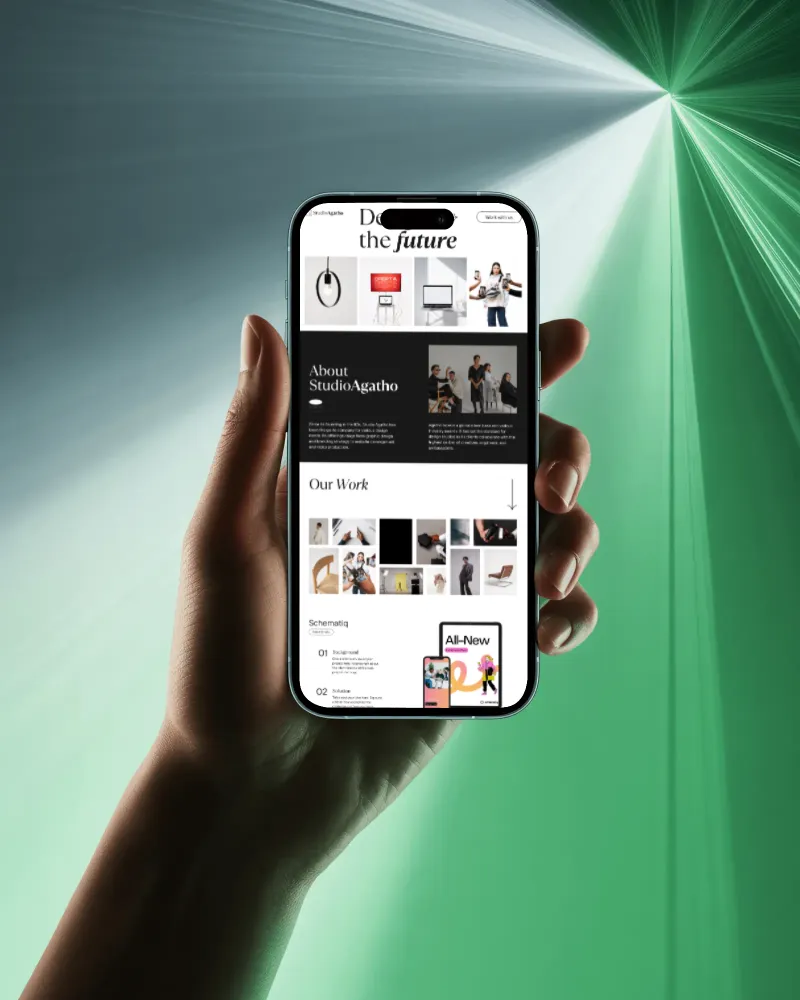
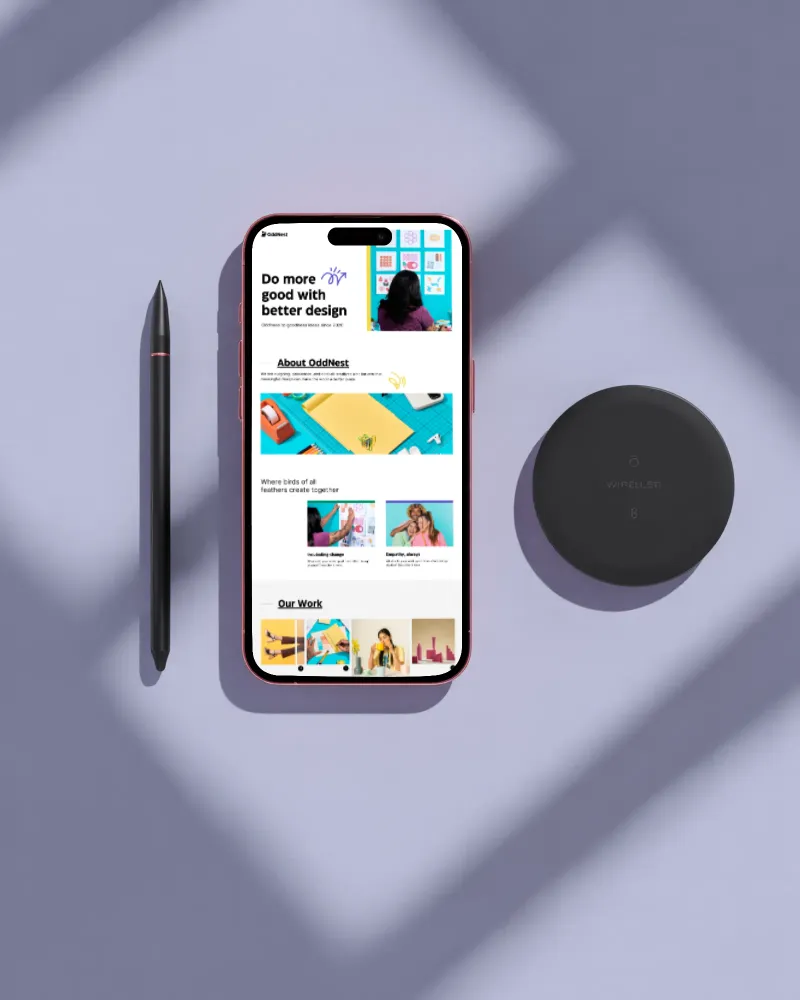
Every design fits differently, which is why you get complete control over how it appears on your iPhone.
Our iPhone mockup generator offers Fit, Fill, Rotate, Flip, and Align to position your design exactly where you want it. Preview every change in real time before downloading your final version.
One iPhone can become an entire set of product visuals.
After customizing your design, use Multi Shot to generate front, close-up, hand-held, floating, and other perspectives. Create more content without repeating the same editing process.
It’s not just for iPhones. Whether you’re using iPad mockups or other devices, this AI feature is available for all of them.
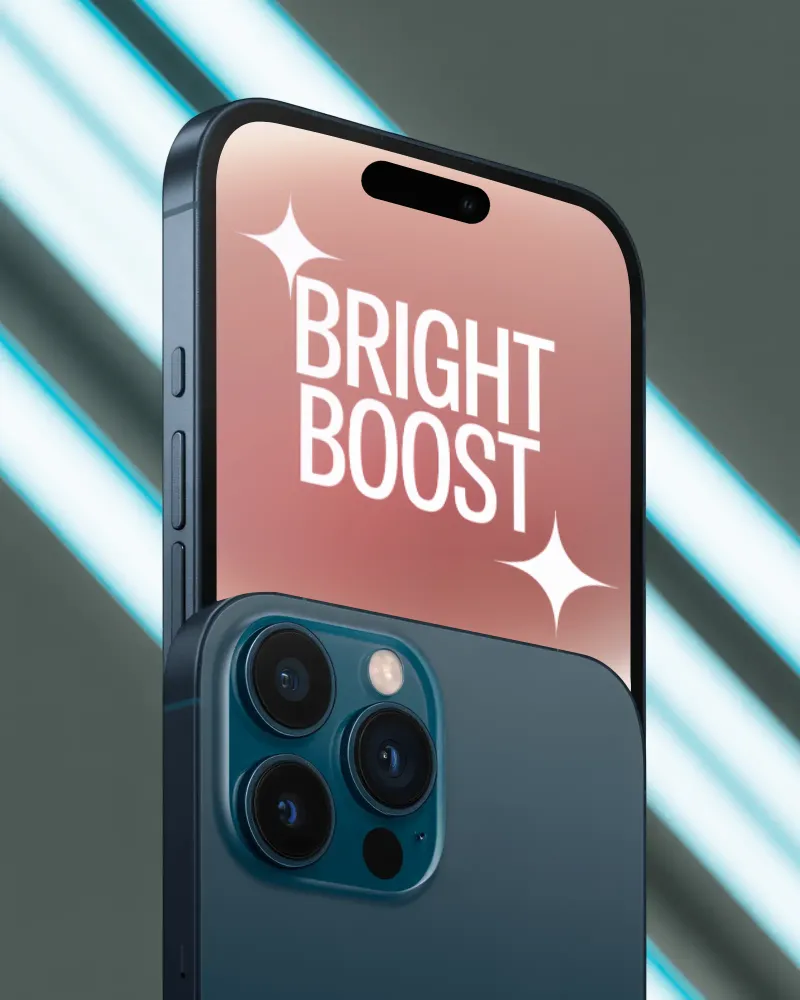
A front view isn’t enough. If you’re creating a product page, presenting an app, or sharing your design on social media, a 3D iPhone mockup gives people a better view of your work.
Choose a 3D template from our 3D mockup generator, upload your design, and customize it. Also, get the option to change the background, add motion if you need it, and download in the format and size that works best for your project.
Sometimes a static mockup isn’t enough to show your product the way you want.
Describe your animation in a few words. The AI will create smooth movements, zoom effects, and lighting automatically.
Present apps, websites, and digital products with iPhone visuals that look ready for the real world.
An iPhone mockup generator is a tool that allows you to make iPhone mockups easily and quickly without having to use complex software or design skills. It usually provides a variety of iPhone templates that you can customize with your design.
No Photoshop is needed. Just upload your screenshot, use adjustment tools, and download instantly. Everything runs right in your browser.
You don’t need any design skills to use the iPhone mockup generator. Just go to the catalog page, select a template of any model, add your app screenshot, do a bit of customization, and finally download your iPhone mockup.
The iPhone mockup generator by Mockey AI supports all new models, including the iPhone 16 and 17 series, as well as older models such as the iPhone X, 11, 12, 13, 14, 15, and even the iPhone Pro and Pro Max.
This mockup generator has multi-screen templates that show more than one device in a single shot. Just upload your screenshot to a multi-device layout, and adjust as needed.
Yes, it works on mobile browsers like Safari and Chrome, so you can create mockups without needing a desktop. The experience with dragging, dropping, and fine-tuning your design is similar to desktop.
Downloads don’t come with a watermark, not even on the free plan. What you get is the clean image, ready to use right away.
Yes, you can export up to 1600x2000px, which is sharp enough for product listings or app store screenshots.
Users like the clean and polished UI, a search box, and a wide variety of tags in Mockey AI. The mockups are exclusively intended for business use.
Yes, Mockey also has an iPhone mockup available on Figma for those who prefer to work directly in the tool.