Download Free 3D iPhone Mockups
Mockey.ai offers a variety of 3D iPhone mockups, perfect for showcasing your designs. Customize your mockup online and download it instantly!
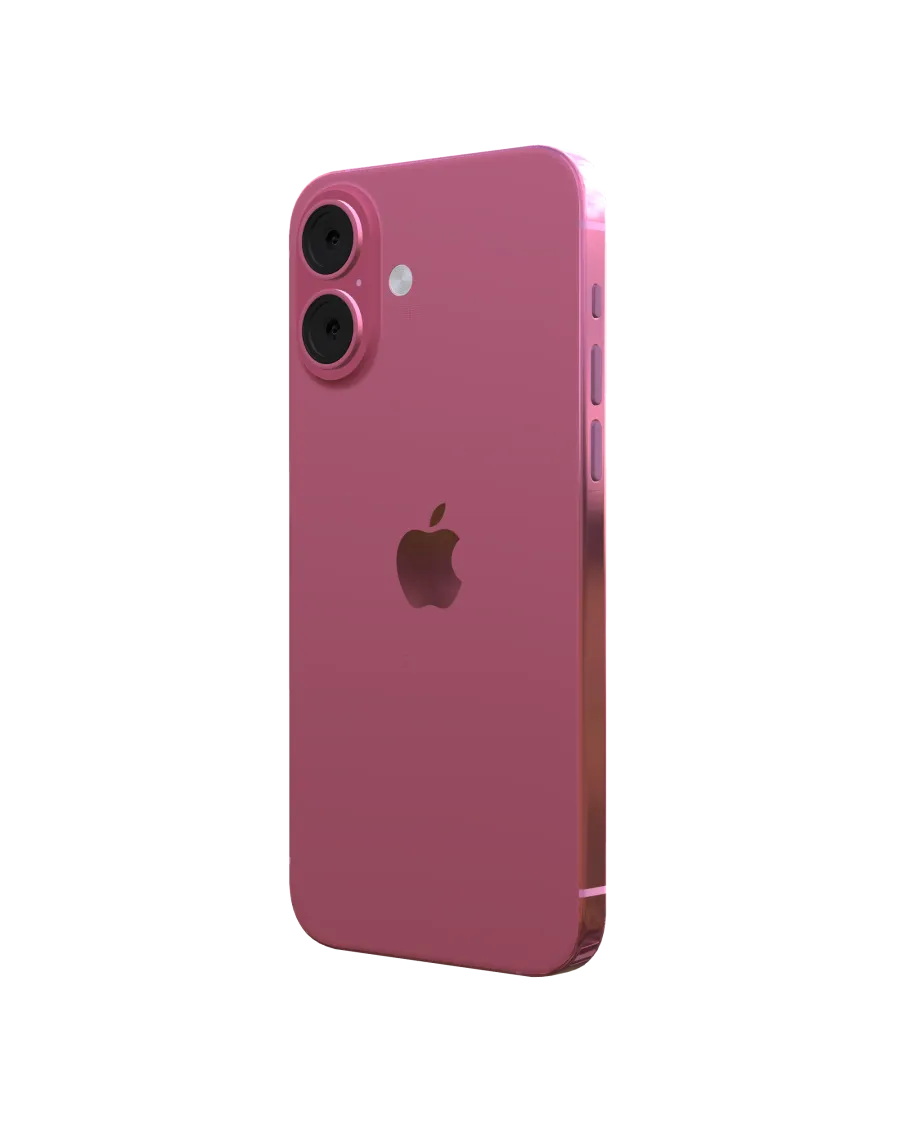
3d Iphone 16 Mockup Minimalist White Screen With Realistic Metal Frame And Modern Design
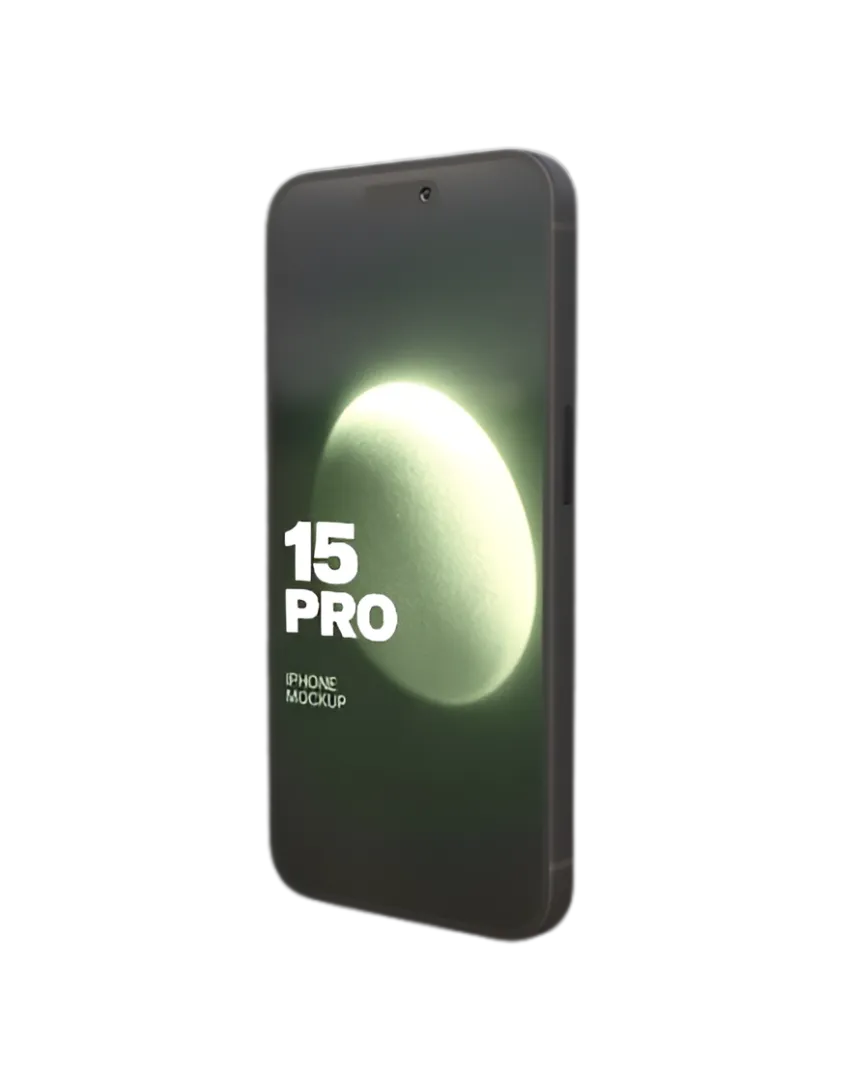
3d Iphone 15Pro Mockup Screen With Realistic Metal Frame And Modern Design
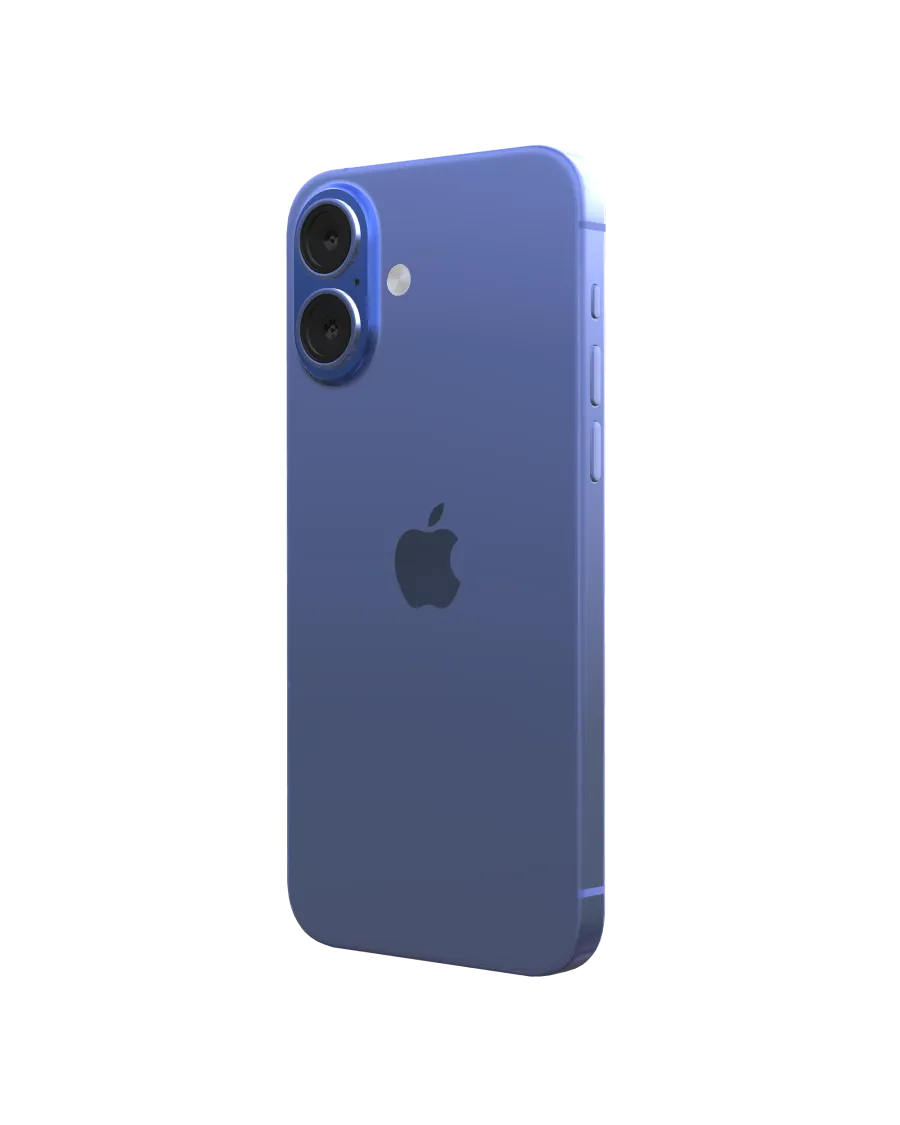
3d Iphone 16 Mockup Screen With Realistic Metal And Modern Design
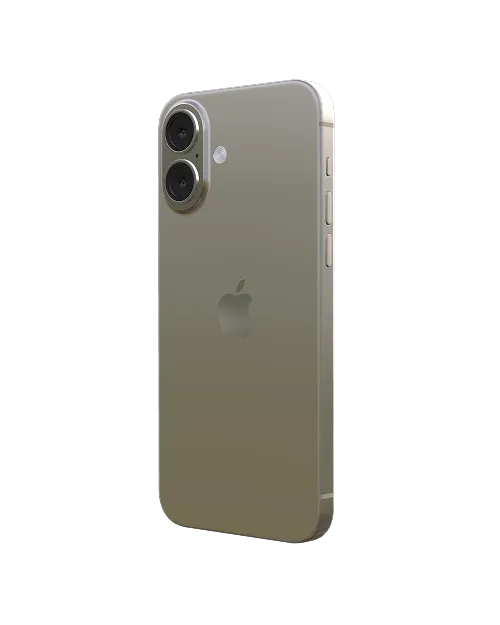
White Metal 3d Iphone 16 3d Mockup With Realistic Design
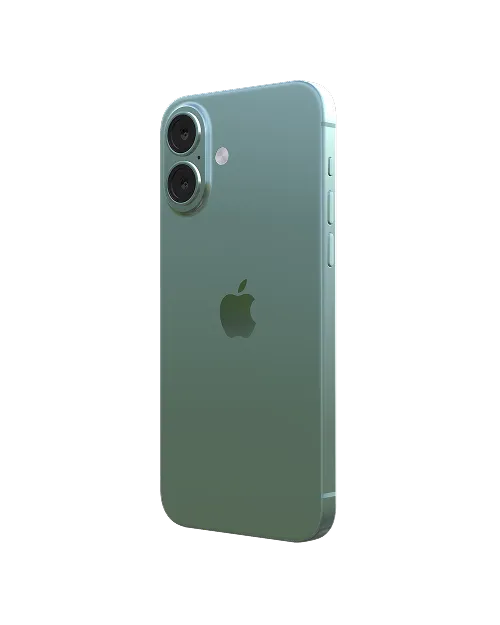
Teal Metal Iphone 16 3d Mockup With Realistic Design
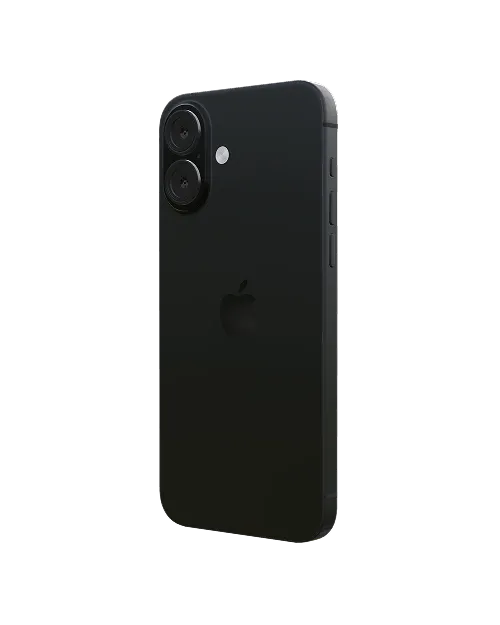
3d Iphone 16 Mockup Screen With Realistic Teal Metal And Modern Design
How to Create a 3D iPhone Mockup with Mockey
To make a 3D iPhone mockup in Mockey AI:
- Step 1: Tap 3D Mockup in the navigation bar and then select iPhone under the Tech section. Pick a template from the library.
- Step 2: Drag and drop your images, choose colors for the back, body, and camera area, and set a background in 360°, gradient, or solid color.
- Step 3: Select the aspect ratio, then download your 3D iPhone as a PNG or JPEG image or save a short WebM video (up to 5 seconds).


FAQs on 3D Iphone Mockups
What is a 3D iPhone mockup?
A 3D iPhone mockup is a realistic 3D picture or animation of an iPhone. You can use a 3D iPhone mockup maker to create these images for presentations, social media, and other uses.
Why should I use a 3D iPhone mockup?
3D iPhone mockups show a realistic image of the iPhone, helping customers see what they're buying before they decide.
Where can I find free 3D iPhone mockups?
Get free 3D iPhone mockups on Mockey.ai! Customize 3d templates to make realistic mockups with no watermarks.
Can I customize a 3D iPhone mockup?
Yes, you can use Mockey AI to create and customize a 3D iPhone mockup.
Which iPhone models are available for 3D mockups?
You can get 3D mockups for different iPhone models like iPhone 13, 14, 15, and 16 on Mockey AI.
Do I need design skills to create a 3D iPhone mockup?
You don’t need to be a design expert to use a 3D iPhone mockup generator. Mockey AI makes it super easy with an easy interface, ready-to-use templates, and smart AI features.
Can I use 3D iPhone mockups for commercial projects?
Yes, you can use Mockey AI for marketing to use the 3D iPhone mockup template. It makes your iPhone look natural and appealing.
How do I create a 3D iPhone mockup?
Creating a 3D iPhone mockup is easy and takes just three simple steps. First, pick an iPhone template that you like. Next, upload your images and adjust the angle, background, and textures until it looks perfect. Finally, export your mockup as a high-quality PNG, JPG, or webm video.
Can I animate a 3D iPhone mockup?
Once you're done customizing, click the Video button to turn your 3D iPhone mockup into a short animated video that lasts up to 5 seconds.
