Tech Mockup Free Download - Tech Mockup Designs
Create Tech Mockup in Seconds!

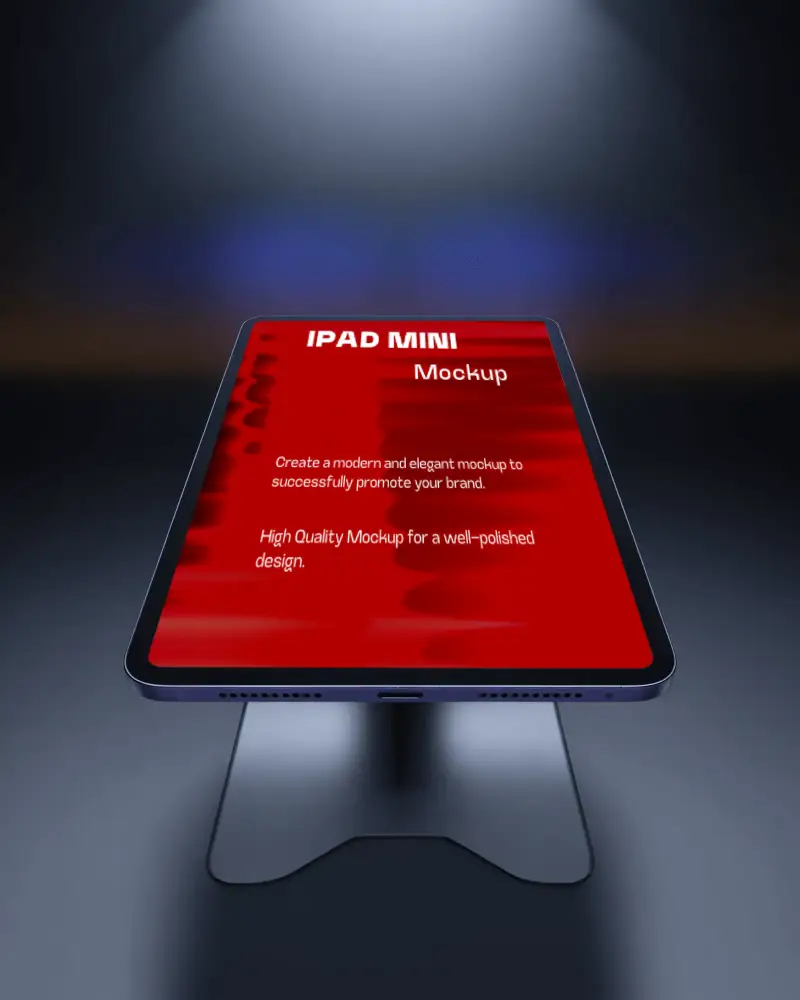
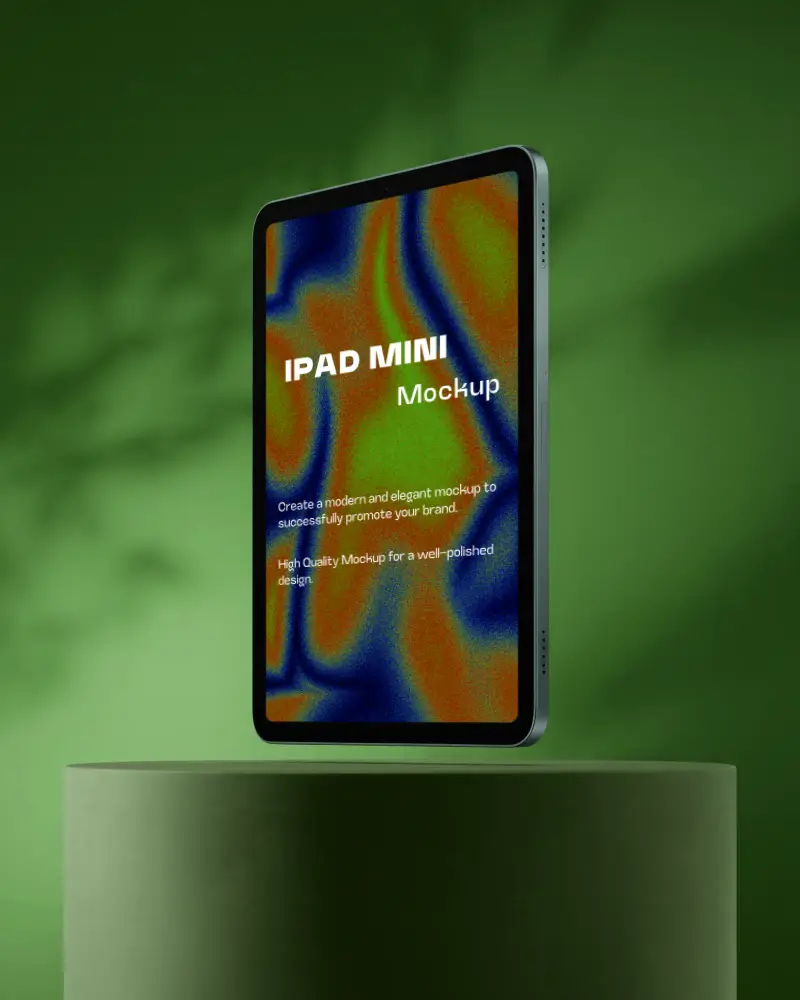
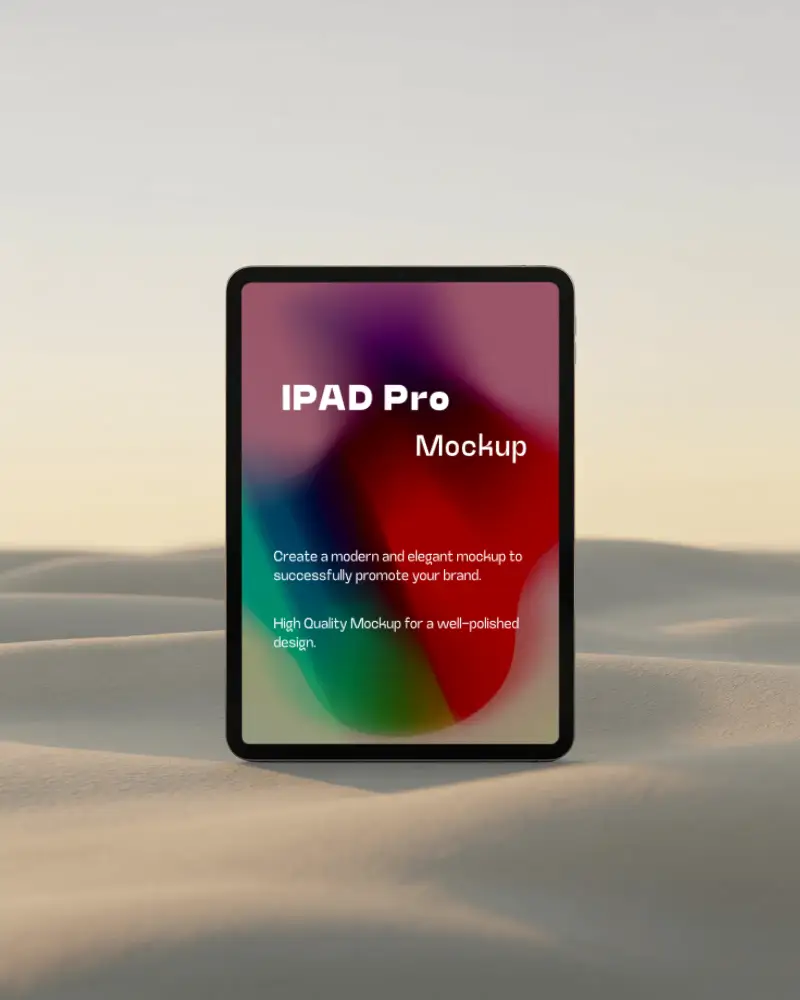
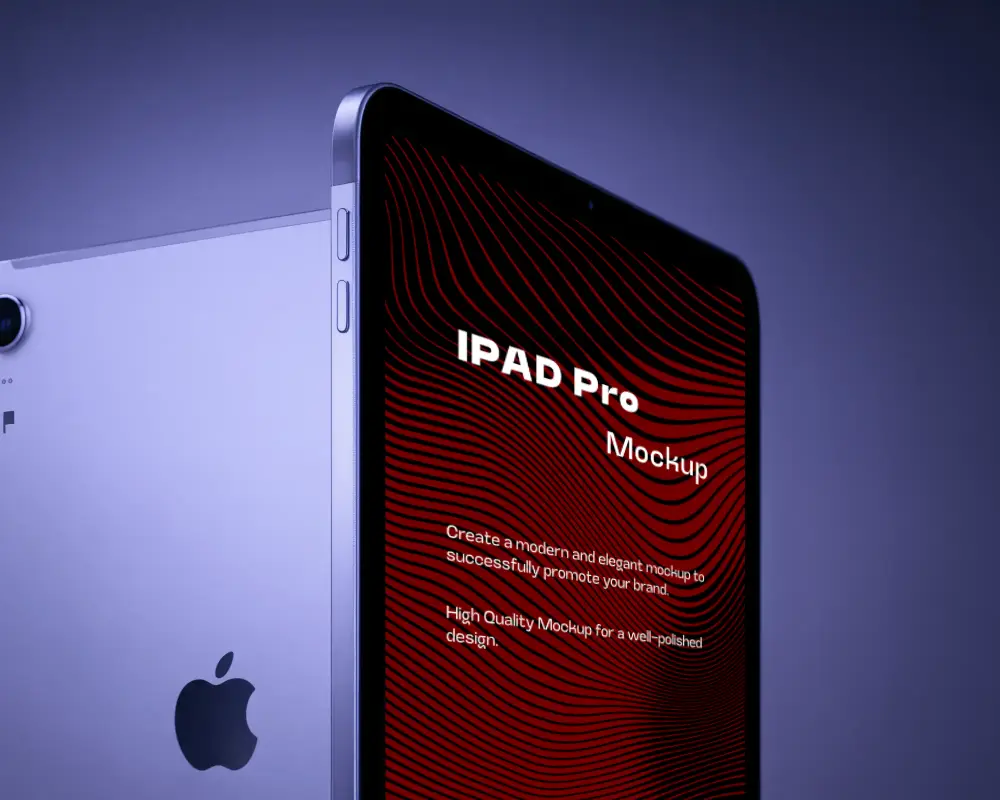
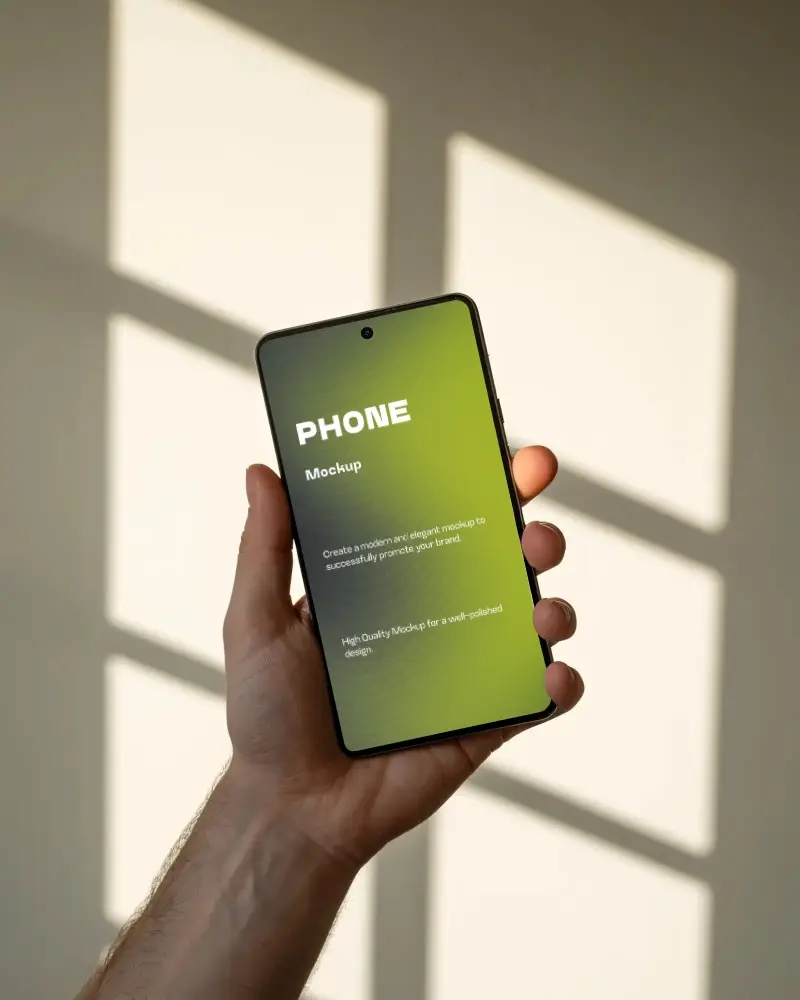
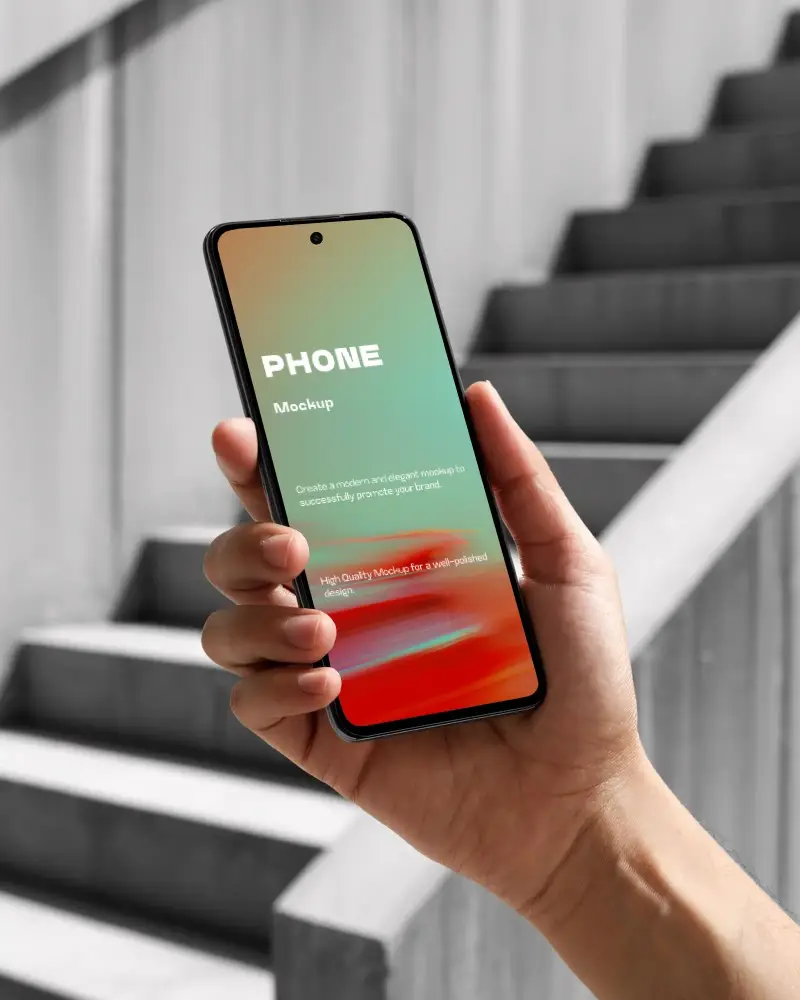
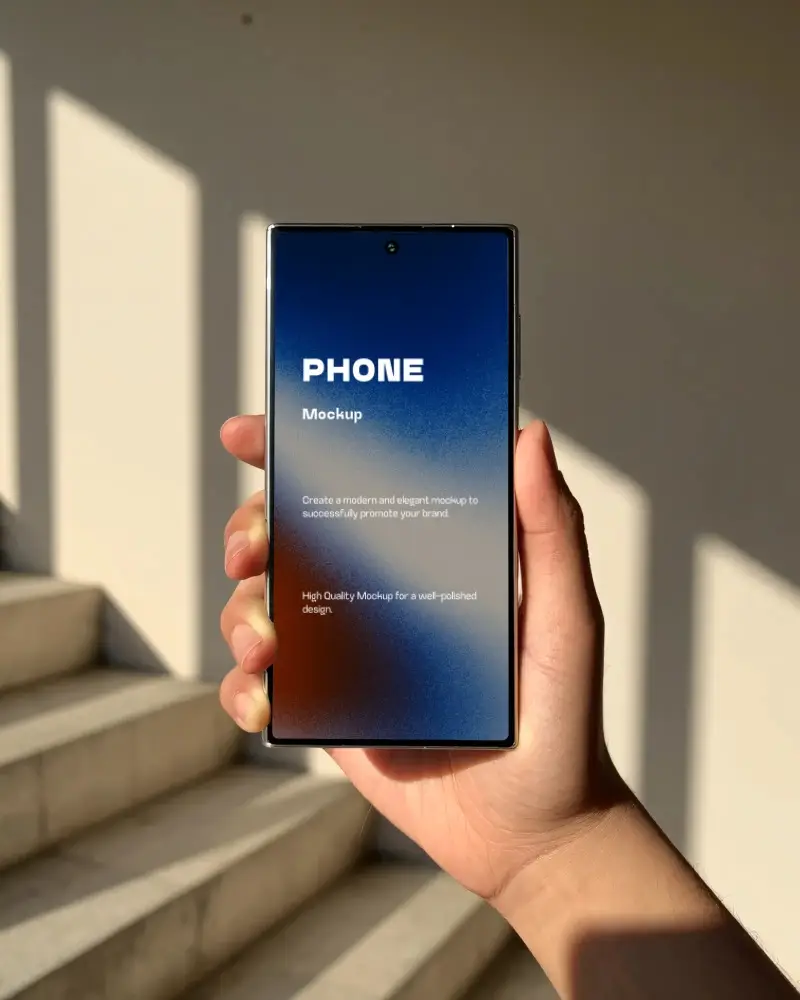
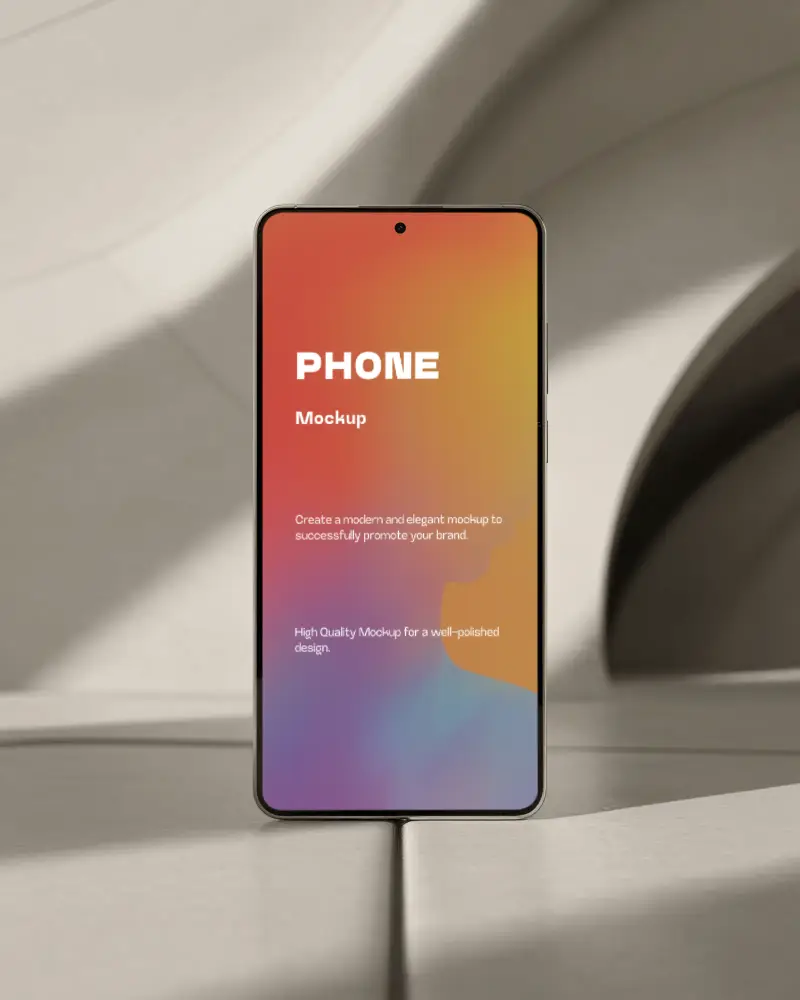
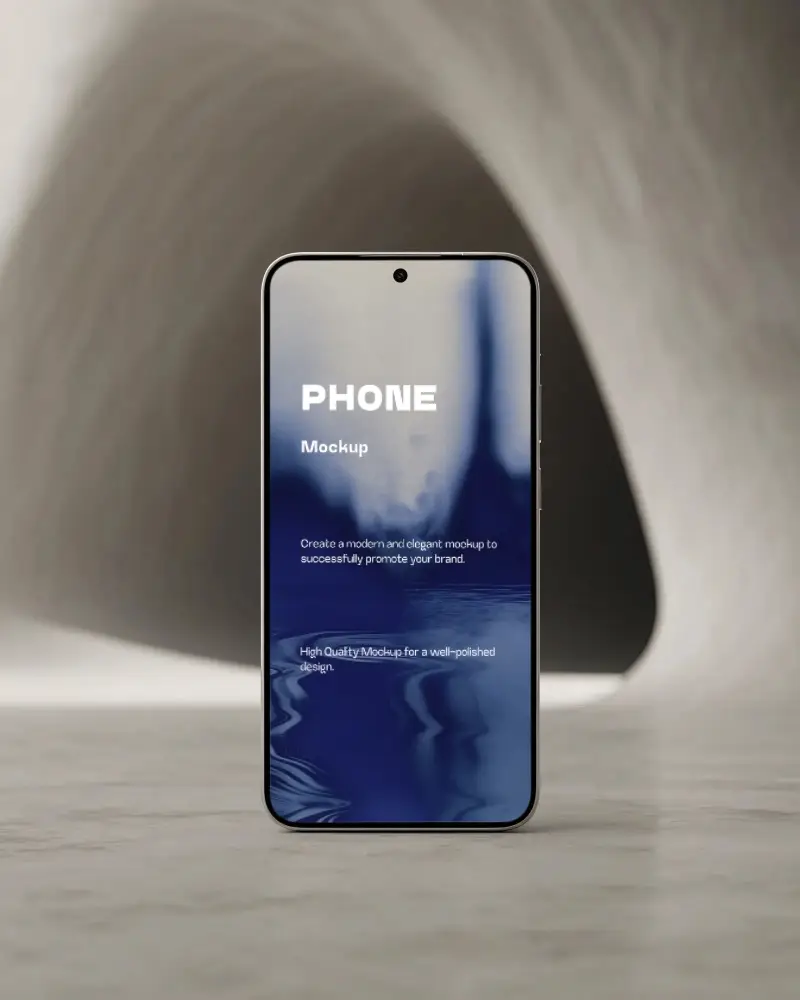
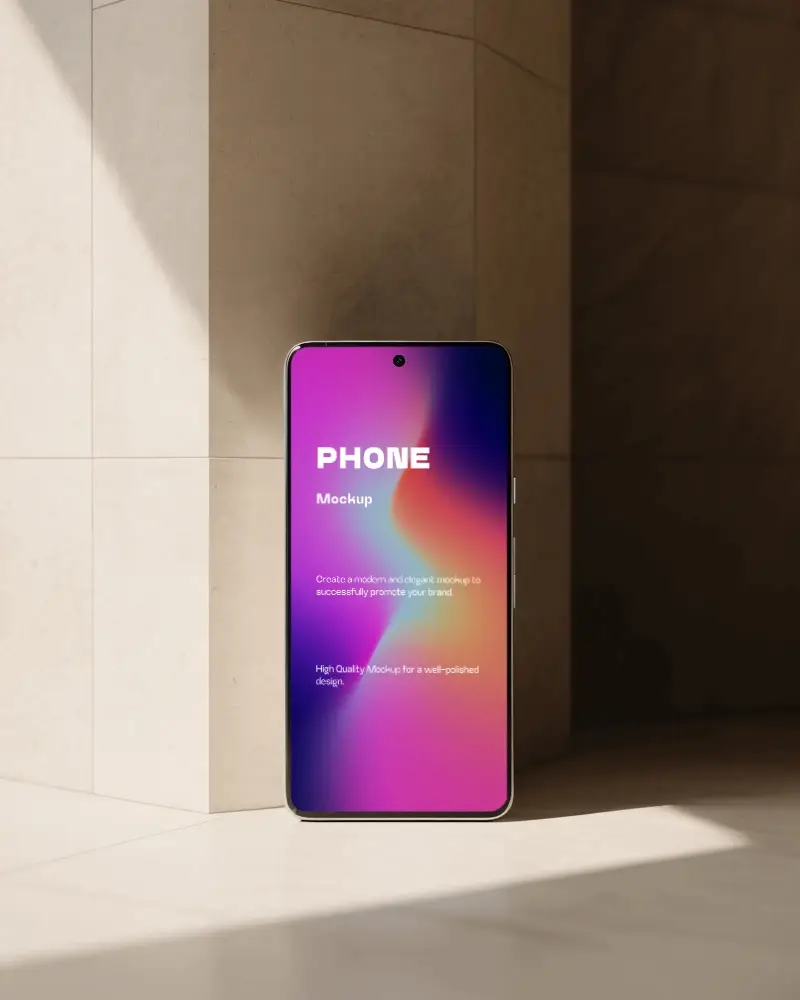
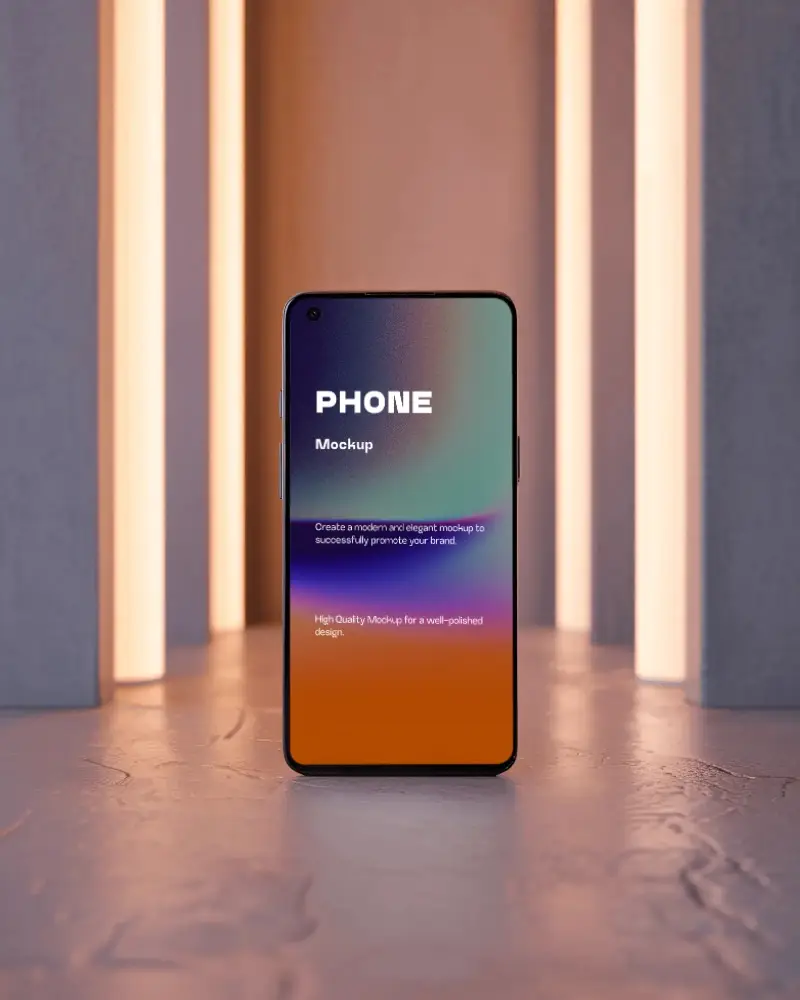
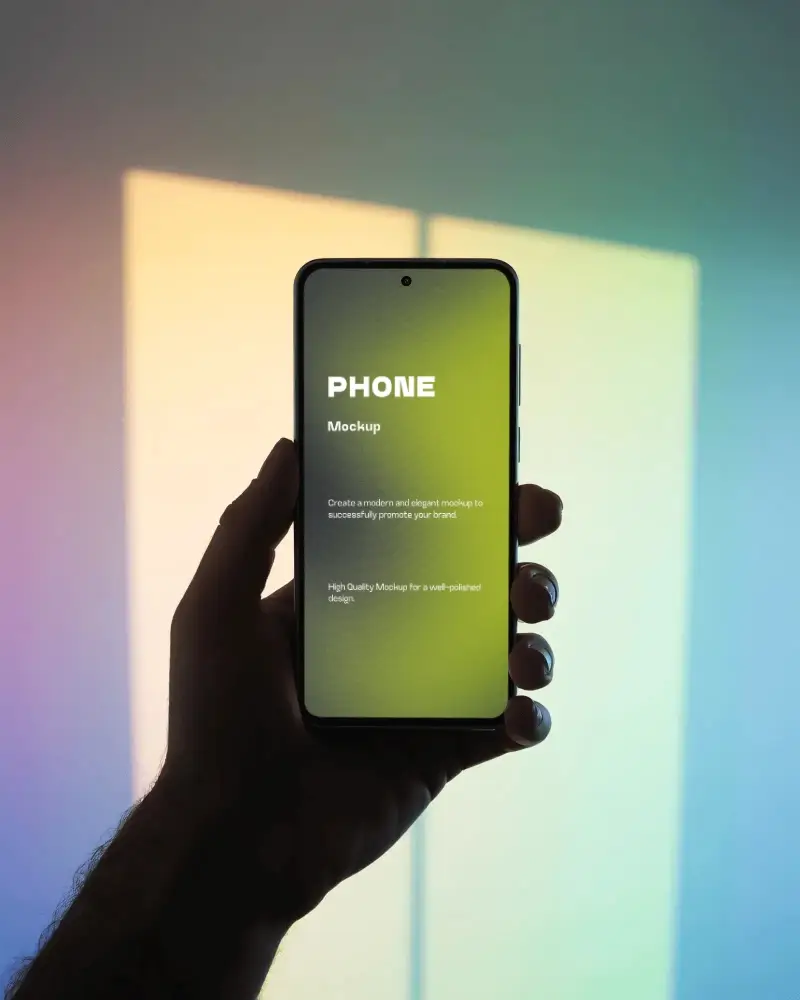
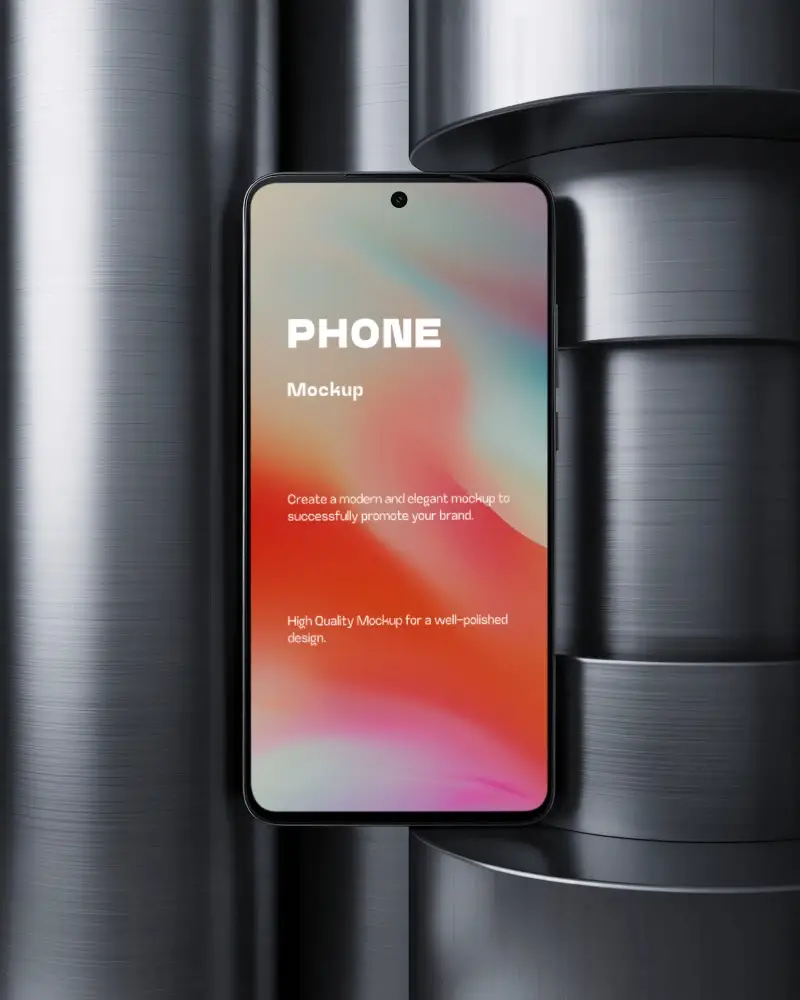
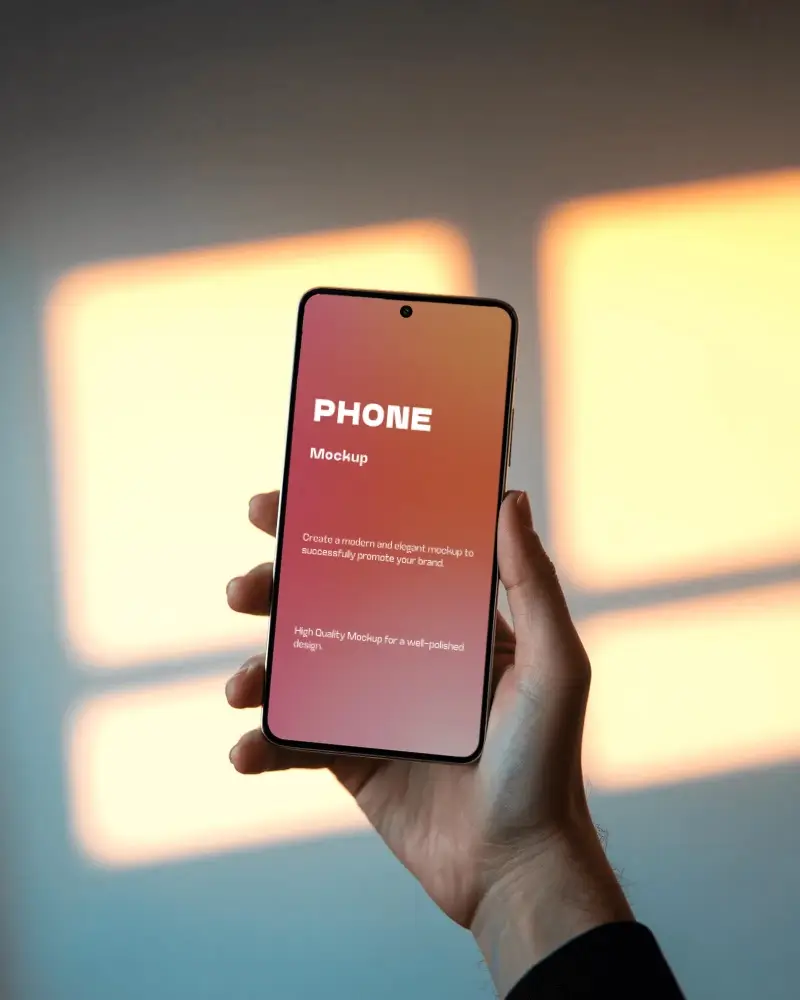
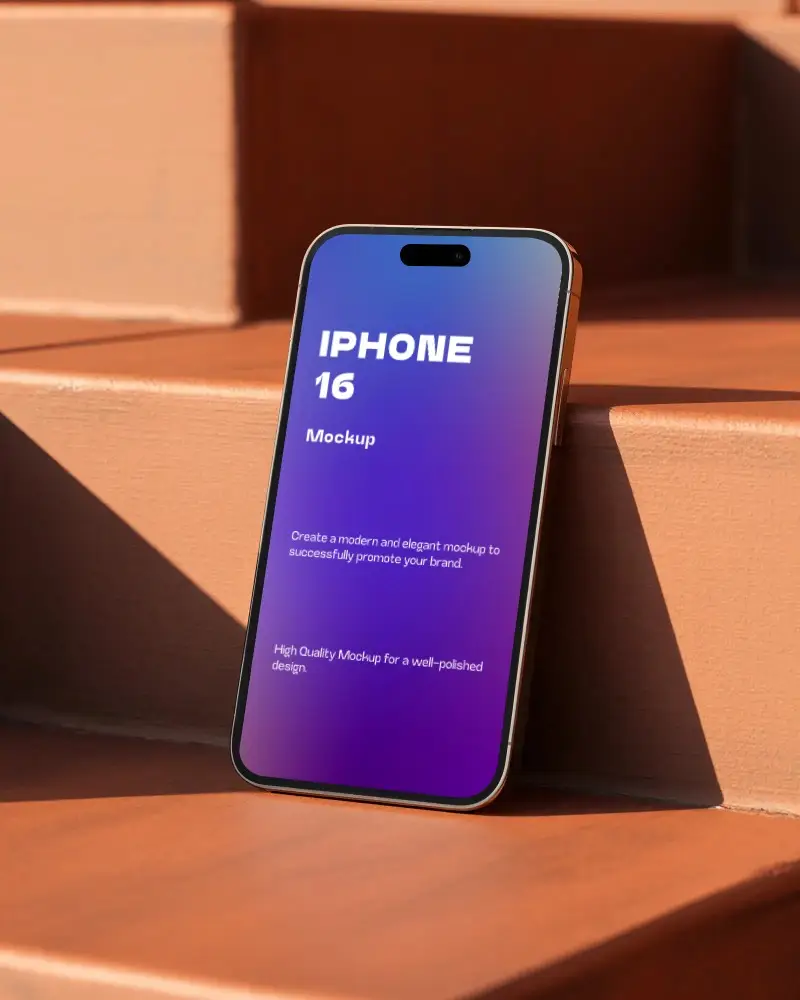
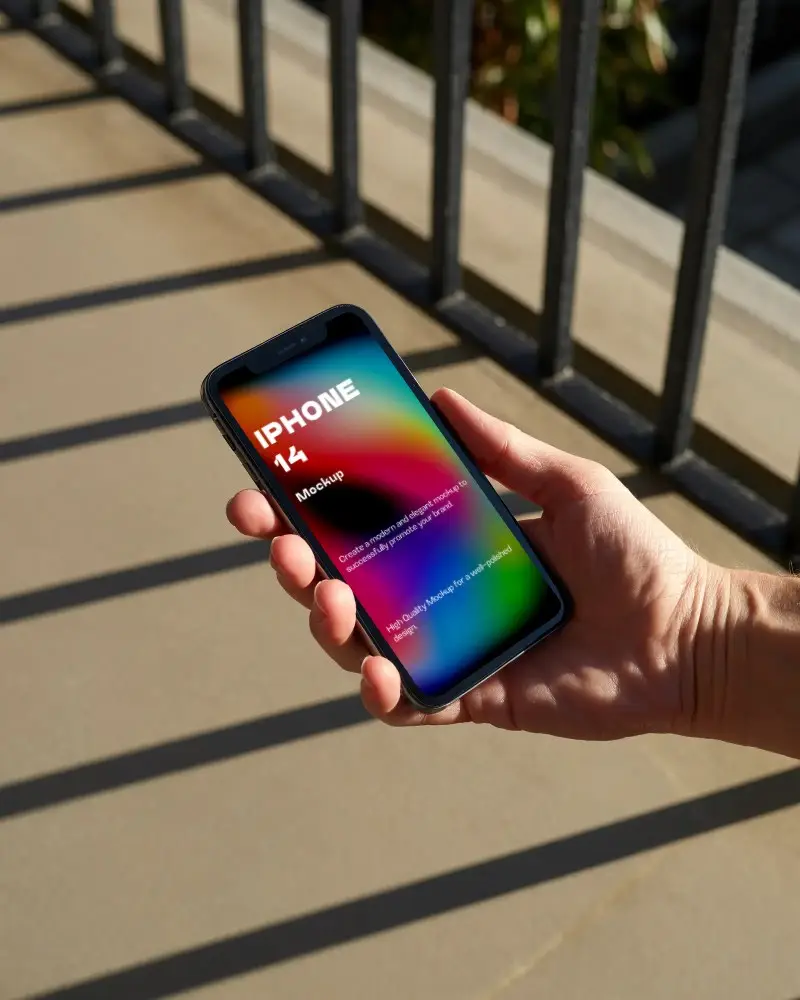
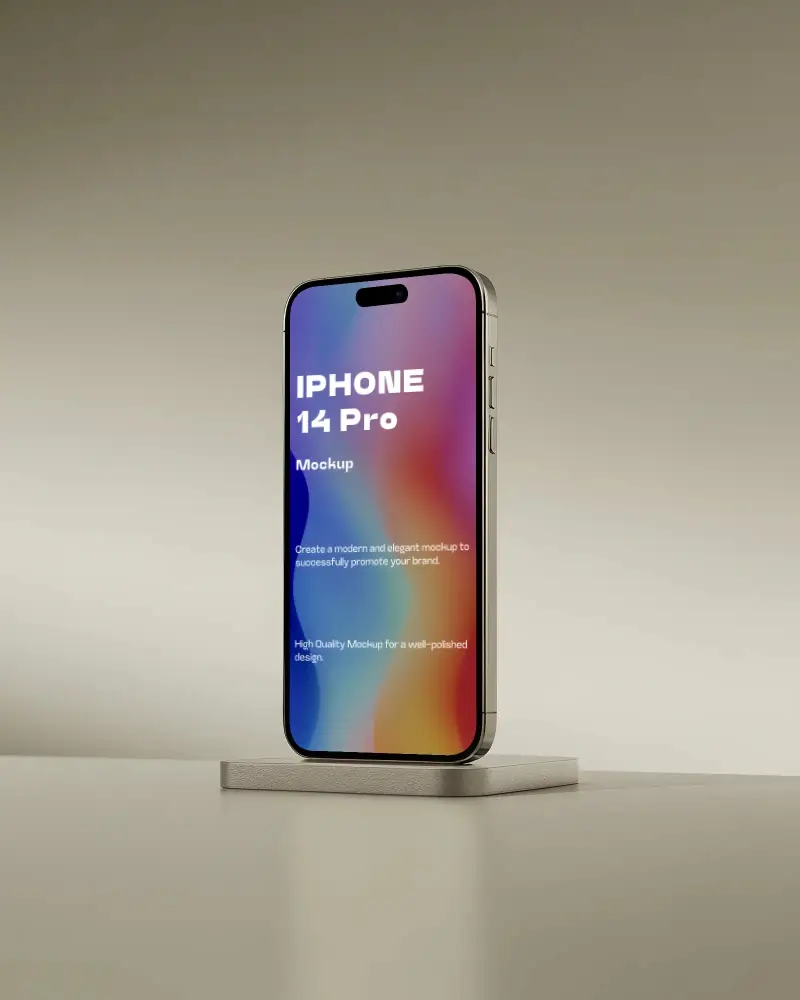
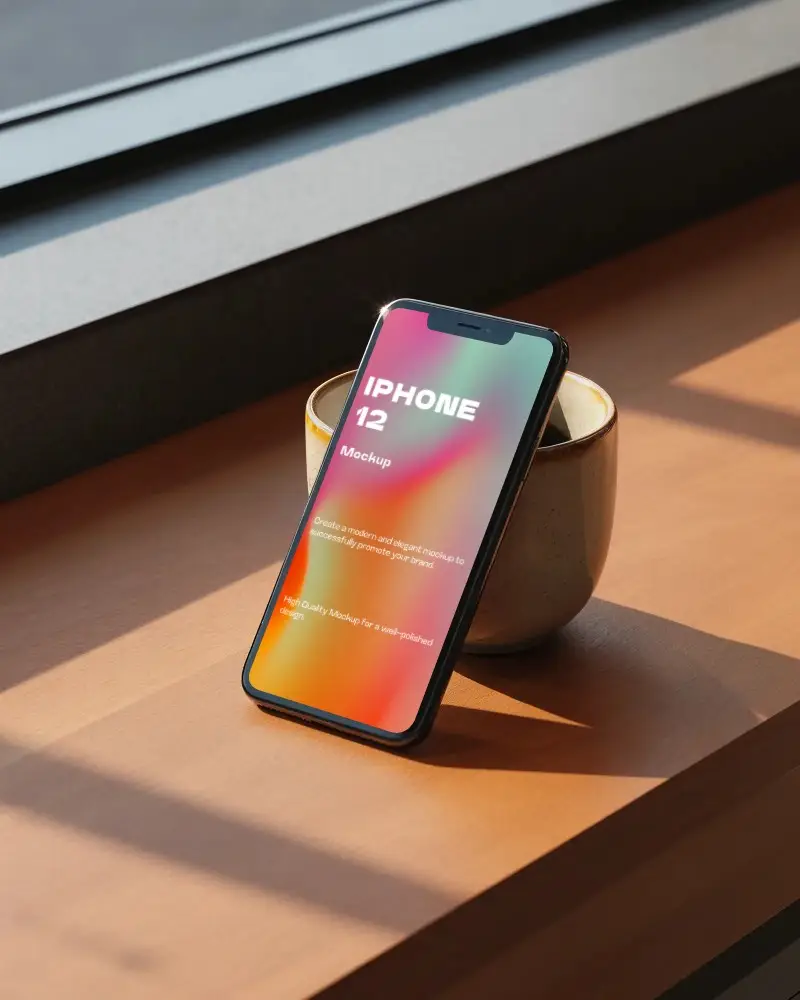
How to Create a Tech Mockup with Mockey?
Follow the steps to create Tech mockups in Mockey AI
- Step 1: On the homepage, go to "Mockups," then "Tech," and choose a category like iPhone or laptop.
- Step 2: Click "Upload Design" to customize it.
- Step 3: Finally, hit "Download" to save your Tech mockup without a watermark.


FAQs on tech Mockups
What is Tech Mockup?
A tech mockup is a detailed picture of a digital product, like a website or mobile app. It's used to design, test, and communicate ideas. It shows UI elements, branding, and sample content to illustrate what the final product will look like.
Why create a Tech Mockup?
Making a tech mockup helps you see ideas clearly, talk with team members, and improve designs. It spots problems early, makes user experience better with feedback, and makes development faster and cheaper.
Why Use Mockey’s Tech Mockup?
Mockey's Tech Mockup is a handy tool for making realistic product images fast. It has many templates and customization options, so users can create designs without needing a lot of artistic skill. This saves time and makes it easier to share ideas with others.
Is this Tech Mockup Free?
Mockey.ai is an easy-to-use online tool for making great tech mockups. It offers over 2000 templates, so you can upload your designs, change backgrounds, and download high-quality images for free.
