T-Shirt
3773+ mockups
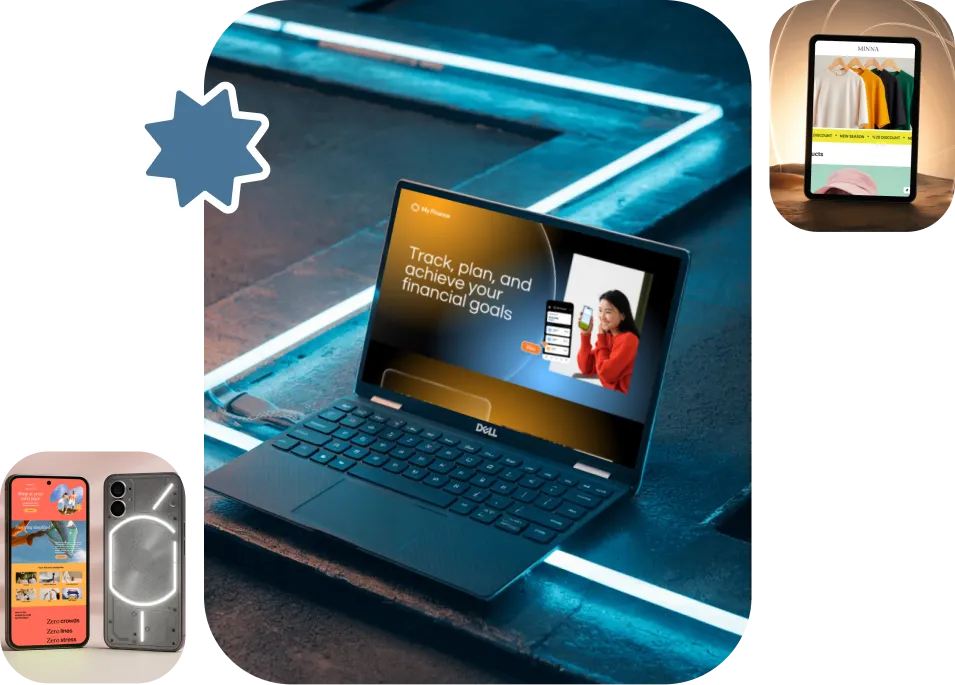
Our website mockup templates include devices like iPhones, Android phones, MacBooks, Windows laptops, and even iPads. You’ll find both single and multi-device templates where you can upload your image. There’s also an option to modify the background. Including all devices, there will be over 500 templates.
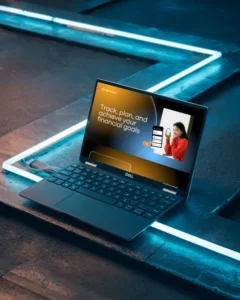
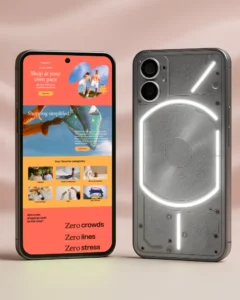
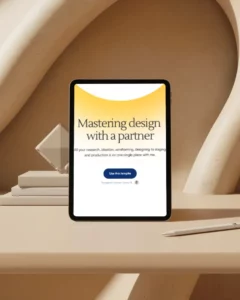
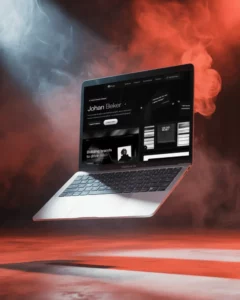
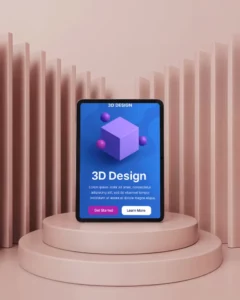
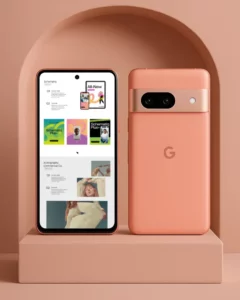
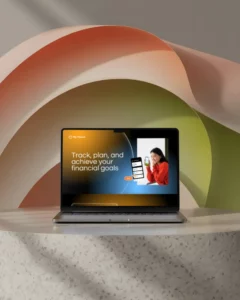
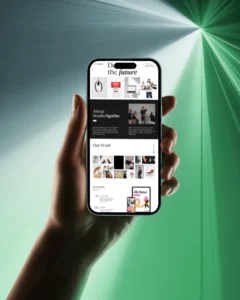
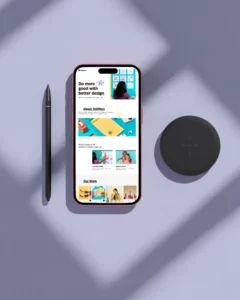
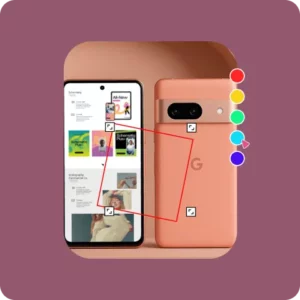
Sign up on the homepage to start creating a website mockup. On the left side, you’ll find the “Categories” section—click on “Tech”. This will take you to a catalog page showing different device mockups.
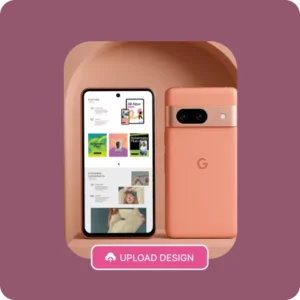
Navigate to the editing page after selecting a device. Click on “Upload Design”. Once uploaded, you’ll see a crop option. As soon as you crop your design or screenshot, it will automatically fit into the screen area of the chosen device.
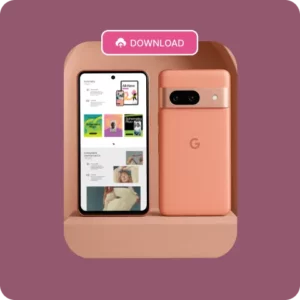
You can now change the background or use AI features for extra customization. Lastly, save the mockup by pressing the Download option.
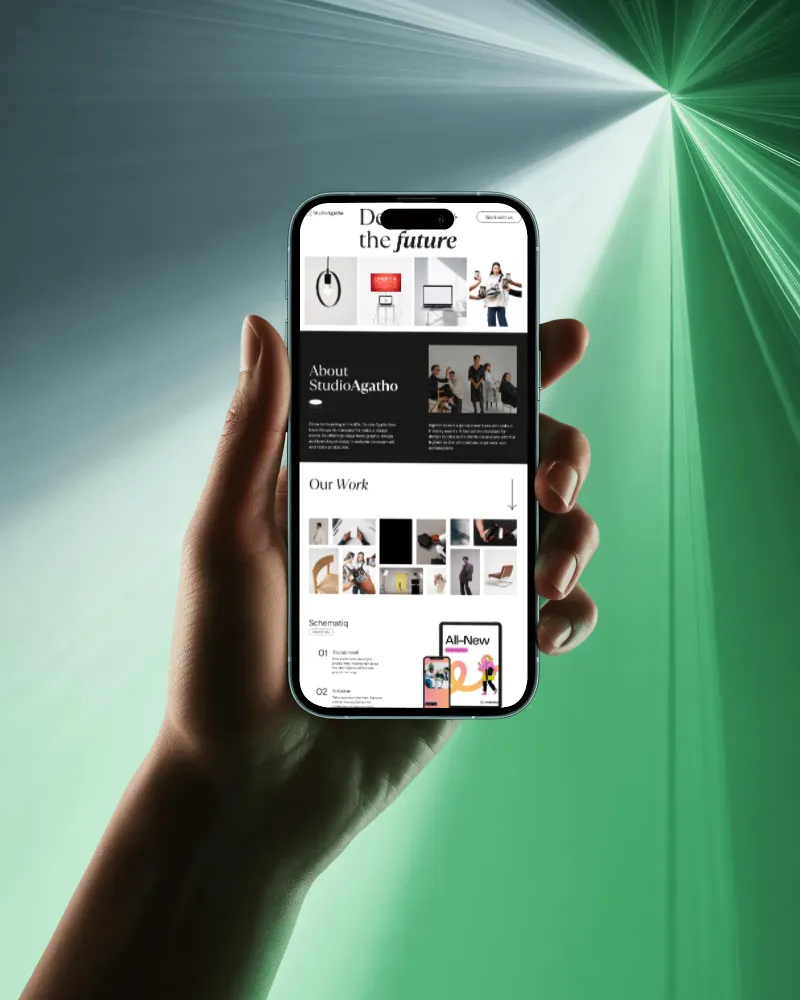
New iPhone mockup models, such as the iPhone 15 and 16, are available, along with older models like the iPhone 13, 14, and even the iPhone X. You’ll find top view, hand-holding, floating, angled, and multiple-device options to add and customize a design.
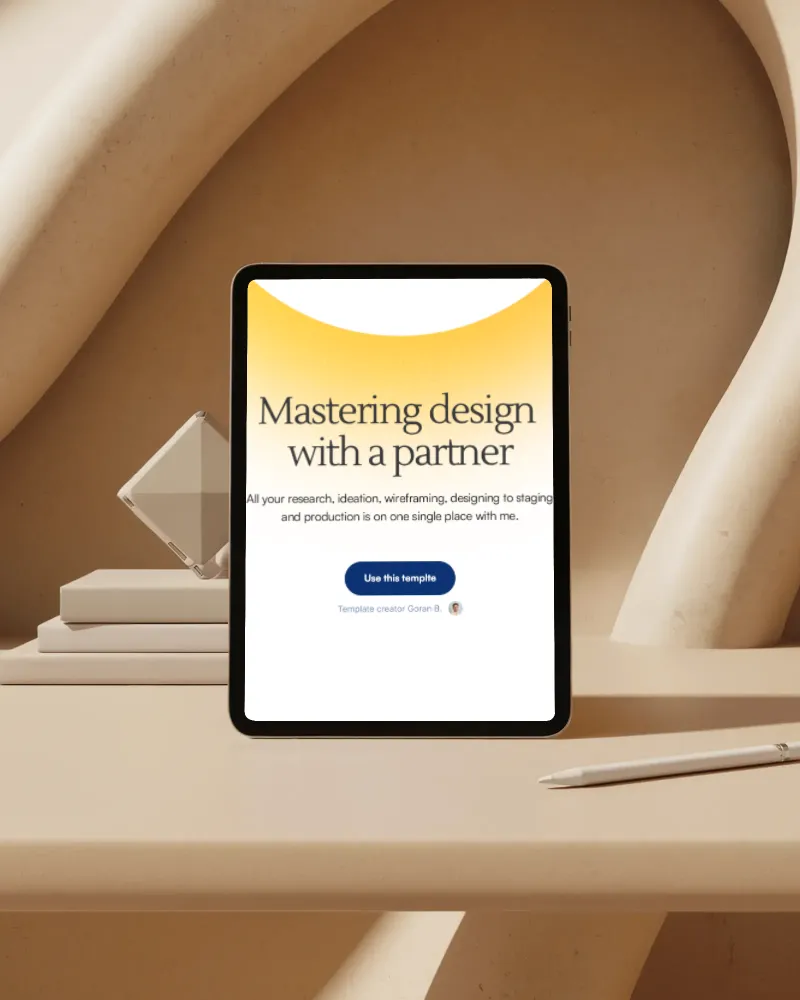
If you search for iPad mockups on Google, you’ll mostly see minimalist templates with plain backgrounds from various generators. Only Mockey AI’s iPad mockups offer something different — unique AI-generated templates with rich backgrounds, like iPads placed on flat surfaces, angled views, in horizontal or landscape styles, held with both hands, or leaning against a wall.
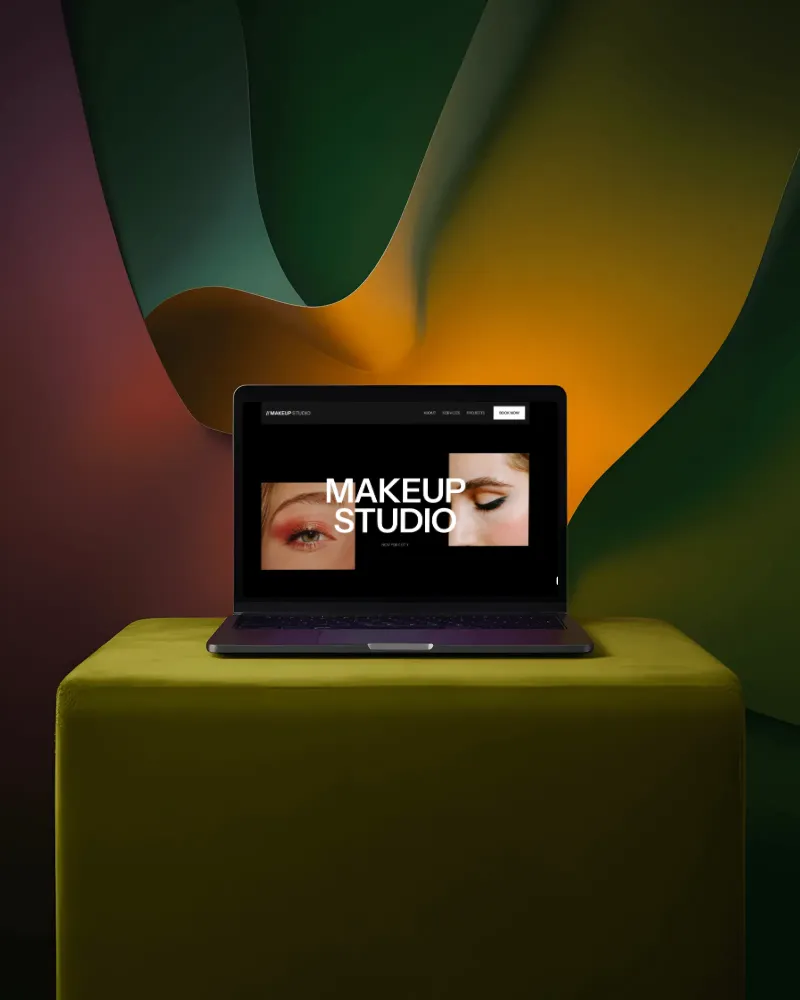
You can customize all MacBook mockups, including the MacBook Pro M1, M2, M3, and M4. You can alter the background if you don’t enjoy it. Use your own background or even make it transparent.
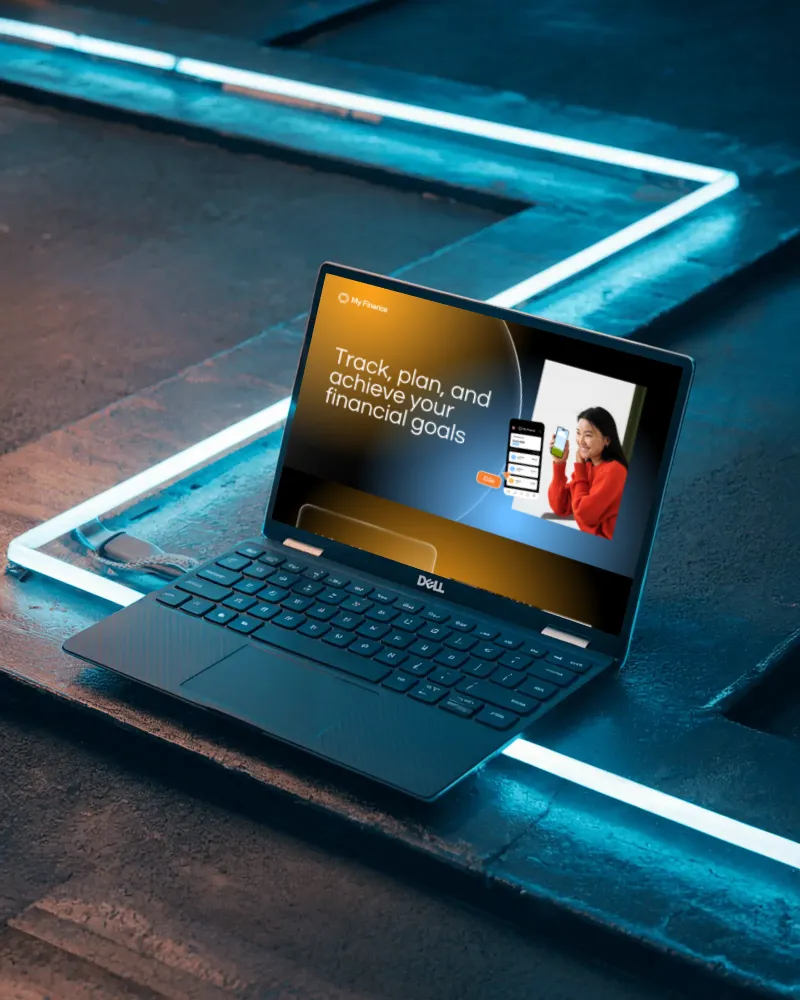
Not just Apple products — if we talk about phone mockups, you’ll see everything from Samsung to Google Pixel. And when it comes to laptop mockups, you’ll find Windows one’s on office desks or in gaming rooms.
Make your website idea look real with a mockup. Use an AI mockup generator like Mockey AI to create online. It’s simple and comes with a free plan. But why do you use this platform?
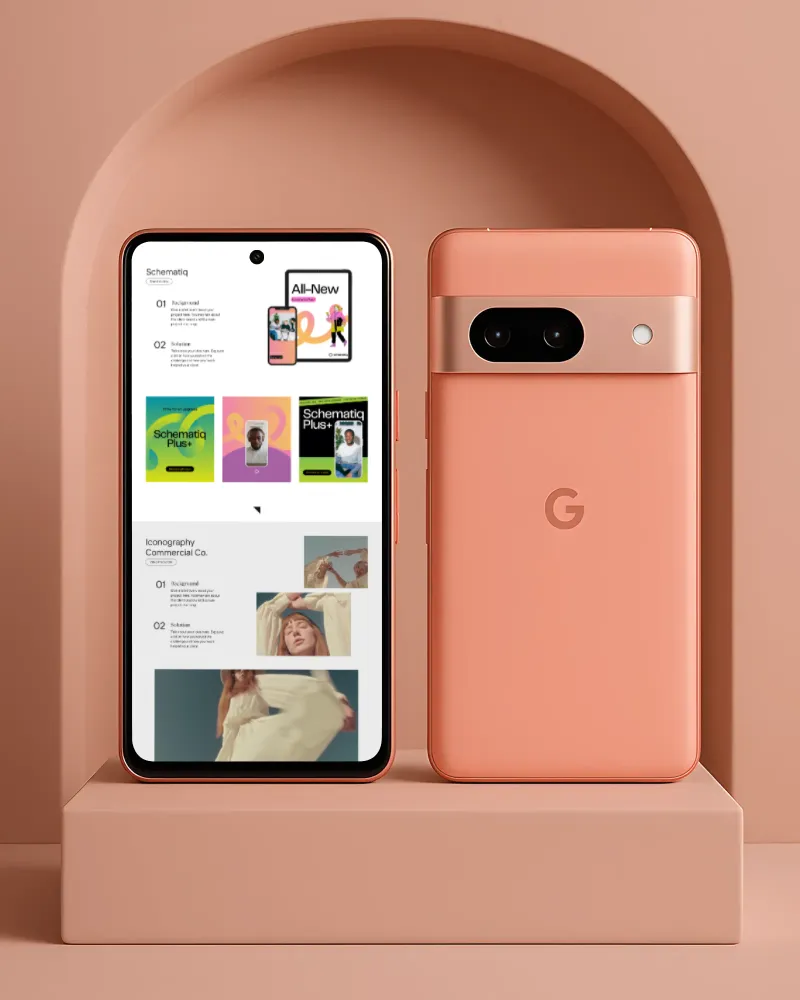
Check how a website will look on any screen. Before you write a line of code, do this. Use Mockey AI’s website screen mockup generator to display your screenshot or thumbnail in style. Choose from a variety of screen mockups. Use iPhones, iPads, laptops, MacBooks, desktops—everything’s there. Make a free mockup in minutes. It works on any device.
Making mockups? Don’t stop at just placing your design on a screen. Use our free customization tool to improve it. For example, use the crop feature in your design so it looks perfectly accurate and doesn’t get cut off at the top or bottom. Change the background or make it transparent. A new AI tool has also been launched, which creates a mockup based on your prompt, meaning your mockup will match exactly what you describe.
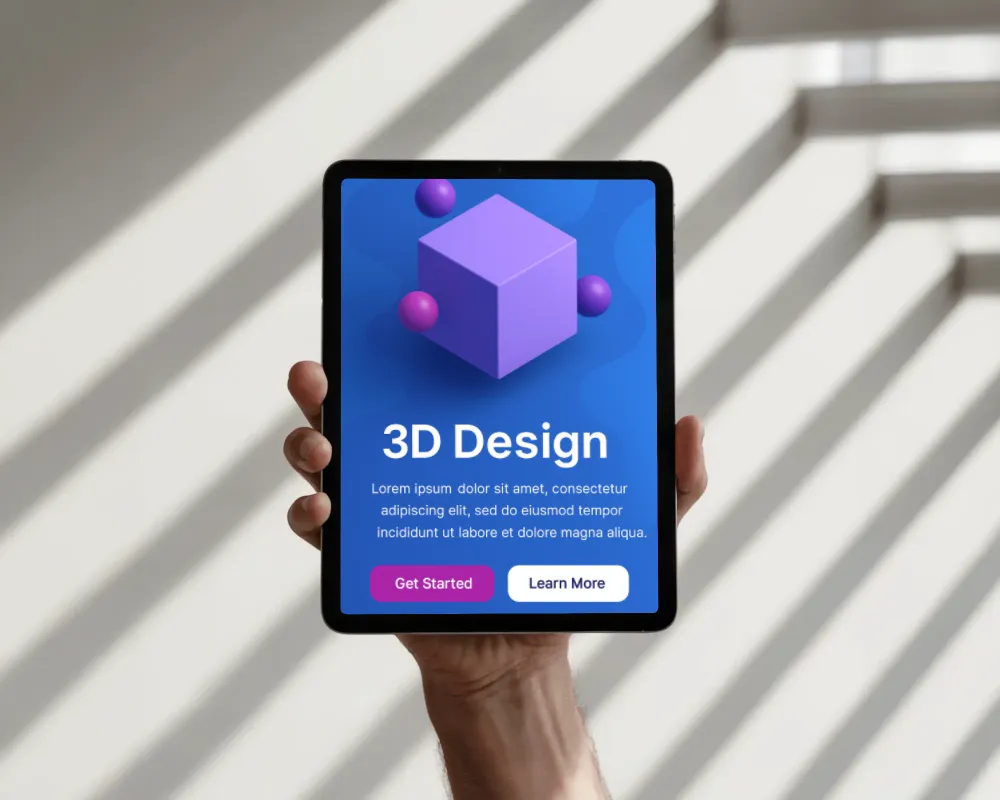
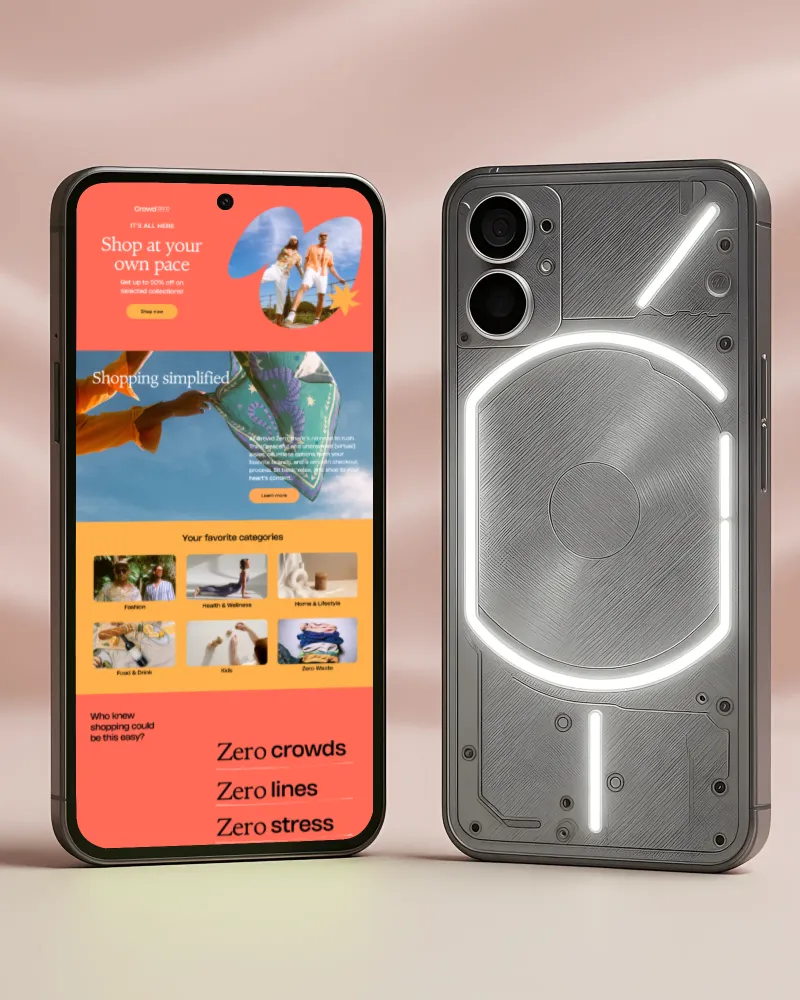
All the templates you see — you won’t believe it — they’re all AI-generated. From iPhones to laptops, everything. But the best part is, they look very realistic, even in close-up shots. Whether you’re designing a website or using a t-shirt mockup, every single template will look top-notch to you.

You can use your own custom-designed background, a solid color, or choose one from our library using the background features.

With just one prompt, you can create animations, add your preferred background, and modify elements — all using this website mockup generator.
Still dragging rectangles in Photoshop like it’s 2005? ???? Level up with our Website Mockup Generator, the AI templates that make your site look good before it even exists. Fast, free, fabulous. No design degree required. Try it now!
Some templates on Mockey AI are multi-device, such as two laptops or two phones shown together, allowing you to customise both at the same time.
Use Mockey AI’s website mockup generator to easily add your image, screenshot, or thumbnail onto a device screen using a ready-made template.
A website mockup displays how your site will look before it’s live. You can view it on different screens and devices. You’ll know where the header and buttons will go.
Website mockup plays a big role in web design. They show what the final site may look like. Teams can use them to spot issues early. To make modifications based on feedback, use a website mockup generator. Fix them before the website goes live.
Mockey AI’s AI website mockup generator is the best option for generating website mockups. It provides ready-made AI templates so you can add website designs easily.