T-Shirt
3773+ mockups
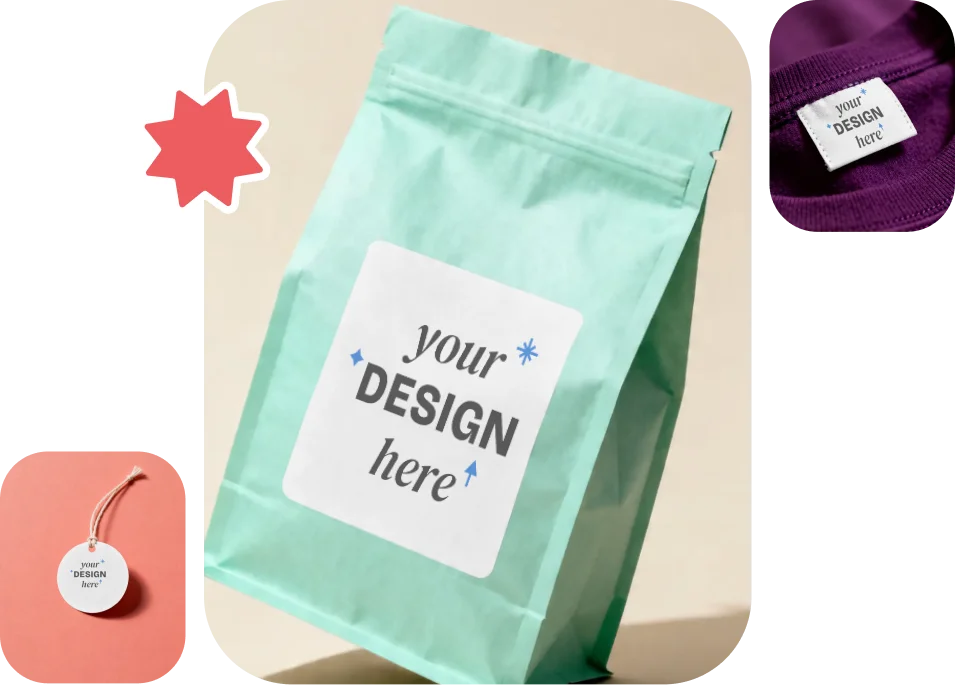
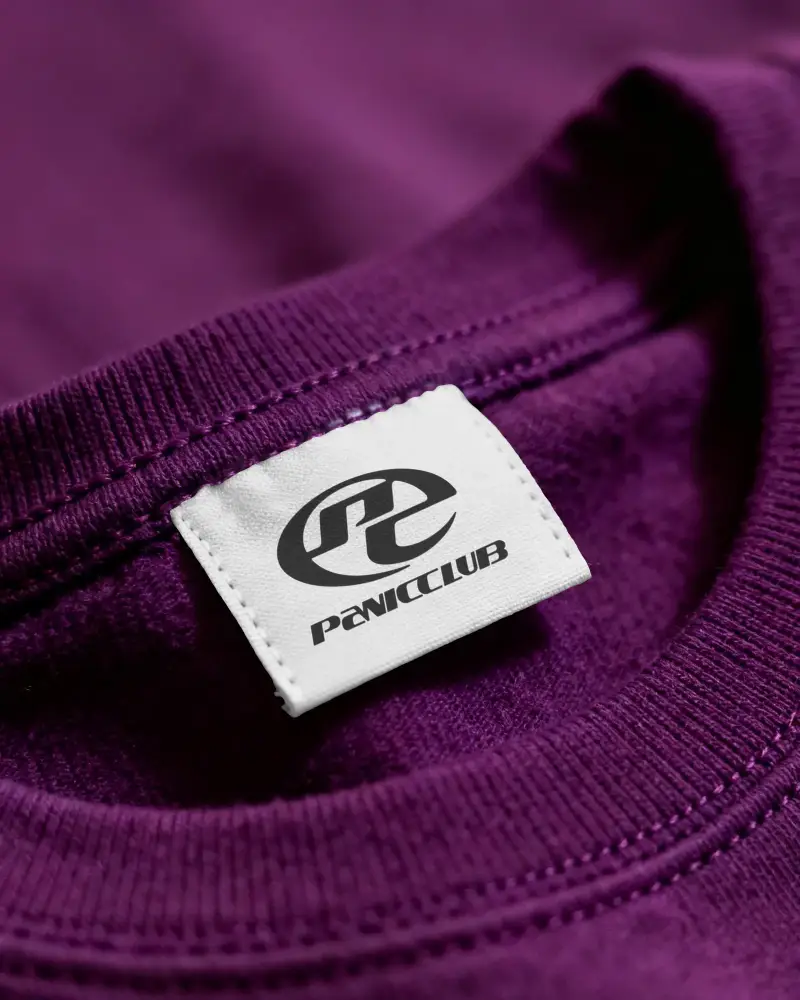
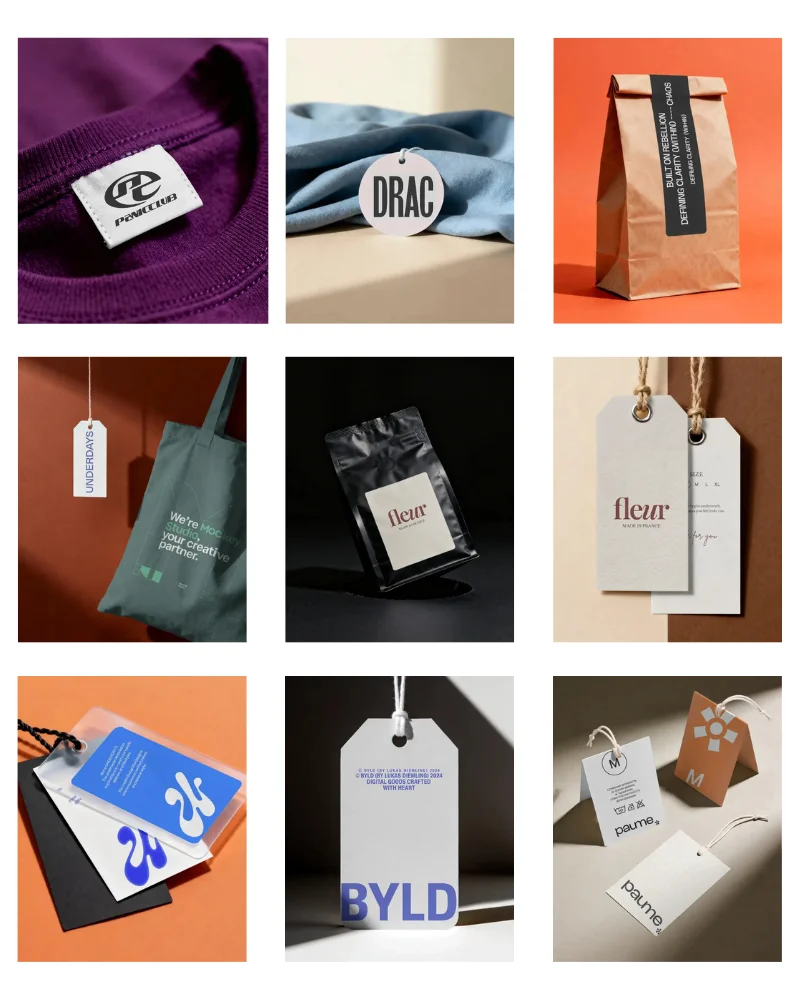
Discover our best label mockups with Mockey and grow your brand. You can design clothing tags and bag tags in different shapes, like rectangles and rounds. Upload your logo, adjust placement, and modify colors instantly. The label material will be displayed as either kraft or white cardboard in high-quality.


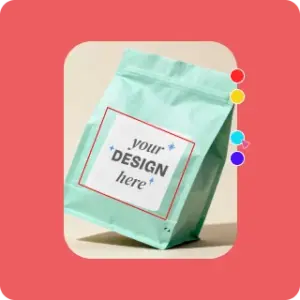
Go to Mockups and follow “Print > Label” to select from clothing, rectangle, or bag tag templates. Ensure that you have a Mockey account.
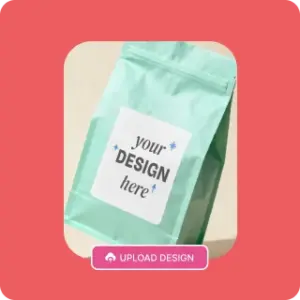
Click Upload Design and add your brand image. Adjust colors, apply warping, and position your design. You can also turn it into an animation.
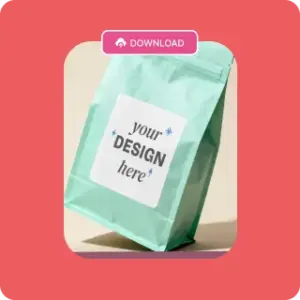
Use the preview feature, make final edits, and click Download to export your label mockup in high quality.
Mockey has a huge number of clothing label mockups that let you preview your brand logo, pricing, or fabric care instructions. You’ll find woven, swing tickets, and fabric/care labels.
The templates look very realistic, even though they are AI-generated. Get started with the free plan for personalization.
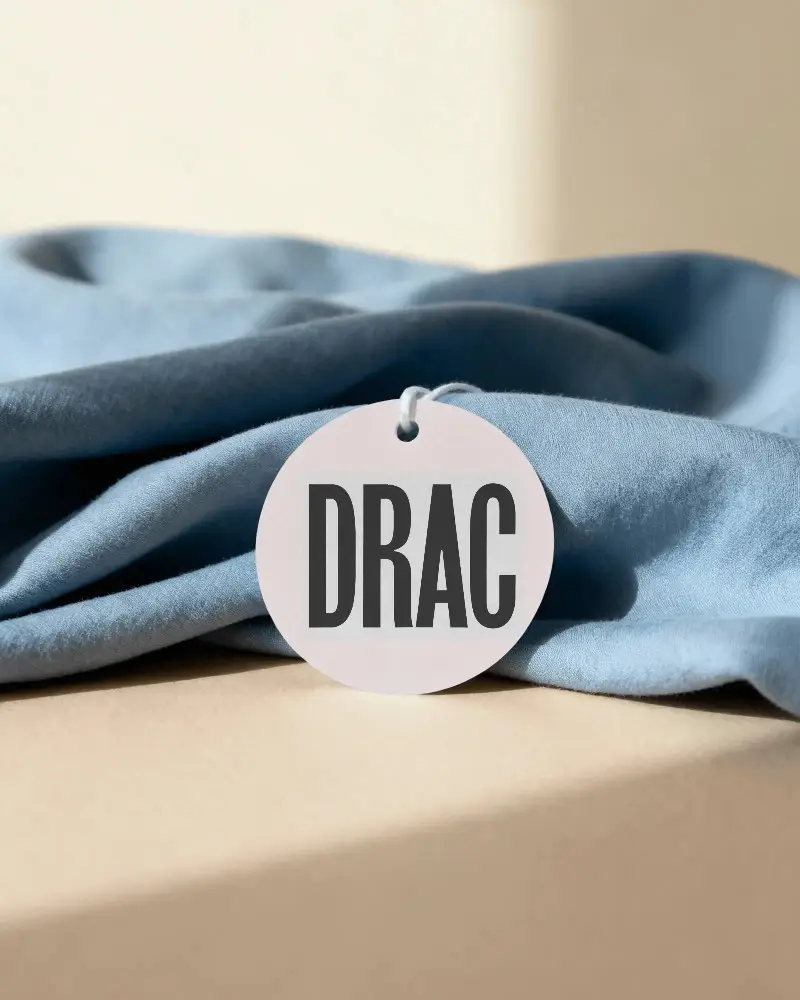
Round label tags are used for simple logos, size markers, or packaging seals. It is also used for permanent branding, where it is sewn onto the outer hem or the neck of a garment.
You can make round label mockups using a variety of templates from Mockey. Whether you include sizes or specific text in your design, everything will appear clearly in high quality.
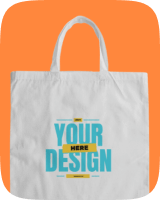
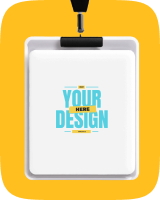
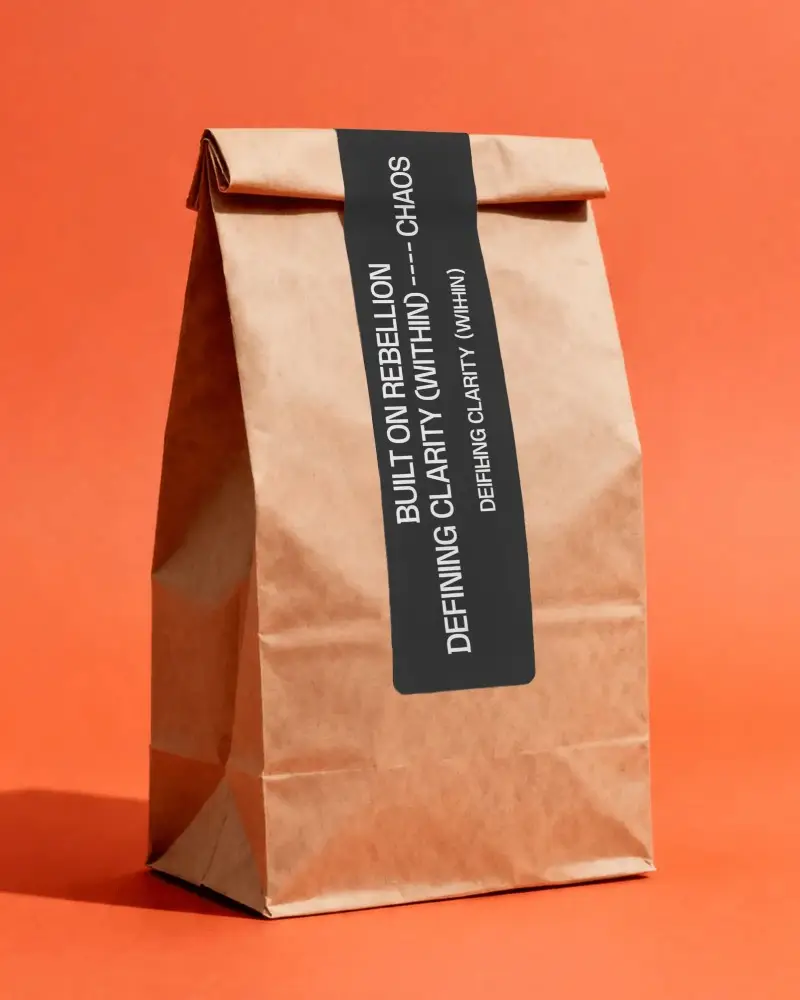
Bag labels are used on travel bags, shopping bags, and fashion items to show names, details, or brand identity.
Using our label mockup generator, you can place your design on hanging tags, leather patches, or stitched labels. Make sure your design is in PNG, WEBP, or JPG format; otherwise, you’ll need to use an image converter.
Label shapes define how your product is noticed and remembered. Common shapes like rectangles and circles are widely used because they are easy to read and fit well across different bag types. Brands often use shapes like hexagons, scalloped edges, or arched tags.
In this free mockup generator, you can test different shapes on real bag setups—whether it’s a hanging tag, stitched label, or packaging tag—so you can see what fits your brand best before finalizing.
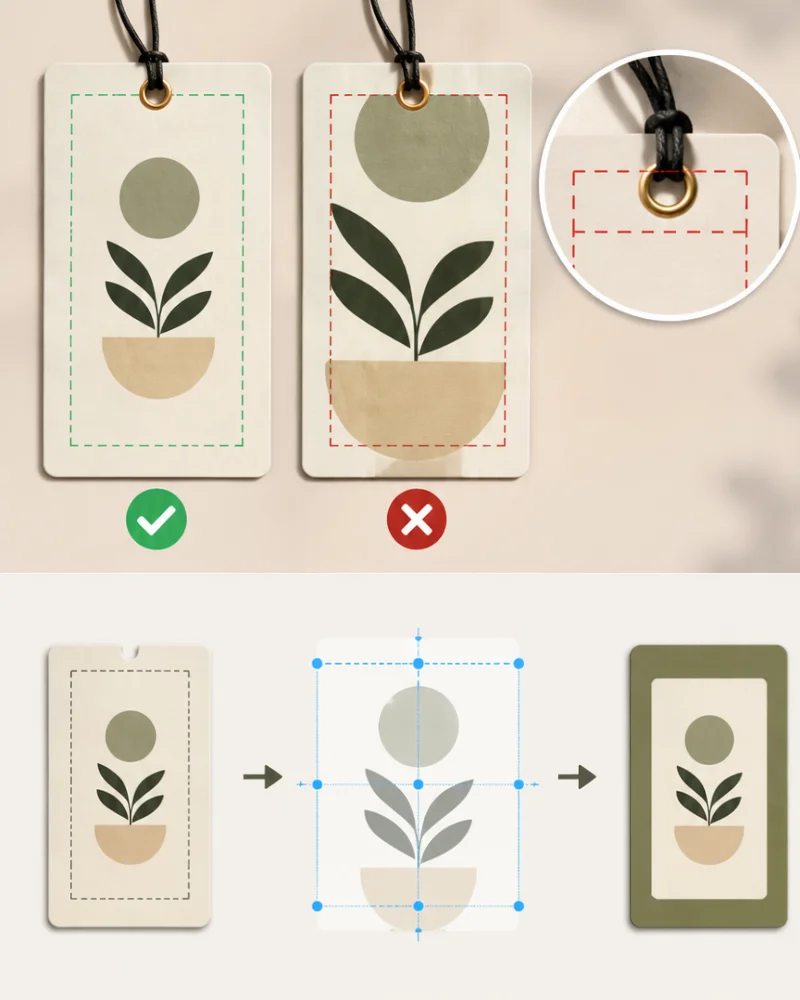
A good label can feel off if the logo, text, or details are not positioned properly on the tag. In most bag labels, the front area is where your brand should lead.
Your design will fit automatically onto the template when uploaded. Then you can test the placement and adjust the positioning before finalizing your design.
Keeping enough margin around edges, avoiding the punch hole area in hang tags, and aligning your design are the key factors to remember.
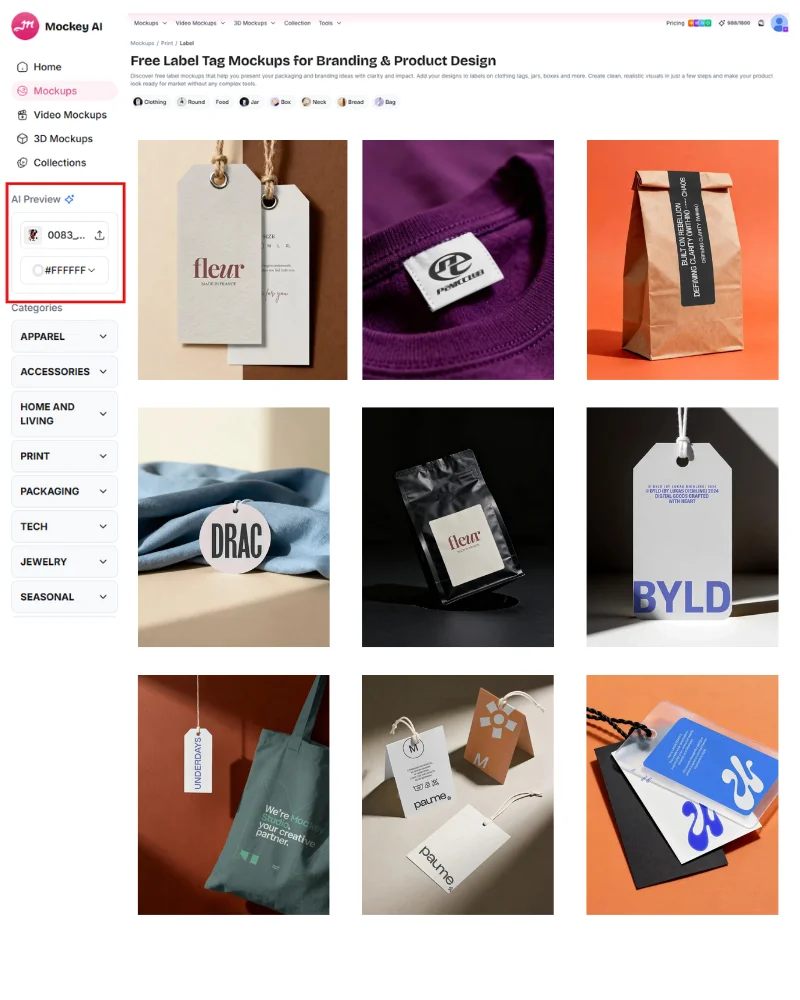
AI Preview is a feature you won’t find in other label mockup generators. It lets you preview your design image on each template at the same time, so you can quickly pick the one that looks best. It is not necessary for you to repeatedly upload your logo.
This works not just for logos, but also for book mockups, billboard mockups, packaging mockups, etc.
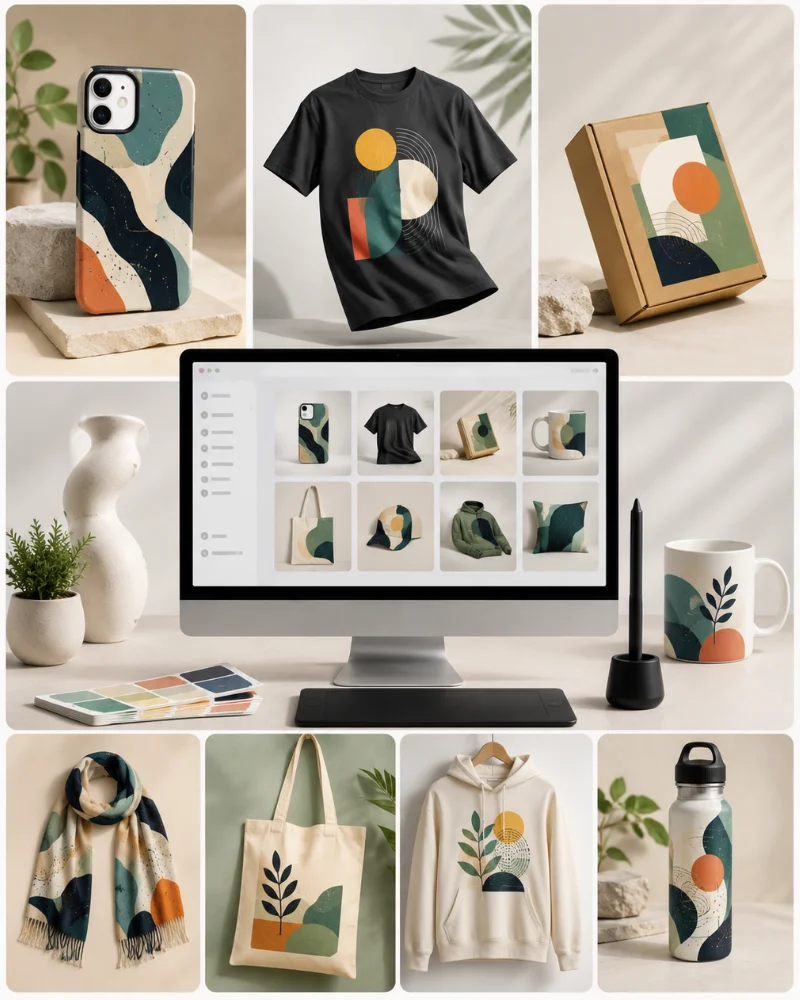
We don’t just help you create label mockups. You can also try phone cover mockup generator, 3D mockup generator, scarf mockup generator, and more.
No need to start from scratch again with these tools to visualize your design on different products. With these generators, it’s easier to keep your designs consistent if you’re building a brand.
In our video mockup generator, there are many video clips for labels to choose from. You can upload your design image and show clients a preview in video format. The output comes as a high-resolution MP4 file, with no loss in detail.
Your design fits accurately on the label surface, and the final result looks realistic with proper lighting and shadows. Easily create your video mockup with Mockey.
Designing labels blindly? Brave… but risky. Use our label mockup generator to preview your design instantly on real items. Upload once, get pro-level results. Your future self will thank you.
A label mockup generator is a tool that lets you place your design on products like clothes, jars, boxes, or bottles. You can see how your label will look before printing or selling it.
Label placement on curved surfaces is one of the biggest challenges. A good label mockup generator like Mockey AI will automatically adjust and wrap your design to fit properly. You can also use the Warping feature on Mockey.
Yes. Better label mockups can improve conversions. Realistic visuals help customers trust your product more.
Label mockups are usually used for packaging like, bottles or boxes. Tag mockups are used for clothing or accessories. But both help you preview branding before production.
Look for easy upload, realistic lighting and shadows, proper label placement, multiple templates, and fast export in a good label mockup generator.