AI Label Video Mockups Online
Create high quality label video mockup with realistic motion scenes that bring your product branding to life. Showcase your designs clearly and make your visuals more engaging for ads.
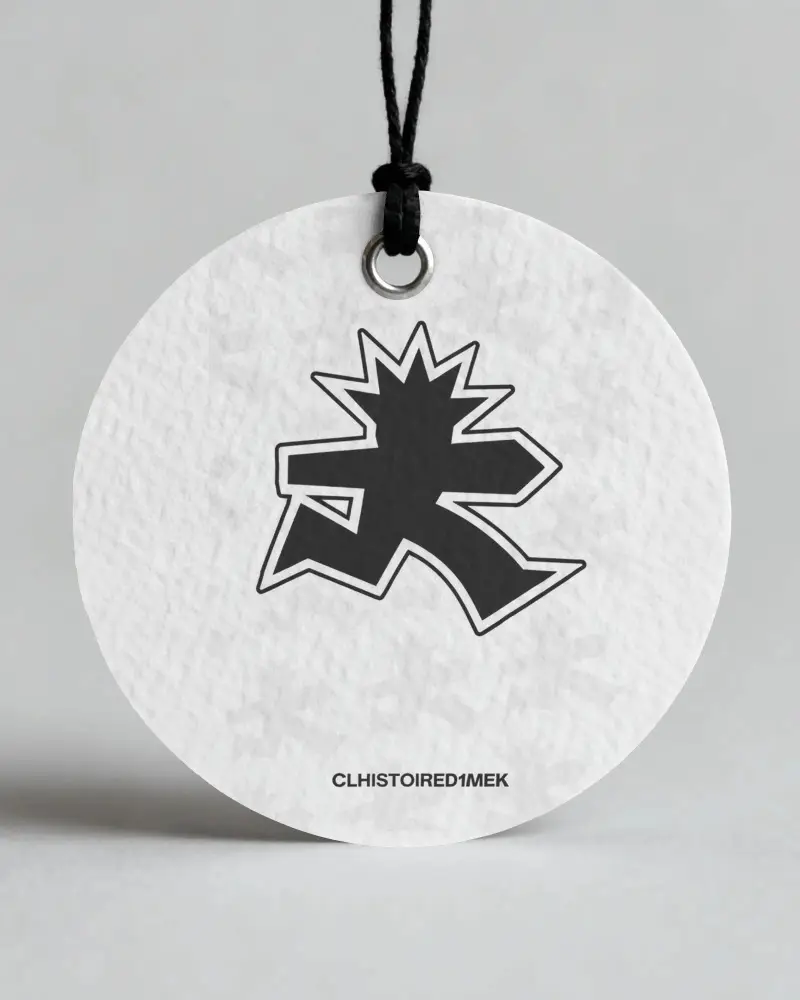
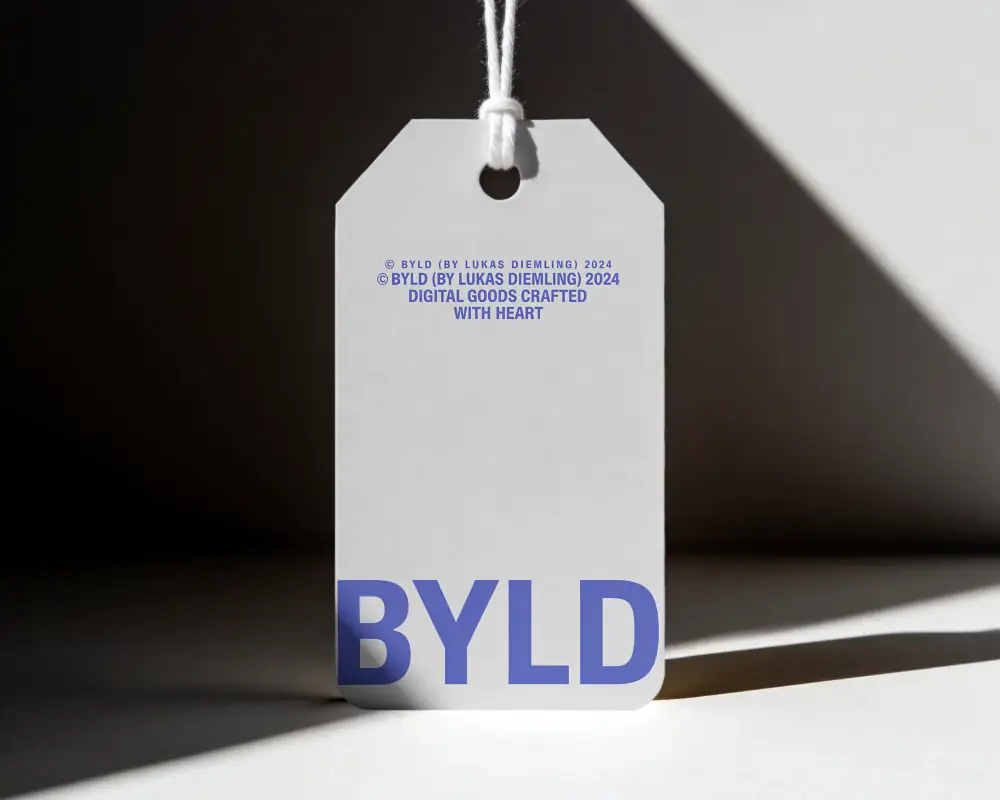
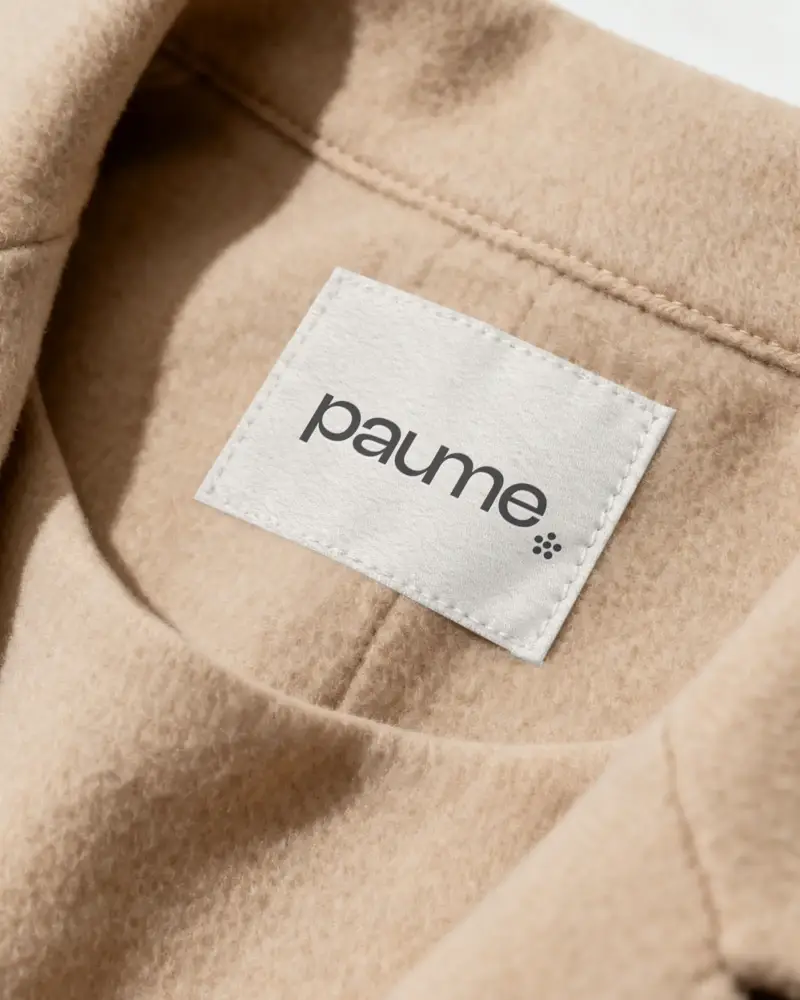
How to Create a Label Video Mockup
To create a label video mockup:
- Step 1: Select a clothing, bag, or round label video from the library.
- Step 2: Click Upload Design to add one and position it correctly.
- Step 3: Tap Generate Video to save the label video mockup as an MP4 file.


FAQs on label Video Mockups
What is a label video mockup?
A label video mockup is a short video that shows your label design placed on a bottle, clothing, box, or package. Use Mockey to create clothing label video mockups or bag label video mockups in high quality.
Why should I use a label video mockup?
The label video mockup shows details like texture, placement, and size in a clear video format that is easy to understand.
Which products work best with label video mockups?
Label video mockups work best for products like clothes, bottles, jars, boxes, and bags.
Why use a label video mockup instead of an image?
A label video mockup shows more than one side, whereas an image shows only one side, and feels a whole lot more realistic. People like seeing real-life style previews, because images alone don't always show all the details.
Can I use label video mockups for print on demand & ecommerce?
Yes, you can. On platforms like Etsy or Shopify, there are a lot of sellers, and many of them use almost the same kind of images. A label video mockup makes your product look more real and increases the chances of clicks and conversions.
How to choose the right label video mockup?
If you want to choose the right label mockup, you should focus on realistic lighting, the correct product type, a matching background, and a shadow effect that is appropriate.
Are label video mockups good for ads?
Label video mockups are good for ads because movement makes people stop scrolling. For platforms like Instagram or Facebook, video mockups can improve engagement and help explain the product quickly.
