T-Shirt
3757+ mockups
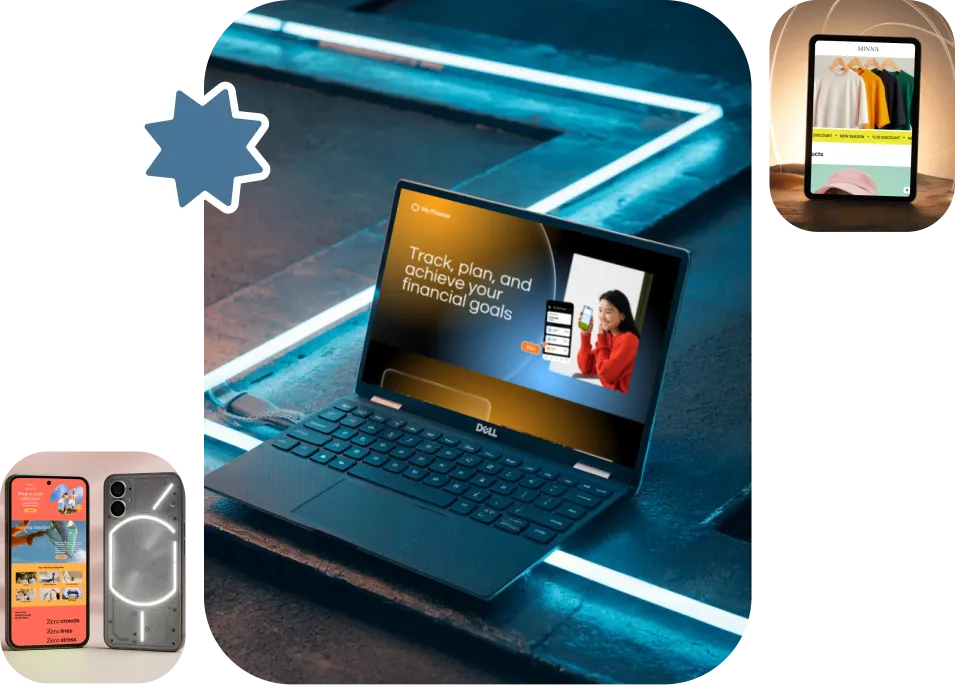
It is important to note that Mockey AI offers a range of device mockups with various models that can be used. We have all the iPhone 14 models, Samsung models, MacBooks, and iPad Airs that you need at all times, and we are always adding new templates to our collection to meet every consumer’s needs.
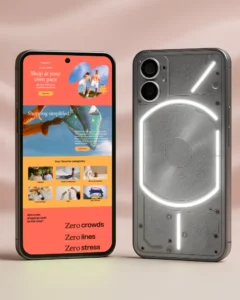
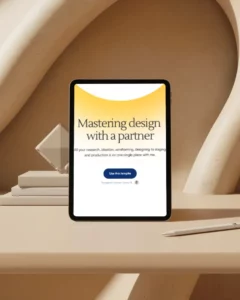
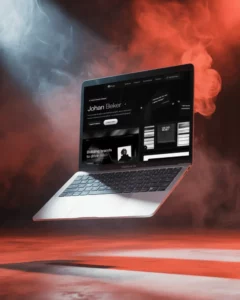
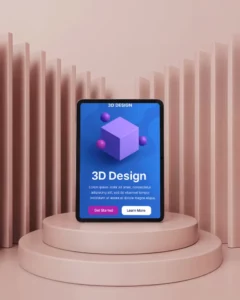
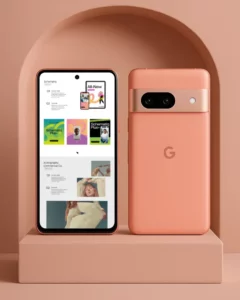
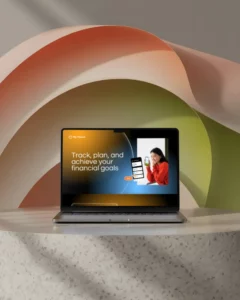
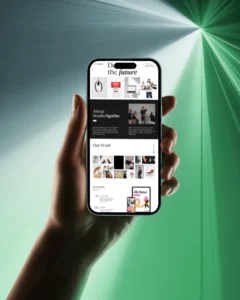
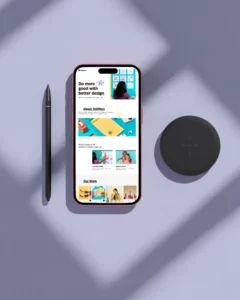
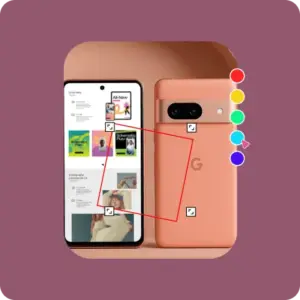
Log in to Mockey AI using a Google account. In the Categories, click on “Tech” and select any device you want, whether an iPhone, iPad, laptop, or MacBook.
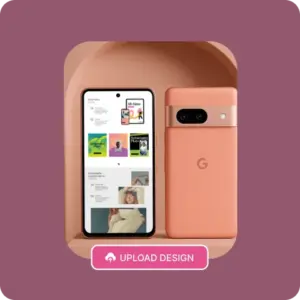
Use any template with ease by clicking “Upload Design.” Additionally, you can alter the background and device colors.
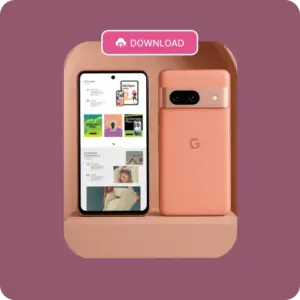
Once your design is complete, tap “Download” to save and utilize your free device mockup for advertising.
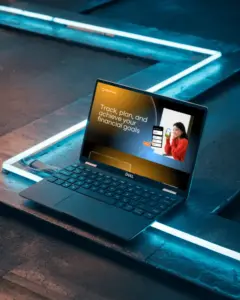
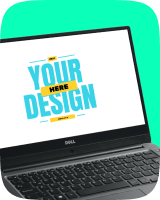
Mockey AI has some amazing laptop mockups. When it comes to devices, you’ll find all models—whether it’s Windows or Microsoft. Also, from floating views to close-up shots, you’re going to love it!
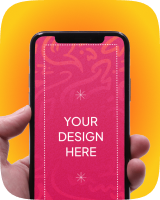
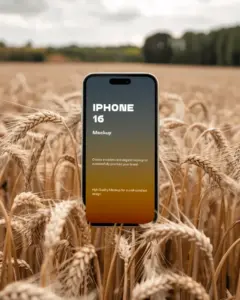
The latest iPhone 16 models have been added to the iPhone mockups. We’ll continue to add new models as they are launched. Older models like 13, 14, and 15 are also accessible.
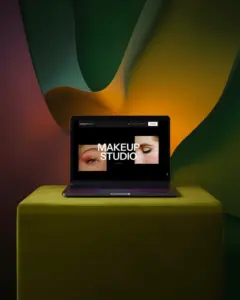
All the MacBook mockups are high quality, whether they’re in the free or the PRO version. You can customize it on either a PC or a mobile device if you want. The process is a little different, but it is user-friendly.
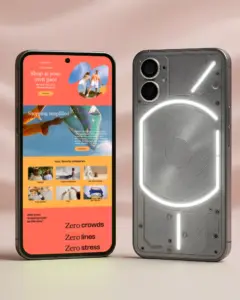
No matter if it’s a hand-held phone, a Samsung device, or a Google Pixel on a stand, every phone mockup can be easily customized using Mockey AI’s simple editing tools.
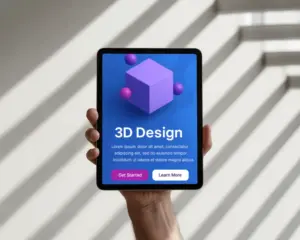
Our iPad mockups are so good, you won’t see such templates on other device mockup generators. You may have seen simple templates, but you won’t see this kind of uniqueness anywhere else.
Make your website idea look real with a mockup. Use an AI mockup generator like Mockey AI to create online. It’s simple and comes with a free plan. But why do you use this platform?
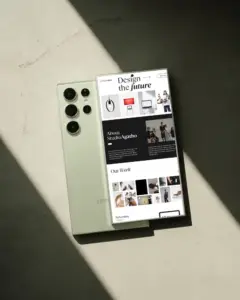
Every mockup has a different design and includes models in different environments. We offer the ideal mockups to realize your idea, no matter what it is.
Don’t spend money on photo shoots! Templates with models or with a color background showcasing various device styles are available through our device mockup generator. Quickly putting your ideas into action will save time.
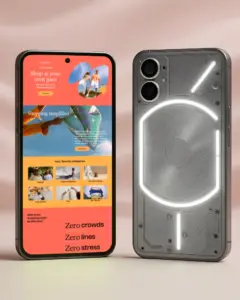
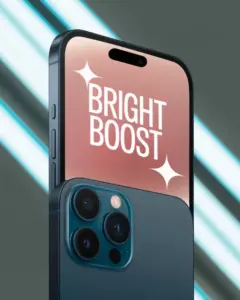
Customizing our device mockups doesn’t require any prior design knowledge. Simply choose a template, add a design, and watch as it transforms into a professional image in a matter of seconds, whether you’re using a device or a website mockup generator!
This AI mockup generator’s editor provides you with various tools, like changing the background or elements, that improve your brand. Make precise use of those that improve your device’s design.
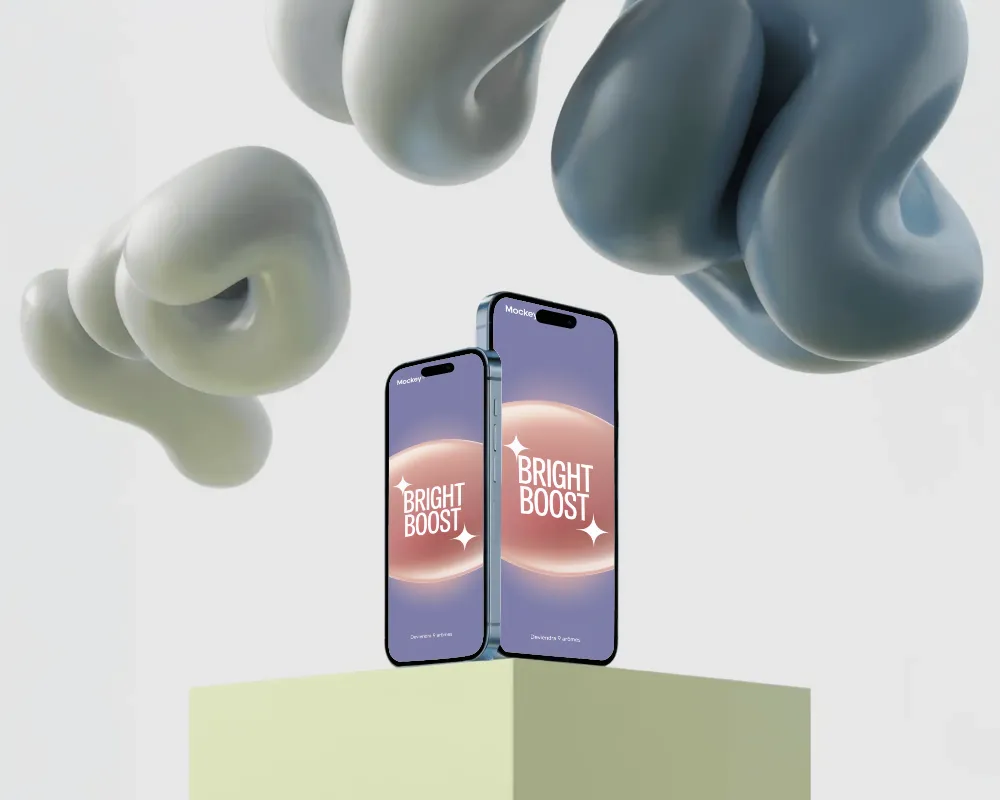
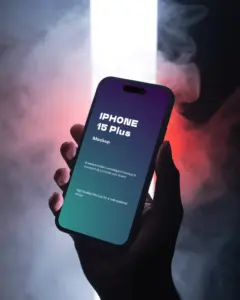
Use our device mockup generator to download an infinite number of watermark-free device mockups.
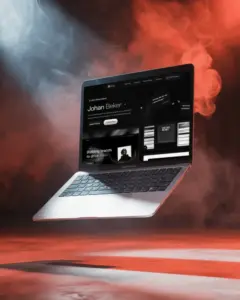
Not enjoying the 2D format? Then it’s time to explore our 3D mockup generator. It provides templates for all types of devices—smartphones, laptops, tablets, etc. Create your mockups in animation style and download them as MP4 files to make your presentations or product displays truly stand out.

You can use your own custom-designed background, a solid color, or choose one from our library using the background features.

With just one prompt, you can create animations, add your preferred background, and modify elements — all using this website mockup generator.
Why wrestle with clunky PSDs when you can use our device mockup generator? With no Photoshop drama, Mockey AI makes your design look ten times better. Before your coffee cools, test it out.
Use Mockey AI for device mockups because you get quick mockup creation, wide device selection, a custom tool, and huge tags.
You get 5 fully customizable devices, 2000+ Pre-made templates for faster design, realistic models, and adjustable background settings in Mockey AI’s device mockups generator.
Yes! You can upload your own screenshots to preview them directly on devices. The screen reflection and brightness features help you adapt your design perfectly.
With 3d mockups, you can use different device templates to customize and do camera movement and simple animations quickly after using the Motion feature.
Yes! You can try the free version with limited features. For more advanced options like PNG files and full access to templates, a Pro version is available.
According to users, ideal mockup platforms should include preview features, transparent backgrounds, various device angles, multi-format downloads, collections with maximum mockups, and a clean and minimalistic user interface.
Users prefer device mockups (MacBook, iPhone, etc.), especially in bundles. They’re also looking for variety—futuristic, broken, or abstract styles.