Free Cap Mockup Templates with Different Types & Styles
Launch a cap collection, pitch a design to a client, or check your logo on different cap styles using our cap mockups. Upload your artwork and add it to baseball caps, trucker hats, snapbacks, cycling, swim, dad caps, and more. Change colors, adjust logo placement with warping, and create AI lifestyle shots—all in your browser. Download high-resolution product images, without watermarks or Photoshop files.
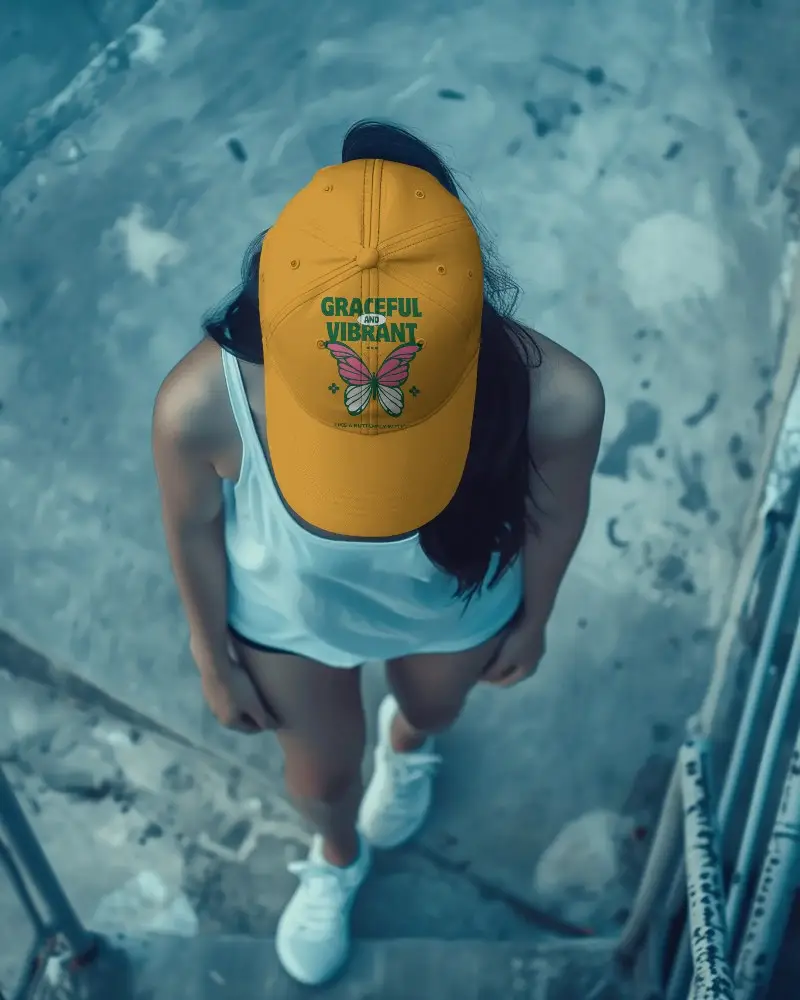
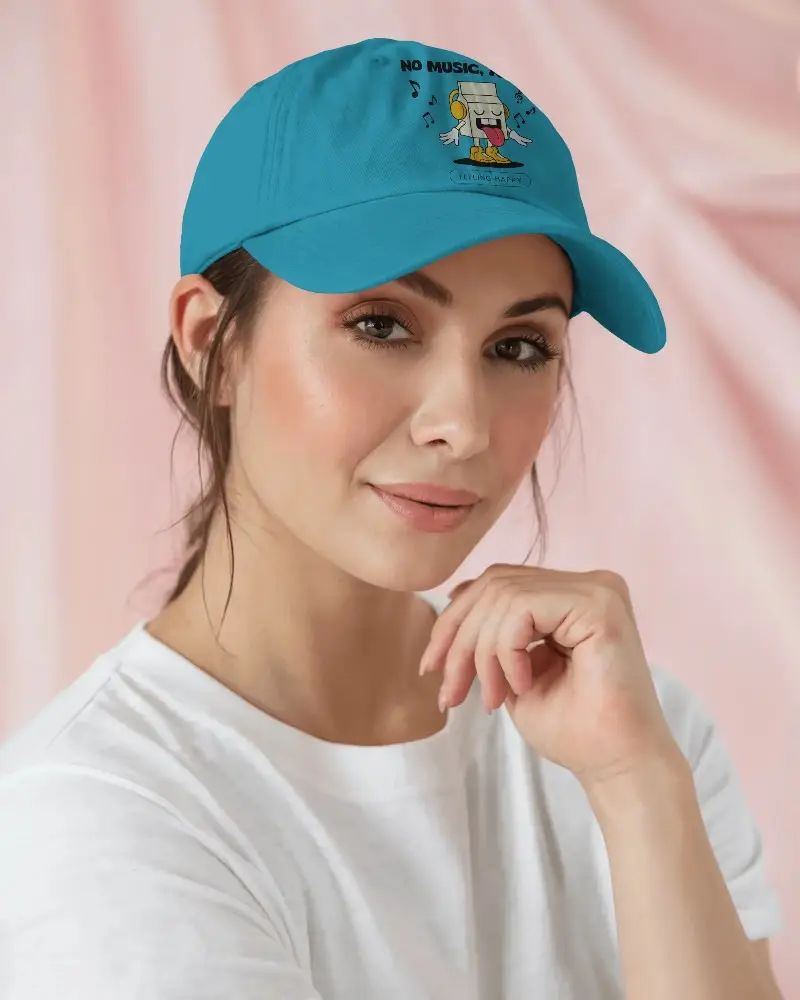
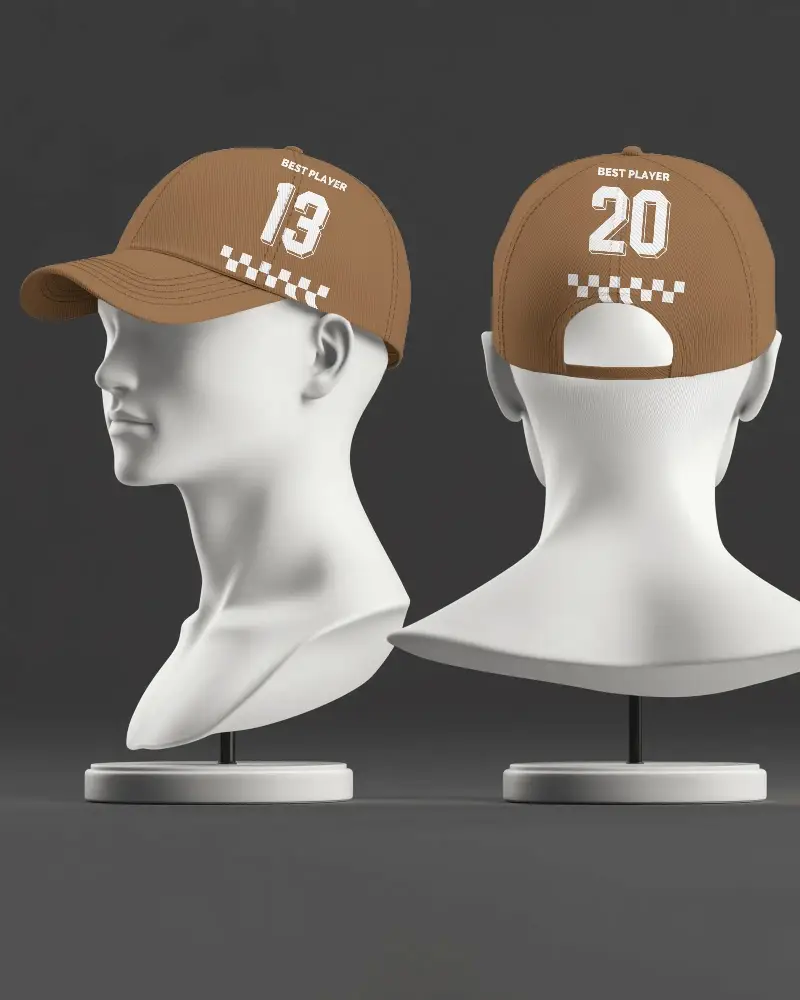
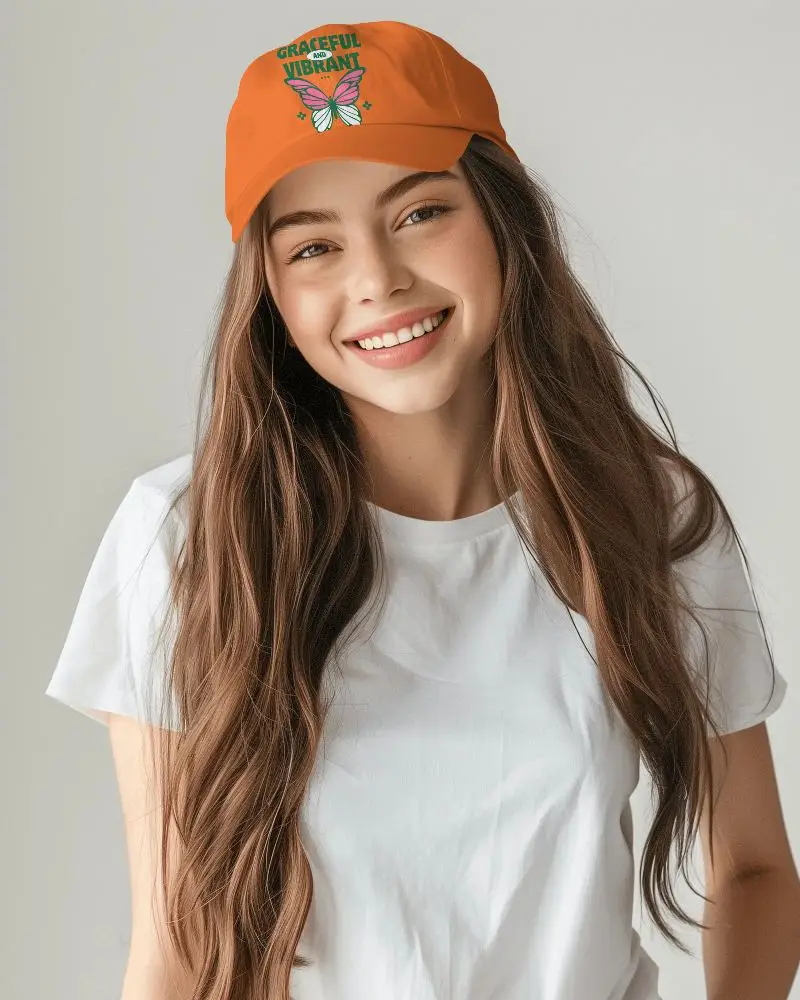
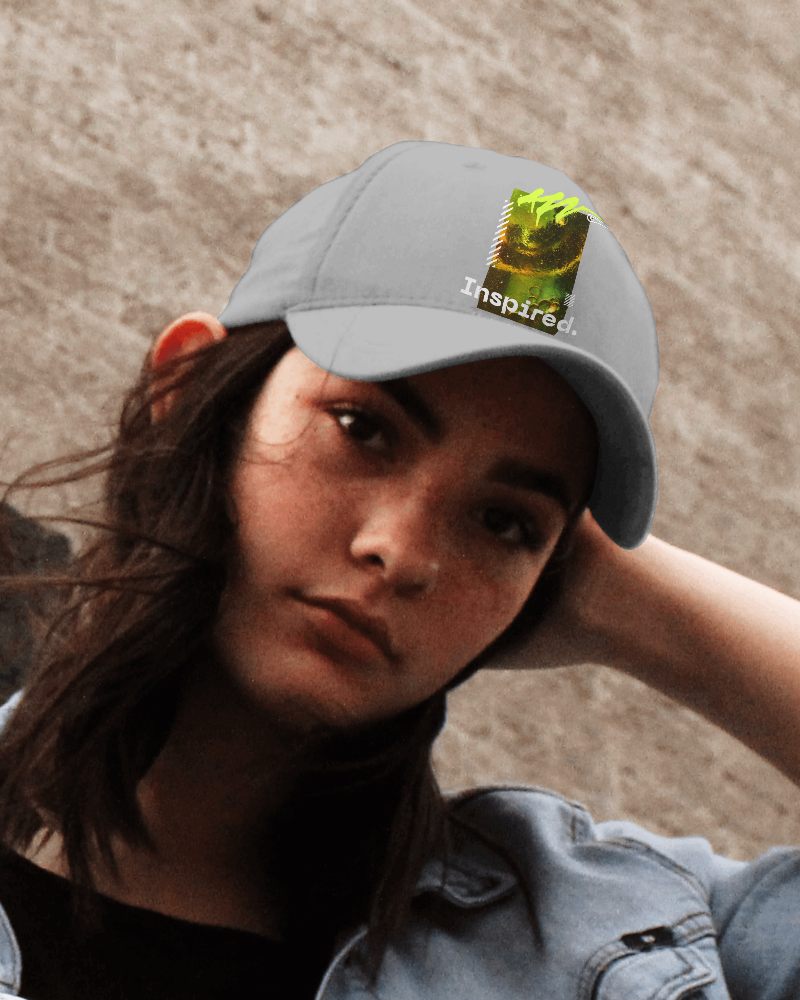
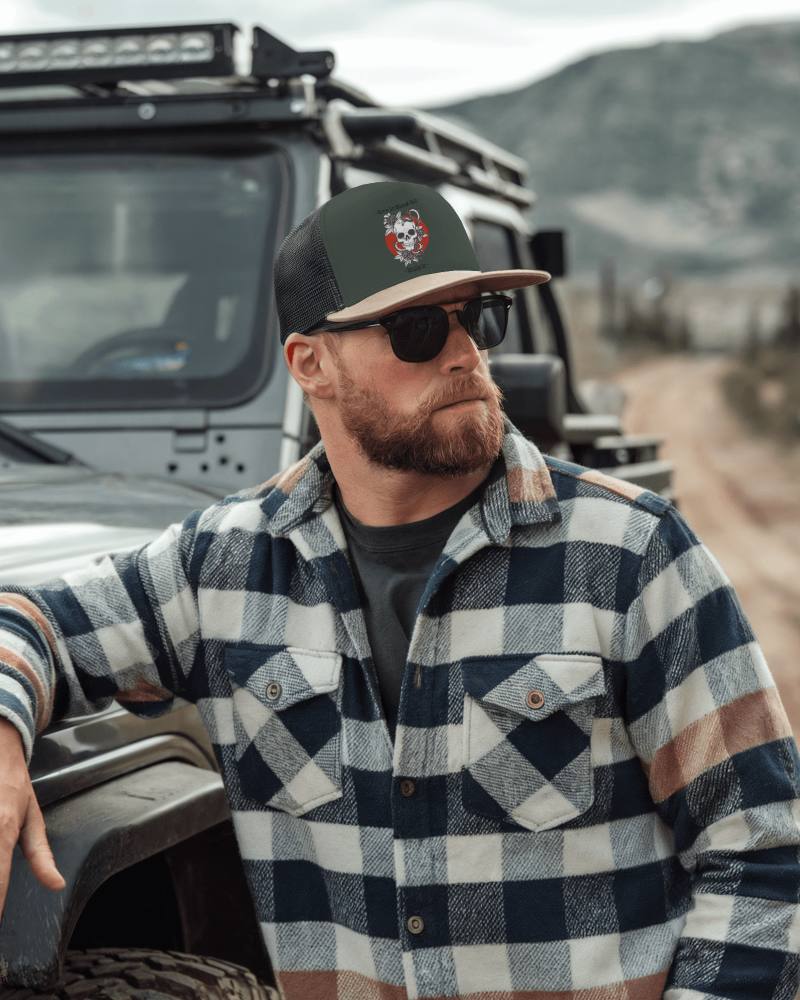
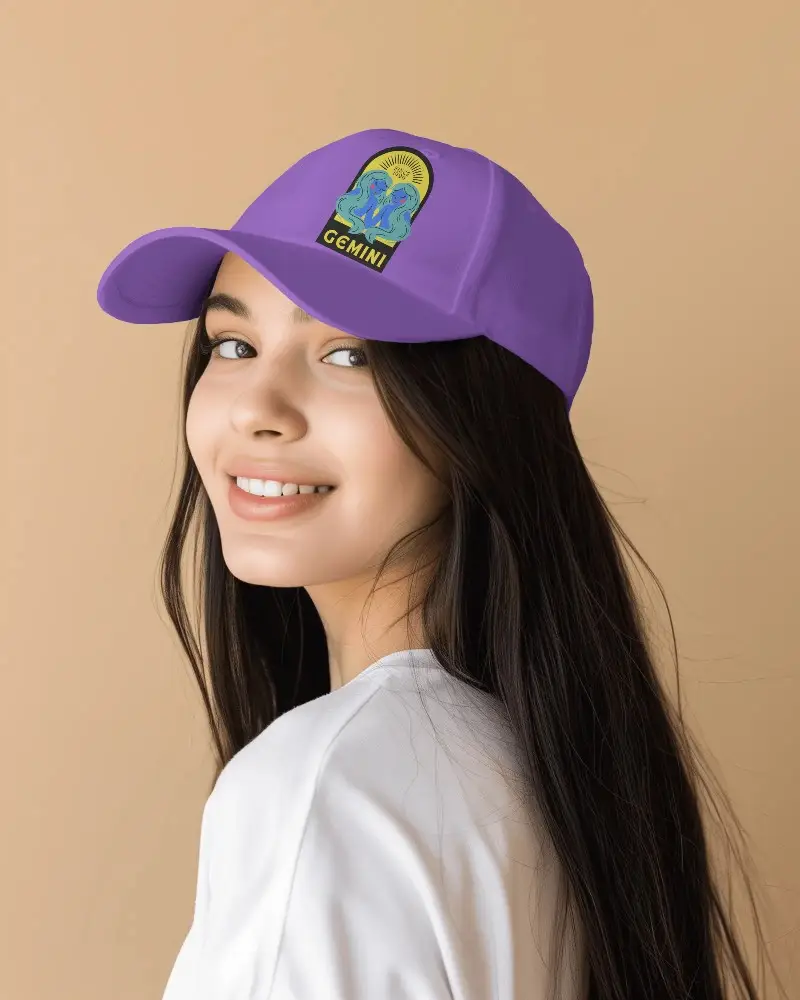
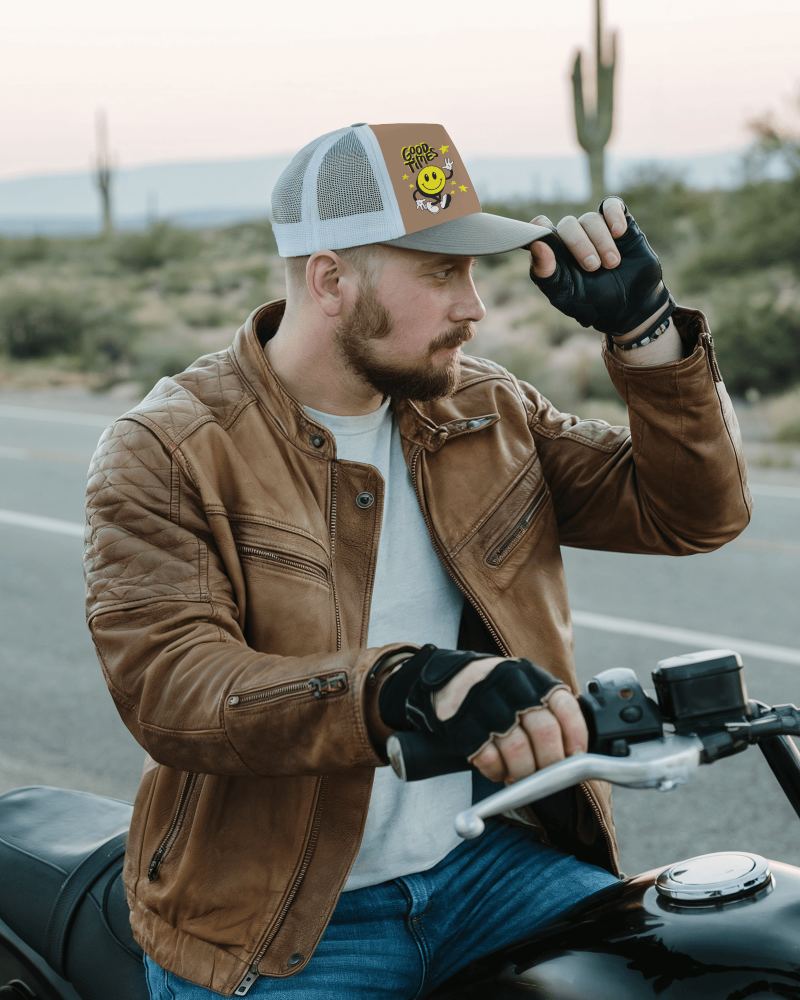
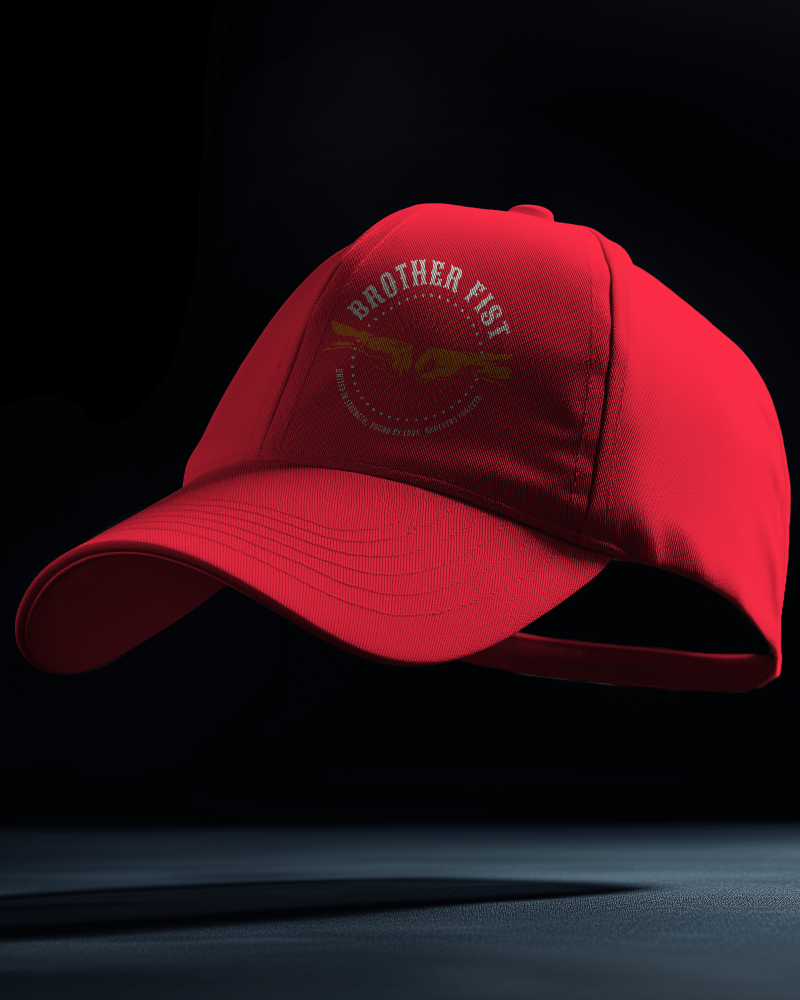

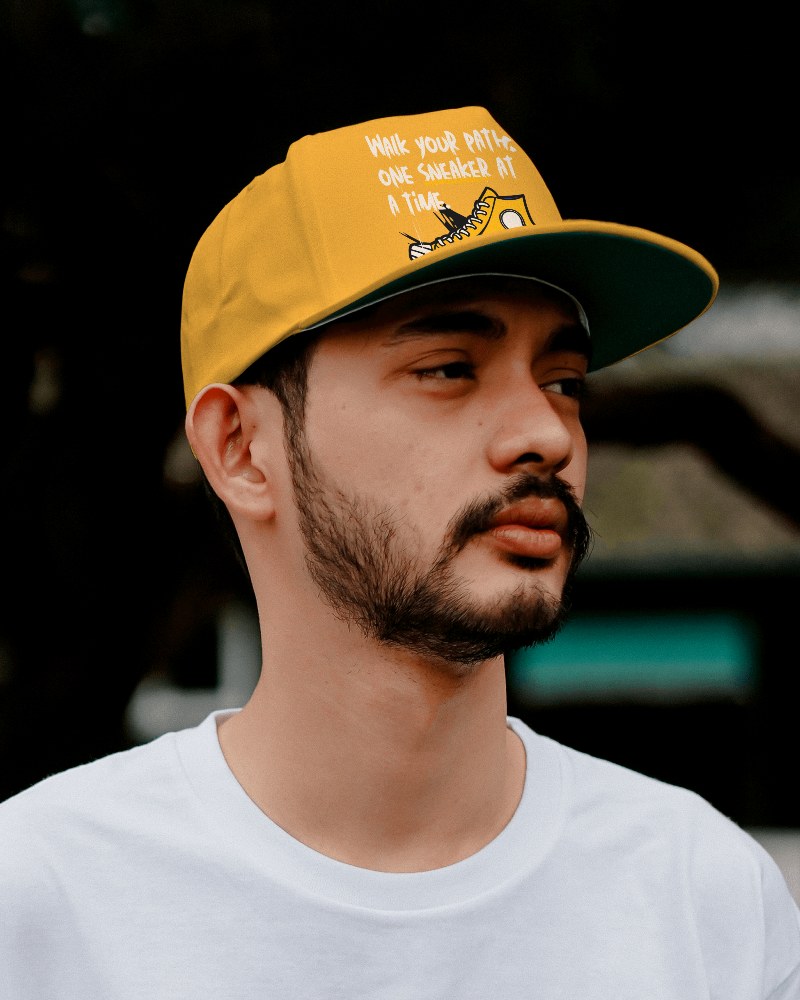
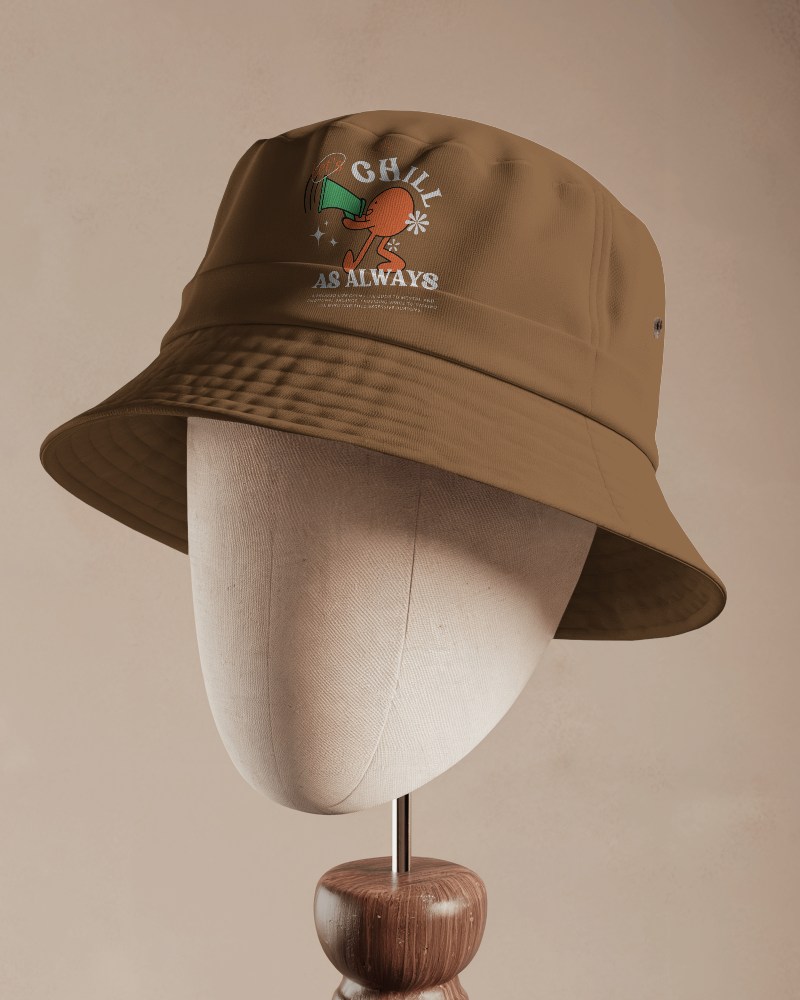
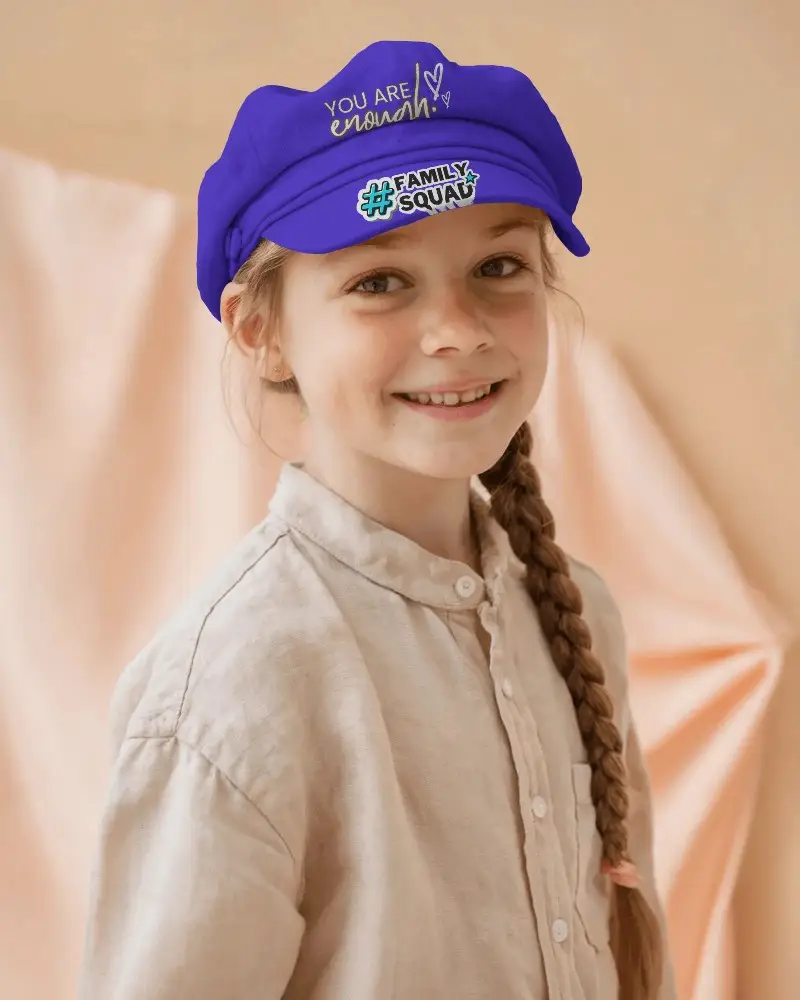
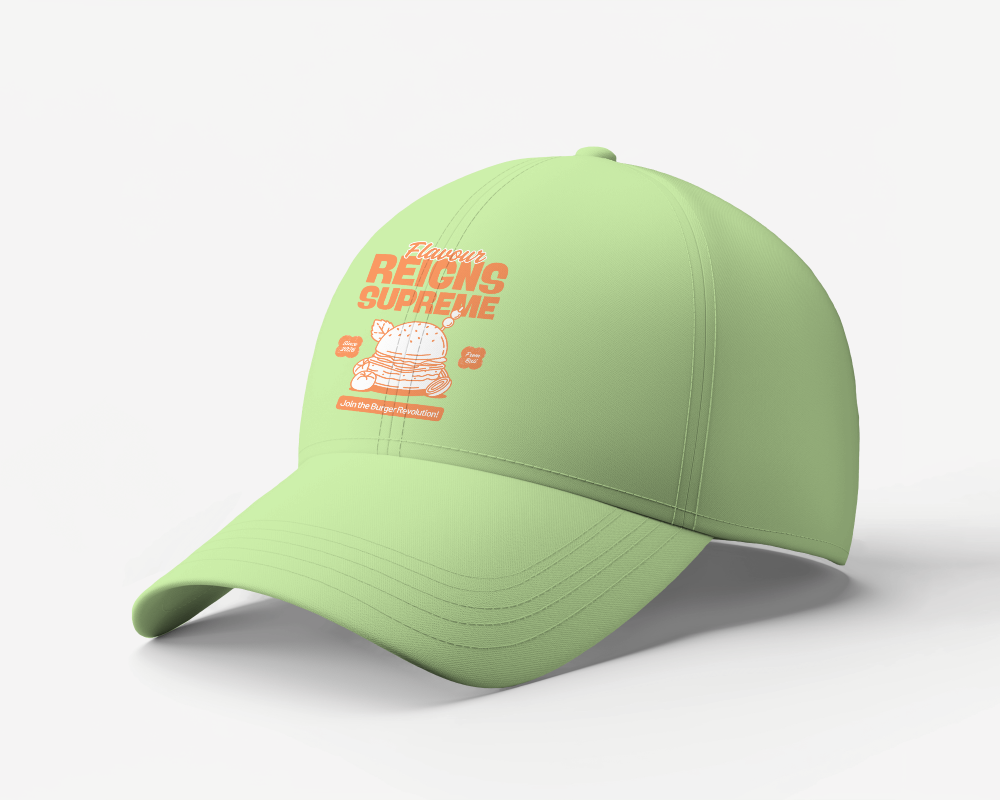
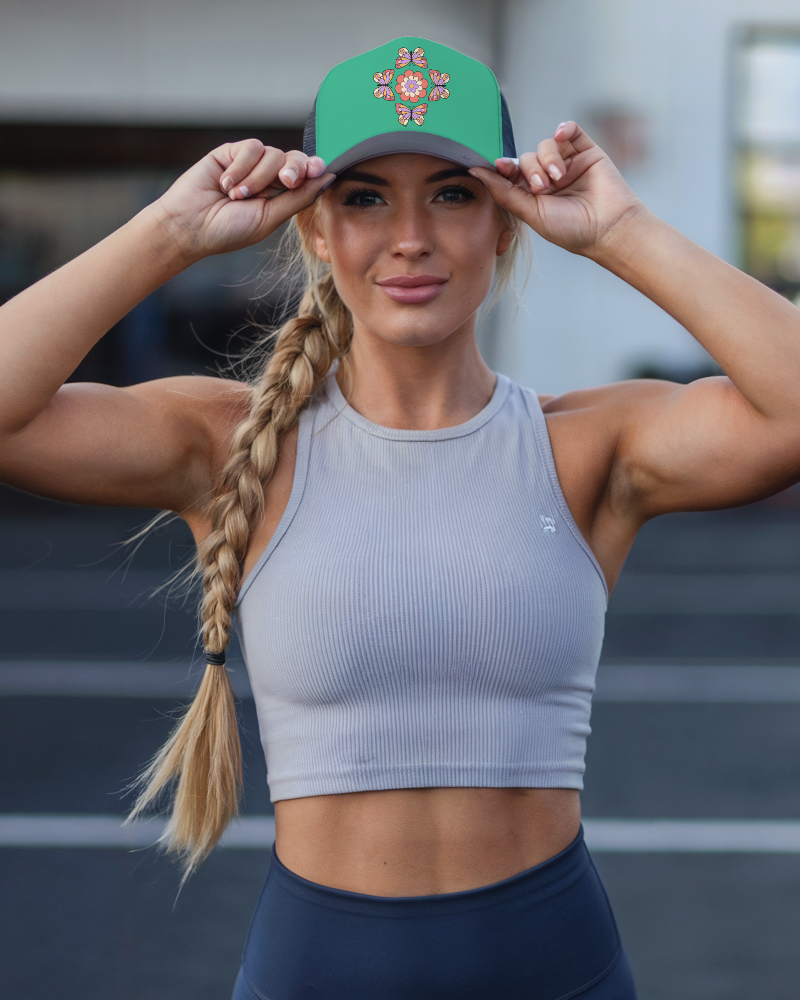
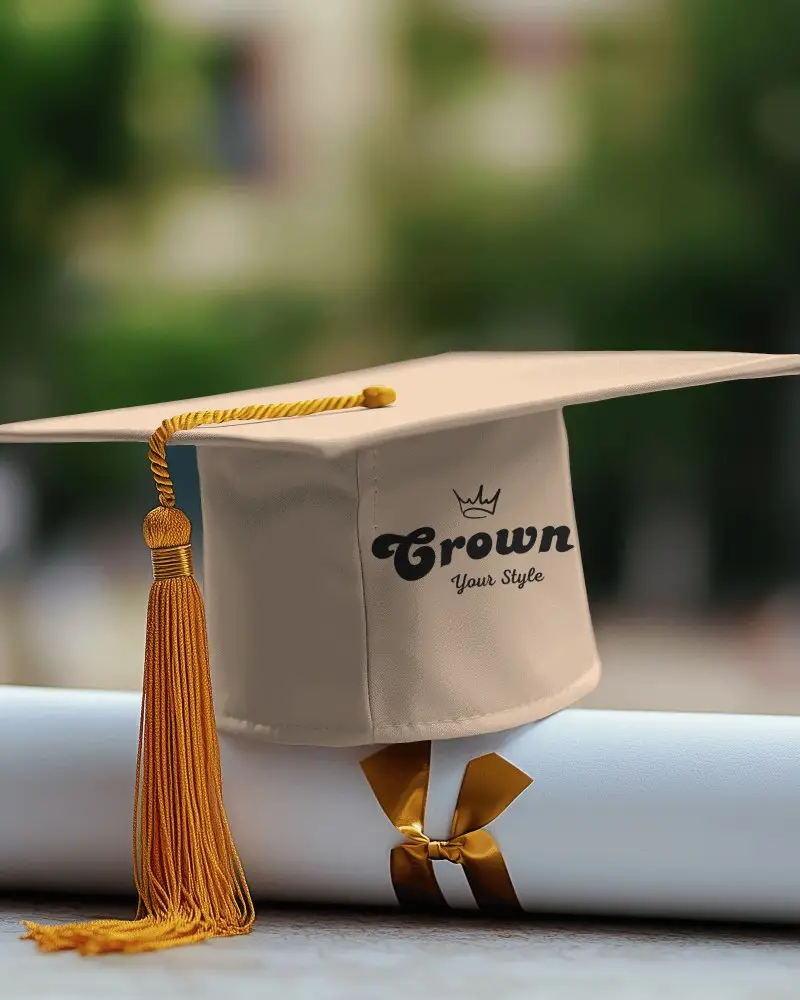
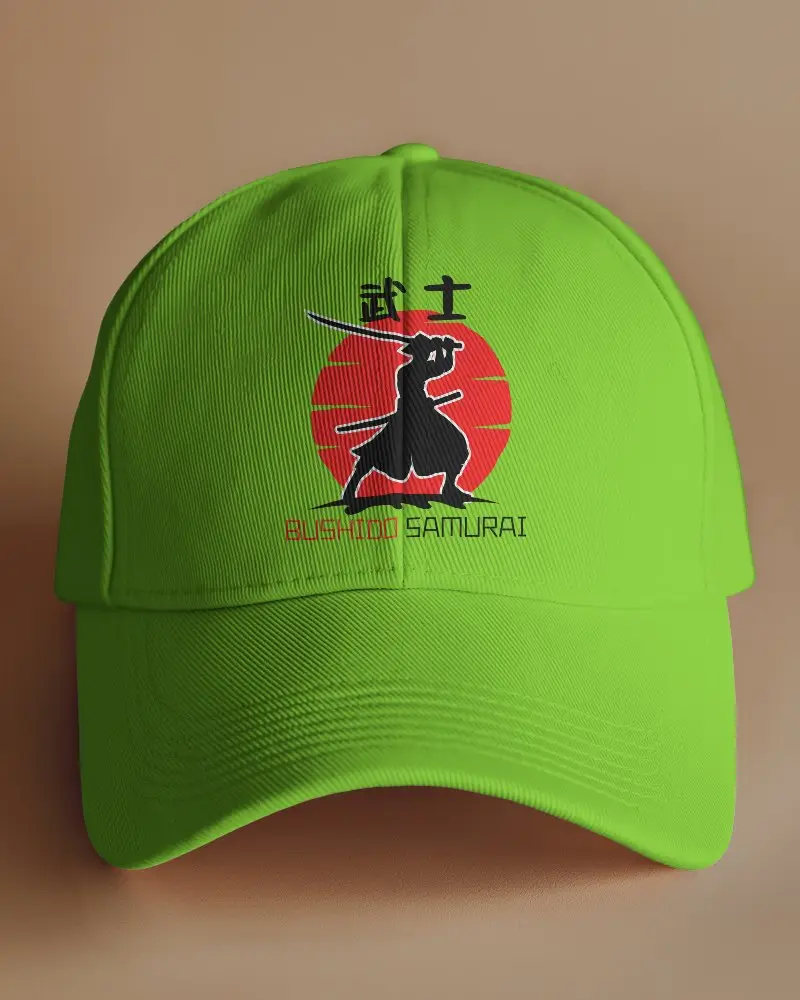
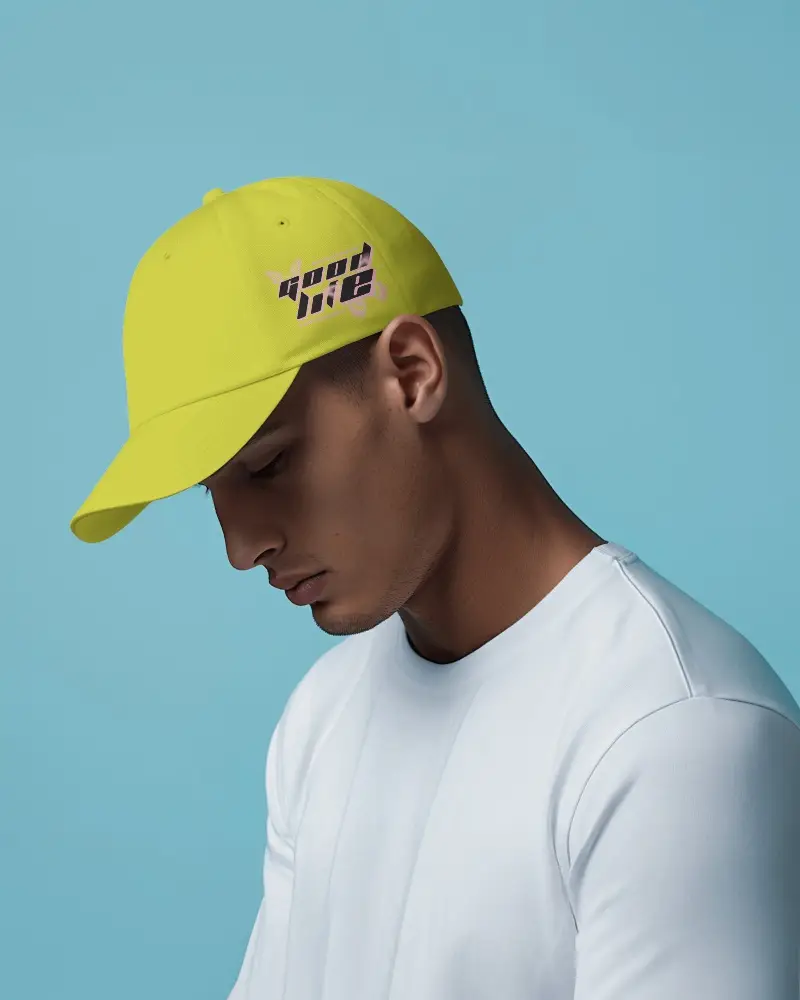
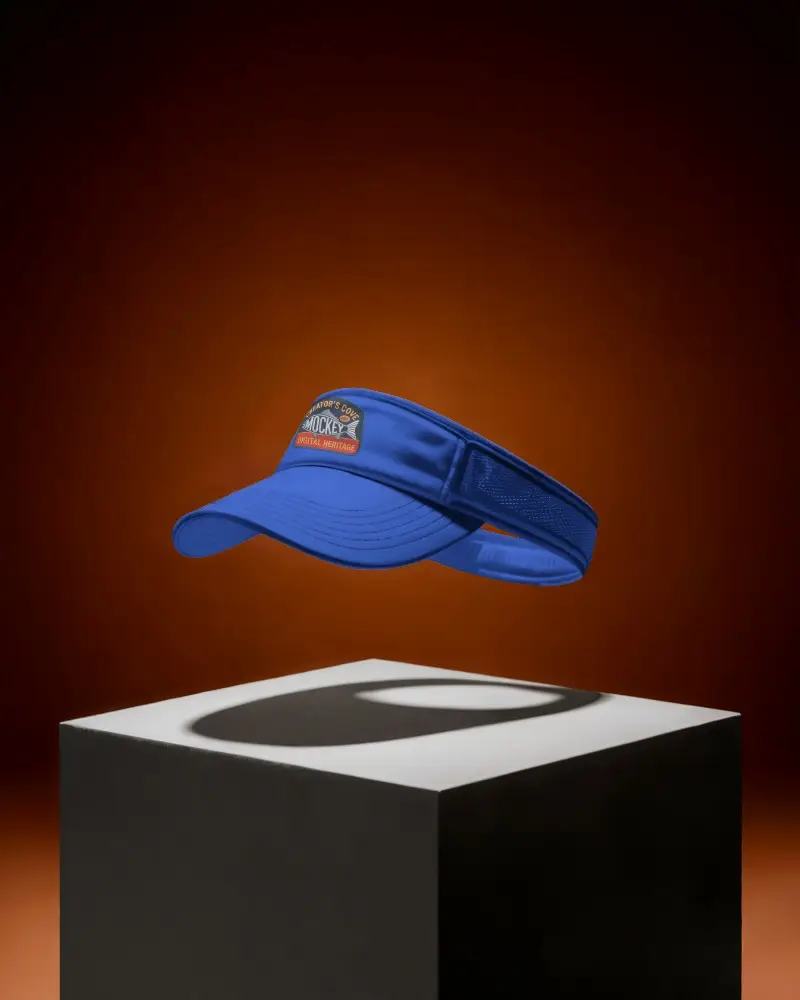
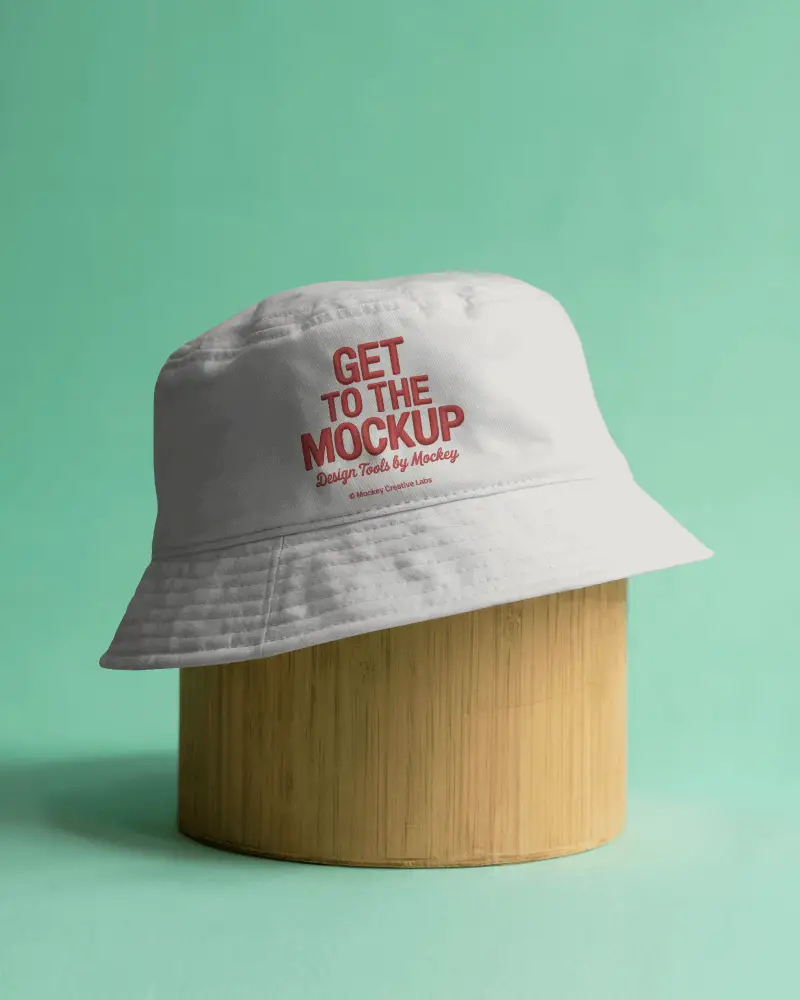
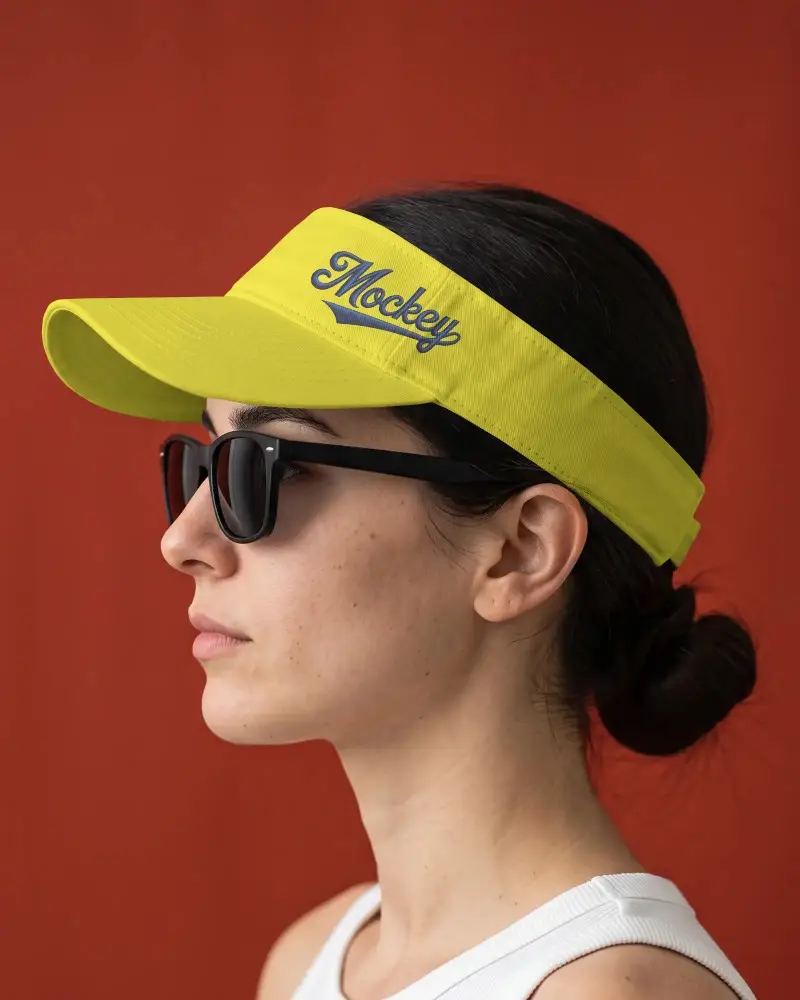
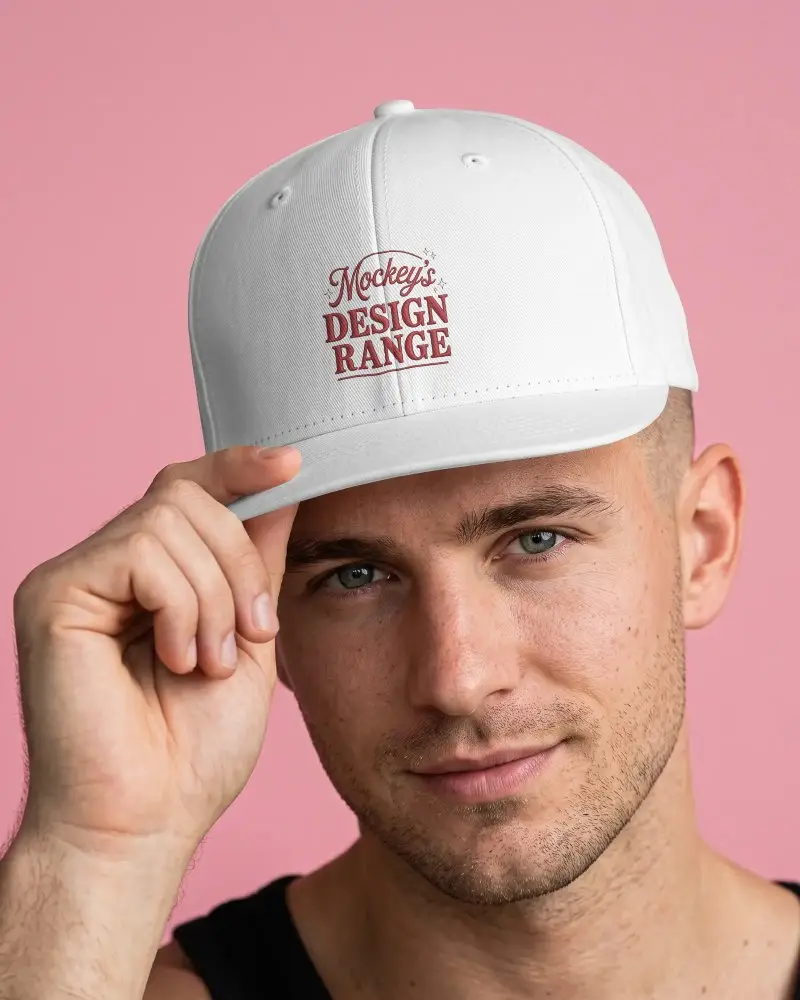
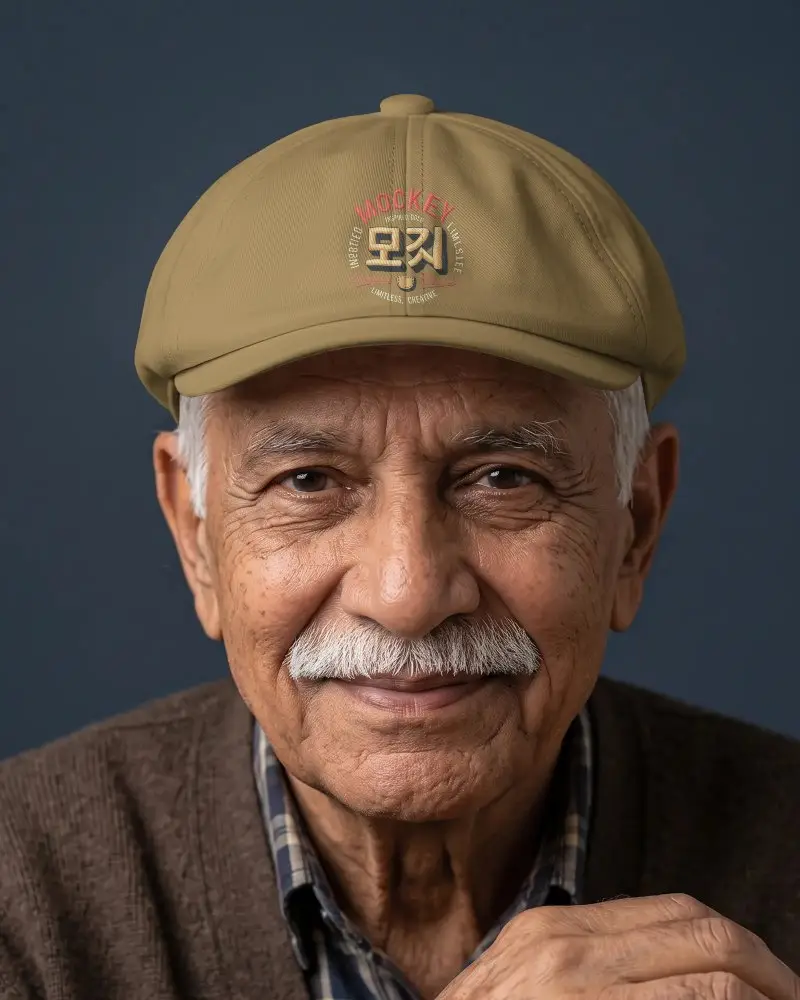
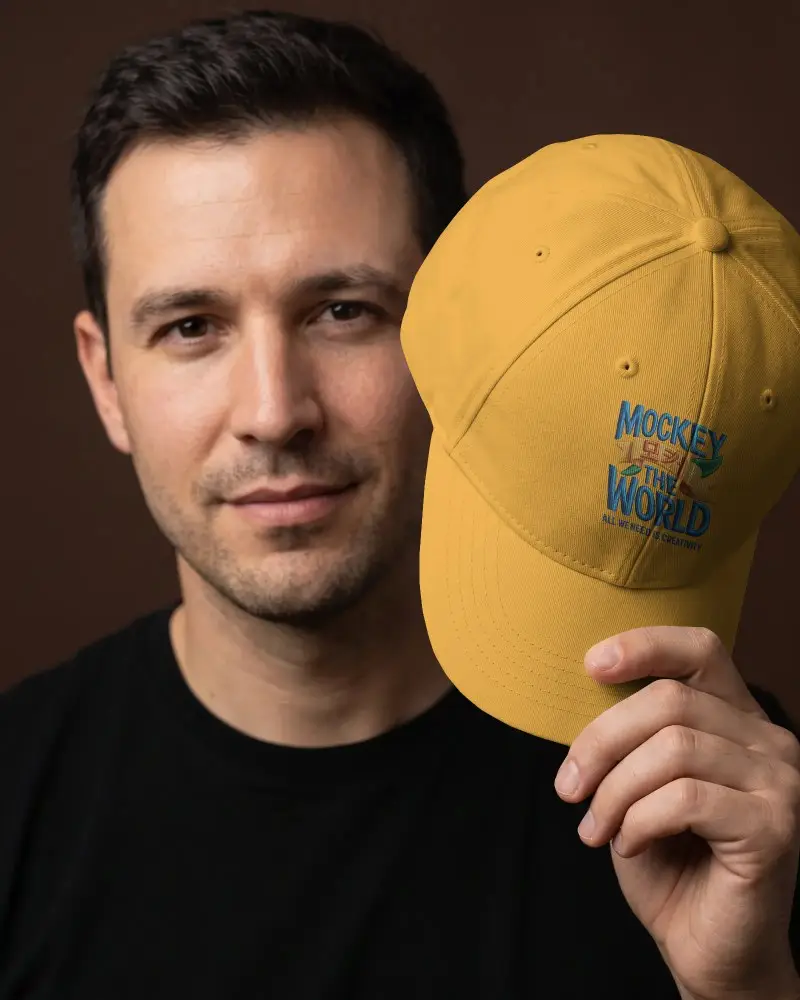
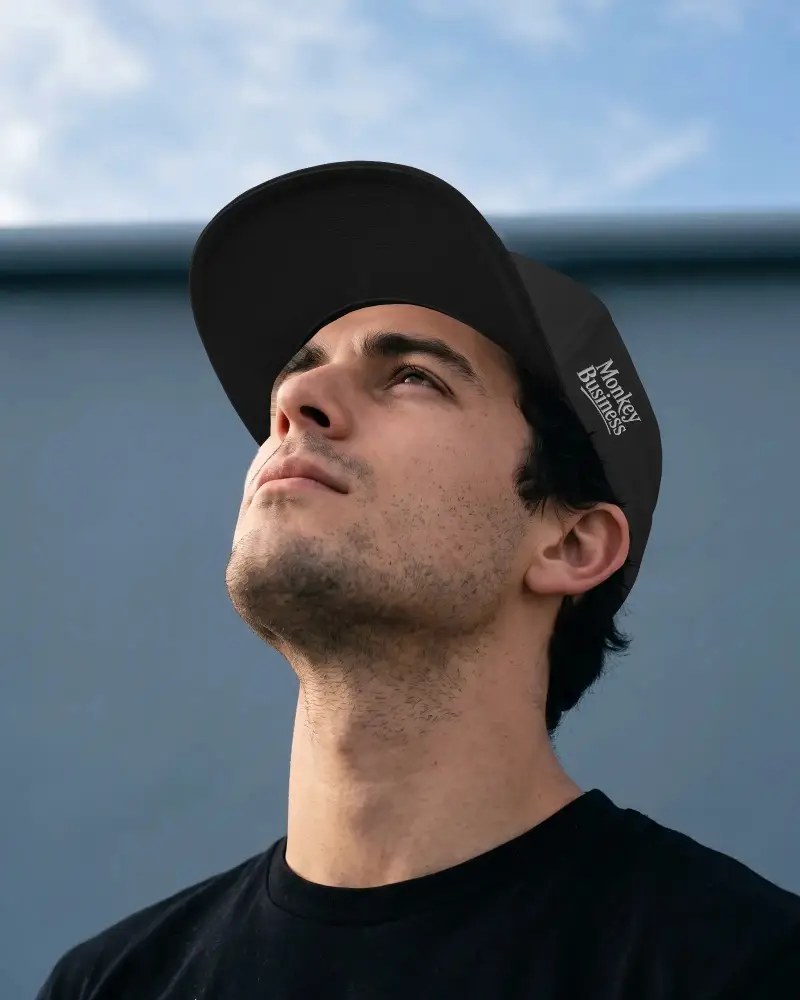
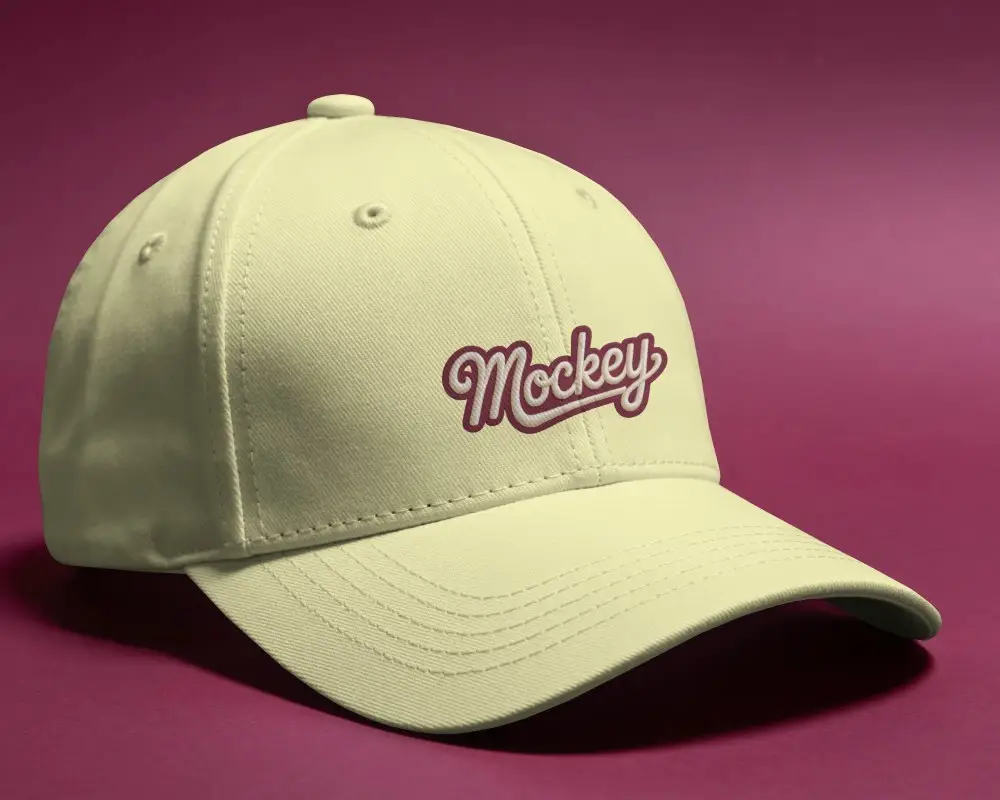
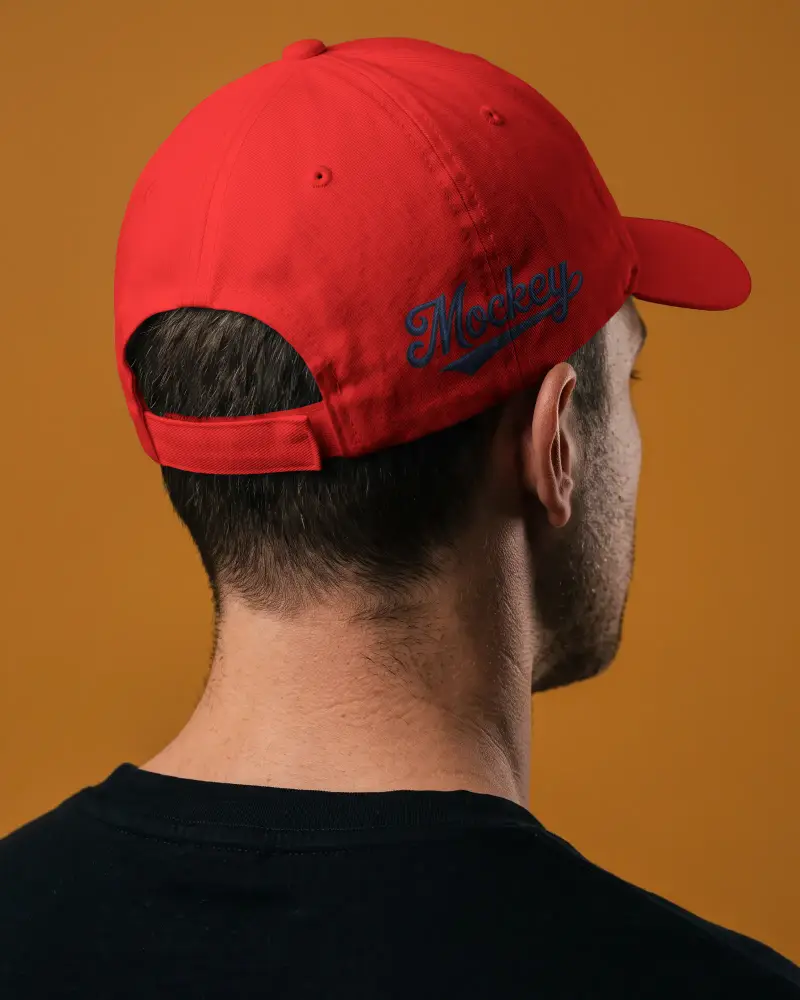
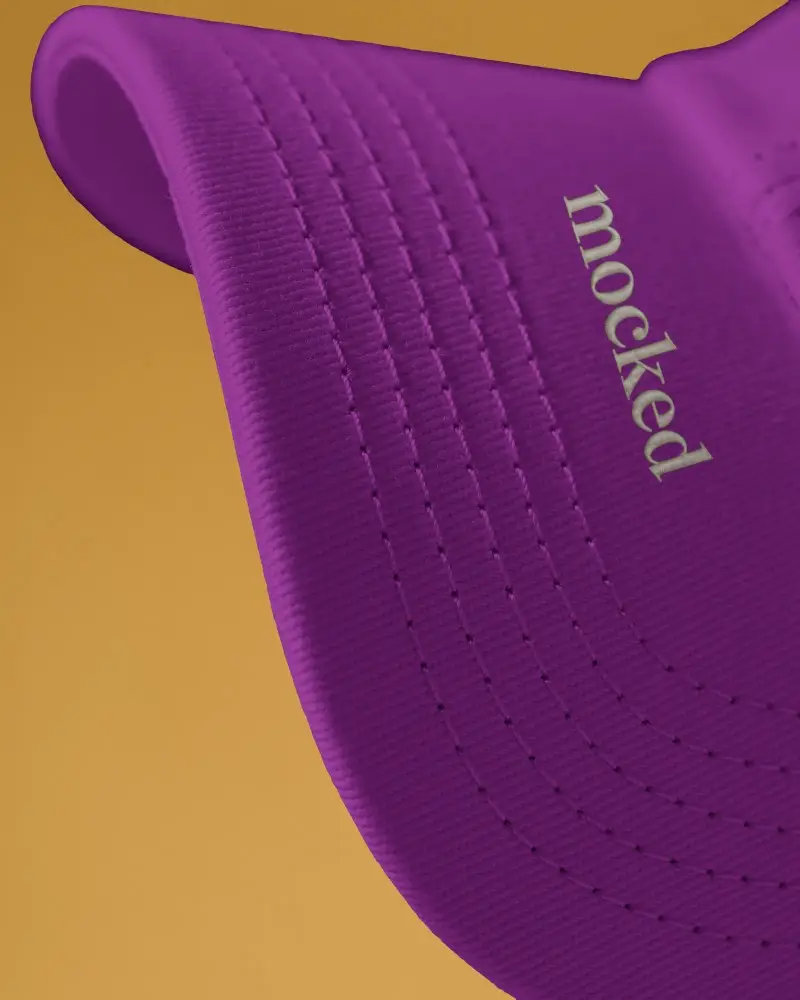
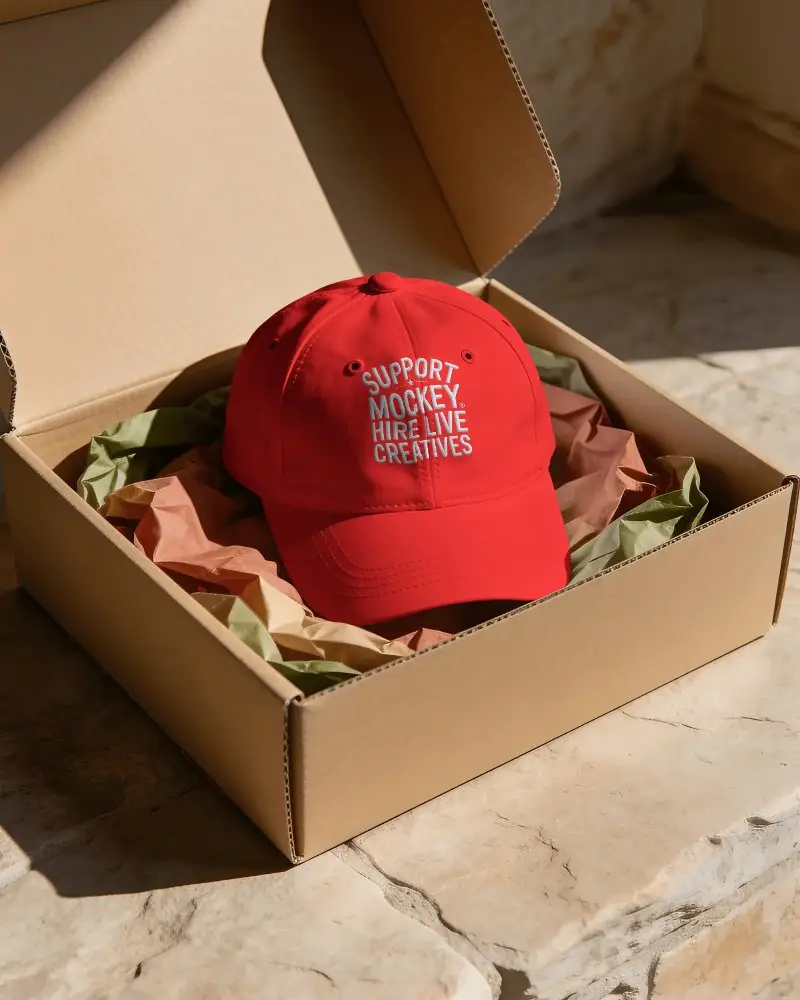
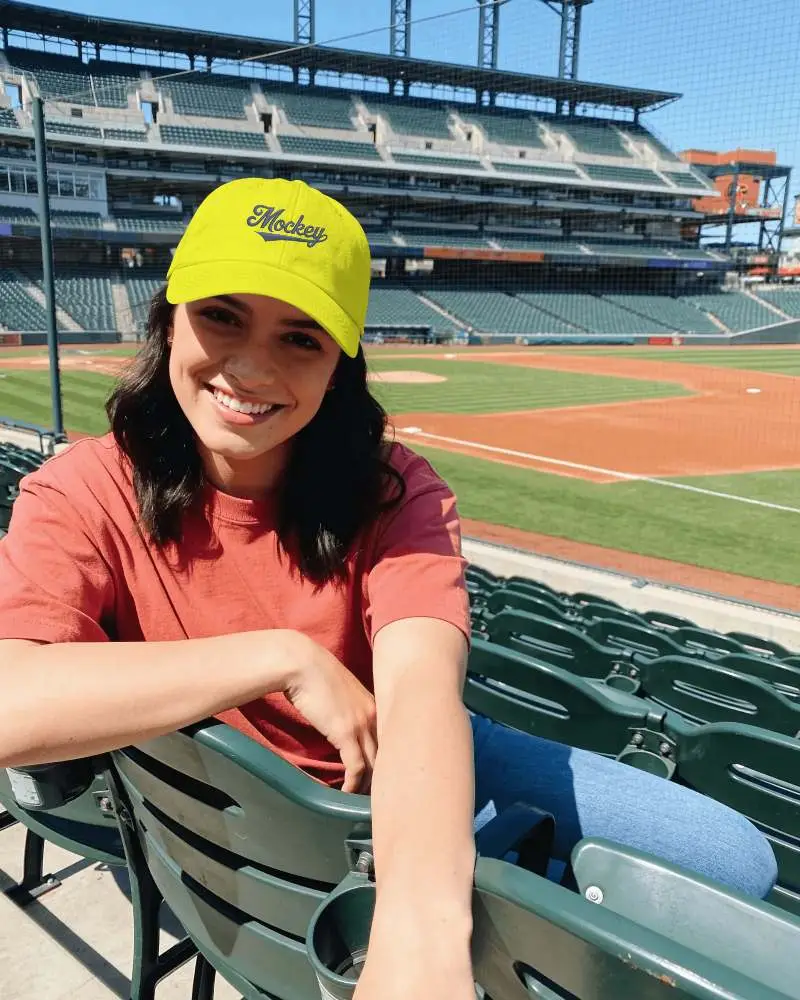
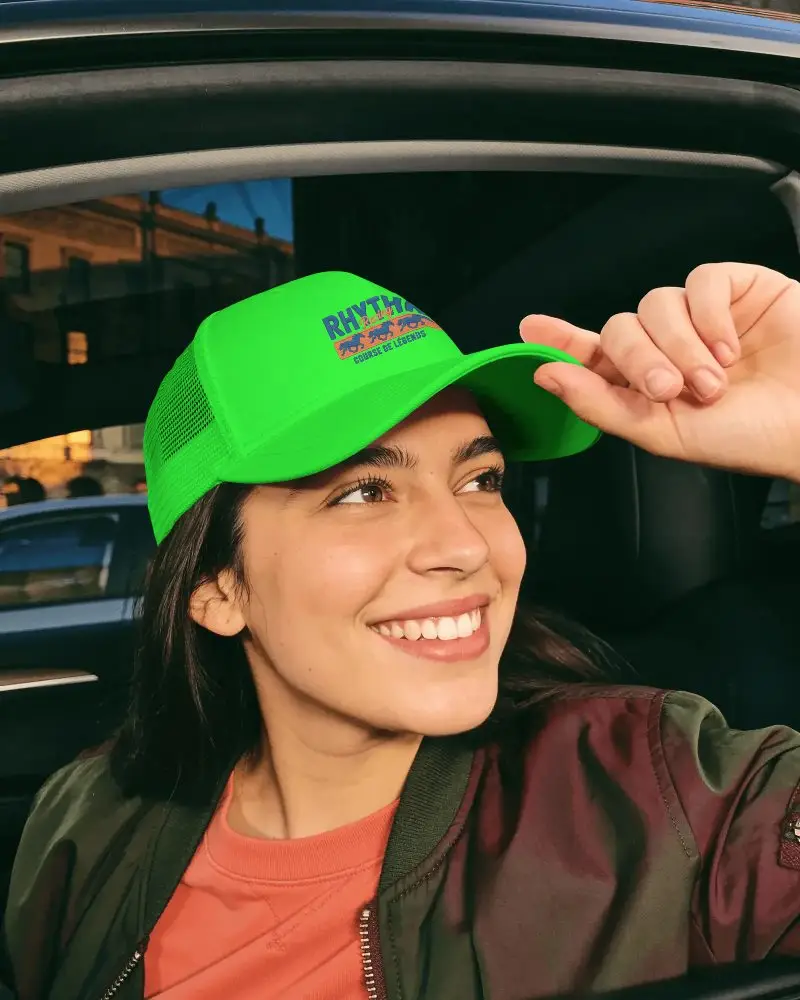
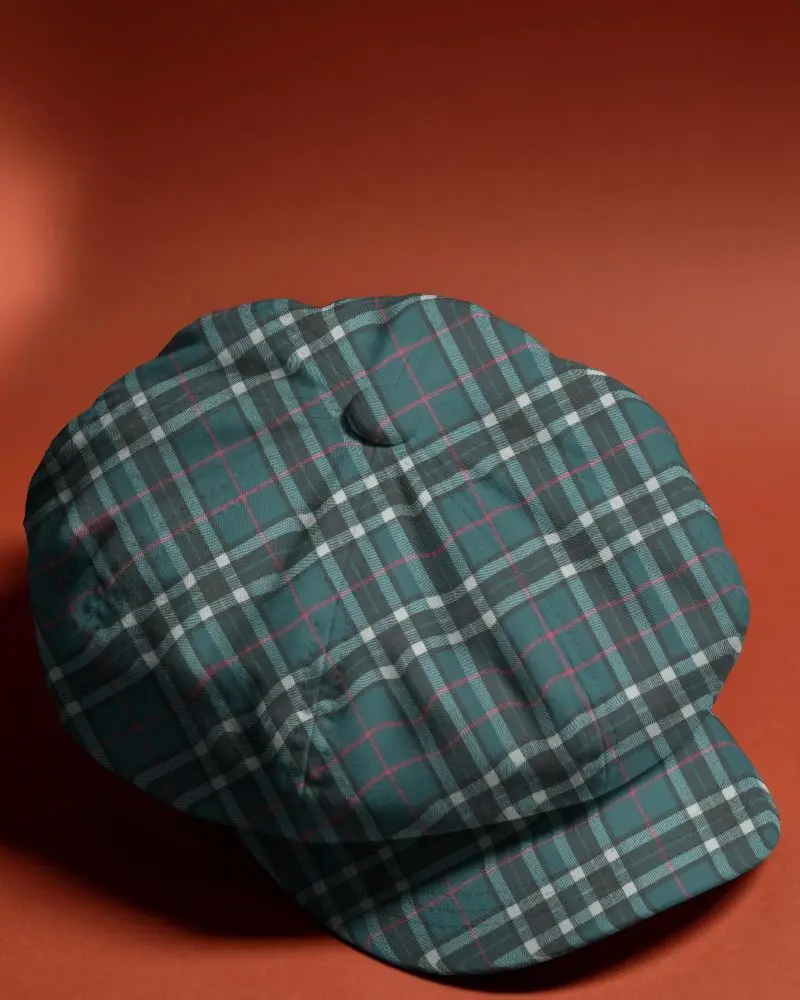
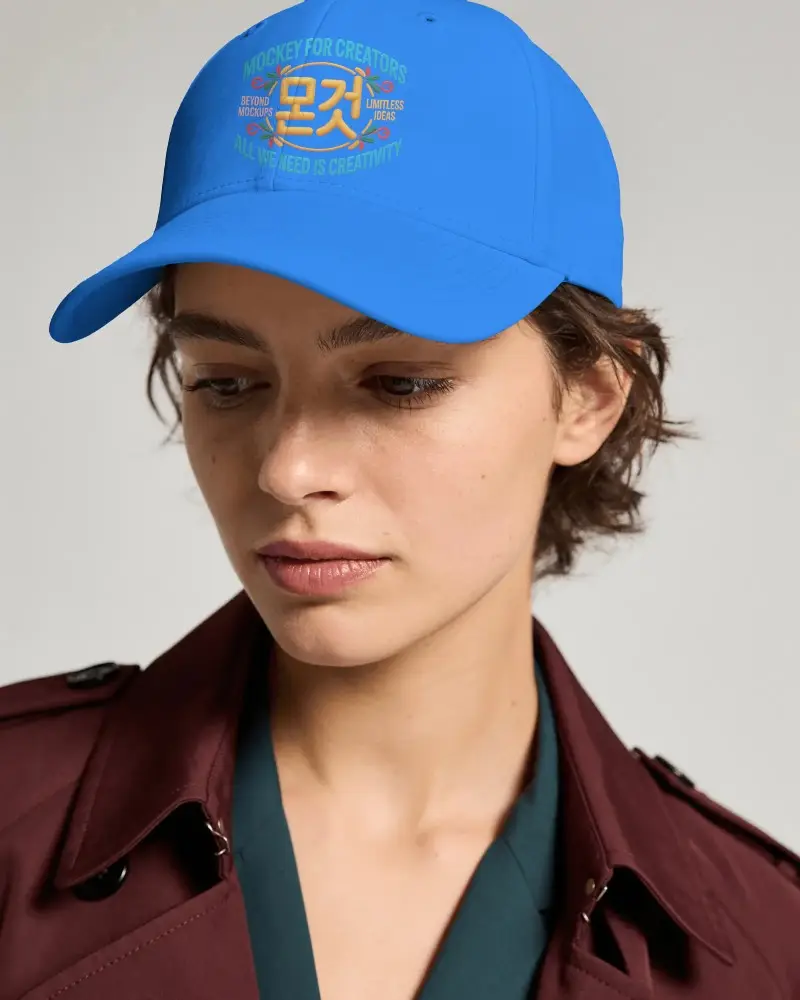
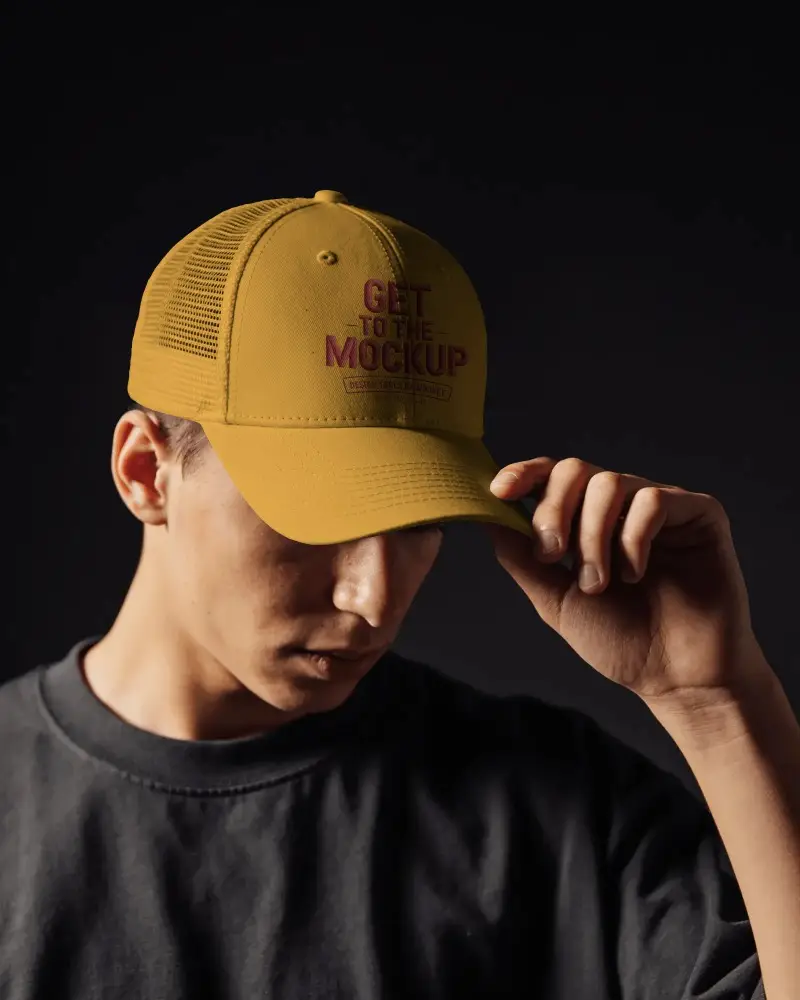
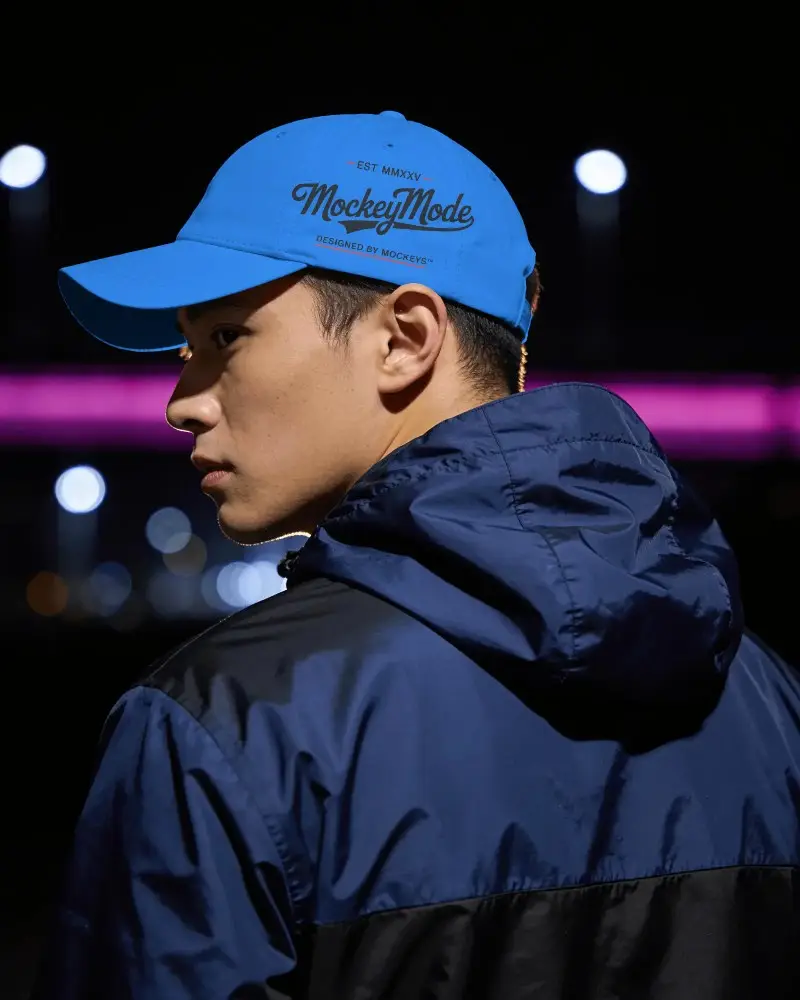
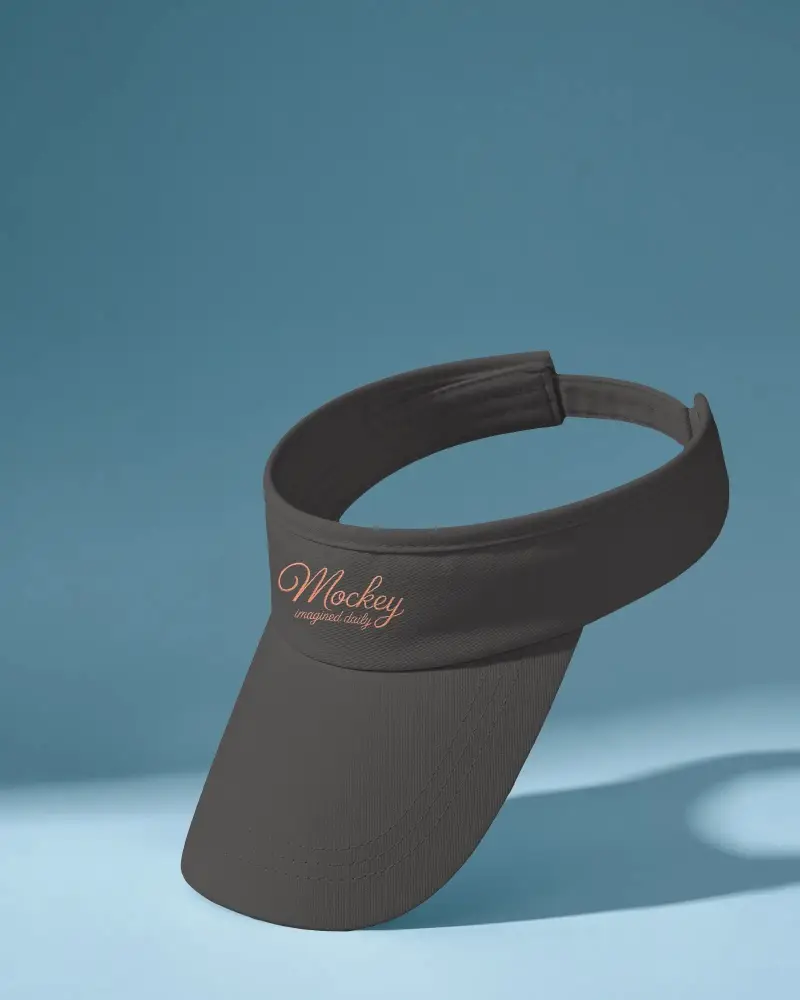
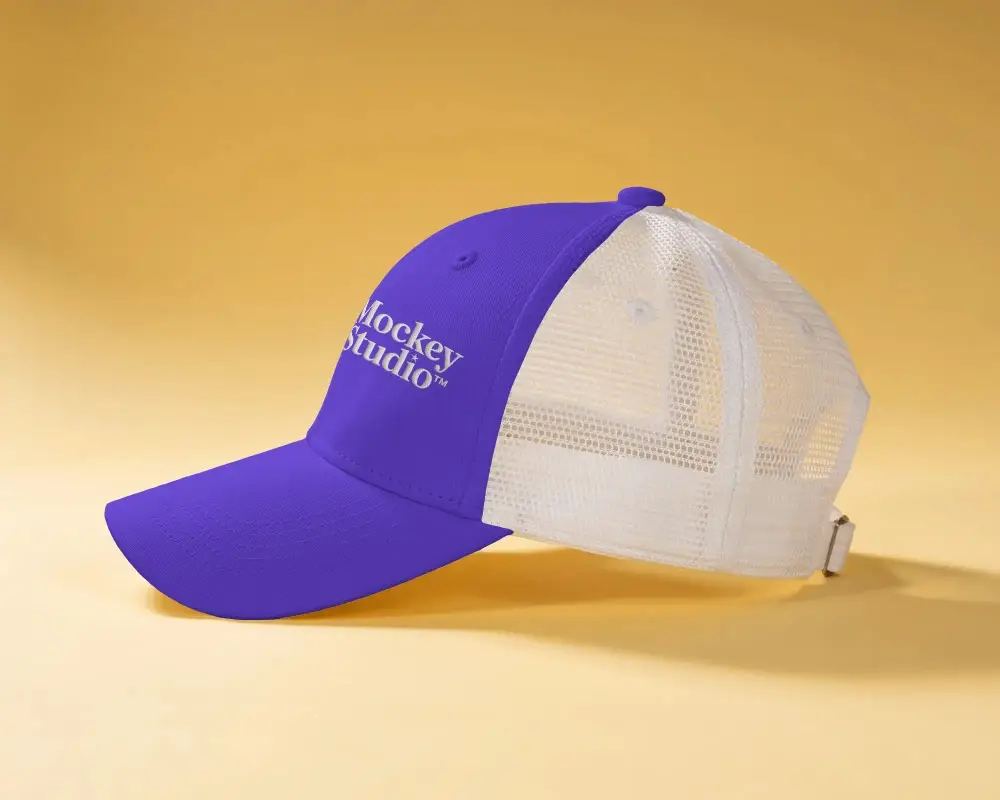
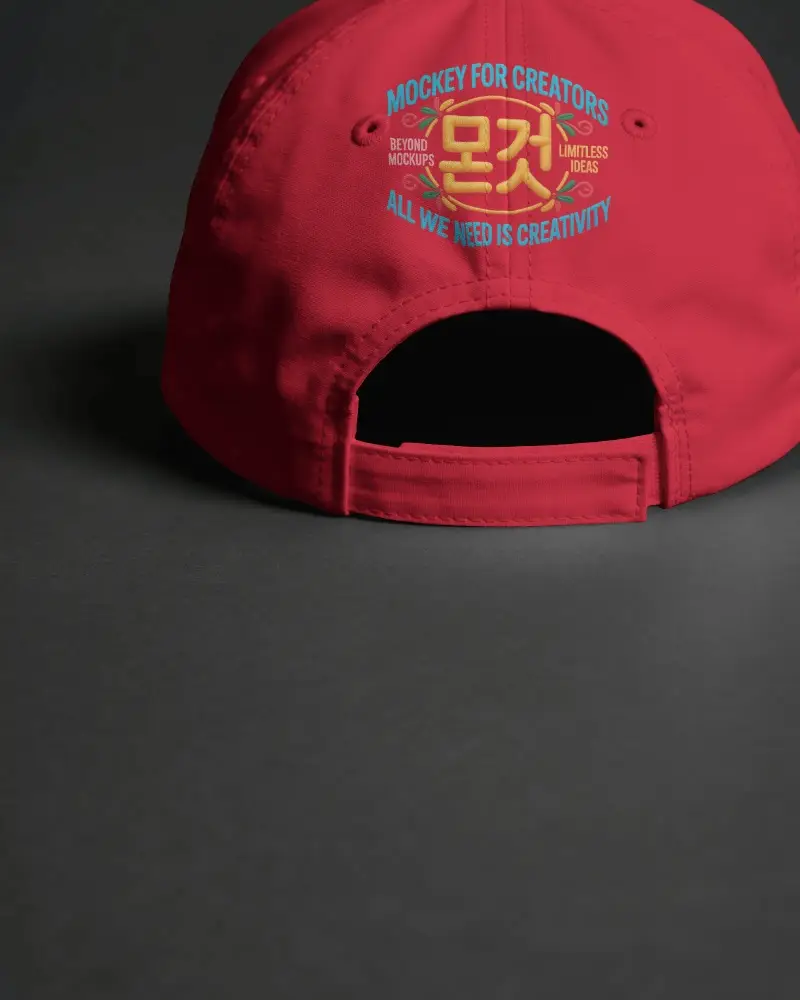
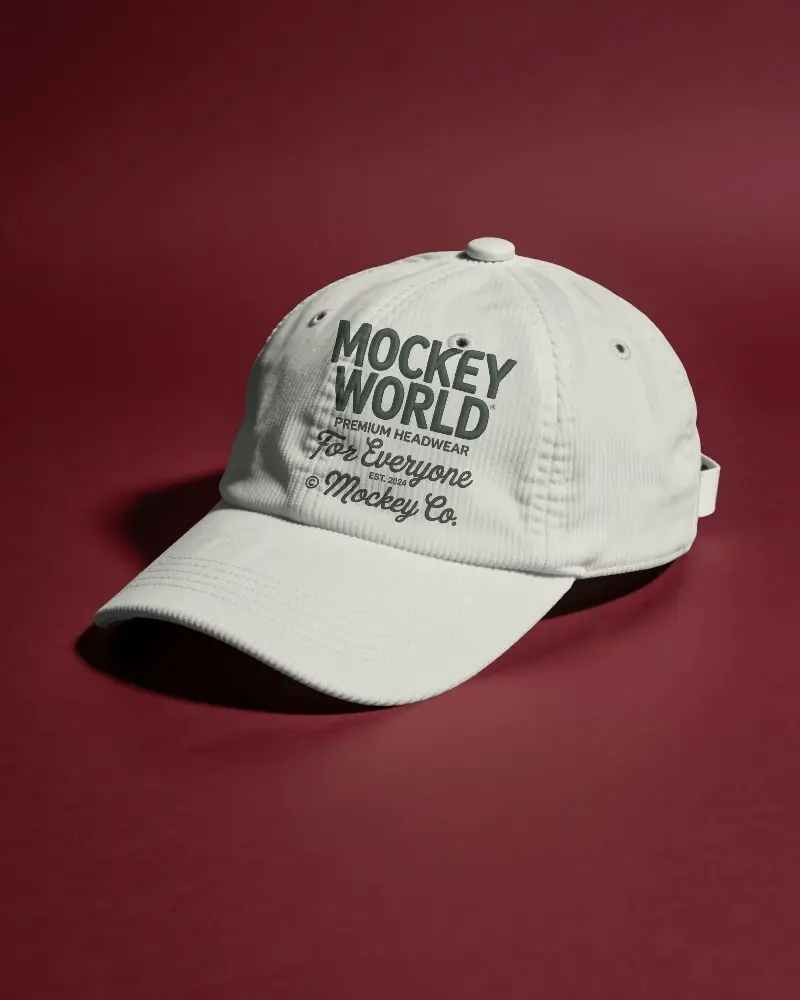
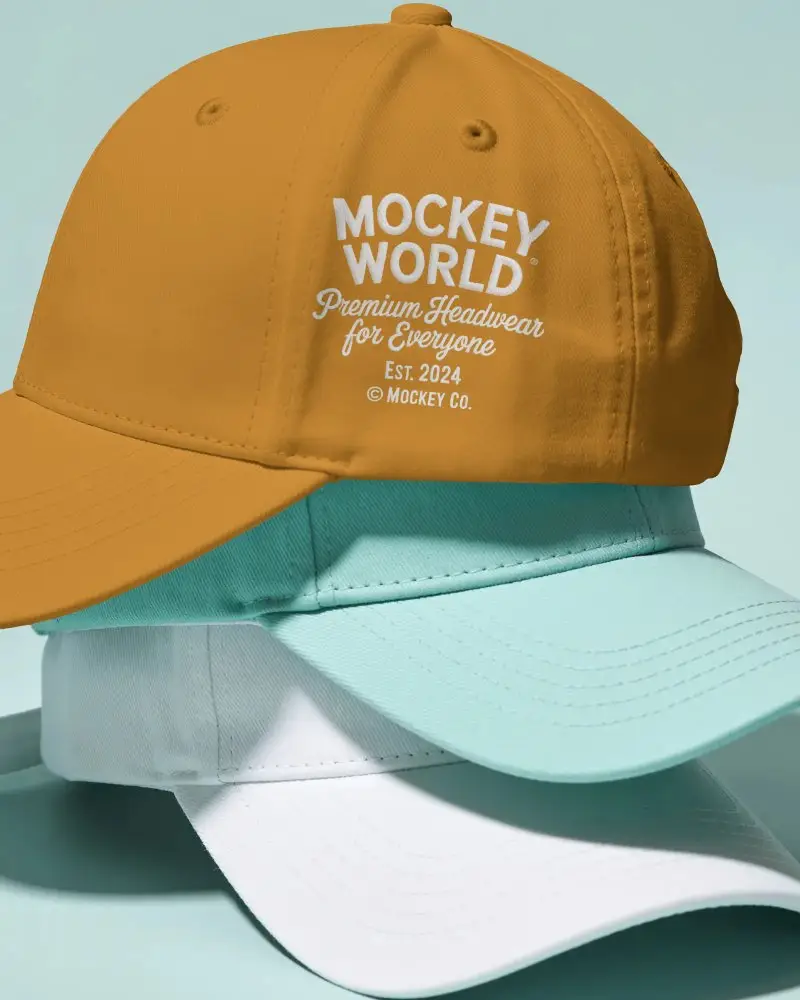
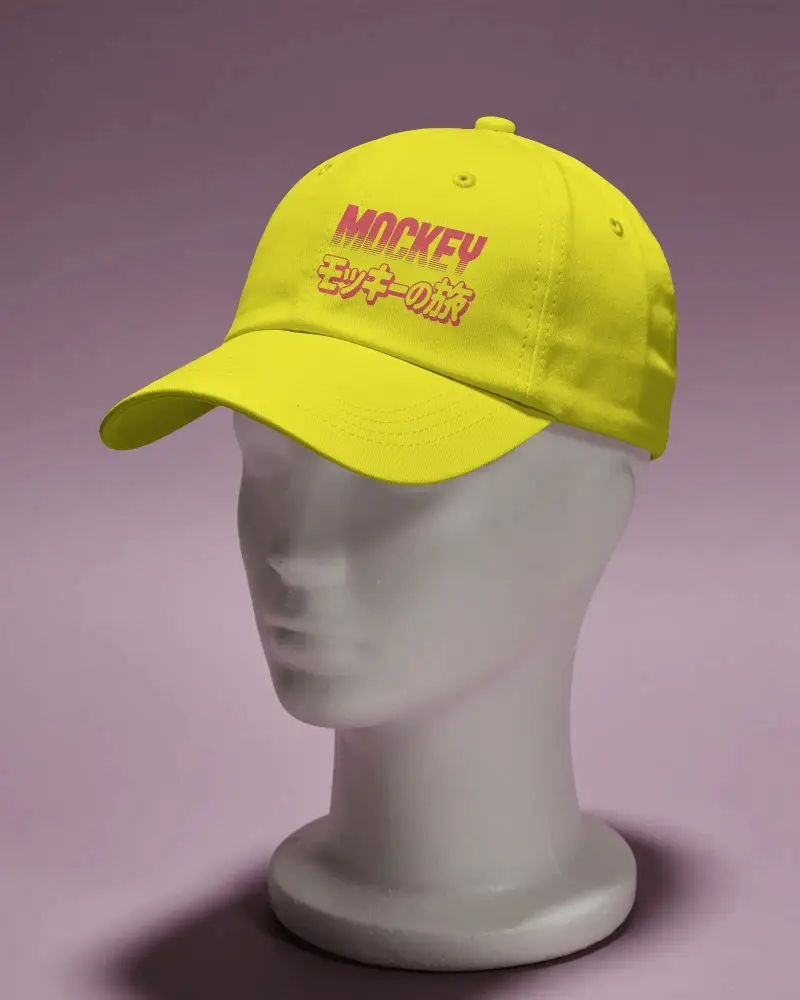
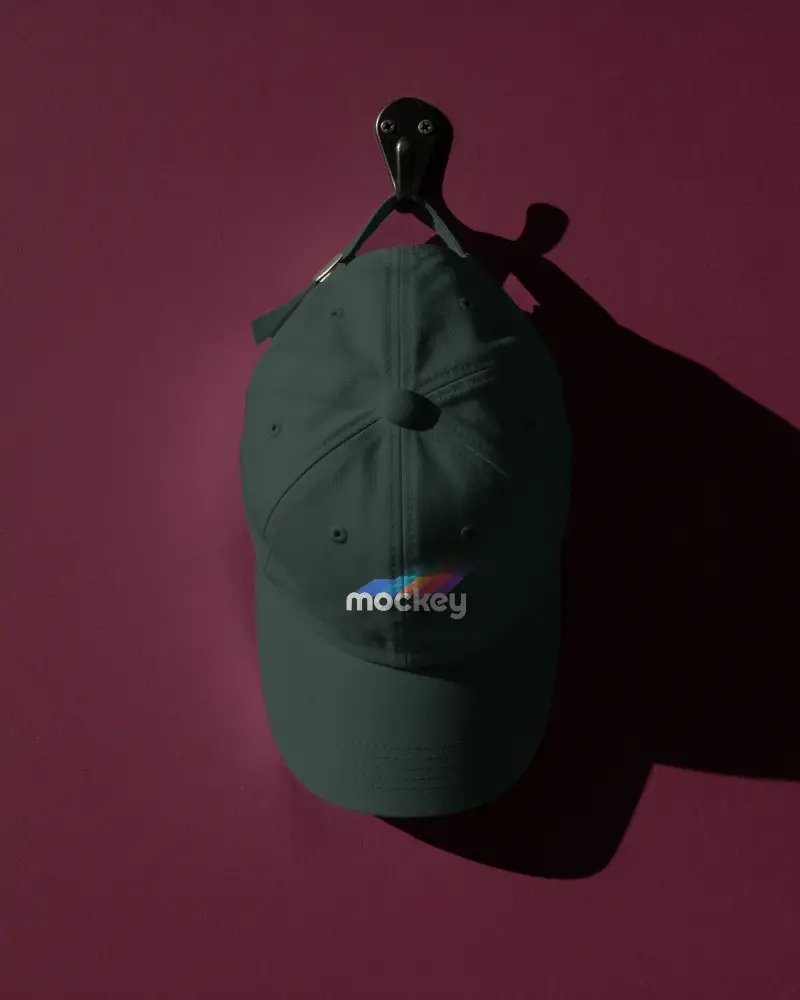
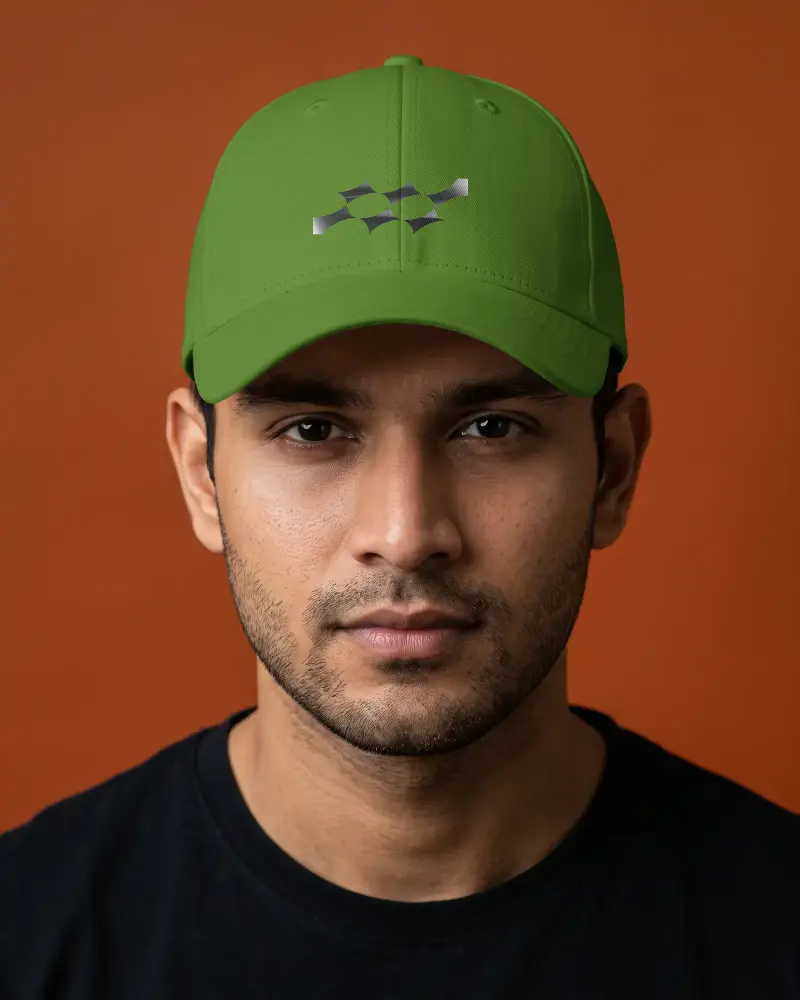
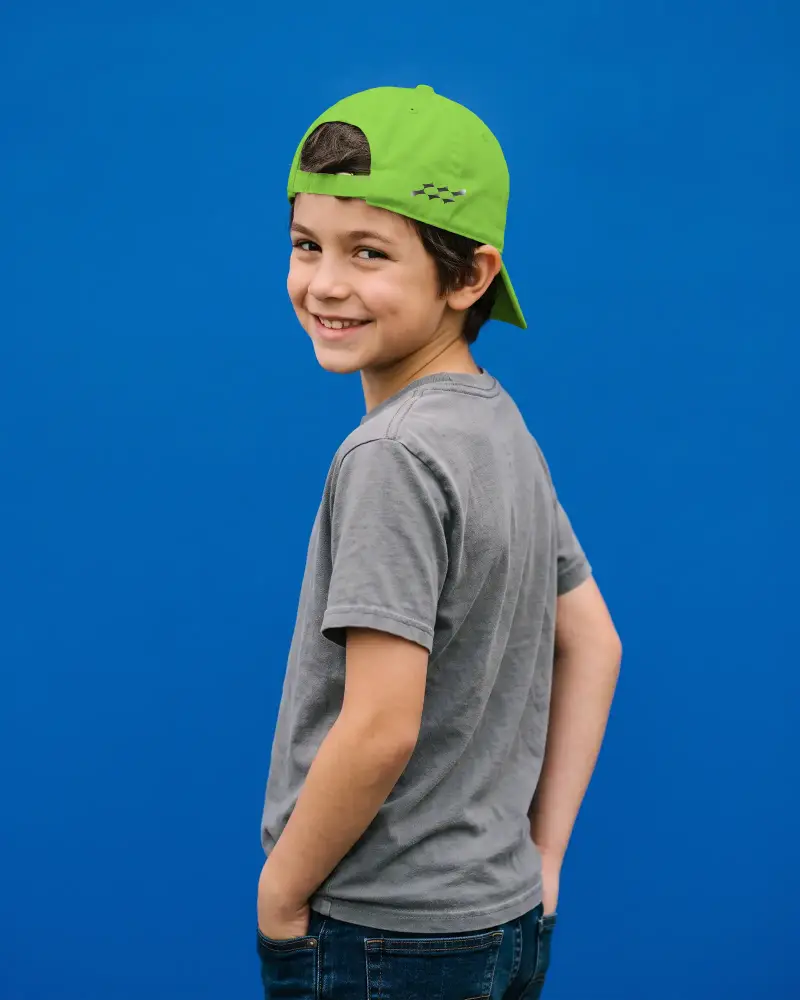
How to Customize Cap Mockup with Mockey AI
To customize cap mockups:
- Step 1: Choose from baseball, trucker, or graduation cap.
- Step 2: Upload your logo and adjust it to fit.
- Step 3: Change the color of the cap by using the extracted color or hex code.
- Step 4: To position your design, warp it and then use Place Anywhere.
- Step 5: Utilize Multishot, Photoshoot, and Animate AI tools.
- Step 6: Download the cap mockup in different formats and sizes.
FAQs on cap Mockups
What is a Cap Mockup?
A cap mockup is a digital template that helps display designs on different types of hats, like snapbacks, dad hats, and baseball caps. It lets you place your artwork or logo on a realistic hat image to visualize and market your product easily.
Who uses cap mockups?
Apparel brands use cap mockups to test logo placement and colors before manufacturing. POD sellers use them for listings without holding stock. Print shops show clients digital proofs to confirm design and placement. Marketing teams use them for ads, social posts, and merch visuals without needing a physical sample.
Are cap mockups and hat mockups the same?
A cap mockup is with a front visor, like dad hats, trucker caps, or fitted caps, and it's built to show off the curved panel and bill stitching clearly. A hat mockup covers bucket hats and sun hats, since none of those have a front bill.
What types of cap mockups are available on Mockey AI?
We've got baseball caps, snapbacks, trucker caps, fitted caps, and bucket hats, plus styles for men, women, and kids. There are also niche ones for golf, tennis, cycling, swim, and graduation cap mockups.
Can I create front, side, and back views of a cap?
You can create front, side, close-up, and back views using Multi Shot. Upload your design to a mockup template, and choose from different perspectives. Best for product listings that need multiple angles or showing off logo placement.
Can I use cap mockups for Shopify, Etsy, and print-on-demand products?
Yes. Shopify lets you use any flat lay, studio, or model mockup, as long as it matches real color and shape. Etsy allows mockups too, though some buyers notice basic renders differ from real embroidery, so lifestyle images tend to click better. Print on demand works fine as well.
Can I adjust logos to fit curved cap surfaces?
Your design automatically adjusts to the curved surface of the cap. However, you can use the Warping slider, which follows the shape of the cap panel, so your logo or other artwork looks natural.
How do I customize cap colors in Mockey?
You can change the cap color in three ways. Pick one from the wheel, enter a HEX code, or grab a color from your design. You can use all three on the free plan.
What AI features can I use for cap mockups?
Photoshoot lets you place your cap in an AI-generated scene. Animate turns your cap mockup into a video, while Multi Shot lets you create shots of the cap from different angles. You just need a Creator plan to access these features.
Can I apply one logo to different cap styles in bulk?
Yes. Bulk Mode lets you add one logo to every cap style together. Baseball caps, trucker hats, snapbacks- all done at once with a single upload.