Stylish Bucket Hat Mockups
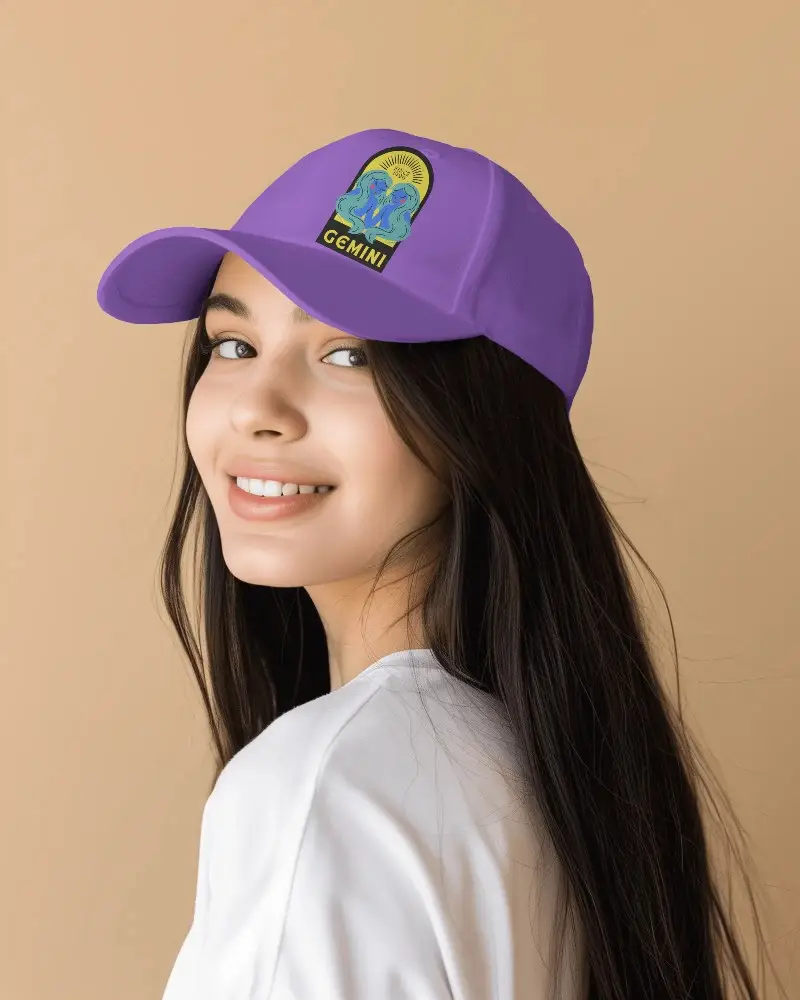
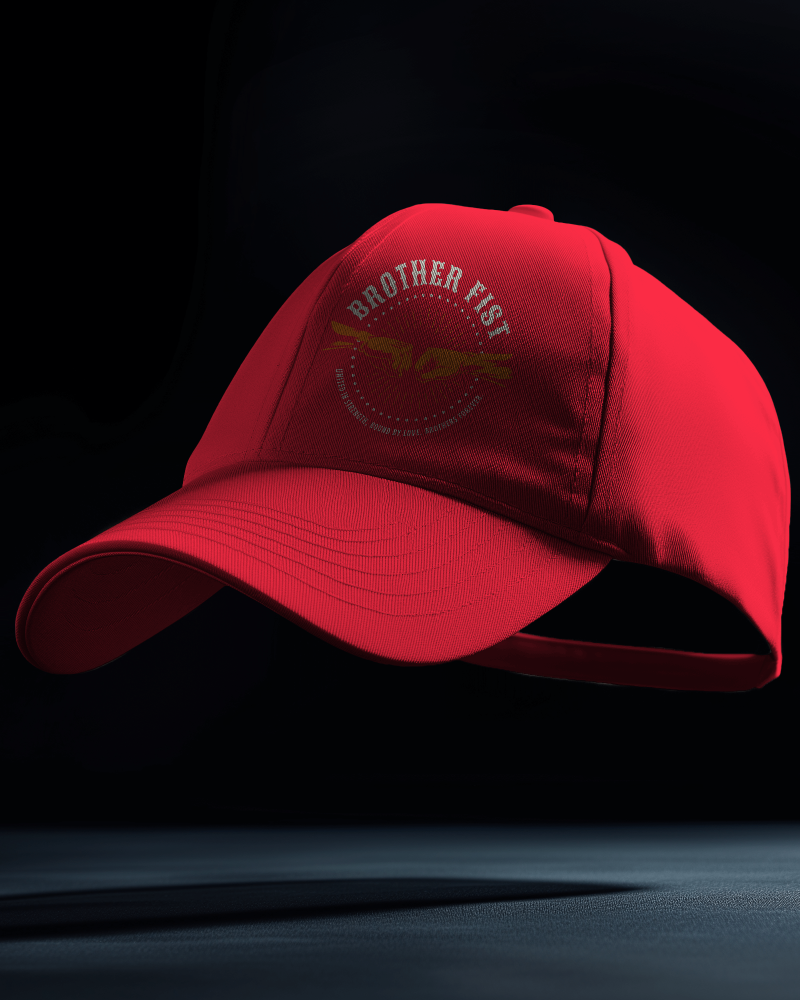
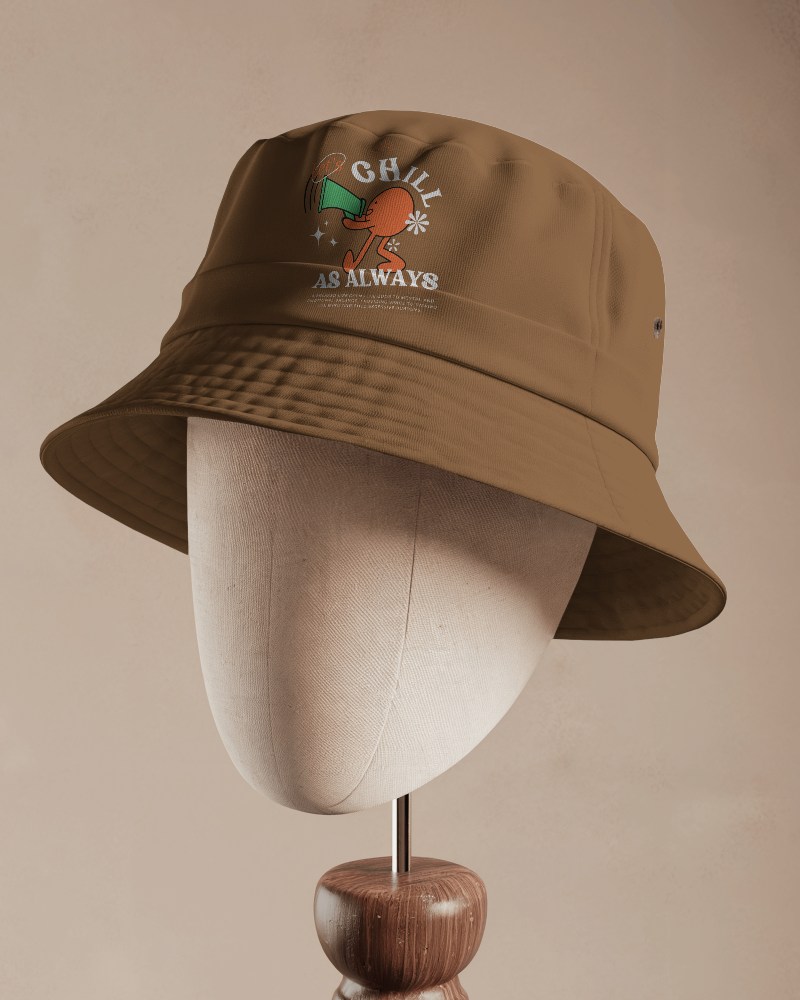
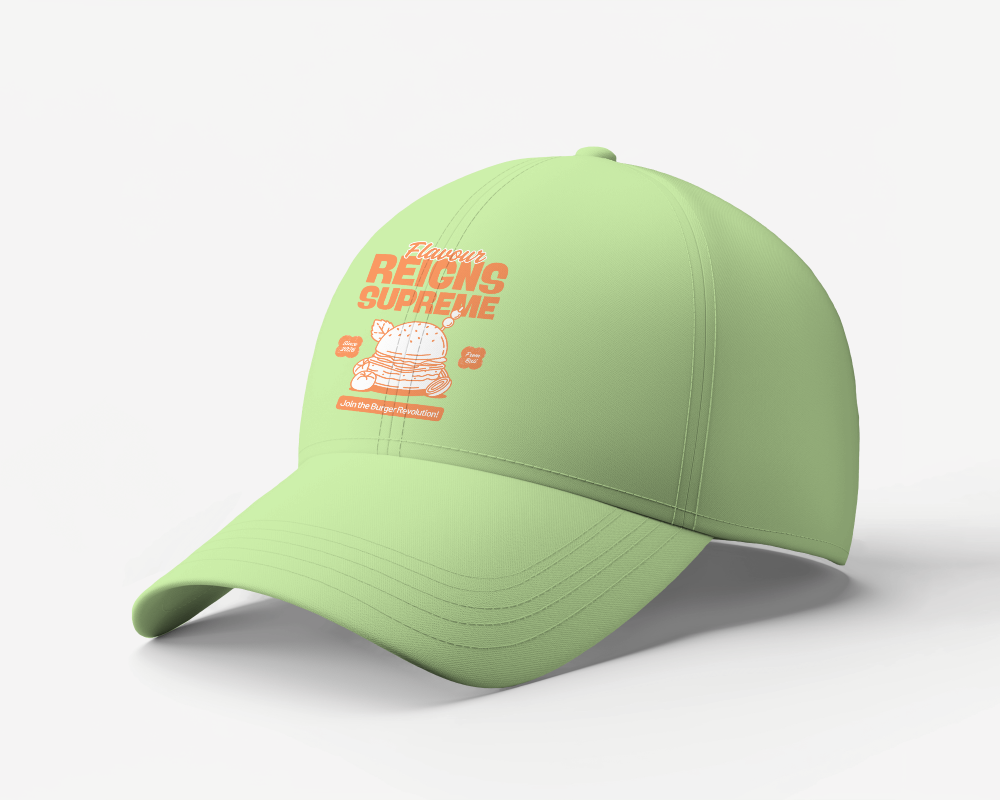
Showcase your creative designs effortlessly with our free bucket hat mockups on Mockey. These realistic mockup templates help you present your artwork, brand logo, or custom patterns in style. Download and customize bucket hat mockups easily to elevate your portfolio and impress clients with professional-quality visuals.
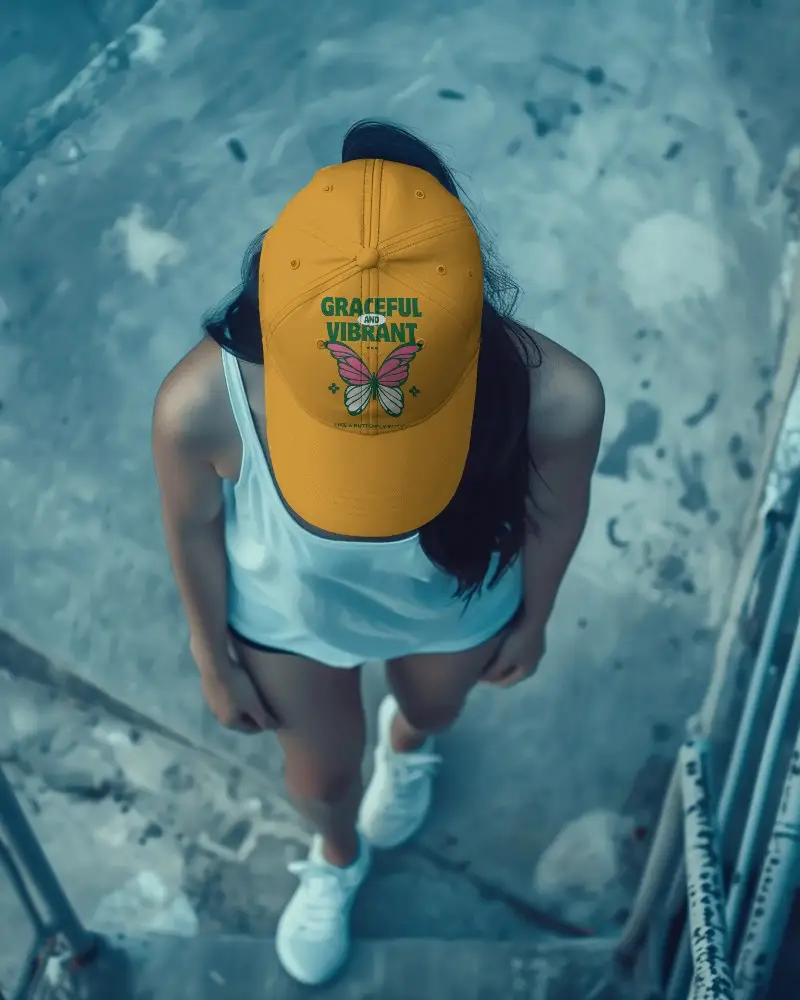
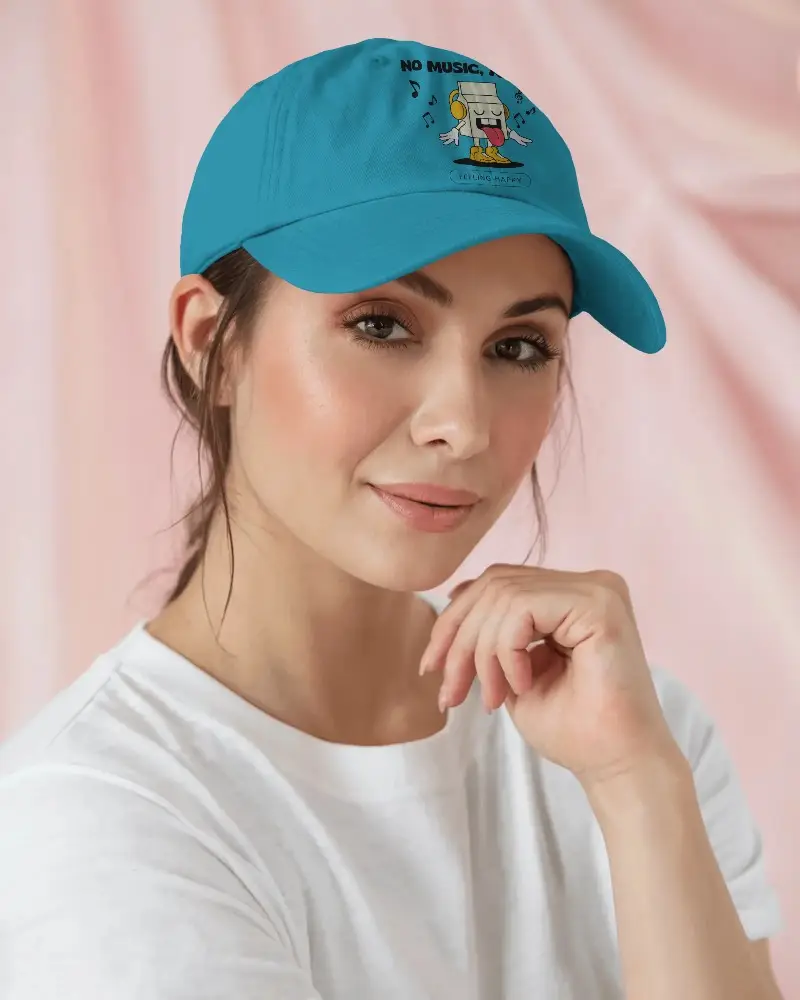
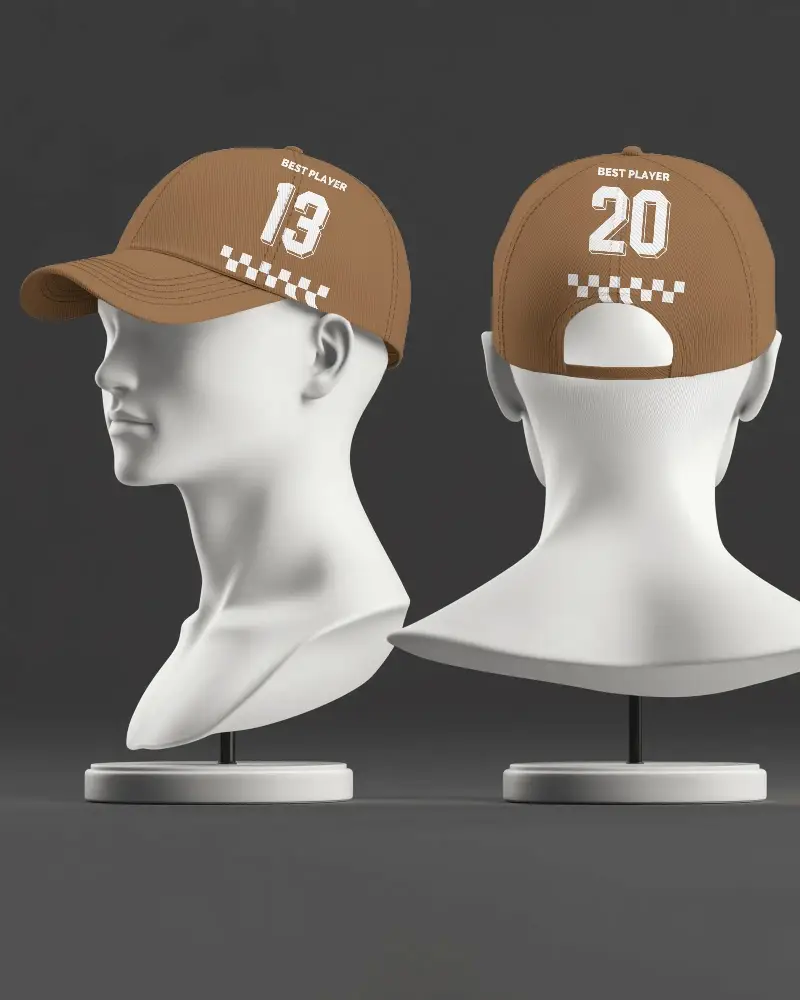

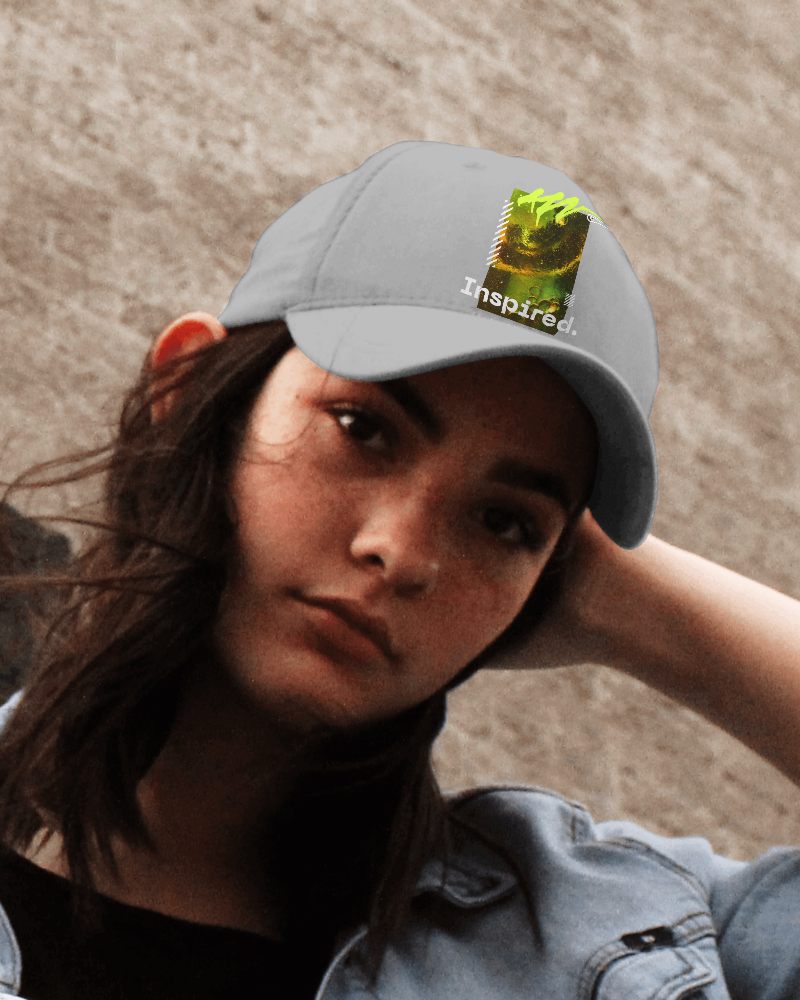





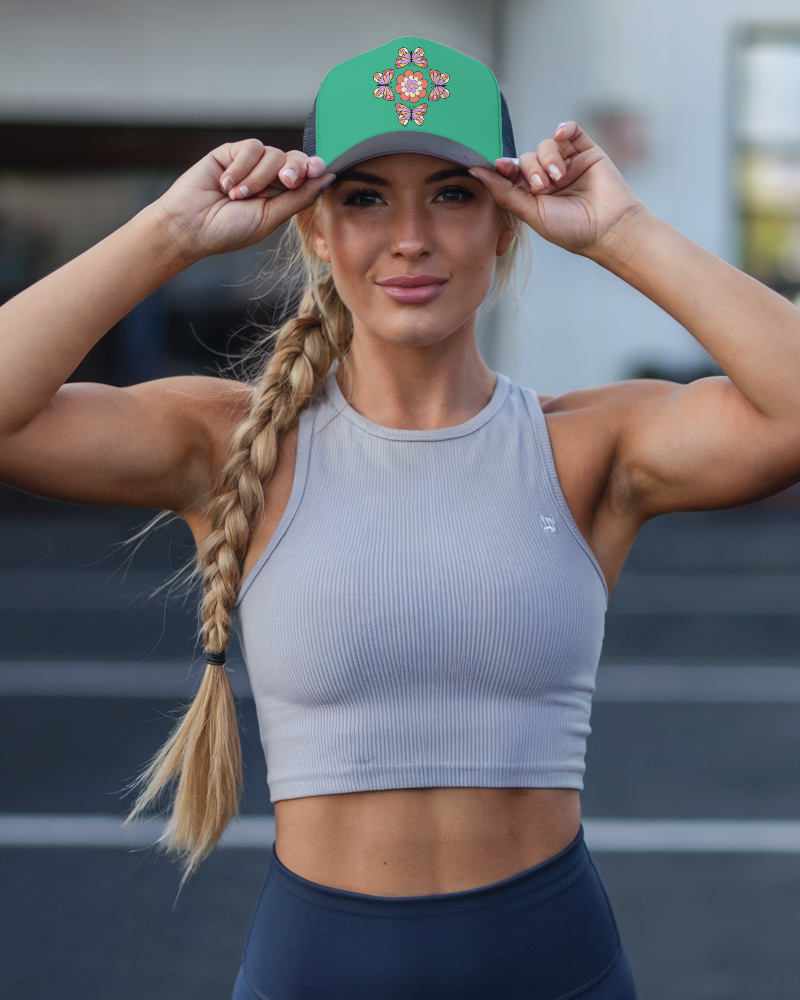

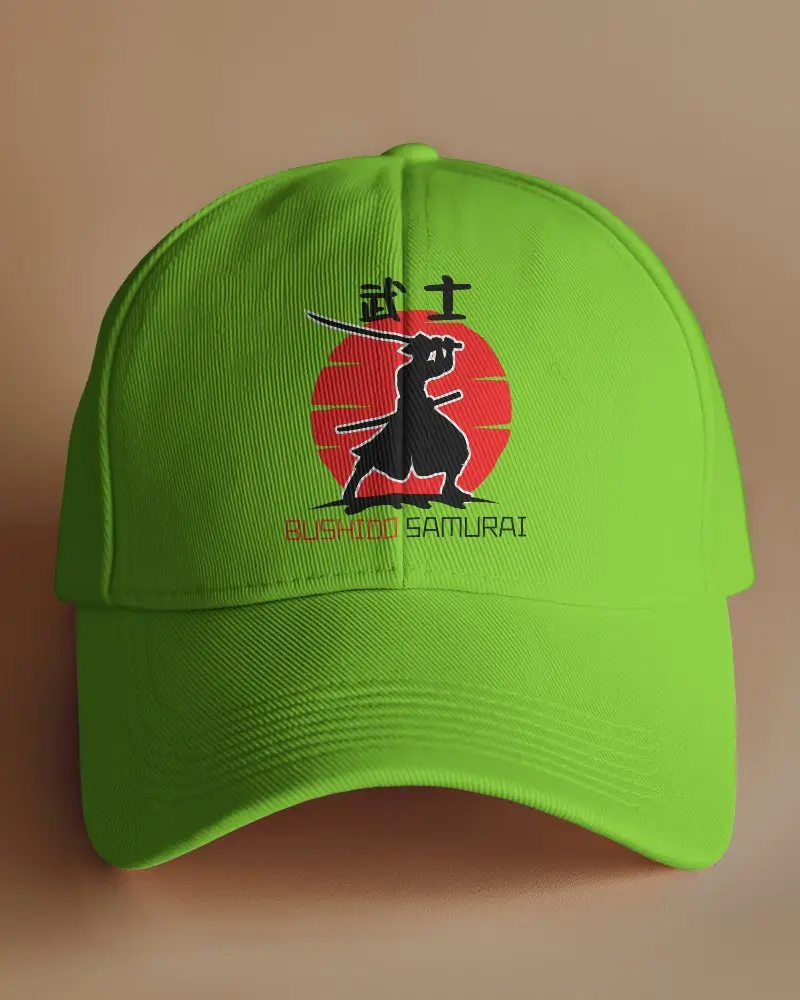
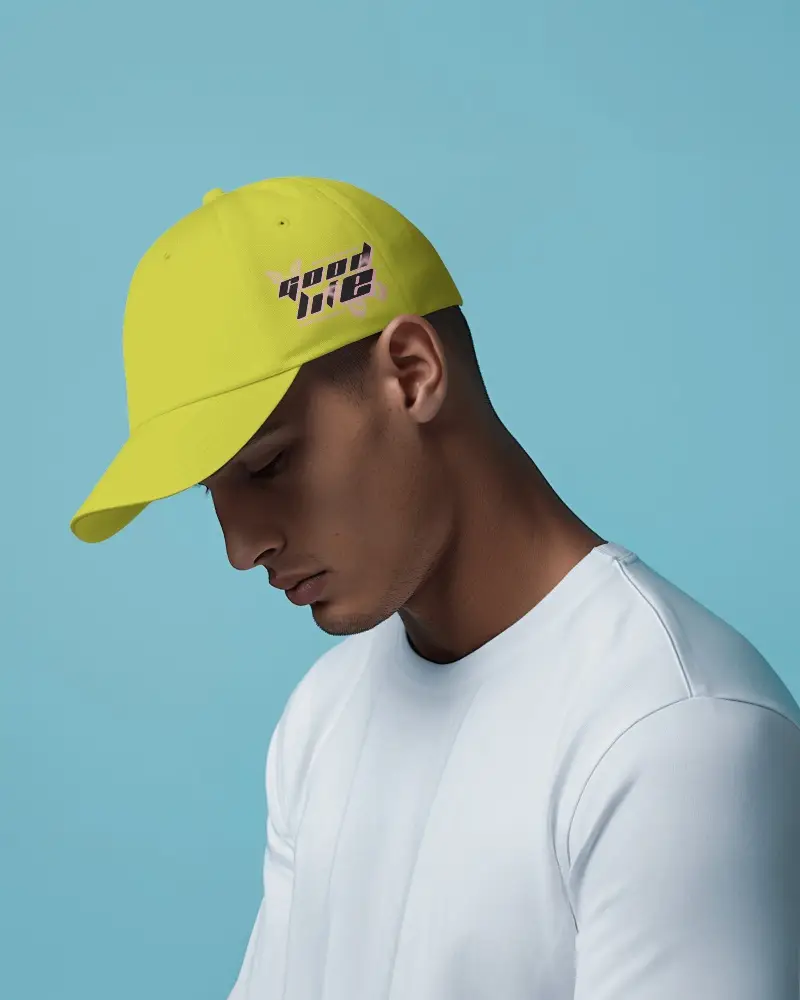
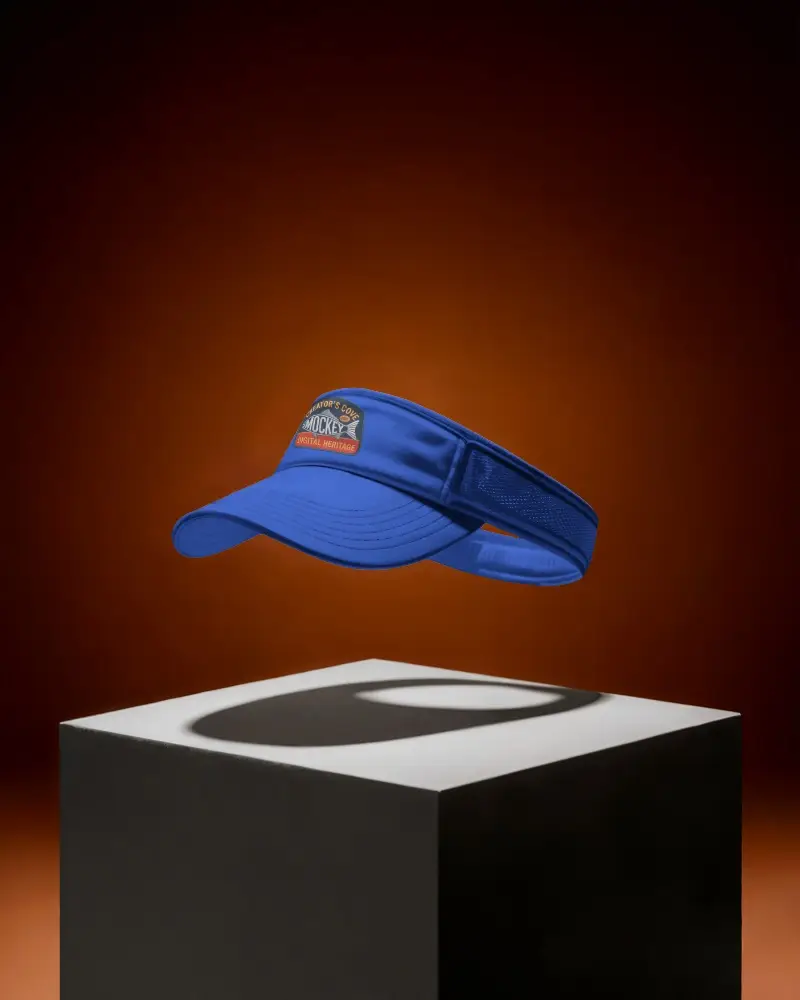
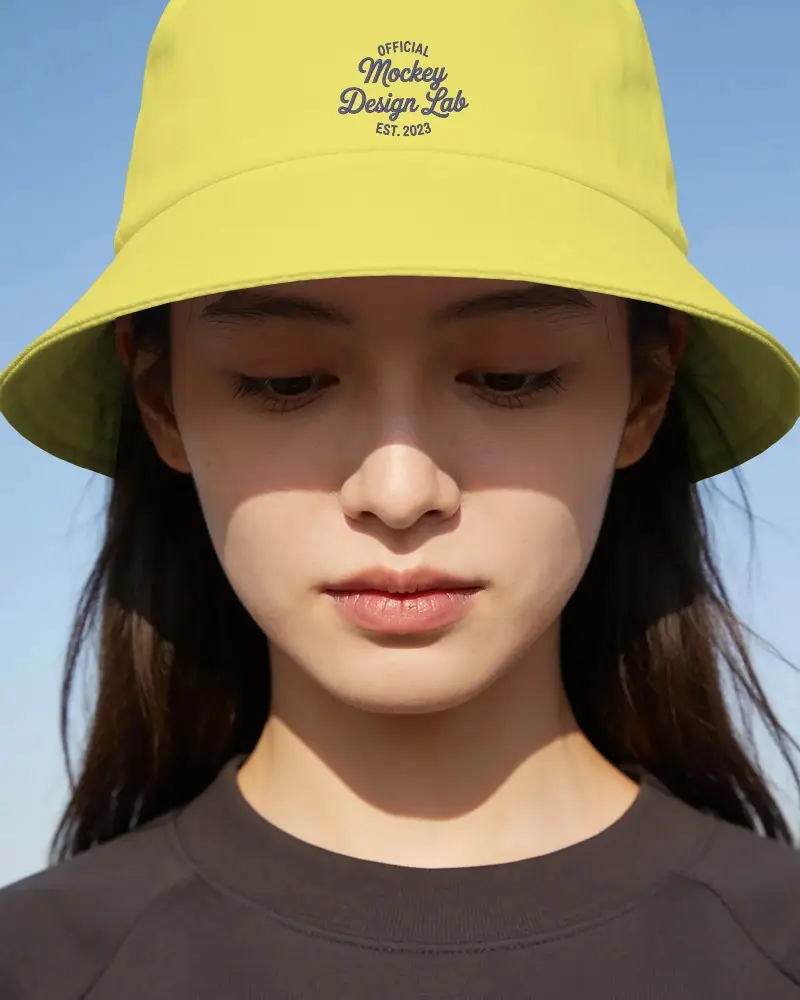
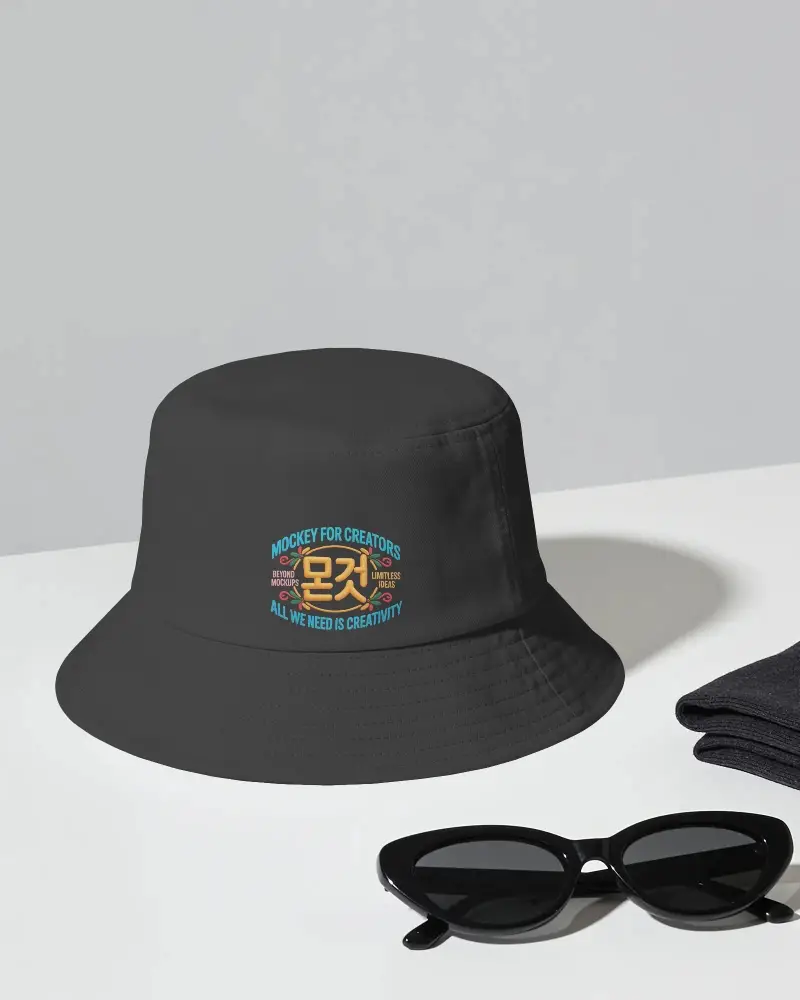
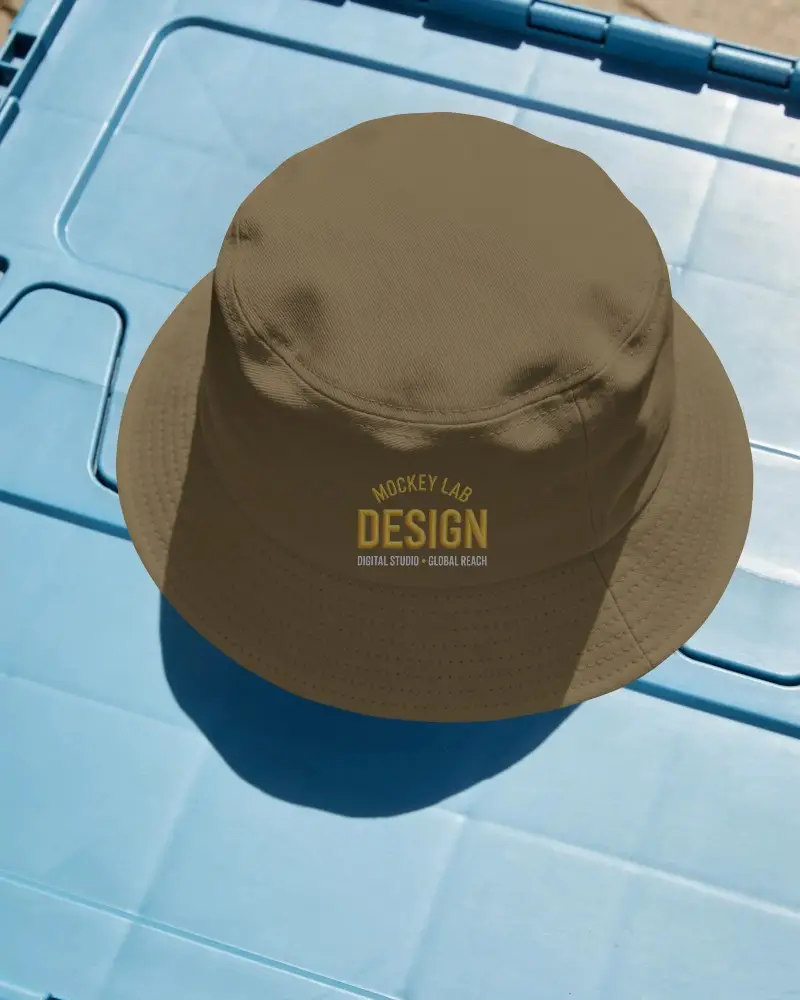
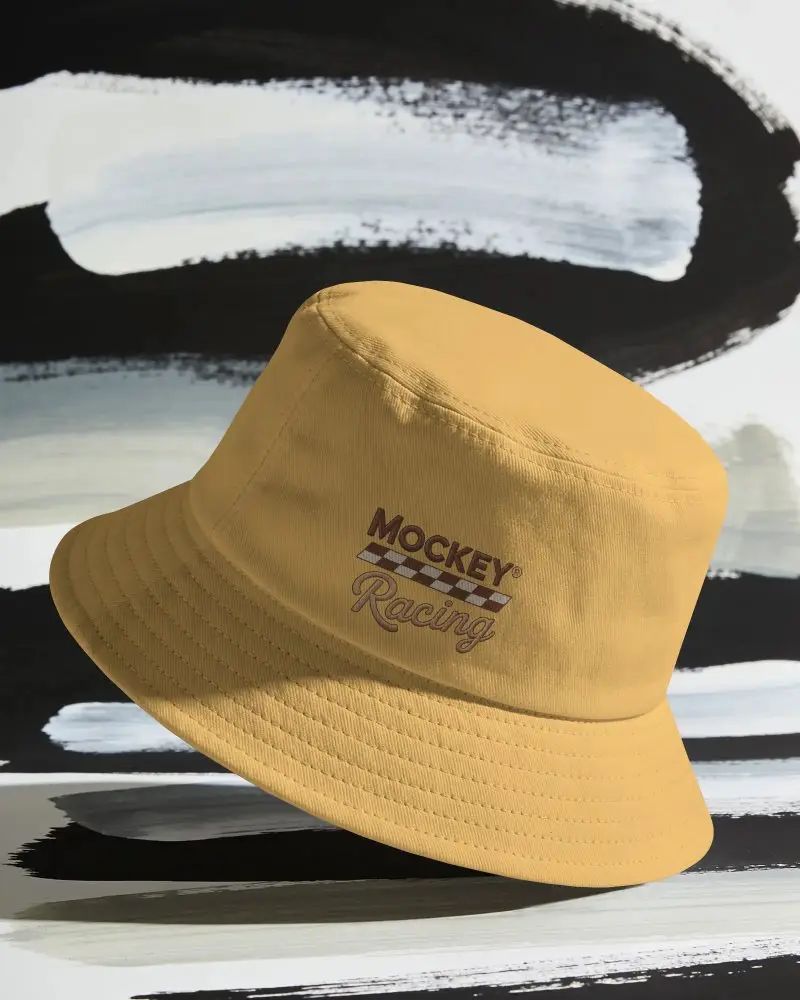
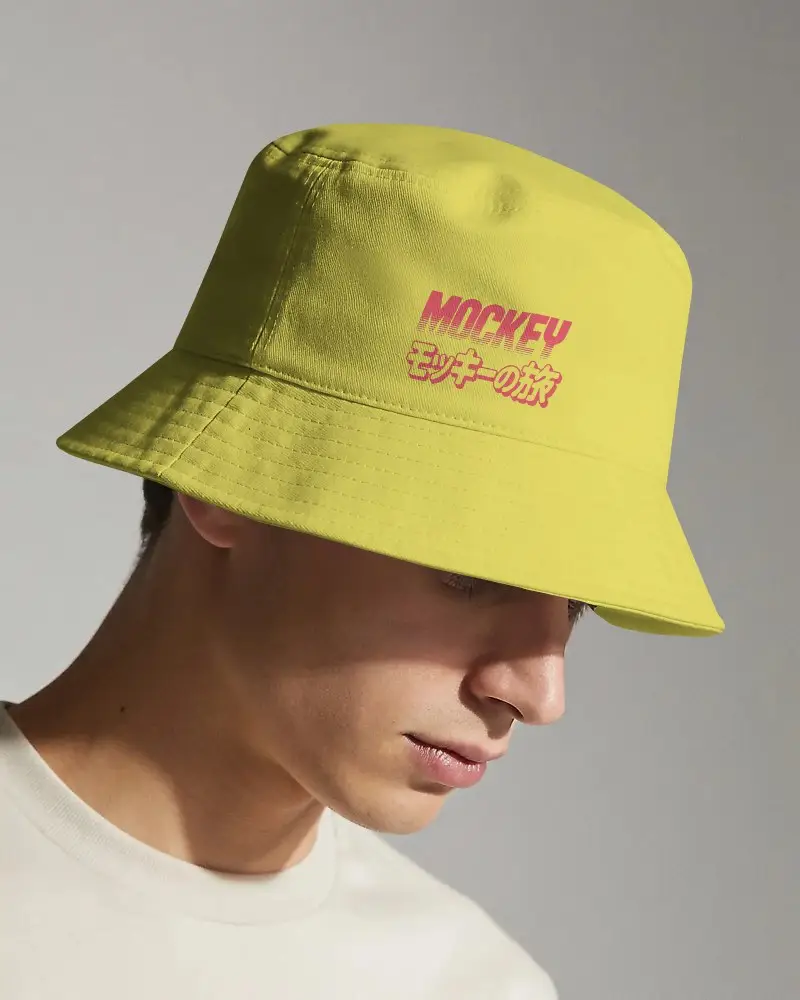
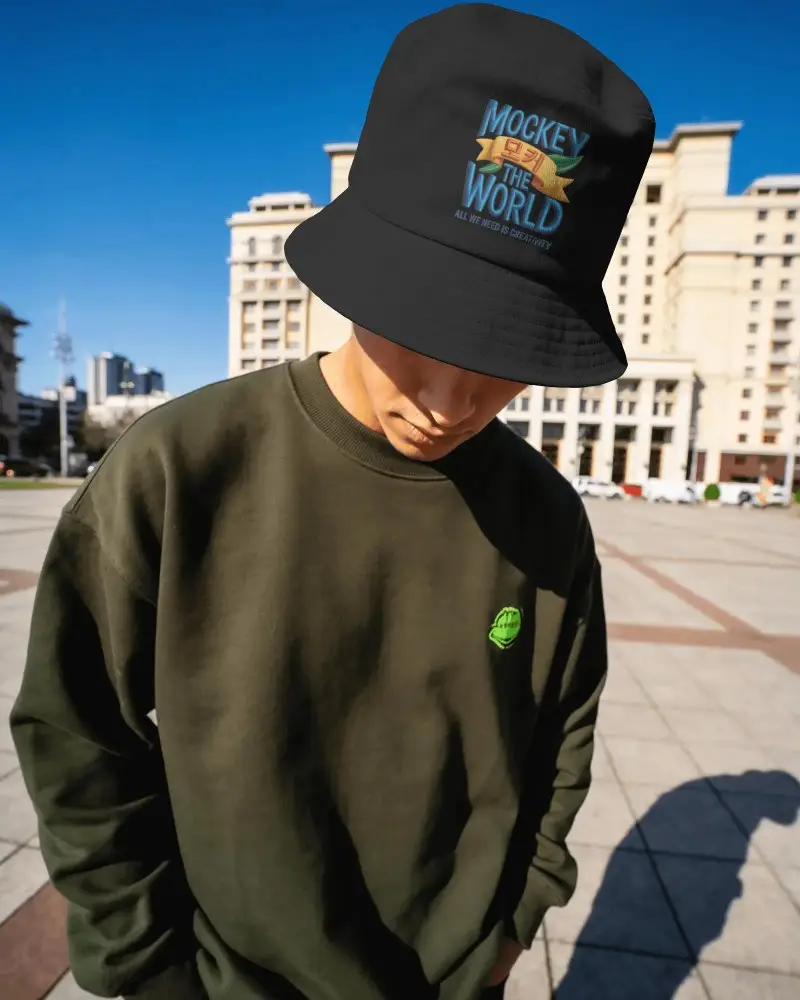
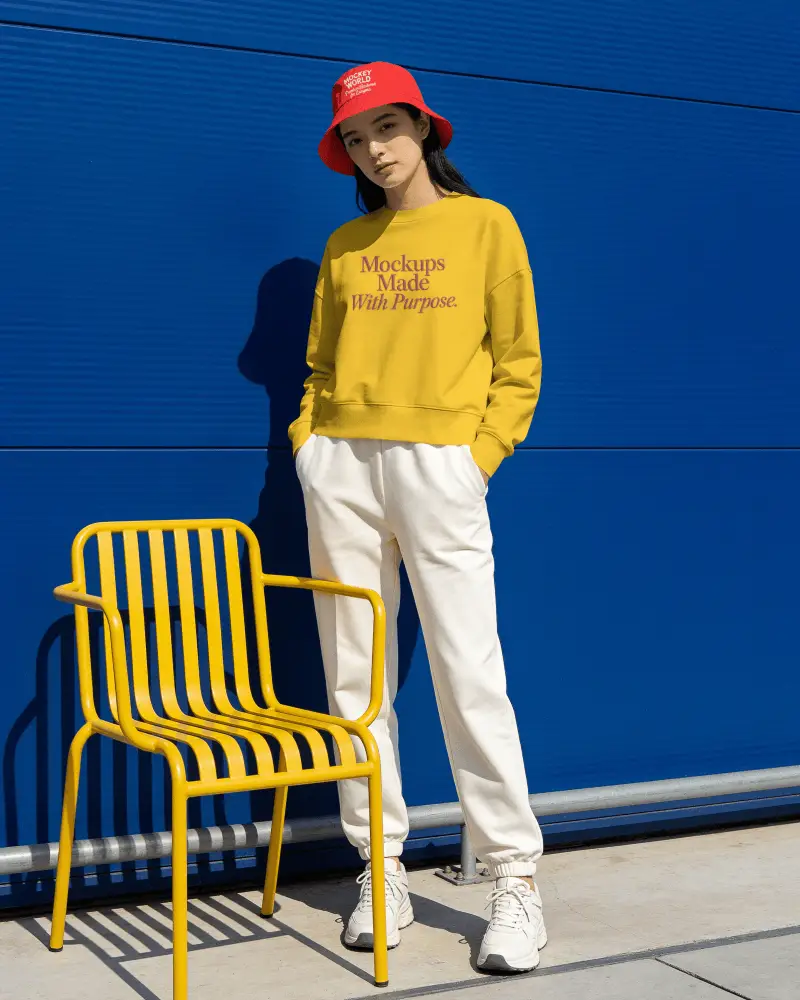


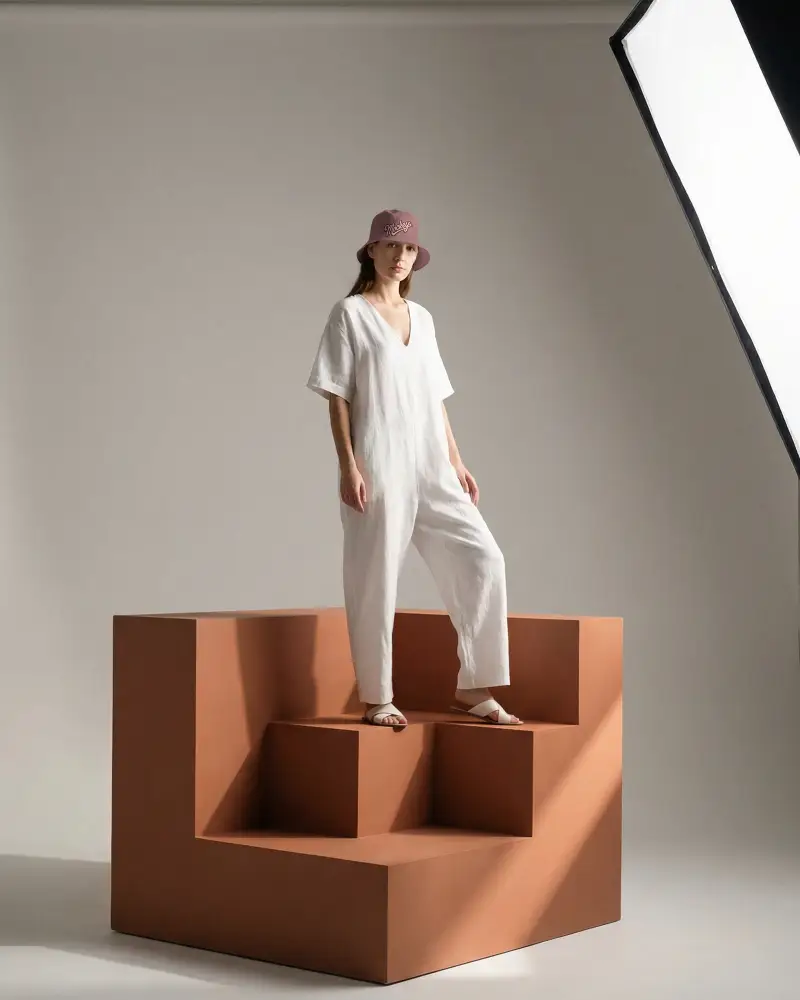
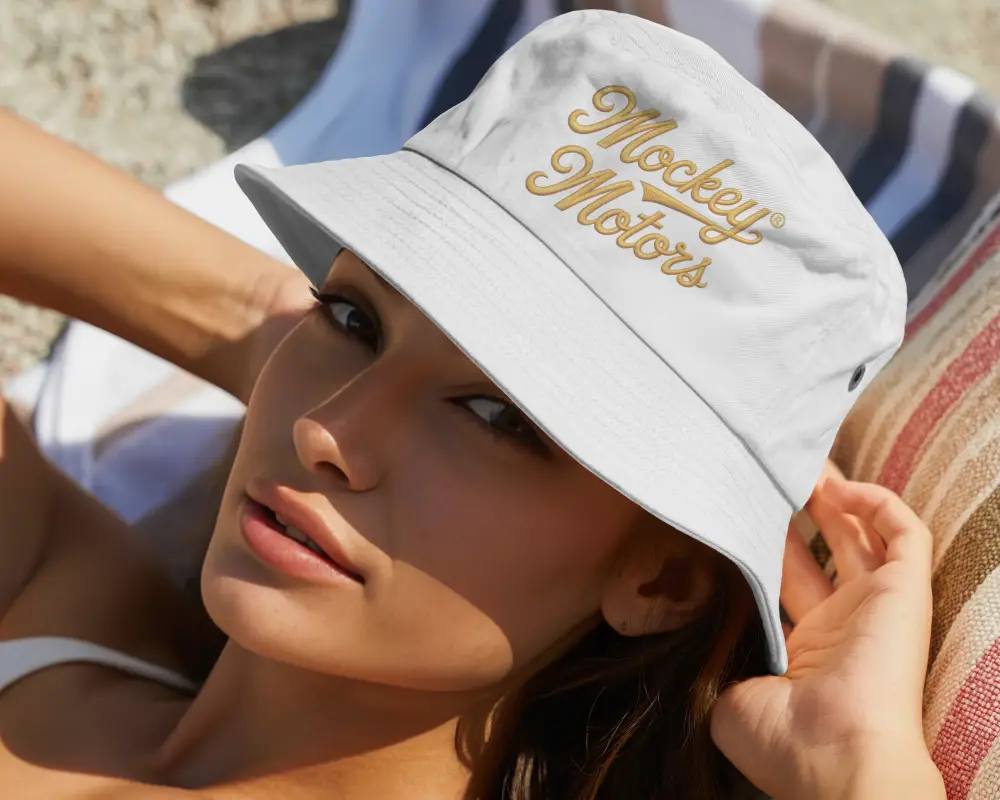
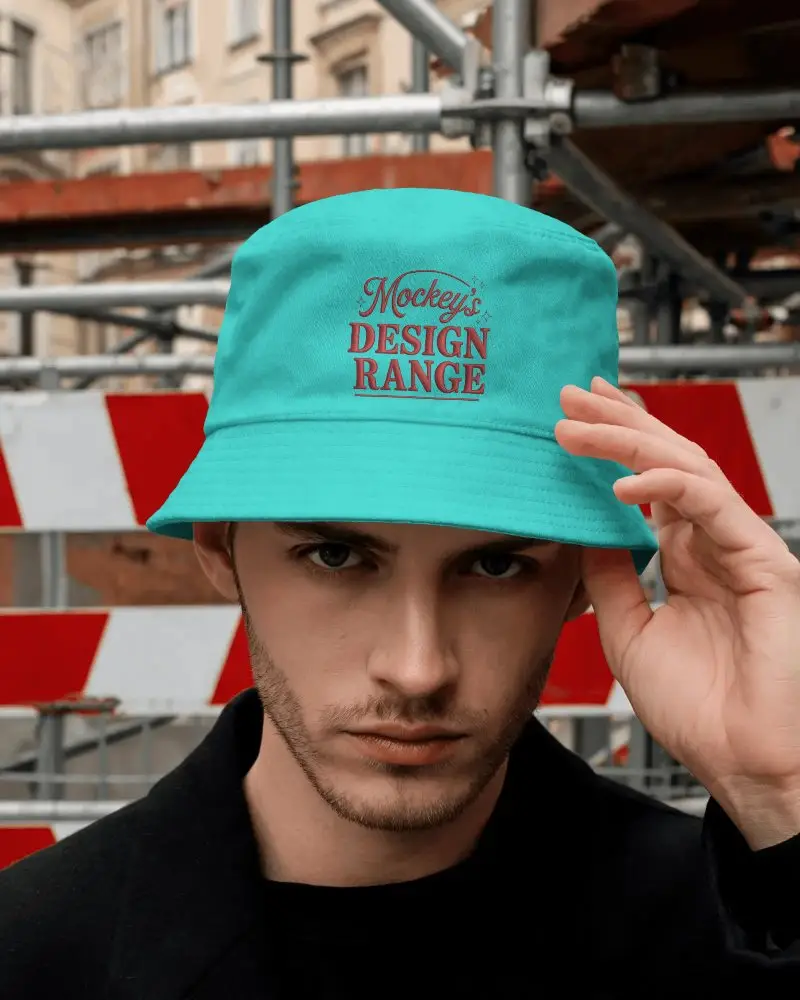
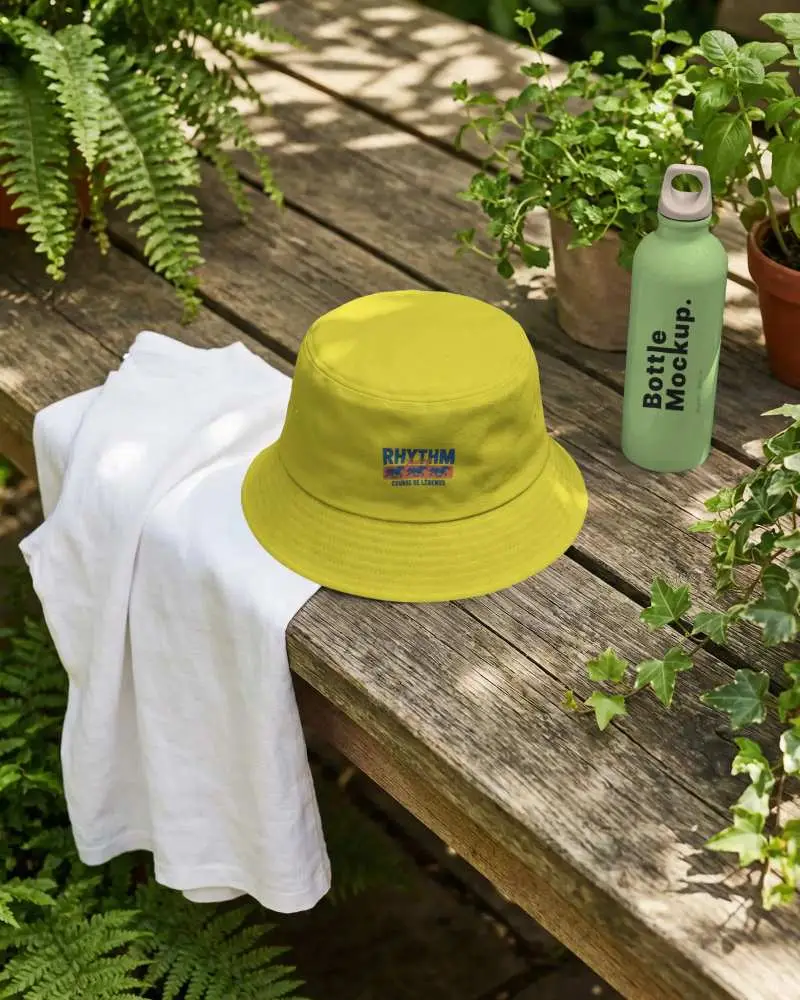



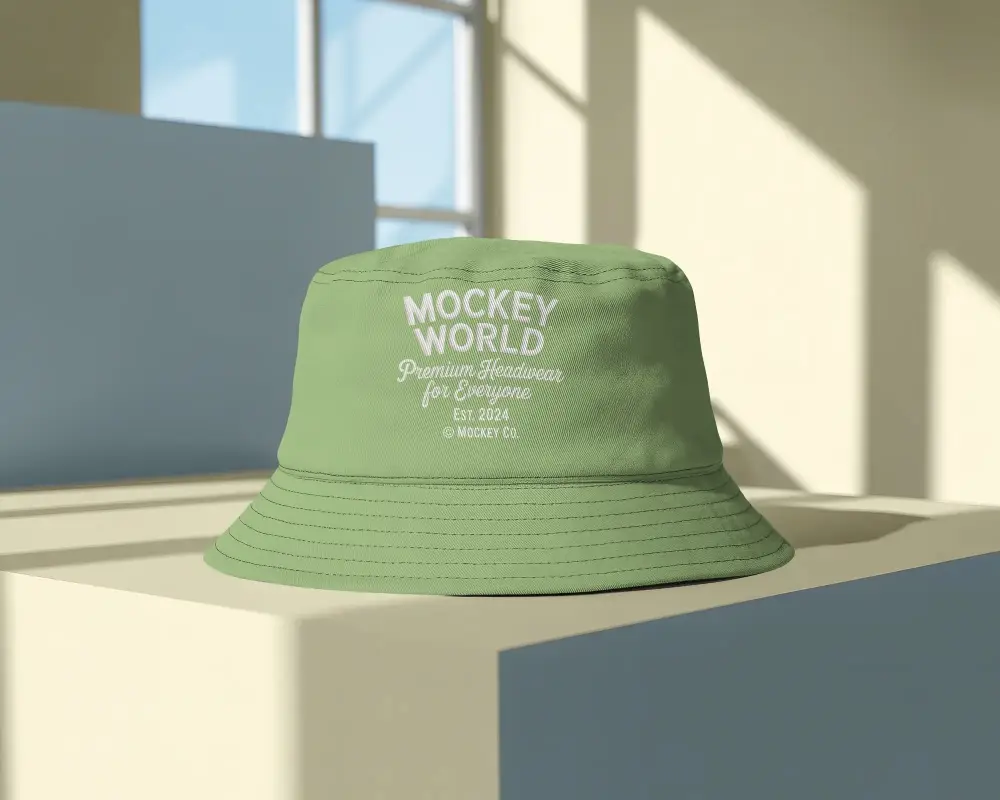
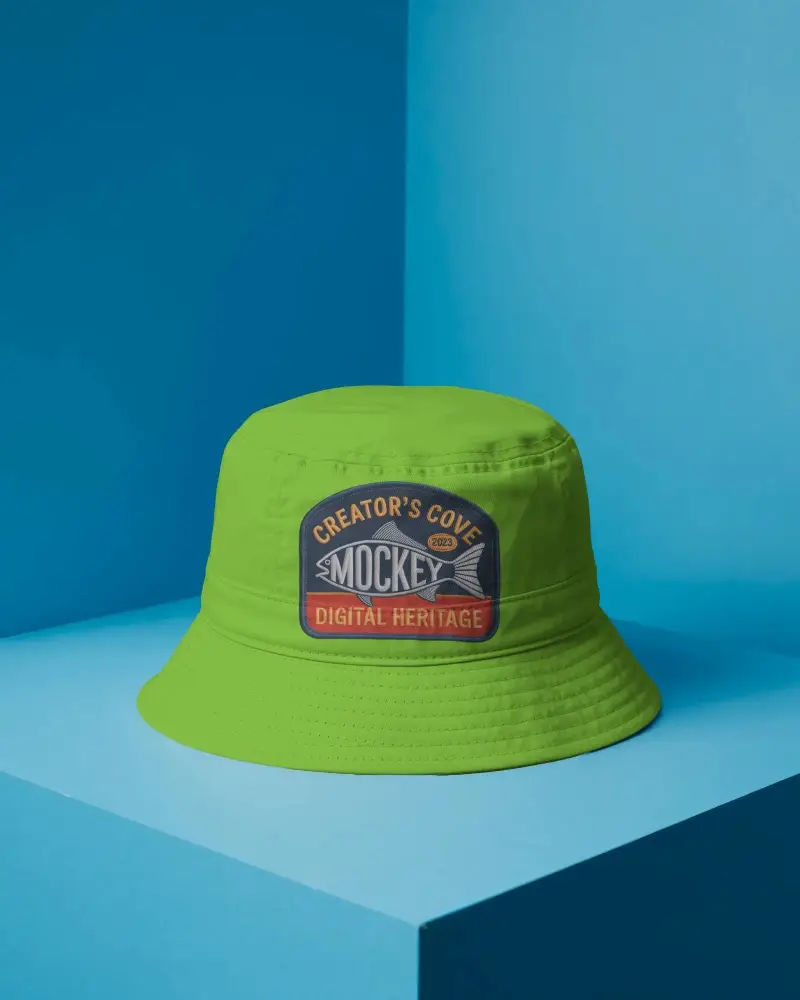
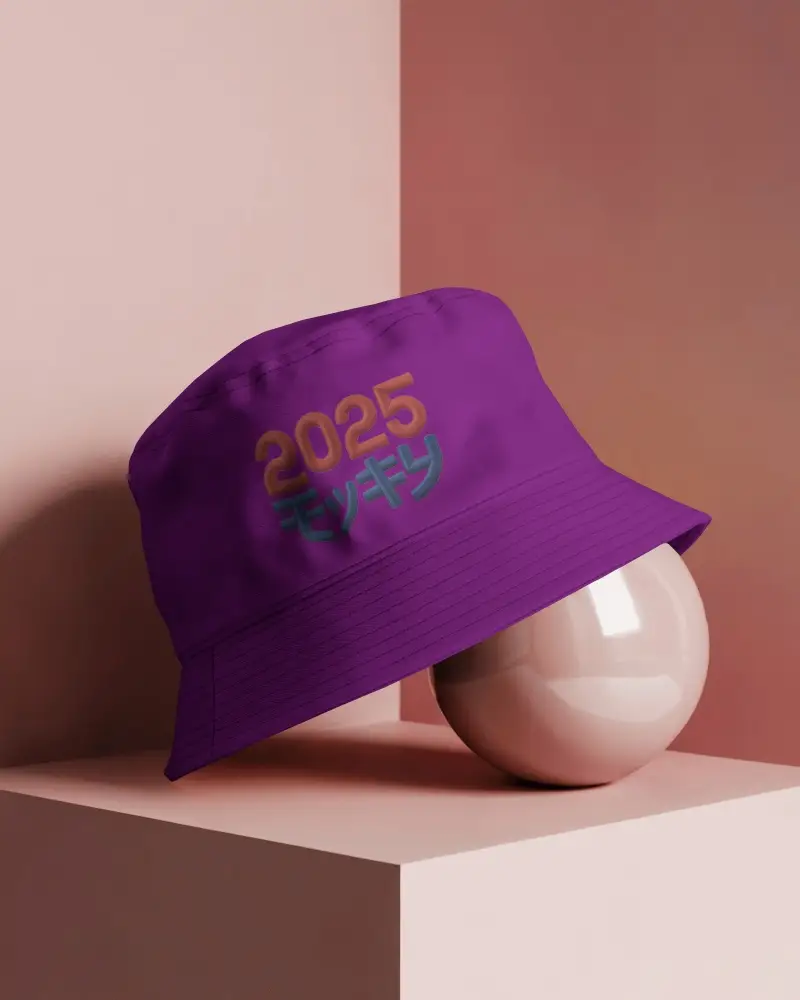
How to Create a Bucket Hat Mockup with Mockey
To create a bucket hat mockup:
- Step 1: Sign up or log in to Mockey.ai.
- Step 2: Go to ‘Mockups > Accessories > Hats’ and select the ‘Bucket Hat’ tag.
- Step 3: Upload your design, adjust colors or patterns, and download your mockup in JPG or PNG format.


FAQs on Bucket Hat Mockups
Who can use a bucket hat mockup?
Anyone who wants to display their custom design can use bucket hat mockups. Usually, merchandise sellers or fashion designers use them the most.
Is the bucket hat mockup good for print-on-demand?
Bucket hat mockups are best for print-on-demand because hats have always been a popular POD product. They’re also perfect for showcasing designs and boosting eCommerce sales.
Are there other hat mockups besides the bucket hat mockup?
Along with bucket hat mockups, you'll also find templates for hat mockups, trucker hat mockups, and many more. You can easily customize these hat mockups and download them in PNG format.
Can I create bucket hat mockups in video format, too?
You can create bucket hat mockups in video format if you want. Mockey AI’s video mockup catalog has plenty of hat templates, including bucket hats. Just upload your design, edit it, and download the hat video mockups in MP4 format.
