Create Mockups in Claude & ChatGPT With Mockey AI MCP
Set up Mockey AI MCP in Claude or ChatGPT to create product mockups right in the conversation. Add the server URL, authorize your Mockey account, and start creating mockups for product listings, apparel designs, or packaging.
Works with your AI assistant

 ChatGPT
How to Connect Mockey to Your AI Assistant
How to connect Mockey to Claude or ChatGPT
Copy the MCP Server URL
Copy Mockey’s MCP server URL to use when setting up the connection in your AI assistant.
Connect Mockey to your assistant
Create mockups straight from the chat — no downloading and re-uploading.
ChatGPT Connect to Your AI Assistant
Add the server URL to your assistant’s connector settings and authorize your Mockey account if prompted.
 Add Connector
Authorize Mockey
Start Creating Mockups
Describe the product mockup you want in your AI conversation and let Mockey help generate it.

Create Mockups Faster, Right Where You Work
Mockey’s MCP server handles the hard part so that you can focus on describing the mockup you want.
Describe the product and scene you want, and create mockups without building each scene from scratch.
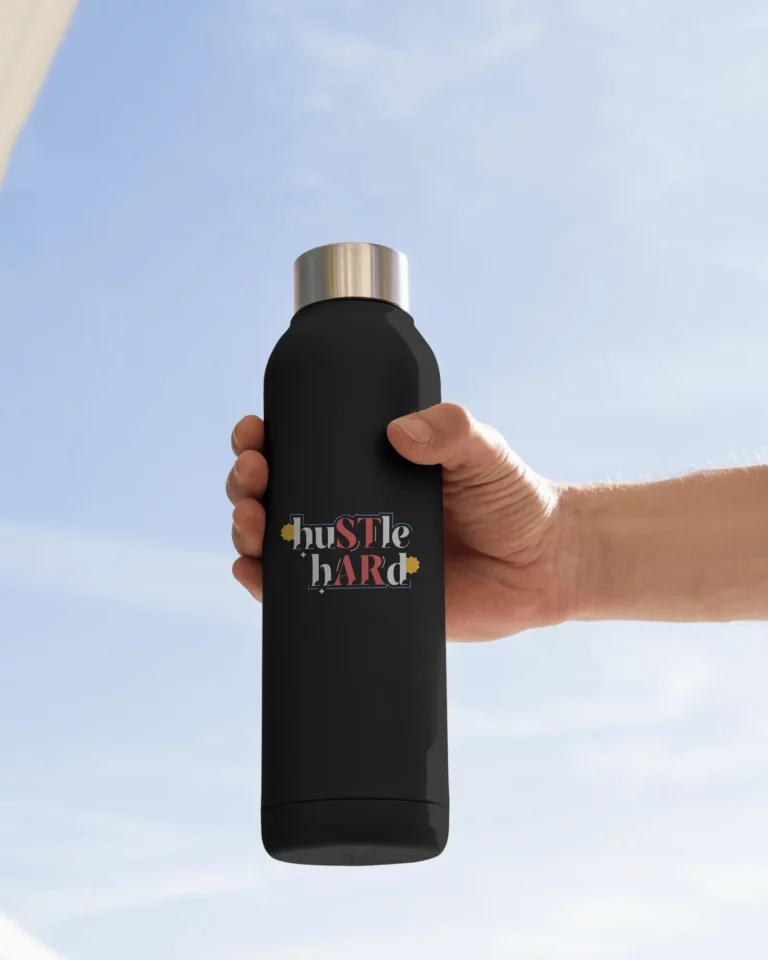

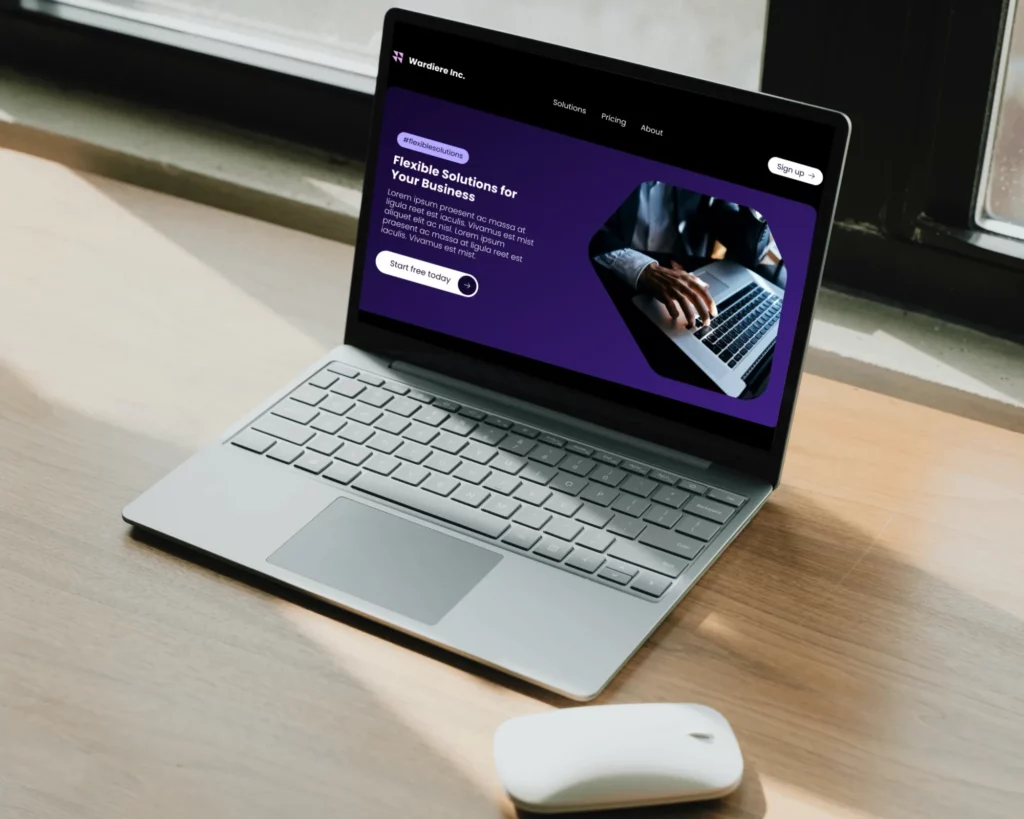

What can you create with our mockup MCP?
Turn your ideas into mockups through chat without switching apps.
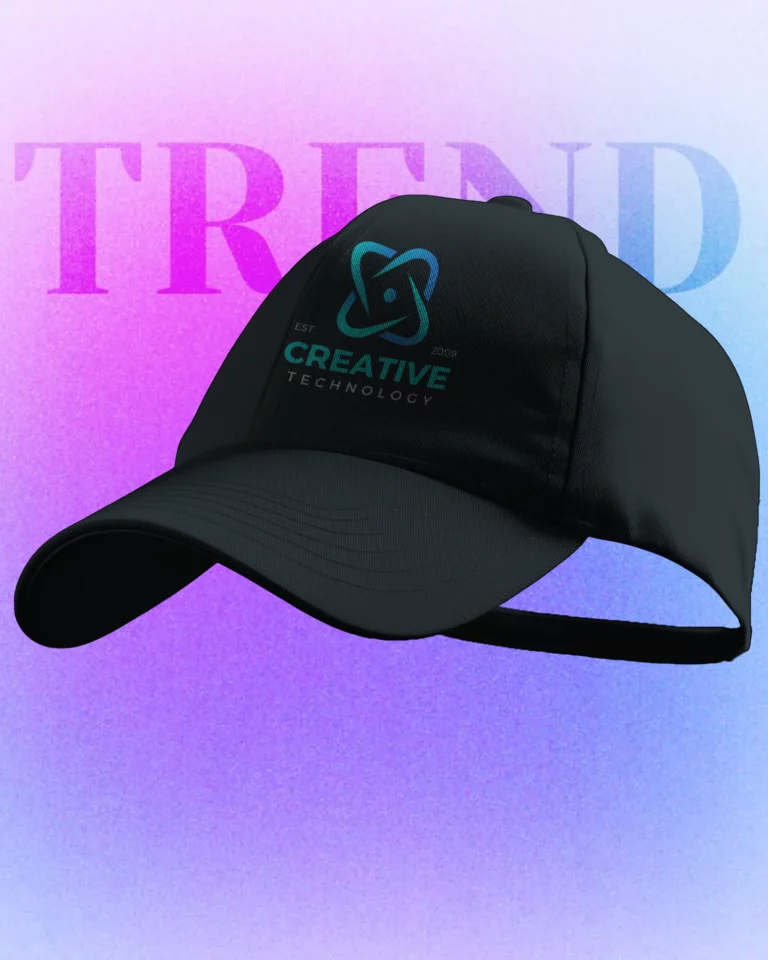
Apparel, Accessories & Jewelry
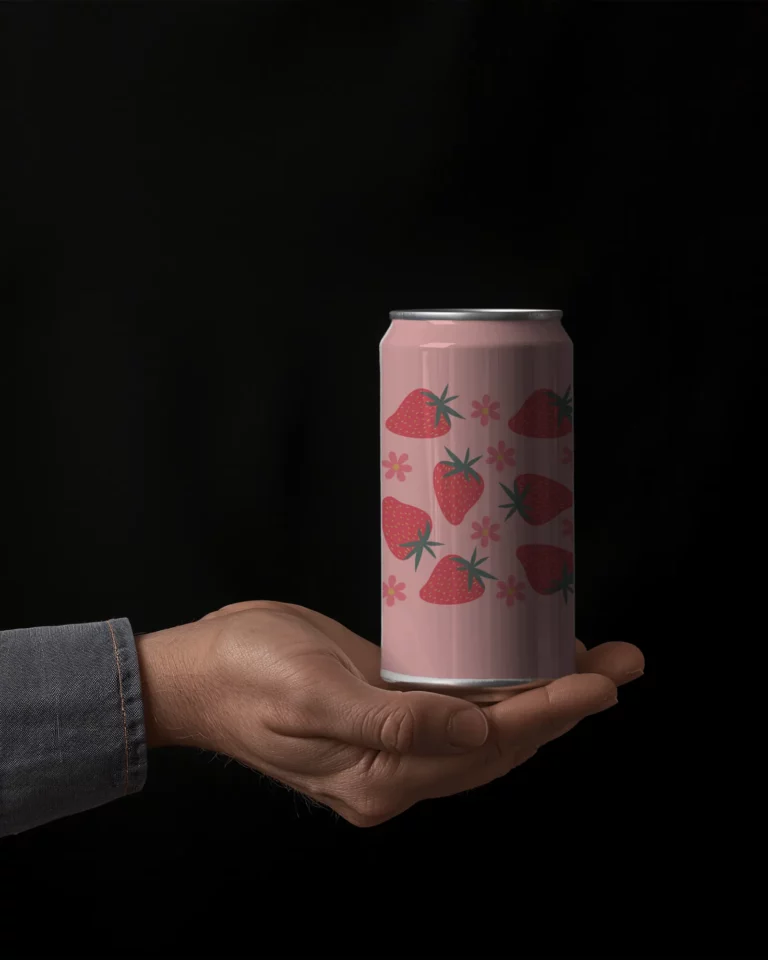
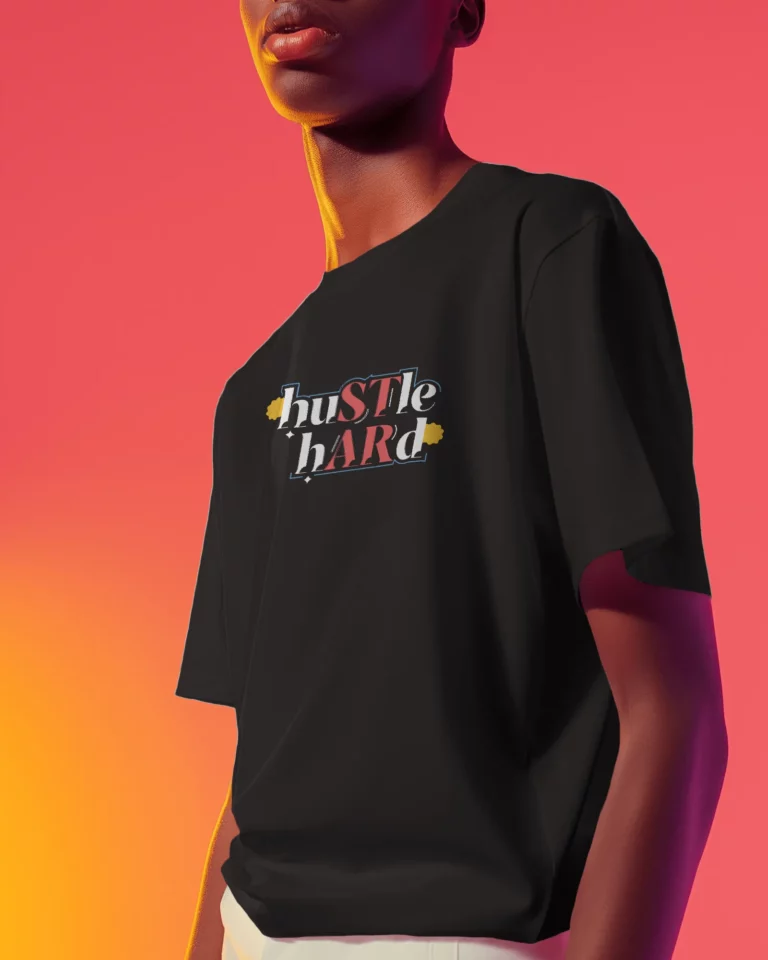
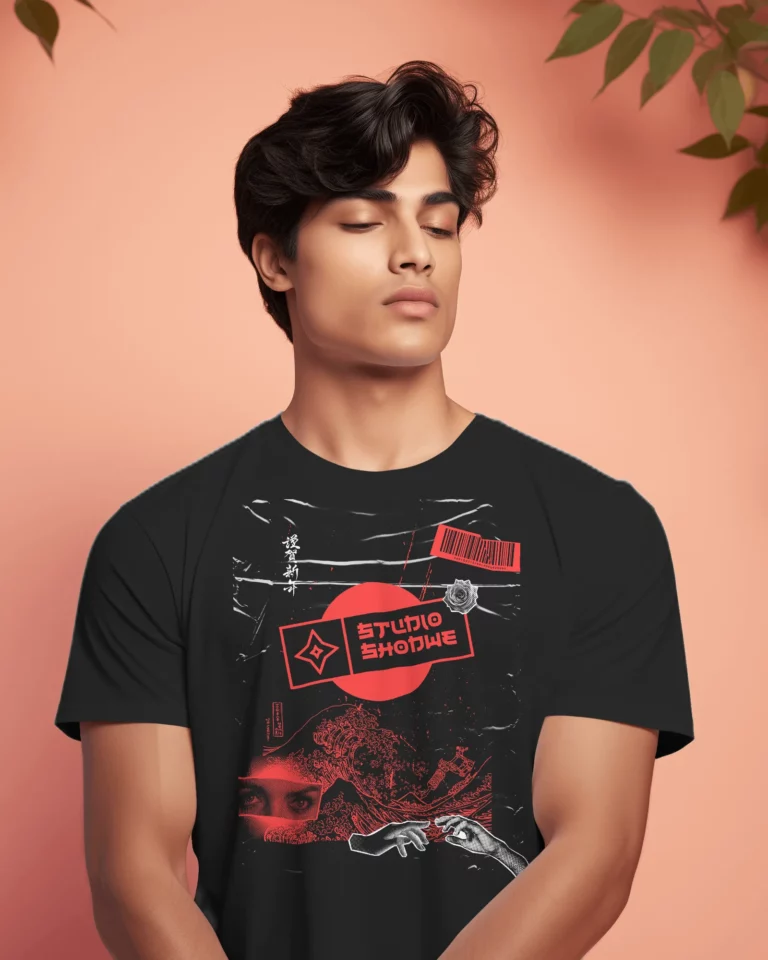
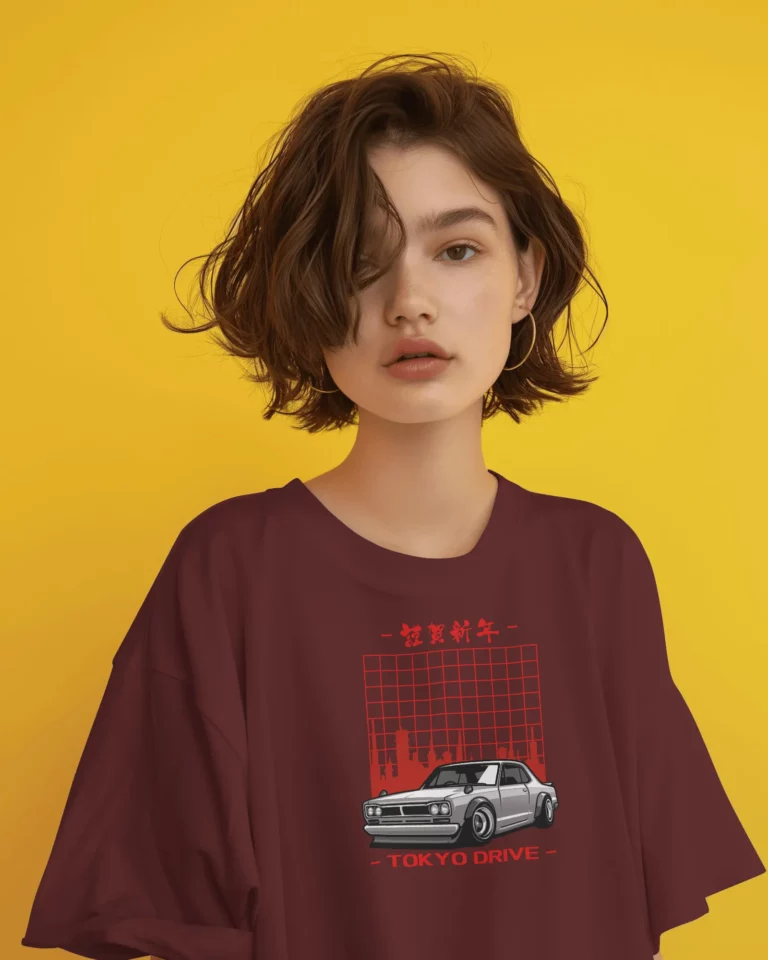
Showcase clothing, bags, and jewelry beyond flat product images.
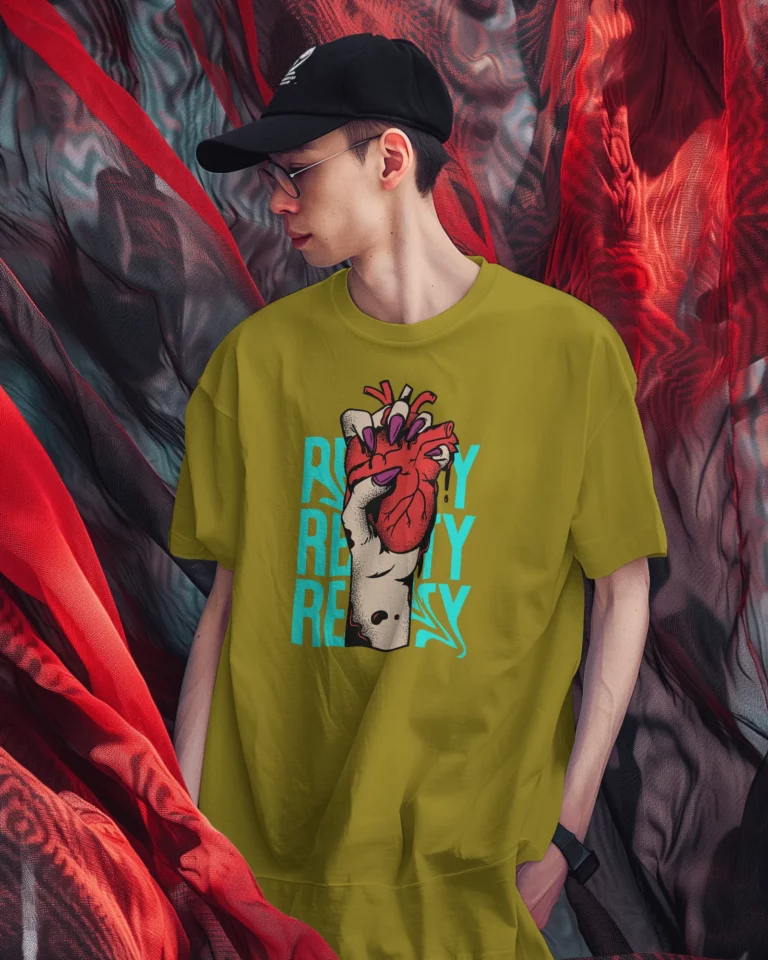

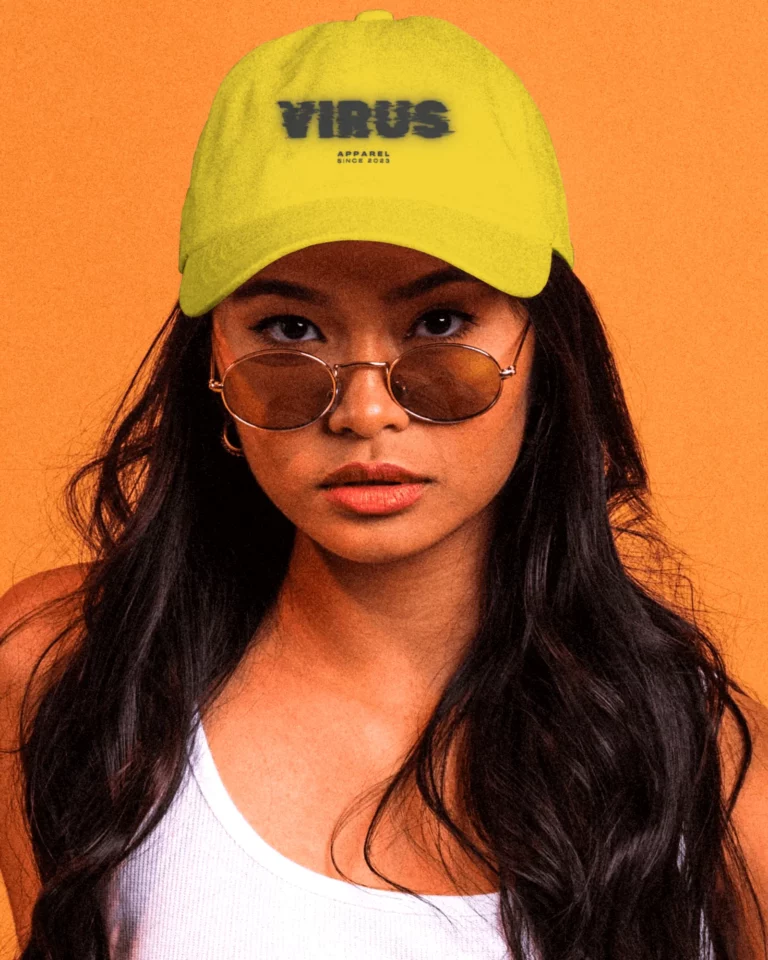
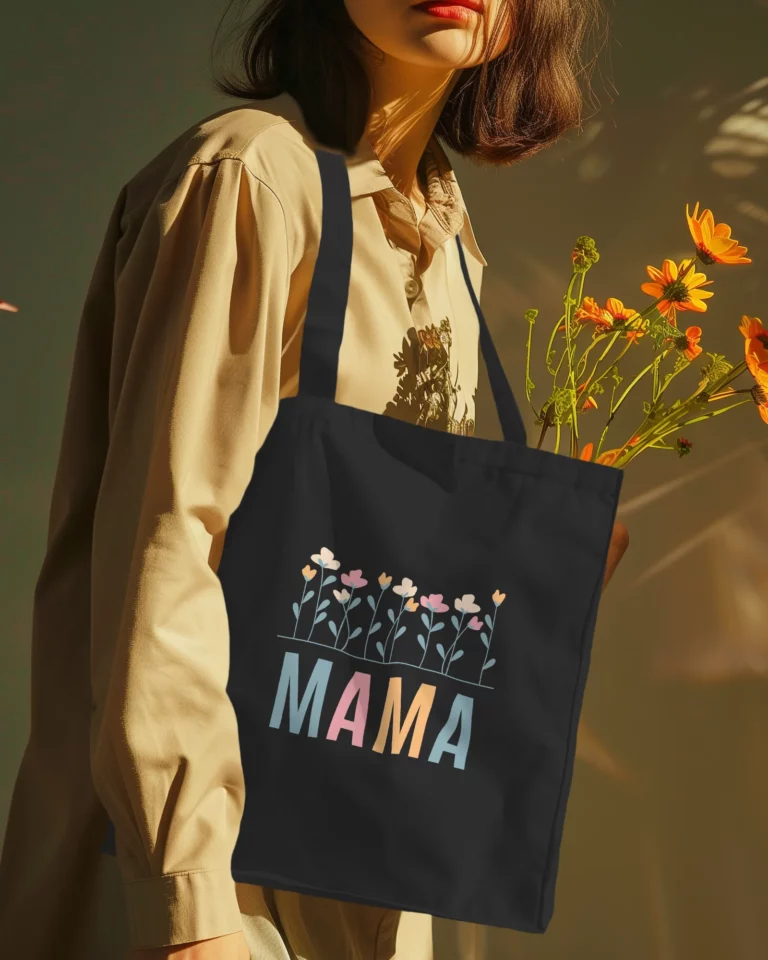
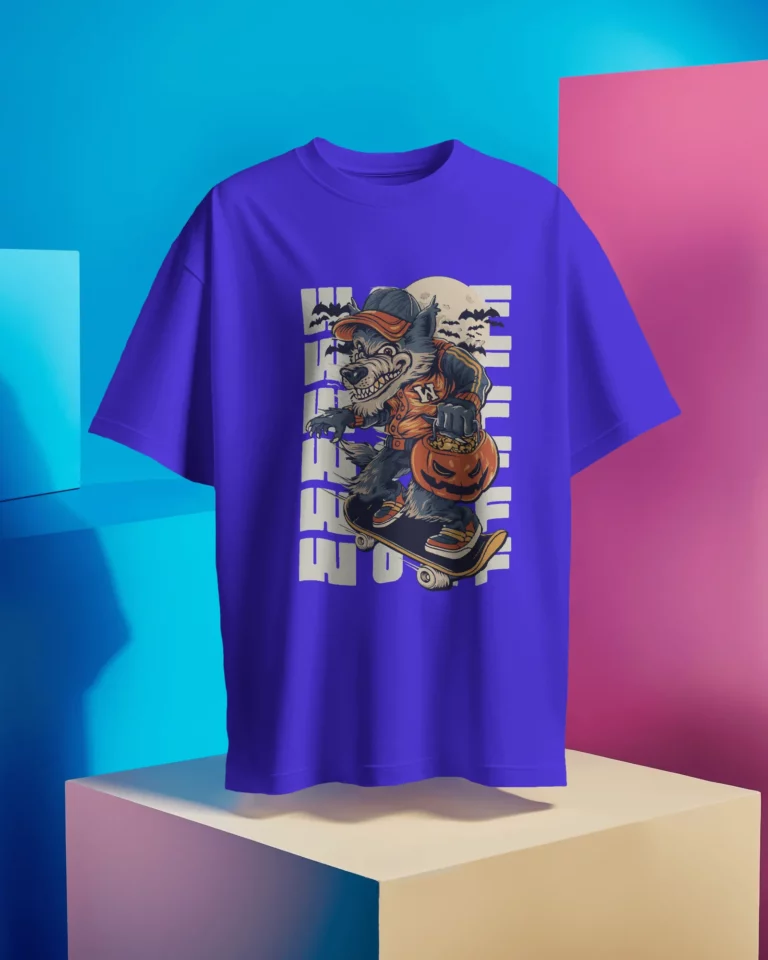
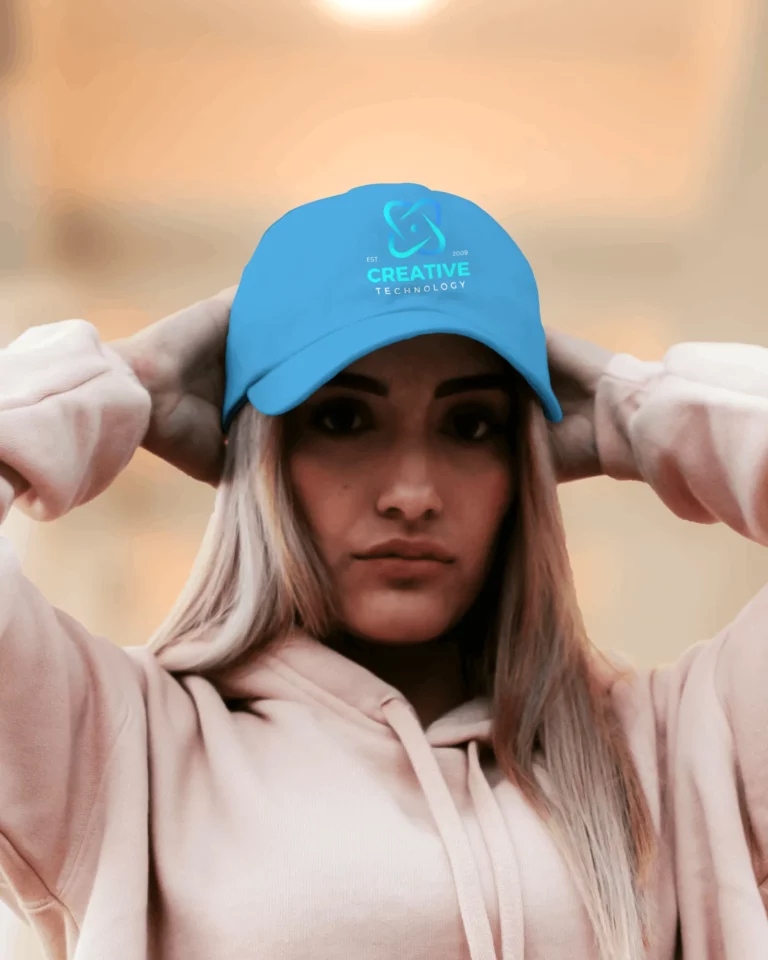

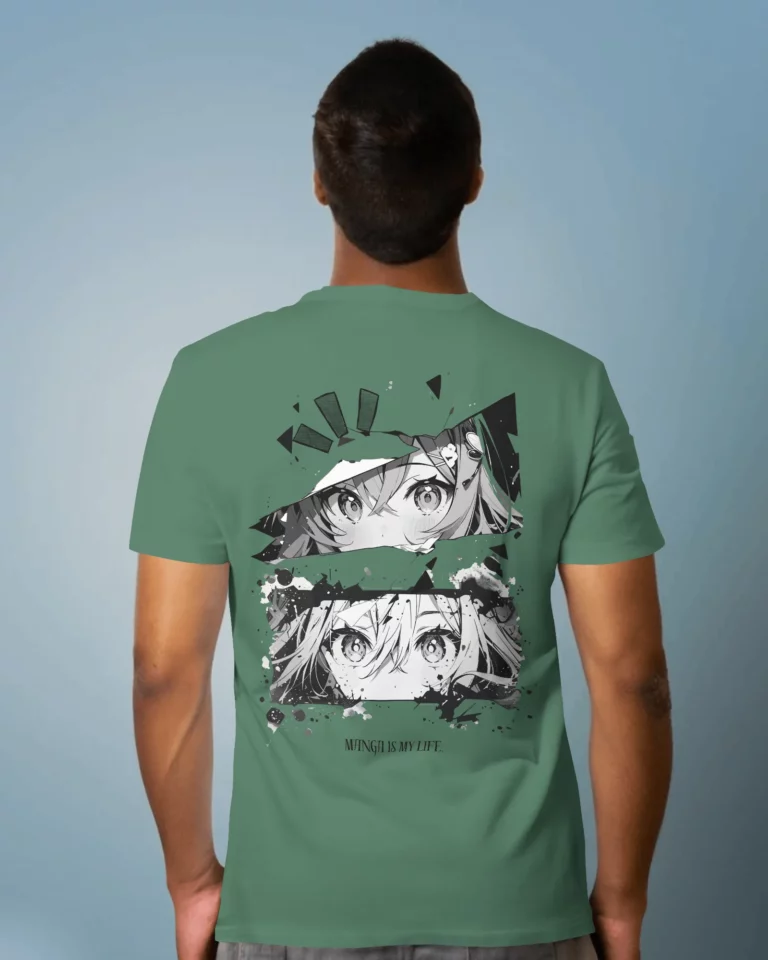
AI Preview
Packaging, Print & Seasonal Designs
Preview your designs on packaging, printed products, and seasonal merchandise.

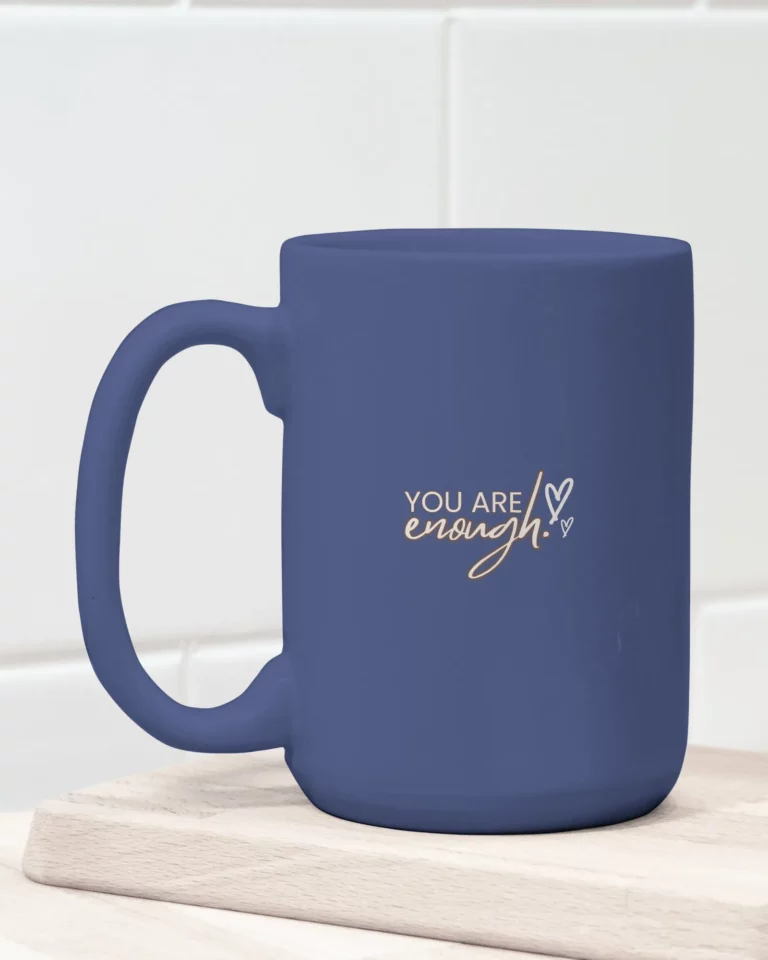
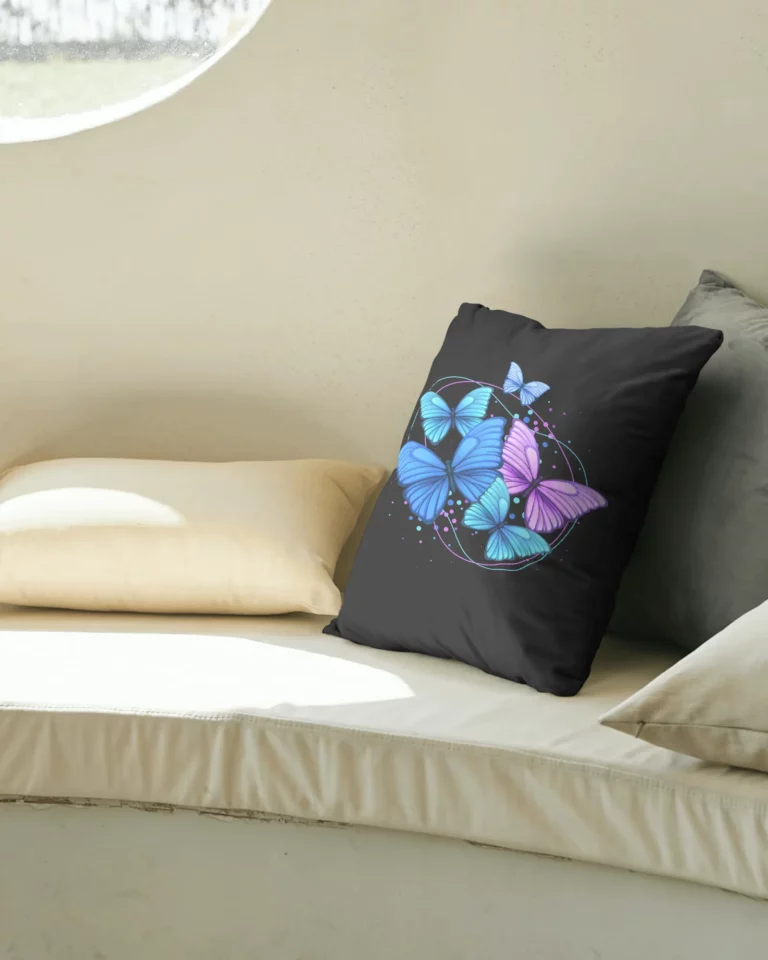
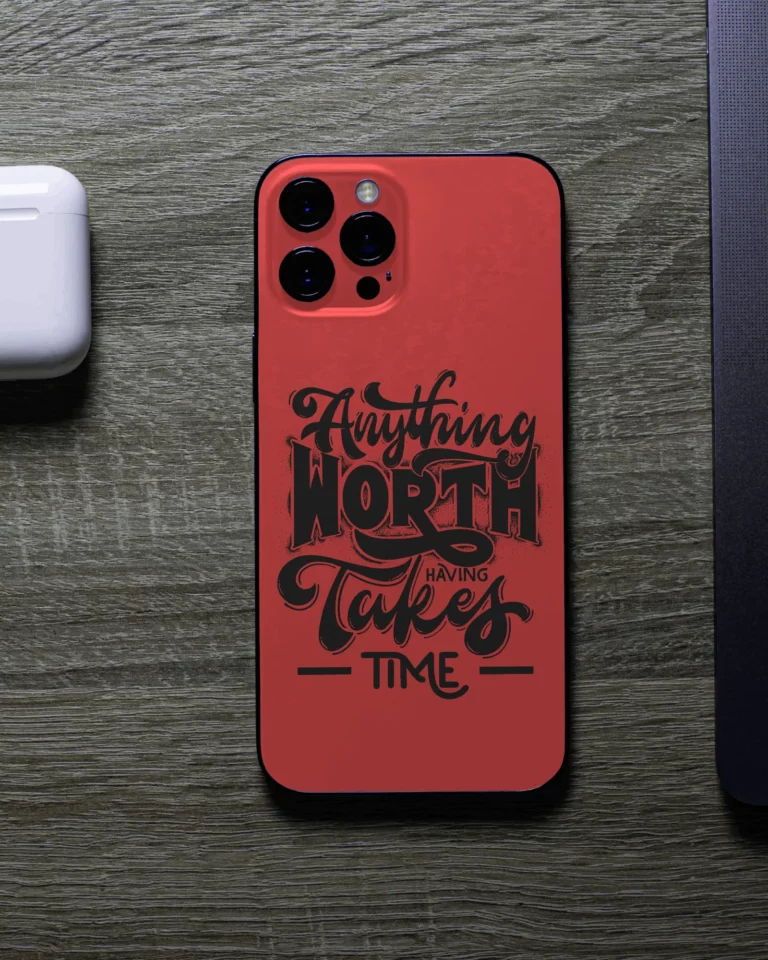
Home, Tech & Everyday Products
Give everyday products a perfect look for store listings and promotions.
FAQs
01 How does an MCP server differ from a standard API?
With an API, a developer usually reads the documentation and writes code to connect everything. An MCP server handles that connection logic in a standard way, so an AI model can discover available tools, figure out what information each one needs, and call them without a developer having to hardcode every action.
02 How can Claude use the mockup MCP server to apply artwork realistically to fabric folds and shadows?
A logo shouldn't look like it's floating on top of a shirt. With Mockey’s MCP server, you can tell Claude where you want the logo, like the left chest. Claude passes that instruction to Mockey, which adjusts the design to fit the shirt.
03 Which AI assistants support the Mockey AI MCP server?
You can use Mockey’s MCP server with Claude or ChatGPT.
04 Do I need an API key or coding skills to set it up?
You’ll need a Mockey Starter plan to get started. Once you have one, add the mockup MCP server URL to your assistant’s connector settings and sign in. No code or API keys to deal with.
05 Is my data safe and secure?
Yes, your Mockey account controls the connection. The assistant can use the tools you've connected, and any generations happen in your workspace. You can also remove the connection from your assistant's settings whenever you want.
Get Your MCP Key With an Affordable Plan
Access your MCP key with plans starting at just $7-$9.90/month and connect Mockey to your AI assistant without paying for an expensive subscription.
View Pricing