Free Label Tag Mockups for Branding & Product Design
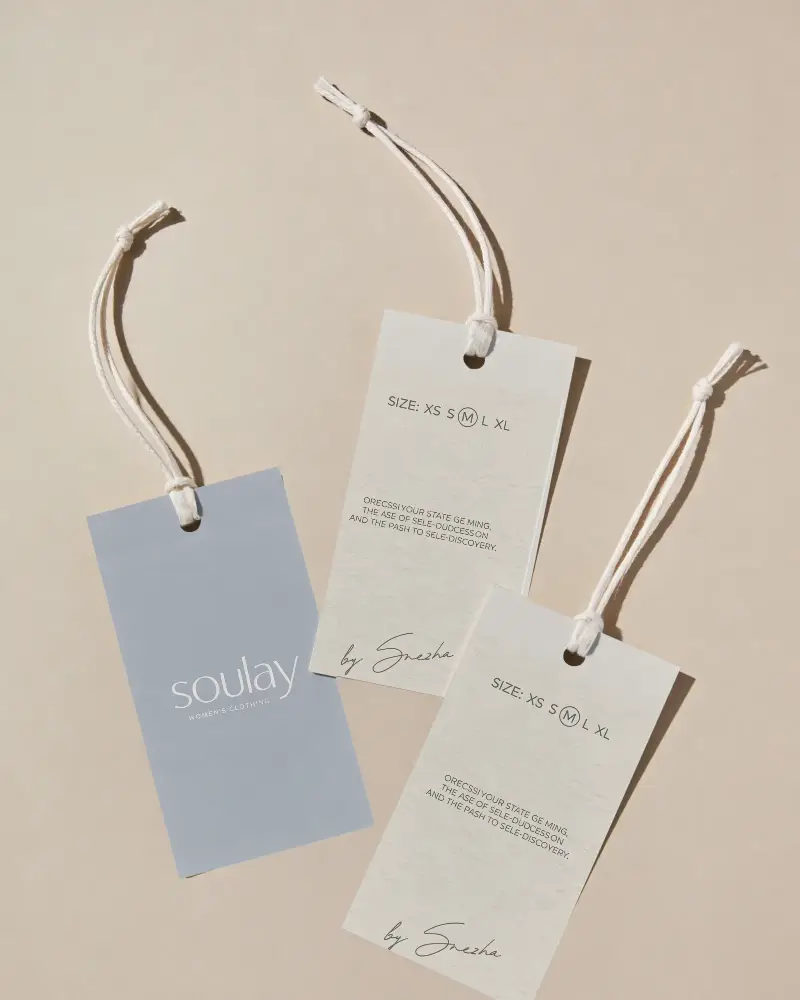
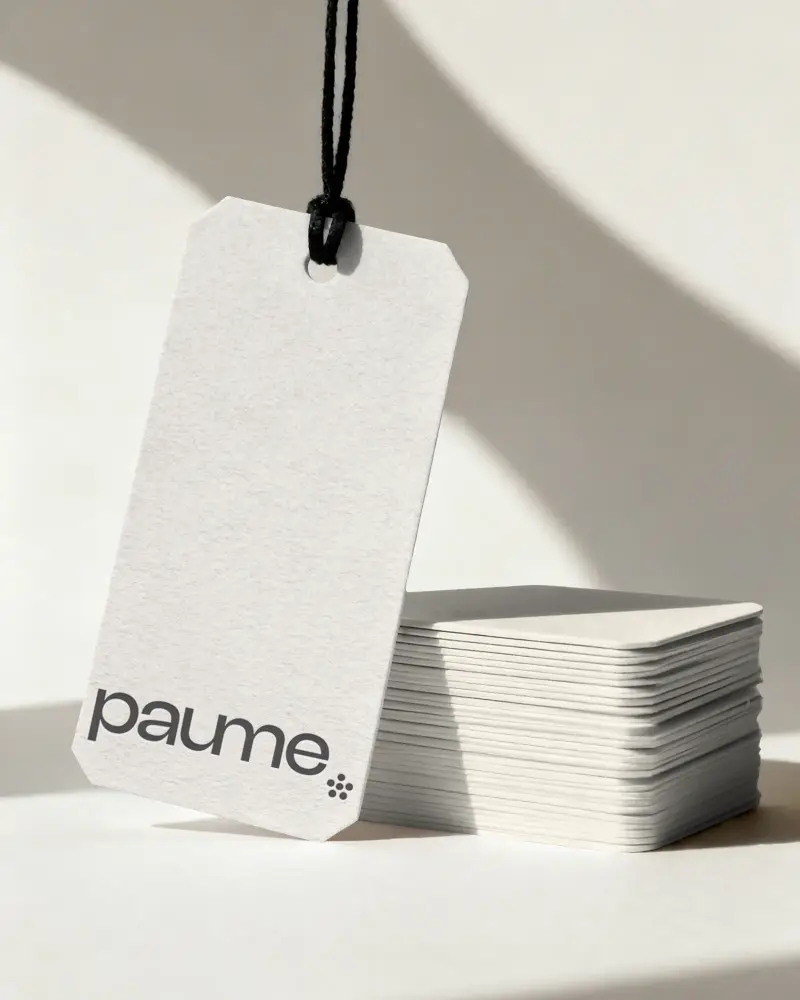
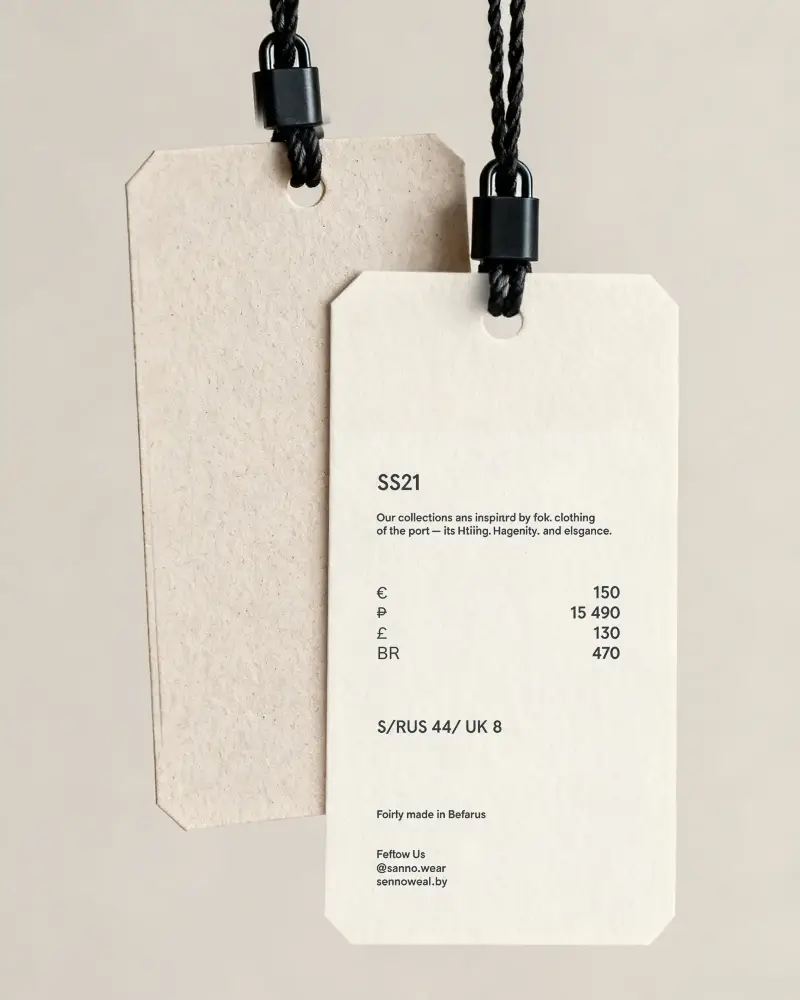
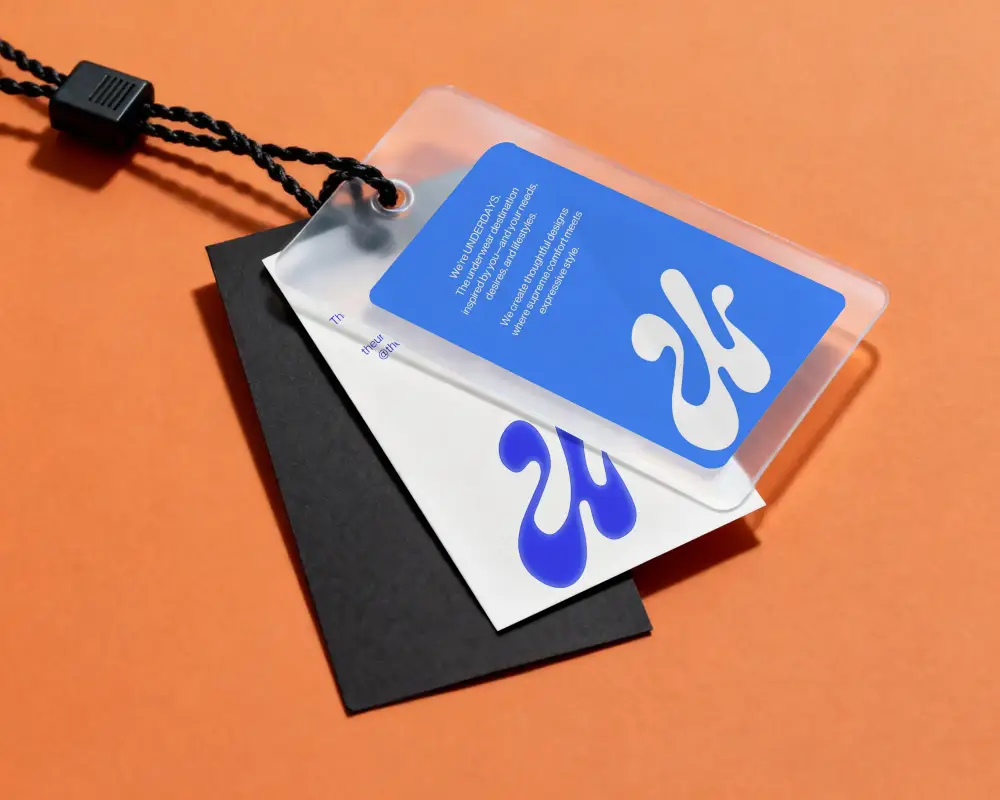
Discover free label mockups that help you present your packaging and branding ideas with clarity and impact. Add your designs to labels on clothing tags, jars, boxes and more. Create clean, realistic visuals in just a few steps and make your product look ready for market without any complex tools.
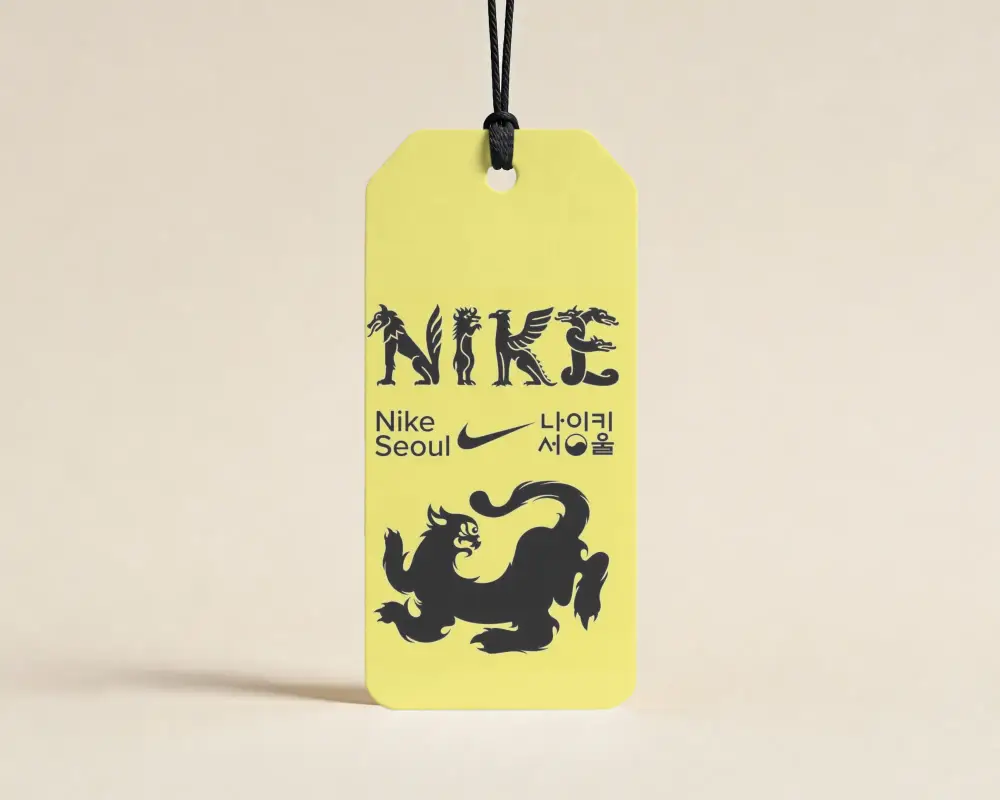
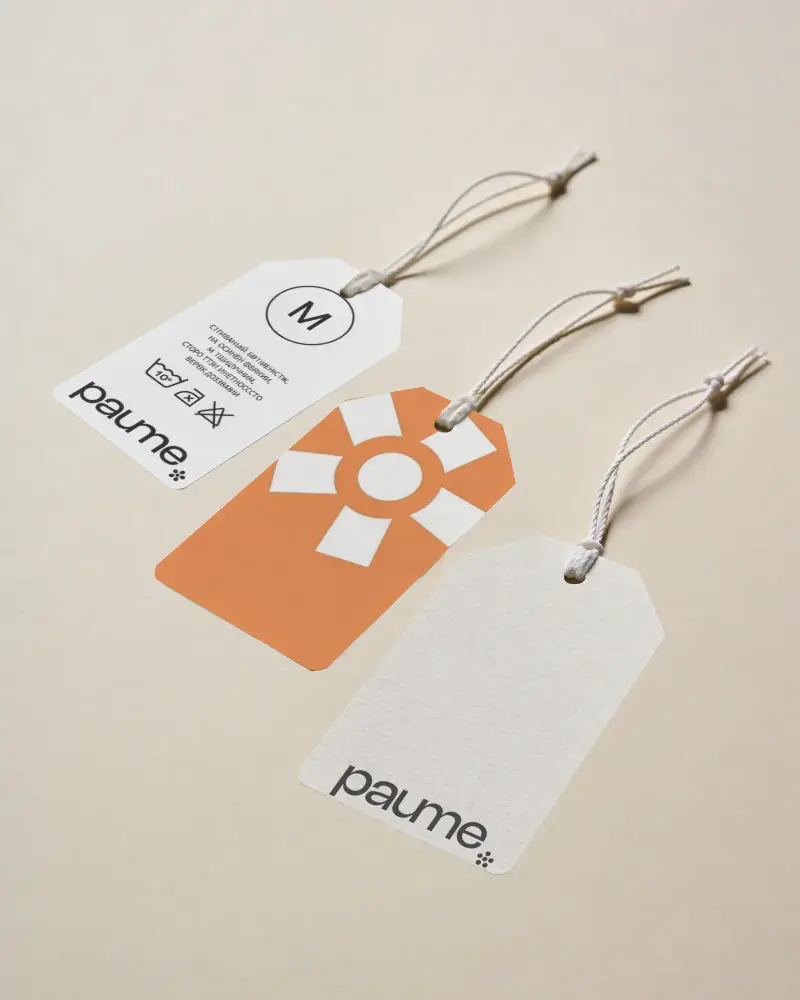
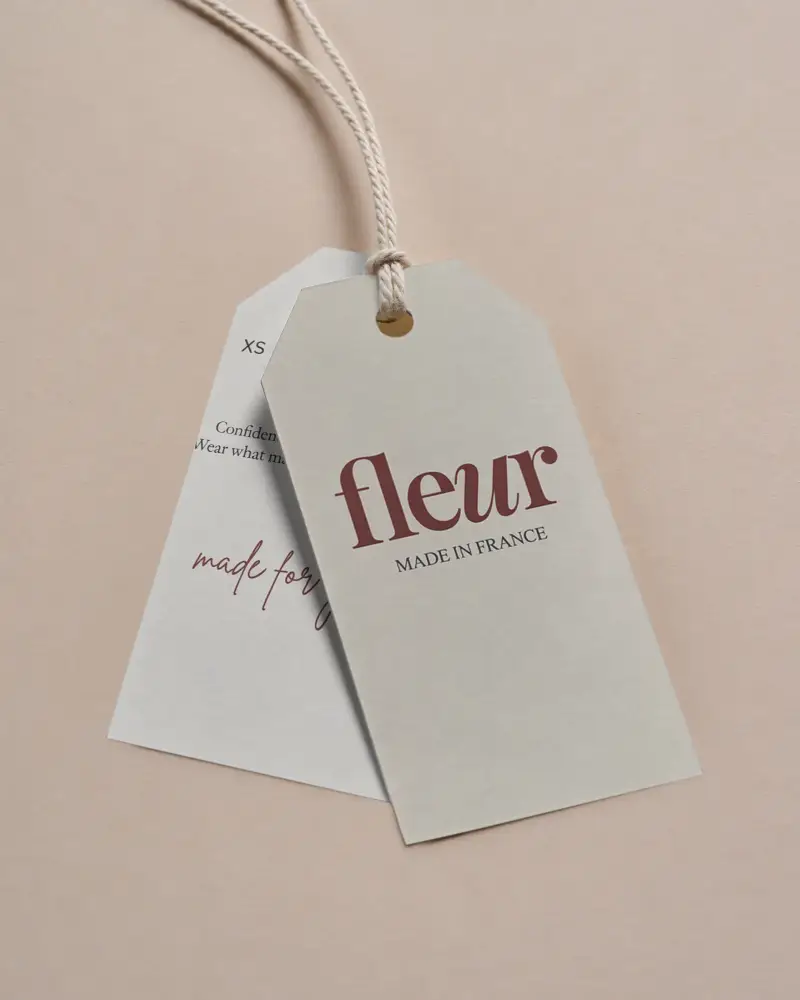
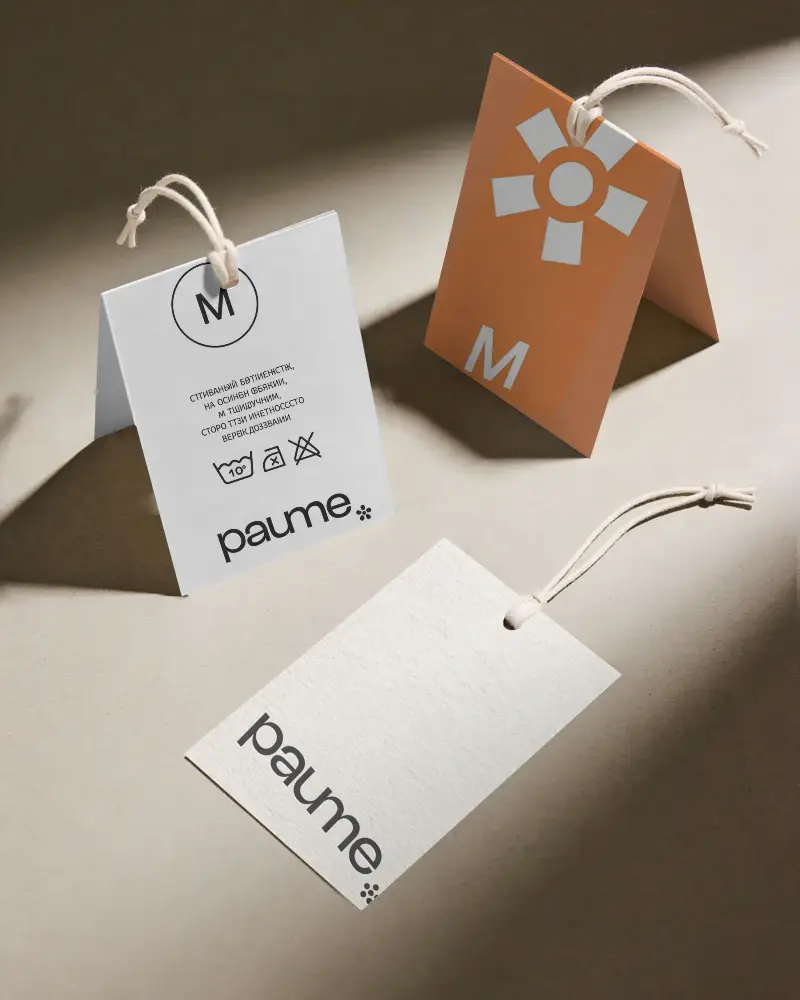
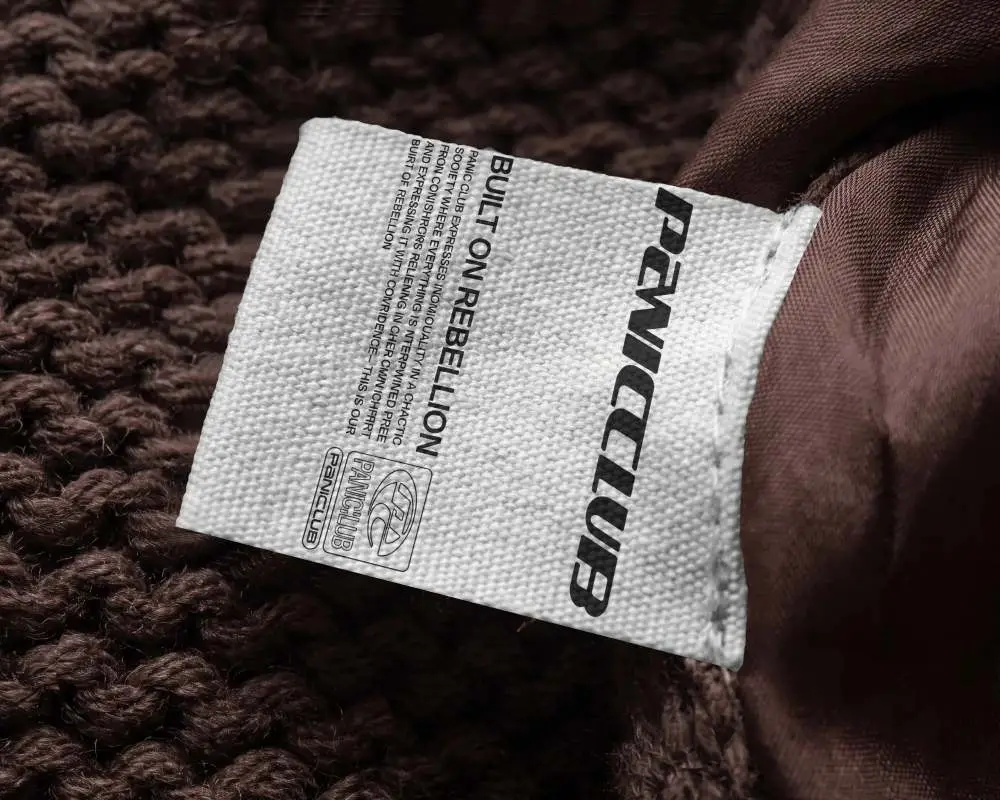
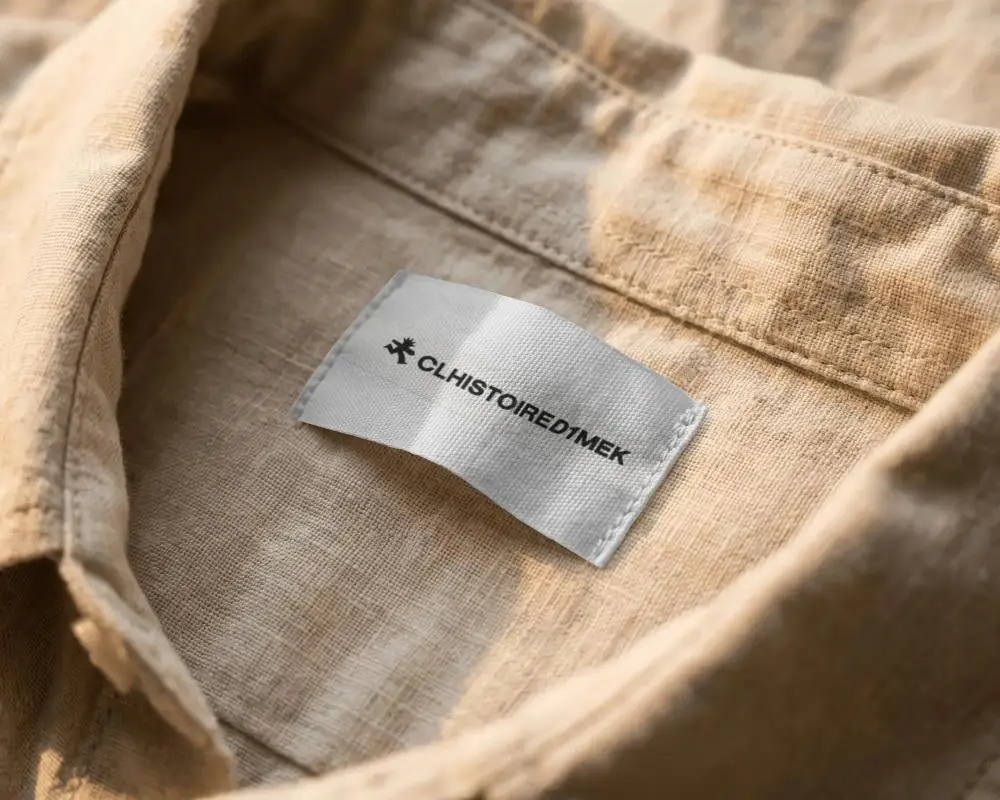
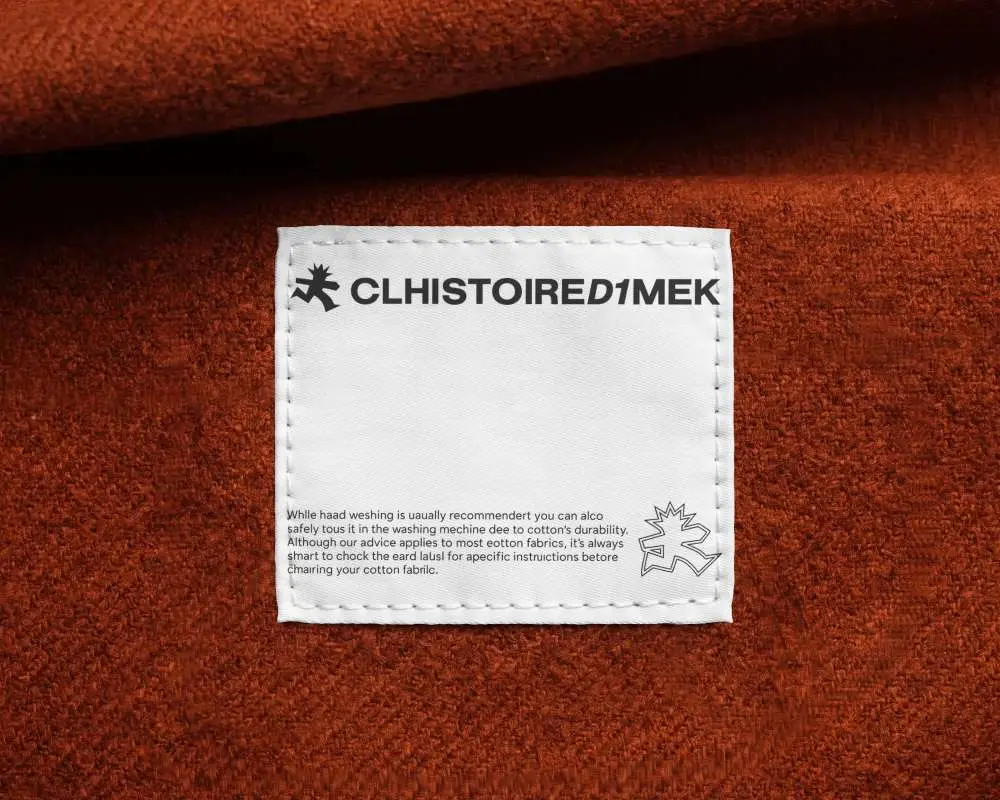
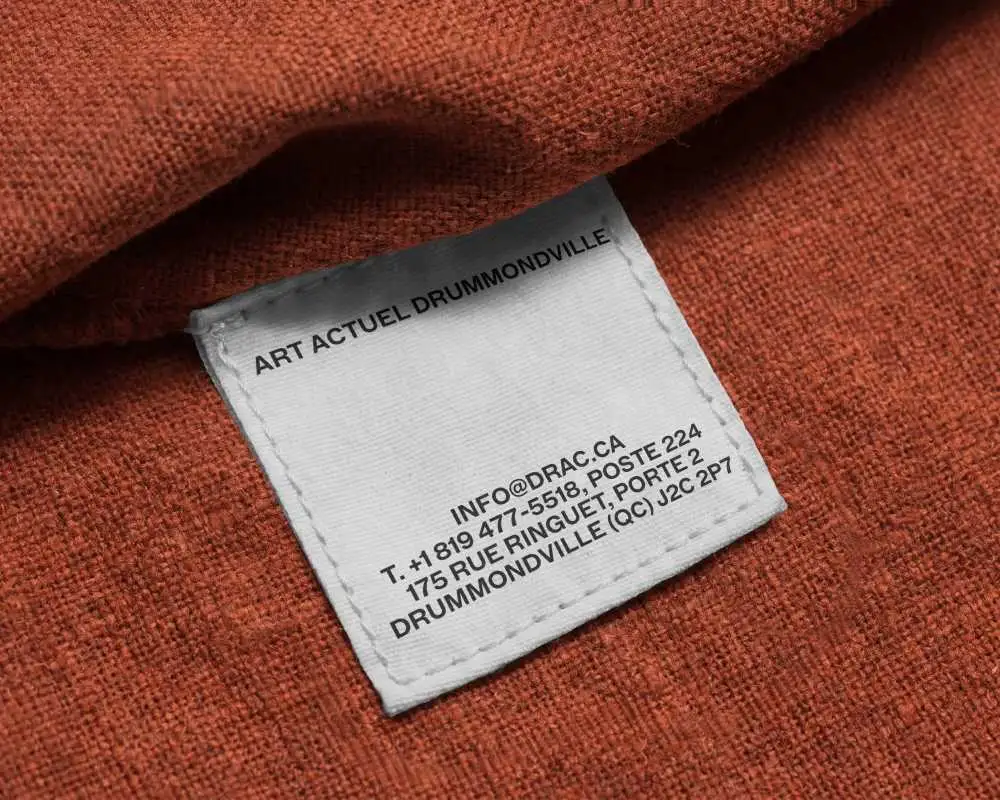
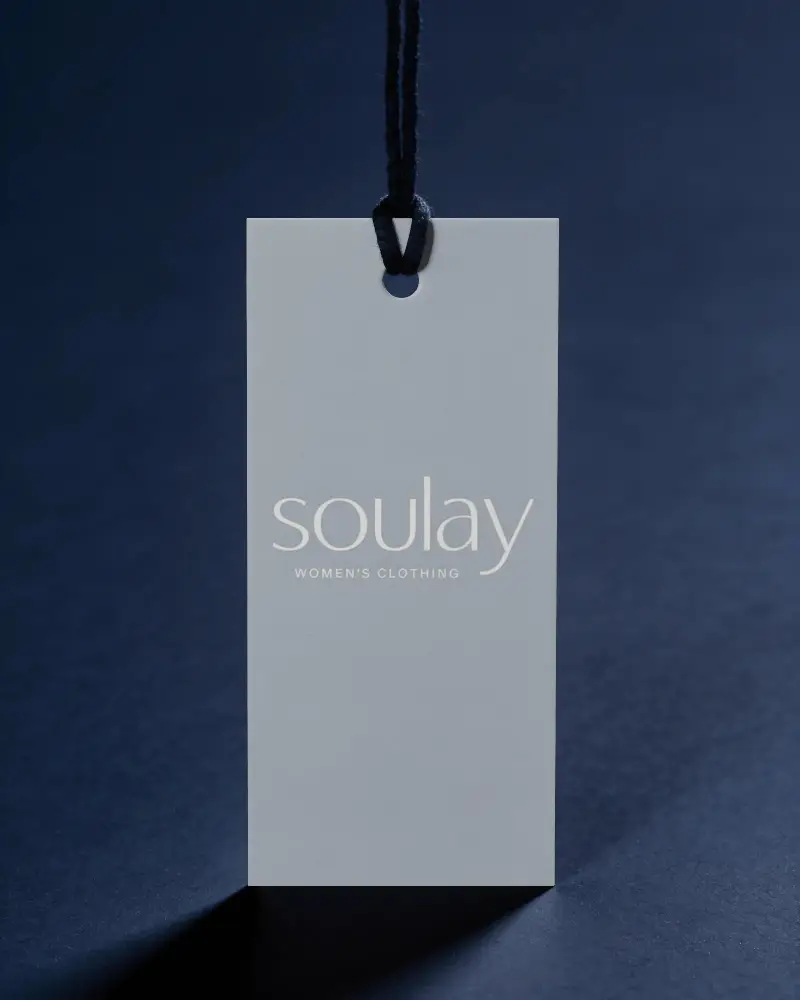
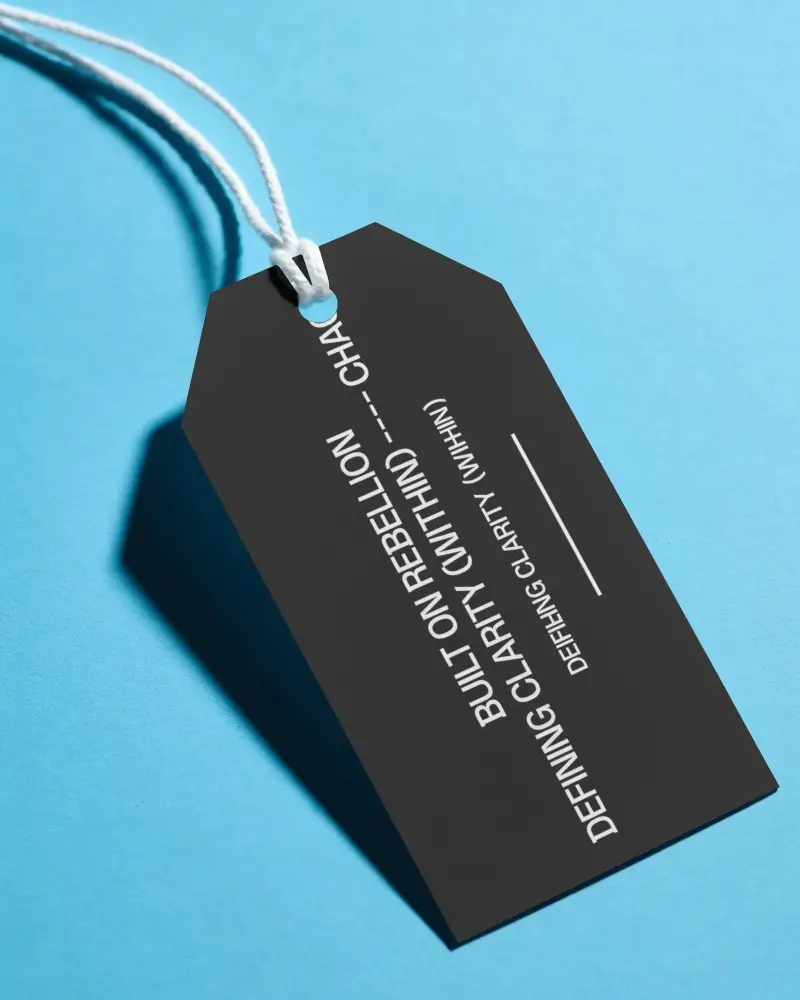
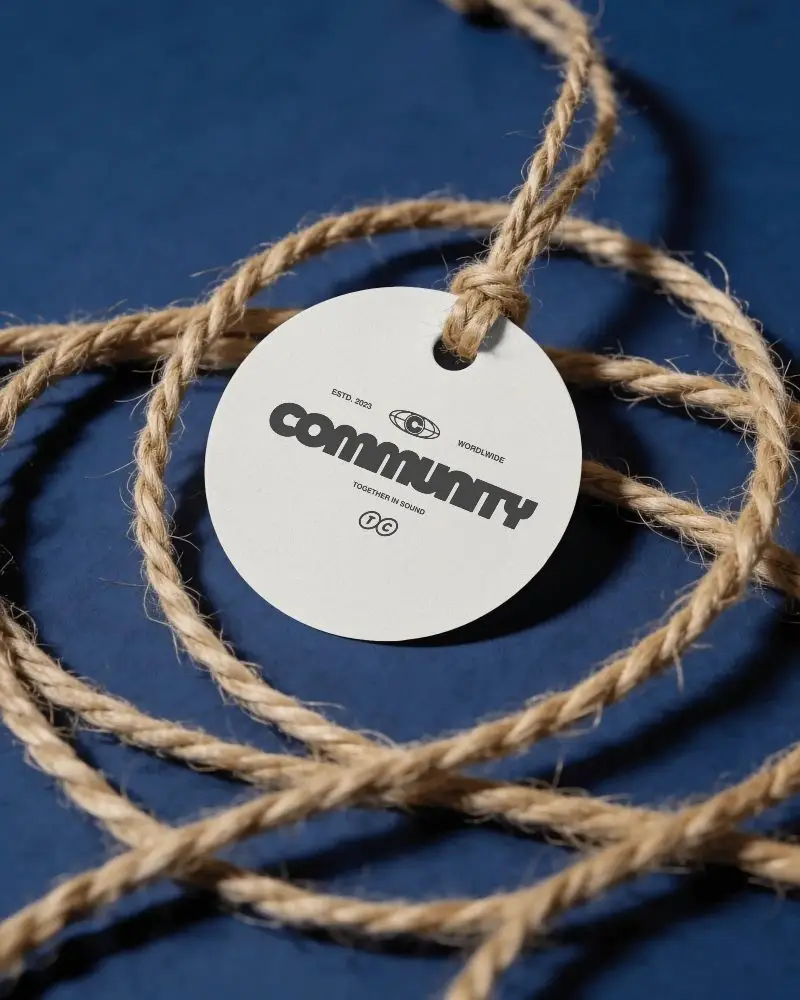
How to Create a Label Mockup
To create a label mockup:
- Step 1: Select a label template from Mockey, like for clothing, a bag, or in a round shape.
- Step 2: Upload the image, change colors, and adjust.
- Step 3: Save the label mockup in high-quality PNG or JPG format after clicking Download.


FAQs on label Mockups
What is a label tag mockup?
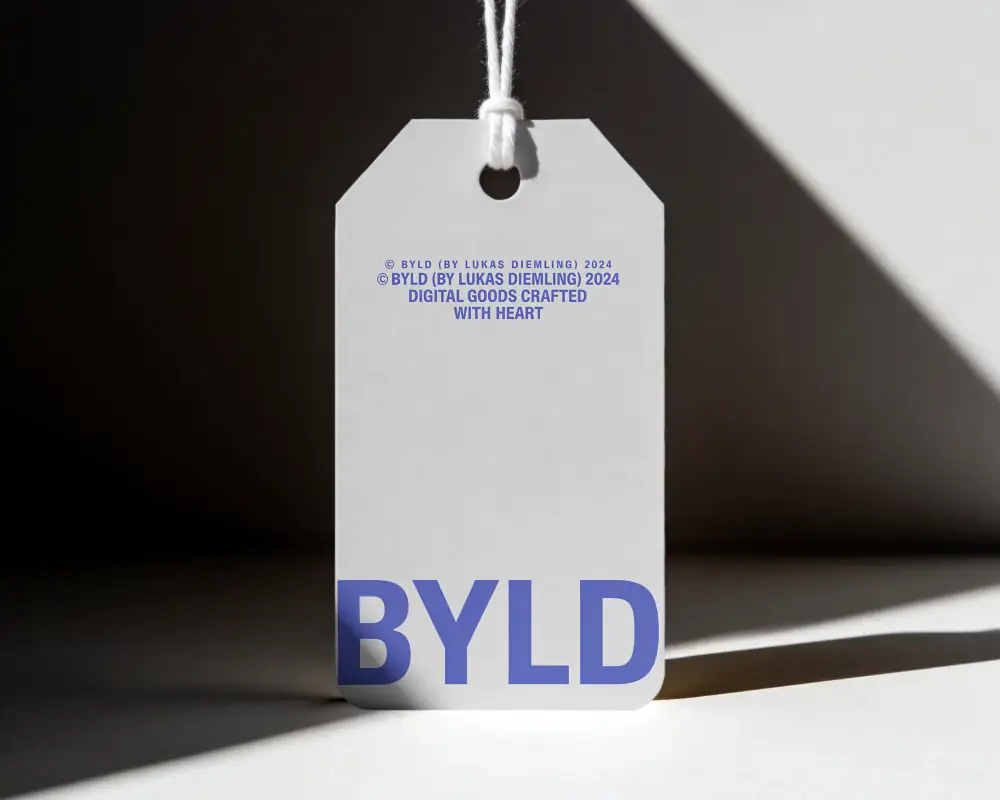
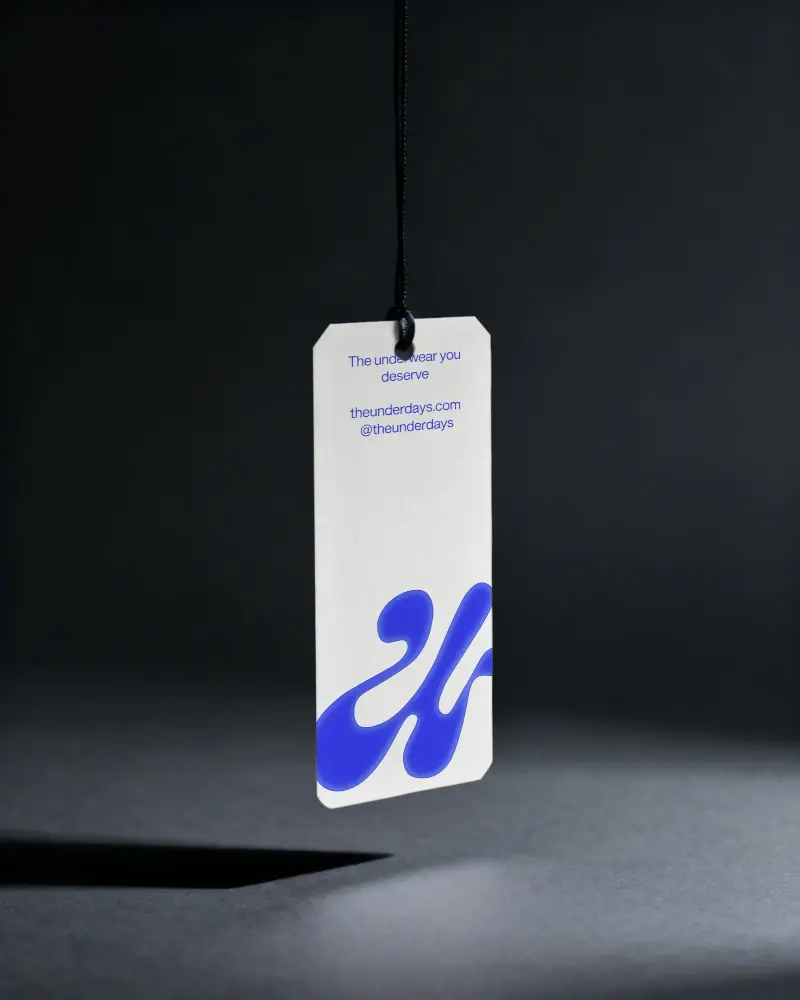
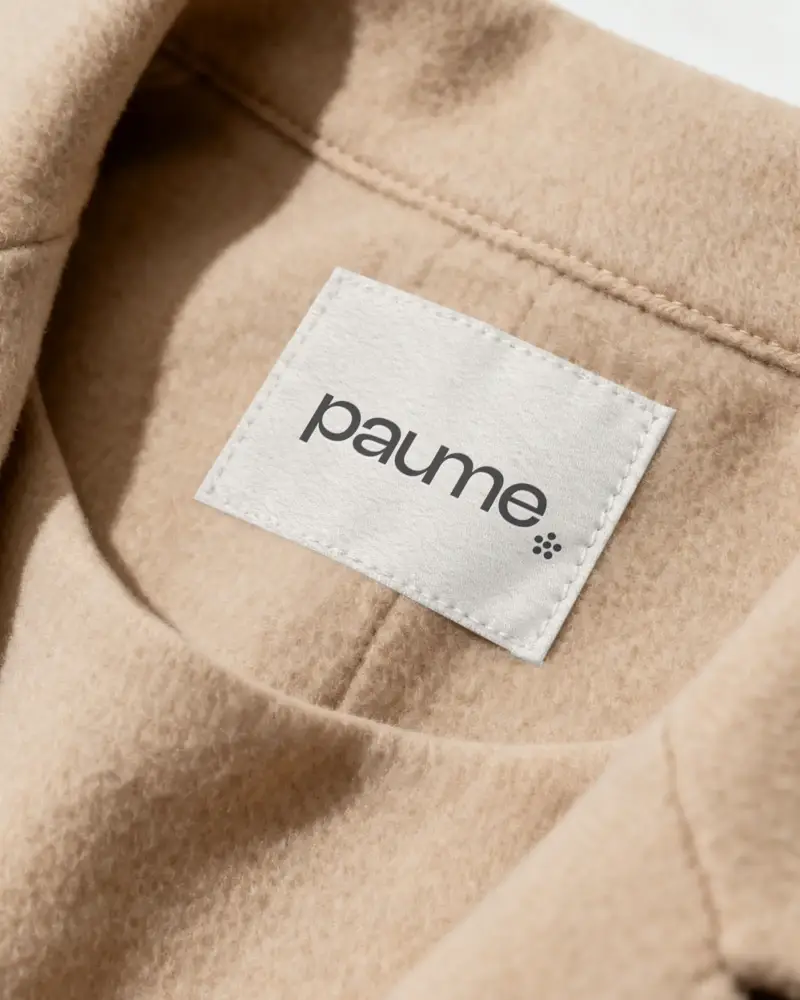
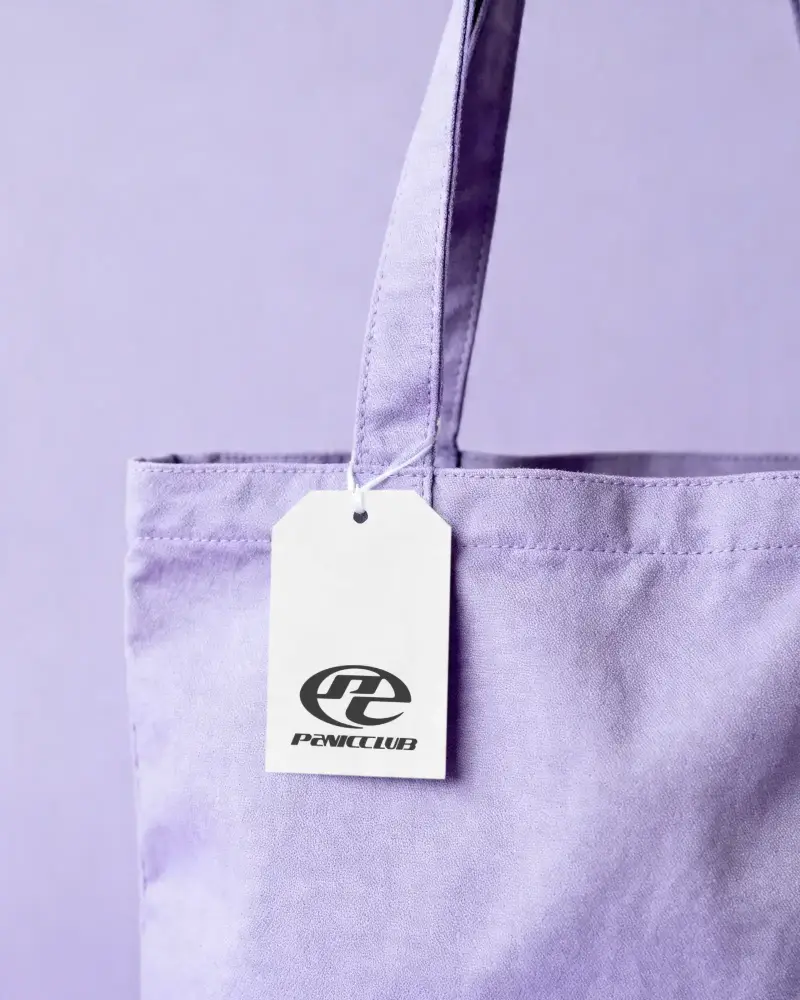
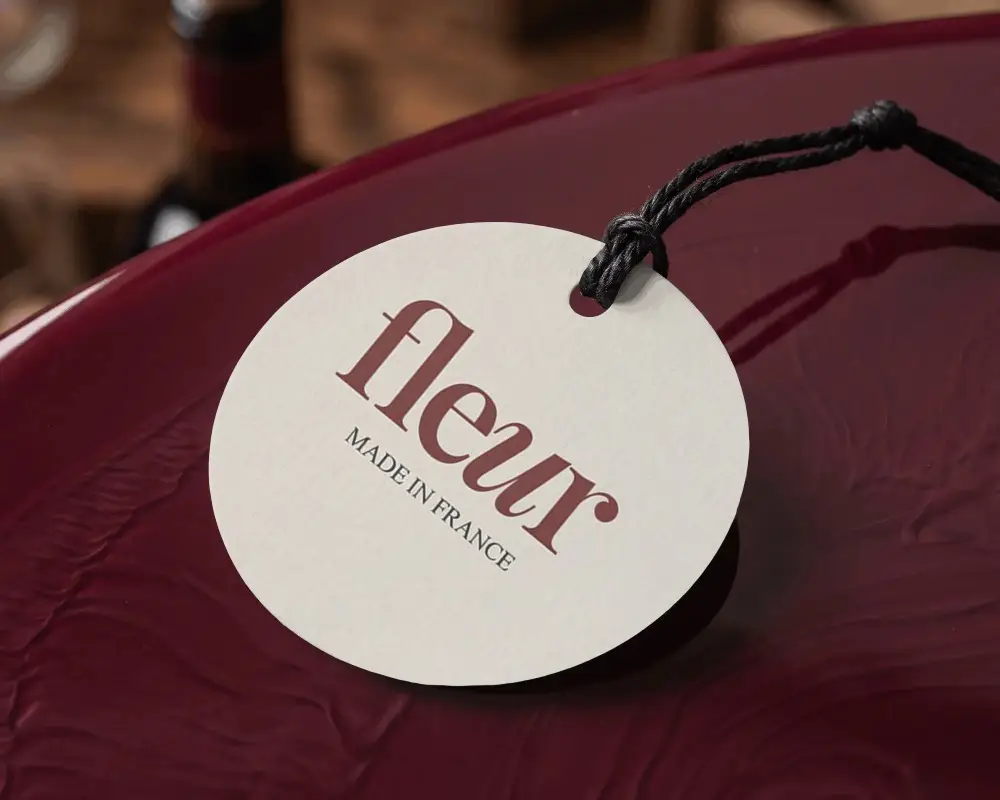
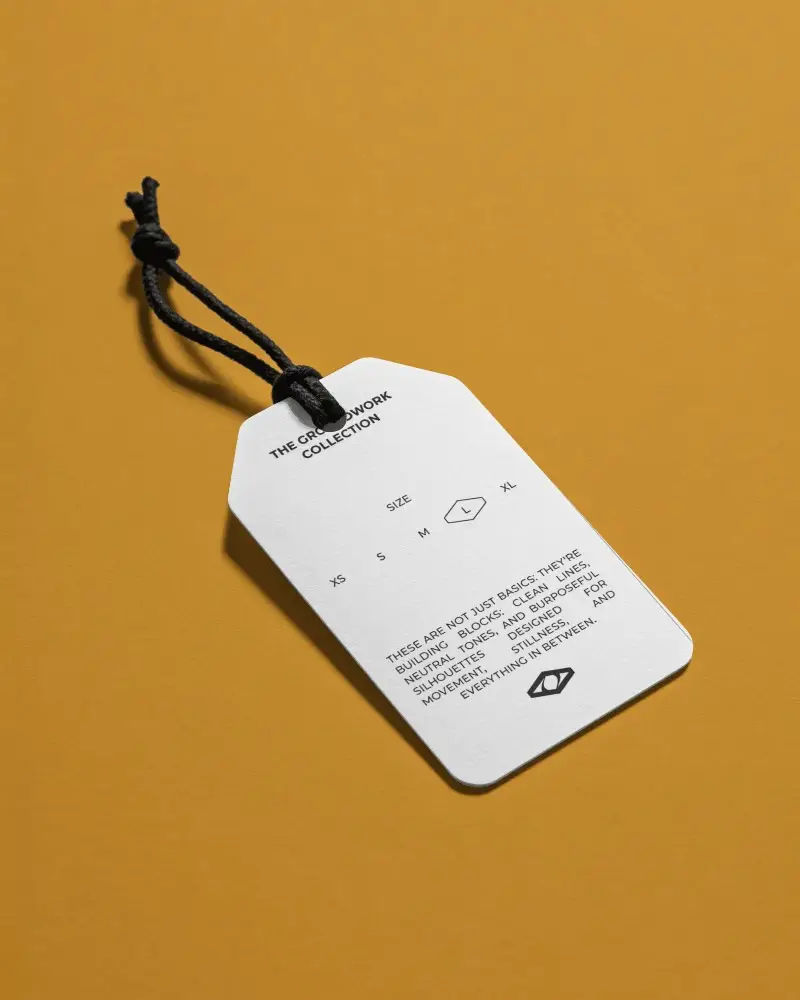
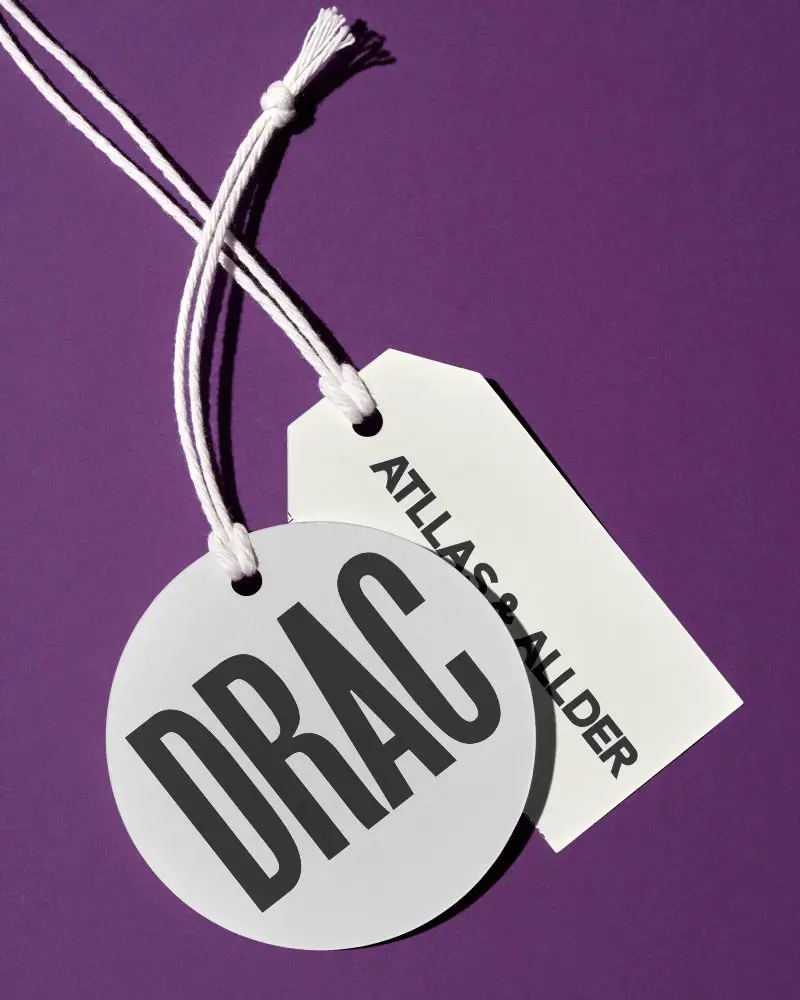
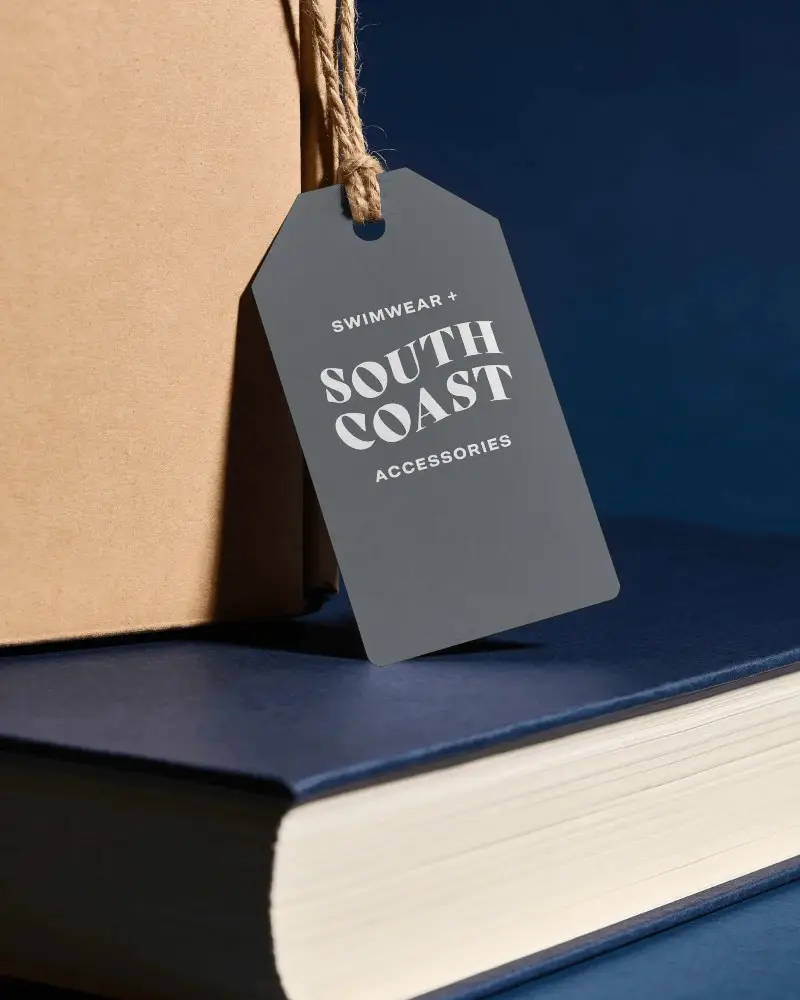
A label tag mockup is a template for clothing, accessories, or product hang tags that lets you showcase your branding design before printing. You can easily apply logos to label tags using the Mockey AI mockup generator.
What types of label mockups are available?
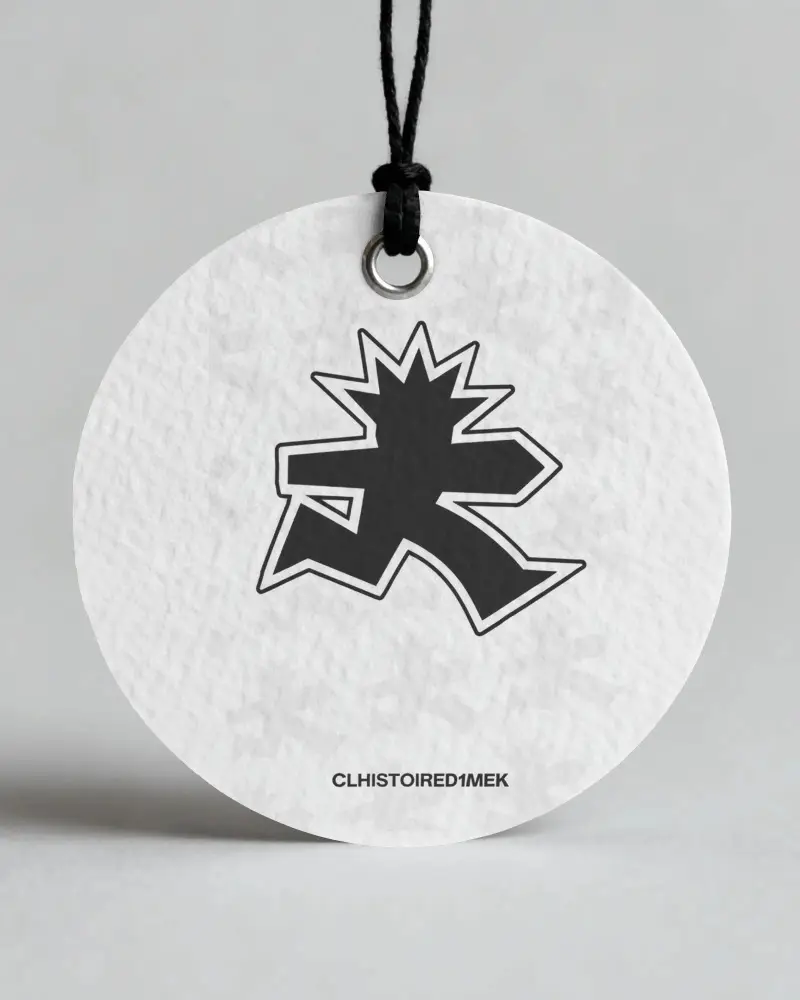
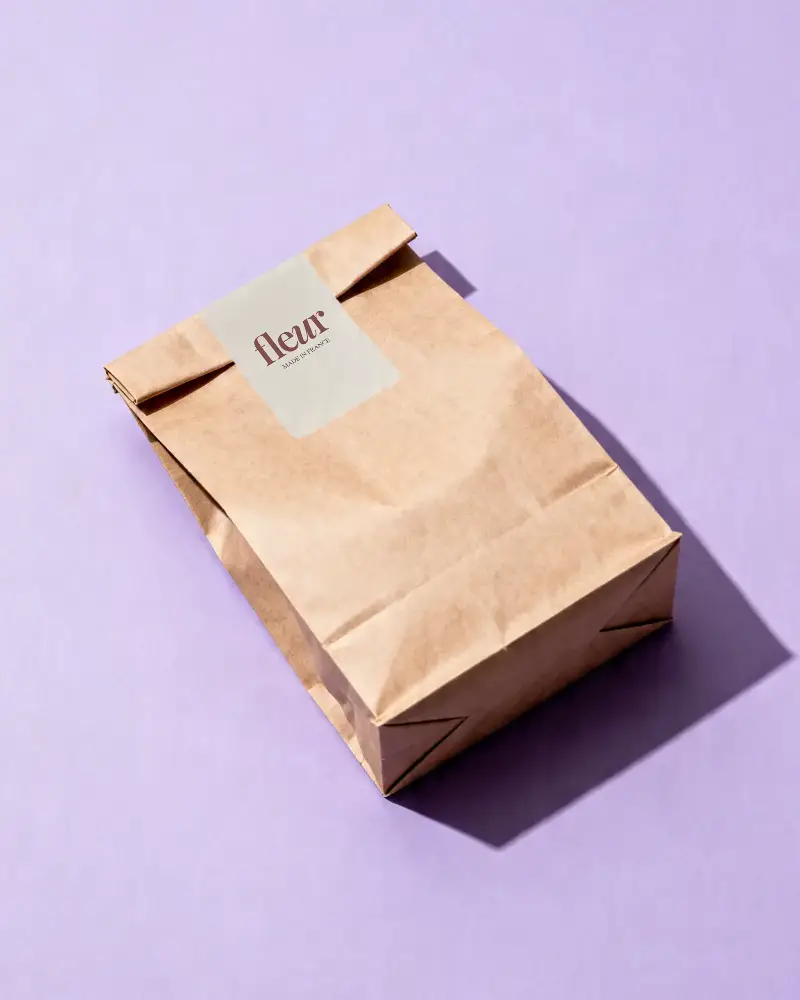
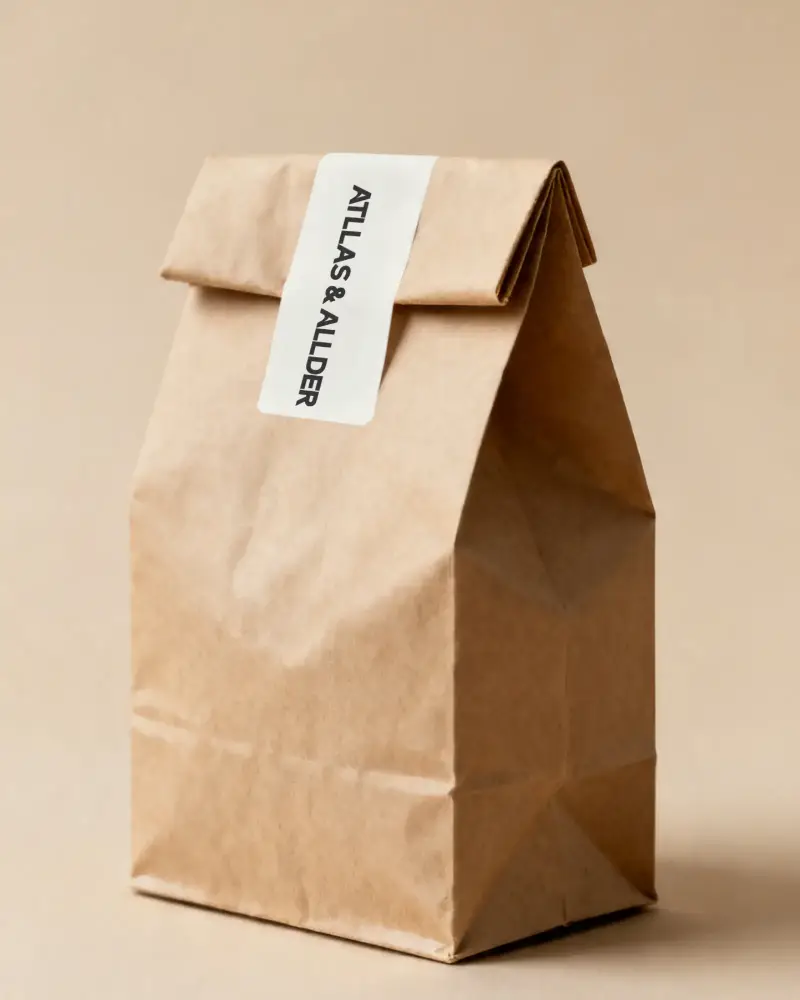
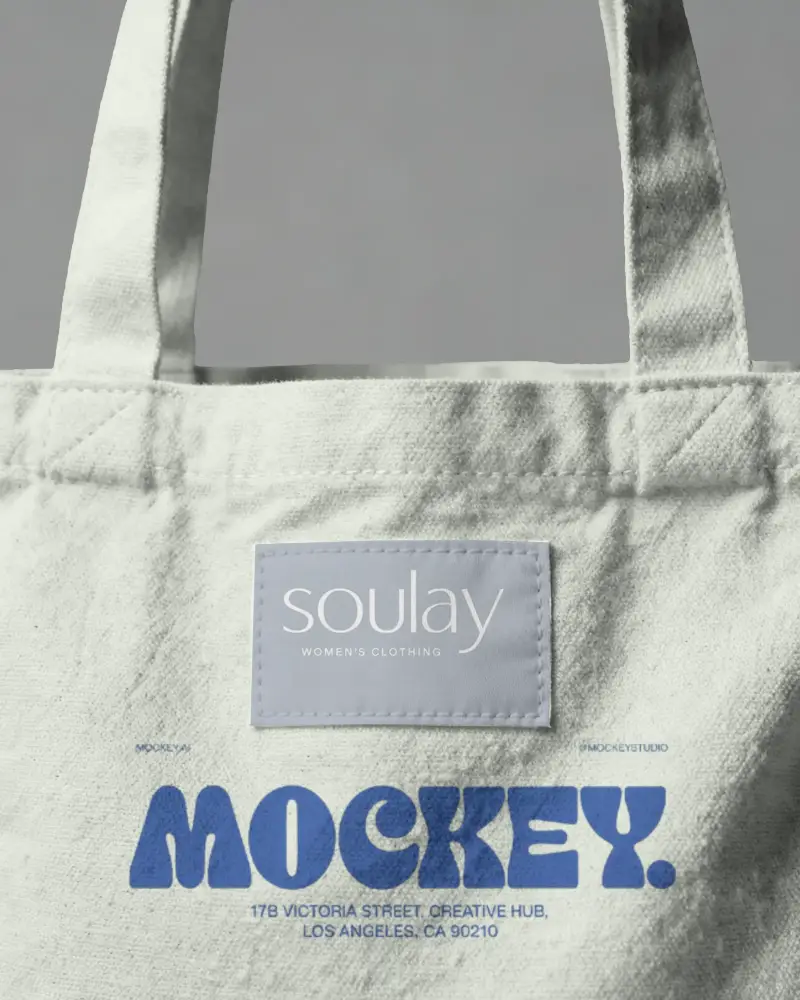
On Mockey AI, you’ll find a wide range of labels, including round labels, hanging tags, clothing label mockups, and bag label mockups—available in large numbers.
Are free label mockups suitable for professional use?
Free label mockups are suitable for professional use. You can use Mockey's free mockups for personal projects, but a subscription membership is required for commercial use.
Why should I use label mockups for branding?
You can visualize your design on the label tag before printing and spot any mistakes, such as small text or distortion on curves. They also show how colors and materials work together.
