Free Bag Label Mockups
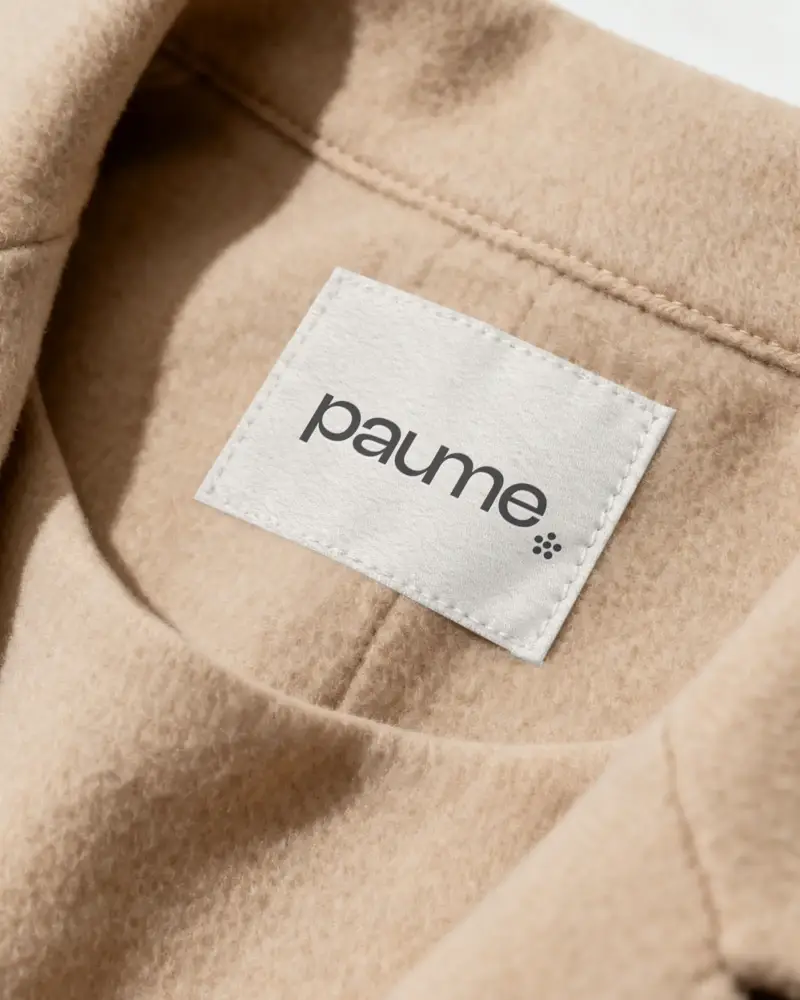
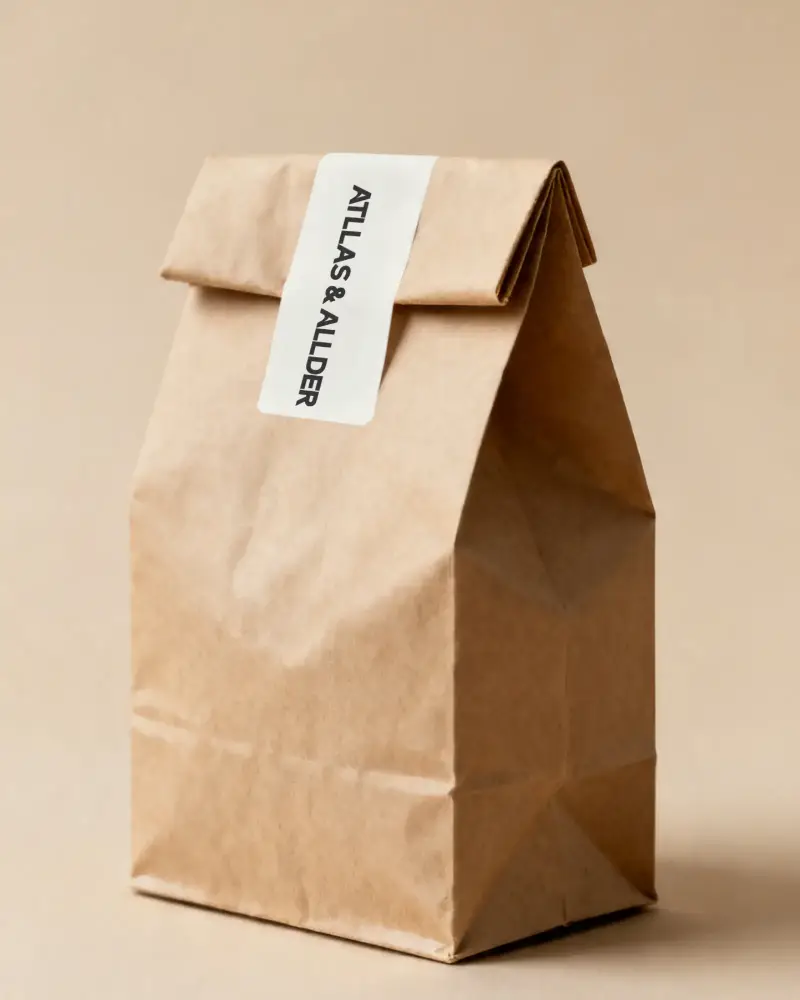
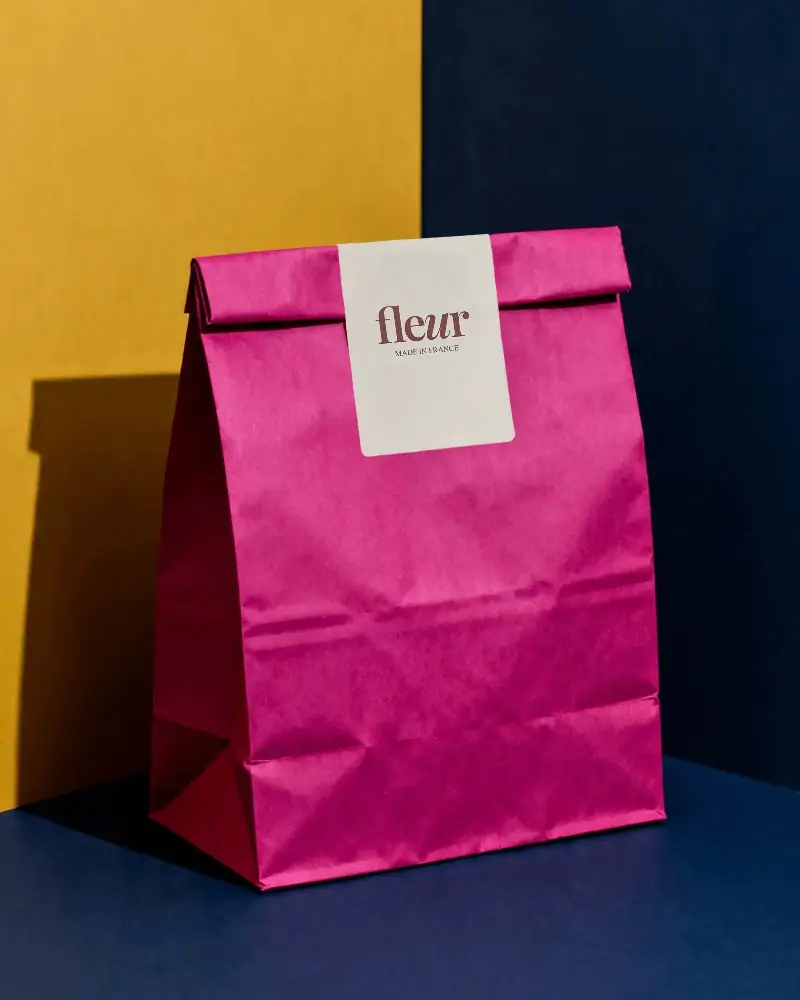
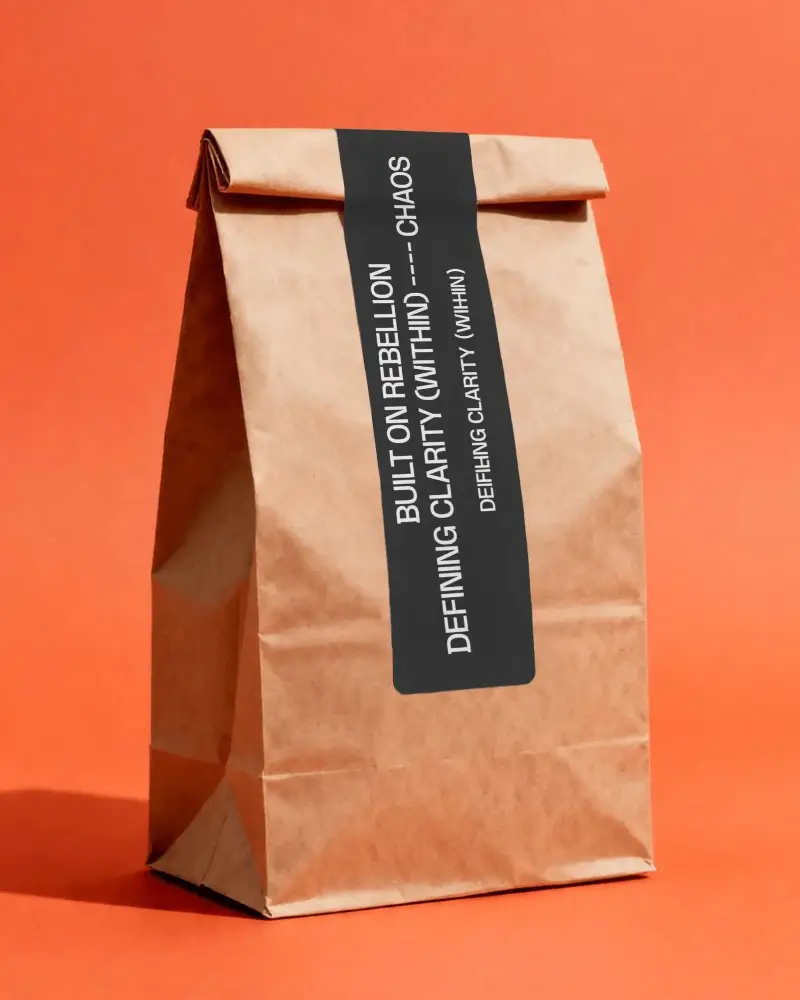
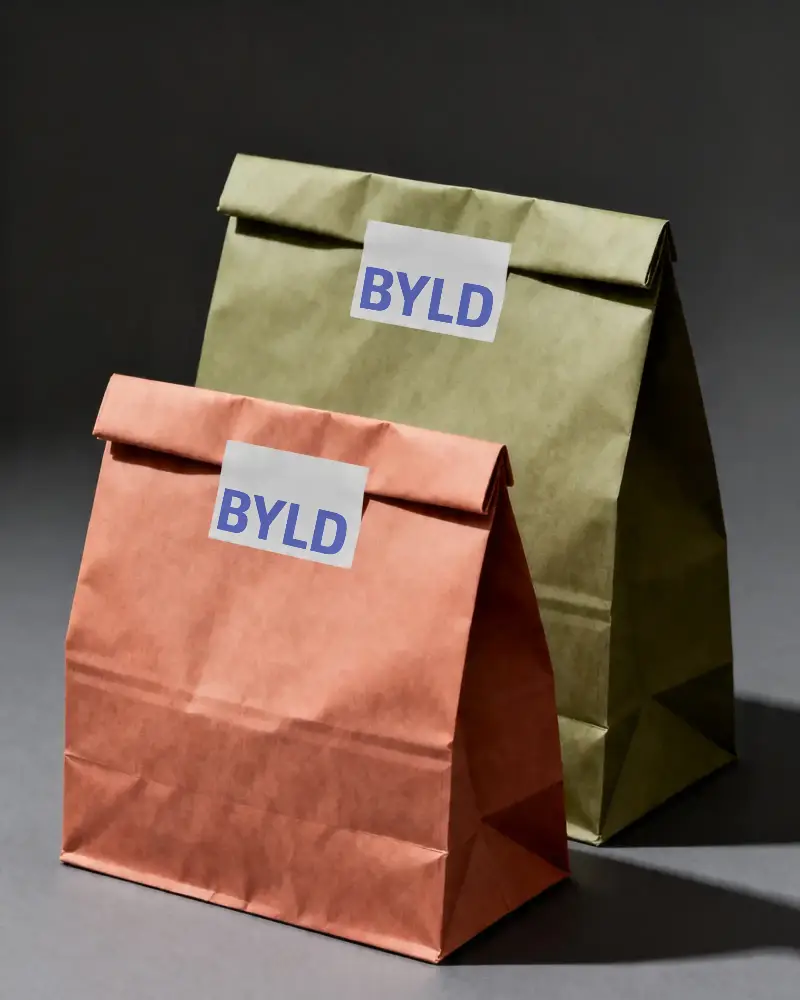
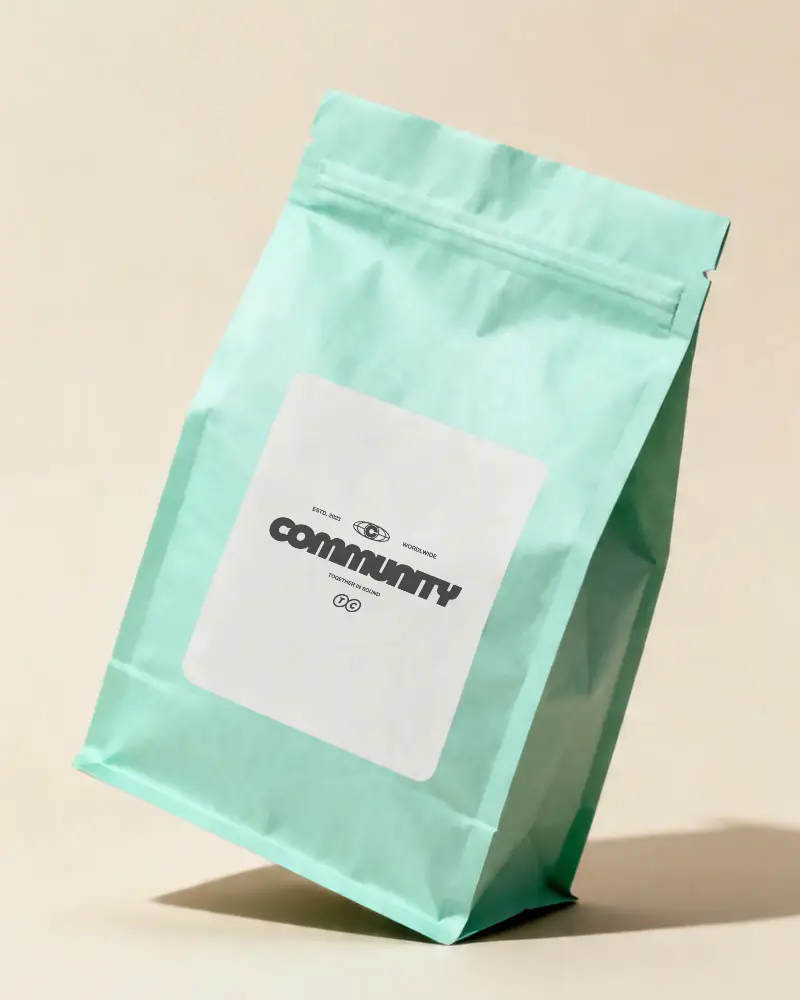
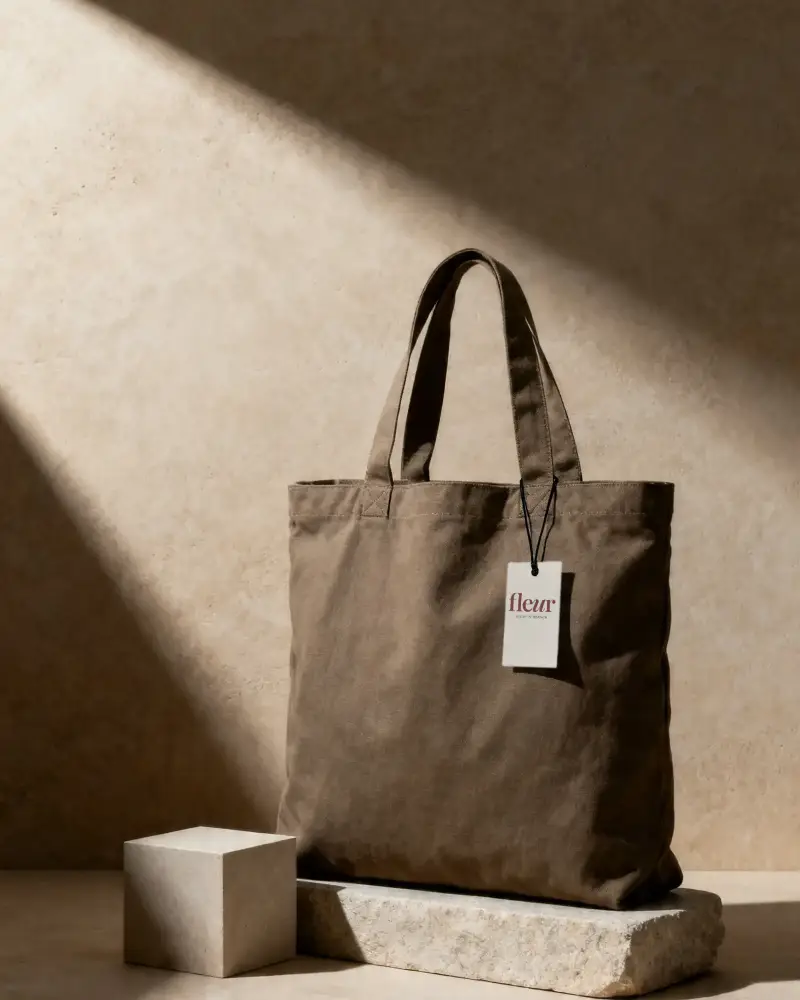
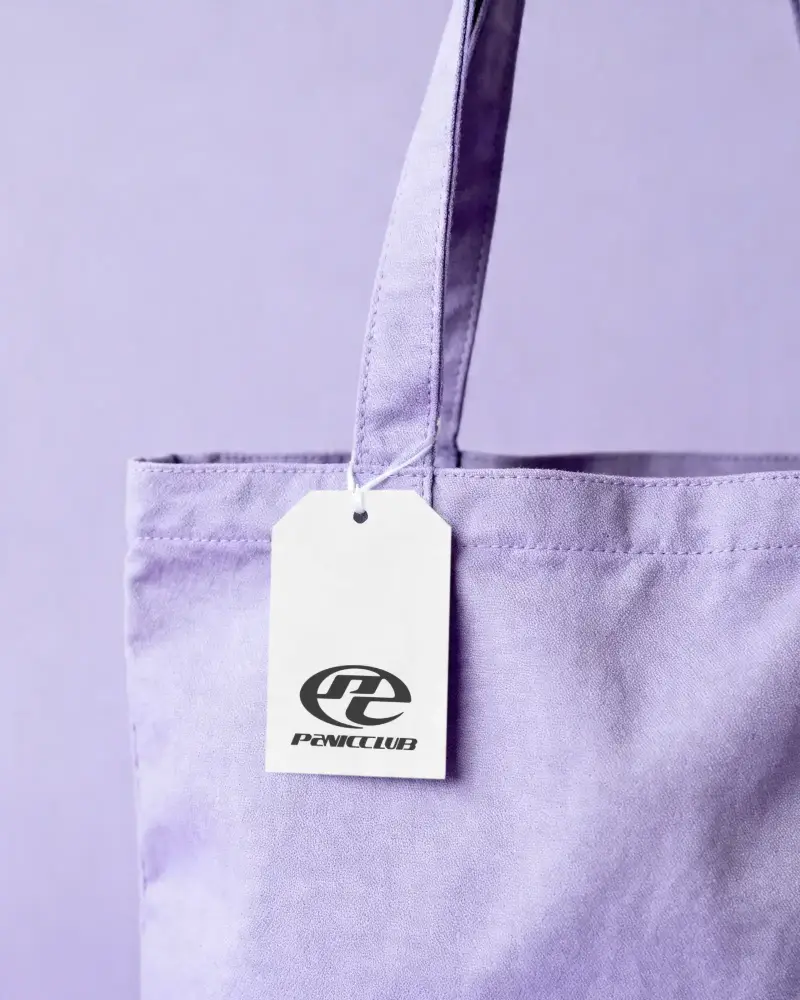
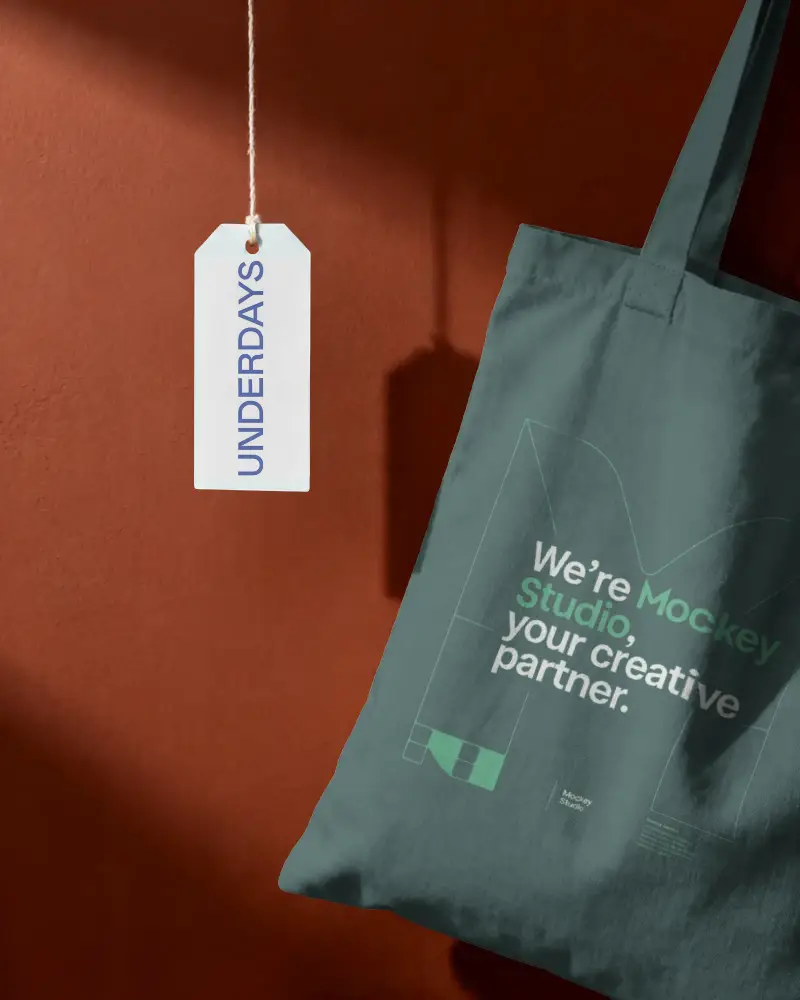
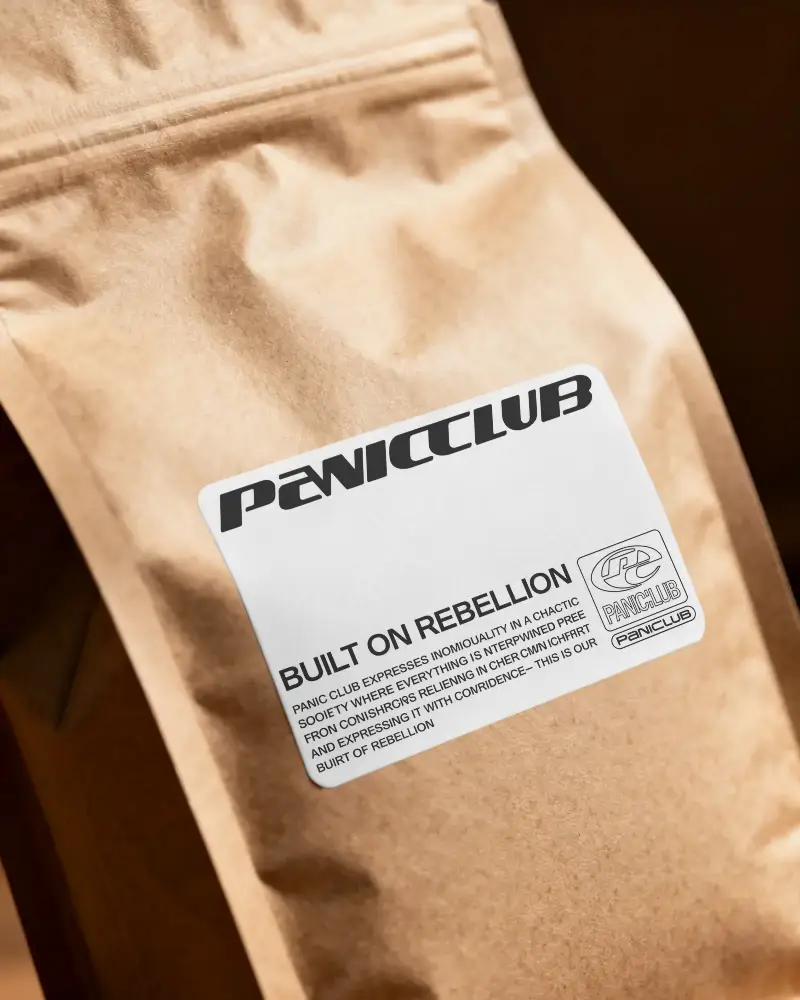
Free bag label mockups help you present your branding in a realistic and professional way. Easily showcase logos, tags, and packaging designs with clean visuals that improve product appeal and user engagement.
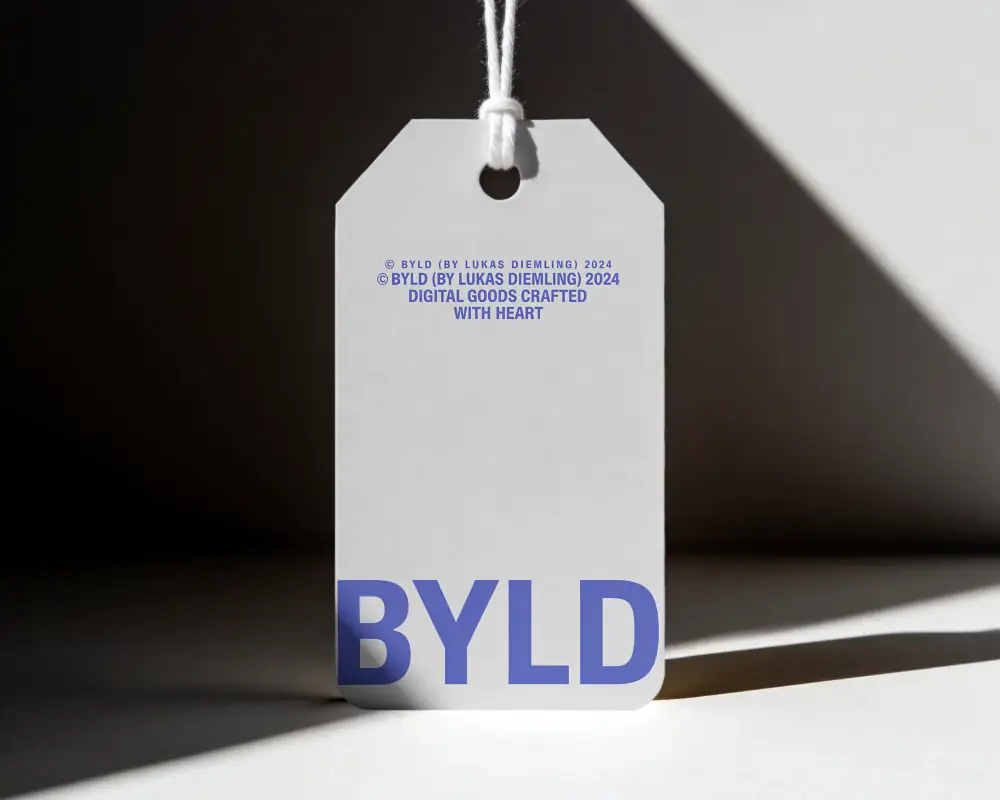
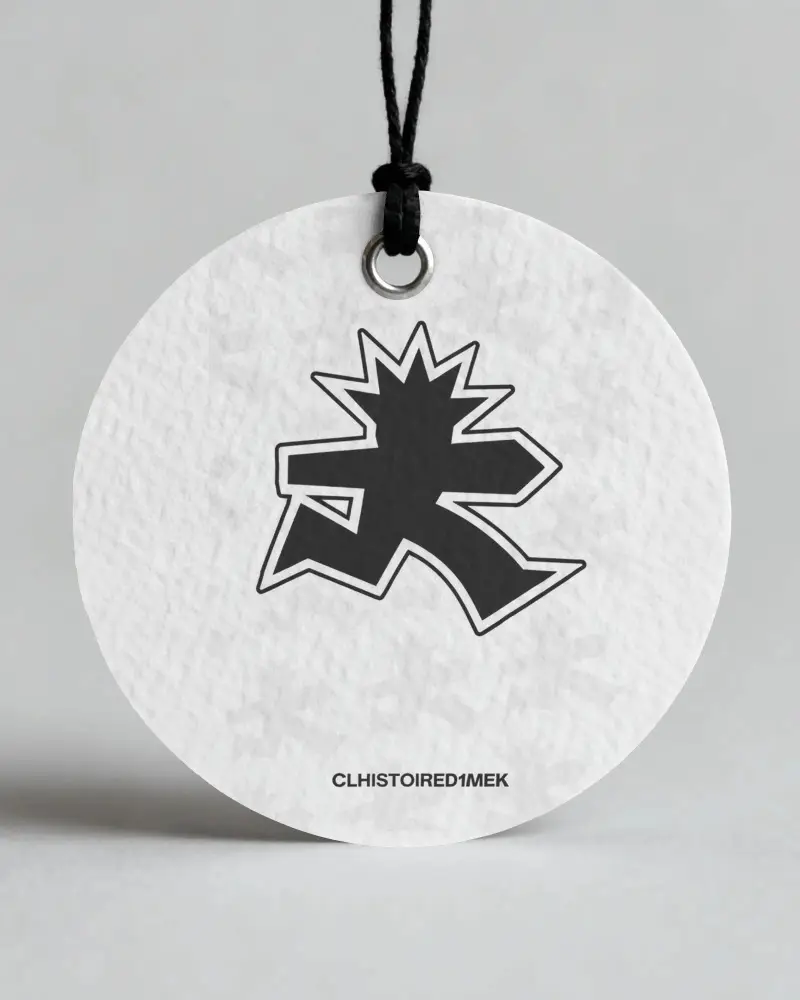
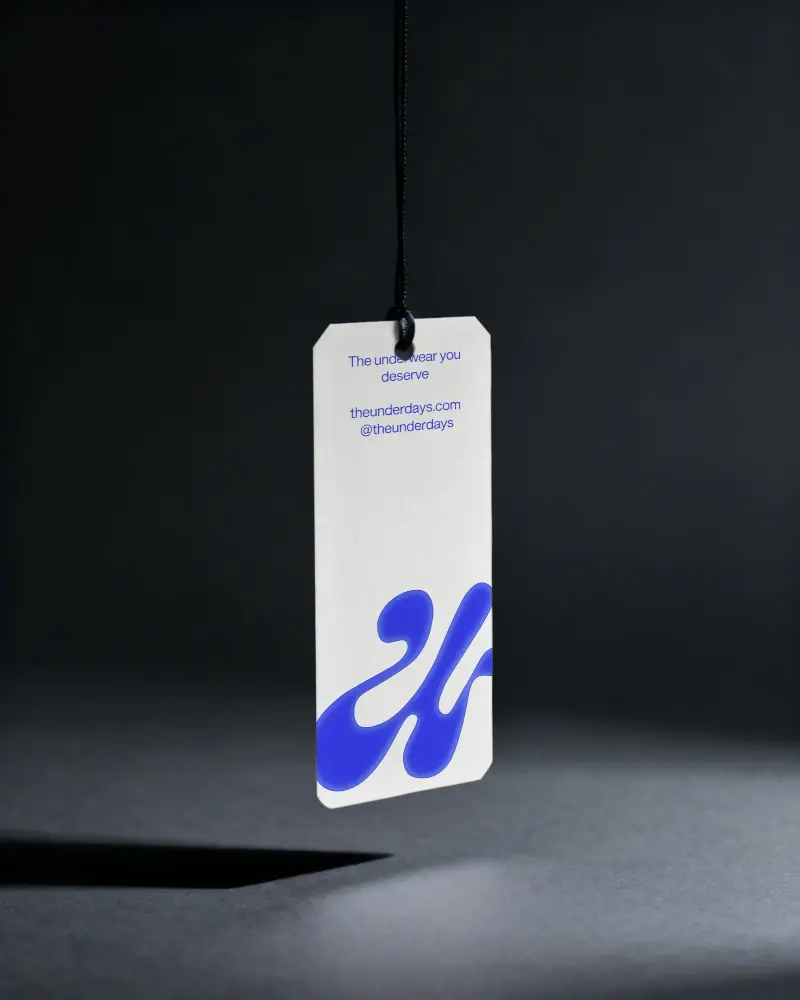
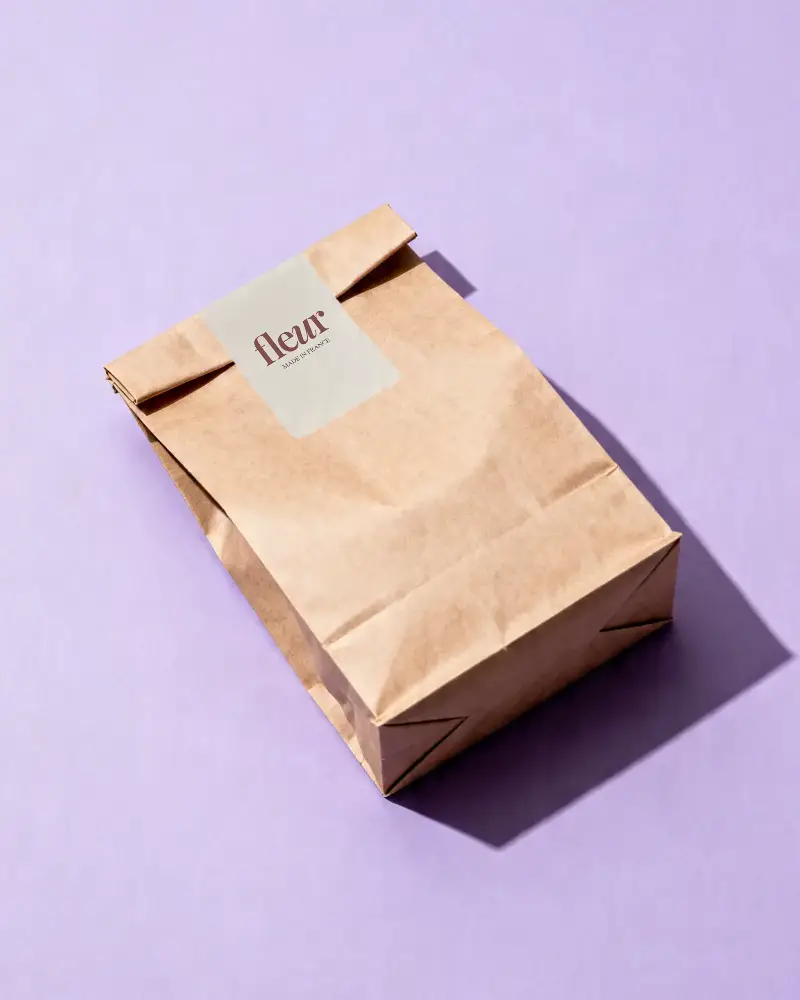
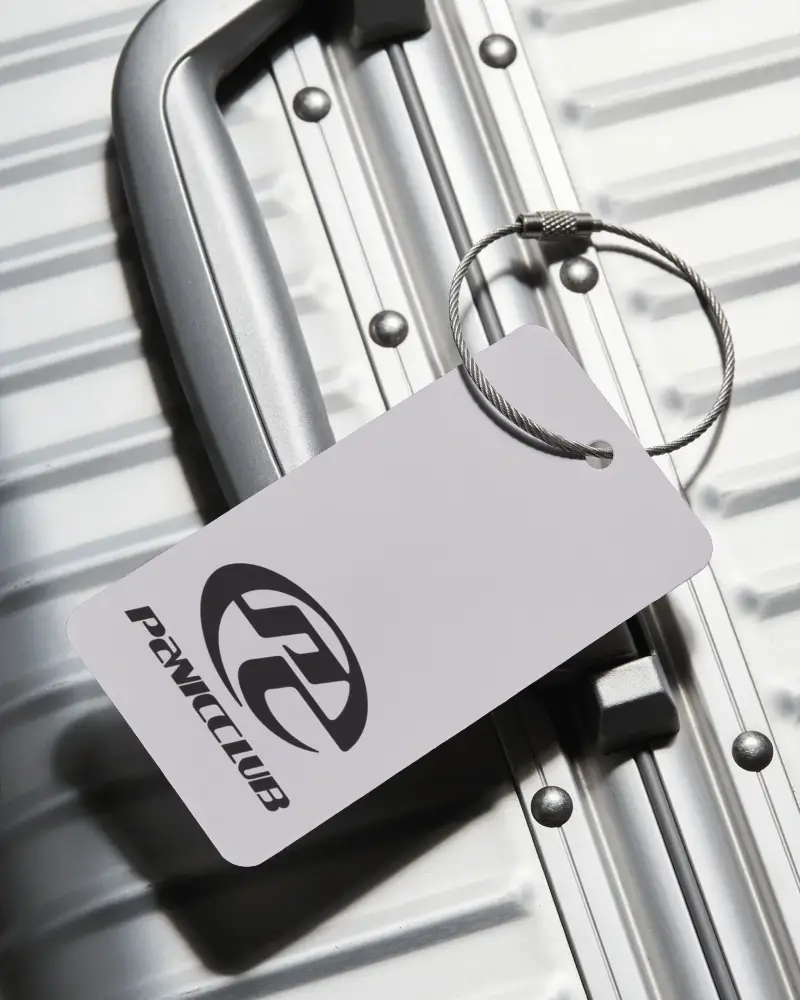
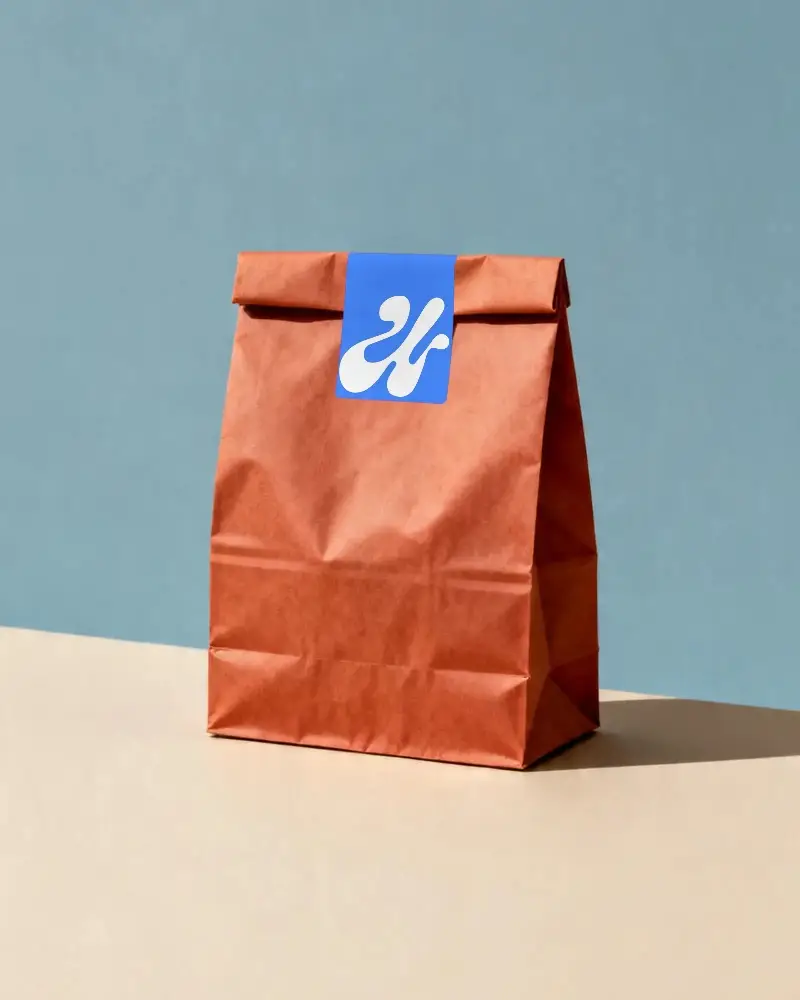
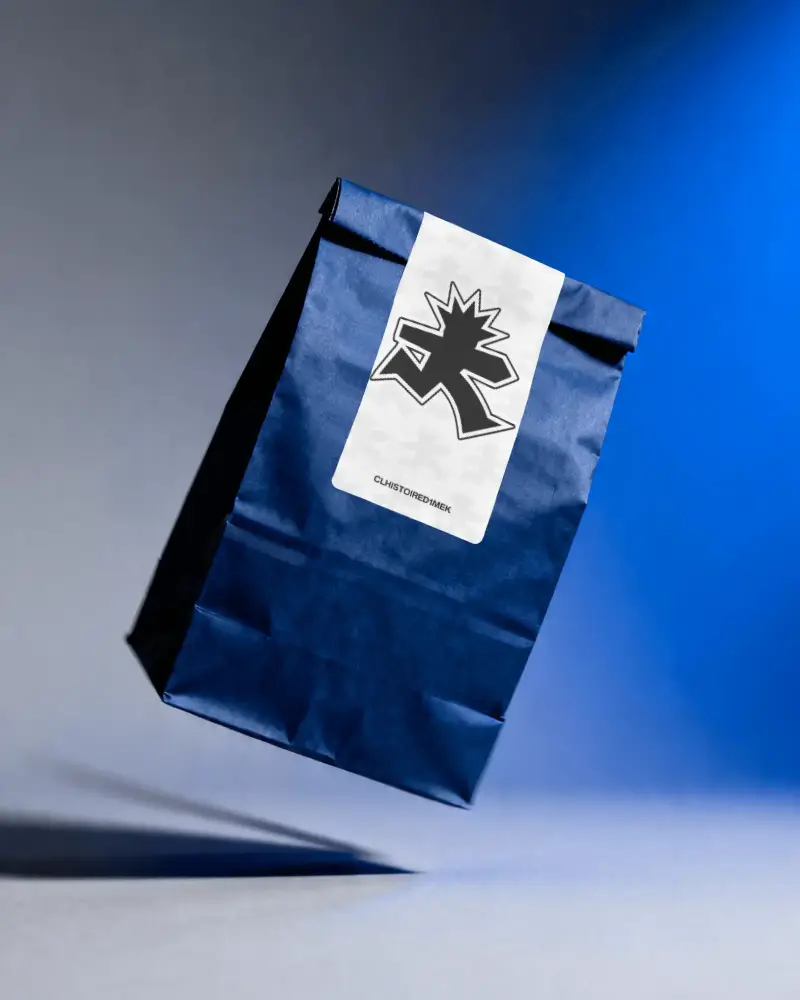
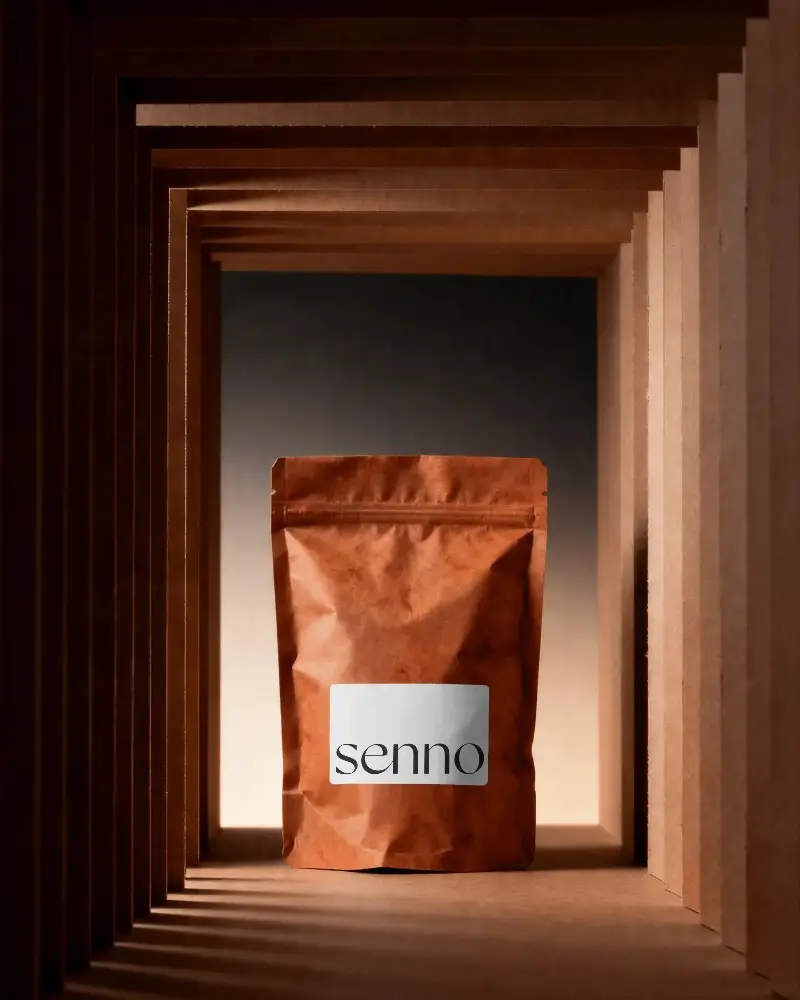
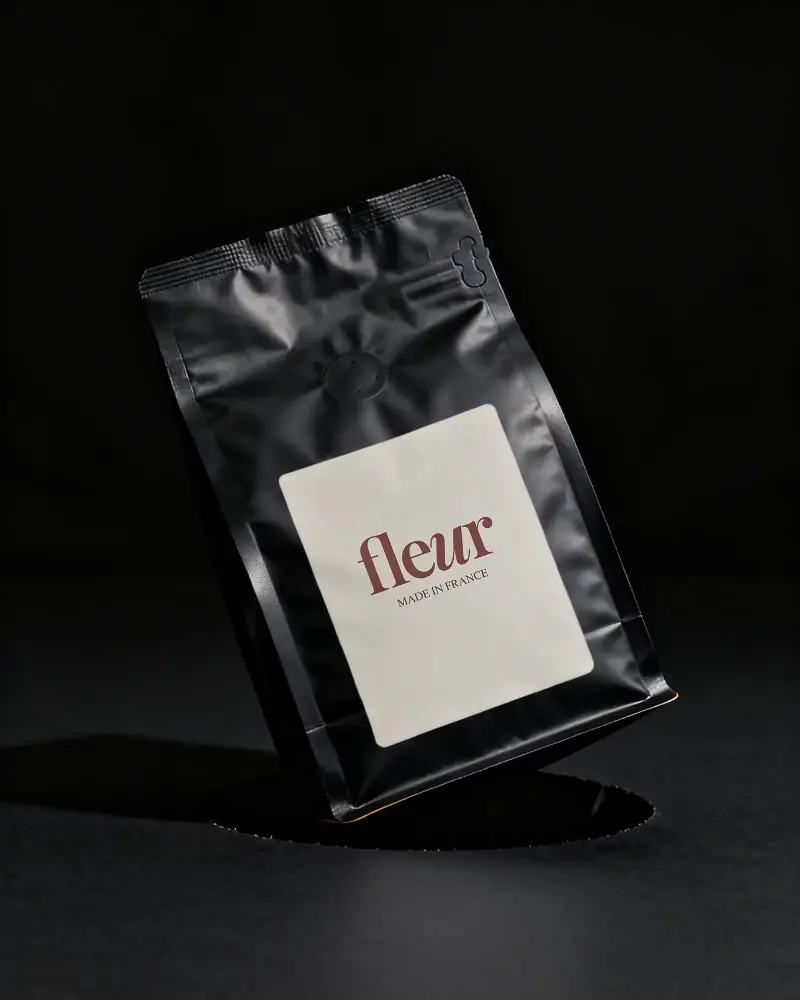
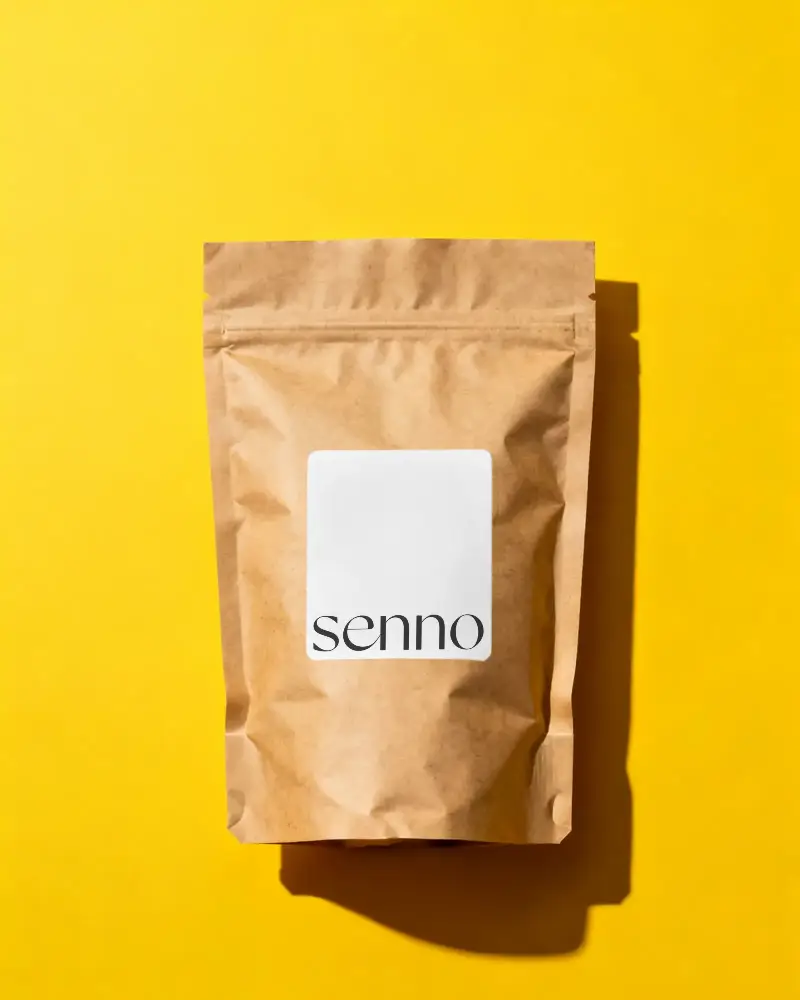
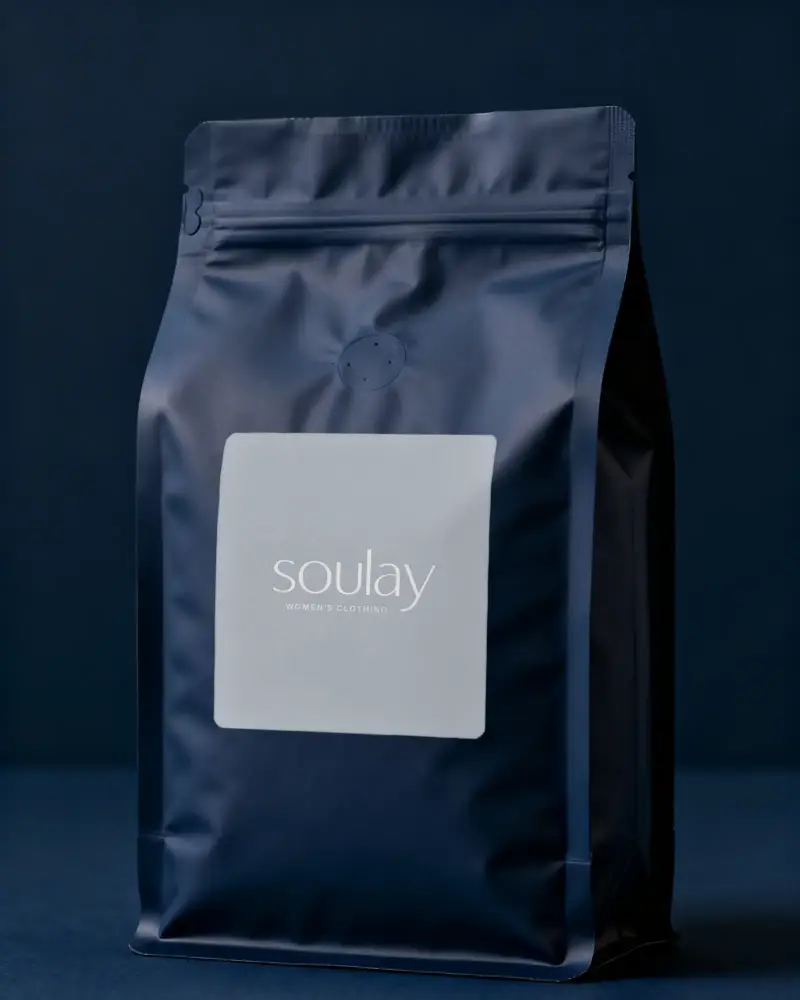
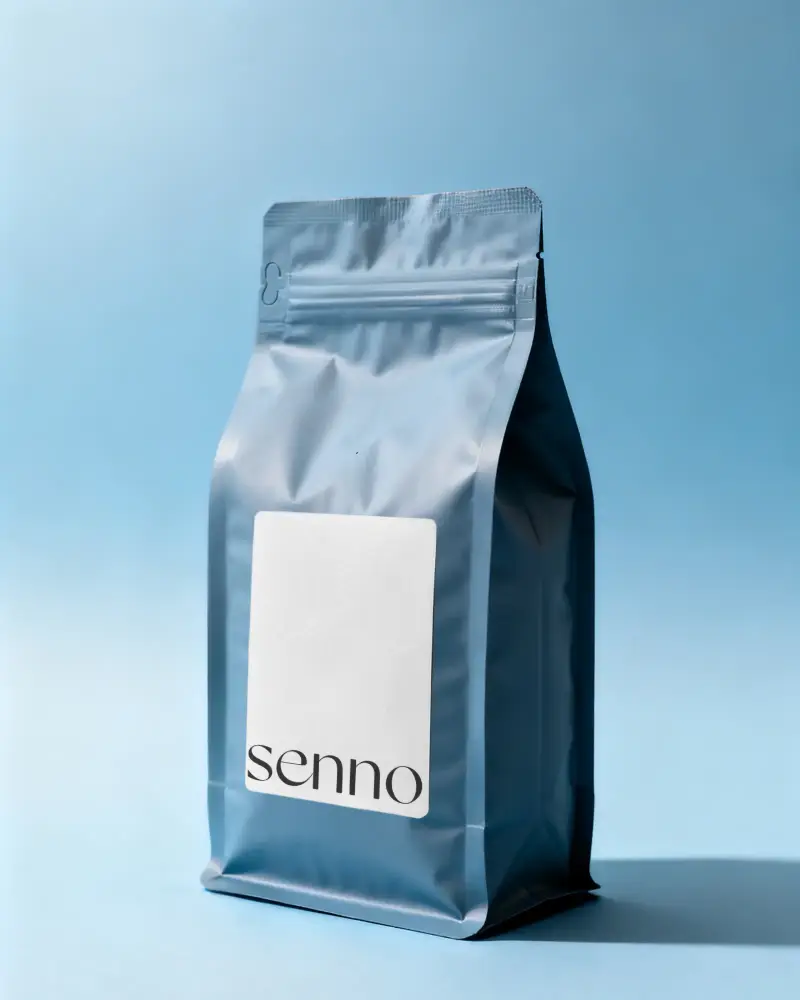
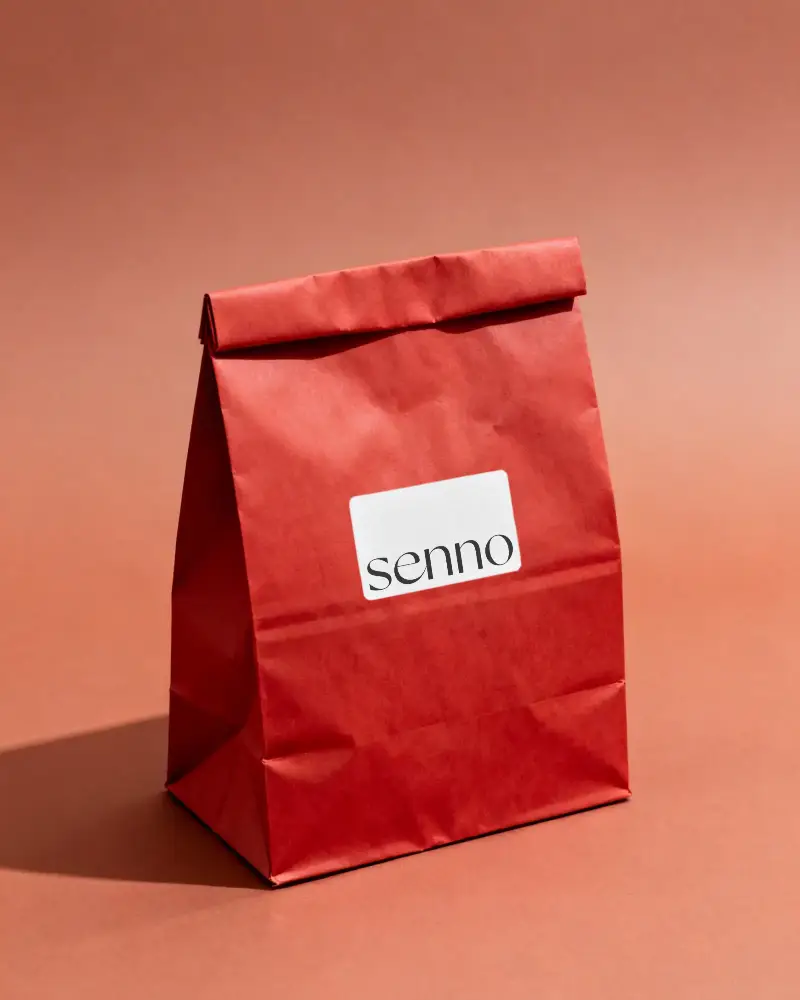
How to Create a Bag Label Mockup
To create a bag label mockup:
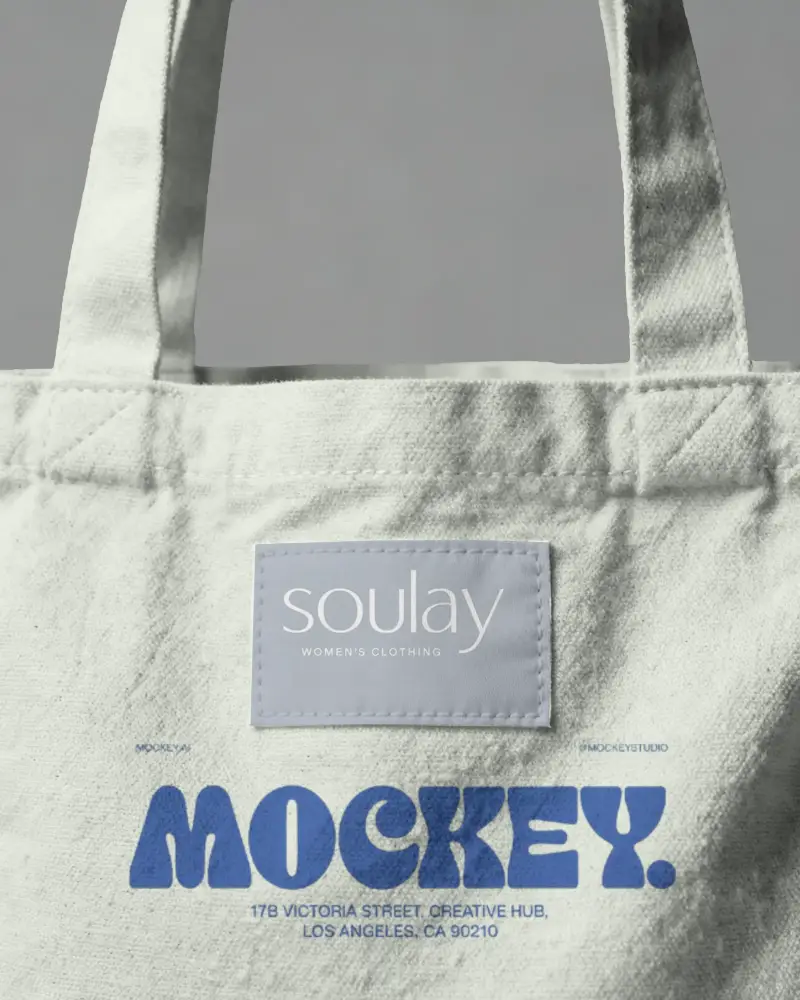
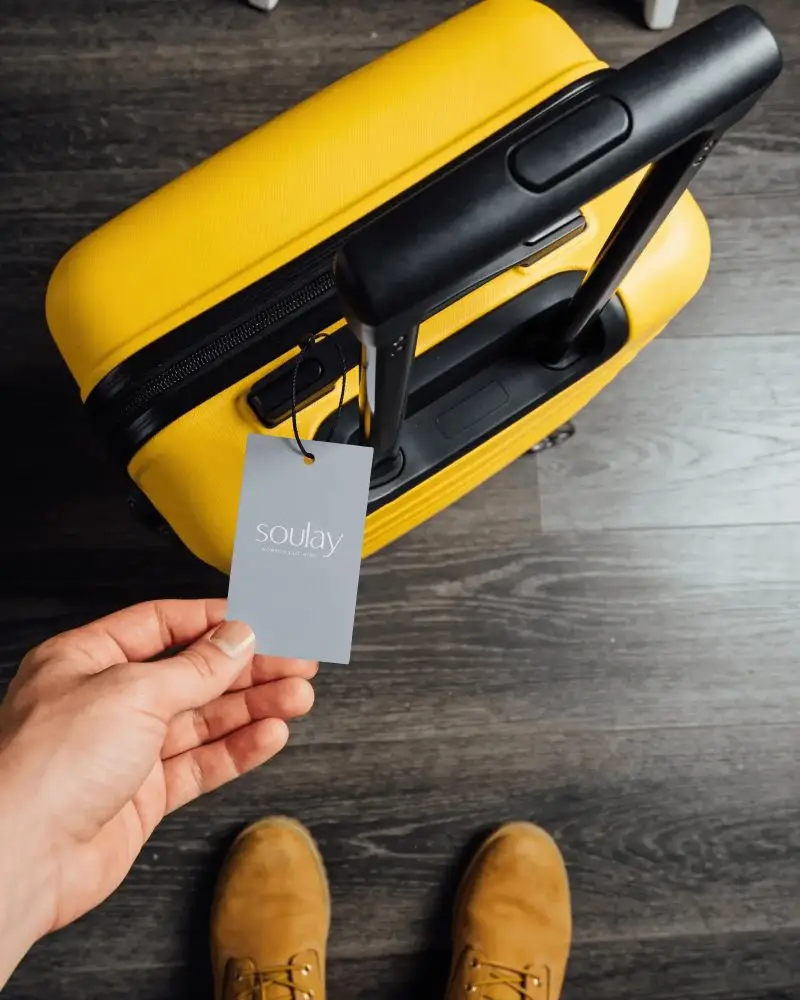
- Step 1: Choose the bag label style you like, such as for a luggage bag or a tote bag.
- Step 2: Upload the logo or image, correct the placement, and change the label color for your brand.
- Step 3: Save your bag label mockup as a PNG or JPG image.


FAQs on Bag Label Mockups
What type of bag label mockups are available?
Luggage bags, plastic bags, coffee bags, and tote bag types are available in Mockey’s bag label mockups.
Why should I use bag label mockups?
To test different designs and color variations, it’s best to use a bag label mockup. Your branding will remain consistent, and costly printing mistakes will be reduced.
Are free bag label mockups good for professional use?
Free bag label mockups can be used for professional work. Mockey’s free bag label mockups are ideal for personal projects, but if you want to use them for business or commercial purposes, you need to get a subscription.
Are bag label mockups useful for Etsy sellers and POD businesses?
Turning a commodity into a branded product can be done with a bag label mockup. It helps you see stitching and fabric texture details, and how your design will appear in real life.
