Free Neck Label Mockup Templates
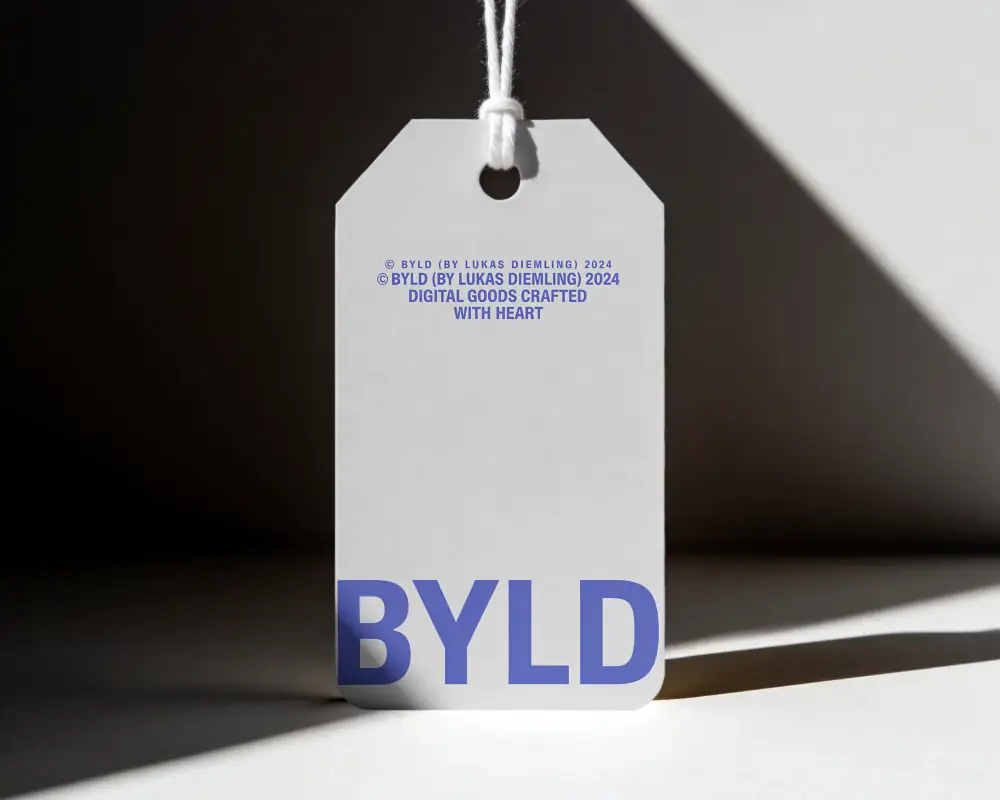
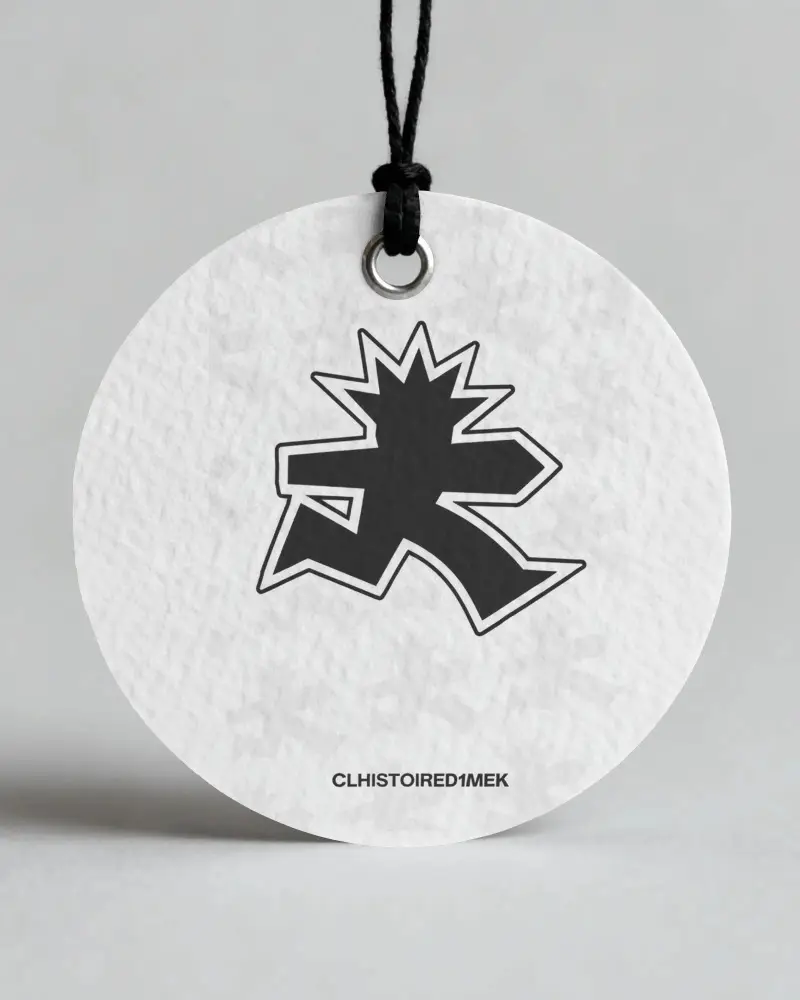
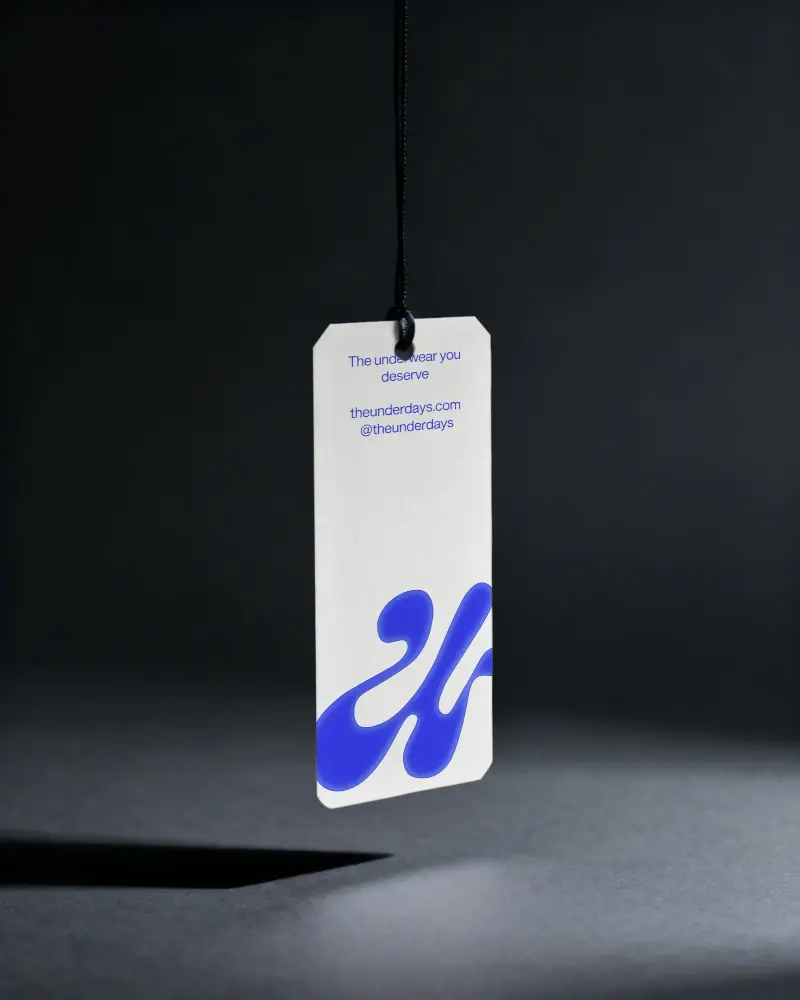
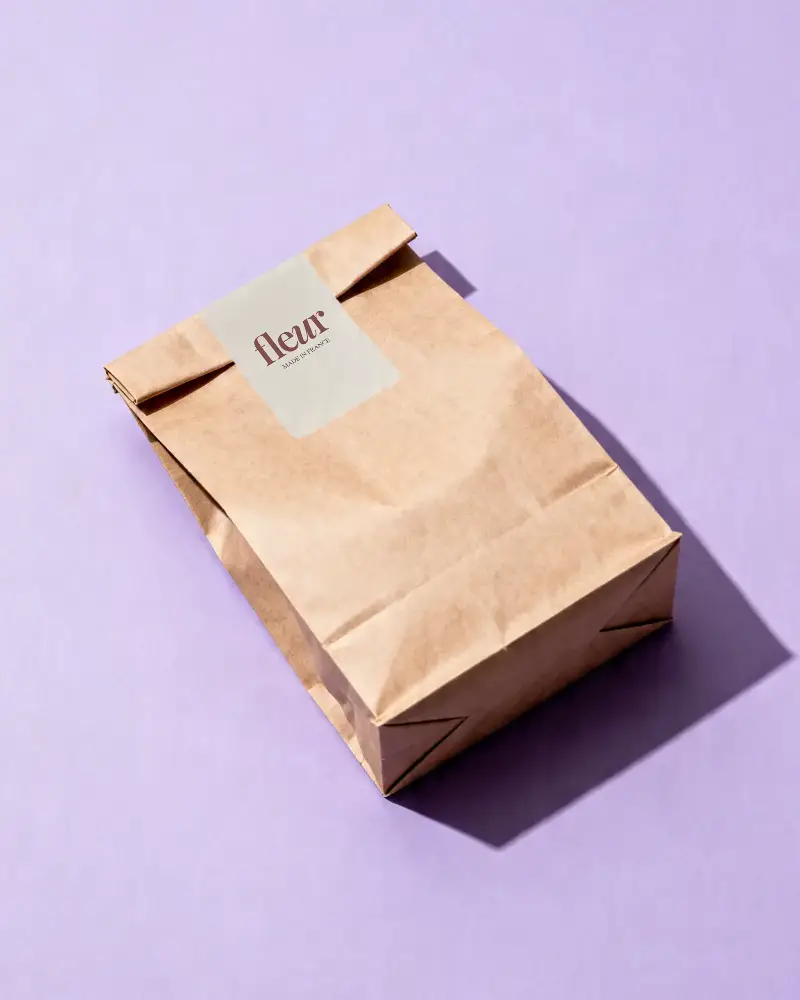
Present your packaging and branding ideas with clarity using Mockey AI's Neck Label mockups. Place your design on clothing tags, jars, boxes, and more to create realistic product visuals in just a few steps — no complex tools required.
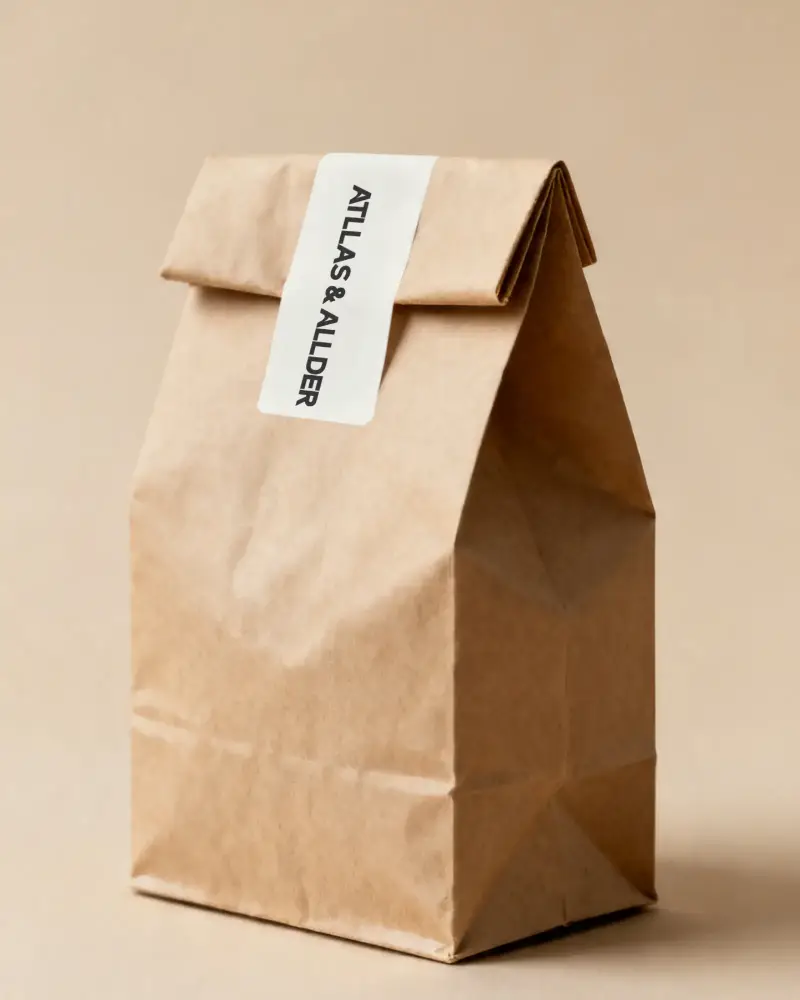
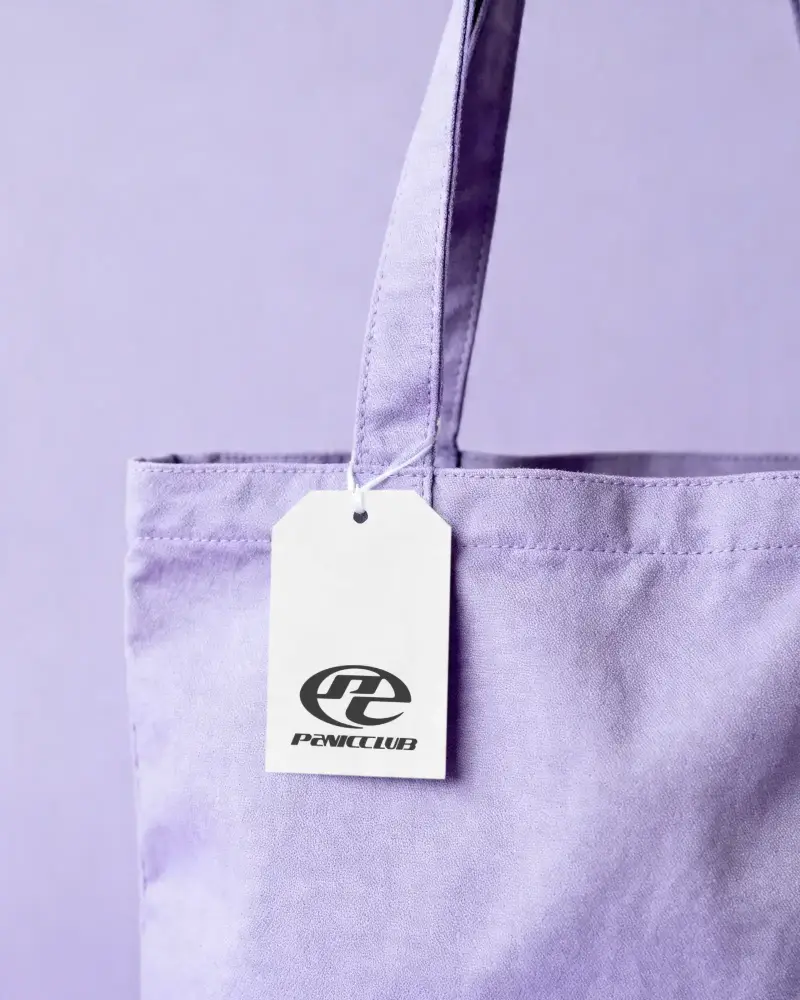
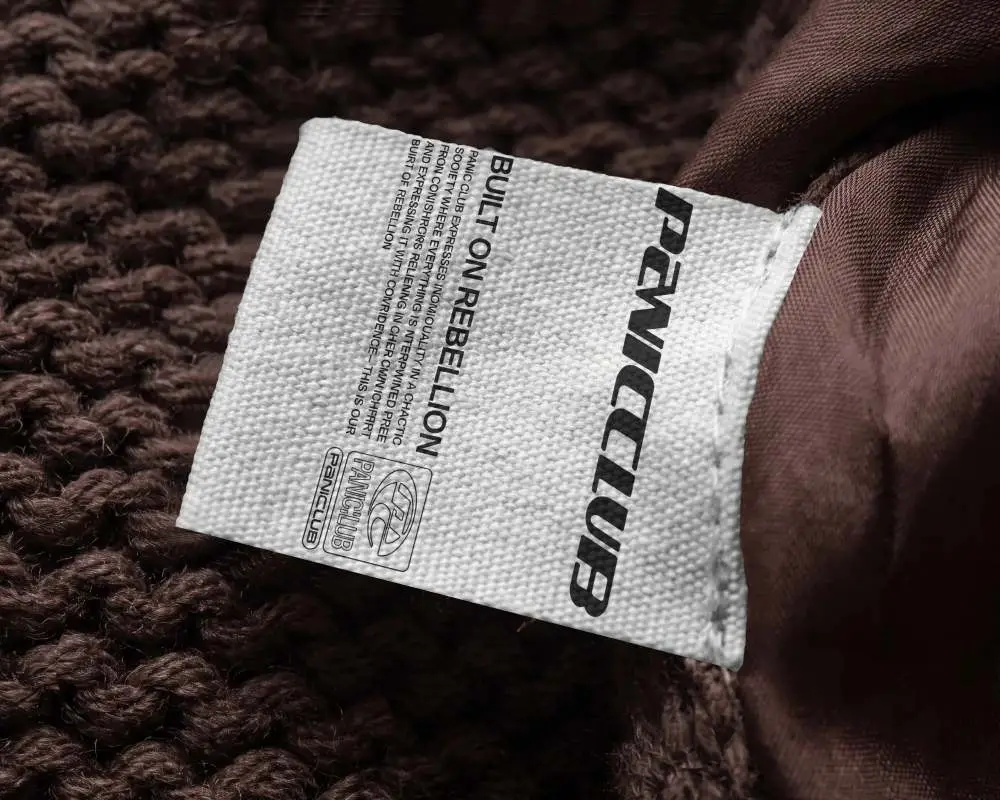
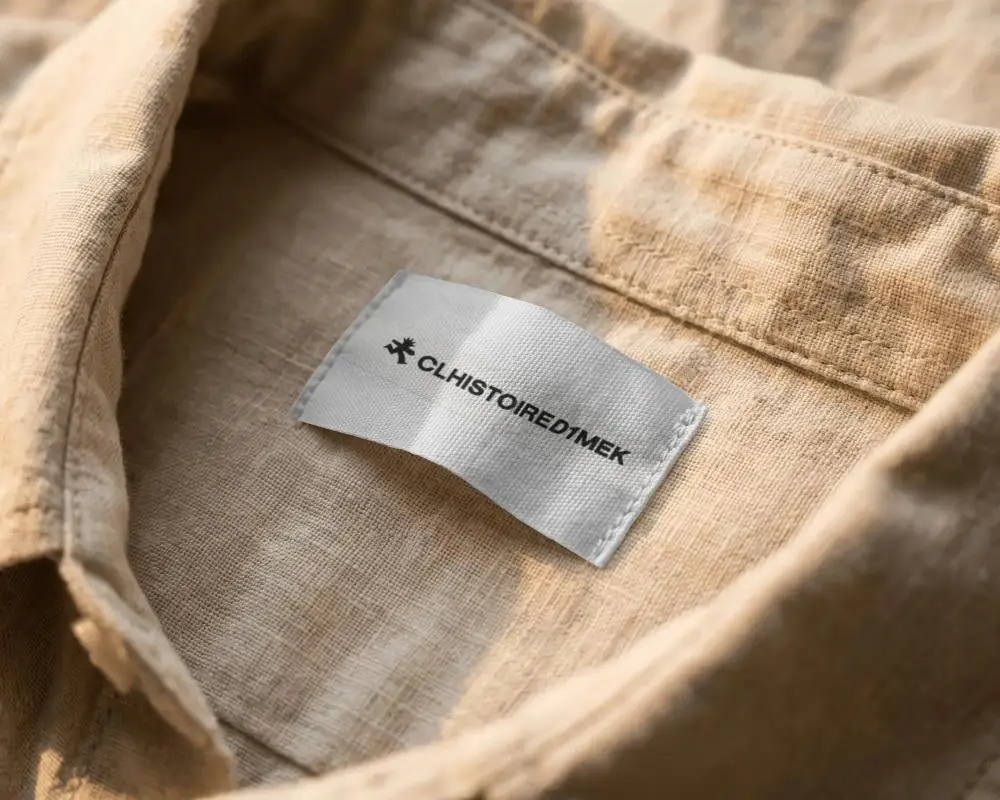
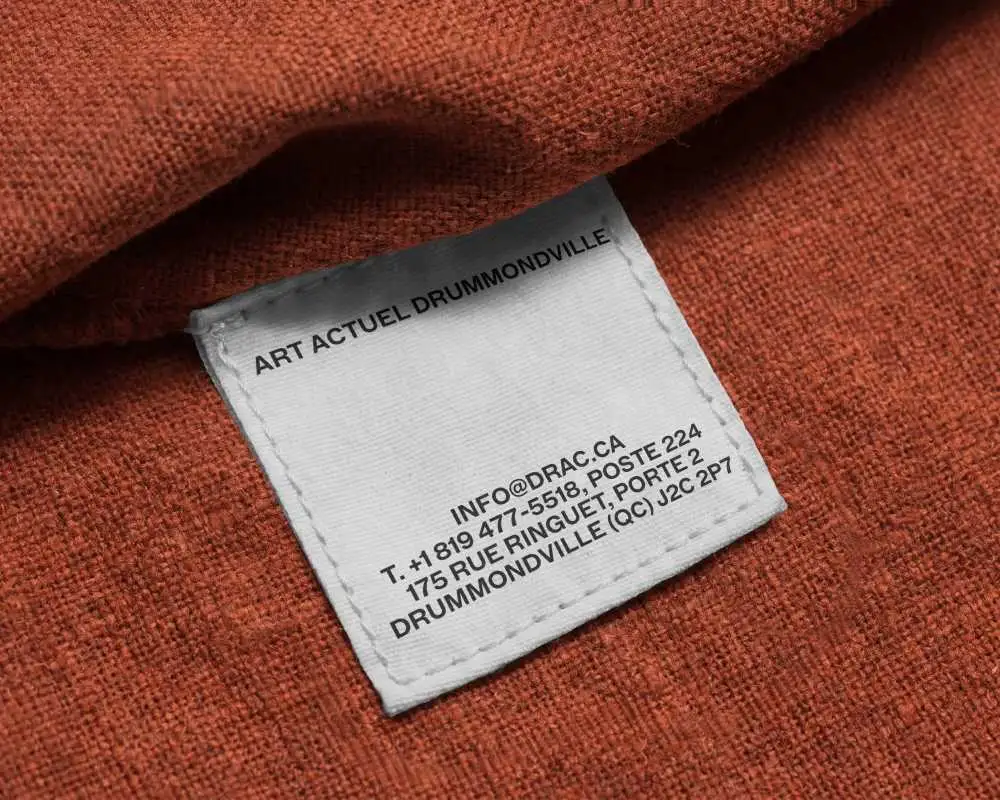
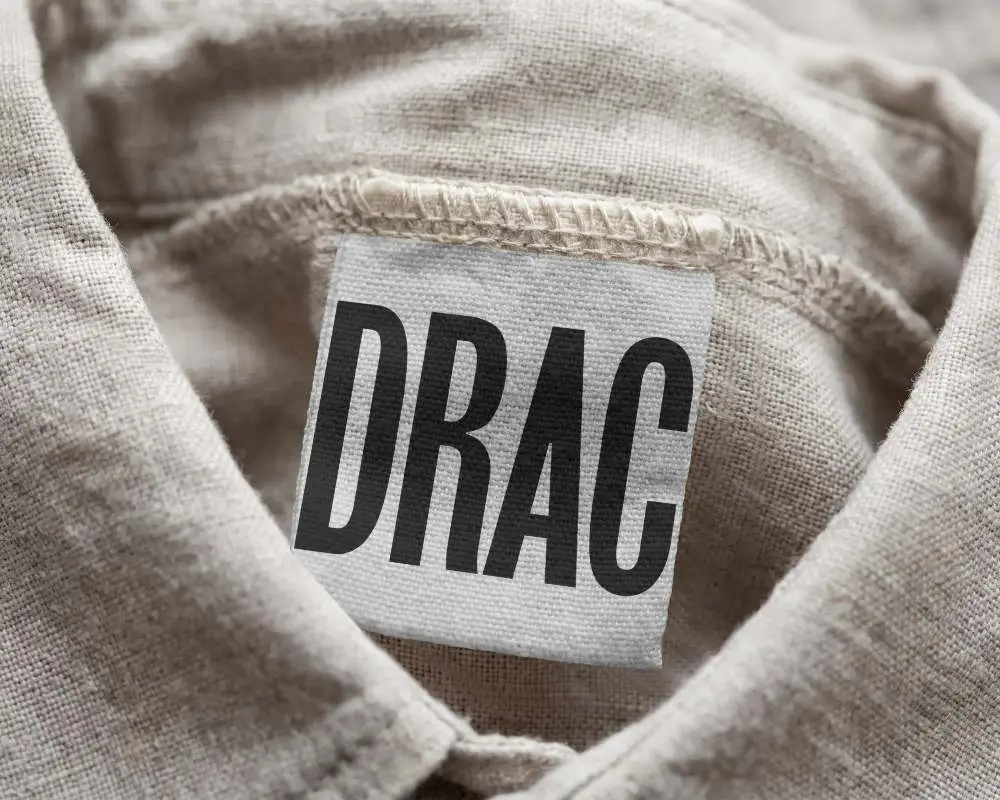
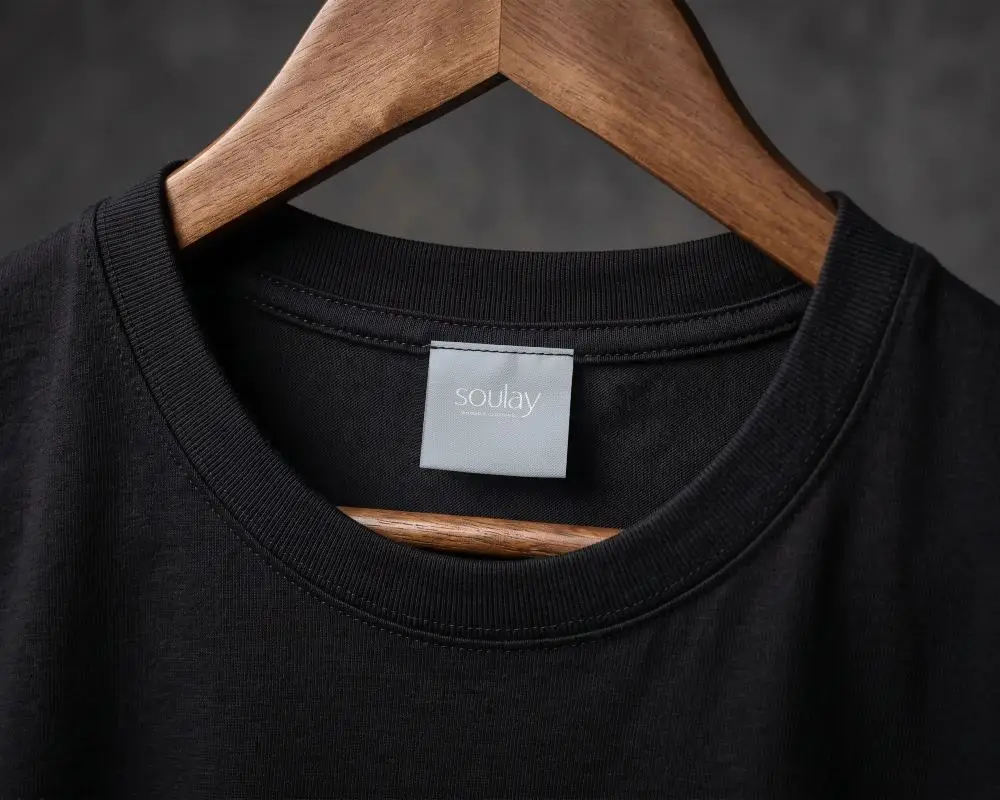
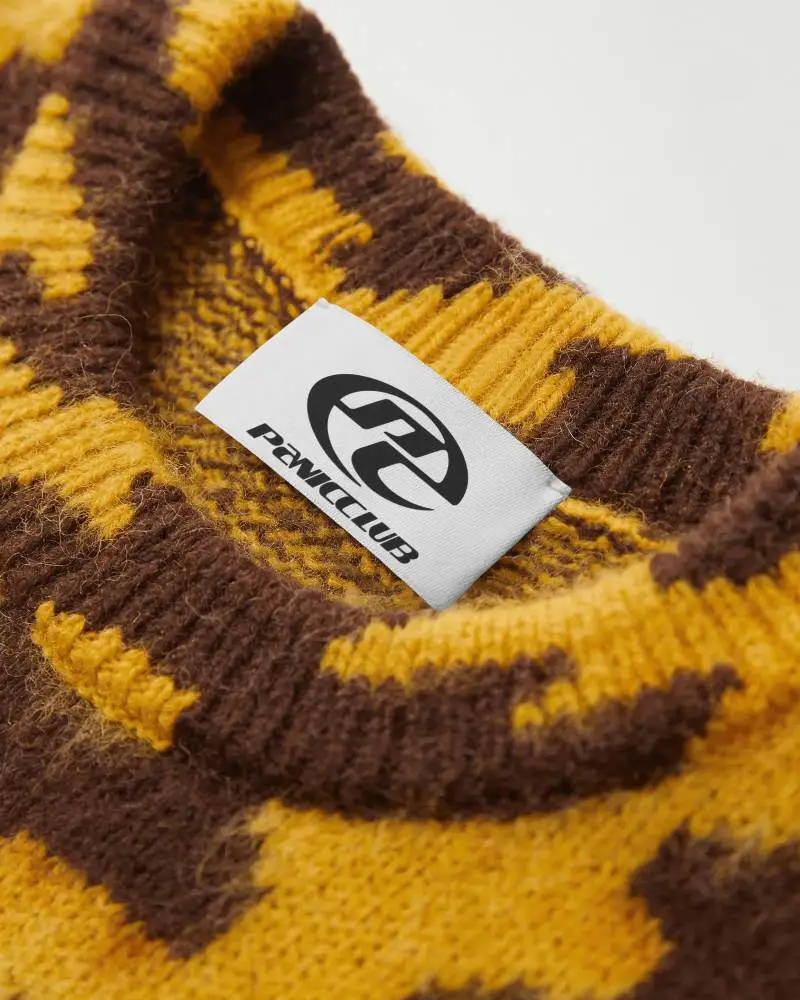
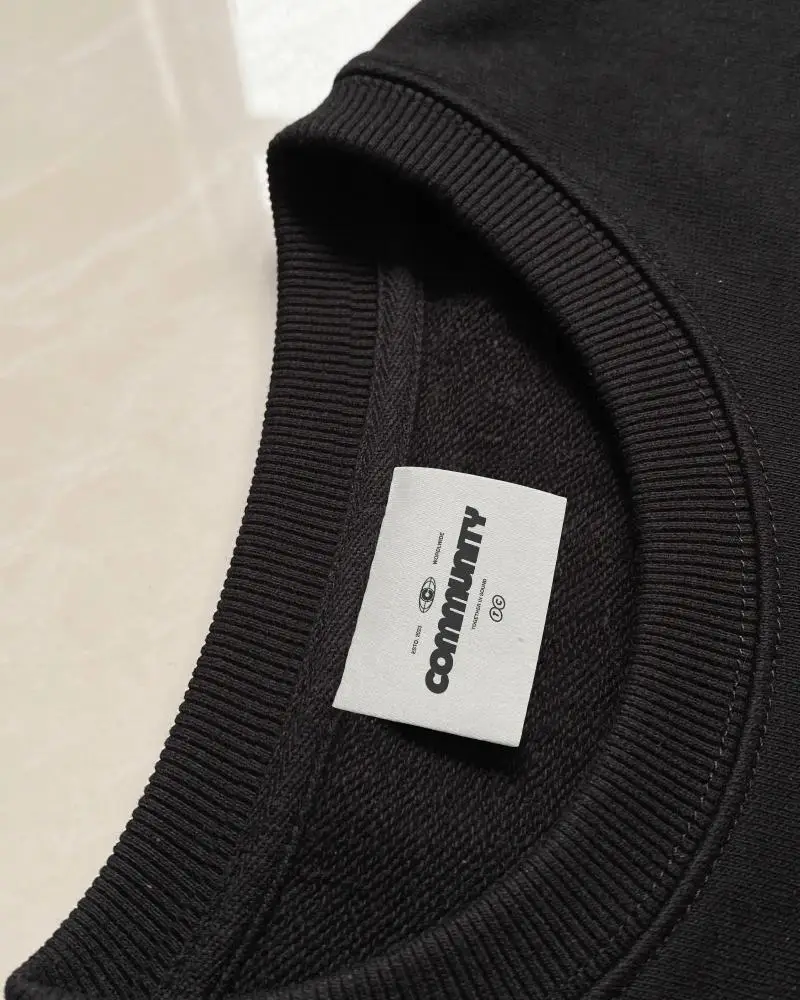
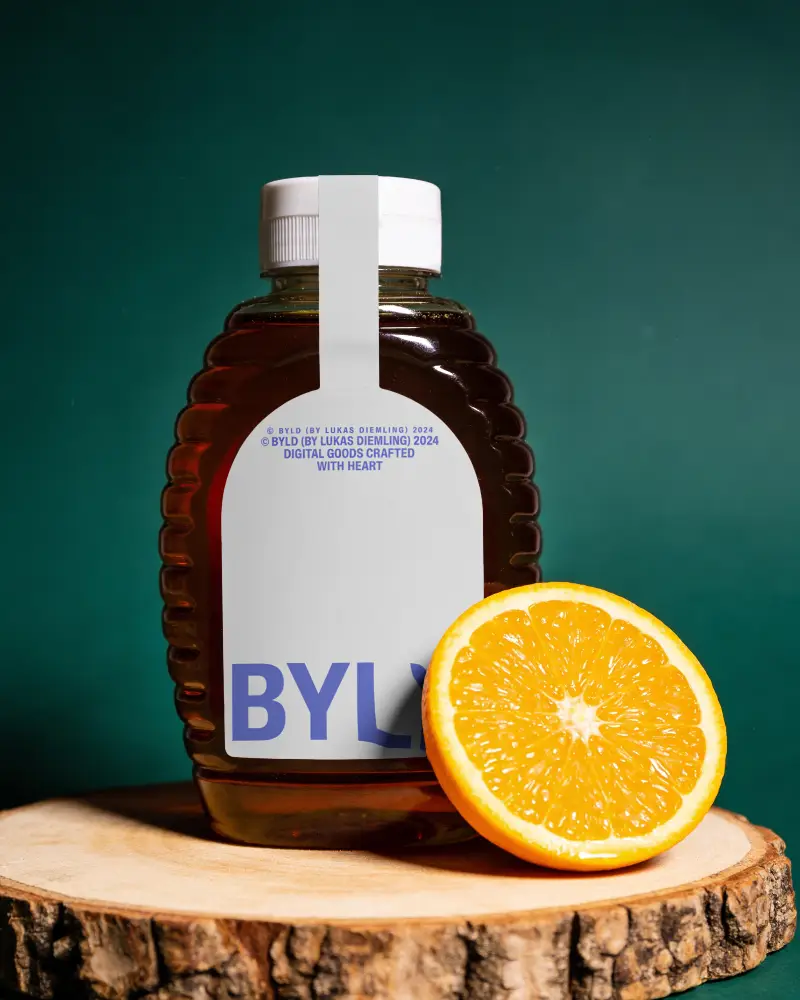
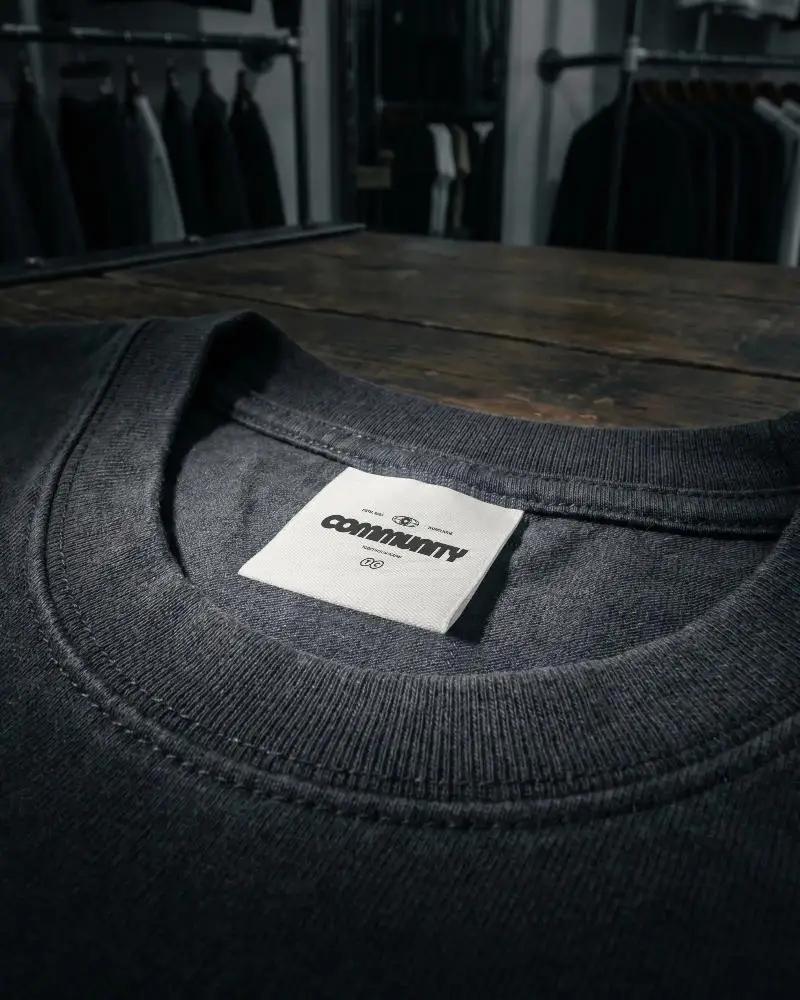
How to Create a Neck Label Mockup
To create a Neck Label mockup:
- Step 1: Select a Neck Label template from Mockey's library.
- Step 2: Upload your design, change colors, and adjust placement.
- Step 3: Click Download to save your mockup in PNG or JPG format.


FAQs on Neck Label Mockups
What is a Neck Label mockup?
A Neck Label mockup is a ready-made template that lets you preview your branding design on a realistic surface before printing. It helps you check logos, colors, and layouts without ordering physical samples.
What types of Neck Label mockups are available on Mockey?
Mockey offers a wide range of styles including round labels, hanging tags, clothing labels, and bag label mockups — all available in large numbers.
Are Neck Label mockups suitable for professional use?
Free mockups on Mockey are suitable for personal projects. A paid subscription is required for commercial use, which unlocks higher resolution downloads and commercial use rights.
Why should I use a Neck Label mockup for branding?
It lets you spot design issues like small text or distorted curves before going to print. You can also check how colors and materials work together, saving time and reducing costly print mistakes.
