Free Round Label Mockups
Use our free round label mockups to show your design in a real way. Pick a style, drop in your art, and get a sharp image fast. No cost. No sign up. Just quick, clean results on Mockey AI.
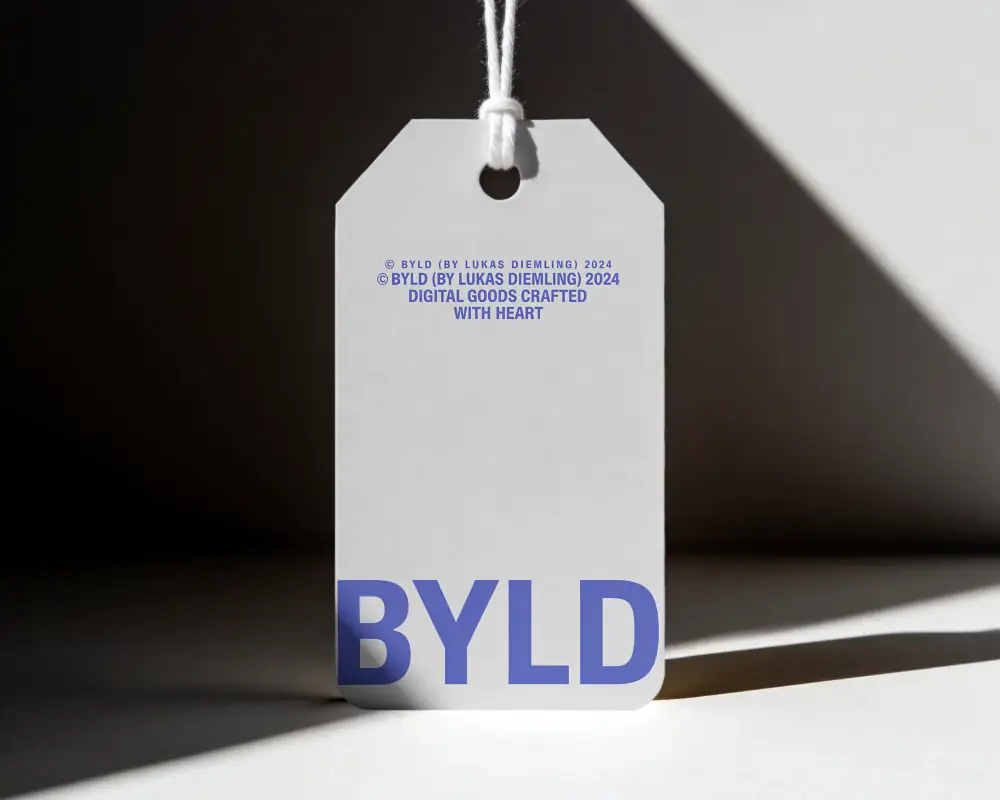
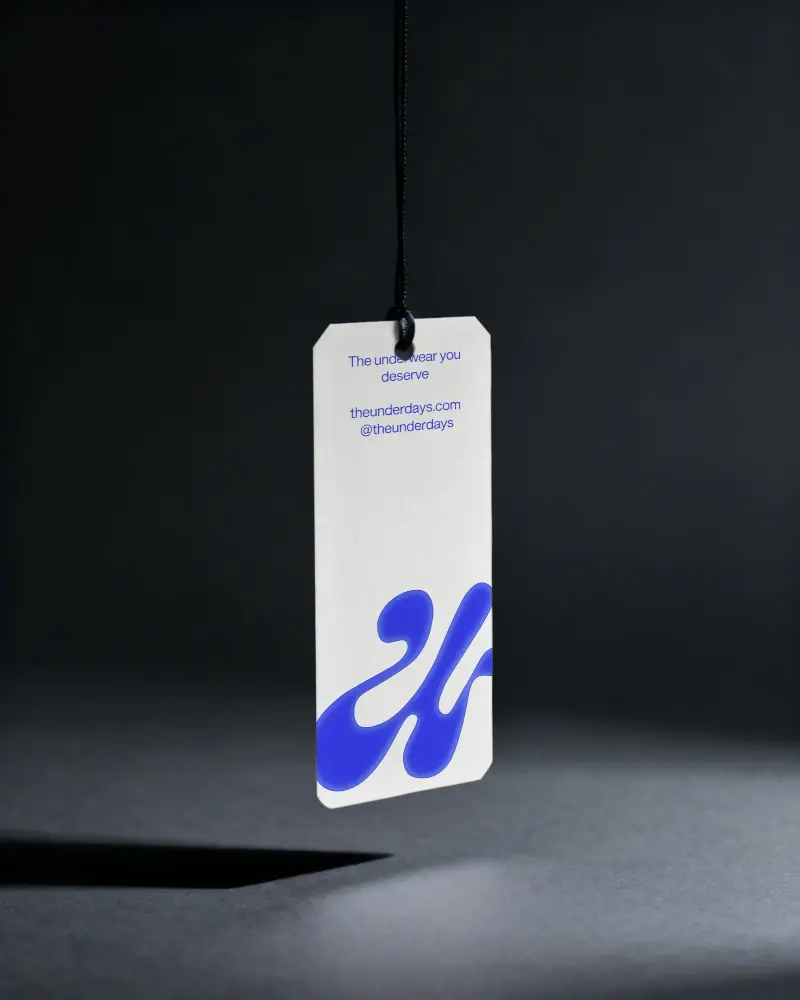
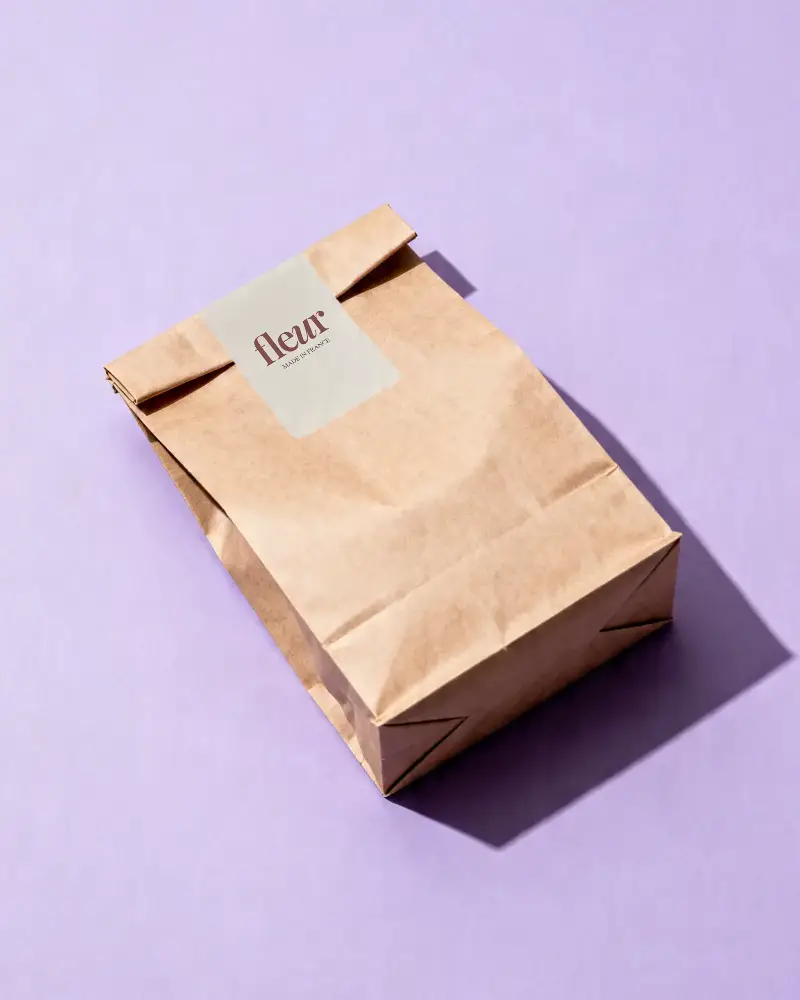
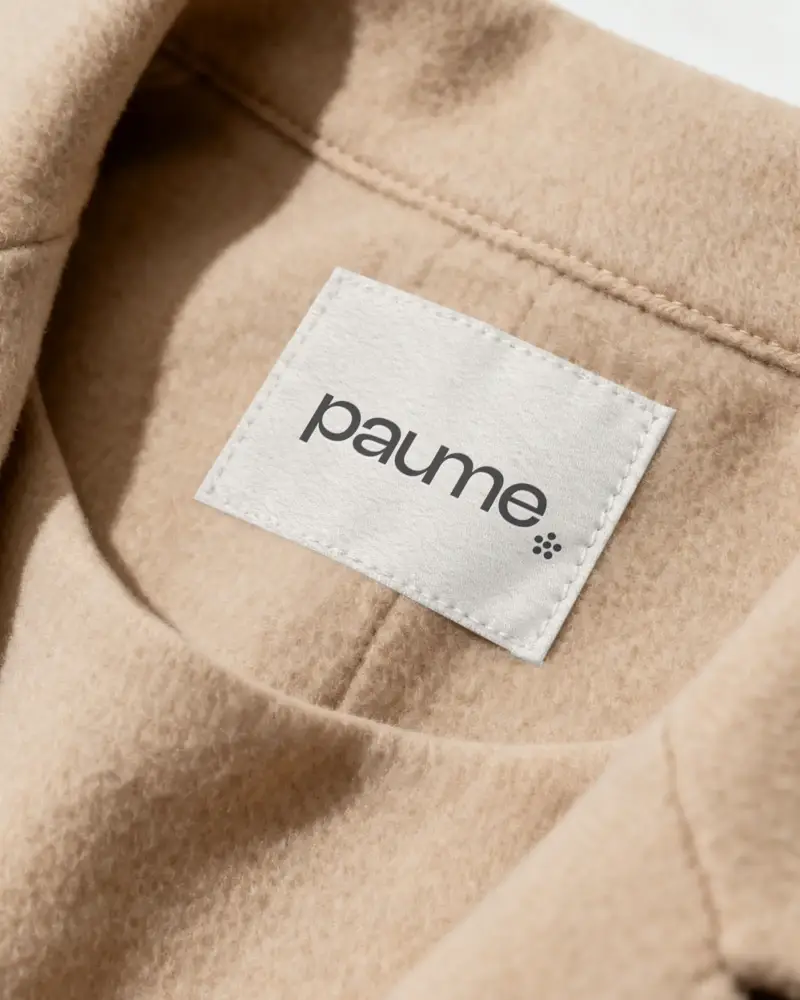
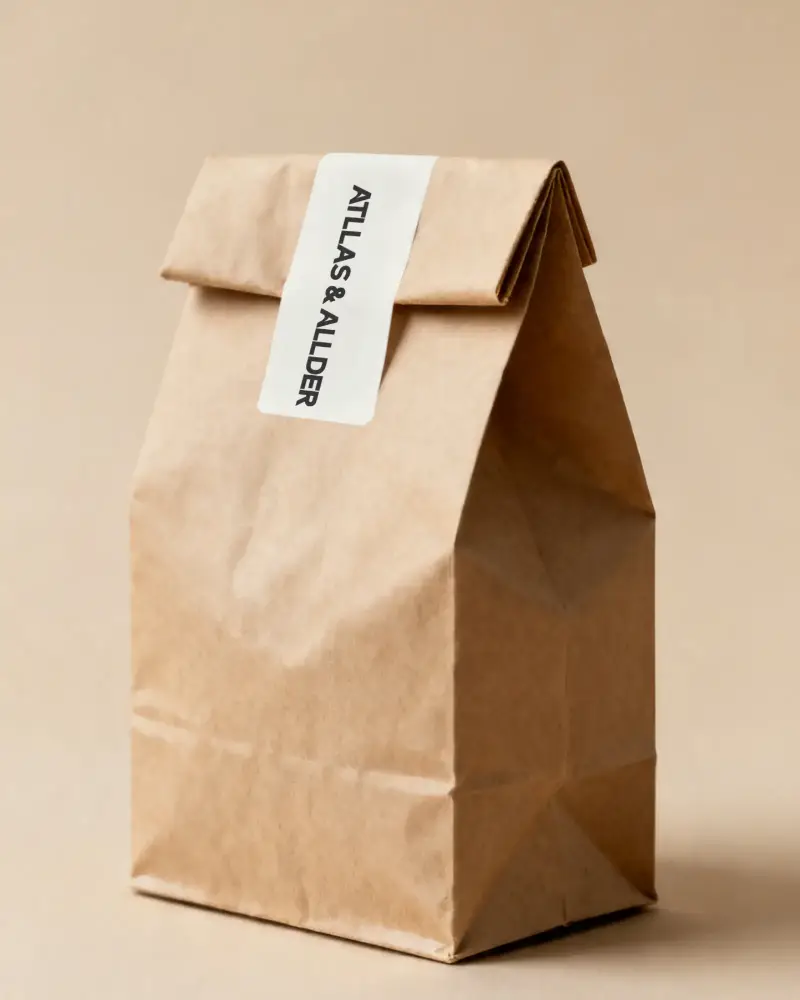
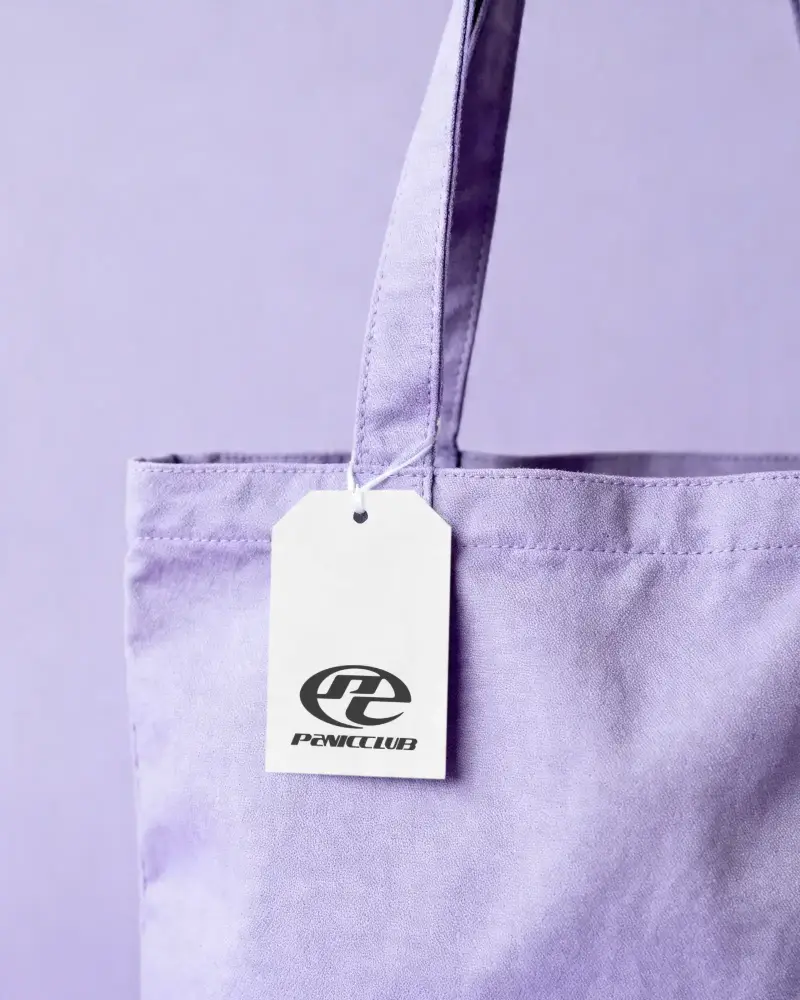
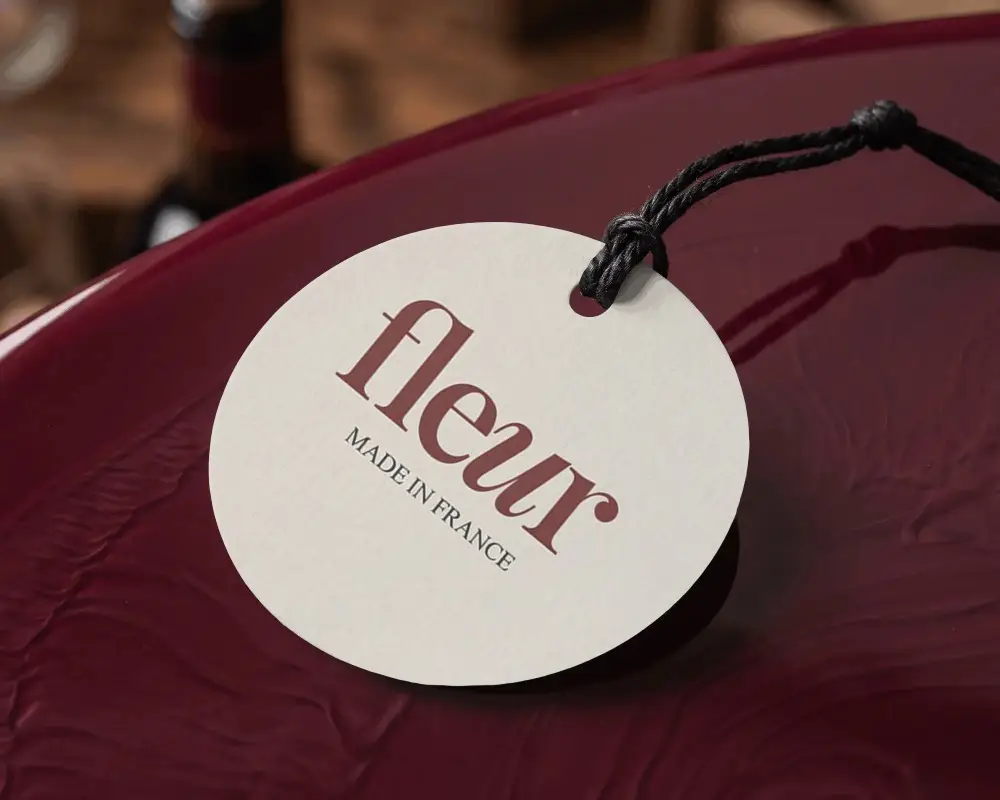
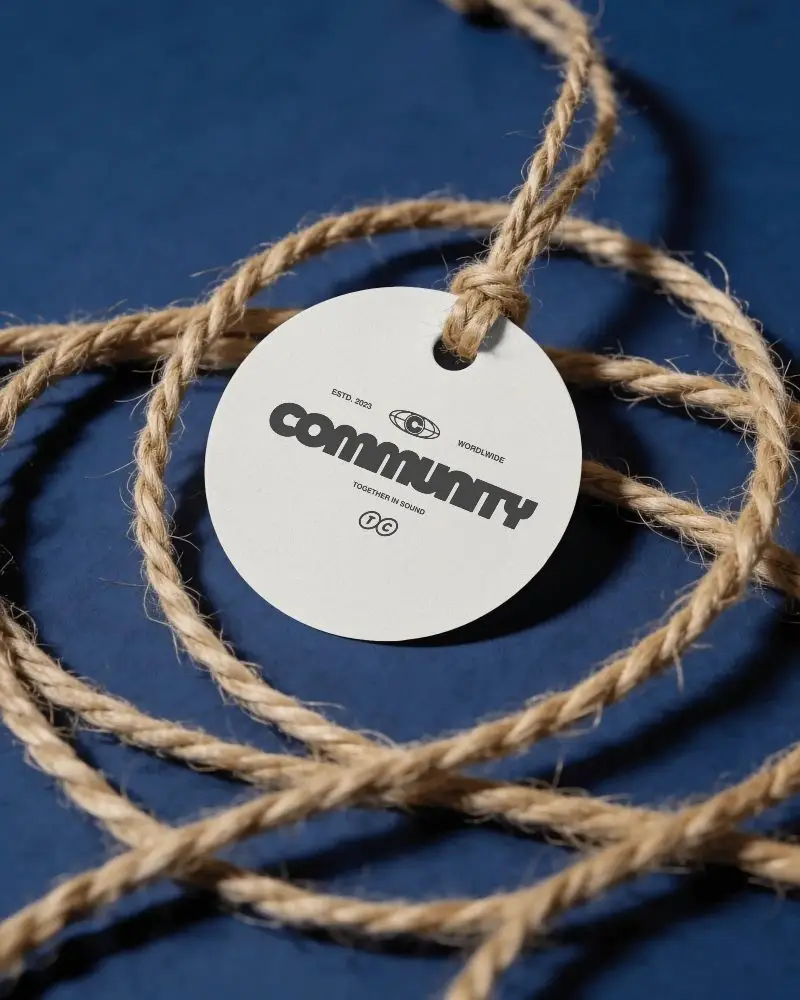
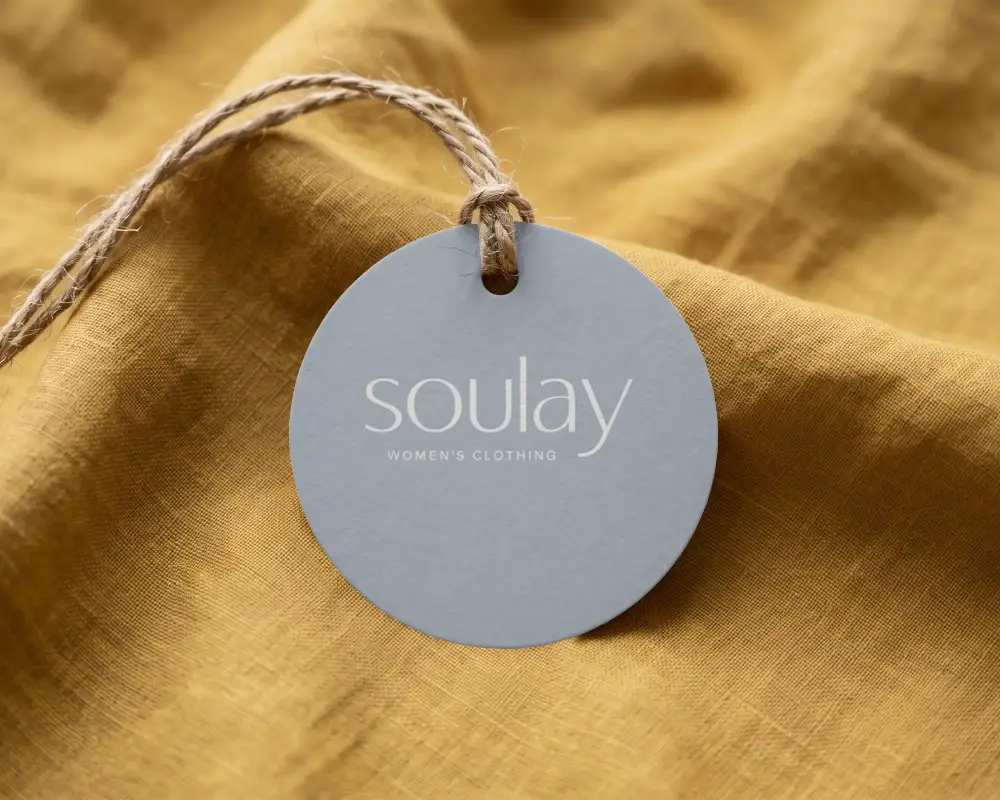
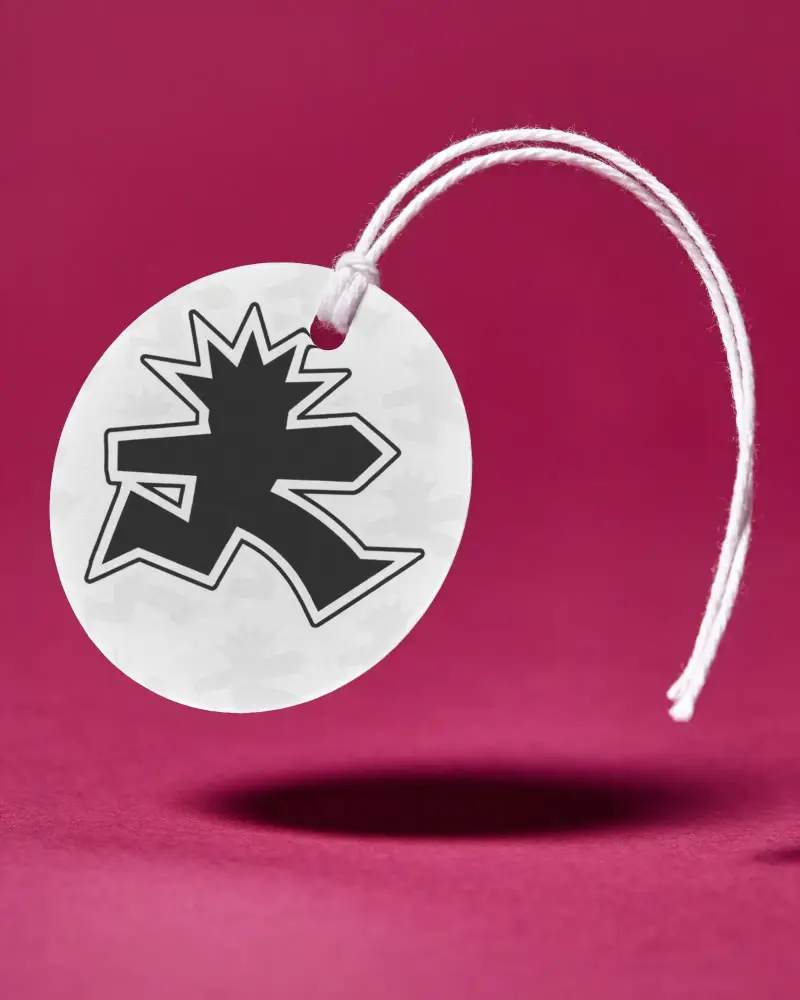
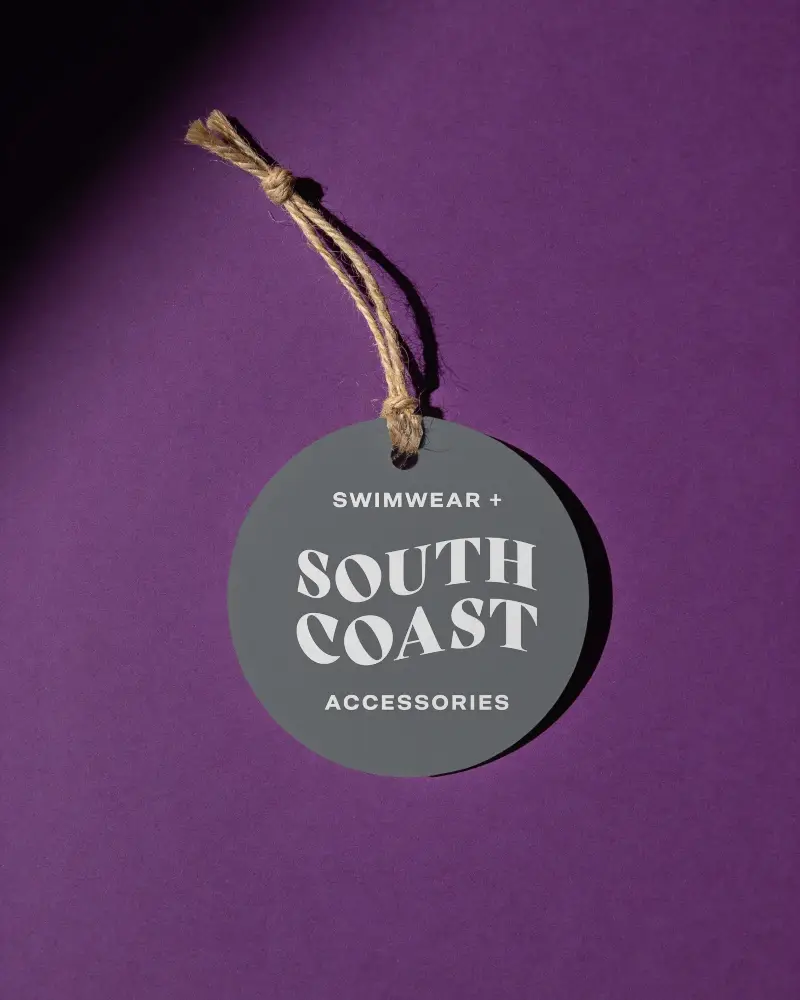
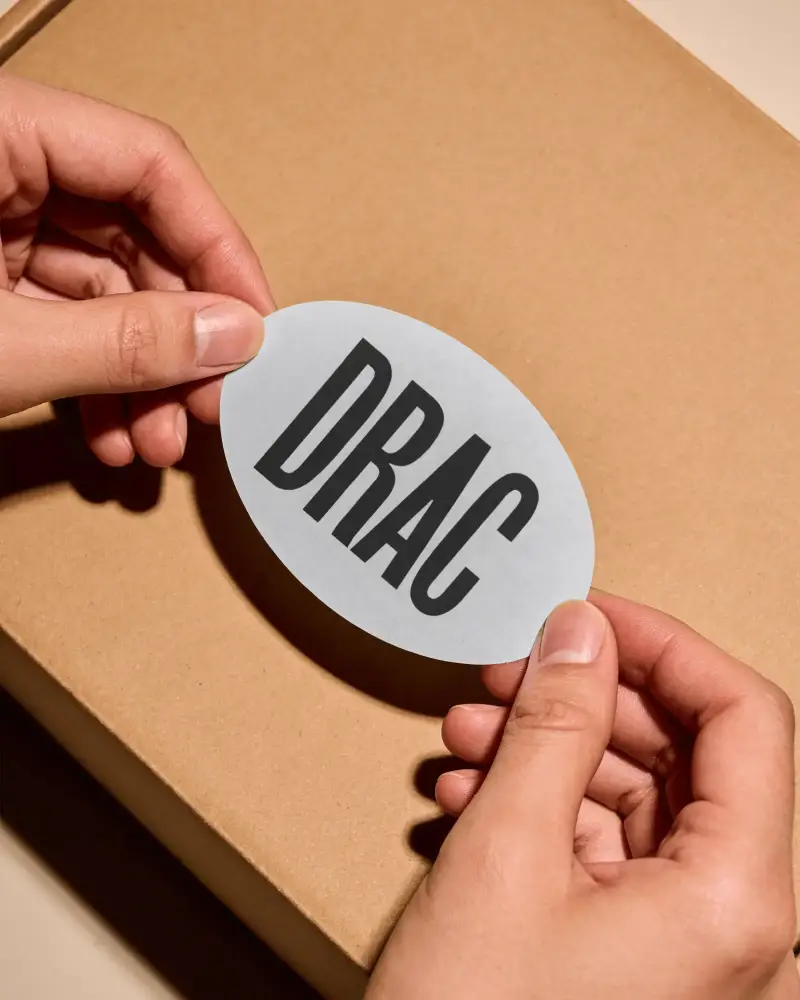
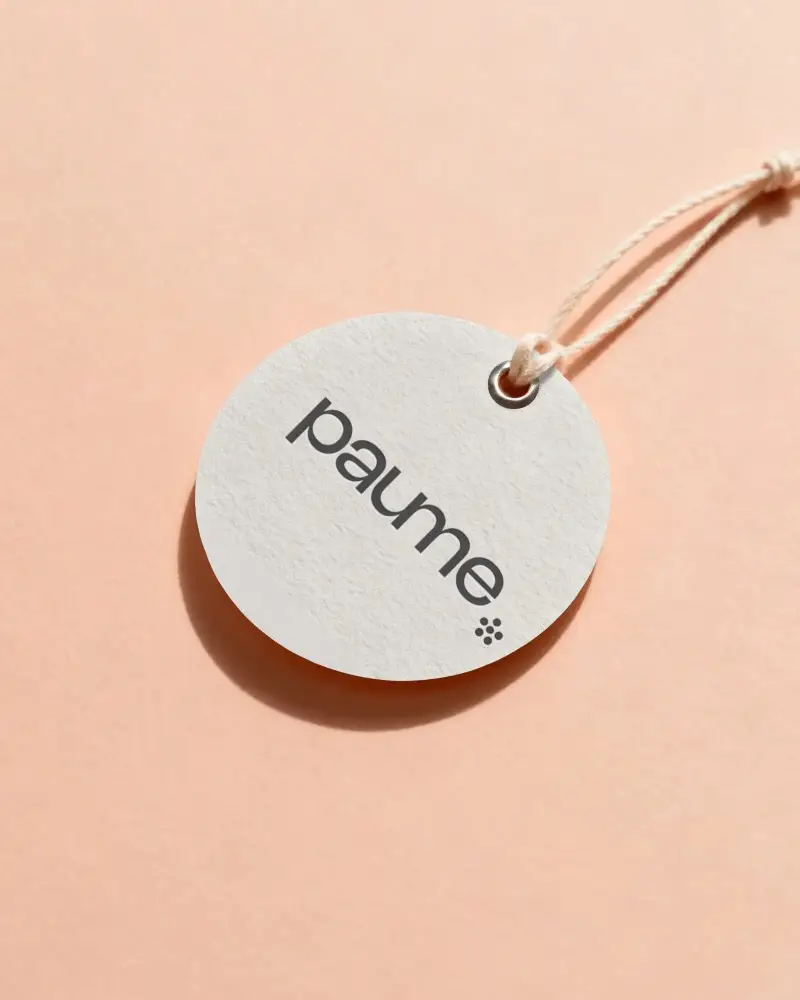
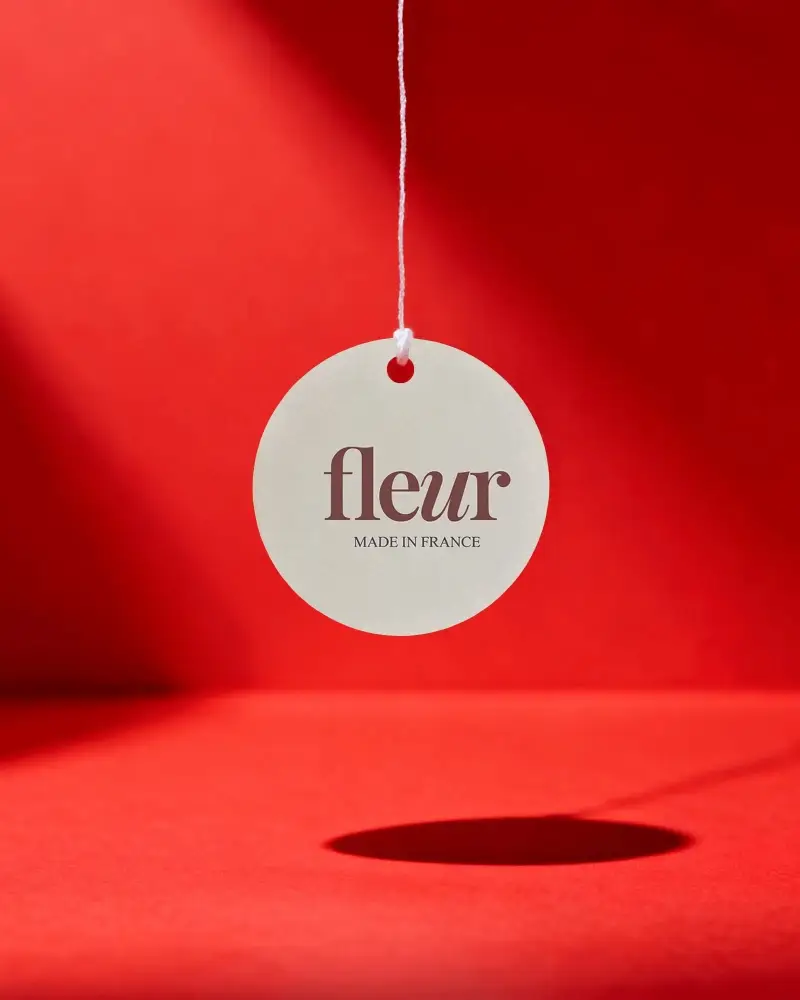
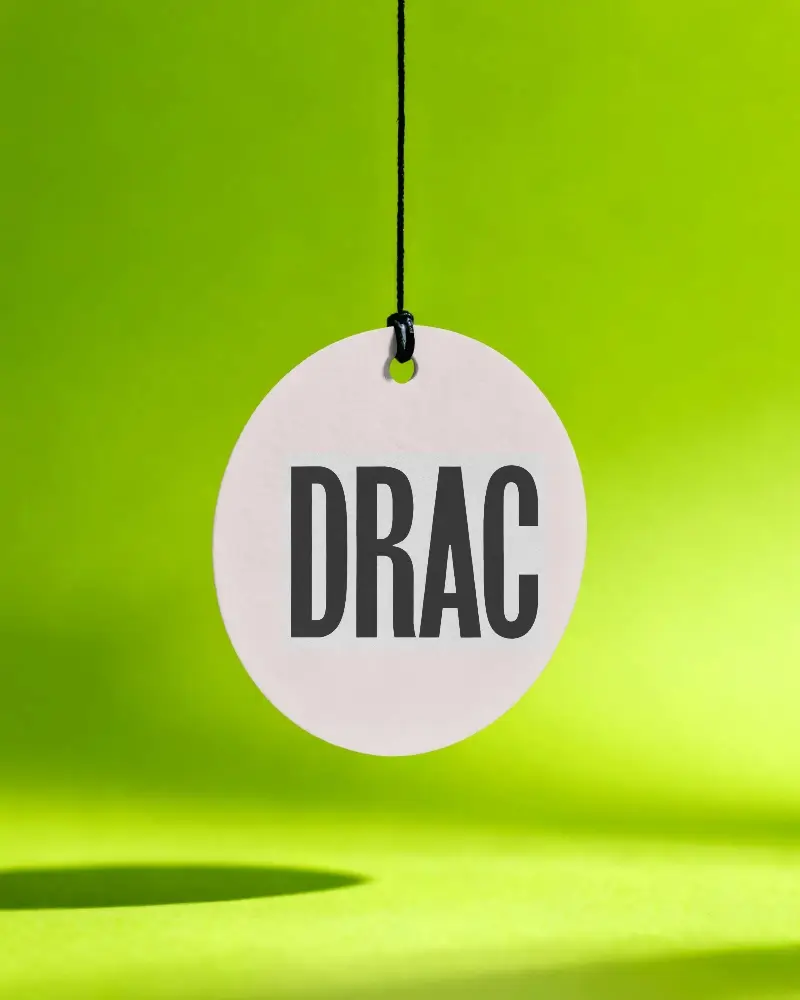
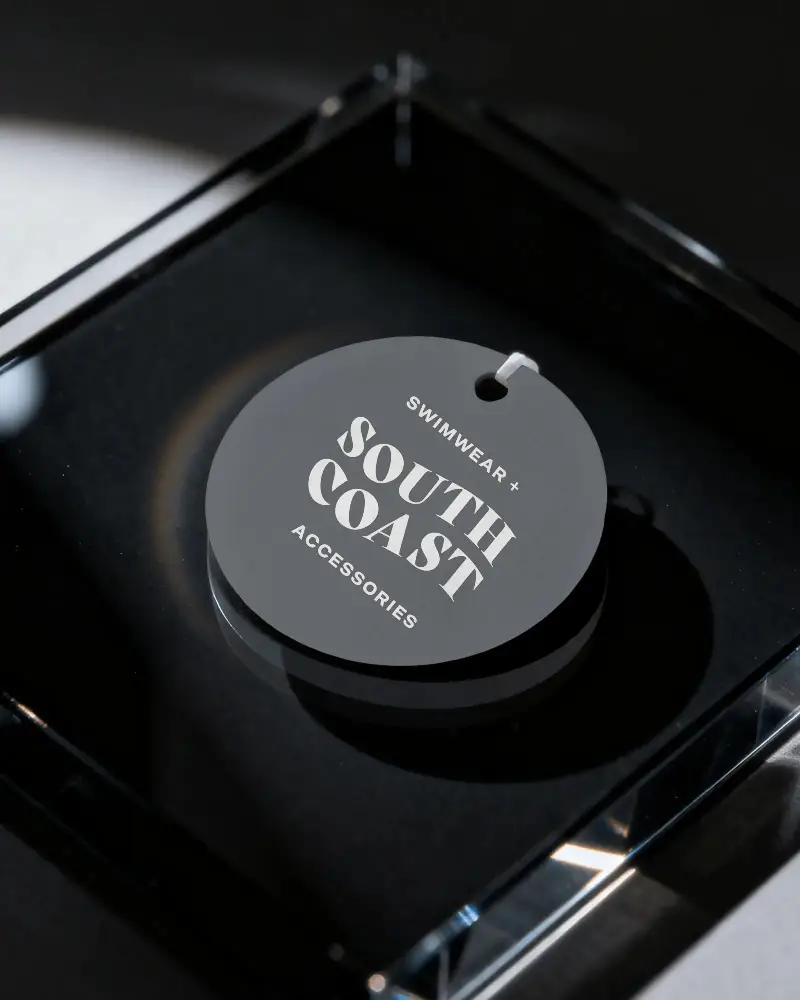
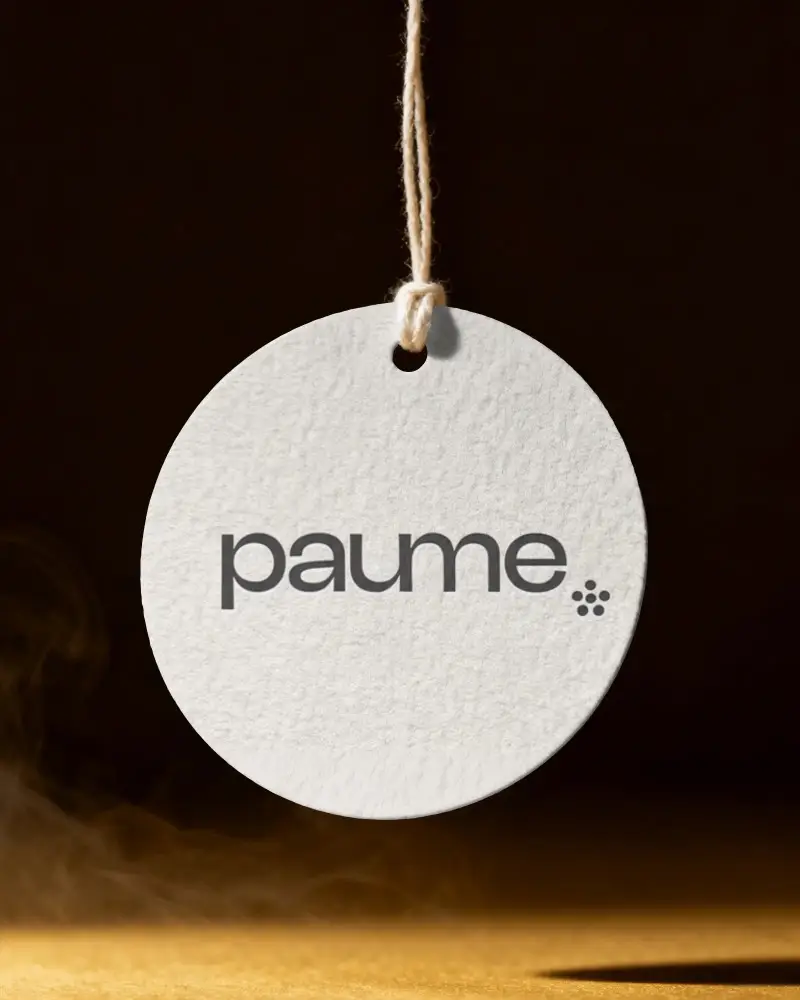
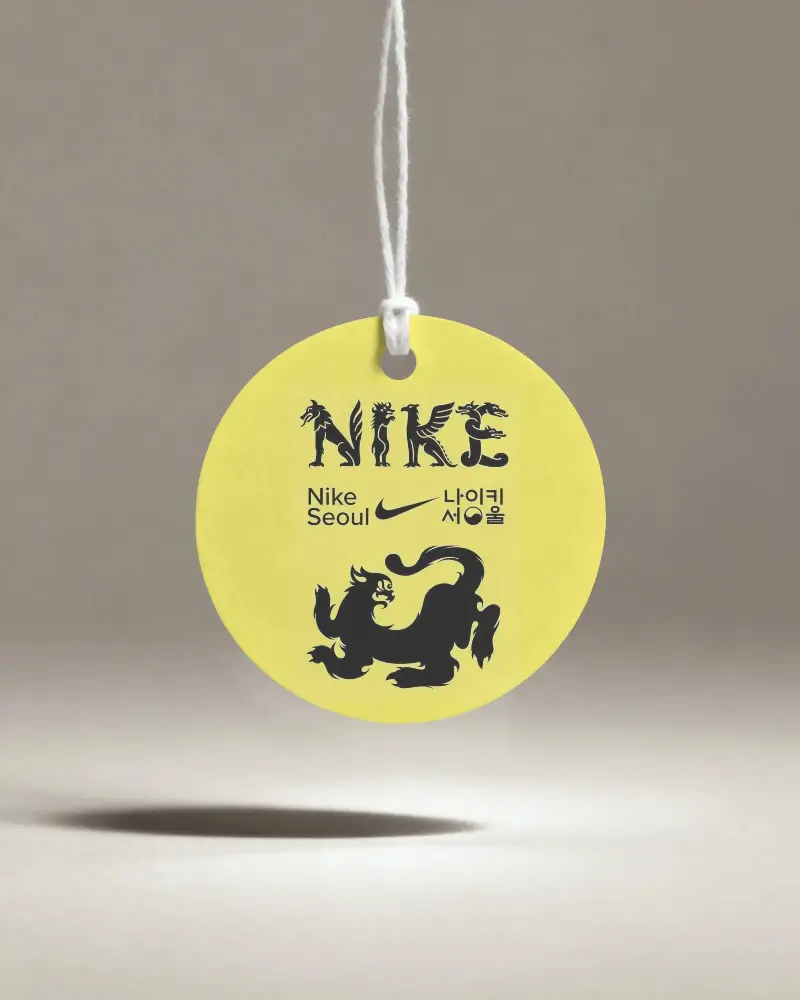
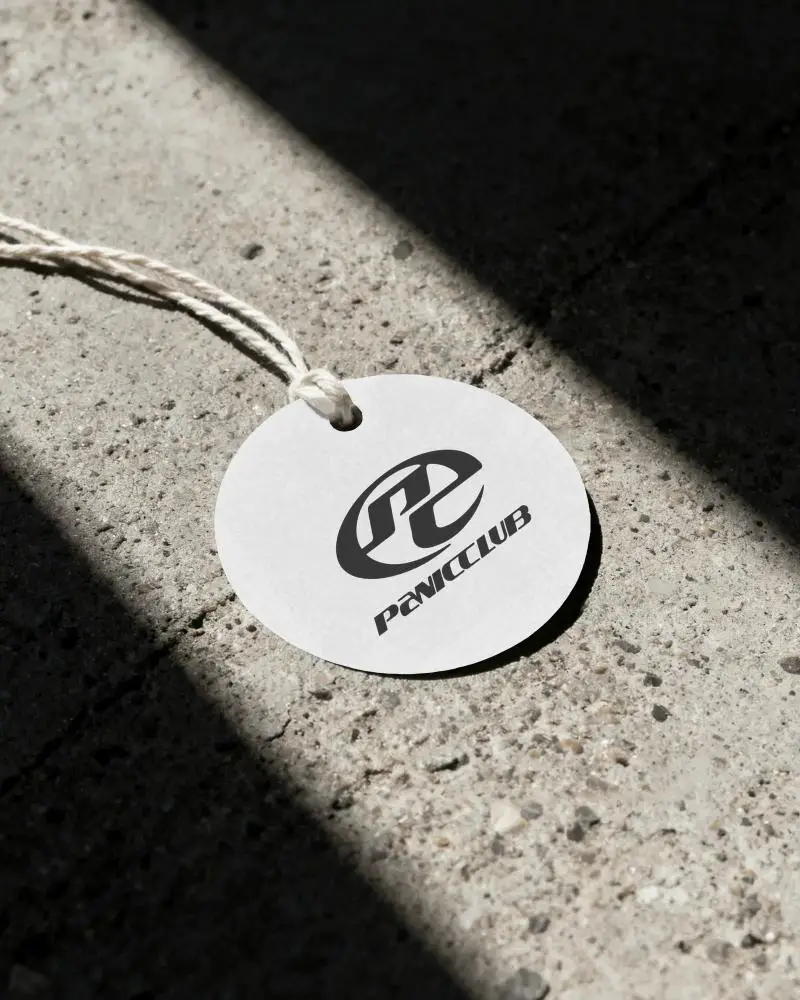
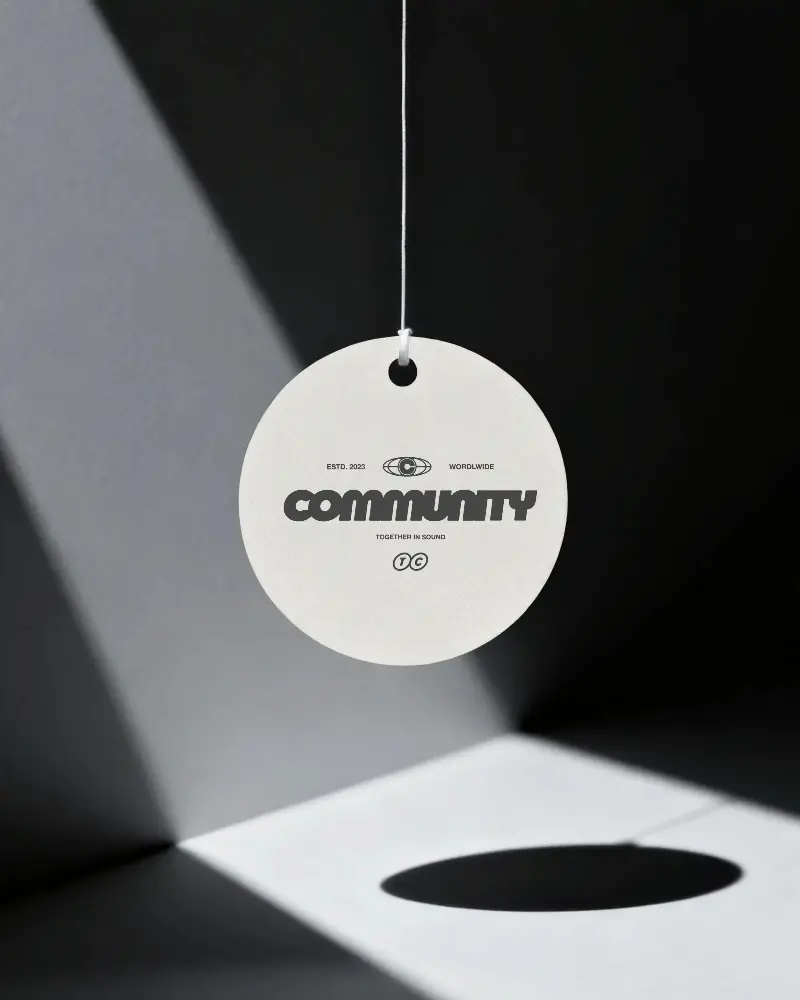
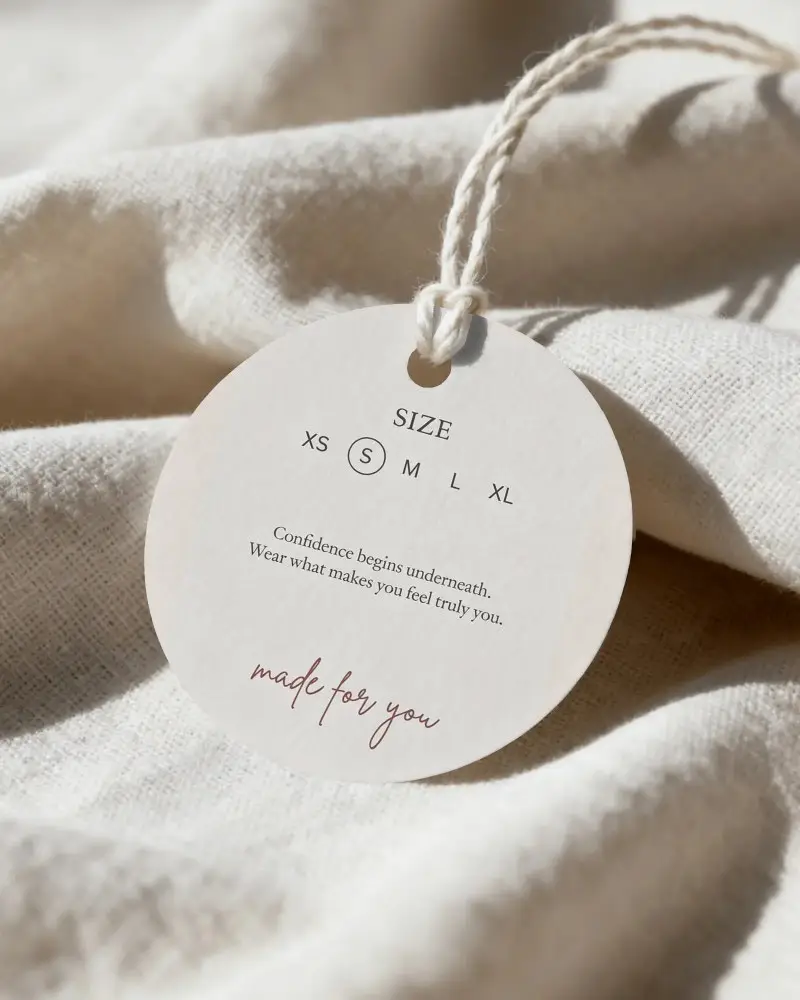
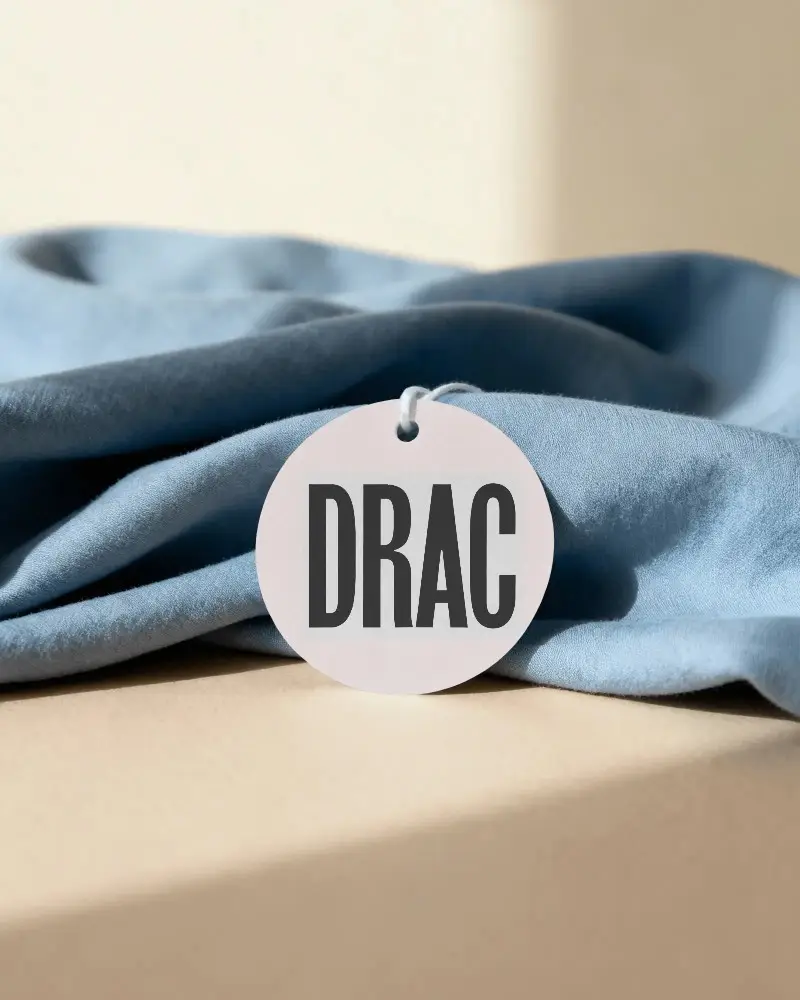
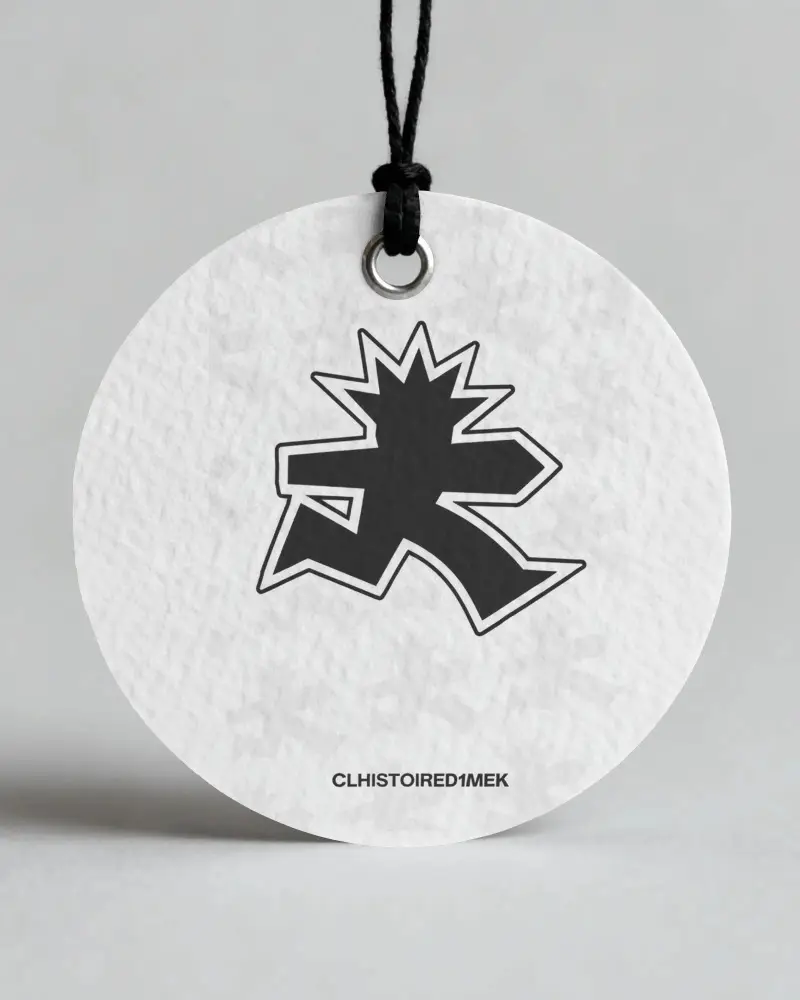
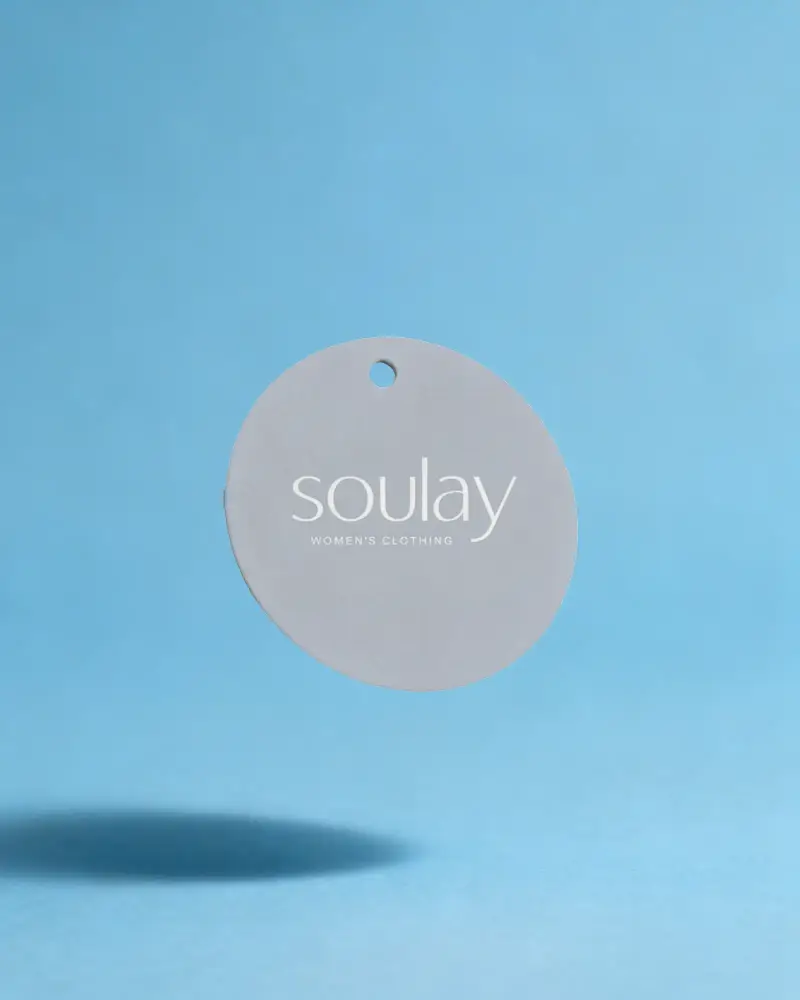
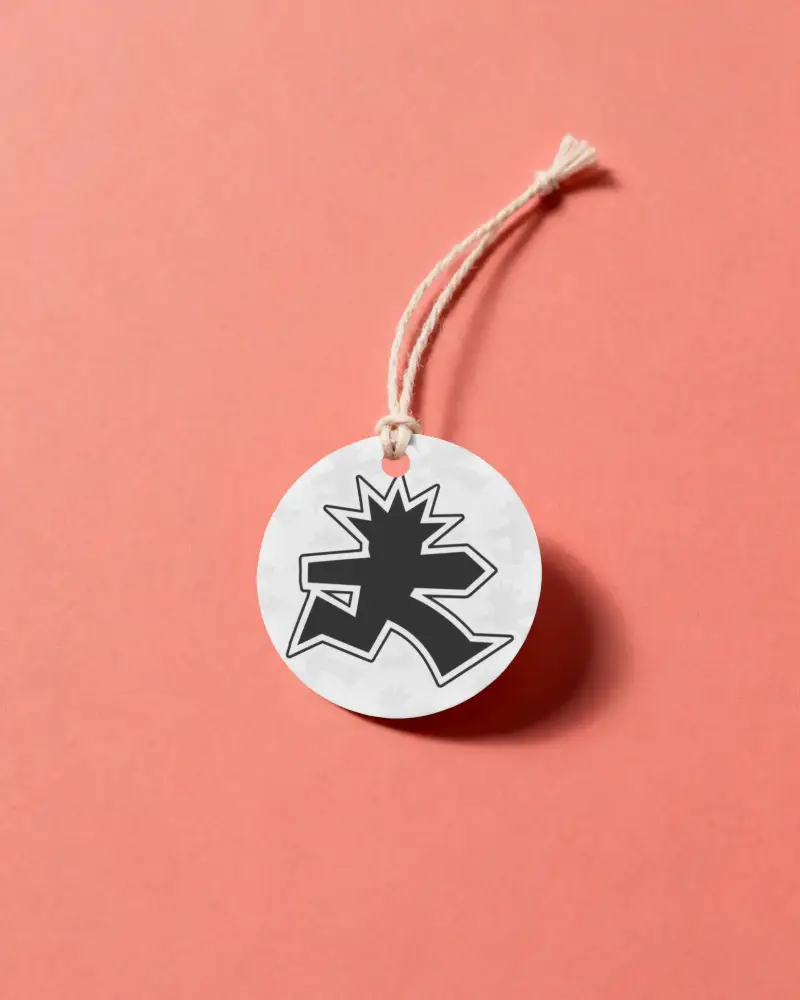
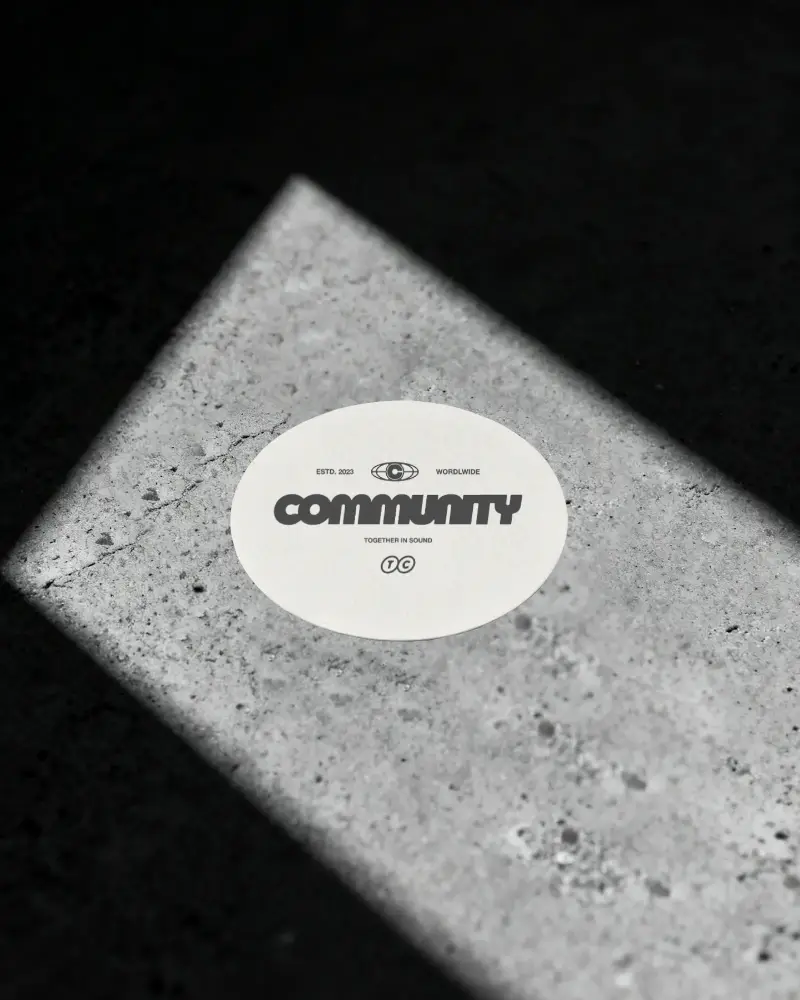
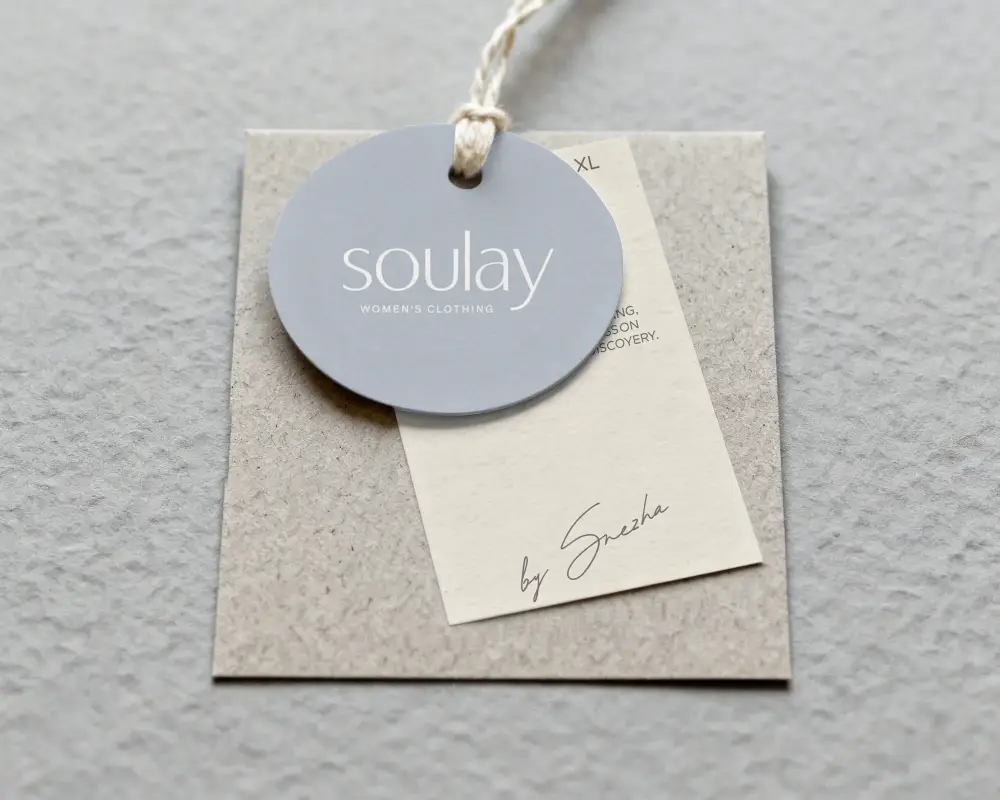
How to Create a Round Label Mockup
To create a round label mockup:
- Step 1: Choose a round label from the Mockey library. Pick a design you like, such as for food & beverage or skincare.
- Step 2: Upload your image or logo, adjust it, alter the label color, or use AI tools.
- Step 3: Download the round label mockup in high-resolution.


FAQs on Round Label Mockups
What is a round label mockup?
A round label mockup is a template of a circular product label used on physical items like bottles or jars. On Mockey AI, there are many such templates where adding your design is very easy and accurate.
Can I upload my design to a round label mockup?
You can add your design to a round label mockup using the Upload Design button. Your design should be in JPG, WEBP, or PNG format; otherwise, you can use a converter tool.
What products use round label mockups?
Beauty & skincare, food & beverage, and stationery products use round label mockups.
Are round label mockups useful for candle and skincare branding?
Round label mockups are useful for candle and skincare branding. They are used for jar lids, warning labels, and small tins. Mockups allow you to view how minimal, rustic, or botanical patterns look on different types of jars.
Where can I find the best round label mockup templates?
If you're looking for the best round label mockup templates with high quality, you'll find them at Mockey.
