iphone
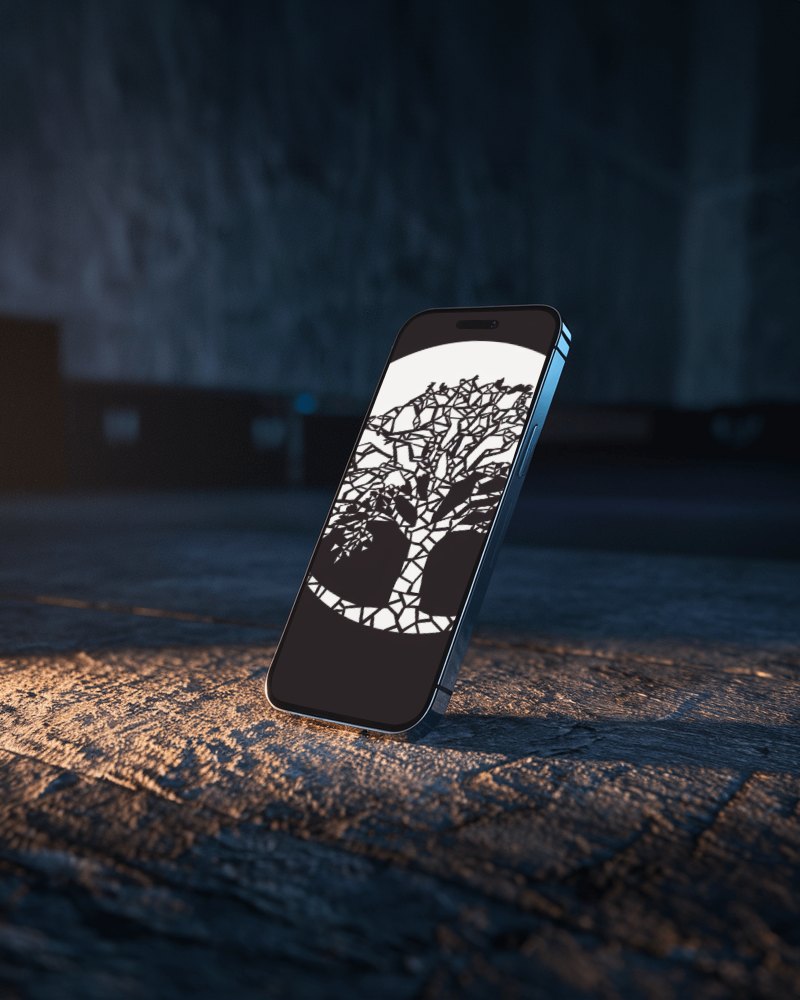
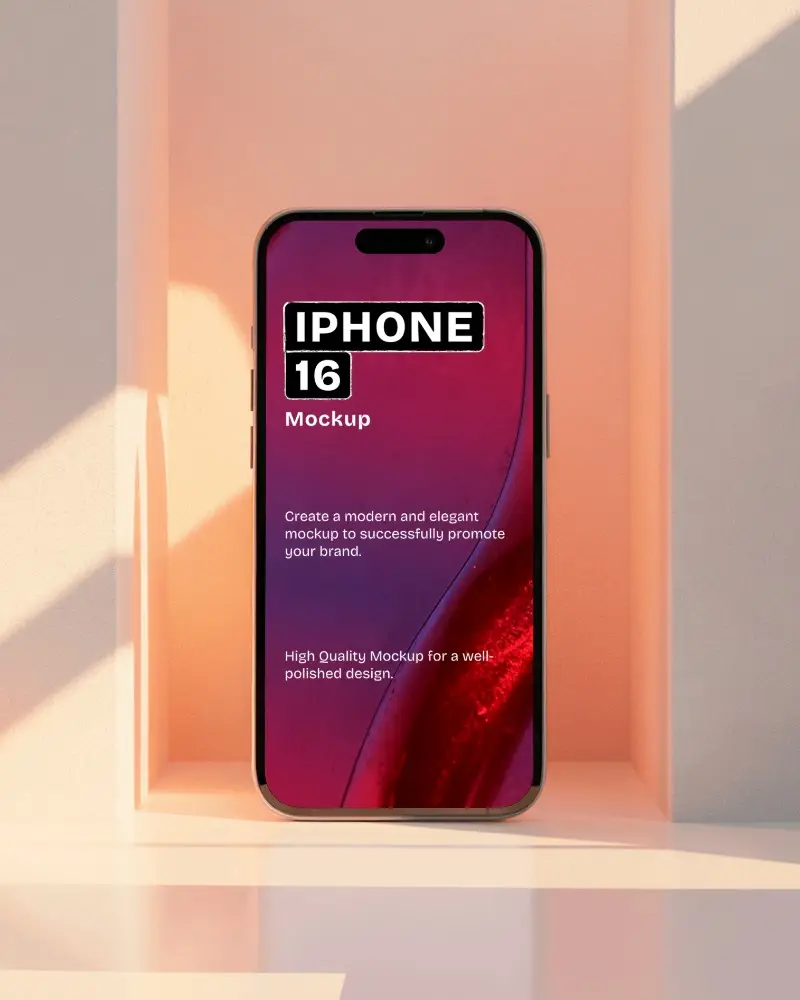
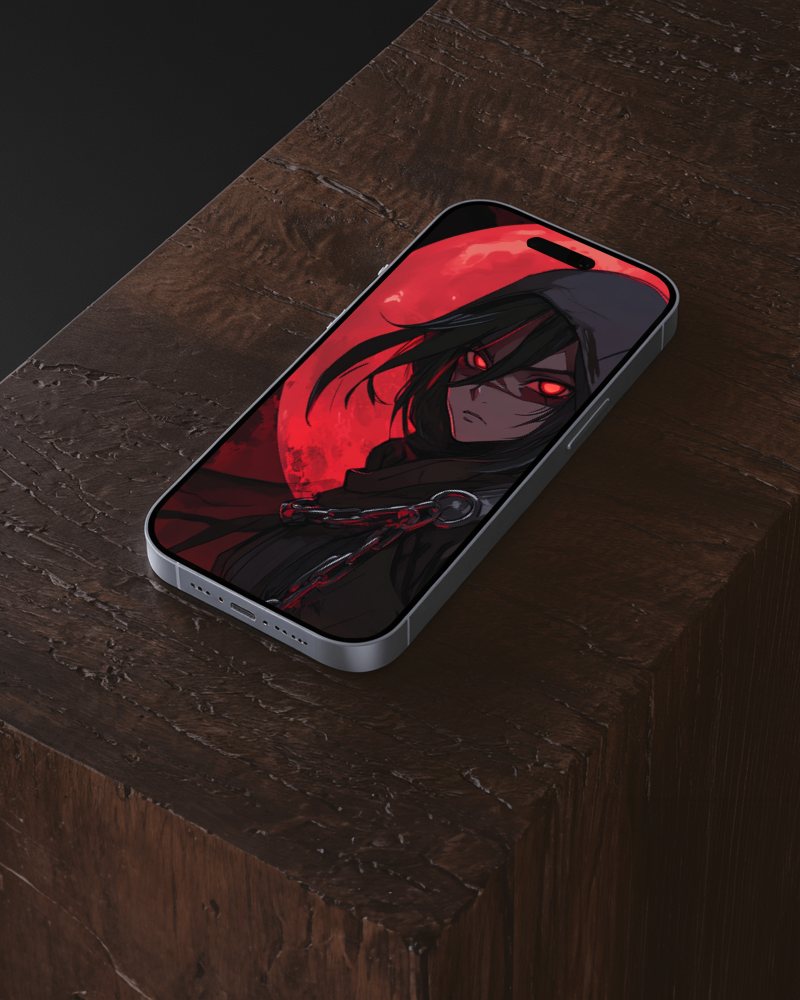
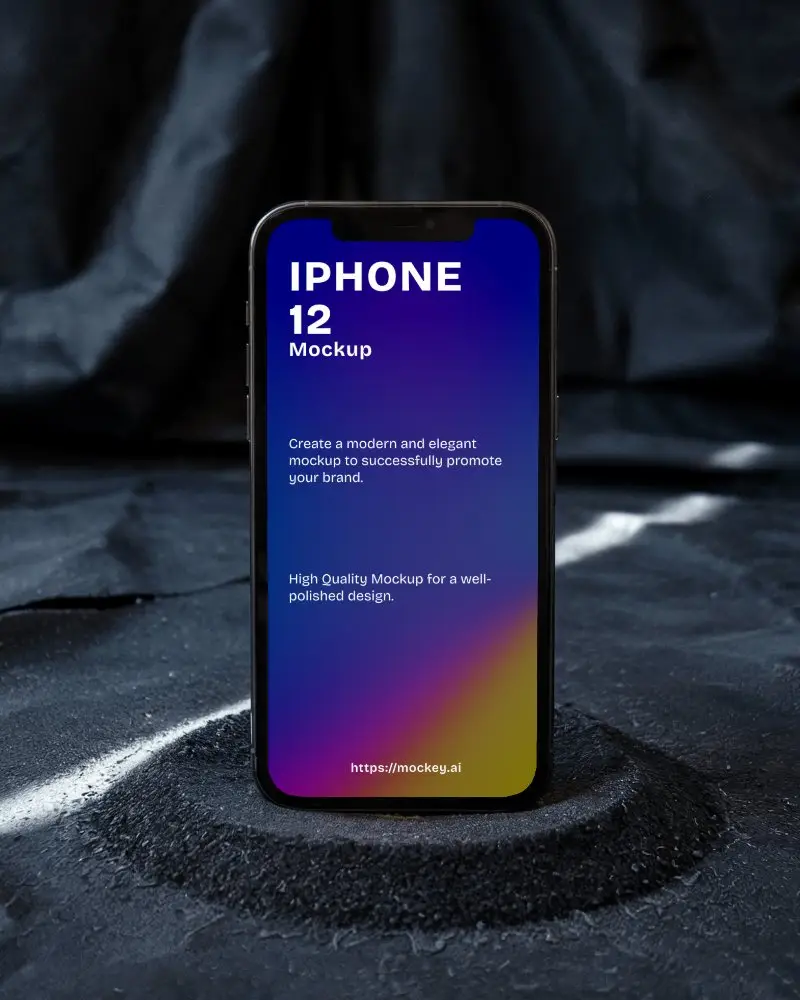
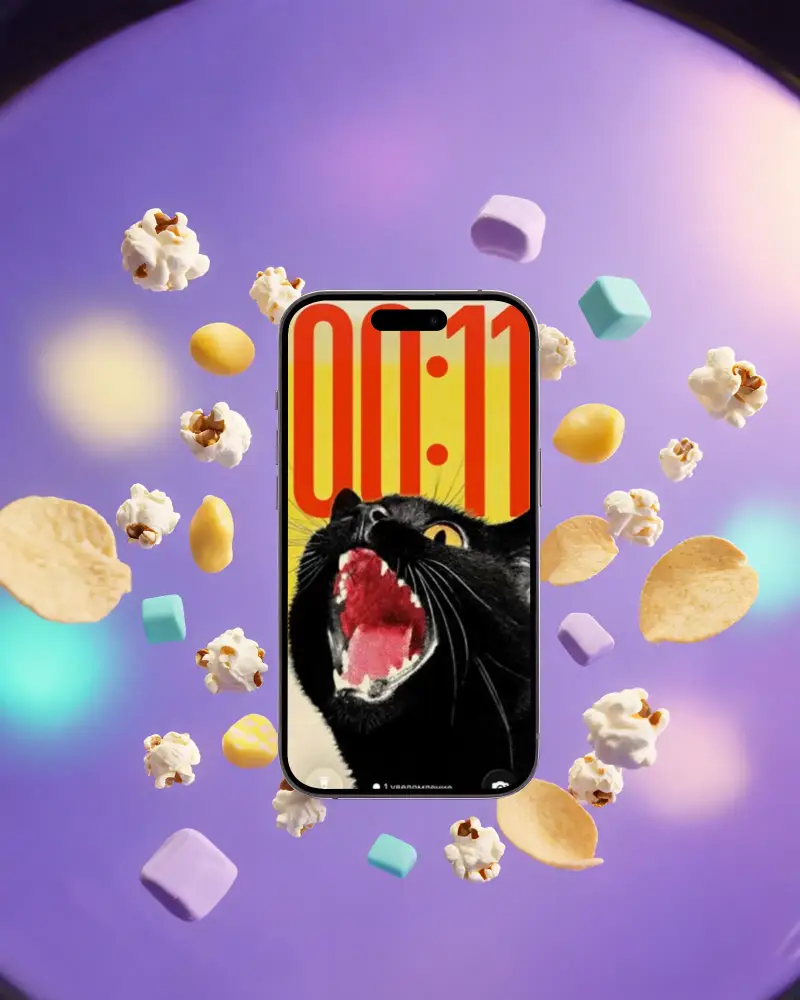
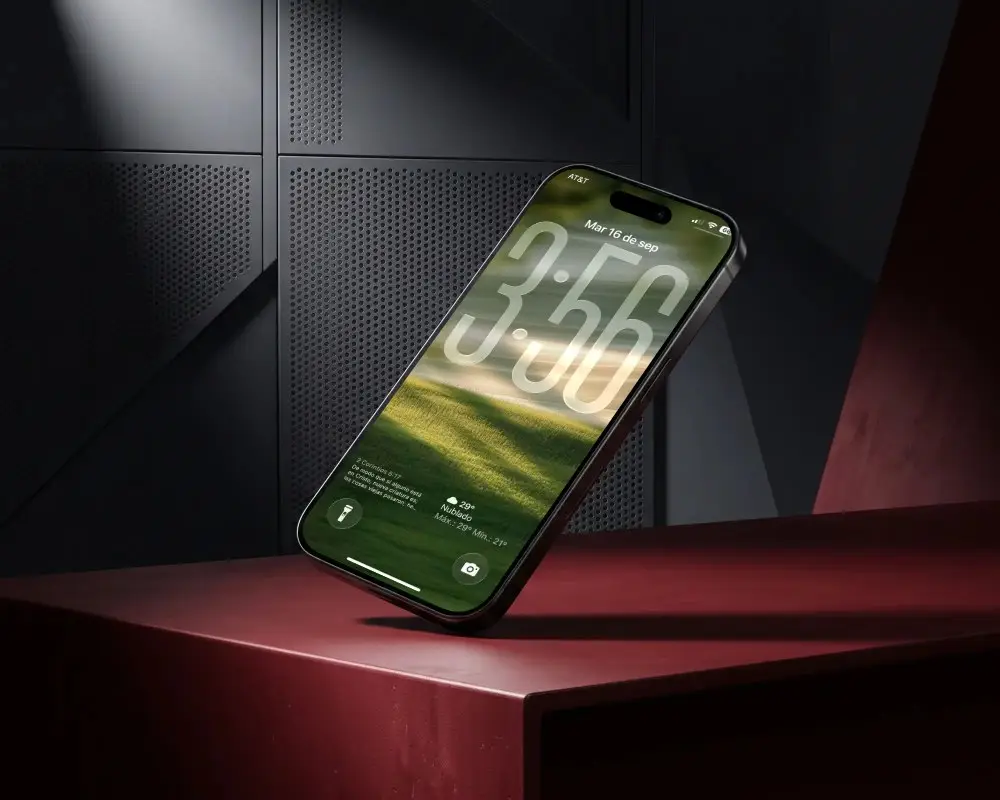
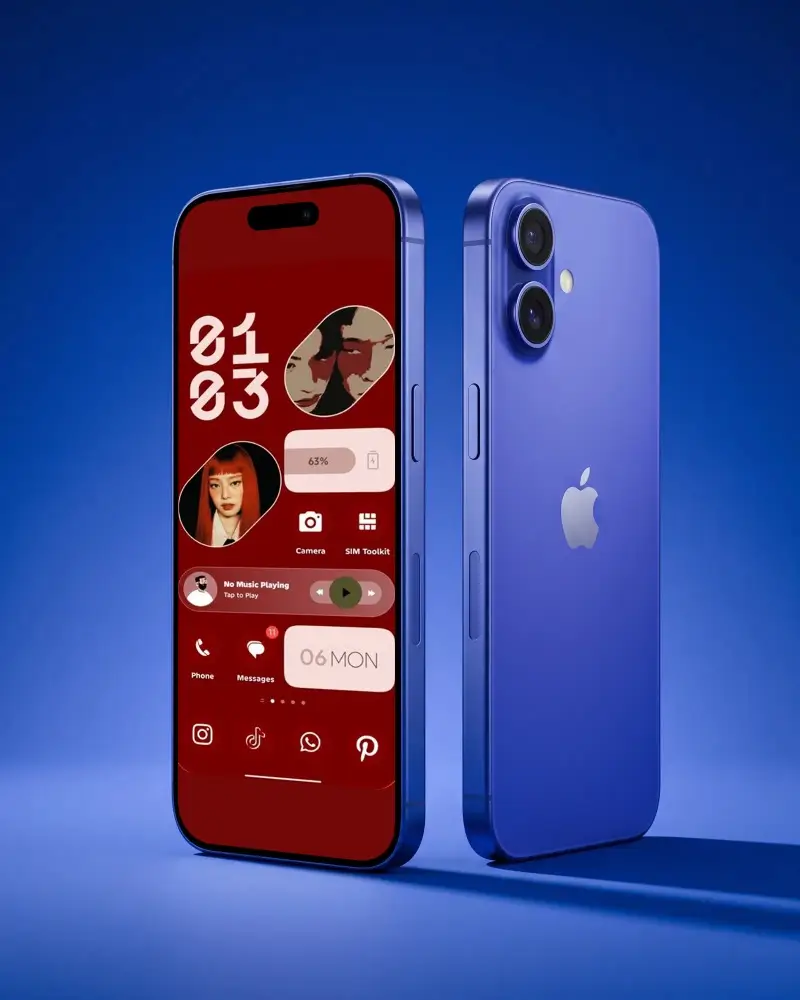
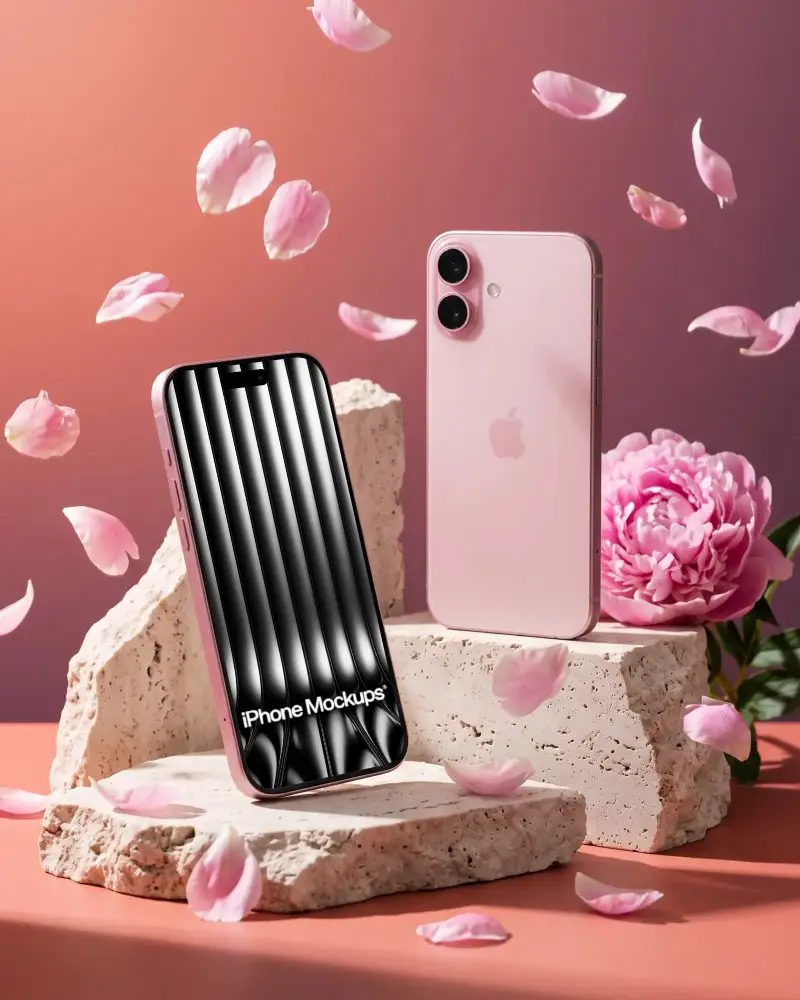
Free iPhone 16 Mockups
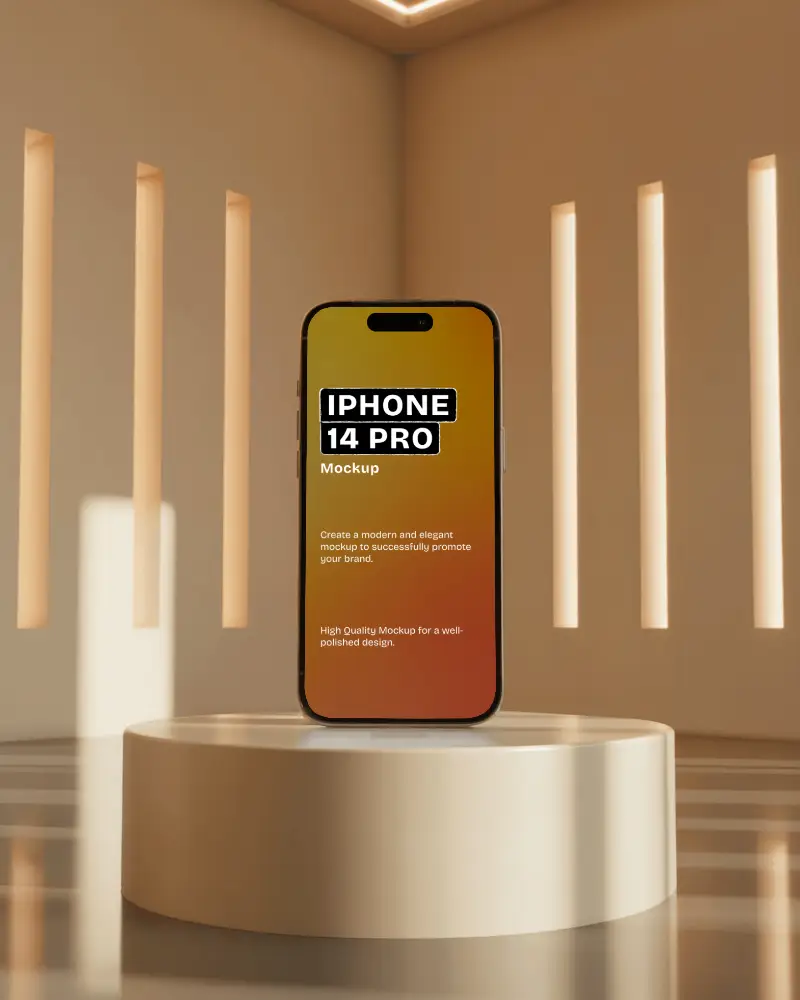
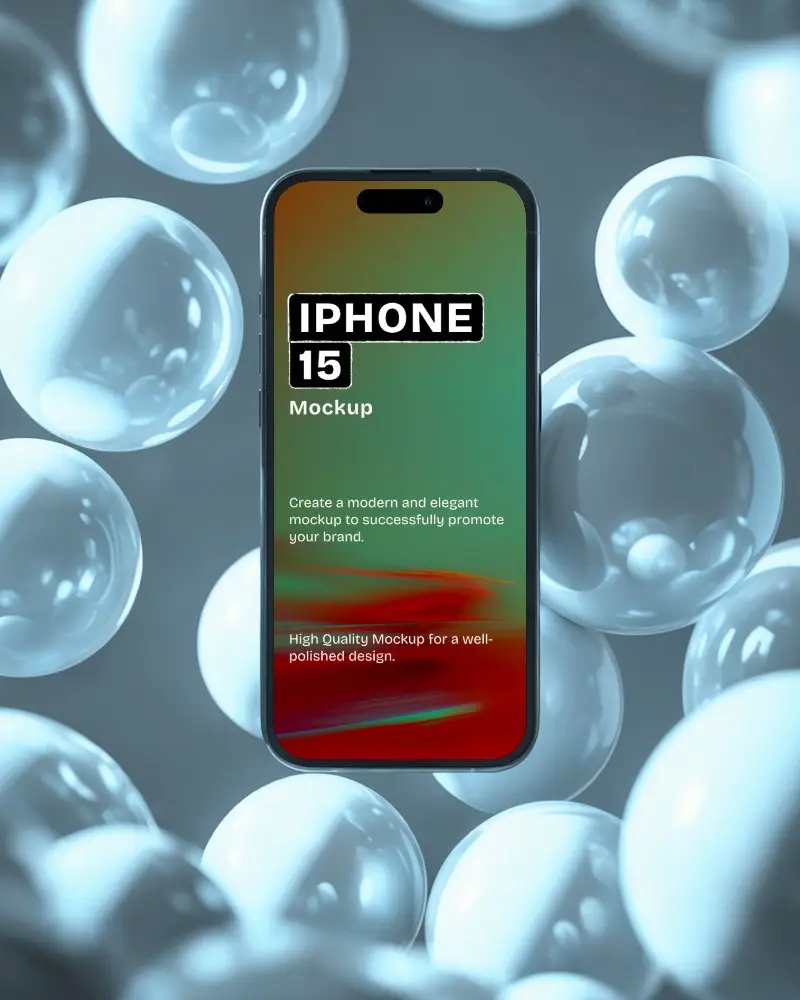
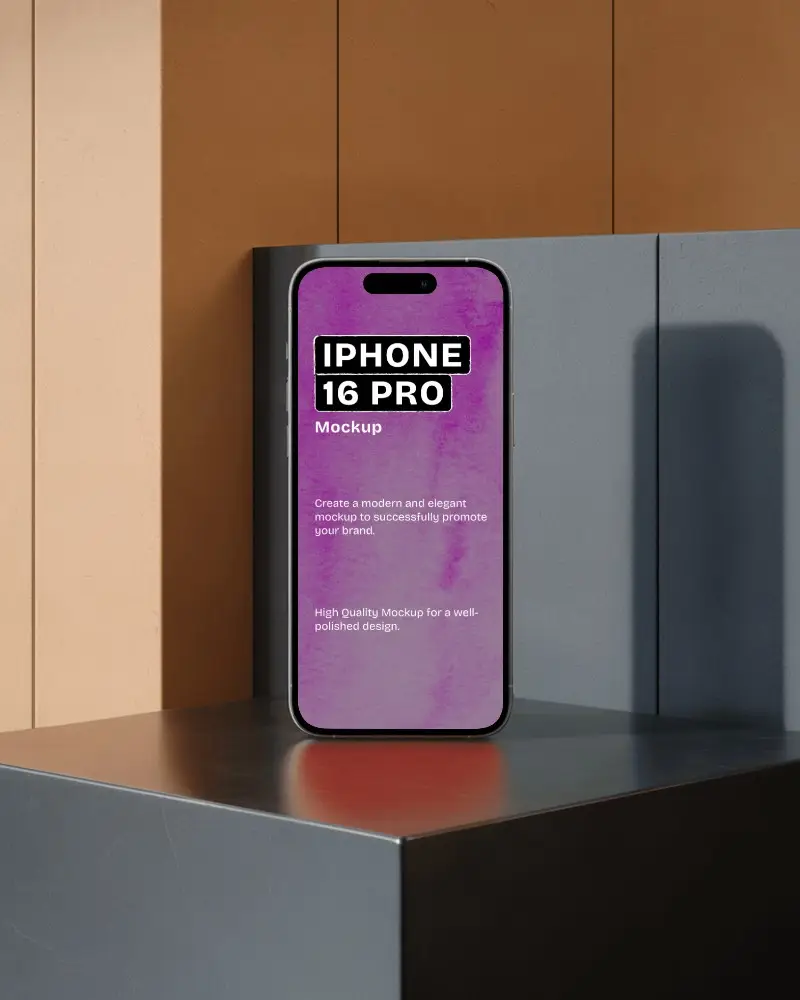
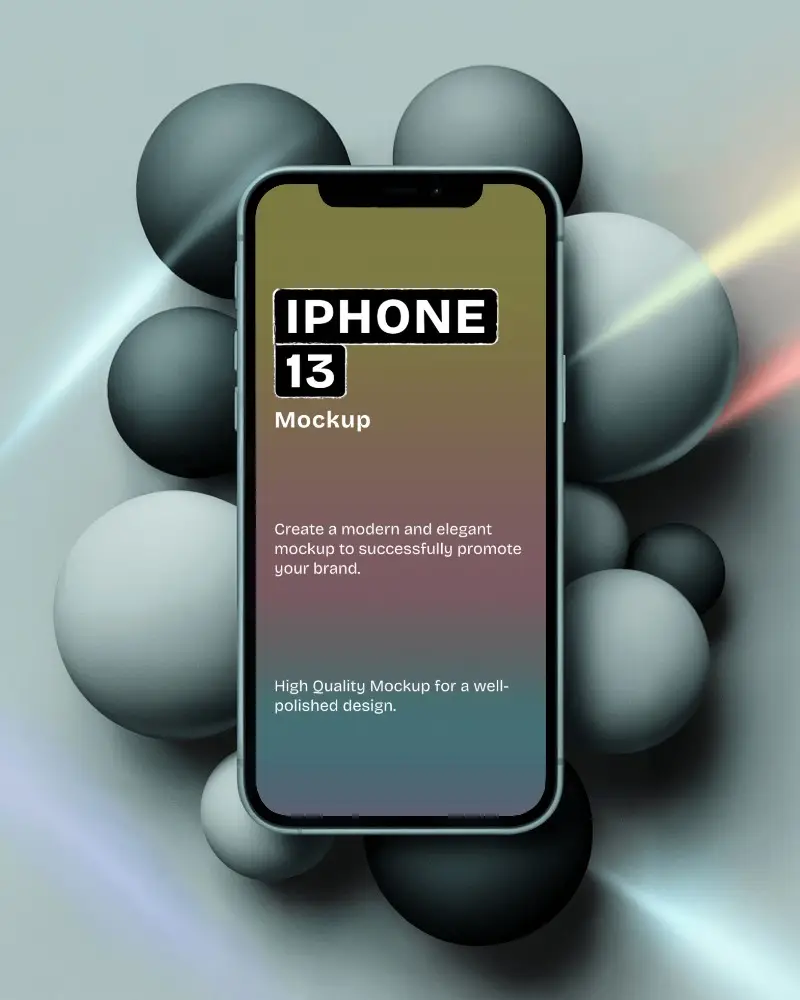
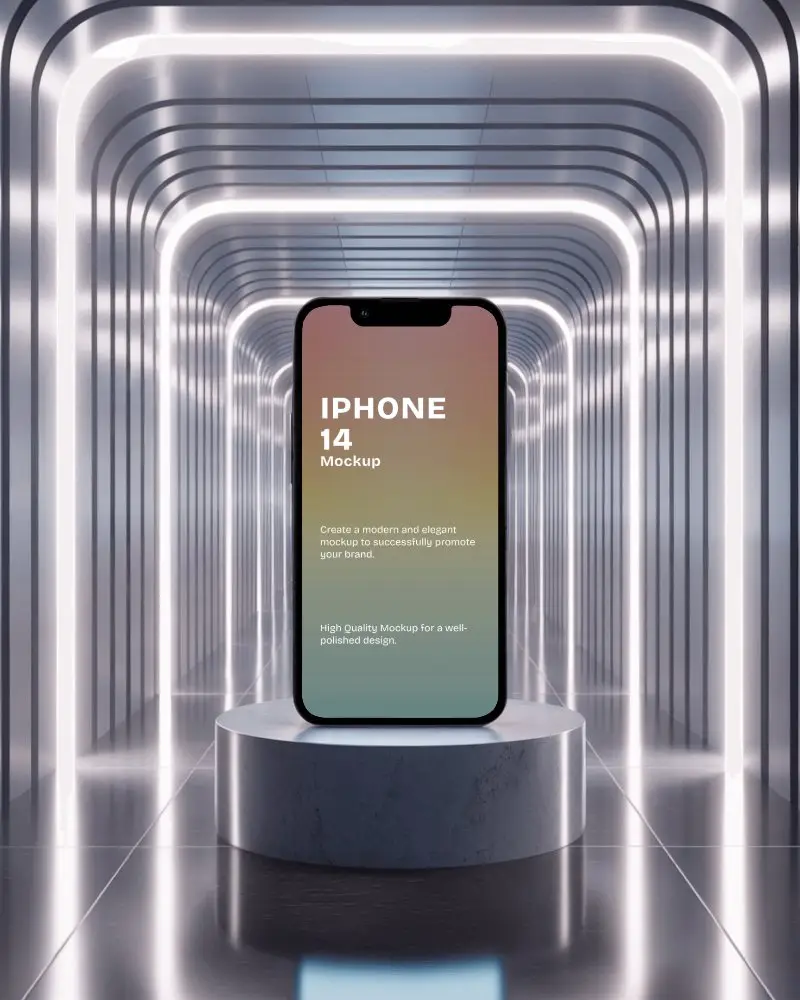
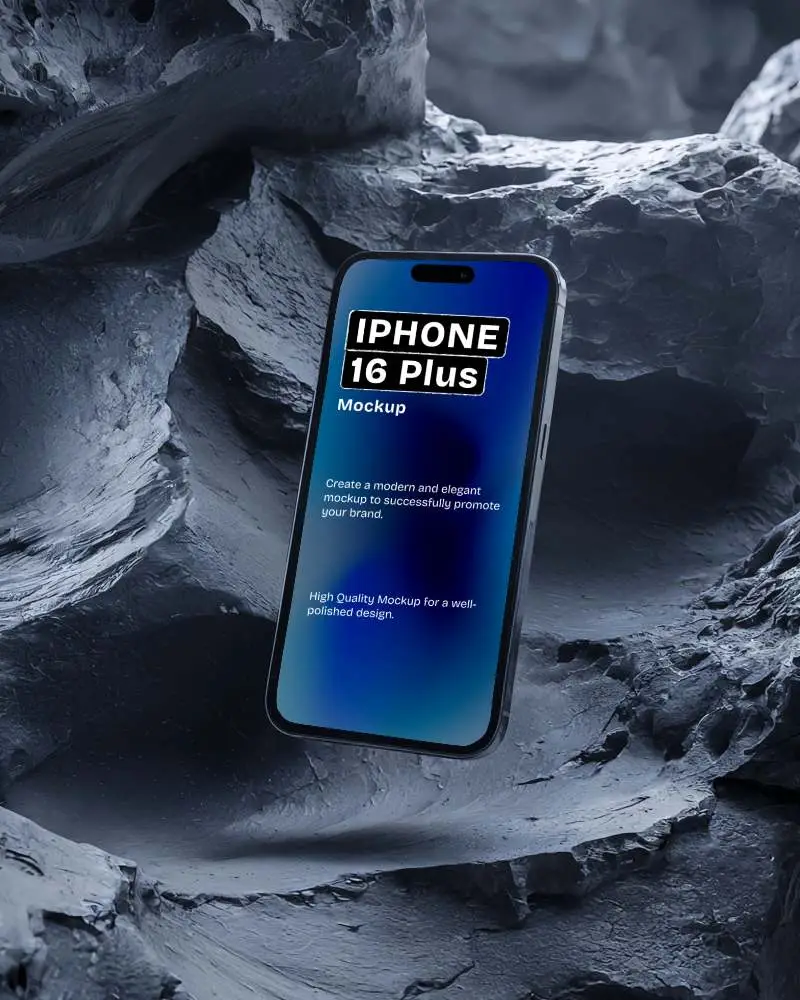
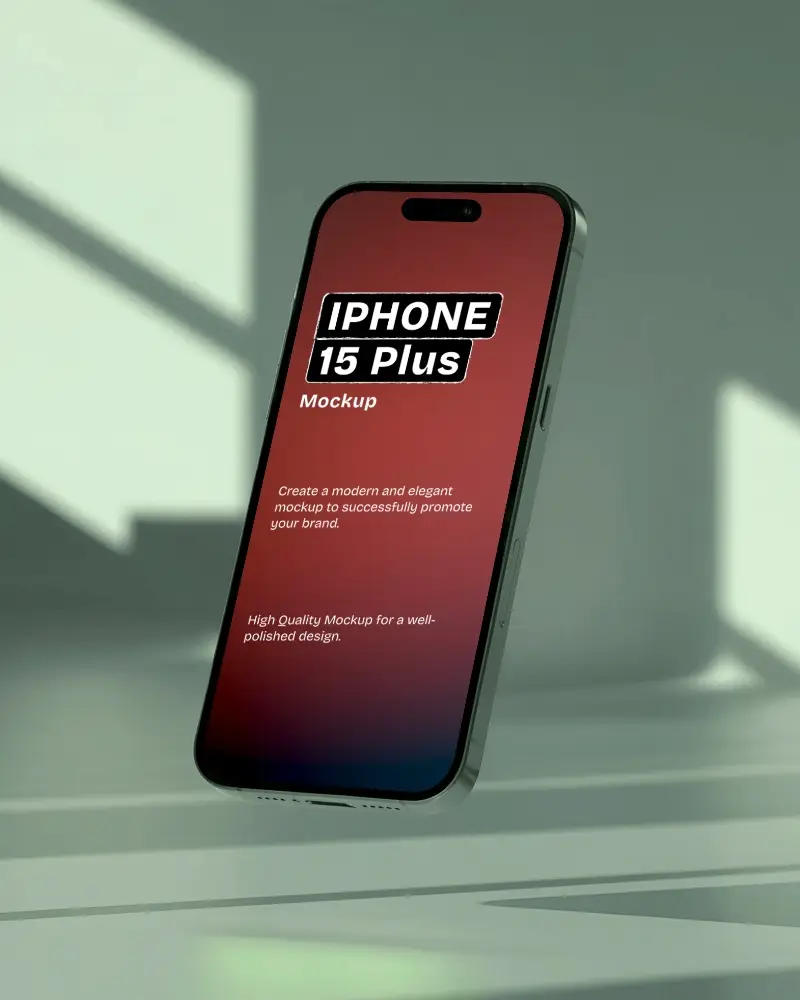
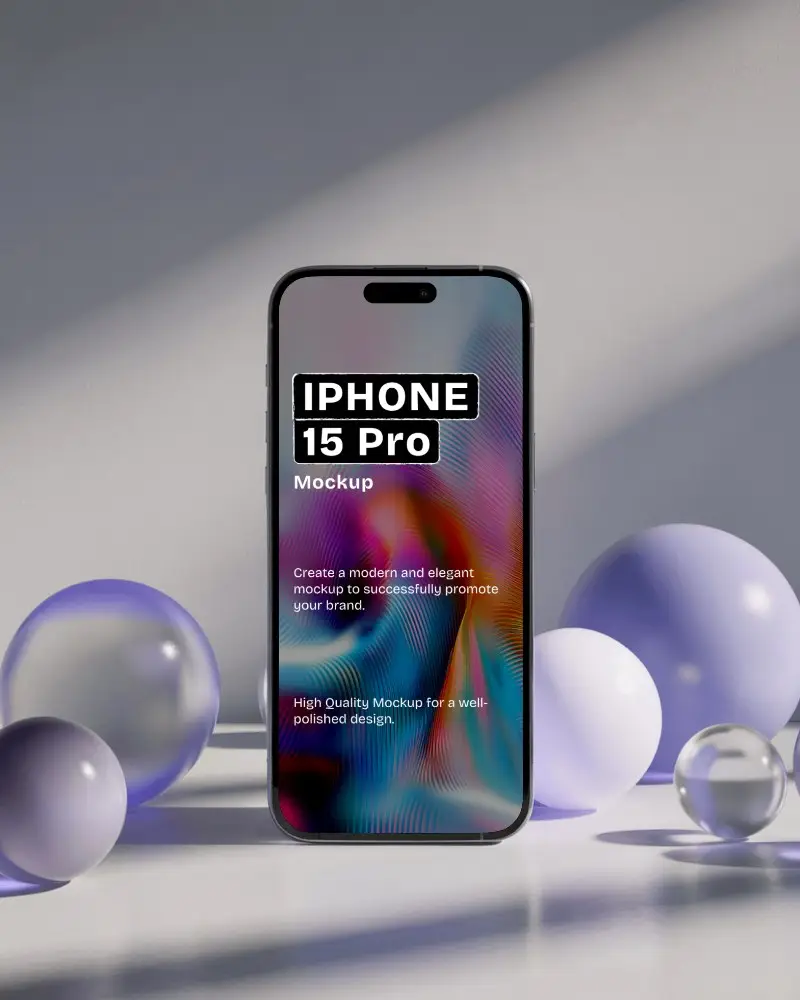
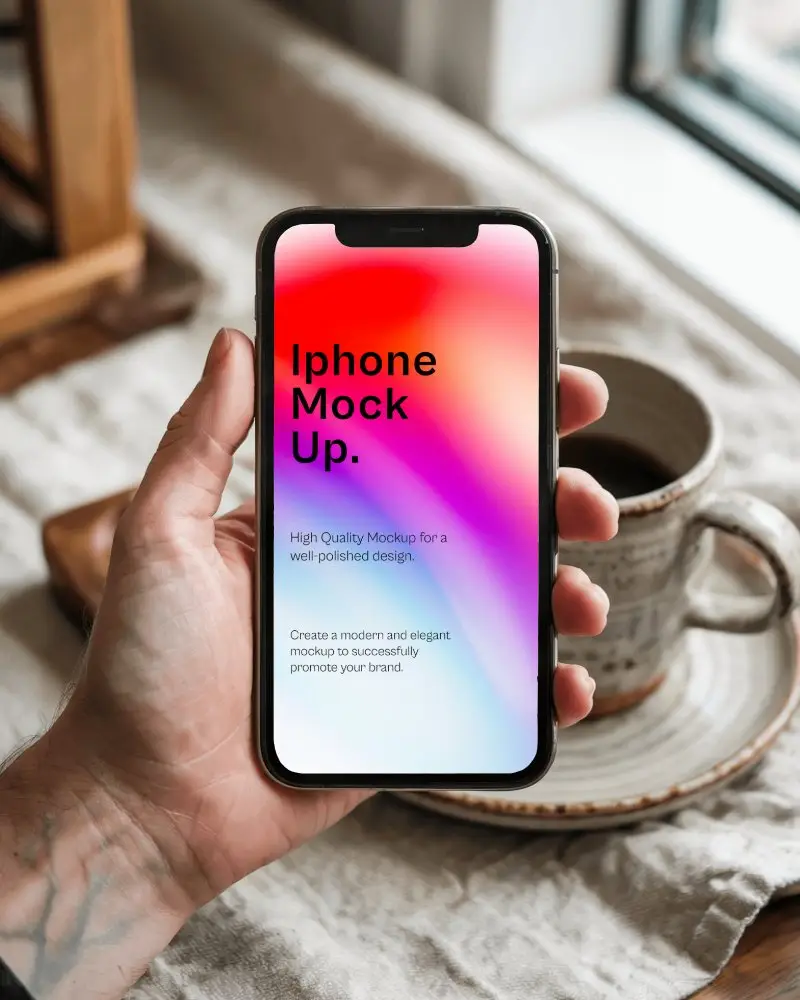
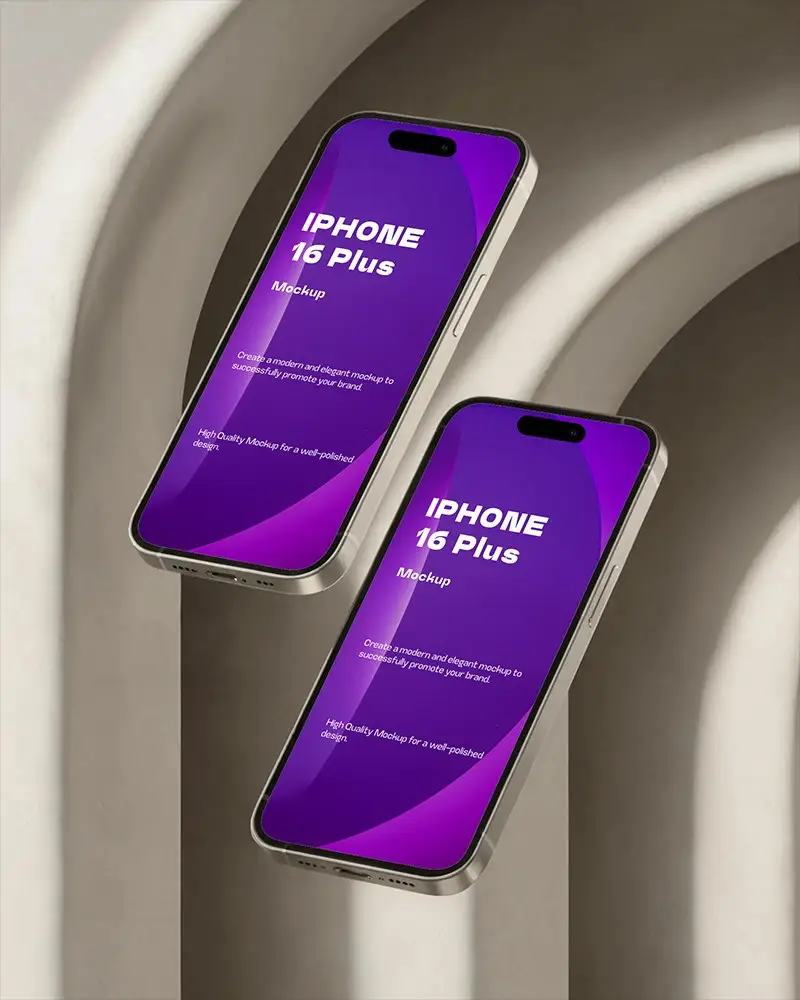
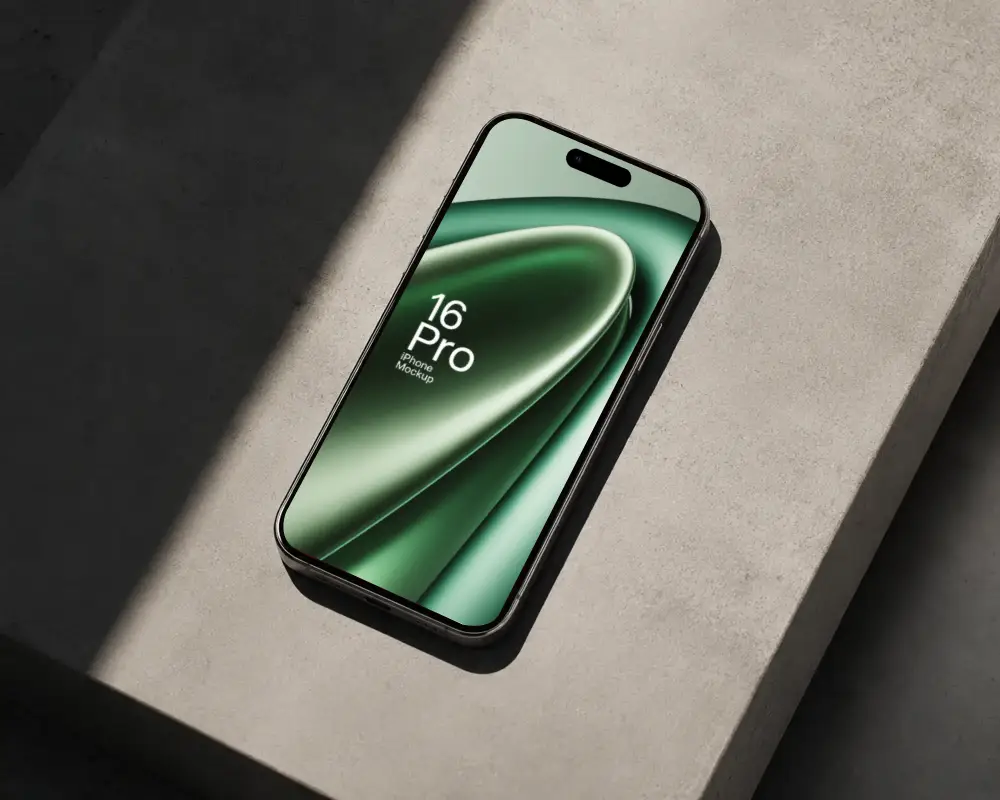
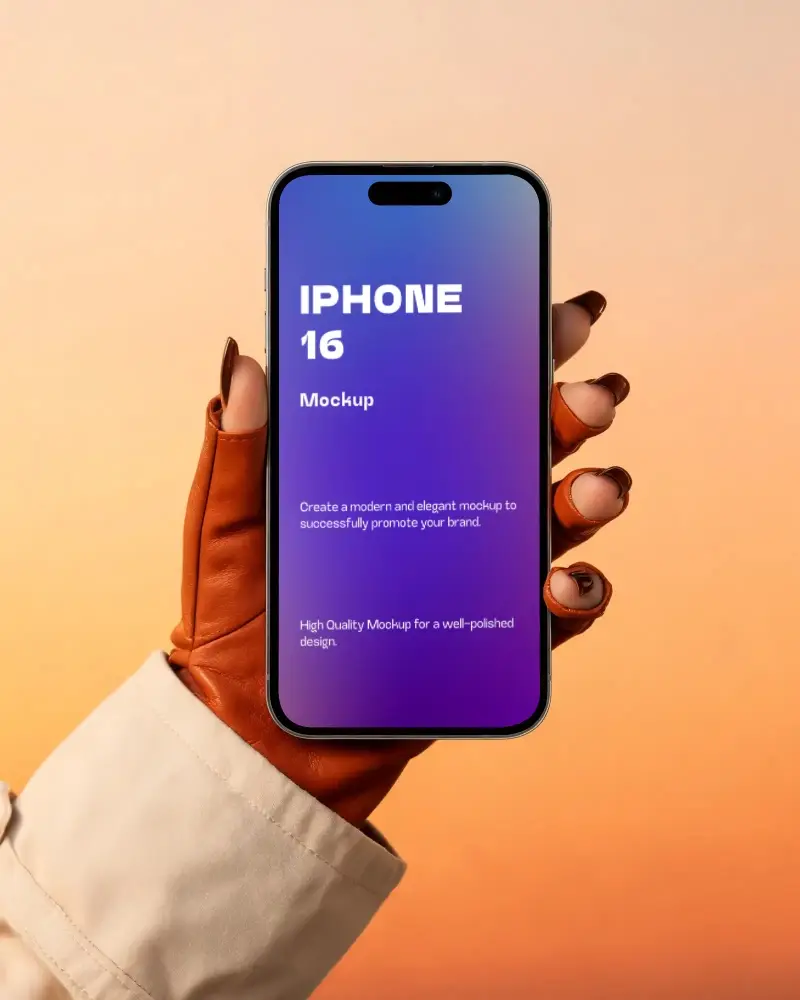
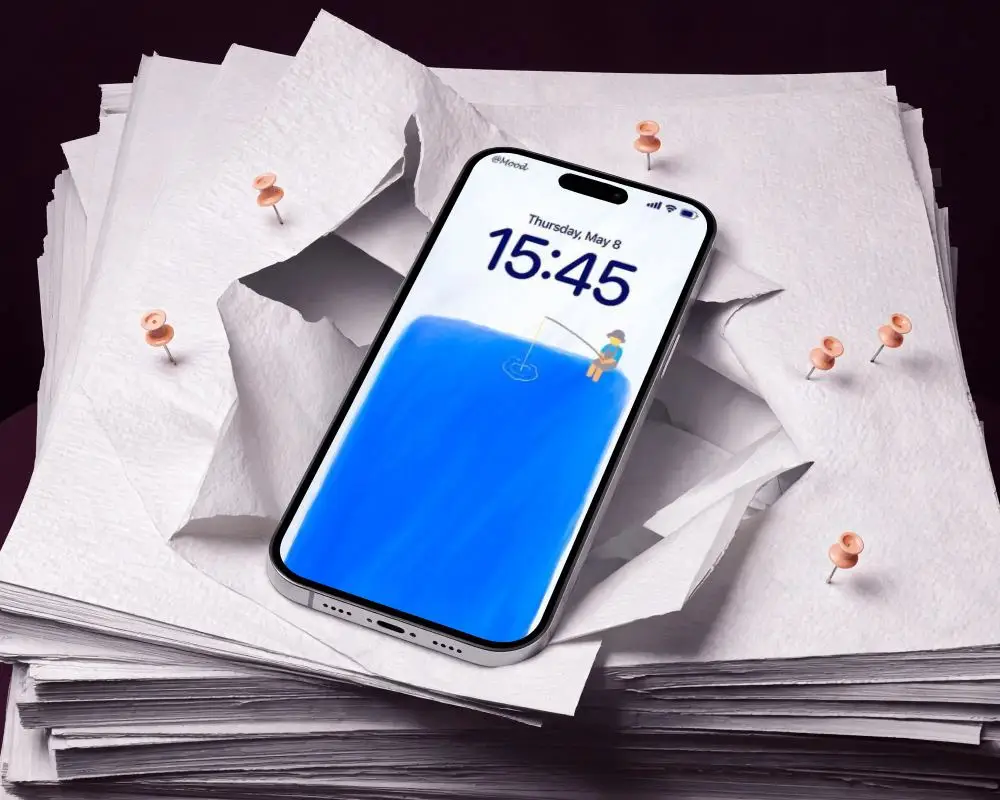
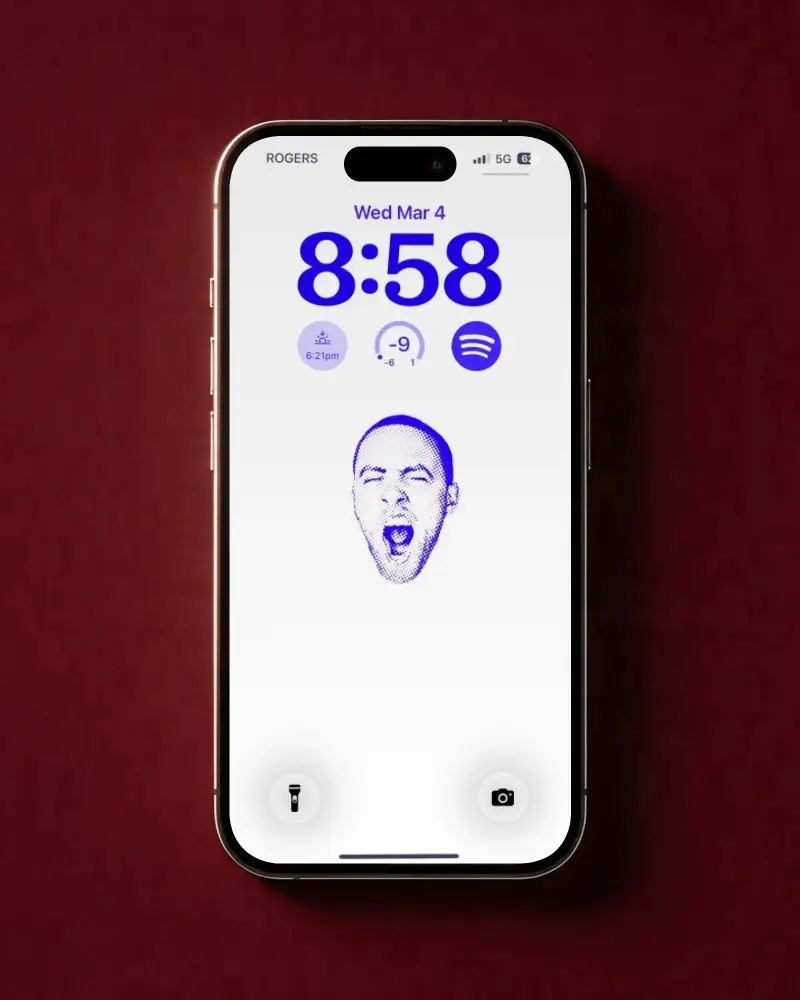
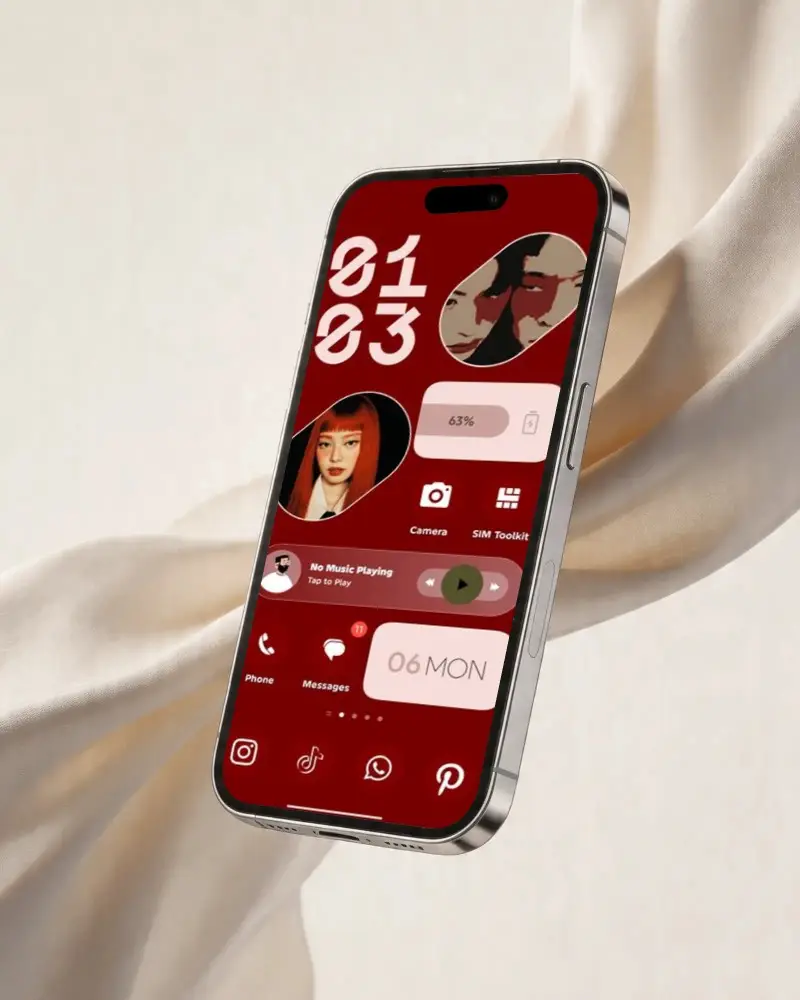
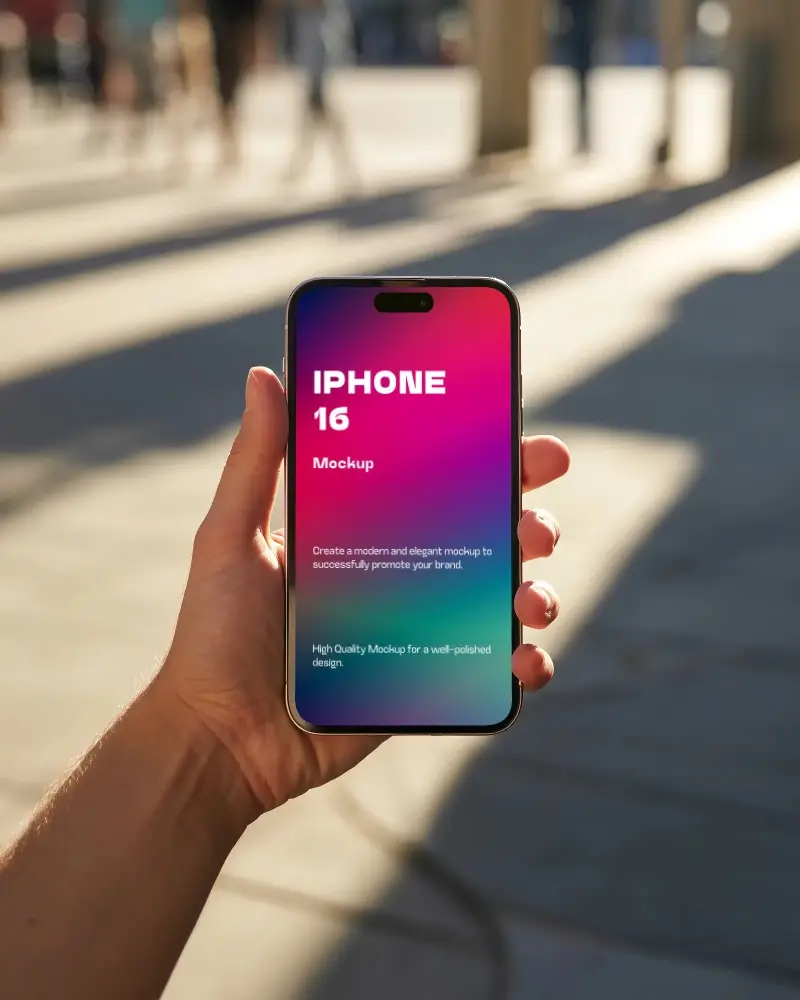
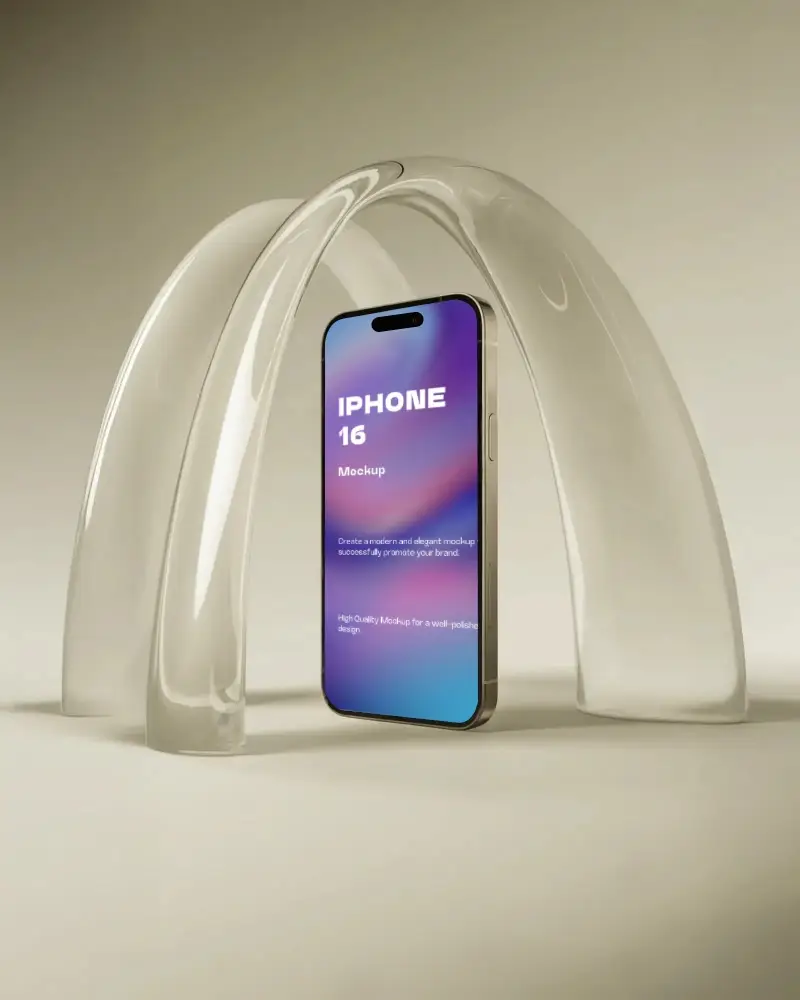
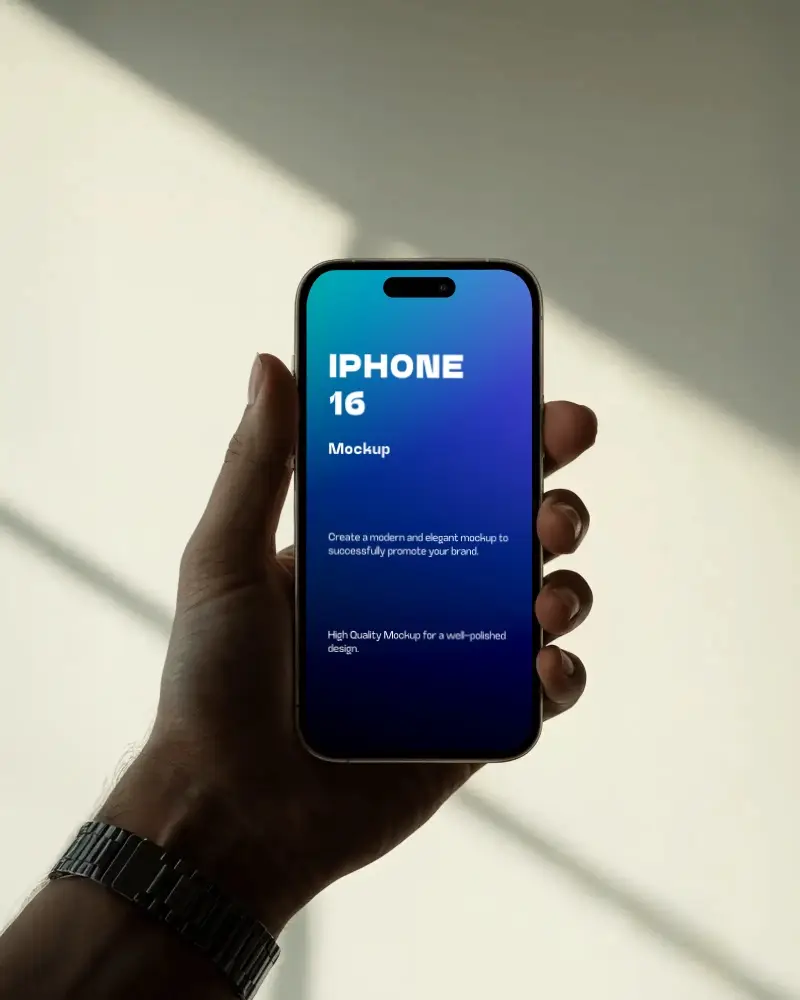
Bring your ideas to life with an iPhone 16 mockup from Mockey.ai! High quality, fully customizable, and free. Perfect for an eye-catching presentation!
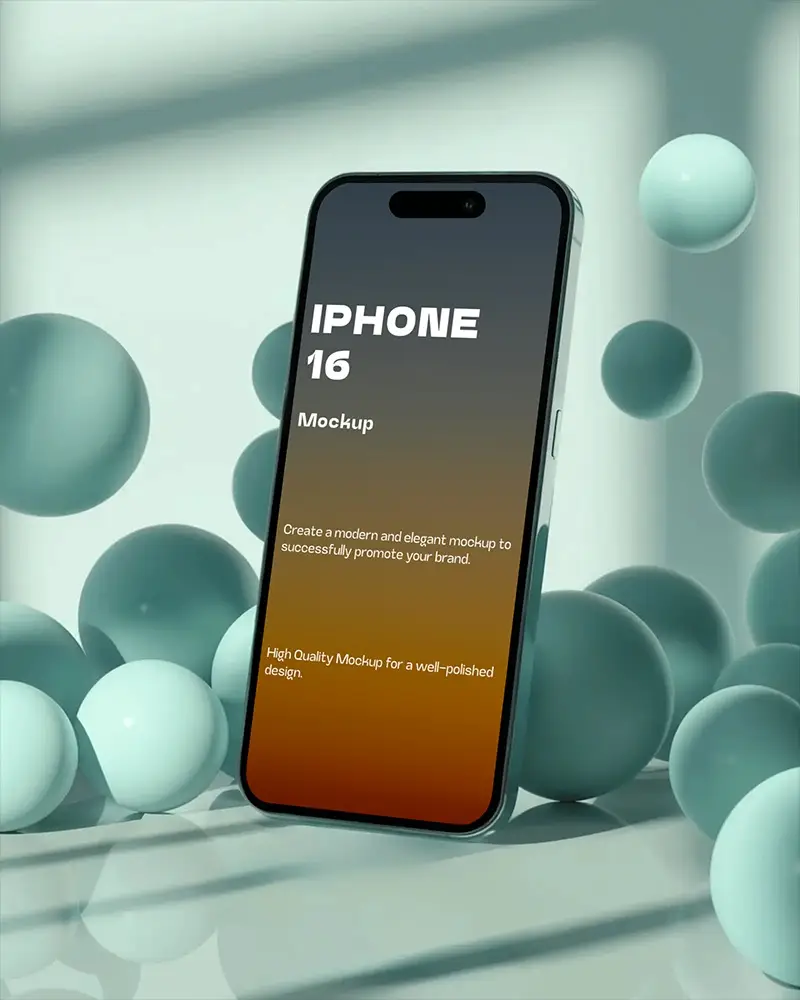
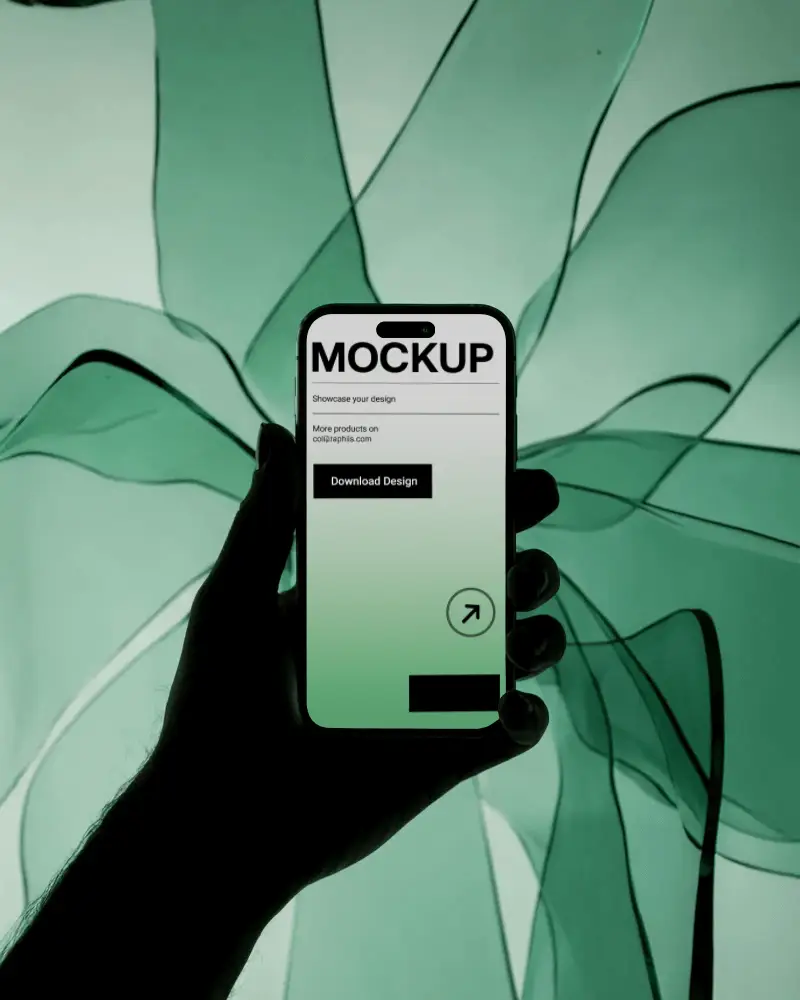
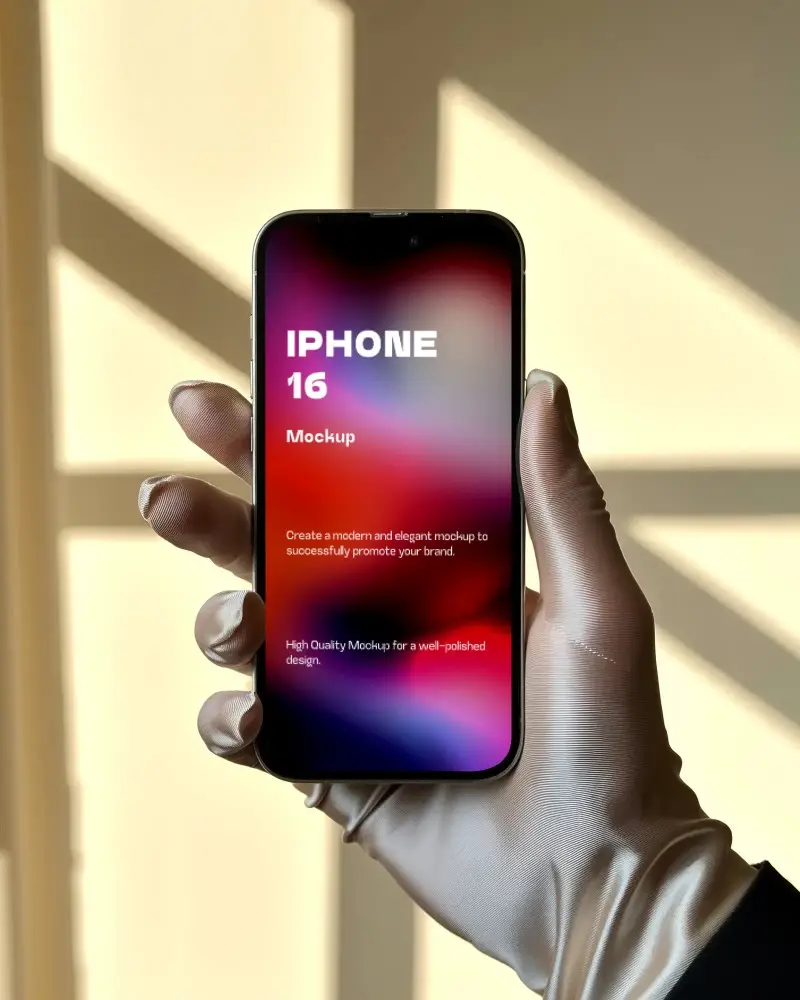
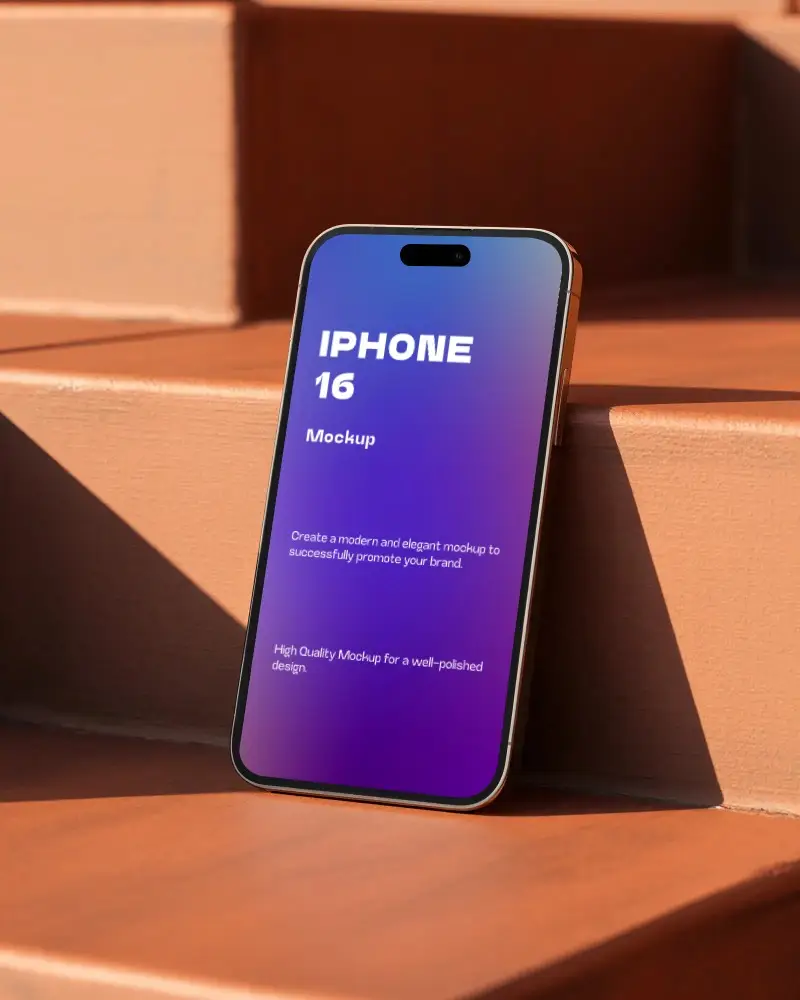
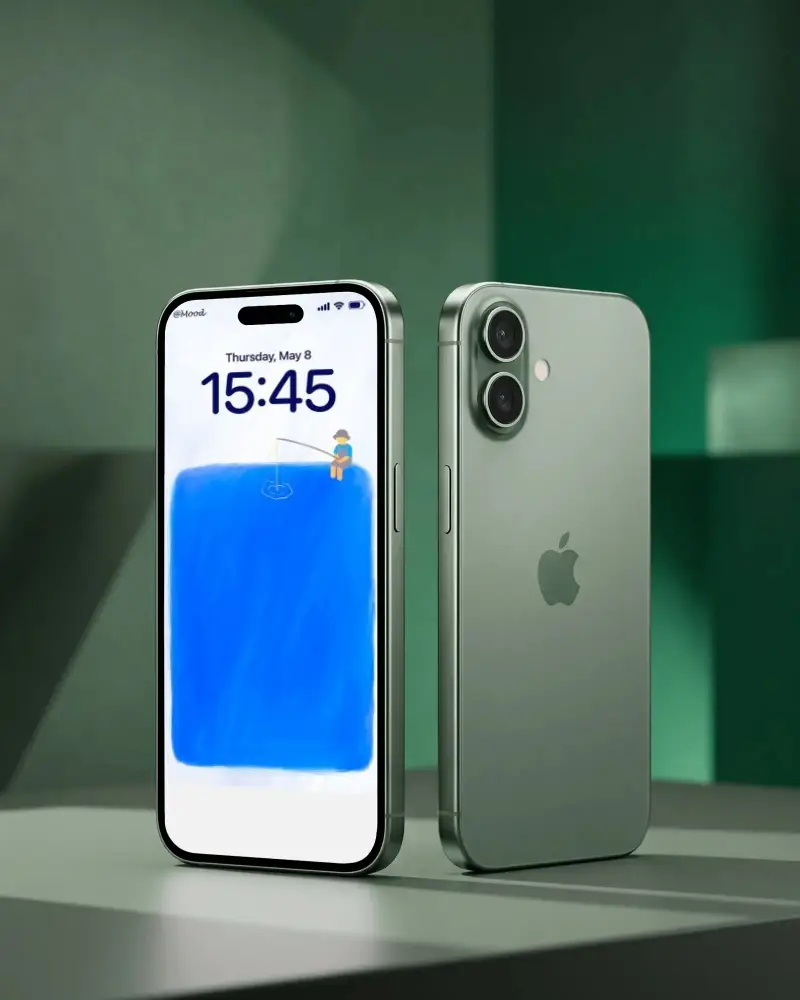
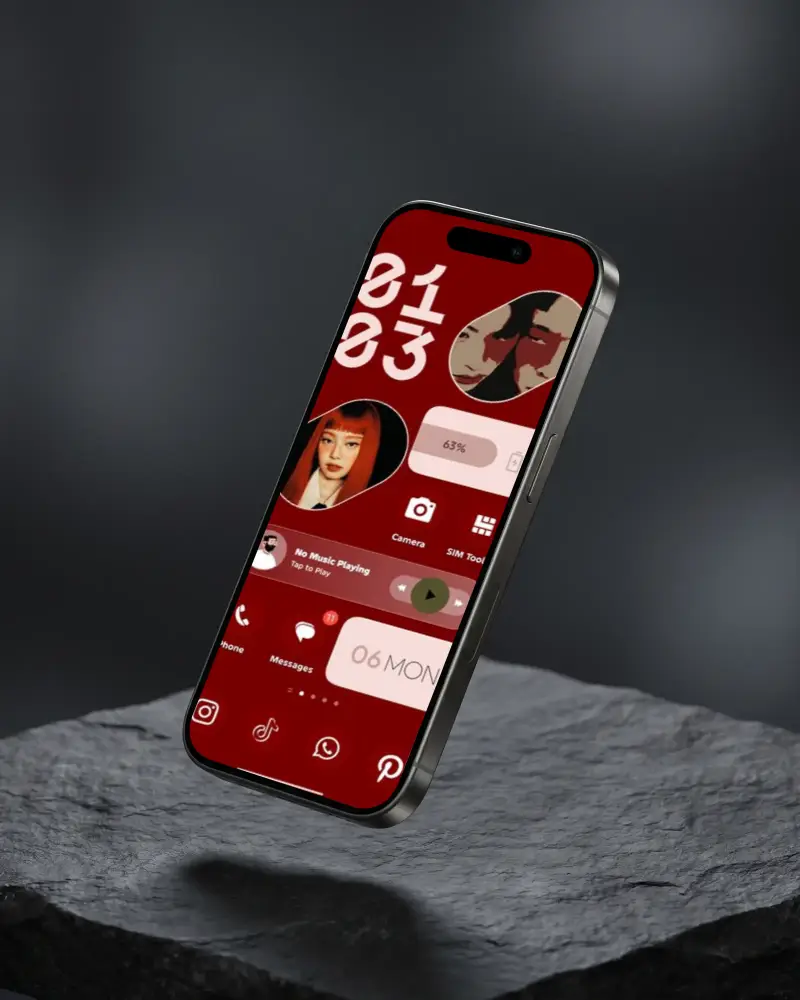
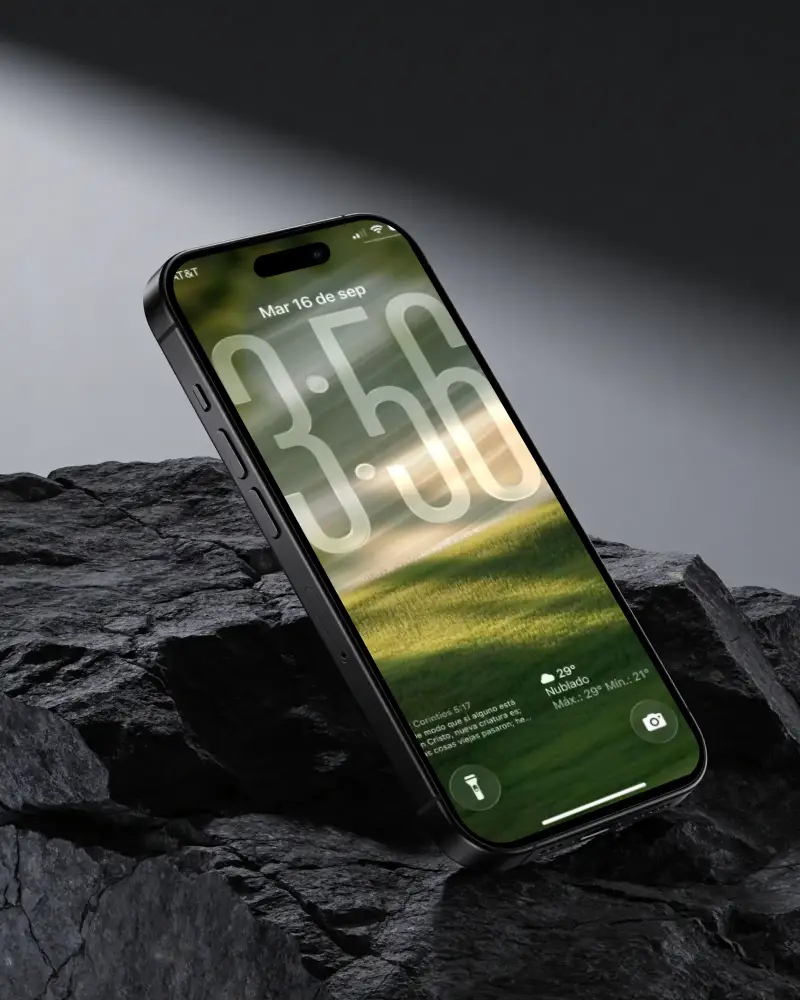
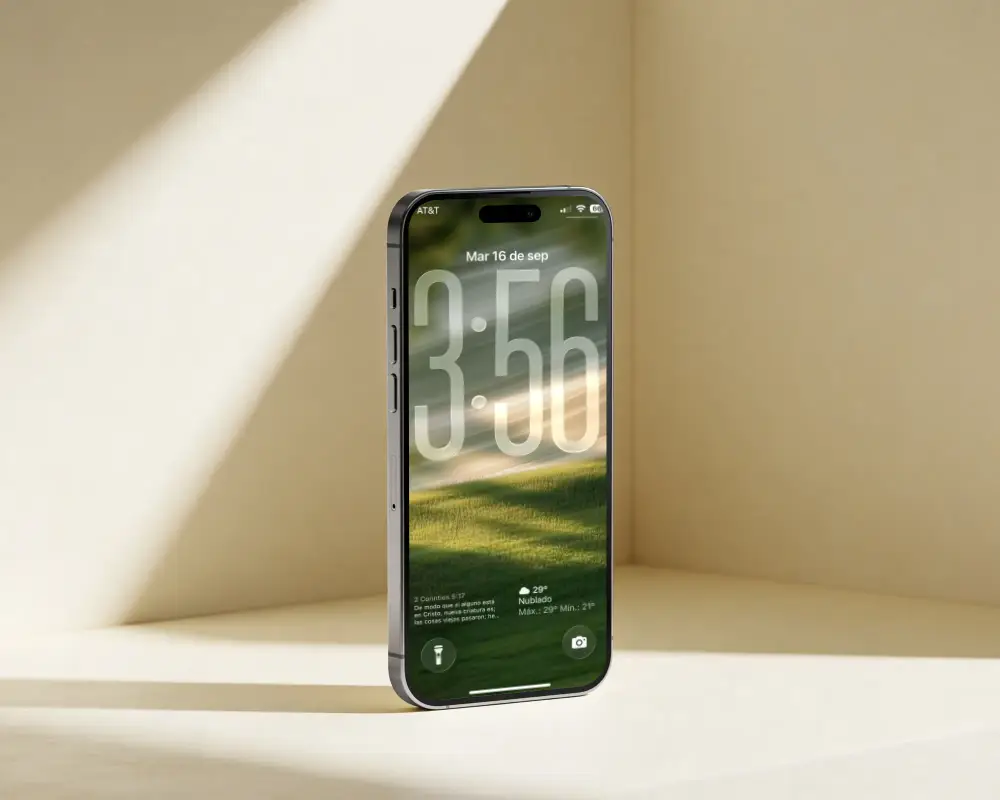
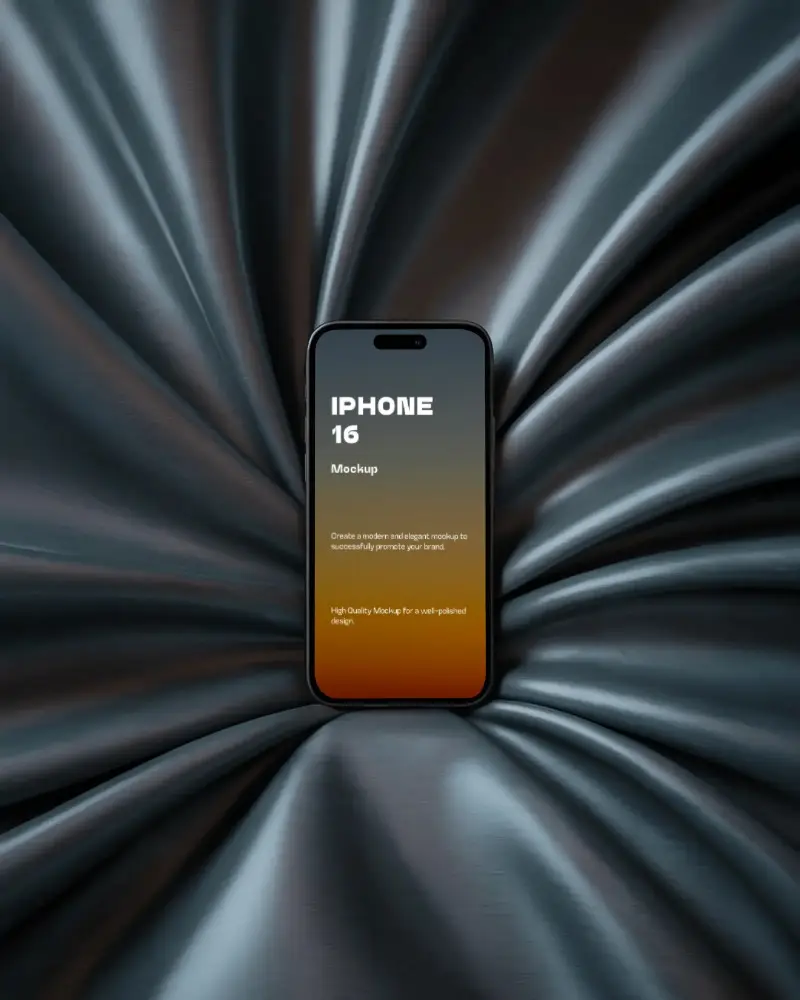

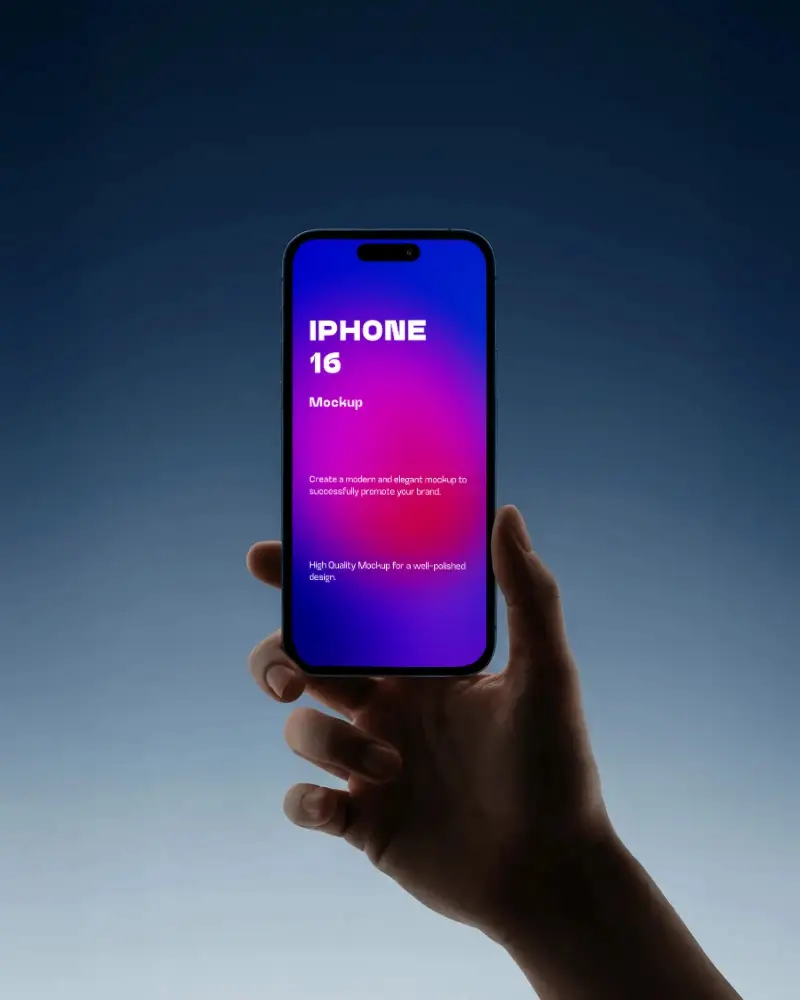
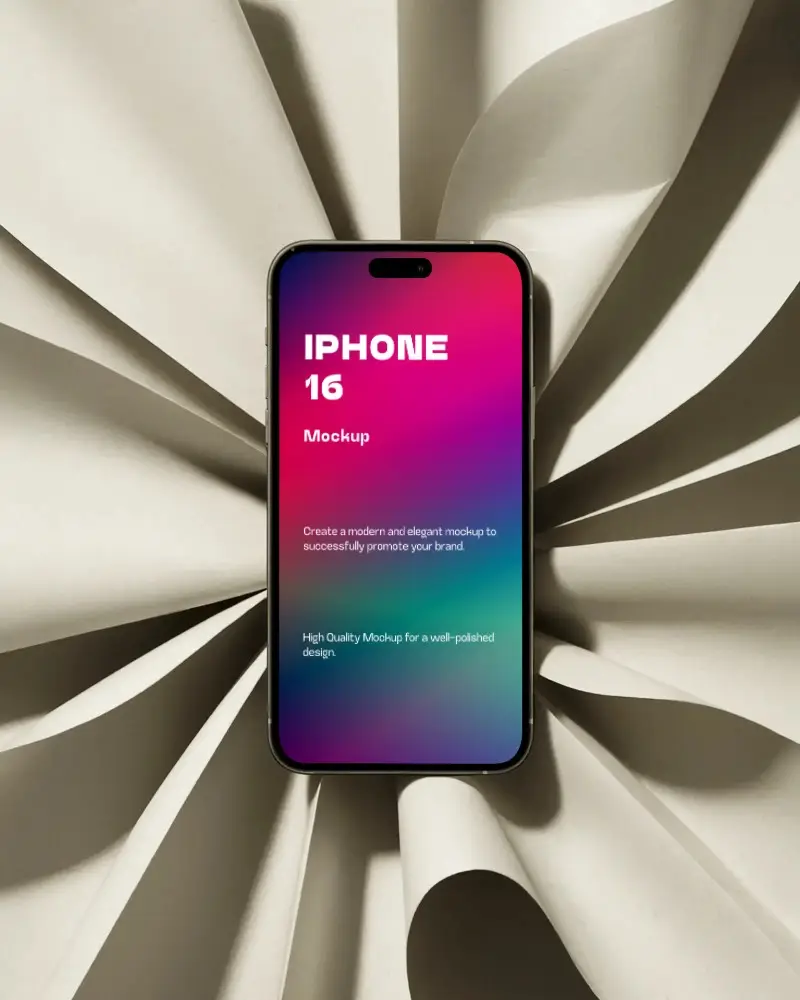
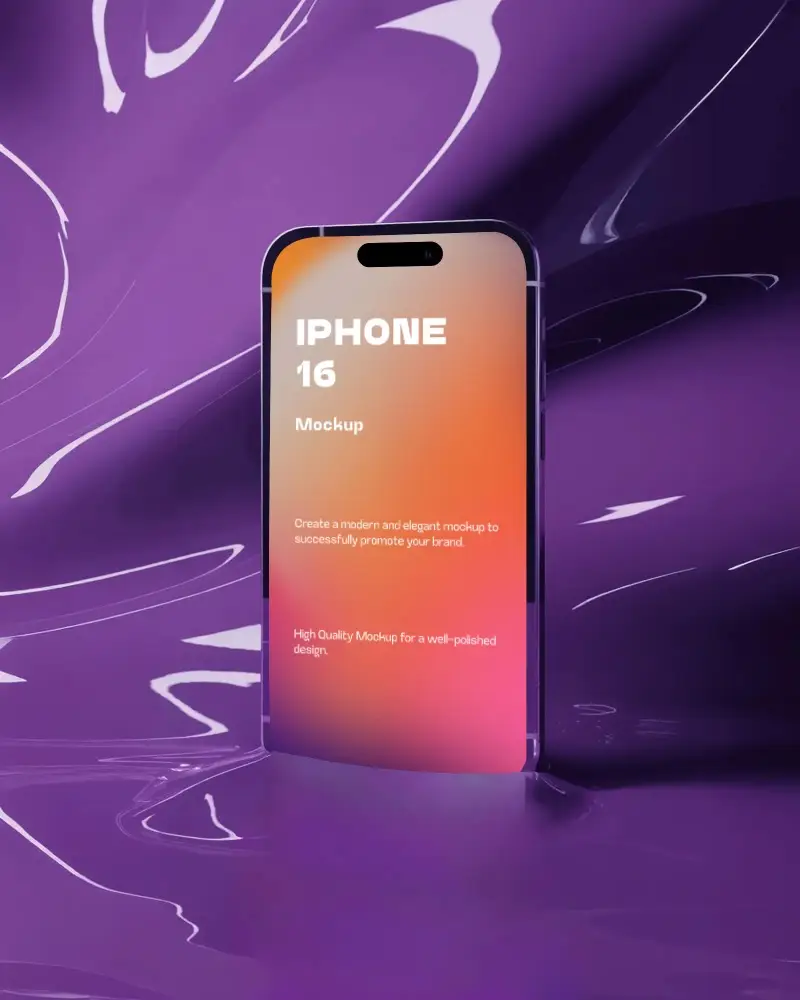

How to Create an iPhone 16 Mockup
- Step 1: Sign in to Mockey.ai and go to the Mockups section.
- Step 2: Navigate to Devices > Mobile > iPhone and select the iPhone 16 tag.
- Step 3: Choose a template and upload your UI design or app screen.
- Step 4: Customize colors, shadows, and layout as needed.
- Step 5: Click Download to save your iPhone 16 mockup in high-quality format.


FAQs on Iphone 16 Mockups
Are there older iPhone mockups available, too?
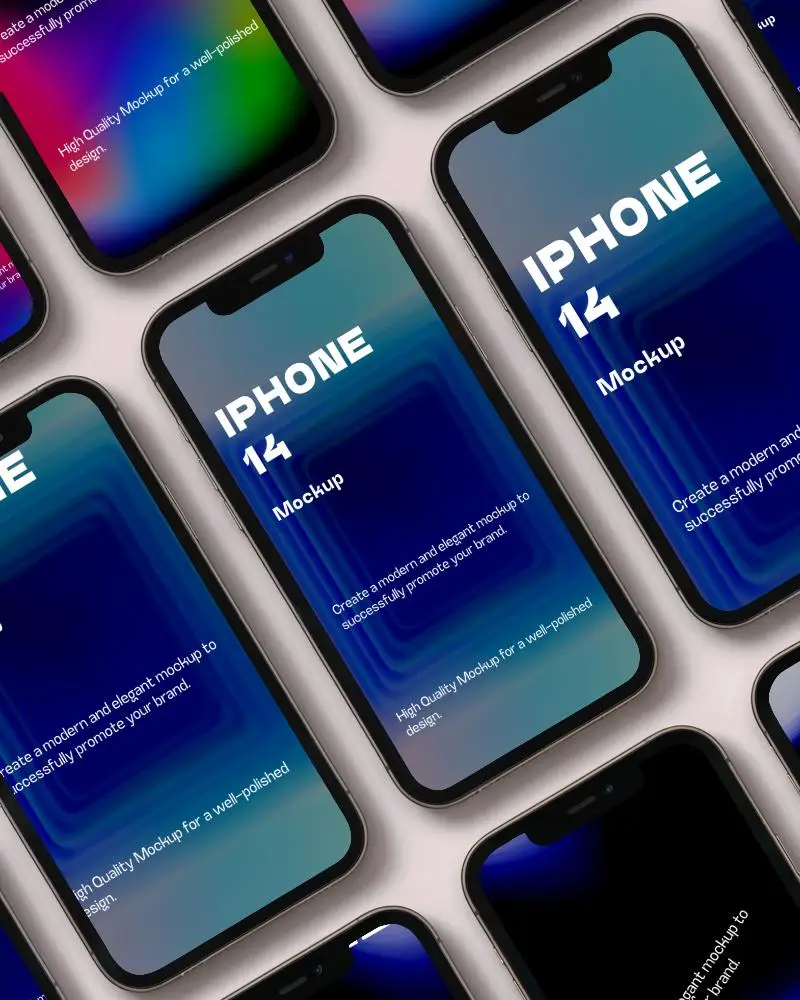
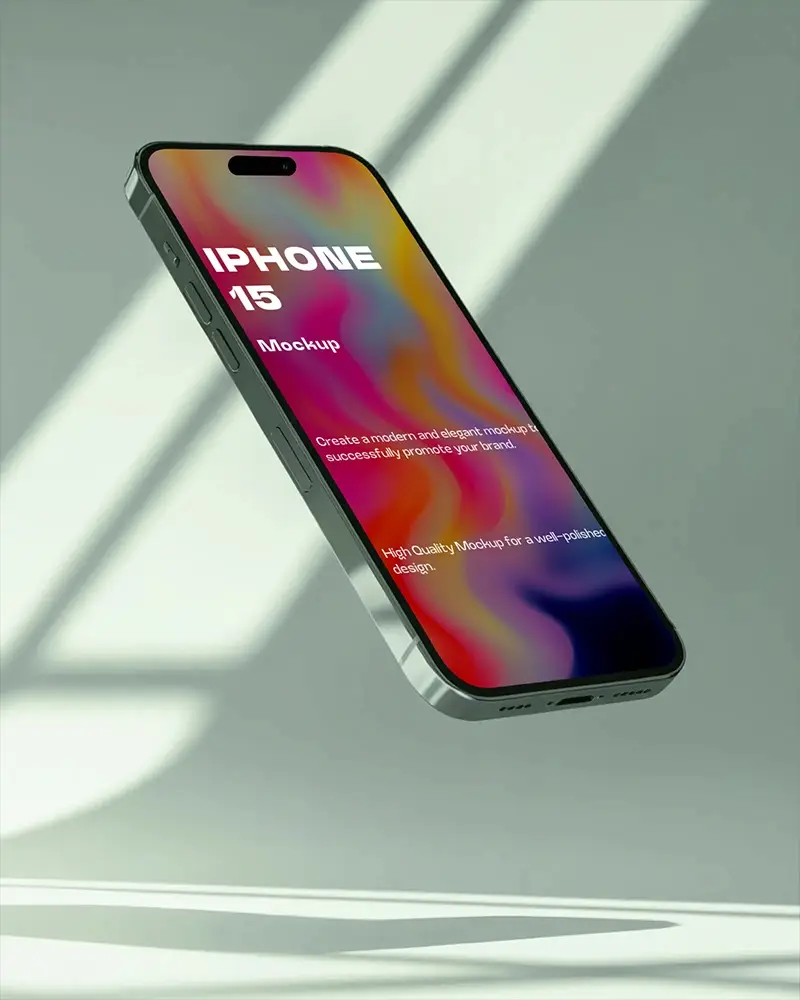
Mockey AI offers older iPhone models like X, 13, 14, and iPhone 15 mockups, along with the latest iPhone 16. All of them are available for customization.
Where can I find other iPhone mockup styles, like clay or minimal mockups?
If you want clay or minimal-style iPhone mockups, Mockey AI has a huge collection. Just upload your design and customize it using the mockup editor.
Is there a video version of iPhone mockups on Mockey AI?
Yes! Mockey AI’s video mockups include various iPhone model video templates. You can upload your design and create an iPhone video mockup clip in just a few seconds.
