Free iPhone 14 Mockup Templates Download
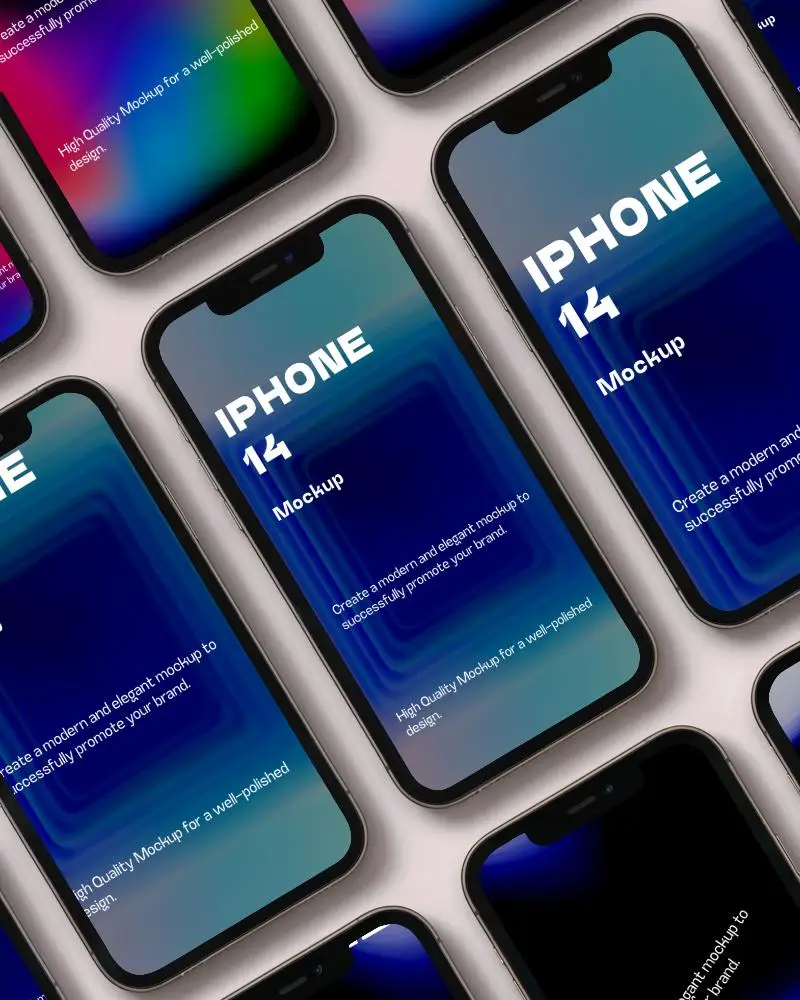
Download 100+ premium iPhone 14 mockups for free. Access high-quality, customizable templates to showcase your designs and apps effortlessly.
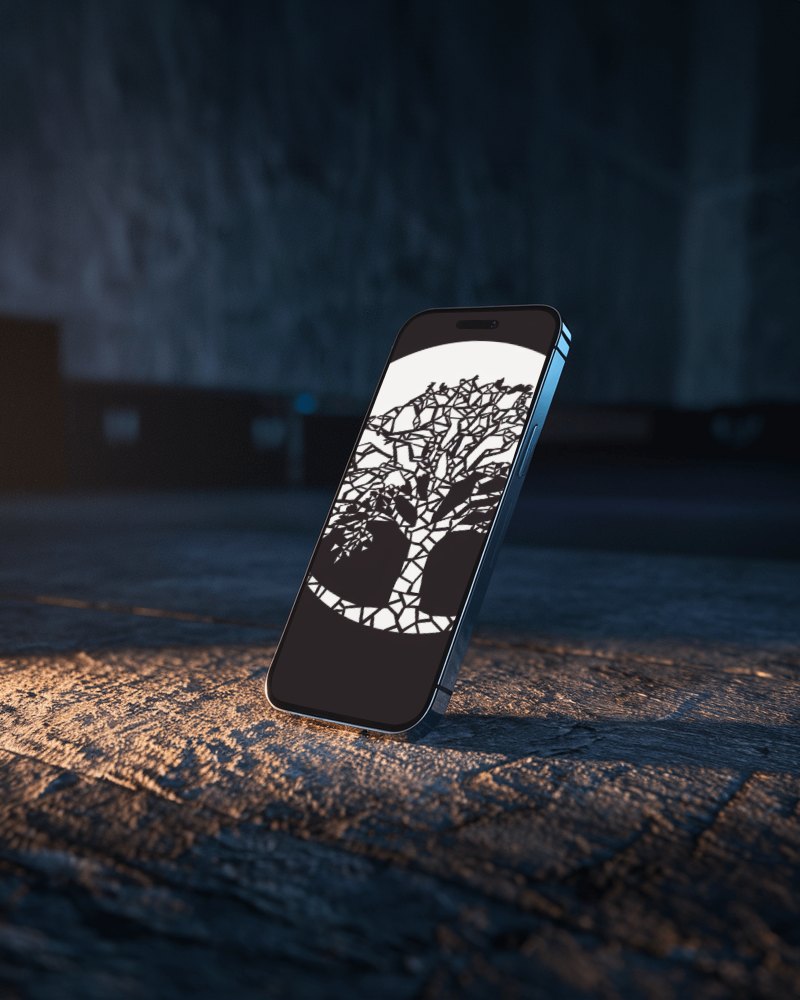
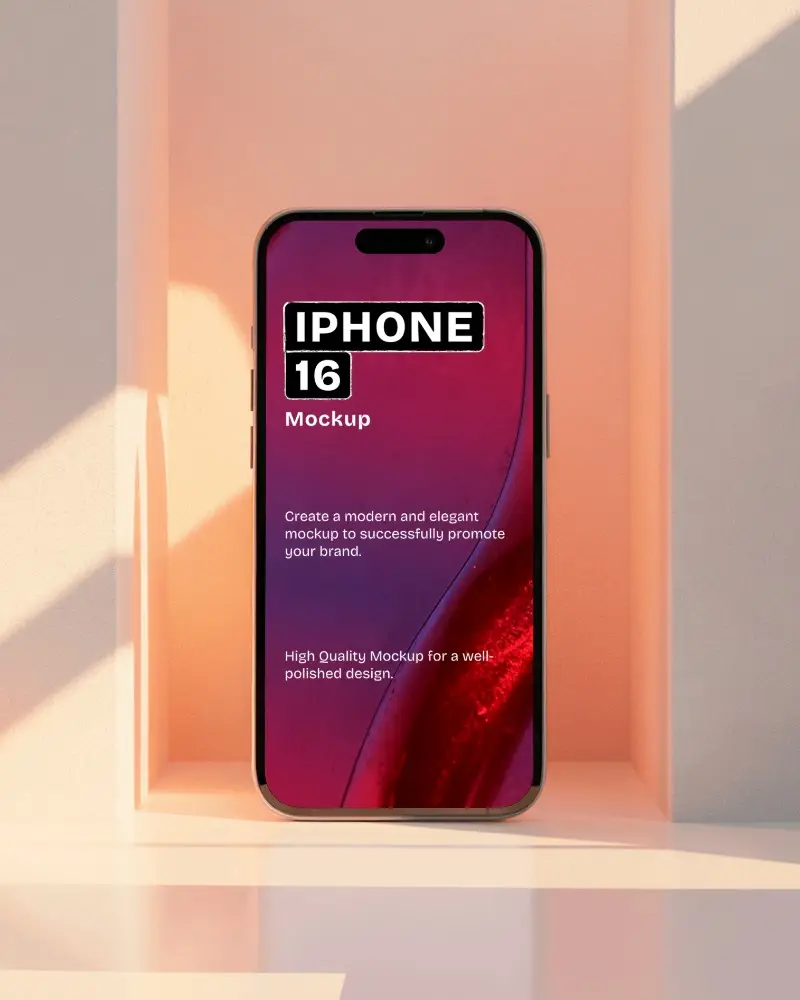
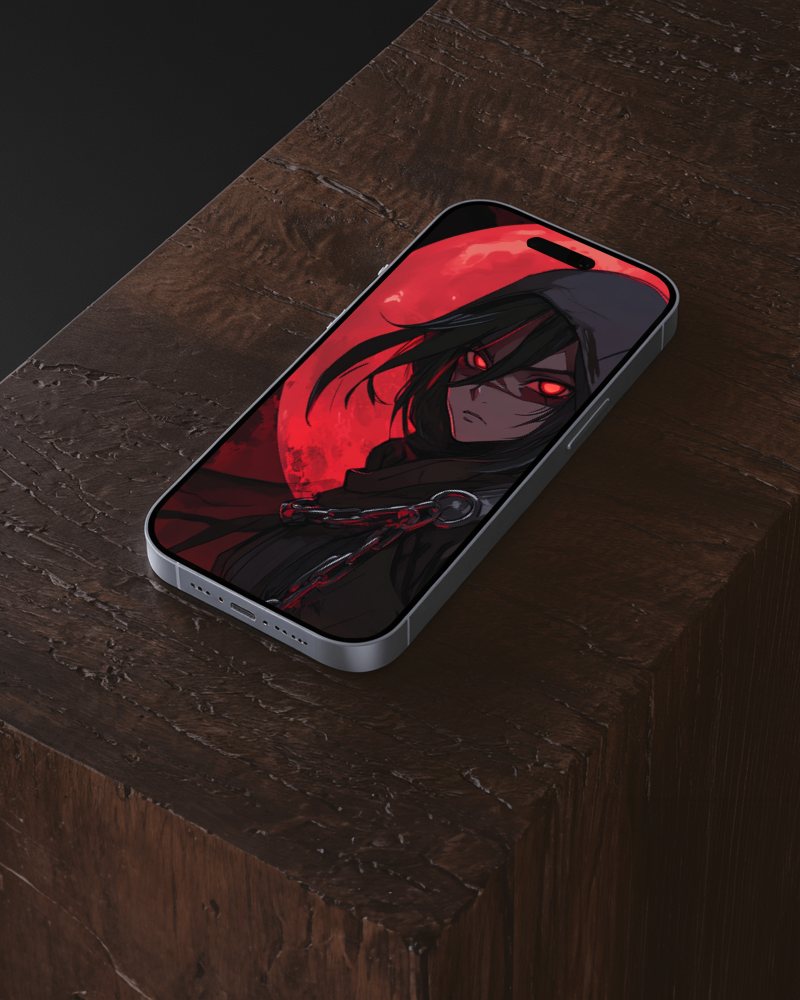
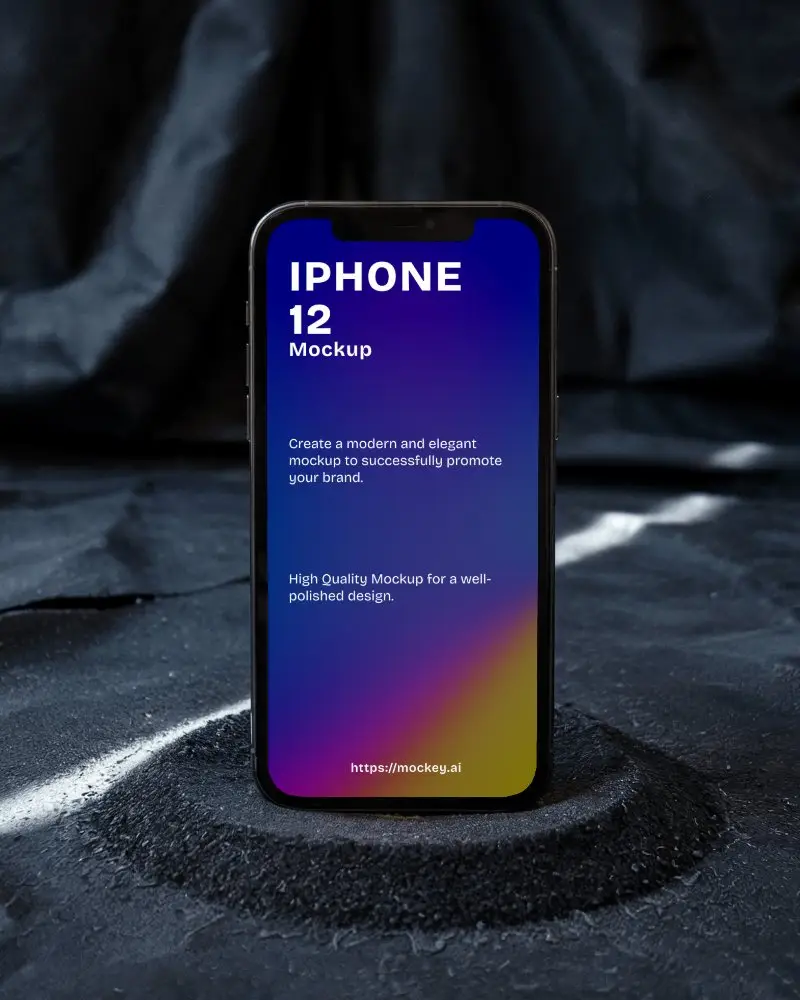
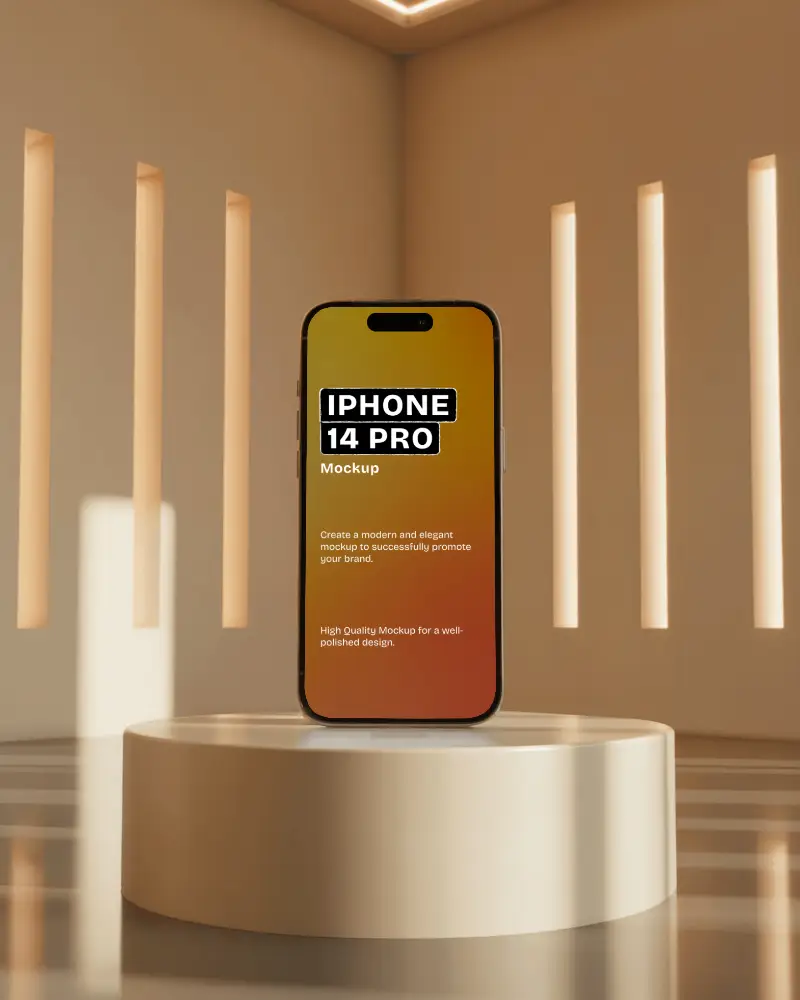
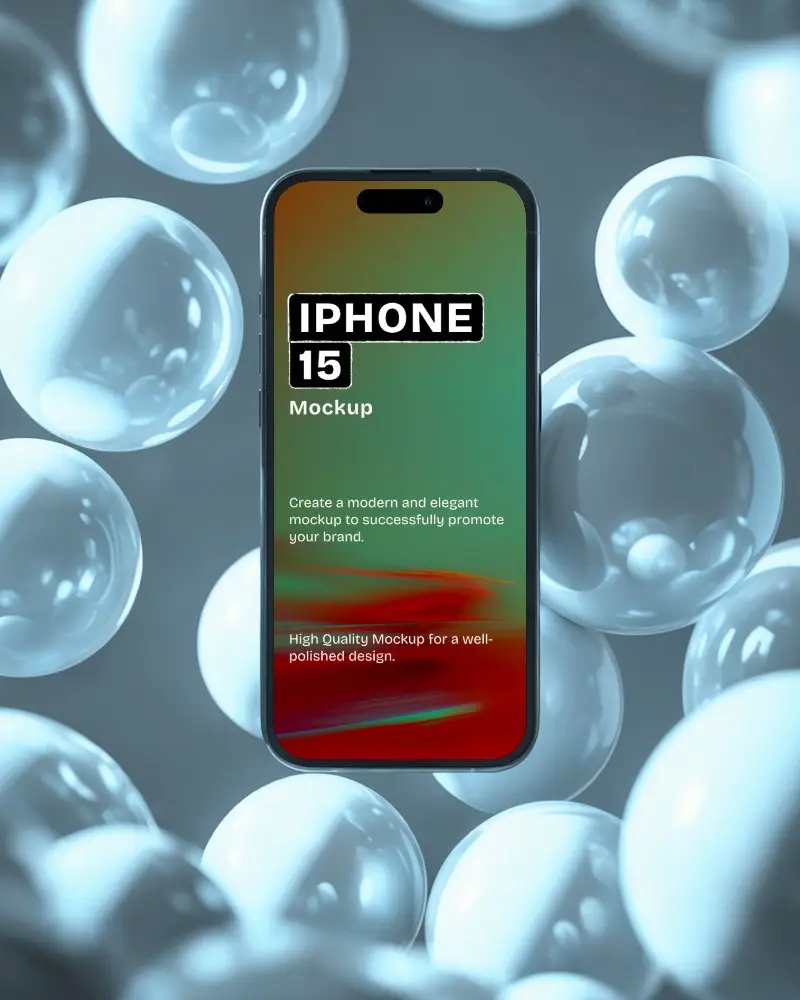
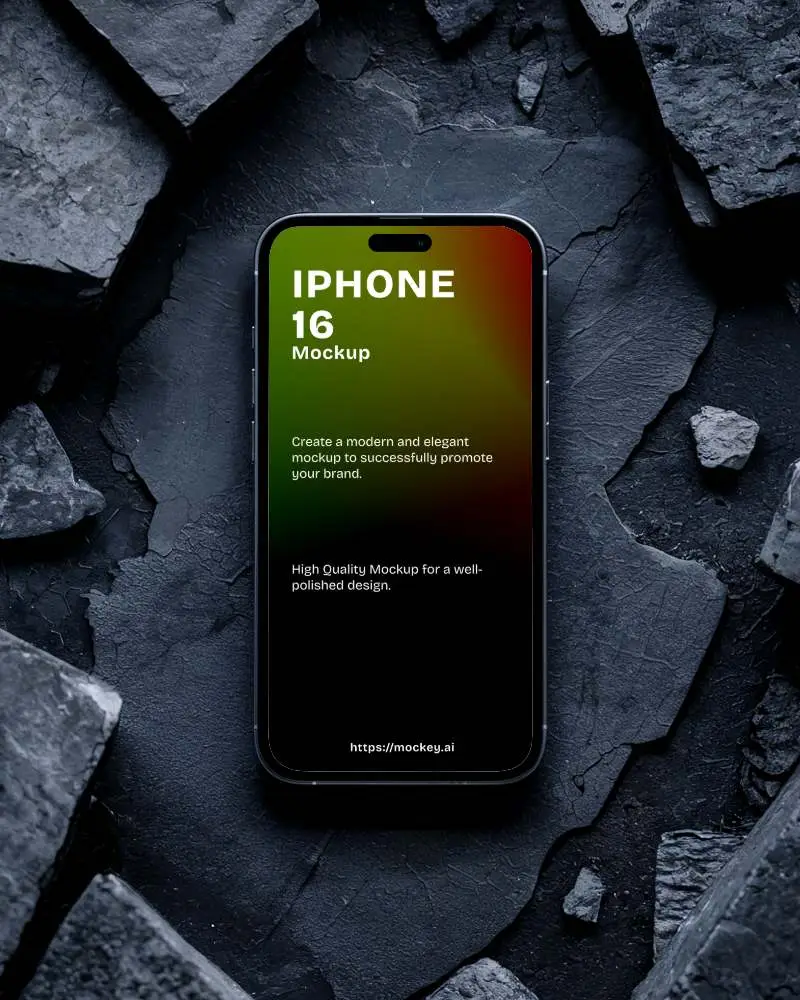
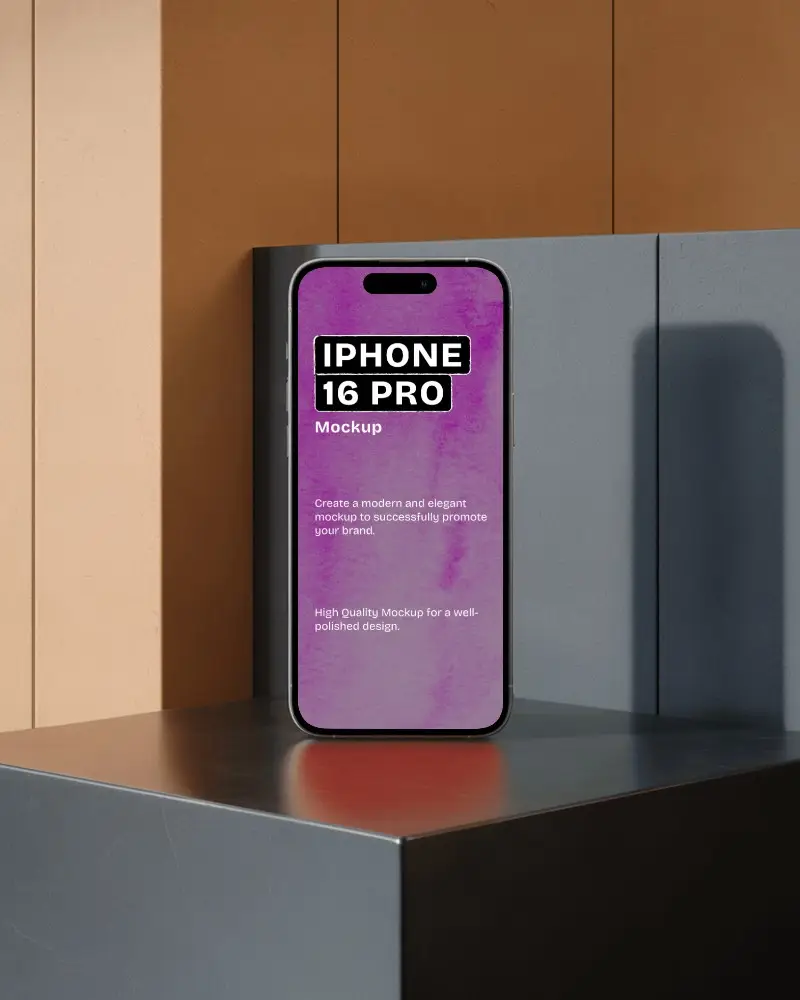
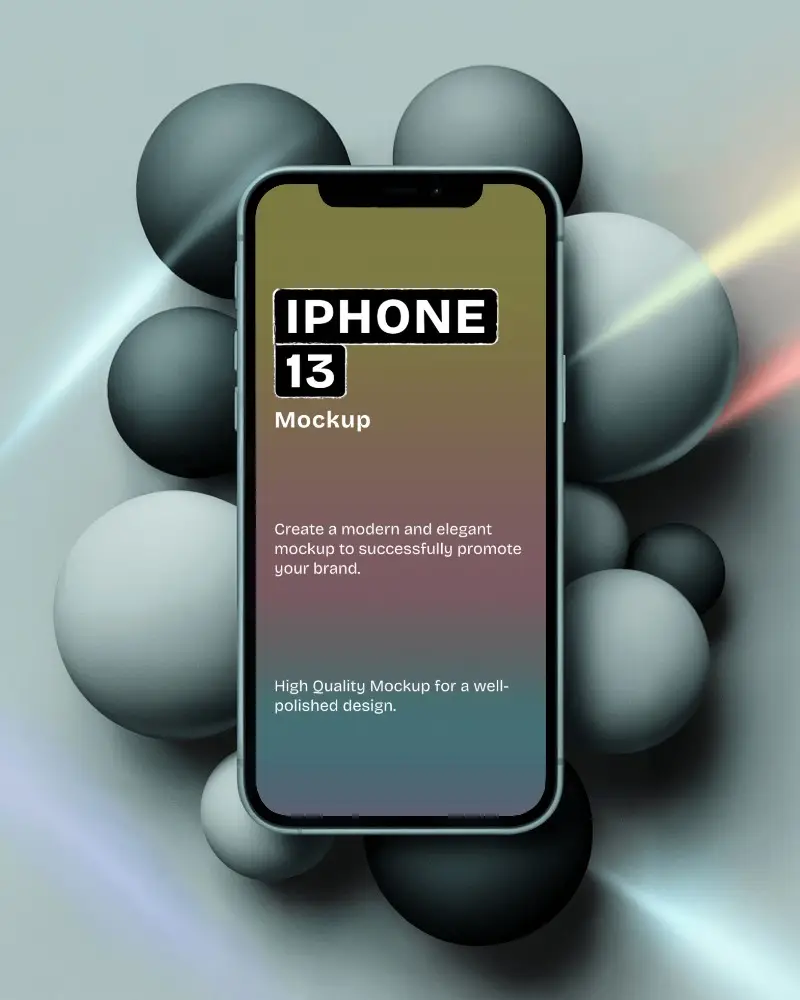
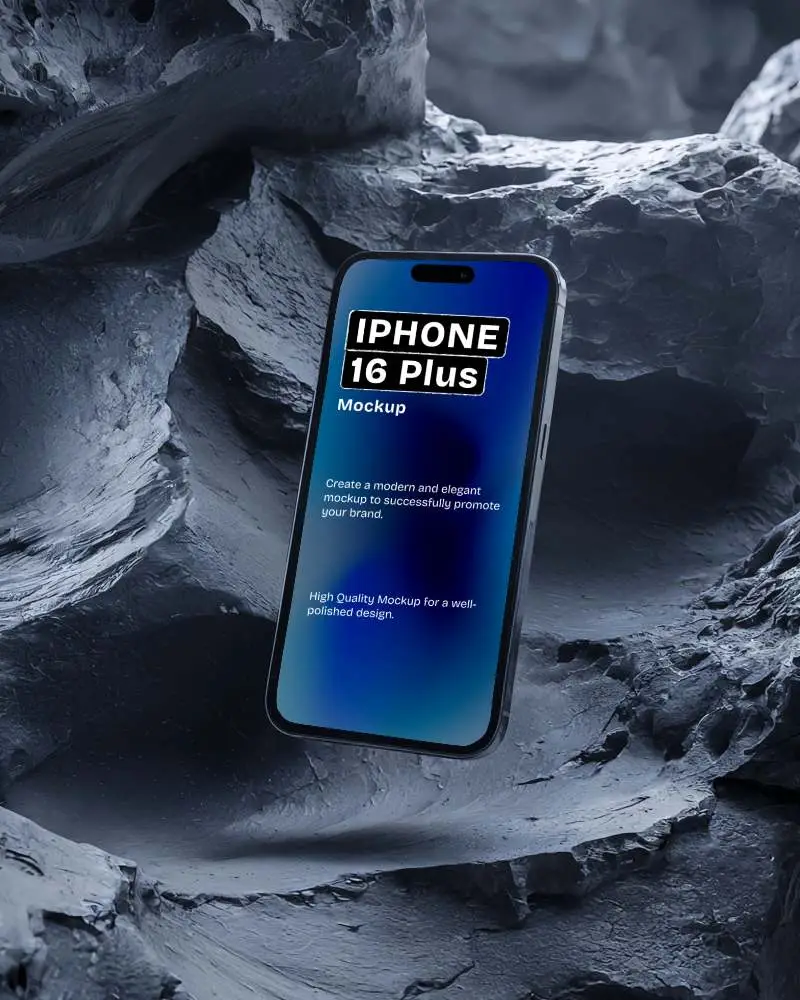
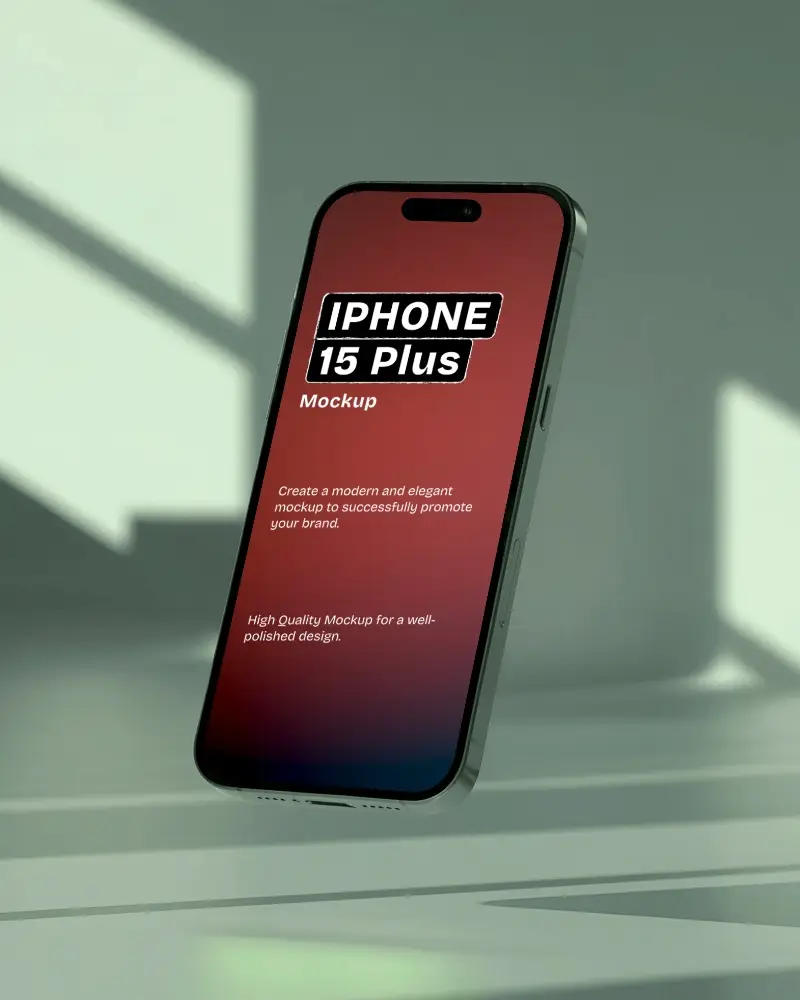
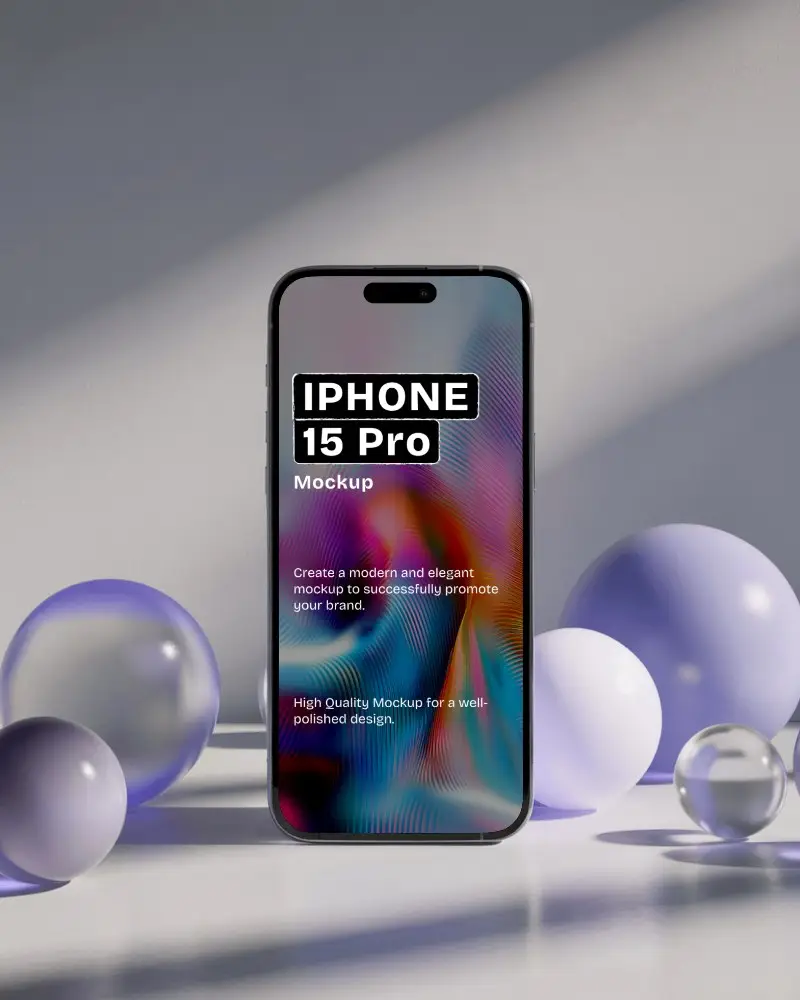
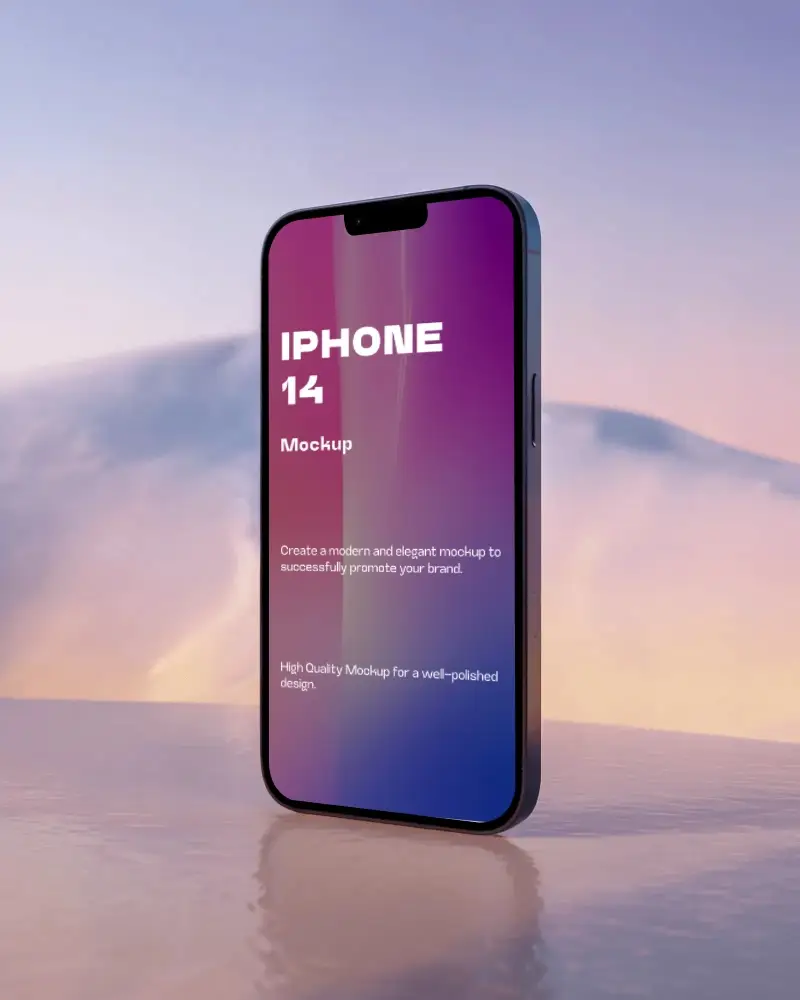
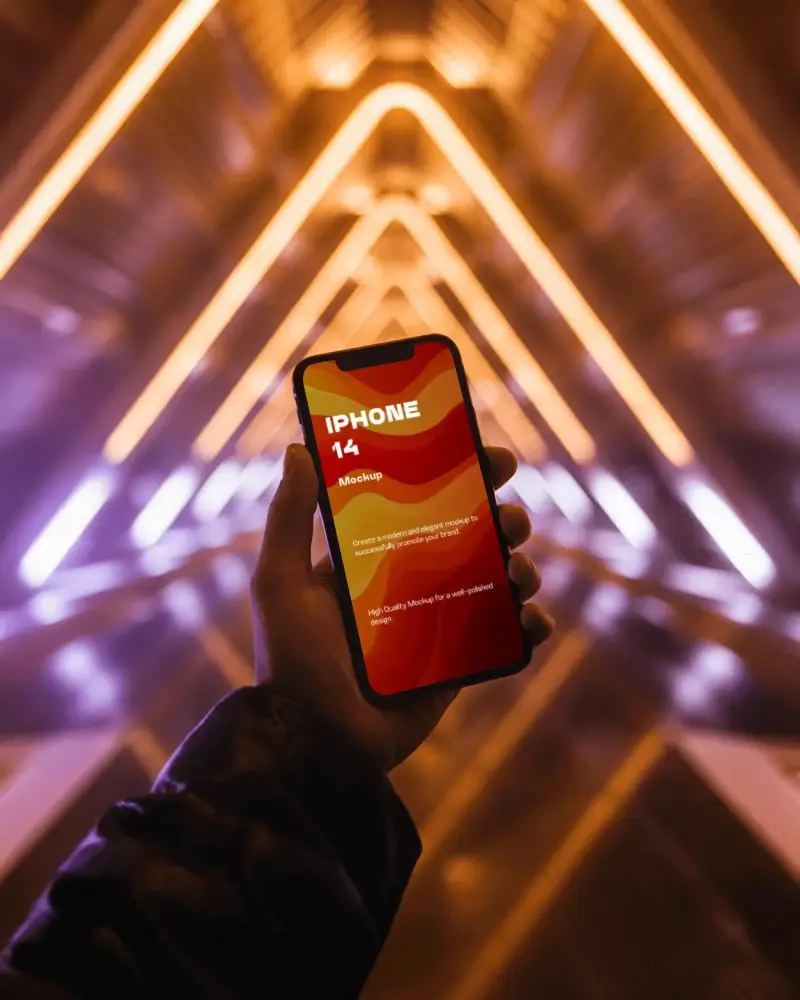
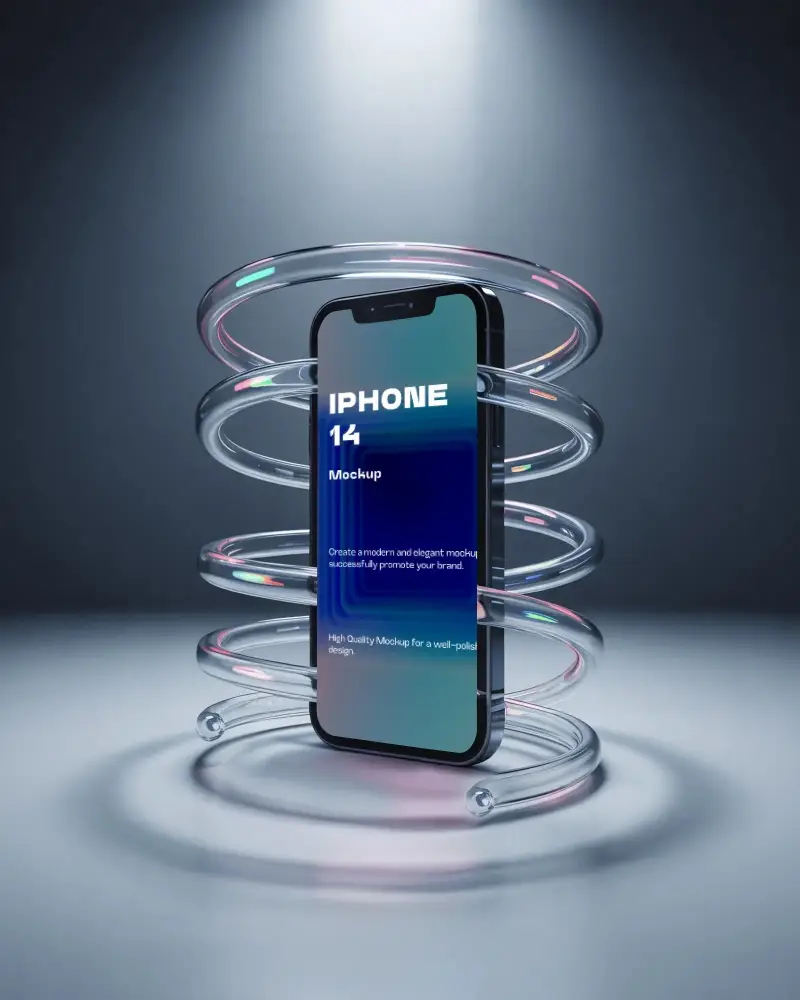
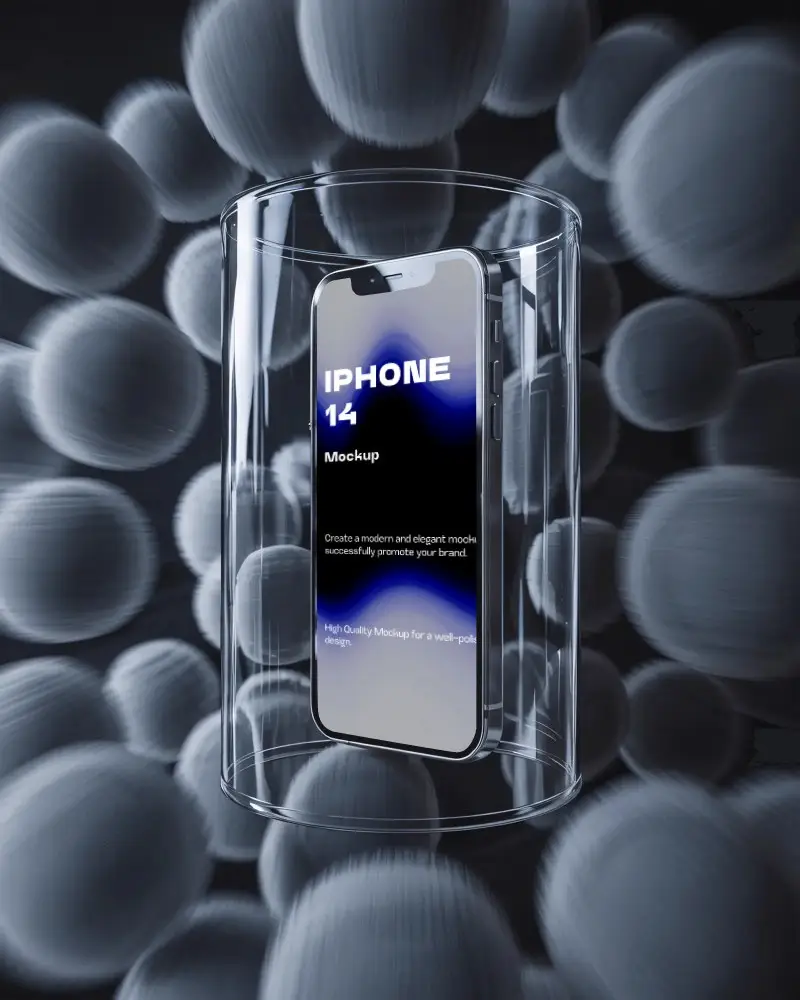
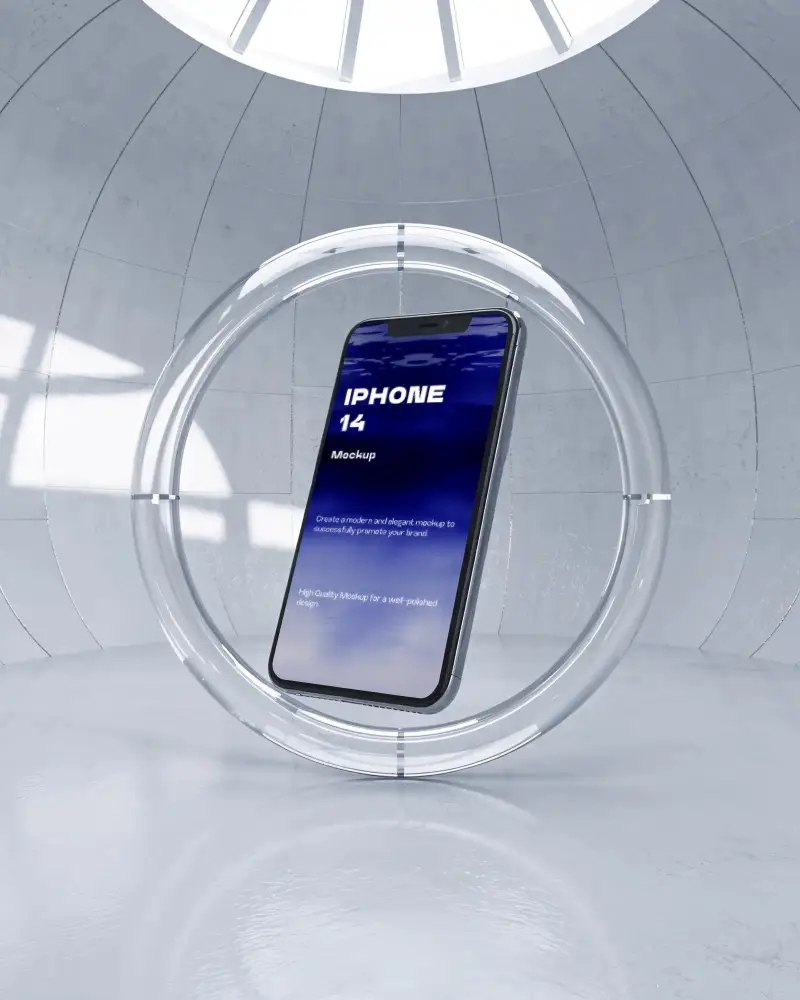

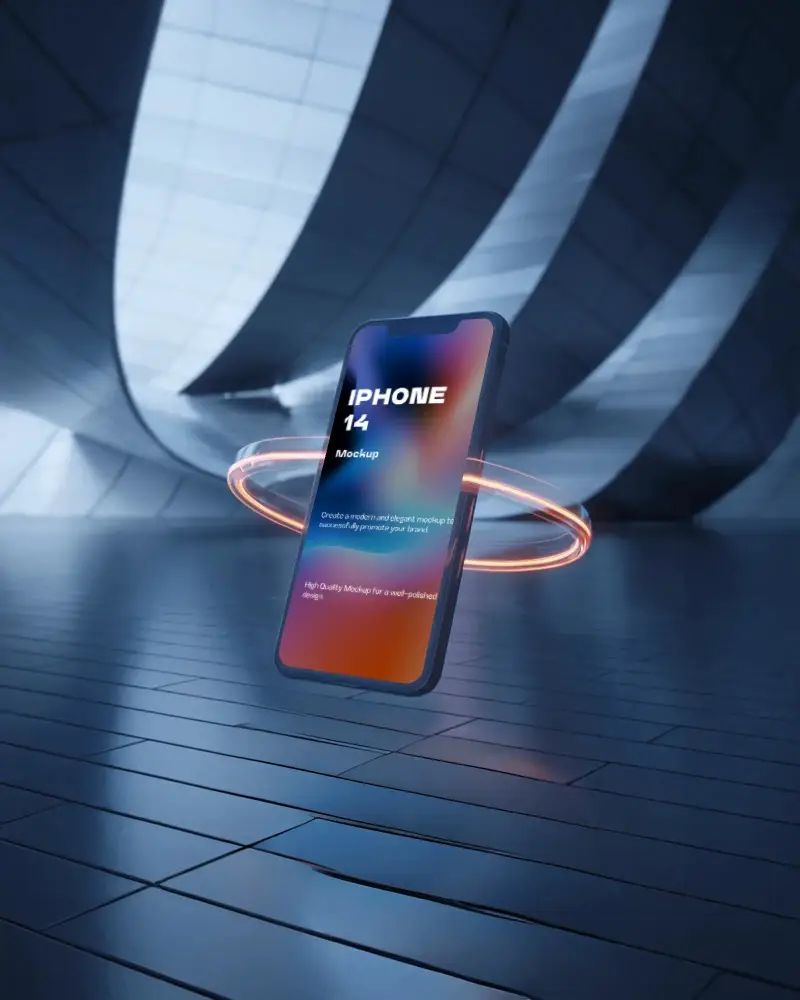

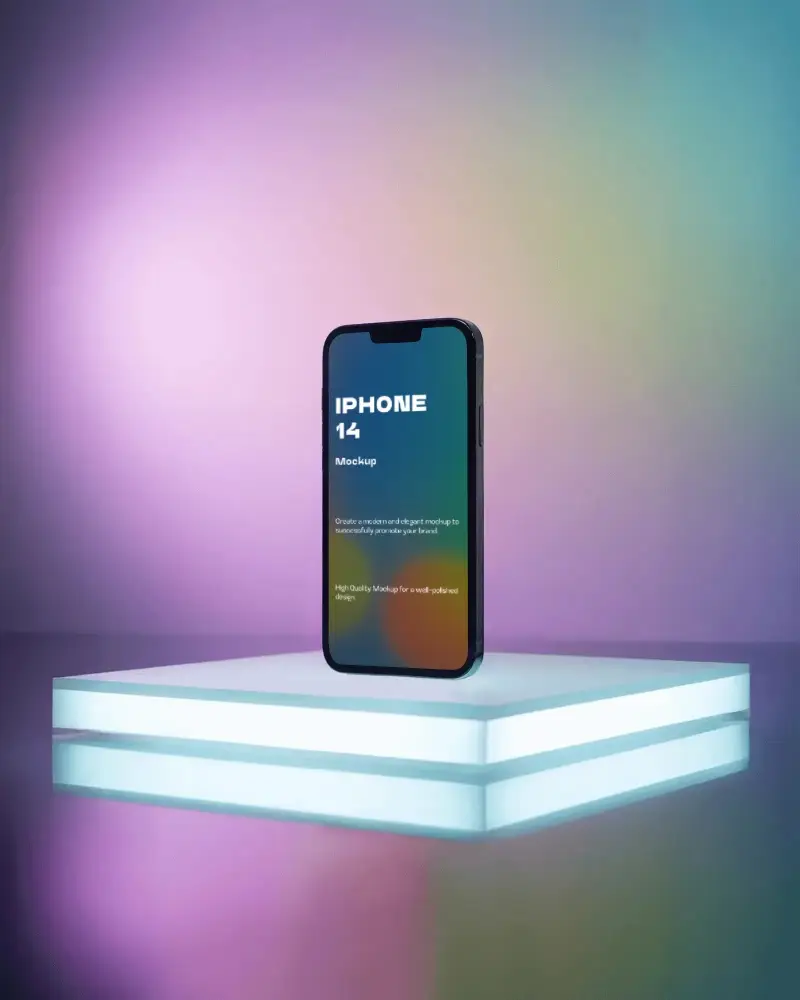
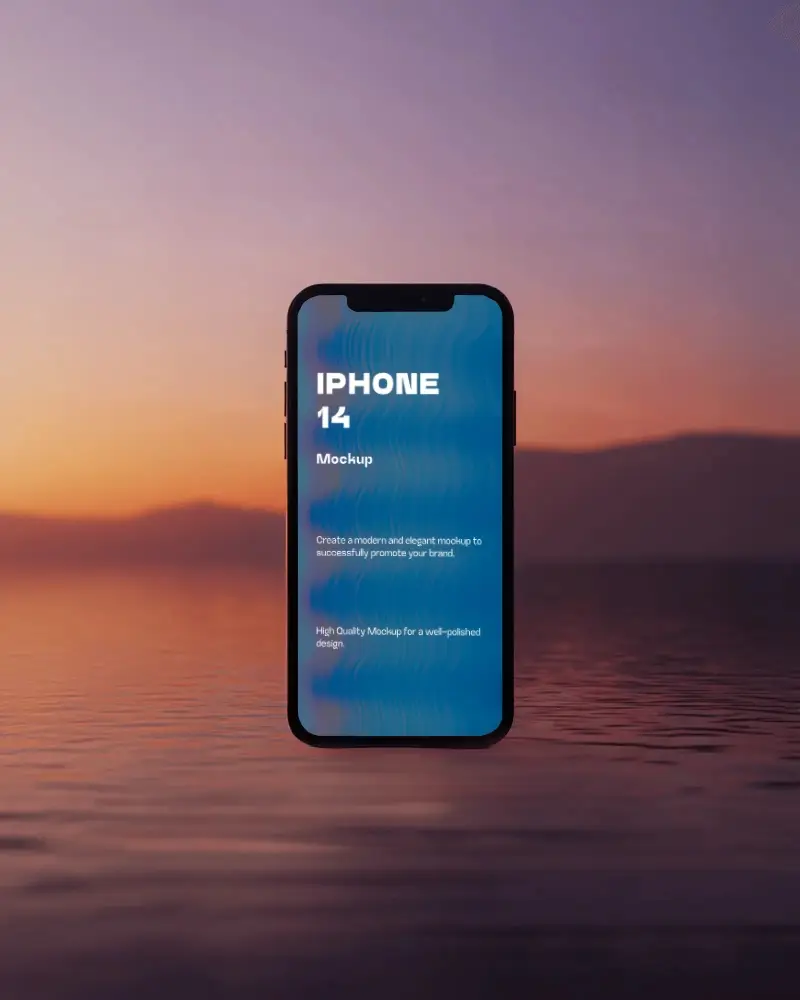
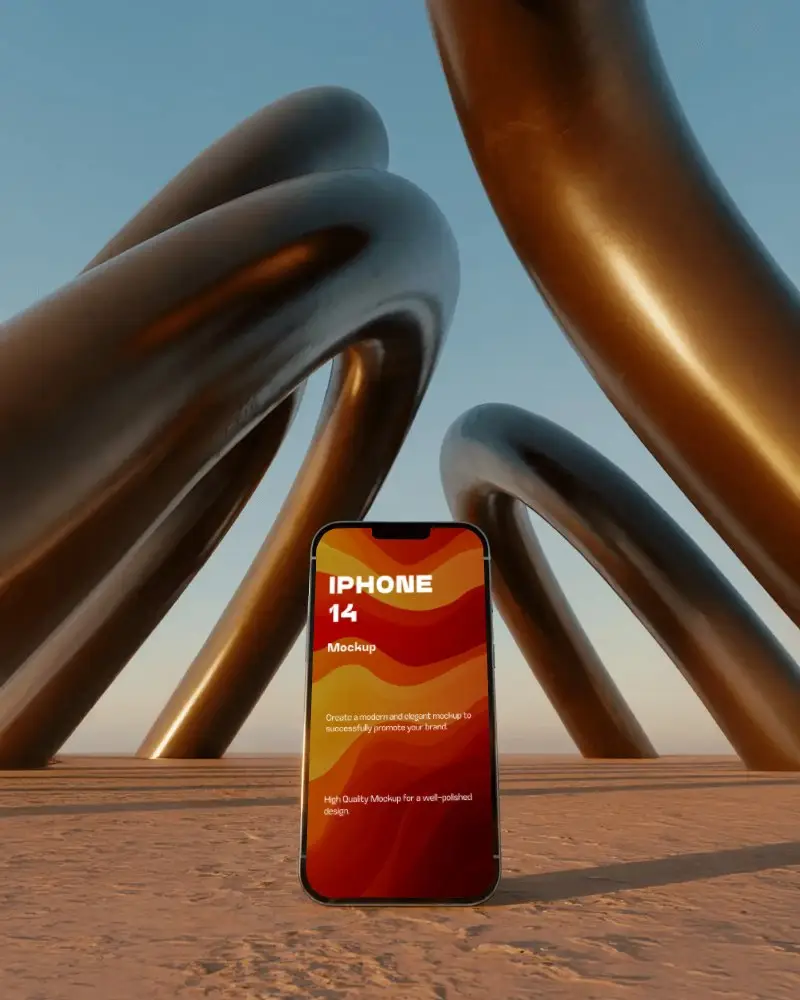
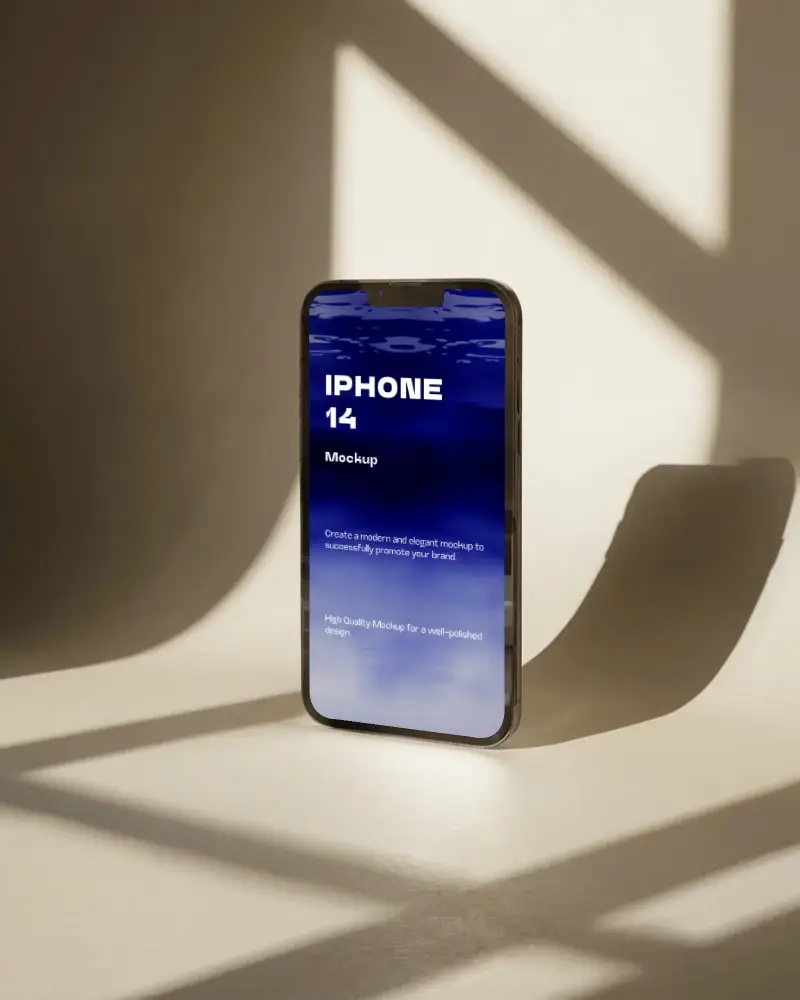
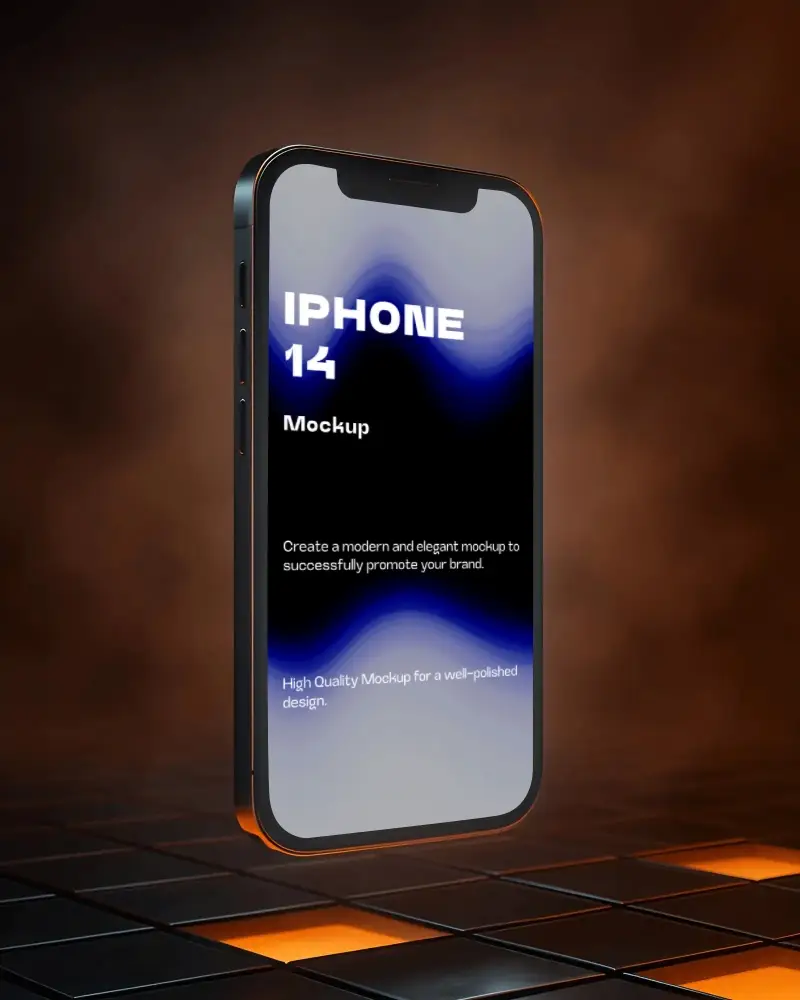
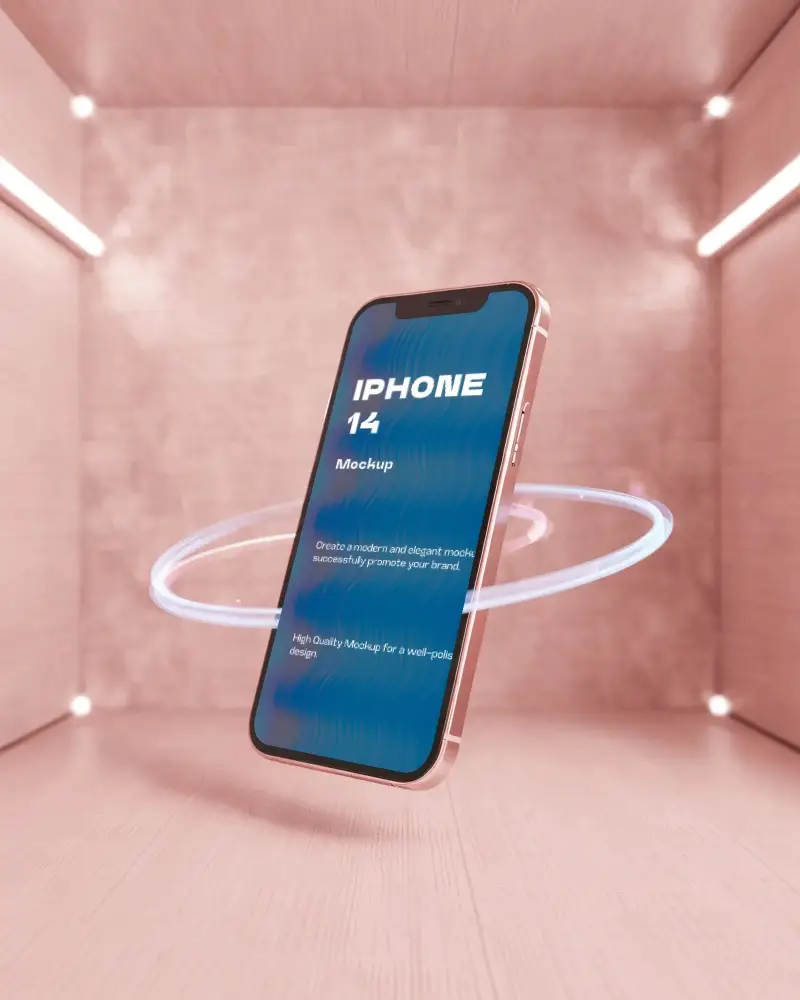
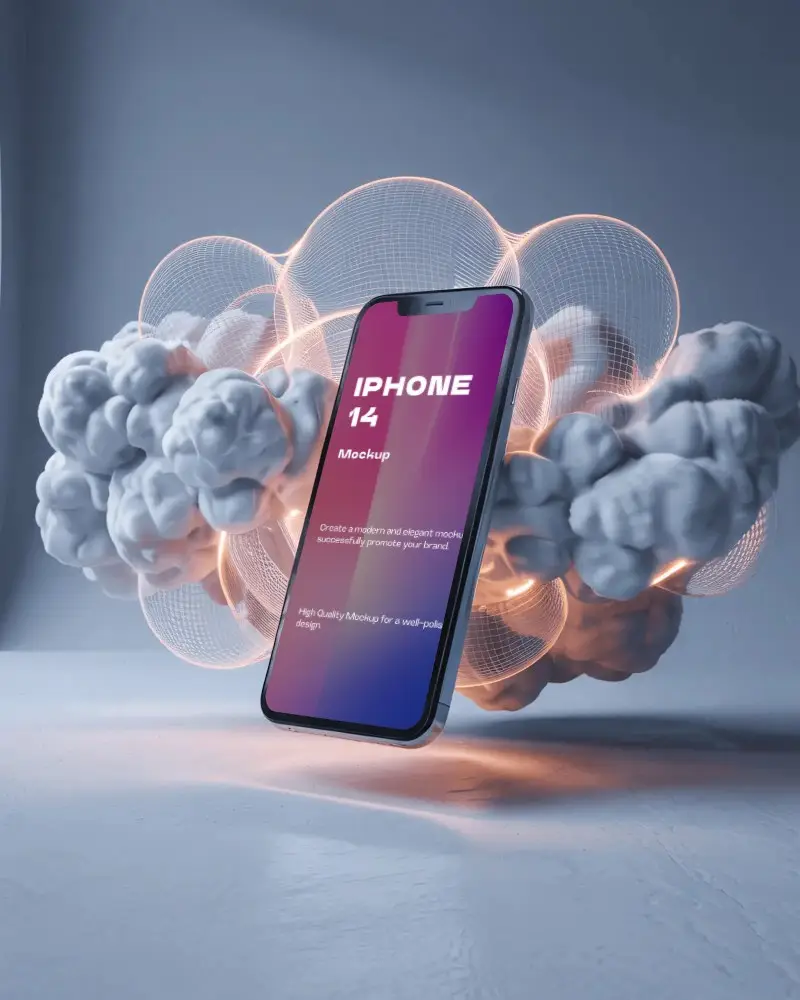
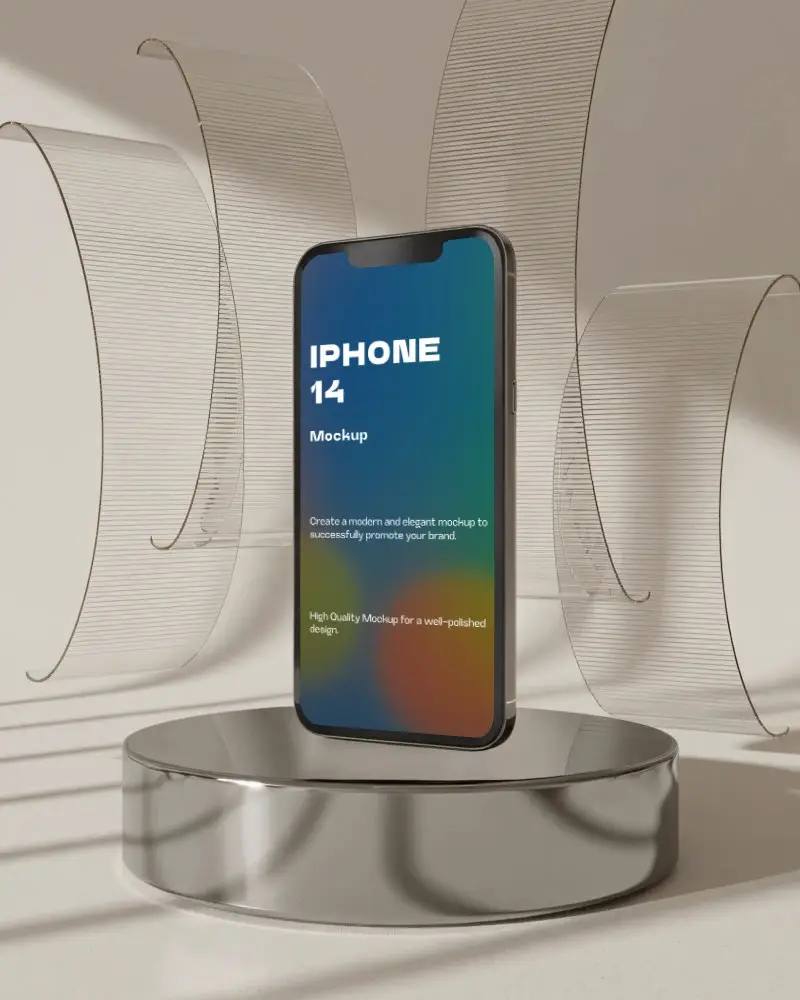
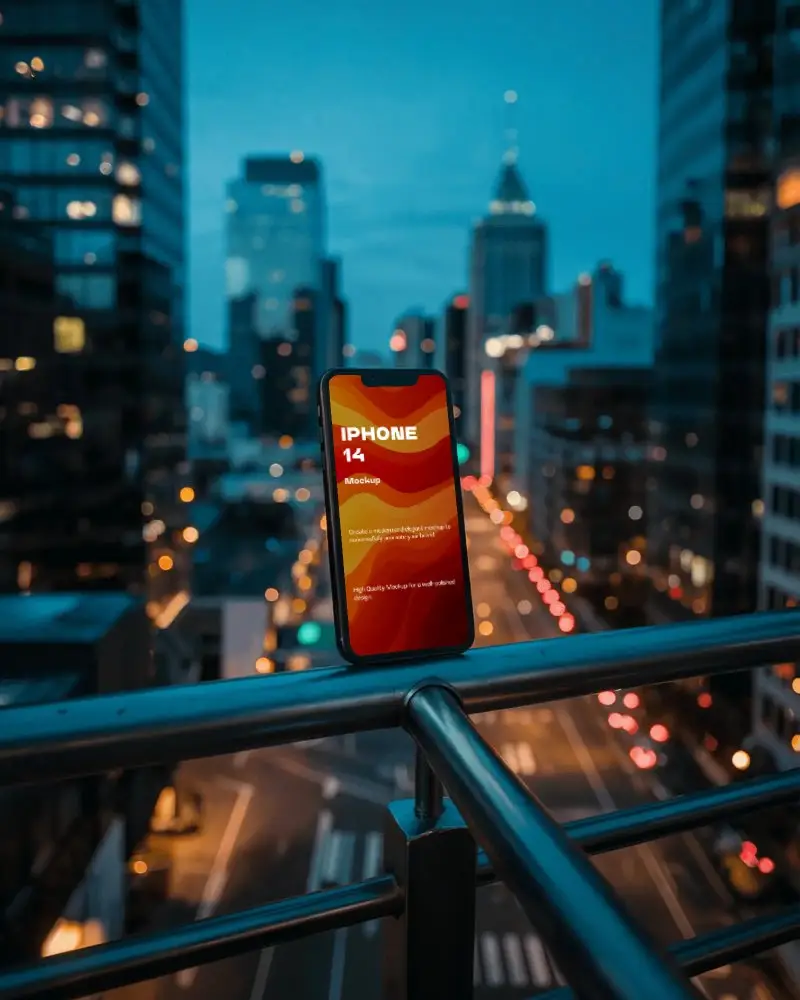
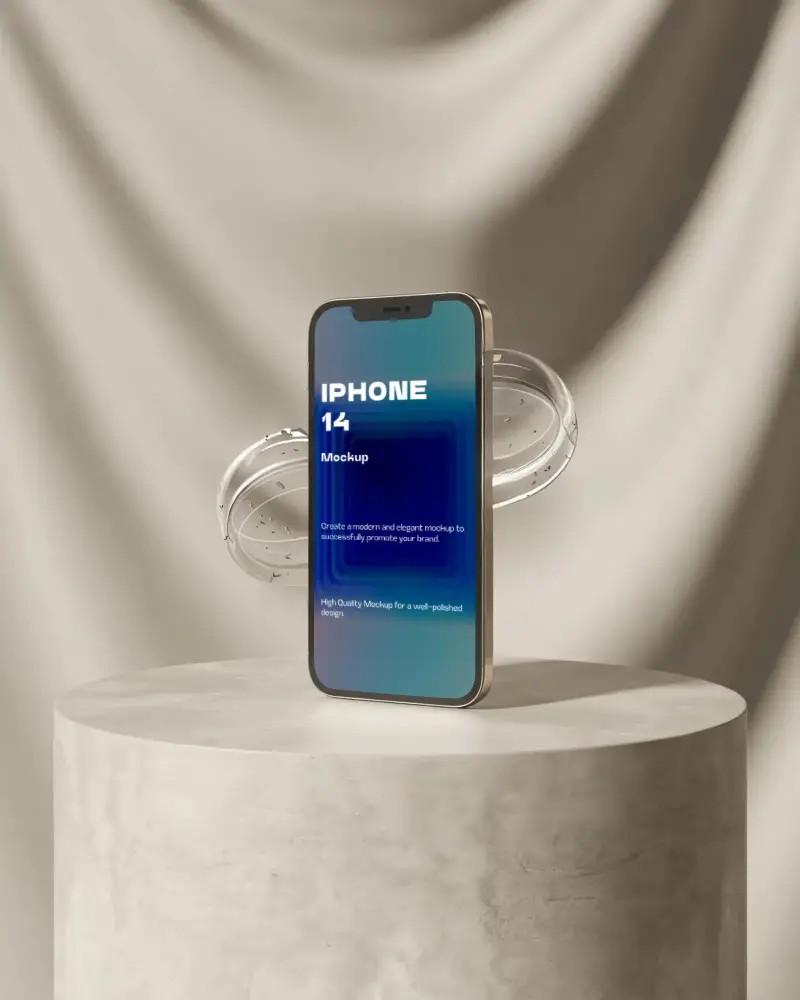
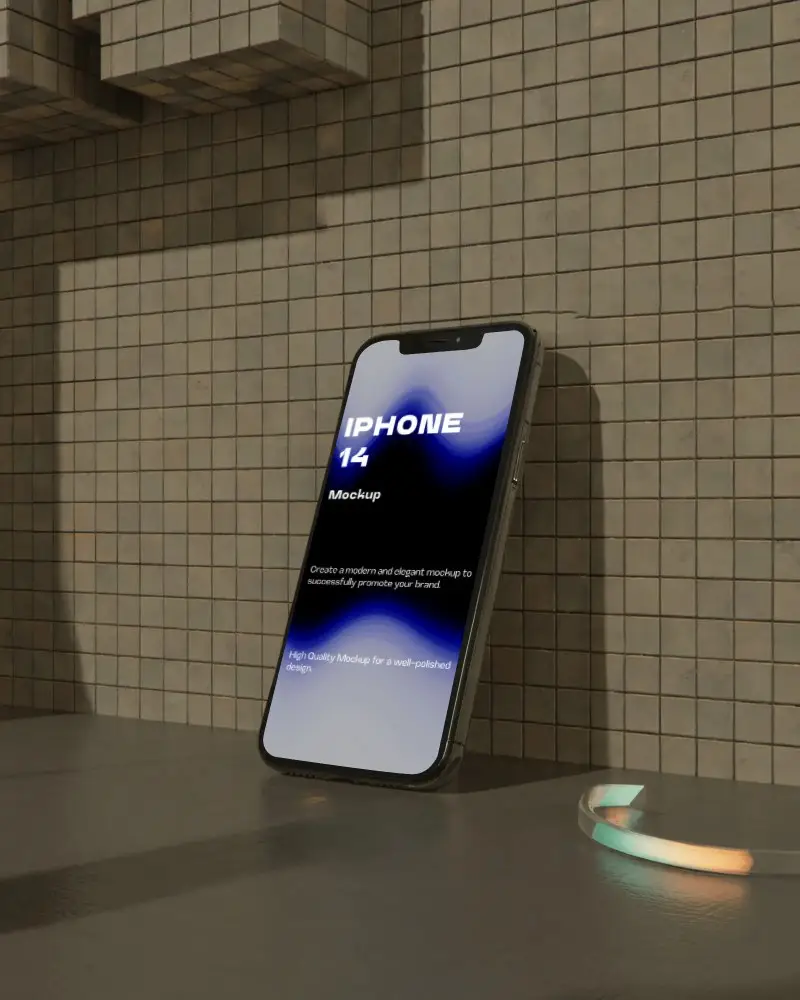
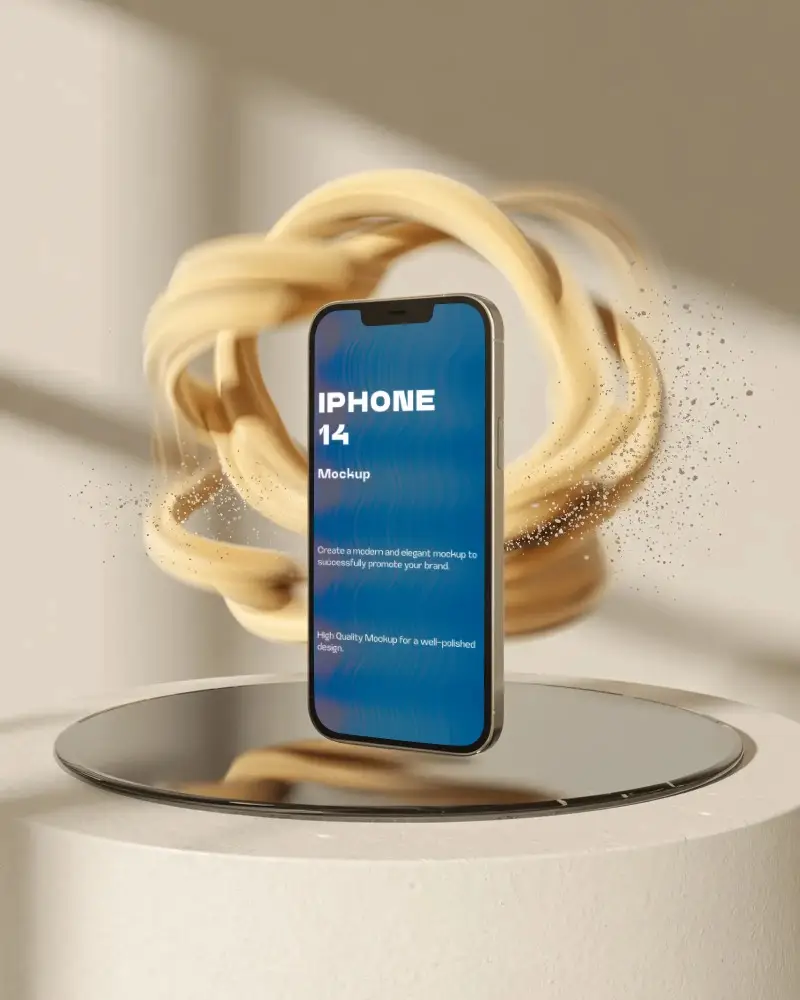
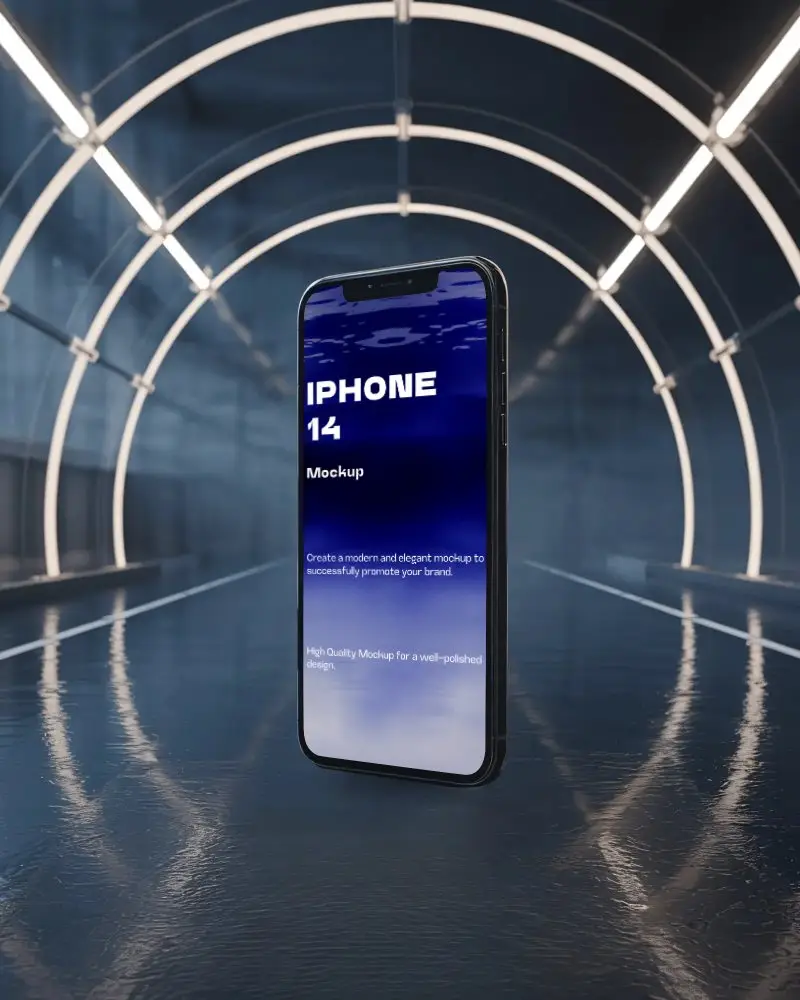
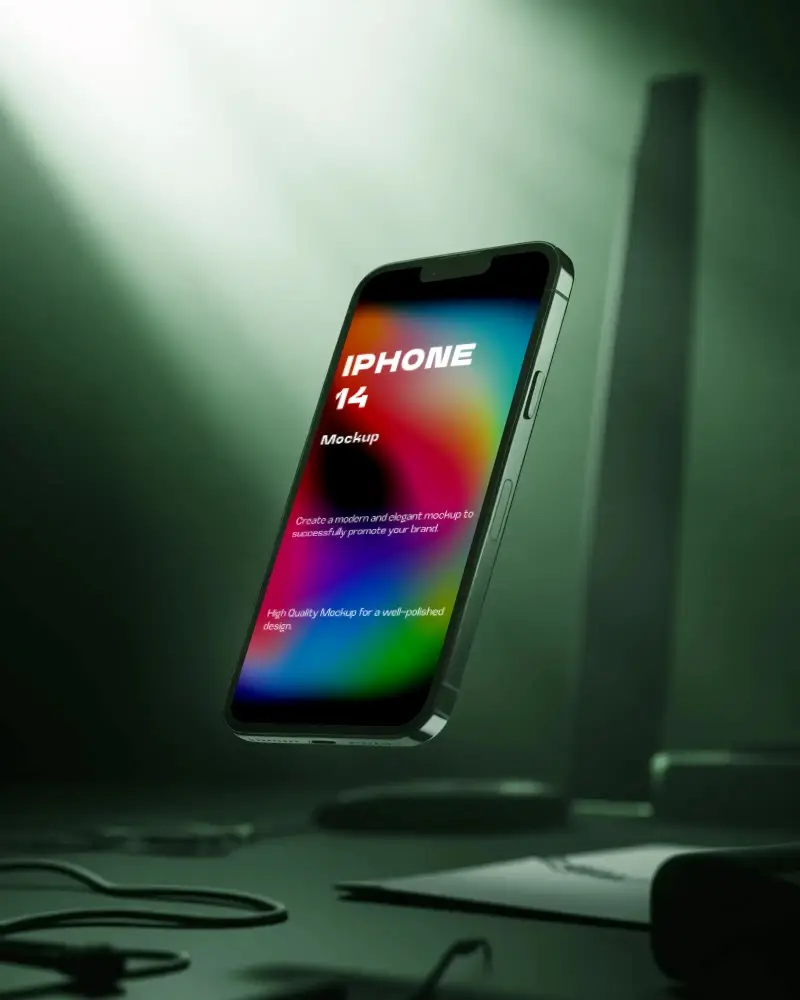
FAQs on Iphone 14 Mockups
How to create a realistic iPhone 14 mockup?
Use a template from sites like Mockey AI. Upload your app or site screenshot. Change the iPhone 14’s background if you like. Save the image in high quality.
Does Mockey AI only offer iPhone 14 mockups?
In Mockey AI, you can customize many iPhone mockups besides iPhone 14, such as the 15 series, 16 series, and even 17 series.
Can I try the same design on iPhone 14 and iPhone 16 mockups?
You can preview one design on both iPhone 14 and iPhone 16 mockups. On the iPhone catalog page, upload your design using the AI Preview feature and select both model tags to see the template previews.
Can I use iPhone 14 mockups for App Store previews?
Use our iPhone 14 mockup templates for App Store previews. Add your design and present it to your client. You can start with the free plan.
Where can I download free iPhone 14 mockups?
You can find free iPhone 14 mockups online. You can grab more than 200 mockup templates from Mockey AI. Some iPhone mockup generators are available, but either they are paid tools or they offer very boring templates.
Best practices for using iPhone 14 mockups in marketing?
Make use of iPhone 14 mockups for displaying your app or website. Pick angles and backgrounds that make your design pop. Match the colors to your brand. Want more movement? For animated mockups, utilize the AI Anime feature of Mockey AI.
How to customize iPhone 14 mockups for websites?
Log in to Mockey AI. Look for Mockups. Select iPhone 14 from tags after following Tech > iPhone. Use a template to upload a design. Adjust and edit it. Click Download to save the iPhone 14 mockup.
