iphone
Free iPhone 15 Pro Mockup Templates
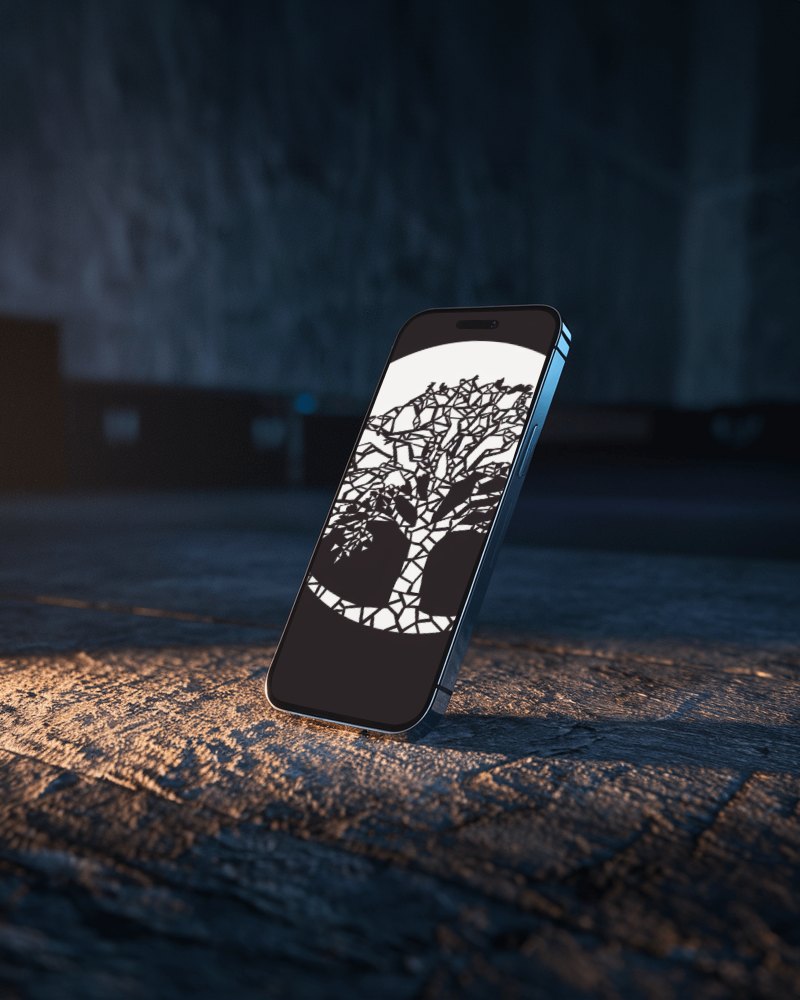
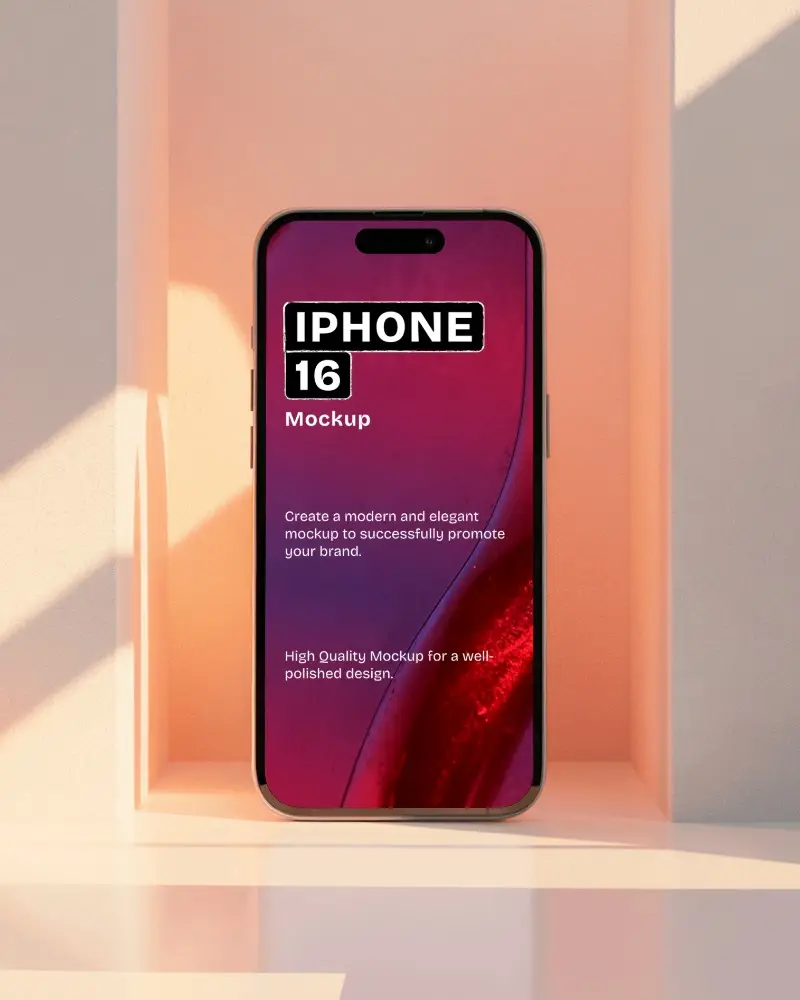
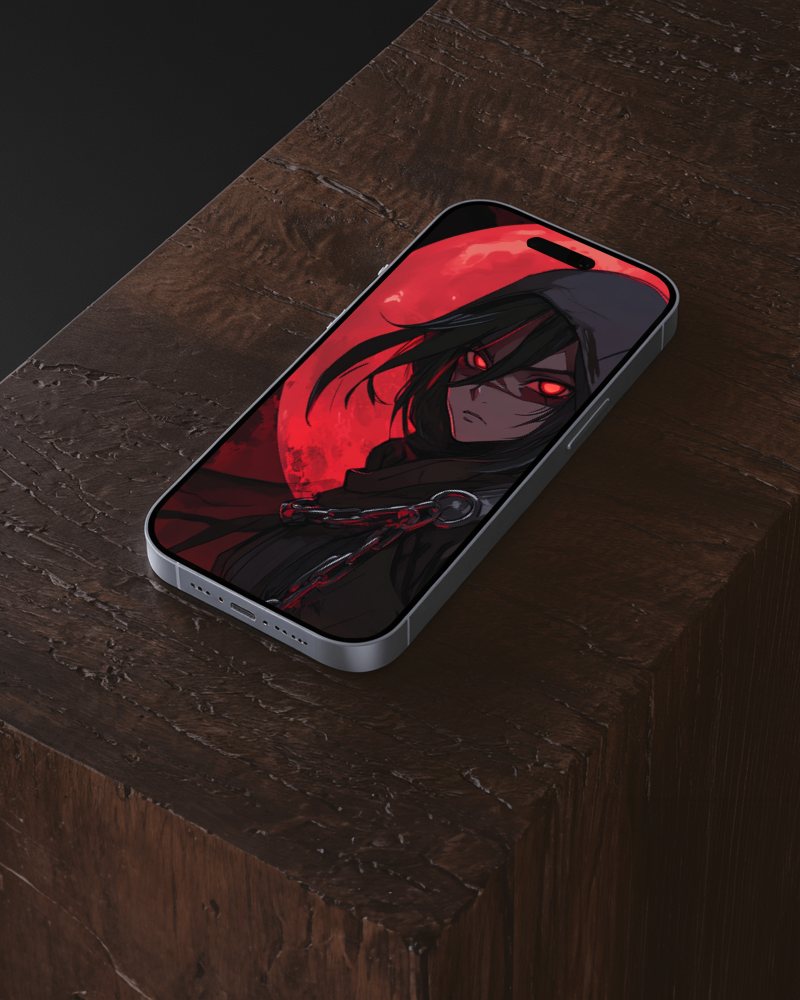
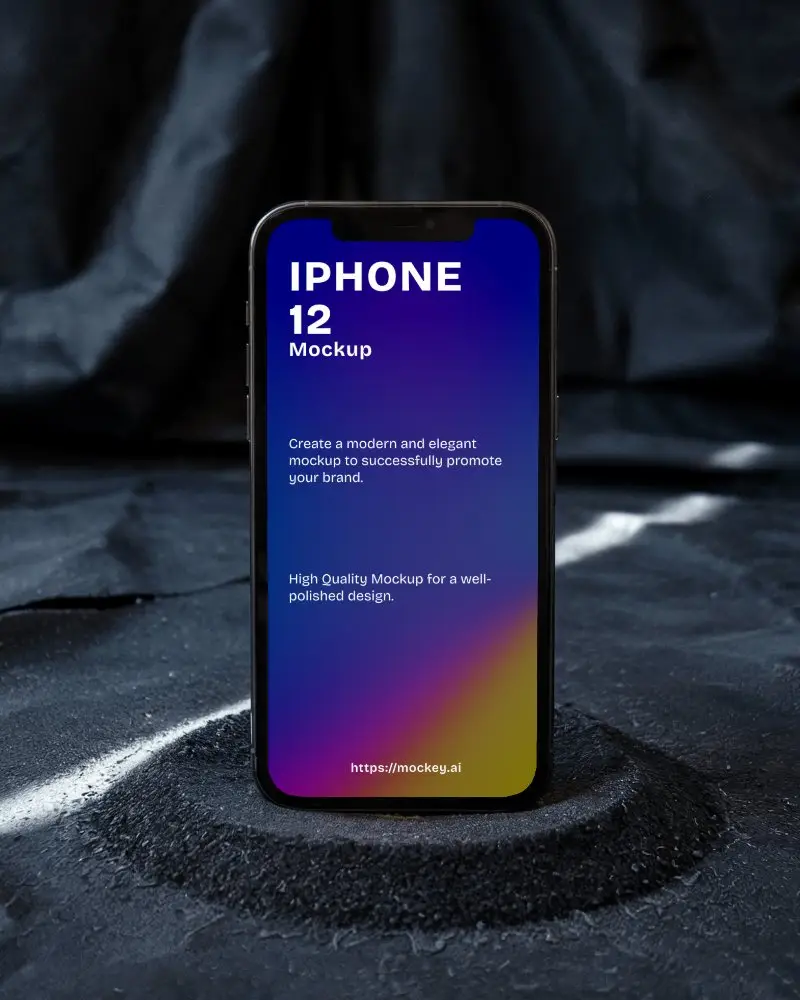
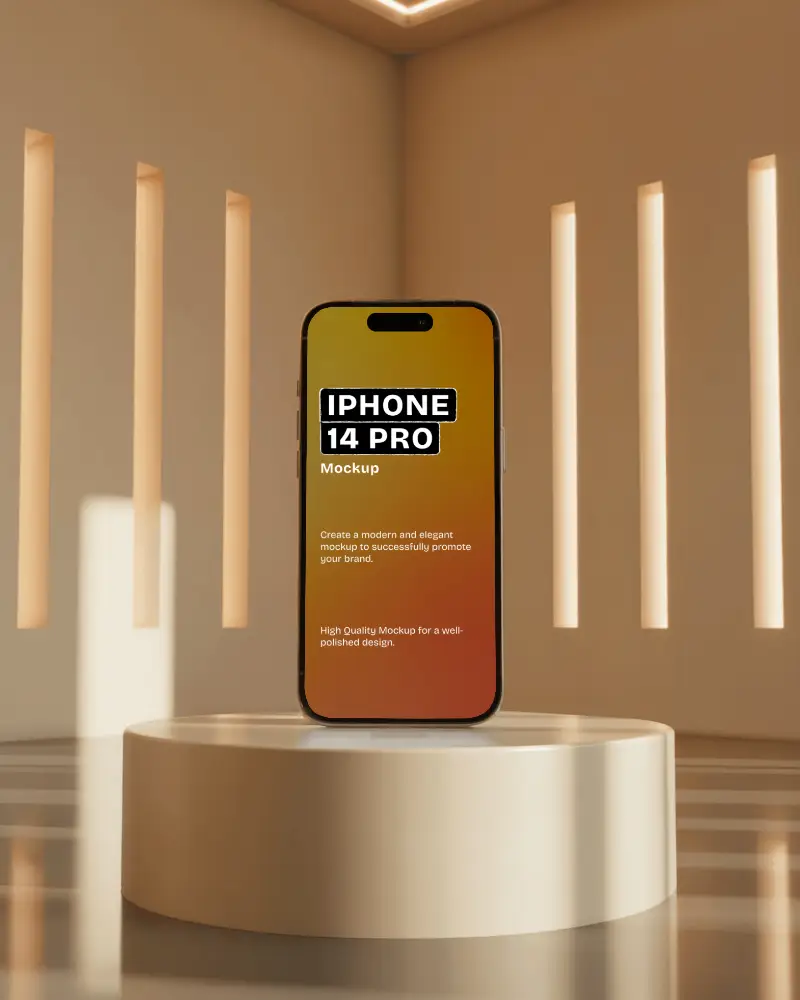
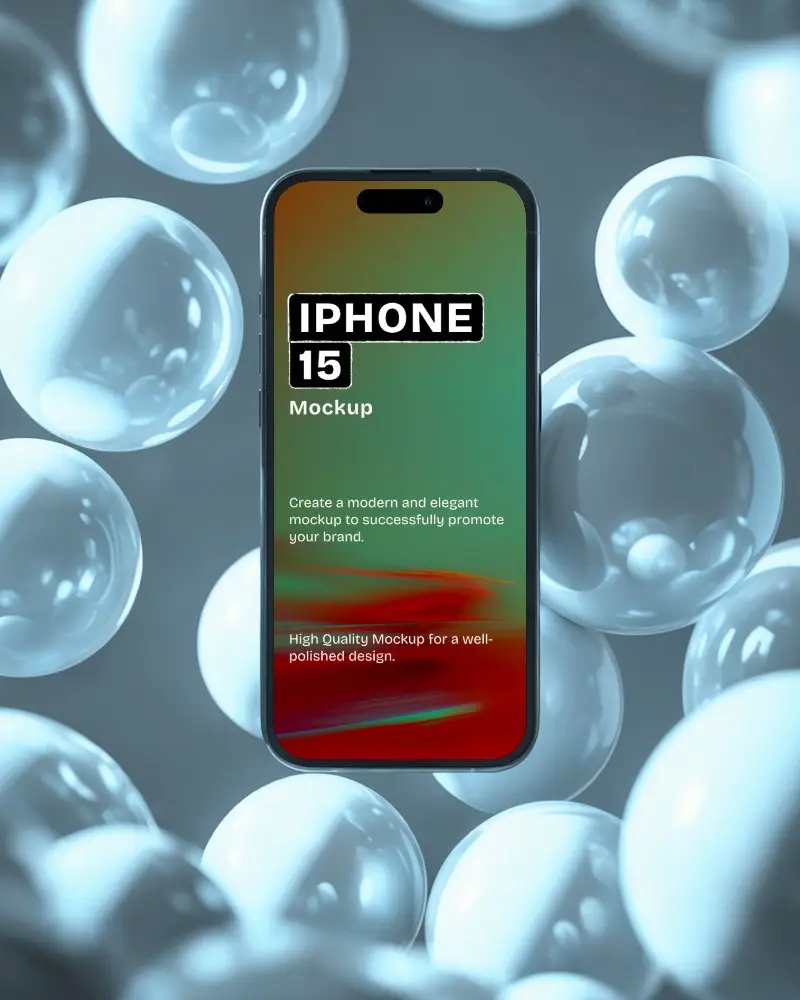
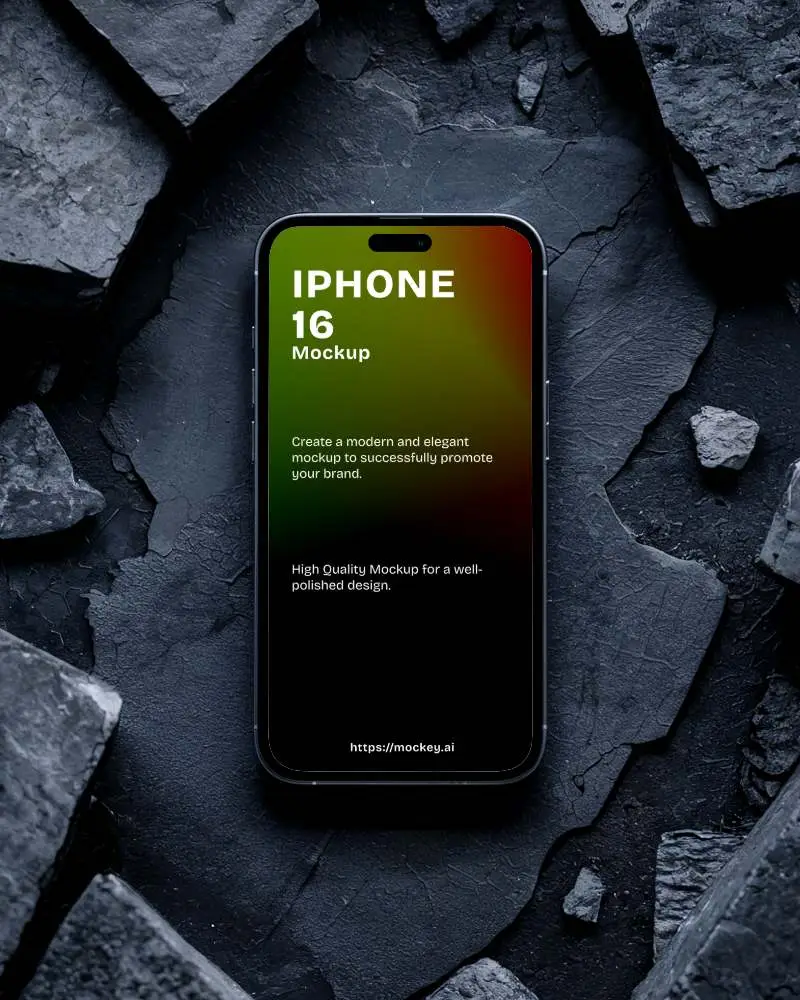
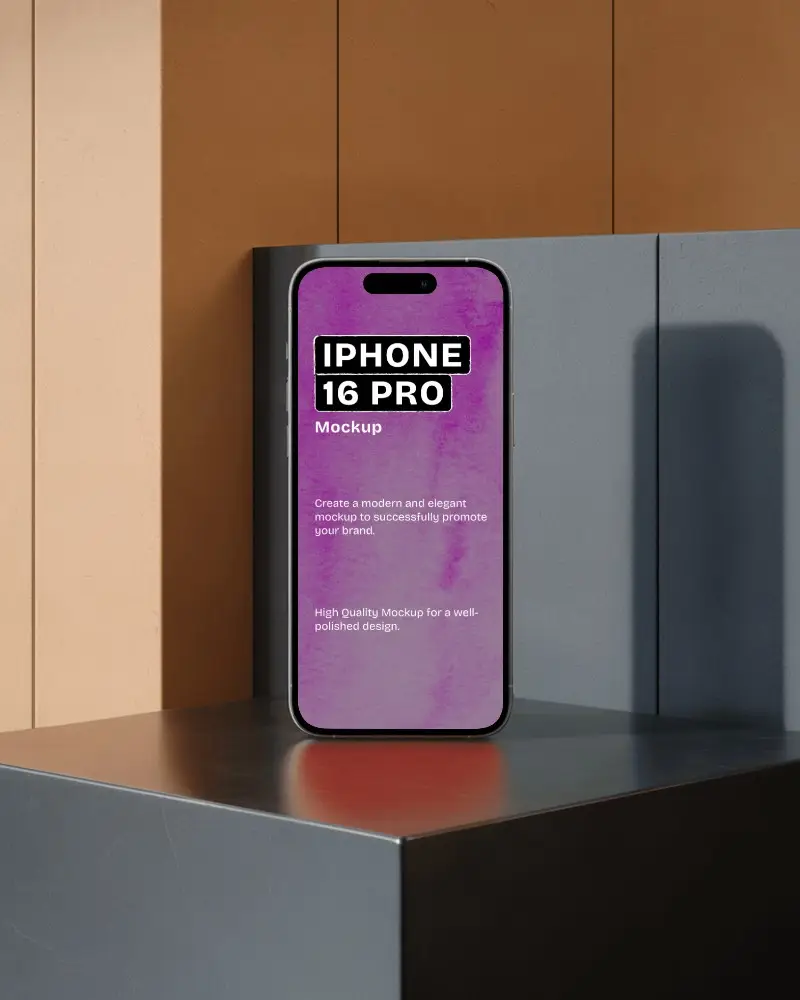
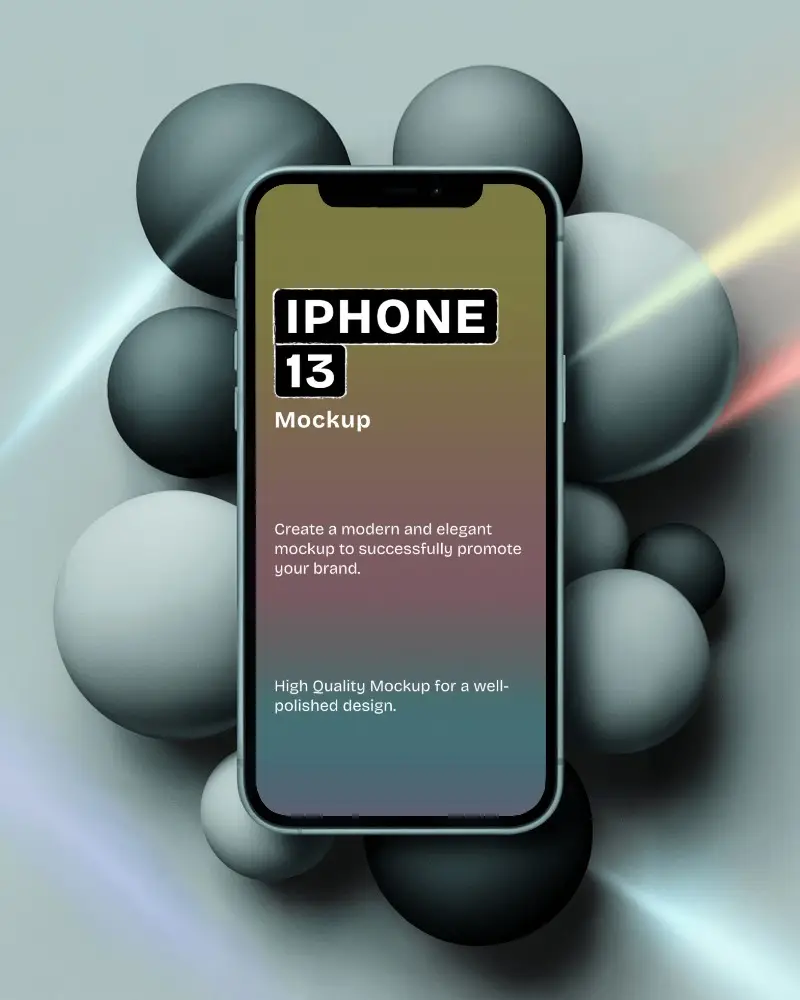
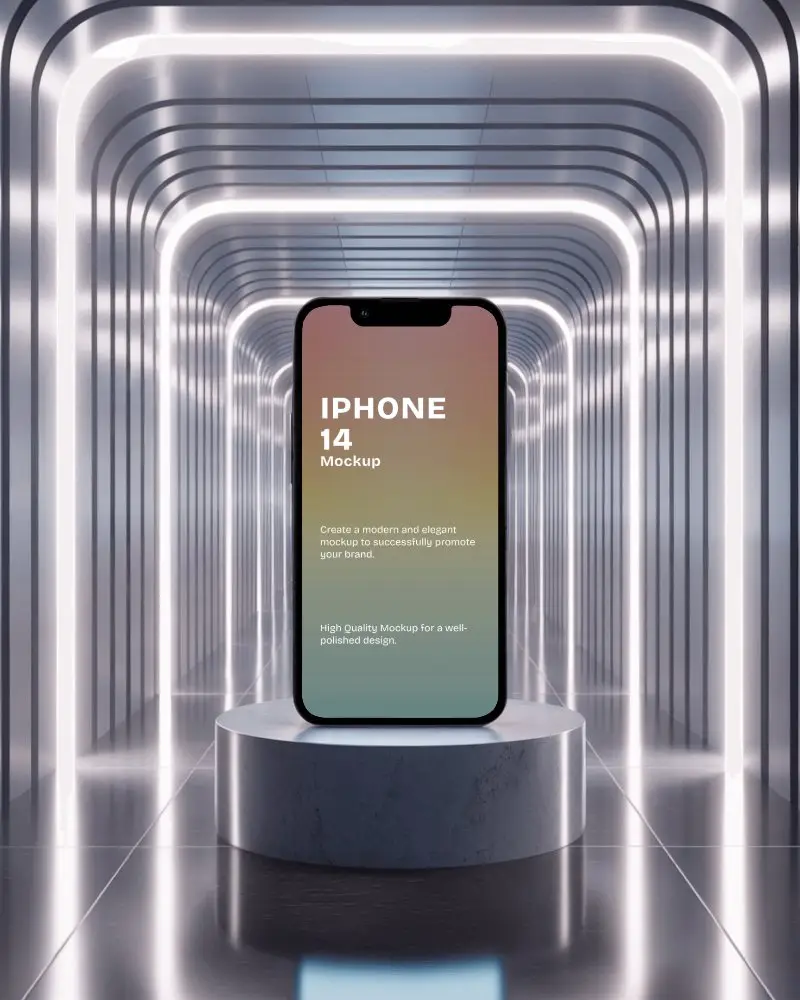
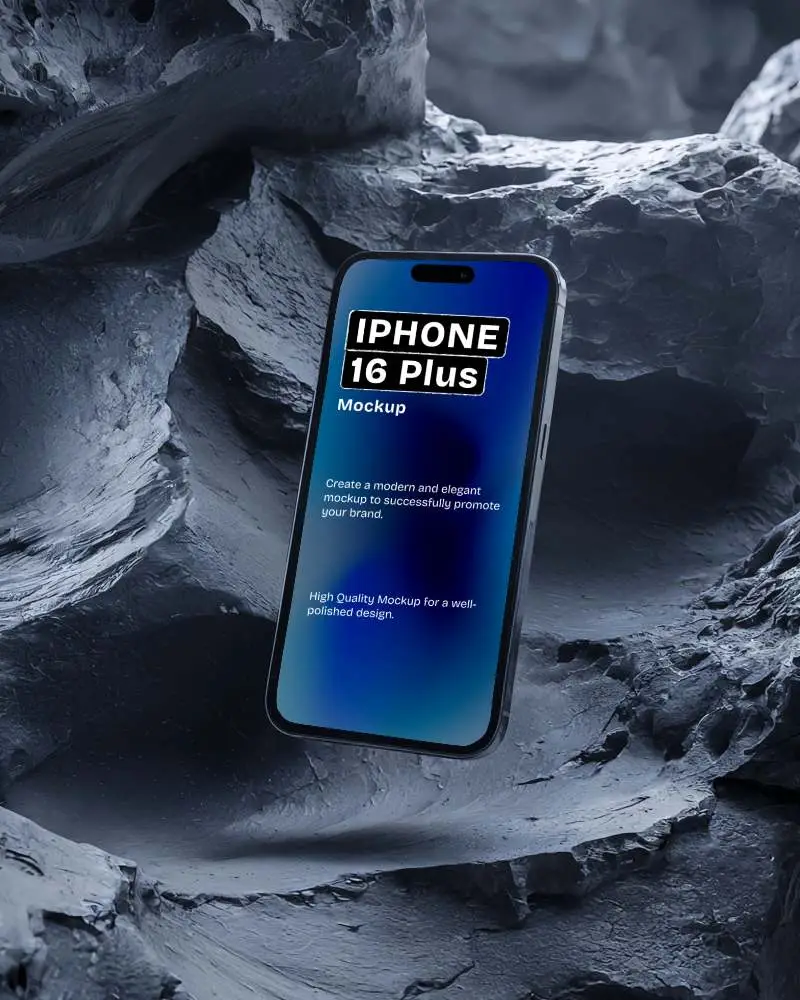
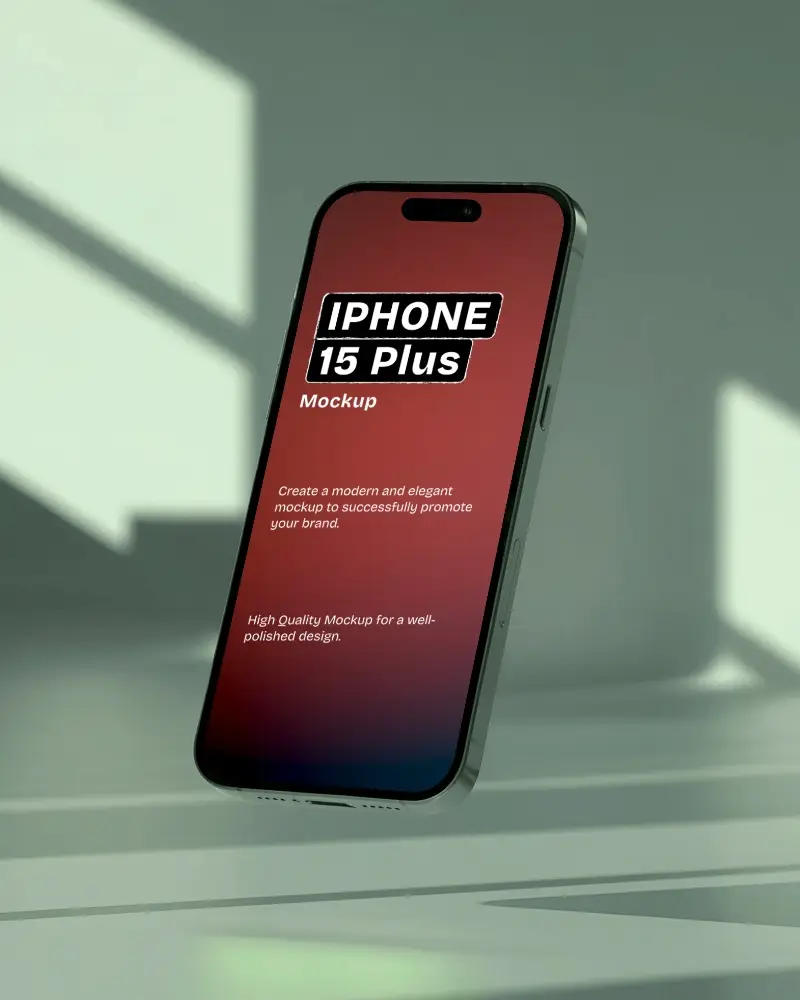
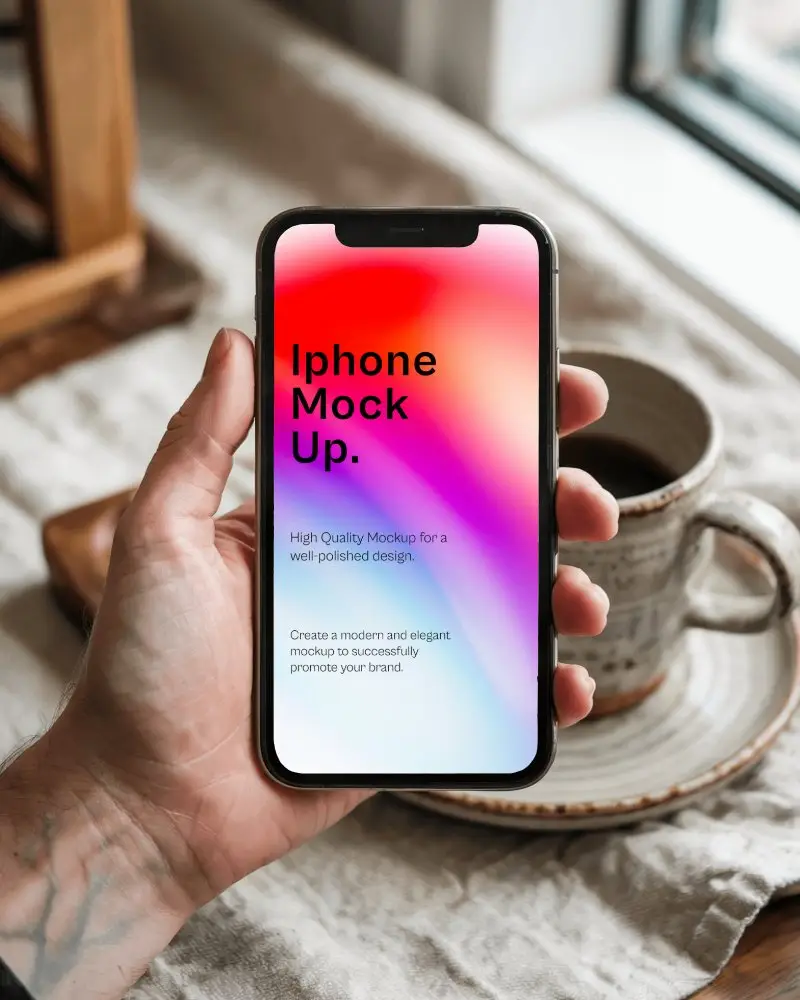
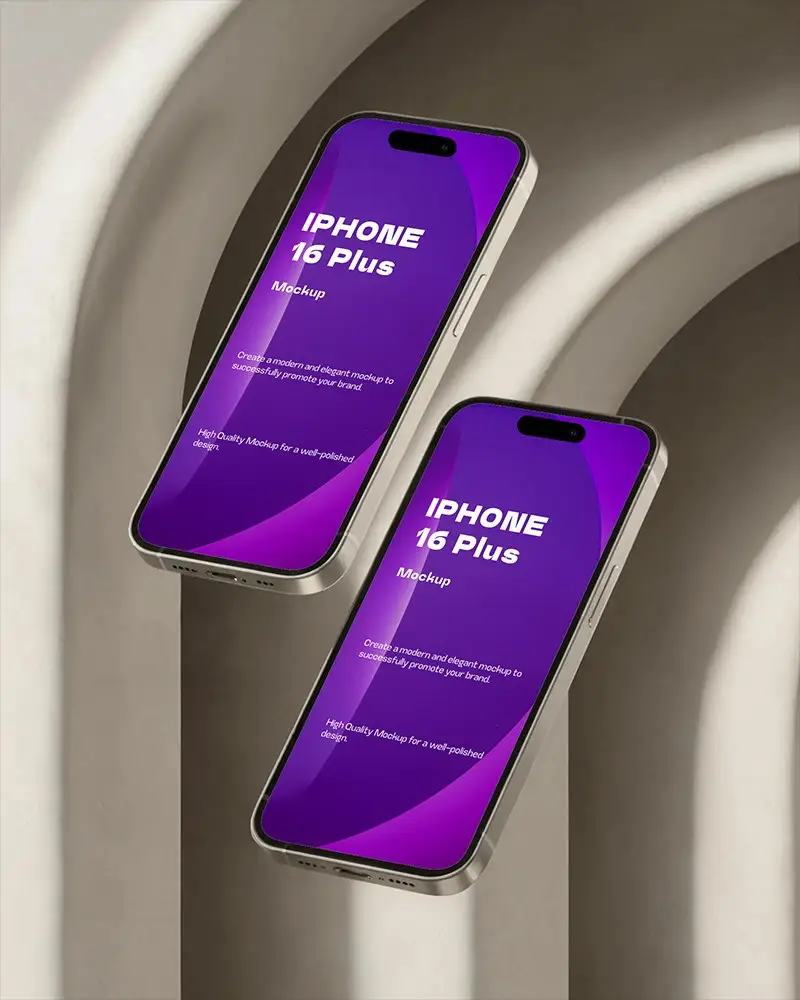
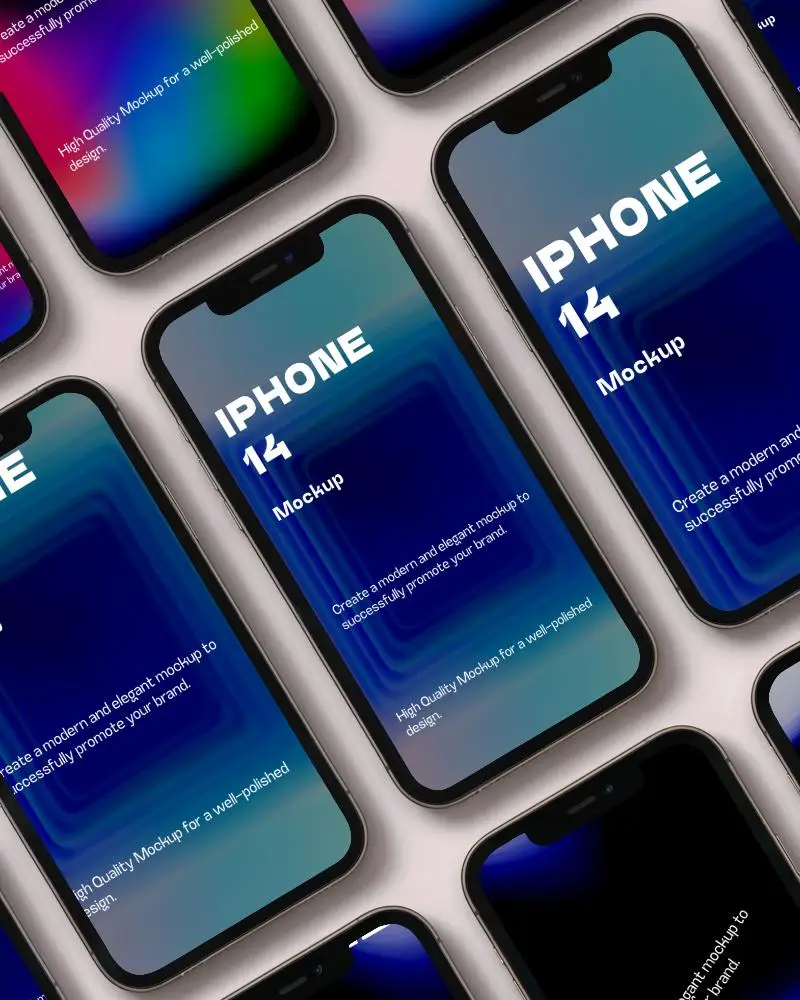
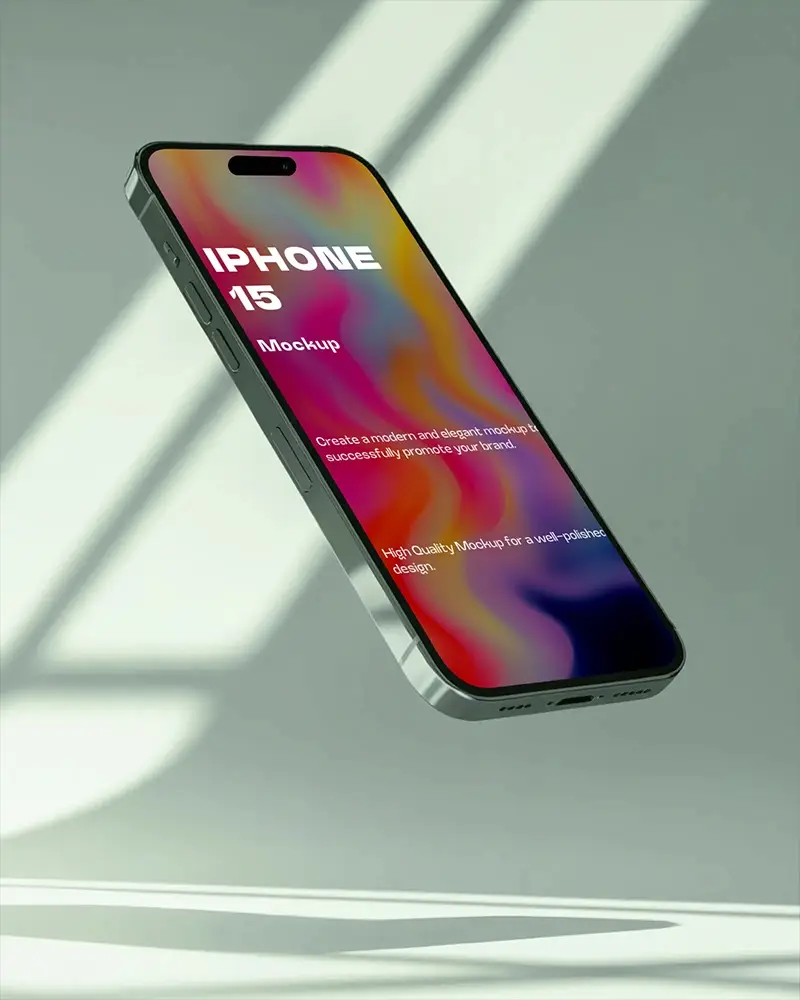
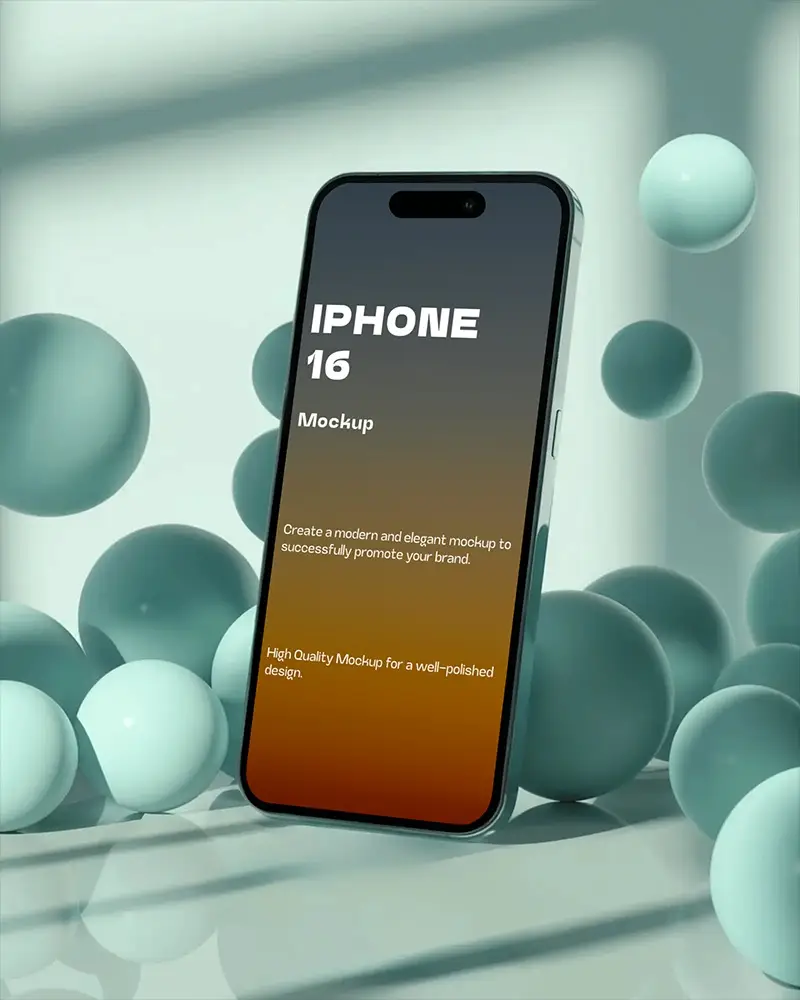
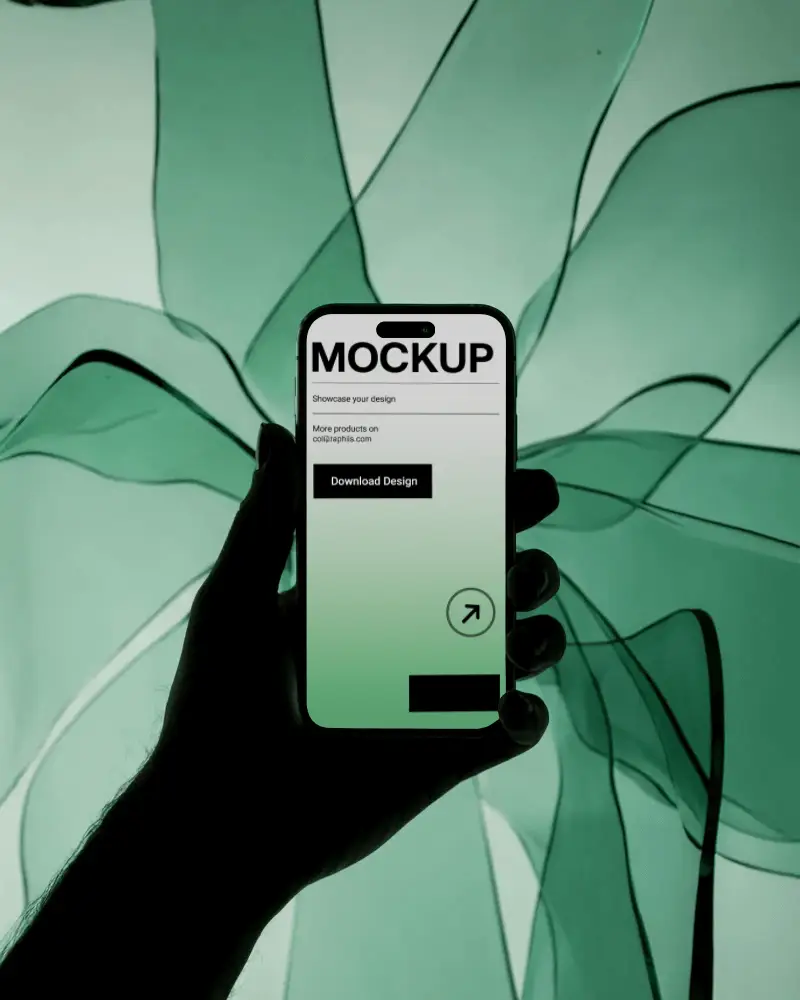
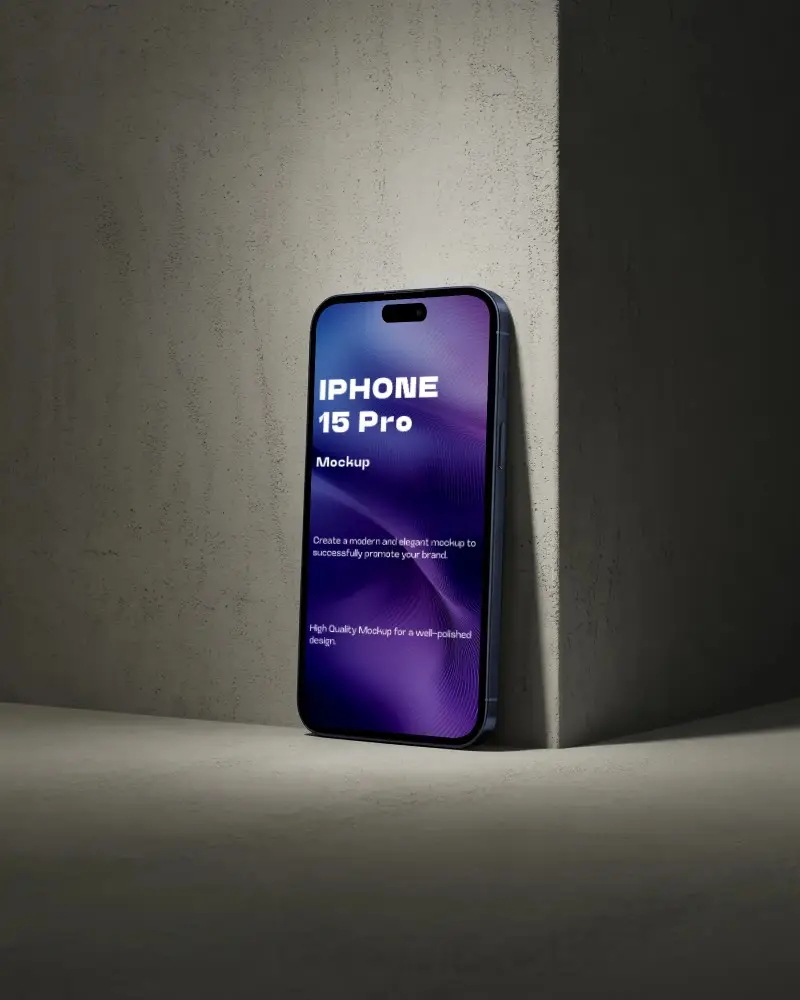
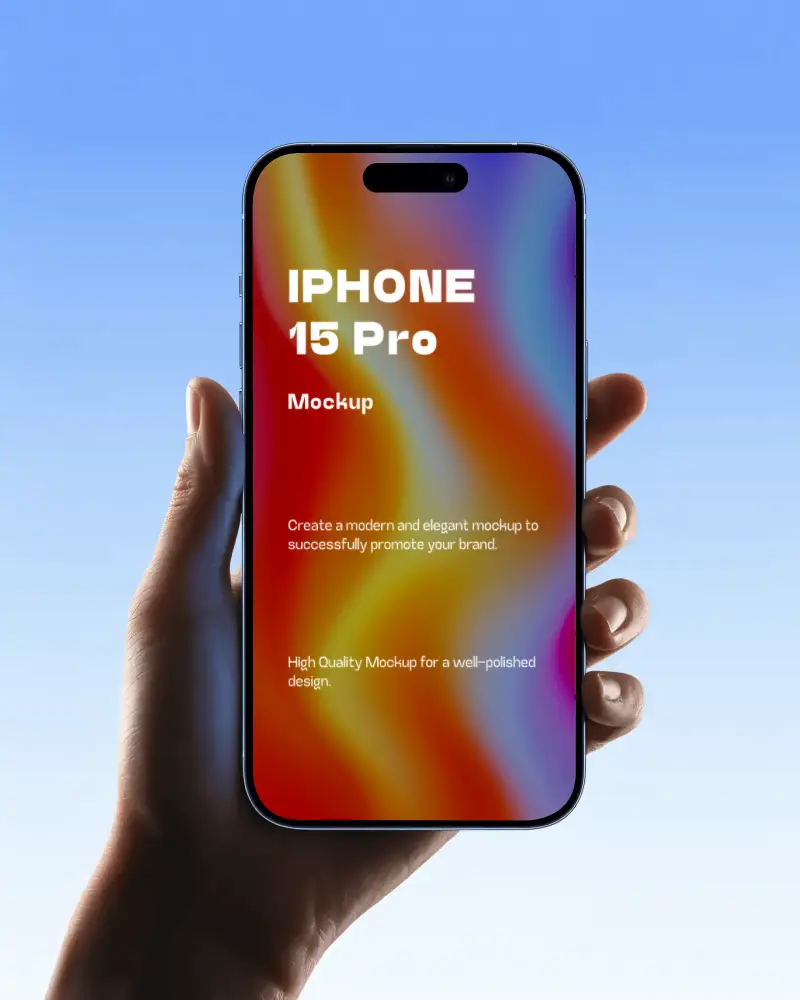
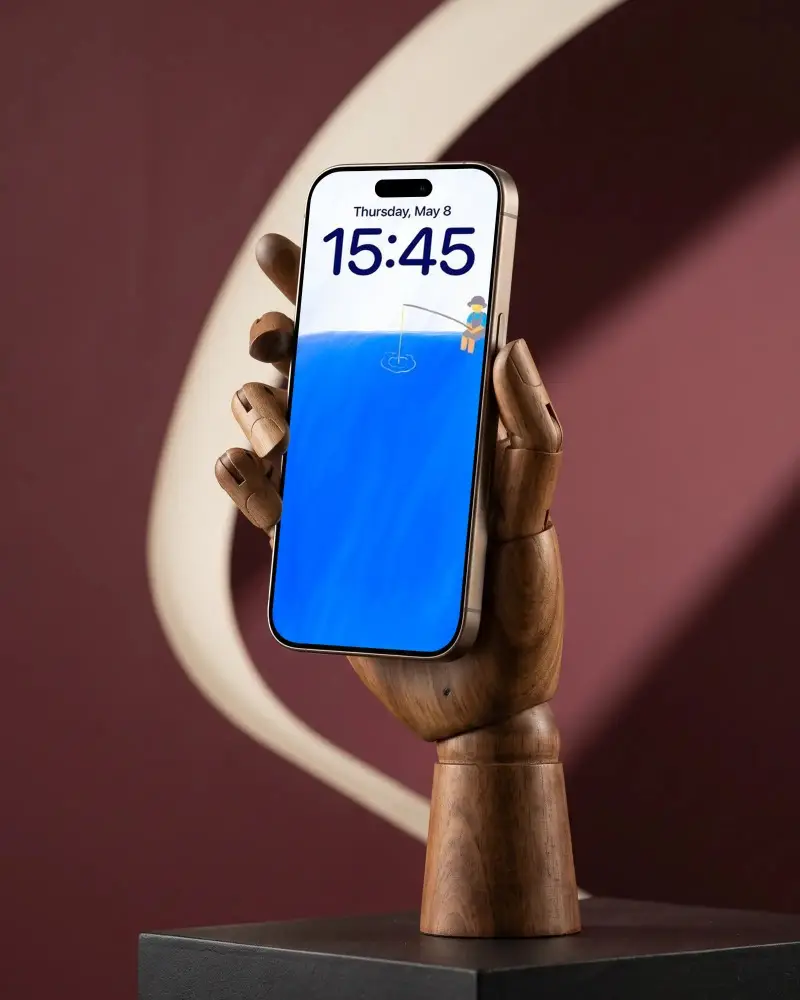
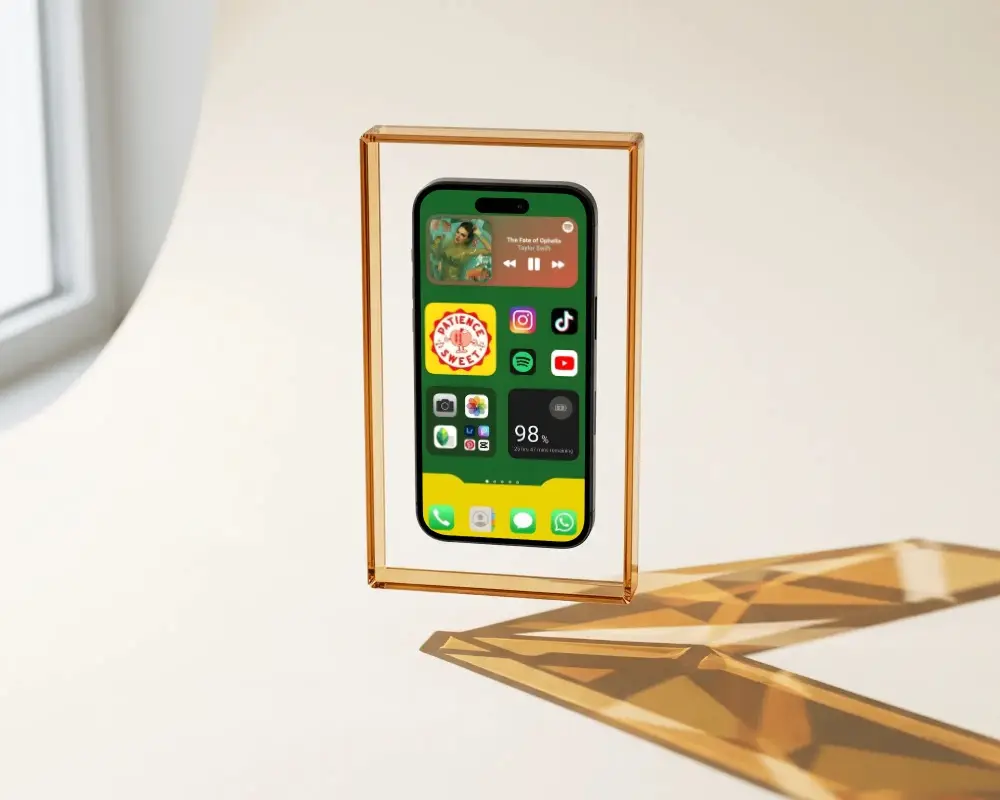
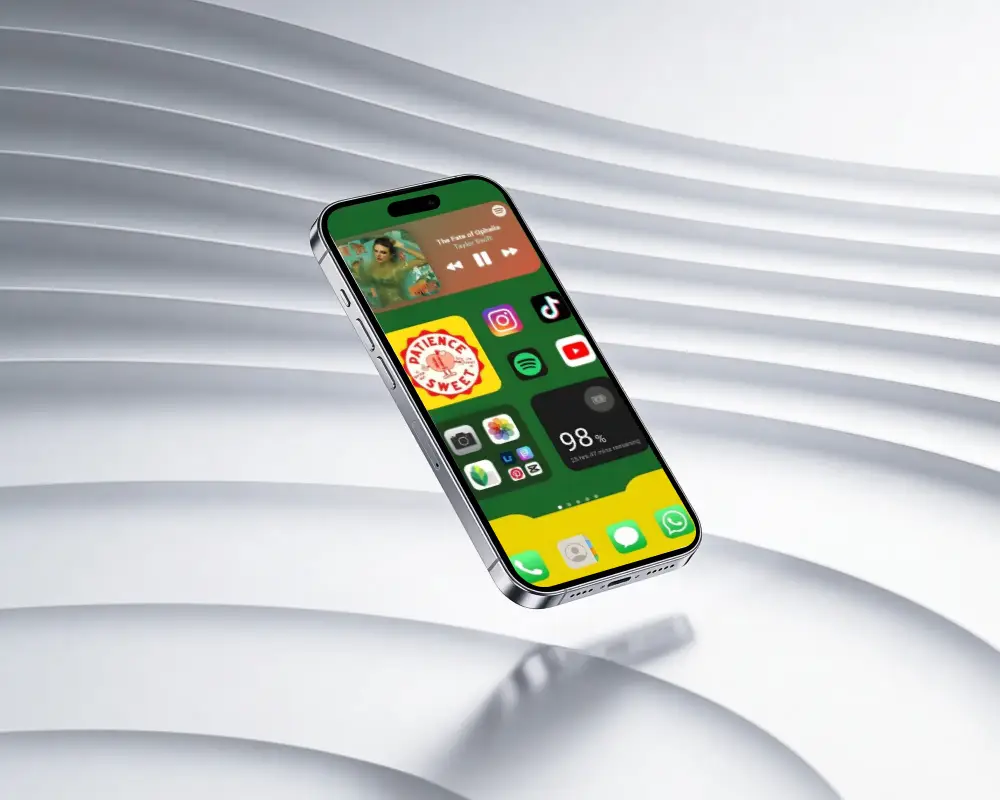
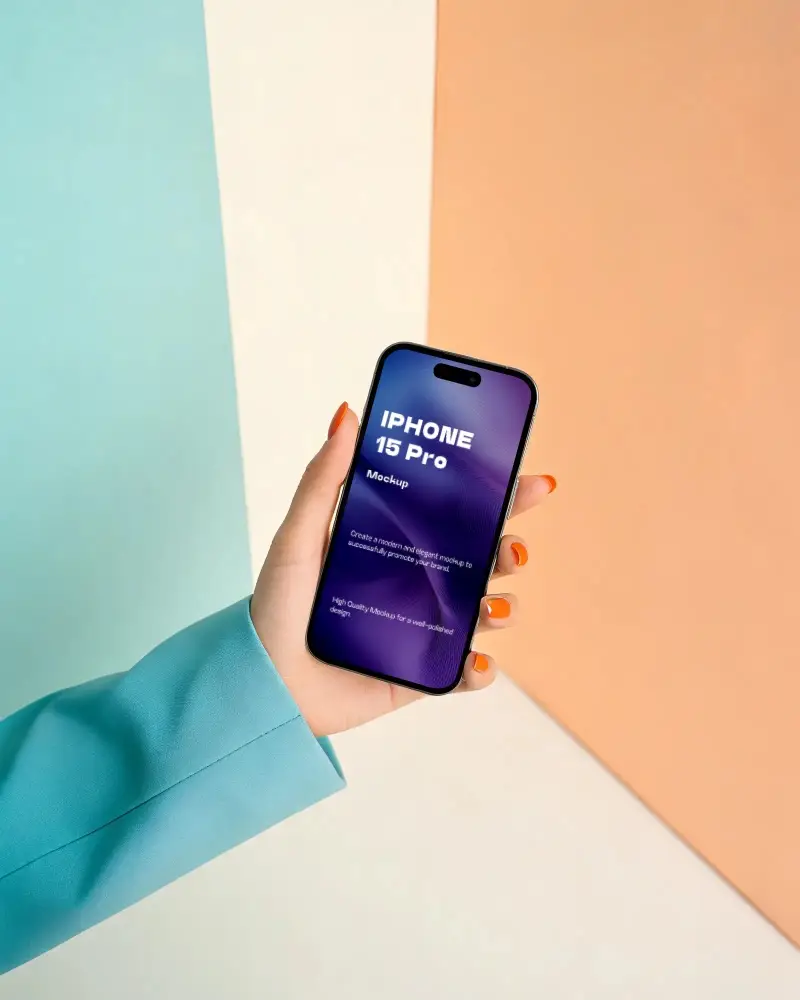
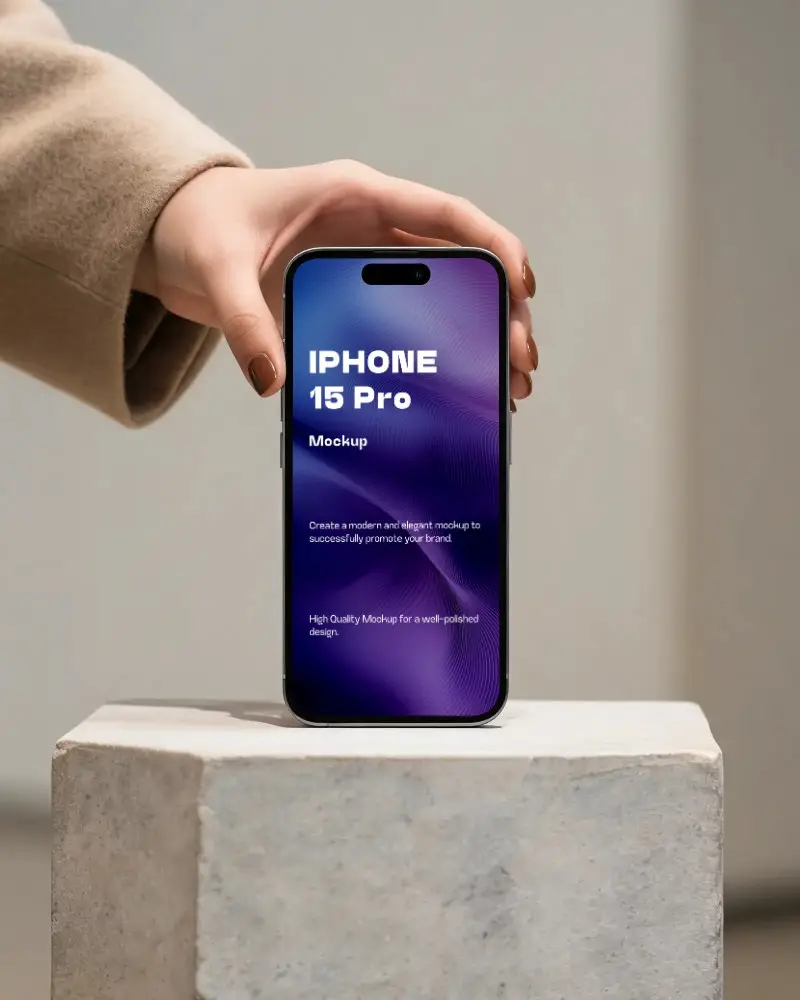
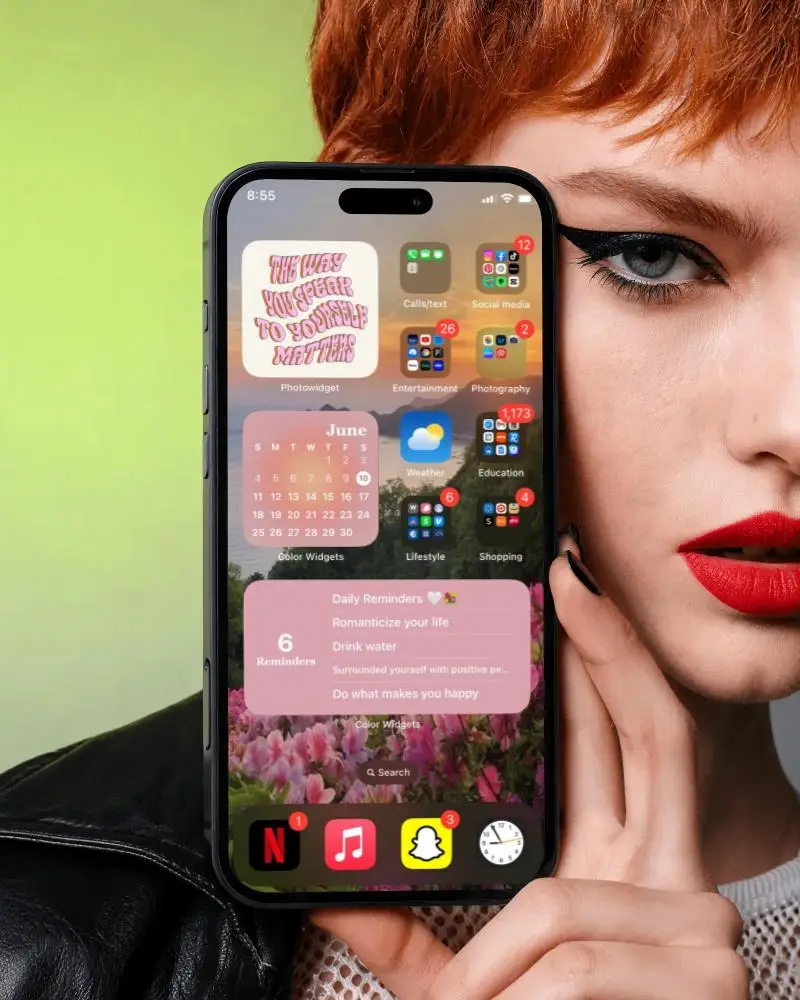
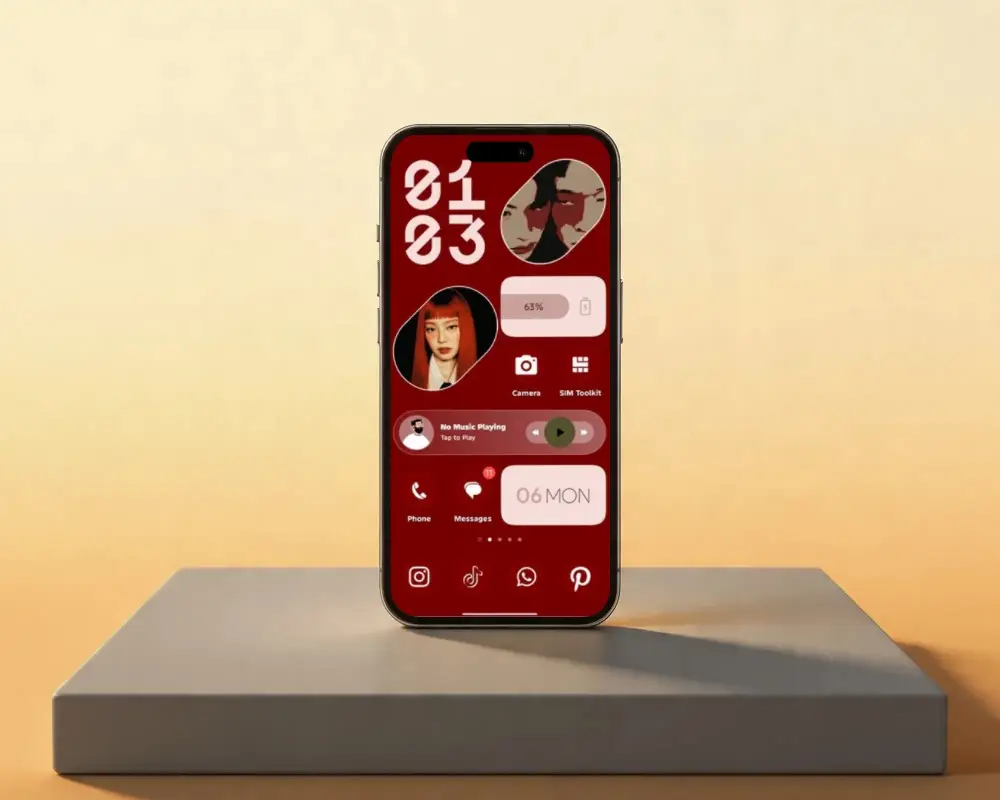
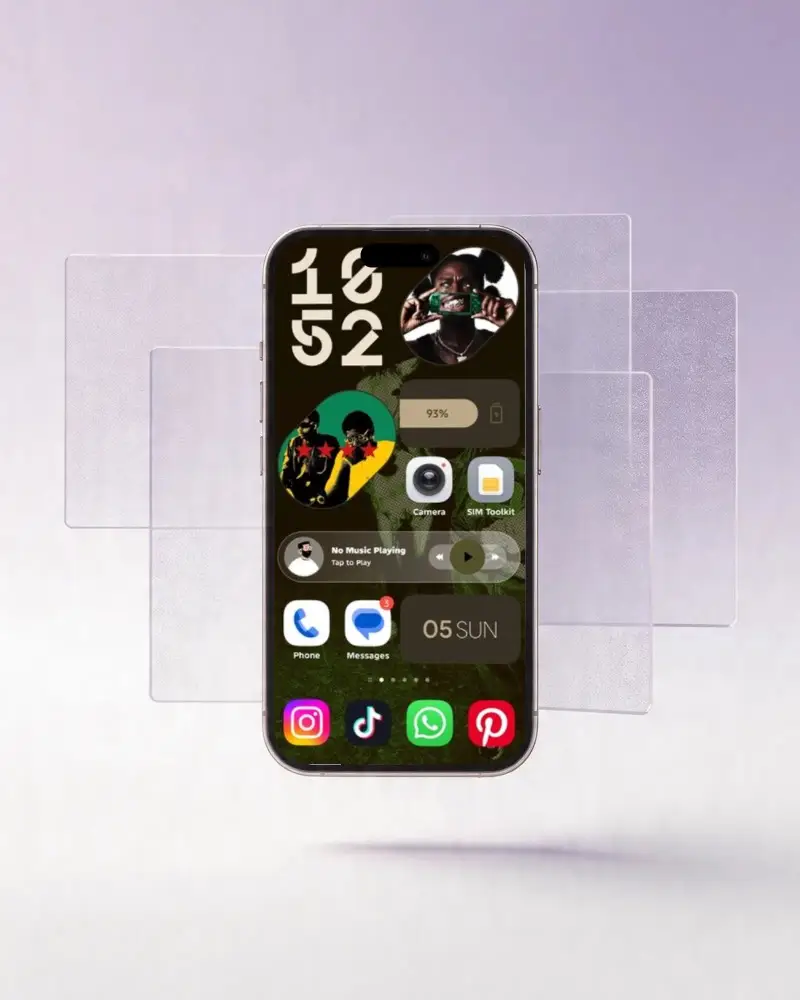
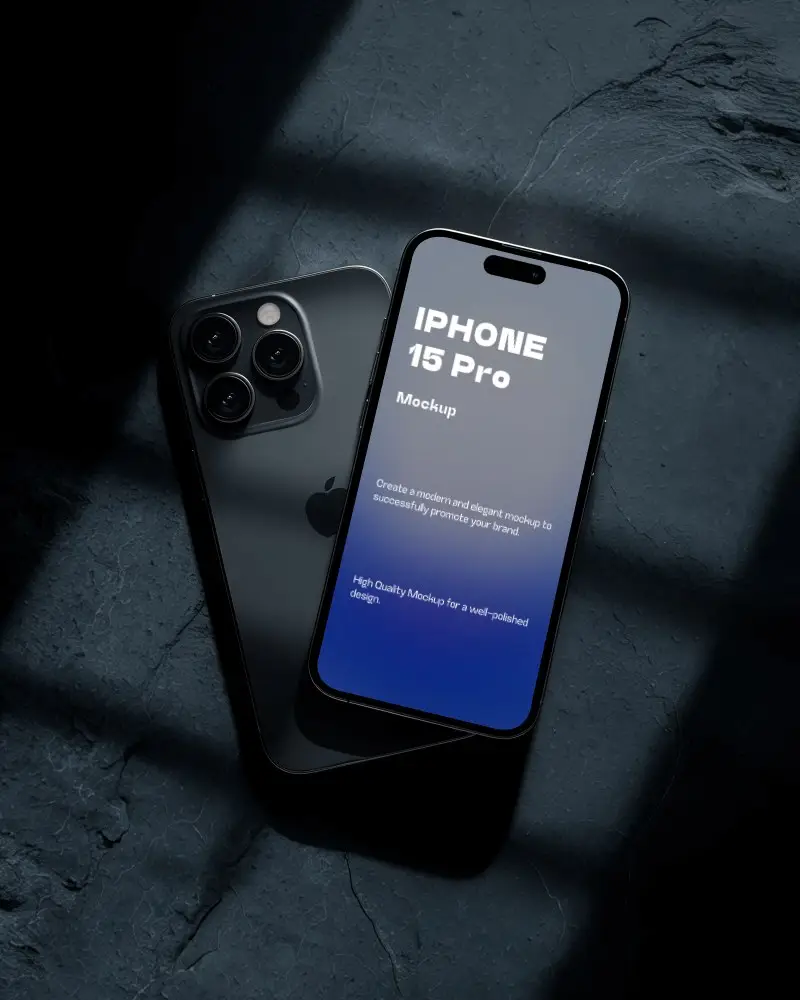
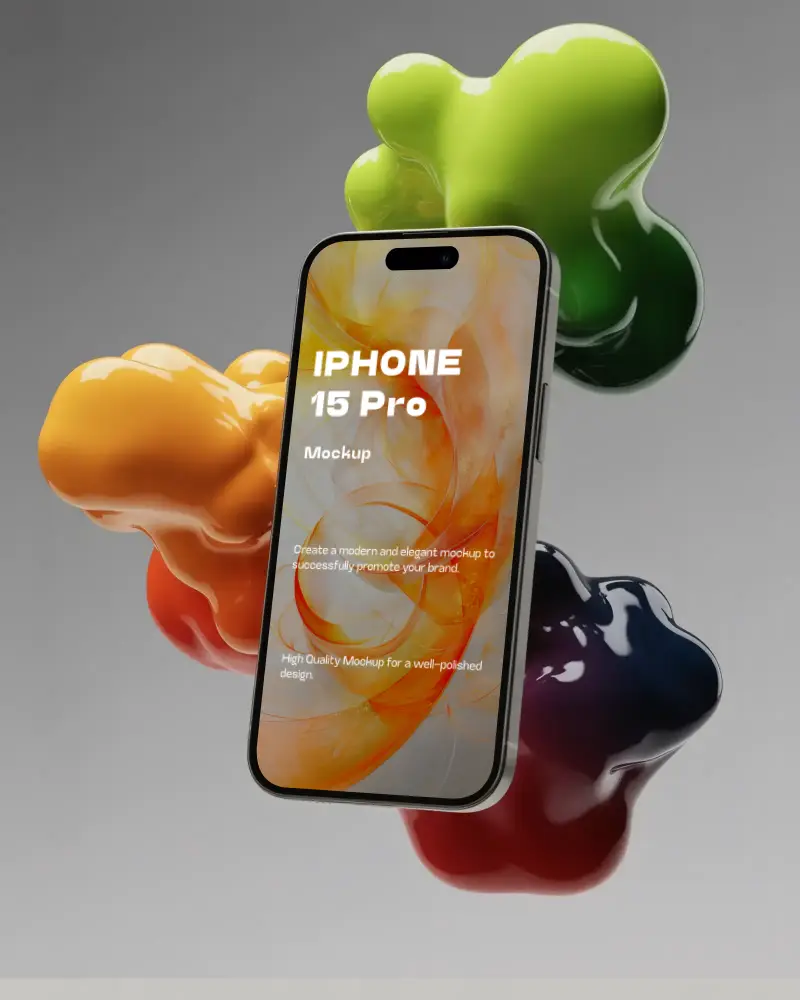
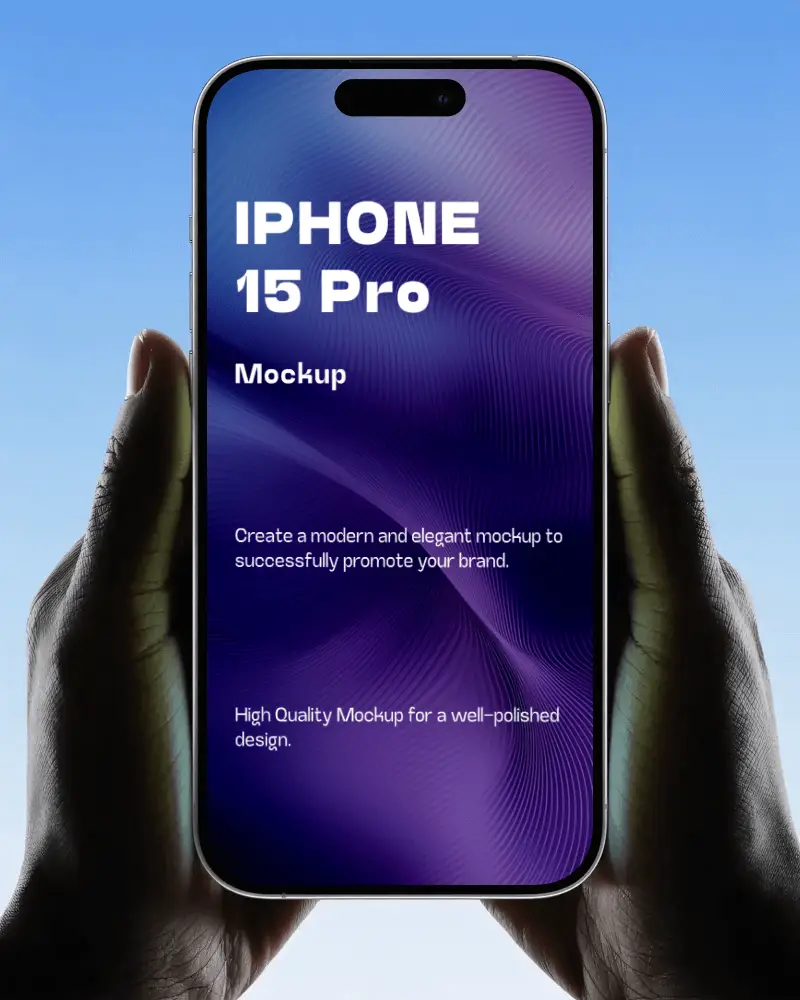
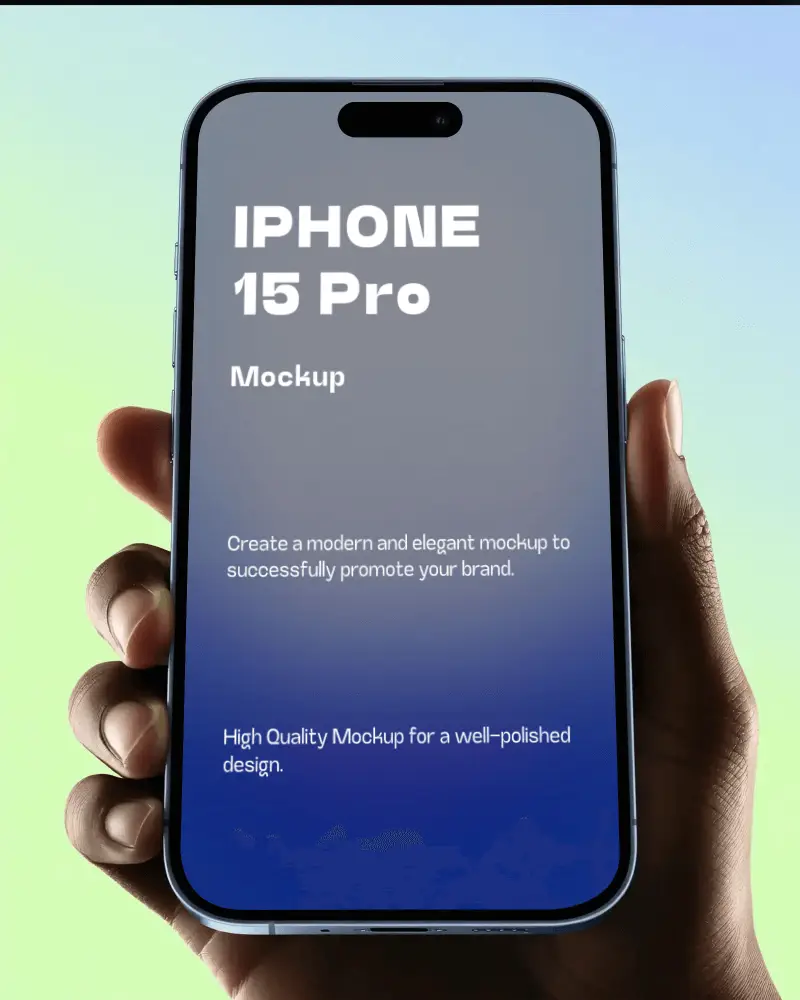
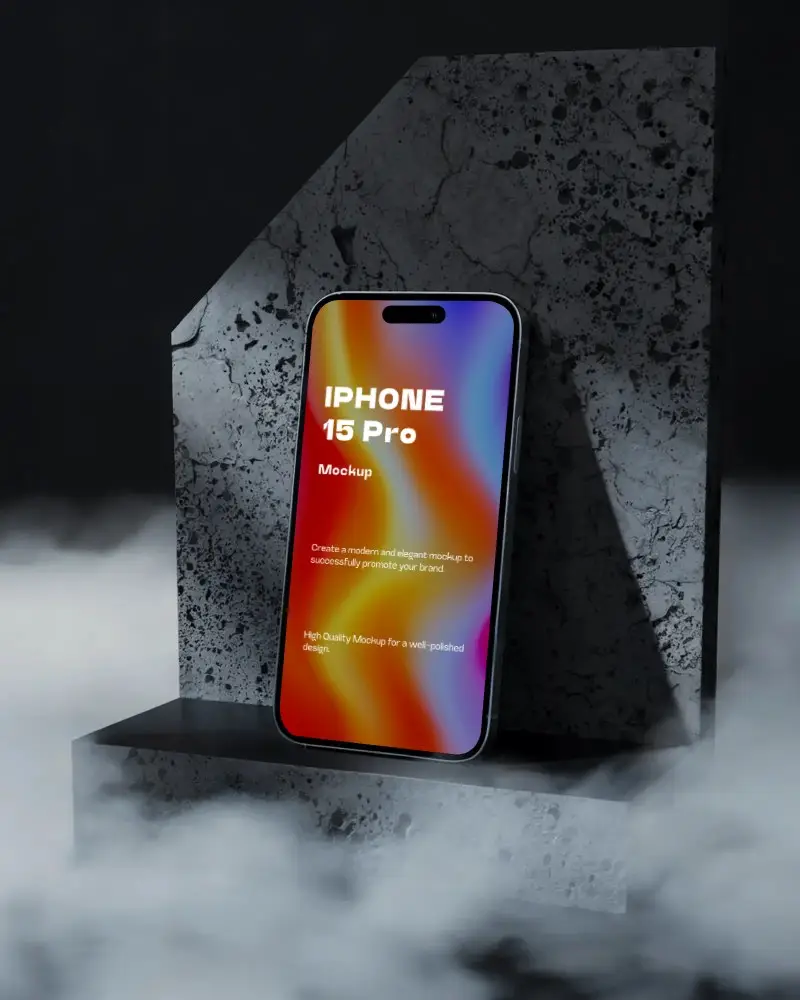
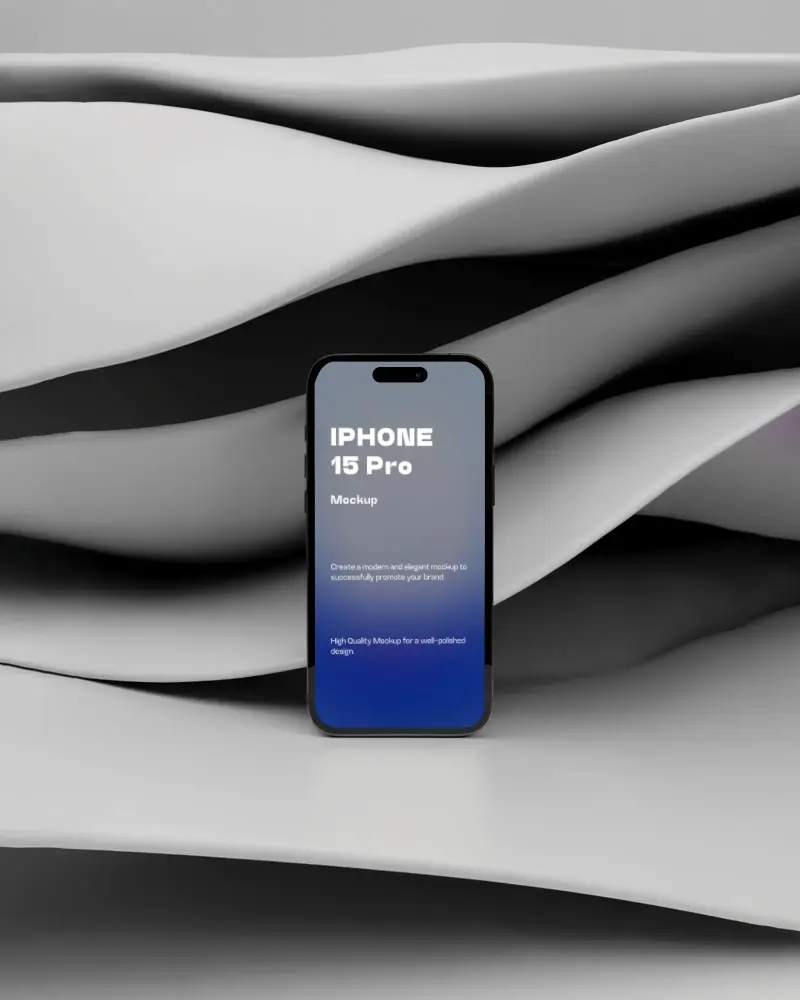
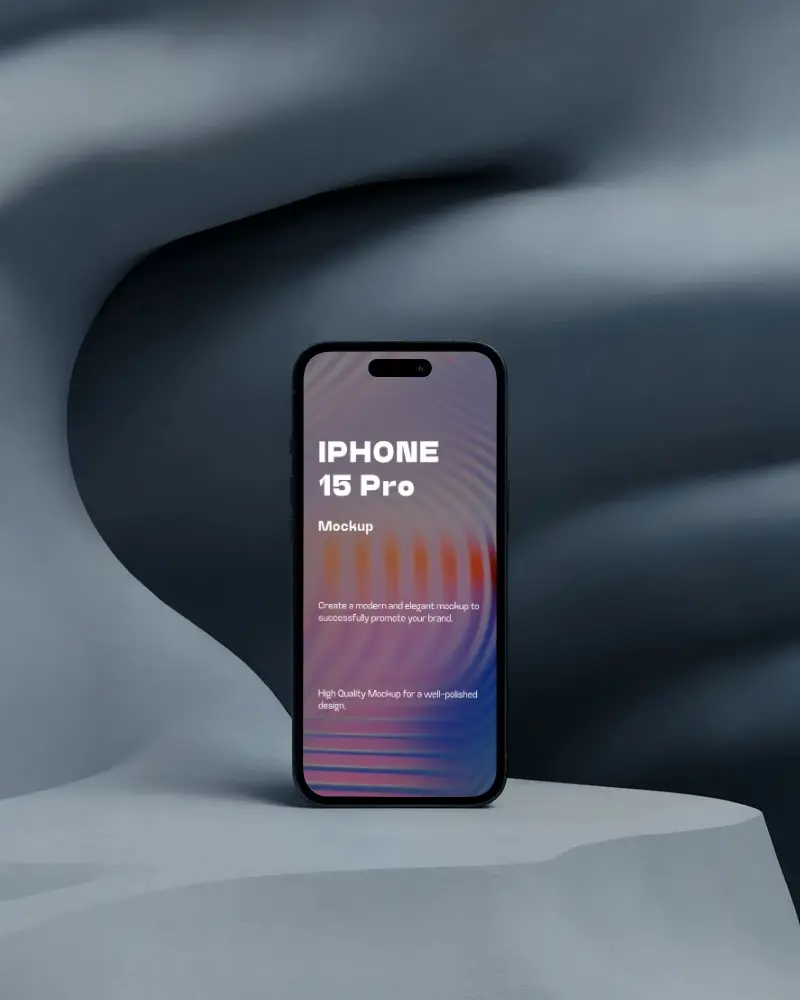
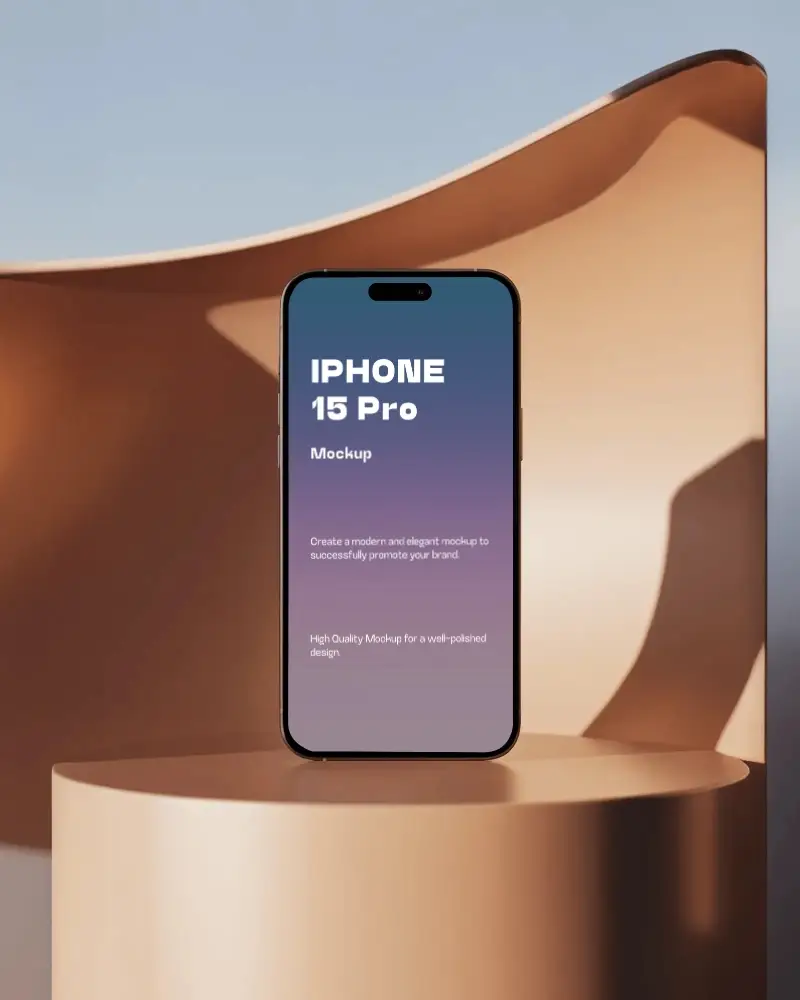
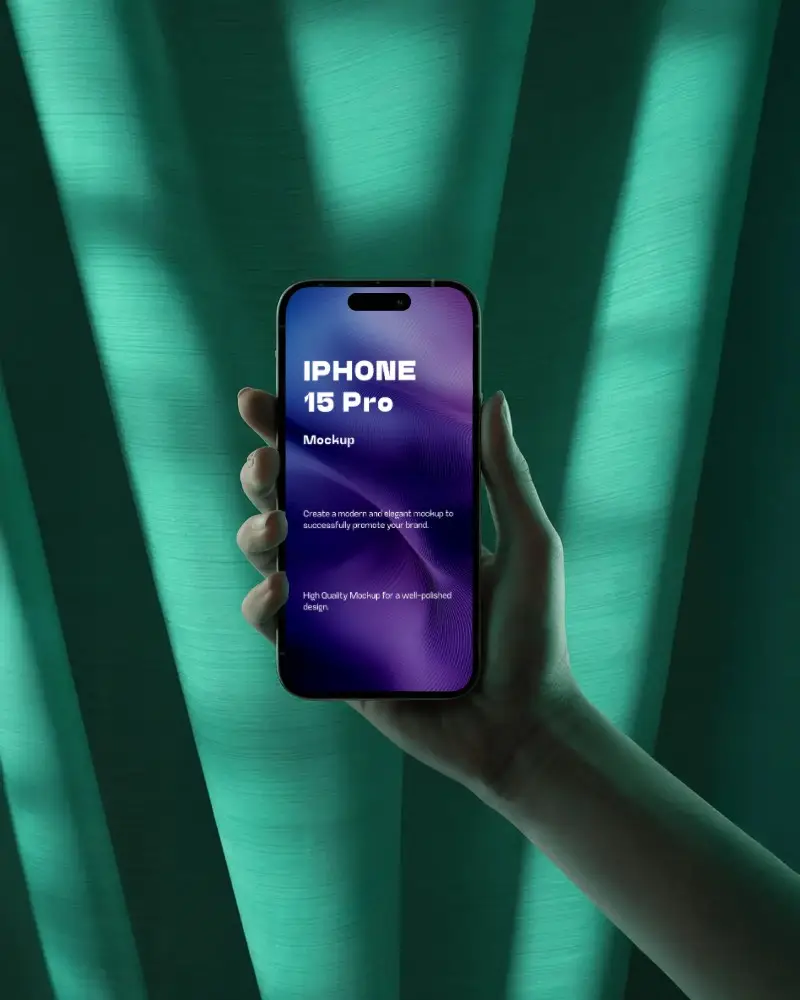
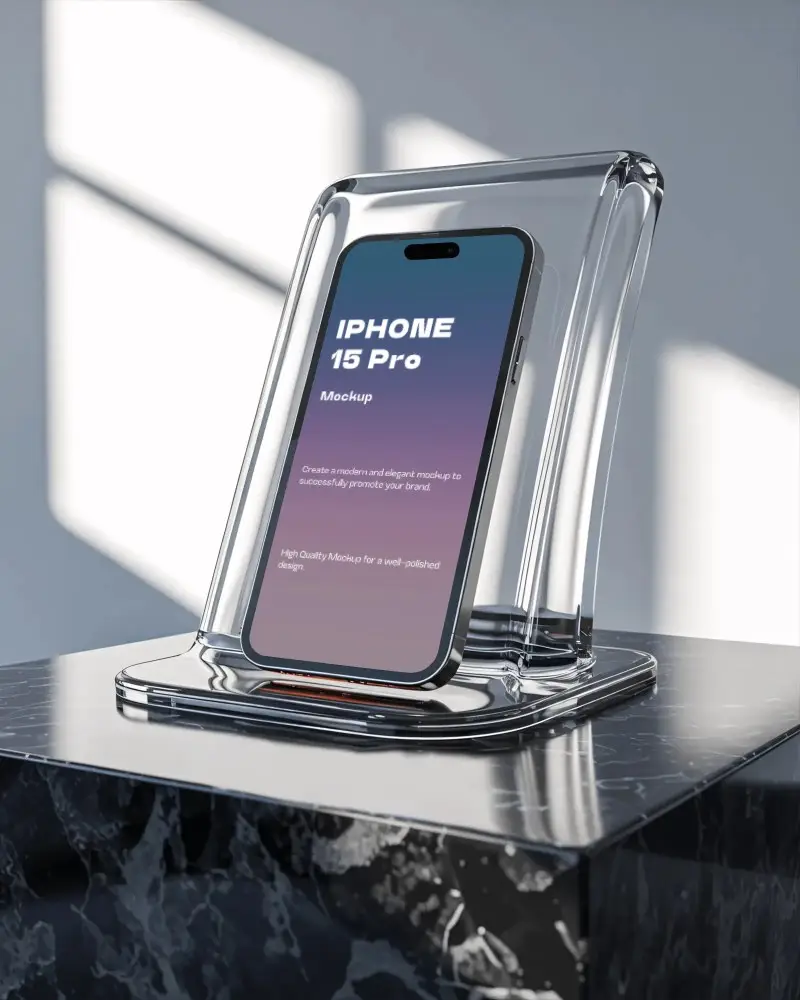
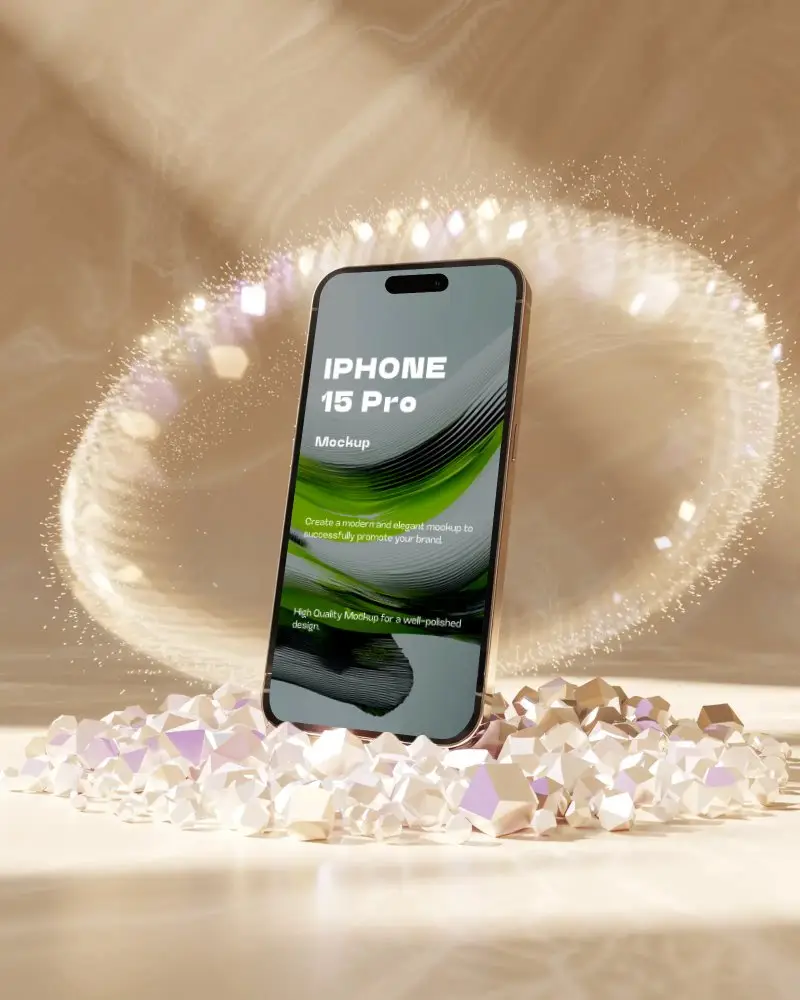
Mockey offers free iPhone 15 Pro mockups to help designers display their UI or app designs beautifully. Generate stunning visuals easily with our online mockup tool.
.png)
How to Create an iPhone 15 Pro Mockup
To create an iPhone 15 Pro mockup:
- Step 1: Log in. Follow “Mockups > Tech > iPhone” and pick the “iPhone 15” tag.
- Step 2: Select a template to add a design and personalize.
- Step 3: Tap “Download” to save the iPhone 15 Pro mockup in PNG.


FAQs on Iphone 15 Pro Mockups
What is an iPhone 15 Pro mockup?
The iPhone 15 Pro mockup is a template where you can add your website design or screenshot image and present it to your clients. An iPhone mockup generator will help you do this easily.
Is the iPhone 15 Pro mockup useful for showcasing dark mode designs?
On our iPhone 15 Pro mockups, you can showcase dark mode designs or any other type of design. Just make sure your file is in PNG or JPG format so it can be uploaded.
Is this mockup suitable for high-resolution presentations?
Our mockups are suitable for high-resolution presentations due to the excellent output quality. You only need to purchase a paid plan on Mockey AI by visiting the pricing page.
