Sunlit Display Mockup Collection for Bright Product Previews
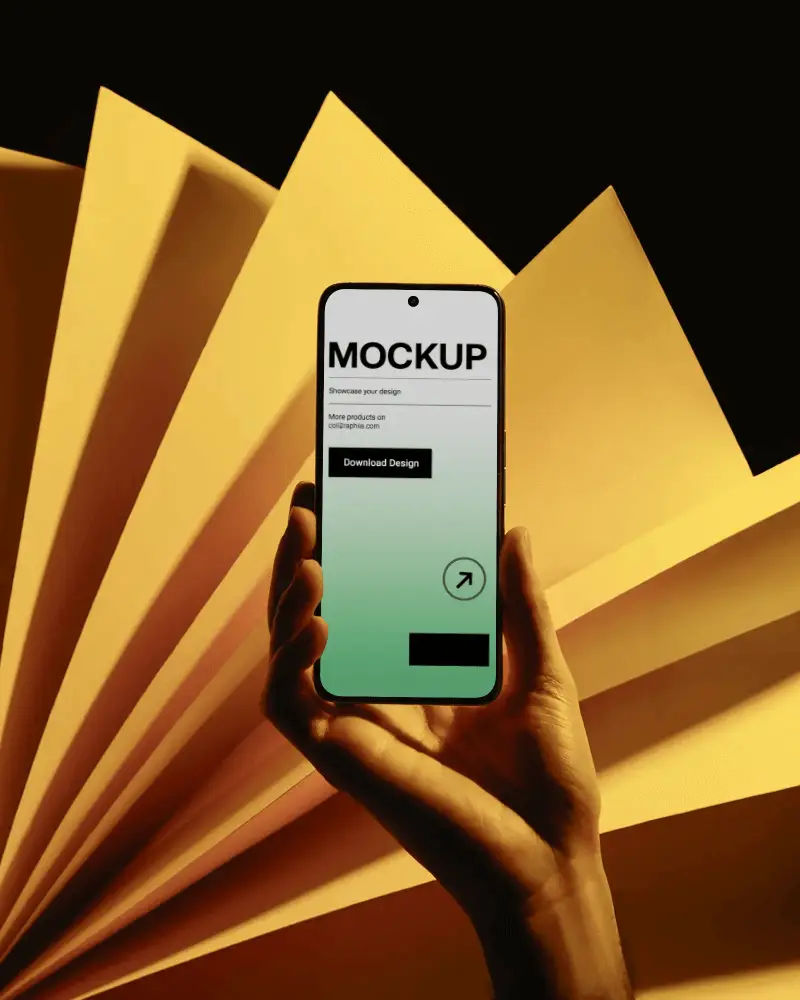
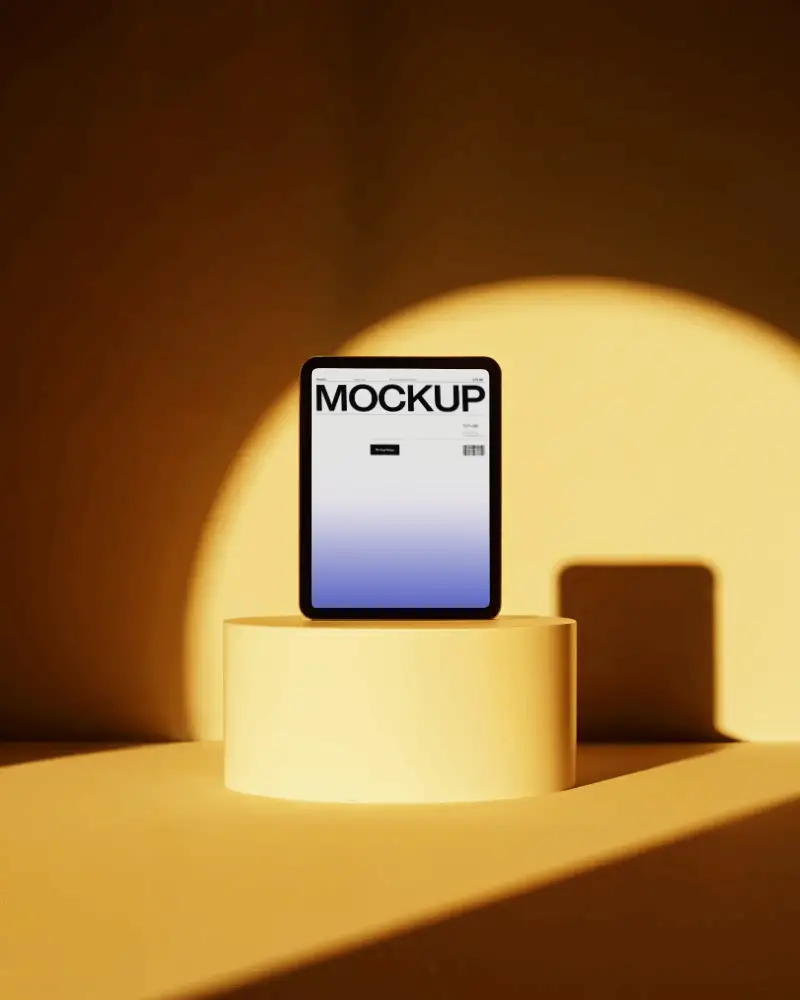
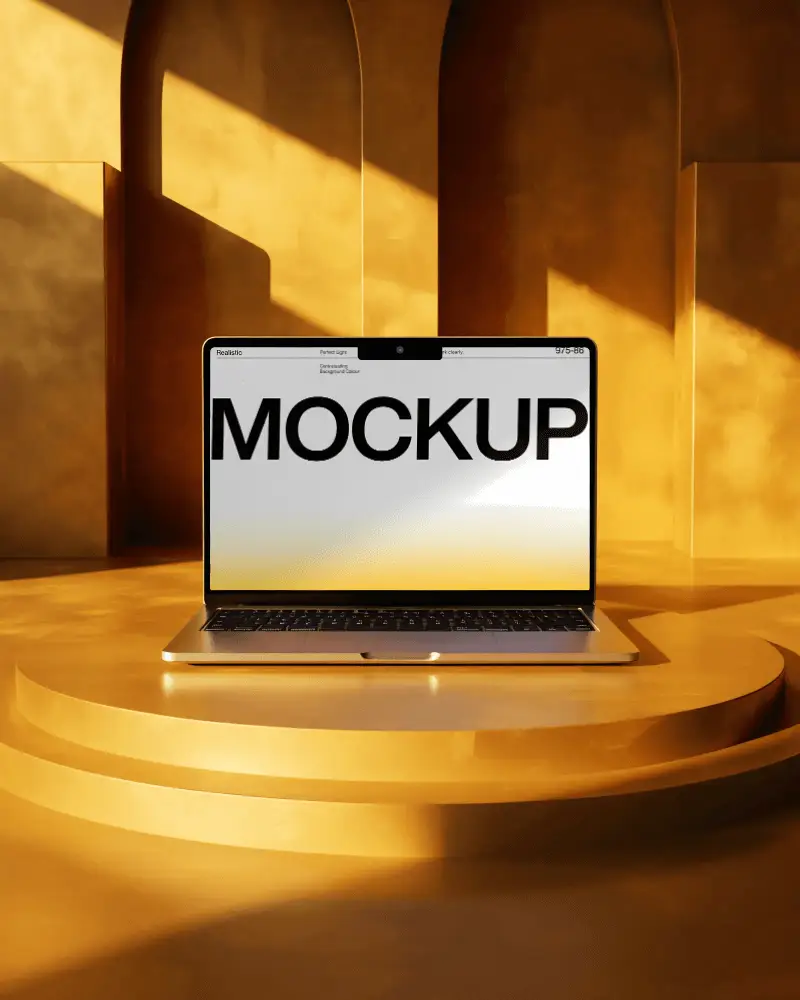
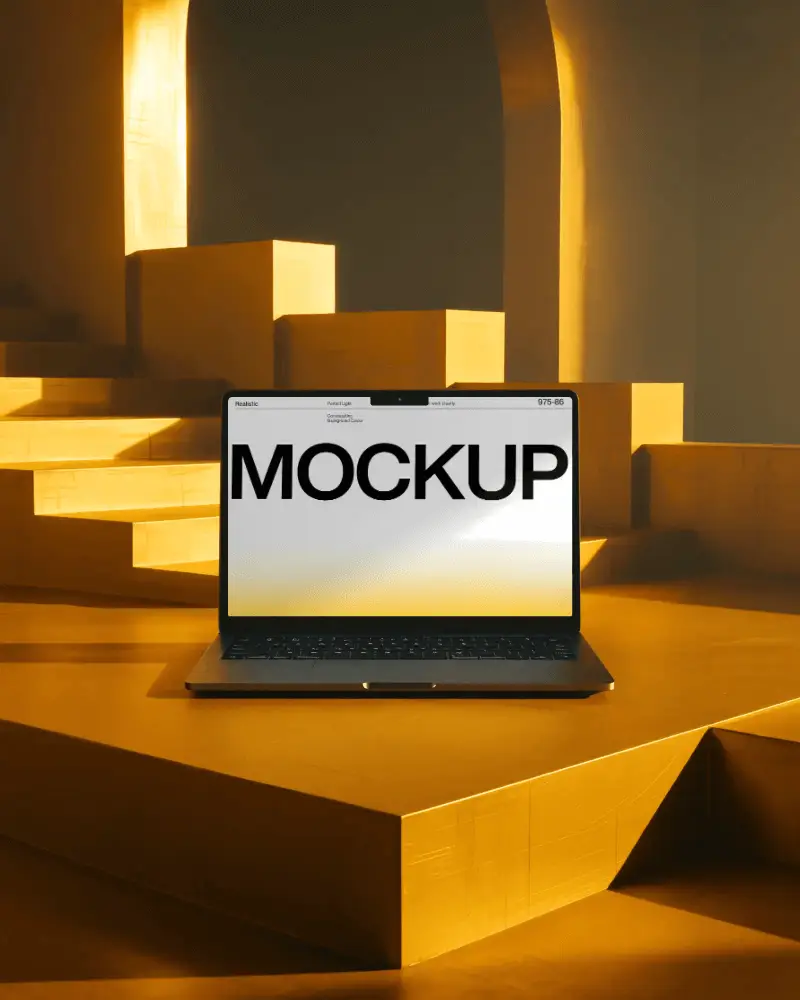
Showcase your designs with a sunlit display mockup collection made for natural and warm product previews. Mockey.ai makes mockup creation fast, simple, and realistic.
.png)
How to Create a Sunlit Display Mockup Collection?
To create a Sunlit Display mockup collection in Mockey AI:
- Step 1: Start by registering through the Login / Sign up option and navigate to Collections.
- Step 2: Choose the Sunlit Display category and load a template for your design.
- Step 3: Customize the mockup and save it by clicking Download to export it as a PNG image.


FAQs on Sunlit Display Collection Mockups
What is the Sunlit Display Mockup Collection?
The Sunlit Display Mockup Collection is a general term for digital mockup sets designed to present artwork or branding in natural, sun-filled environments. These mockups focus on warmth, realism, and everyday lighting.
What type of lighting is used in the Sunlit Display Mockup Collection?
This collection uses natural daylight to create soft highlights and realistic shadows. The sunlit lighting helps designs feel authentic, fresh, and visually inviting.
Can I use sunlit mockups for Instagram or Pinterest content?
Yes. Sunlit mockups work especially well for Instagram and Pinterest because natural light, shadows, and clarity make visuals feel more trustworthy and engaging.
Is the Sunlit Display Mockup Collection the only set with realistic lighting?
No. While the Sunlit Display Mockup Collection focuses on natural sunlight, Mockey AI also offers other mockup collections with realistic lighting and shadows to achieve a professional look.
