Contrast Mockup Collection
Discover the collection of contrast mockups to showcase striking designs that have a powerful visual effect. Use Mockey AI to create visually appealing product presentations.


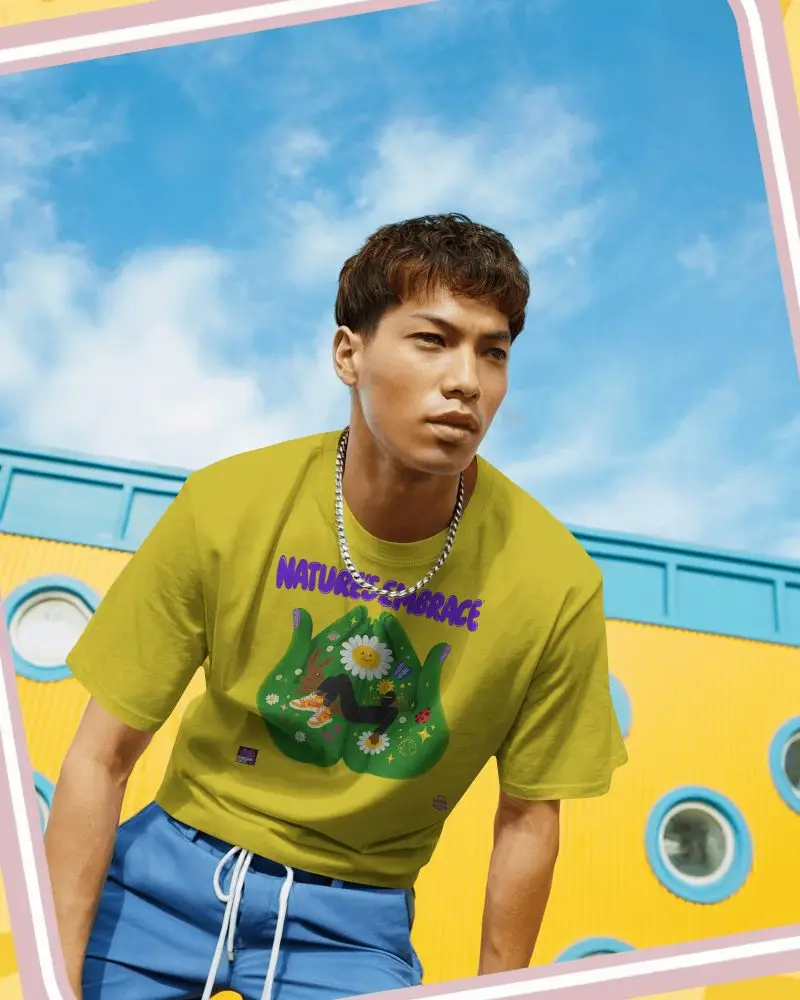
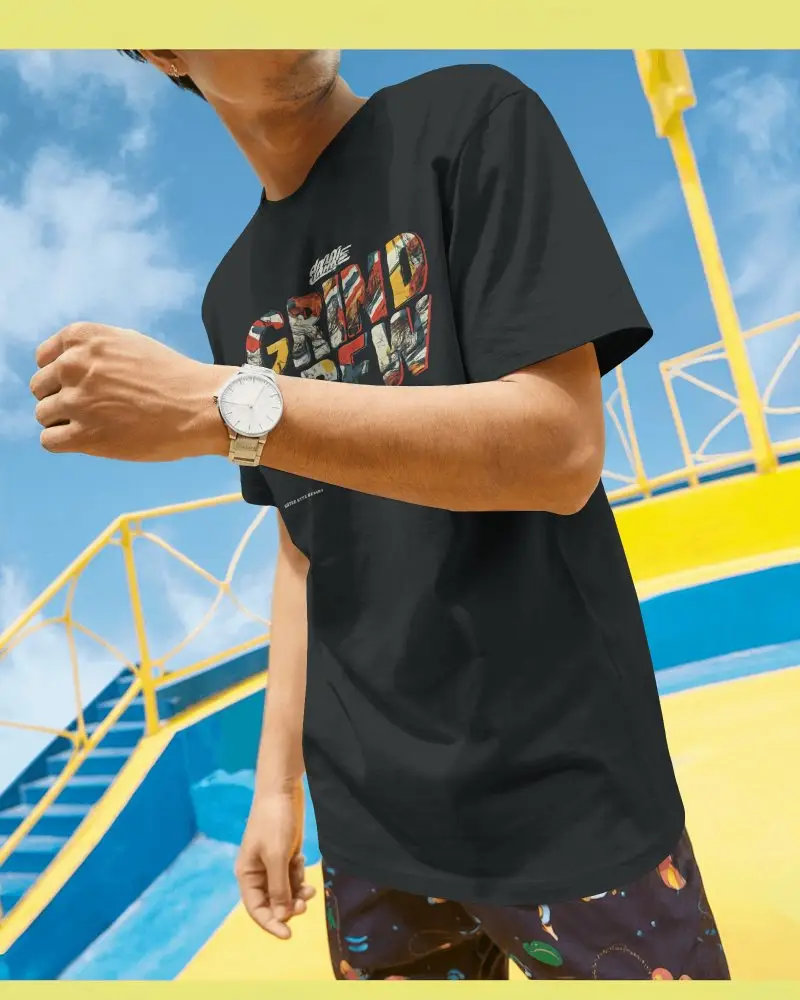

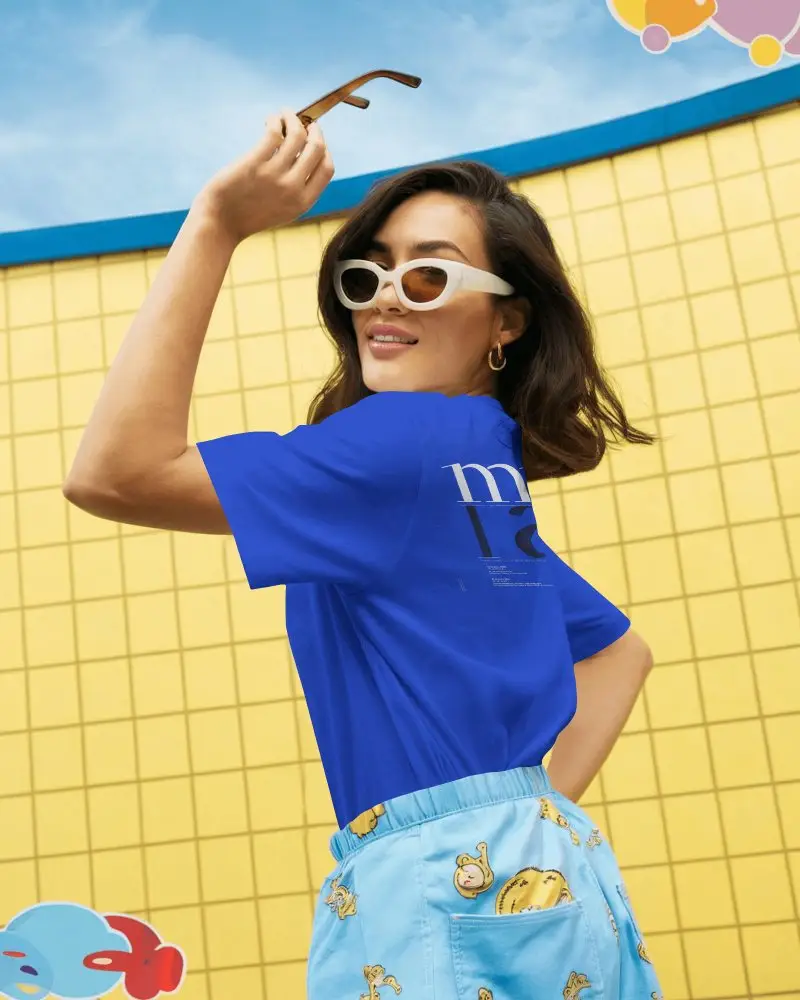
How to Create a Contrast Mockup Collection?
To create a contrast mockup collection:
- Step 1: Click on Collections after creating the account.
- Step 2: Choose Contrast Collection, pick a product template to upload your file.
- Step 3: Adjust the design, change the color and click Download to get the contrast mockup collection.


FAQs on Contrast Collection Collection Mockups
What is a contrast mockup collection?
A contrast mockup collection is a set of product templates designed to make your design stand out against contrasting backgrounds or in an environment where contrast is high.
What types of designs work best with contrast mockups?
Minimalist logos, streetwear graphics, album covers, poster designs, and packaging with strong typography work best with contrast mockups.
Can contrast mockups be used for branding and ads?
Contrast mockups are good for ads and branding. In social feeds where people scroll non-stop, contrast stops the scroll. That’s why dramatic lighting or dark-mode style mockups work well for promo posts, especially for luxury, edgy, tech, or modern brands.
Do contrast mockups support branding consistency?
Yes, contrast mockups support branding consistency if you use them strategically. Keep a consistent lighting style, background tone, and shadow intensity across the collection.
How do contrast mockups help showcase product details?
A good contrast mockup highlights product texture, print quality, edges and depth, and shine finishes, helping your product details look clearer and more premium.
