Emerald Studio Mockup Collection
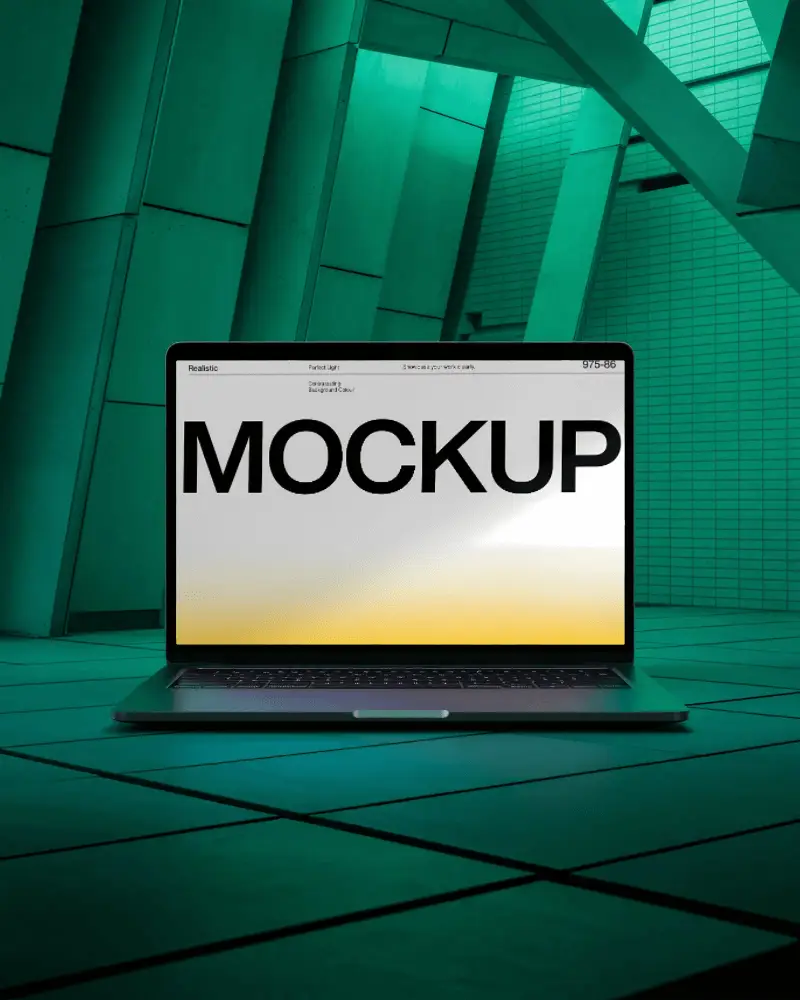
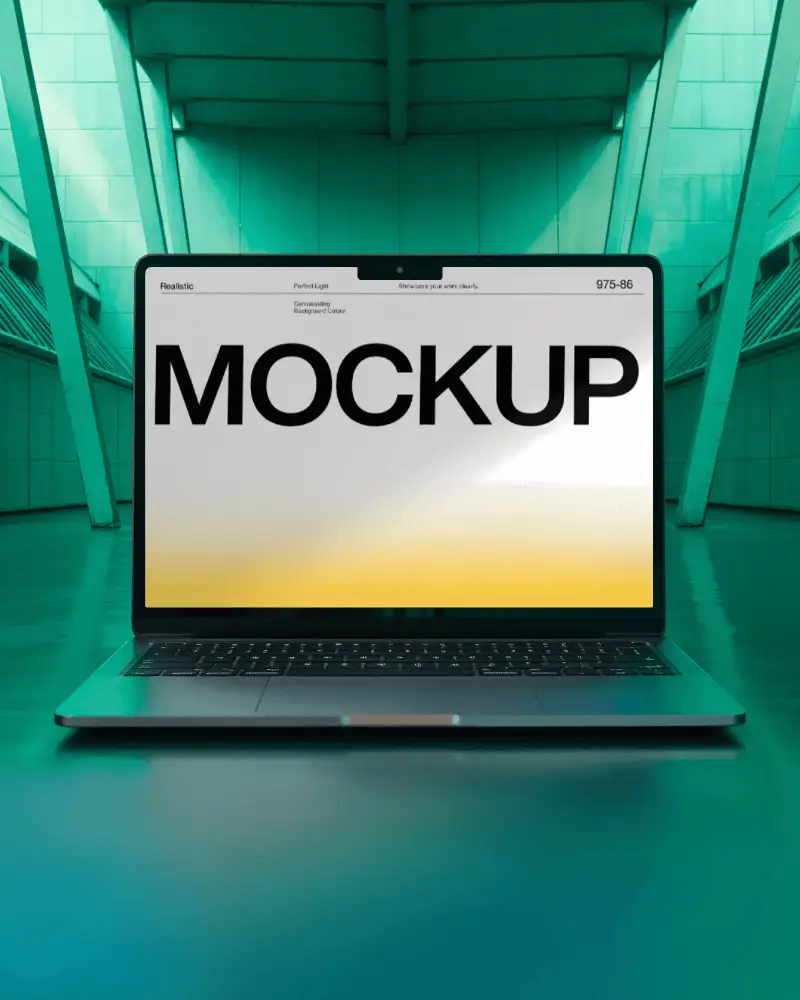
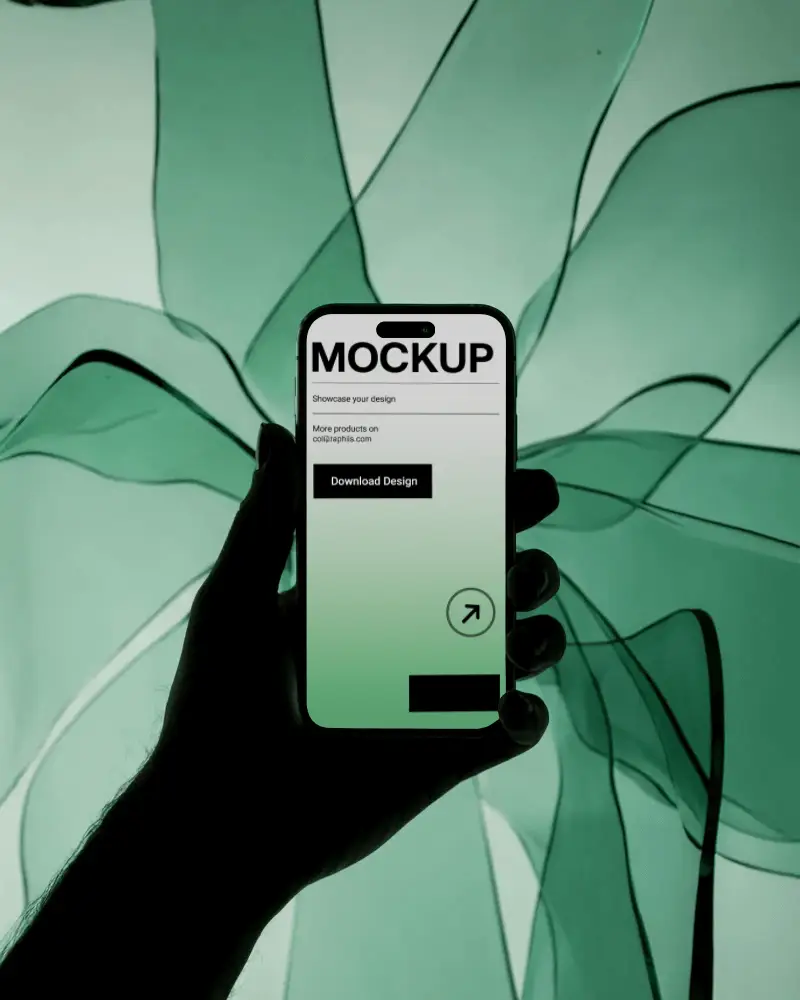
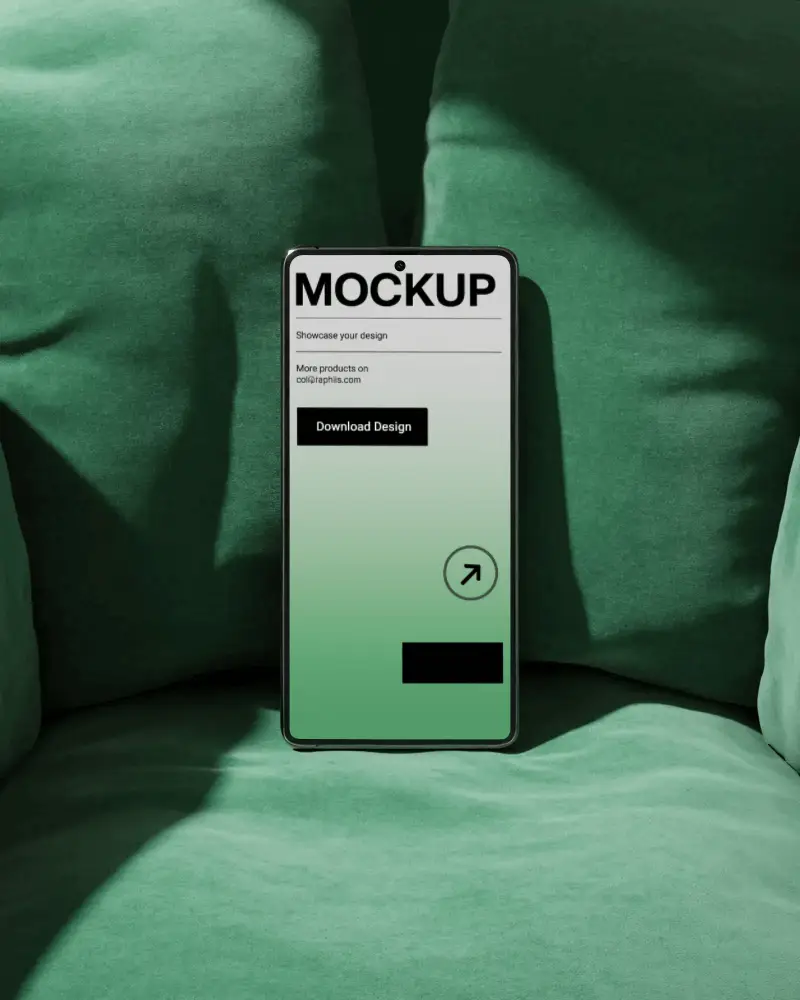
Use the Emerald Studio mockup collection to design premium studio-style product mockups with clean lighting and realistic depth. Ideal for branding, ecommerce listings, social media creatives, and marketing visuals without complex editing.
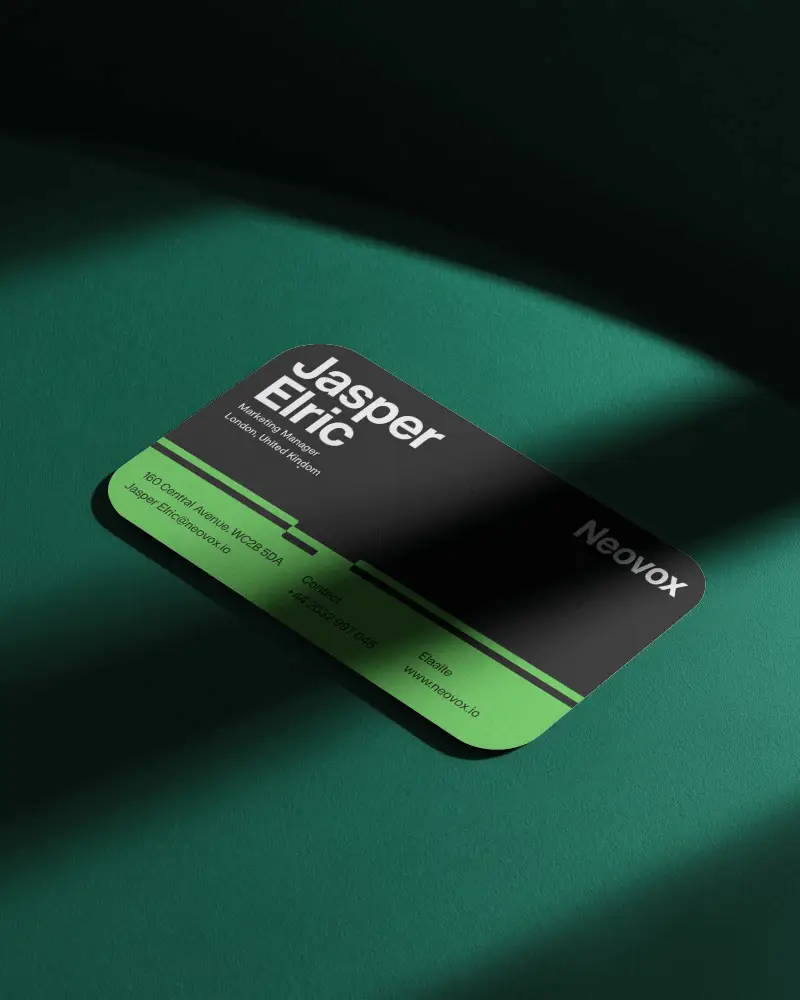
.png)
How to Create an Emerald Studio Mockup Collection?
To create an Emerald Studio mockup collection in Mockey AI:
- Step 1: Tap on Login / Sign up to set up your profile and head to the Collection area.
- Step 2: Pick Emerald Studio, then select a template to add your artwork.
- Step 3: Make final adjustments and hit Download to export the mockup in PNG format.


FAQs on Emerald Studio Collection Mockups
What is the Emerald Studio Mockup Collection?
The Emerald Studio Mockup Collection is a descriptive term used for mockups that feature a premium studio look, often with emerald or green-toned aesthetics. These mockups focus on clean lighting, realistic depth, and a professional presentation style.
Who should use Emerald Studio mockups?
Emerald Studio mockups are suitable for designers, brands, marketers, and ecommerce sellers who want professional-looking visuals for both personal and commercial projects.
Can I use Emerald Studio mockups for social media?
Yes. Emerald Studio mockups work well for social media creatives. Mockey AI mockups come with licenses that allow both personal and commercial use, making them ideal for marketing content.
Are Emerald Studio mockups suitable for branding projects?
Yes. When used with Mockey AI, Emerald Studio mockups provide realistic and polished visuals that fit smoothly into professional branding and marketing projects.
