AI Pop Art Background Mockup Collection
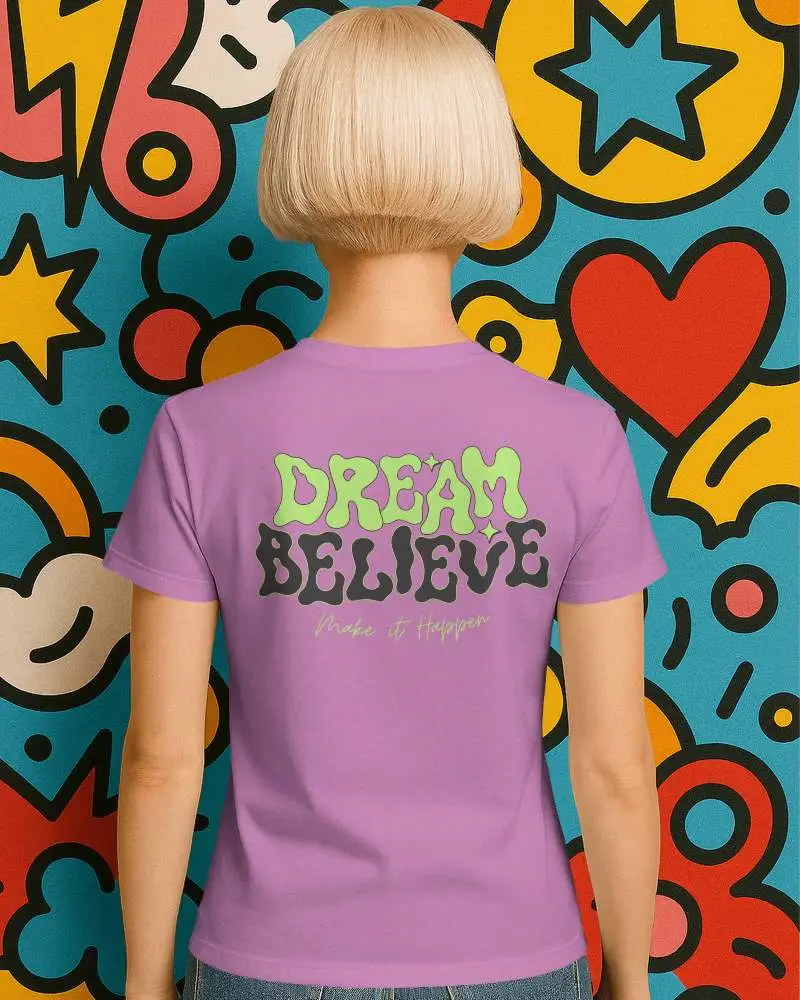
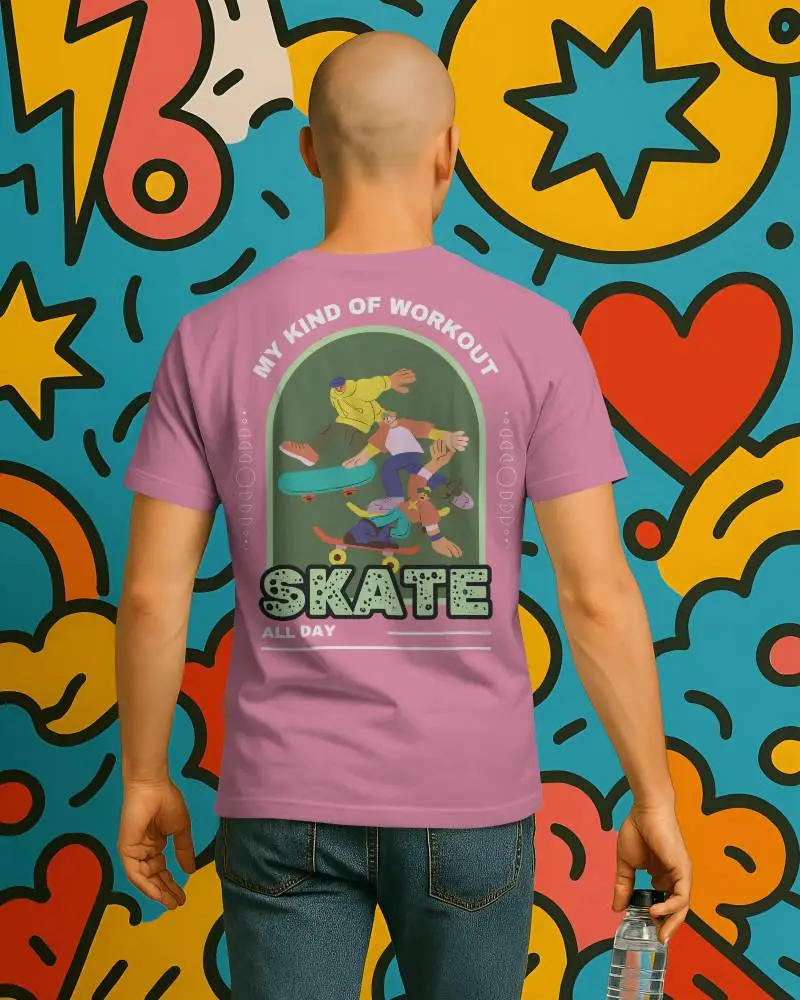
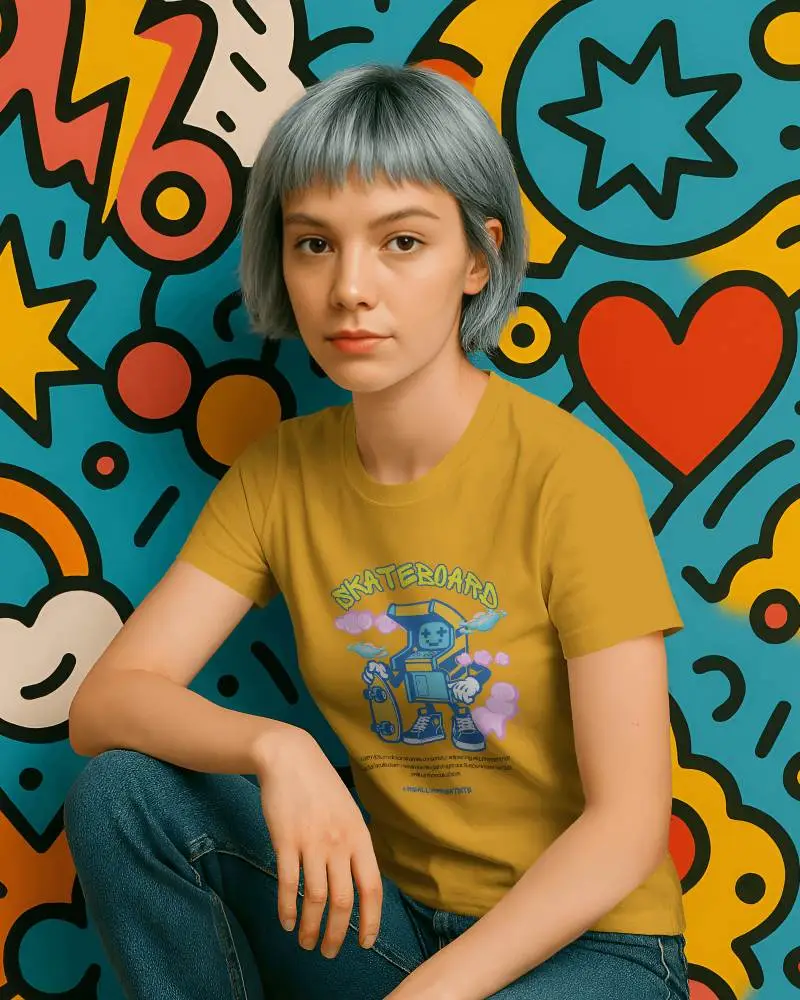
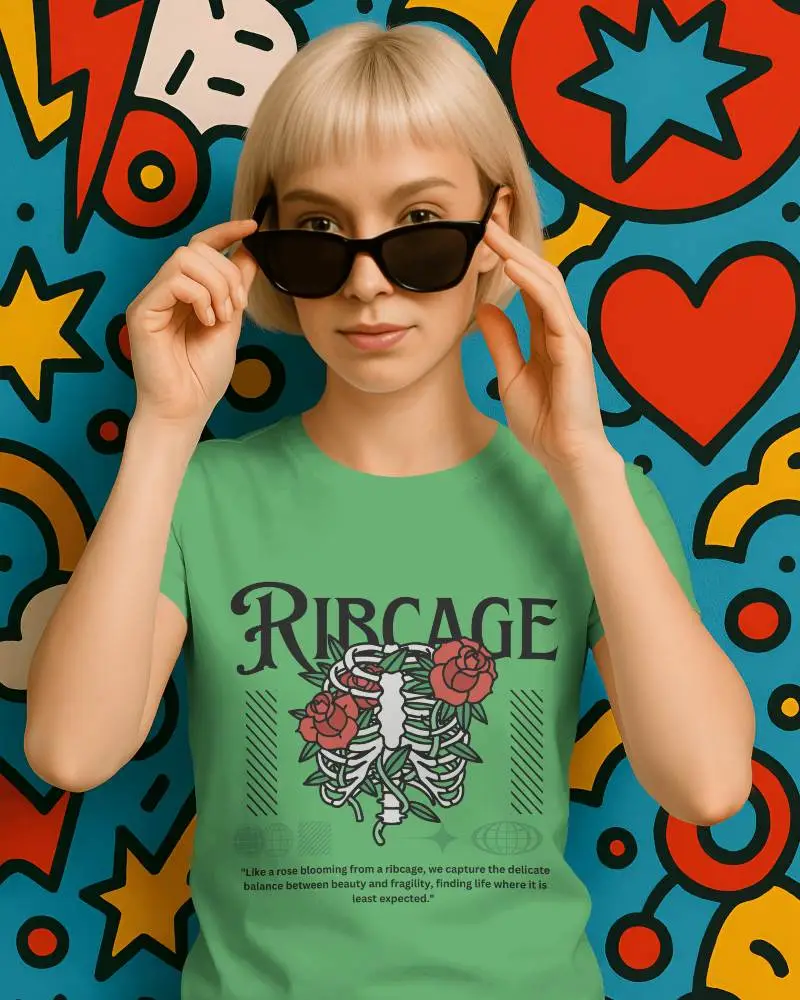
Showcase your creative designs in a vibrant way with our pop art background mockup collection. Free customizable mockups are ready for you at Mockey.ai!
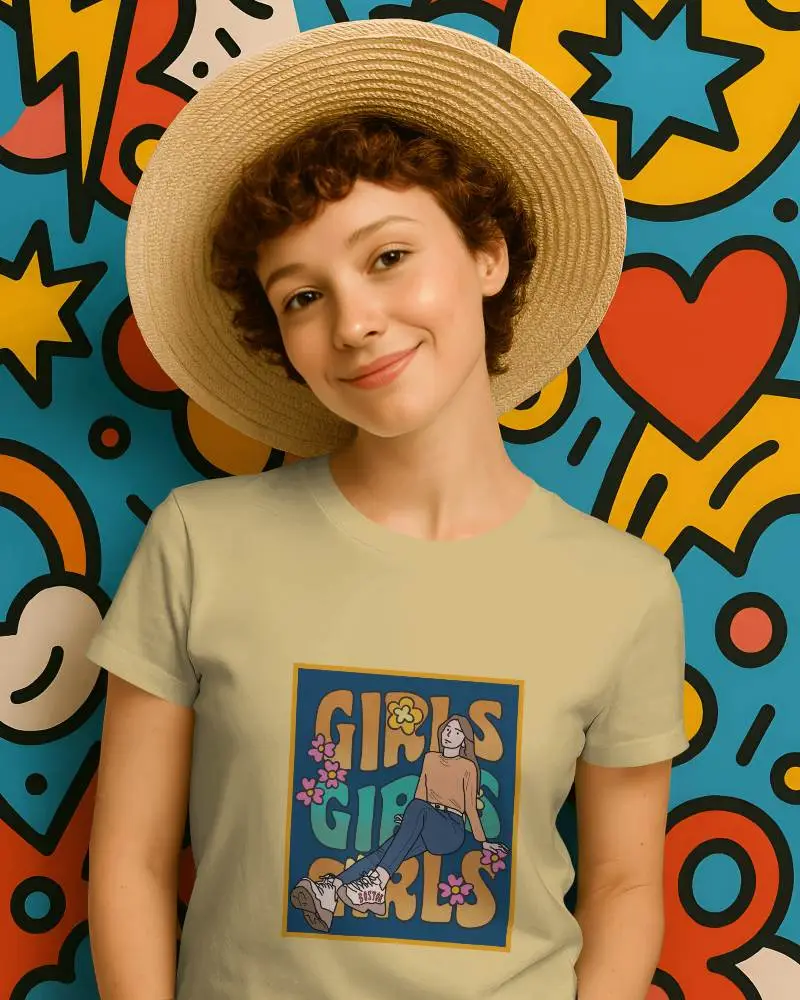
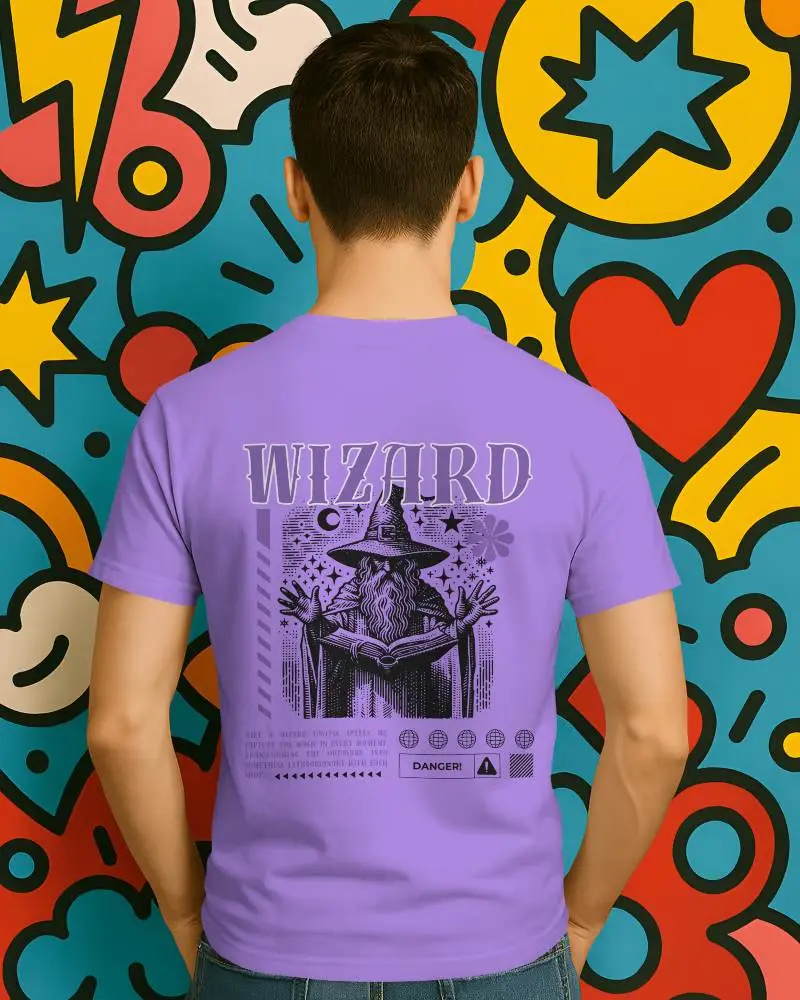
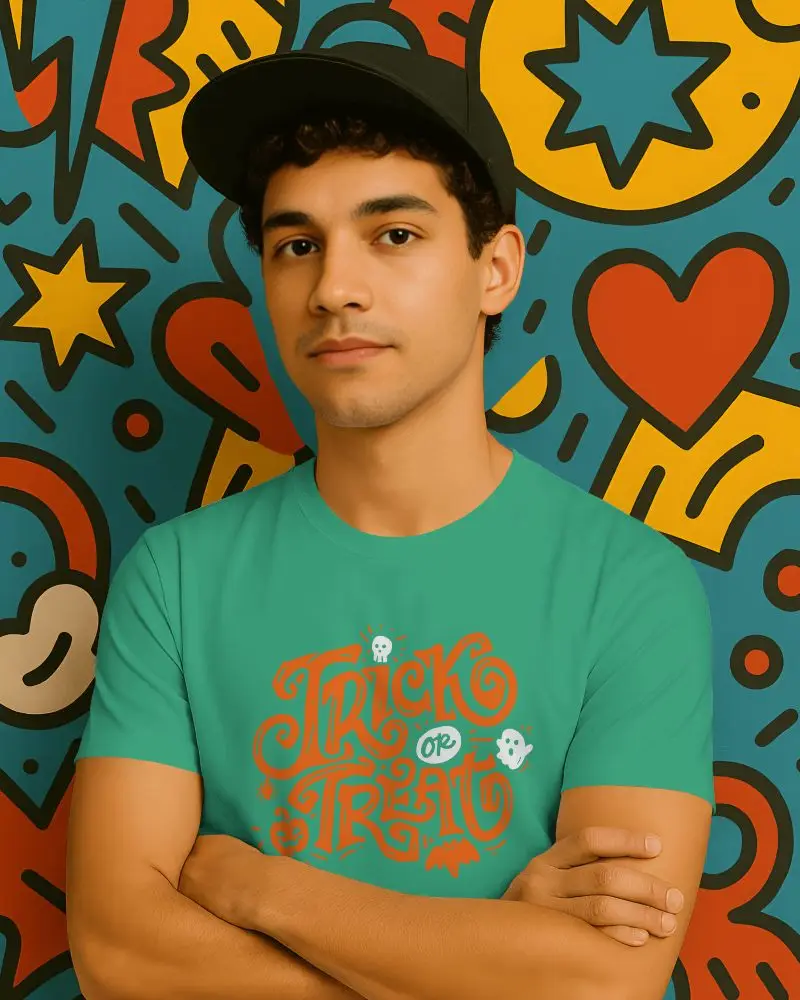
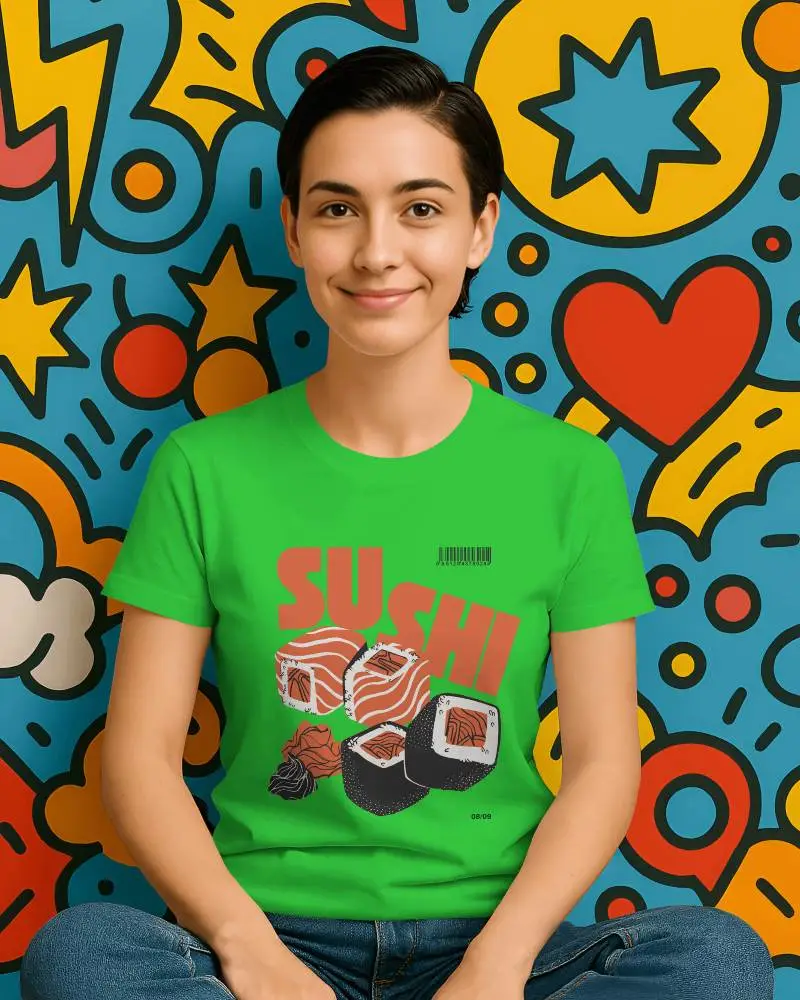
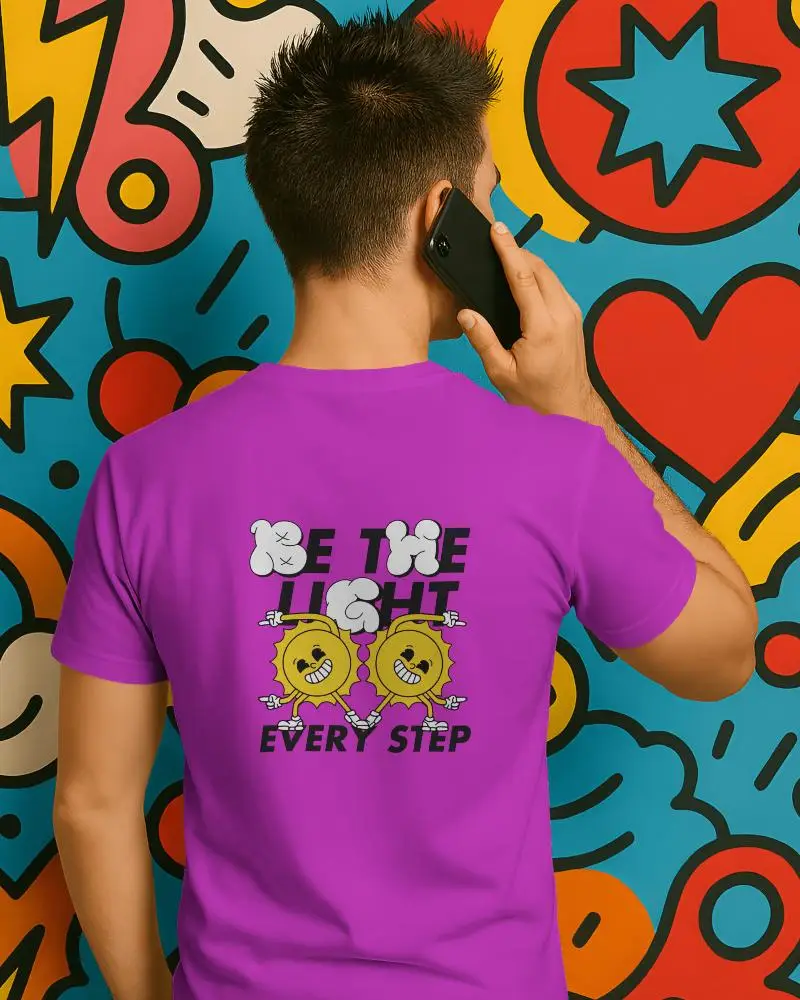
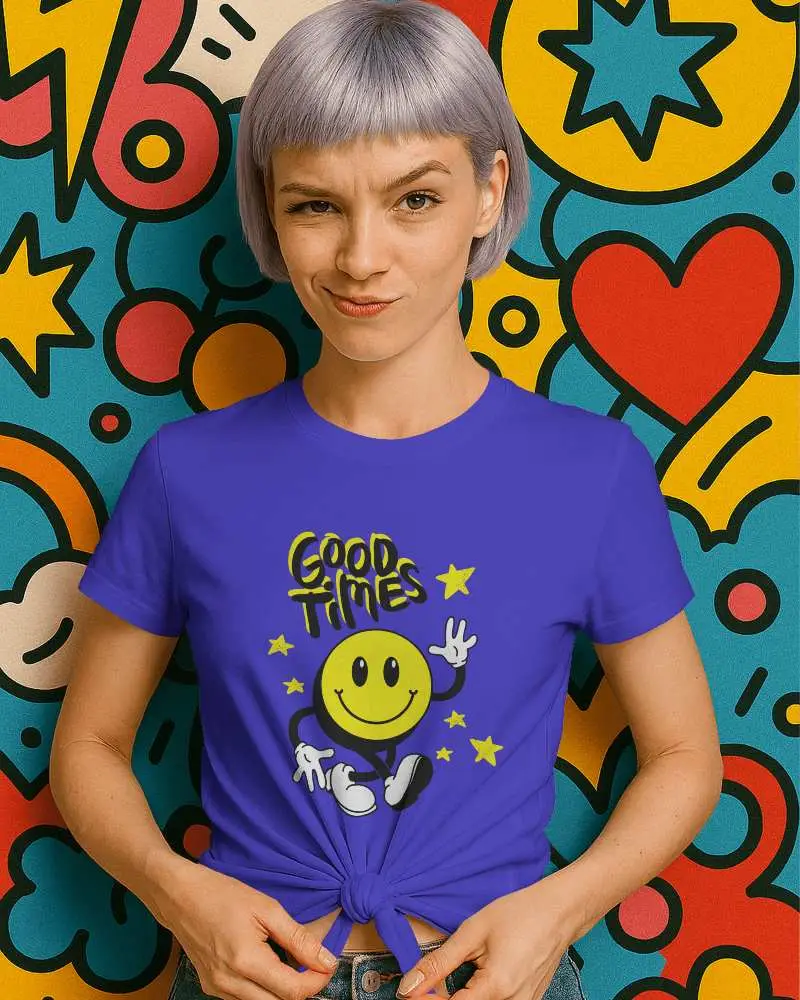
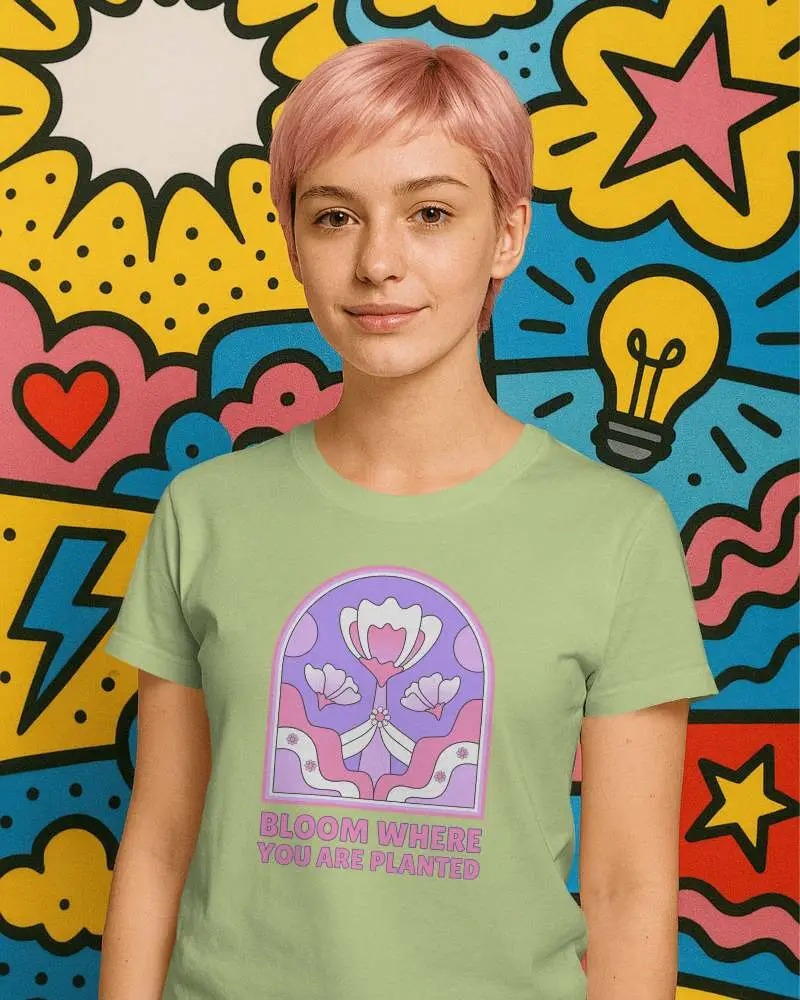

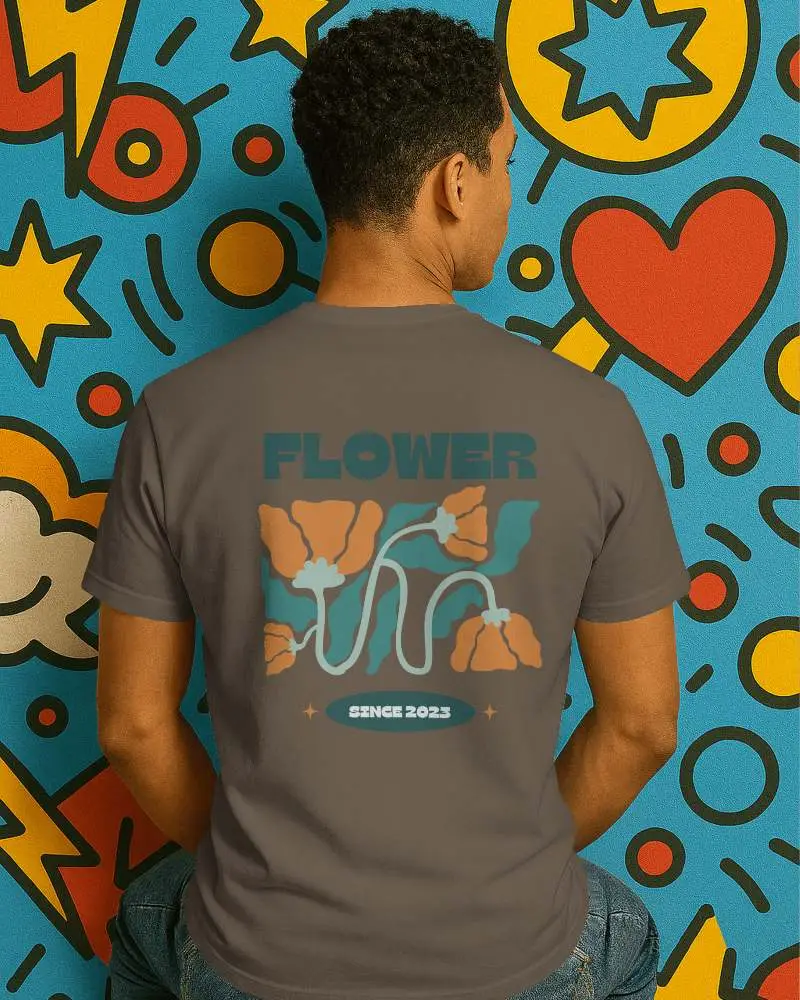


How to Create Popart Background Mockups?
To create a Popart Background mockup in Mockey AI:
- Step 1: Once you sign up, you will land on a page where, on the left side, tap the Collection button.
- Step 2: Choose Pop Art to explore and choose a template.
- Step 3: The Pop Art background mockup is available for upload, editing, and saving in PNG format.


FAQs on Pop Art Collection Mockups
What is a pop art background mockup collection?
A pop art background mockup collection is a set of ready-made templates. This brings the bold and colorful style of Pop Art to your designs. You can easily insert your own images and save them in a PNG file.
Where can I get a pop art background mockup collection?
You can get the Pop Art background mockup collection only on Mockey AI. There are over 50 ready-made templates and many models to choose from for your designs.
Can I use pop art background mockup collections for commercial projects?
Using a pop art background mockup for commercial purposes depends on the license from the creator. Always check the terms before you use it. This applies whether you got it for free or paid for it. You can use Mockey AI’s free mockups for your commercial projects.
What file formats do pop art background mockup collections come in?
The two most popular file formats offered by Mockey AI for the download of a pop art background mockup are PNG and JPEG.
