All Over Print Mockup Collection
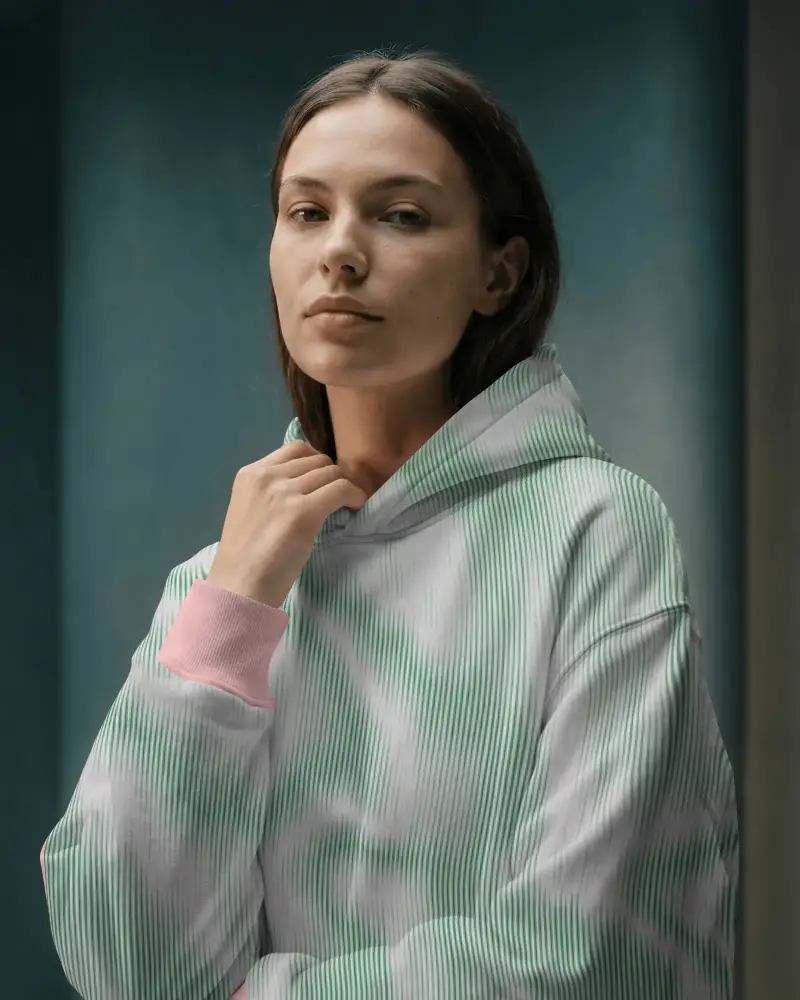
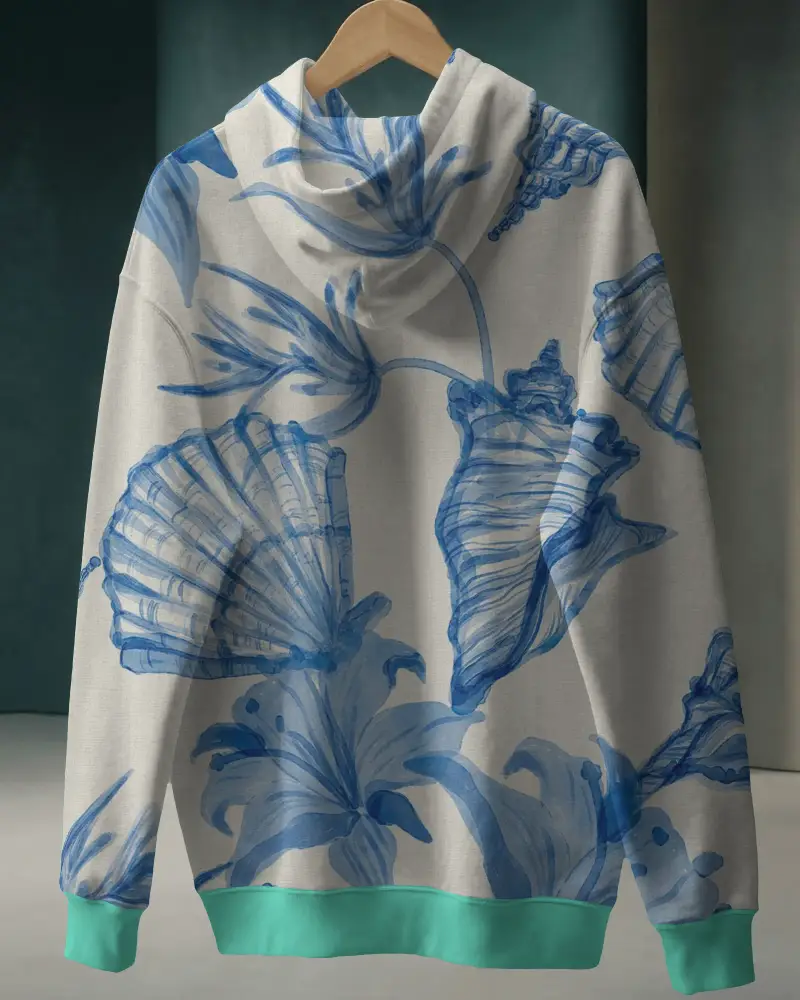
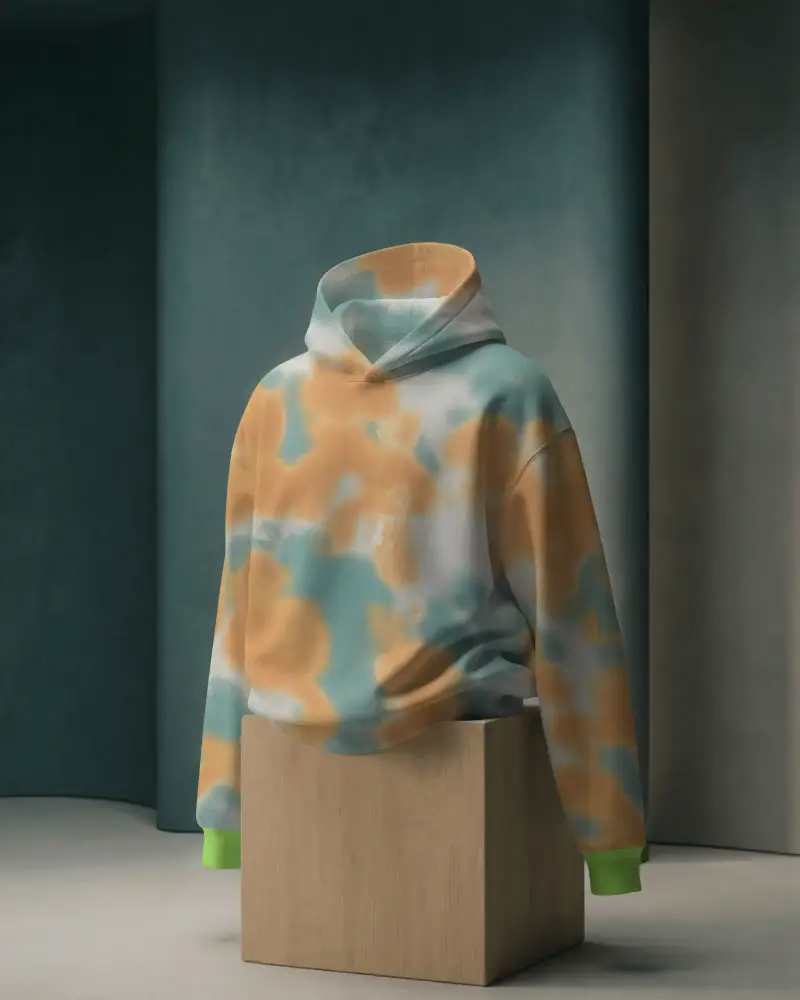
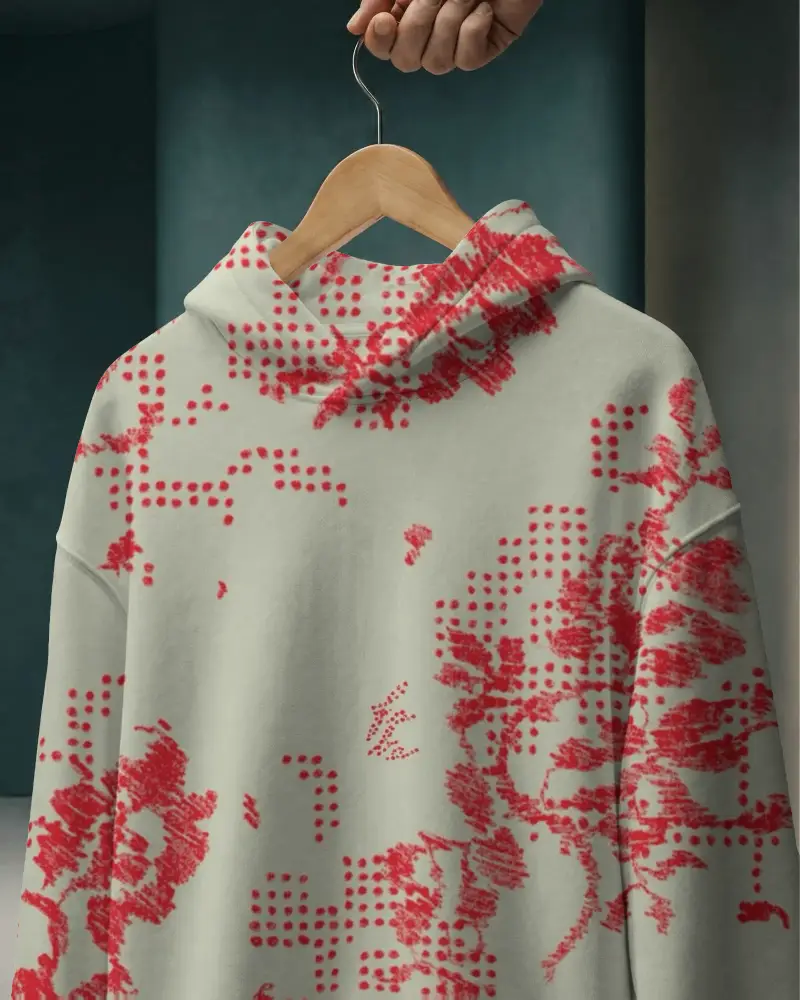
Explore a powerful all over print mockup collection designed for creators who want full coverage designs. Showcase apparel and products with realistic visuals and create professional mockups in minutes.


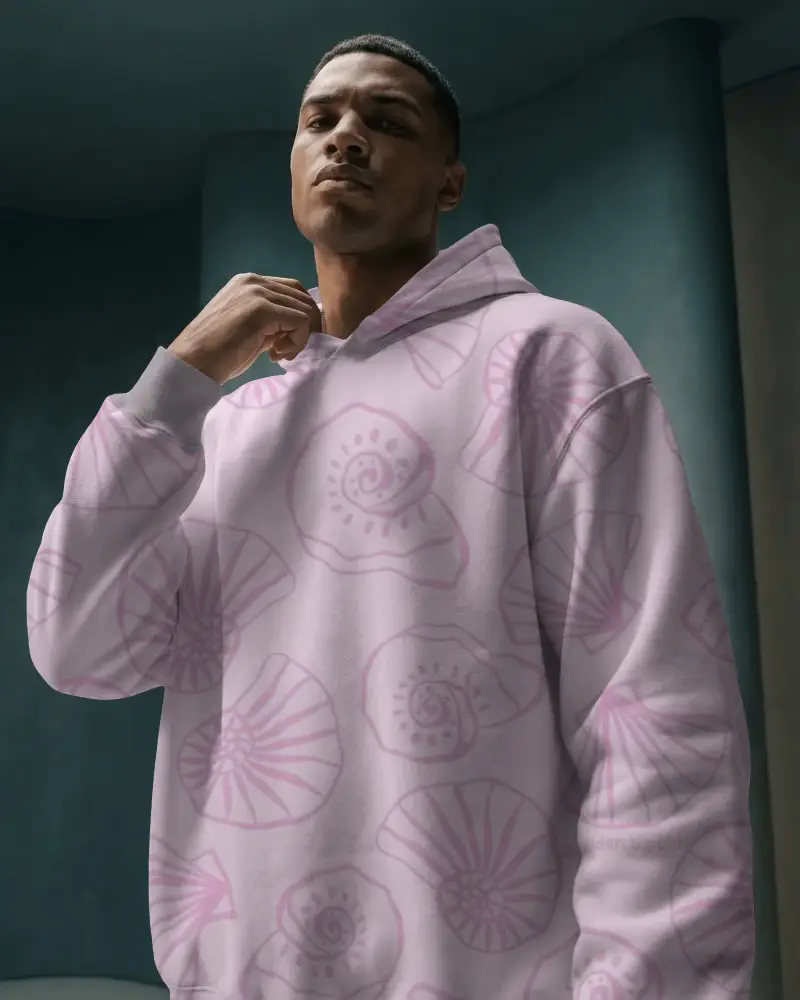
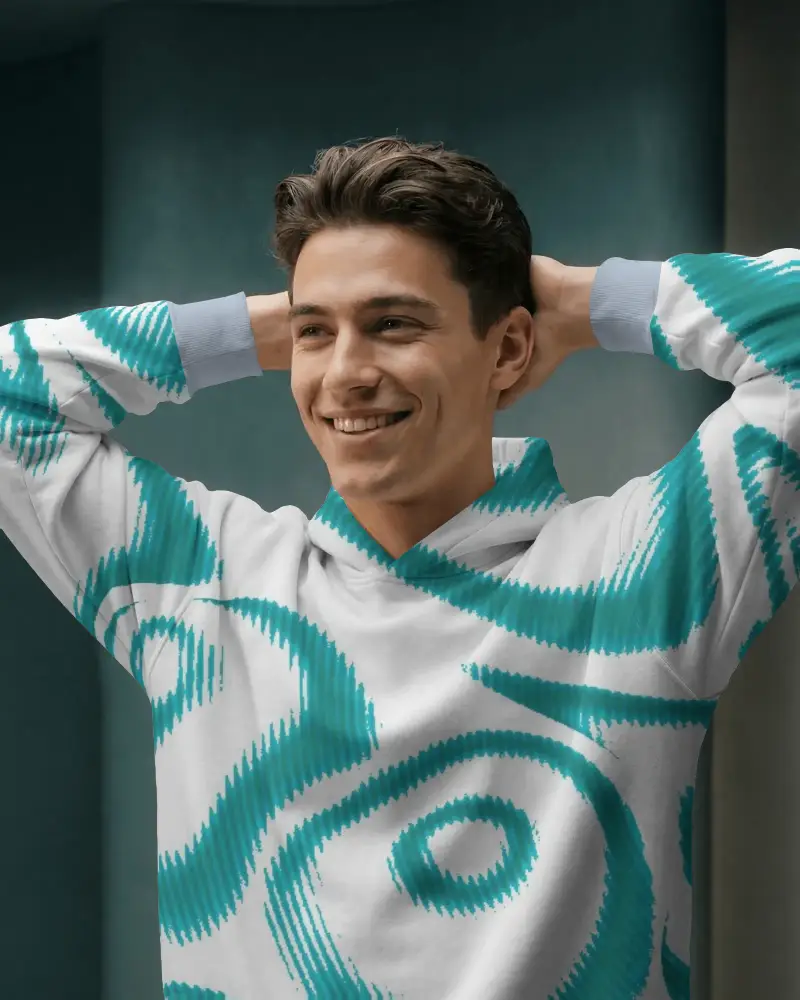
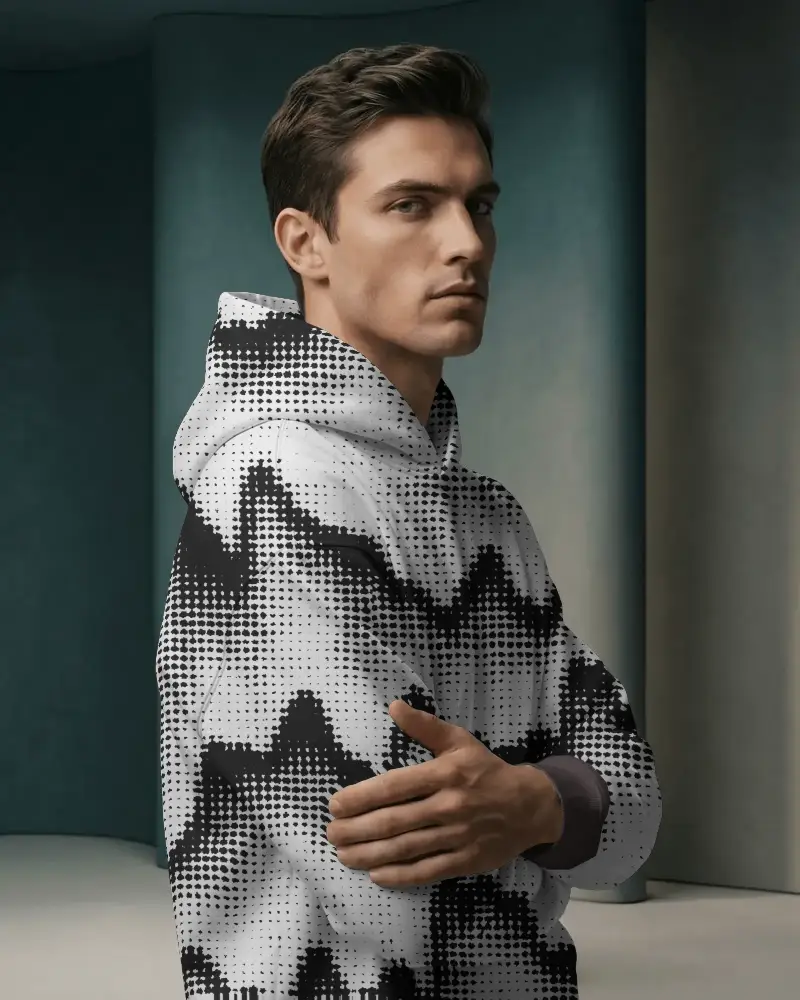
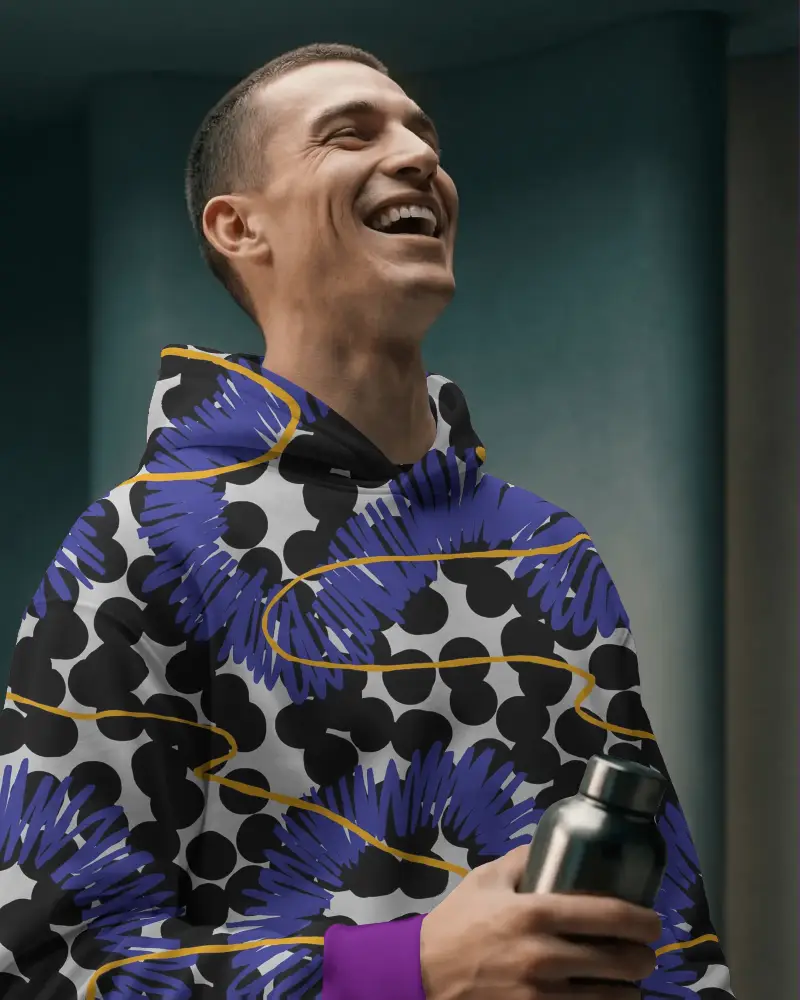
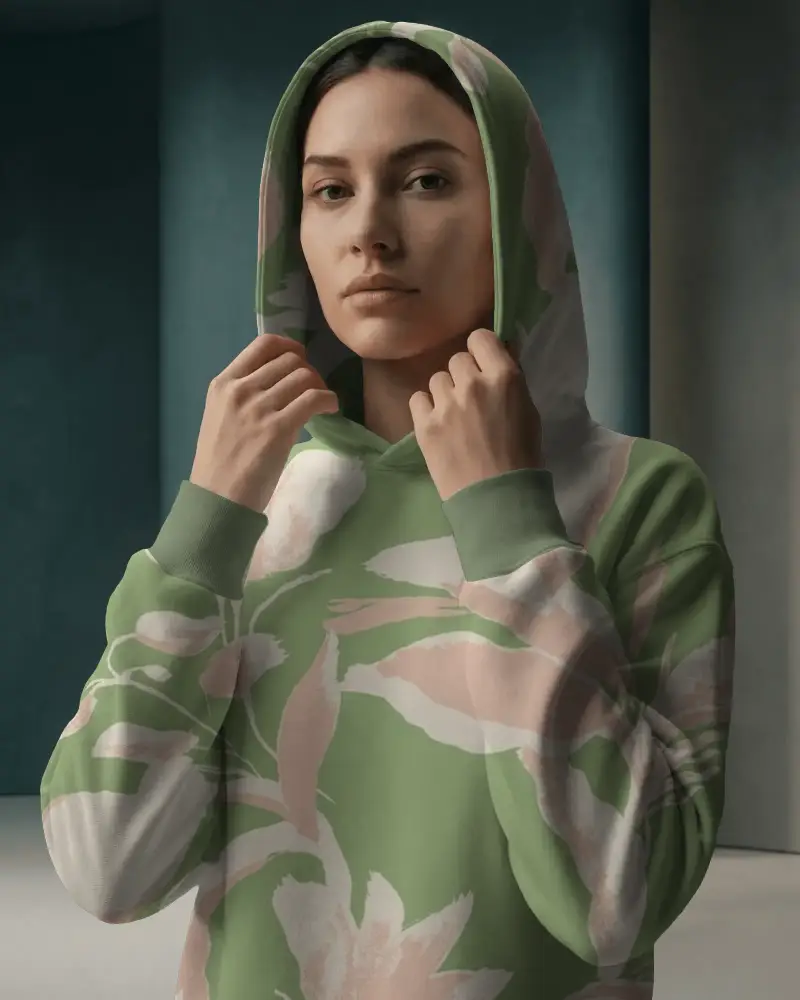
How to Create an All Over Print Mockup Collection
To create an all over print mockup collection:
- Step 1: Go to the Collection and click on All Over Print.
- Step 2: Pick templates, enable Place Anywhere, and upload your designs.
- Step 3: Use color or warping options, preview your design, and download the all over print mockup collection.


FAQs on All Over Print Collection Mockups
What is an all over print mockup collection?
An all over print mockup collection is a set of templates where your design covers the entire product. AOP mockups let you apply full-surface designs and preview how patterns wrap across the product.
Why are all over print mockups important?
Because AOP products are hard to visualize. The designs are not aligned properly across sleeves and bodies, so customers do not receive what they see. A good AOP mockup solves this by showing full design coverage clearly, improving trust, and reducing confusion before purchase.
What products are included in the AOP mockup collection?
Mockey's AOP mockup collection includes t-shirts, hoodies, sweatshirts, socks, shorts, tote bags, sweatpants, and more.
Can AOP mockups help increase POD sales?
Yes. AOP mockups help sales when the design looks correctly placed, the product is shown from different angles, and it helps people imagine themselves wearing it.
Do all over print products sell well?
All over print products sell well. They sell because of their uniqueness, stand out from basic designs, and have a higher perceived value.
Are these AOP mockups suitable for print on demand businesses?
AOP mockups are suitable for print-on-demand. You can create ready-to-use images for your store in just a few clicks. With Mockey, upload your design, place it anywhere on the product, and check the preview before downloading.
