Photo Frame Video Mockup – Showcase Your Art in Motion
If you sell prints or posters, Mockey’s Picture frame video mockup helps your artwork stand out. The smooth animated frame adds depth and realism, giving viewers a true sense of how the design will look on a real wall in a premium setting.
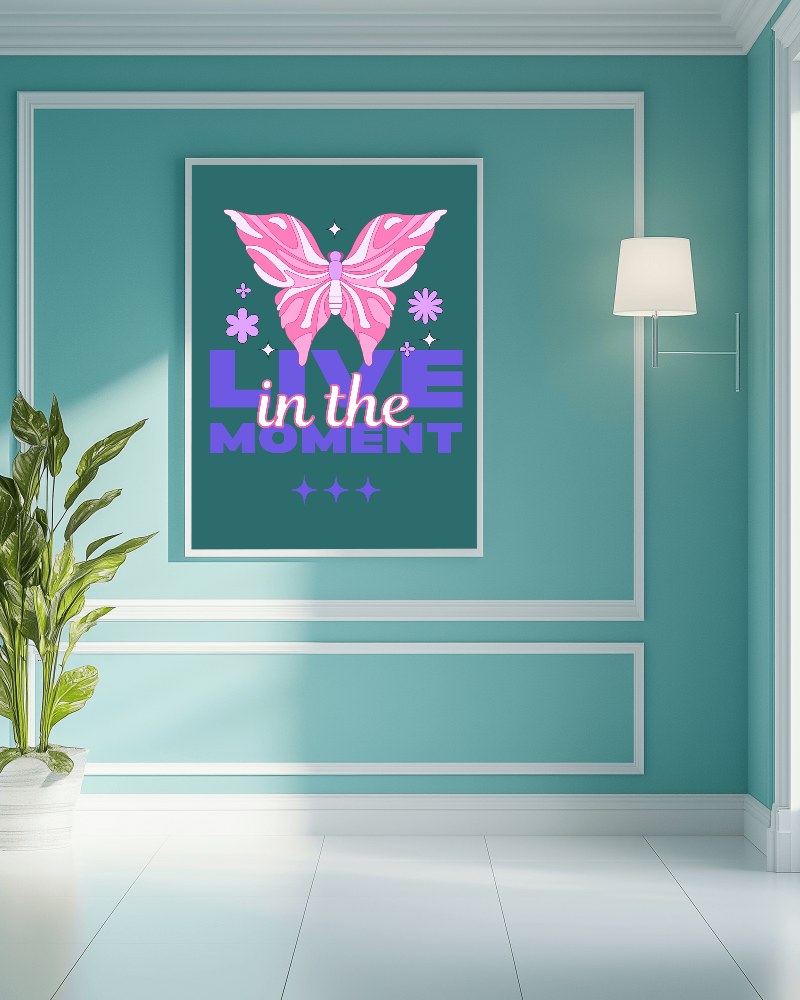

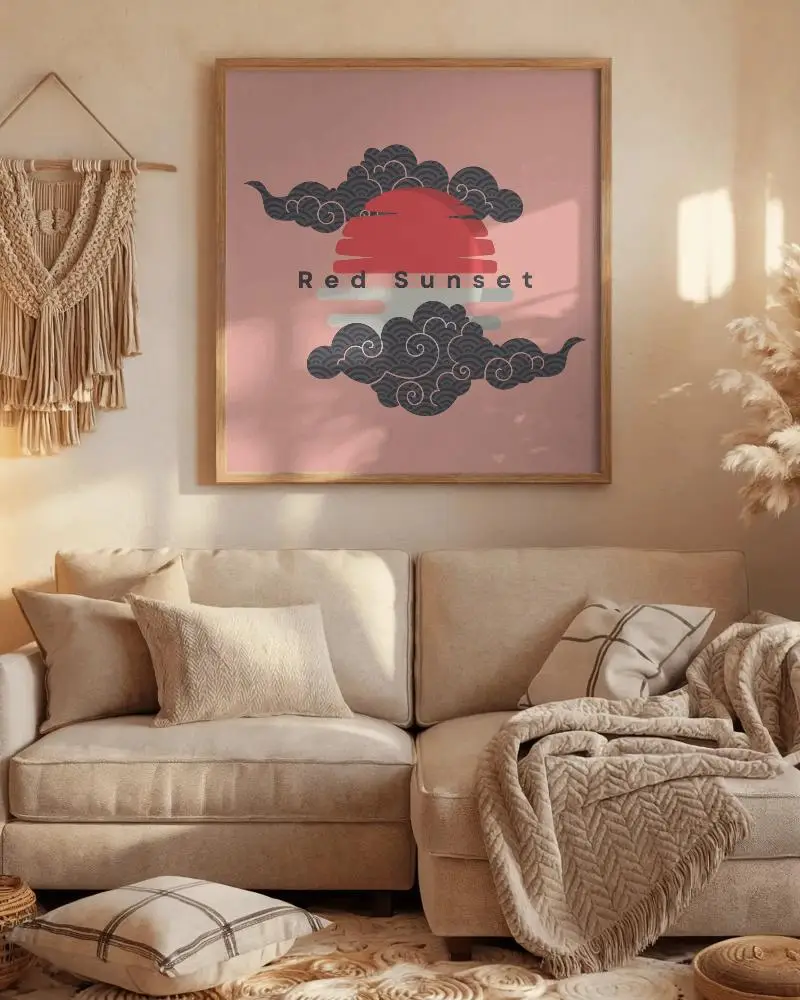
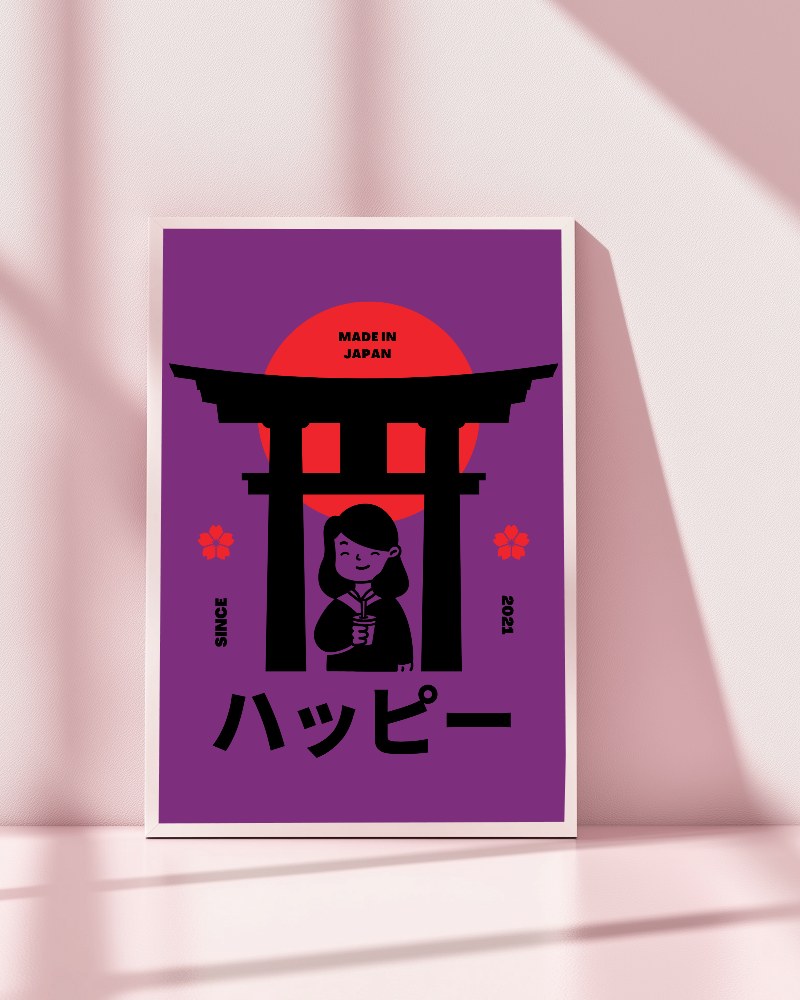


How to Create a Picture Frame Video Mockup
To create a Picture frame video mockup:
- Step 1: Upgrade to a suitable plan and open the Video Mockups section.
- Step 2: Navigate to Home & Living and select Frame. Choose a video template and upload your artwork.
- Step 3: Click on Generate Video to export the Picture frame video mockup in MP4 format.


FAQs on Picture Frame Video Mockups
How does the Picture frame video mockup place my artwork?
After selecting a frame video template, upload your artwork using the Upload Design option. You can crop it easily, and once done, the artwork fits perfectly inside the frame.
Does the Picture frame video mockup support high-resolution artwork?
Yes, Mockey AI’s Picture frame video mockups fully support high-resolution PNG and JPG artwork, ensuring sharp and professional results.
Do I need design software to use the Picture frame video mockup?
No additional design software is needed. Mockey AI provides built-in editing tools that make customization simple and beginner-friendly.
Is the Picture frame video mockup suitable for social media reels?
Picture frame video mockups are ideal for social media reels. Their high-quality animation and flexible sizing options make them perfect for platforms like Instagram, Facebook, and ads.
