Realistic Business Card Video Mockups
Huge library of business card video mockups! Customize and download high-quality video card mockup designs with Mockey in just a few clicks!
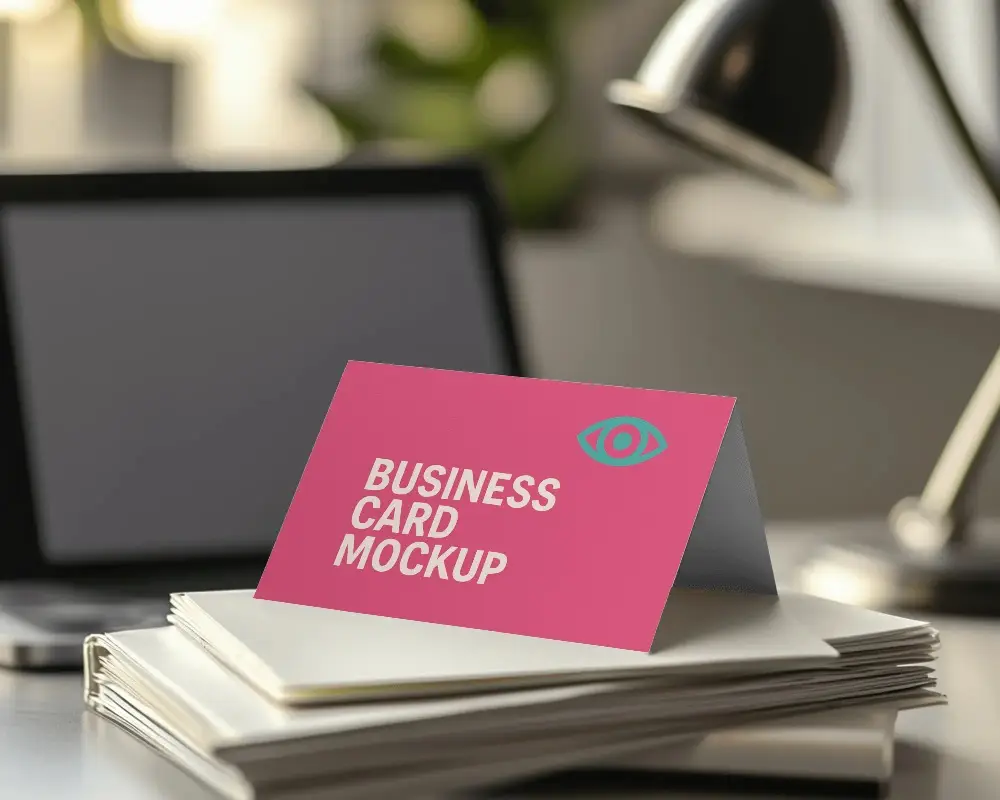
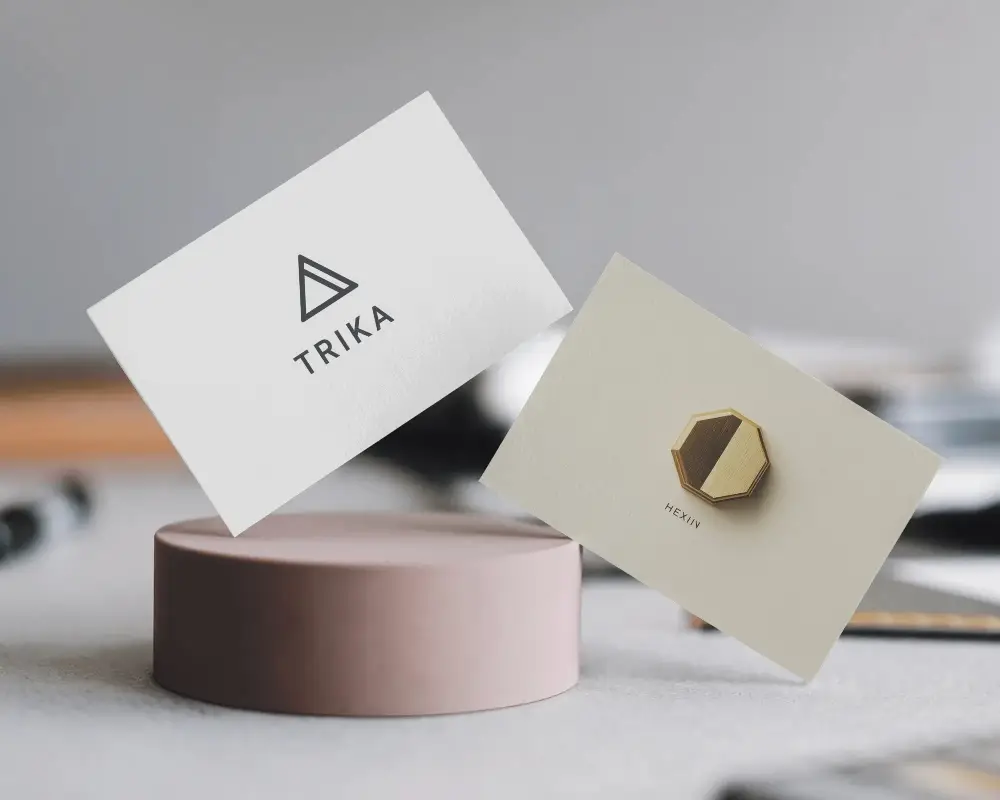
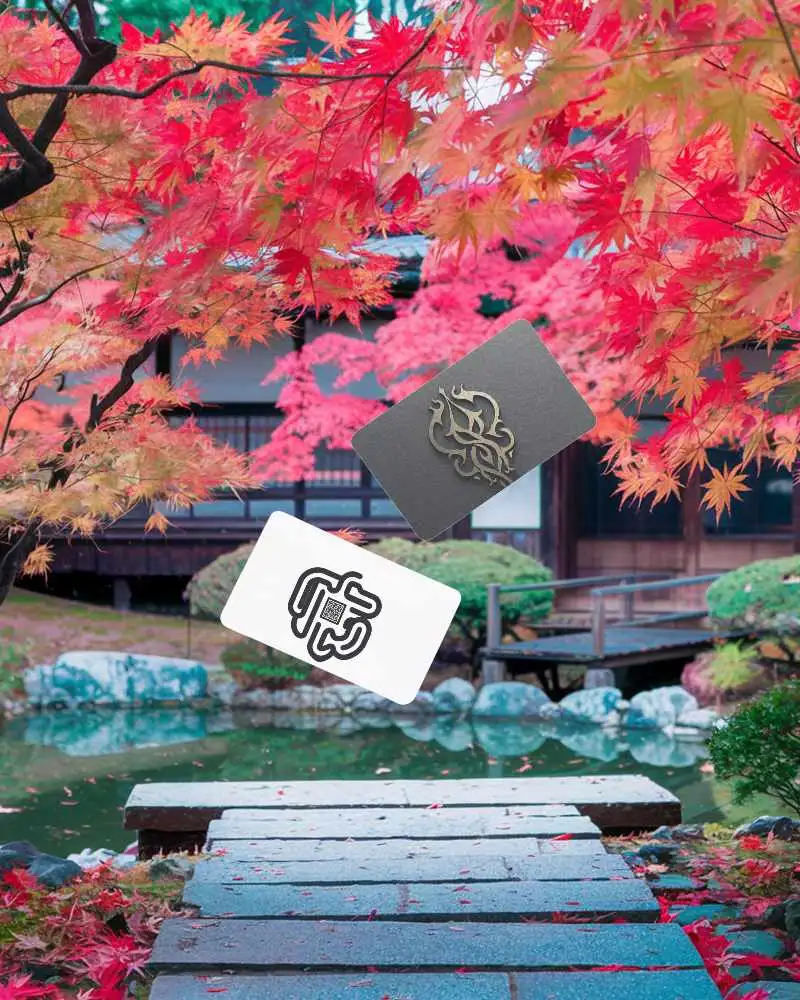
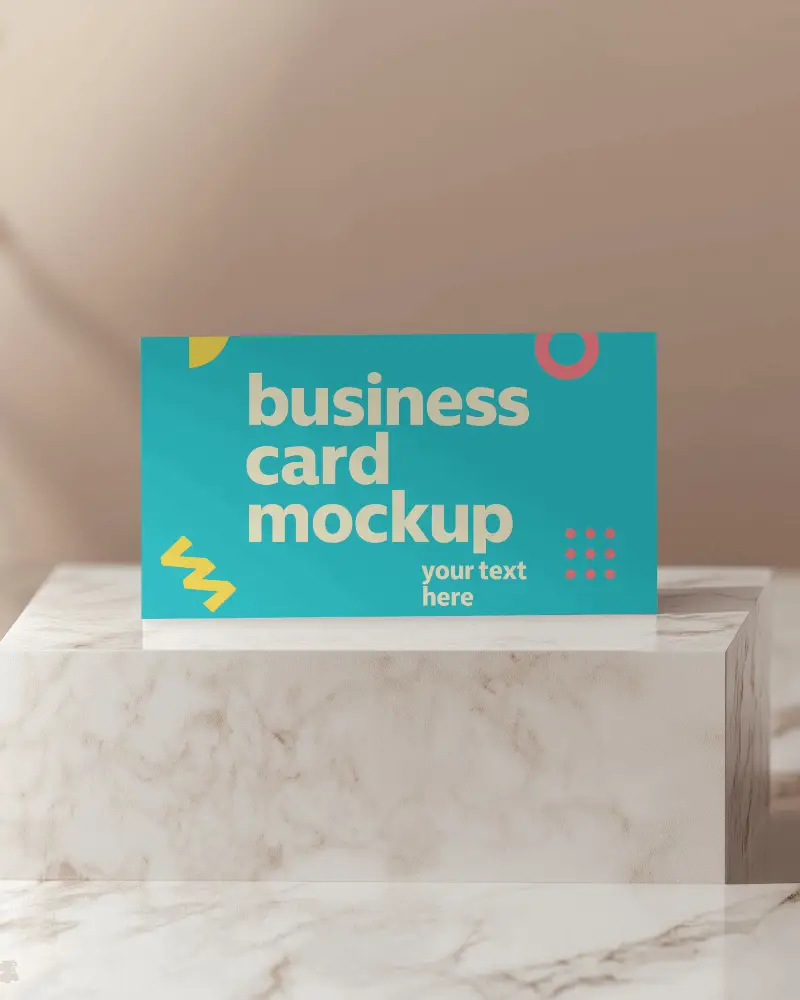
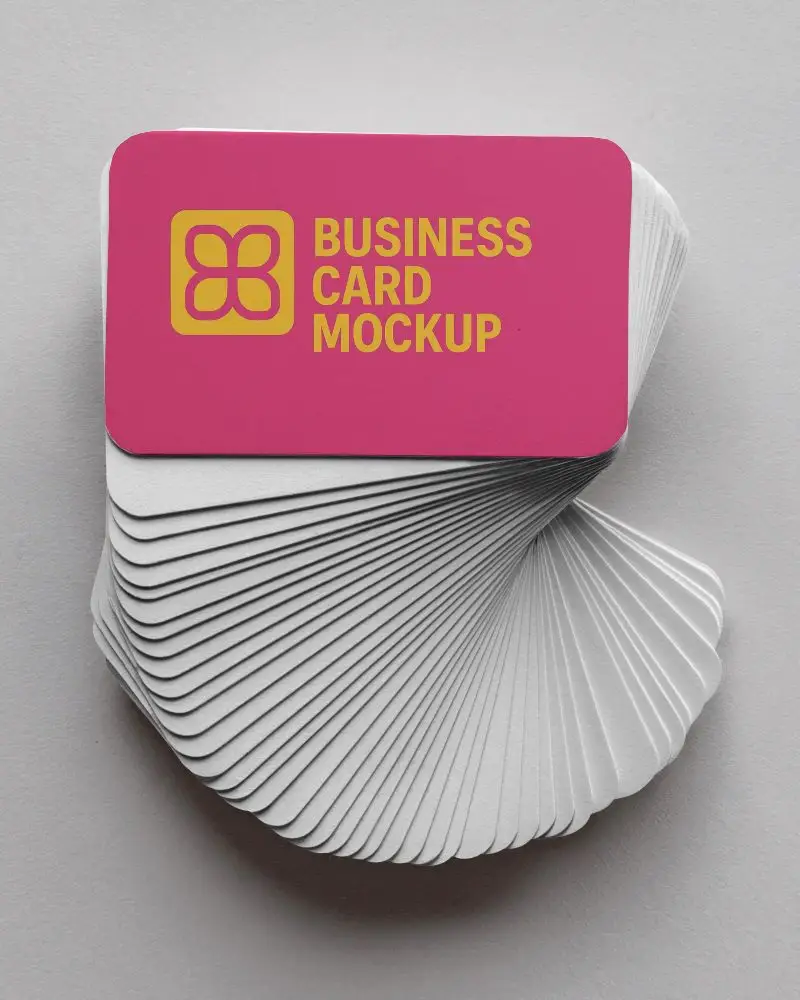
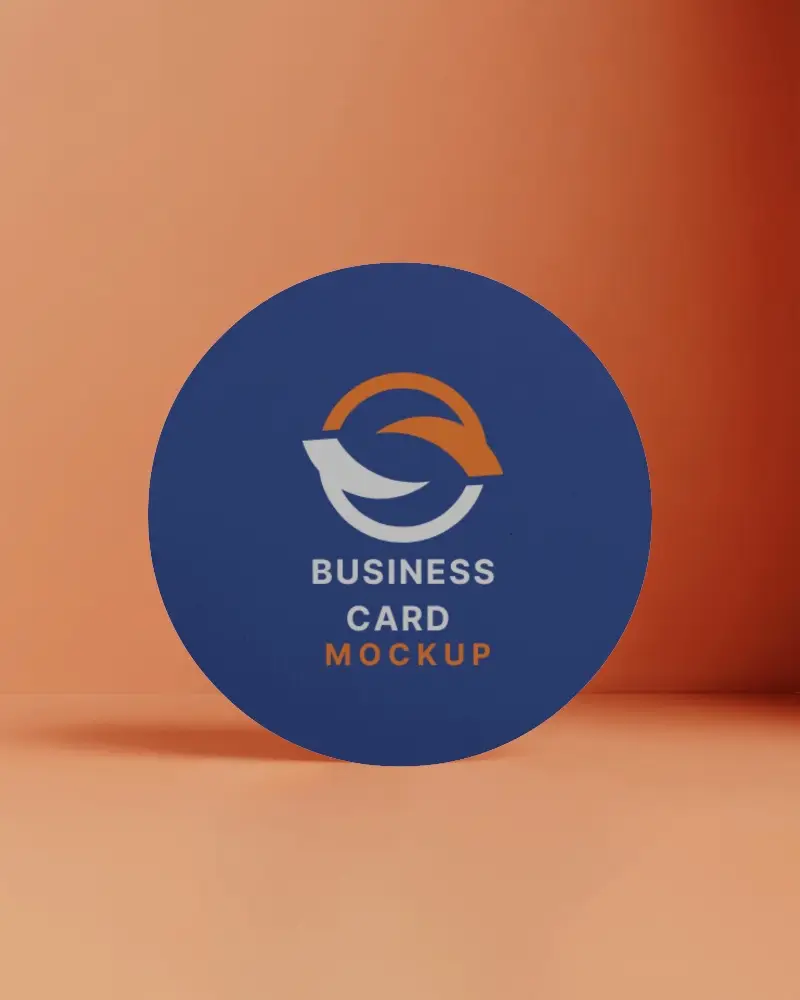
How to Create a Business Card Video Mockup with Mockey AI
To create business card video mockups:
- Step 1: Upgrade to the MAX plan. Explore 'Video Mockups' and in the 'Print', pick 'Business Card'.
- Step 2: Pick a video template. Once you add a design, start customization.
- Step 3: Tap 'Generate Video'. Save the business card video mockup.


FAQs on business-card Video Mockups
What is a business card video mockup?
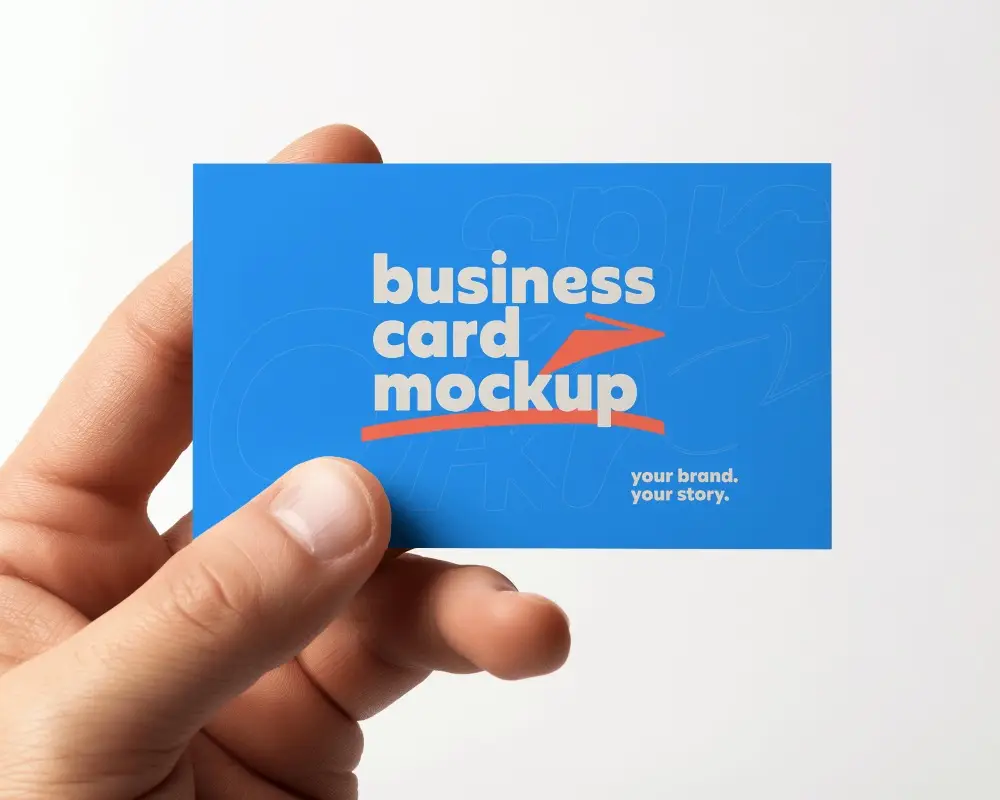
A business card video mockup is a short clip that shows your card design in action. This helps clients see how the card will actually appear in hand. It also makes your pitch or marketing look more polished and professional.
Why should I use a video mockup for my business card?
By using business card video mockups, you can get a clear idea of the final look of your business cards without needing to print samples for review. Sharing and tweaking the design becomes quick and easy, keeping your clients more involved.
How can I use video mockups for brand promotion?
Video mockups help you to showcase products in action and make them look as real as possible. Compared to still images, they feel more realistic. They are a wise choice for increasing brand recognition and trust.
Are Business Card Video Mockups effective for social media marketing?
Business card video mockups work well on social media. They show your brand smartly and stylishly. Viewers engage more and are likely to visit your website or page. In addition, it builds trust.
