Billboard Video Mockup – Turn Big Ideas into Bold Motion
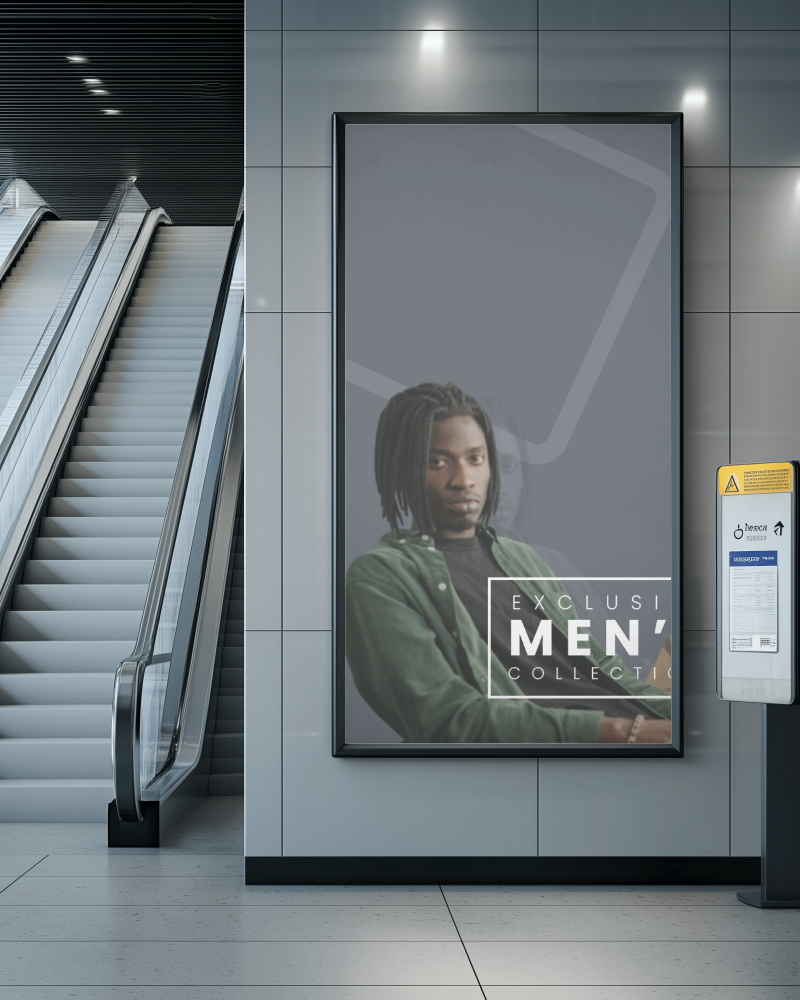
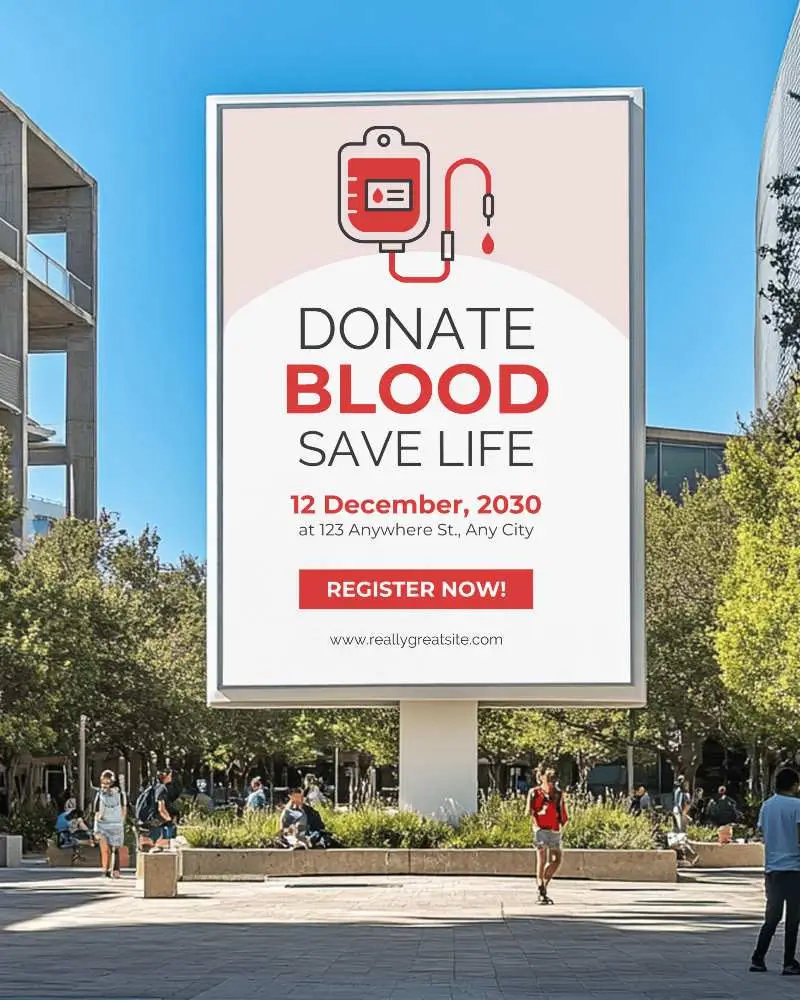
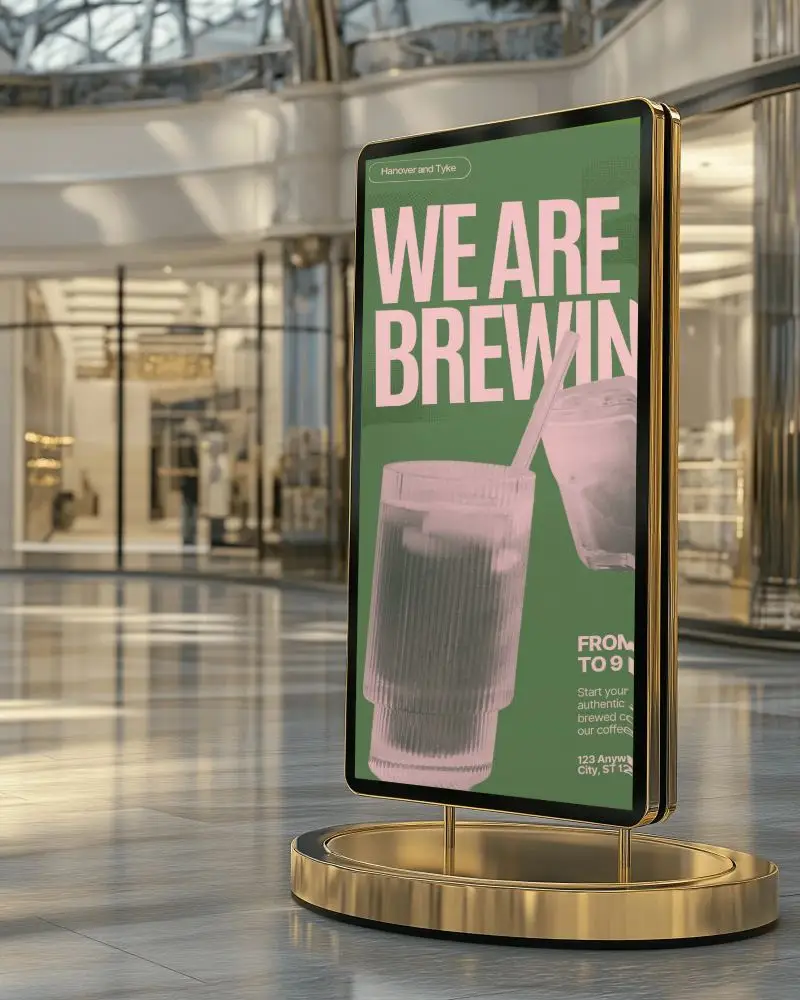
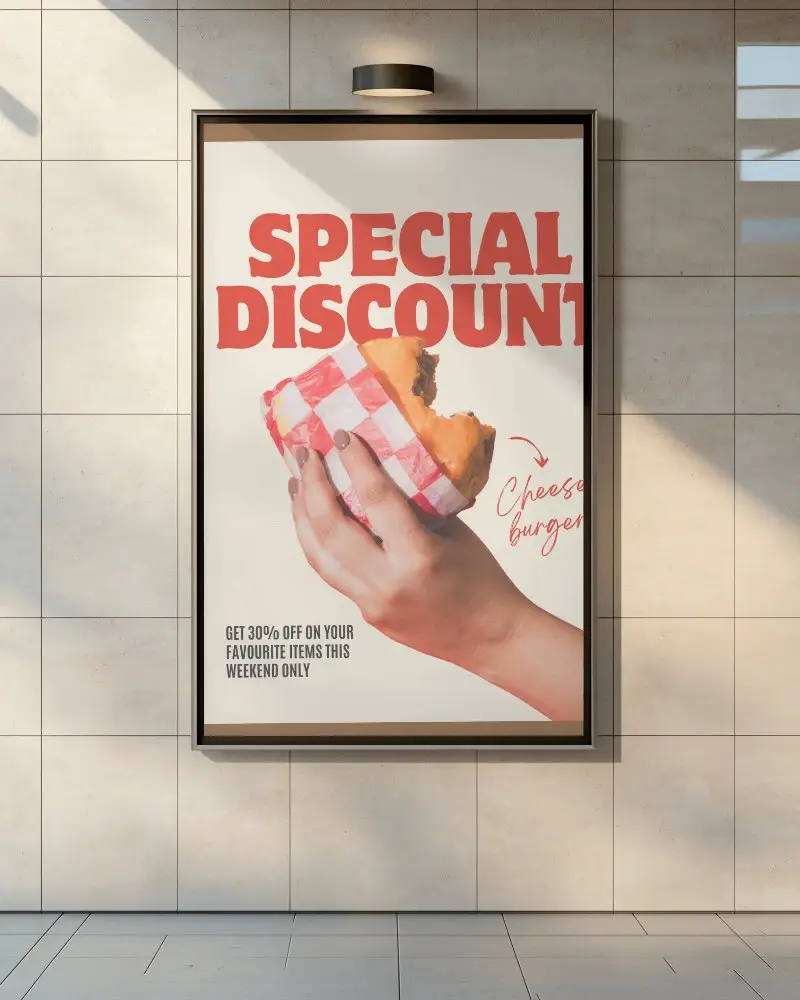
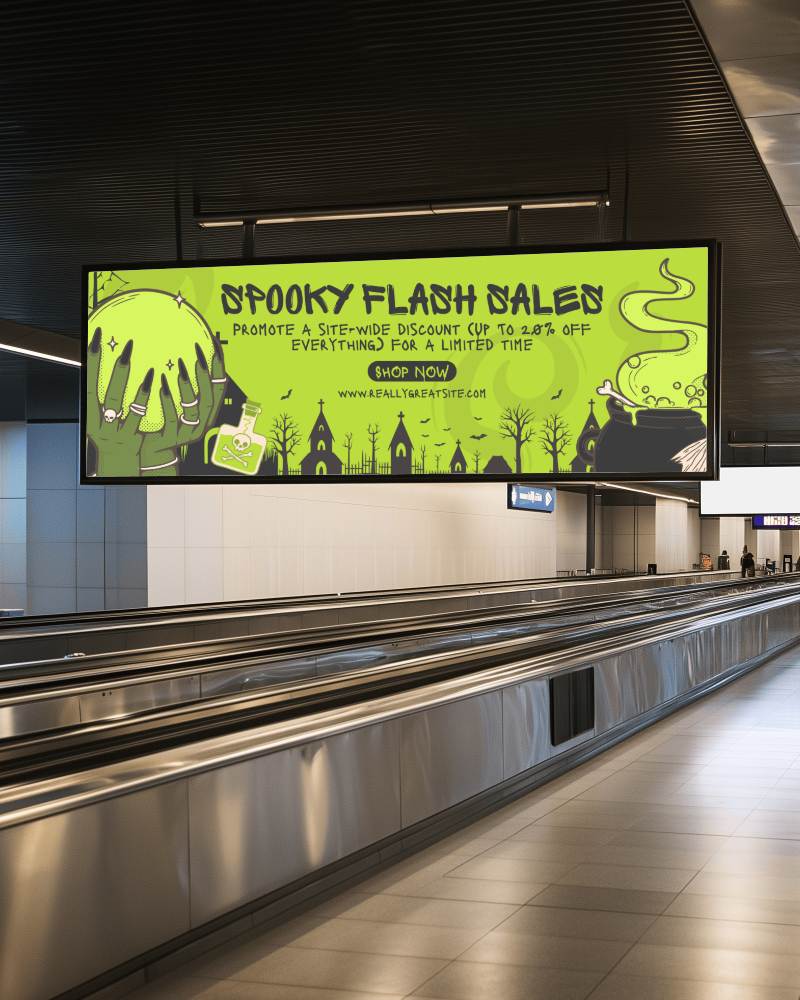
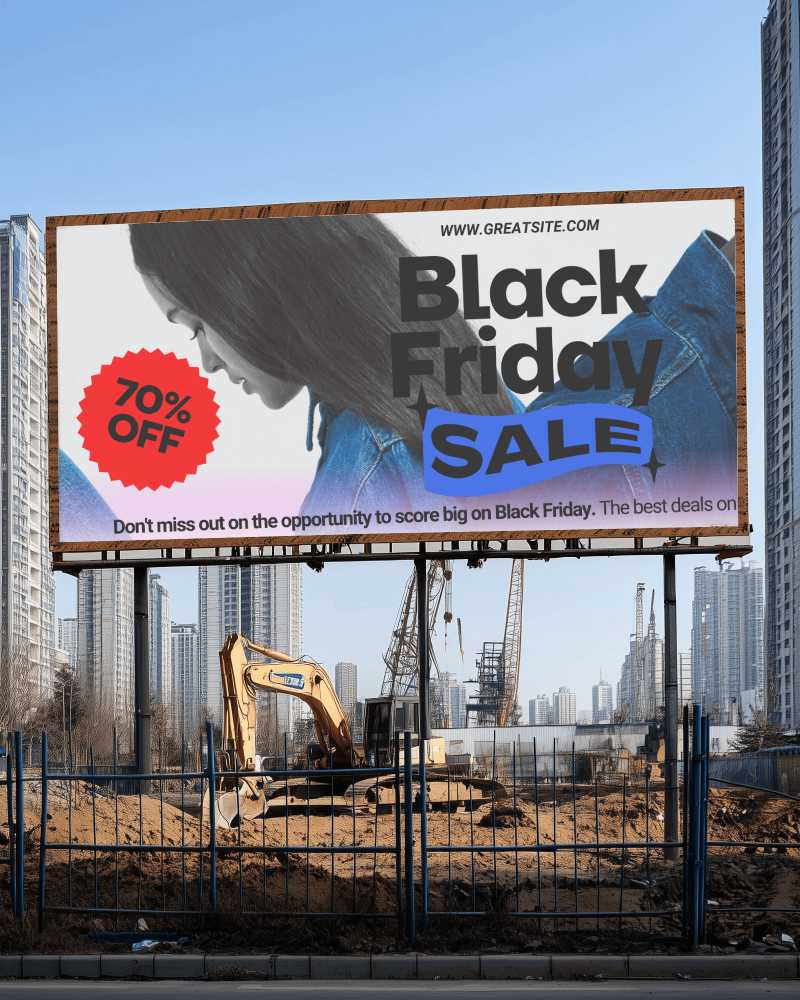
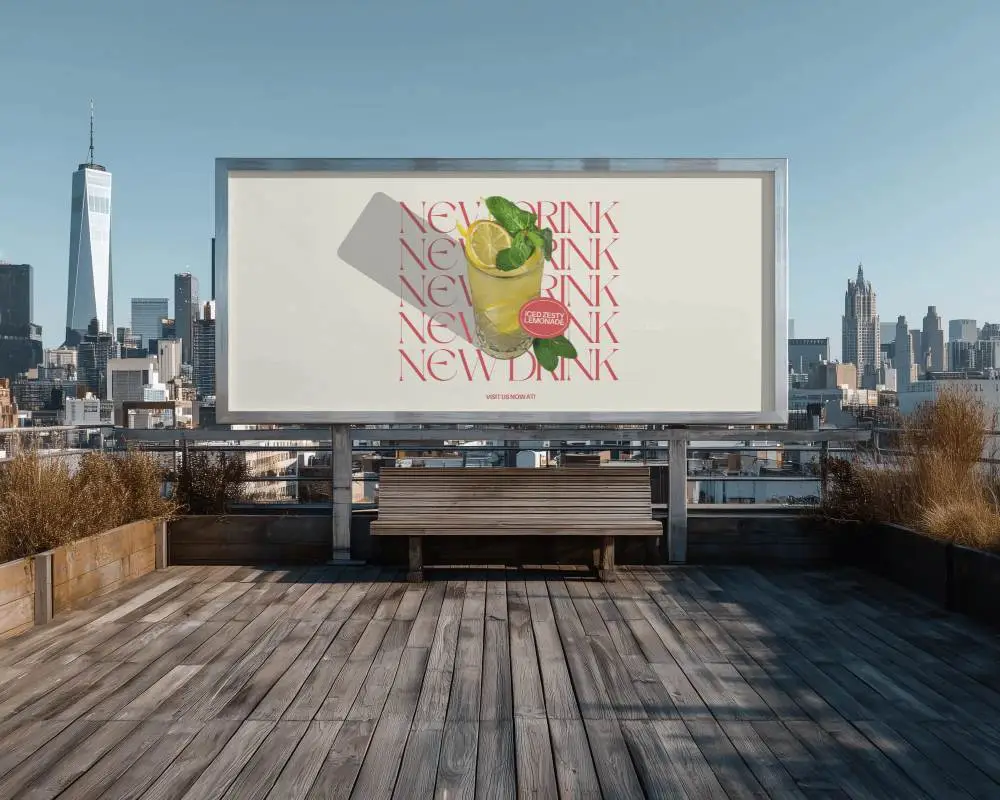
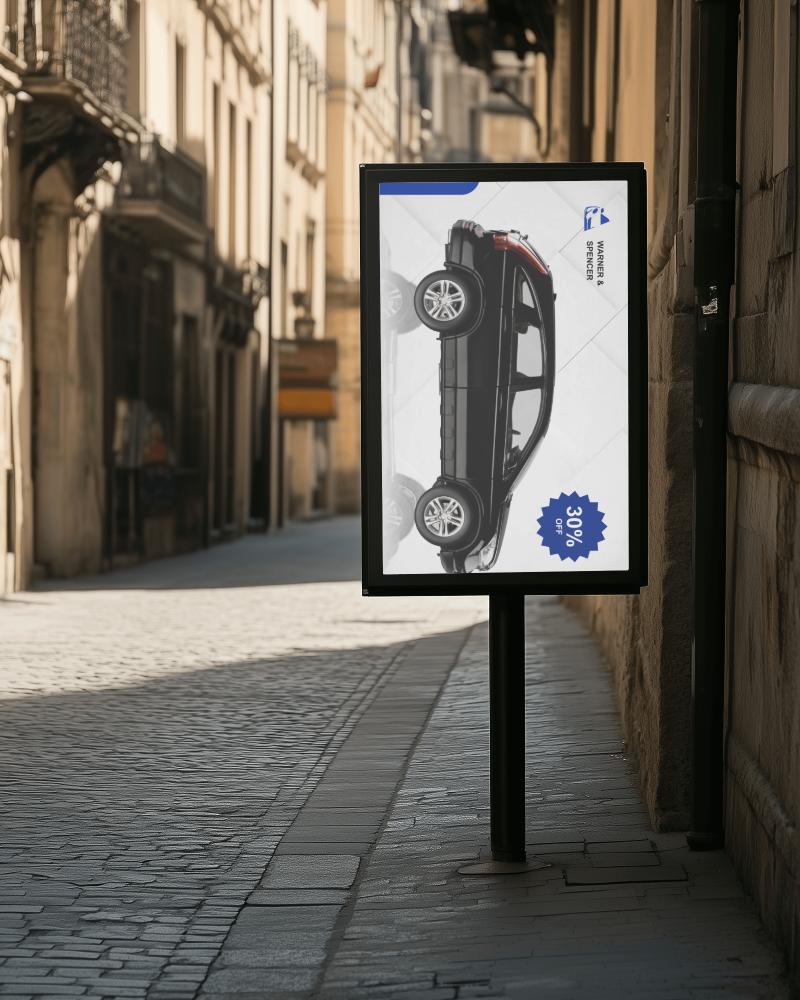
With Mockey’s billboard video mockup, your ad doesn’t just stand tall. It grabs attention. Add motion, real-world scenes, and lifelike detail to make your campaign pop at full scale.
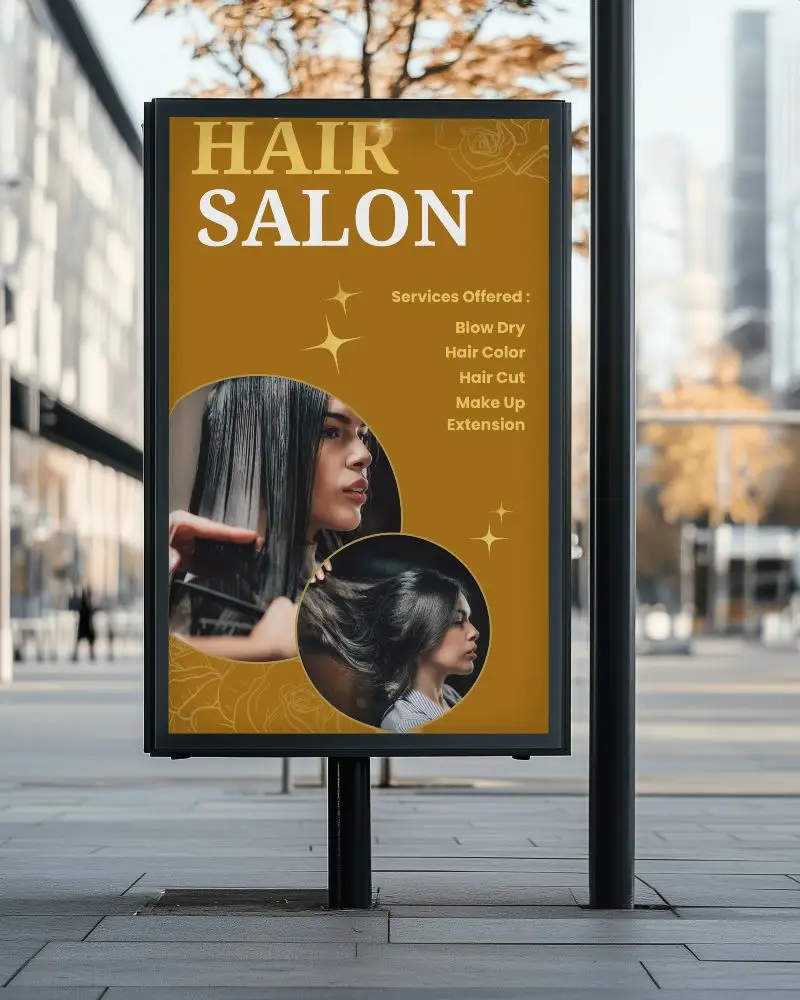
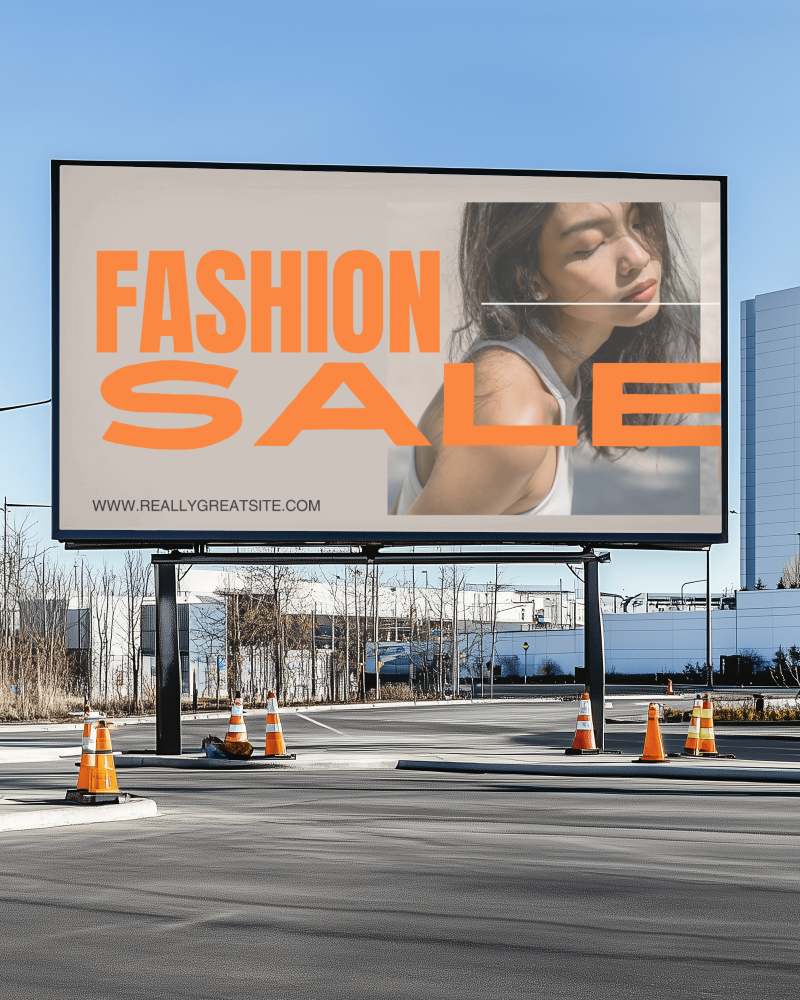
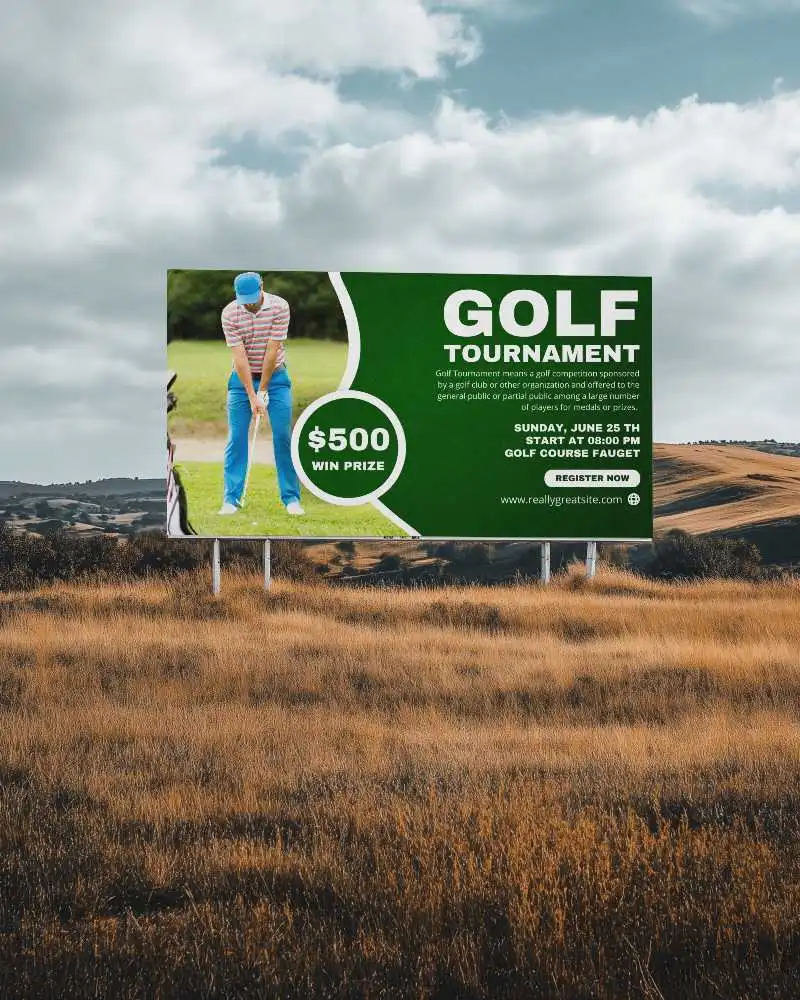
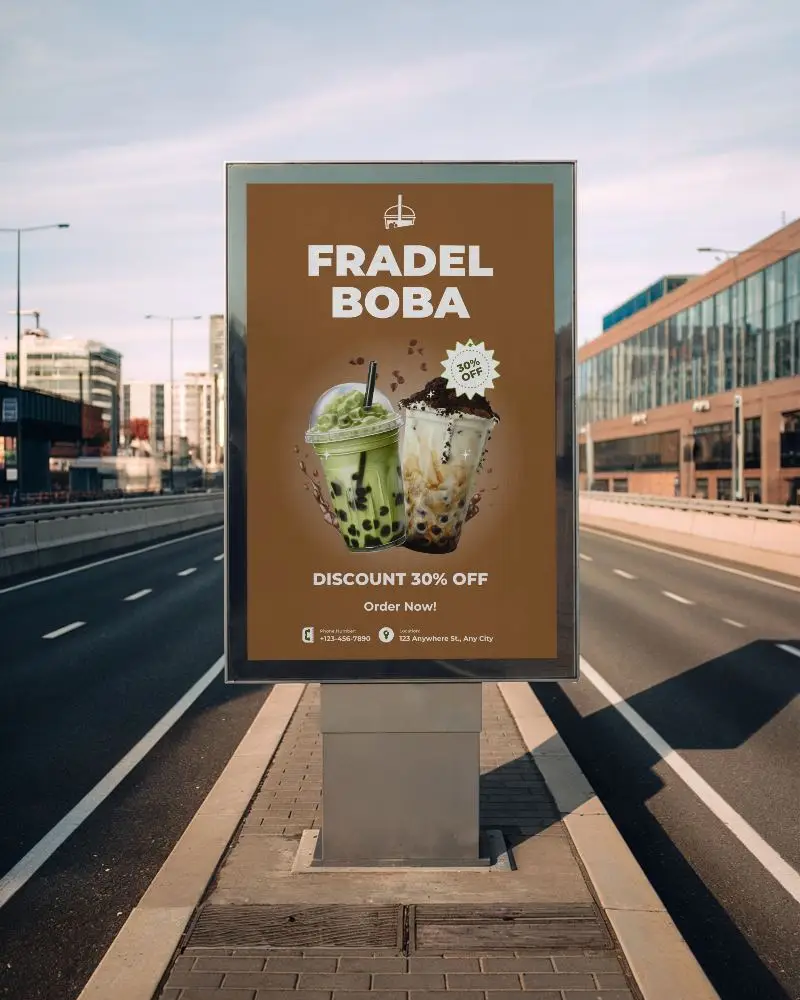
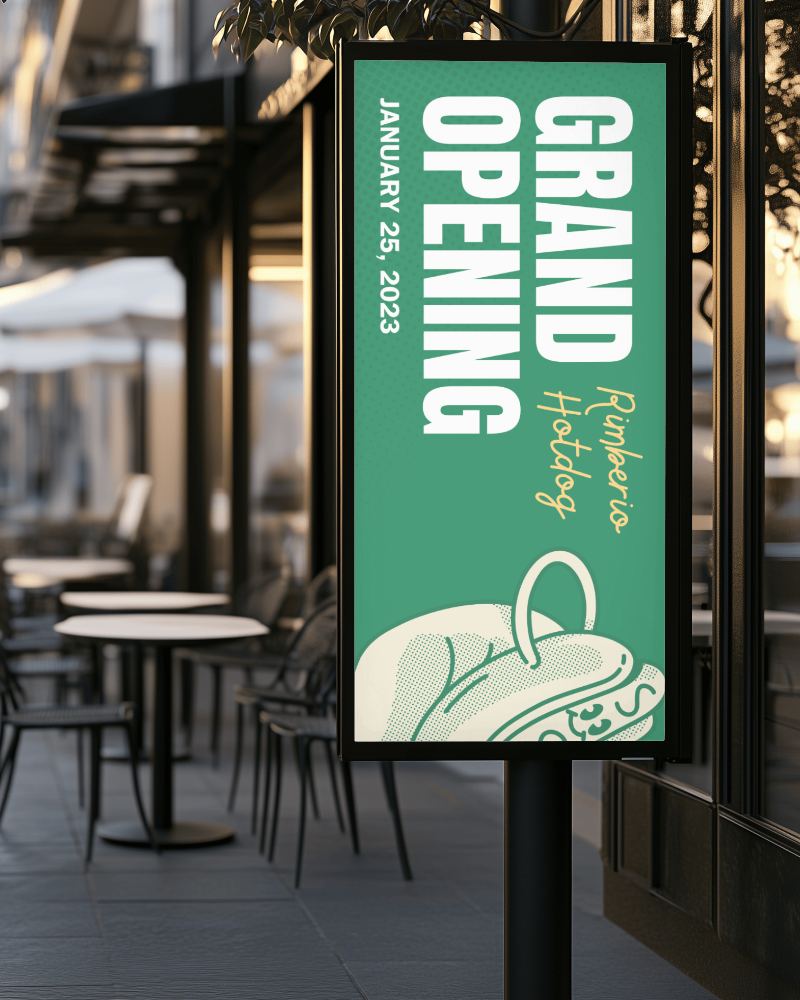
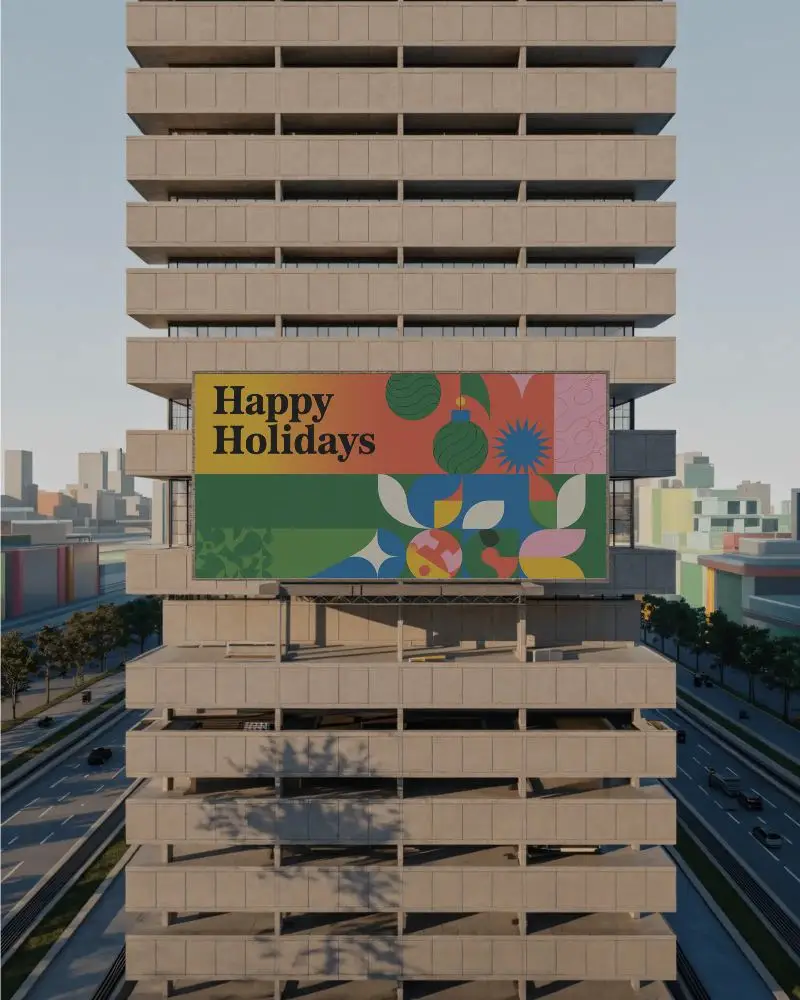
How to Create a Billboard Video Mockup with Mockey AI
To create billboard video mockups:
- Step 1: Please click on Pricing and proceed to upgrade to MAX following your registration.
- Step 2: Next, locate 'Video Mockups' on the left side and select it. Navigate to the Print Category. Choose Billboard and upload a design.
- Step 3: Make the necessary edits and click on 'Generate Video' to convert it into a video.


FAQs on billboard Video Mockups
What is a billboard video mockup?
A mockup video allows you to see your advertisement on a digital billboard realistically. It helps designers see how their video or design will look outdoors, before spending on printing or installation. With no risk involved, it's a fantastic way to test ideas.
Is there a watermark in the billboard video mockup?
There’s no watermark in the billboard video mockup. That’s because you’re using the MAX plan, which costs around $19 a month. This paid plan removes all watermarks.
Is the billboard video mockup suitable for digital advertising agencies?
Billboard video mockups work well for digital ad agencies. They assist in identifying design flaws prior to the official launch. Your pitch will also appear more professional with these mockups, so clients will feel more confident in your work.
