Navy Blue T-Shirt Mockup Free - Editable & Realistic Preview
Bring your T-shirt designs to life with Mockey’s Navy Blue T-Shirt Mockup. Customize, preview, and showcase your artwork with realistic detail. Perfect for designers and brands, create standout T-shirt previews ready for instant download.



















































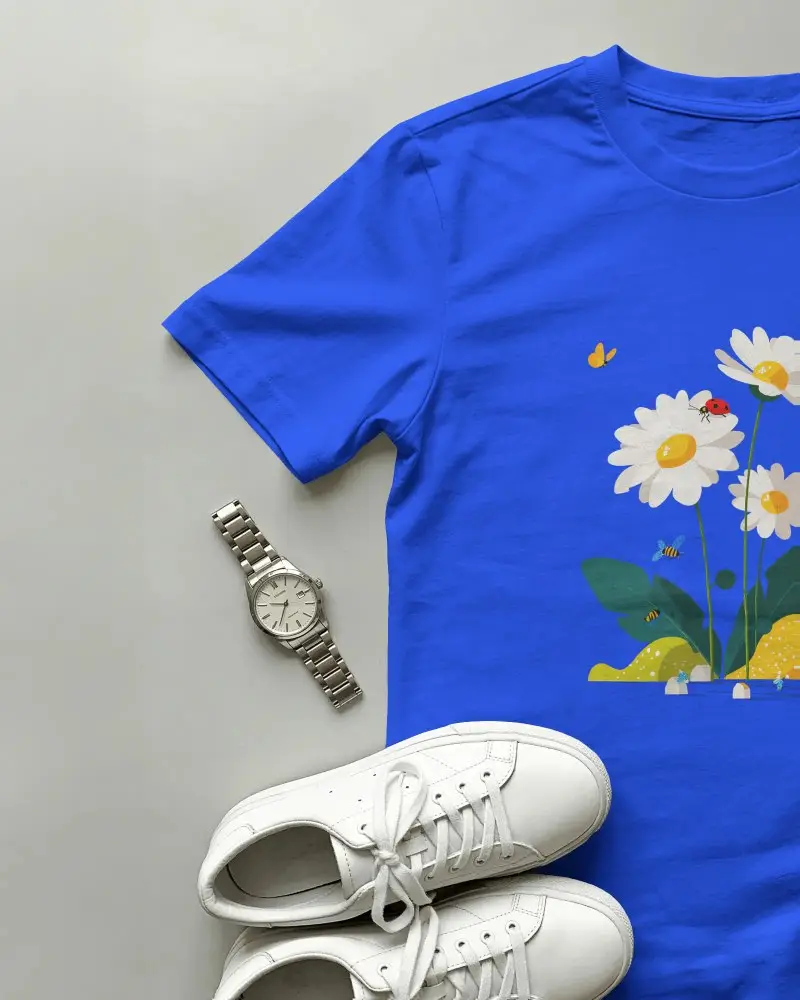


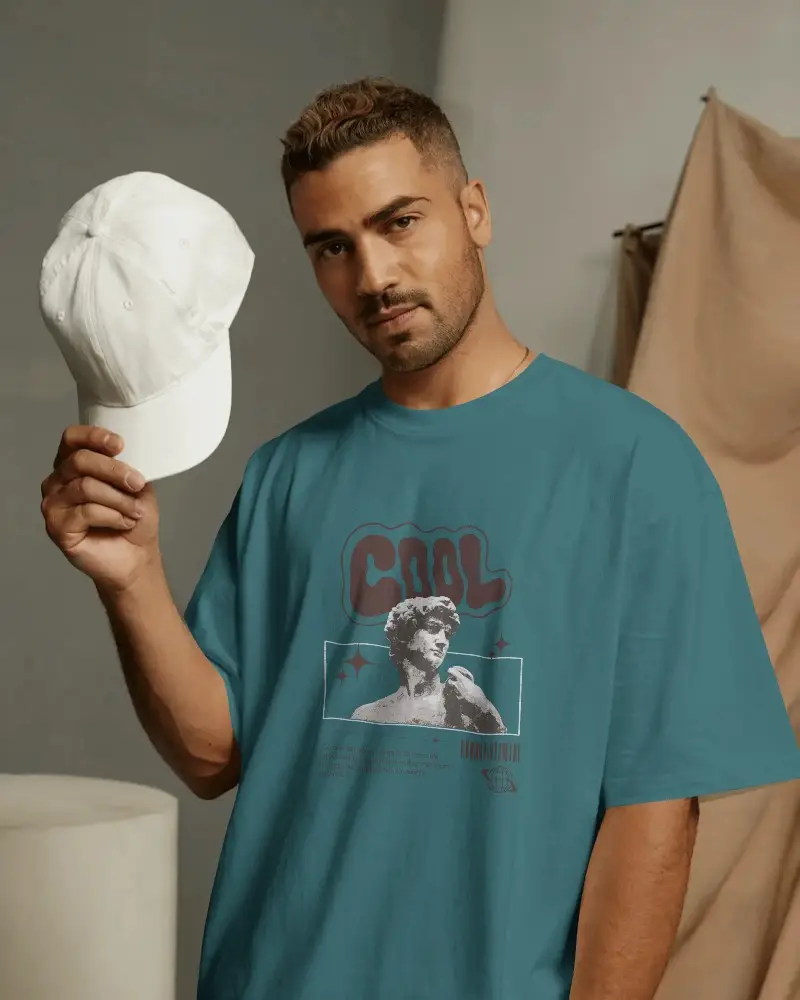
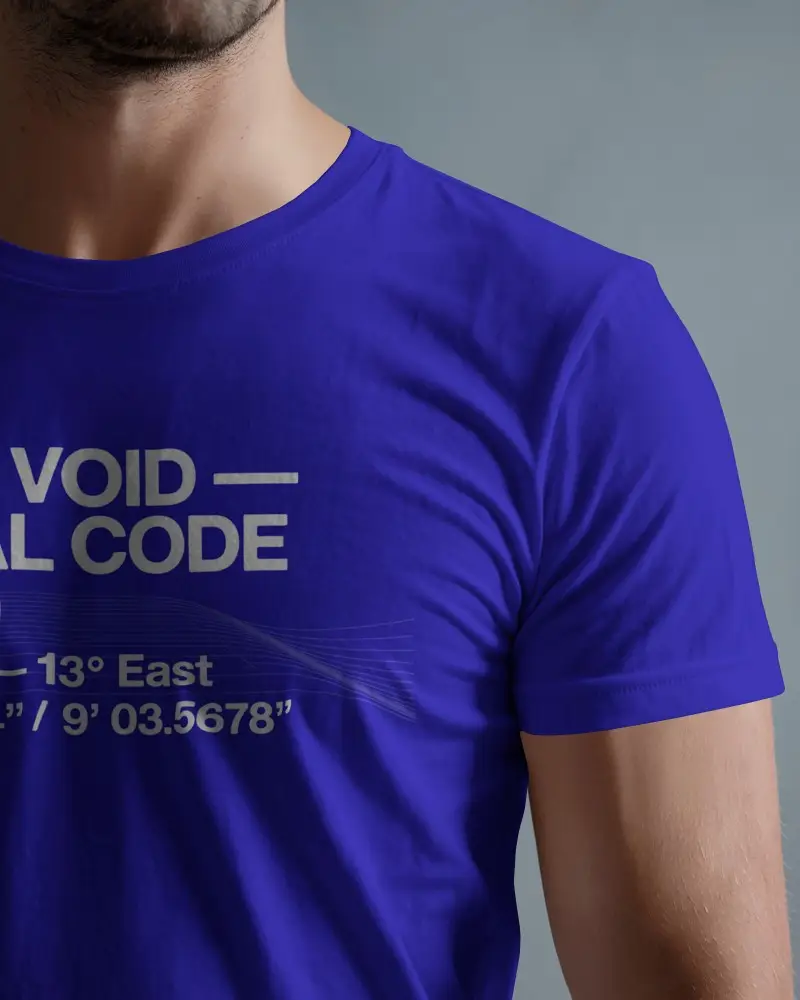



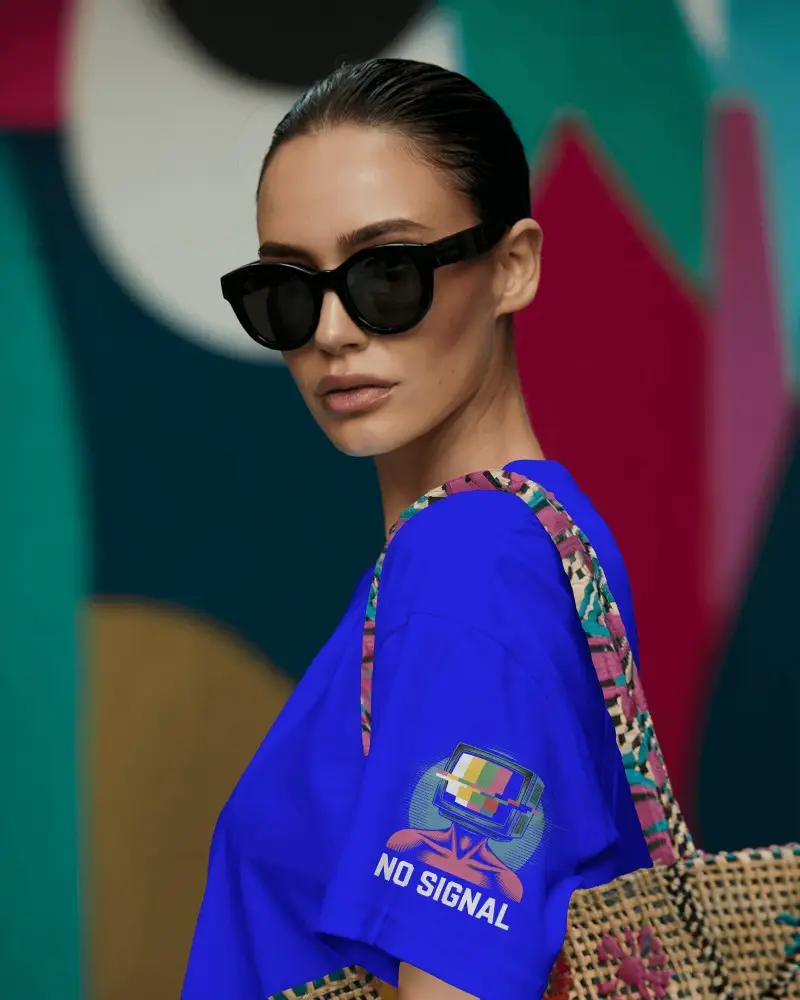


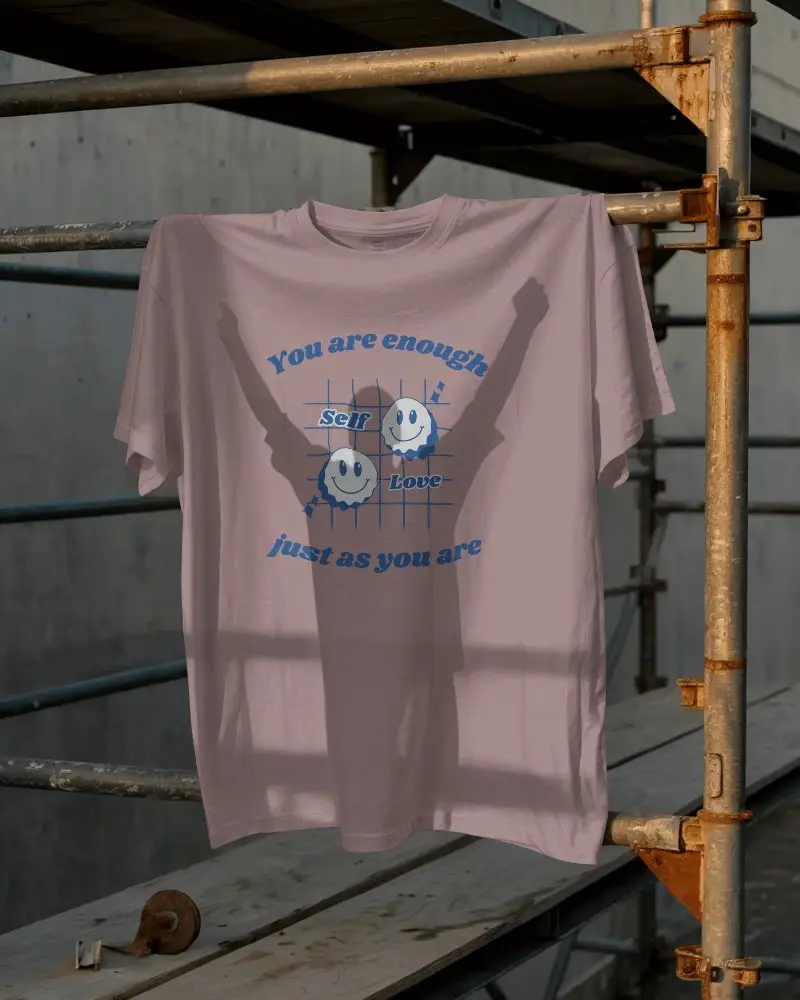

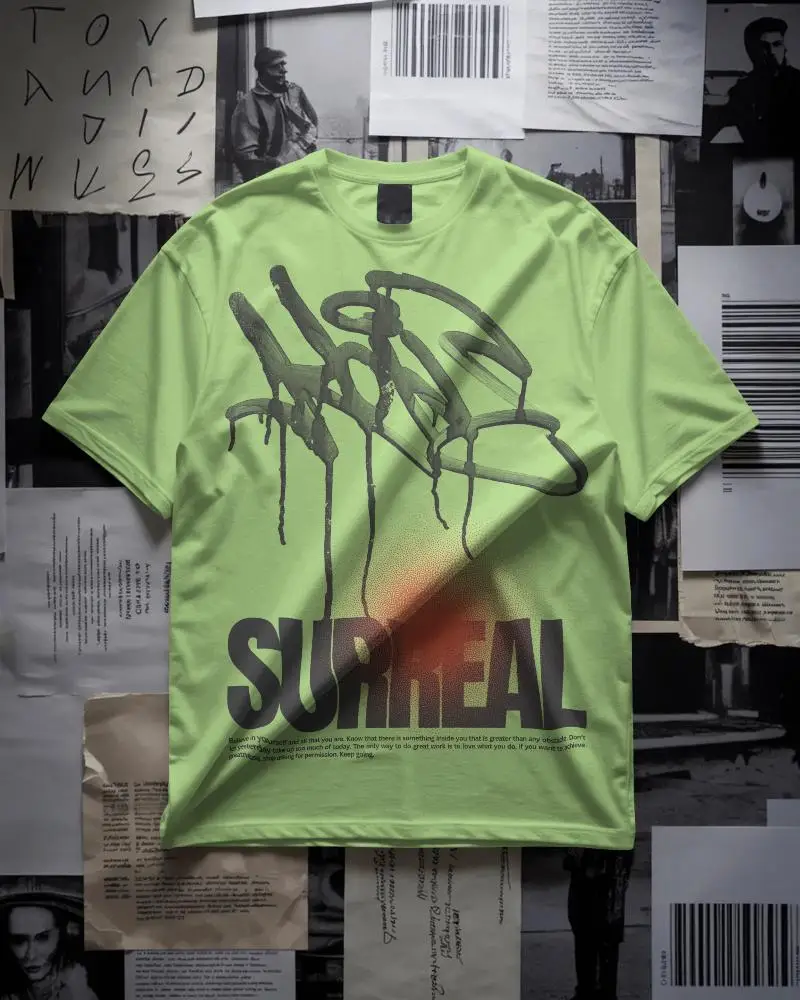
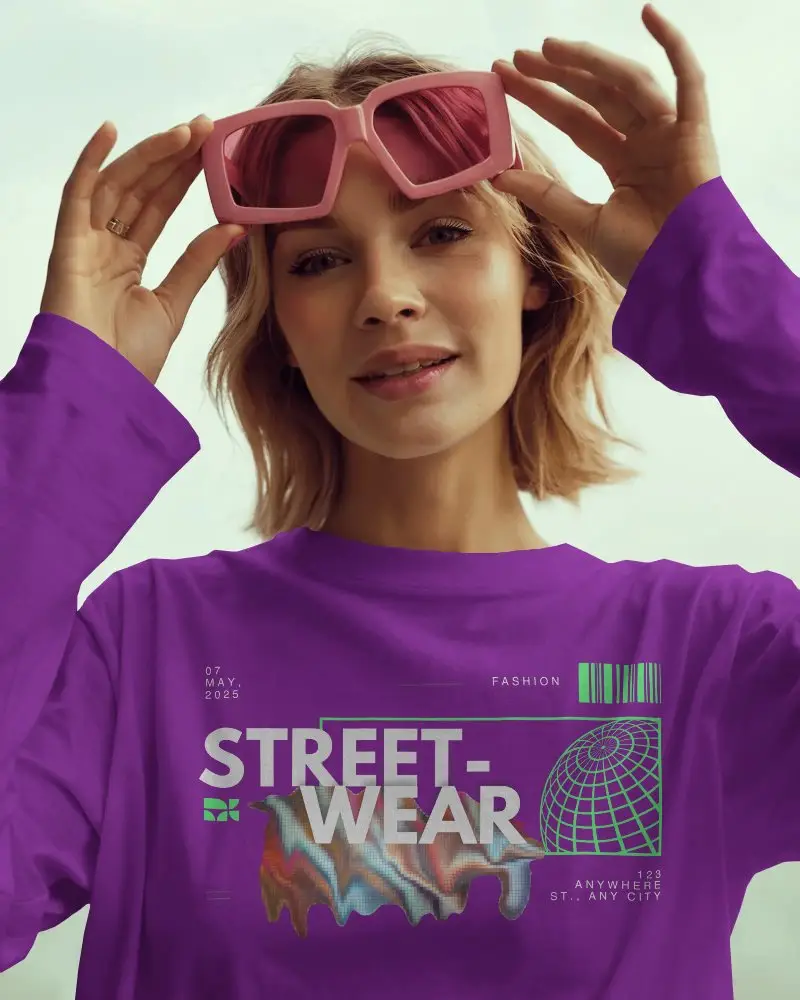
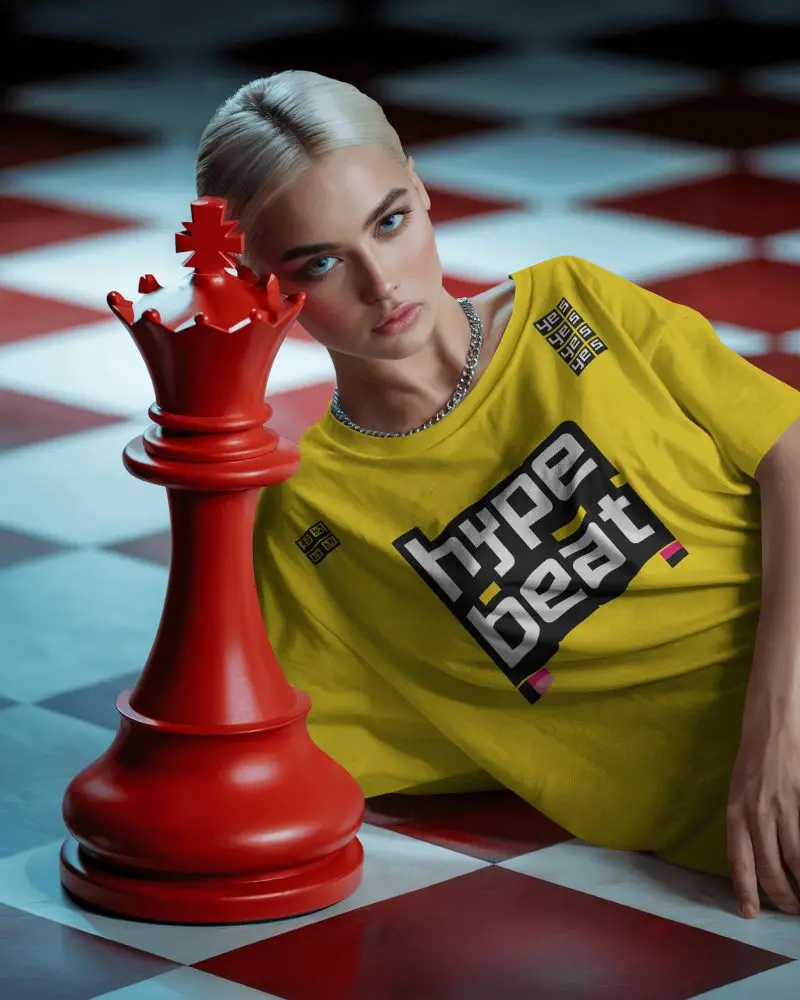

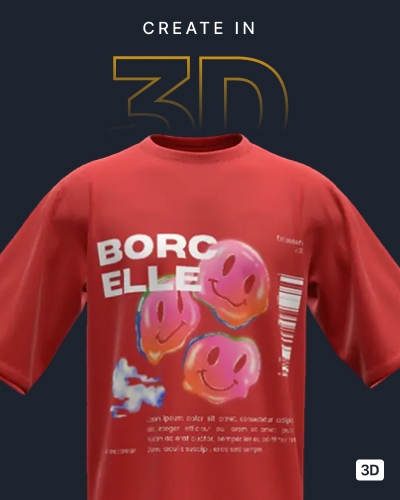
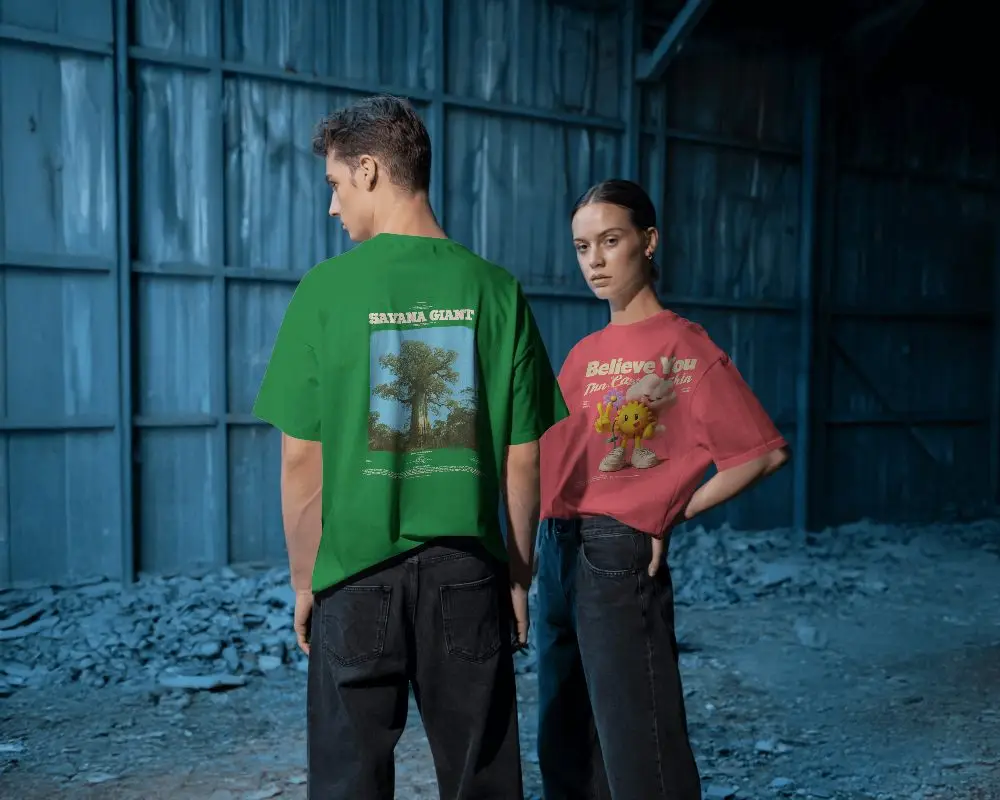

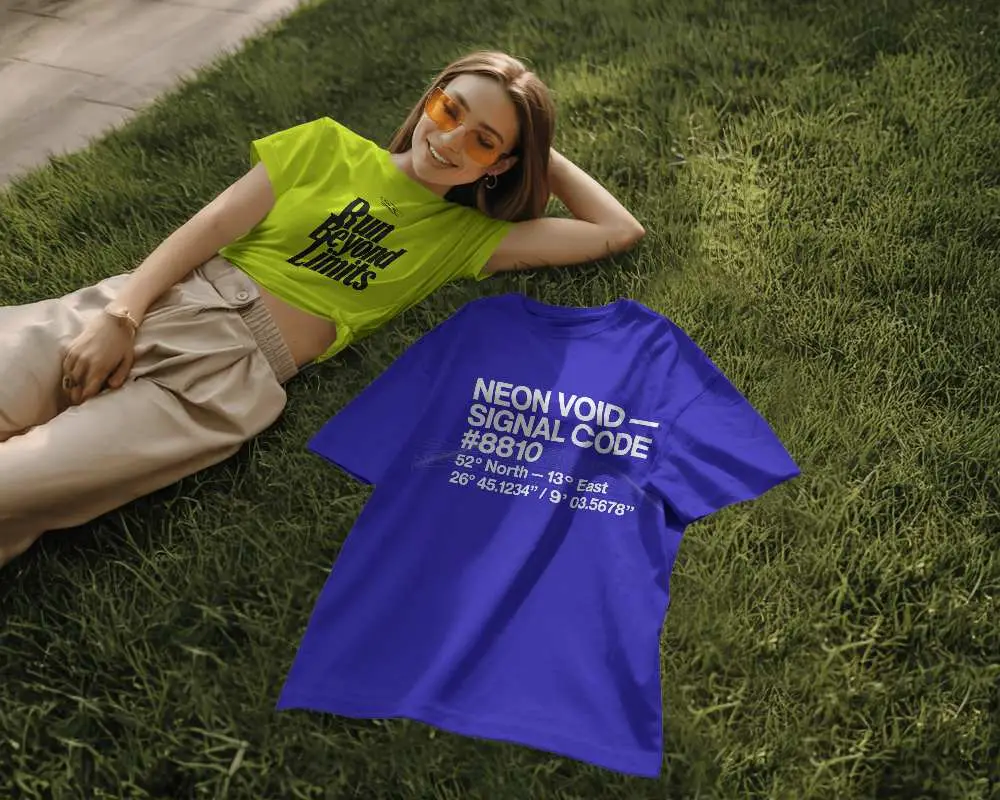

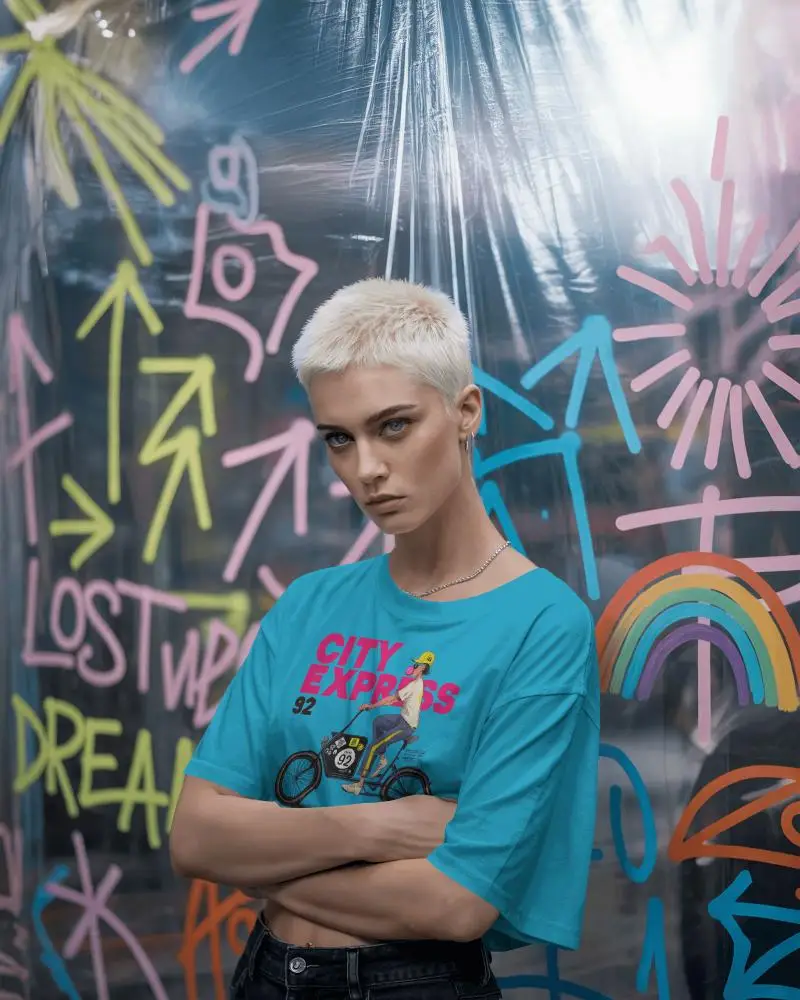
How to Create Navy Blue T-shirt Mockup with Mockey
To create Navy Blue T-shirt mockups:
- Step 1: Go to Mockups > Apparel > T-shirt > Navy Blue.
- Step 2: Choose your preferred navy blue t-shirt template and click on “Upload Design.”
- Step 3: Customize the placement, adjust colors, and save your mockup as PNG or JPG in high resolution.


FAQs on Navy Blue T Shirt Mockups
Which file formats are included in the Navy Blue T-Shirt Mockup?
When you use the download button, you will get two file formats: PNG and JPEG. Both of these formats are available for the navy blue t-shirt mockups.
Can I use the Navy Blue T-Shirt Mockup for my POD store?
If you plan to use a Navy Blue T-Shirt Mockup for your print-on-demand store, the license is what decides. Without the right permissions, using the image for business can land you in copyright trouble and even legal issues. There’s no such issue in Mockey AI. Use whatever mockups you want for your POD.
Can I showcase both front and back designs with this Navy Blue T-Shirt Mockup?
The navy blue t-shirt mockups include templates for both the front and back sides. You can also add two separate designs using the “Upload Design 1” and “Upload Design 2” buttons. Additionally, with the help of our Front and Back T-shirt Mockup tags, you can explore a variety of front and back templates.
