Front And Back T-shirt Mockup Free To Download
Showcase your T-shirt designs like never before with Mockey’s Front & Back T-Shirt Mockup. Perfect for designers, brands, and creators, this mockup allows you to display both sides of your designs in realistic, high-quality detail.

















































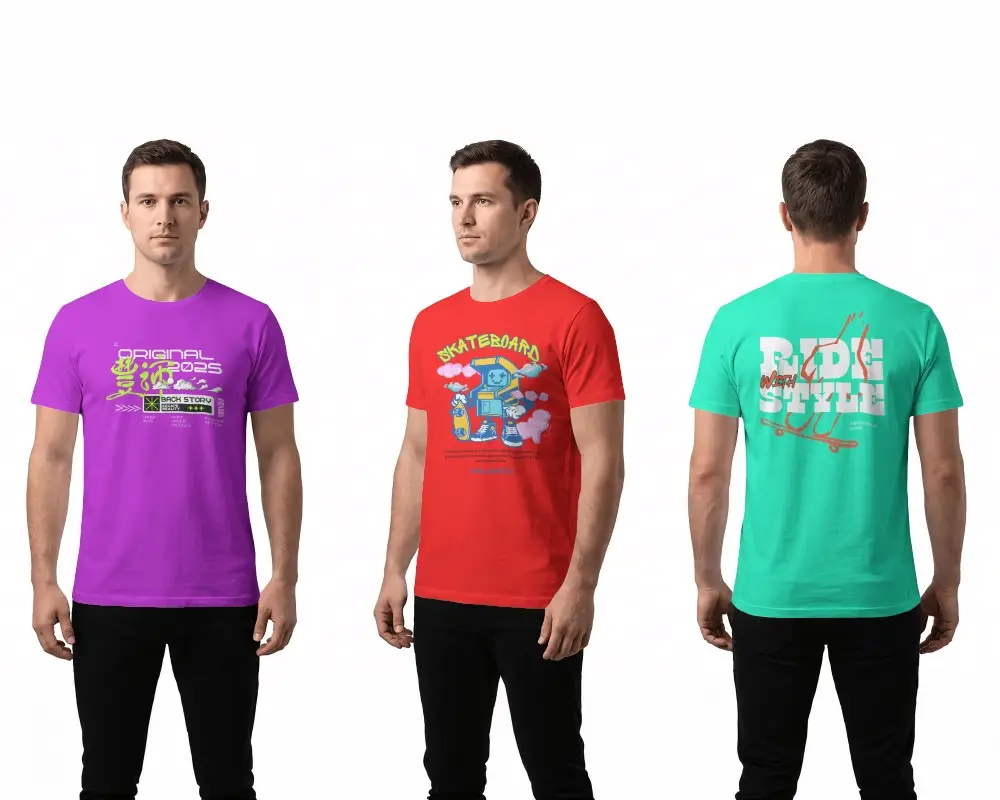
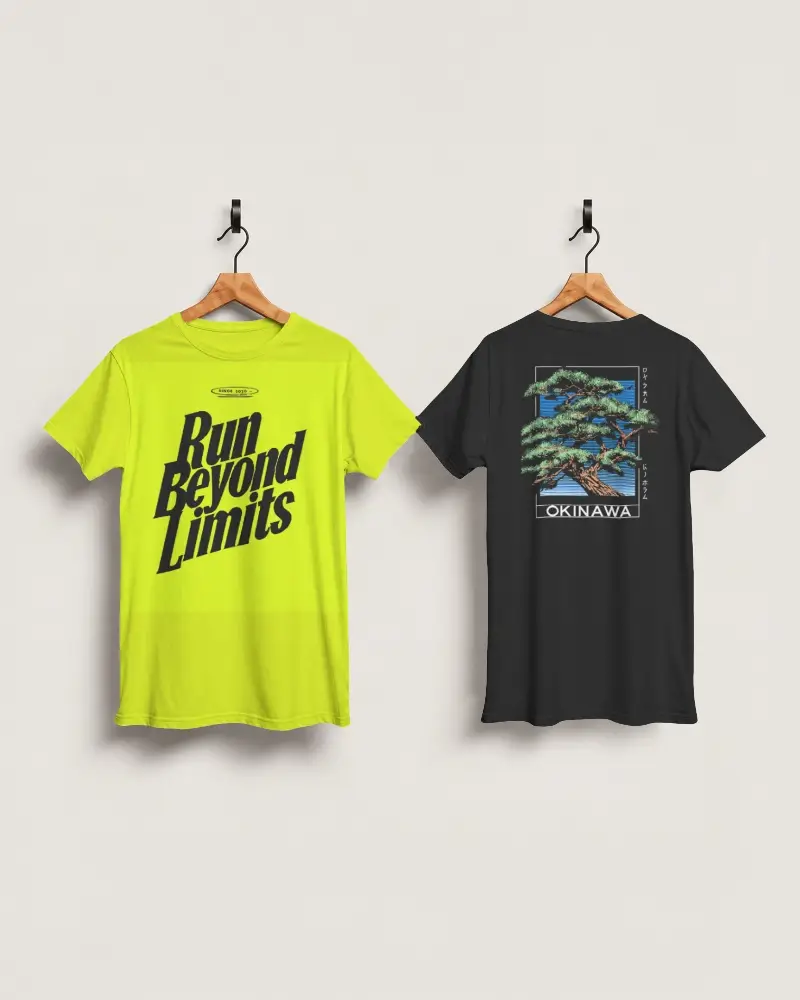
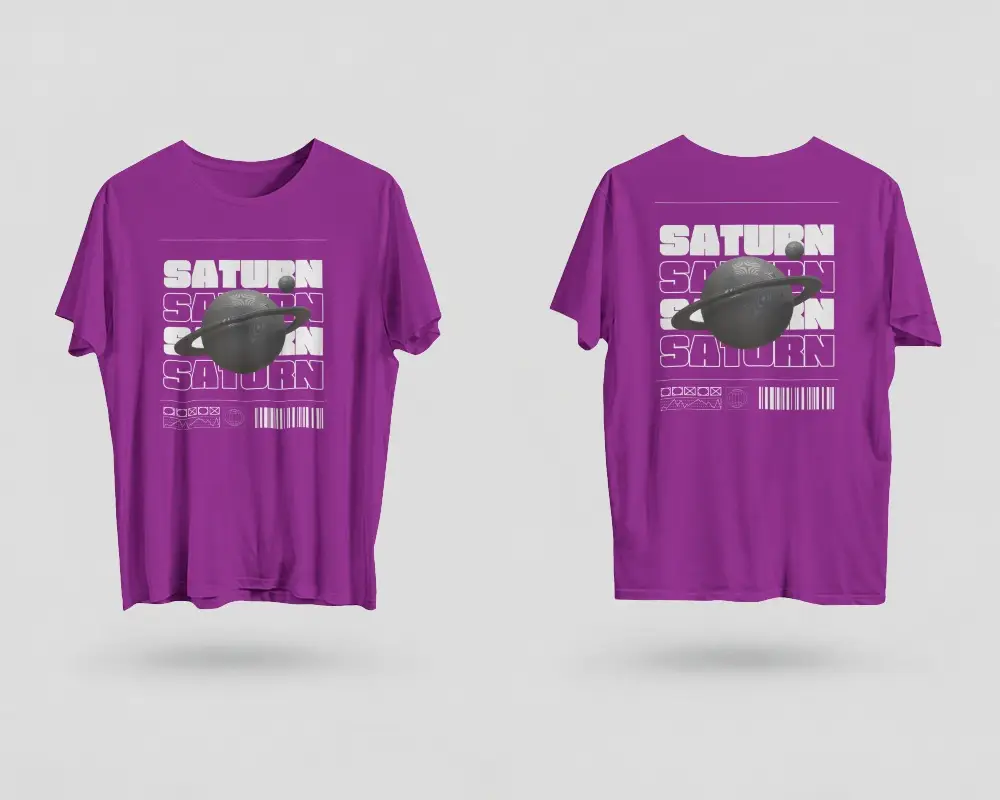
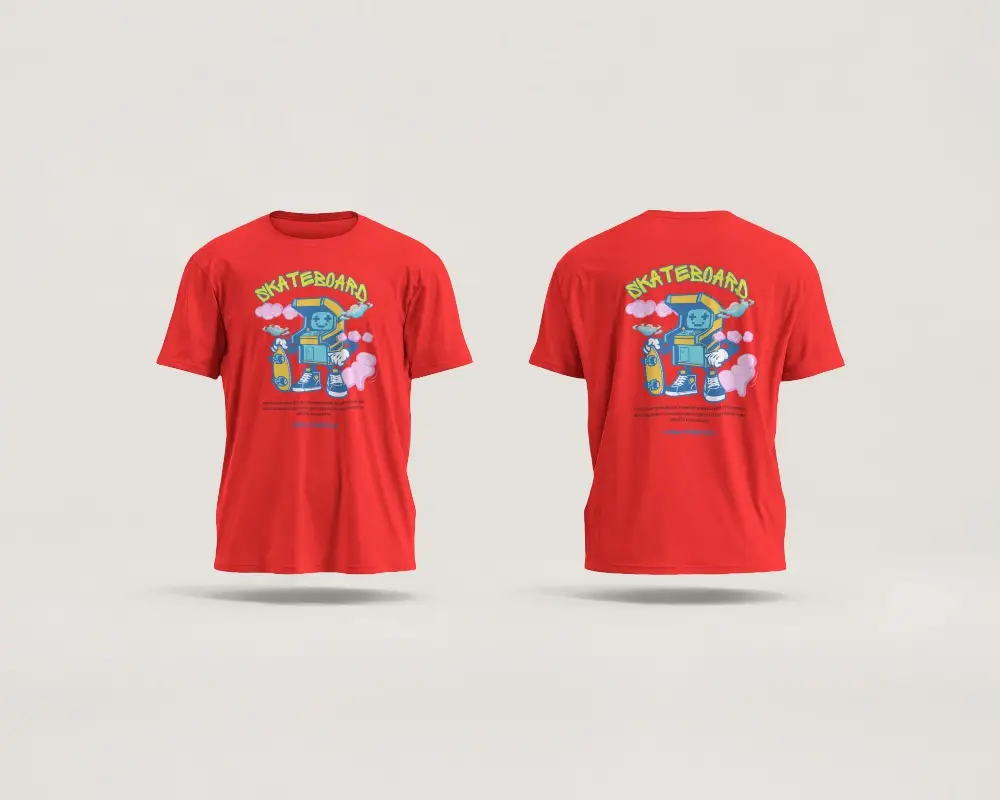
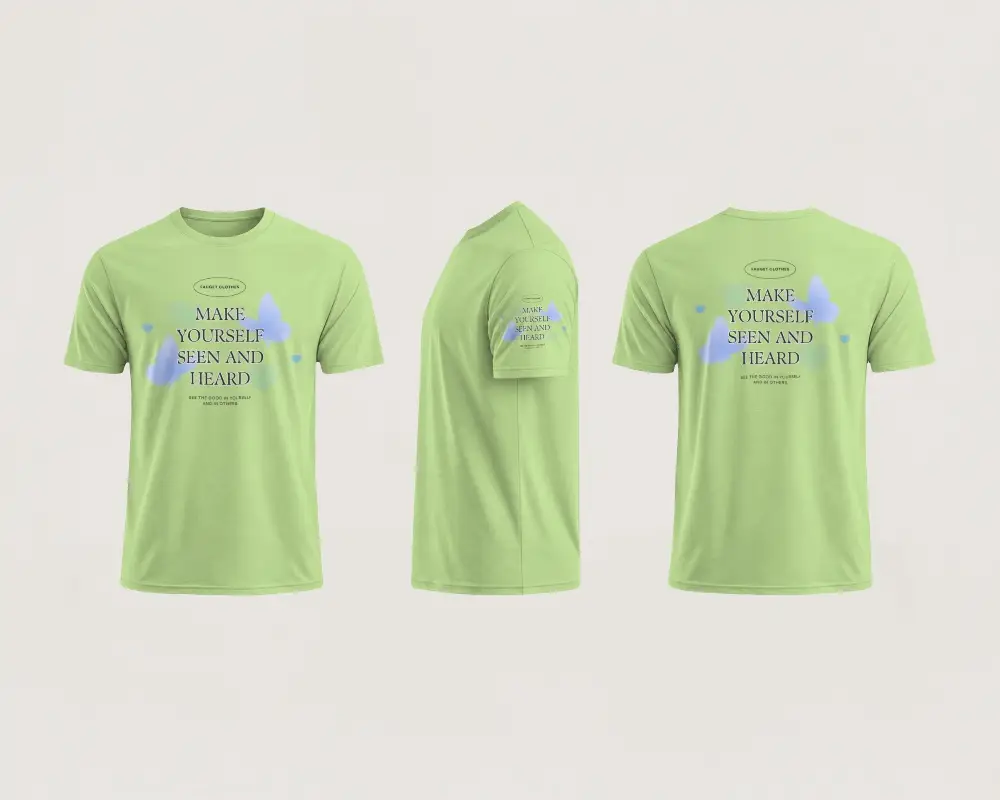
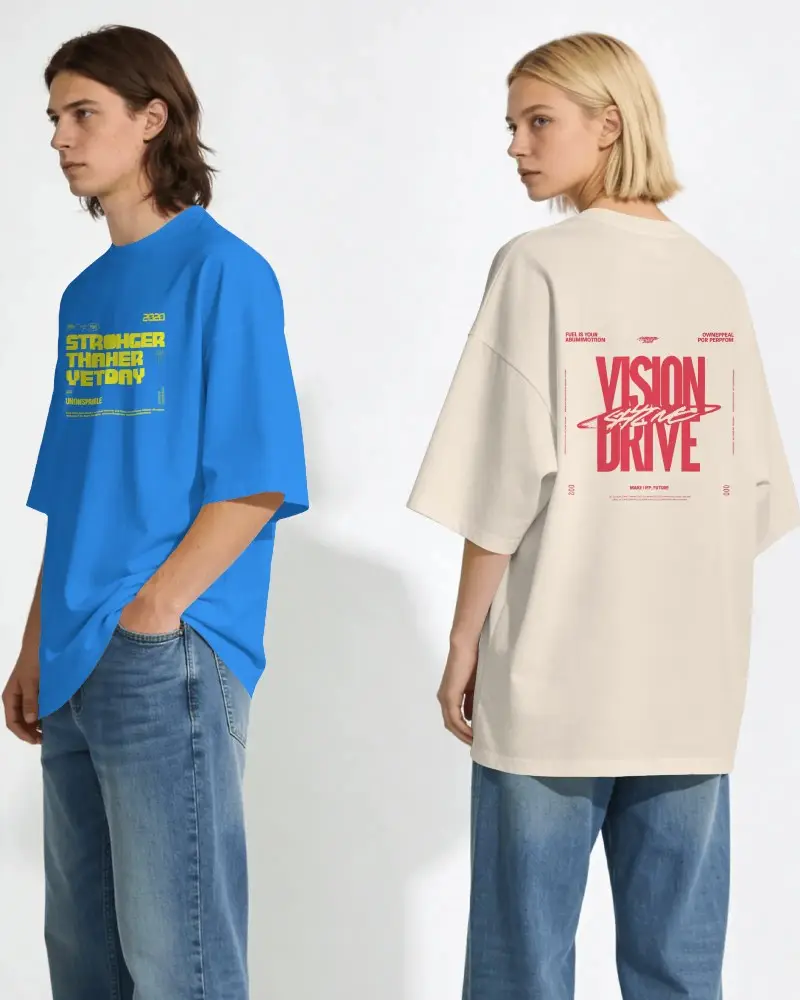
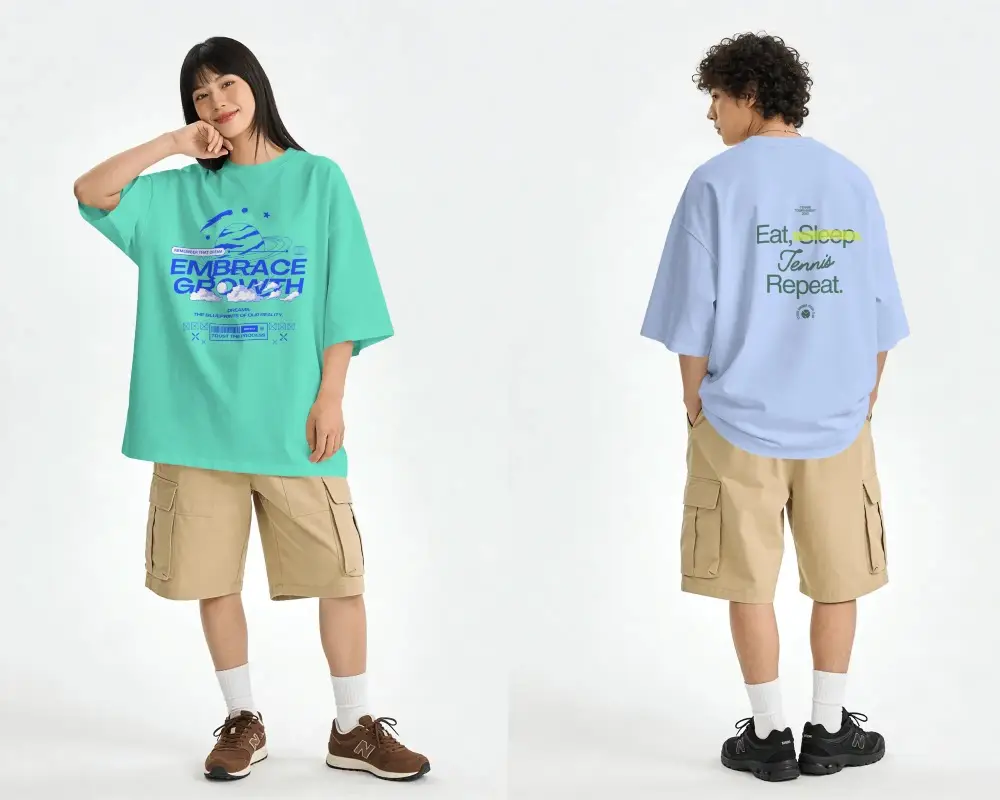
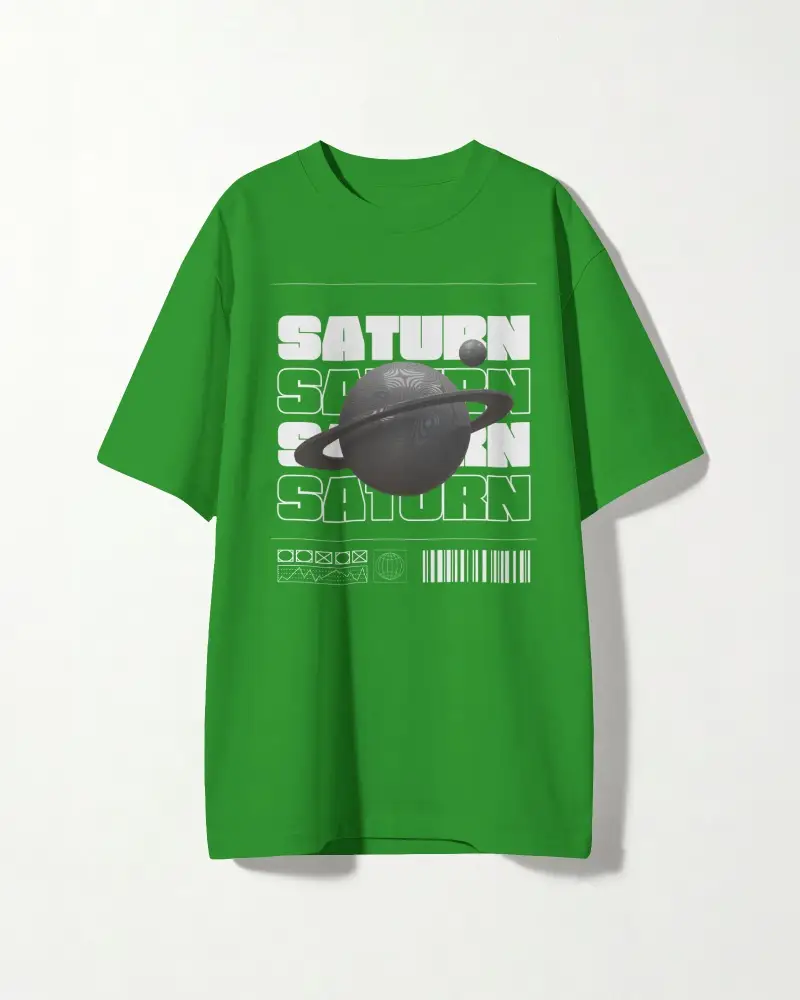
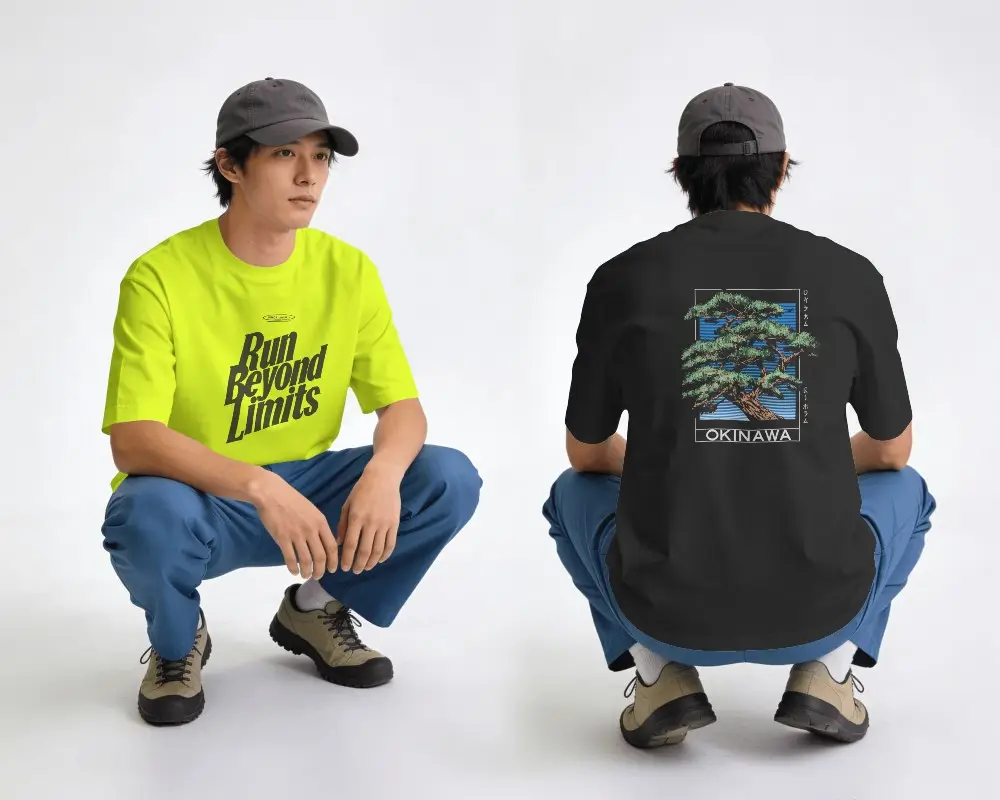
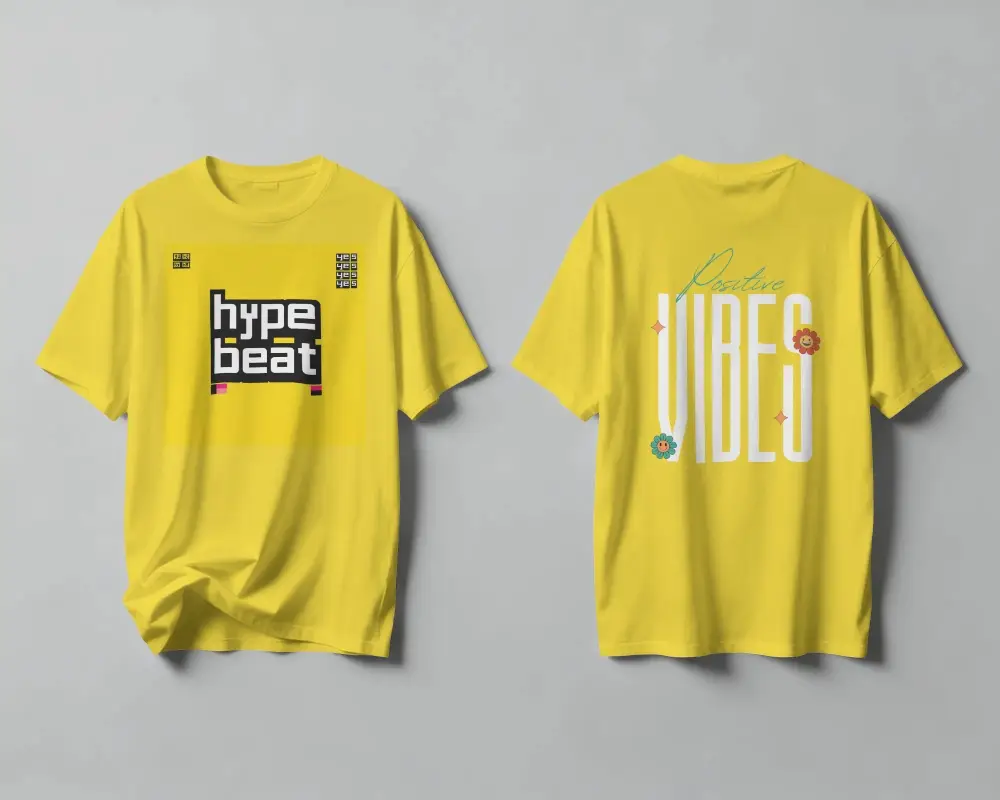
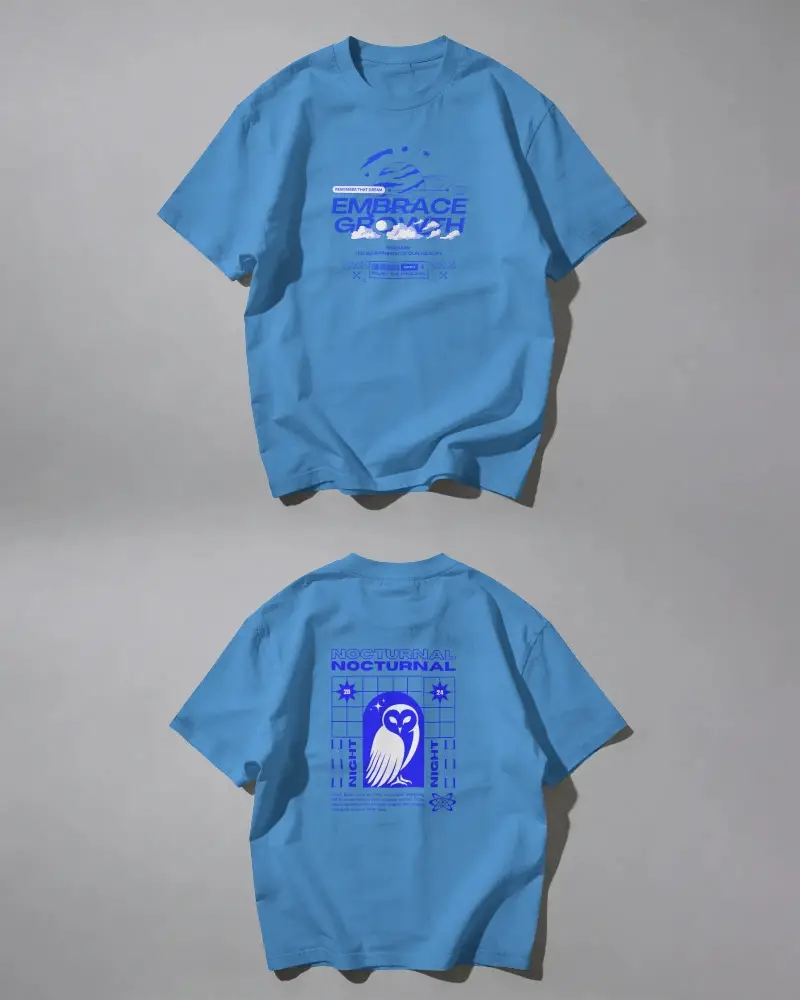
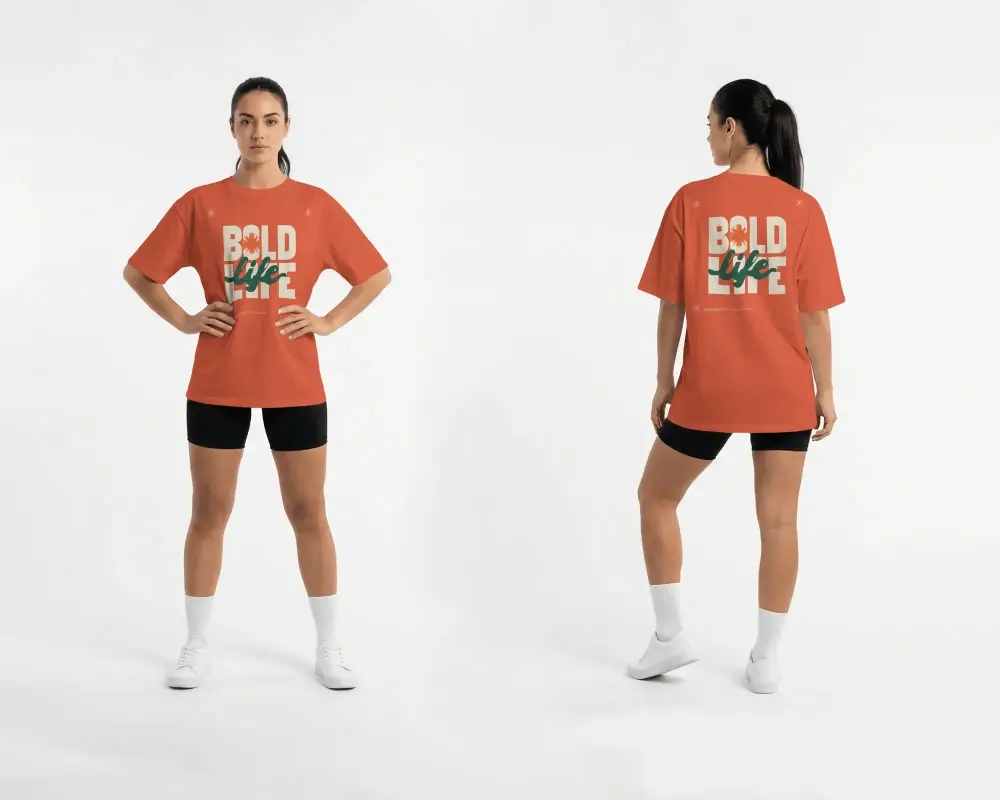

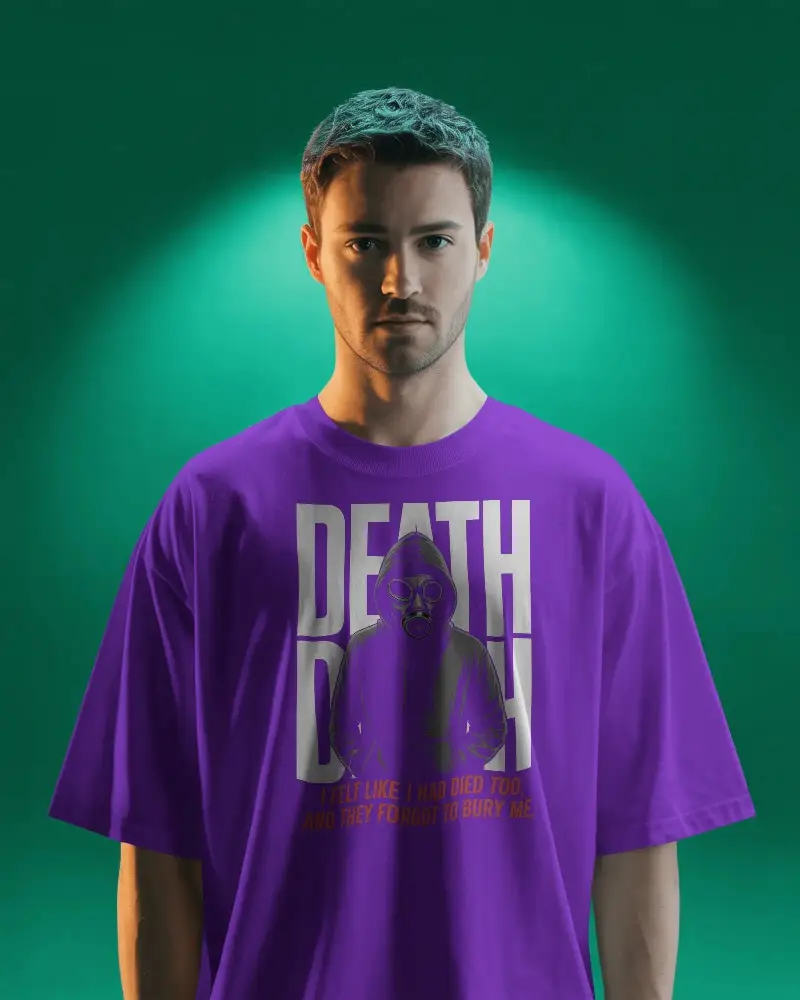
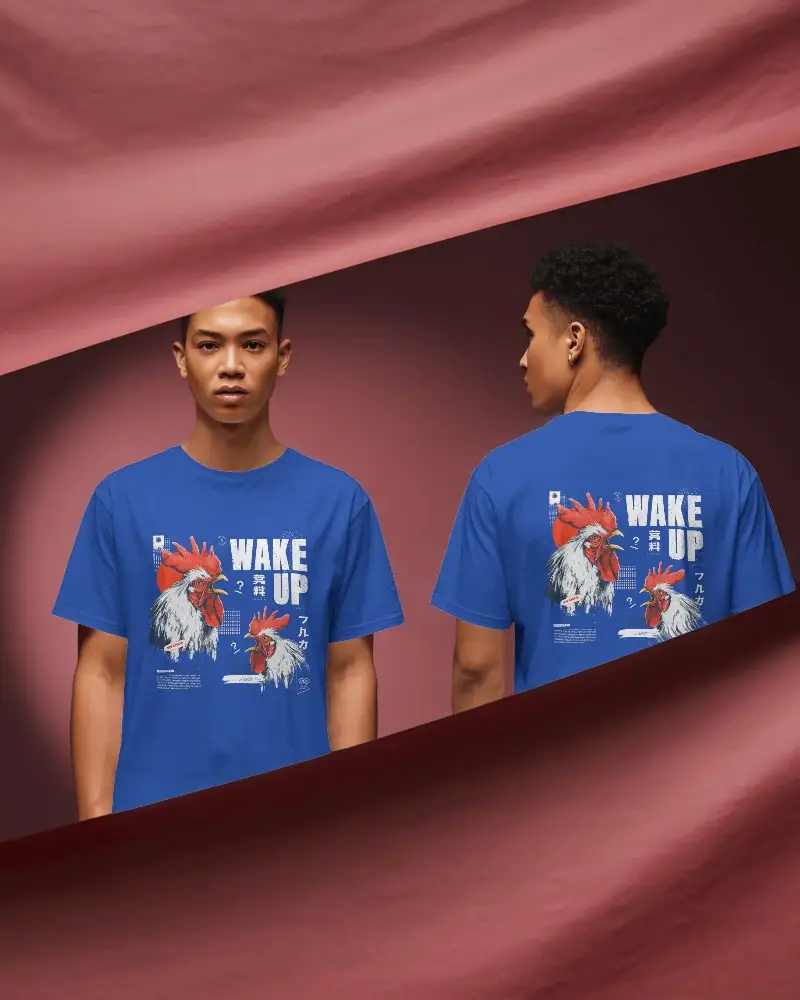
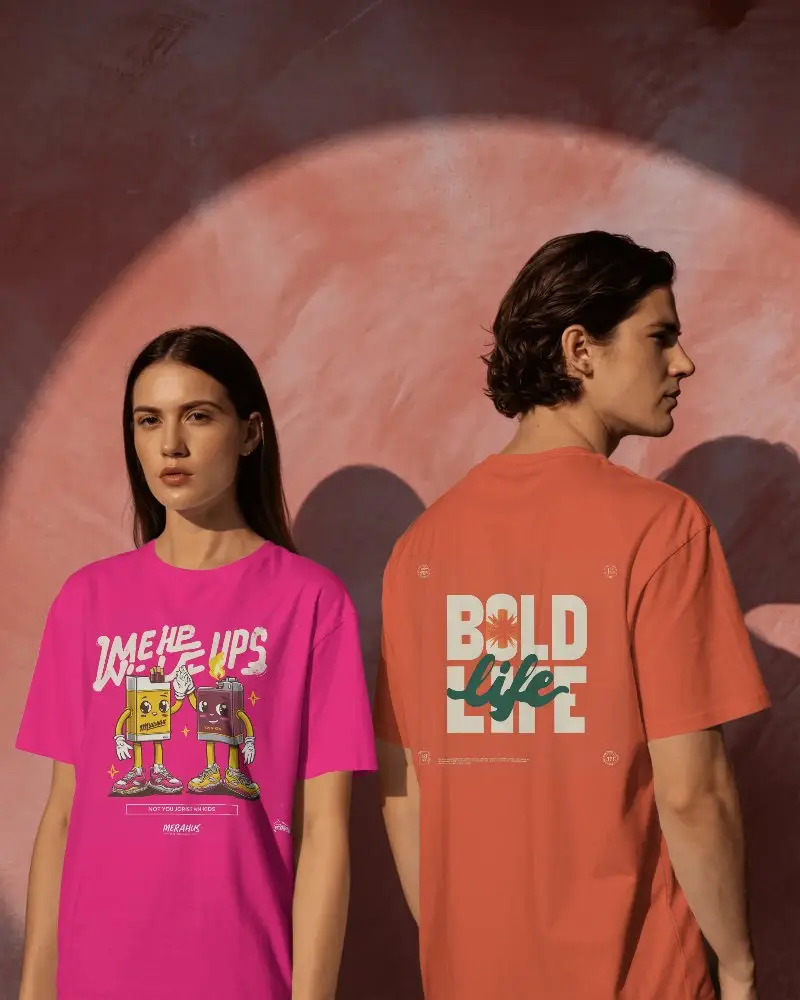
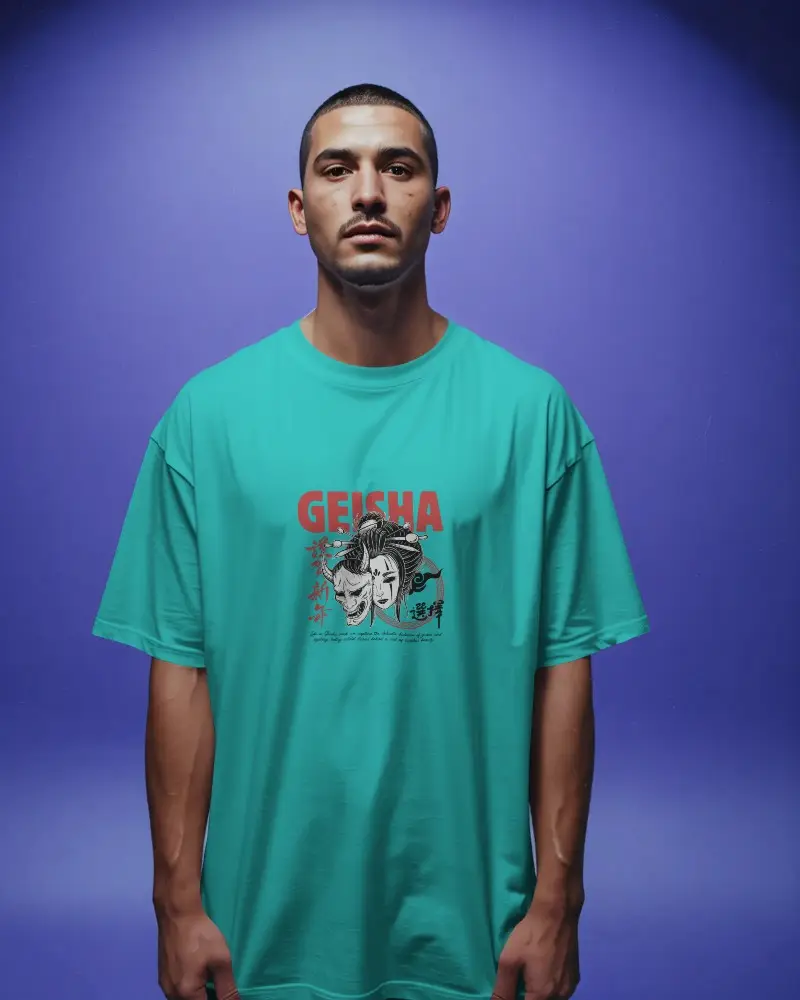
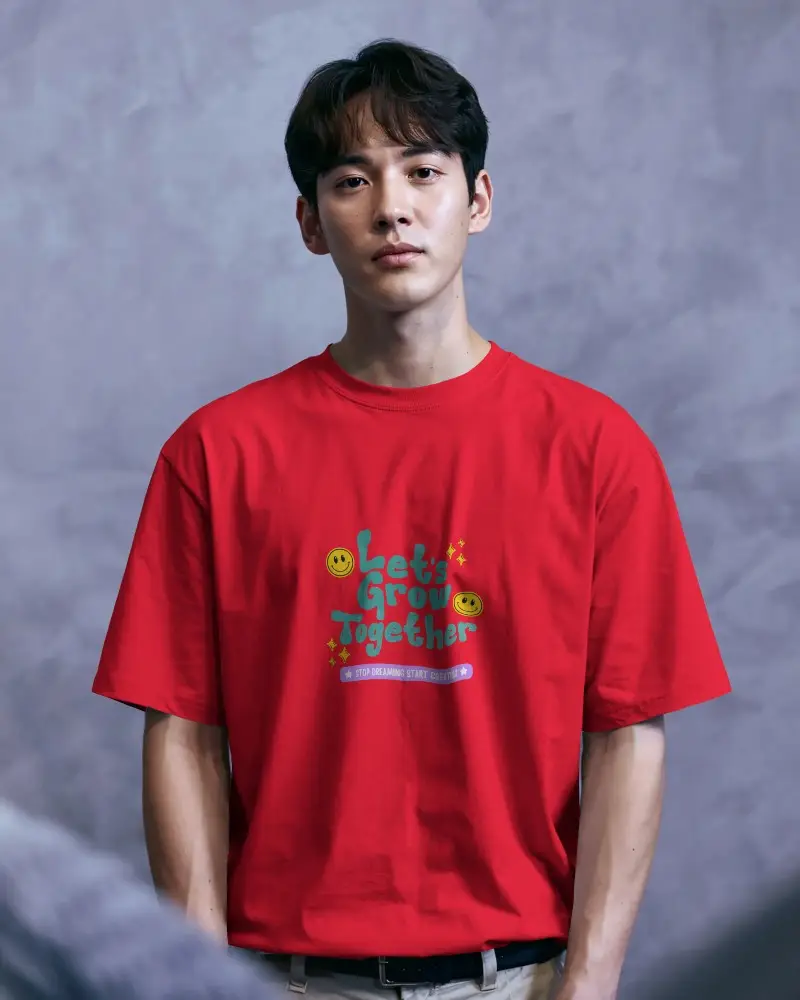
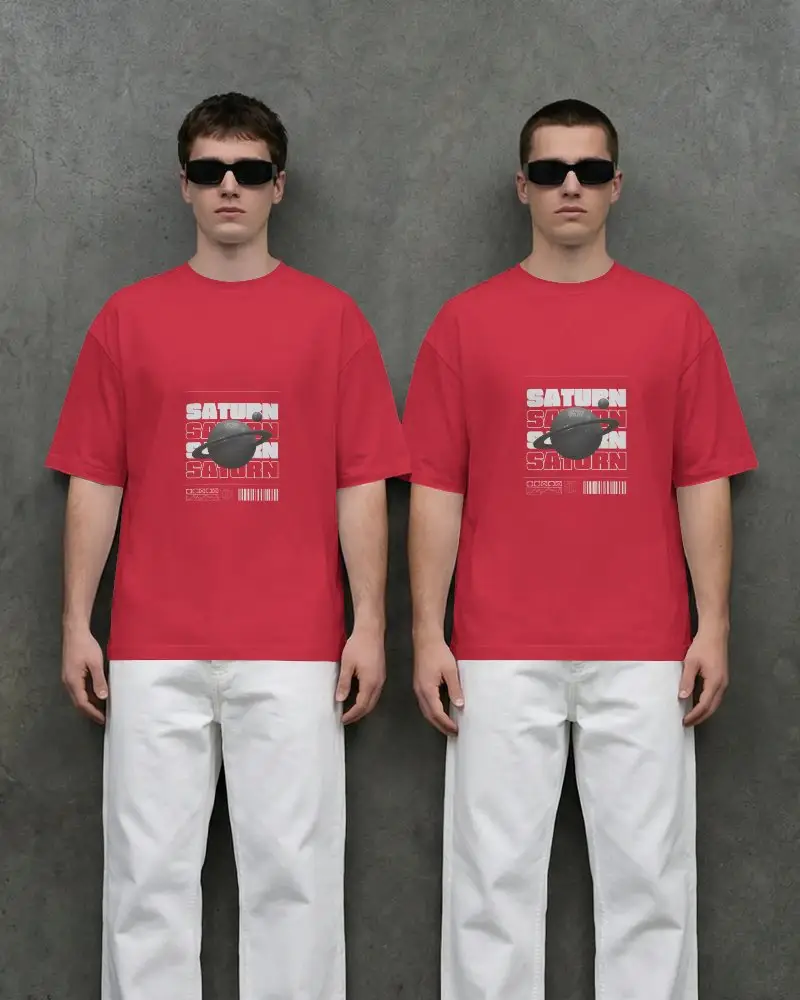
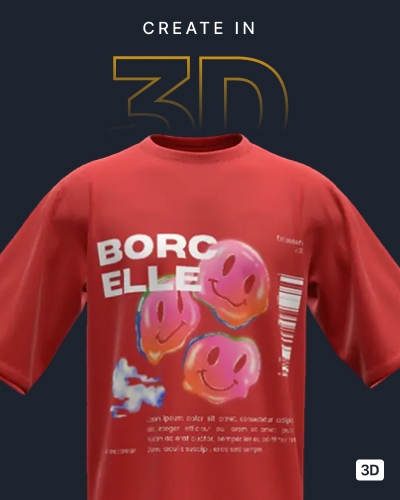
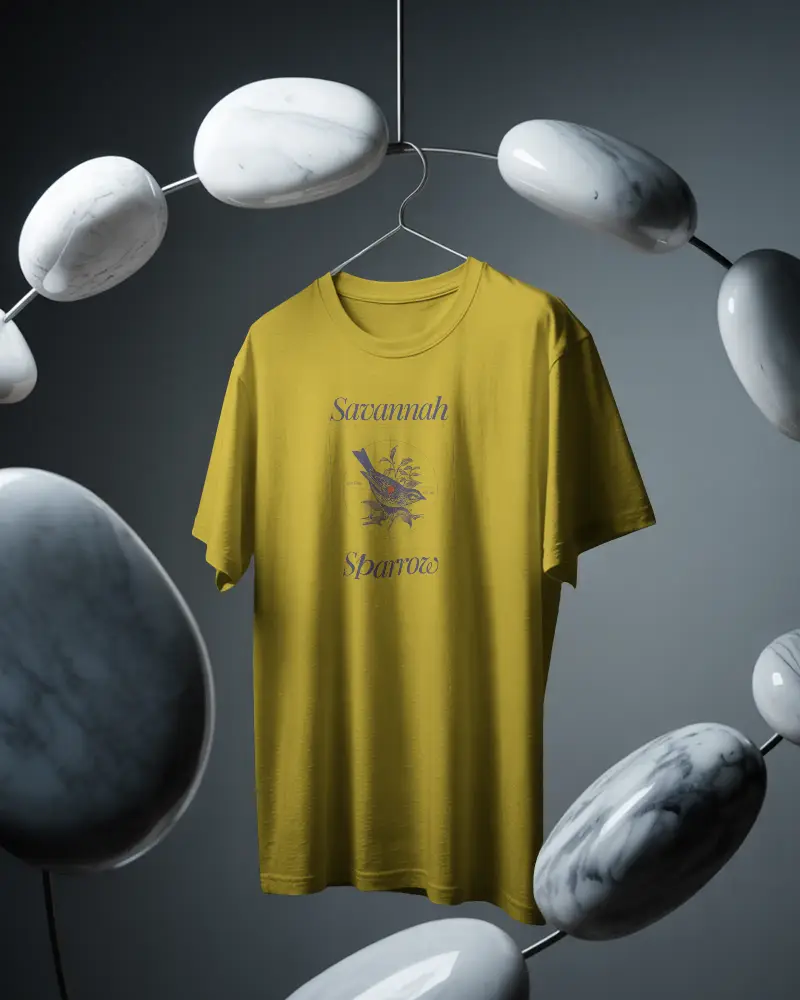
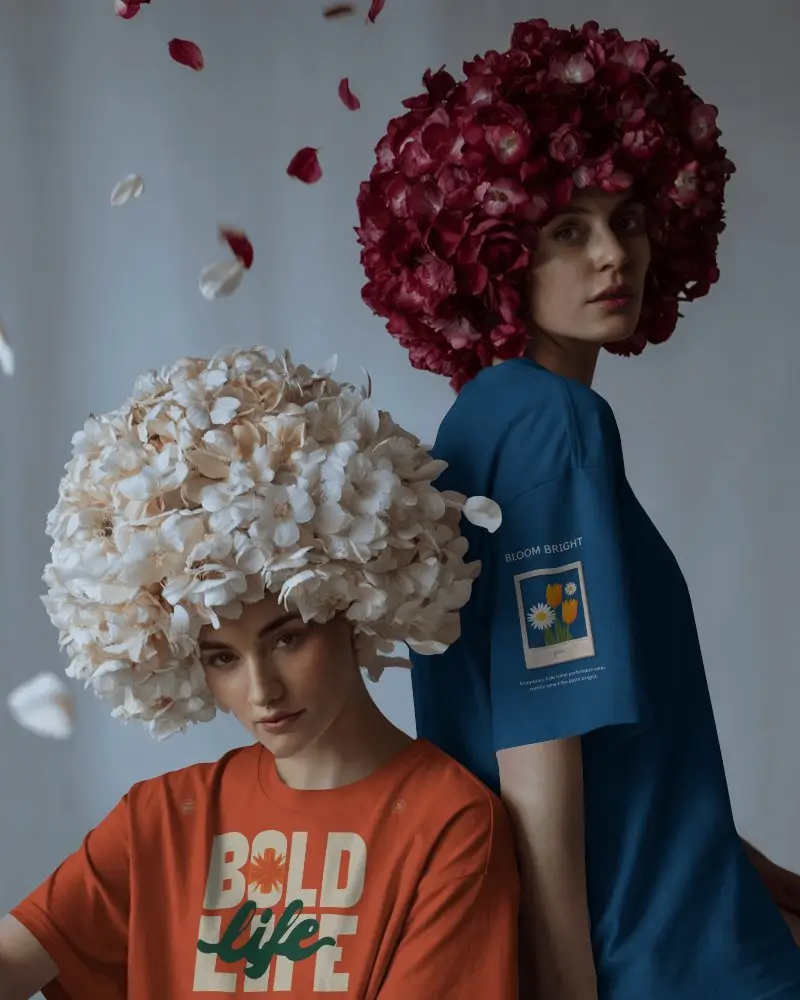
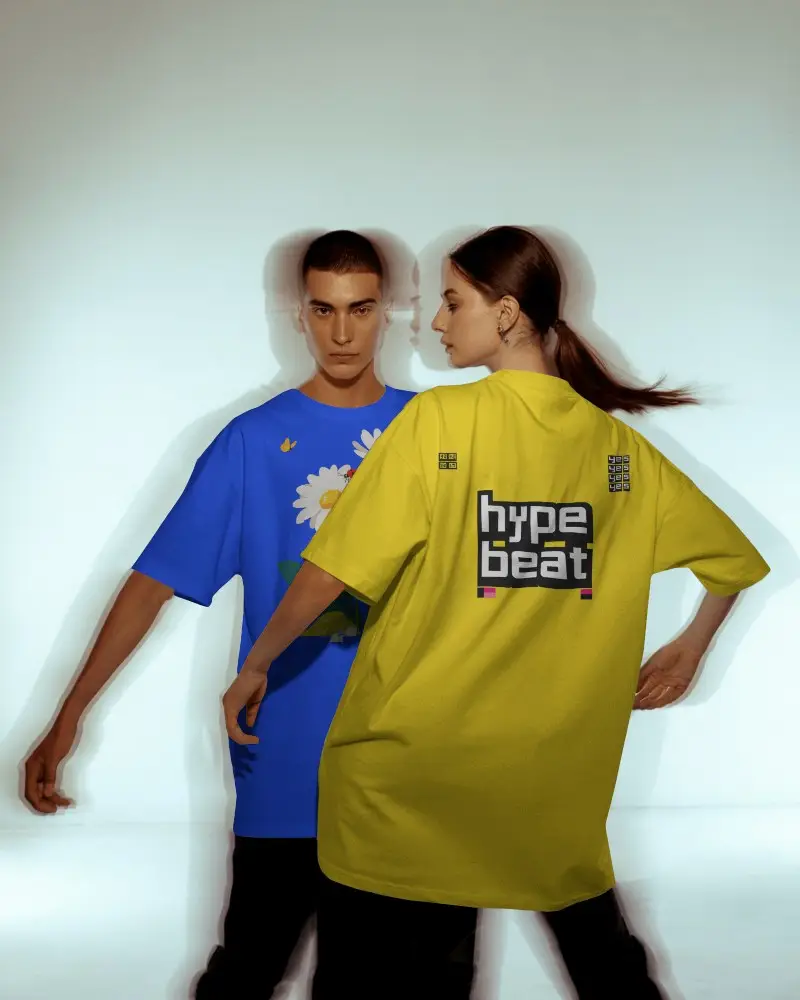
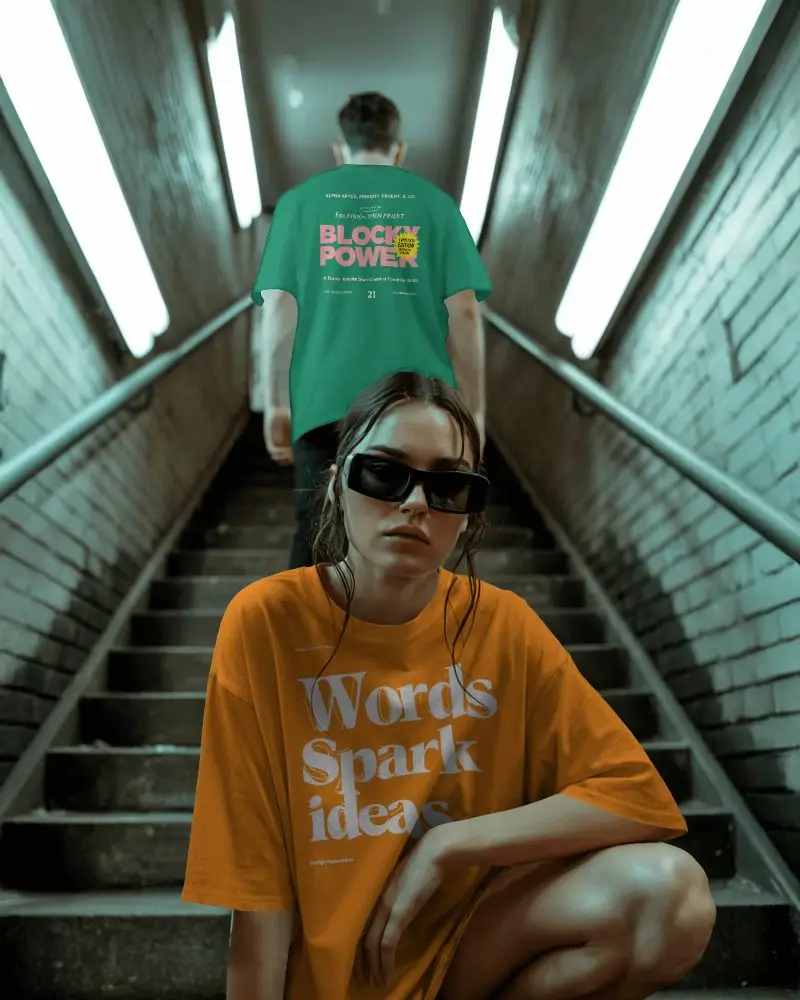
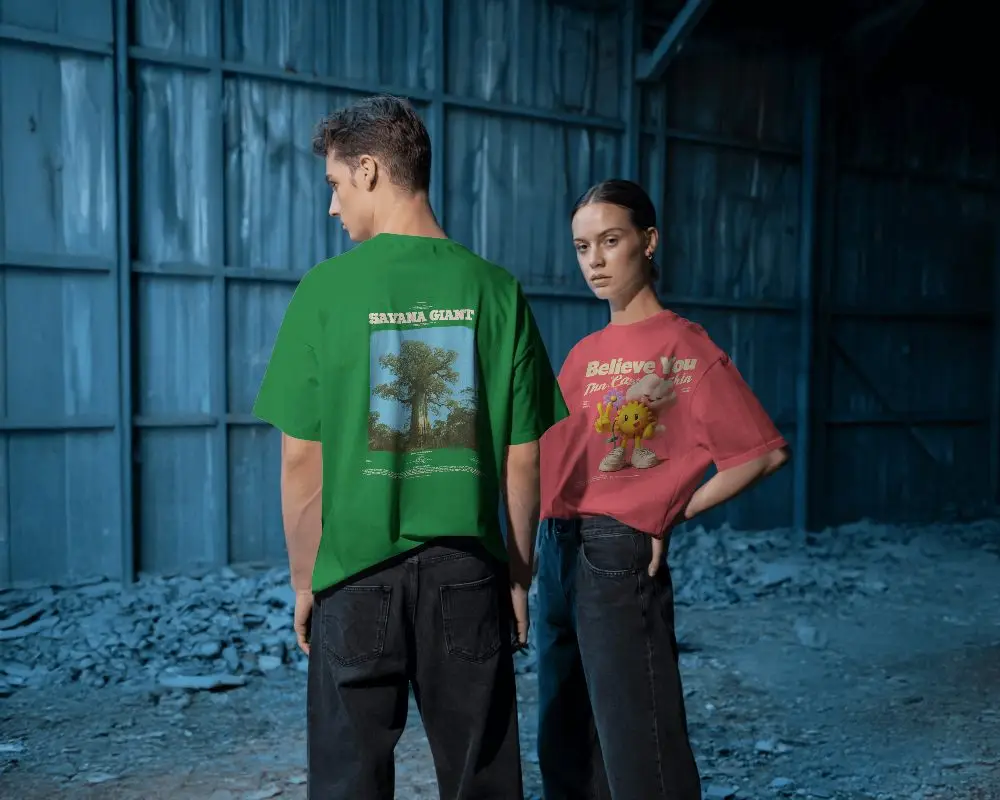
How to Create Front And Back T-shirt Mockup with Mockey
To create Front & Back T-shirt mockups:
- Step 1: Go to Mockups > Apparel > T-shirt and choose the Front & Back layout.
- Step 2: Pick a template, then use “Upload Design” to add your artwork for the front and back.
- Step 3: Adjust placement, colors, and background. Preview both sides and download your mockup in high quality.


FAQs on Front And Back T Shirt Mockups
How to place design on t-shirt mockups?
To add a design to your T-Shirt mockups you can start customizing by using the Upload Design button on the editor page (or the Design button on the catalog page).
Can I customize the colors in a Front & Back T-Shirt Mockup?
You can customize the colors of the front and back t-shirt mockups. Just click on Color in the editor page and change it using the color wheel or by entering an RGB code to pick any shade you like.
How do Front & Back T-Shirt Mockups help in design presentations?
Front and back t-shirt mockups make design ideas look real. They show exactly how a print will appear on a finished shirt. This facilitates the polishing of designers' work. Moreover, clients can preview the final Mockups before they go into production.
Can I showcase my brand designs using a Front & Back T-Shirt Mockup?
Yes, you just need to have your brand logo ready and upload it using the Upload Design button. All the customization happens on the editor page, which helps you create mockups that showcase your designs perfectly
