Green T-Shirt Mockup Templates – Free, Realistic, and Customizable
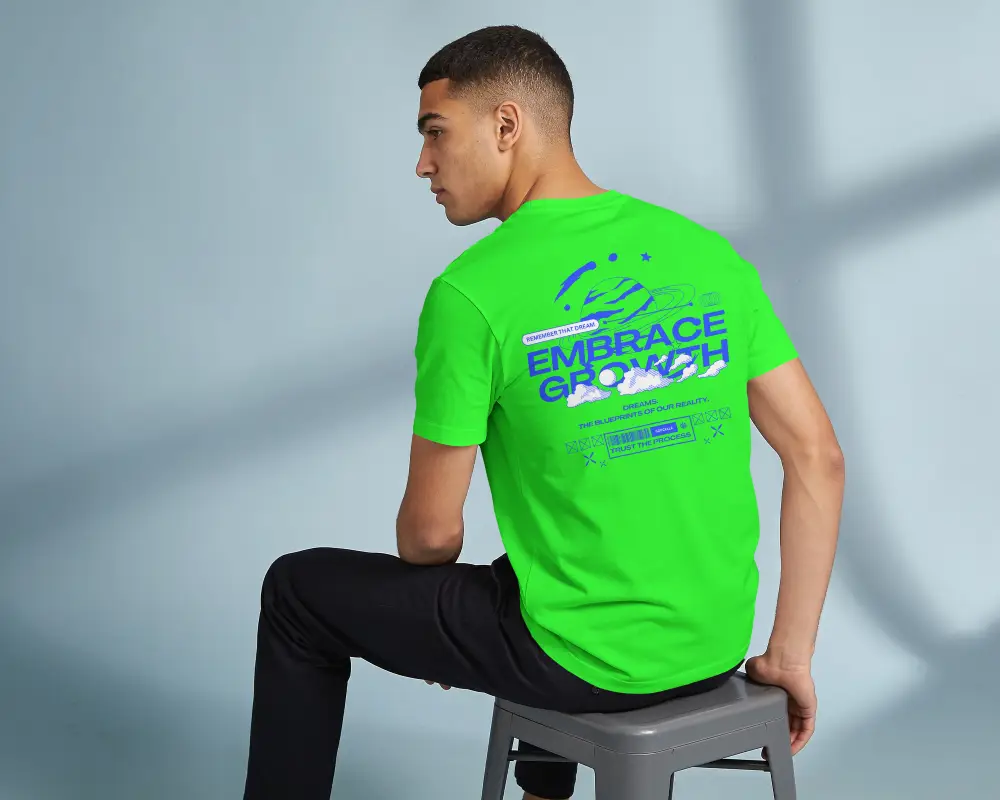
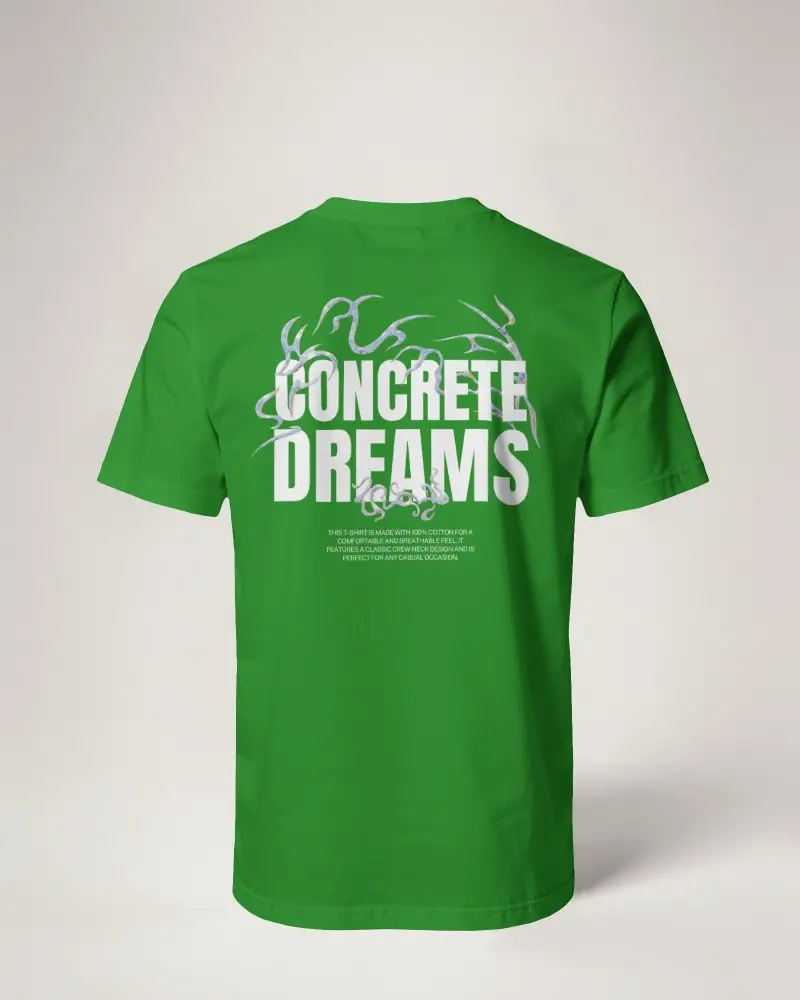
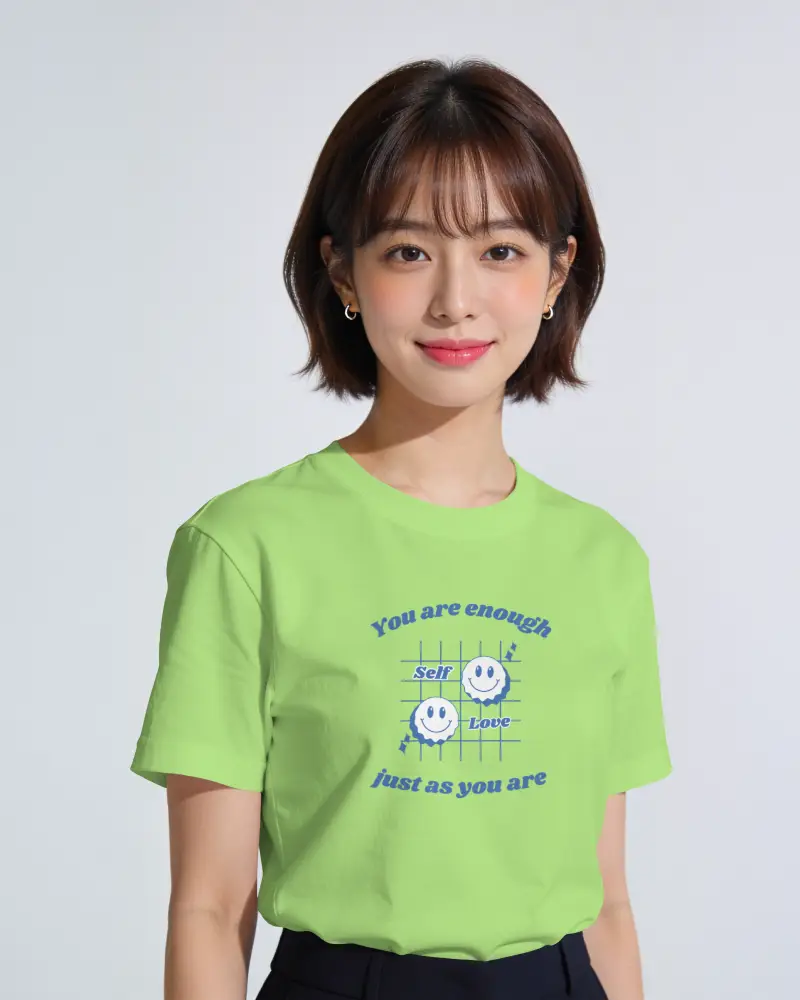
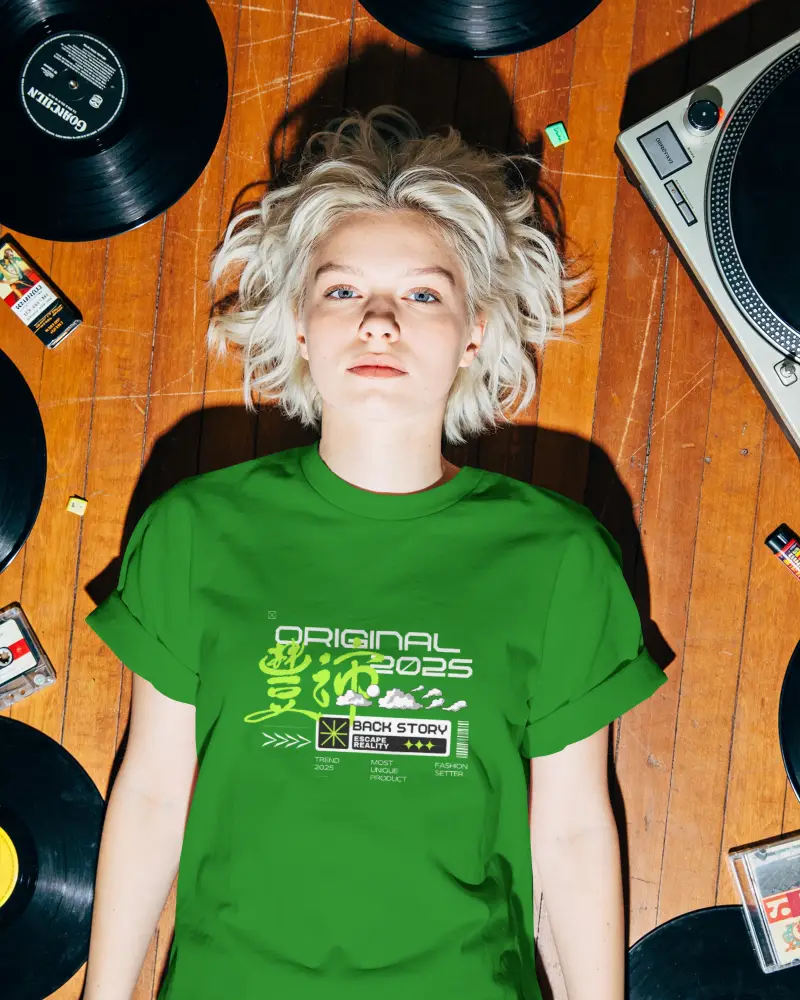
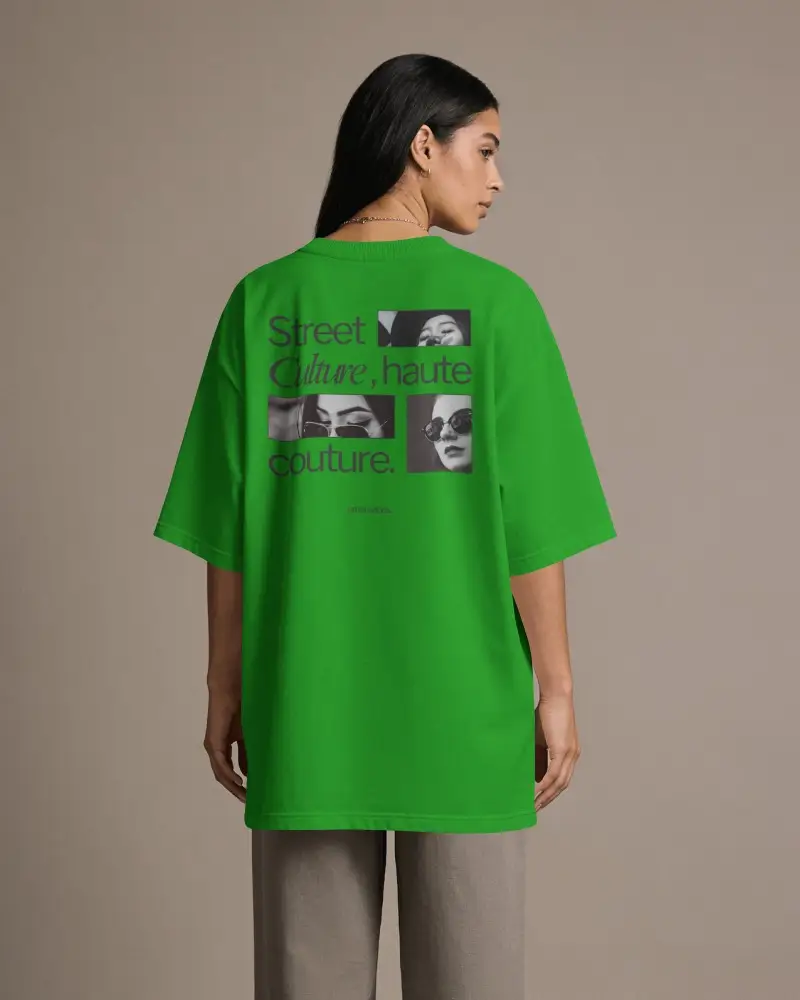
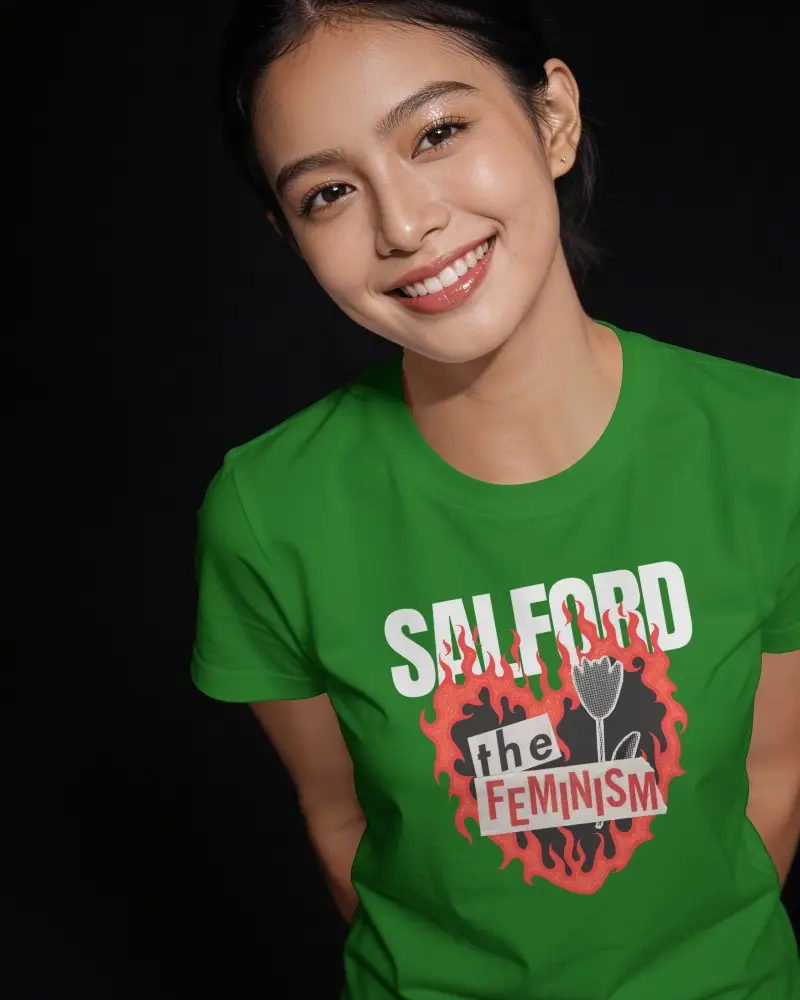
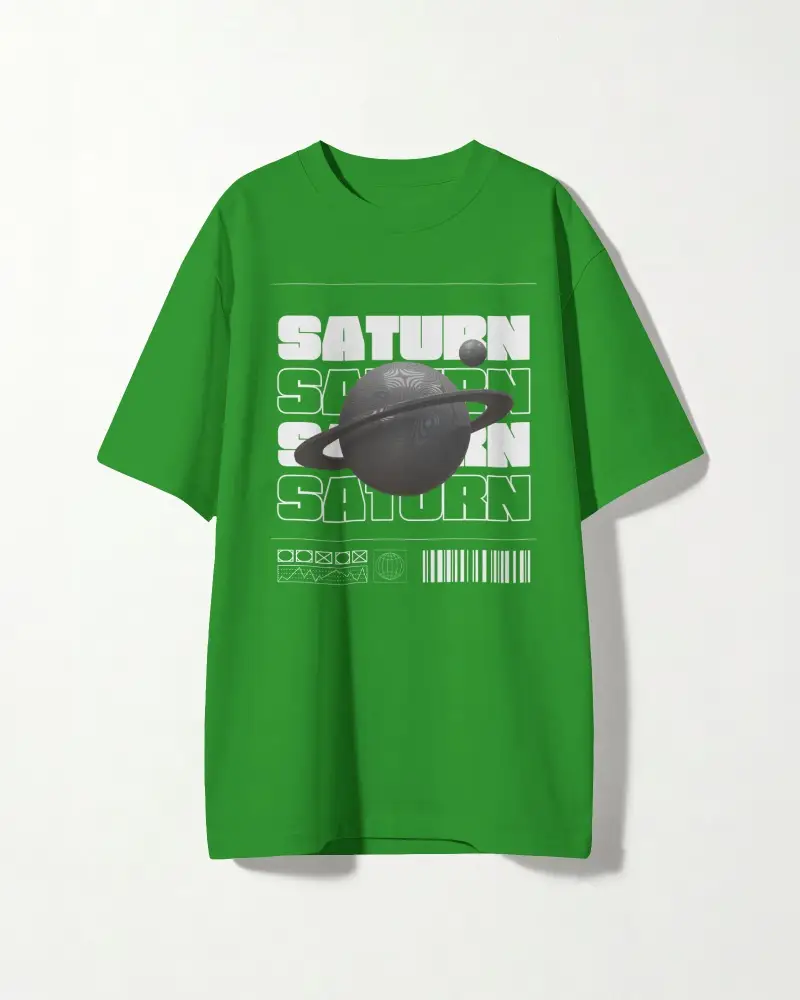
Download Mockey’s Green T-Shirt Mockup for free. Fully editable and realistic, with front-and-back views to showcase your designs instantly. Easily customize colors, adjust artwork placement, and create professional-quality previews that highlight every detail of your design.

















































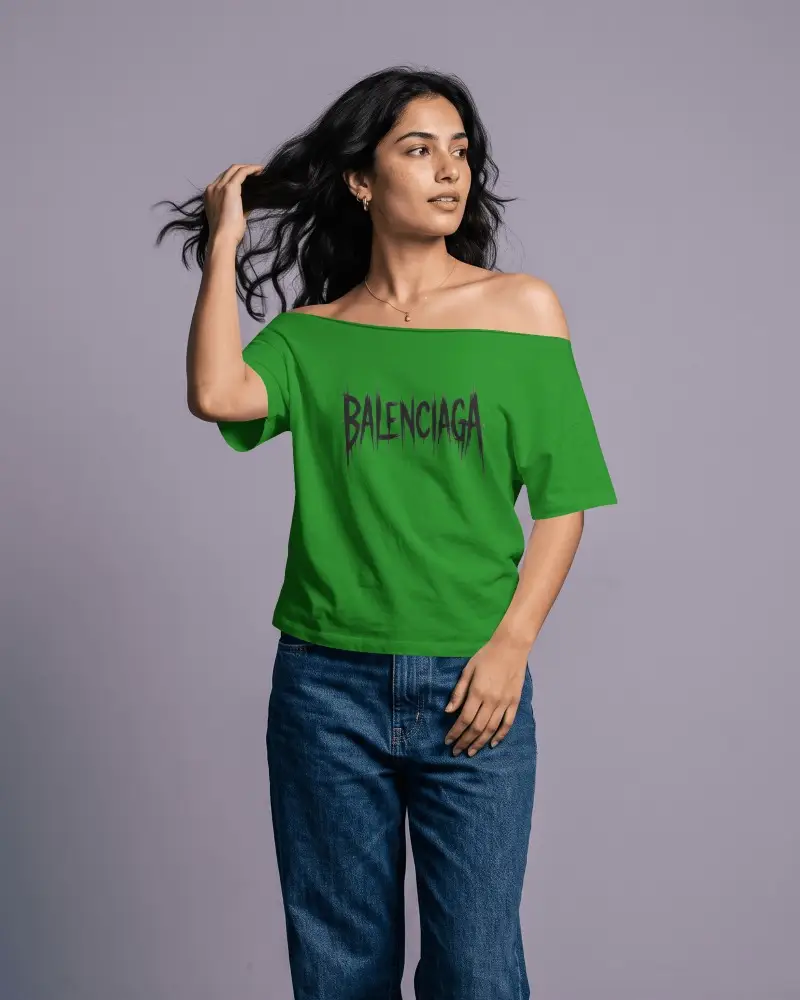
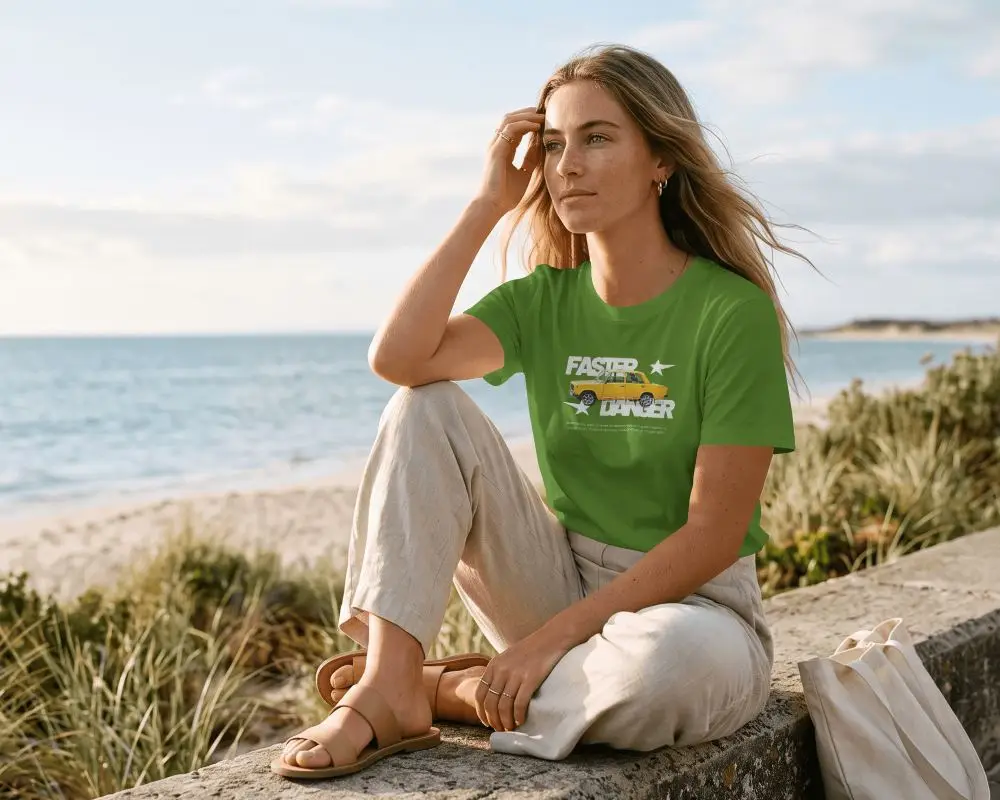
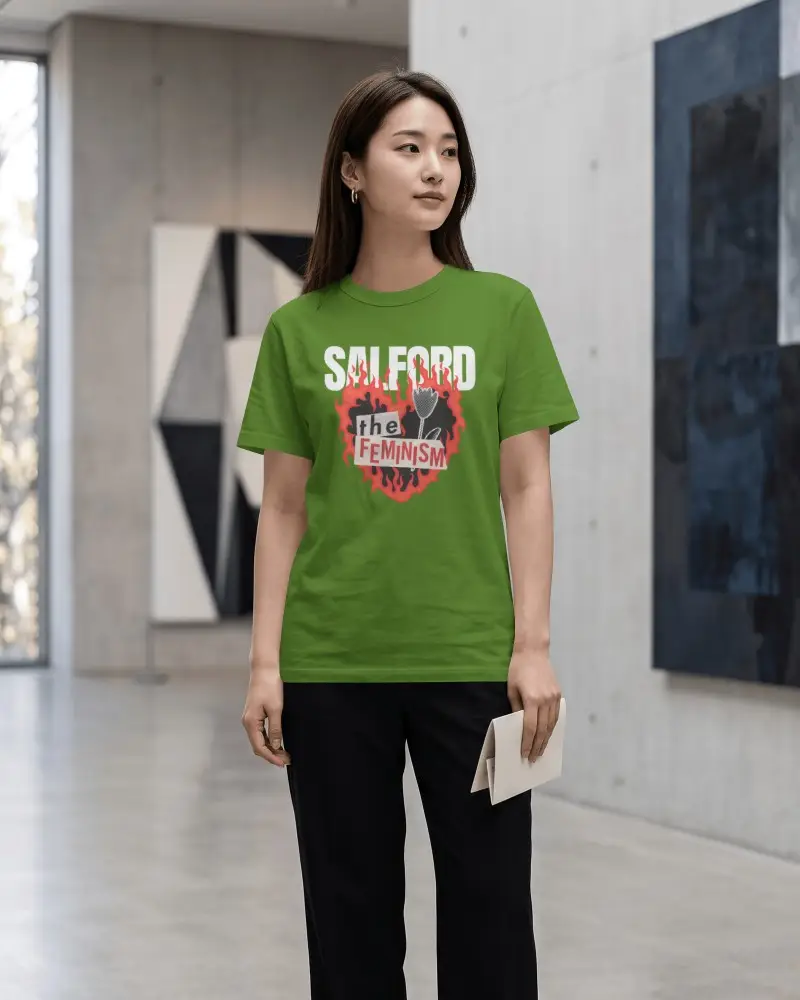
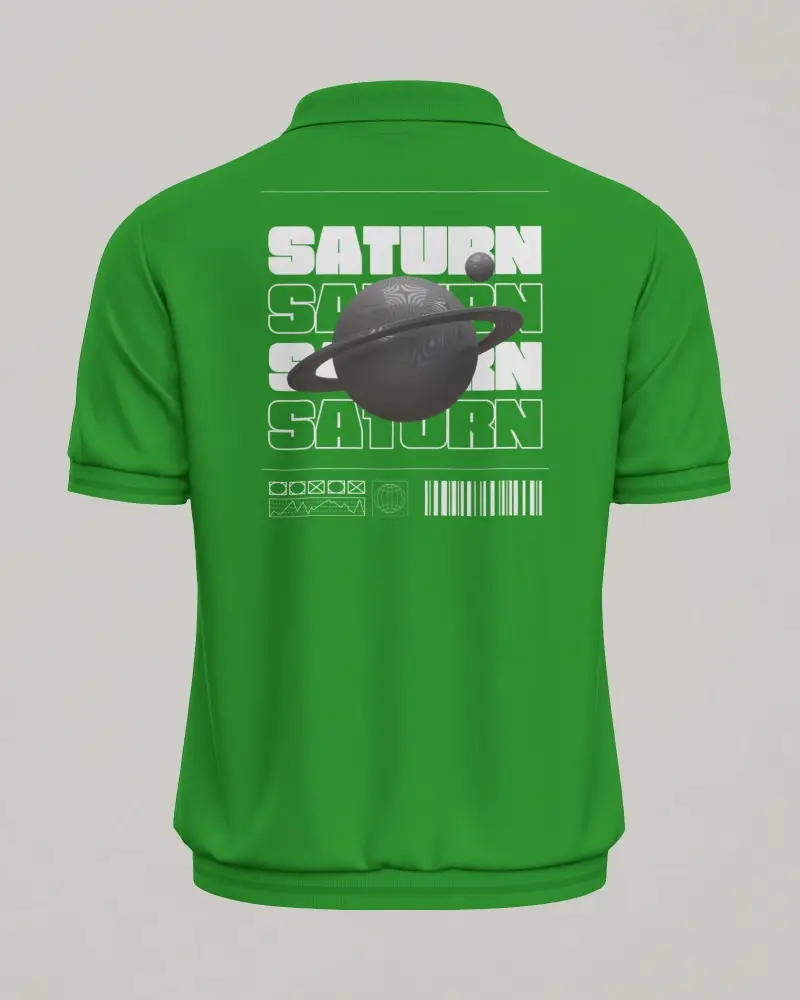
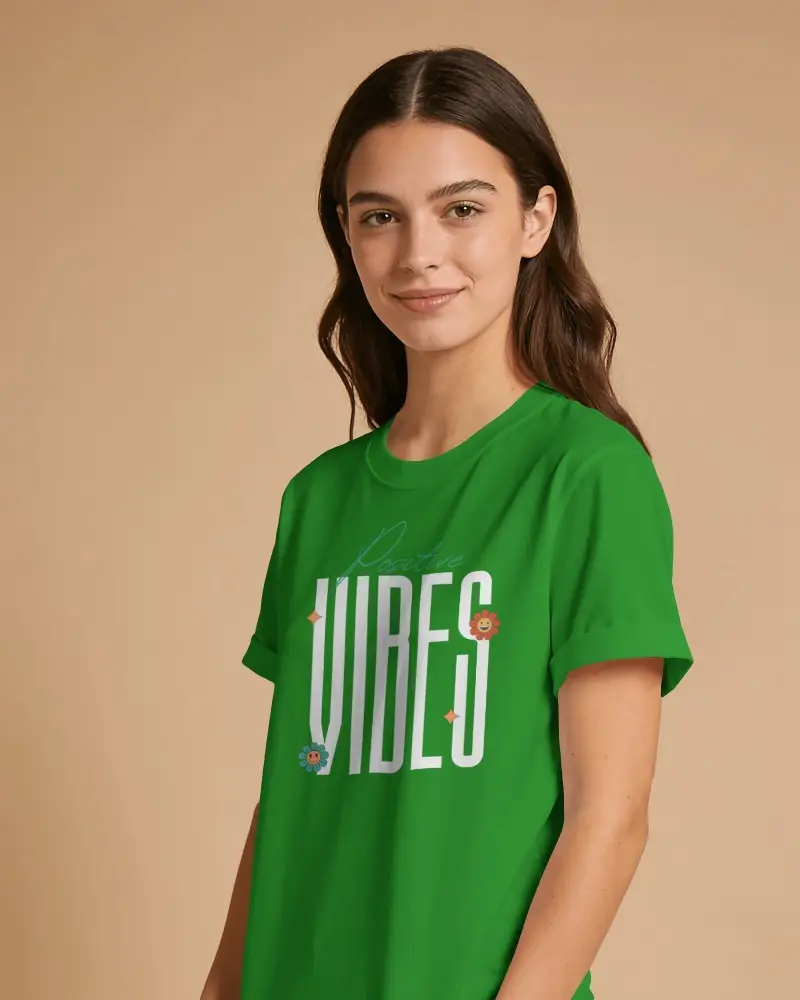

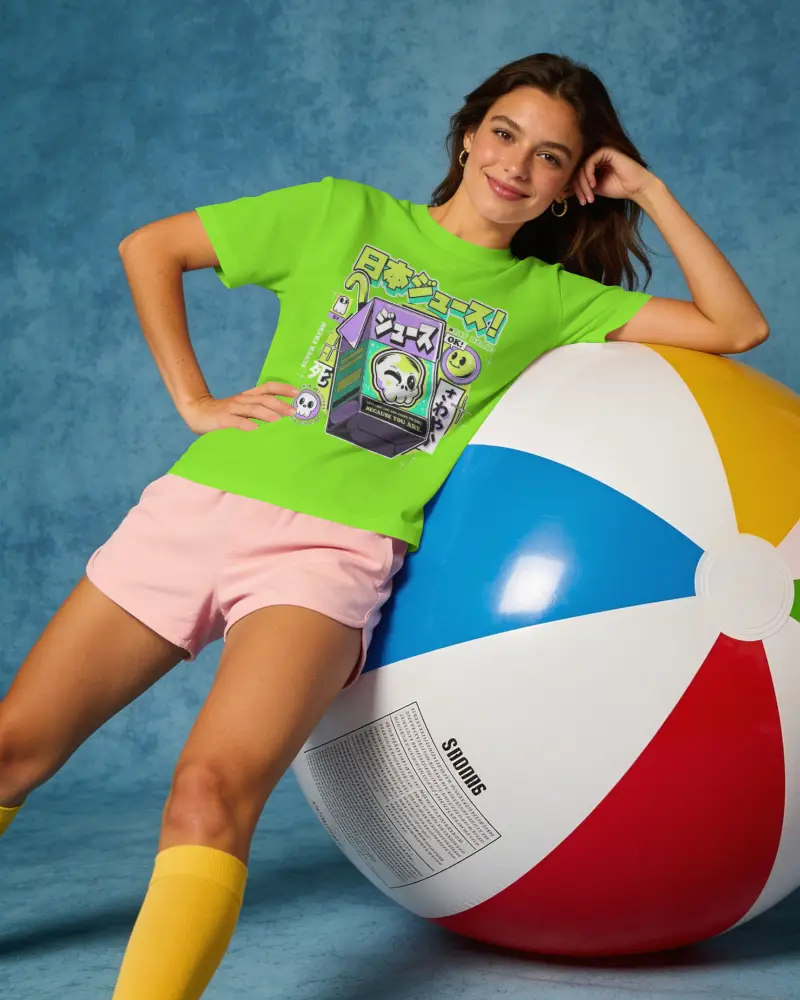
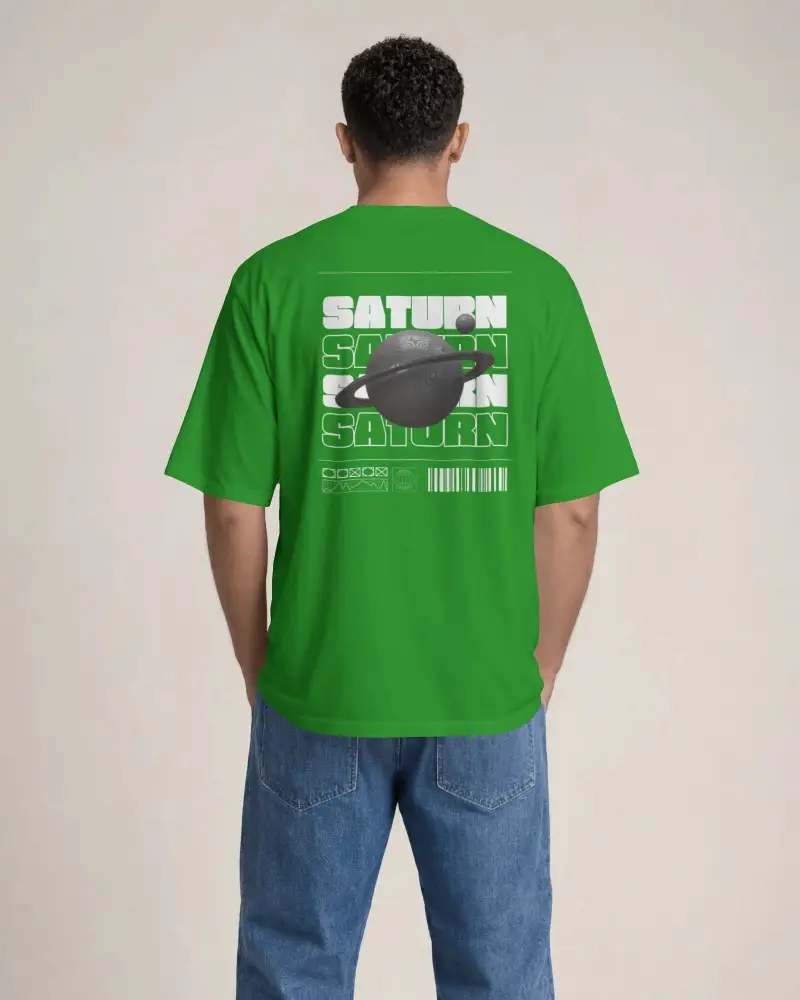


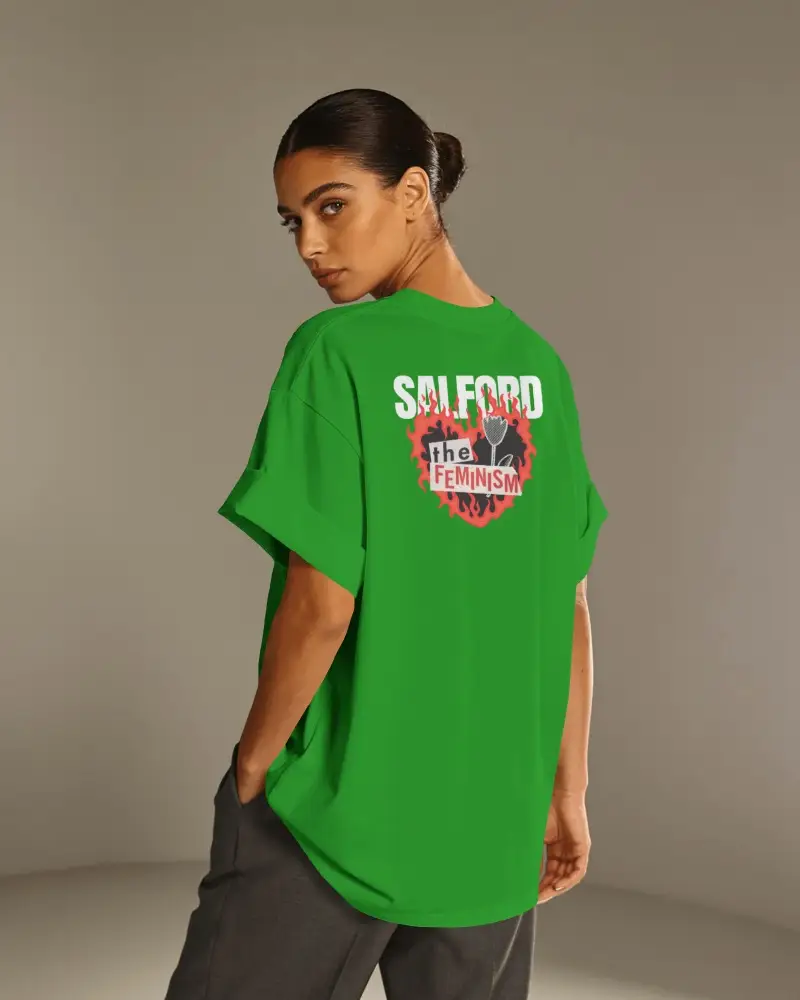
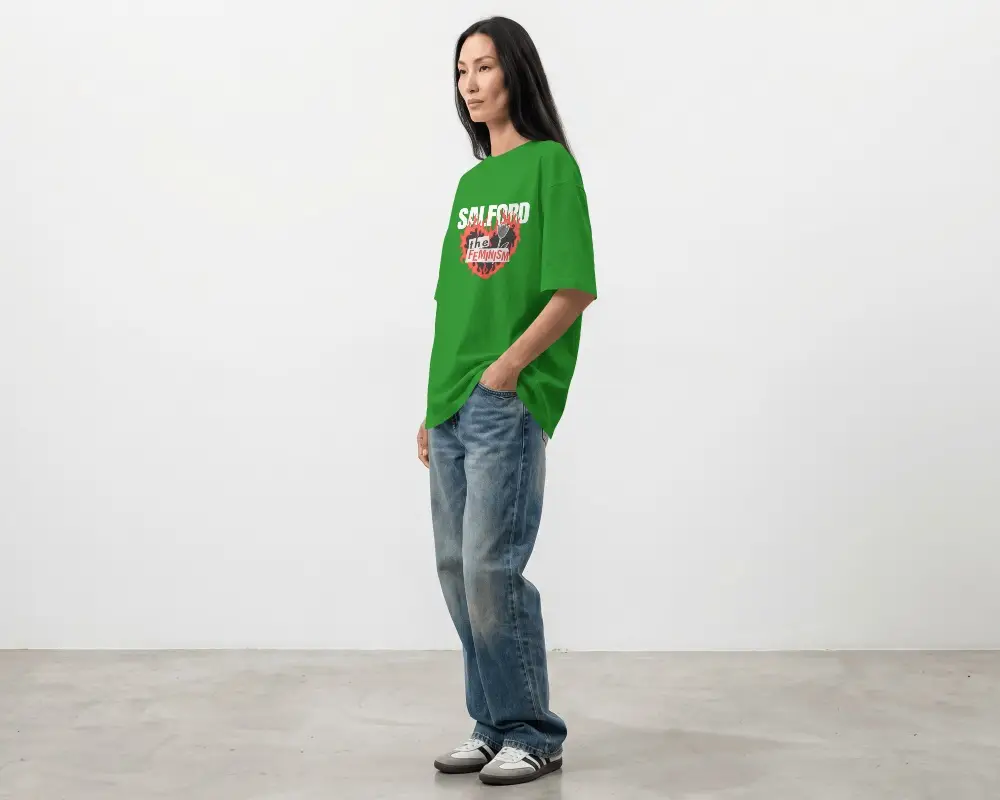
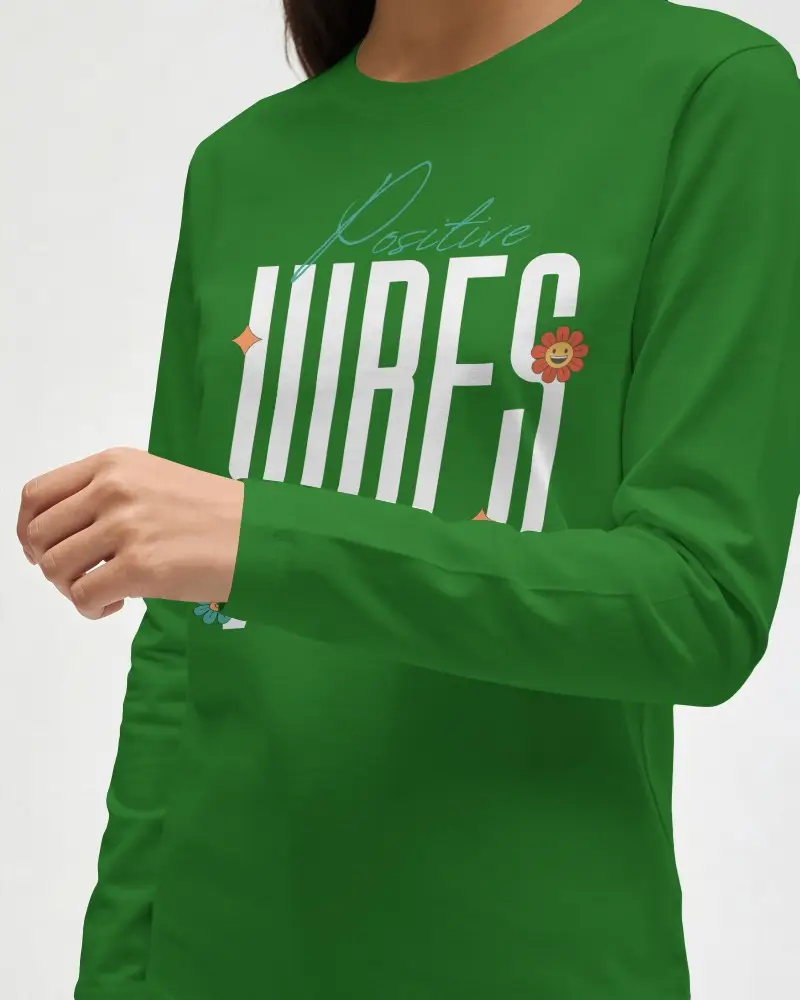
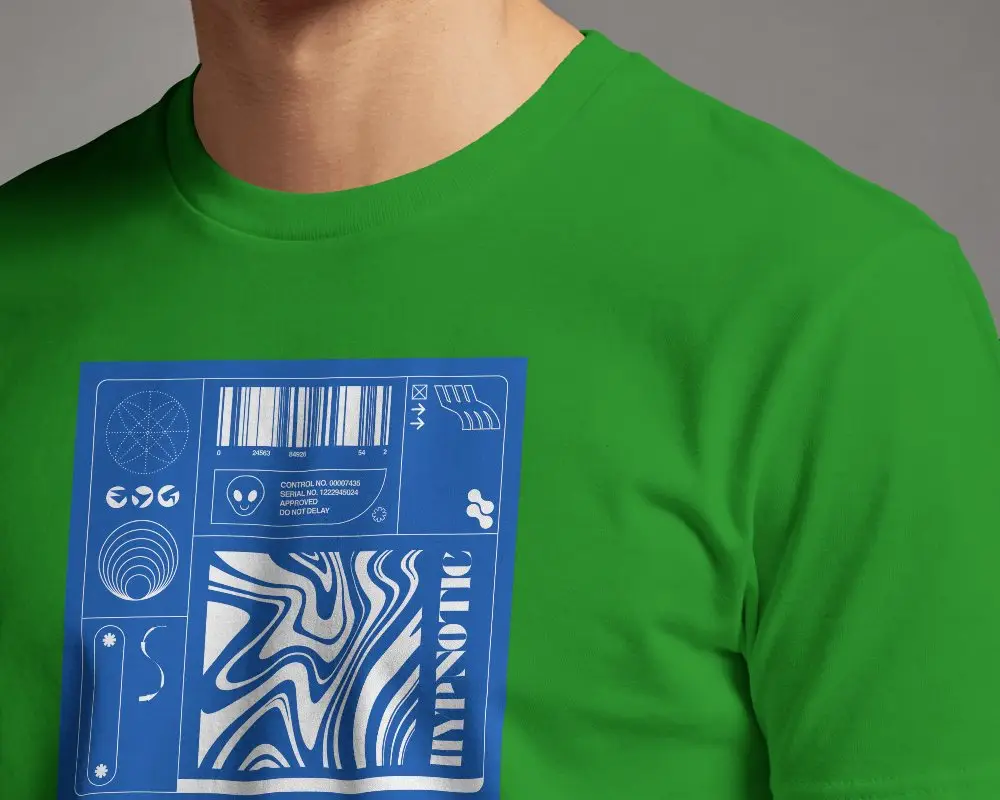
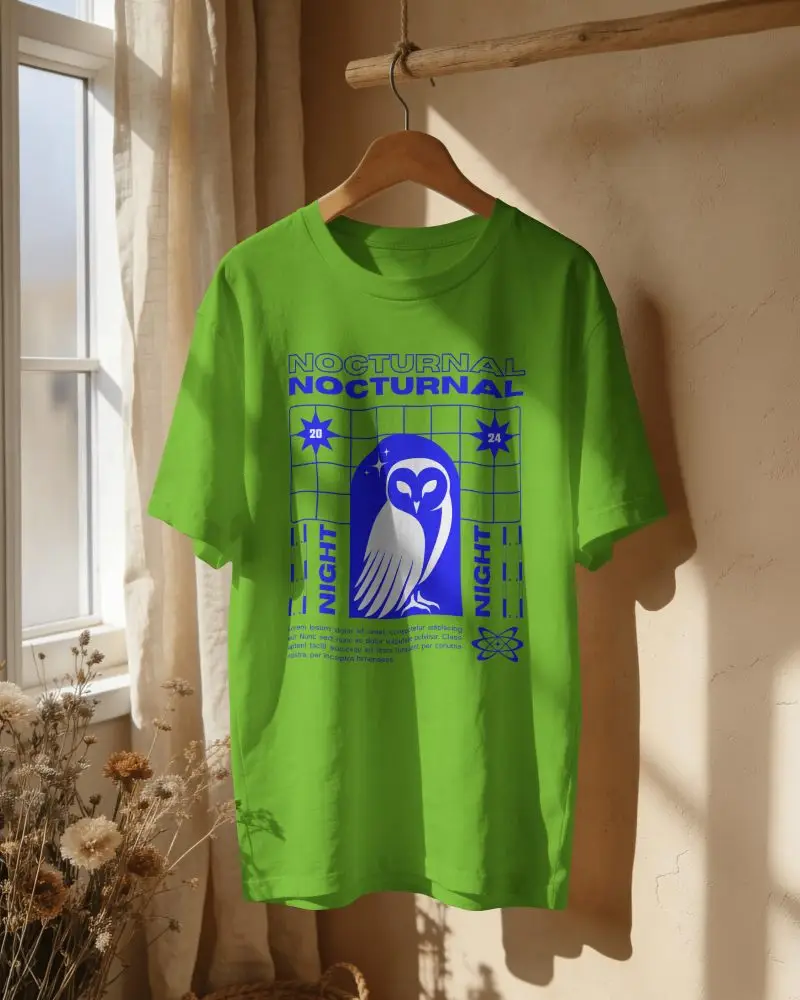
How to Create Green T-shirt Mockups in Mockey AI
To create green t-shirt mockups:
- Step 1: Login and on the following page, click on 'Mockups' and navigate to 'Categories'.
- Step 2: Proceed to 'Apparel > T-shirt' and choose the 'Green' tag for your template.
- Step 3: Include a design, personalize it, and download the green t-shirt mockup.


FAQs on Green T Shirt Mockups
What is a Green T-Shirt Mockup?
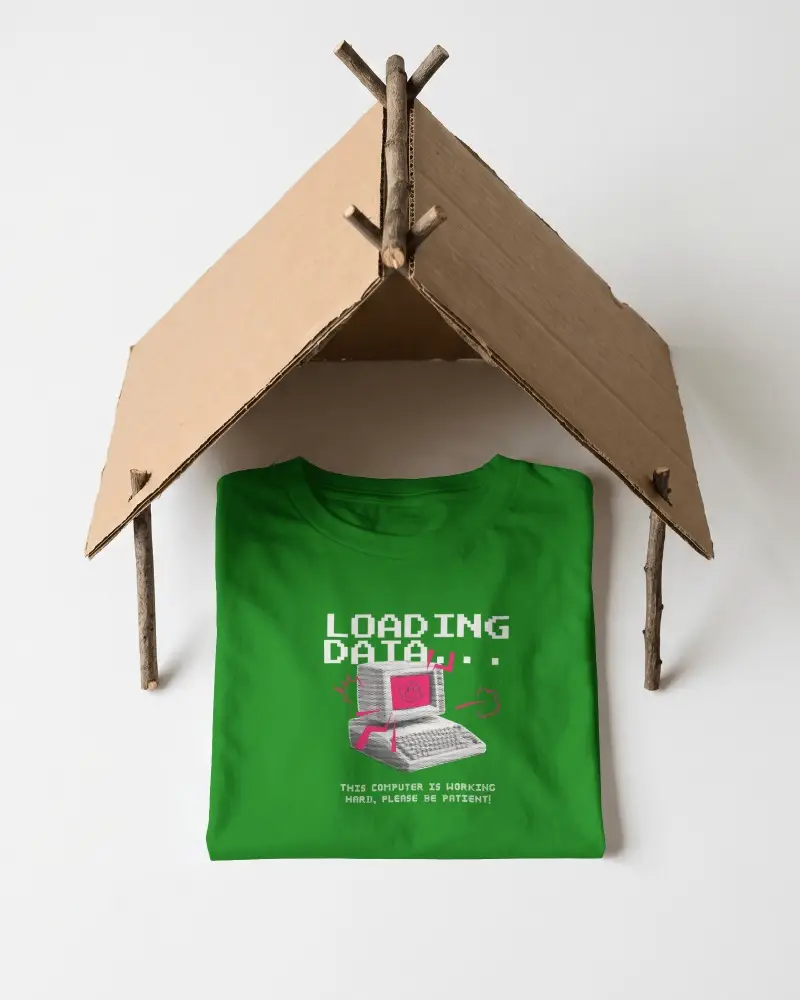
A green t-shirt mockup is a digital preview that shows your design on a green tee. It can appear as a plain shirt, worn by a model, or laid flat for display. Use a t-shirt mockup generator to generate quickly.
Why create a Green T-Shirt Mockup?
The benefit of creating a green t-shirt mockup is that you can preview your design before production and test colors easily. With a mockup generator, you can customize everything in seconds. It’s also best for eCommerce, as you don’t need to make any physical samples.
Why Use Mockey’s Green T-Shirt Mockup?
Most of Mockey AI’s green t-shirt mockup templates are free, allowing you to create mockups without any watermark. The editing tools and AI features make this AI mockup generator stand out.
Is this Green T-Shirt Mockup Free?
Yes, you can customize green t-shirt mockups with the free plan. Not just green t-shirts, whether it’s boxy t-shirt mockups or any other style, you can use all free templates and design tools without paying anything.
