Design Your Polo Shirt Mockup Online
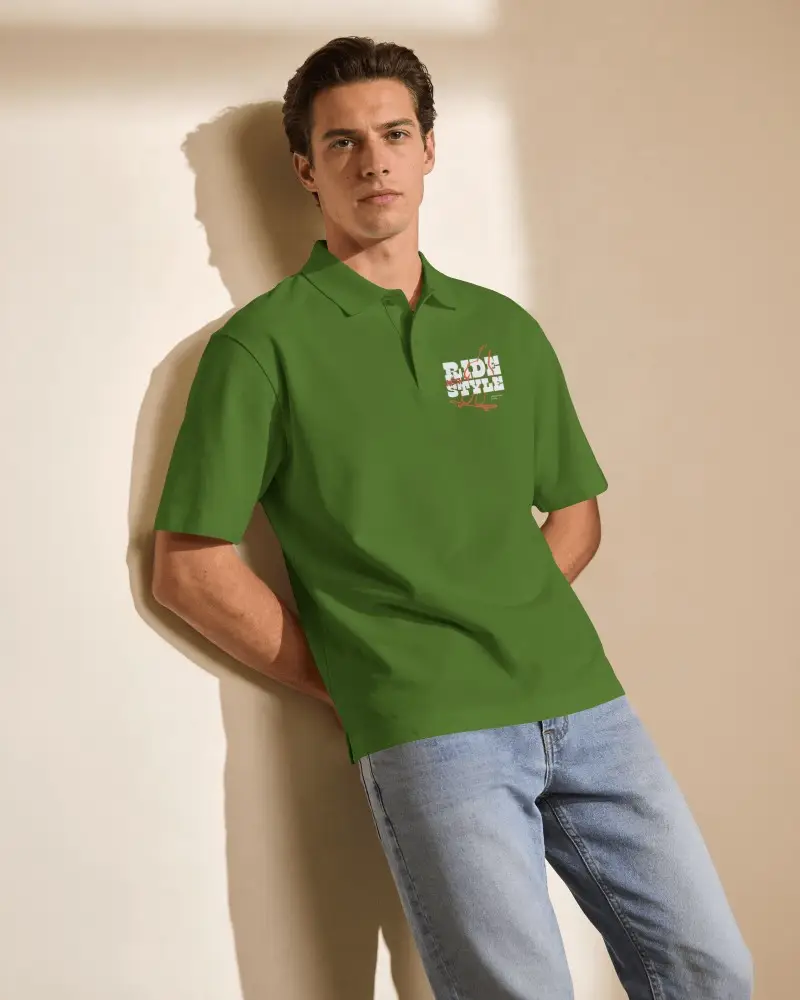
A polo t-shirt mockup lets you preview your design on a realistic polo shirt before printing, without needing a sample or photoshoot. It's ideal for Etsy and Shopify sellers, businesses, and clothing brands. With Mockey AI, you can upload your artwork to white, black, or grey polo mockups, customize front and back views, and download high-quality PNG or JPG images without watermarks. Try now!

















































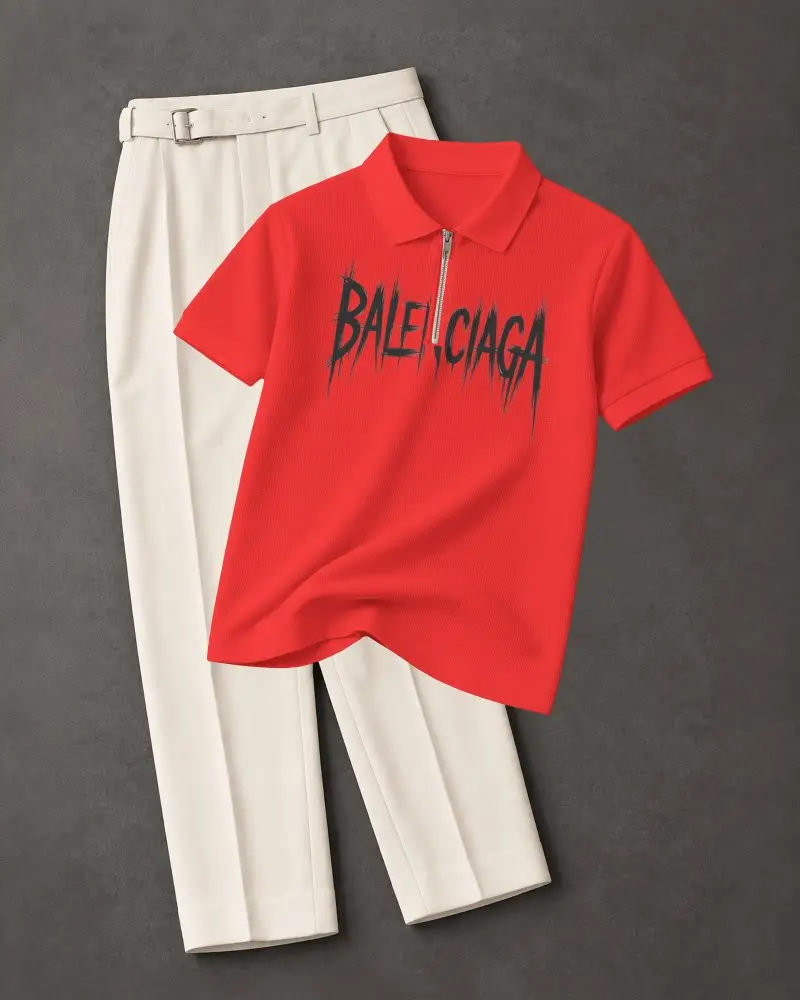
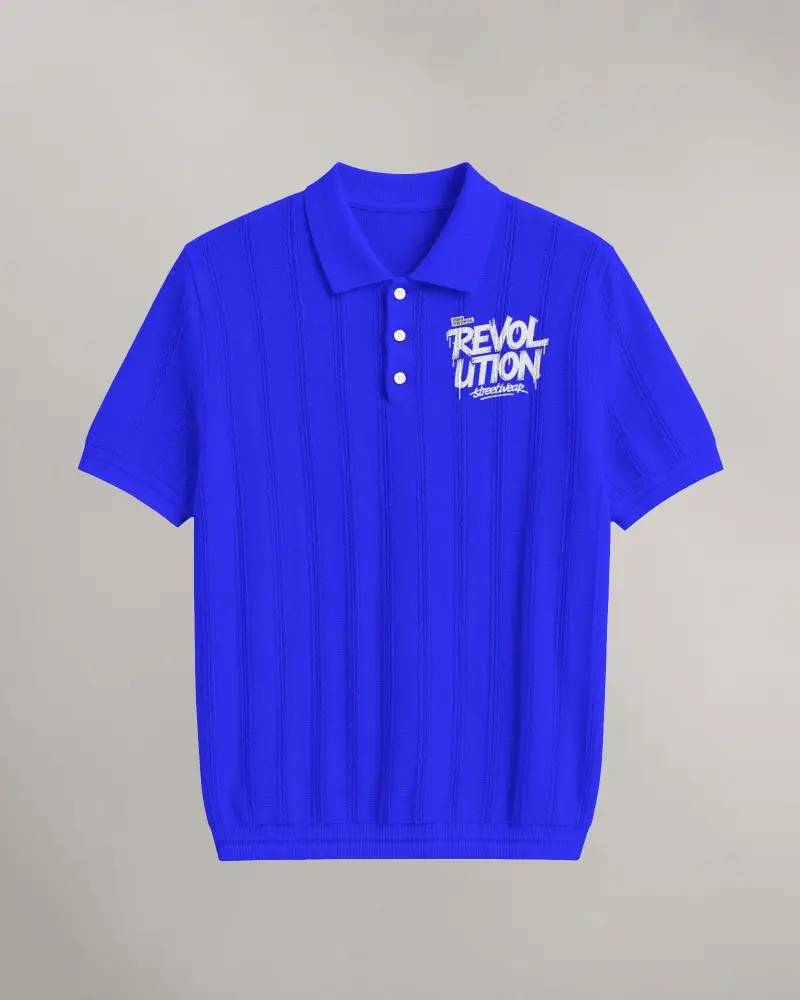
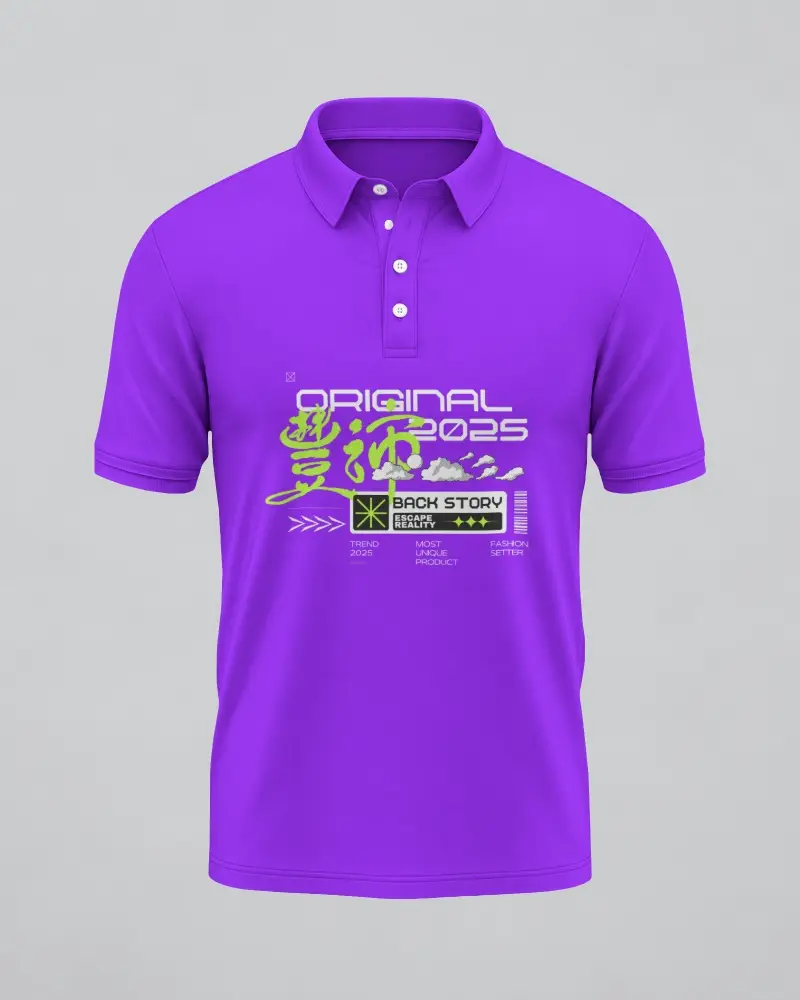
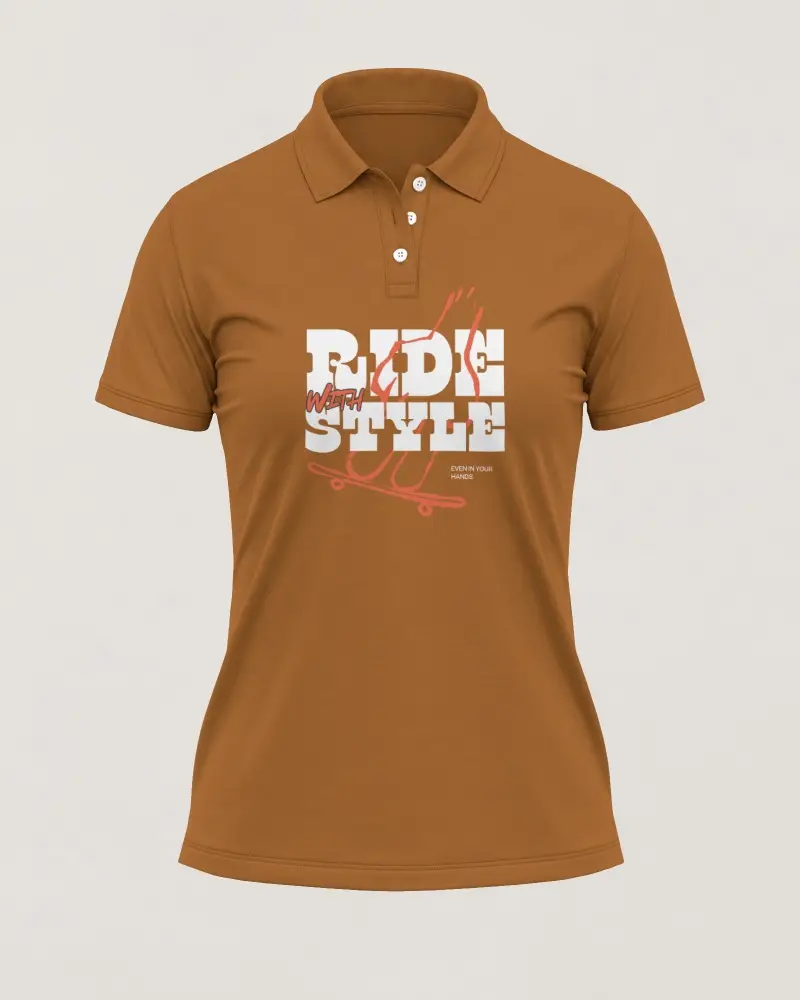
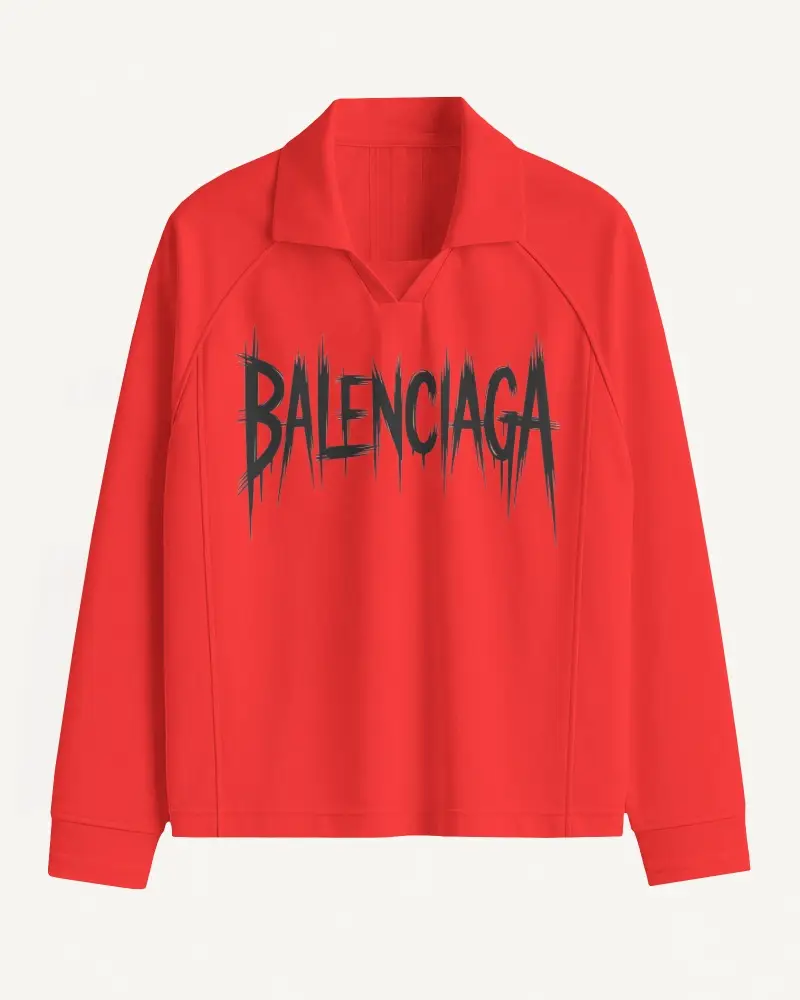
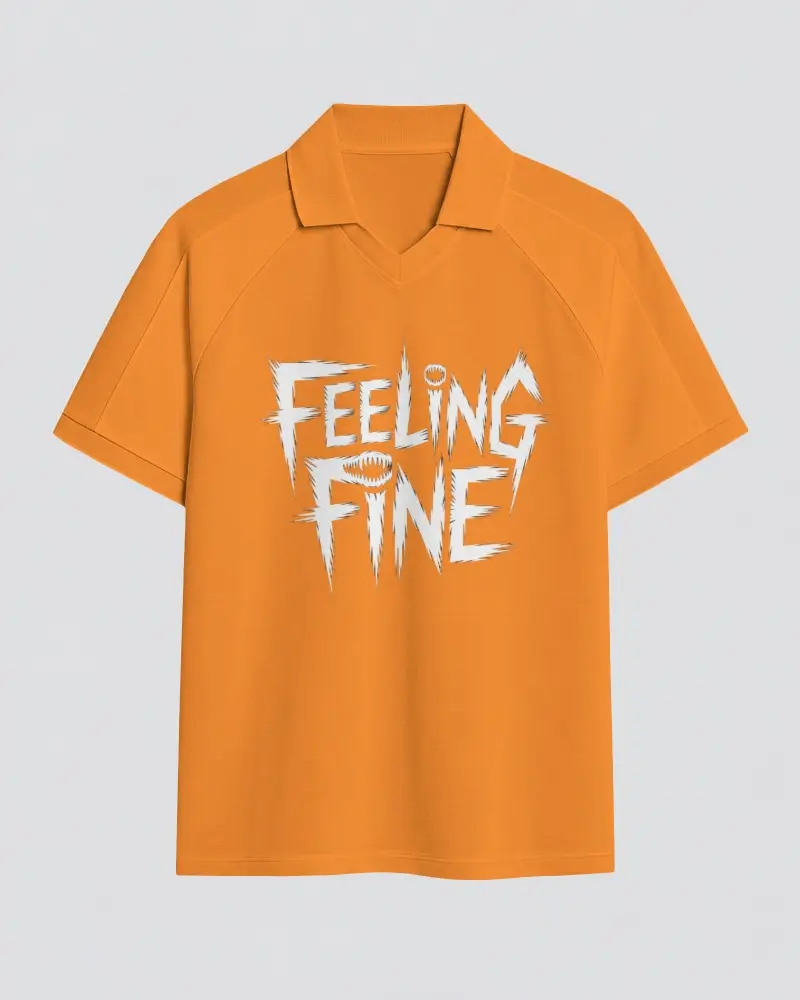
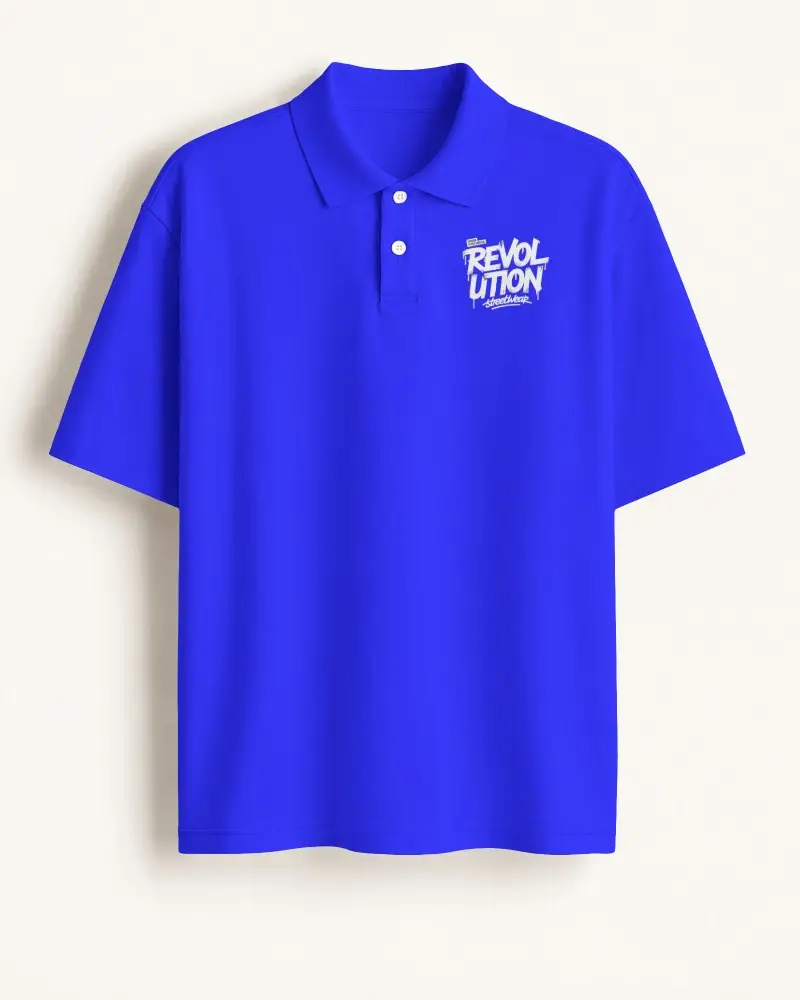
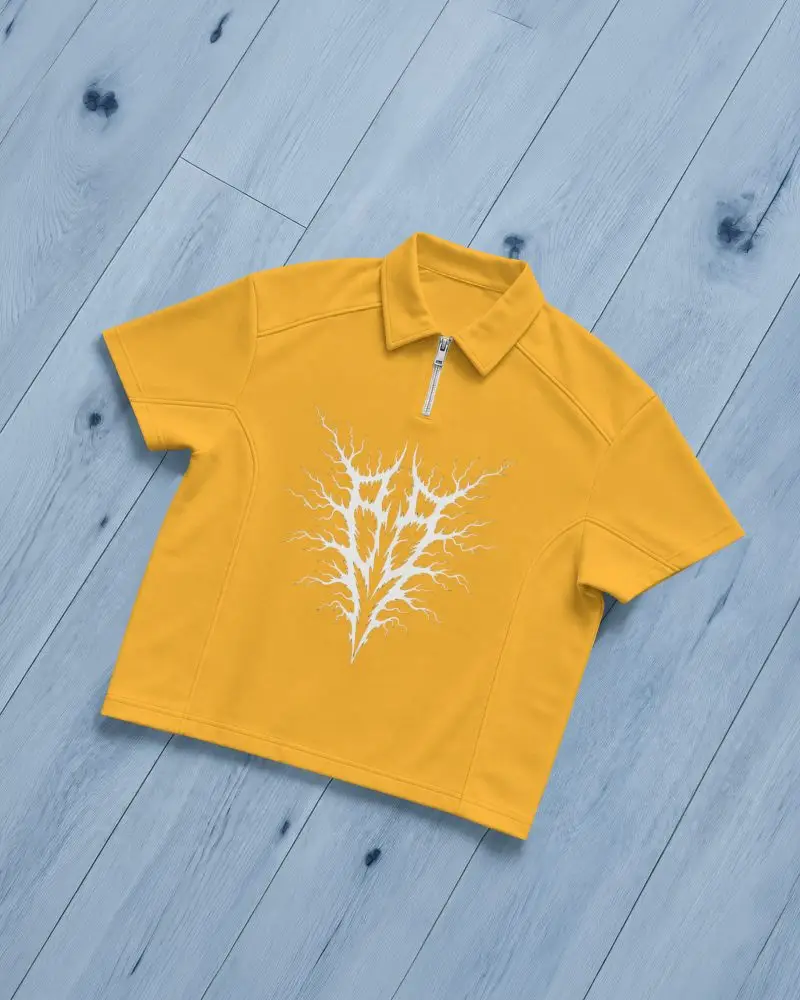
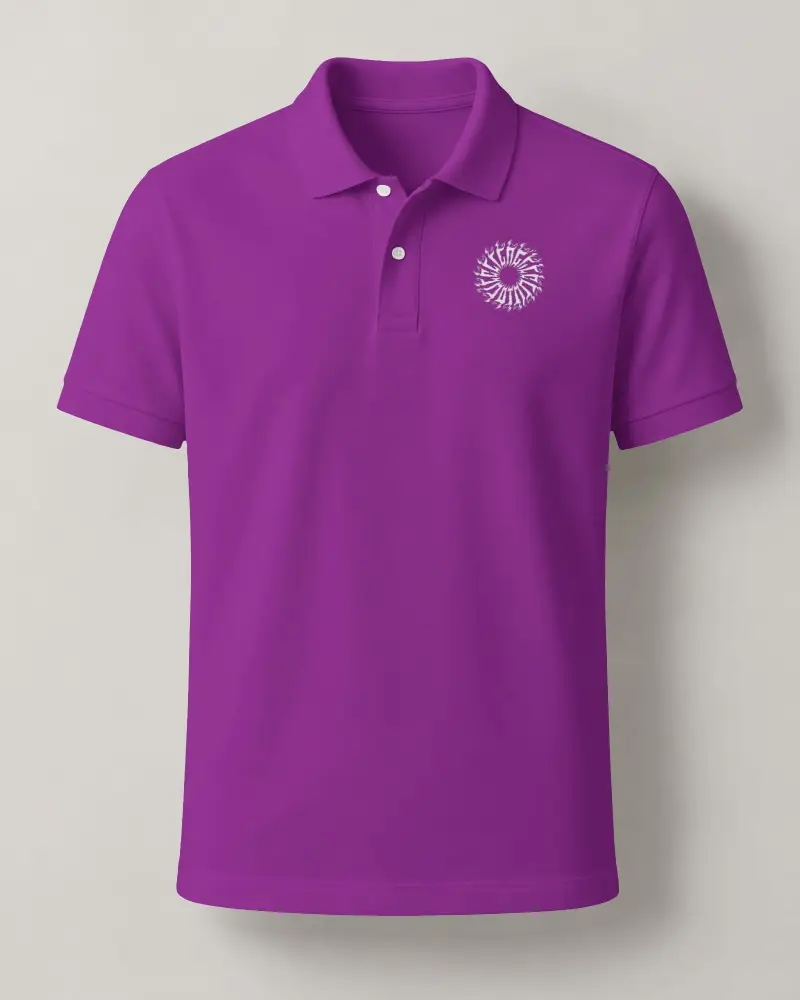
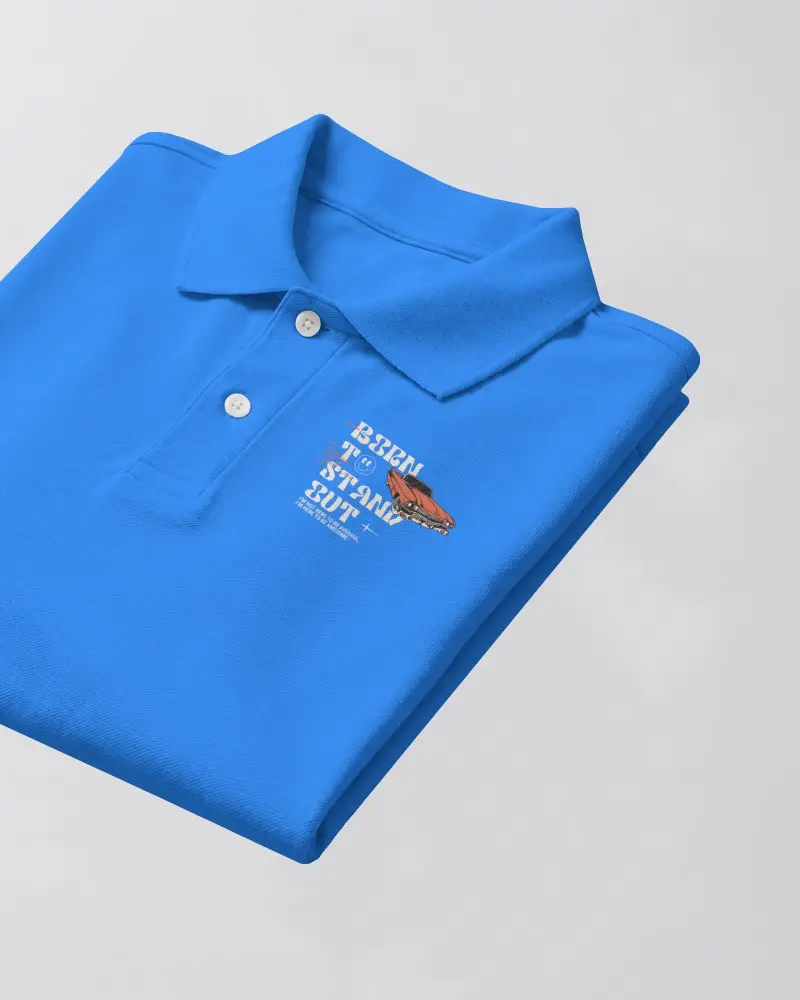
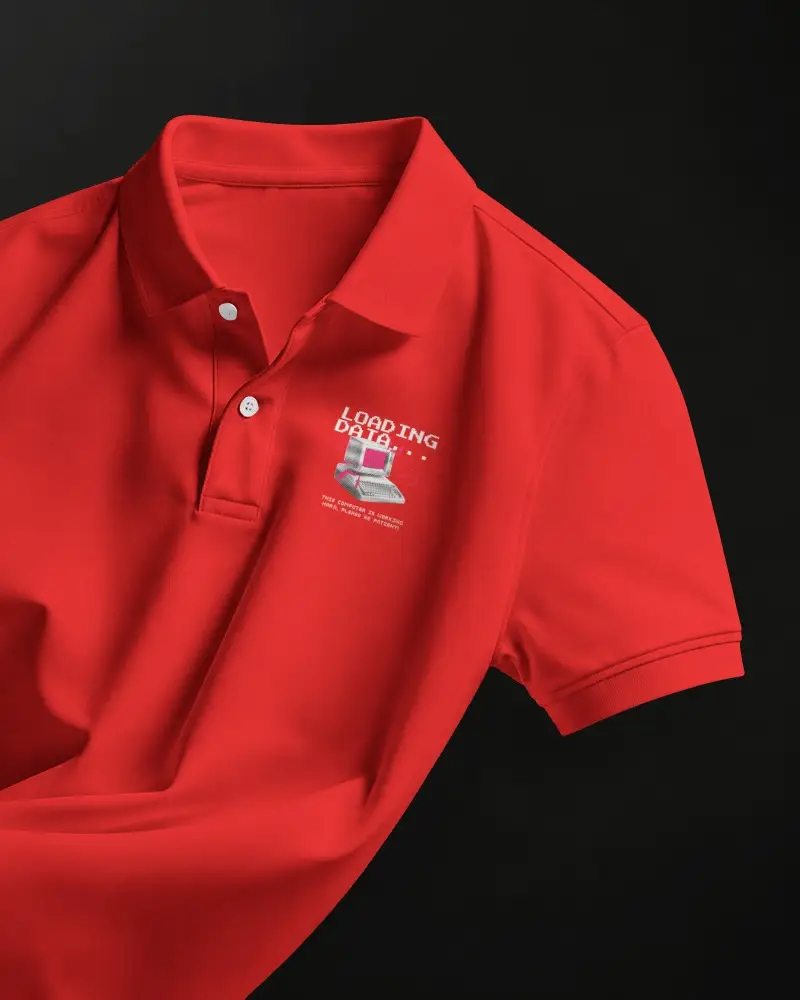
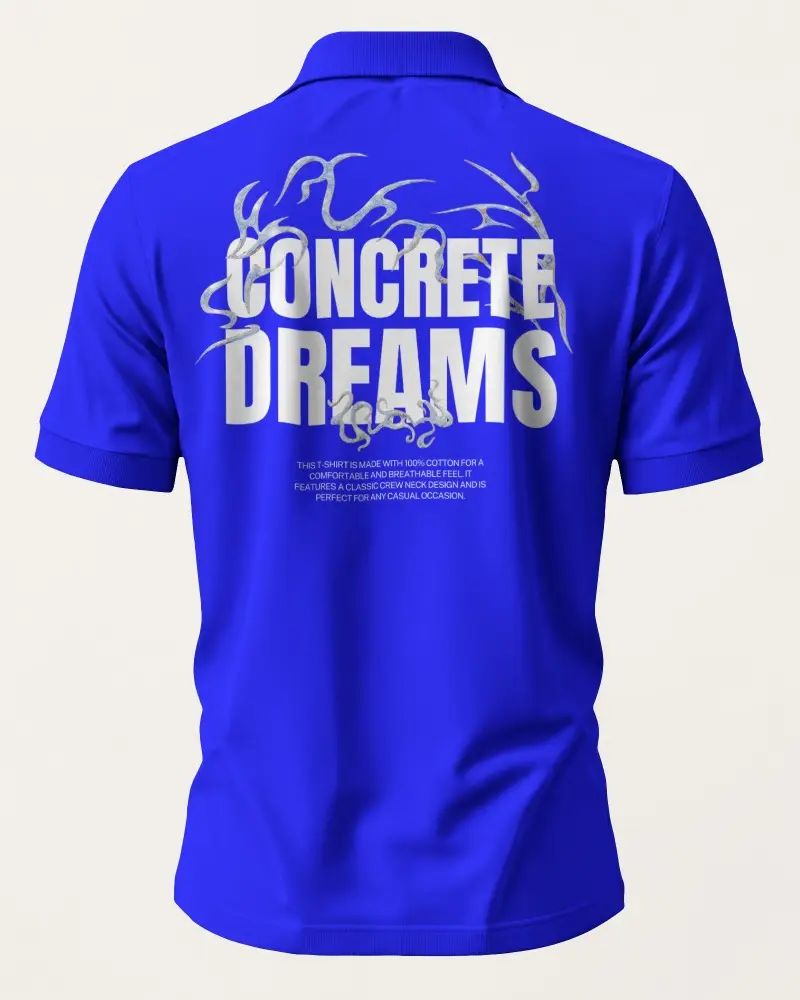
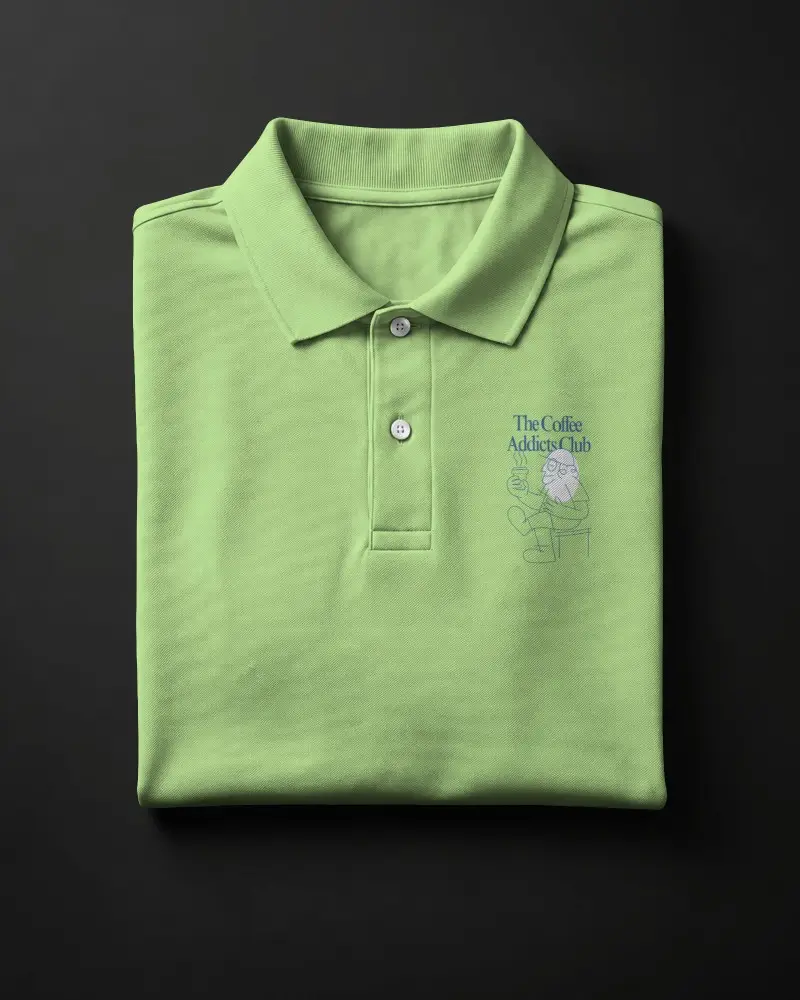
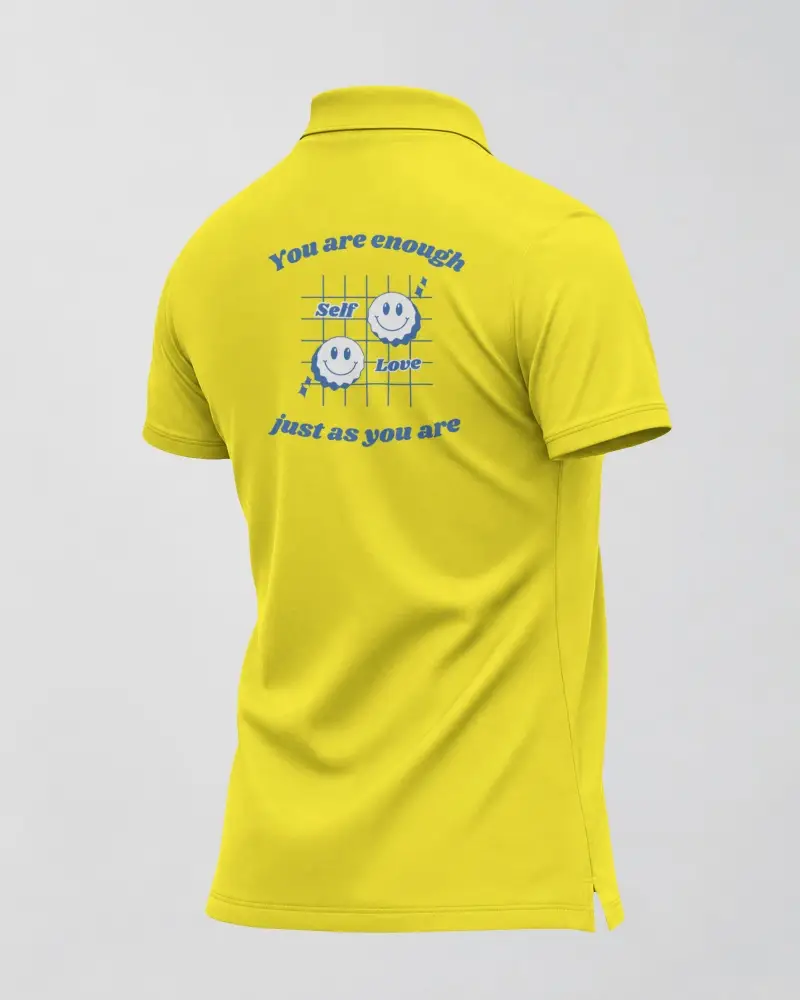
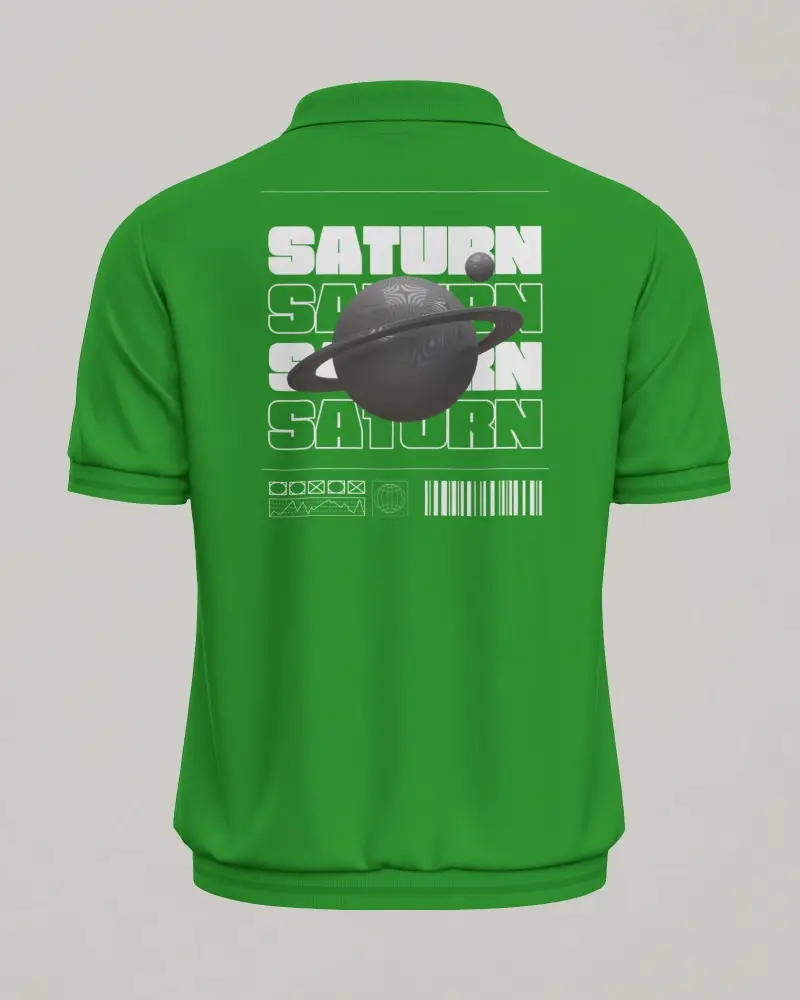
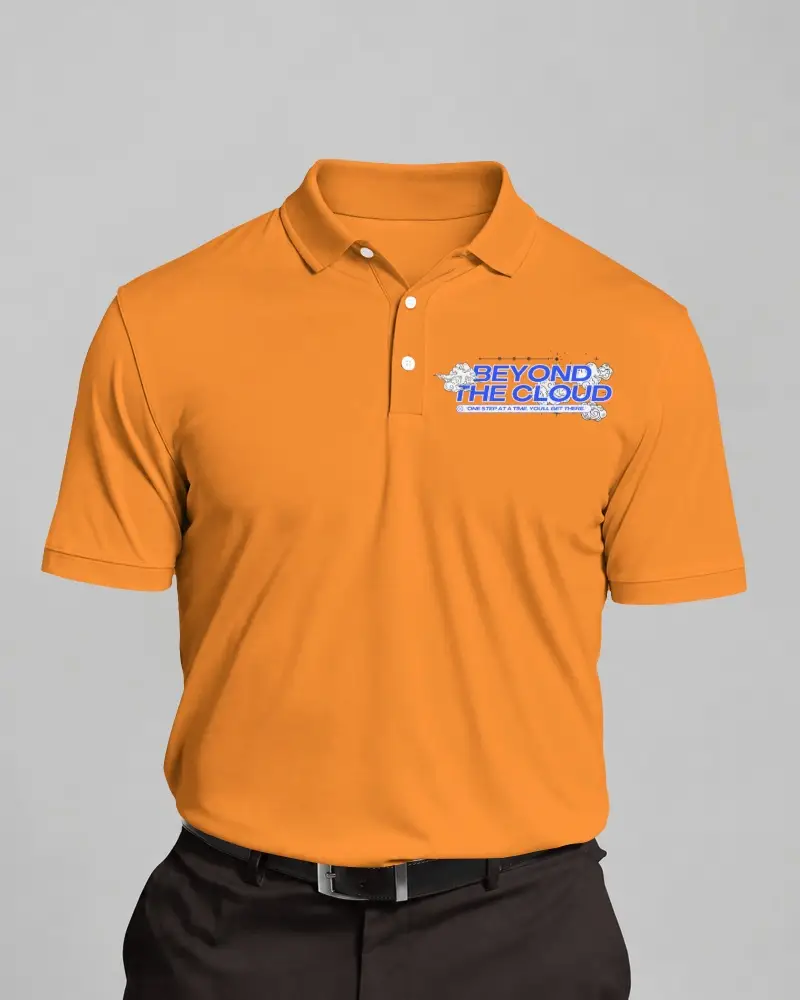
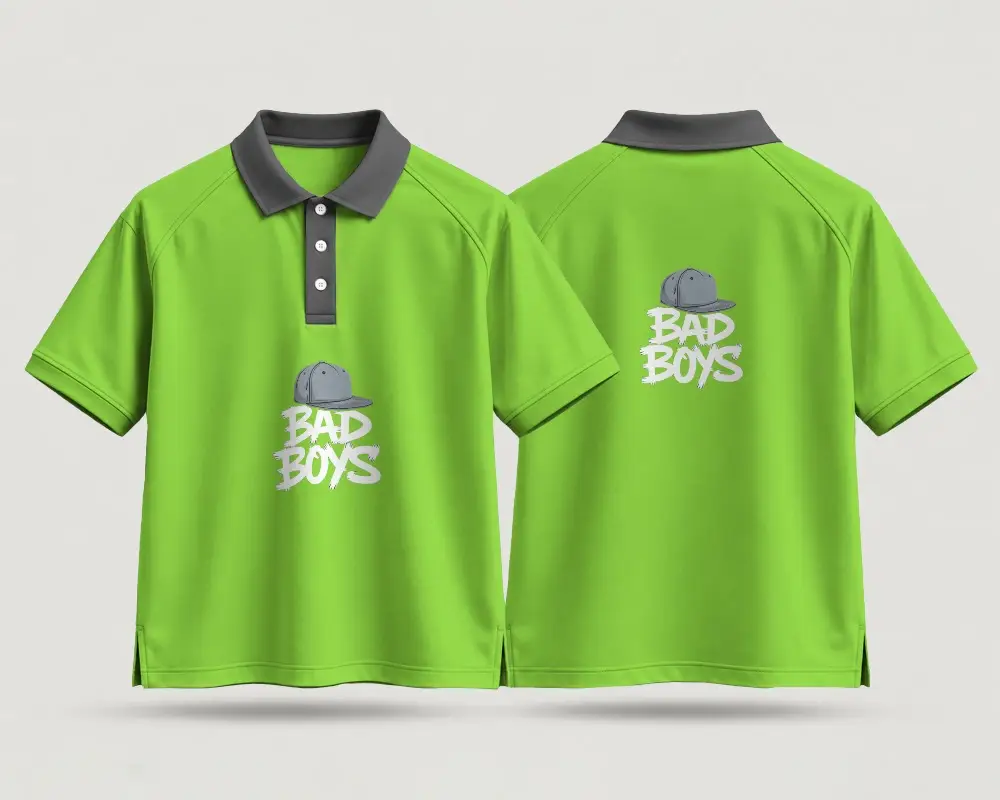
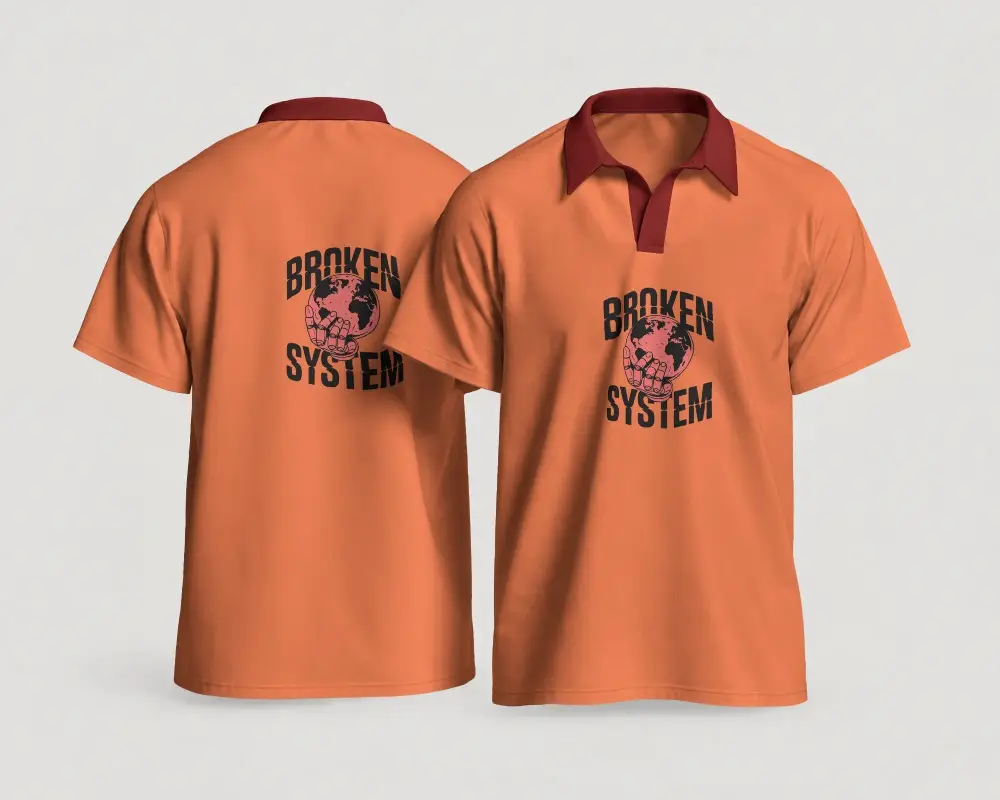
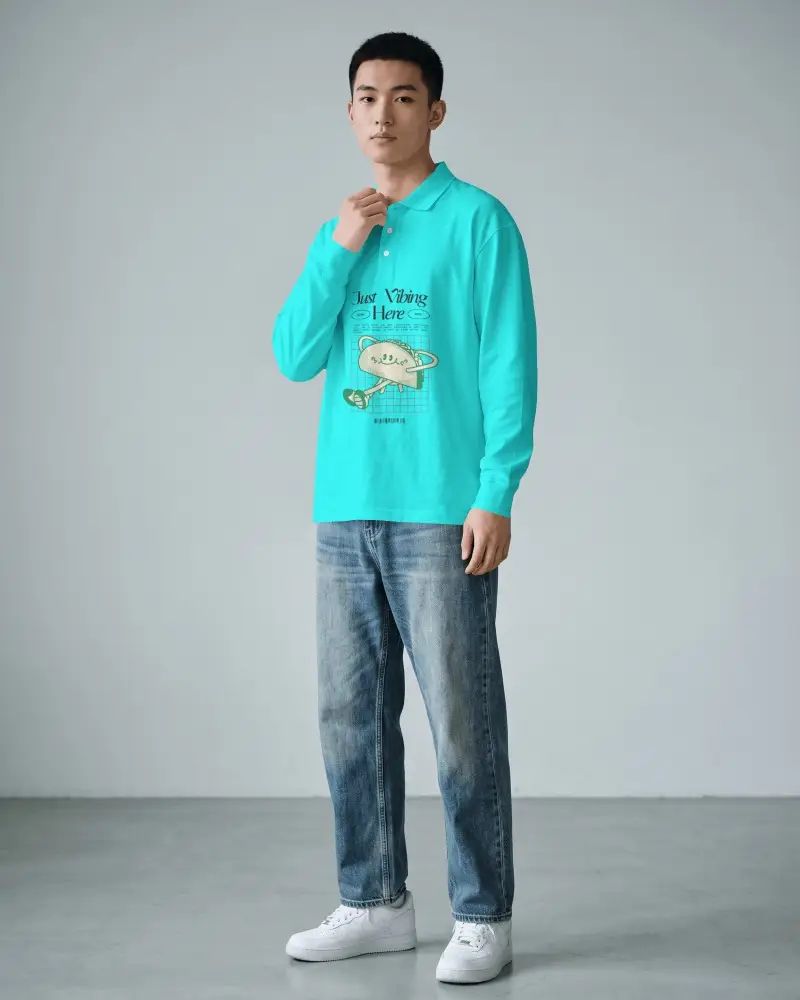
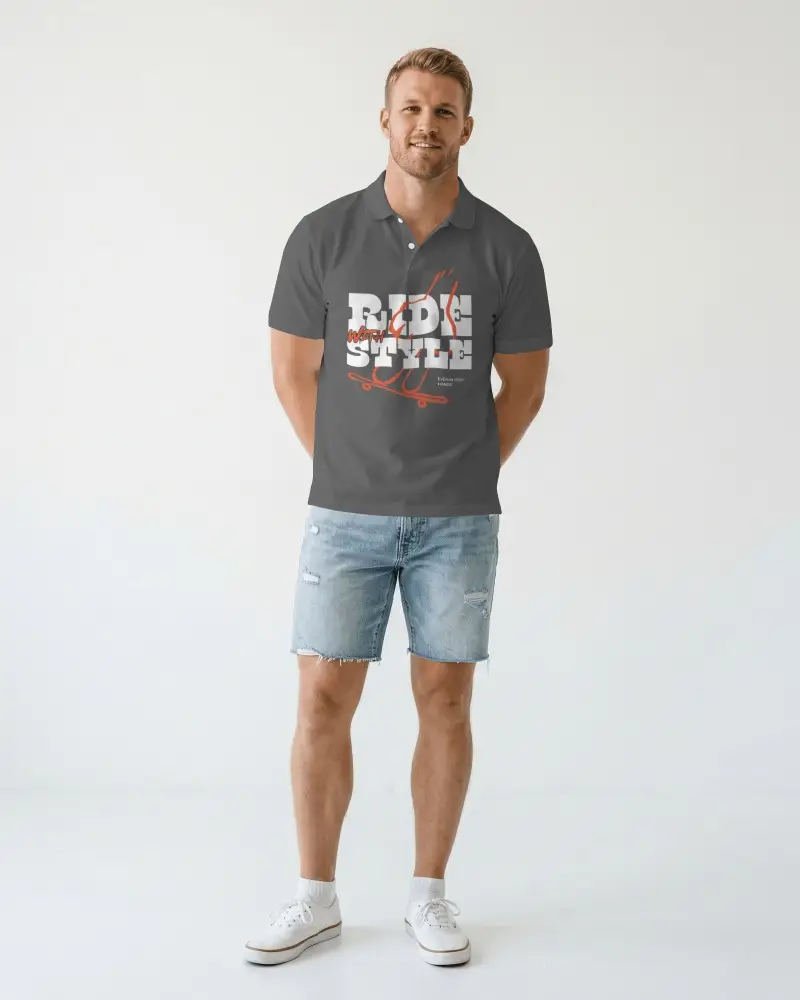
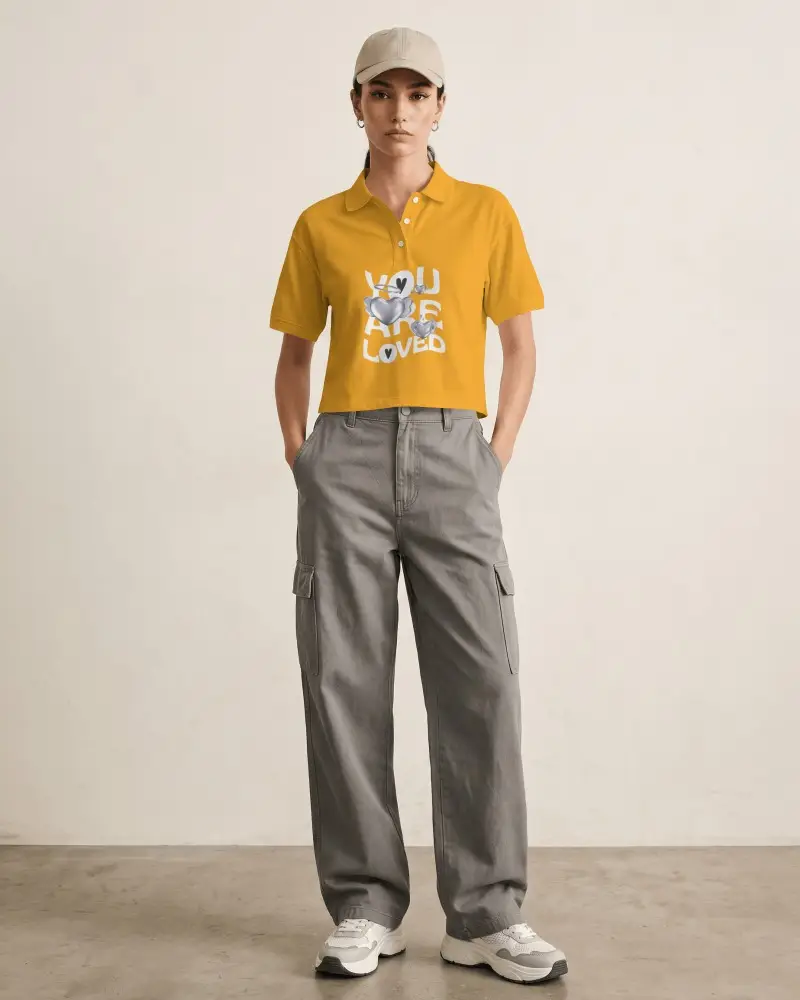
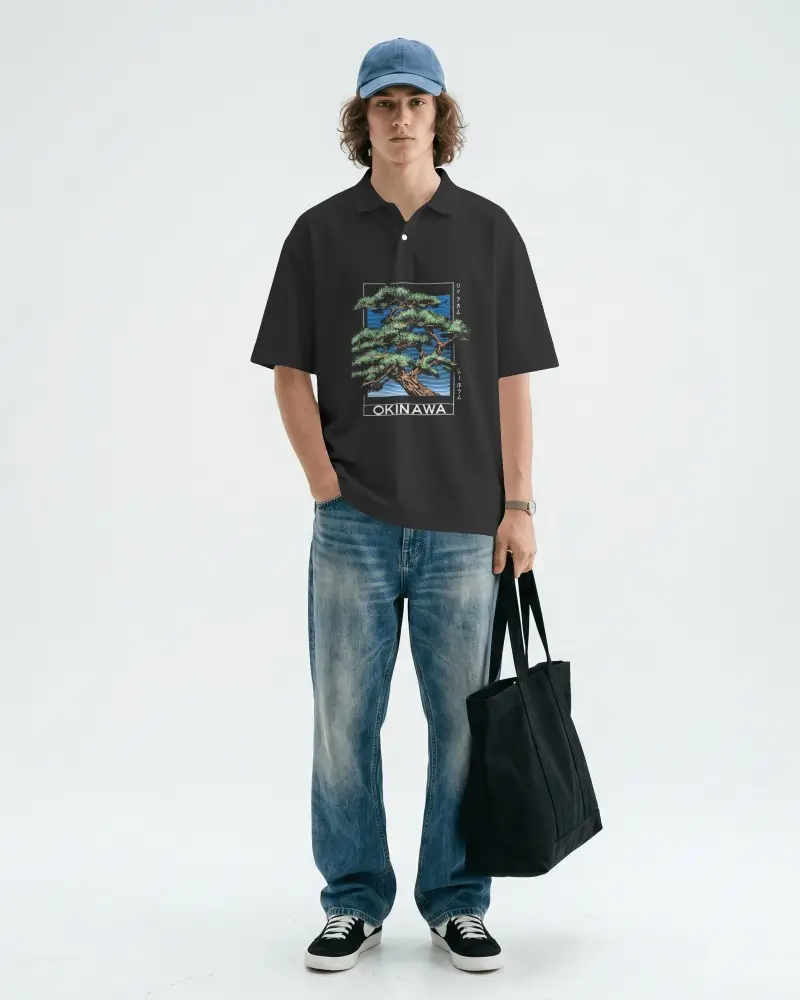
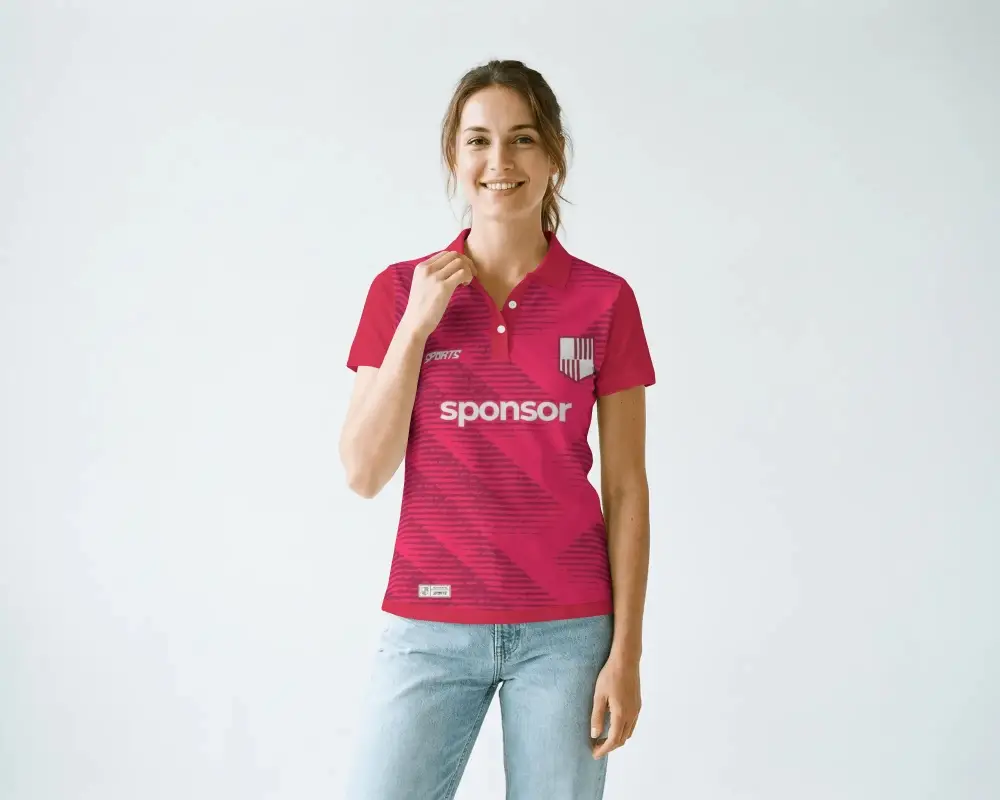
How to Customize Polo T-Shirt Mockups with Mockey AI
To create a polo t-shirt mockup:
- Step 1: Select your polo t-shirt and upload your design.
- Step 2: Resize, expand, or rotate the design using the selection handles.
- Step 3: Adjust the color and warping.
- Step 4: Explore AI tools like Multi Shot or Animate to finish.
- Step 5: Download as an image file or in MP4 for animation.


FAQs on Polo T Shirt Mockups
What is a polo t-shirt mockup?
A polo t-shirt mockup is a digital template of a blank polo shirt where you can add your own logo or artwork. It lets you see how the final shirt will look before you actually print it.
How is a polo mockup different from a t-shirt mockup?
A polo mockup is different from a regular t-shirt mockup because it includes details like a collar, buttons, and a placket. So a polo mockup gives you a more accurate preview than a standard crew-neck t-shirt mockup.
Can I use the mockup for commercial print-on-demand listings?
Yes. Mockups can be used commercially on platforms like Etsy, Shopify, and Amazon Merch to showcase and sell your designs.
Do I need to sign up to use Mockey AI's free polo t-shirt mockup?
Yes. You need to sign up for a free Mockey AI account before creating or downloading a polo t-shirt mockup. It only takes a few moments to get started.
What file formats can I download the polo t-shirt mockup in?
You can download your polo t-shirt mockup in PNG or JPG format. Mockey AI also provides high-resolution, watermark-free downloads for a professional look.
