Free Cream & Beige T-Shirt Mockups to Present Your Designs
Show your designs in style with Mockey’s Cream T-Shirt Mockup. Effortlessly capture color, fit, and detail, and create eye-catching, professional-quality previews that bring your T-shirt designs to life. Download free today and start showcasing your designs with clarity and impact.



















































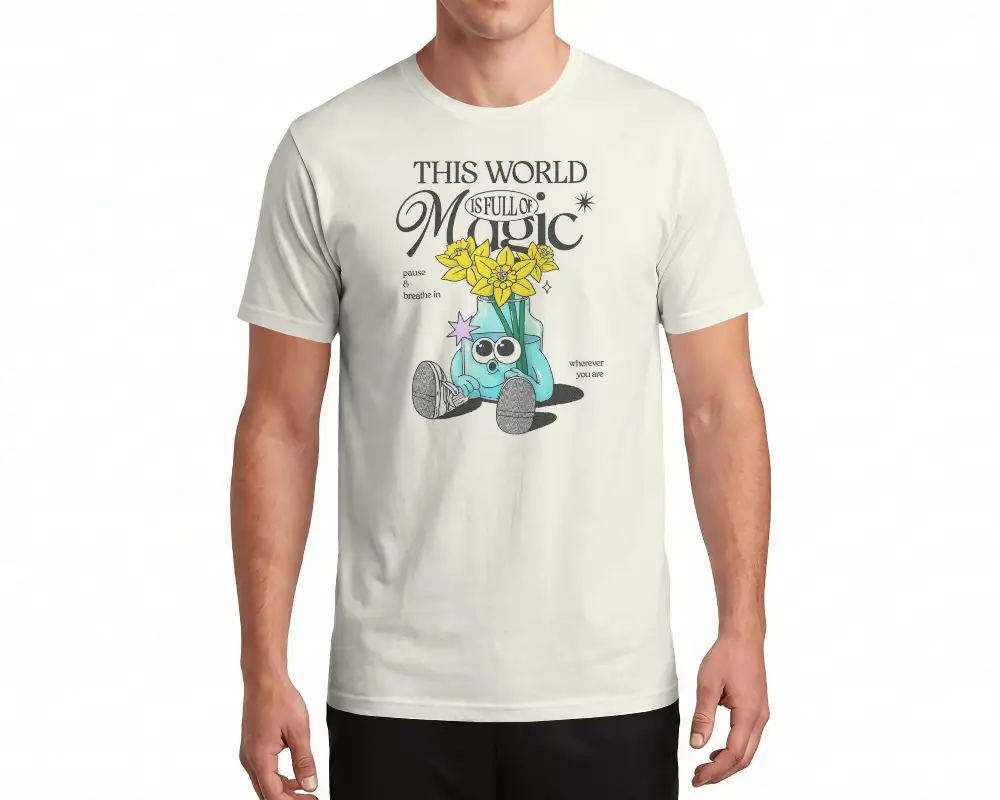
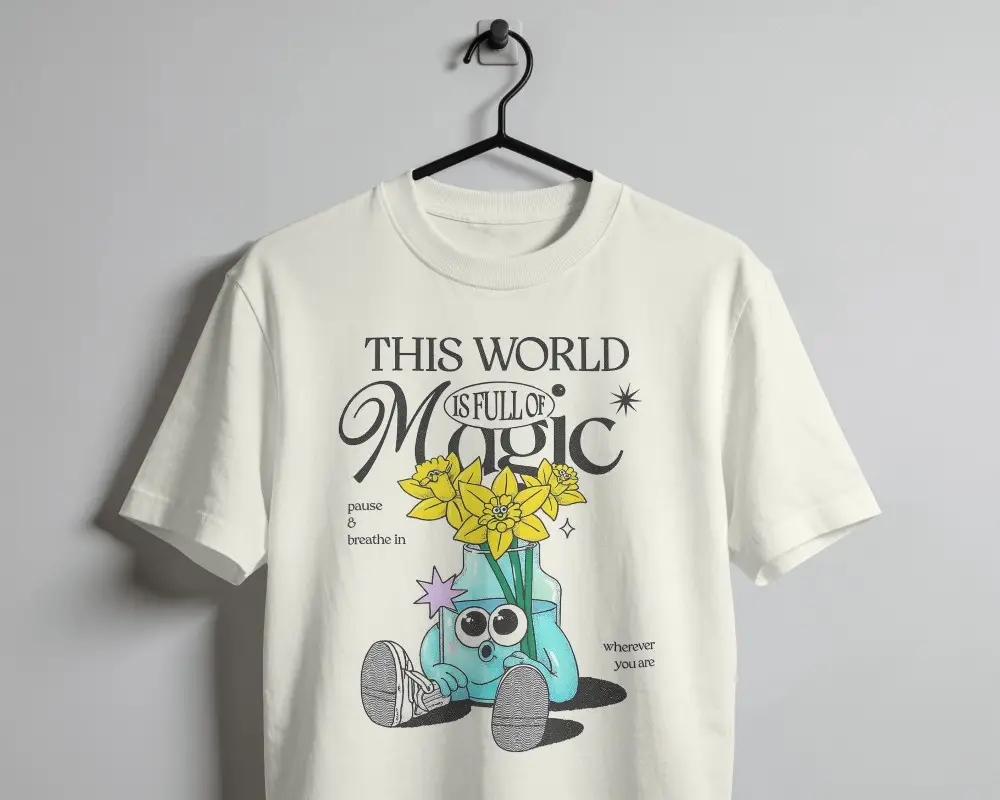
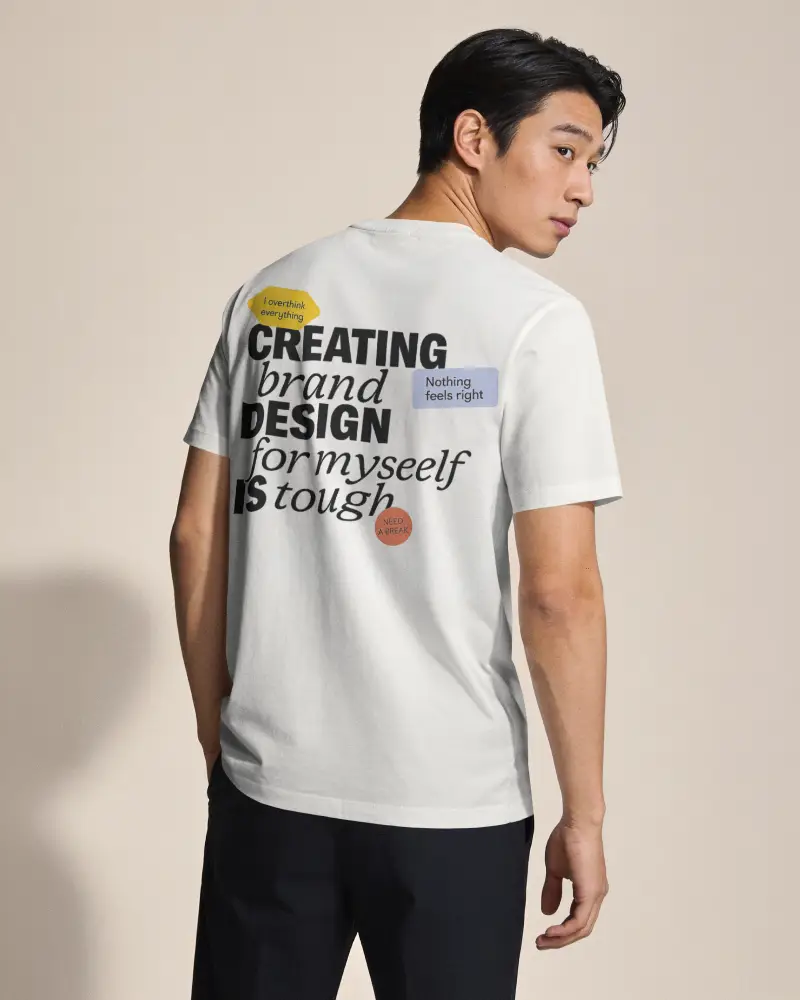



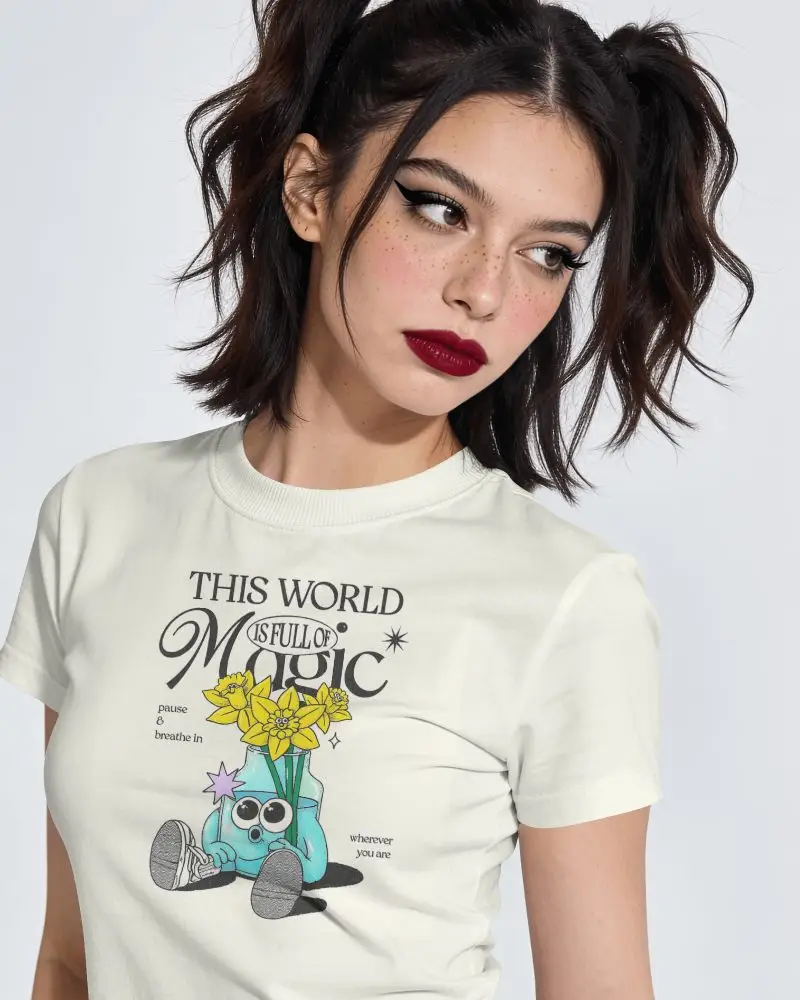


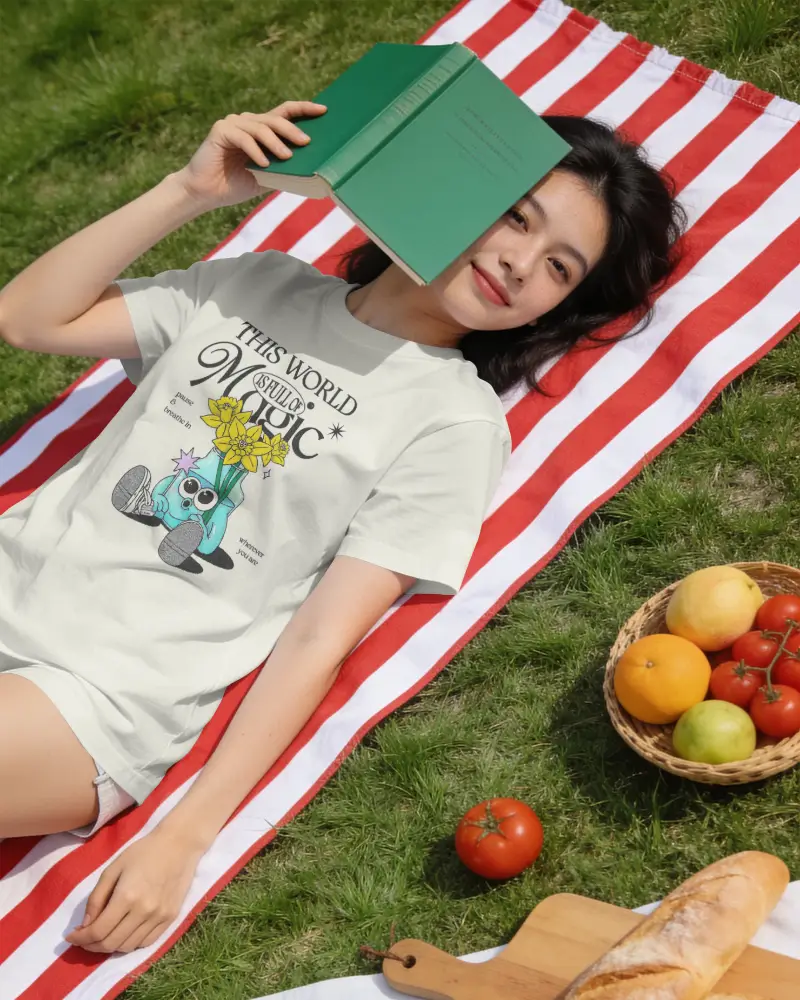
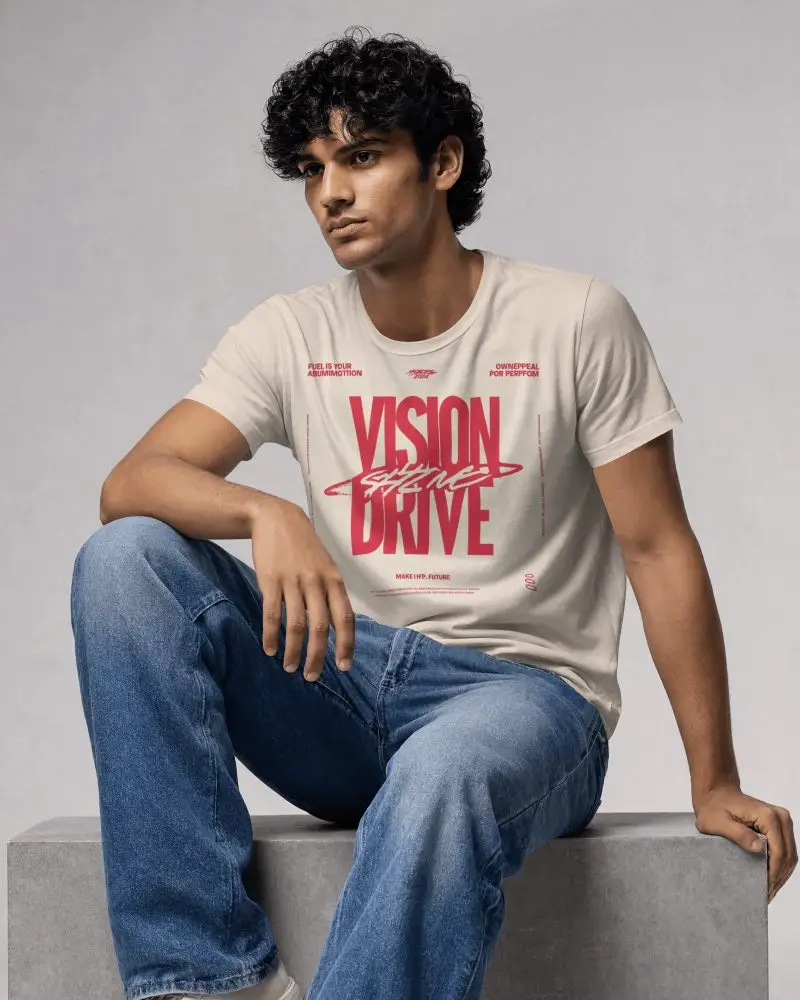
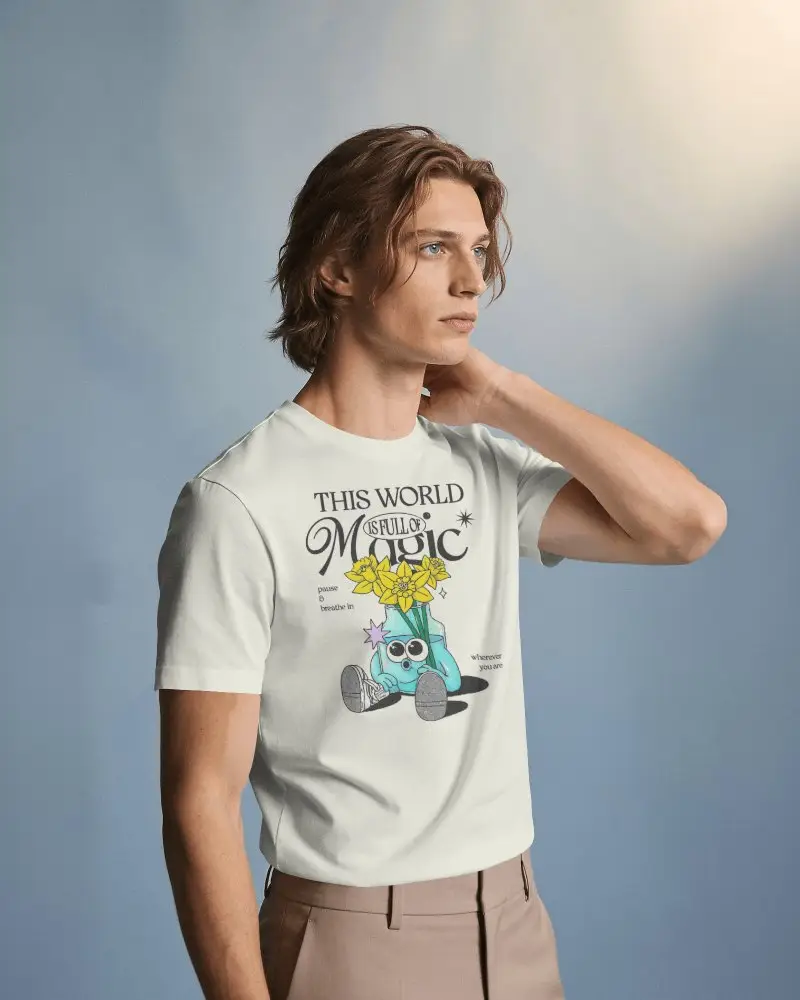


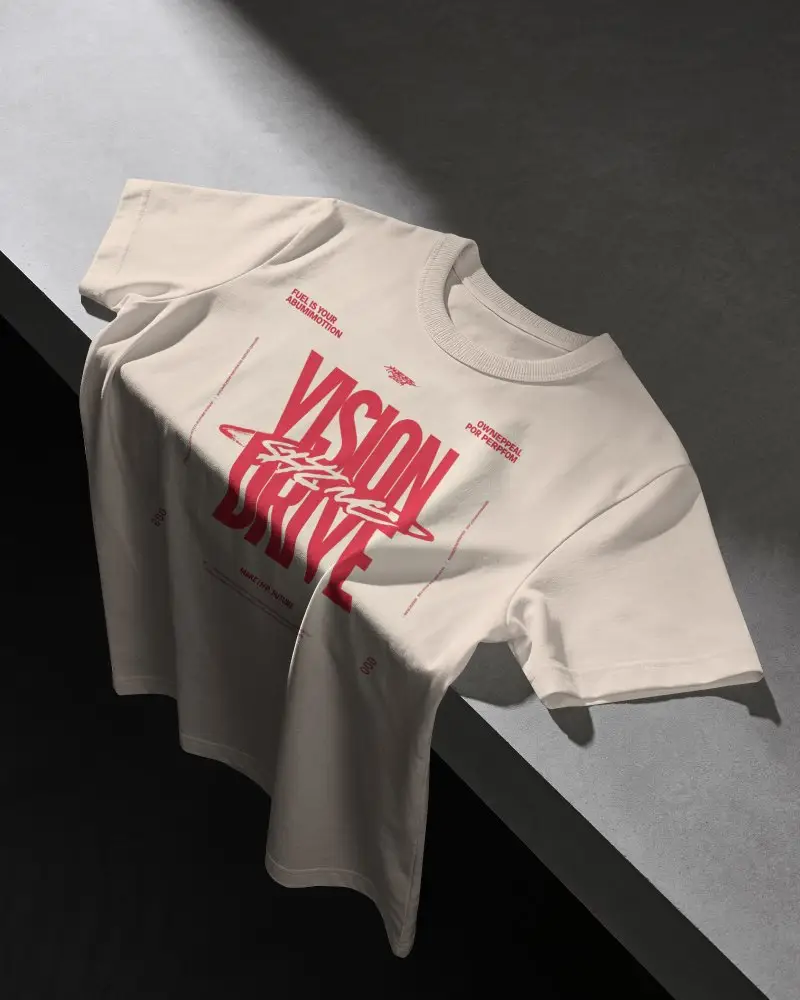

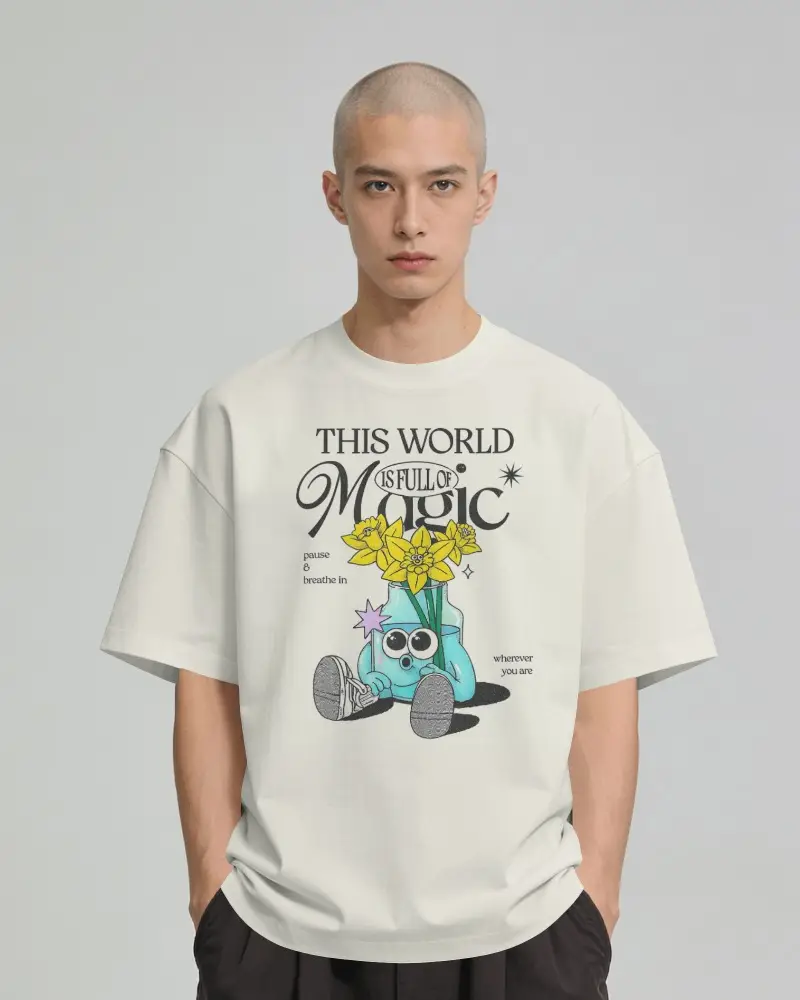
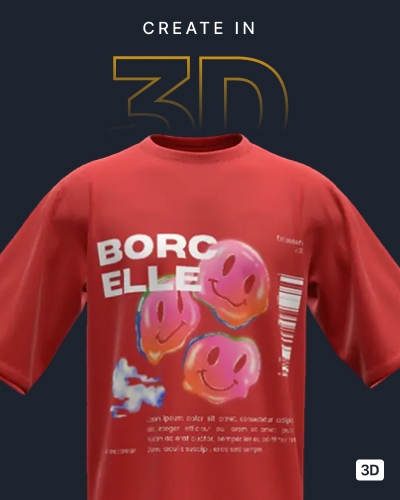

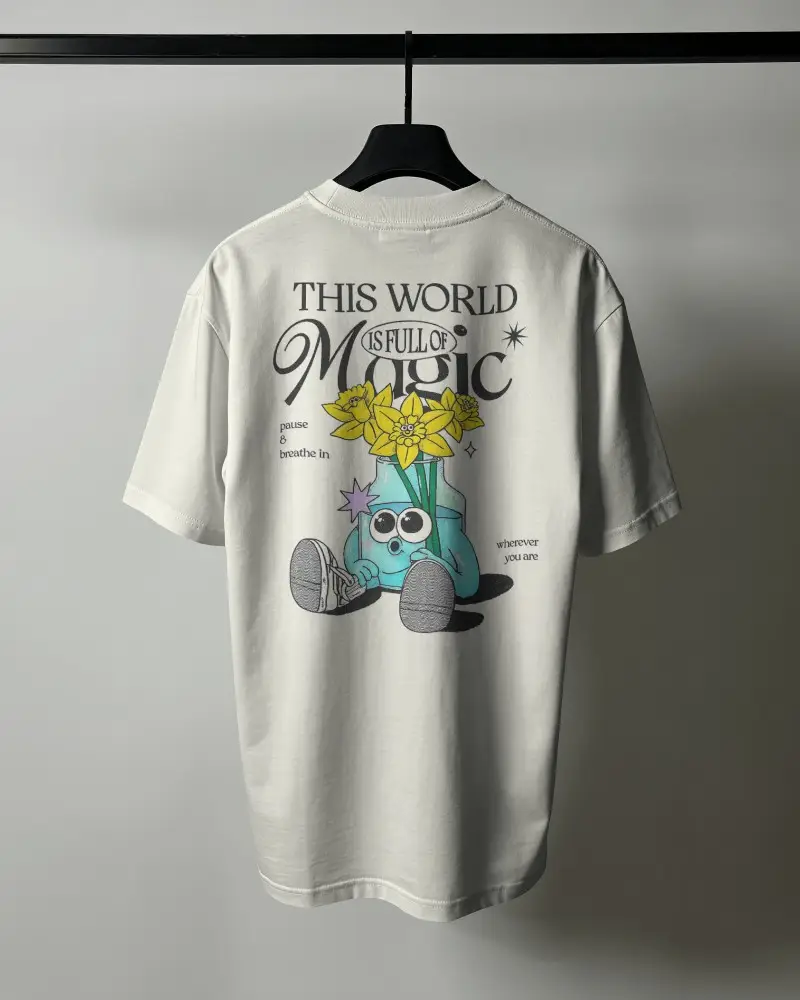
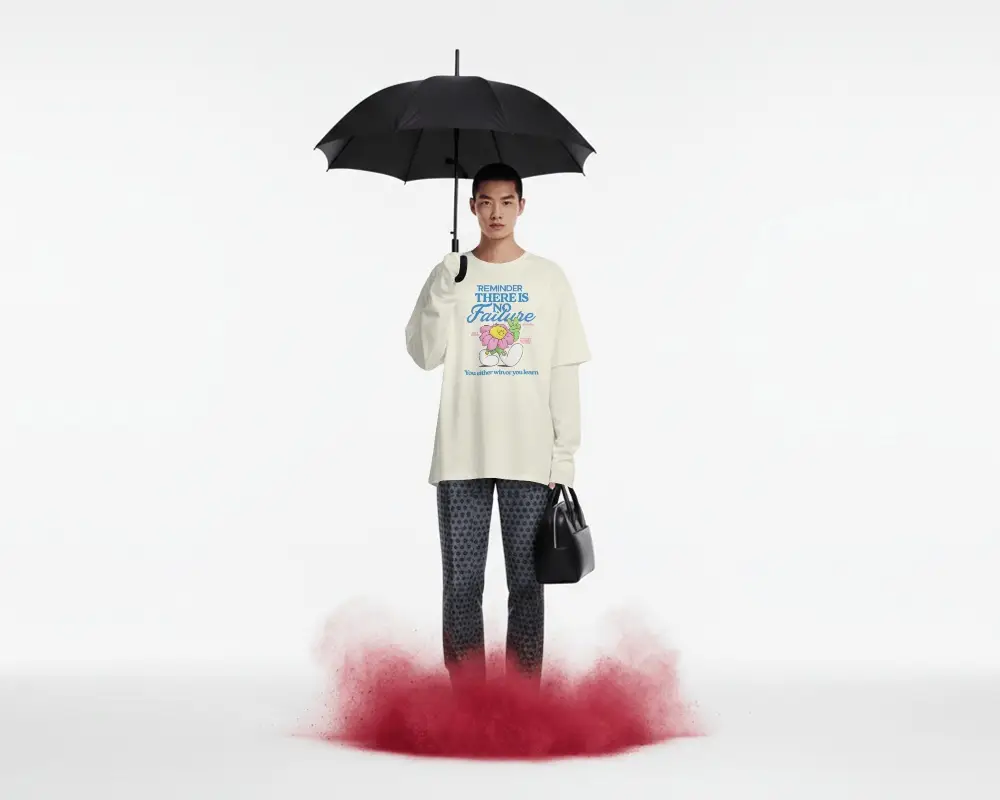
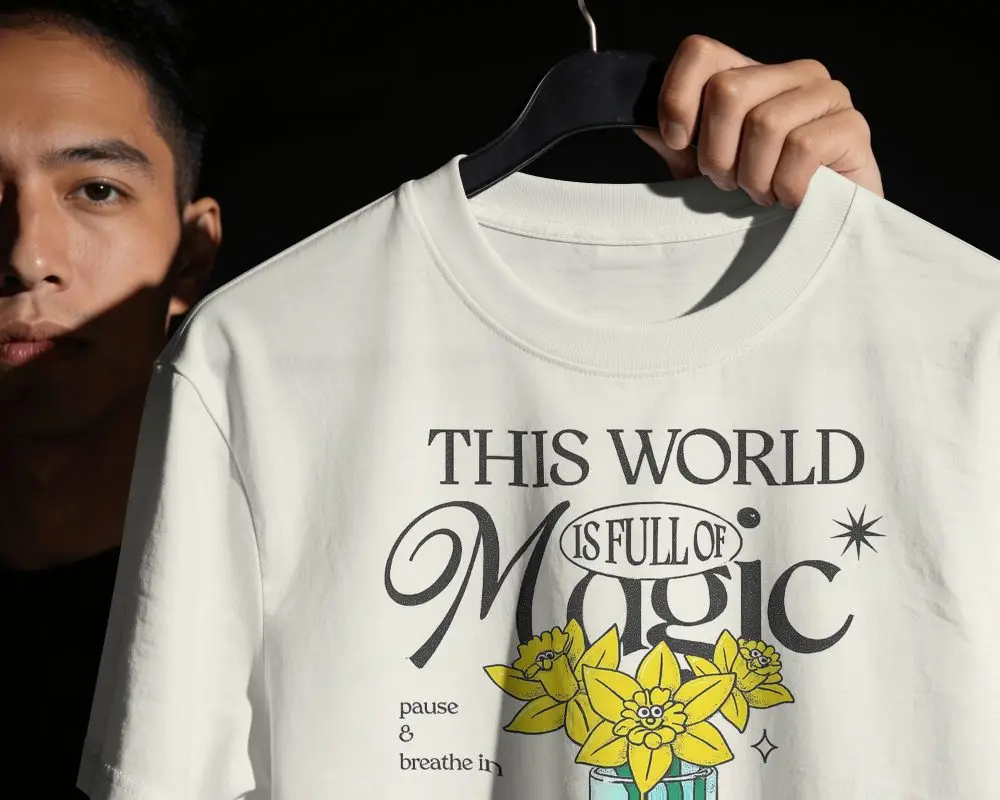
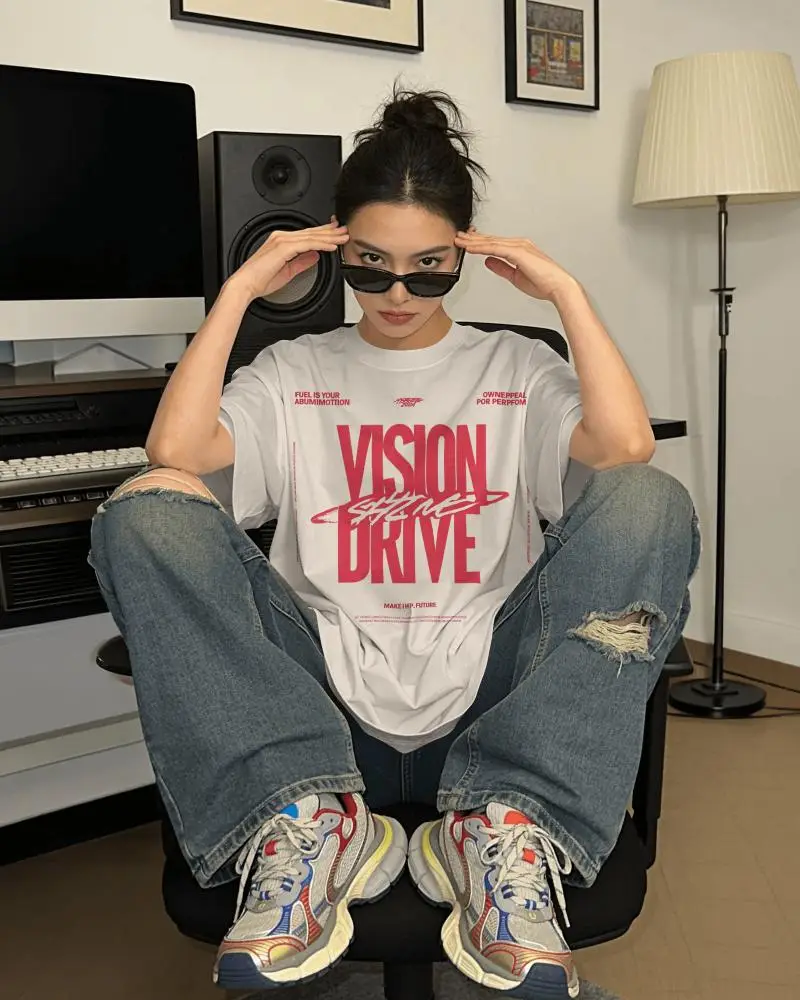
How to Create Cream T-shirt Mockups in Mockey AI
To create cream t-shirt mockups:
- Step 1: Sign up. Follow “Mockups > Apparel > T-shirt” and pick the “Cream” tag.
- Step 2: Use a template to add a design and customize with design tools.
- Step 3: Click “Download” to save the cream t-shirt mockup.


FAQs on Cream T Shirt Mockups
What is a Cream T-Shirt Mockup?
A cream t-shirt mockup serves as a digital representation that displays your design on a cream t-shirt. It can be presented as a simple shirt, modeled by an individual, or arranged flat for showcasing.
Why create a Cream T-Shirt Mockup?
Creating a cream t-shirt mockup lets you see how your design will look on a cream t-shirt before it’s made. You can try out colors and make quick changes without any hassle. The whole process takes just a few seconds. You don't have to purchase physical samples if you're an online seller, either.
Why Use Mockey’s Cream T-Shirt Mockup?
Mockey AI mostly offers free templates that are unique and available in large numbers, along with a free plan. Customize those cream t-shirt or oversized t-shirt mockups; its AI tools make these mockups special.
Is this Cream T-Shirt Mockup Free?
Yes, Cream T-shirt Mockups has free templates that you can access with the free plan. There are some limitations, like only JPG files being available, but you can generate mockups without any watermark.
Is a Cream T-Shirt Mockup the same as a Beige T-Shirt Mockup?
No, a cream t-shirt mockup is not the same as a beige t-shirt mockup. Both are neutral and earthy, though they have different colors. In many ways, they are similar, but they aren't the same. Beige is between brown and gray, and cream is a pale off-white shade.
