Free Lavender T-Shirt Mockup For Your Brand
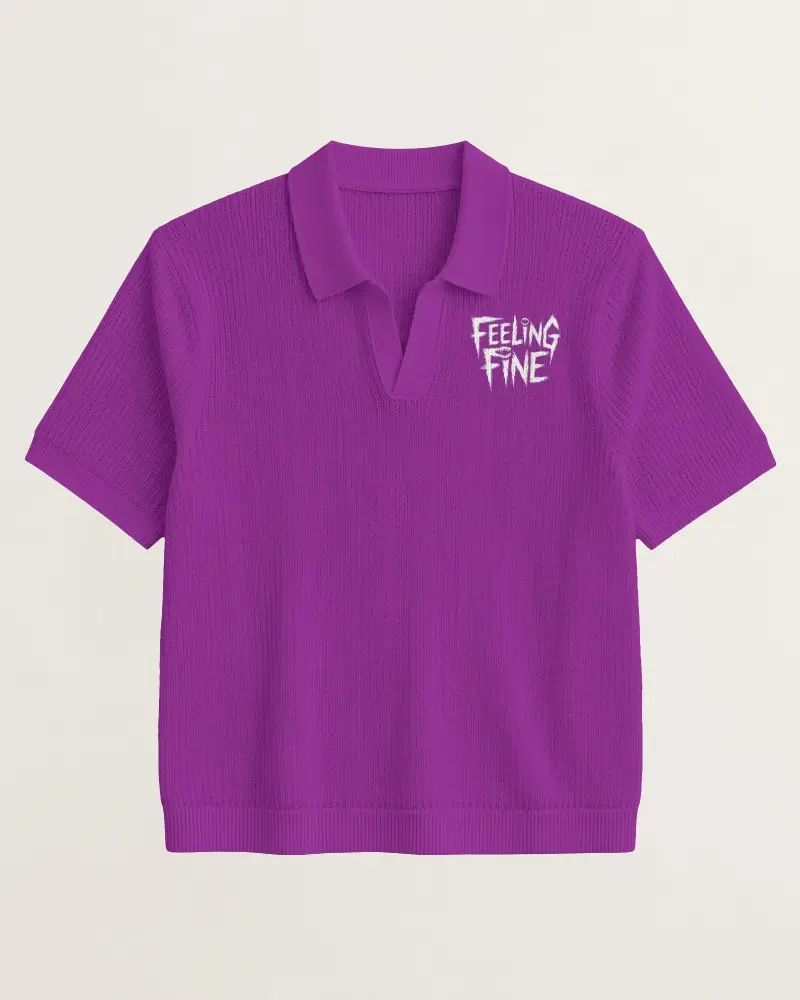
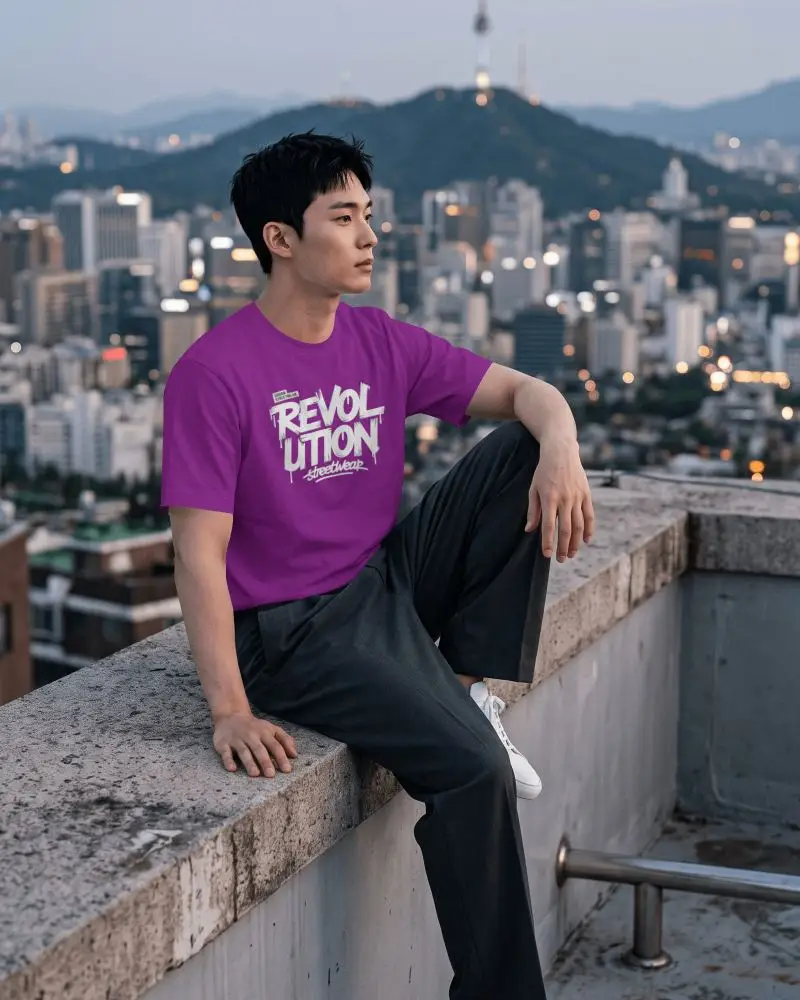
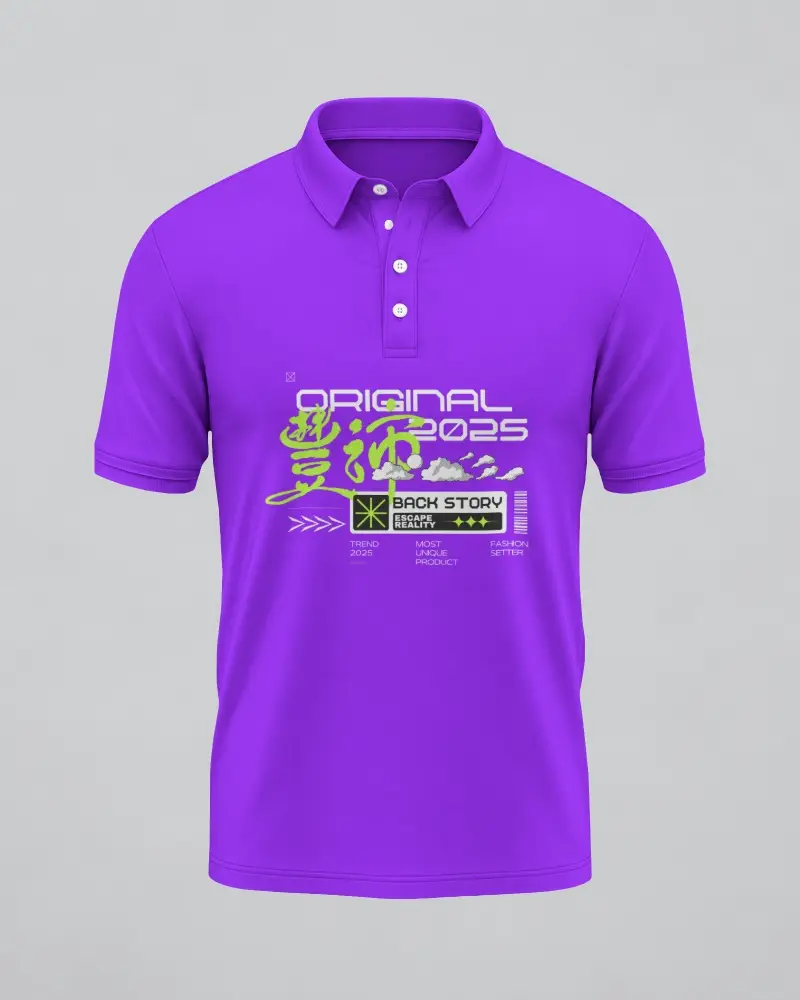
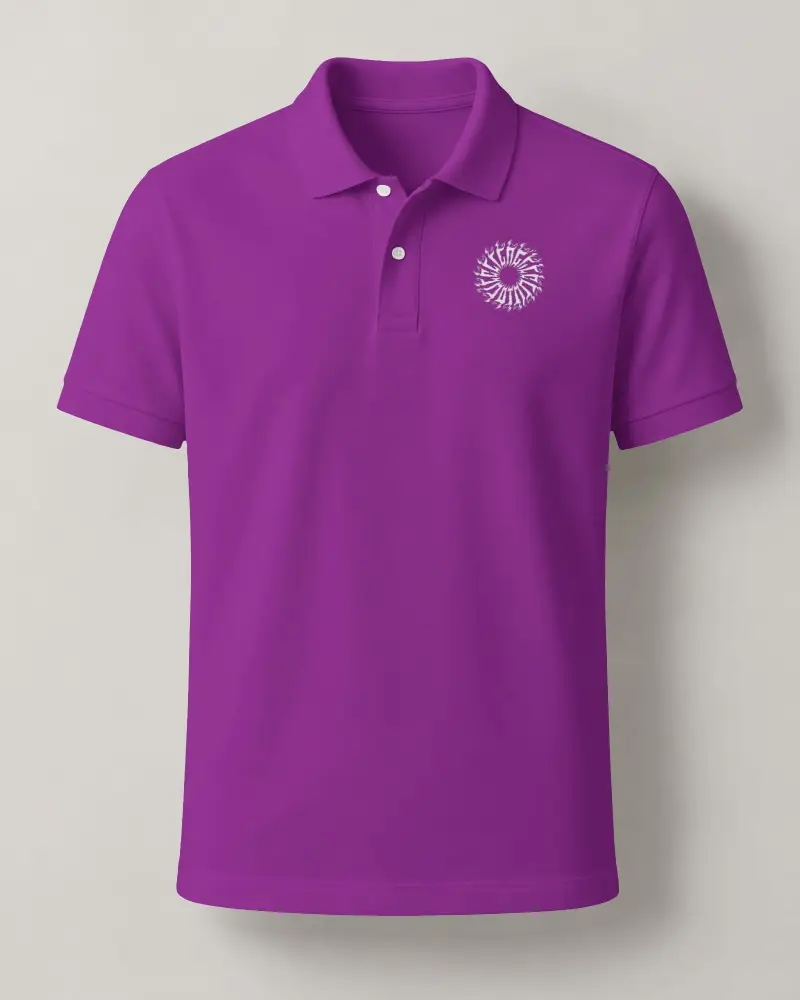
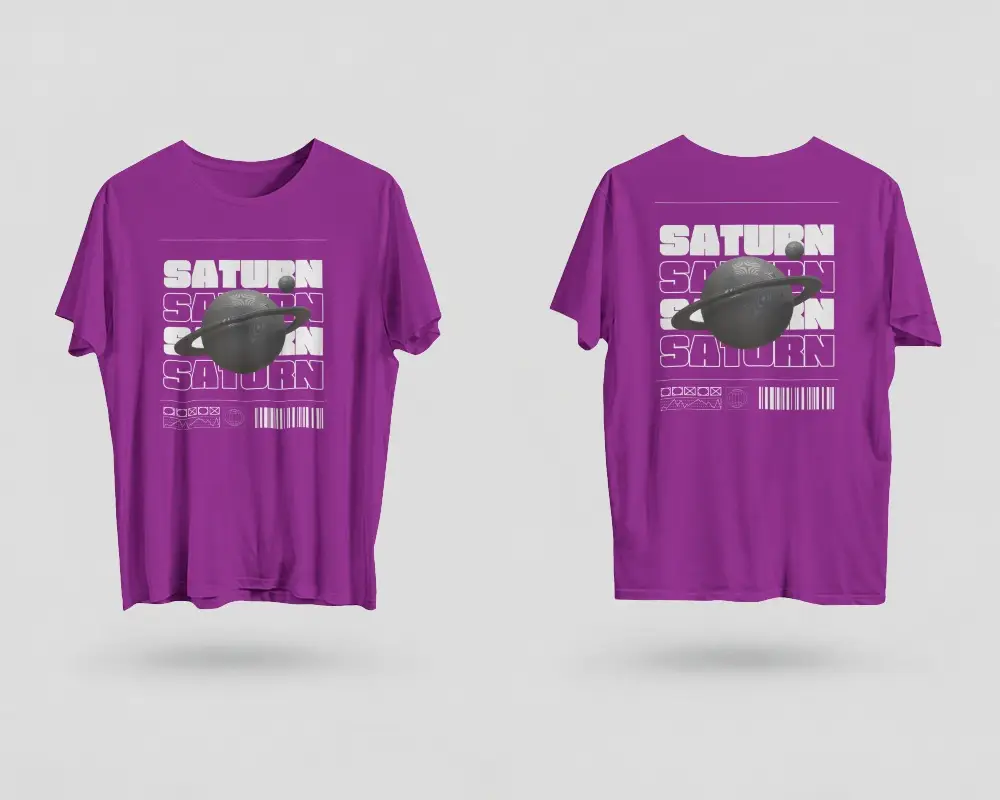
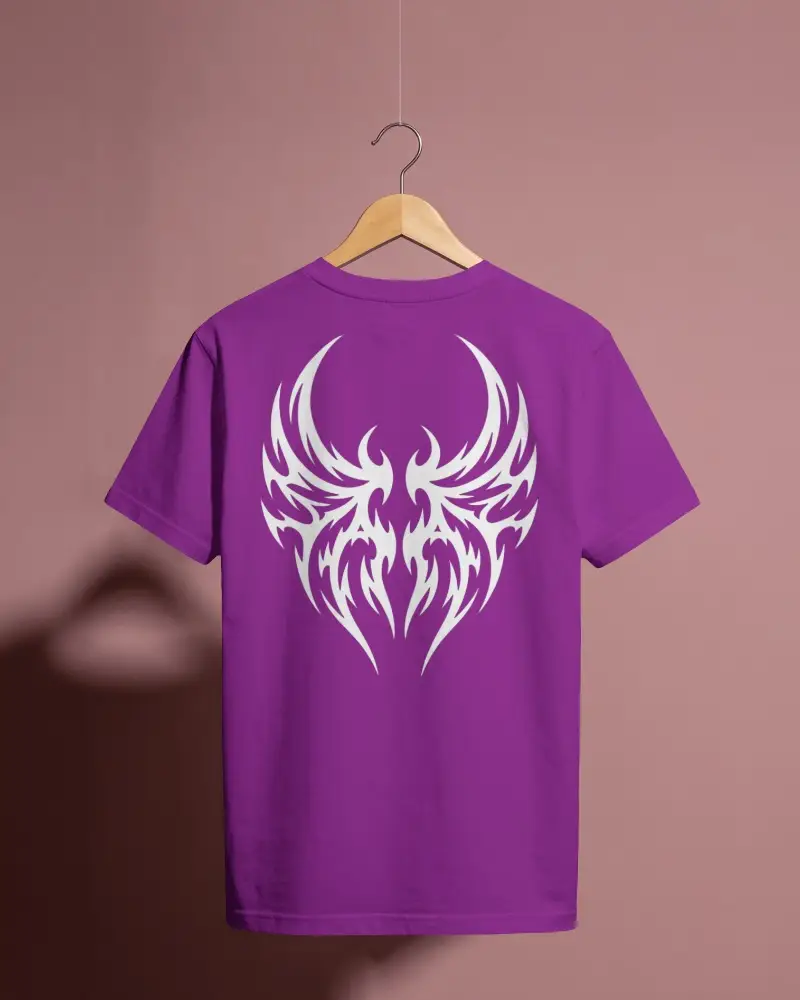
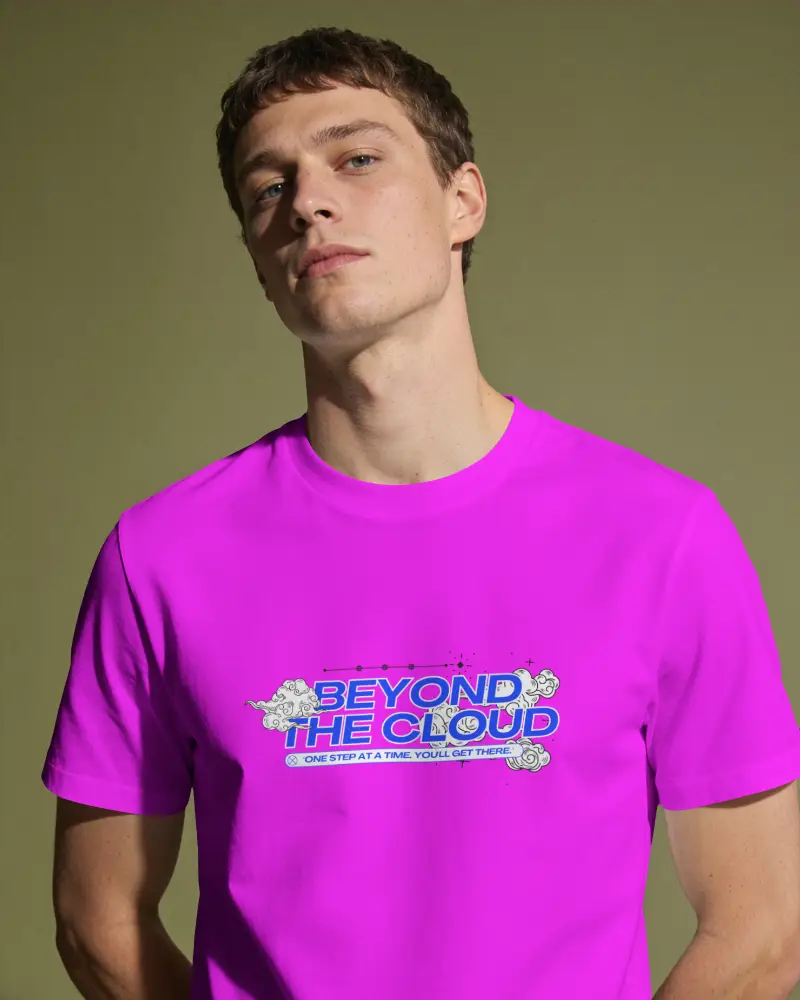
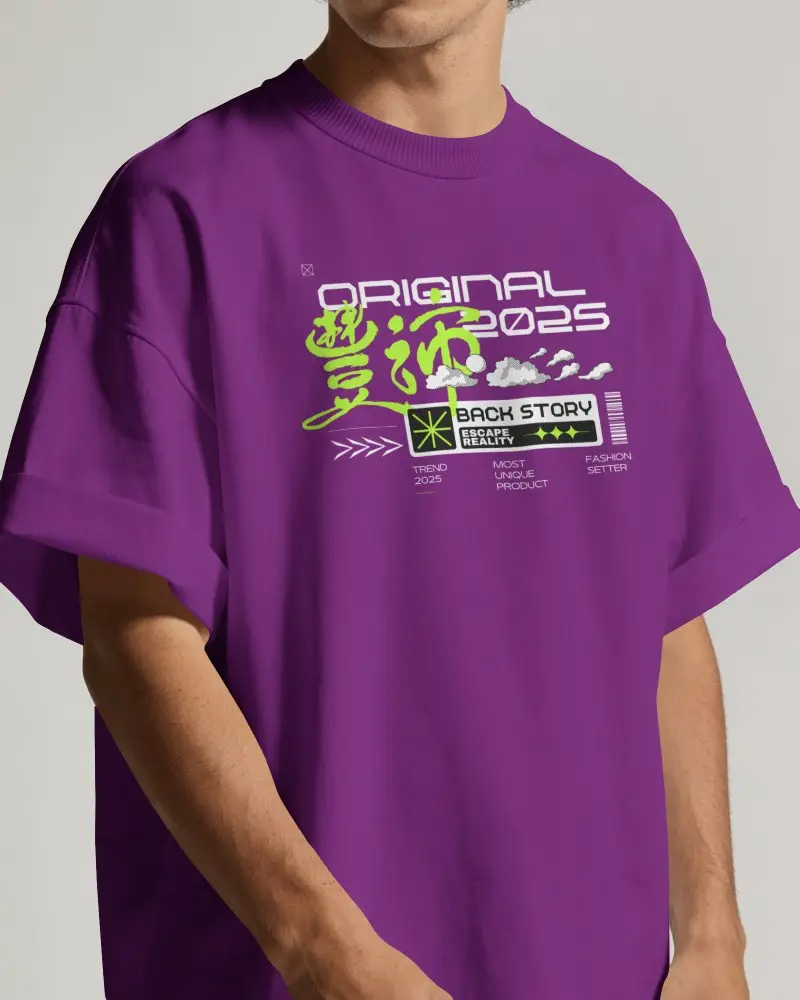
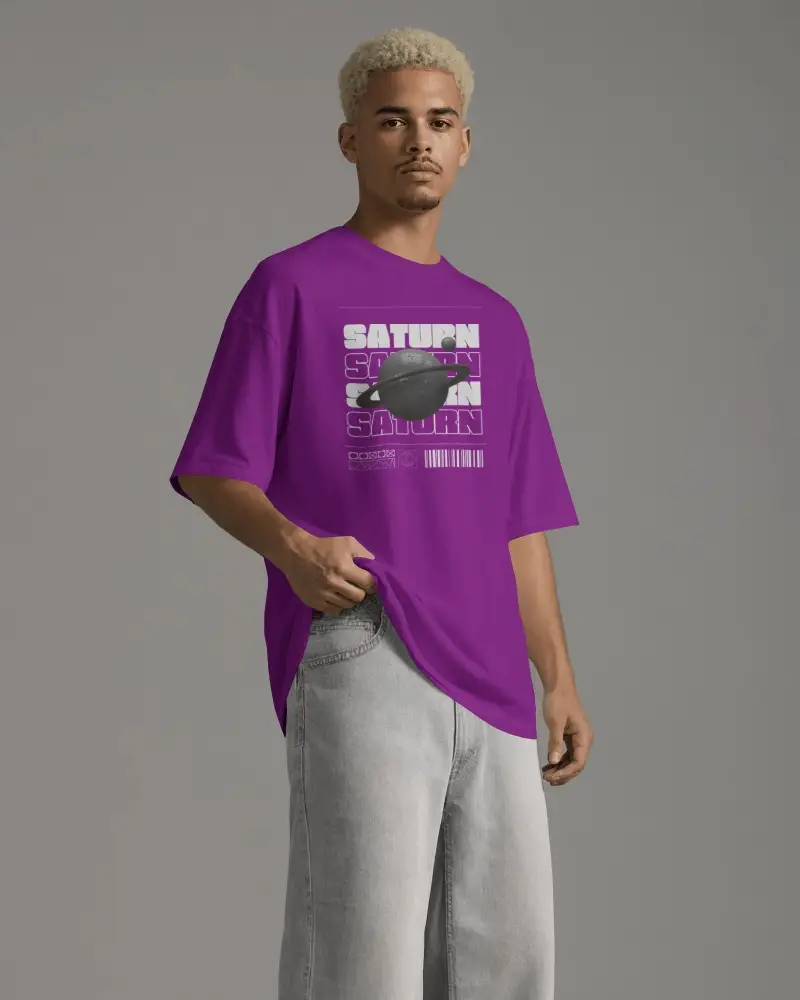
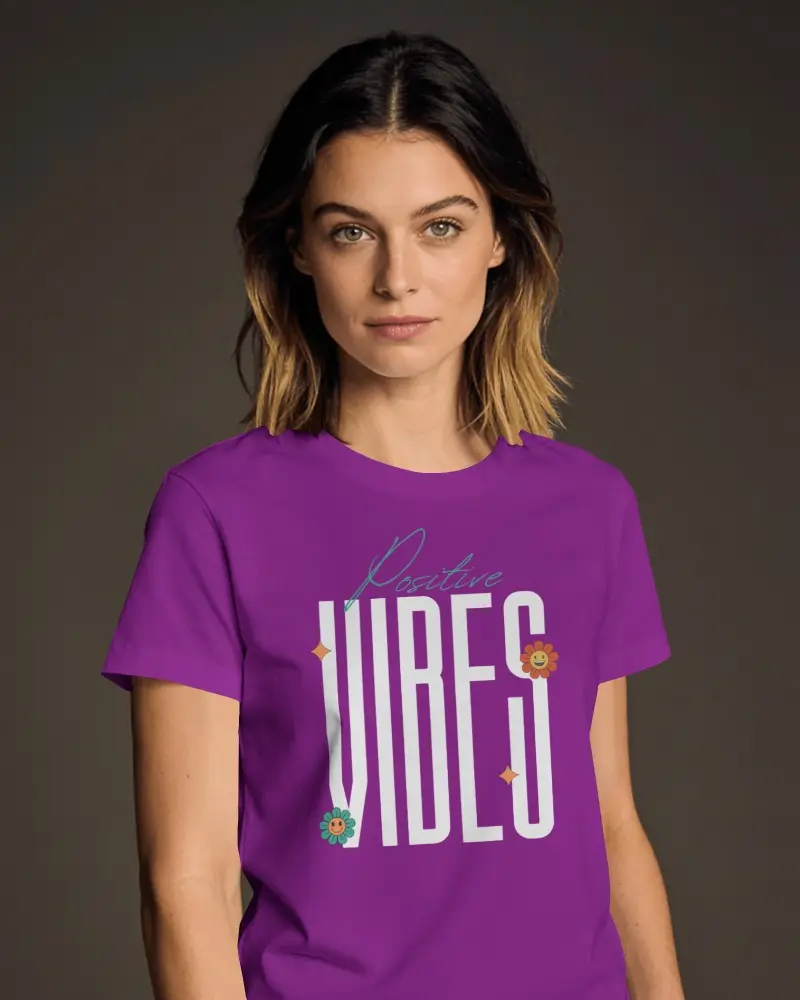
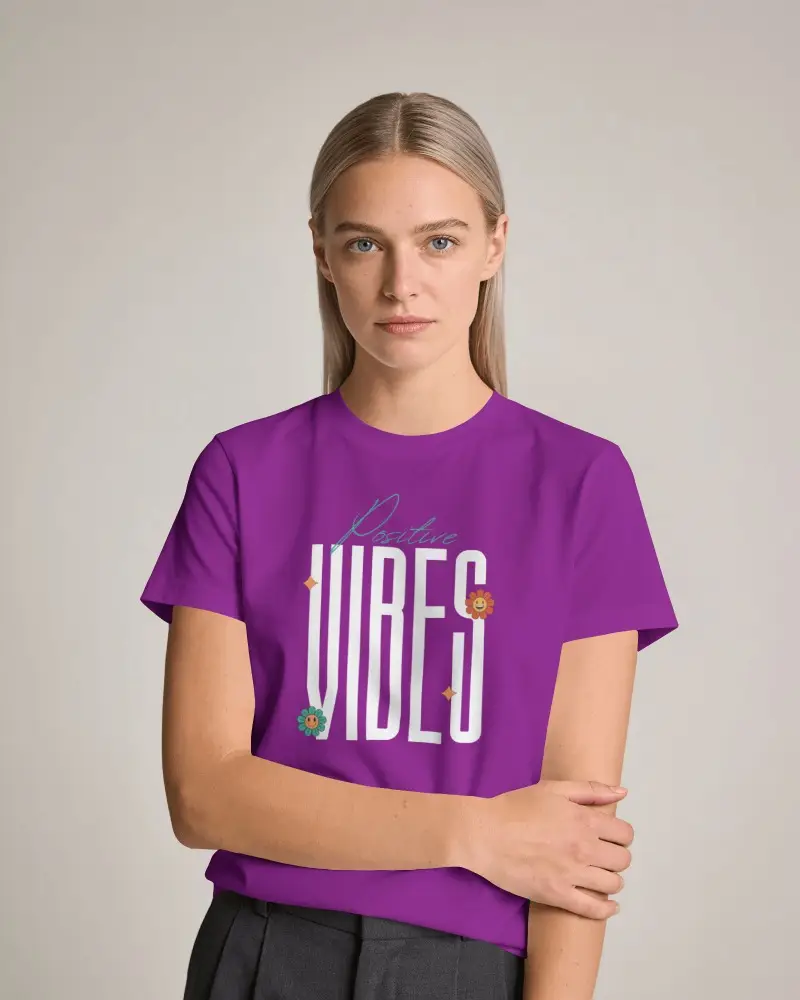
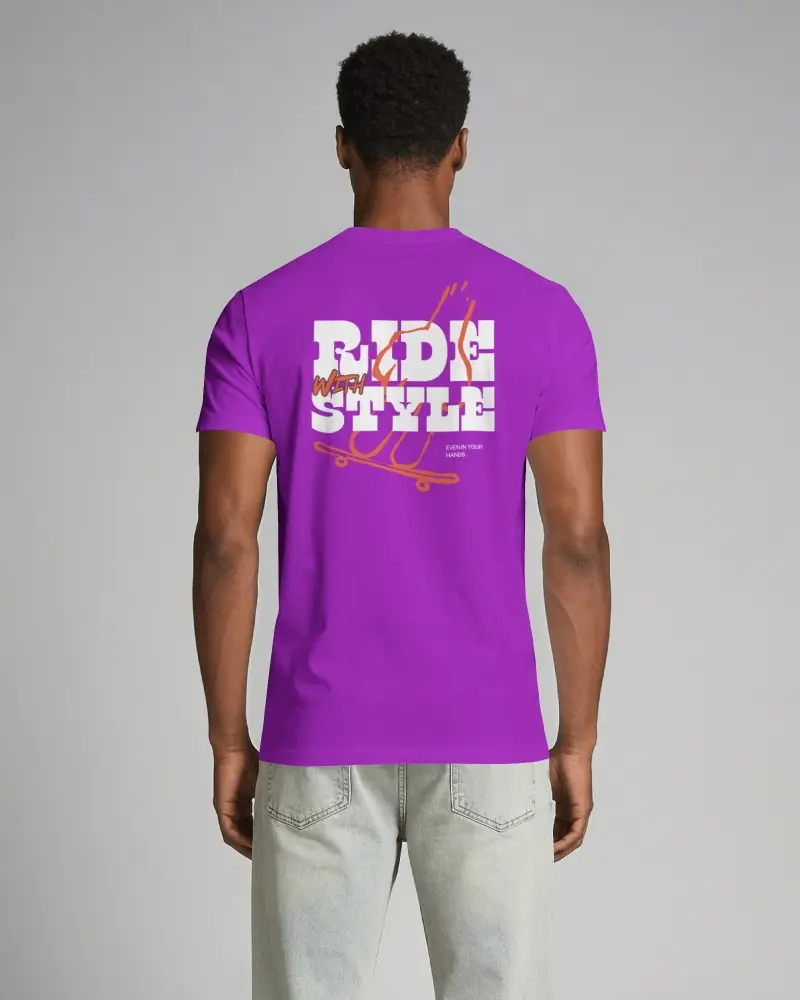
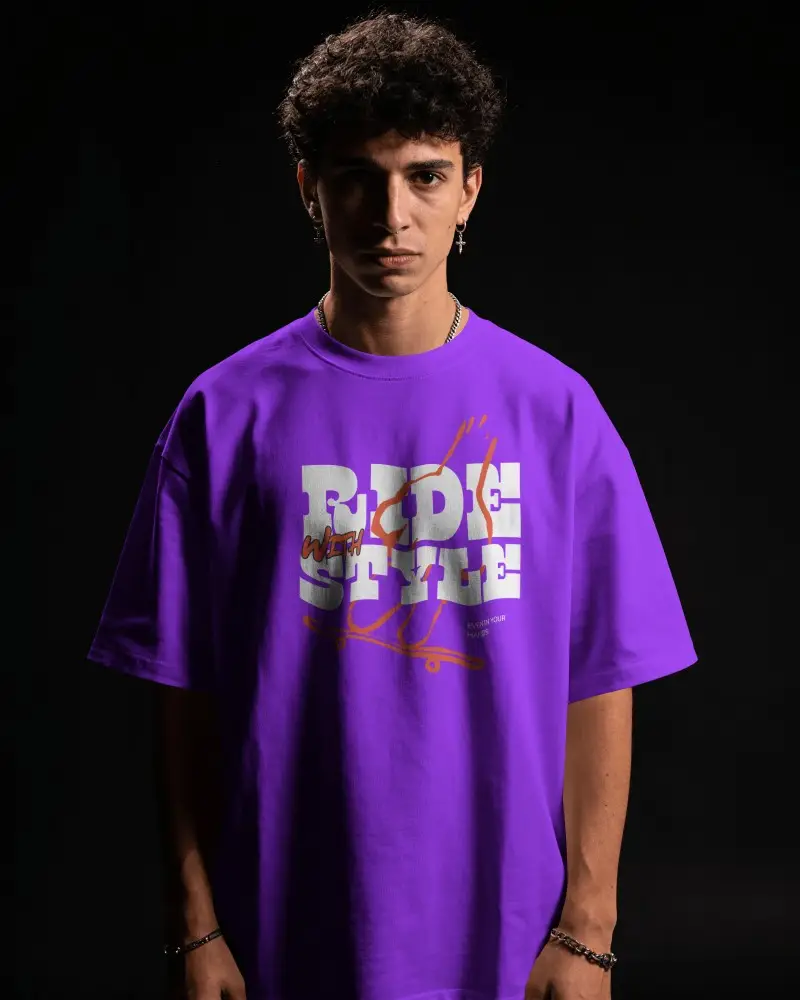
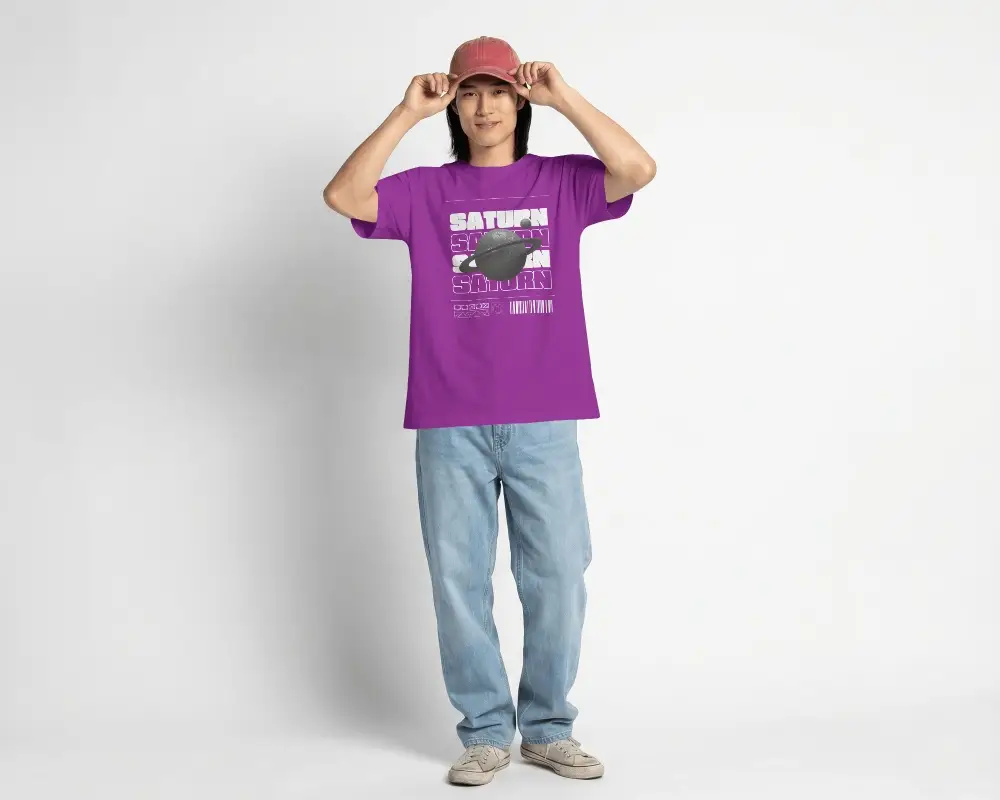
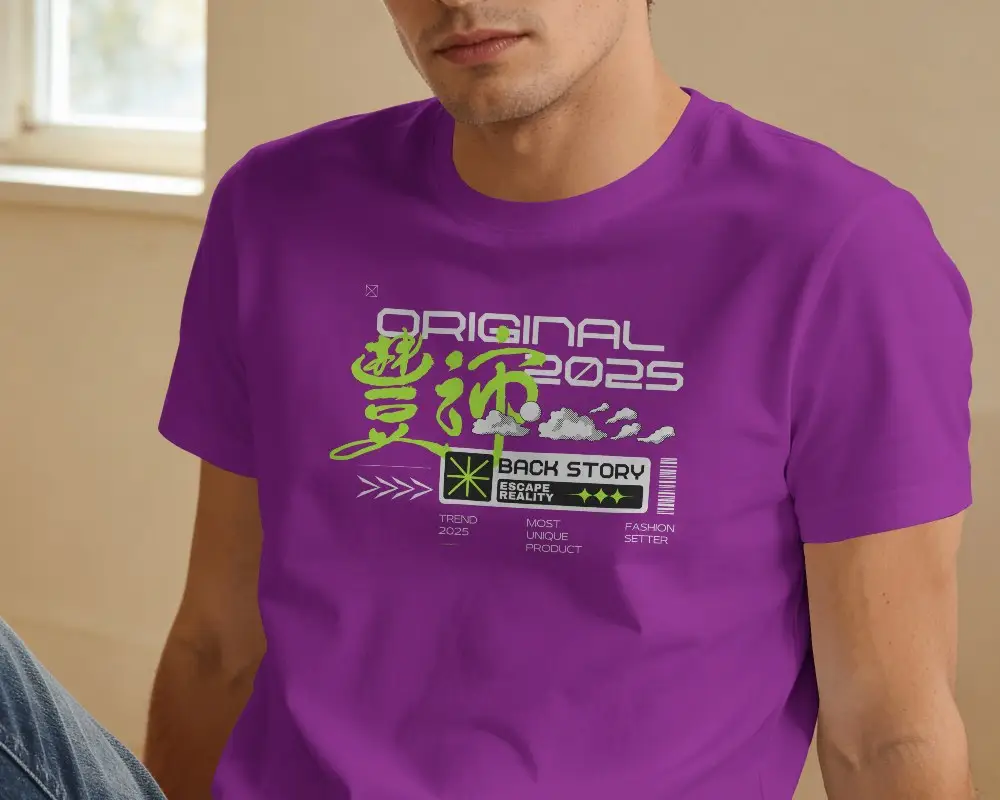
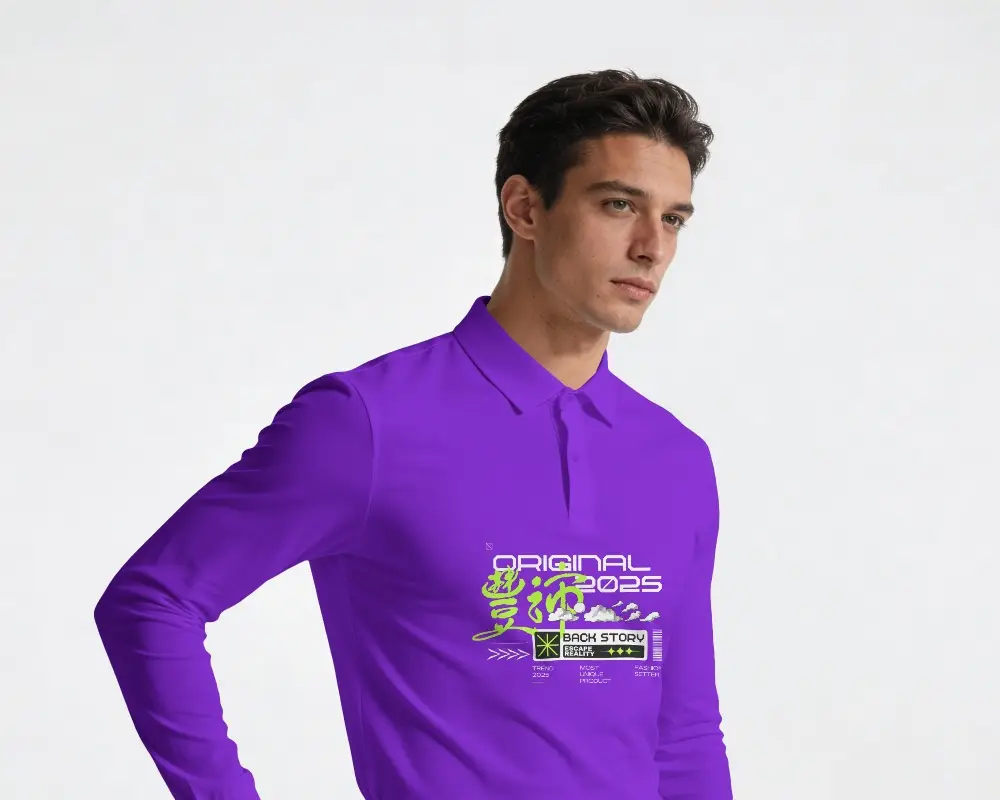
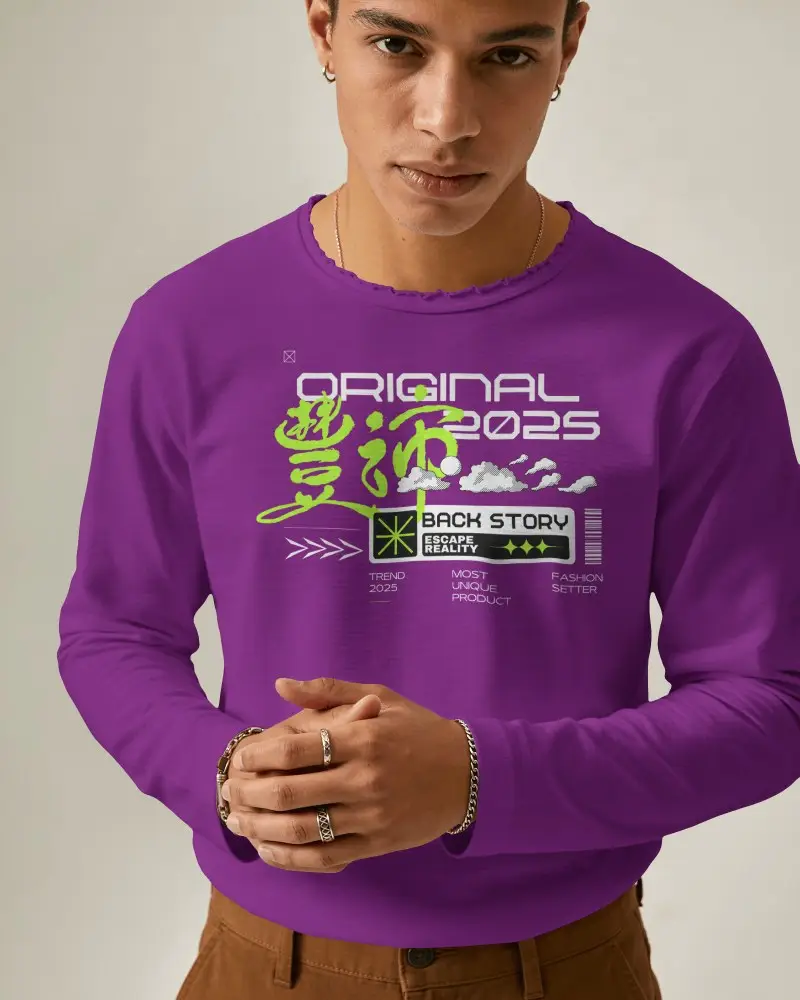
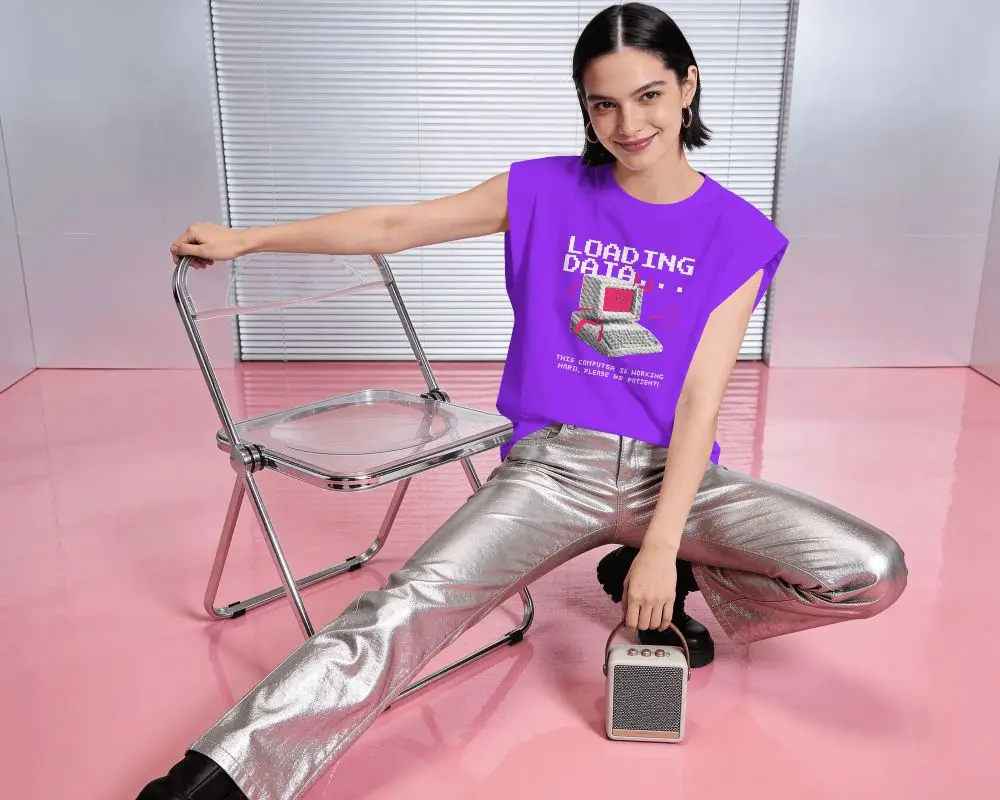
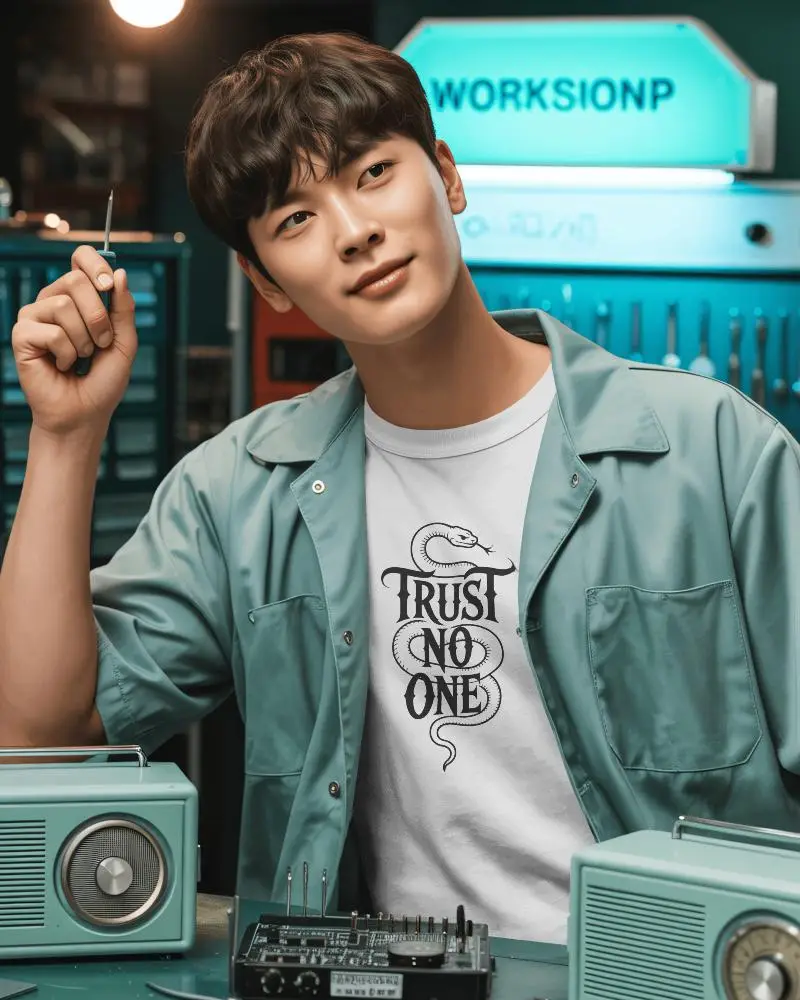
Bring your designs to life with Mockey’s Free Lavender T-Shirt Mockups. Fully editable and realistic, these mockups let you customize colors, adjust artwork placement, and display both front and back views for a complete presentation.






















































How to Create Lavender T-shirt Mockups in Mockey AI
To create a lavender t-shirt mockup:
- Step 1: Sign up, and on the next page, click “Mockups” and head to “Categories”.
- Step 2: Follow “Apparel > T-shirt” and select the “Lavender” tag for the template.
- Step 3: Add a design, customize, and download the lavender t-shirt mockup.


FAQs on Lavender T Shirt Mockups
What is a Lavender T-Shirt Mockup?
A lavender t-shirt mockup is a template of a t-shirt in lavender color, where you can add a brand design or logo for presentation. Using a t-shirt mockup generator will help you do this quickly without wasting any time.
Why create a Lavender T-Shirt Mockup?
To visualize designs and improve marketing with an eye-catching presentation, a lavender T-shirt mockup is needed.
Why Use Mockey’s Lavender T-Shirt Mockup?
The number of lavender t-shirt mockup templates in Mockey AI, its top-notch editing tools, AI features, and the quality of its output are its biggest advantages to use.
Is this Lavender T-Shirt Mockup Free?
Yes, you can get lavender t-shirt mockups for free on Mockey AI. If you want, you can start customizing them with the free plan.
