Boxy T-Shirt Mockup Free Download For Your Brand
Create your boxy T-shirt mockups effortlessly with Mockey AI’s free online generator. Upload your design, tweak colors, and adjust fit details. Ideal for fashion brands, designers, and sellers looking to showcase or download boxy T-shirt mockups for online stores and print-on-demand platforms.

















































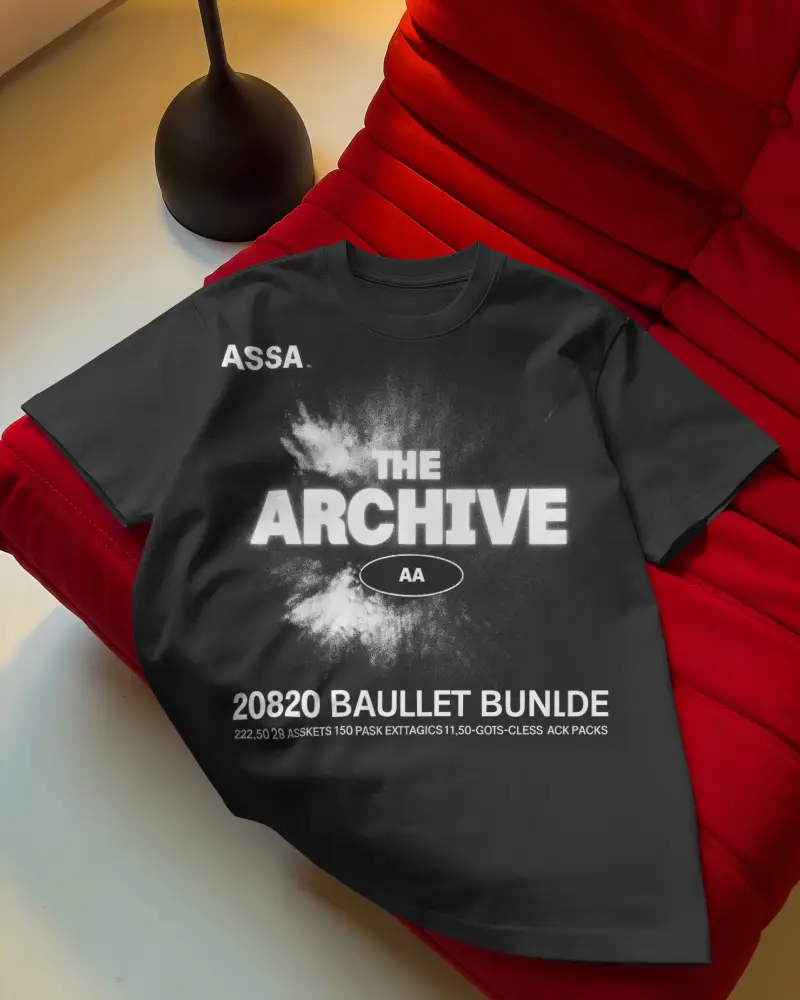
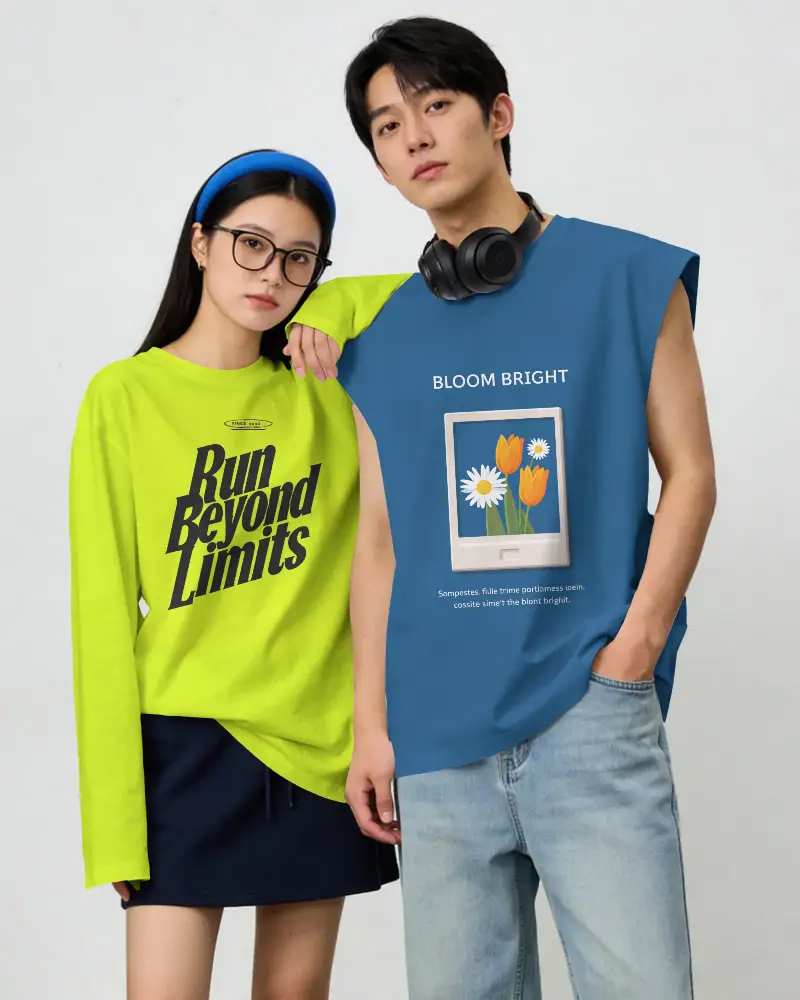
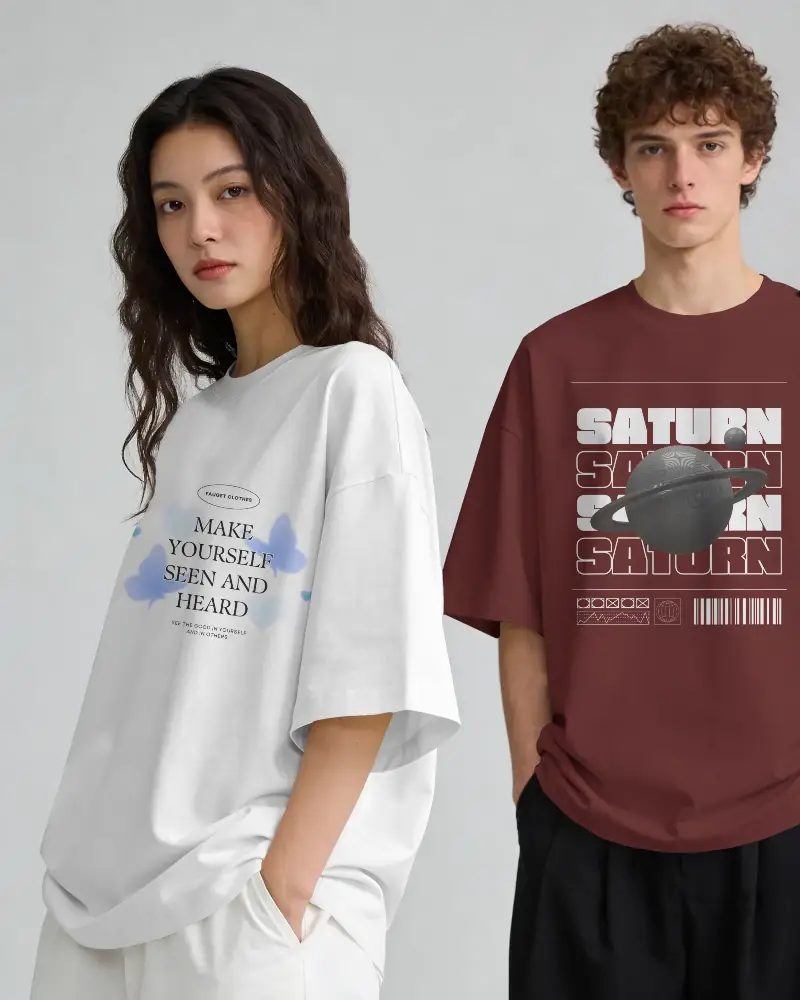
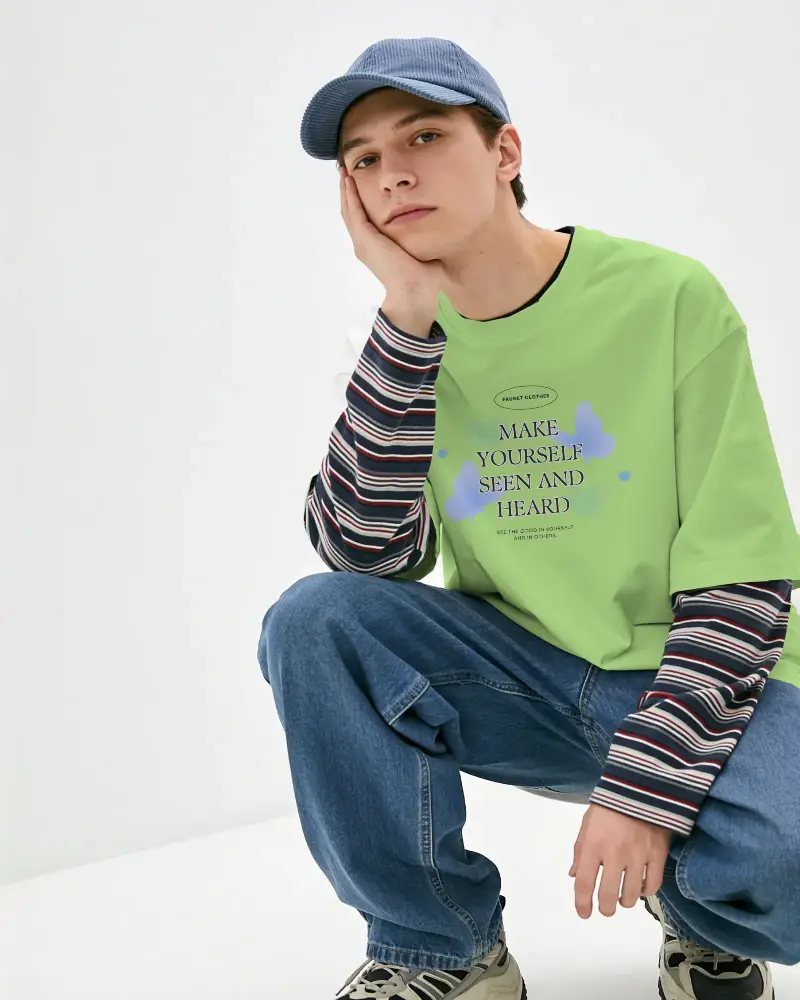
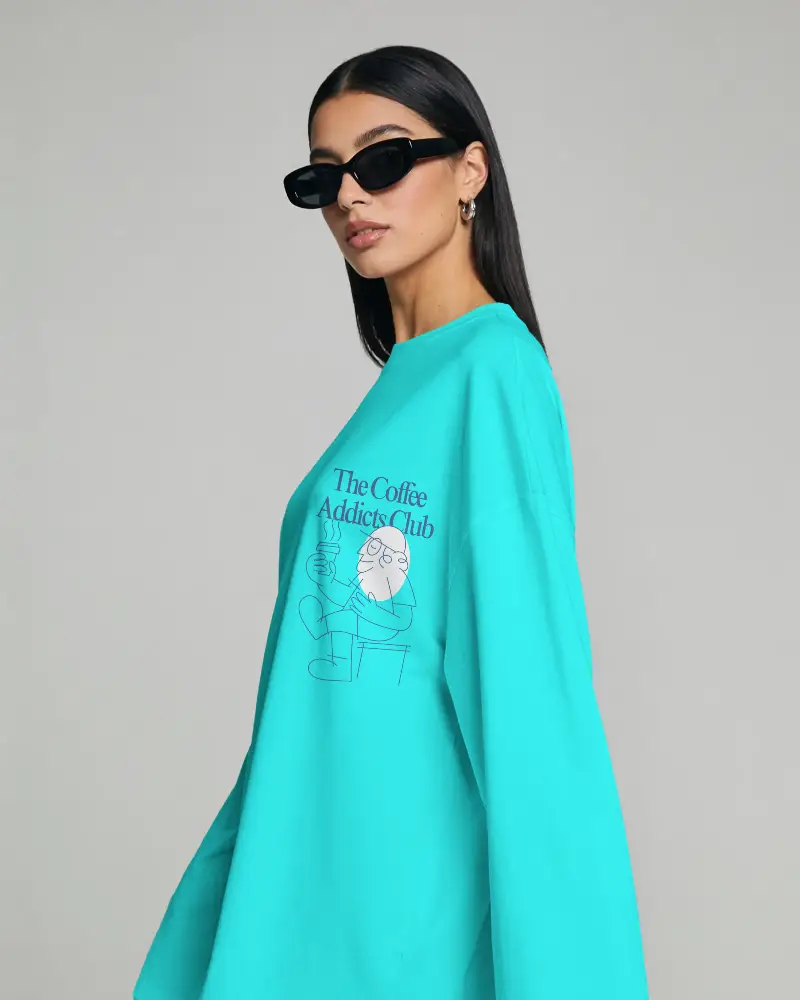
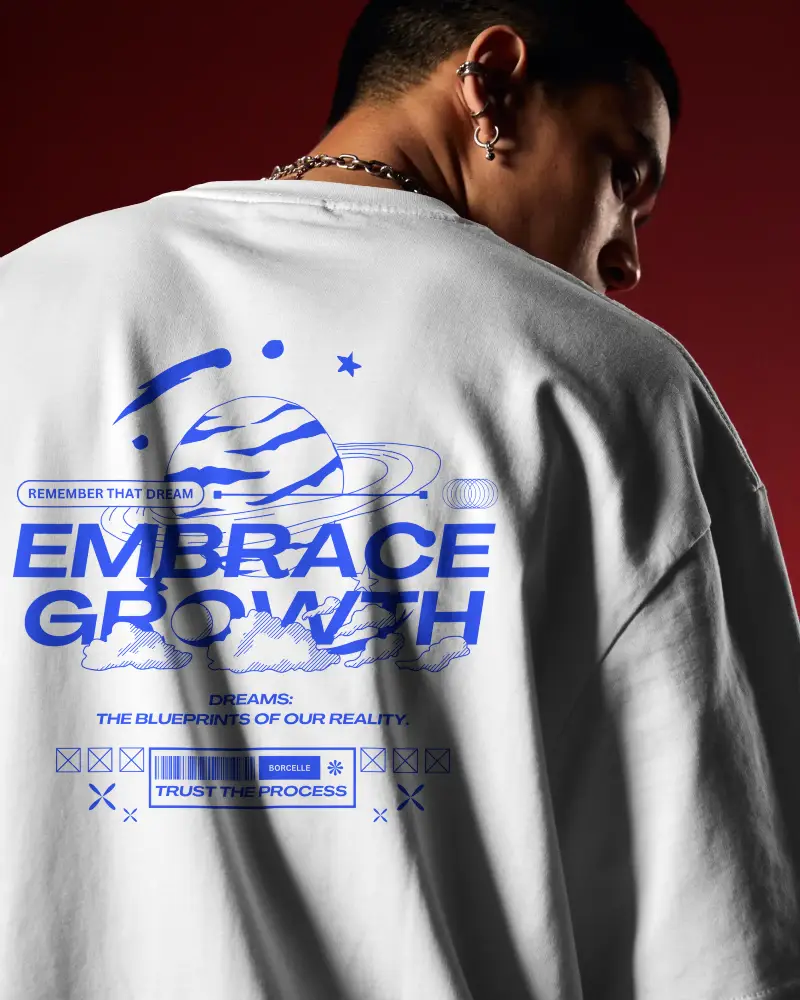
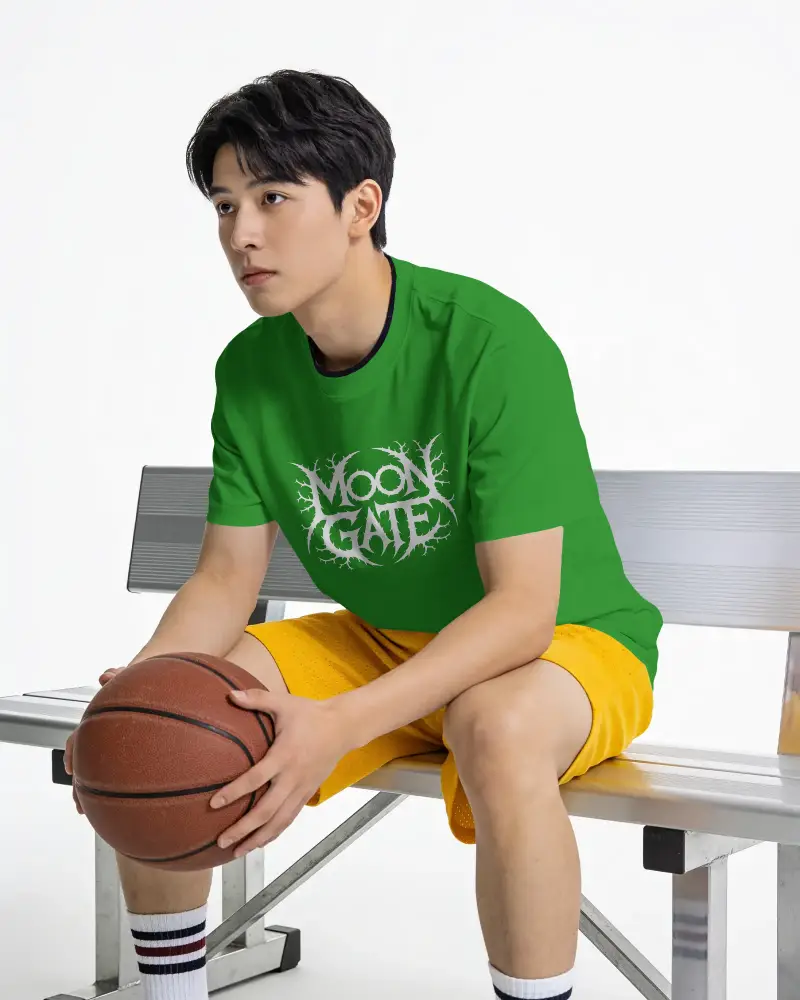
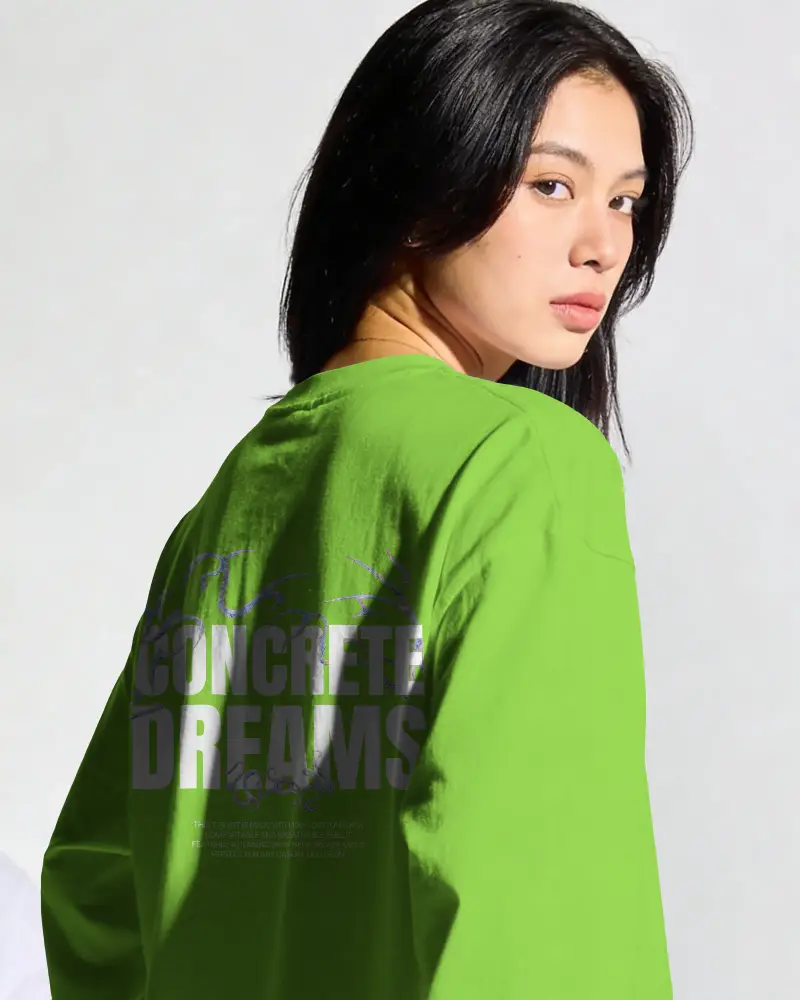
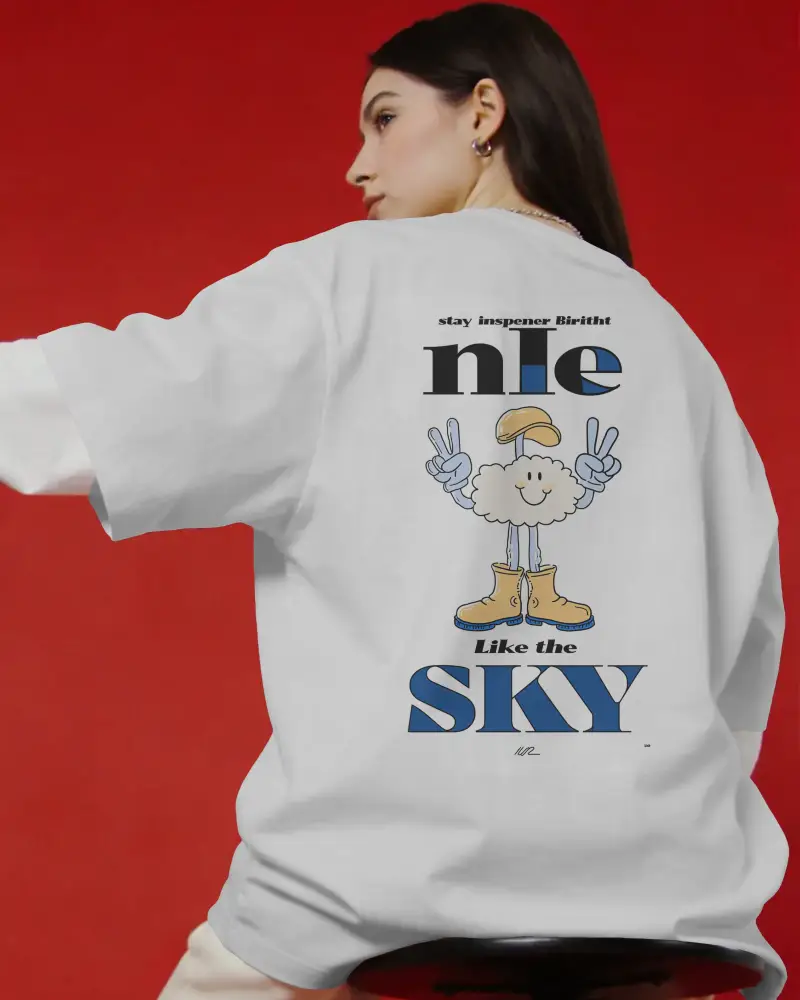
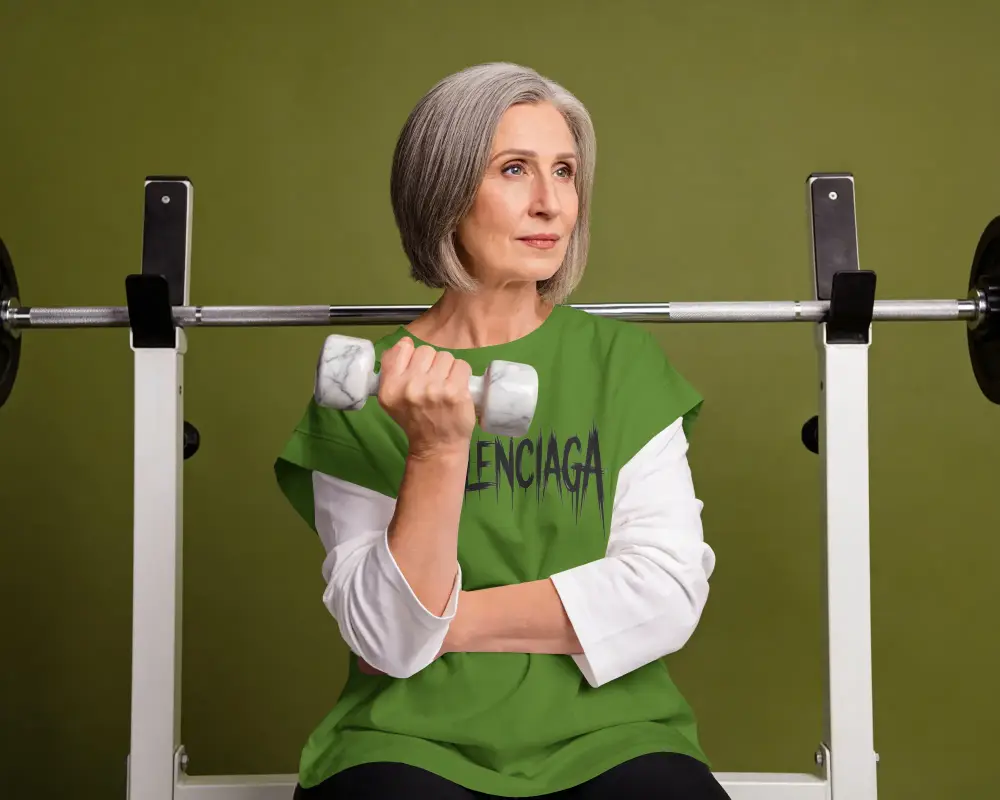
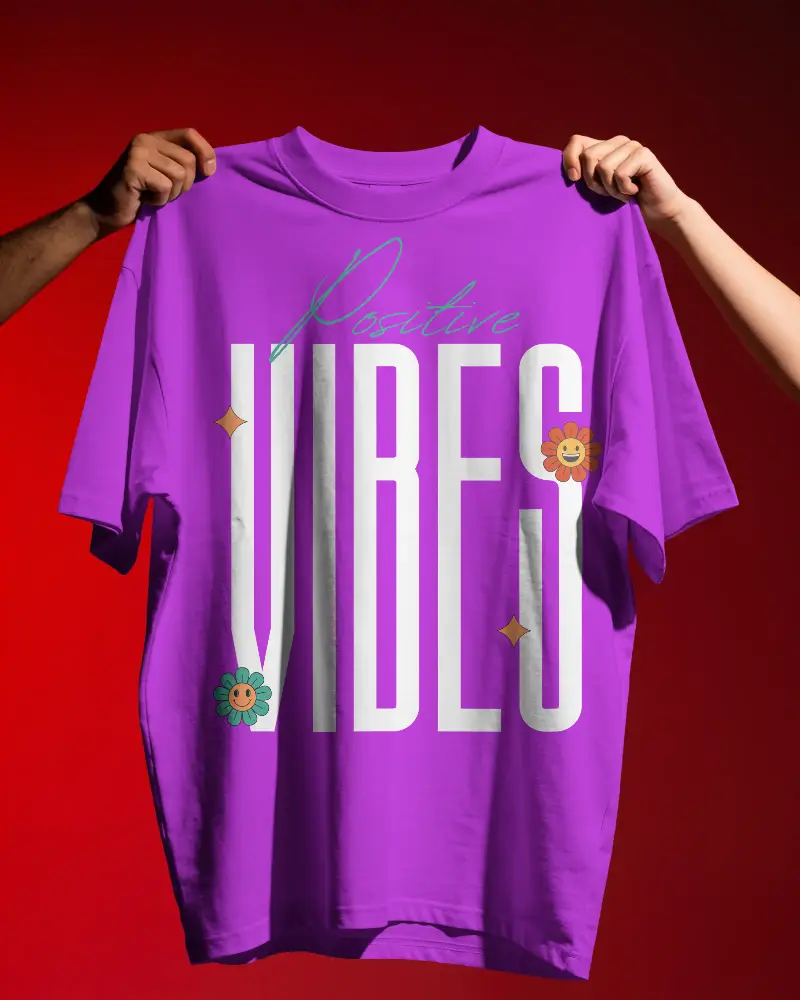
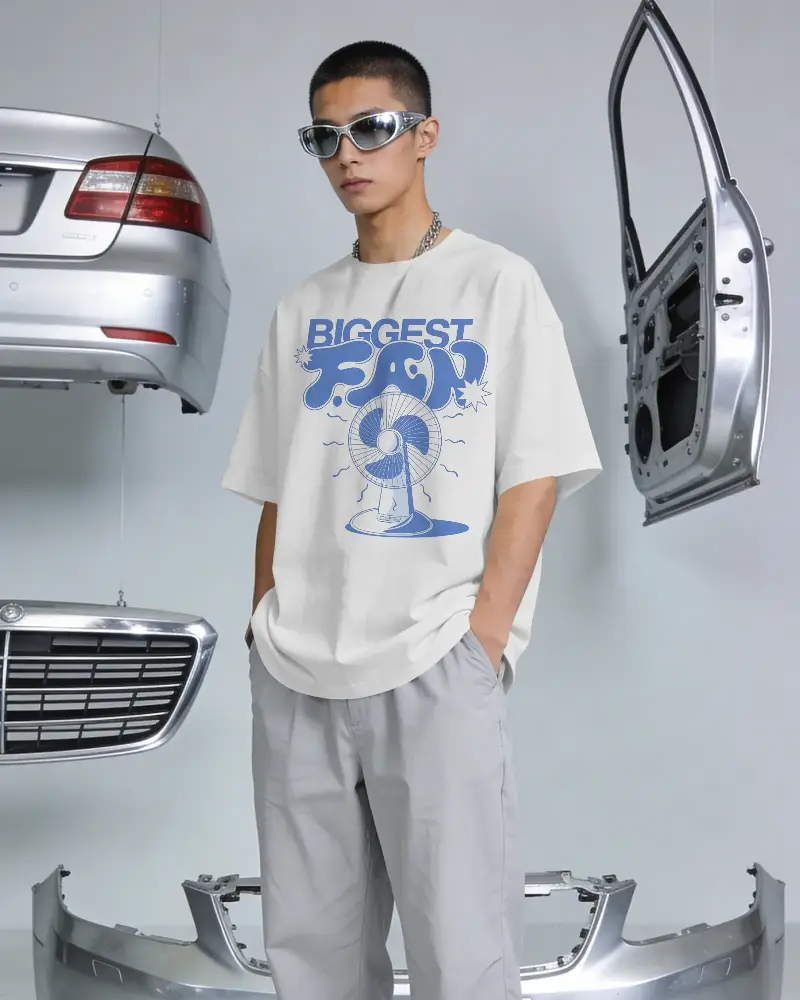
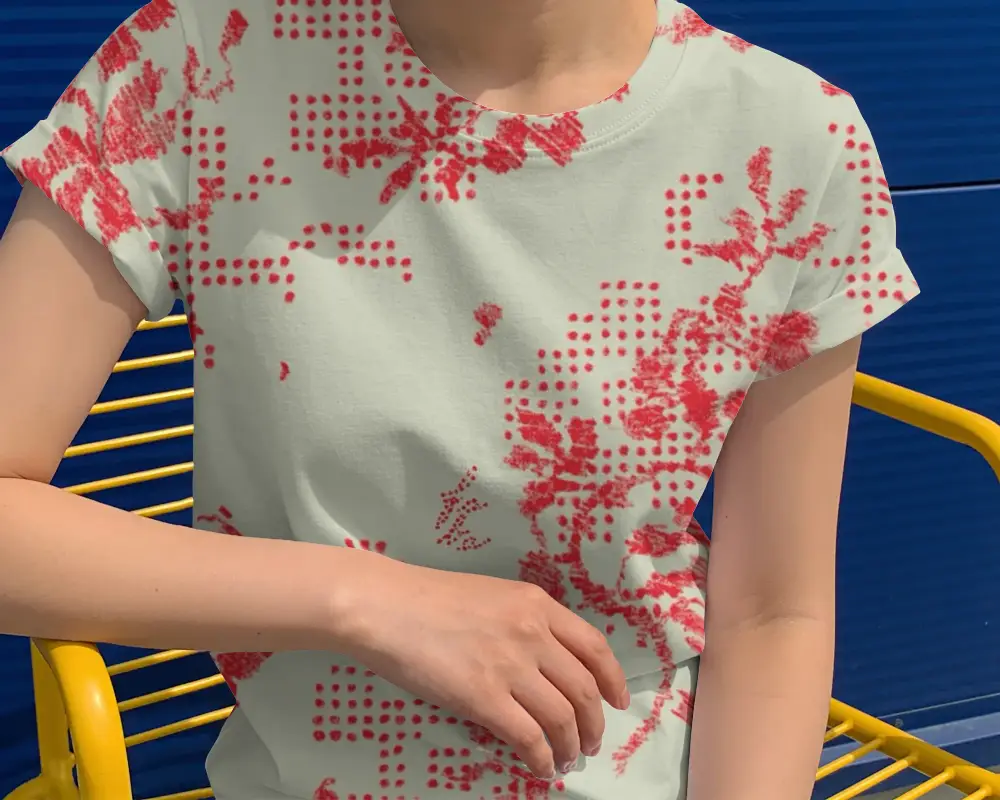
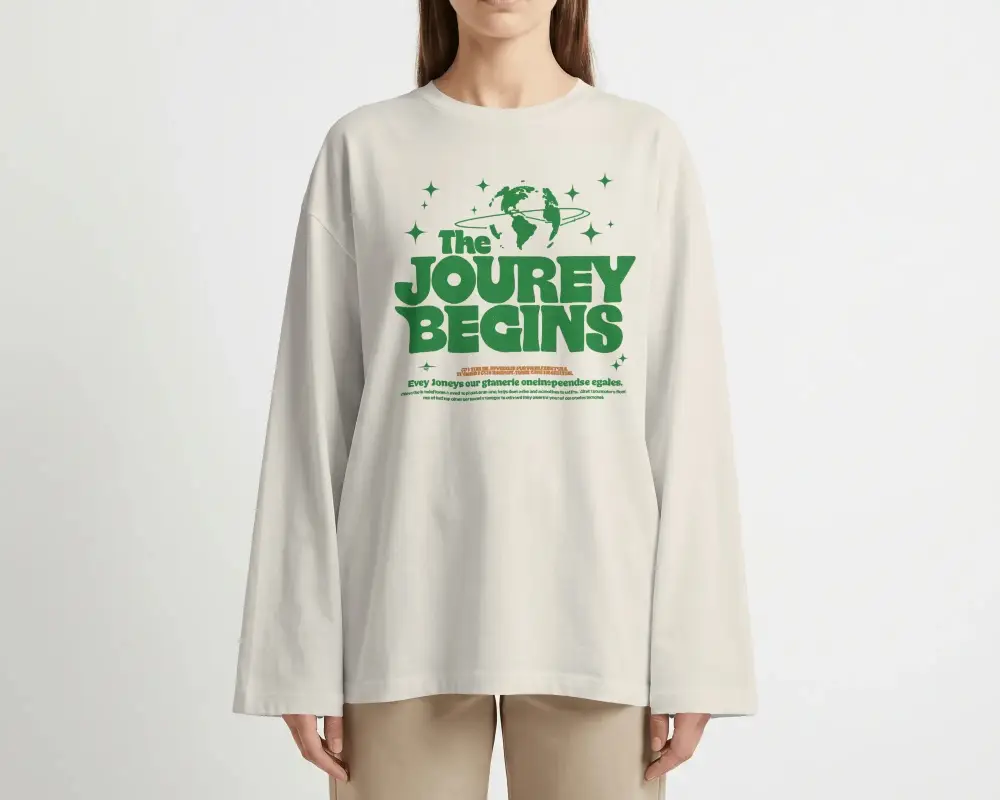

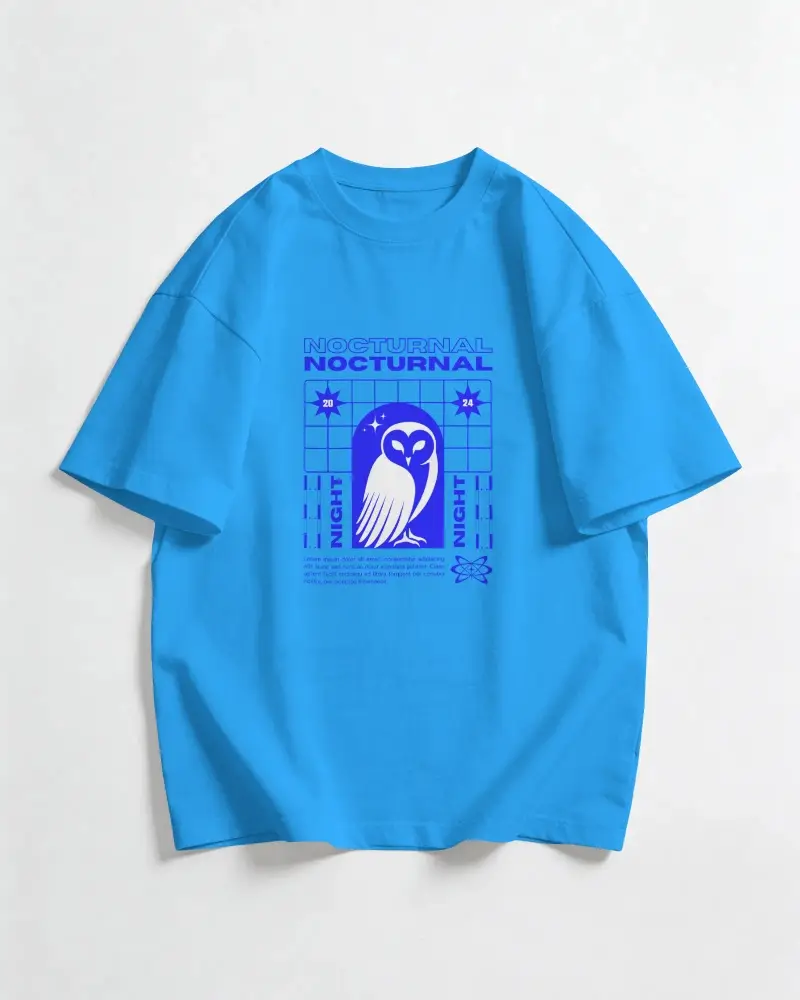
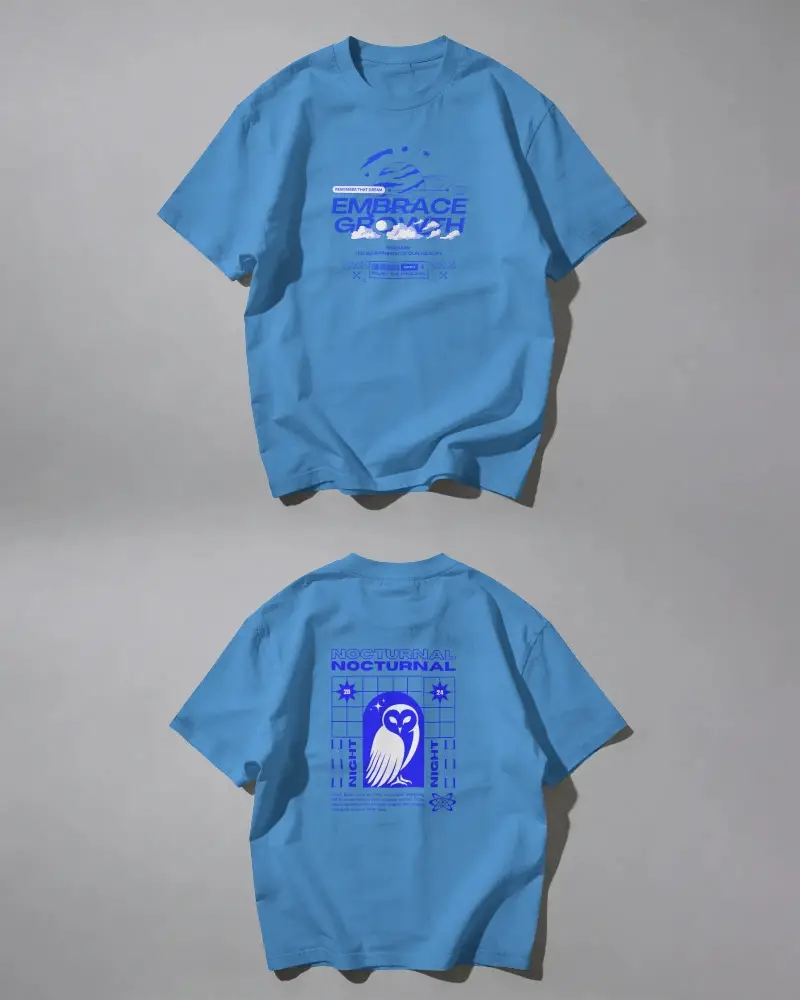
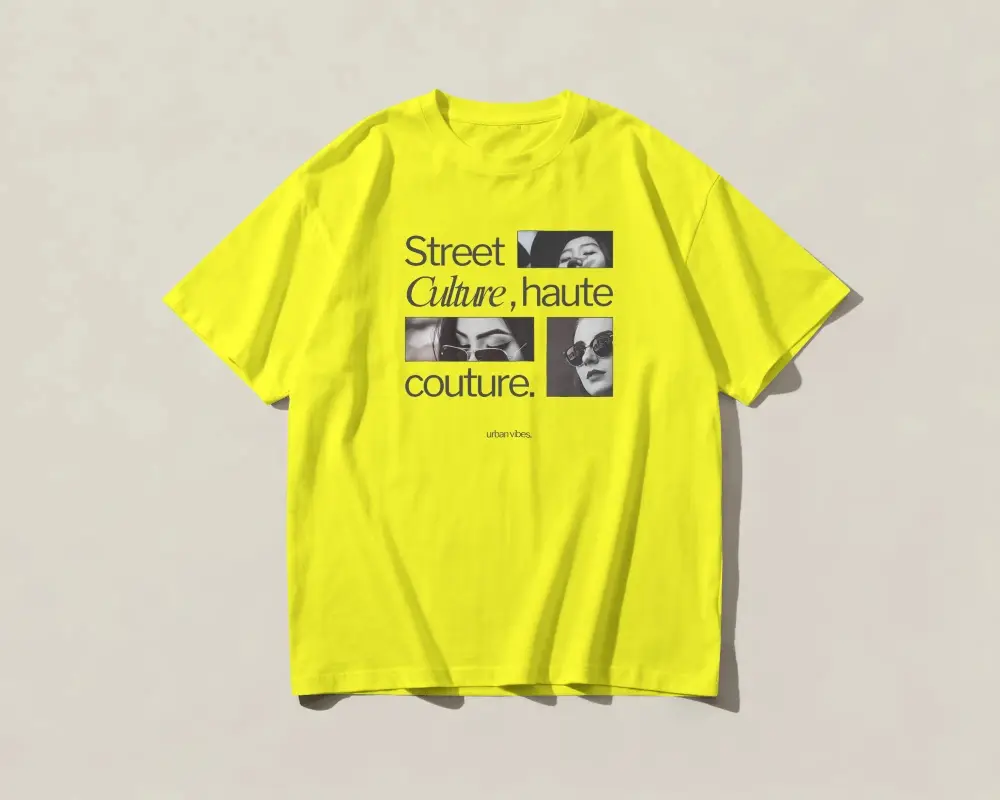
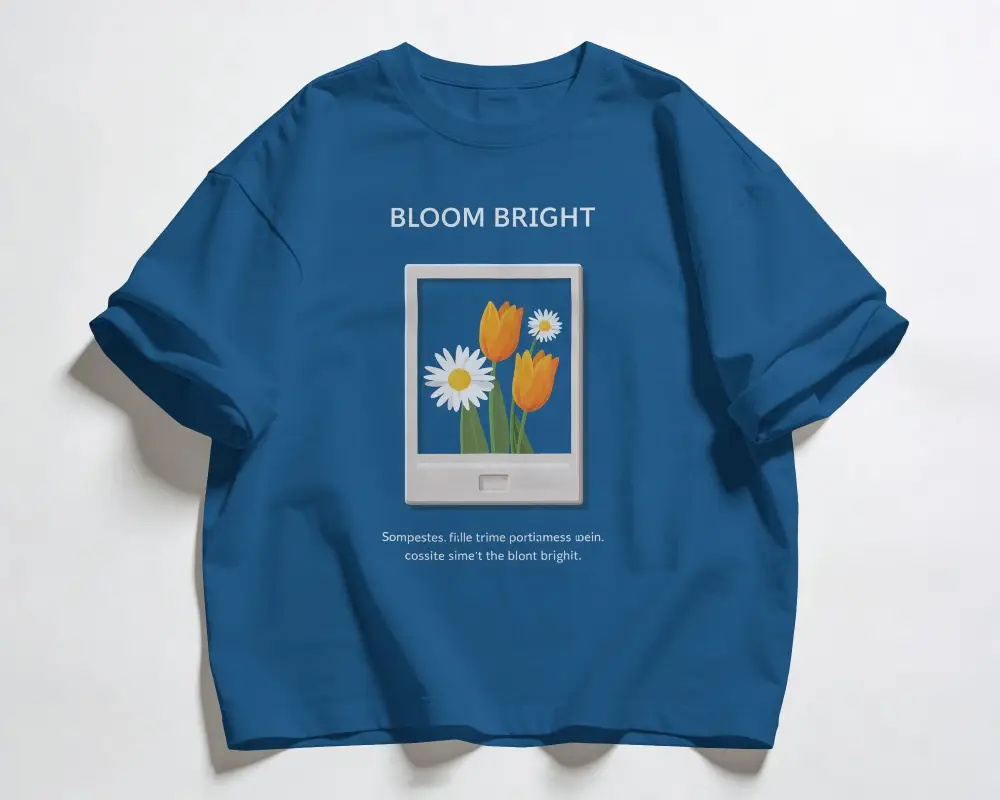
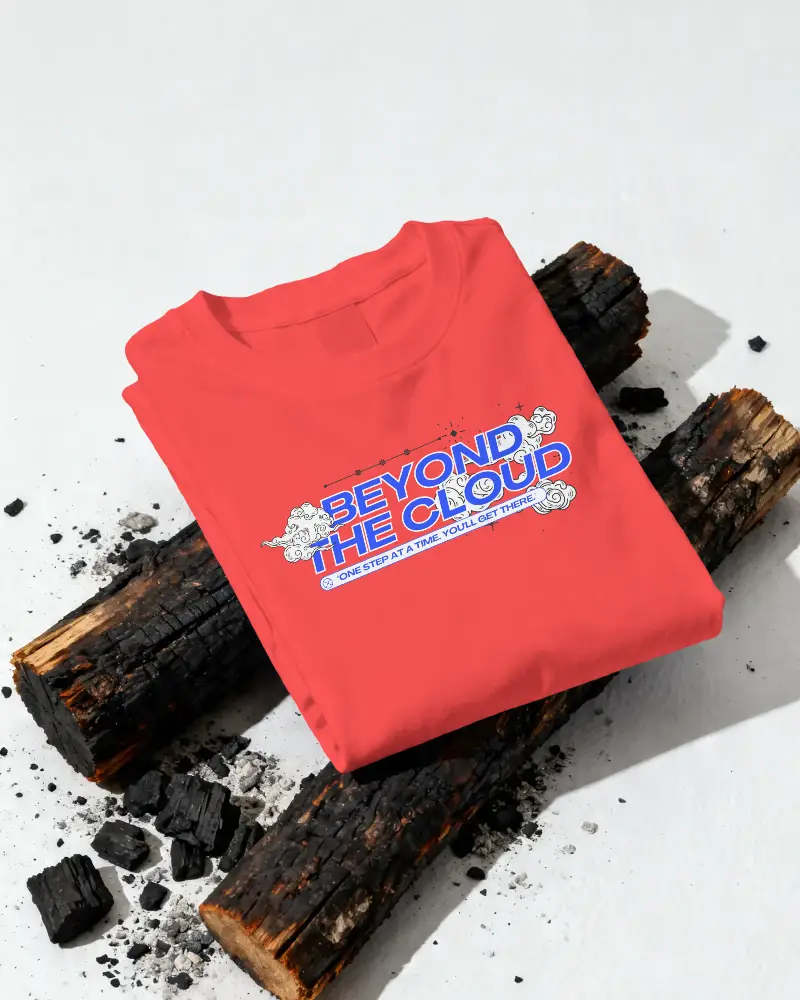
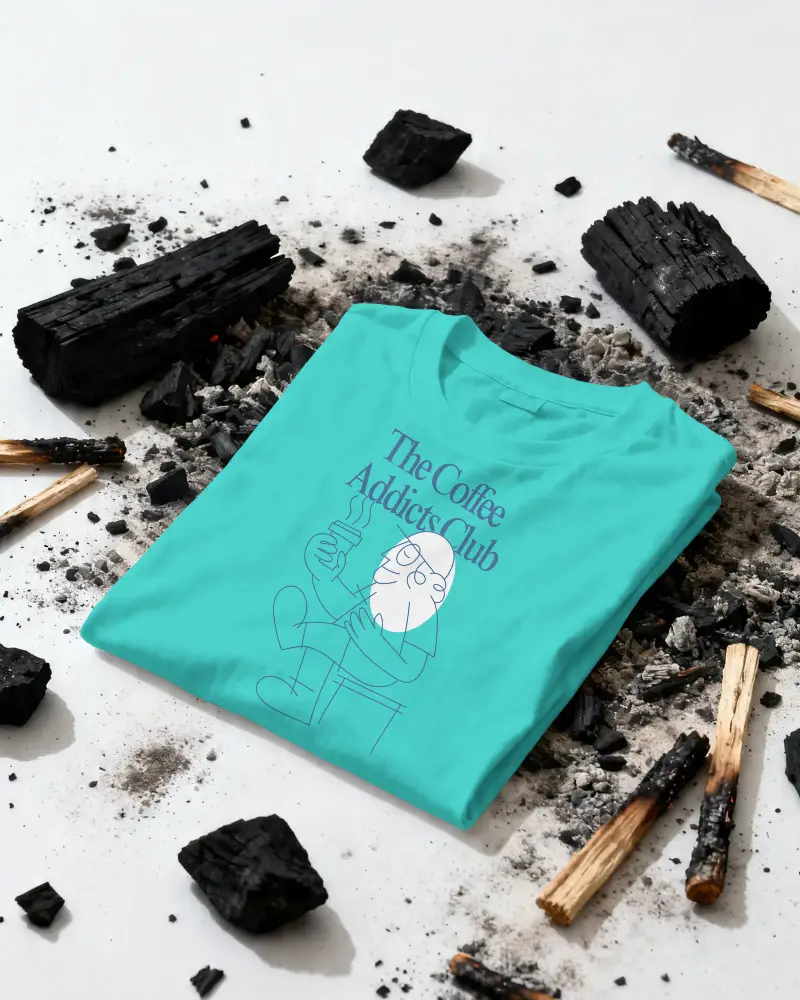
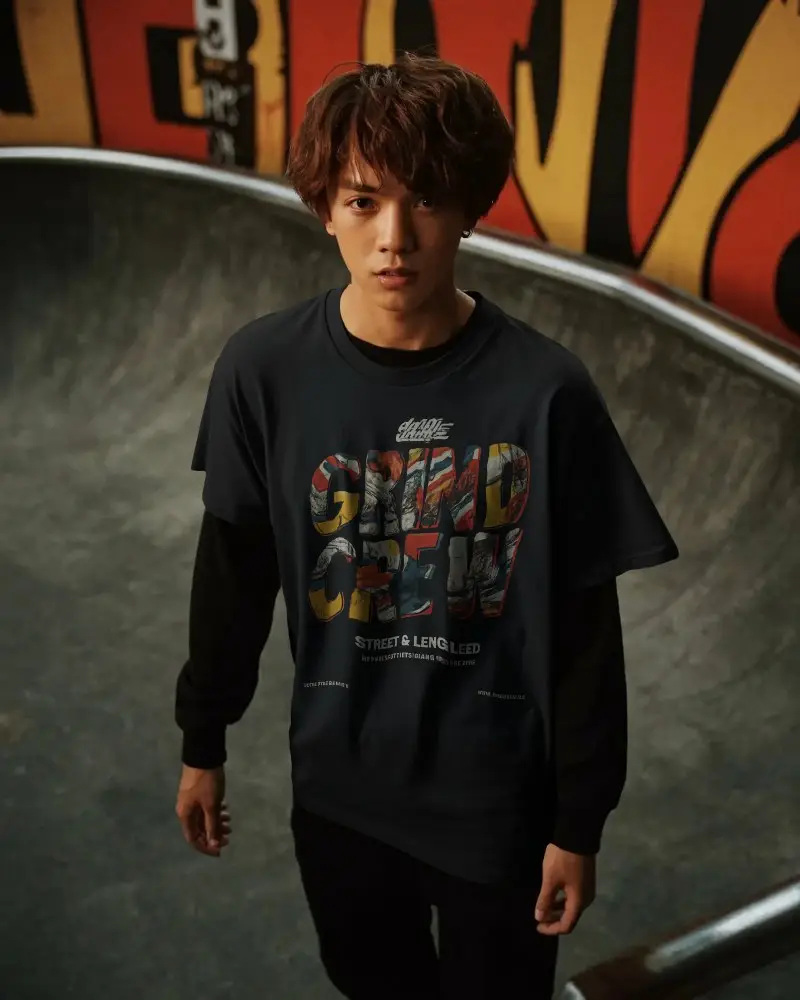
How to Create Boxy T-shirt Mockup with Mockey
To create Boxy T-shirt mockups:
- Step 1: Go to Mockups > Apparel > T-shirt > Boxy.
- Step 2: Select your boxy t-shirt template and click ‘Upload Design’ to add your artwork or brand logo.
- Step 3: Adjust the fit, change colors, and download your boxy t-shirt mockup in high-quality JPG or PNG format.


FAQs on Boxy T Shirt Mockups
What is a boxy T-shirt mockup?
A boxy t-shirt mockup means you will be offered a template of a boxy t-shirt where you can add your custom design or brand logo to present it to your client. The main benefit is that you don’t need photoshoots or pay model charges.
Are boxy T-shirt mockups free for commercial use?
Not all boxy t-shirt mockups are free to use for business purposes. It depends on the creator’s license. Many free mockups on platforms like Mockey AI allow commercial use. But some come with restrictions or may need payment.
Does Mockey have other T-shirt mockups, like polo or long sleeves?
Aside from boxy t-shirts, you will also access and customize polo t-shirt mockups and long sleeve t-shirt mockups in a large number, as well.
Is the boxy T-shirt mockup available in PNG format?
You can download boxy t-shirt mockups as a PNG file if you have the STARTER pack. In the Free plan, only the JPEG file option is available.
