

Create Free Product Mockups for Ecommerce Brands
Generate Mockey AI’s product mockups for free without any watermark. Its user-friendly interface and design tools make this mockup generator special.
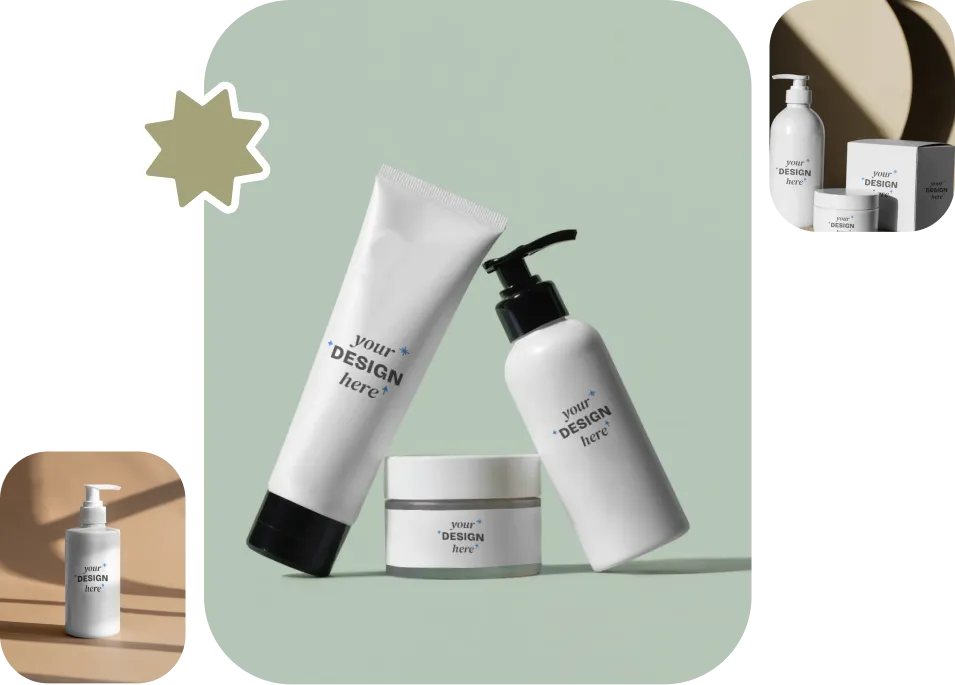
30,000+ Product Mockup Templates to Edit Online
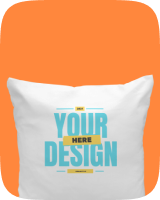
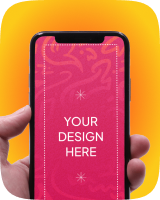
You can generate product mockups using more than 30,000 templates. There are over 60 different product types available, such as t-shirts, caps, mugs, posters, cosmetics, iPhones, bracelets, and many more. You can add your own designs to these products and easily customize them with a wide range of editing tools.
Editable Sample Templates
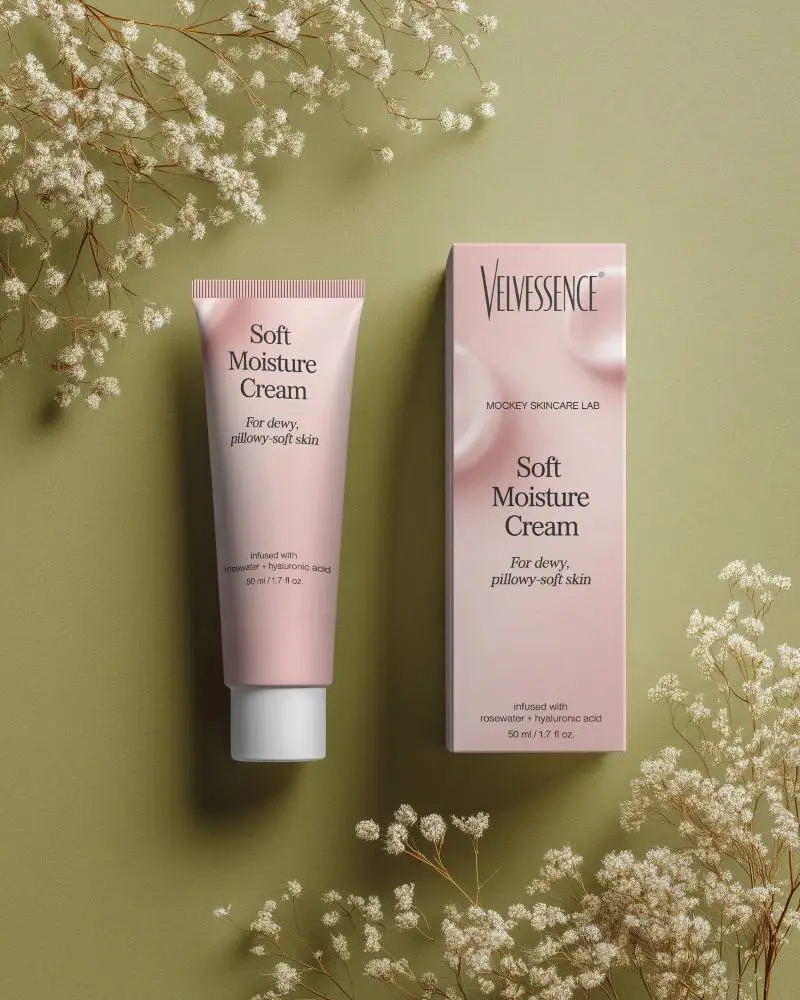
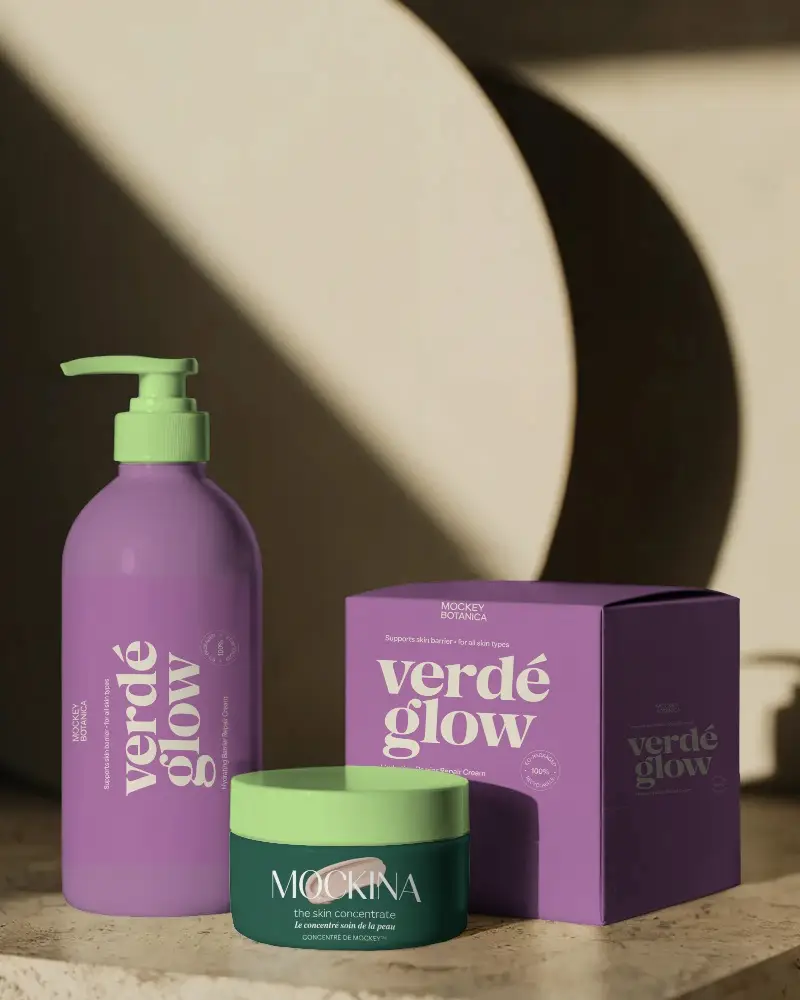
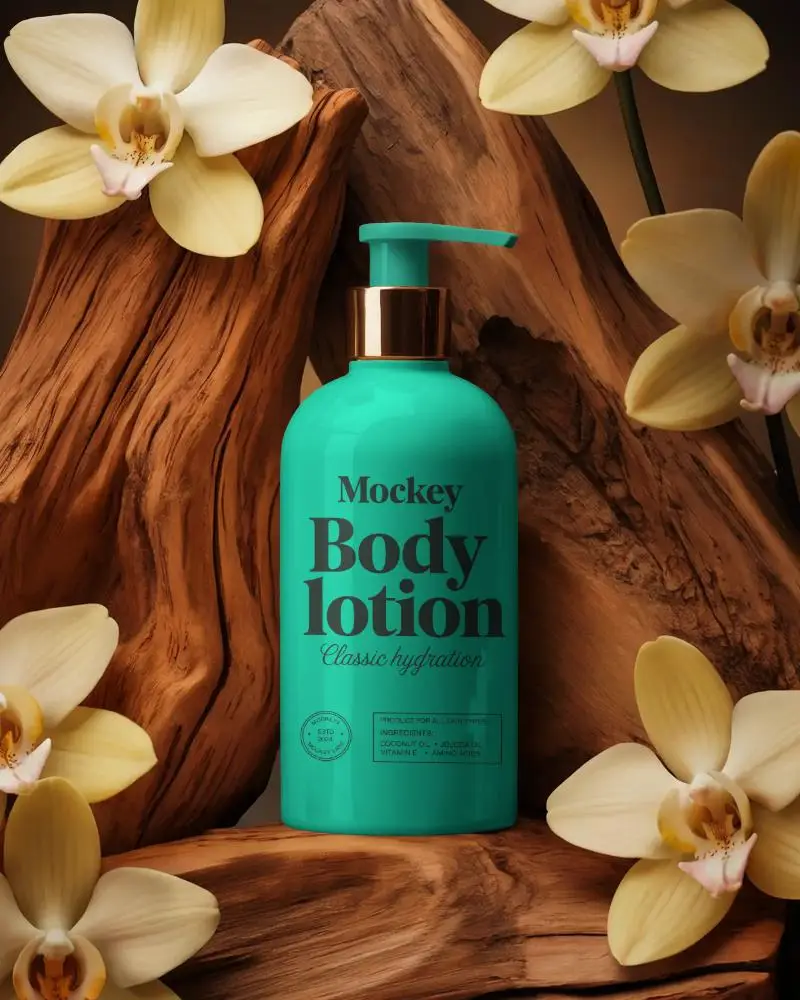
How to Create Digital Product Mockups in 3 Steps
Sign Up and Pick a Product
Start by signing up on Mockey AI. Once you log in, click the “Mockups” and select a product from the Categories. Then choose from various templates.
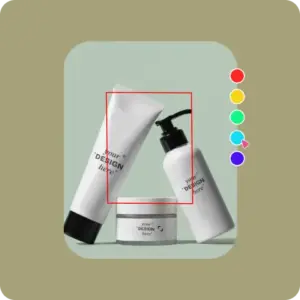
Upload a Design and Customize
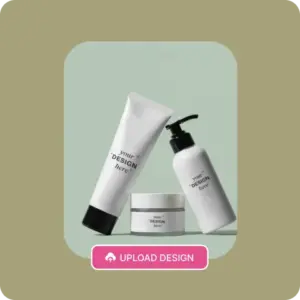
Add your brand name or design by clicking “Upload Design”. Change the color if you want, adjust it, or use the AI tools for a professional touch.
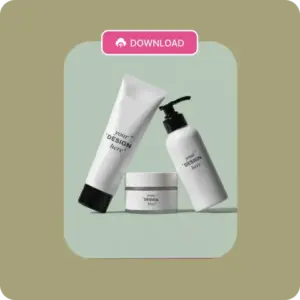
Download in PNG
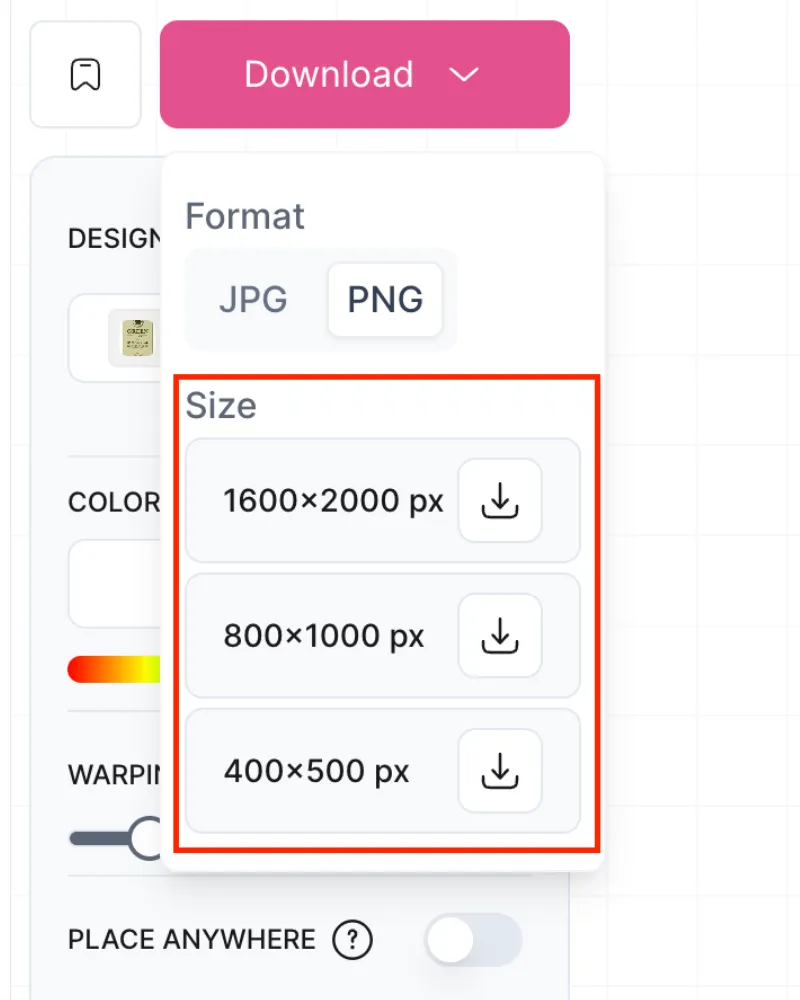
When you’re done, click “Download” to save your product mockup in the format you prefer.
Why Use Our Free Online Product Mockup Generator?
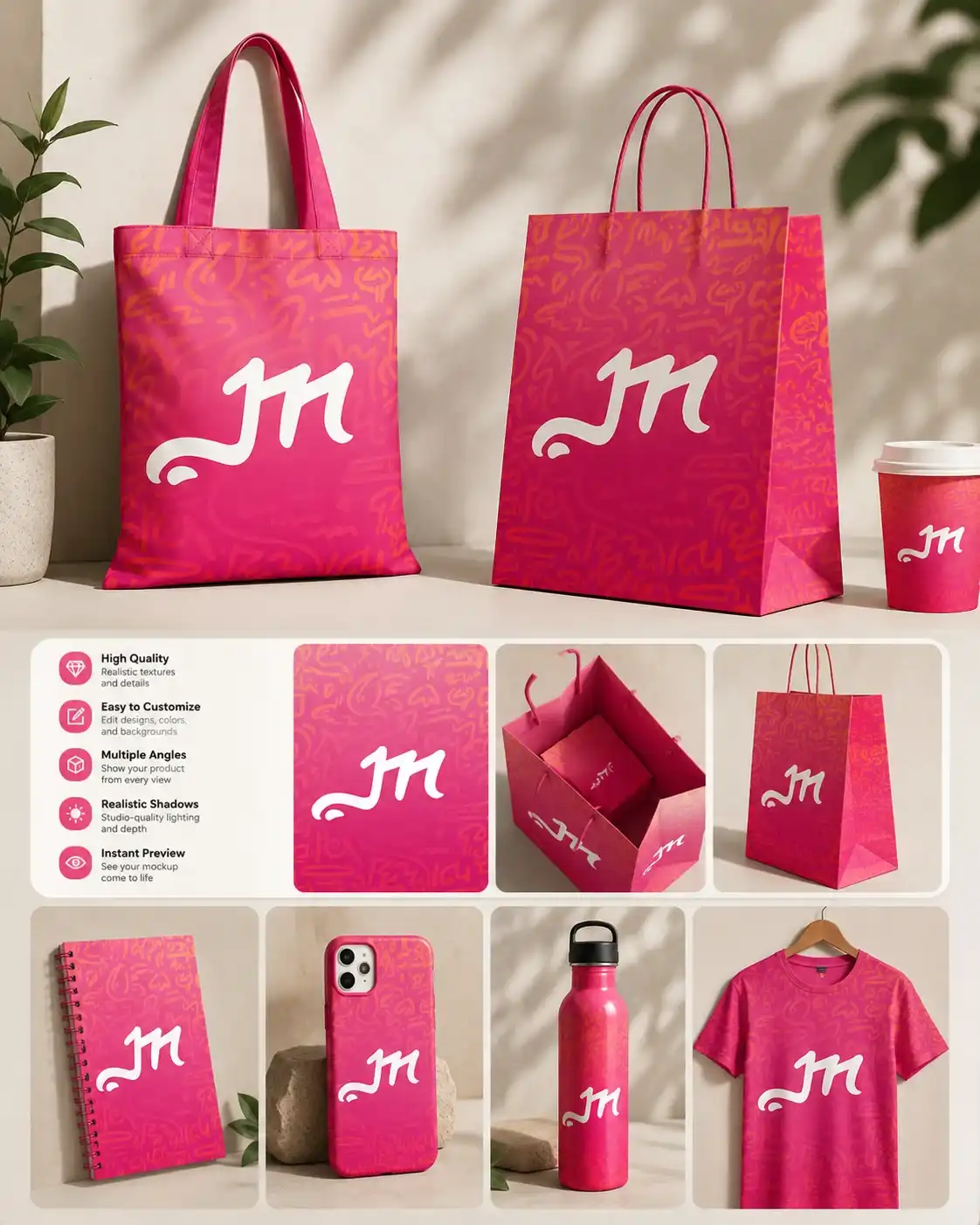
Better than Other Mockup Generators
What makes it better? This free AI mockup generator offers every kind and style of product template you need. Yes, all of them. Plus, its design tool makes customization simple and gives each mockup a unique look.
Large Template Library
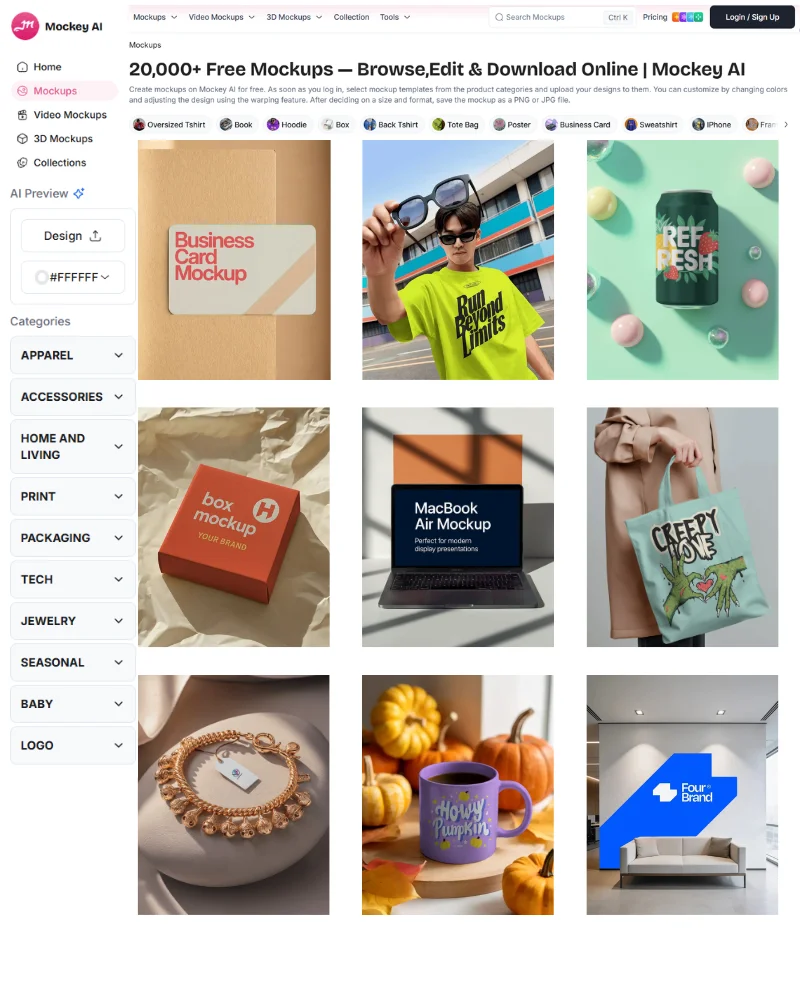
All store owners need a large template library to populate their product catalogs at scale. That’s why Mockey AI has 30,000+ templates across many product categories to choose from. The templates showcase model shots, a variety of styles, and relevant outdoor scenes of your products. They are eye-catching, whether you need t-shirt mockups or magazine mockups.
Fast and Easy Customization
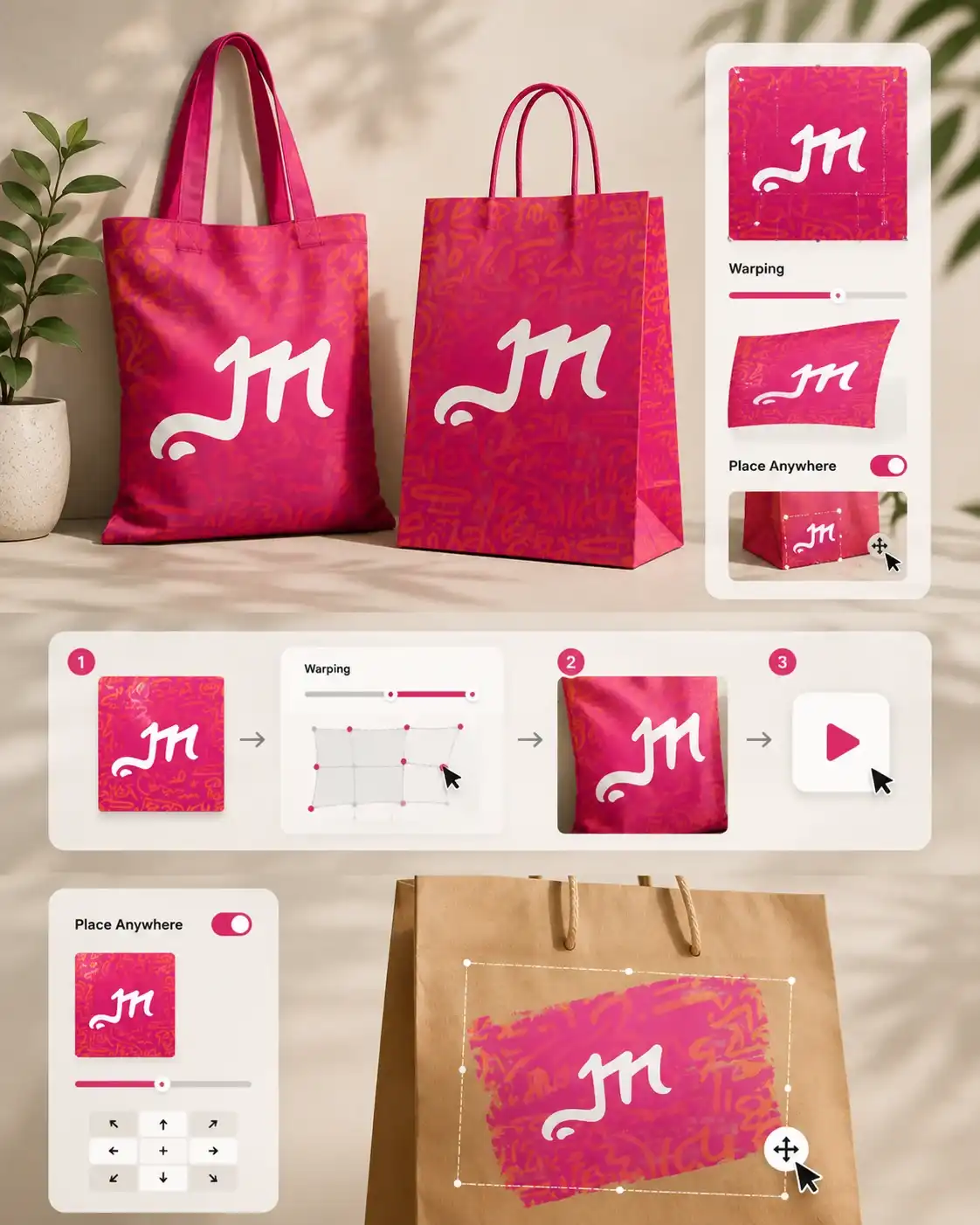
Customizing the mockup template is not only quick but also easy. For example, there’s a Warping feature that lets you move the slider forward or backward until the design warps properly. If you want to turn it into an animation, it gets generated with just a single click.
And if you want to place your design image on any surface, simply enable the Place Anywhere feature and move it wherever you wish.
Better for POD & Etsy Sellers
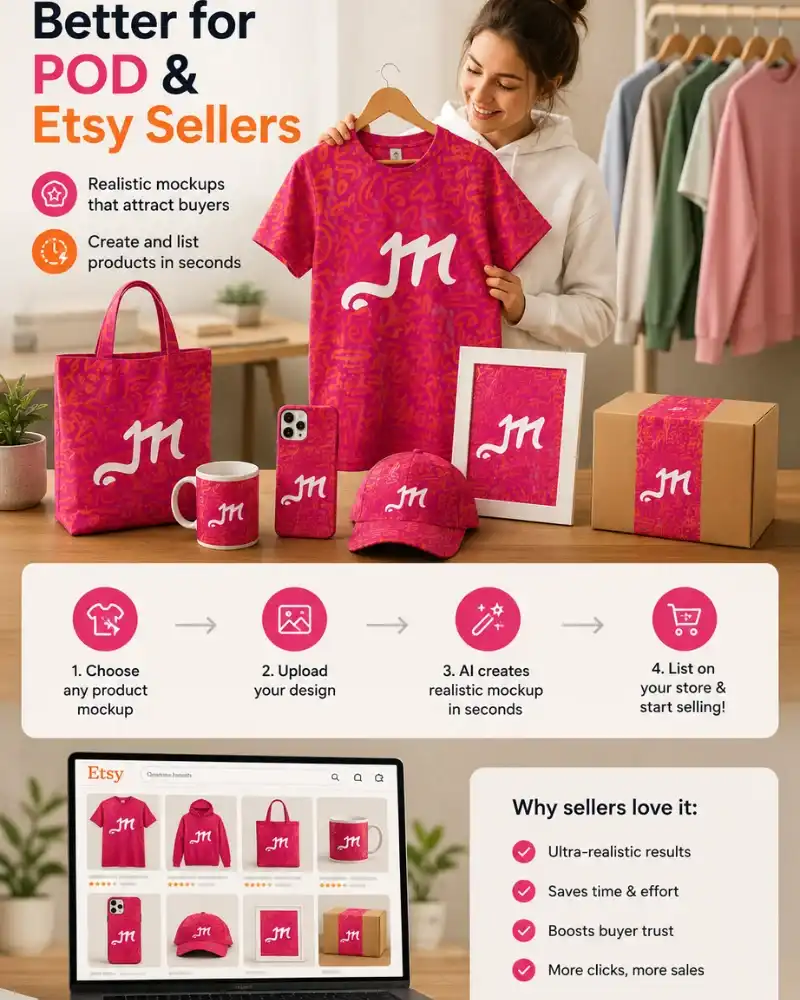
POD and Etsy sellers use Mockey because they want their designs to look real. When a t-shirt design or product texture looks realistic, it immediately catches the eye. Once buyers love it, they don’t take long to visit the store and make a purchase.
Also, Mockey creates mockups in seconds, which helps sellers list products on their store instantly without wasting time.
Beginner-friendly
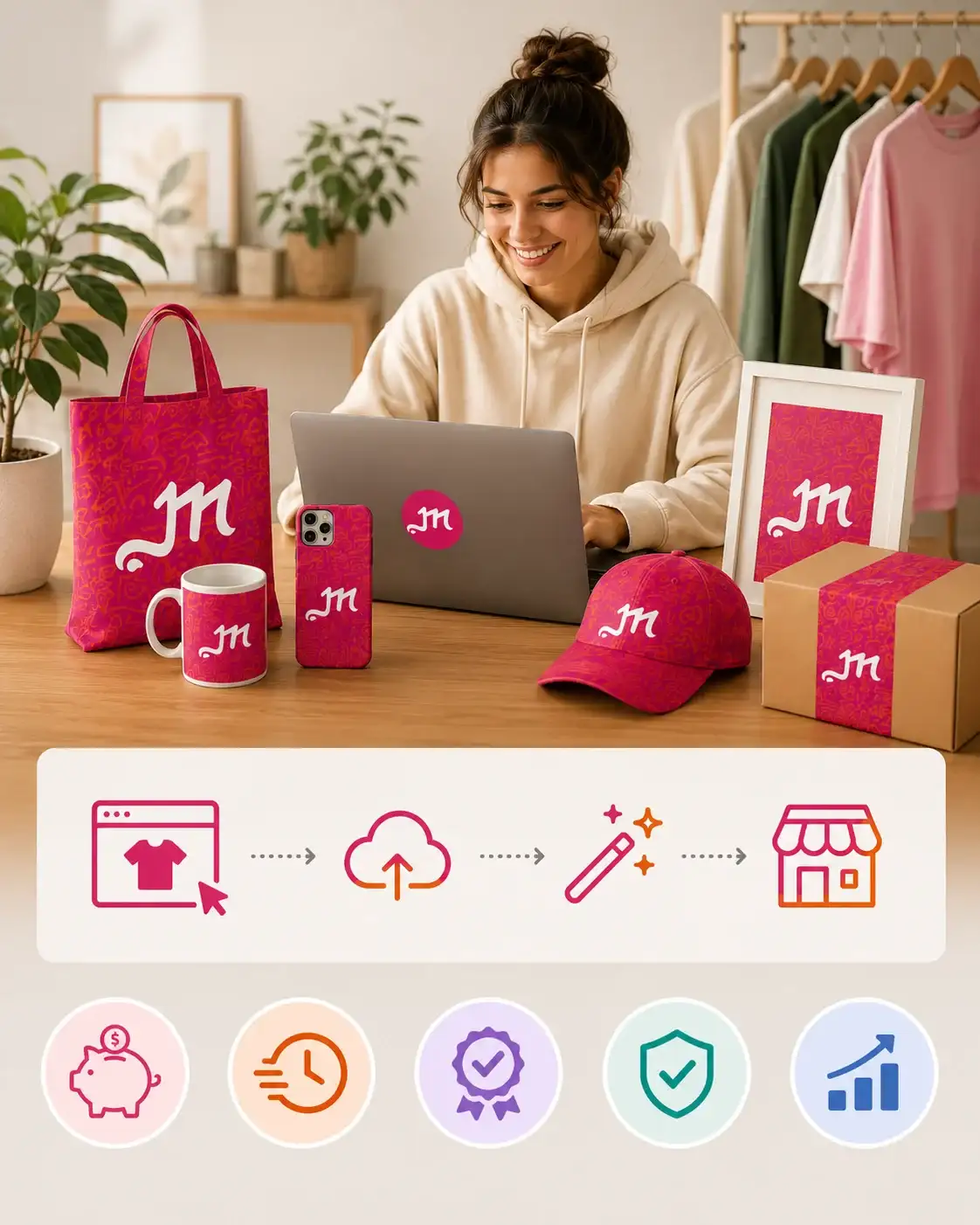
Beginner-friendly doesn’t just mean easy-to-use tools or easy navigation. It also means having a low financial barrier. If someone is a startup, bootstrapped, and doesn’t even have the budget for physical product samples, they naturally look for a free mockup generator where they can create mockups and list them on their store. That’s exactly what Mockey caters to.
Export in High Resolution
75% of buyers depend on visuals. And by high-quality visuals, we mean the product’s texture, color, folds, and wrinkles should look crystal clear. So buyers can feel confident enough to make a purchase decision.
And if you want to build a brand, HD visuals show your professionalism, justify your pricing, and help you stay ahead of the competition. Mockey helps brands with this by keeping image quality top-notch.
AI Tools
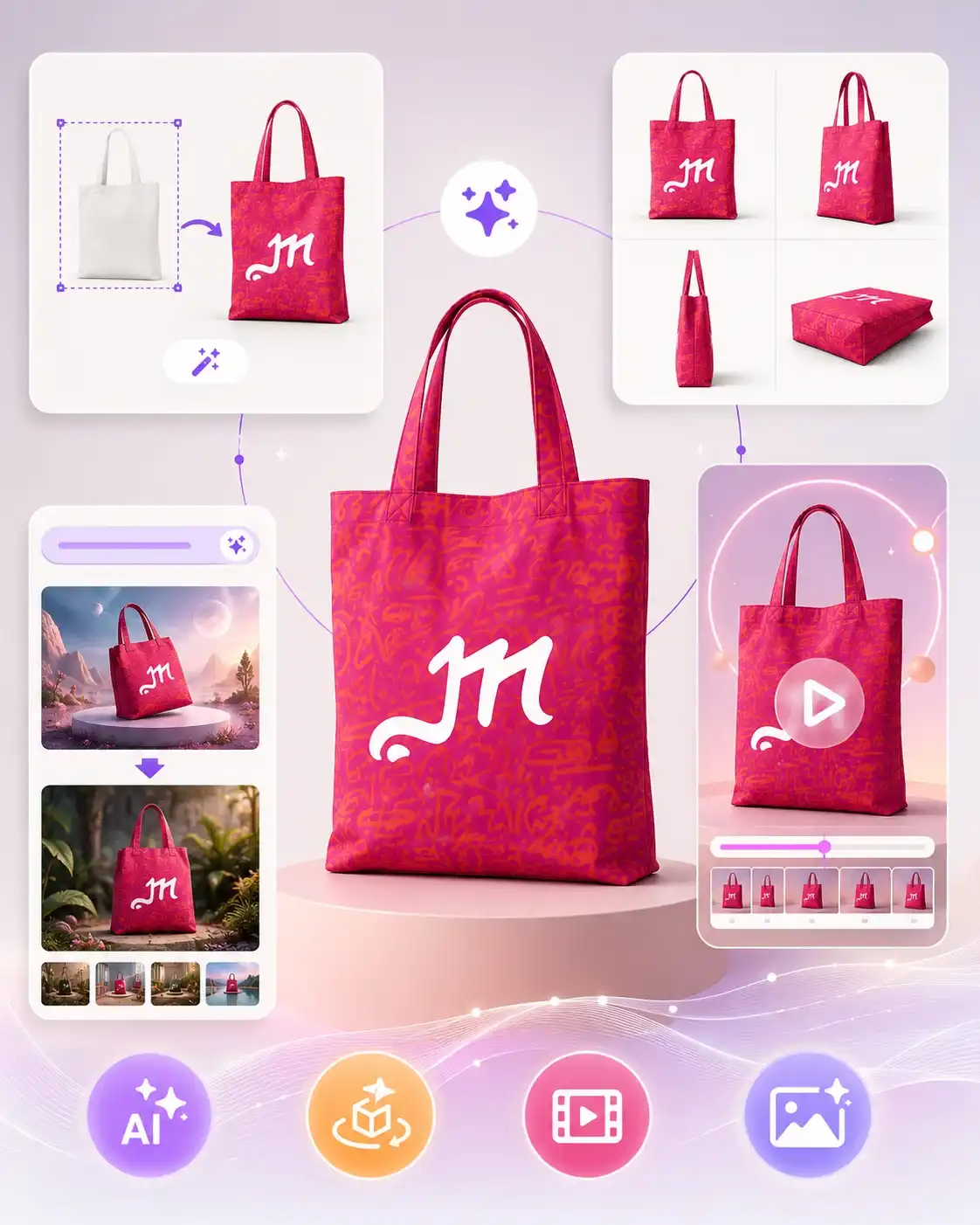
Our AI product mockup generator lets you do more than just pick templates. You can create custom mockups, generate multi-angle shots, and convert a mockup to motion animation. Also, use AI Photoshoot to place your design in AI-generated scenes.
Different Types of Product Mockups in Mockey AI
Apparel Mockups
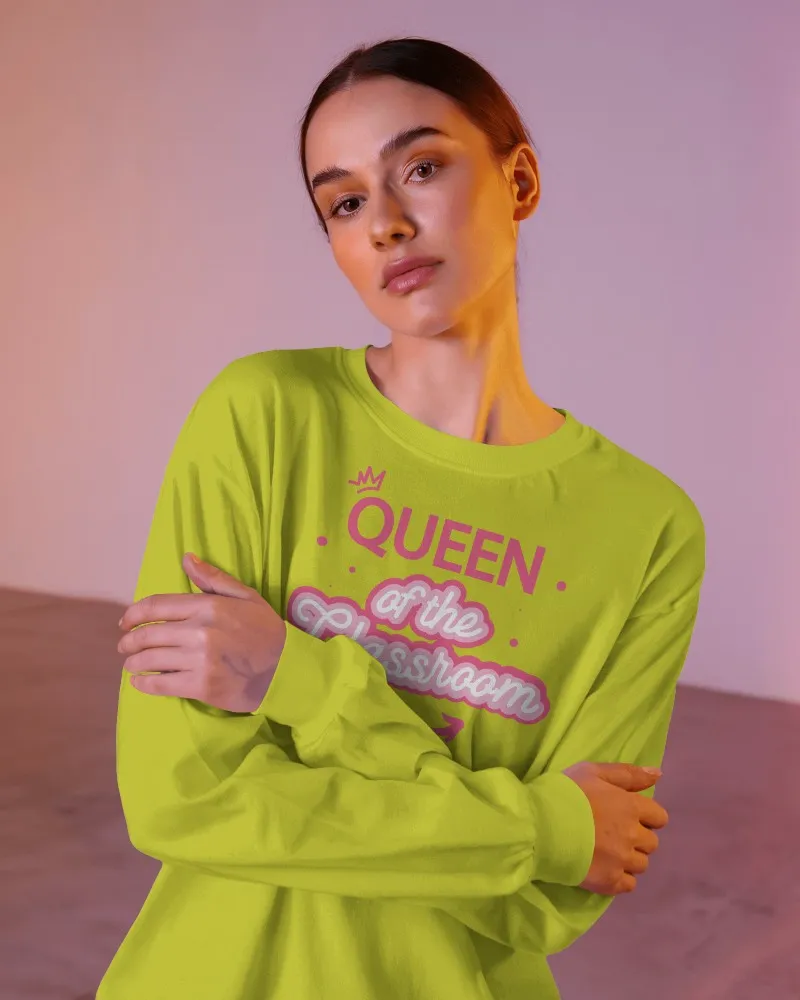
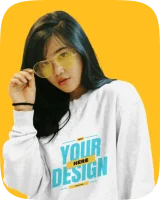
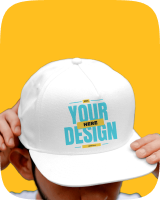
You can find apparel mockups in every style, like t-shirts, hoodies, tank tops, aprons, and more. There are templates featuring single models or couples, too. For a specific color, you can easily change it on the editing page. Once you design your apparel using the apparel mockup generator, switch to Preview mode to see how it looks. It’s the ideal method for previewing your final design before downloading it.
Print Mockups
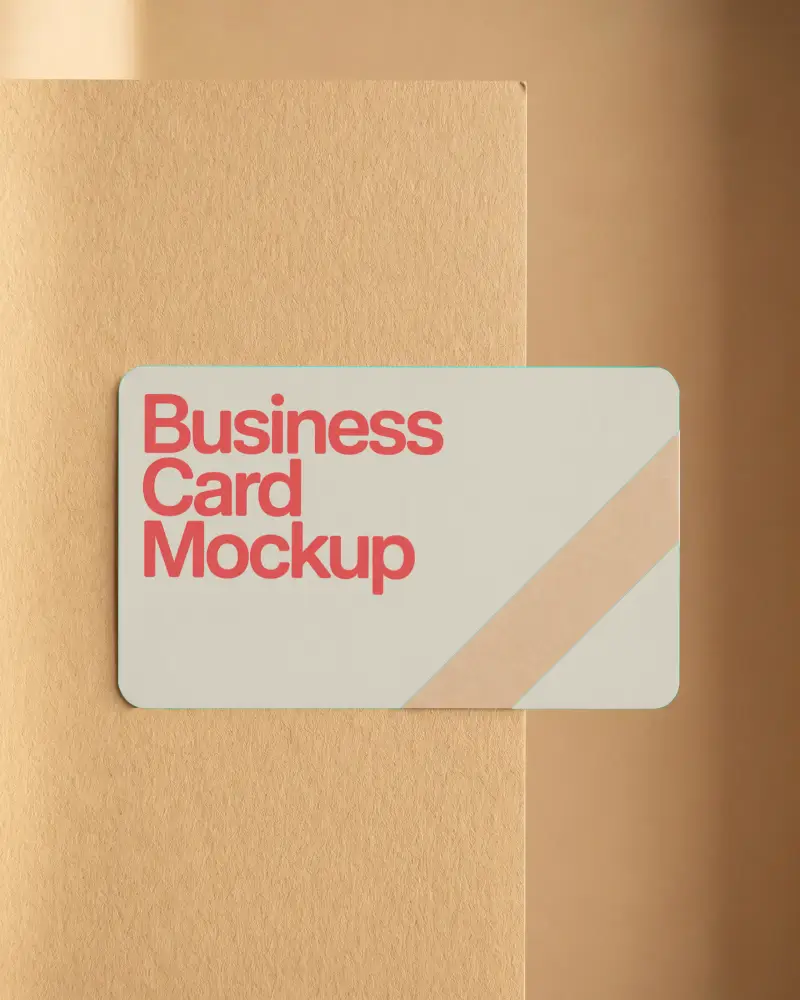
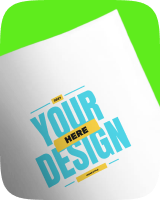
Print mockups offer various products like business cards, books, flyers, notebooks, stickers, and more. You can see all product templates with models of all ages, from men and women to kids and seniors. Each mockup offers multiple angles, from close-up to side shots, making the designs look realistic. And yes, it’s all powered by AI.
Packaging Mockups
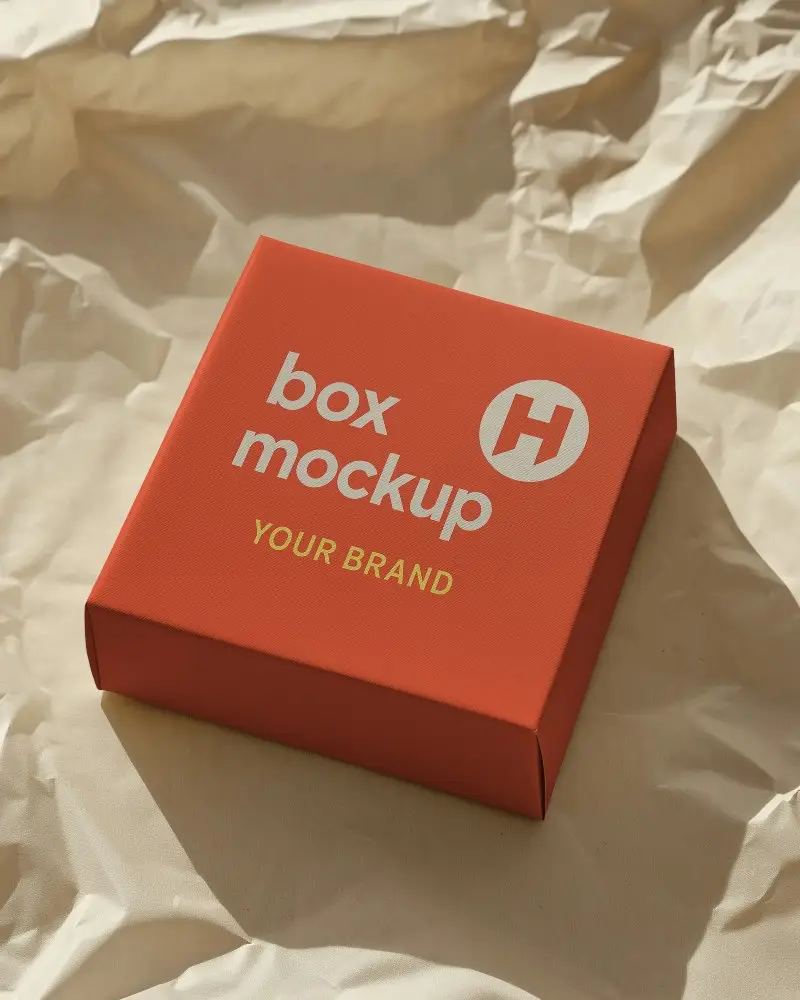
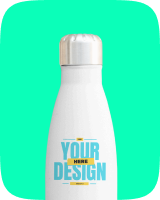
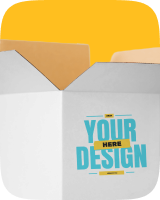
You get various realistic packaging products, such as boxes, tubes, bottles, perfumes, and more, using its packaging mockup generator. Choose from colors like brown, white, and blue. You can easily edit square style or close-up shots. The interface is smooth and made for everyone. Each mockup is high-quality and free from watermarks.
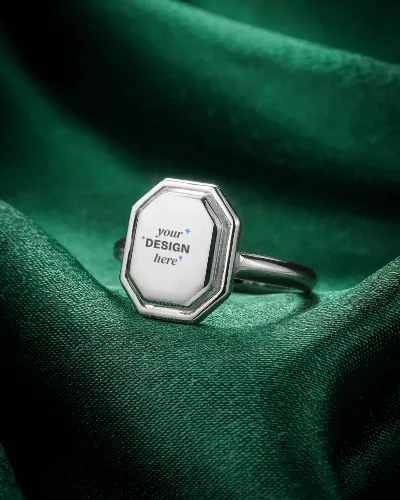
Jewelry Mockups
Mockey AI offers jewelry mockups in a wide range of styles for men, women, and kids. You can pick from over 200 templates, including rings, necklaces, bracelets, and earrings. They come in popular designs. The jewelry mockup generator‘s simple interface makes it easy to create and download high-quality mockups in minutes. The finest part is that it’s totally free.
Key Features of Mockey AI
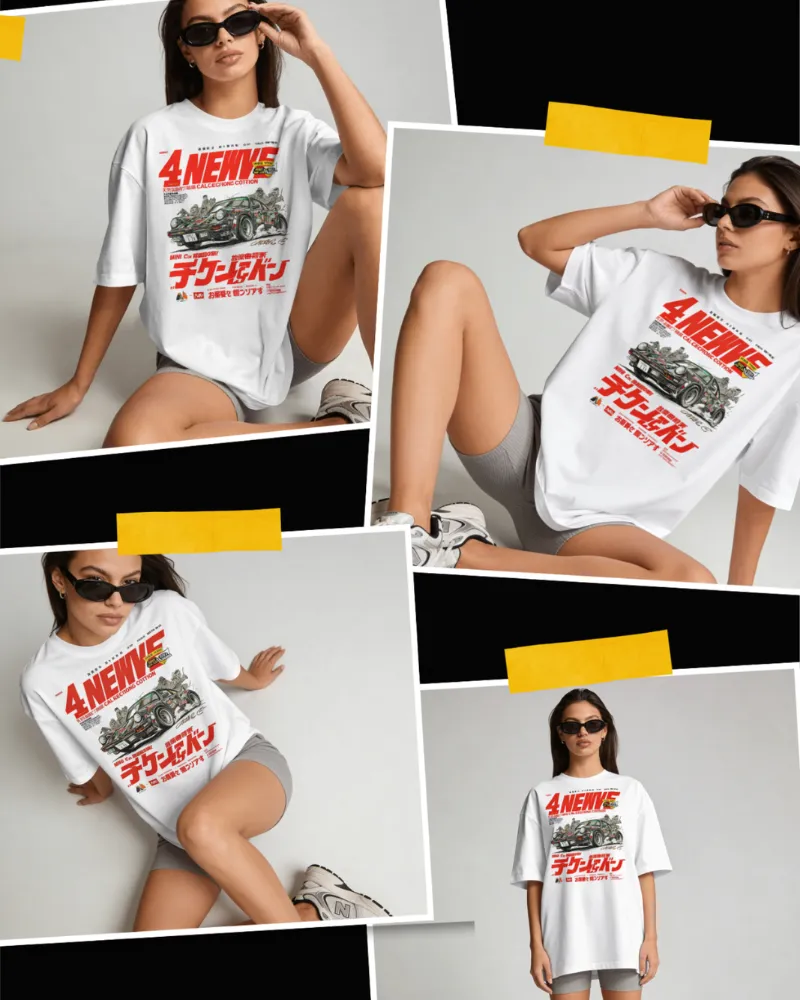
AI Multi Shot
AI Multi Shot helps you create different-angle shots. Use the Multi Shot option once you have selected a mockup and uploaded your design. Pick the angle shot you want and create it. Within 30 seconds, your bulk mockups will be ready to download as a ZIP file along with the reference image.
AI Animate
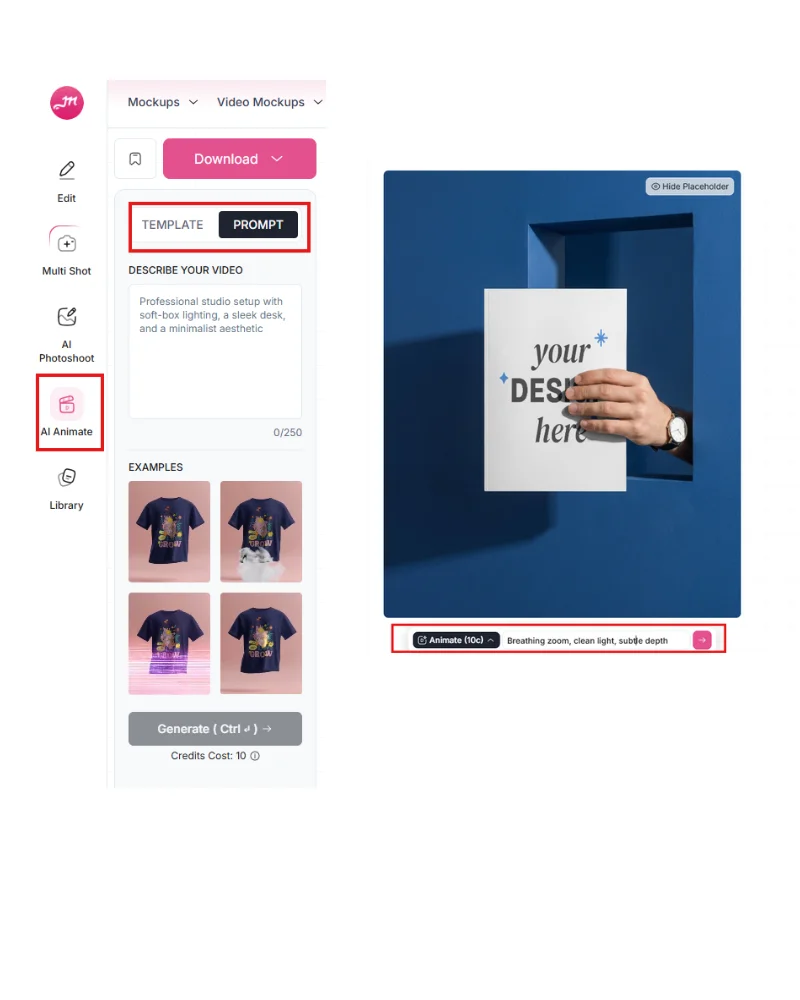
AI Animate turns your static mockup into an animation inside the Mockey editor. Choose from ready-made animation templates or switch to Prompt mode to describe your own video effect. You will need to use 10 credits for this. Every animation you create gets saved in your generation history.
AI Photoshoot
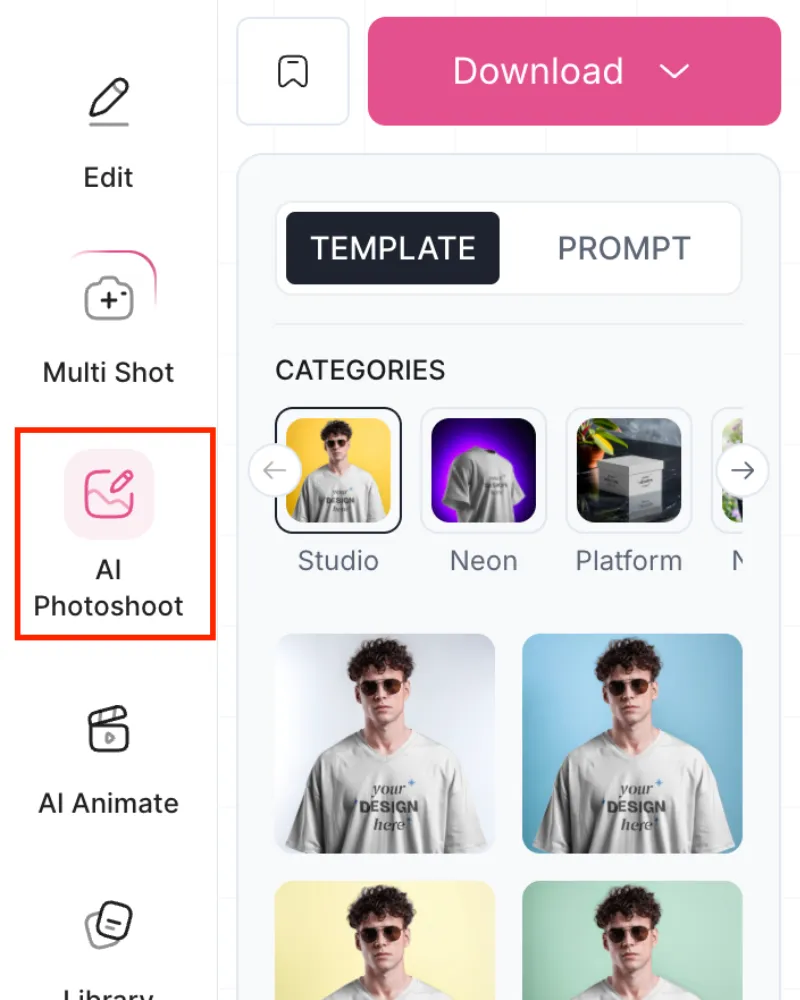
AI Photoshoot helps you place your design inside AI-generated product scenes. Choose from ready-made categories, then select a scene template to apply it instantly. You can also switch to Prompt mode and describe your own scenes. Example scene ideas are shown for quick use.
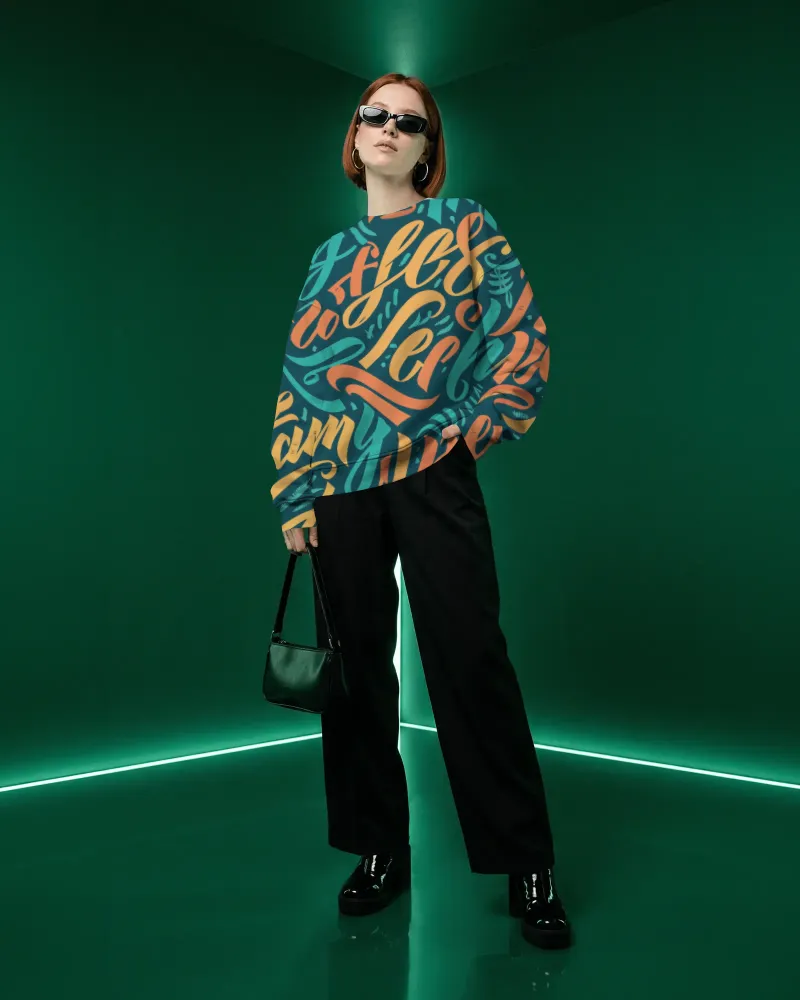
All Over Print
Place Anywhere removes the fixed design boundary, so you can position your artwork freely on the mockup instead of staying inside the default print area. Turn the toggle on from the editor panel, then drag and drop your design wherever it fits best.
Multiple Design Uploads
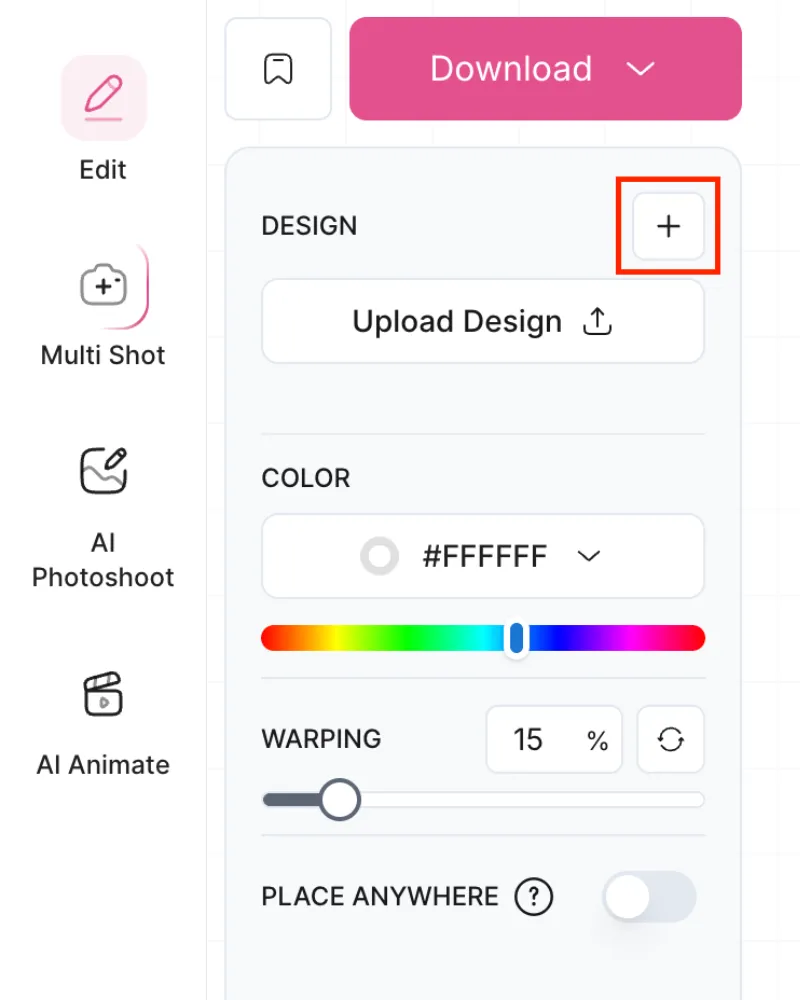
Multiple Design Uploads lets you add more than one design to the same mockup from the editor panel. Click the + icon in the Design section to upload another artwork, then position each design separately on the product. Each uploaded design stays editable, so you can adjust placement, size, or remove individual designs anytime.
Turn Your Designs into 3D & Video Mockups Instantly
3D Product Mockups with Mockey AI
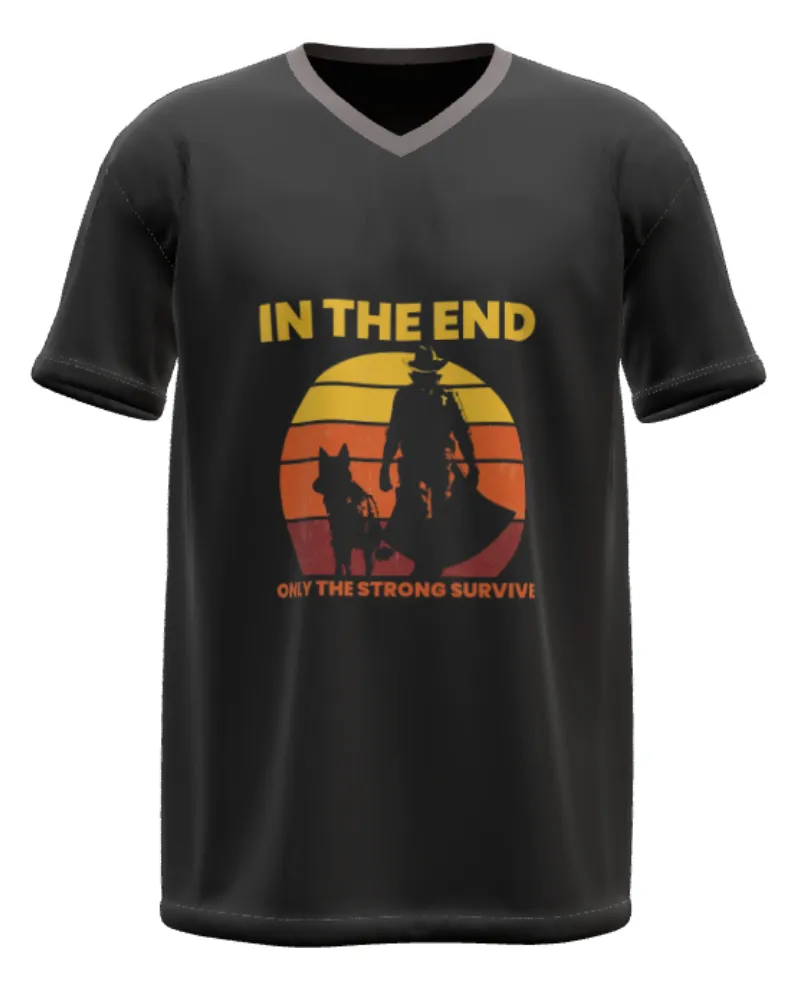
Our 3D mockup generator brings you a wide range of product options, including apparel, packaging, jewelry, and more. You can pick from walking animations or simple templates. Each mockup looks realistic and lets you add your designs on the front or back. You can even download them in different motion styles. Try it out today.
Get Different Product Mockups in Videos
Our video mockup generator comes with several product templates in video format. Just pick one, add your design, and it’s ready. The tool creates a five-second video mockup and saves it on your computer. To access this feature, you’ll need to subscribe to the CREATOR or ELITE plan.
Design Your Products
Make your product mockups look award-worthy instead of plain designs. They’re so good, clients might think you hired a full design studio. Proceed with pride.
AI Mockup Generator



FAQs
Is it true that free and premium-quality product mockups rarely go together?
Mostly, yes. Many designers agree that truly high-quality product mockups are usually paid. The good news is that most premium mockups are quite affordable, especially when you can reuse them across multiple projects. You can consider Mockey AI for free and premium-quality mockups.
Any advice for beginners who are going to use product mockups?
Invest in a few paid mockups when you can. They last long, improve your presentation quality, and make your portfolio look professional. Free ones are great to start with, but premium mockups can take your work to the next level.
Is there any AI mockup generator for creating realistic product mockups?
Mockey AI is simple, affordable, and mobile-friendly. Best for customization and unique AI templates. The template looks good with lighting effects and detailed control, and the UI is very easy to navigate.
Where to find a specific box or packaging mockup?
If you can’t find what you need, try Mockey AI. No need to search on Google with specific keywords. Visit Mockey AI, sign up there. Follow Mockups > Packaging to browse mockups such as boxes, dropper bottles, cosmetics, and more.
Can I use product mockup generators for print on demand?
A lot of print-on-demand sellers rely on mockups because ordering physical samples for every design gets expensive fast. Rather than printing multiple hoodie designs, people use mockup generators to preview them on shirts, mugs, posters, and phone cases.
Can I use product mockups for ads and social media?
Yes. People use product mockups for Instagram posts, Facebook ads, website banners, product launches, and client presentations. When you want to test a new advertisement or design concept, you won’t have to schedule a real photoshoot.
Are animated product mockups supported?
Animated product mockups are supported in Mockey. You can use the AI Animate feature to turn static mockups into short animated videos using motion templates or custom prompts directly inside the editor.