Free Coaster Mockup Templates
Choose from 50+ free coaster mockup templates — round coasters, square coasters, cork coasters, wooden coasters, and marble-style flat lays. Upload your logo or artwork, customize the background and color, and download a watermark-free PNG or JPG in seconds. Ideal for coffee shop branding, bar menus, POD sellers, Etsy stores, and restaurant promotions.
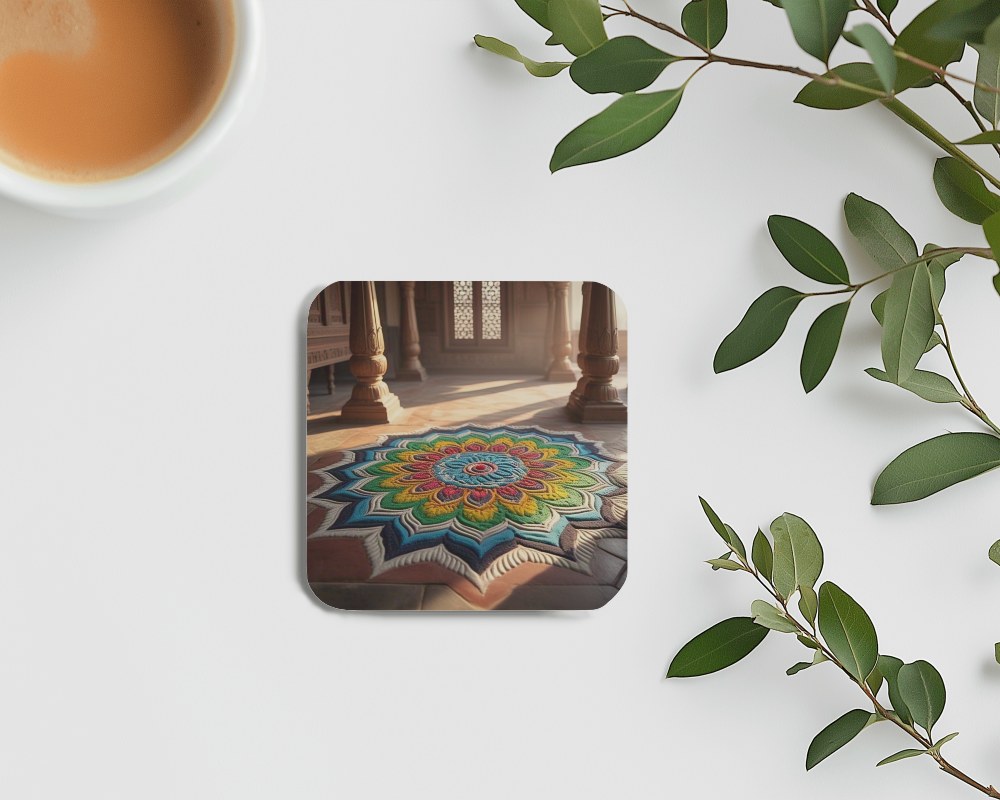
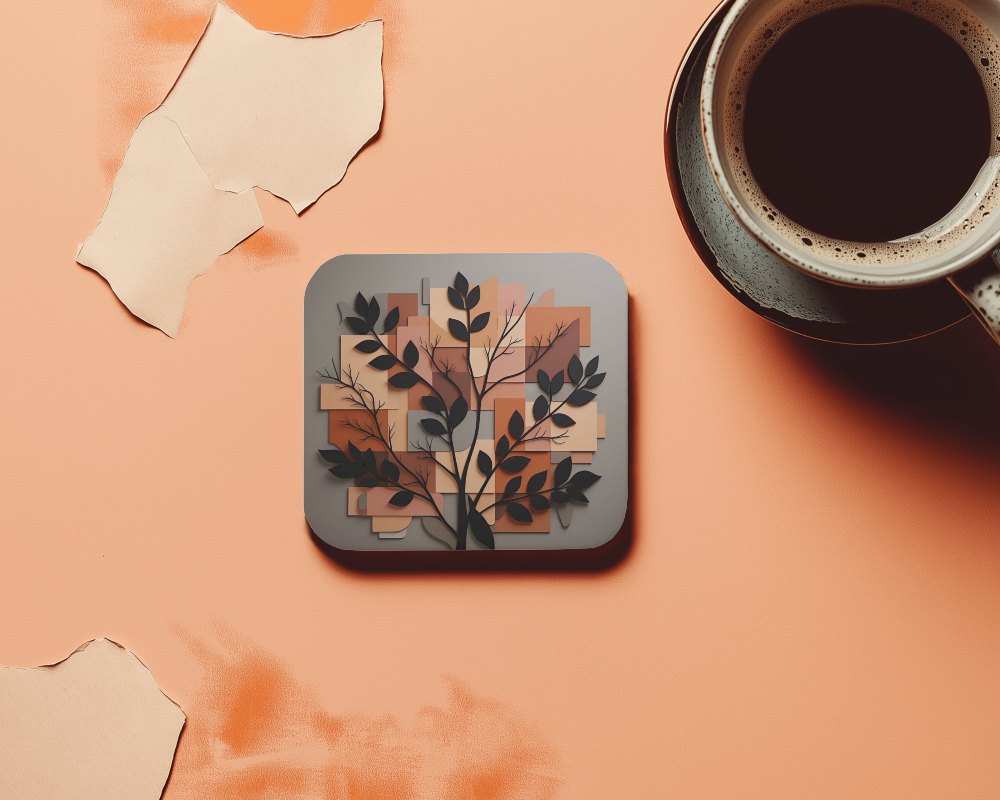
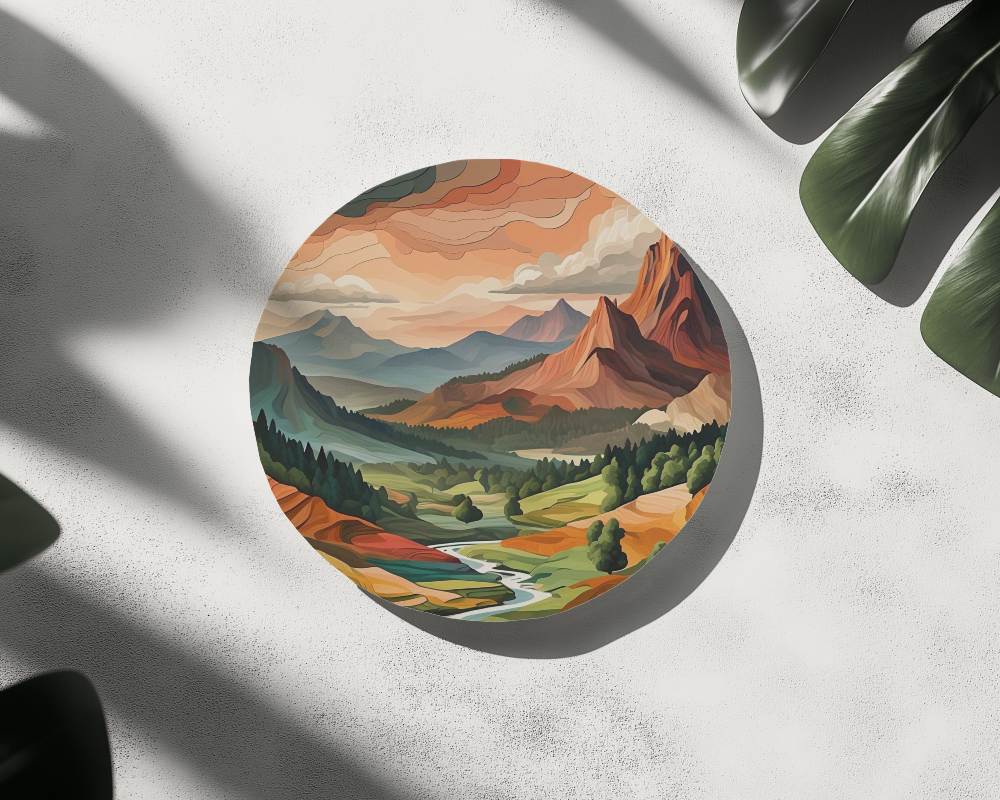
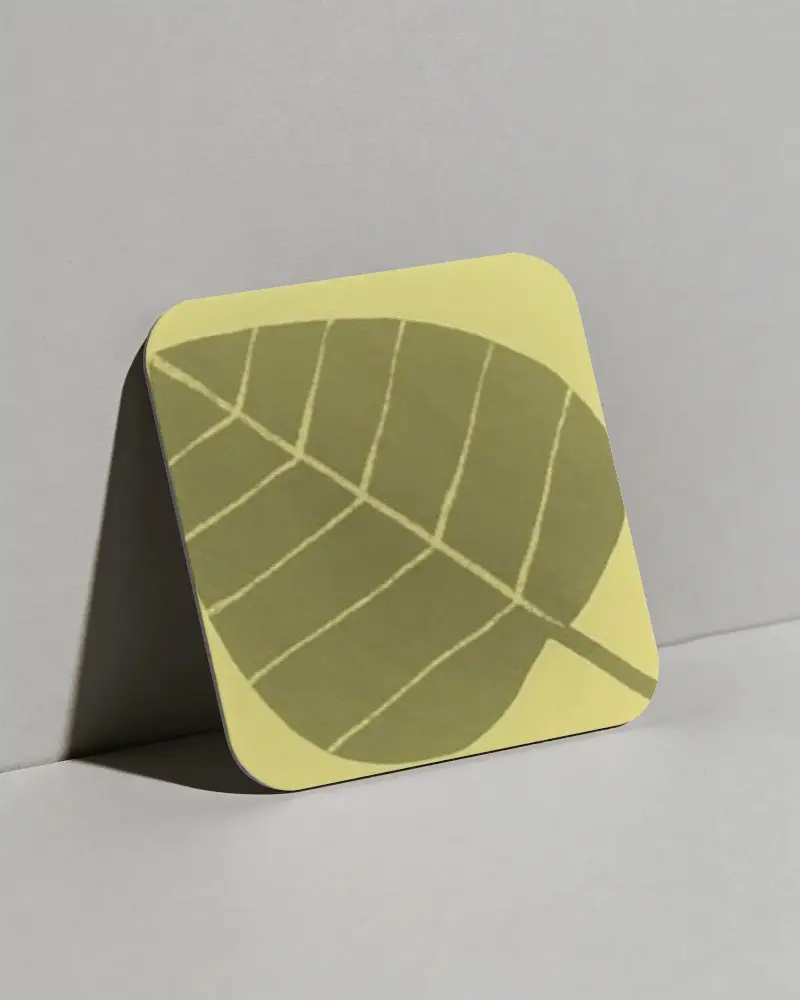
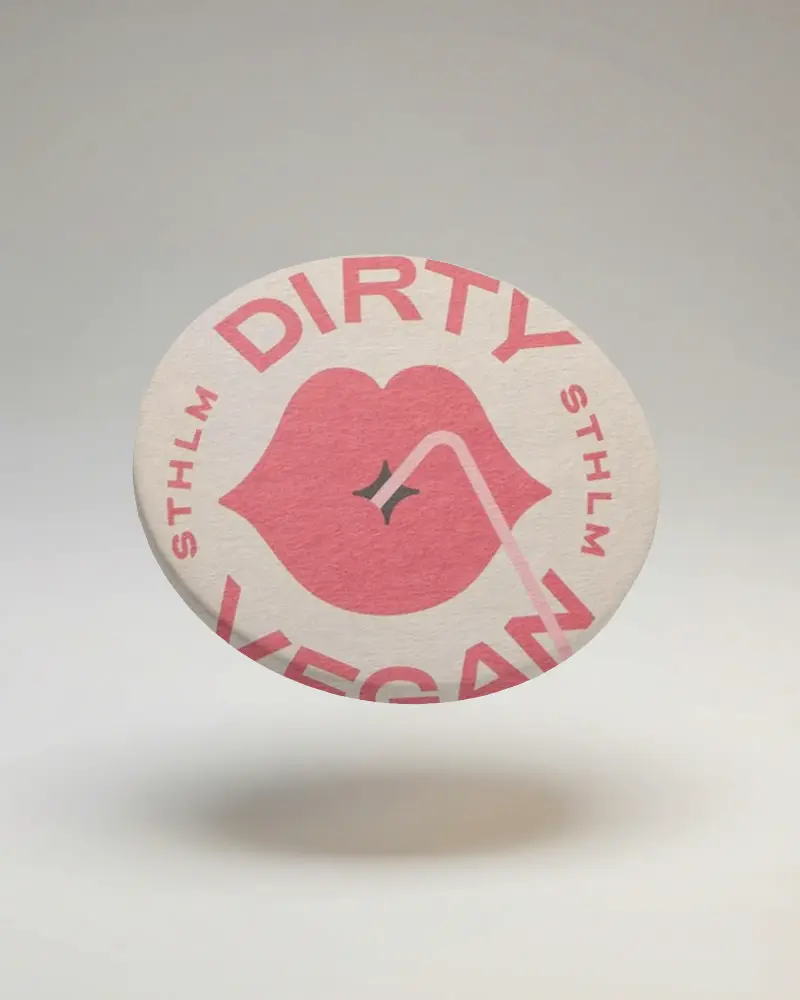
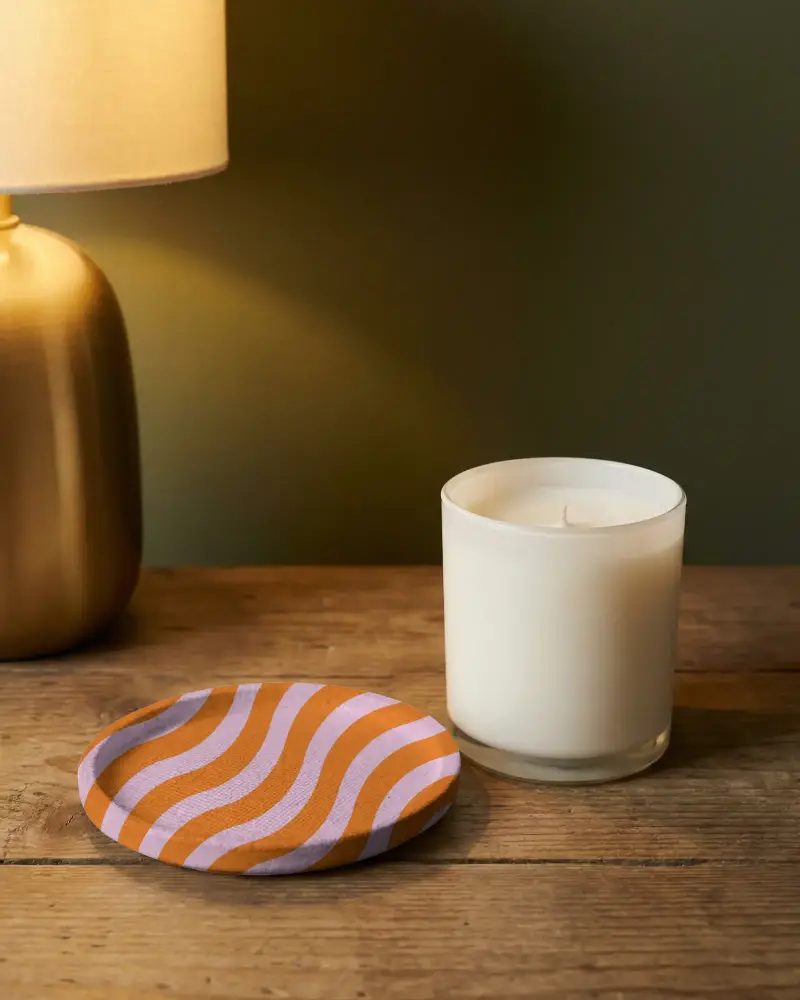
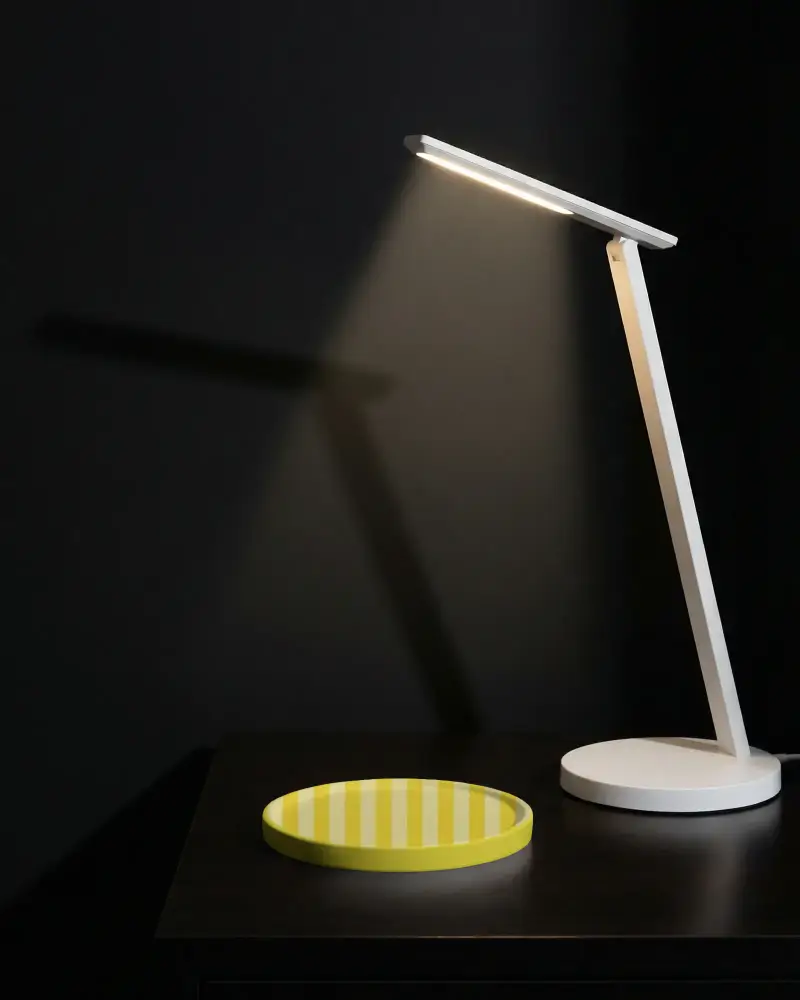
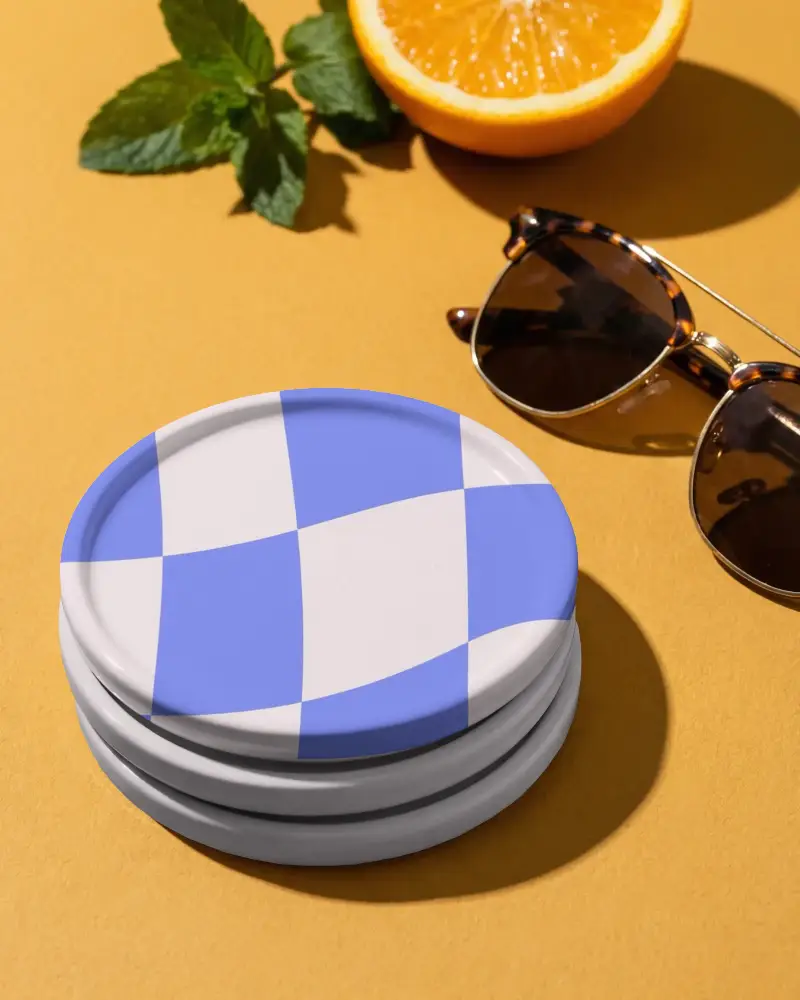
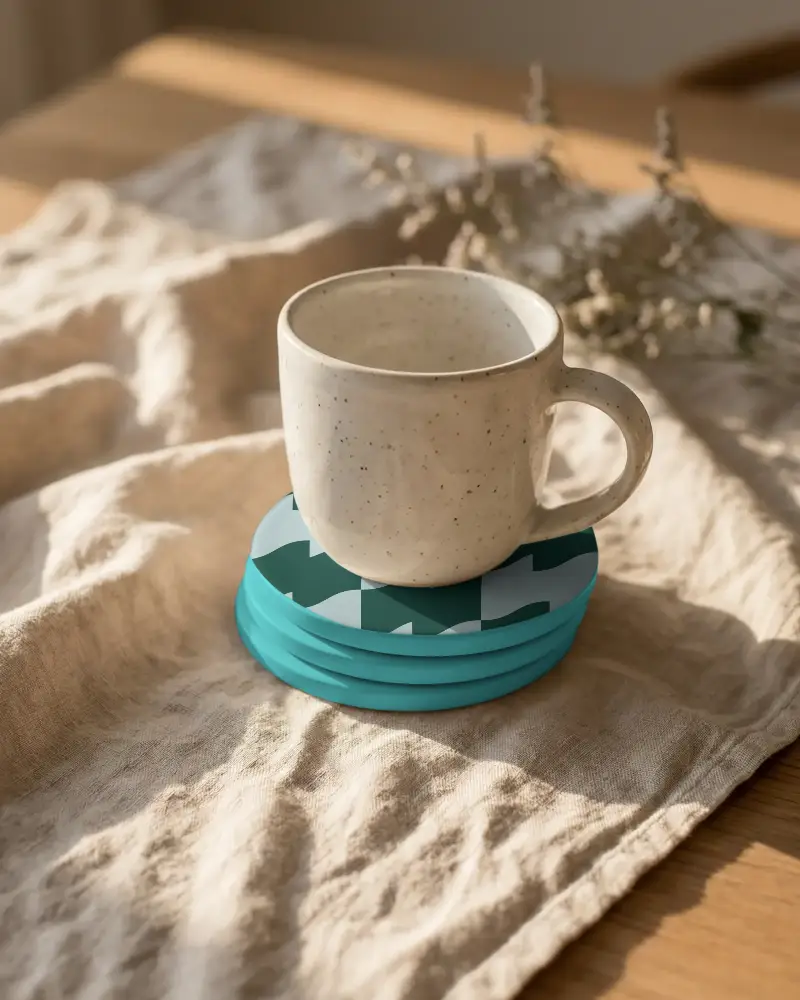
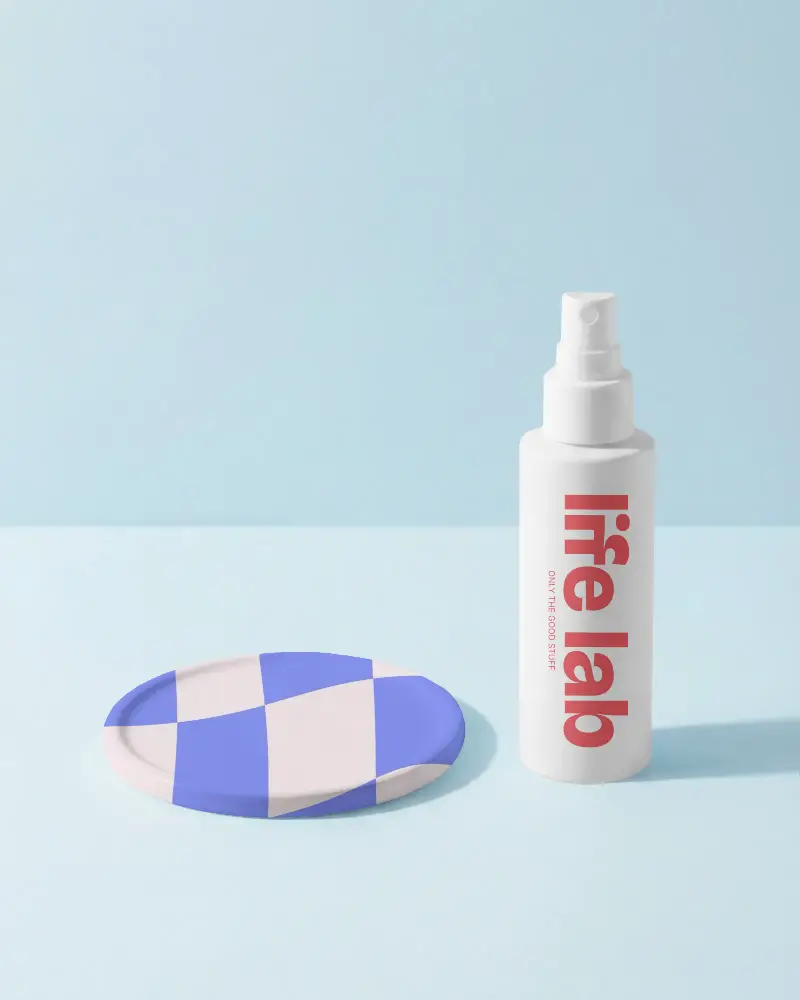
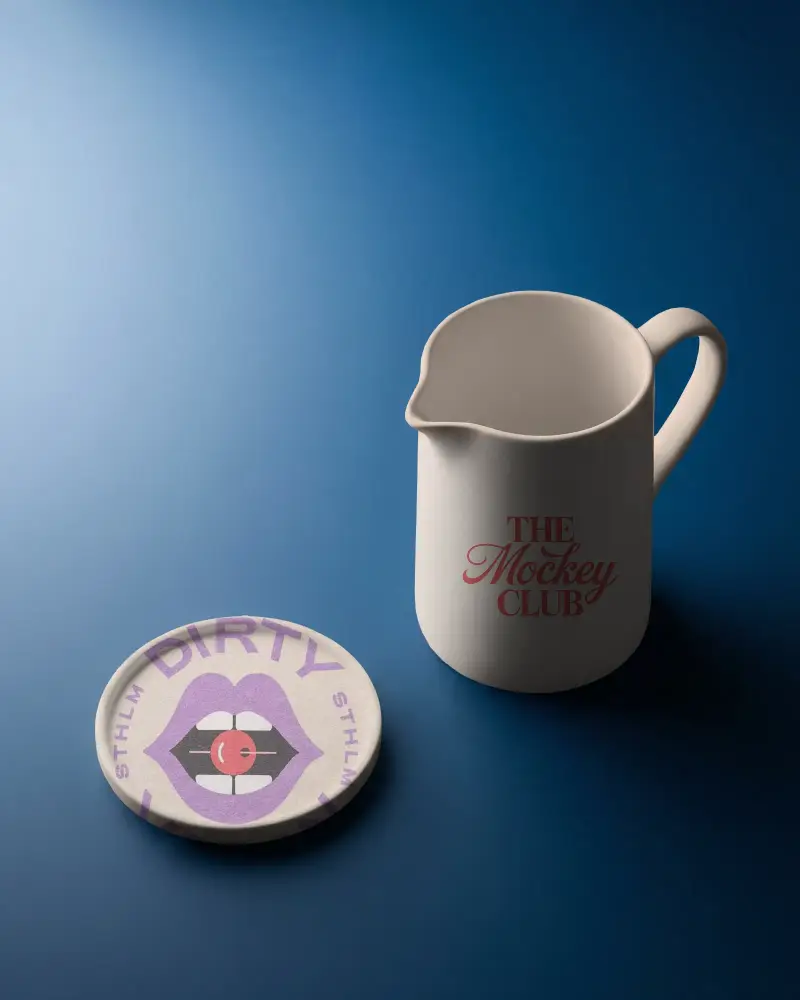
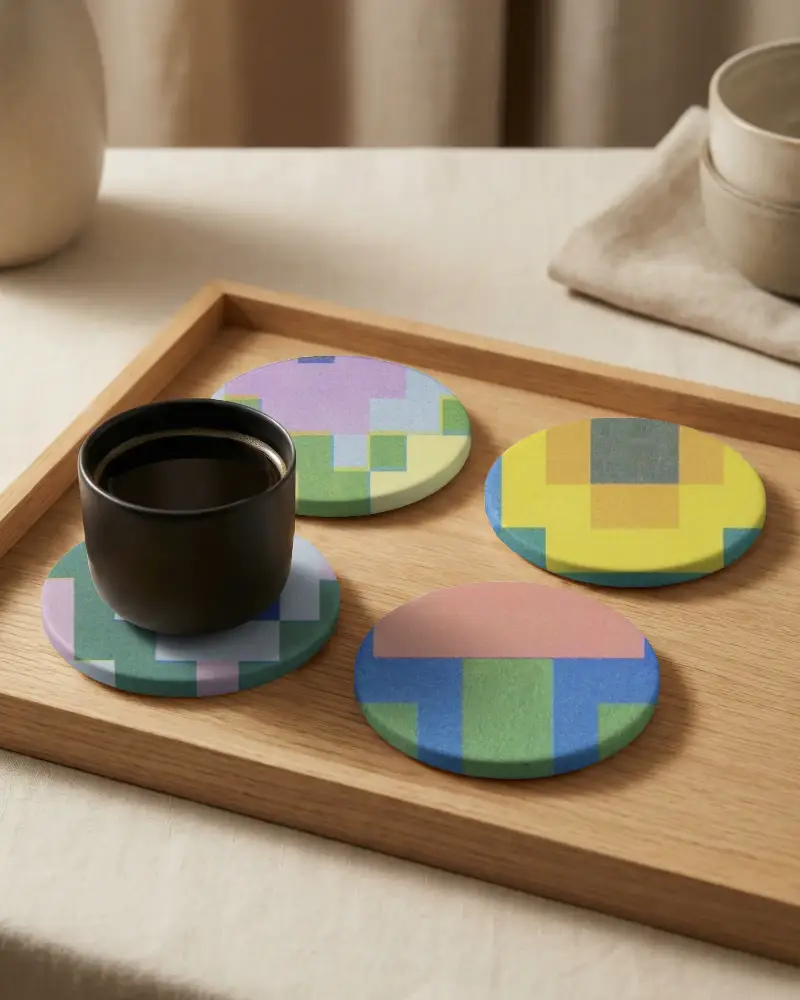
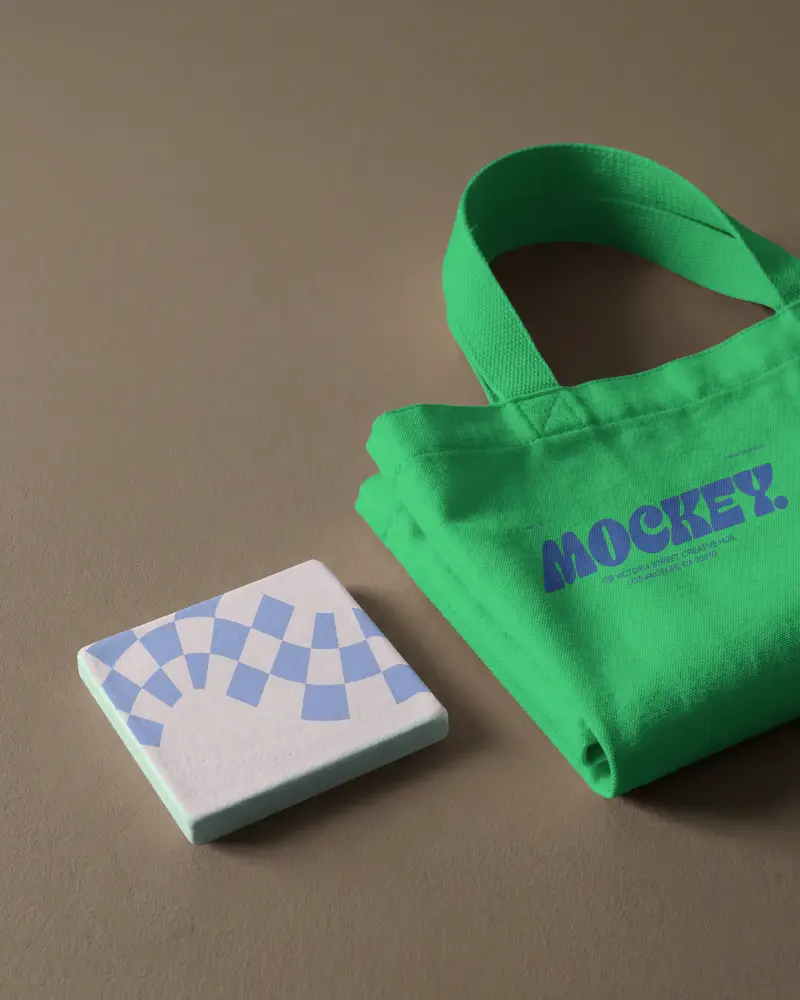
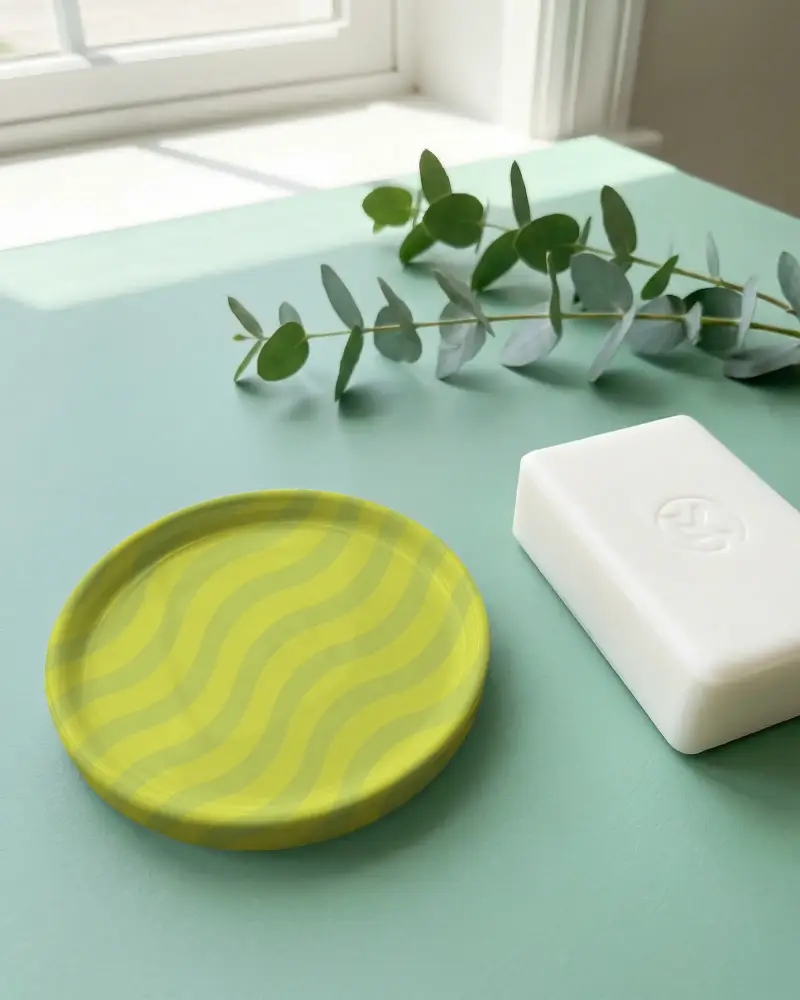
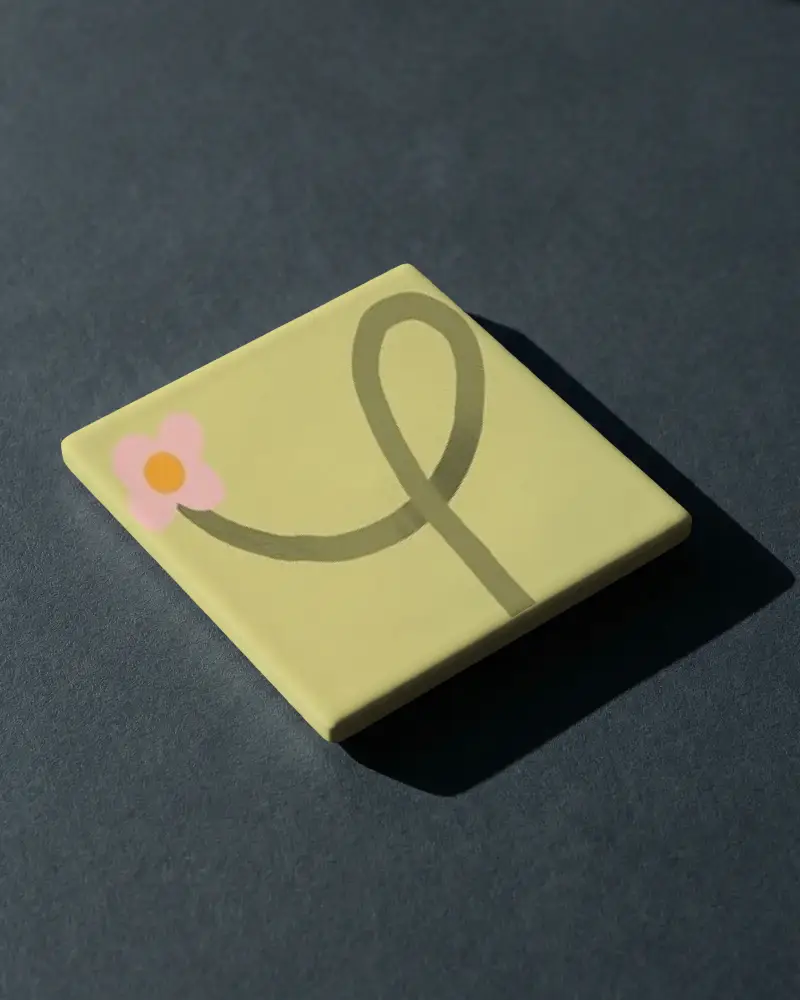
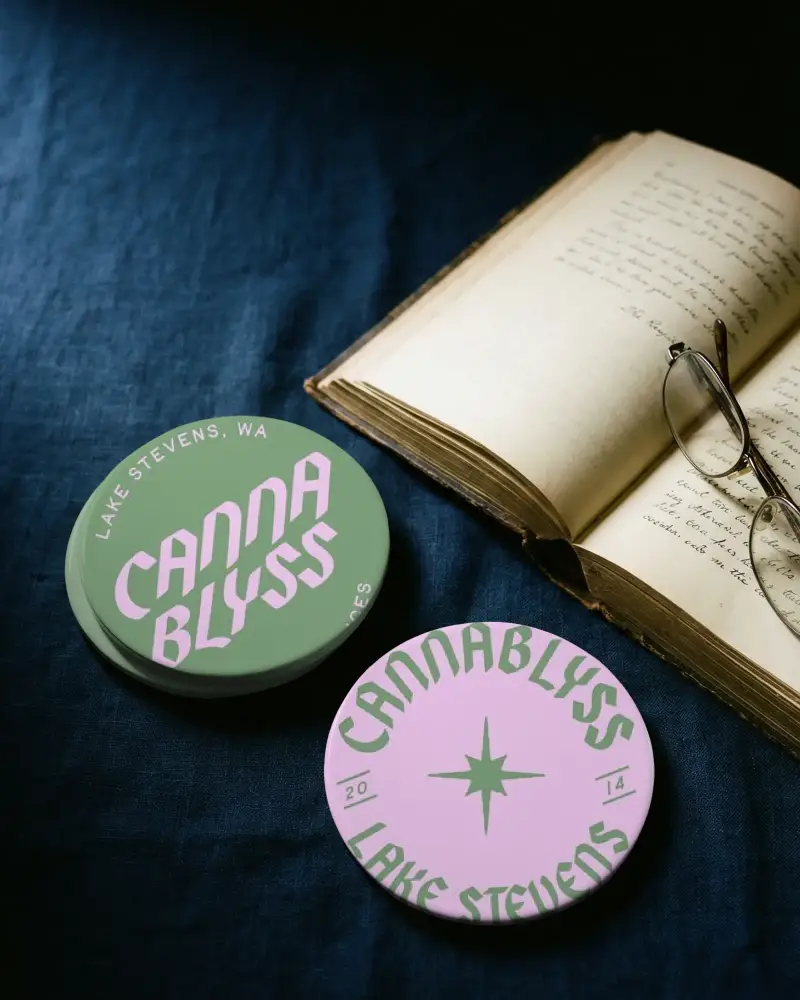
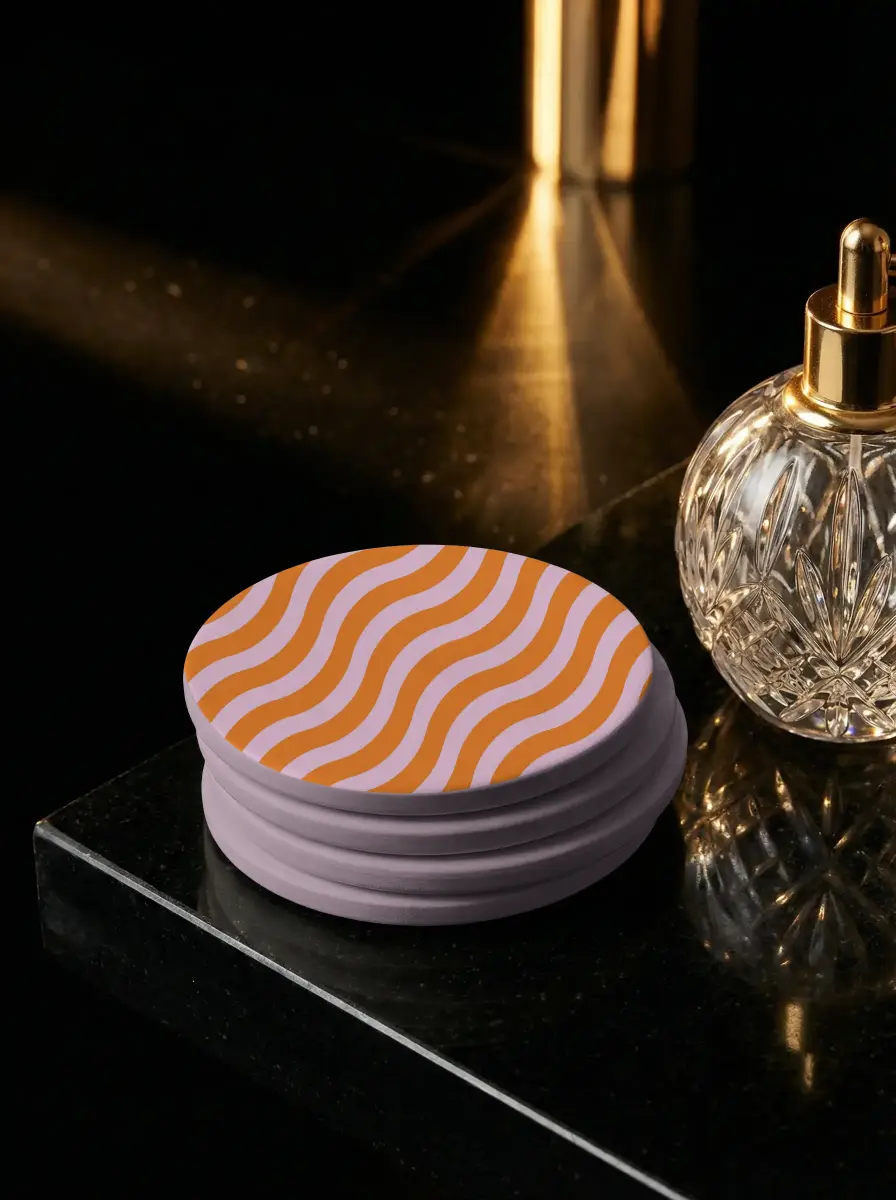
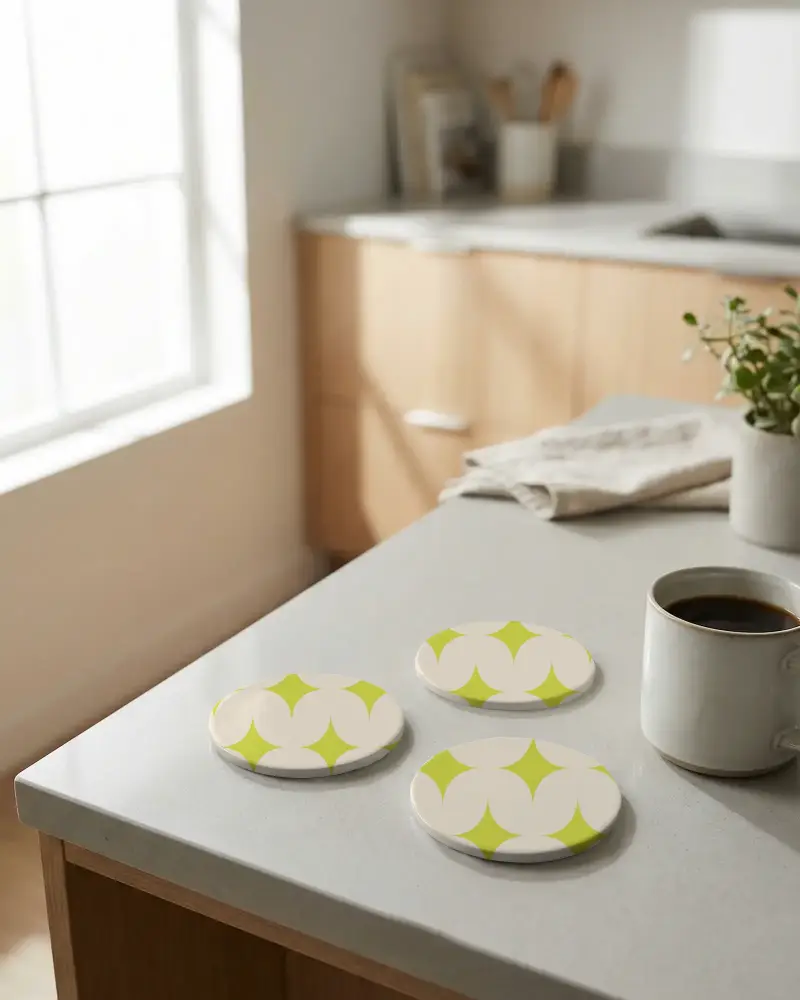
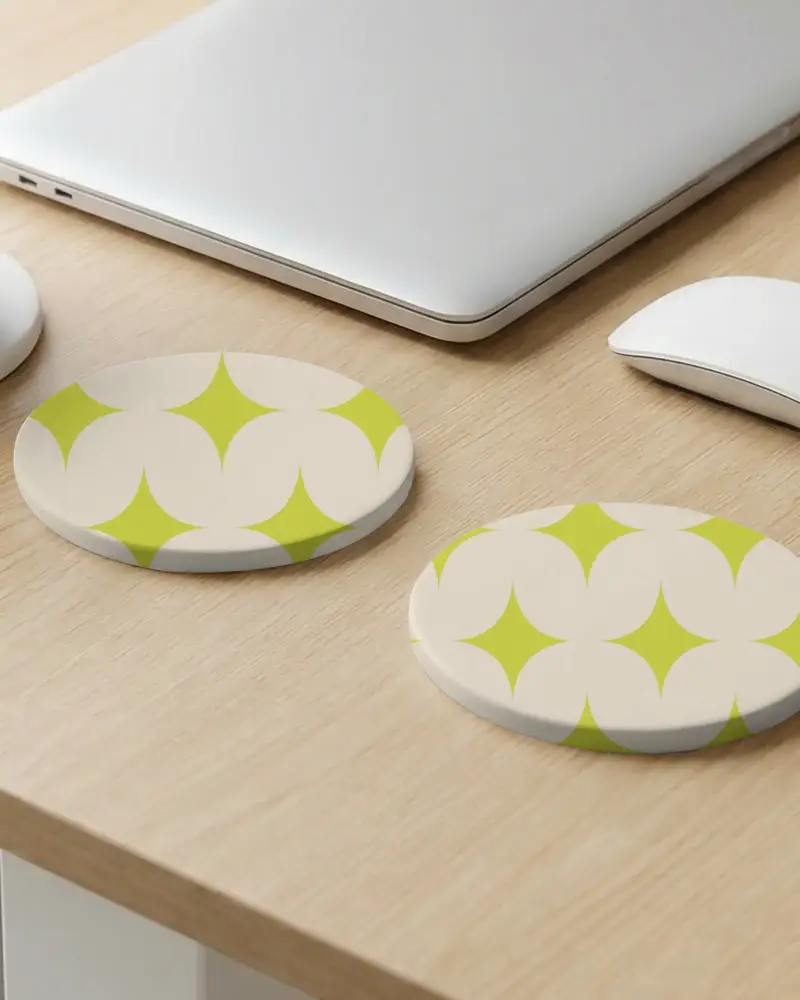
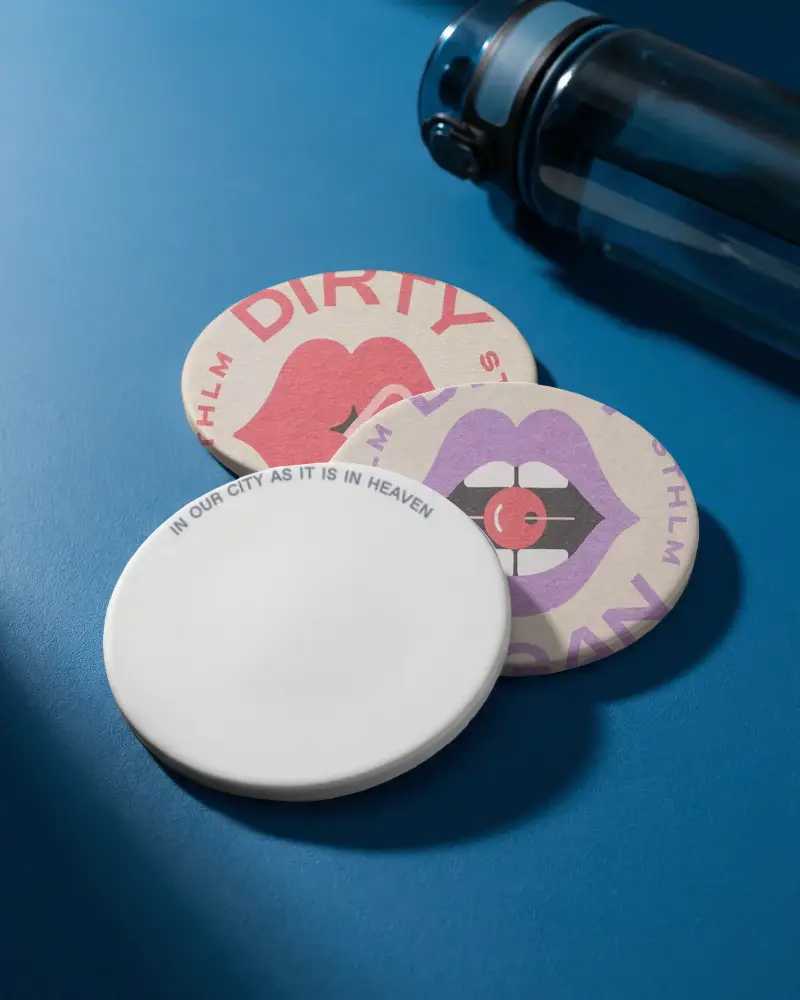
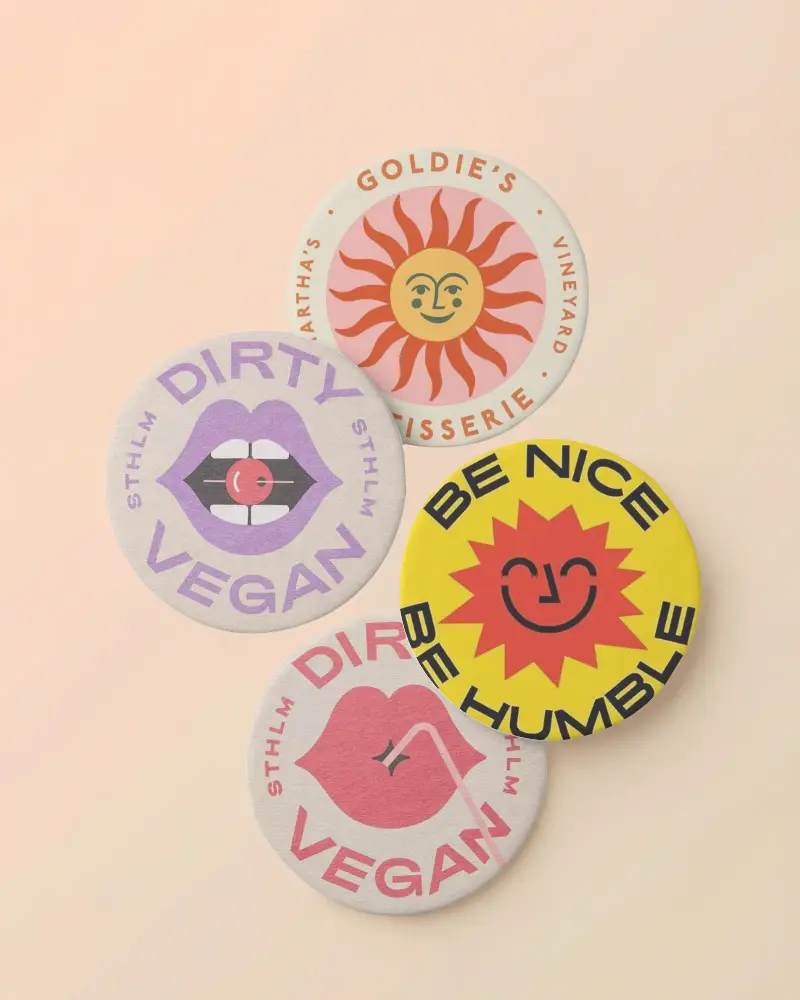
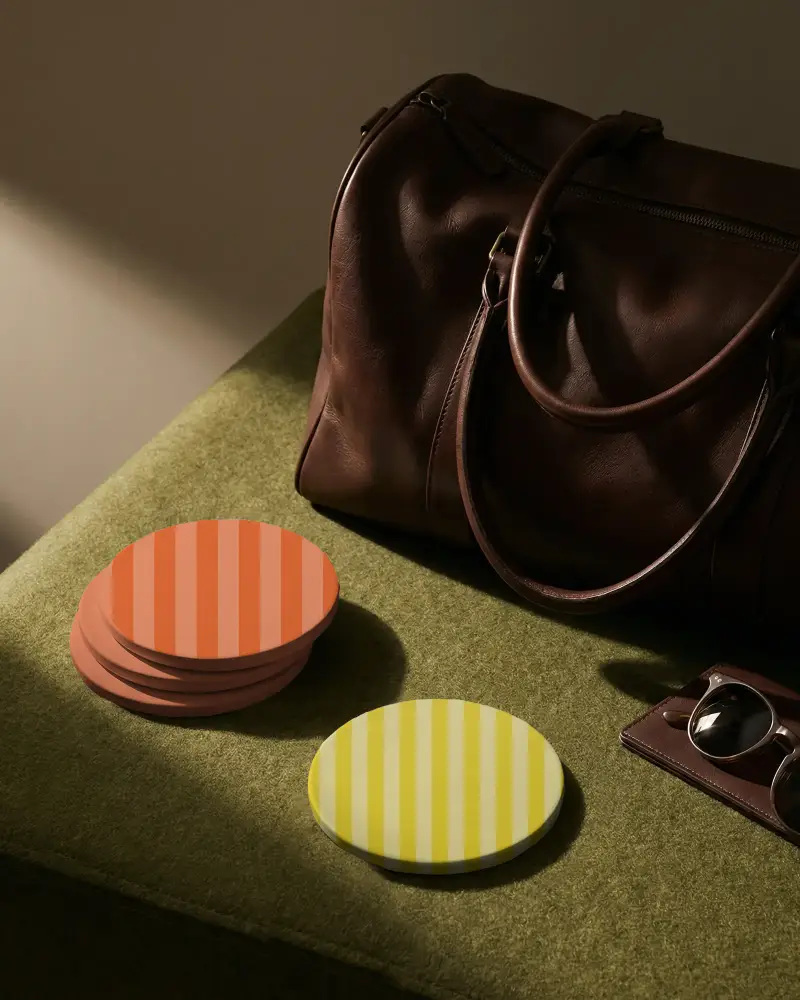
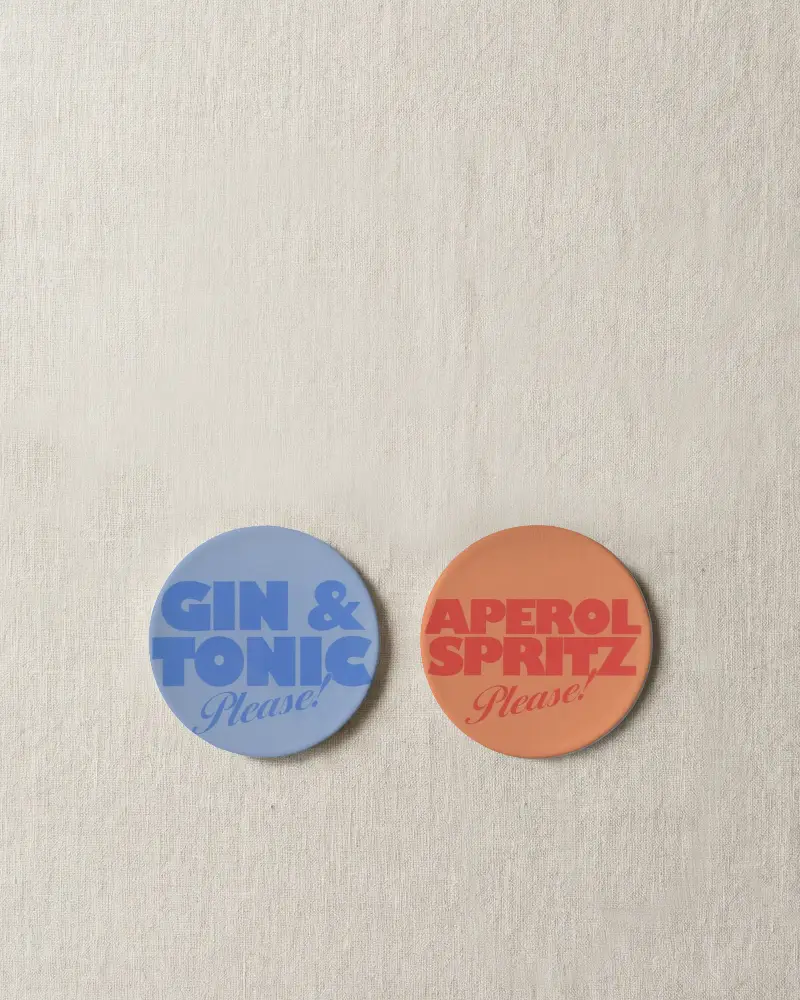
How to Customize Coaster Mockups in Mockey AI
To customize the coaster mockup:
- Step 1: Pick from a round, square, cork, or wood coaster.
- Step 2: Upload your logo or artwork and fit it to the coaster.
- Step 3: Set the coaster color.
- Step 4: Use warping and Place Anywhere for exact positioning.
- Step 5: Try Multi Shot, Photoshoot, or Animate to build out your scene.
- Step 6: Download the coaster mockup in high resolution.


FAQs on coaster Mockups
What is a coaster mockup?
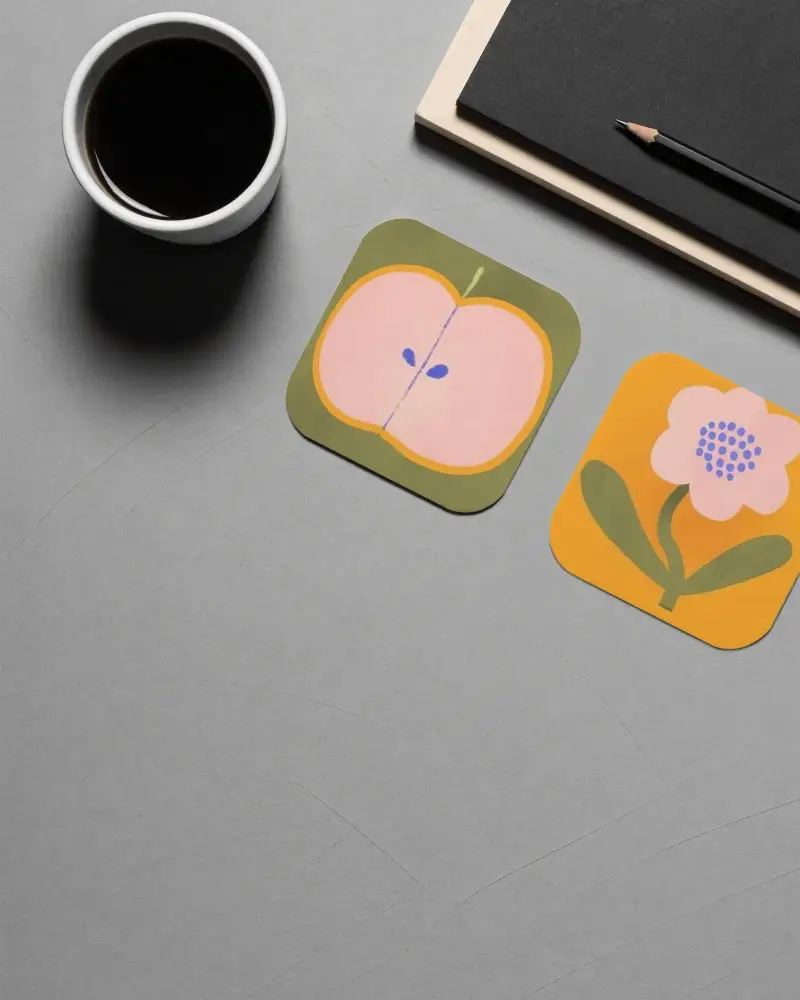
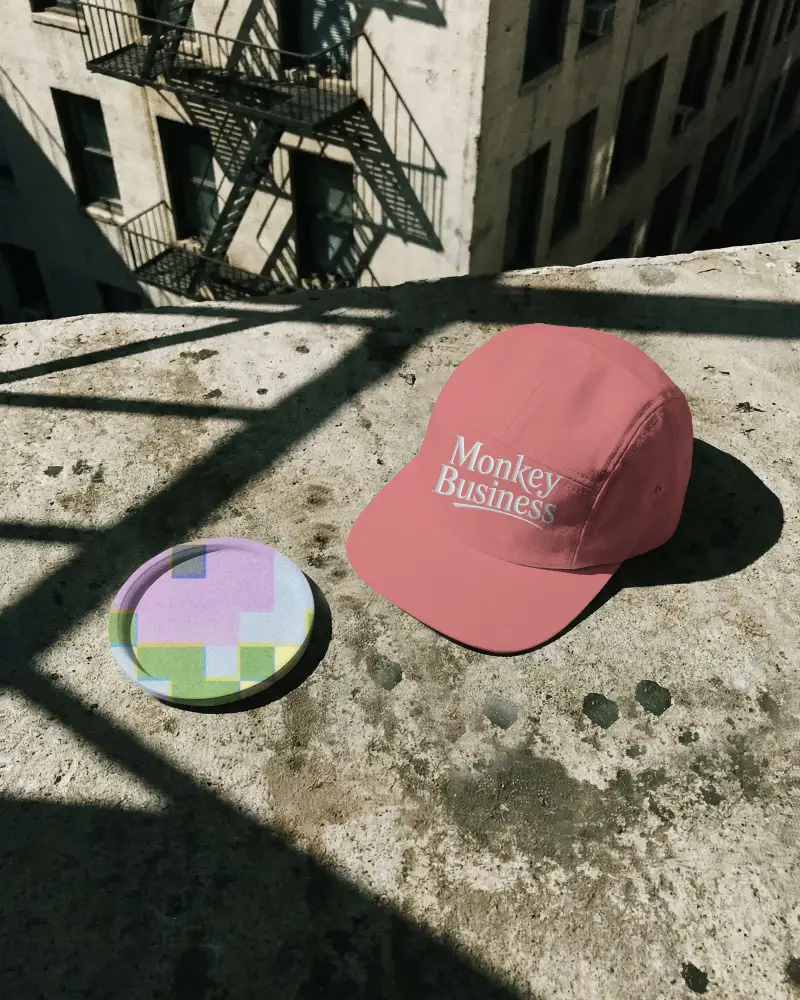
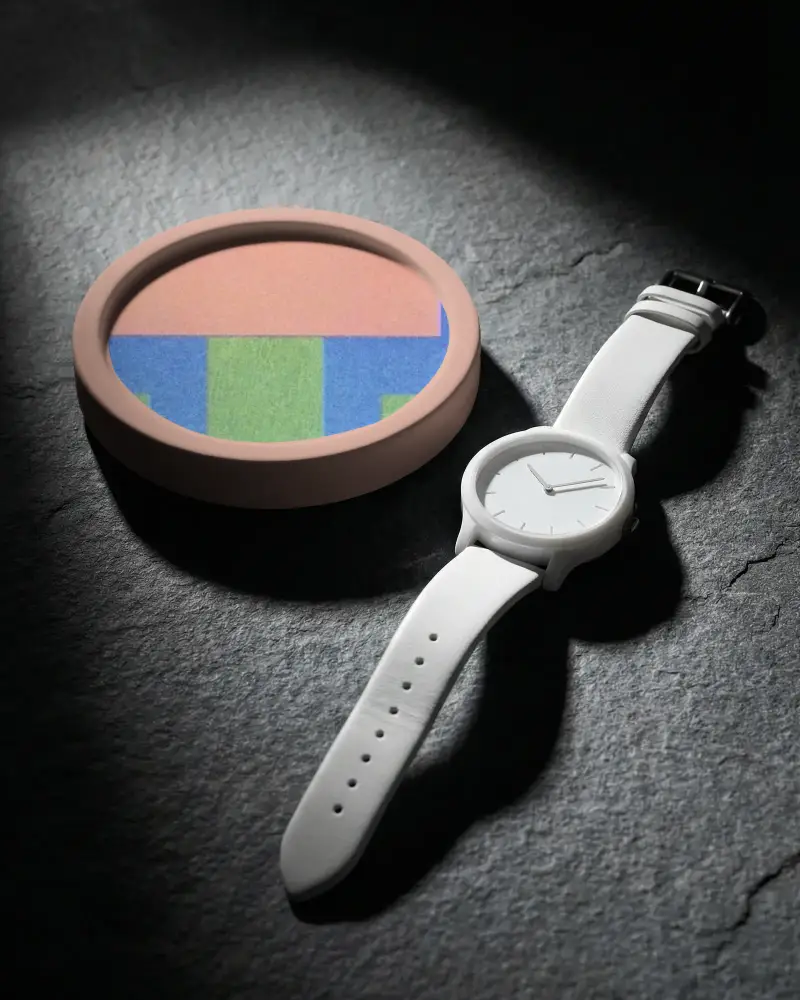
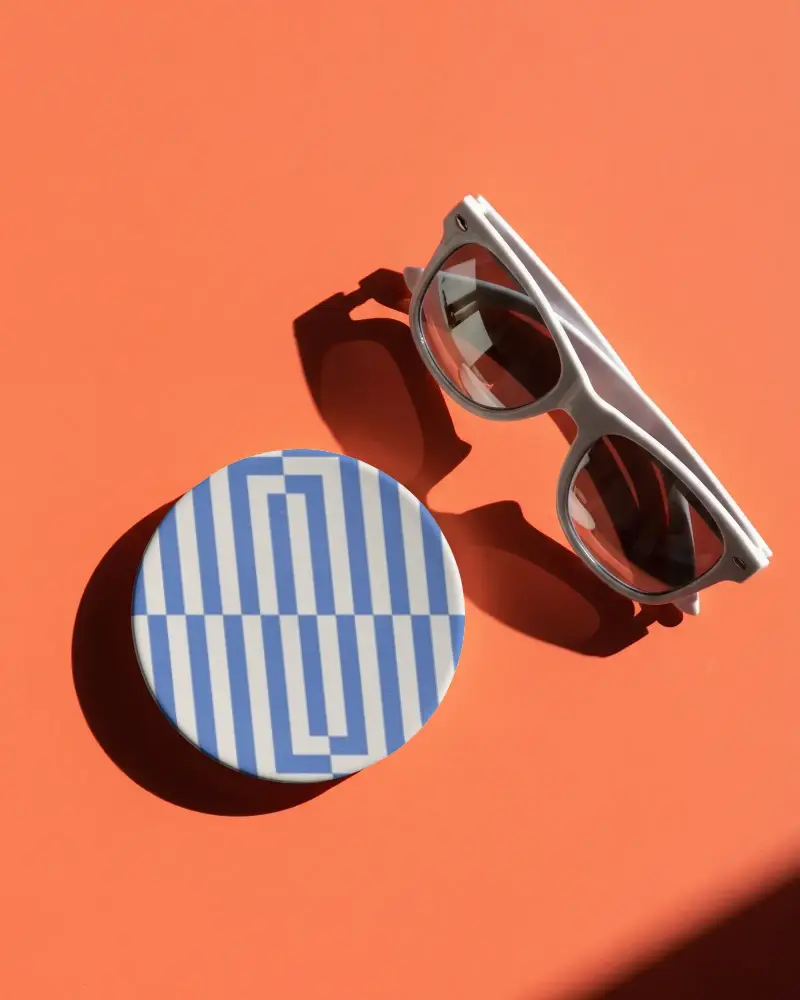
A coaster mockup is a preview of your design sitting on a coaster, round or square, on a table, before you print anything for real. Designers and brands use it to see how a logo or pattern will look in context.
What types of coaster mockups are available?
We have round, square, cork, wooden, and marble style coaster mockups available. Whether you're going for a minimal look or something more textured, there's a template for it.
Can I use coaster mockups for coffee shops and bars?
Coaster mockups work great for coffee shops and bars. You can show off branding or post on social. Easily drop your design onto paper, cork, or wooden coaster styles, whatever fits the vibe.
Can I use coaster mockups for Etsy and POD products?
Coasters work best for Etsy and POD. Just match your mockup to the exact base your supplier uses, square or round, ceramic, or wood, so it reflects the real product. Keep your design properly scaled too; anything distorted or floating unnaturally on the surface tends to hurt conversions.
