Jersey Mockup - Free Templates to Customize & Download
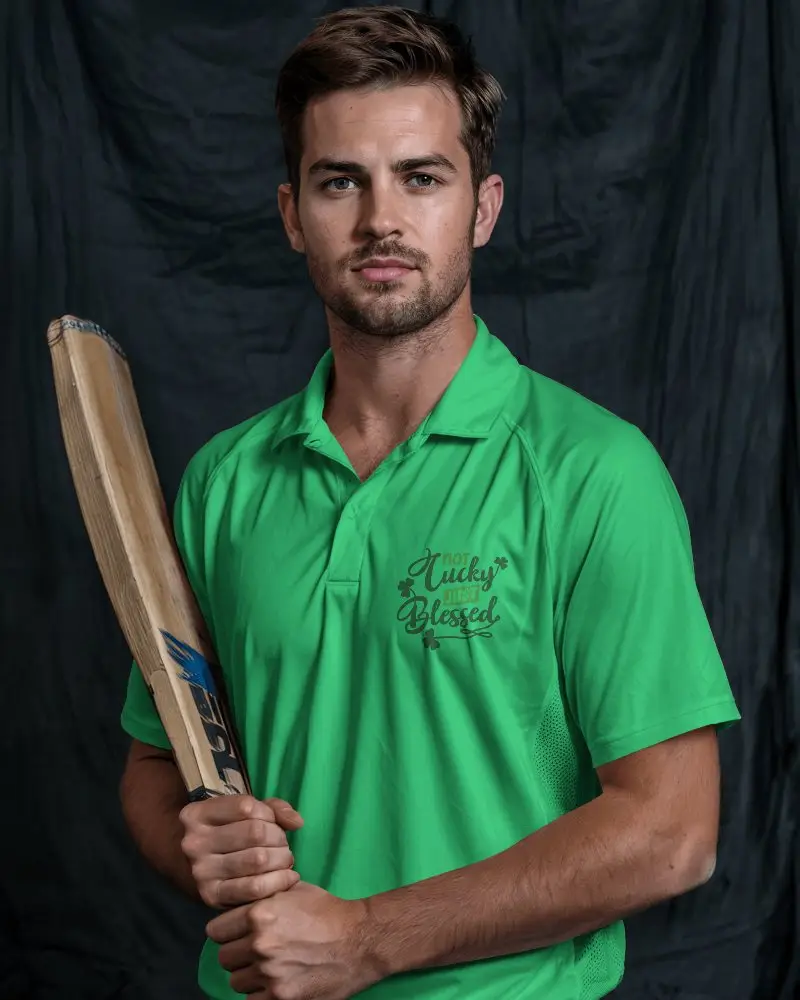
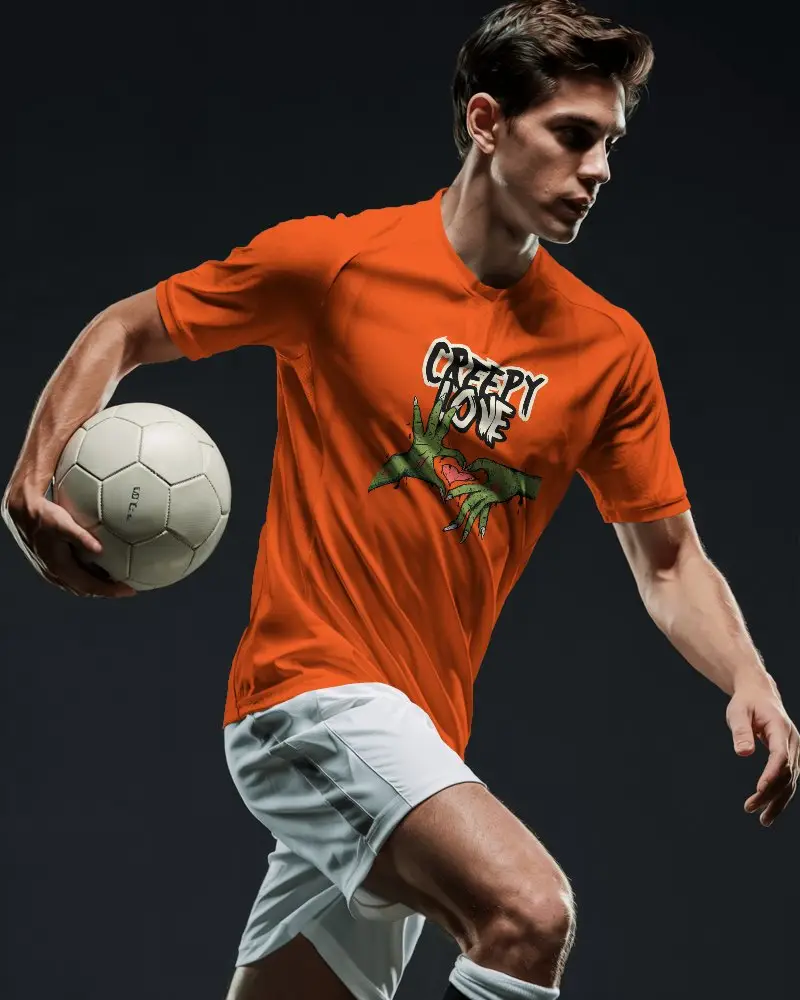
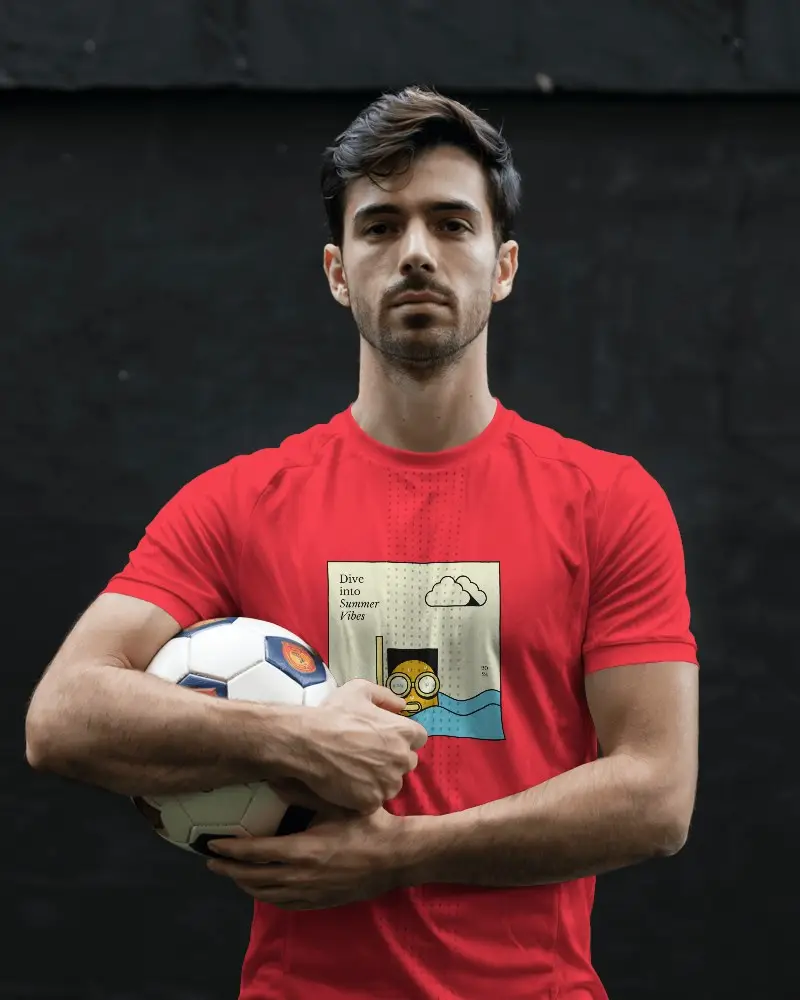
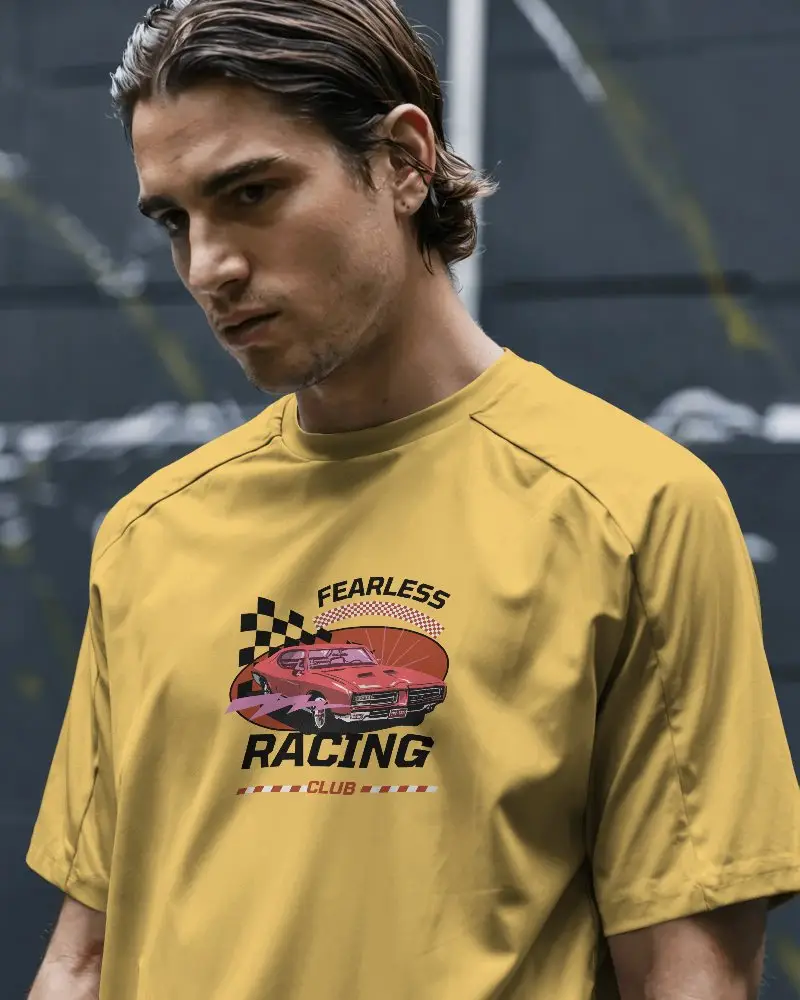
Let’s be real - finding a great free jersey mockup for your e-commerce or POD store shouldn't be hard work. The last thing you want to do is spend hours wrestling with complicated design software just to show off your new apparel. That’s exactly why we built Mockey AI. We want to help you find the perfect jersey mockup template in seconds, so you can get back to actually selling. Just pick a design, drop in your artwork, and grab your watermark free download. It really is that simple.

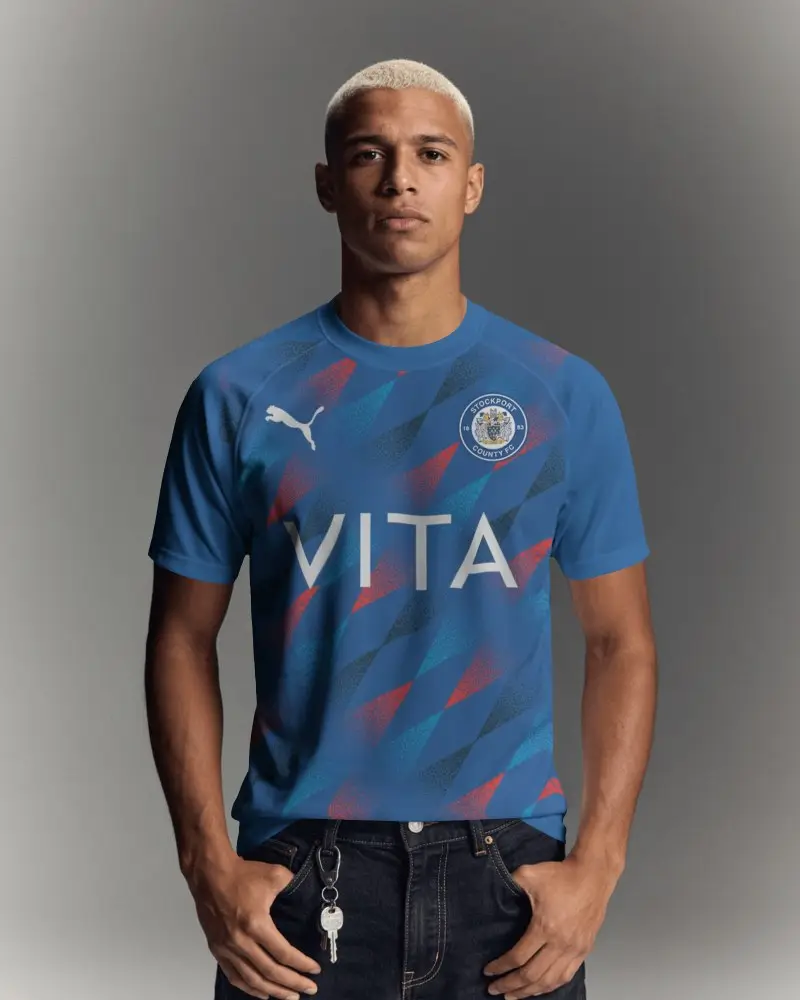
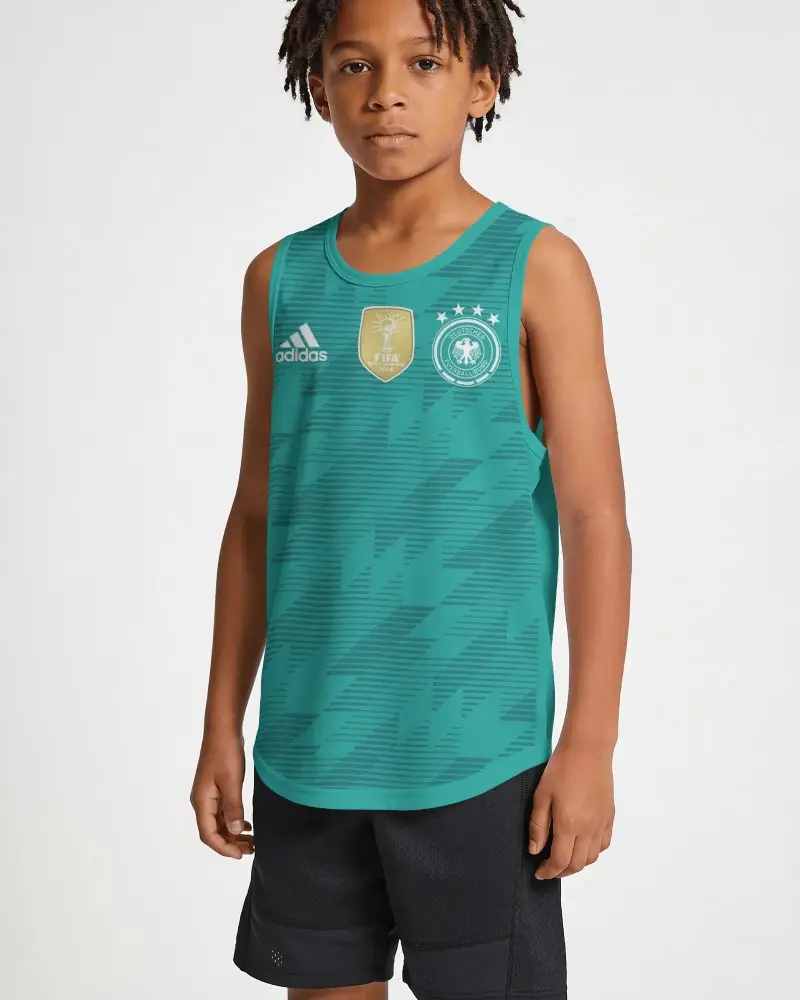
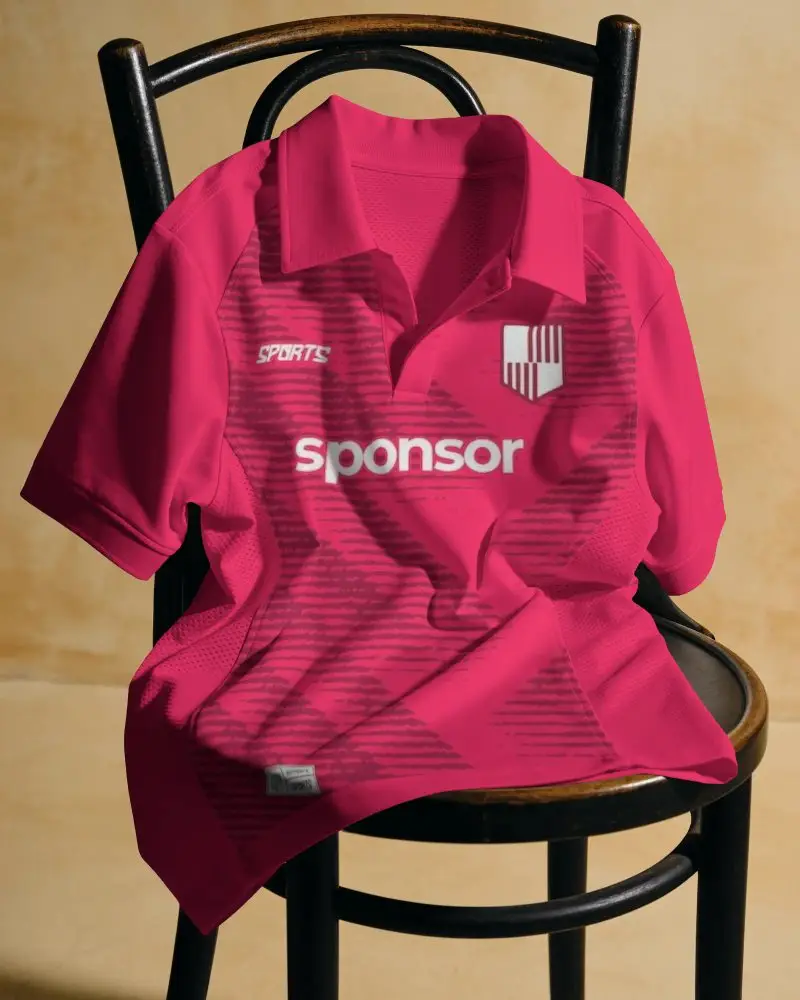
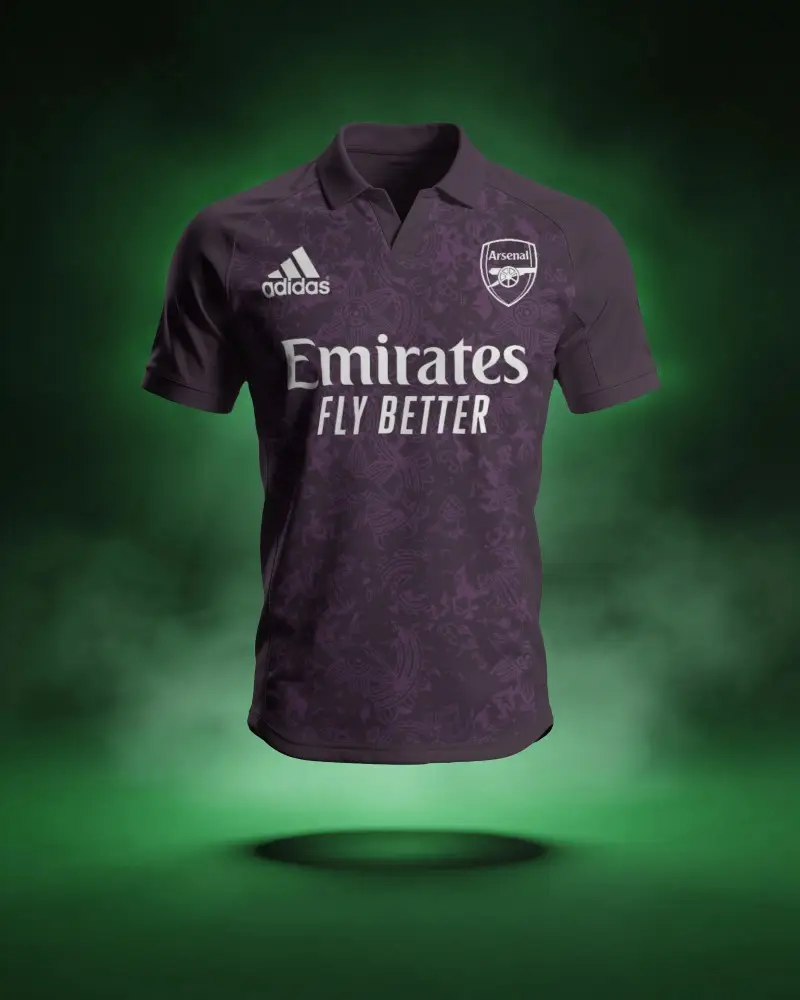
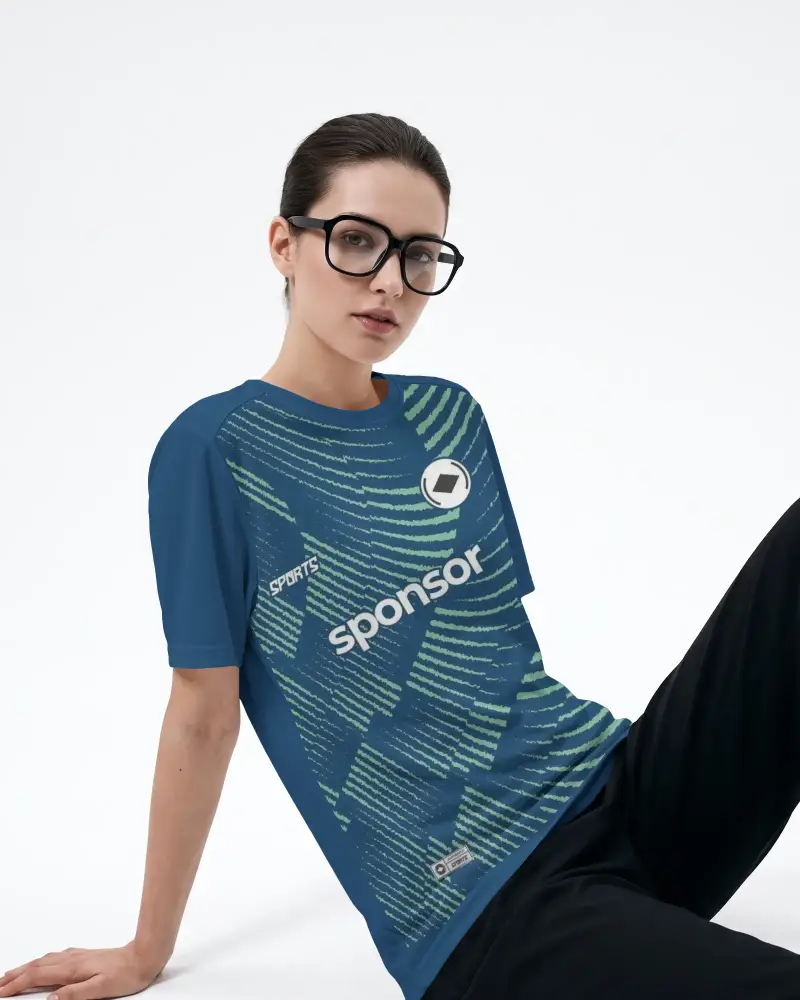
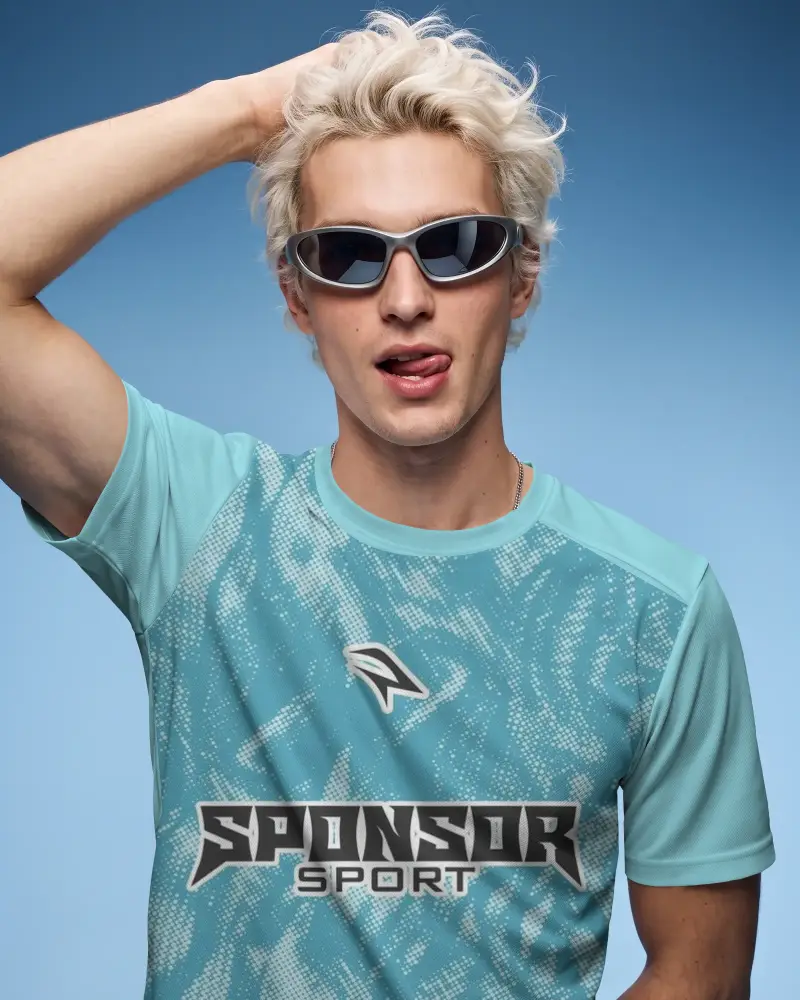
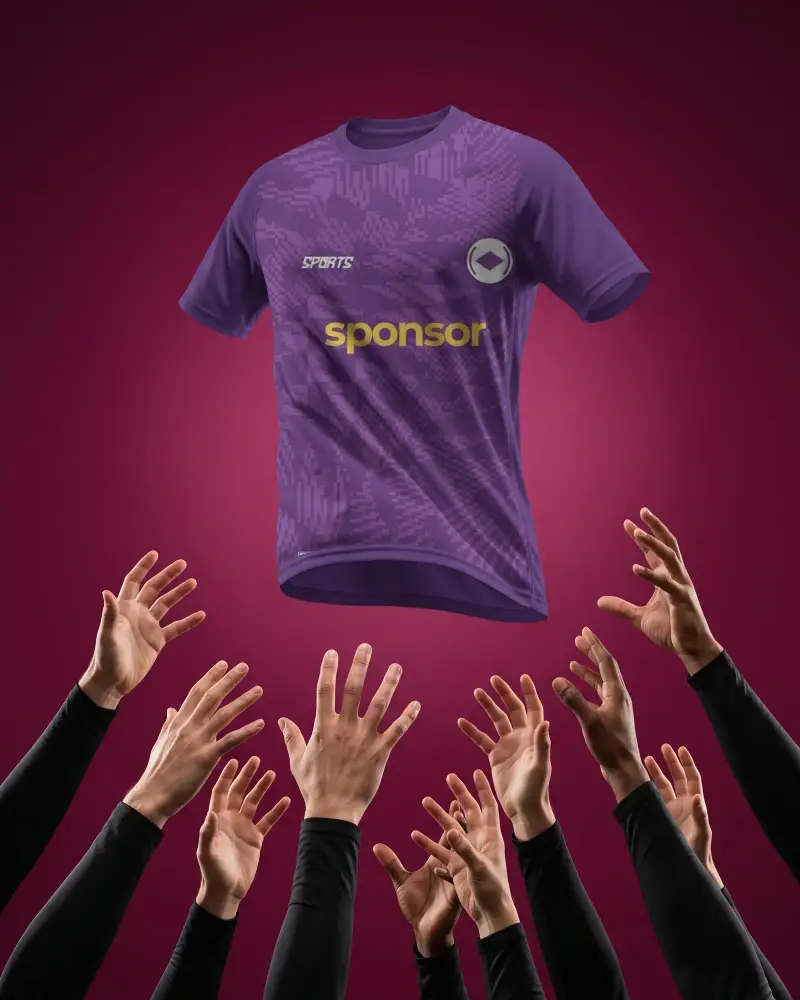
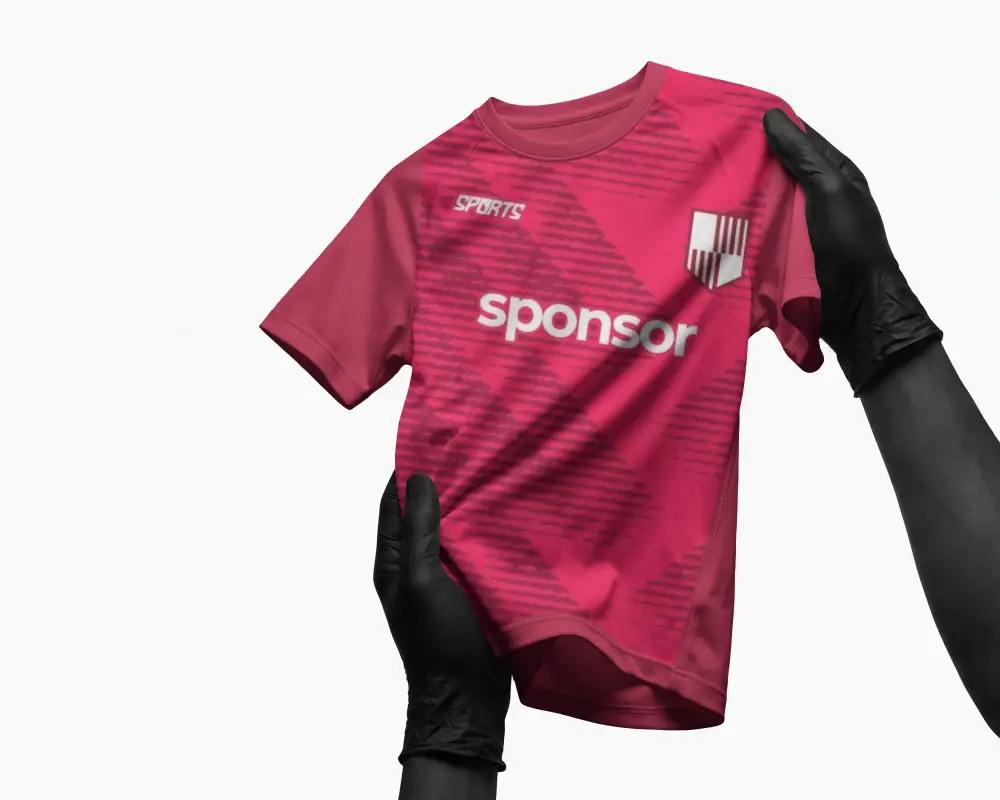
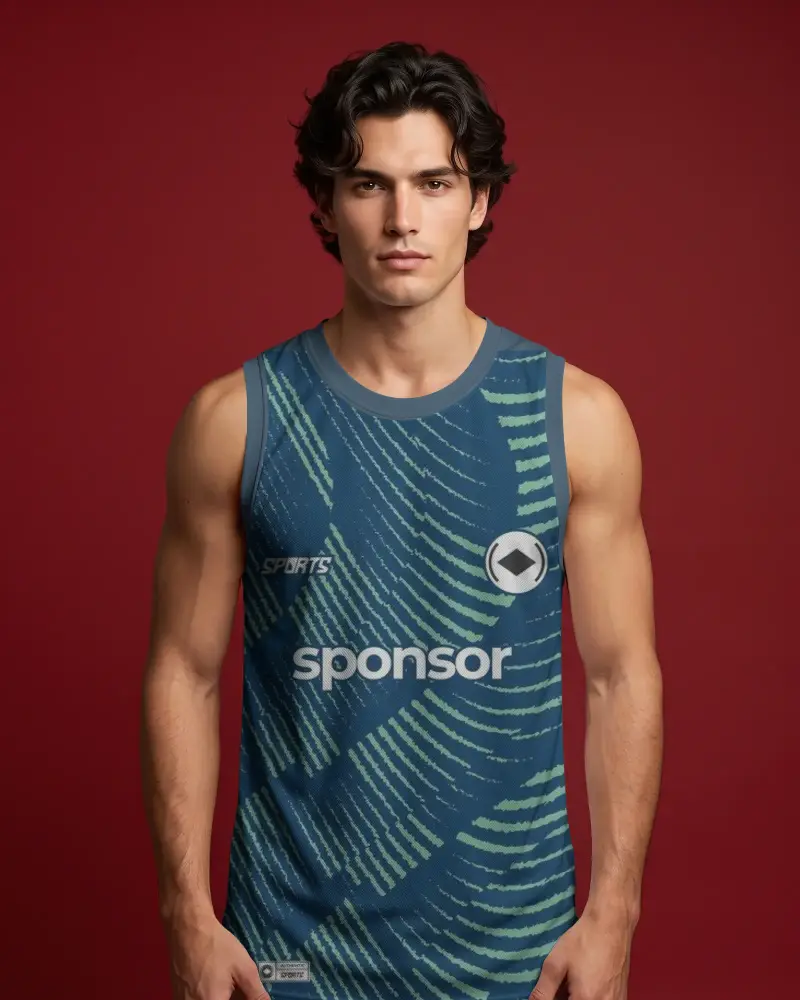
How to Customize Jersey Mockup Templates
To customize jersey mockup templates:
- Step 1: Pick a jersey mockup template from our library and upload a logo or artwork for customization
- Step 2: Then change the jersey color, apply warping, enable the Place Anywhere option, or turn it into an animation.
- Step 3: Save as JPG and PNG files for images, and MP4 for motion animations.


FAQs on jersey Mockups
What is Jersey Mockup?
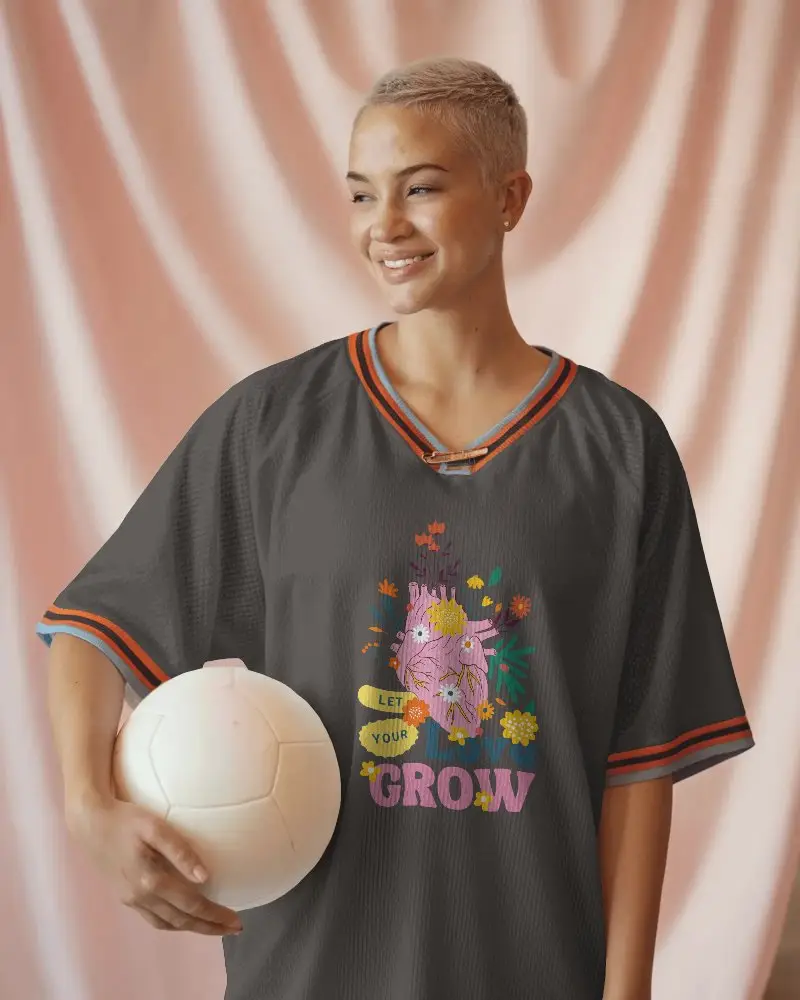
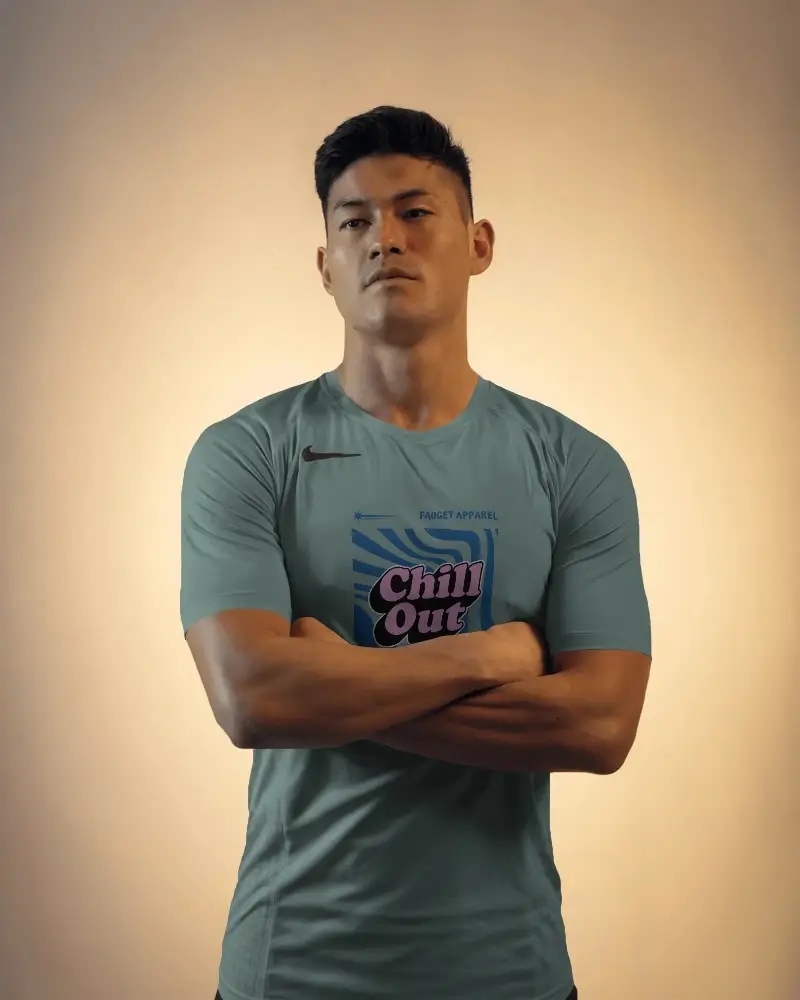
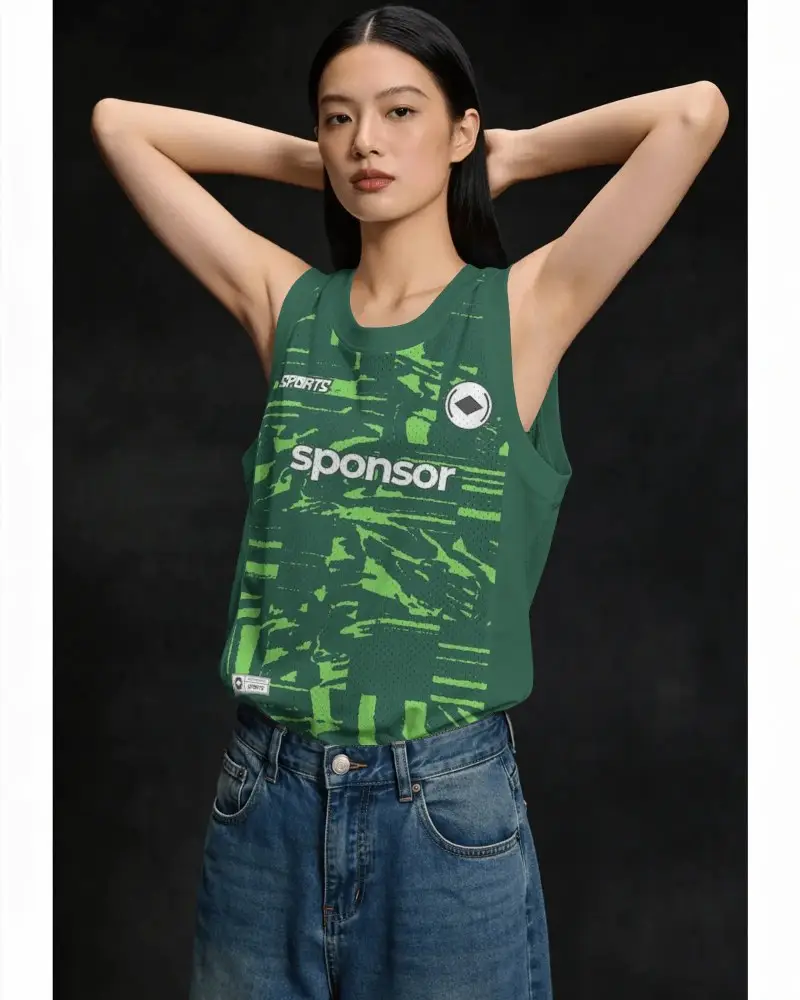
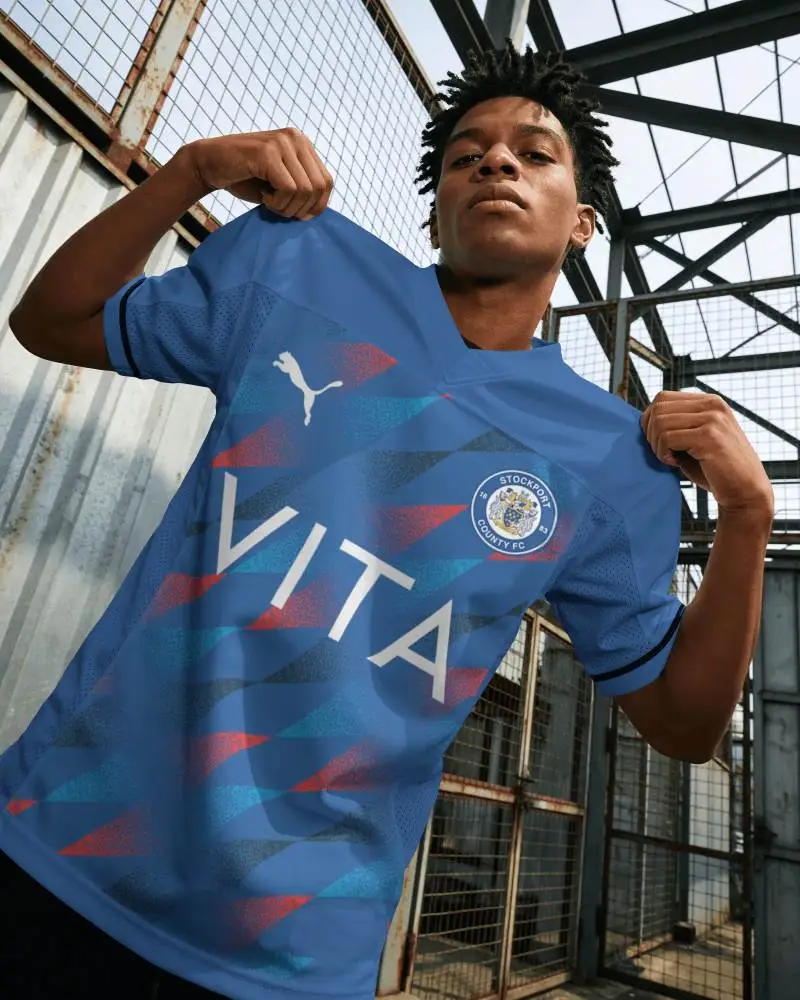
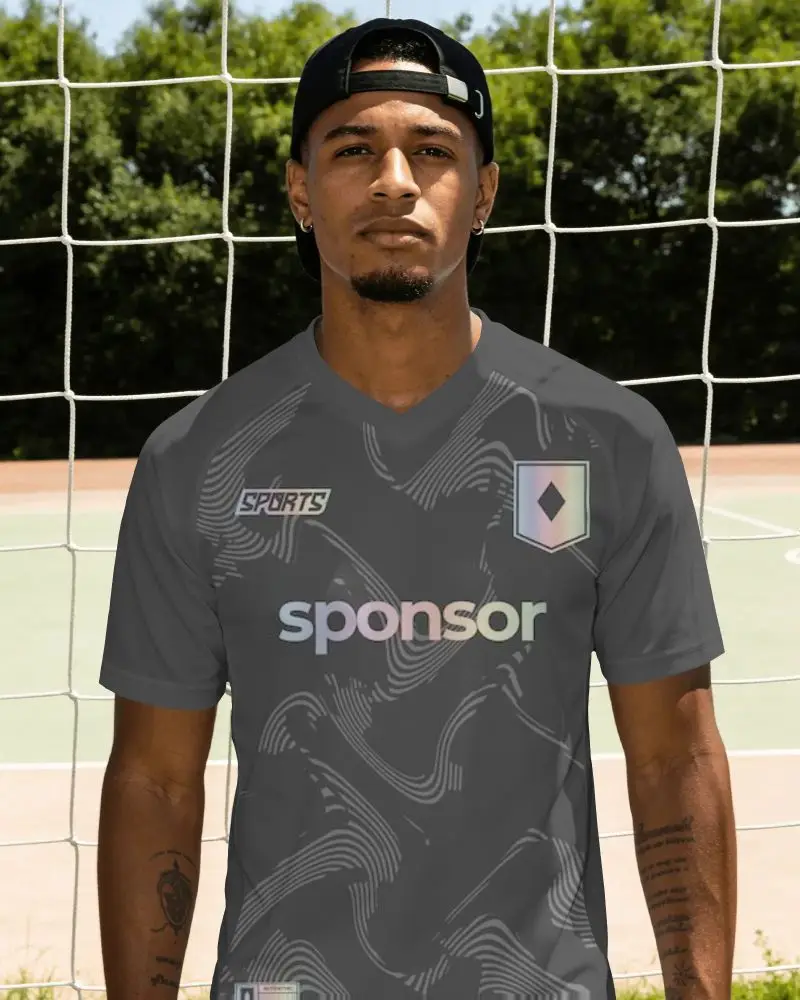
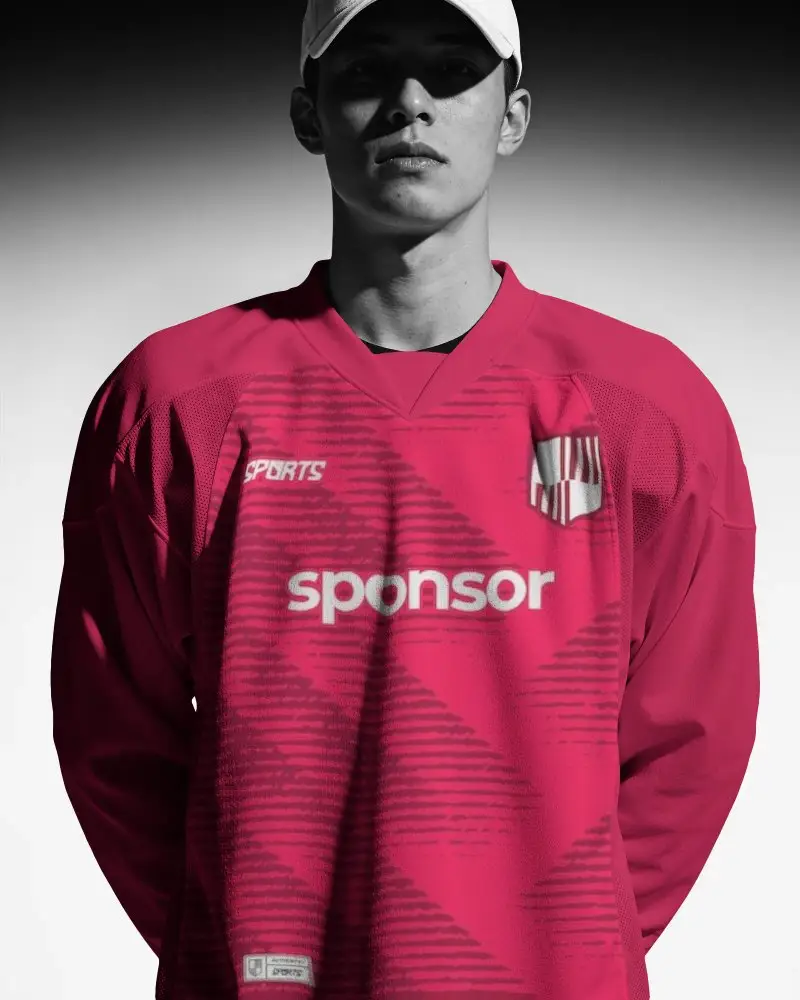
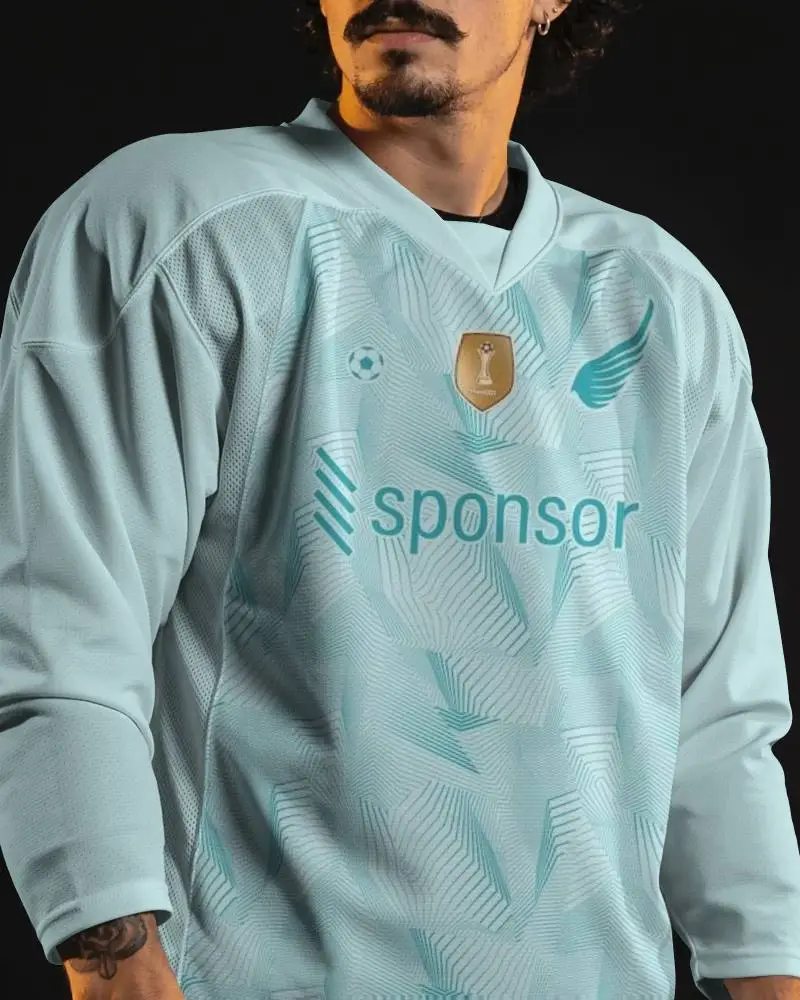
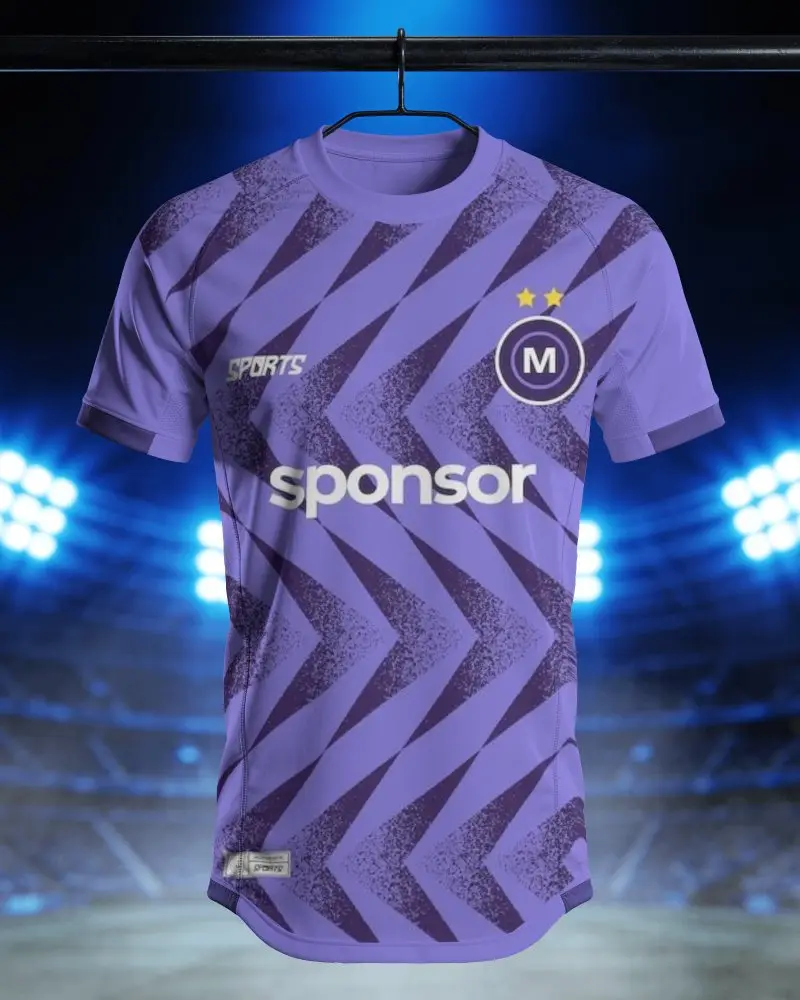
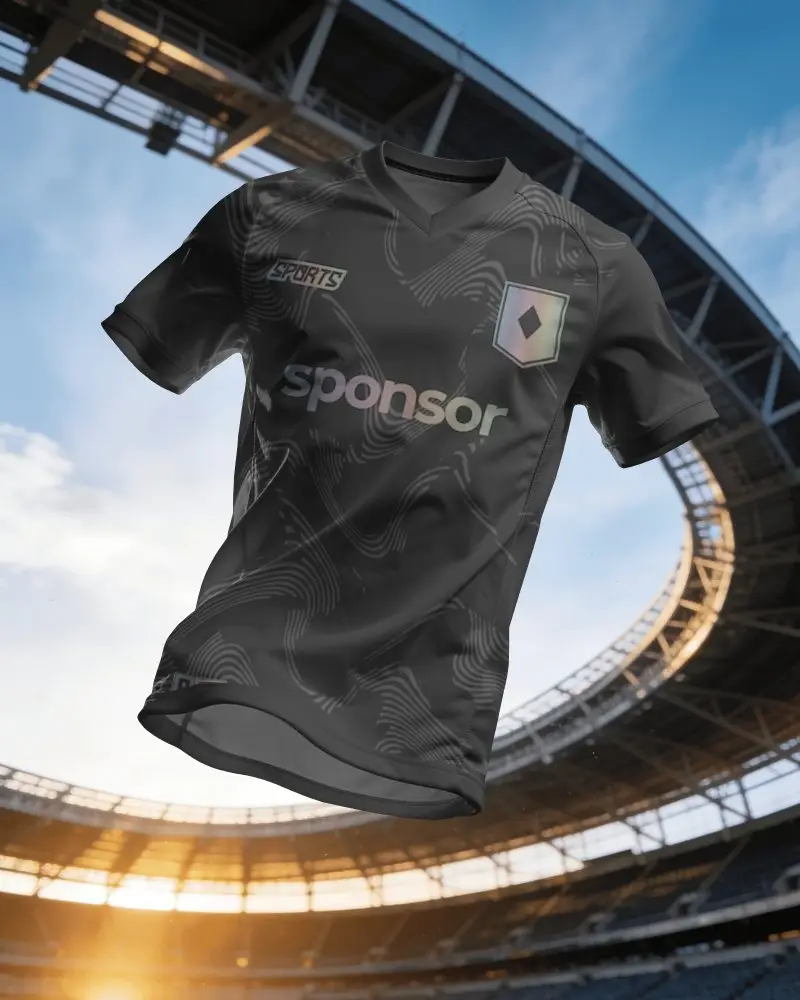
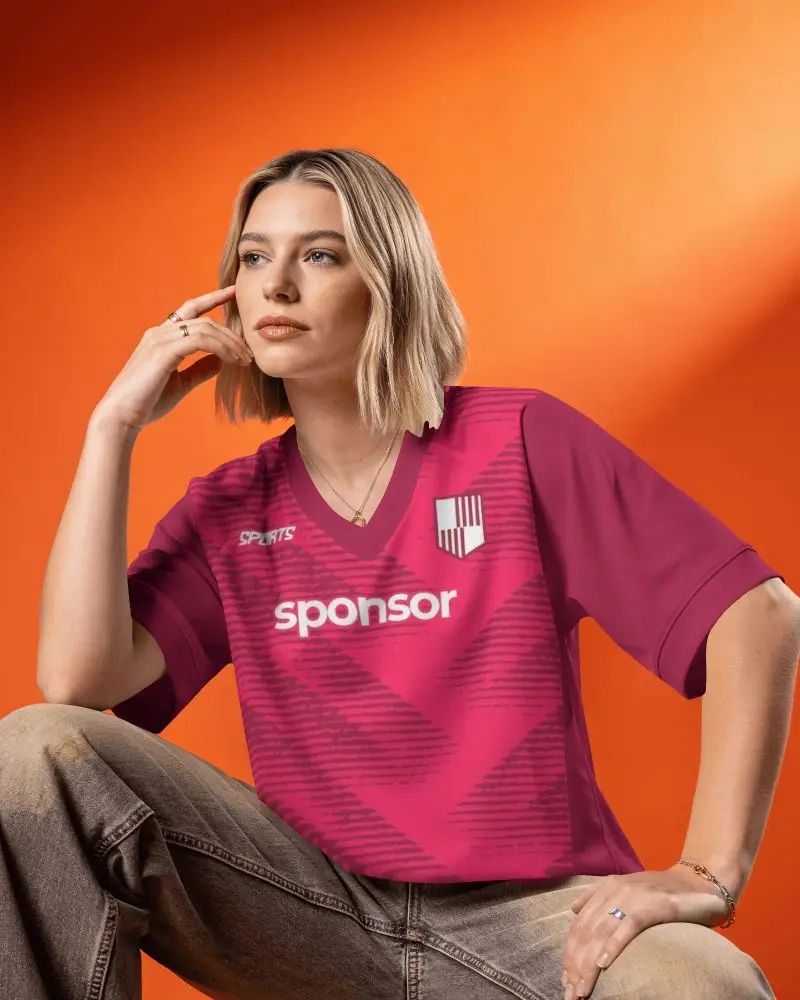
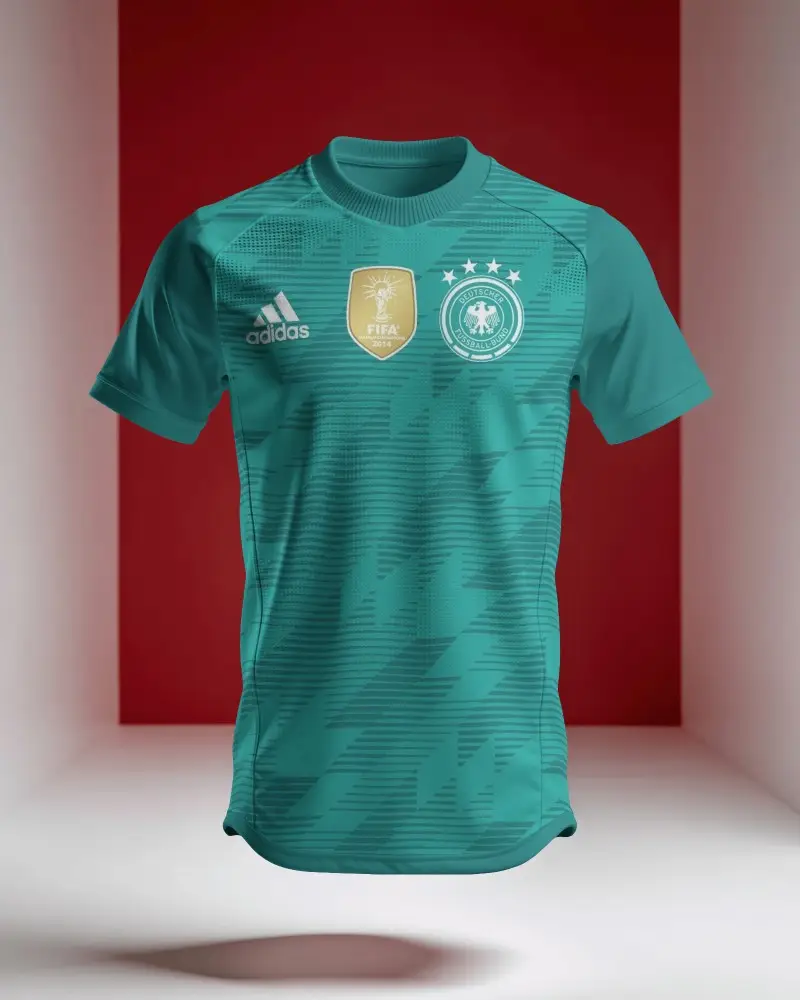
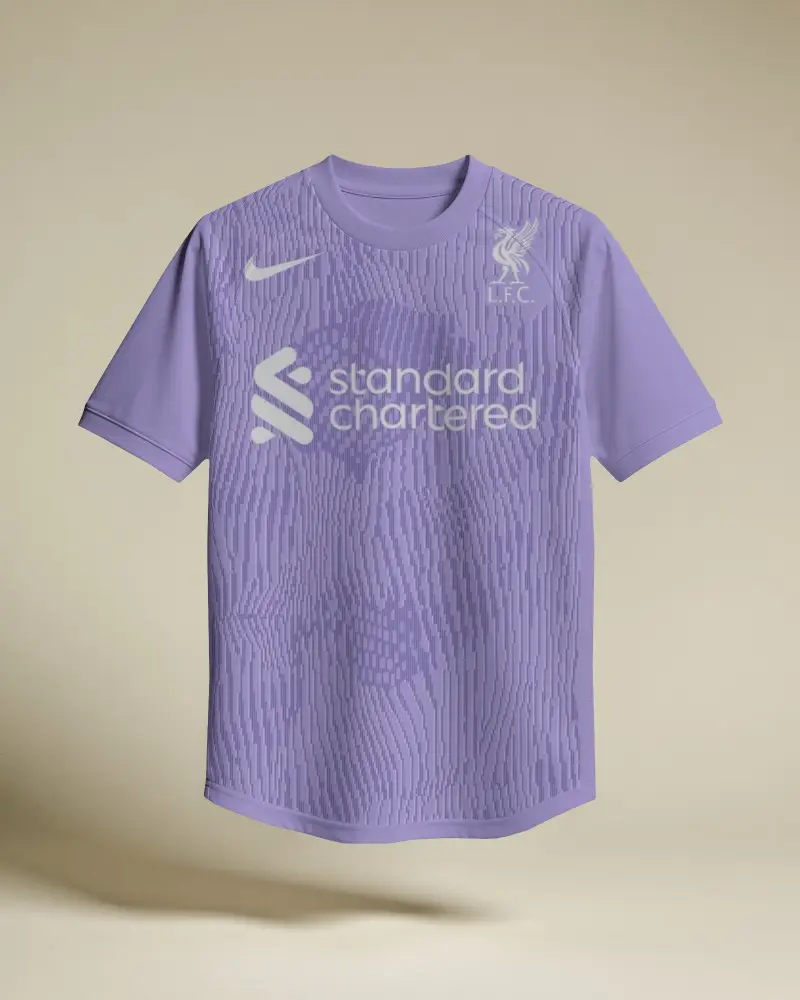
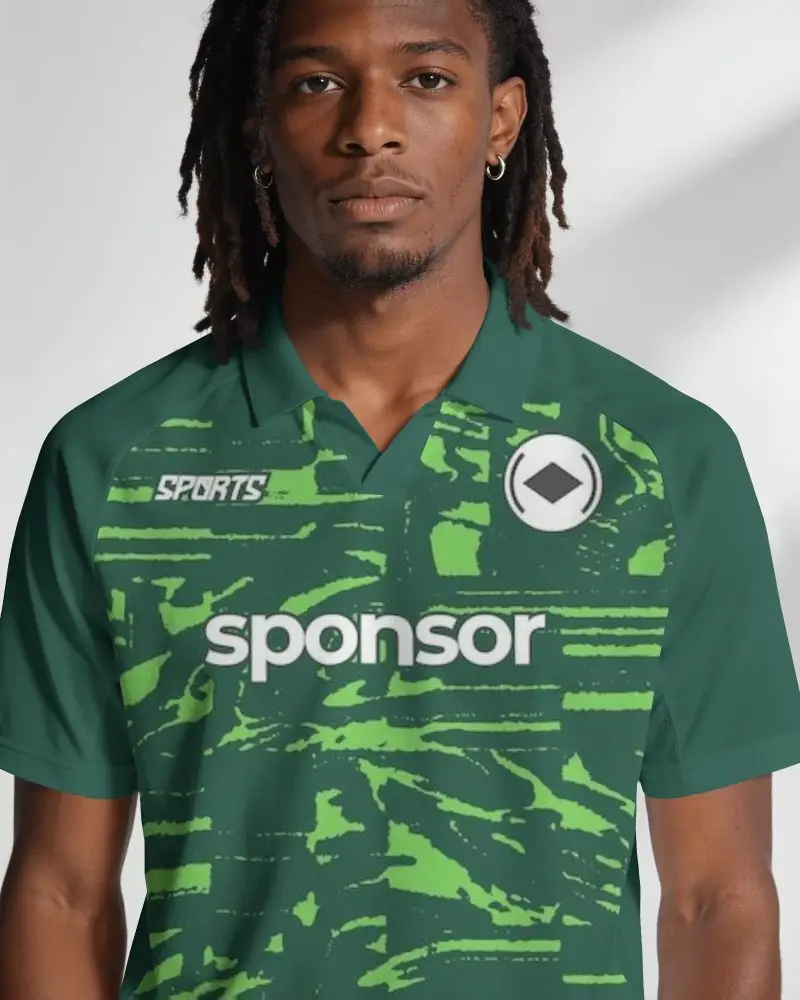
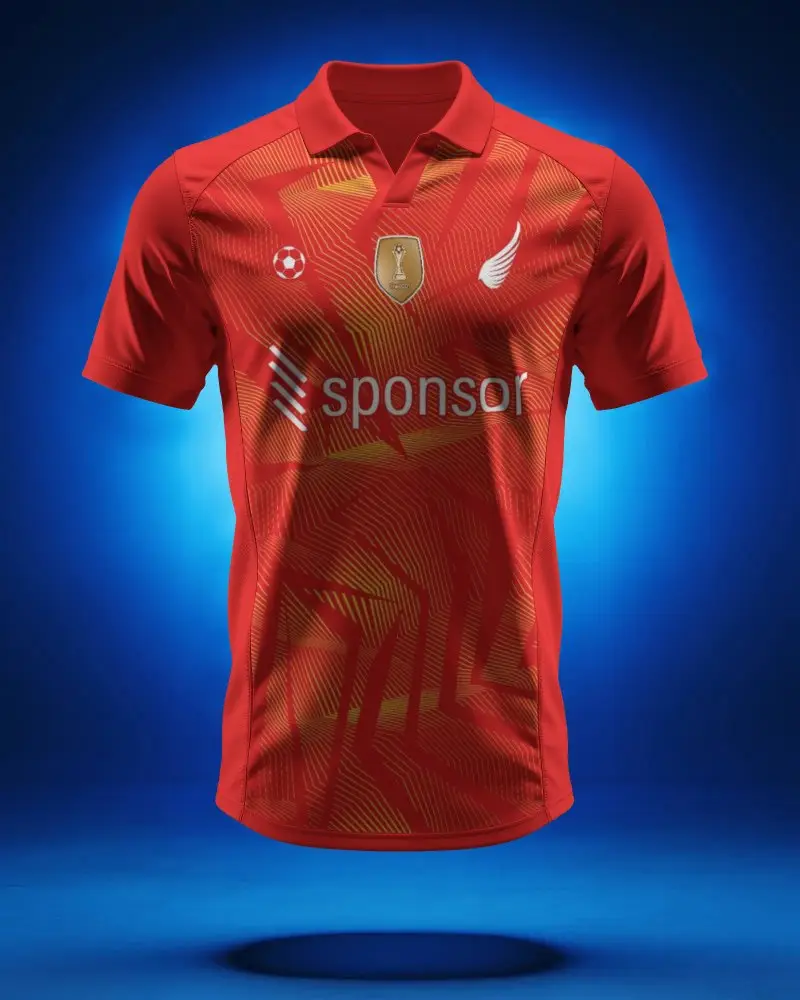
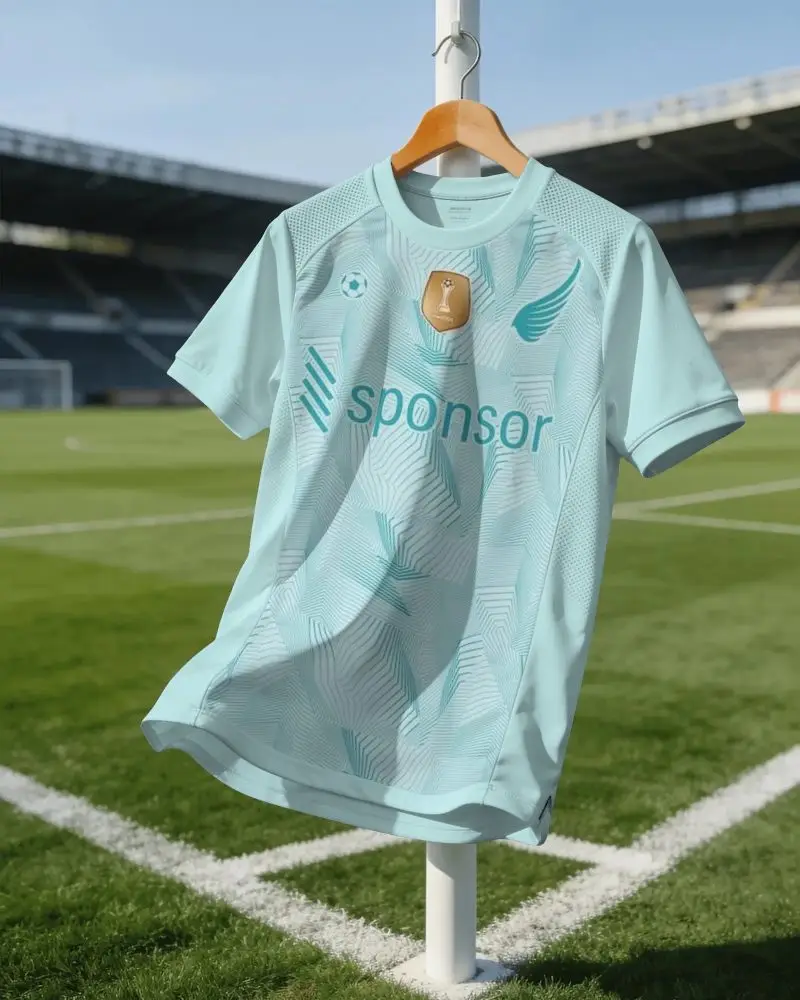
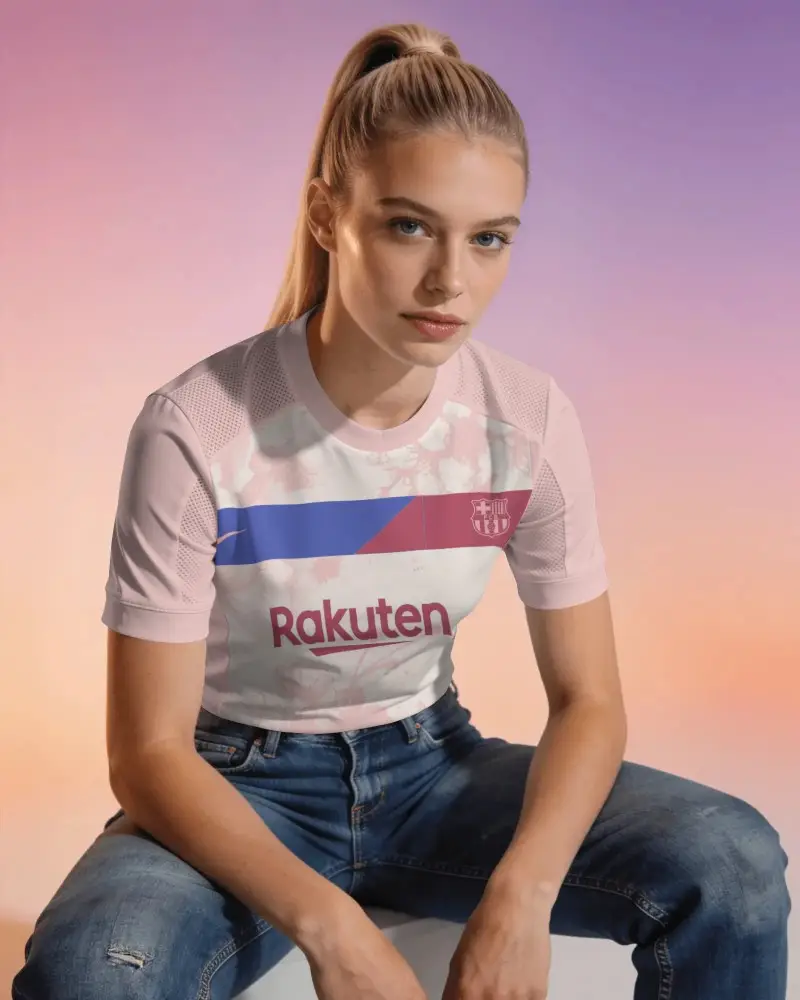
A jersey mockup lets you preview your design before printing. Upload your artwork onto a realistic jersey template, tweak the colors or logo placement, and you'll get a clear sense of how the final product will actually look on a model, hanging on a rack, or laid flat on a court.
Is this Jersey Mockup Free?
Yes, you can get started for free. Mockey AI gives you access to over 200 jersey templates at no cost. If you want unlimited downloads or commercial use templates, there are paid plans too, starting around $7 - $9.99 a month.
Why Use Mockey’s Jersey Mockup?
Mockey's jersey mockup offers attractive templates, model shots, a warping feature, multi-angle images, and the option to turn your jersey mockup into an animation.
Will my downloaded jersey mockup have a watermark?
No. Once you've customized your design and hit download, the image is yours to use freely, watermark-free.
Can Mockey AI generate a video of my jersey mockup?
Yes. Along with static image mockups, Mockey AI also supports video mockups for jerseys, so you can showcase your design in motion rather than just a still shot.
How long does it take to create a jersey mockup?
For a simple design, you could be done in under a minute — pick a template, drop in your artwork, and export. If you're adjusting placement, colors, warping, or creating multi-angle shots, it might take a bit longer, but most people find the process pretty quick either way.
