T-Shirt
3757+ mockups
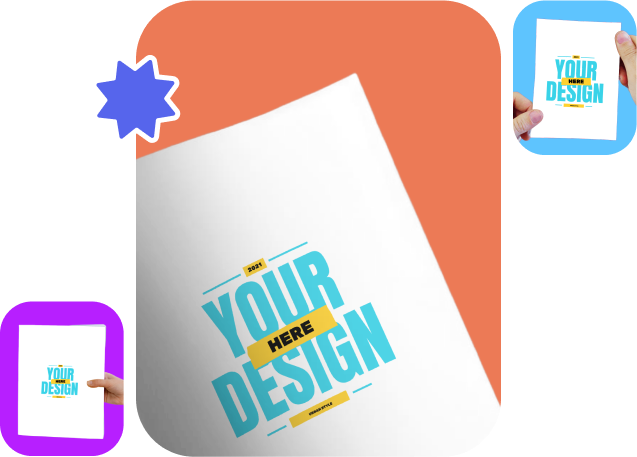
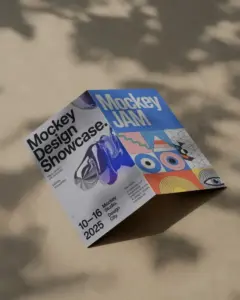
Add your design to all the flyer mockups without any cropping. The templates include A4, A5, bifold, and landscape styles. You can preview them by adding a custom design and resizing it. It fits perfectly in one go with our flyer mockup generator.
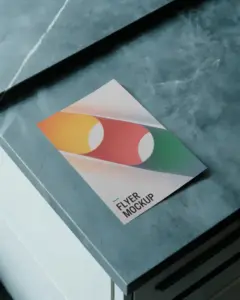
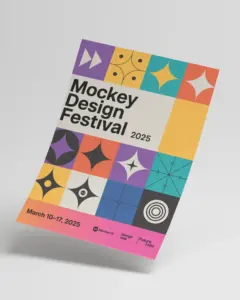

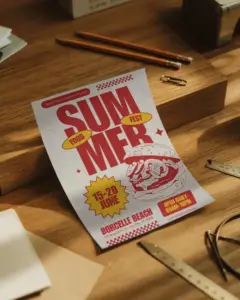
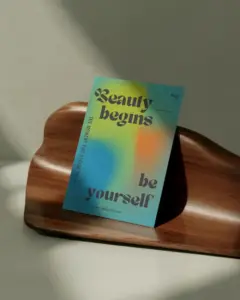
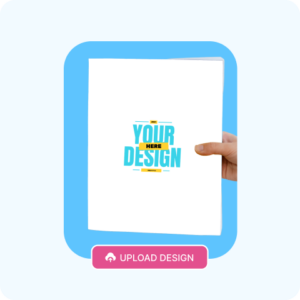
Sign up and then in the “Print” category, select the “Flyer” option to choose from various templates. In order to add a logo, press “Upload Design.”
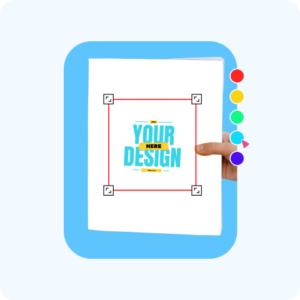
Once your design is uploaded, it’s time to make it your own. Adjust your design, and play around with the background and colors.
It’s time to show off your masterpiece. Hit the “Download” button and share your flyer mockup far and wide.
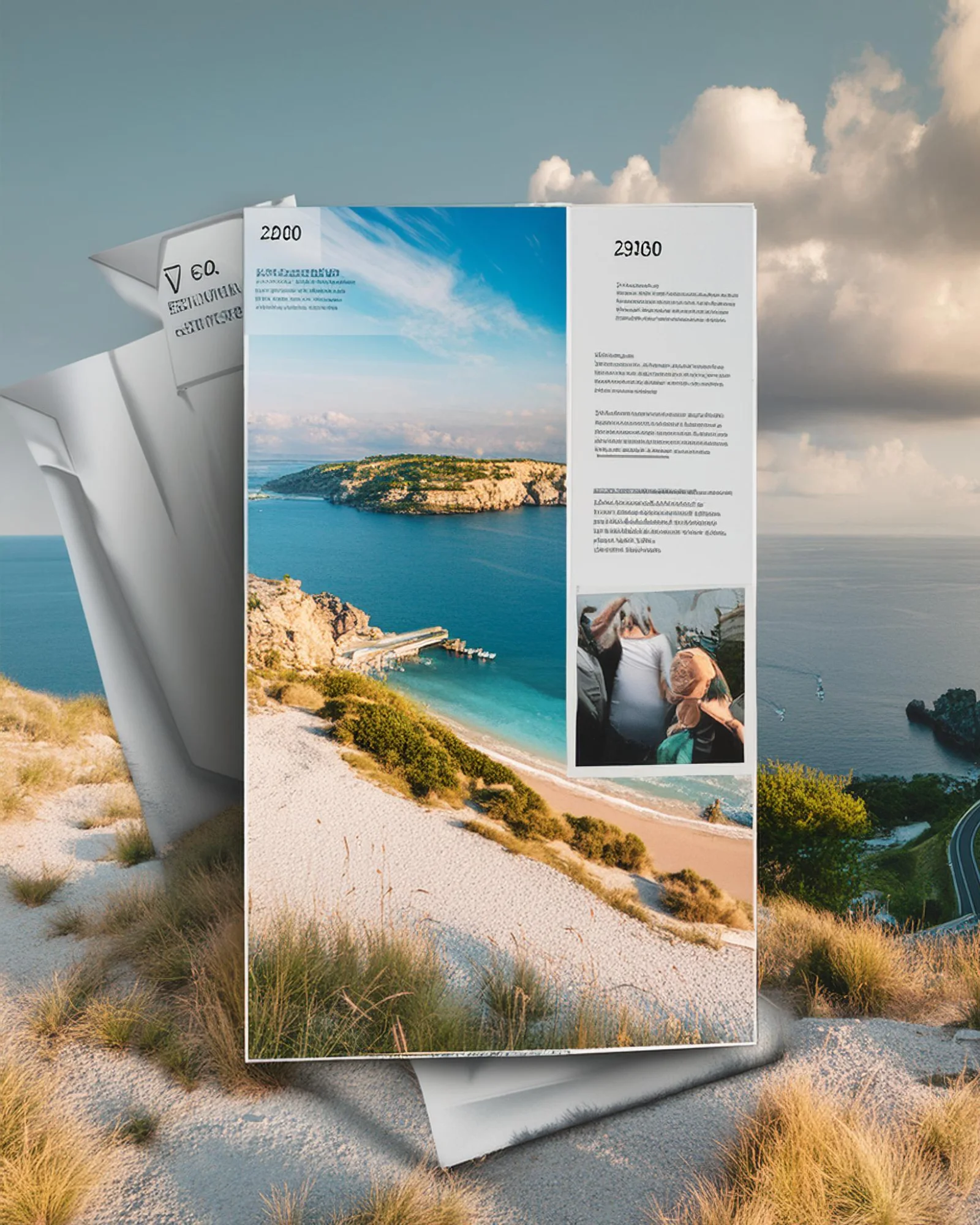
Want to make your presentation more innovative? Try our 3d mockup generator. No need for Photoshop or any expensive tools. Customize all 3d mockups with a free plan. Add designs to both sides of a plain flyer, tweak the colors a bit, improve the background, and save it all with a smooth motion animation. Start exploring now!
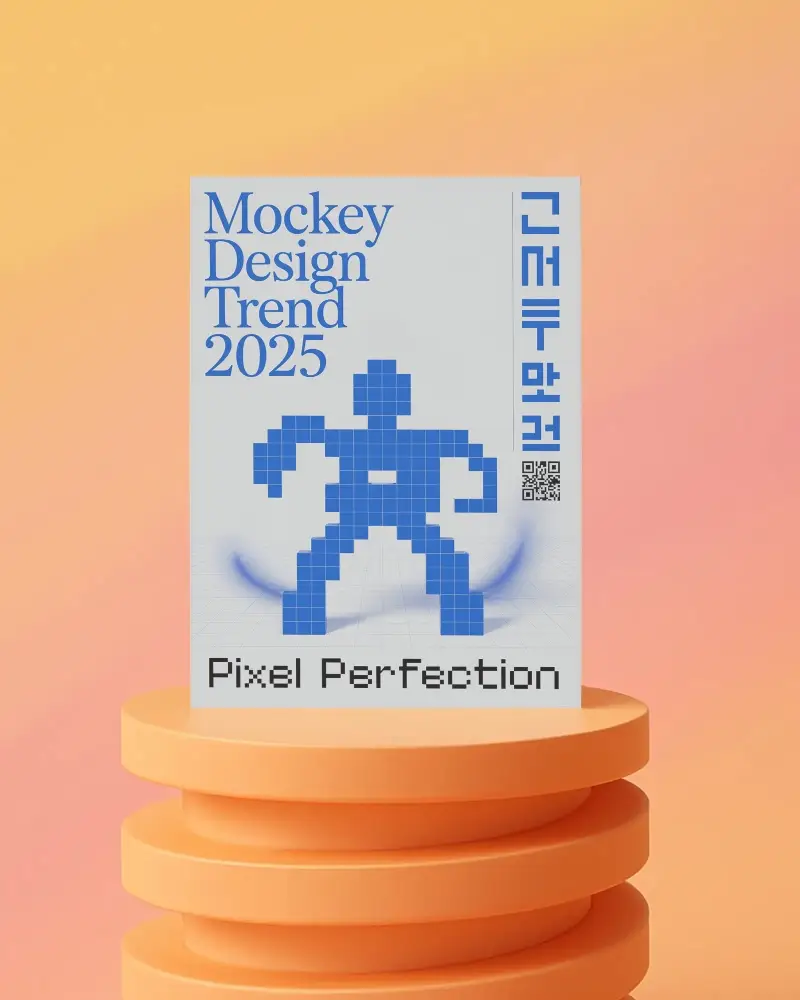
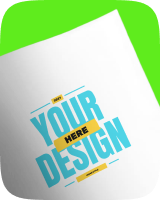
Browse our A4 flyer mockups in different patterns. Try floating, hand-holding, or wall-rest views. Each template shows a new angle. Want a real hand-held look? Or a neat floating style? Your flyer will look better thanks to these mockups.
Get A5 flyer mockups in PNG files. All images are high quality. You don’t have to pay because it provides a free plan. Commercial use is allowed.
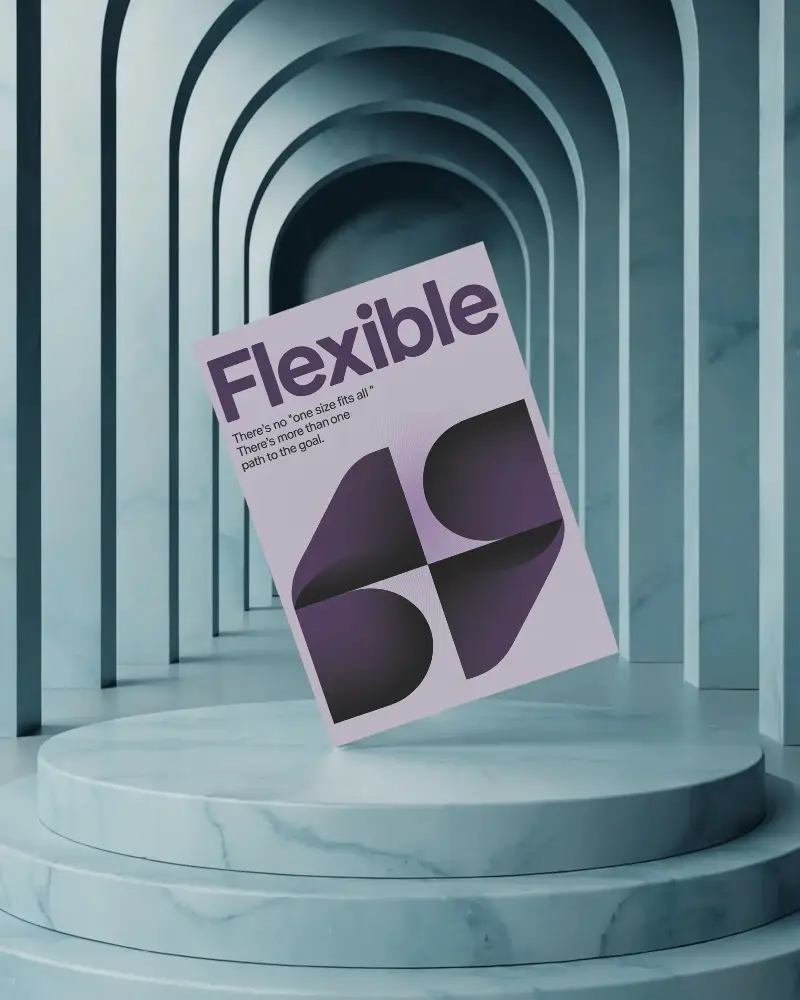
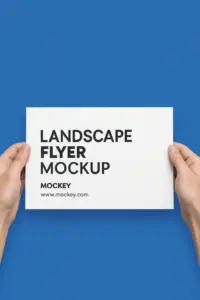
All the landscape flyer mockups on this flyer mockup generator are unique. Most templates offer a custom background option. Upload your PNG or JPG file and showcase without a watermark.

Let’s face it – free stuff usually comes with a catch. But not with Mockey! The free mockups are the real deal, no strings attached.

We’ve got more templates than you can shake a stick at (seriously, we tried). Whether it’s flyer mockups, t-shirt mockups, or phone cover mockups — we’ve got it all.

We understand that not everyone is tech-savvy. That’s why we’ve made the interface so user-friendly that even your grandma could use it (and trust us, she’s not exactly known for her tech skills).
Meet Mockey, your design sidekick and the ultimate free online flyer mockup generator! There will be no doubt in your mind that your creations are real! High-quality mockups? It has got that covered like a pro. So, wave goodbye to dull designs and say hello to a world of creativity and jaw-dropping visuals with Mockey by your side.
The FREE flyer mockup generator is ready to blow your mind with jaw-dropping flyer mockups! That’s not all – Mockey knows the secret to making them lightning-fast and perfectly formatted for ALL platforms! Share your masterpieces on Woocommerce, Etsy, Shopify, or anywhere you please! Prepare for an avalanche of impressions and a customer stampede! We’ve got your back for amazing revenue boosts and sky-high sales – online business domination, ENGAGE!
Our Flyer Mockup Generator whips up designs faster than you can say “Graphic design is my jam”. Get started today and watch your ideas take flight!
A mockup flyer is a design template that allows you to showcase your flyer design in a realistic and visually appealing way. It helps you visualize how your flyer will look in the real world before you print or distribute it.
A standard size for a flyer mockup is usually 8.5 x 11 inches. Be sure to check the specifications of the mockup template you use to ensure the correct size.
In design, a flyer is a promotional material typically used for advertising or communicating information about a business, event, or product.
Yes, flyer mockup generators are user-friendly and intuitive. They typically allow users to customize the designs with various options, making it easy for beginners to create high-quality mockups.
A flyer mockup generator typically provides users with various customizable templates and settings, such as the background and colors. Users can upload their flyer designs and customize these settings to create a realistic mockup.
To customize a Flyer Mockup on Mockey, upload your design, adjust it using their editing tools, and download the final mockup.
Yes, you can use Flyer Mockups from Mockey for commercial purposes after customizing them to fit your branding or promotional needs.
Flyer Mockups generated on Mockey app are typically high resolution, suitable for professional printing and digital use.
The most recommended flyer mockup generator by users is Mockey AI. It offers plenty of templates, quick editing features, and a free plan.
For those who are not designers, Photoshop might be restrictive. An AI mockup generator like Mockey AI is better suited for quick and professional flyer mockup creation without deep design knowledge.