Free Open Book Mockup Online - Customize and Download
With Mockey’s Open Book Mockup Free Online, you can effortlessly bring your book projects to life. Whether for client presentations, social media, or portfolio displays, this editable mockup makes your book designs stand out and ready to download in seconds.

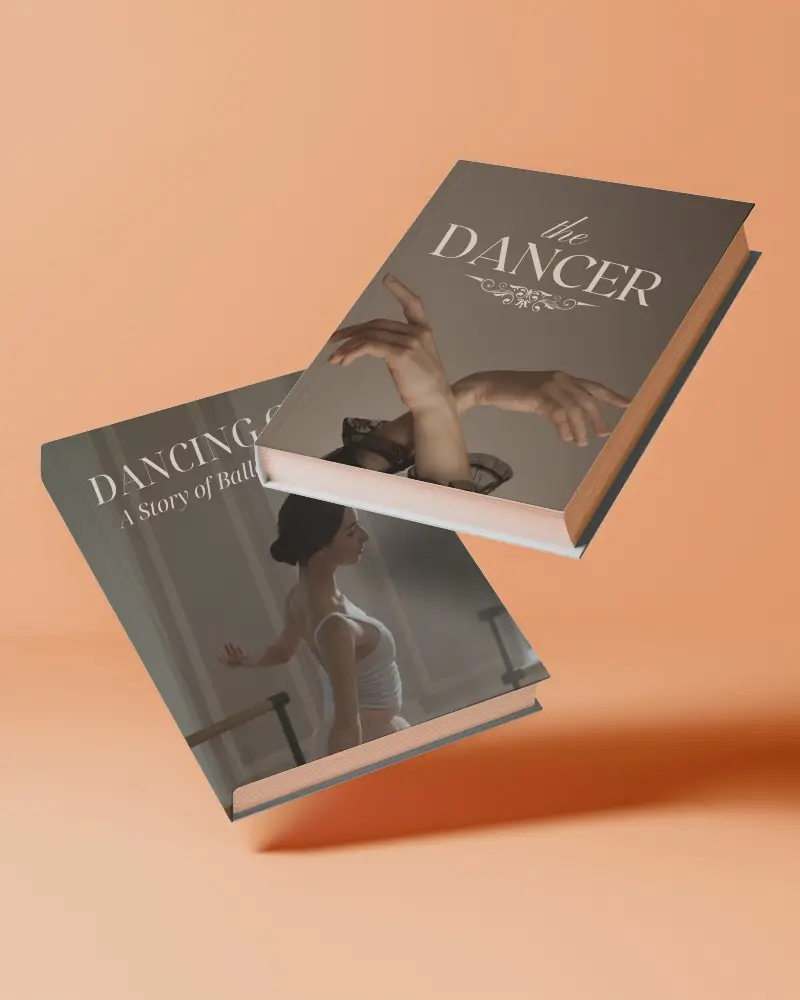
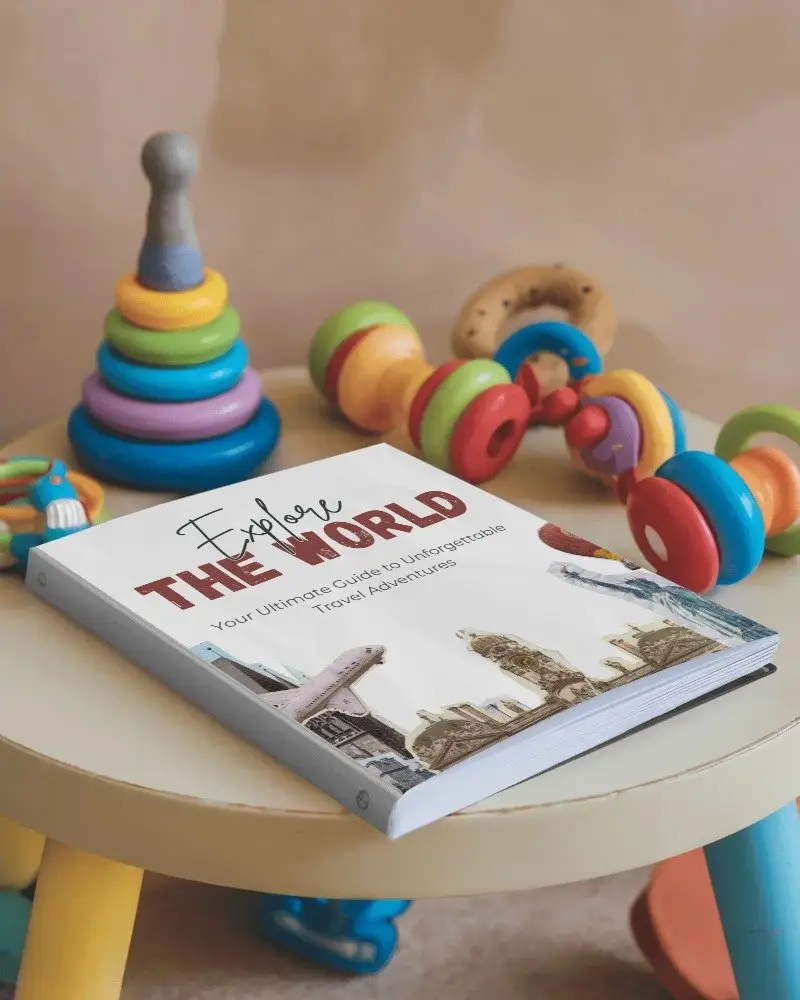
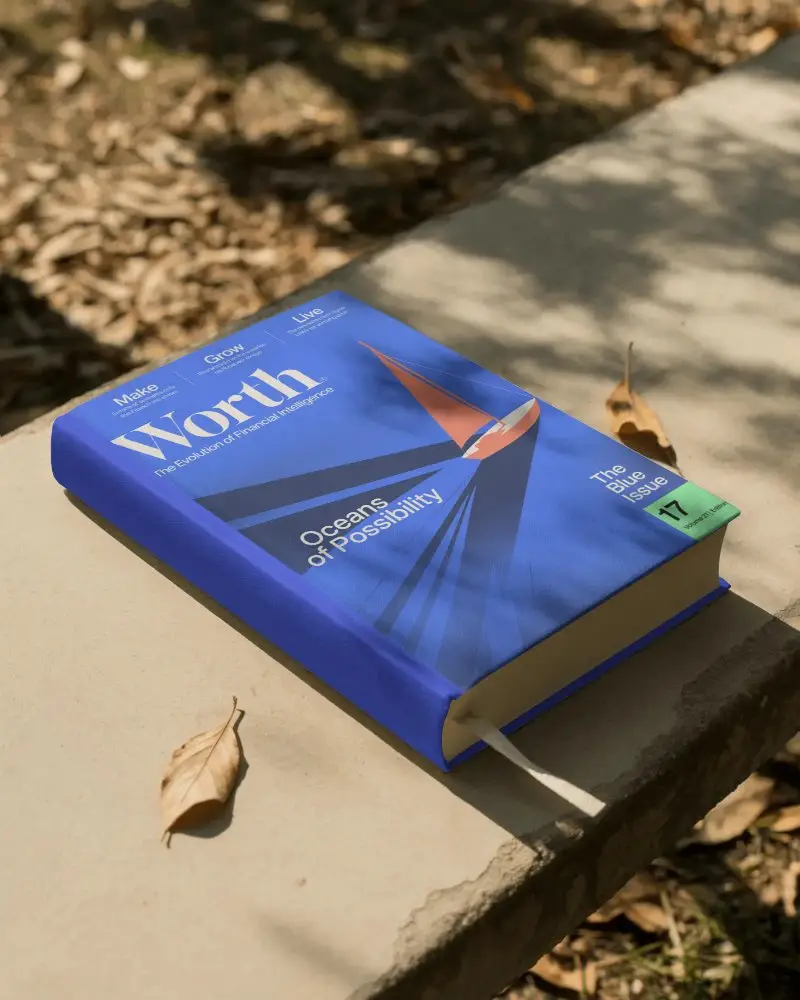
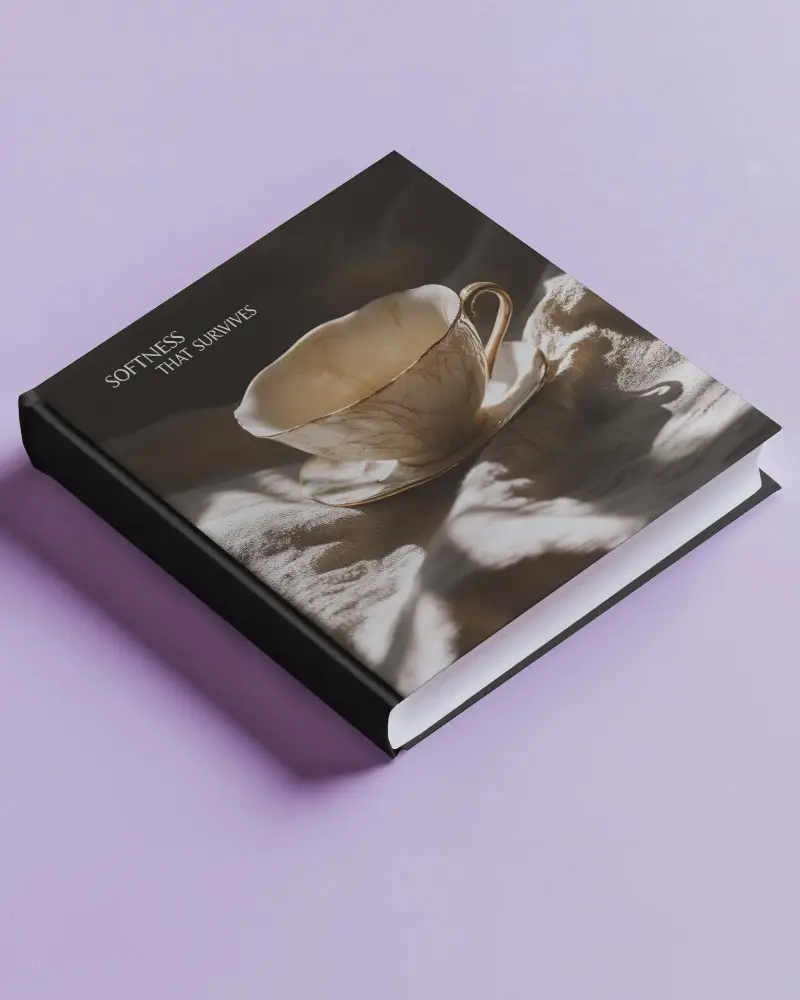
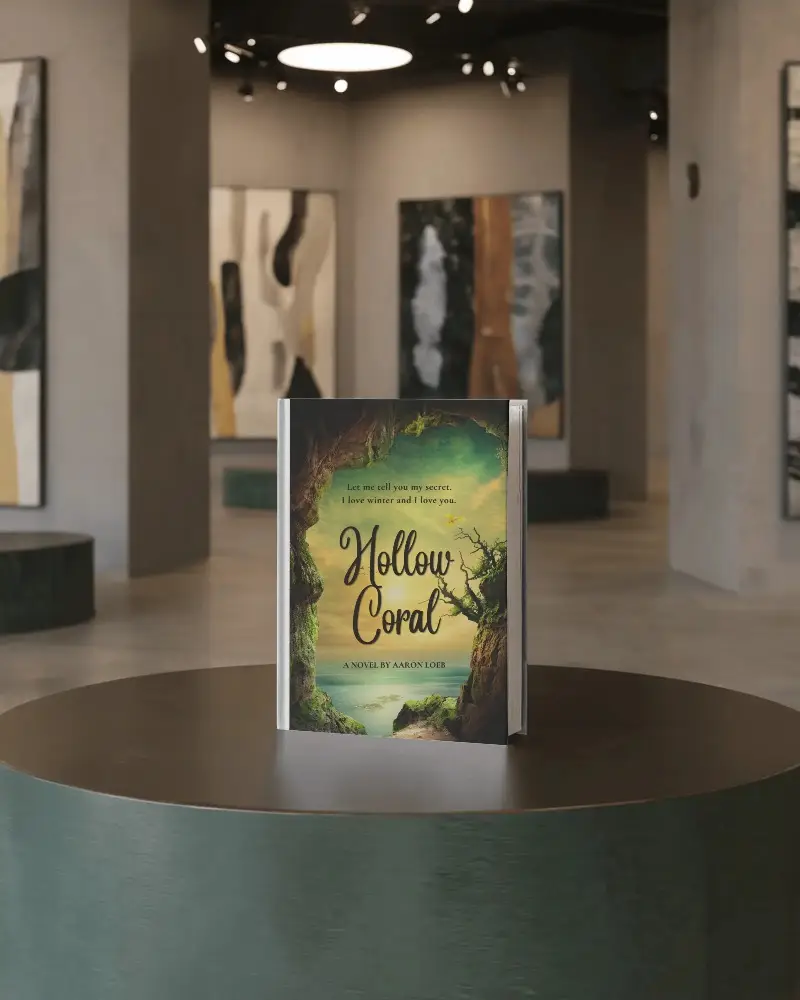
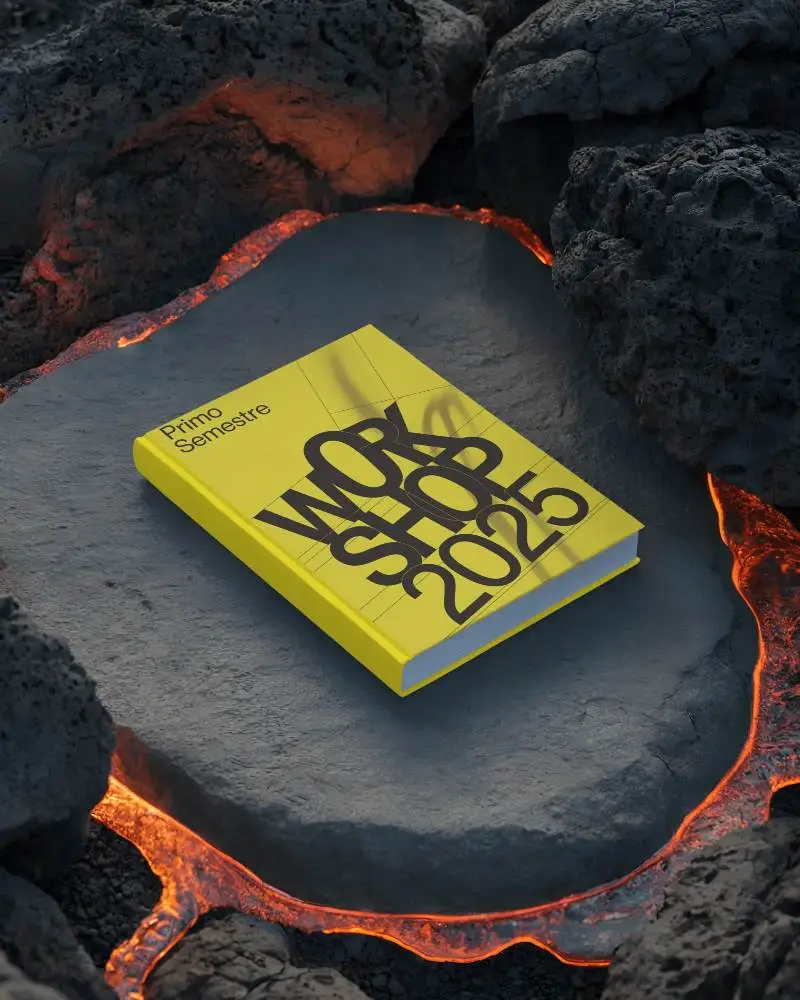
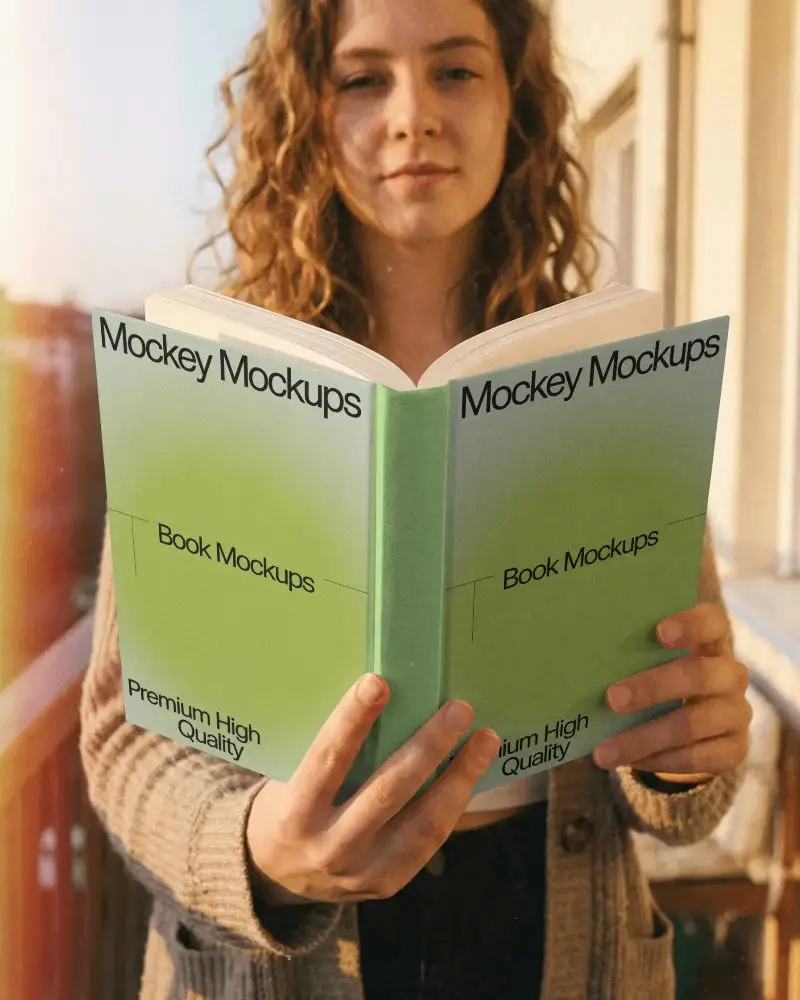
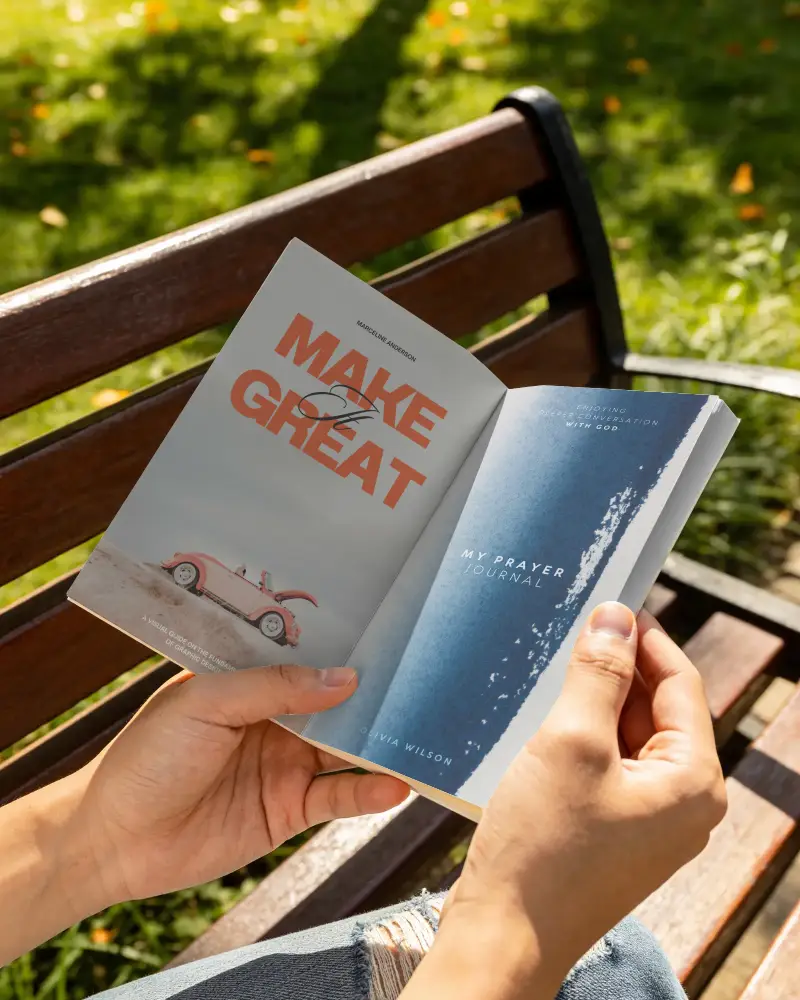
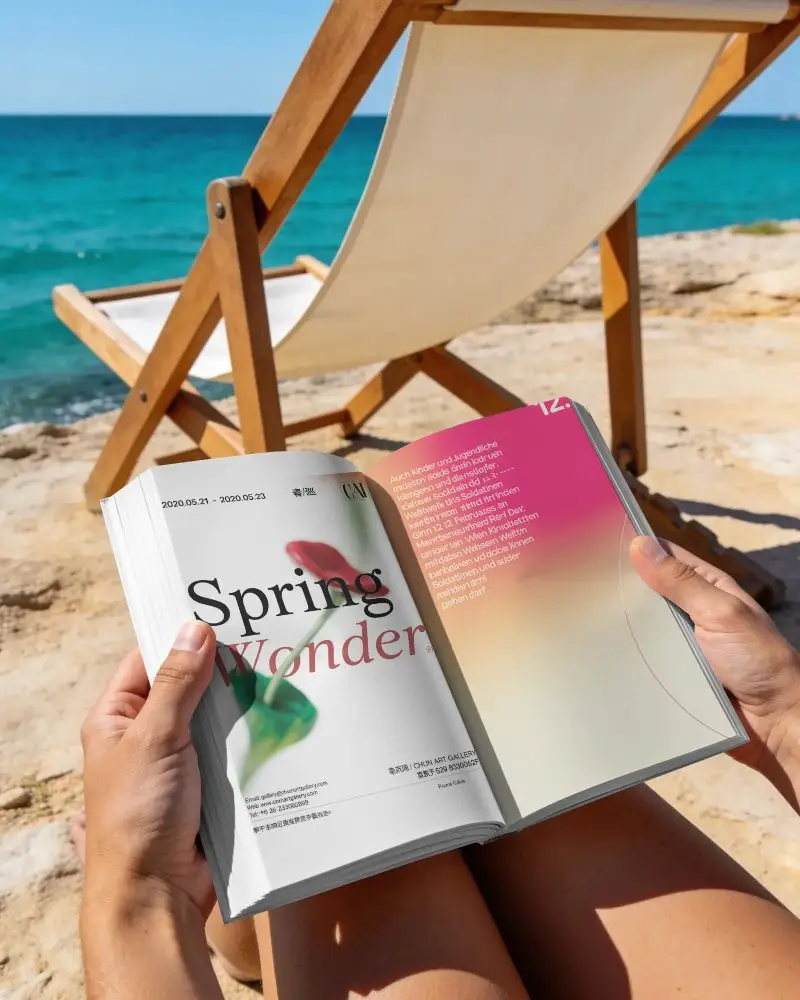
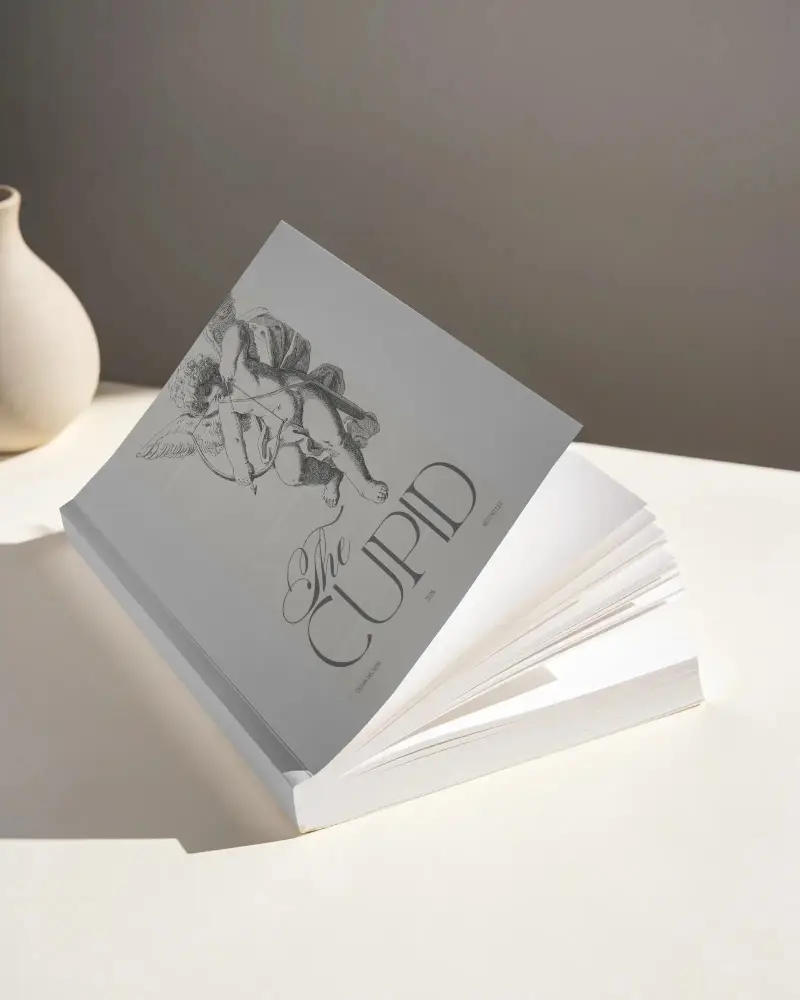
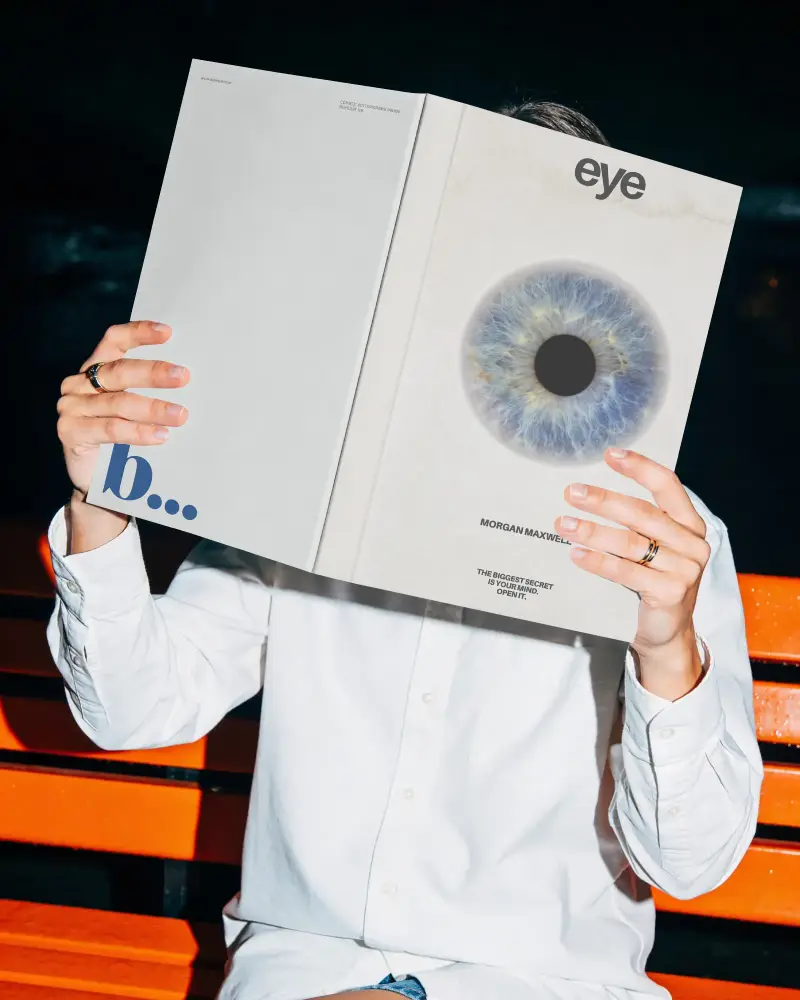
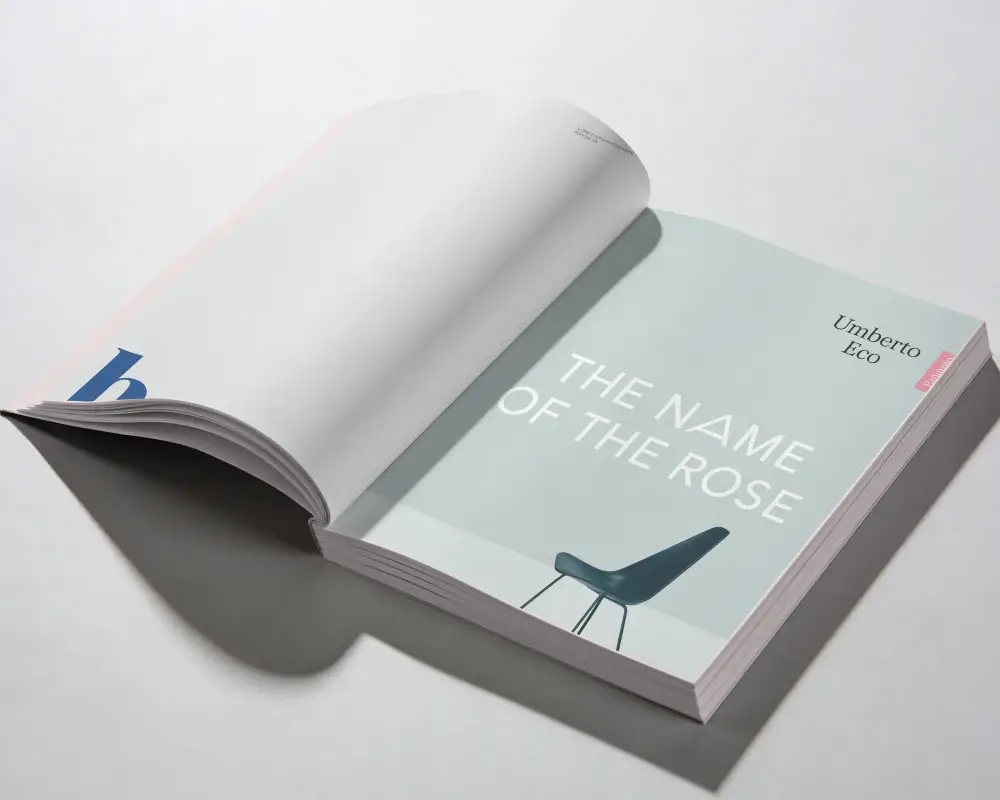
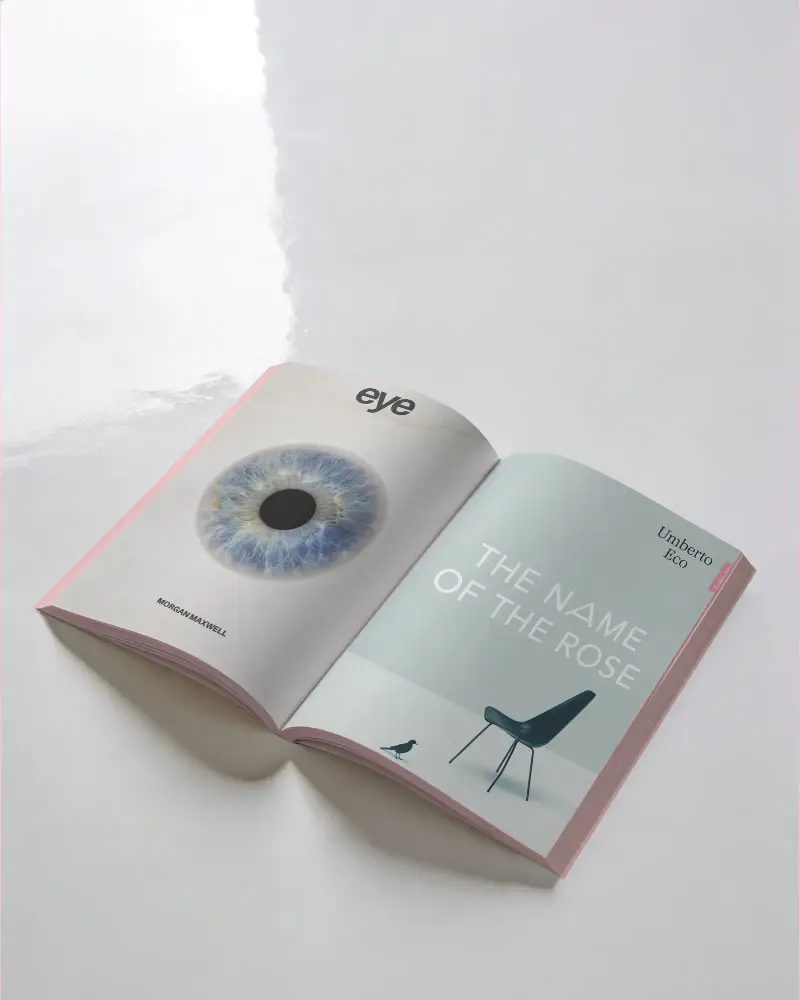
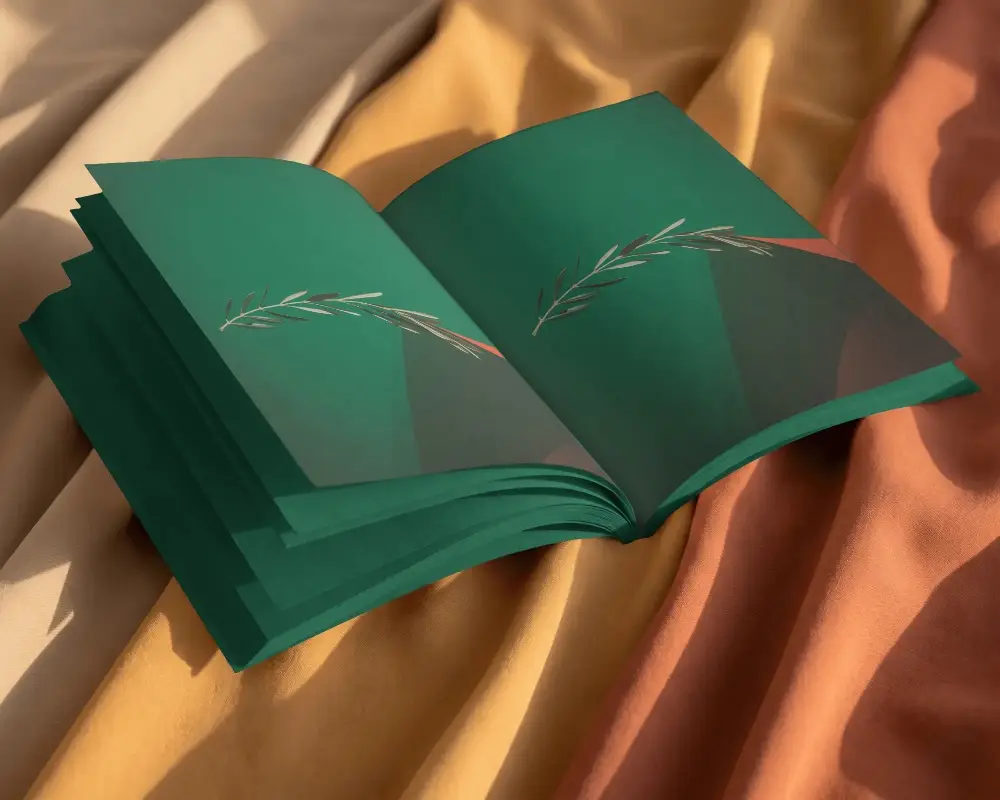
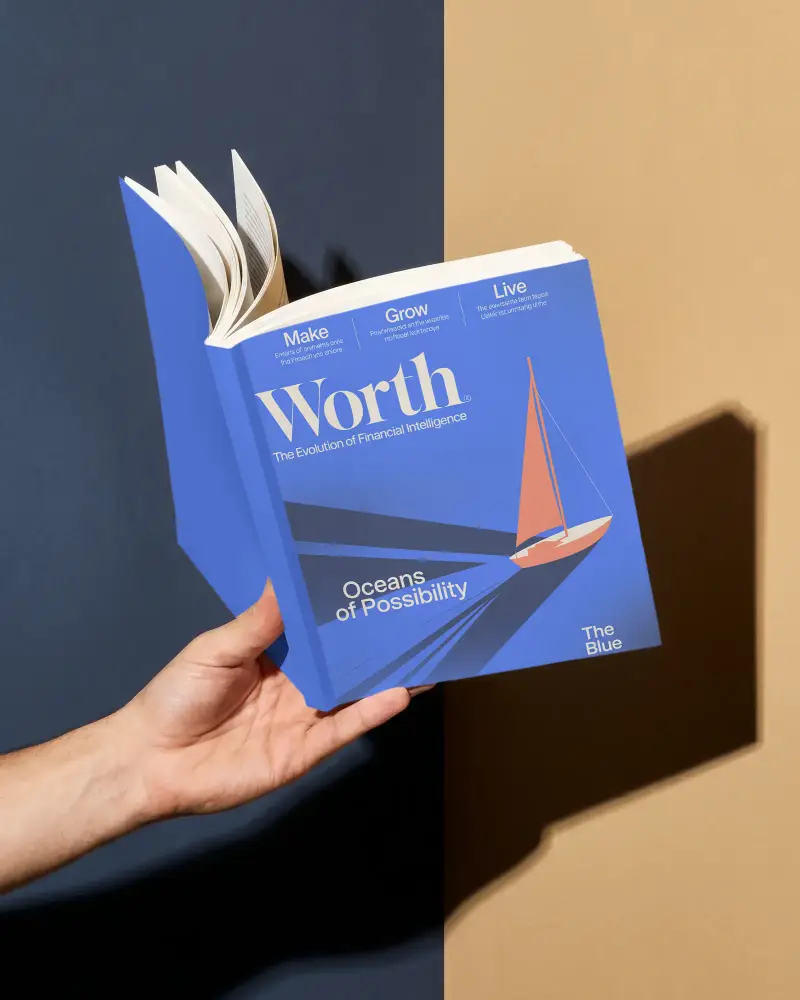
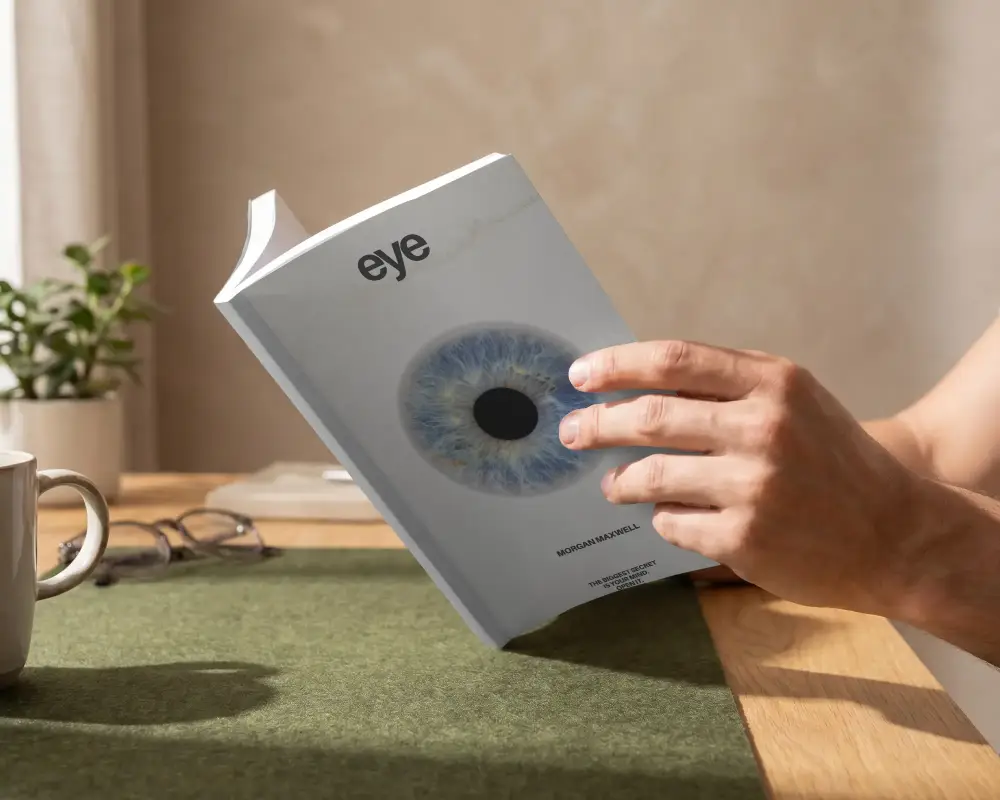
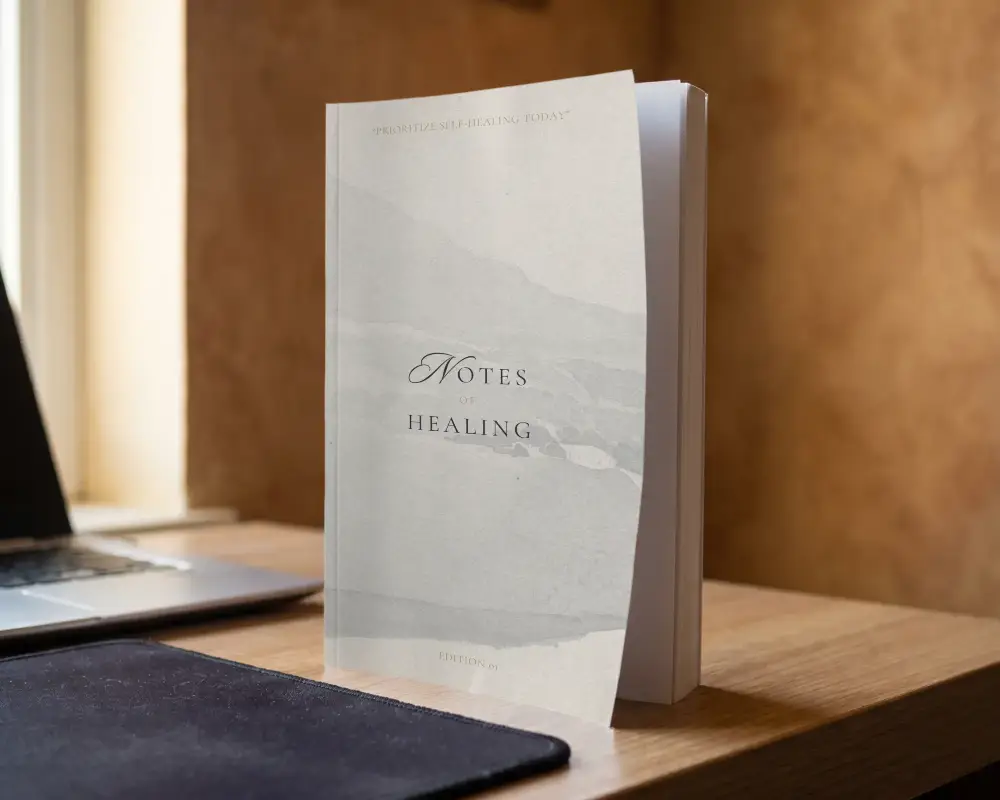
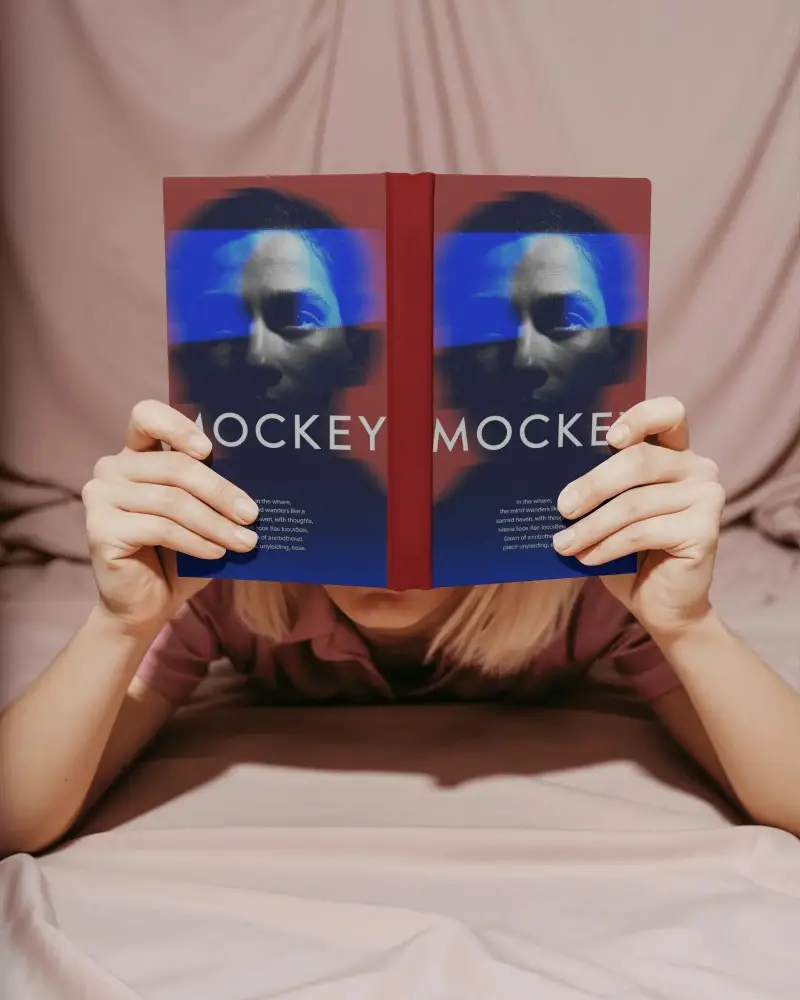

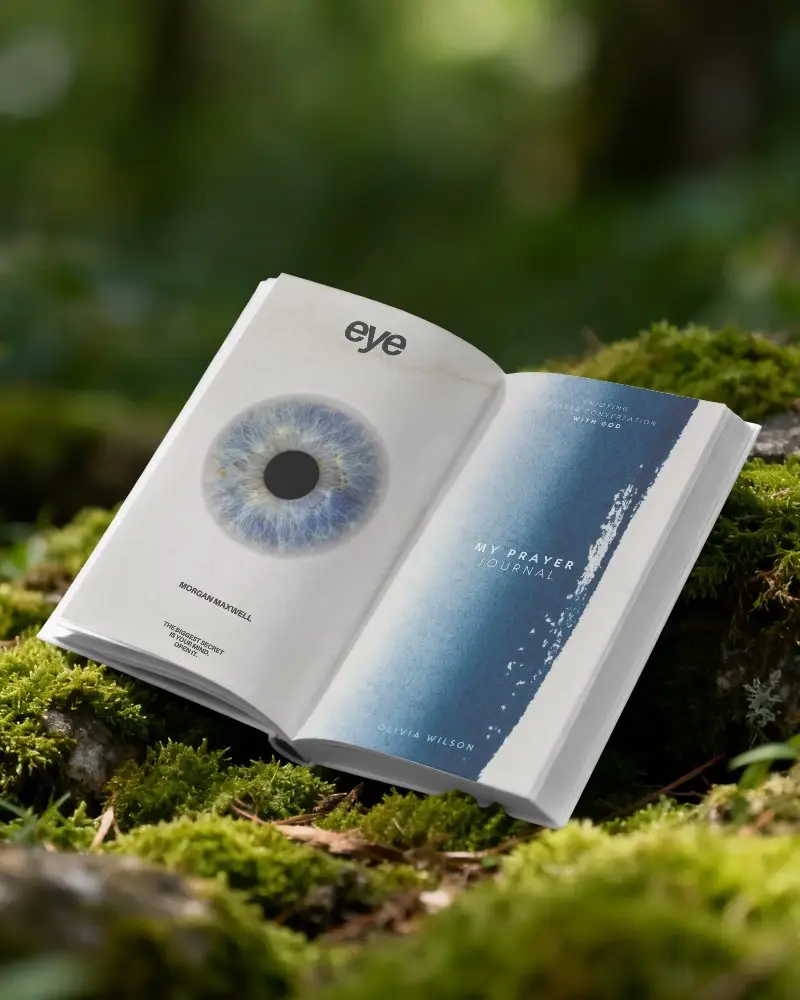
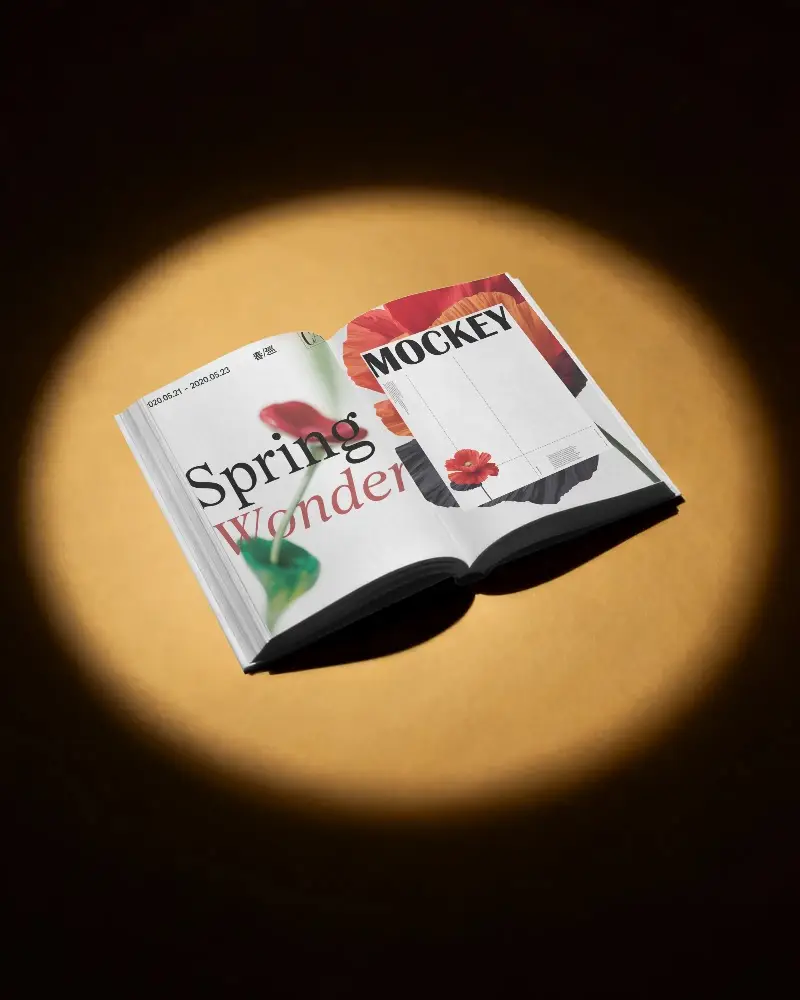
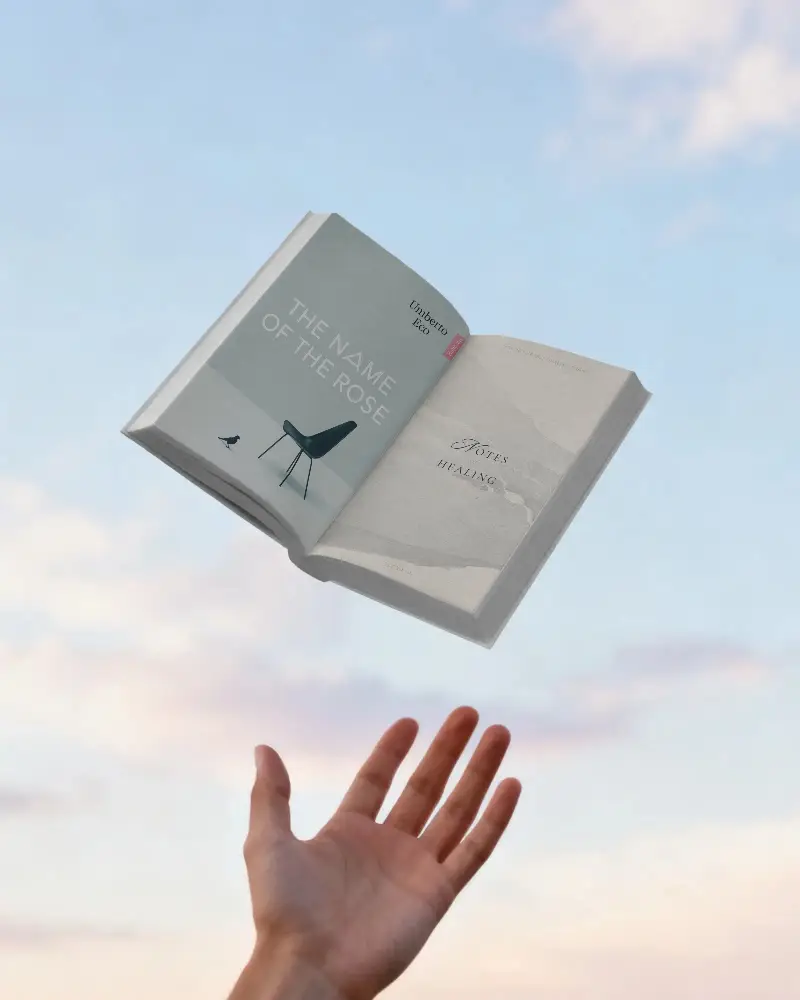

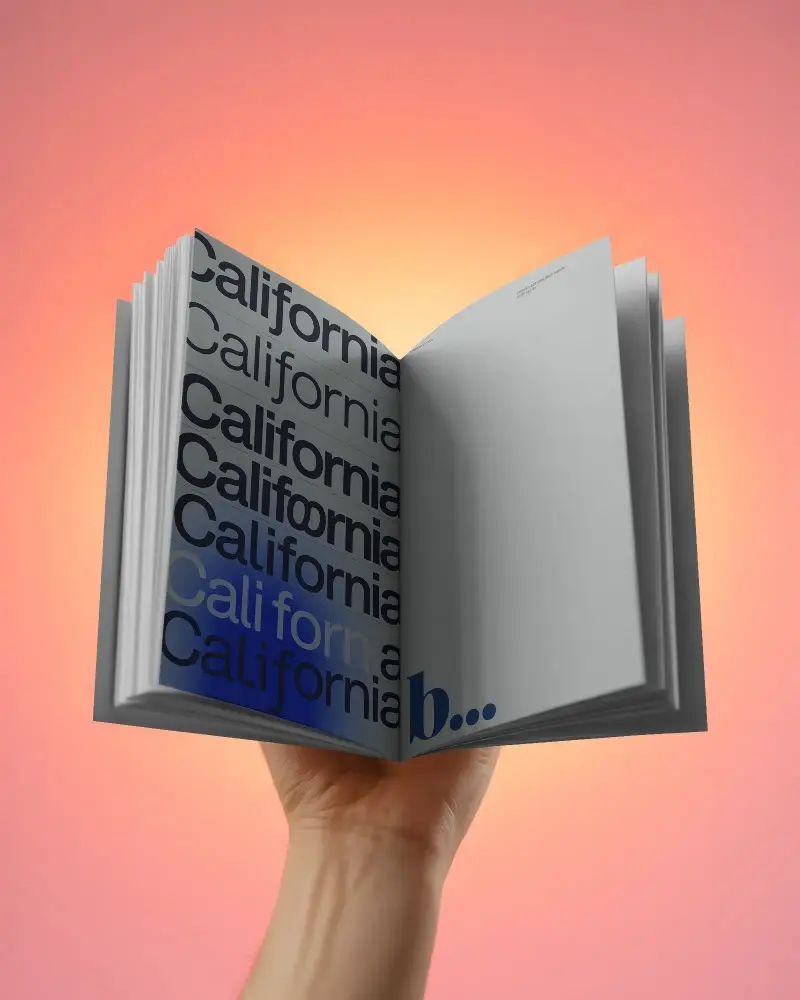
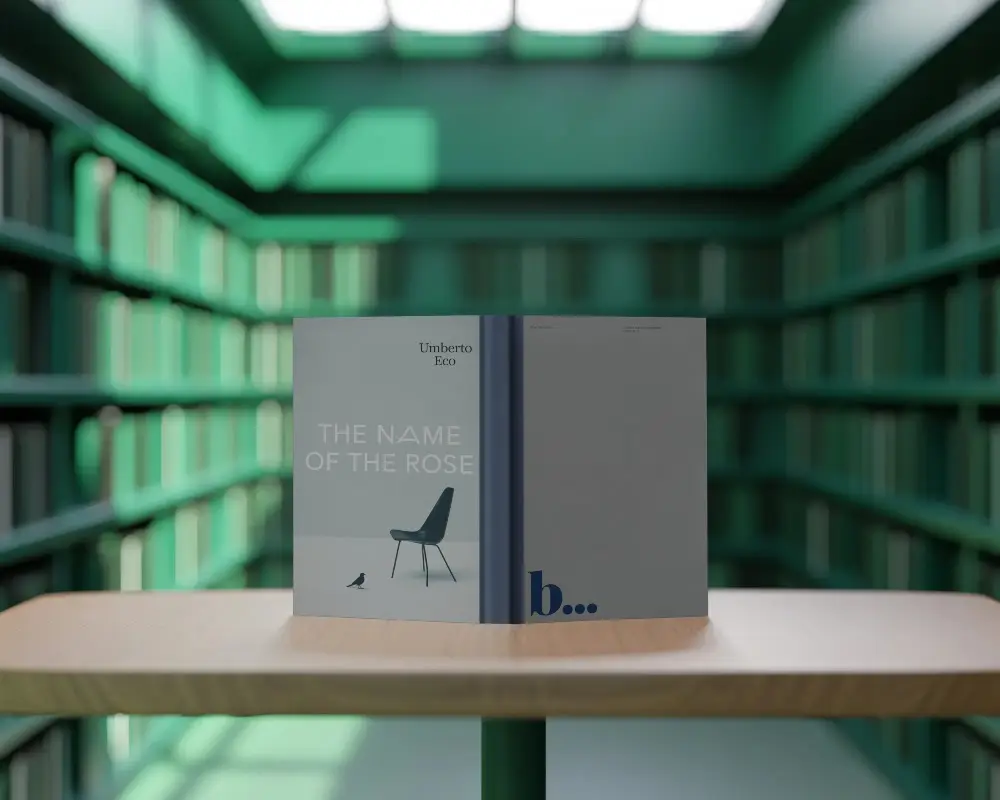



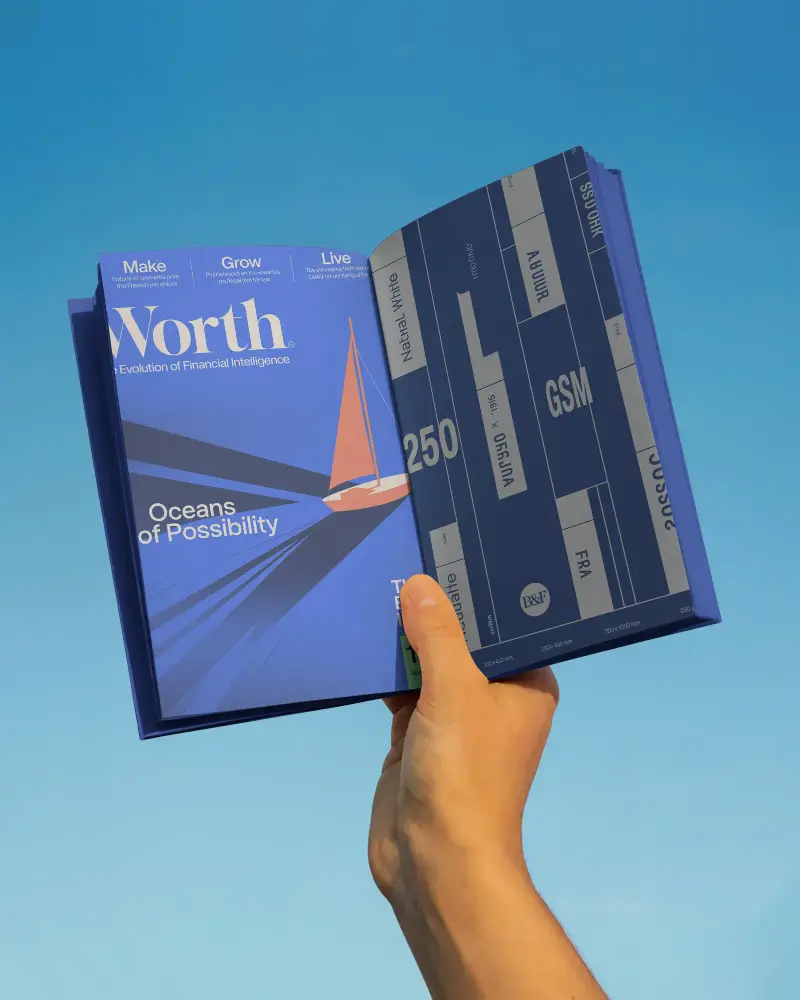
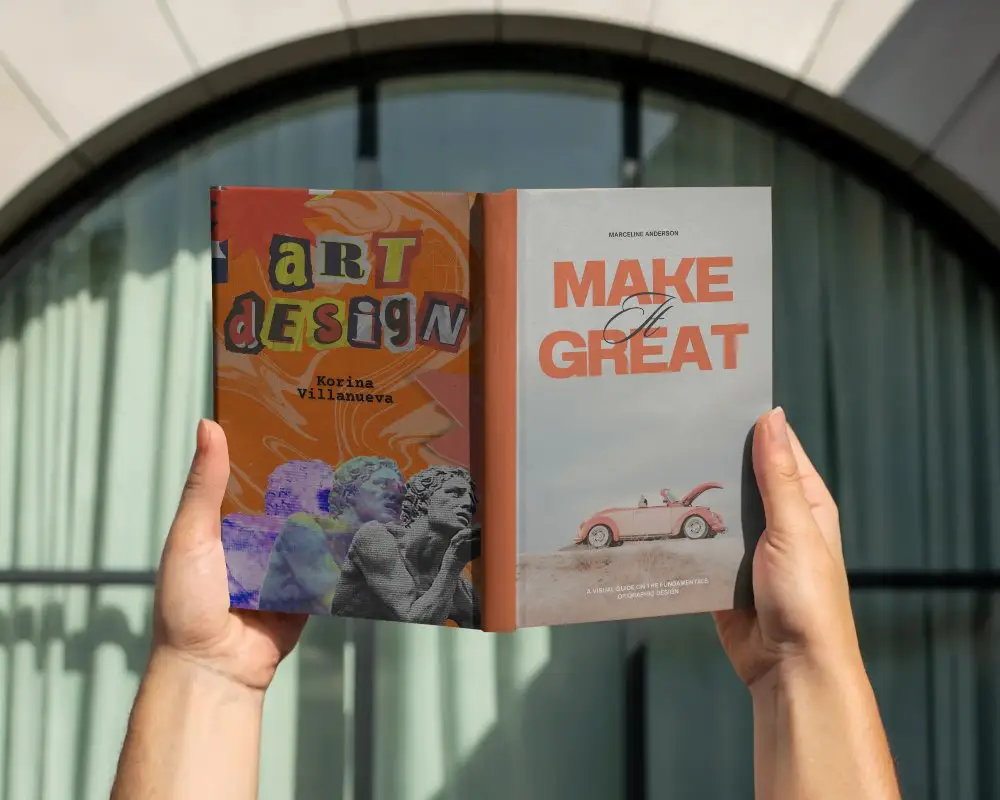
How to Create Open Book Mockup with Mockey
To create a Open Book mockup in Mockey AI:
- Step 1: Go to Mockups > Print > Book > Open Book and choose a template from the library.
- Step 2: On the next page, upload your design and change the template color in the Edit section. If you upgrade to the Creator Plan, you can also use AI Photoshoots and AI Anime tools.
- Step 3: Finally, tap Download to save your Open Book mockup as a PNG or JPEG file in different sizes.


FAQs on Open Book Mockups
Can I customize the pages in this Open Book Mockup?
You can customize the pages of an open book mockup. Upload designs on both sides, modify the color, and make the animations with the use of AI tools.
Can I use the Open Book Mockup for showcasing book covers?
Many open book mockup templates from Mockey AI let you showcase book covers, too. You can upload designs on both sides to display them on the cover. If you need different types of book cover mockups, you can explore templates using the “cover” tag.
Is the Open Book Mockup suitable for digital marketing and presentations?
Open book mockups are excellent for digital marketing and presentations. If you want to focus on visuals, audience engagement, and cost-effectiveness, mockups are the best option for various purposes.
